Magnific Flow Example: Personalizing account
Preview this Magnific user flow: Personalizing account. Explore the opening screens.
Preview these flows

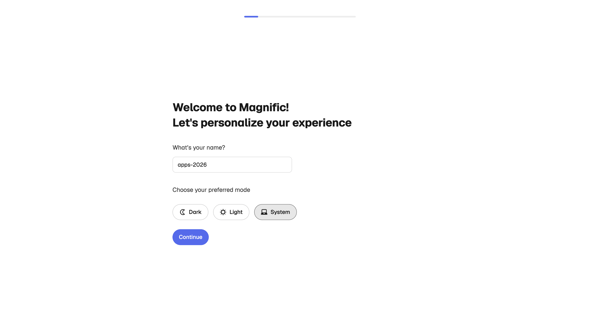
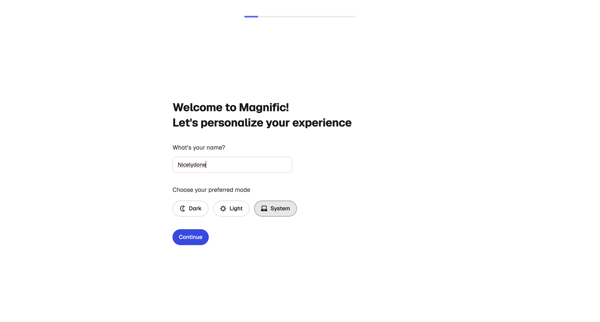
Onboarding personalization step where user enters name and selects display theme before entering the app
Related user flows

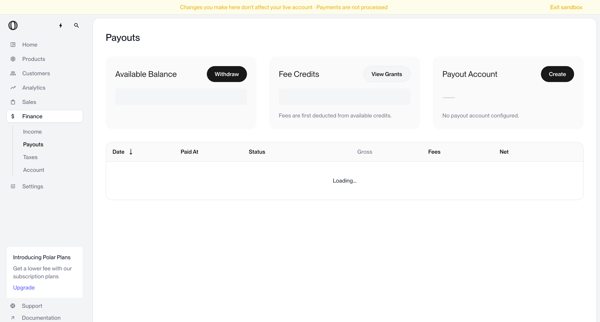
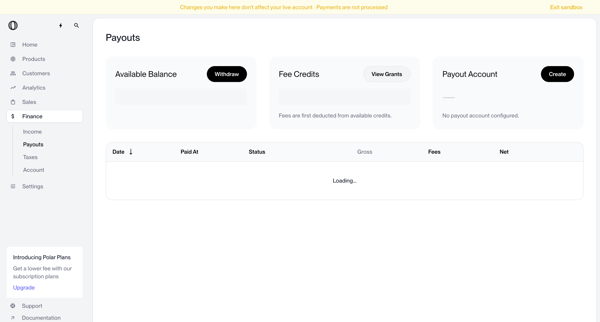
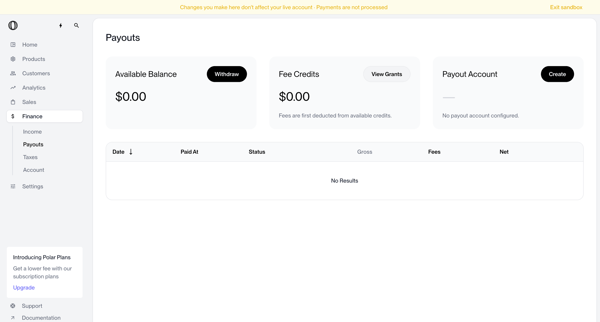
User views payouts dashboard showing no account configured, triggers withdrawal which shows blocked modal, opens create payout account modal, selects country of residence from dropdown, and returns to dashboard with manage button and setup required status

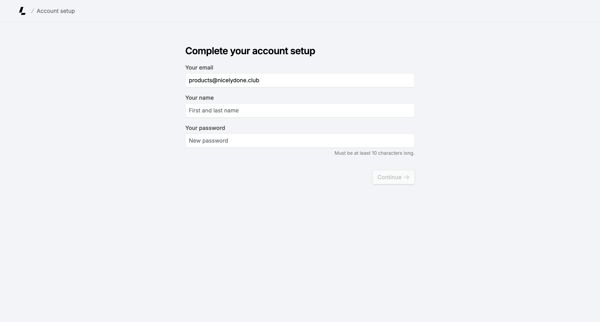
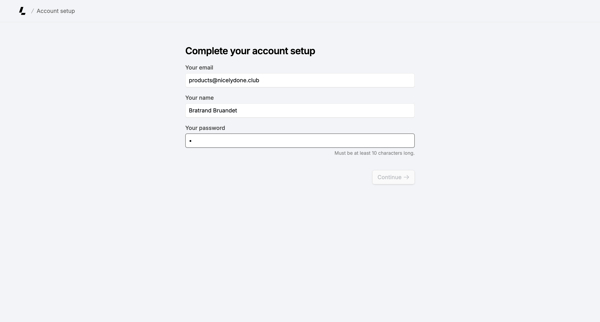
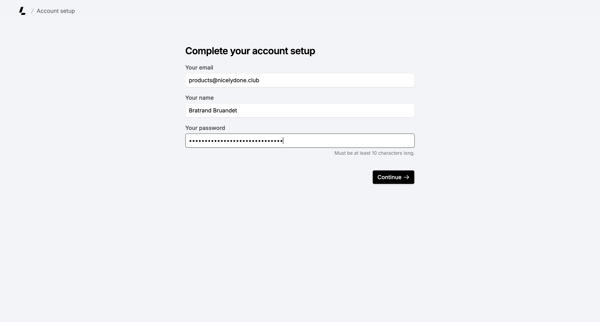
Onboarding form where user confirms email, enters name, and sets password to finish account creation

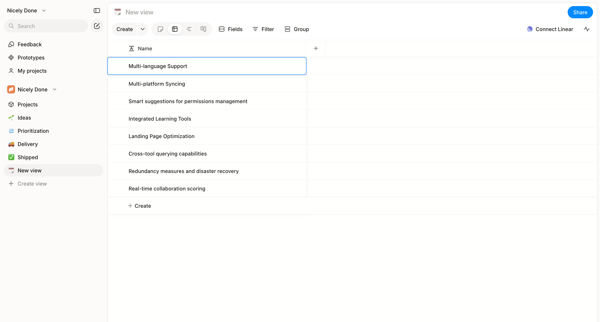
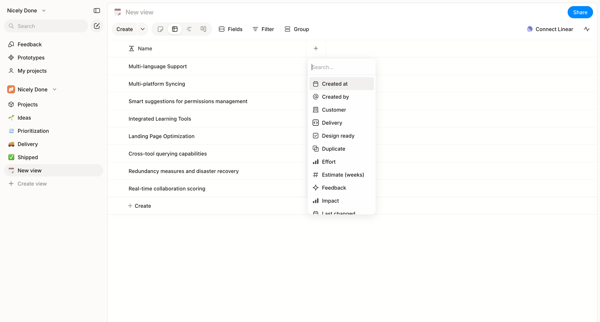
User starts in custom list view and adds columns to a data table via searchable picker in Alloy

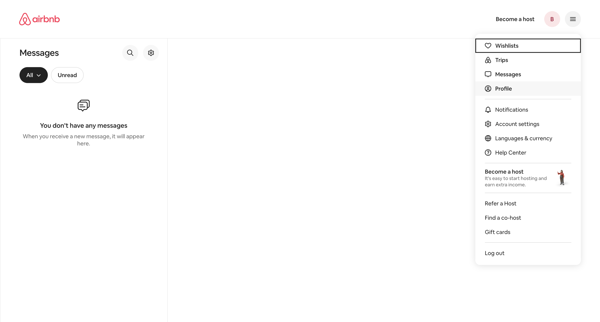
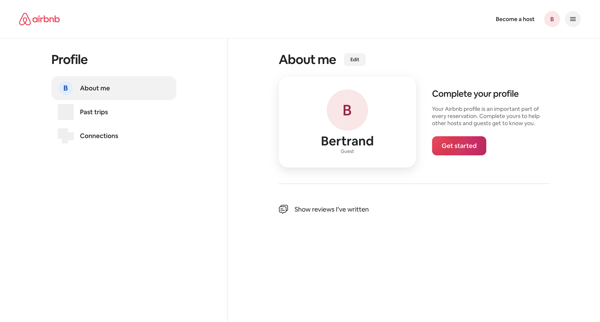
From empty messages inbox, open profile dropdown to reach profile settings page showing completion prompt and Get started action

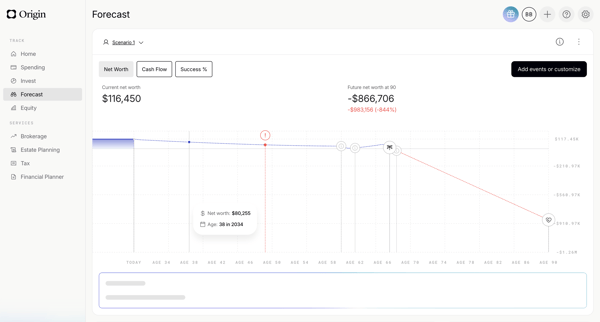
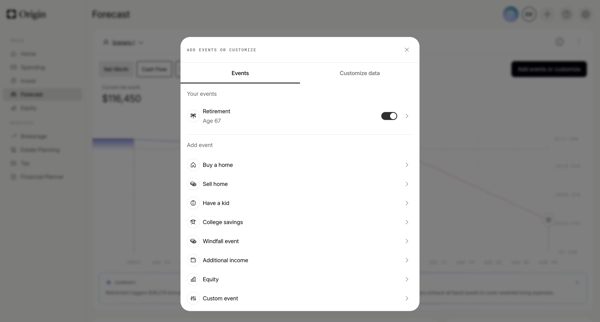
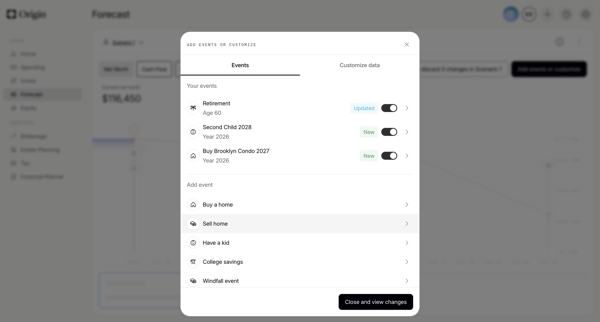
User starts on financial forecast dashboard, opens events modal to toggle or add life events, configures specific events like retirement via forms and sliders, then views updated scenario chart with AI summary

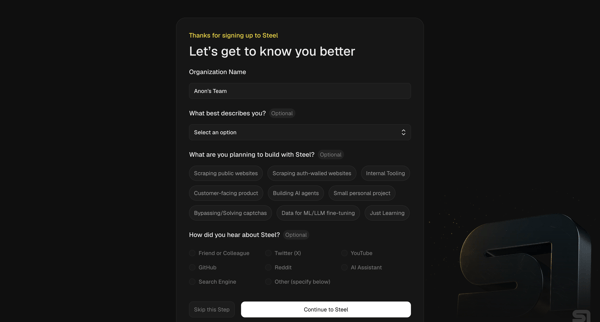
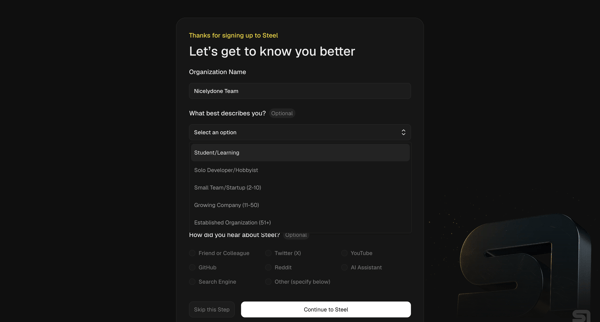
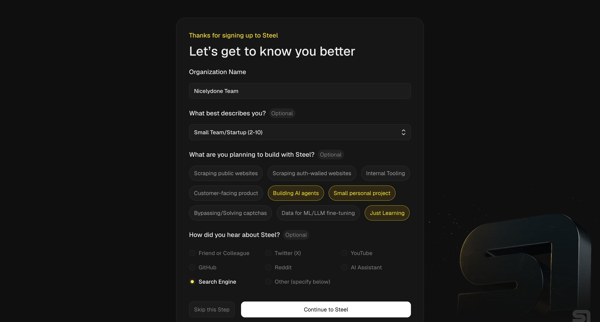
Multi-step onboarding questionnaire collecting organization name, role, use cases, and referral source for Steel account setup

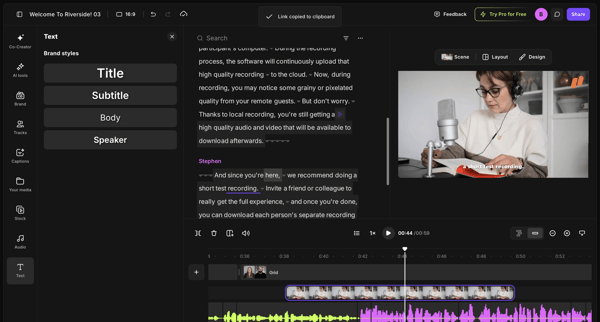
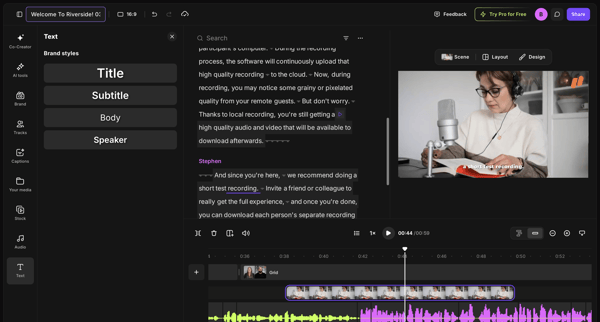
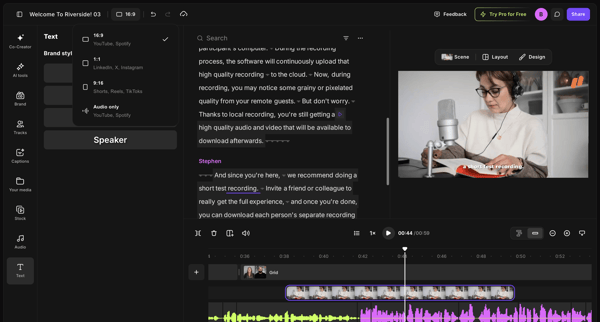
Editing brand styles, text elements, and timeline tracks in the video editor workspace

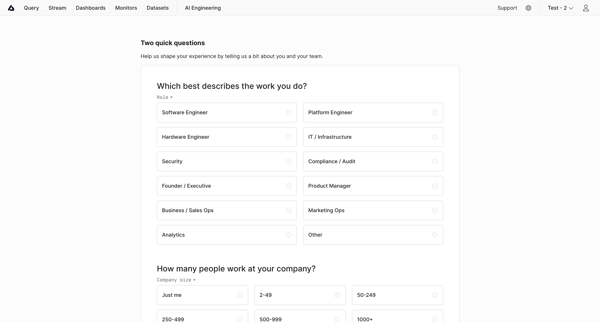
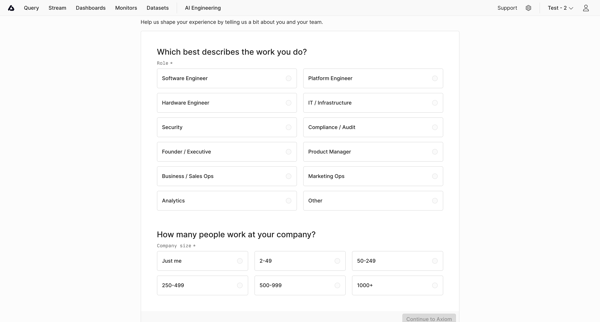
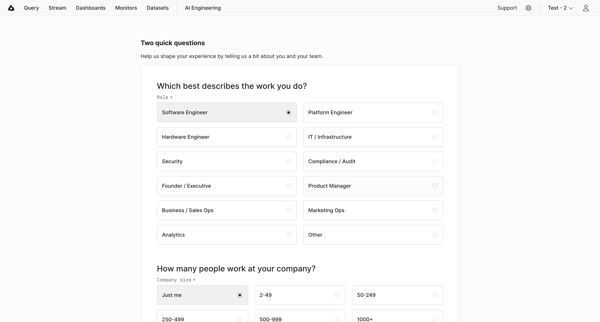
User completes onboarding questionnaire selecting role and company size to personalize experience in Axiom

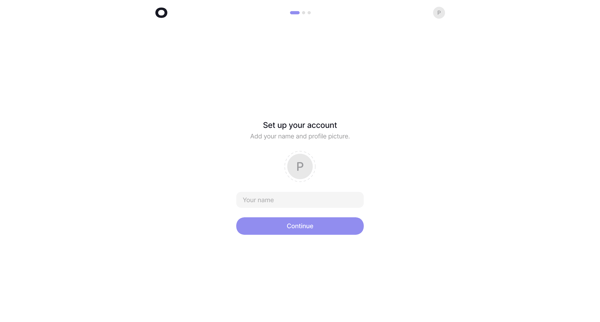
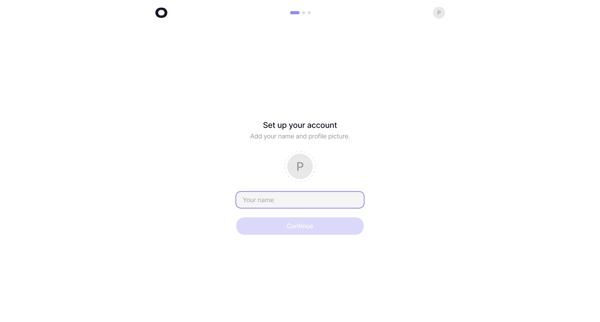
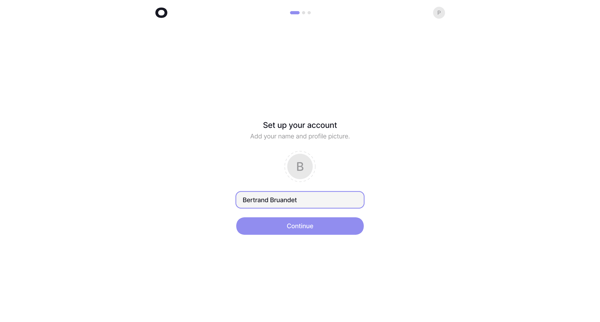
Onboarding sequence to provide name and profile picture during initial account setup

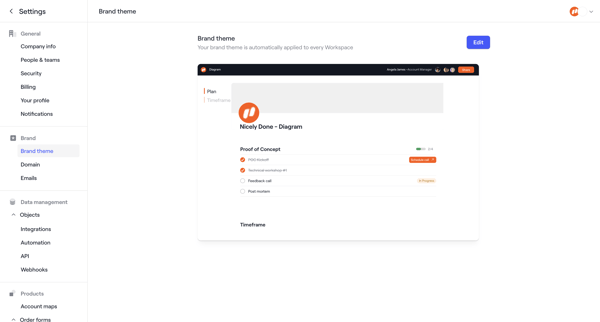
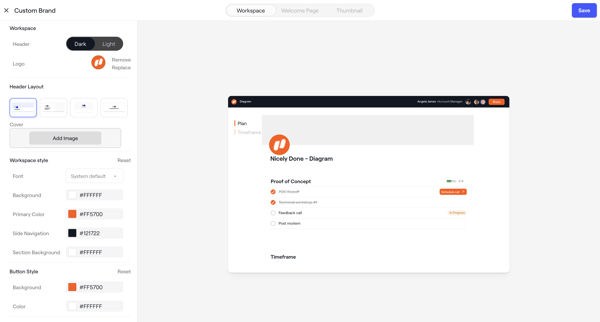
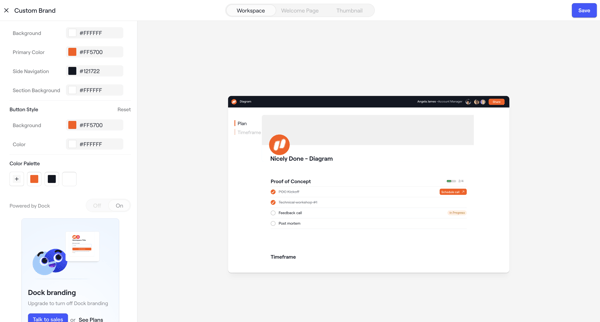
Admin configures workspace brand theme across appearance settings screens with live client portal preview, color/layout/font controls, asset uploads, and upgrade prompts

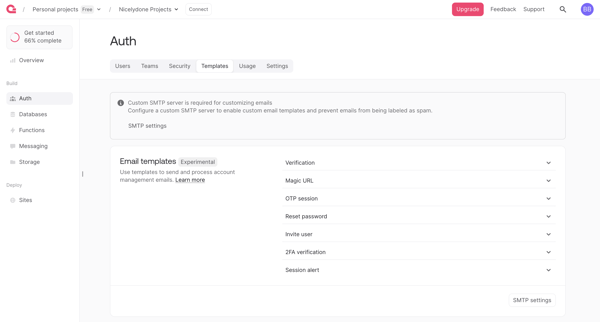
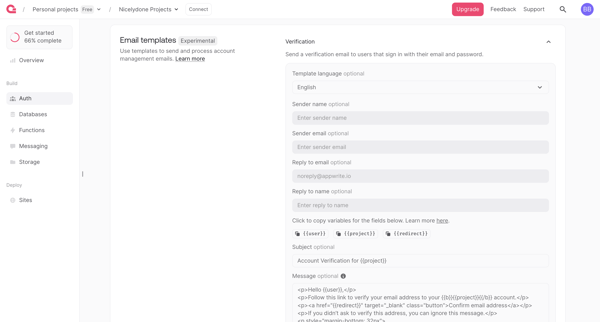
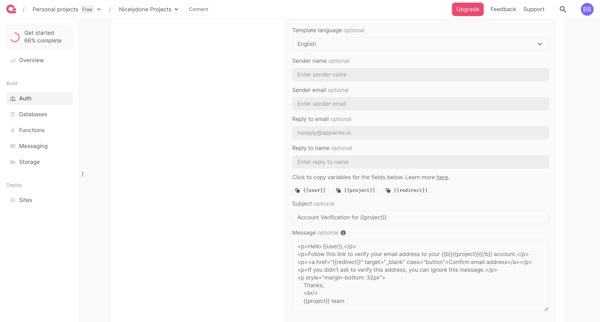
User navigates Auth settings to review and edit email templates for verification, magic URL, OTP, password reset and other auth flows, with SMTP requirement and upgrade gate for branding removal

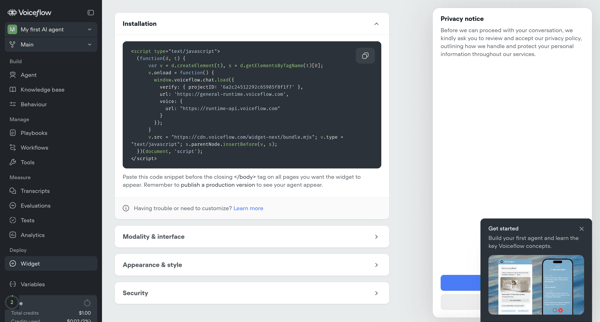
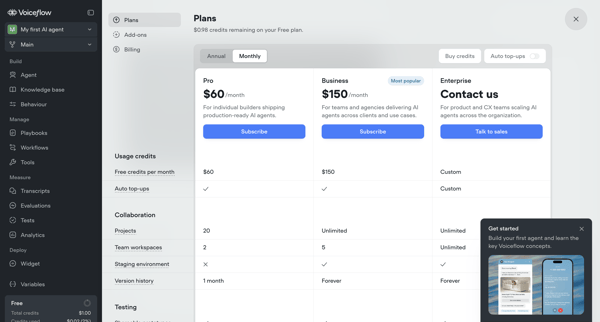
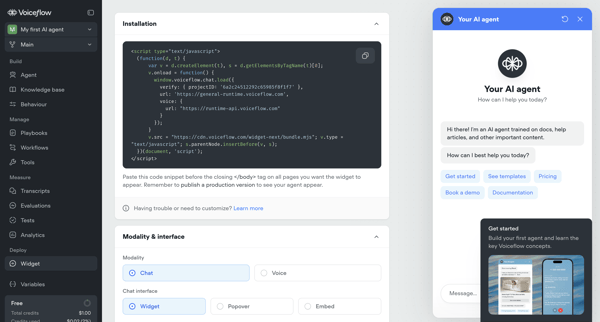
User configures installation snippet, appearance, security, and deployment options for Voiceflow AI agent's webchat widget across multiple settings screens, with upgrade prompts for advanced features
Explore the full SaaS flow library
Browse the full SaaS flow library.
Trusted by the best teams







