Moving file flow examples
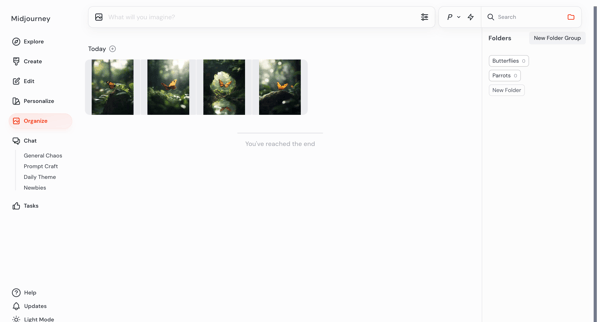
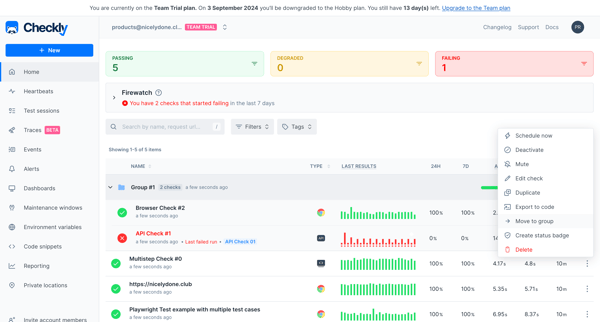
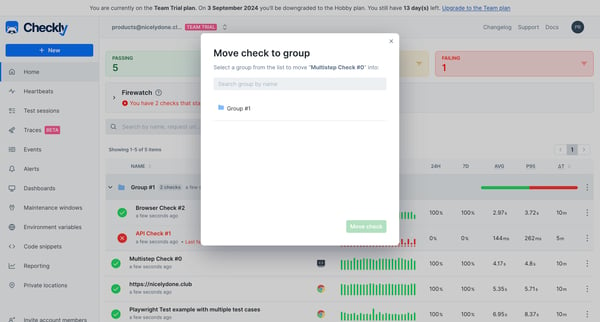
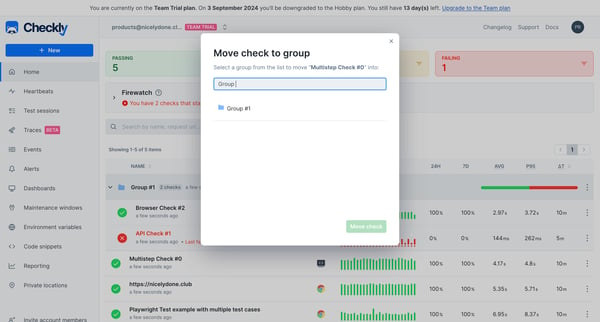
Moving file user flow examples from SaaS apps. See how apps begin relocating a file. Preview the opening steps for selecting the file and choosing another folder or workspace location.
Preview these flows

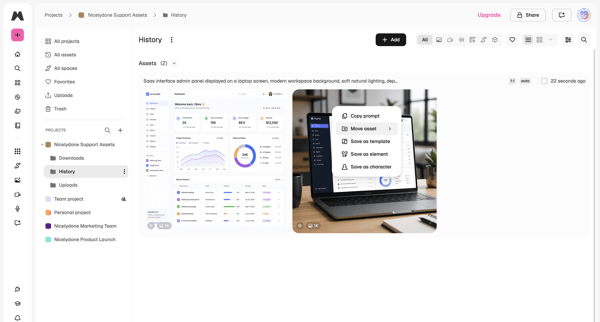
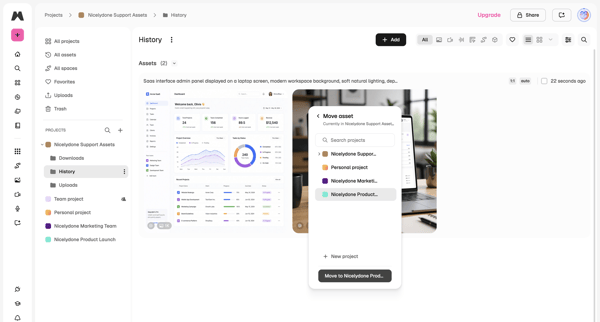
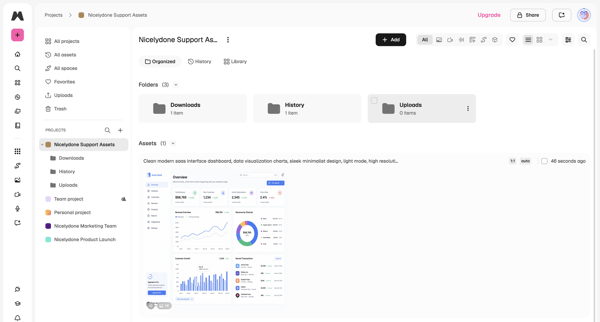
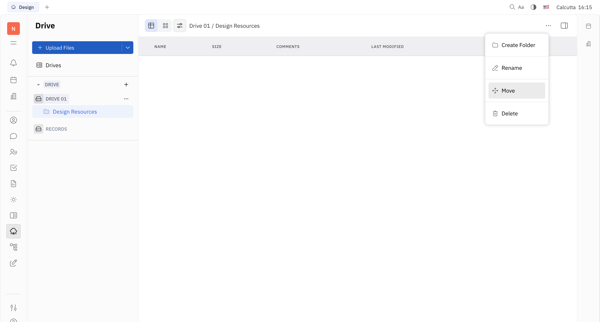
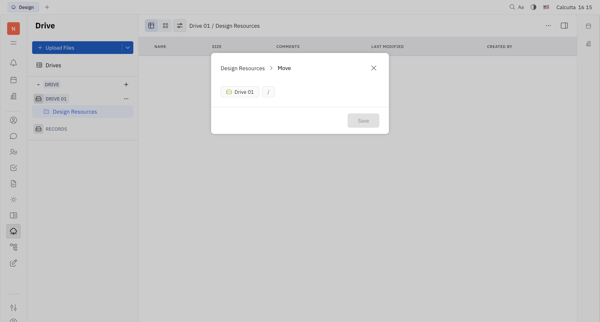
User opens context menu on an asset in project history list, selects move, chooses target project in modal, and lands in updated project asset library


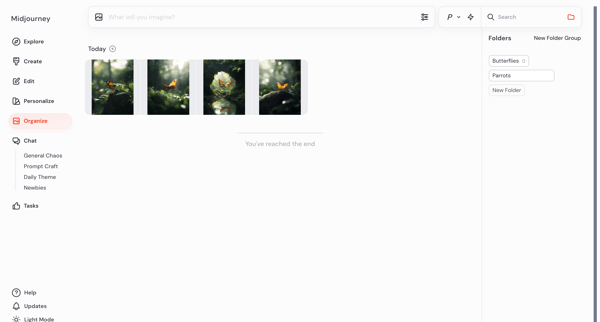
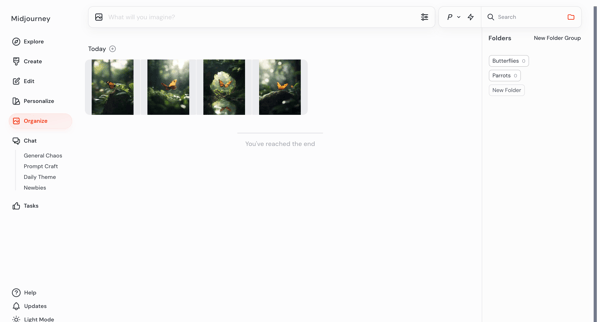


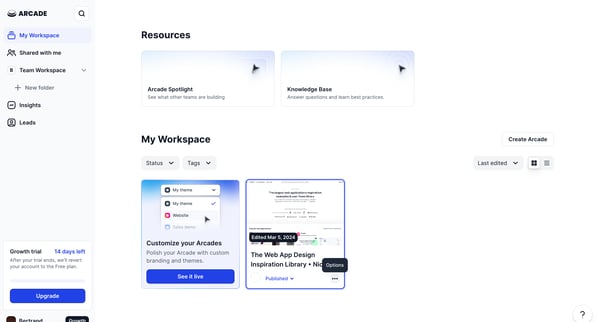
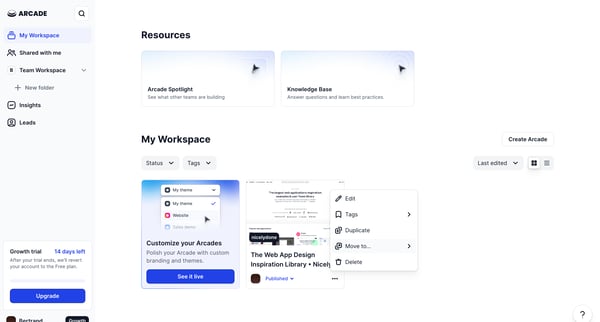
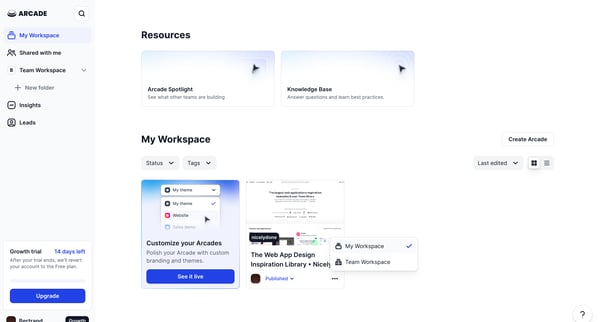
This flow enables a user to move a selected Arcade from their personal workspace to the Team Workspace.

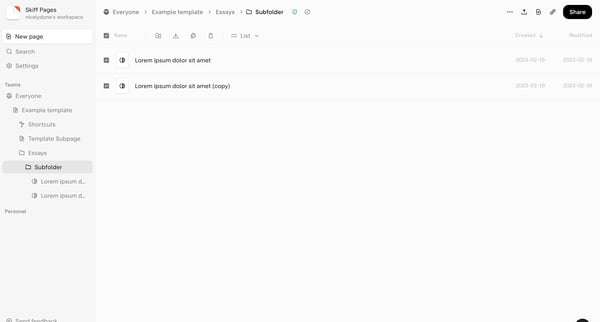
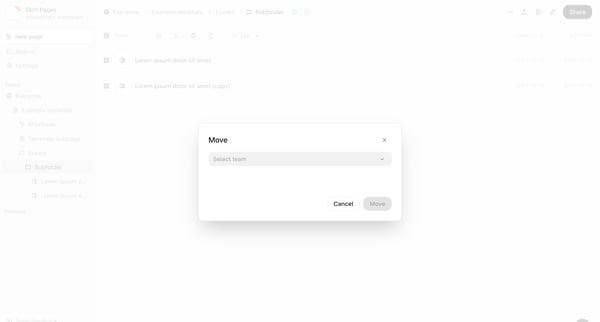
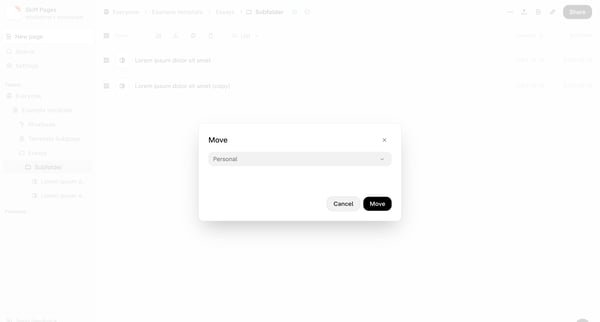
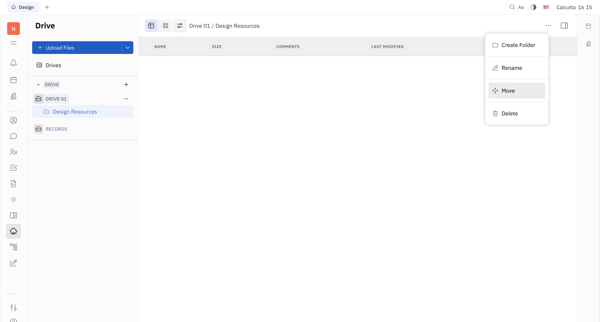
This flow enables users to move files from one location to another within their workspace.
About Moving file
See how apps begin relocating a file. Preview the opening steps for selecting the file and choosing another folder or workspace location.