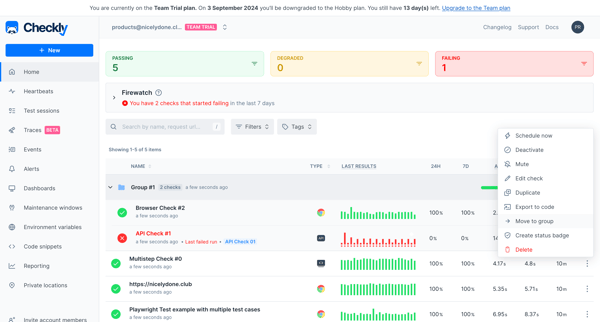
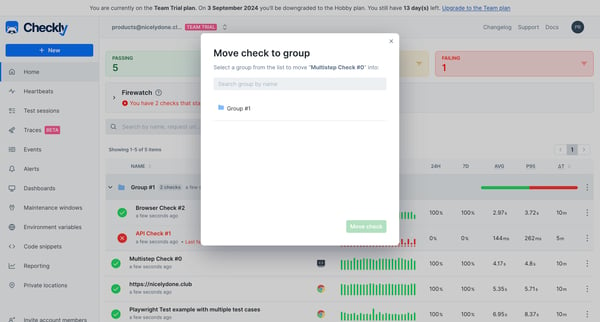
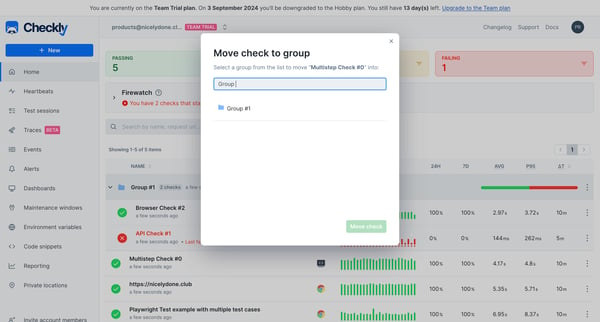
Checkly Flow Example: Moving check to group
User flow from Checkly.

Related user flows

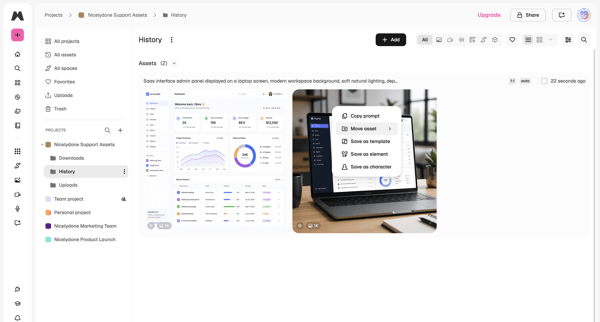
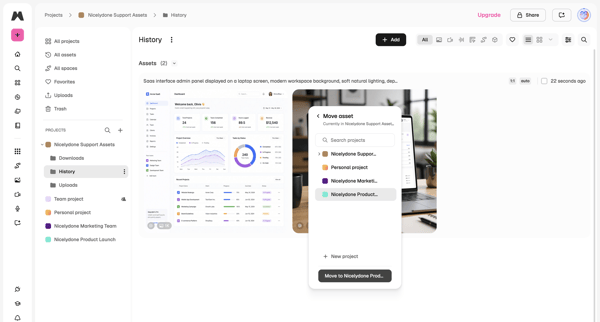
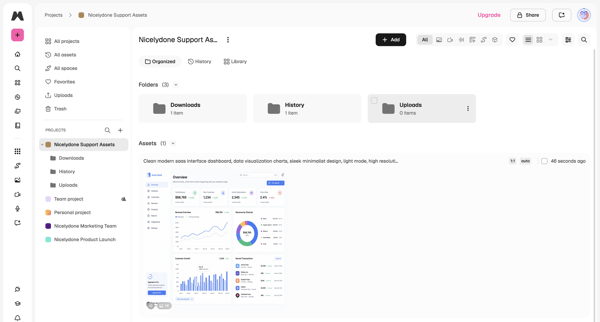
User opens context menu on an asset in project history list, selects move, chooses target project in modal, and lands in updated project asset library

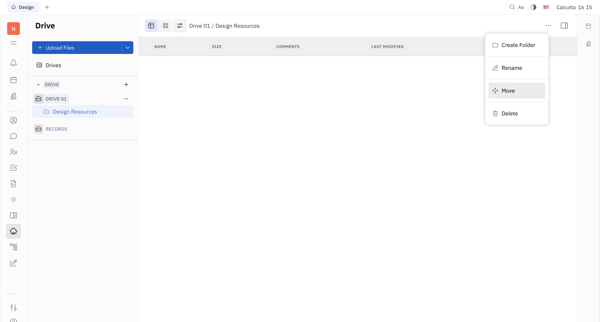
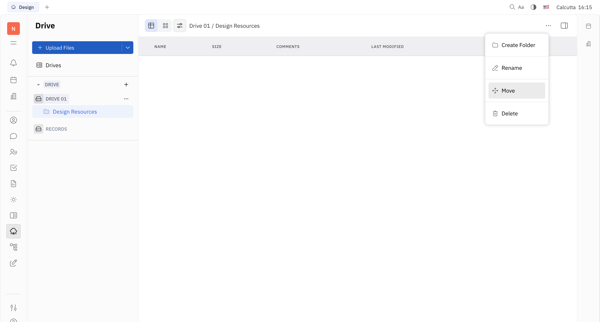
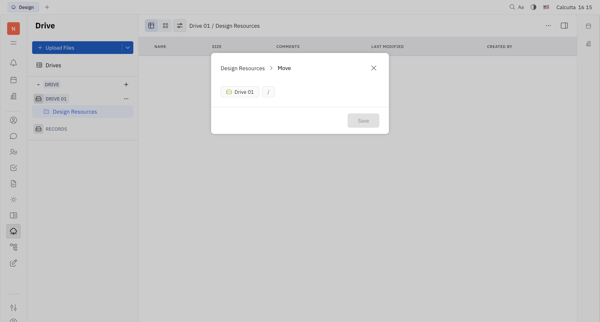

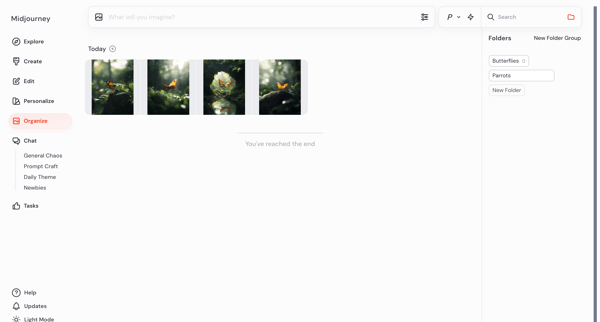
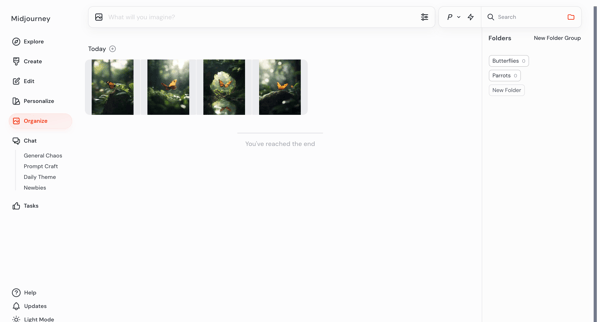
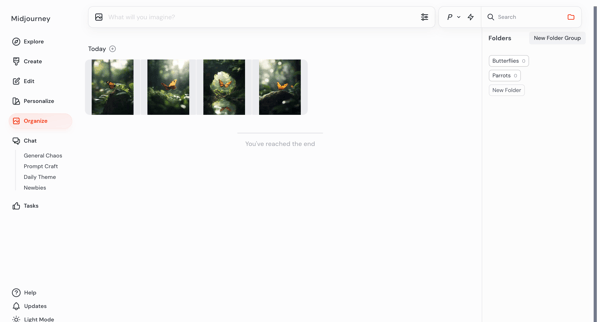

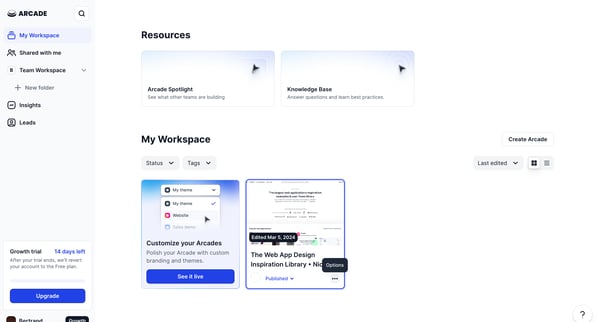
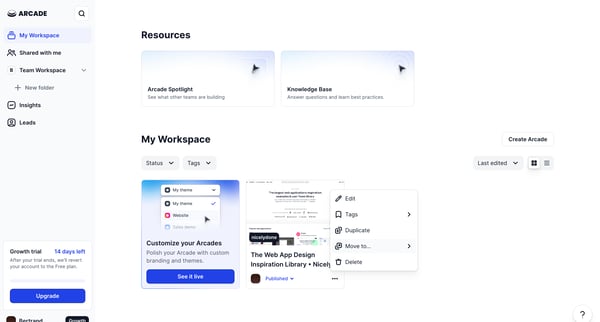
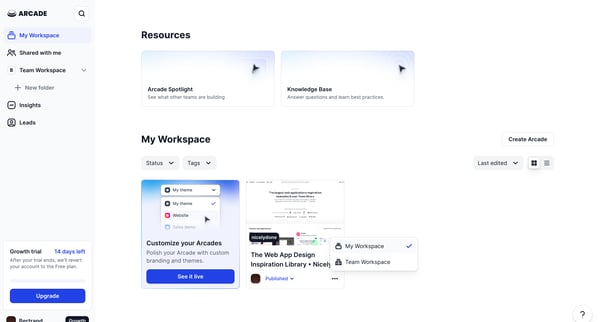
This flow enables a user to move a selected Arcade from their personal workspace to the Team Workspace.
Explore the full SaaS flow library
Browse the full SaaS flow library.
Trusted by the best teams







