Skip to content

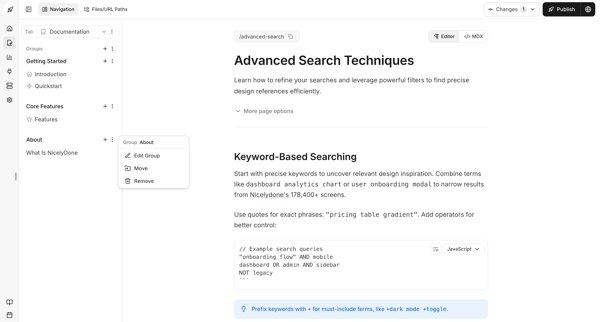
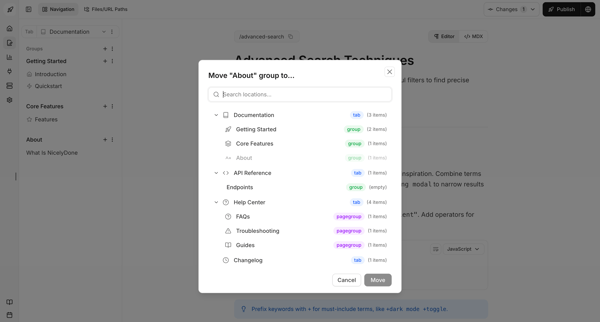
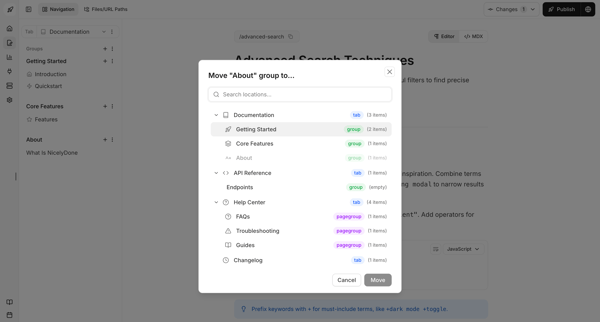
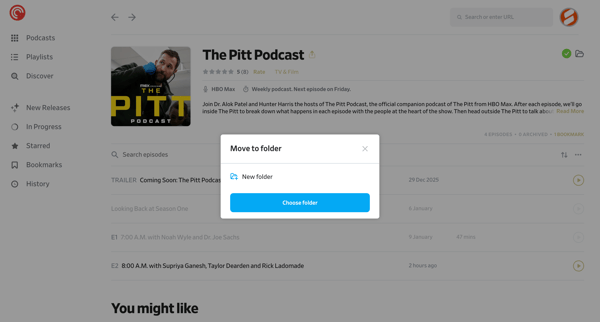
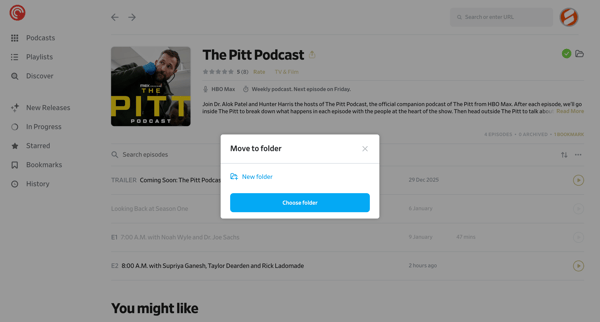
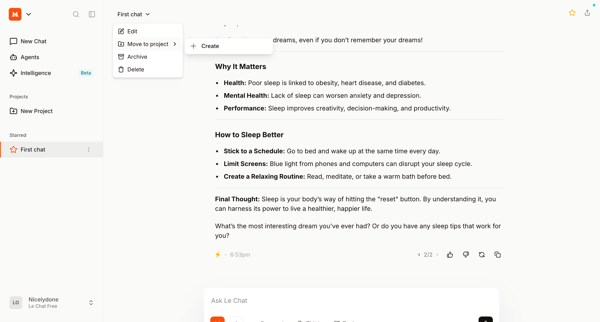
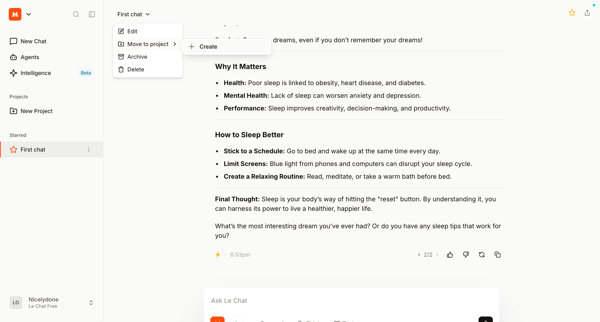
Huly Flow Example: Moving file

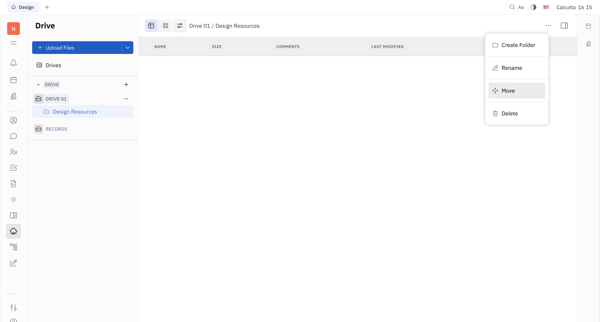
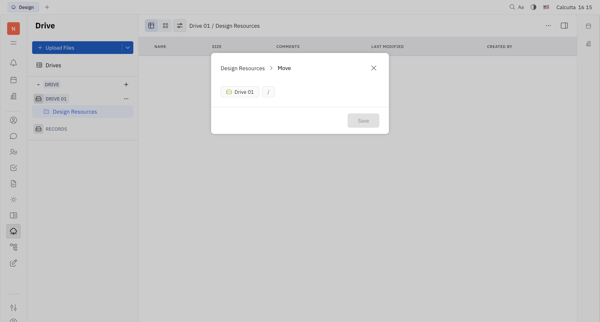
Preview this Huly user flow: Moving file. Explore the opening screens.

Preview these flows

Magnific logo
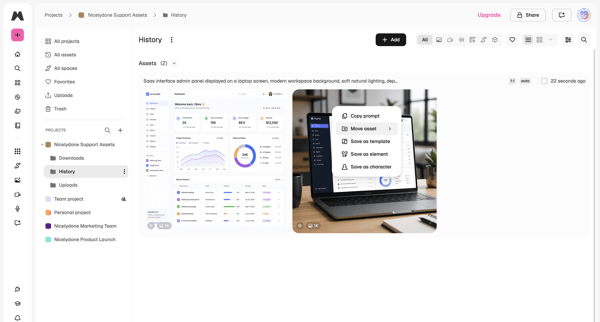
Creations | Magnific AI screen

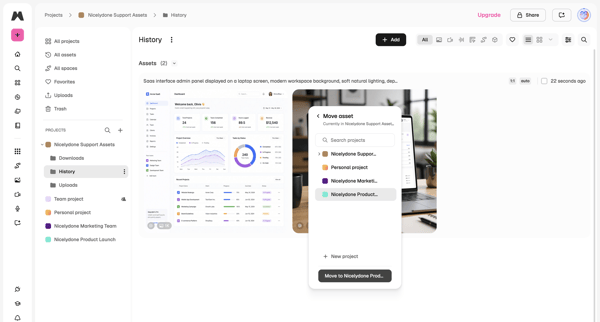
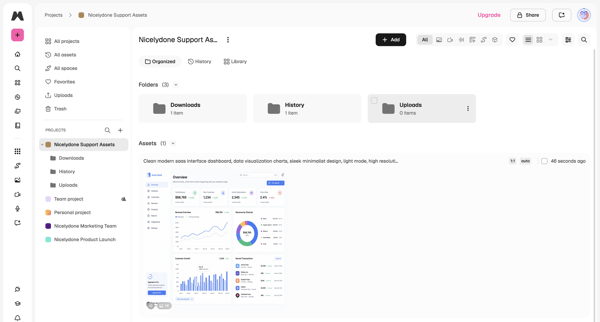
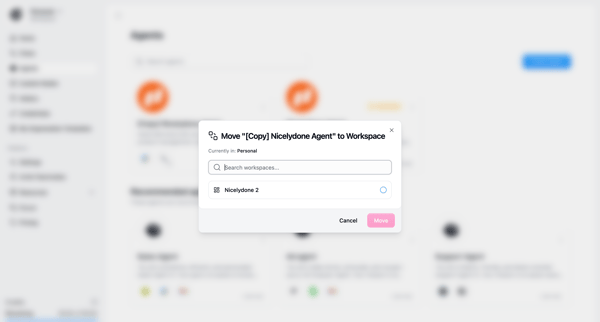
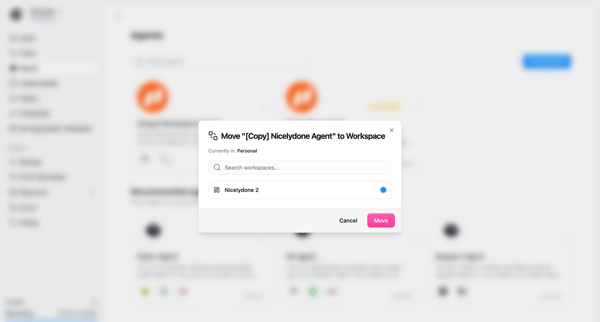
User opens context menu on an asset in project history list, selects move, chooses target project in modal, and lands in updated project asset library

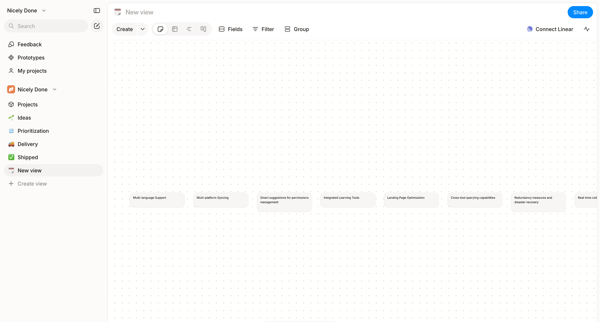
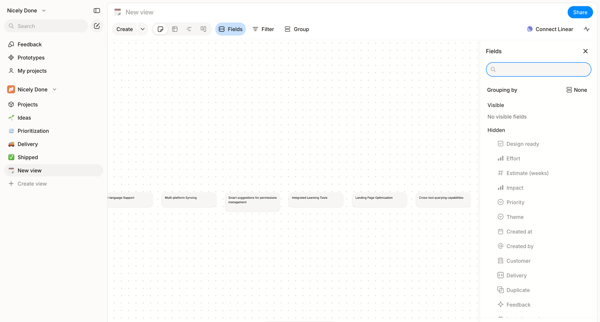
Arranging text cards, project features, and nodes on an infinite dot-grid canvas using drag, inspector panels, and tool palettes in Alloy's whiteboard editor.

Dock logo
Template Sections · Dock screen

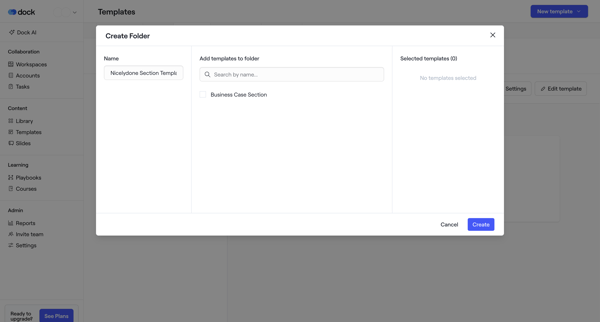
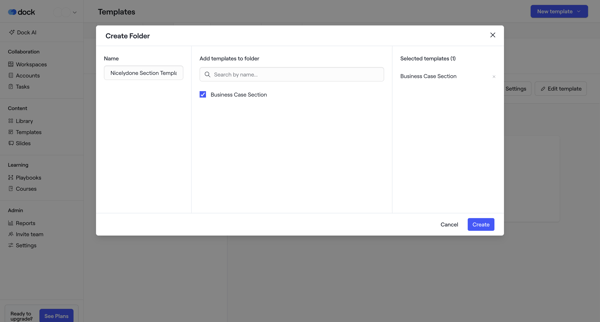
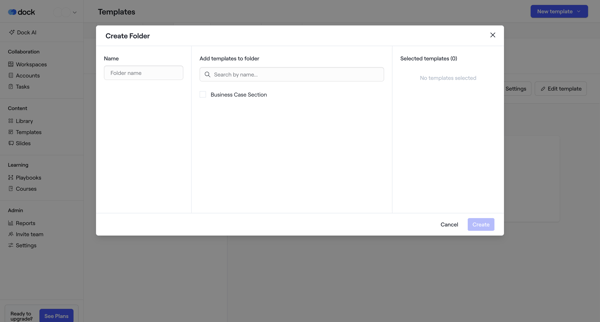
User names a new folder and selects existing templates to populate it via a multi-pane modal, then views the updated library

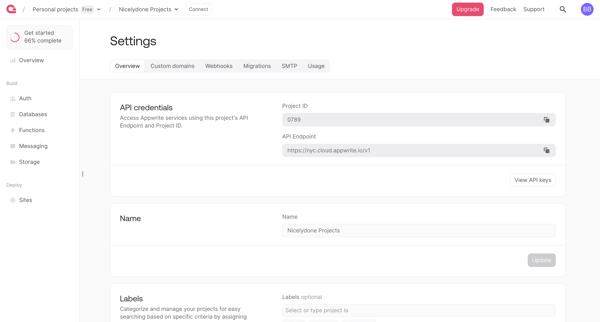
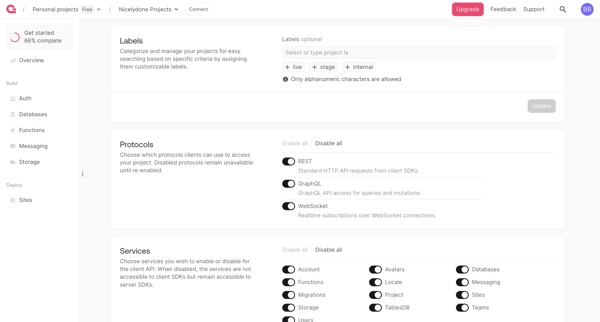
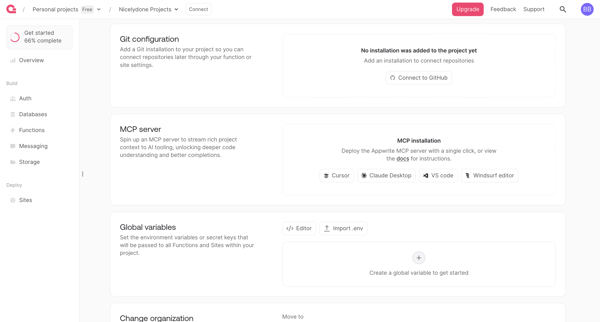
User reviews and updates project API credentials, labels, services, integrations, environment variables, organization moves, and deletion options across four settings screens in Appwrite

Flora logo

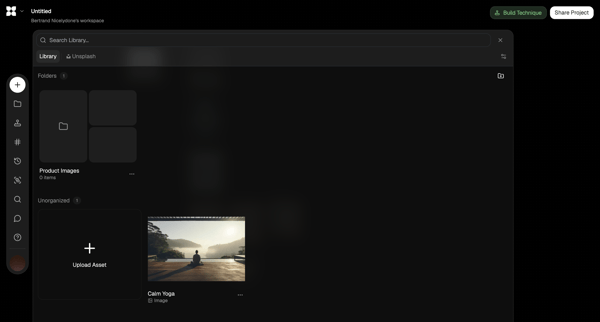
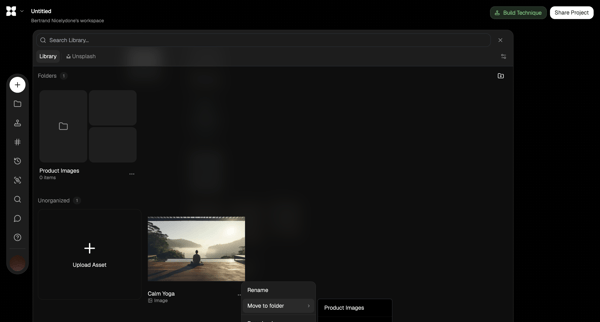
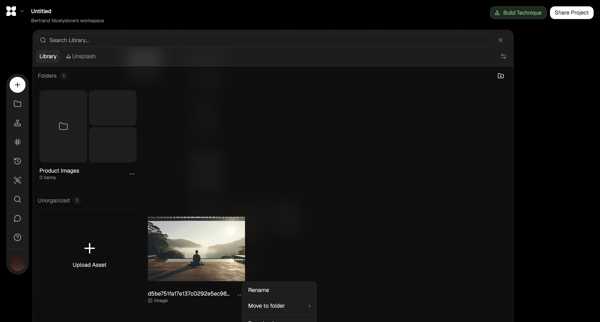
Moving asset

4 screens

·
FromFlora
FLORA - Untitled screen
Amie logo

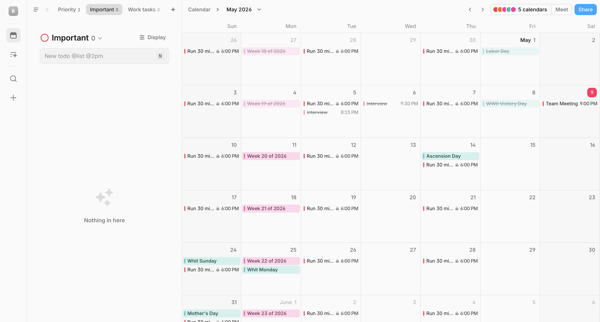
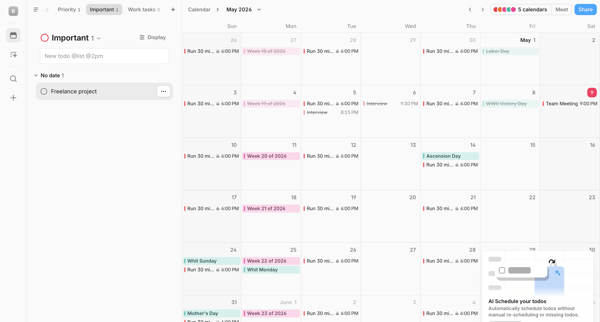
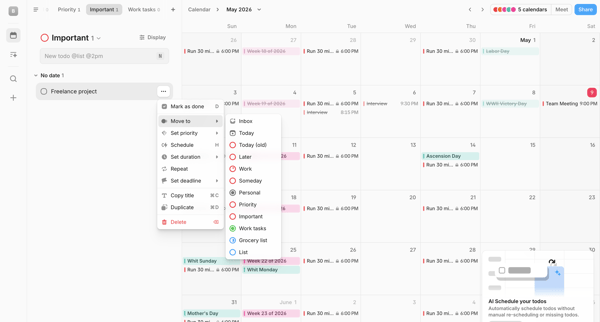
Moving todo

4 screens

·
FromAmie
Amie screen
Amie screen
Amie screen
Dovetail logo

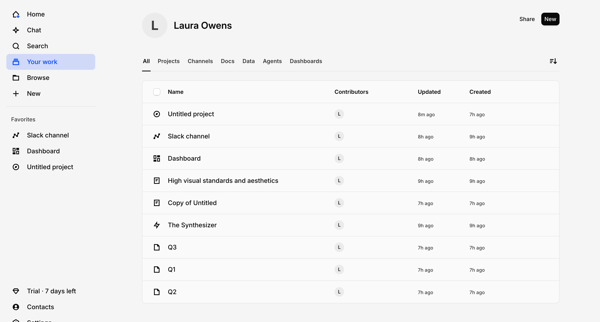
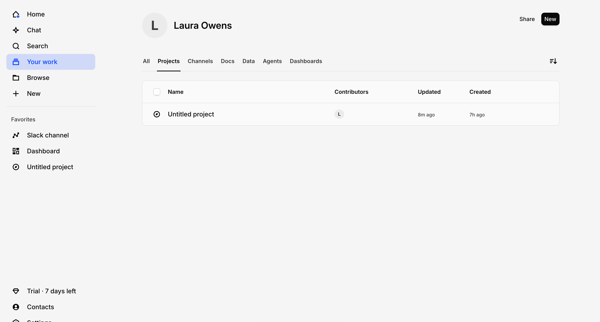
Moving item

19 screens

·
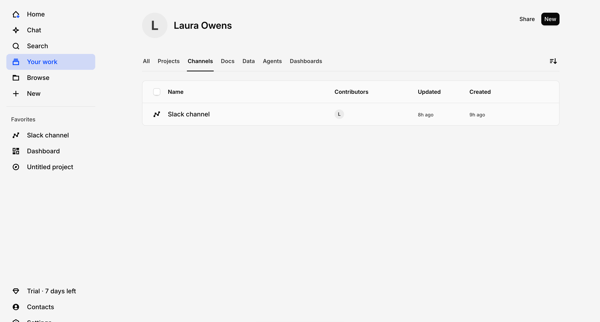
Laura Owens’s profile - All – Dovetail screen
Laura Owens’s profile - Projects – Dovetail screen
Laura Owens’s profile - Channels – Dovetail screen
Fabric logo

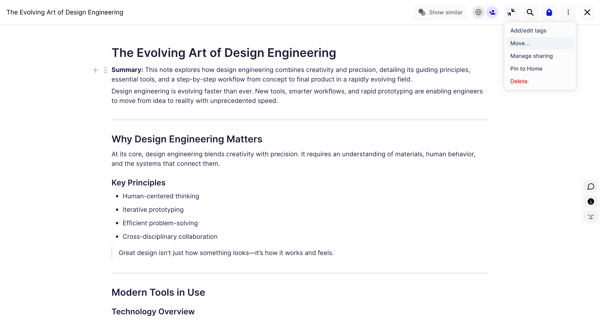
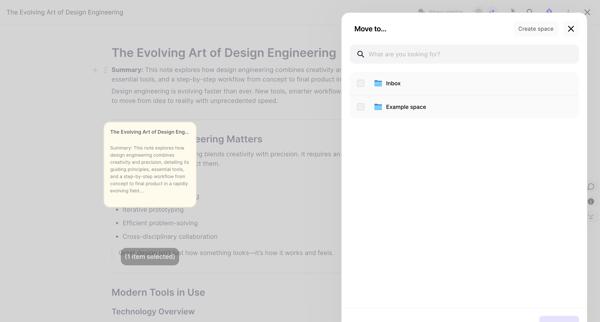
Moving item

9 screens

·
FromFabric
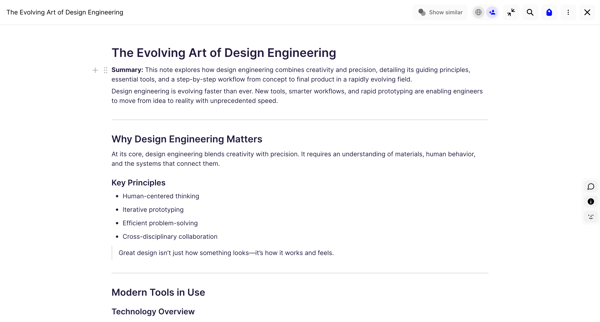
Fabric | The Evolving Art of Design Engineering screen

Explore the full SaaS flow library

Browse the full SaaS flow library.

Trusted by the best teams