Settings screen examples
Settings screen design examples from SaaS apps. Explore how SaaS apps organize configuration choices. Look at how sections, explanatory labels, and controls let people locate a preference and understand…
Explore the examples
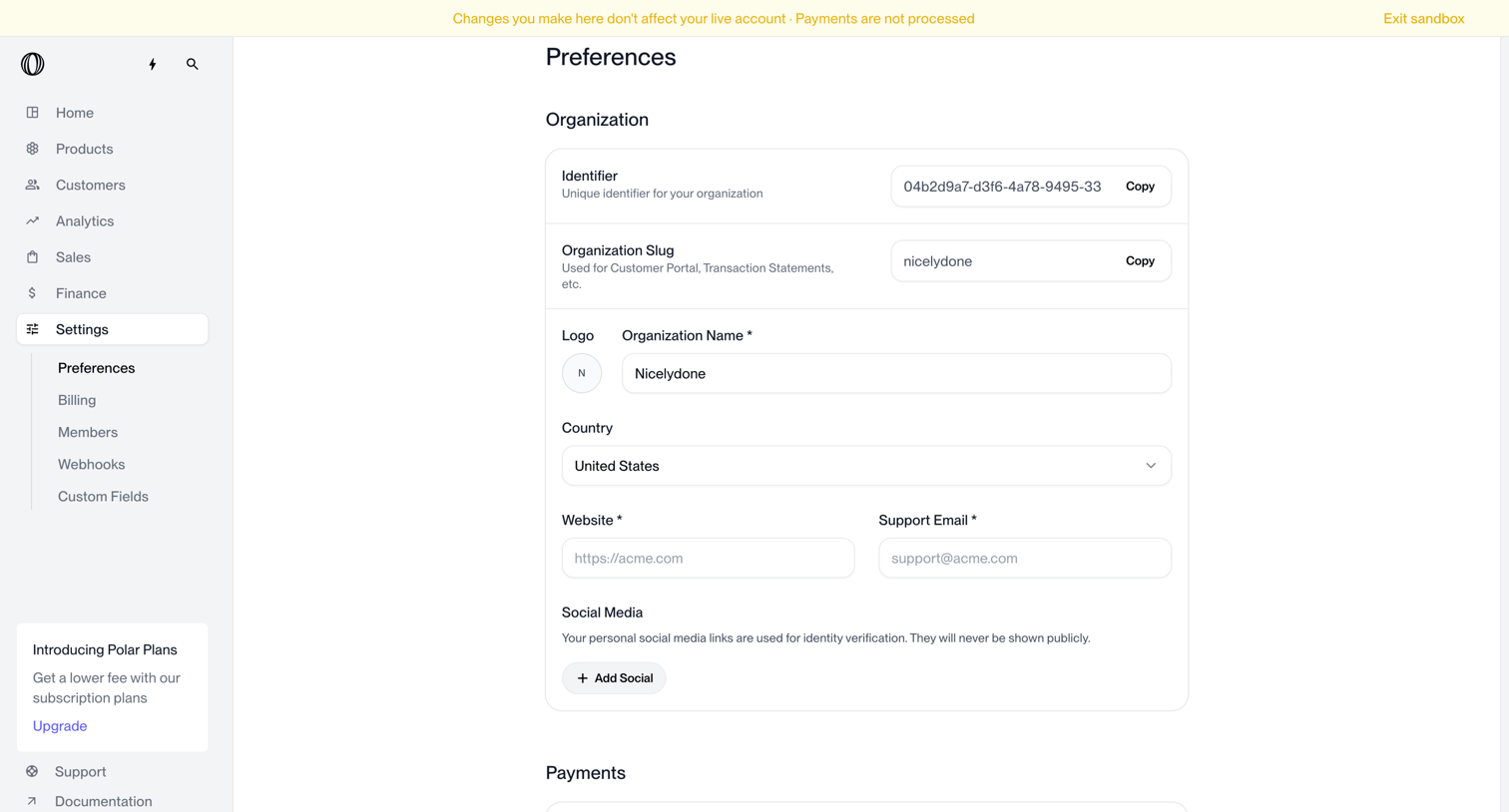

Settings page where the user configures organization details like name, country, website, and default payment currency.
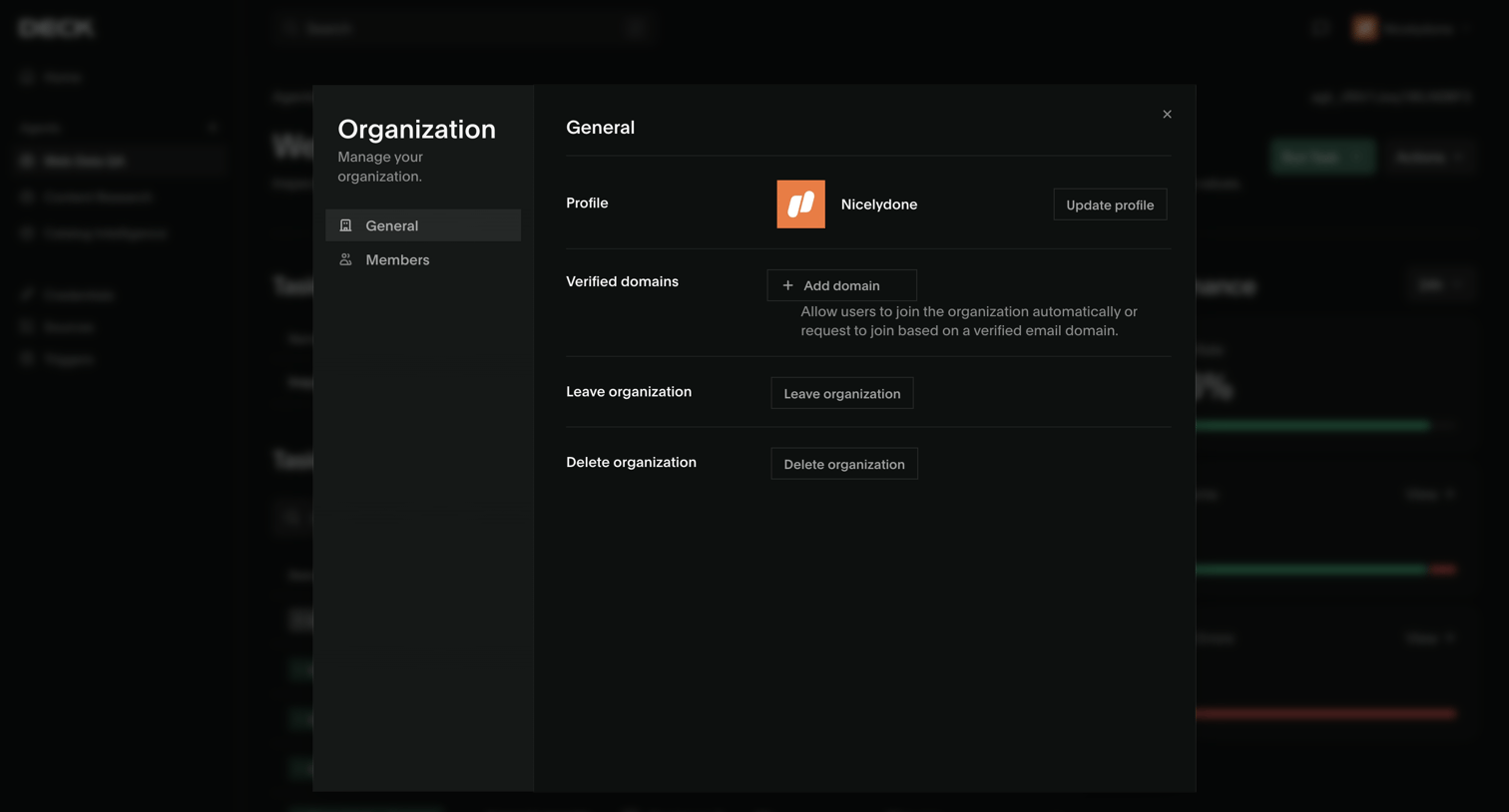

Settings modal where the user manages their organization's general profile, verified domains, and destructive actions like leaving or deleting the organization.
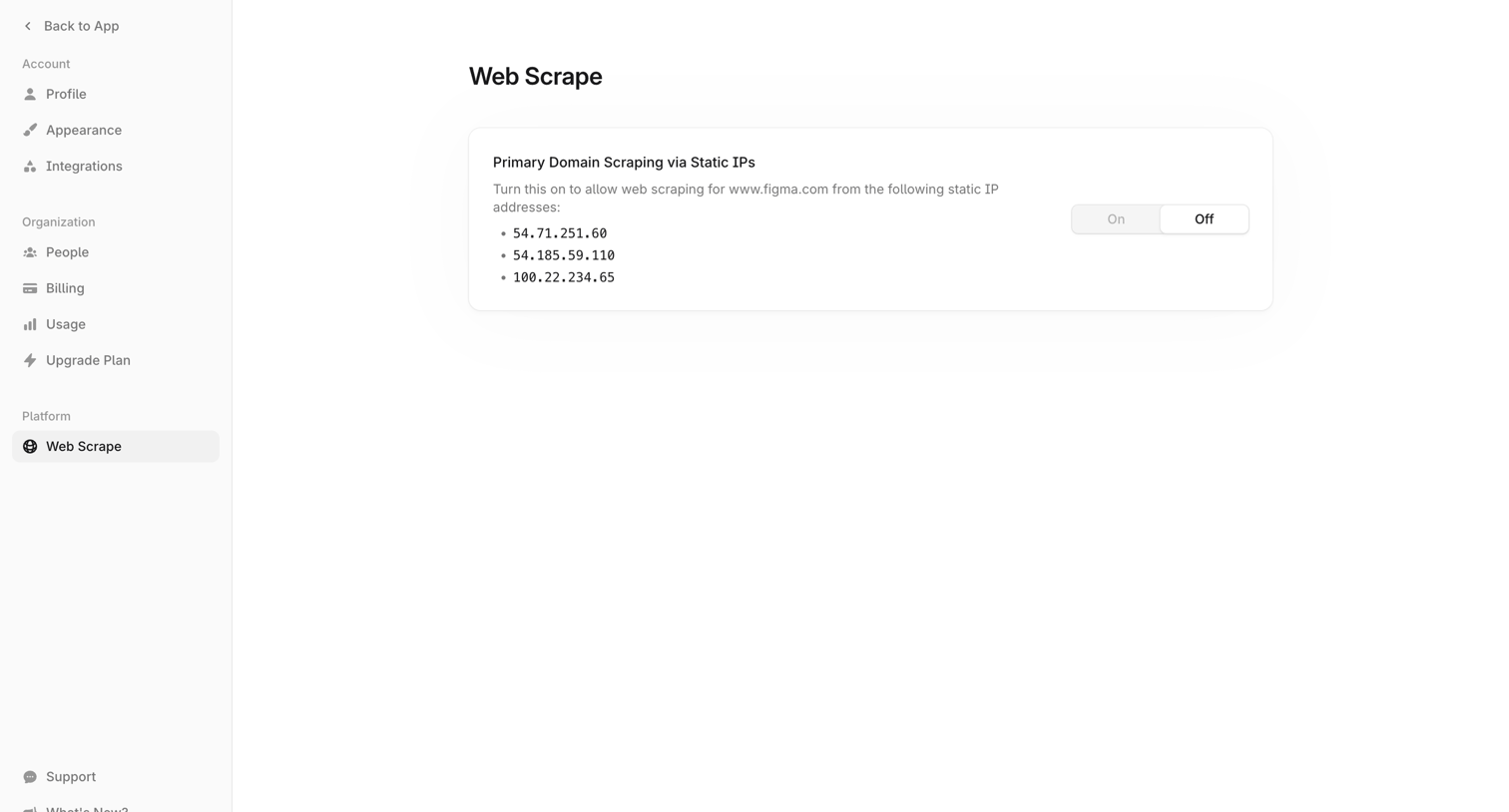

Settings page where the user can enable or disable primary domain web scraping via specific static IP addresses.

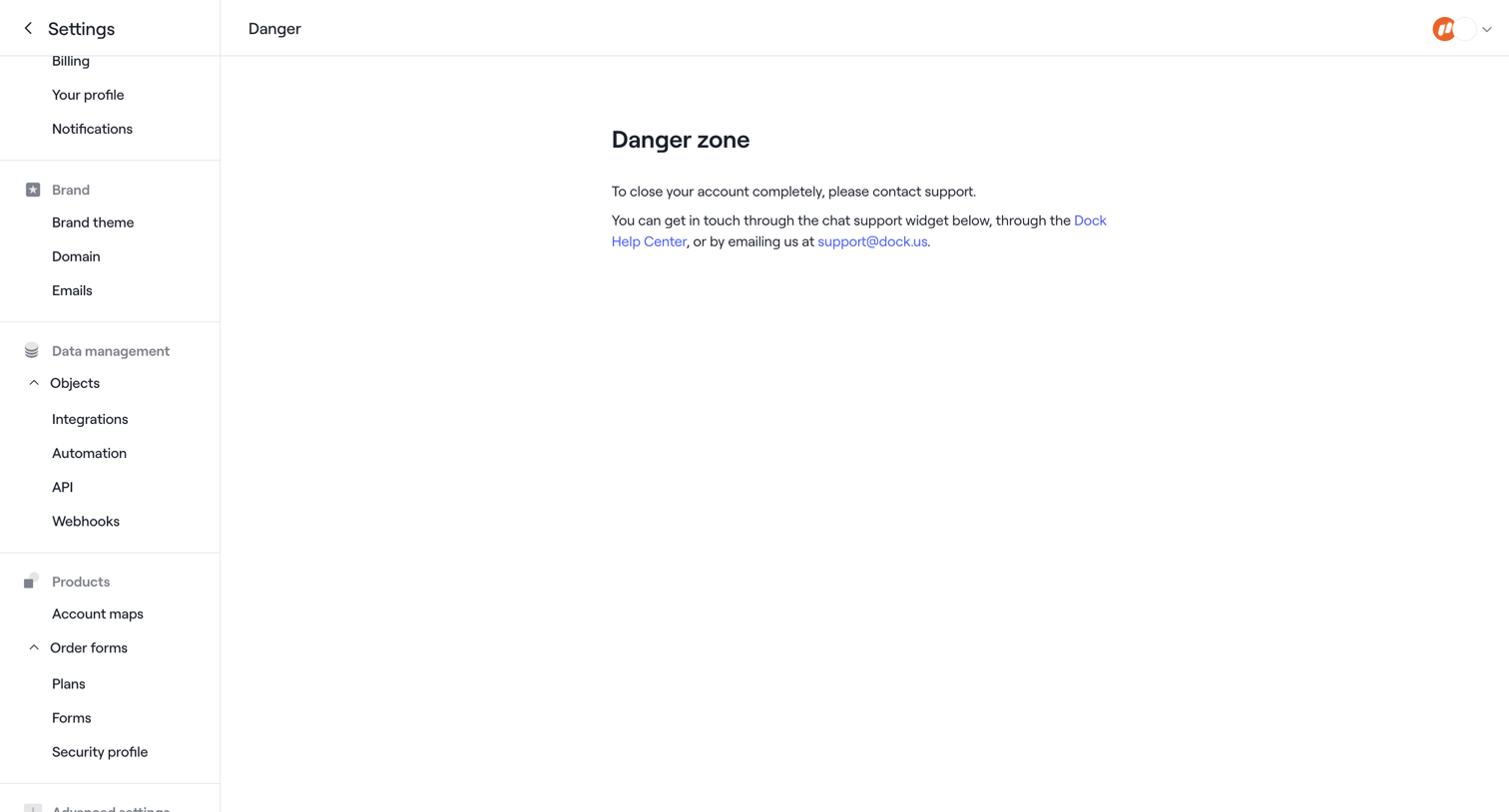

Settings page where the user is instructed to contact support to completely close their account.
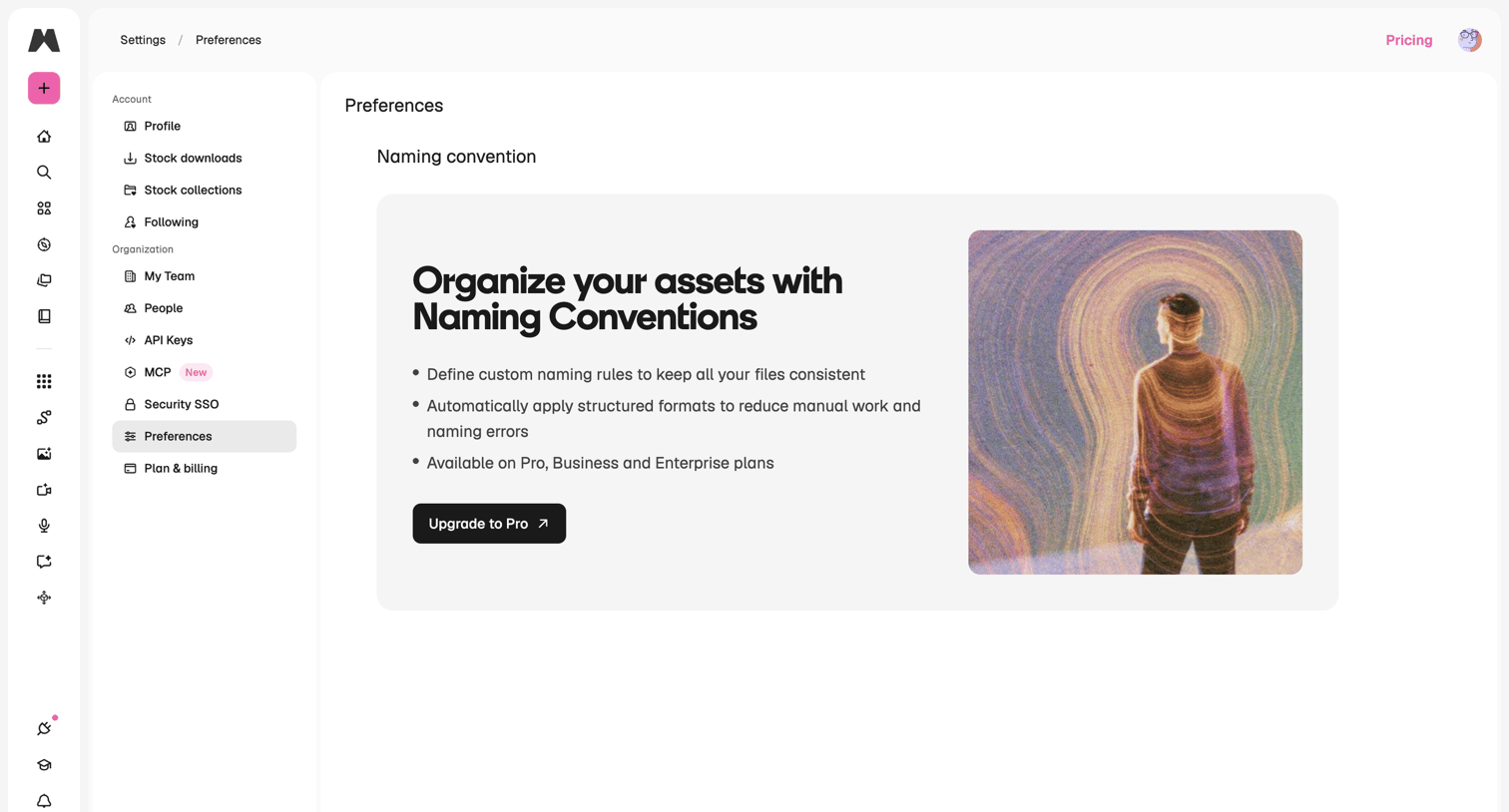

Settings page where the user views organization preferences, currently showing an upgrade prompt to access the naming conventions feature.
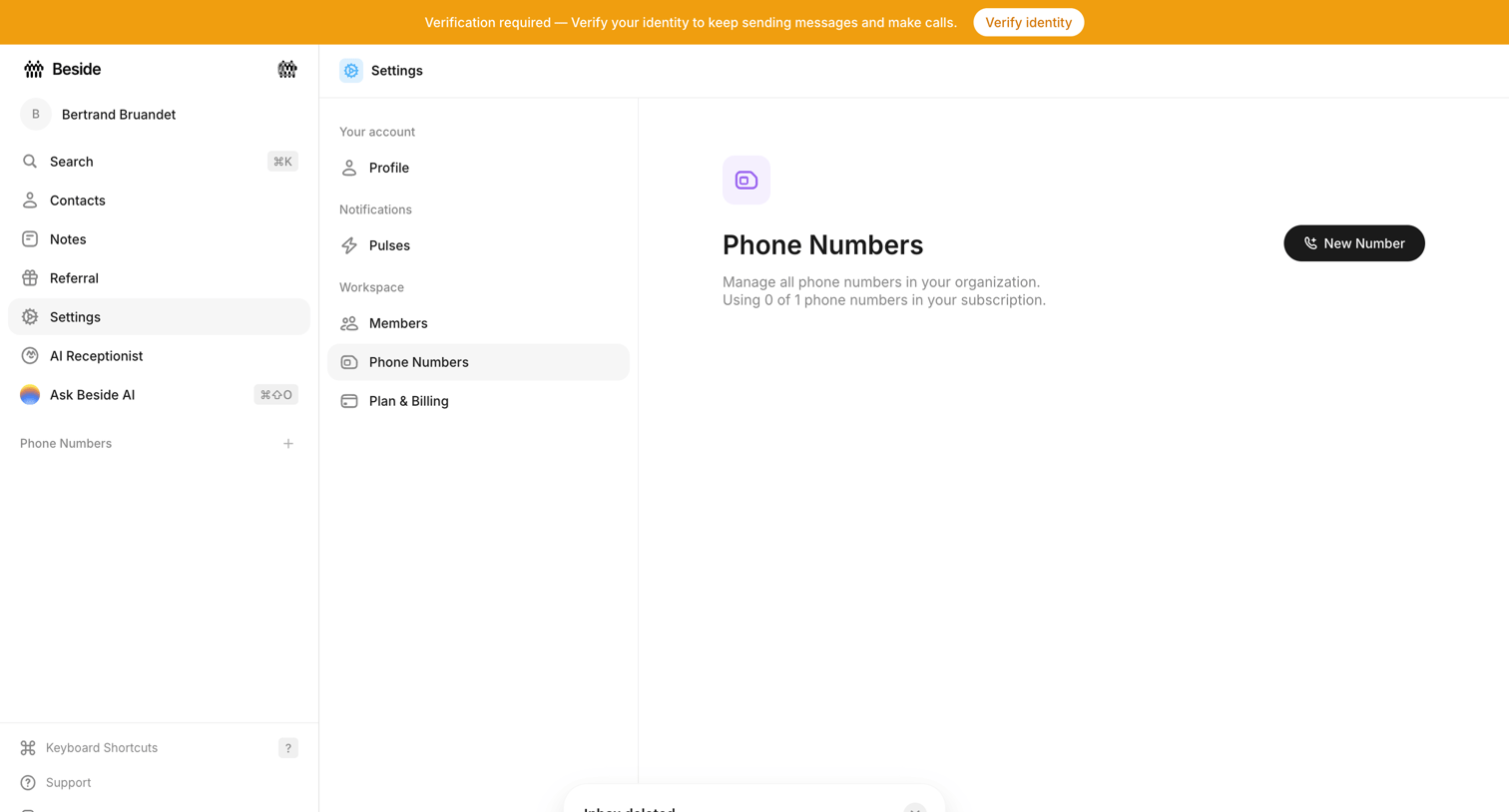

Settings page where the user manages workspace phone numbers, currently showing an empty state with a prompt to add a new number and a system banner requiring identity verification.
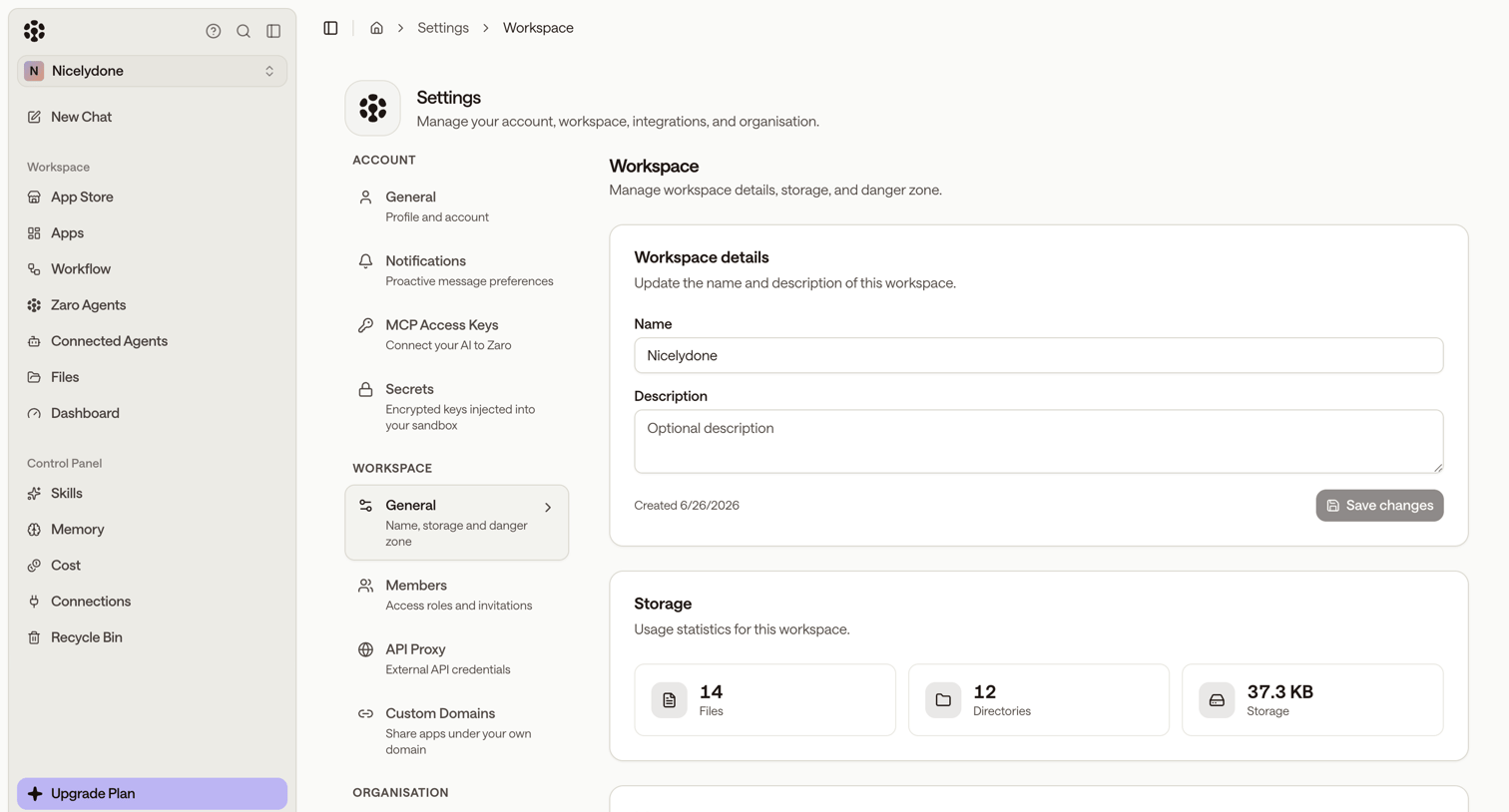

Settings page where the user manages workspace details, storage usage statistics, and memory processing controls.
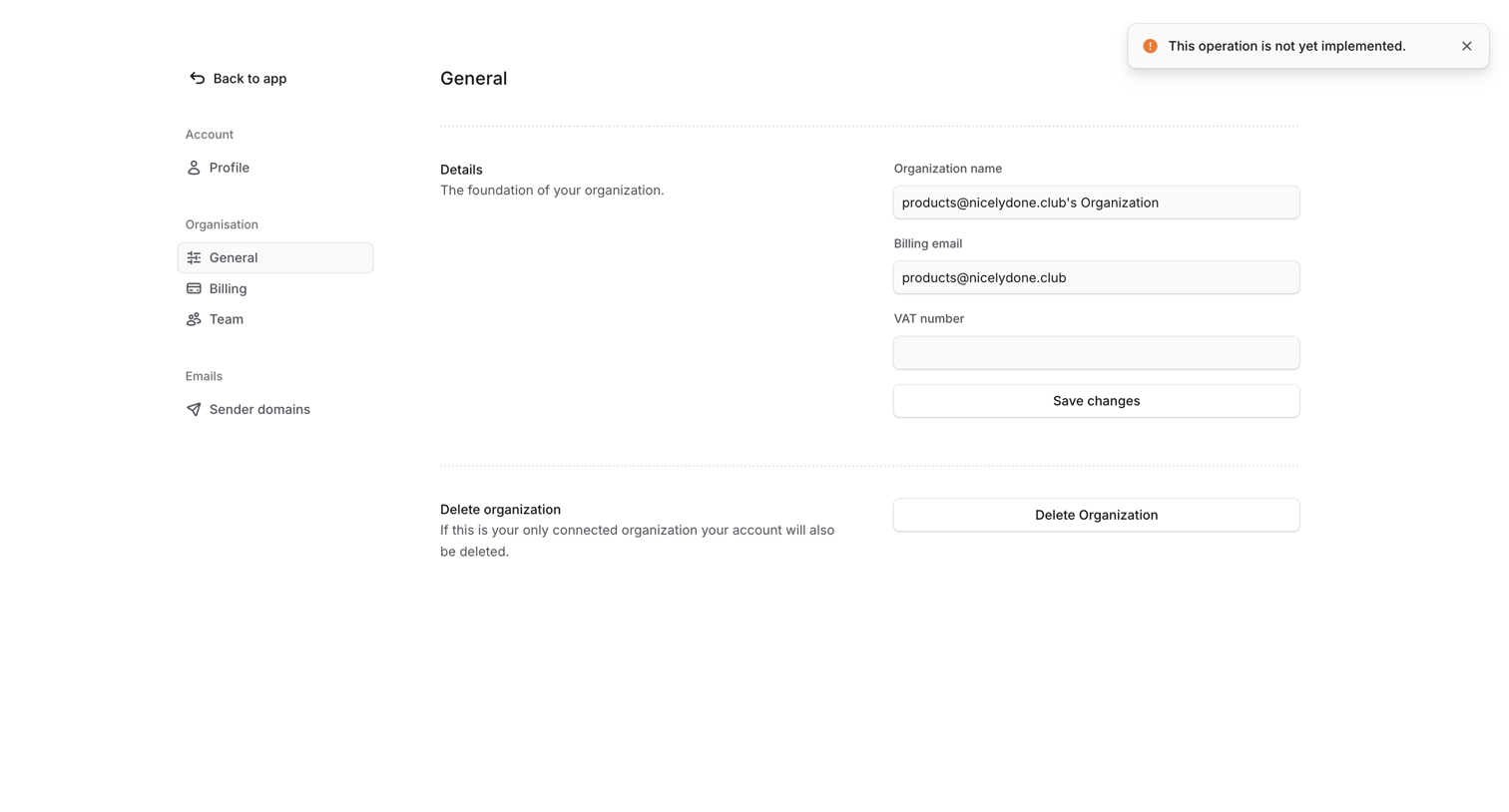

Settings page where the user configures organization details like name, billing email, and VAT number, or deletes the organization.
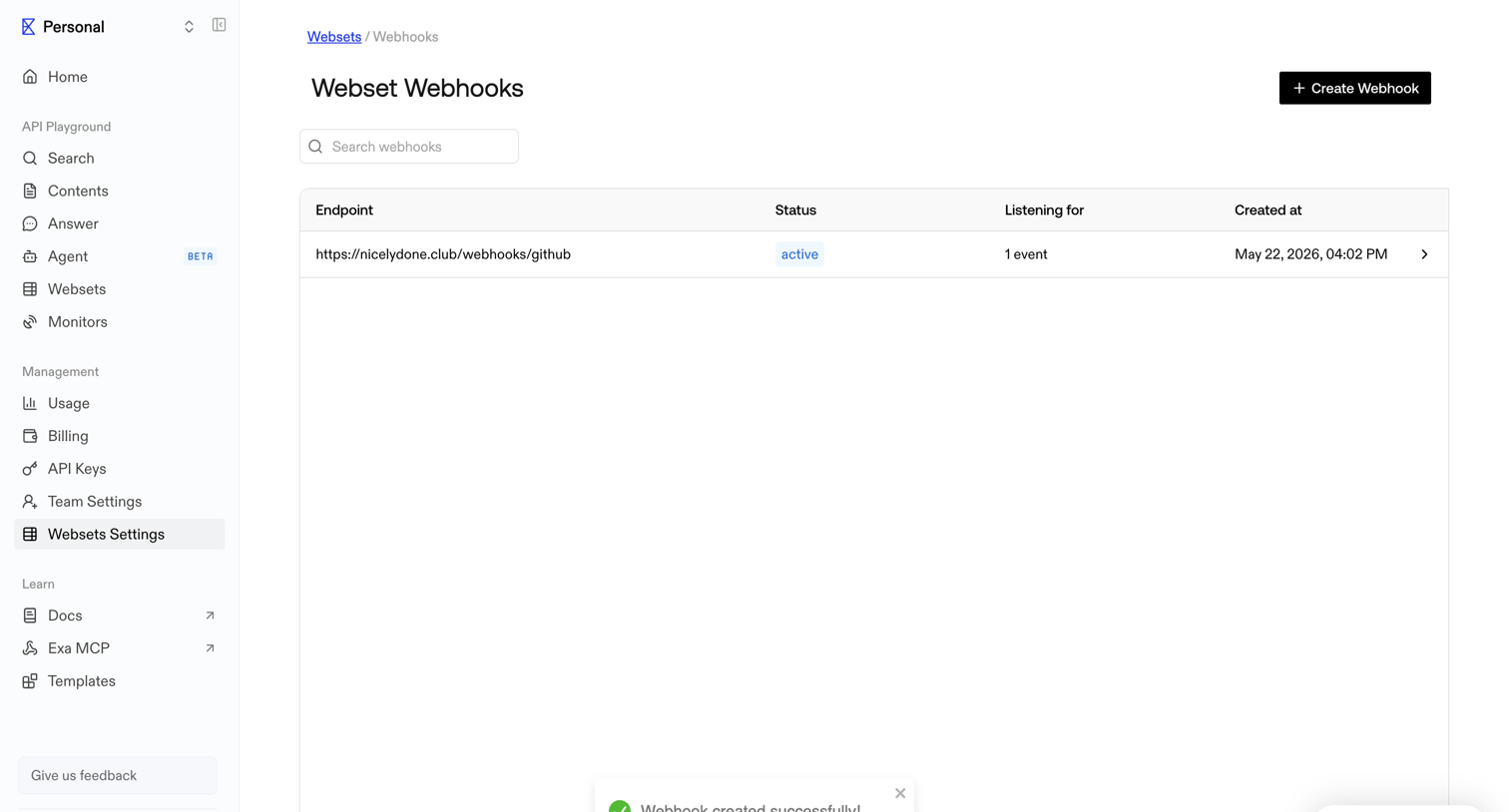

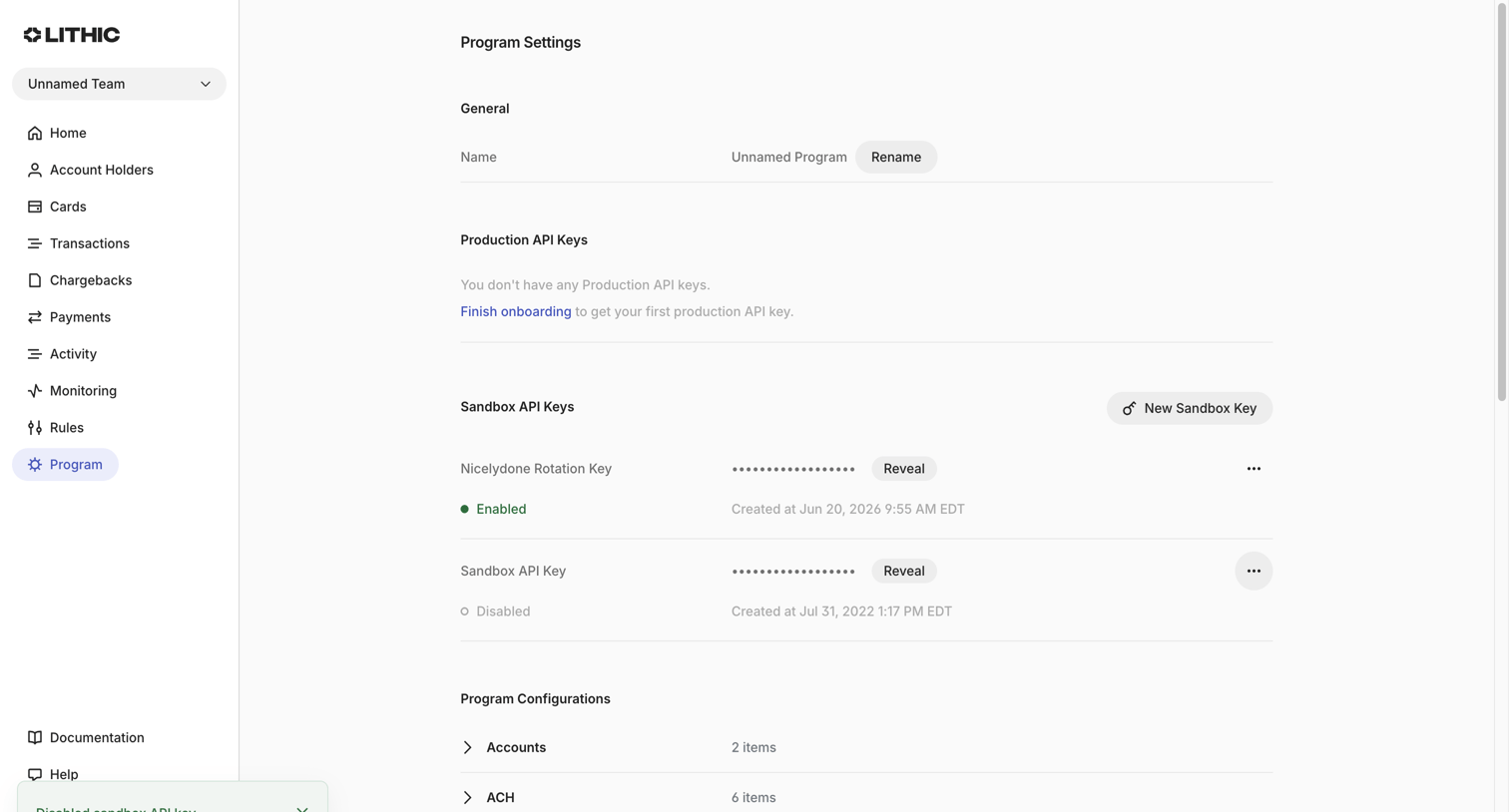

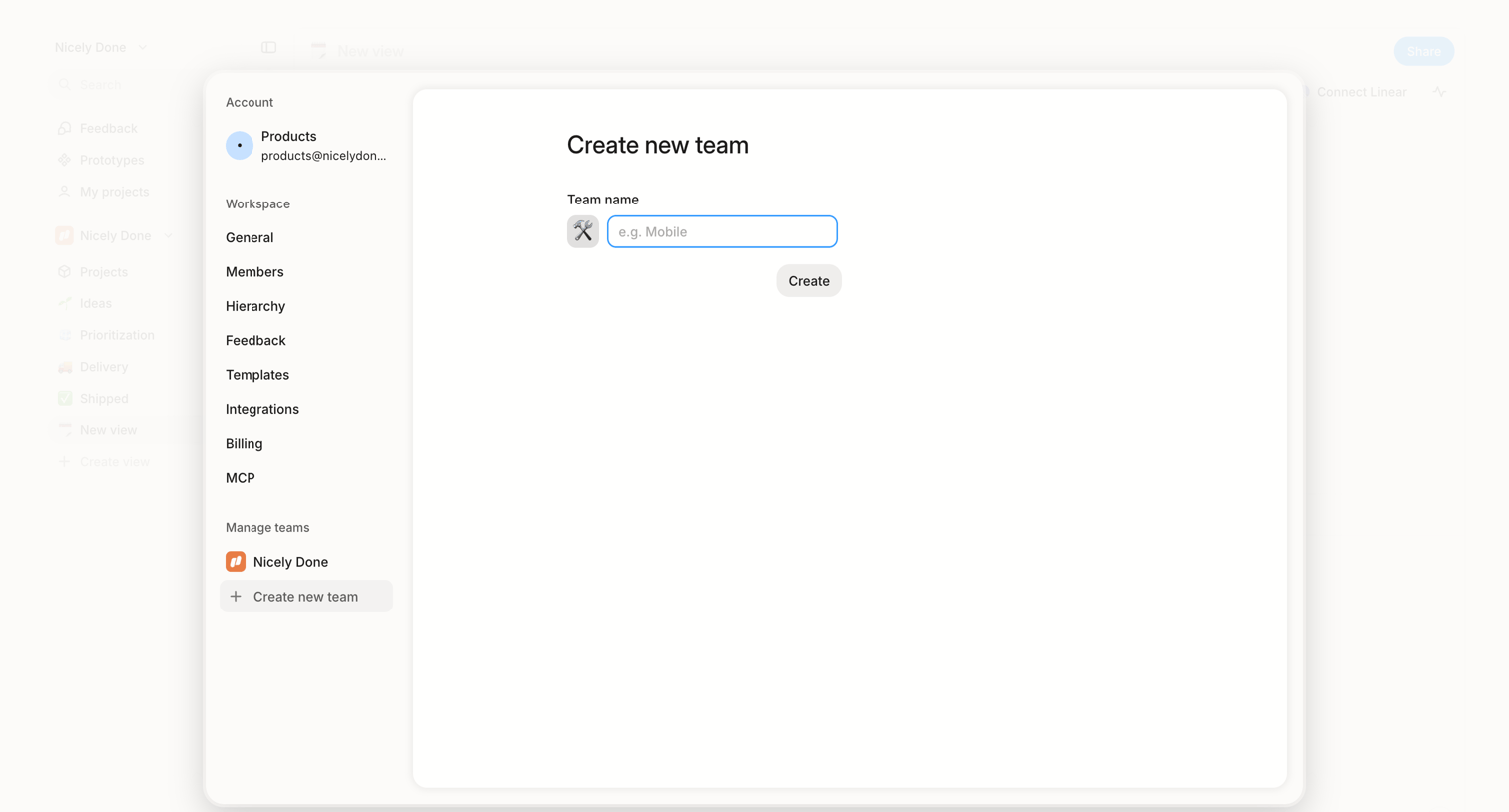

Settings modal where the user creates a new team by selecting an icon and entering a team name.
Explore the full SaaS screen library
Upgrade to unlock the full library.
Trusted by the best teams








About Settings
Explore how SaaS apps organize configuration choices. Look at how sections, explanatory labels, and controls let people locate a preference and understand the setting they are changing.