Comments screen examples
Comments screen design examples from SaaS apps. See how apps place discussions beside the work they concern. Explore how comment threads, replies, and author details fit around a document, item, or shared…
Explore the examples
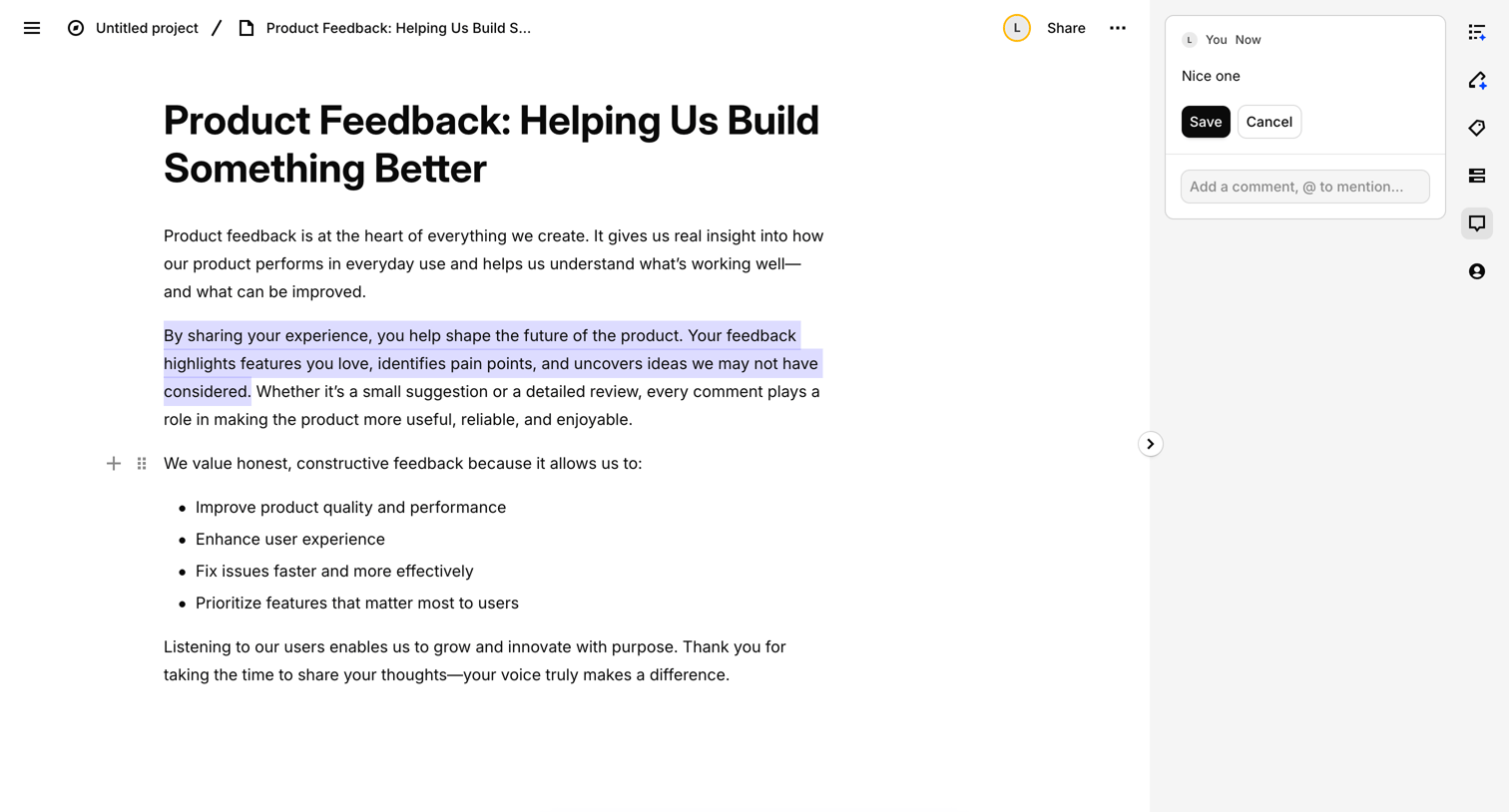

Content editor where the user reviews a product feedback document, highlights a specific passage, and drafts a comment.
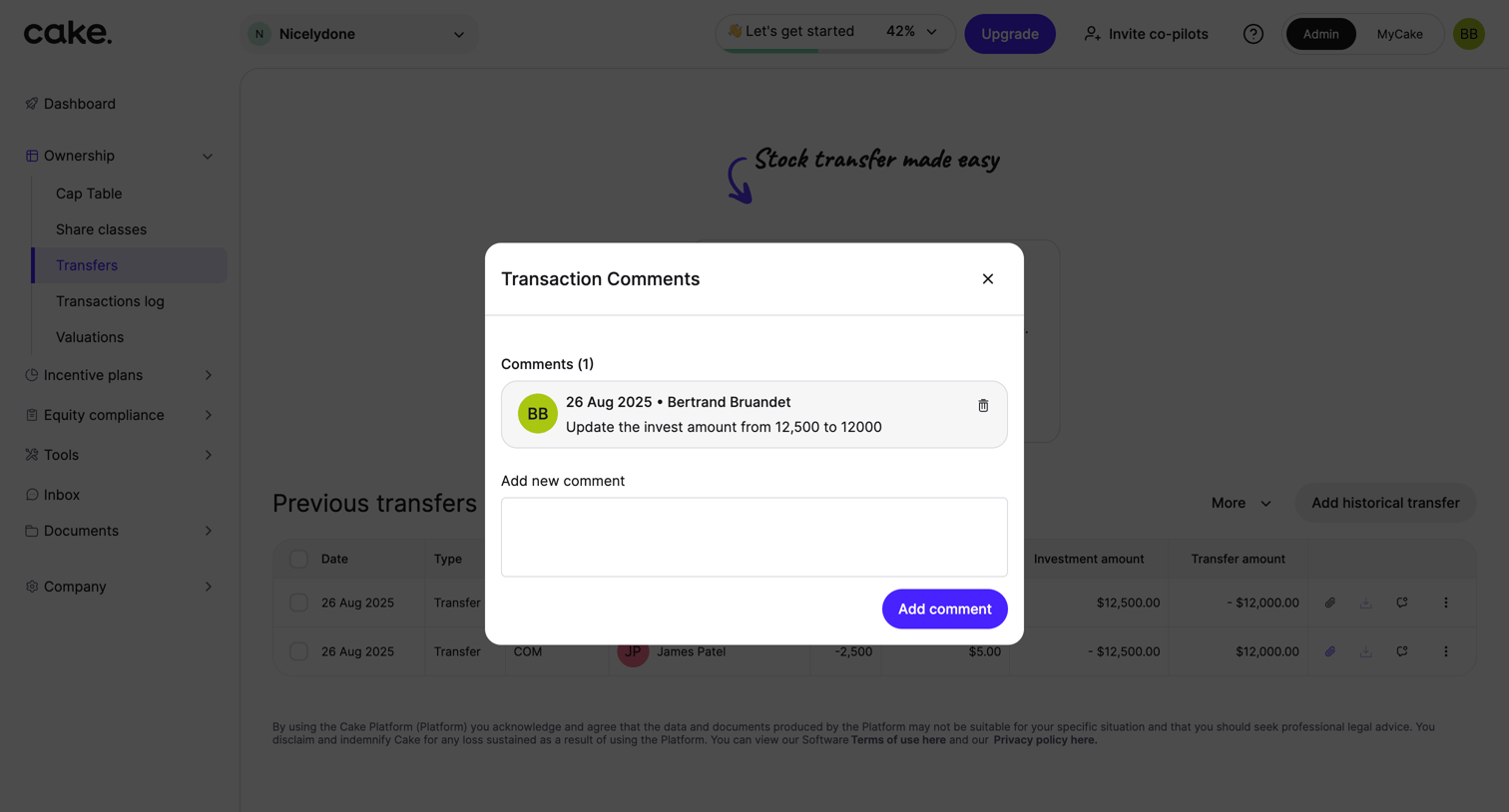

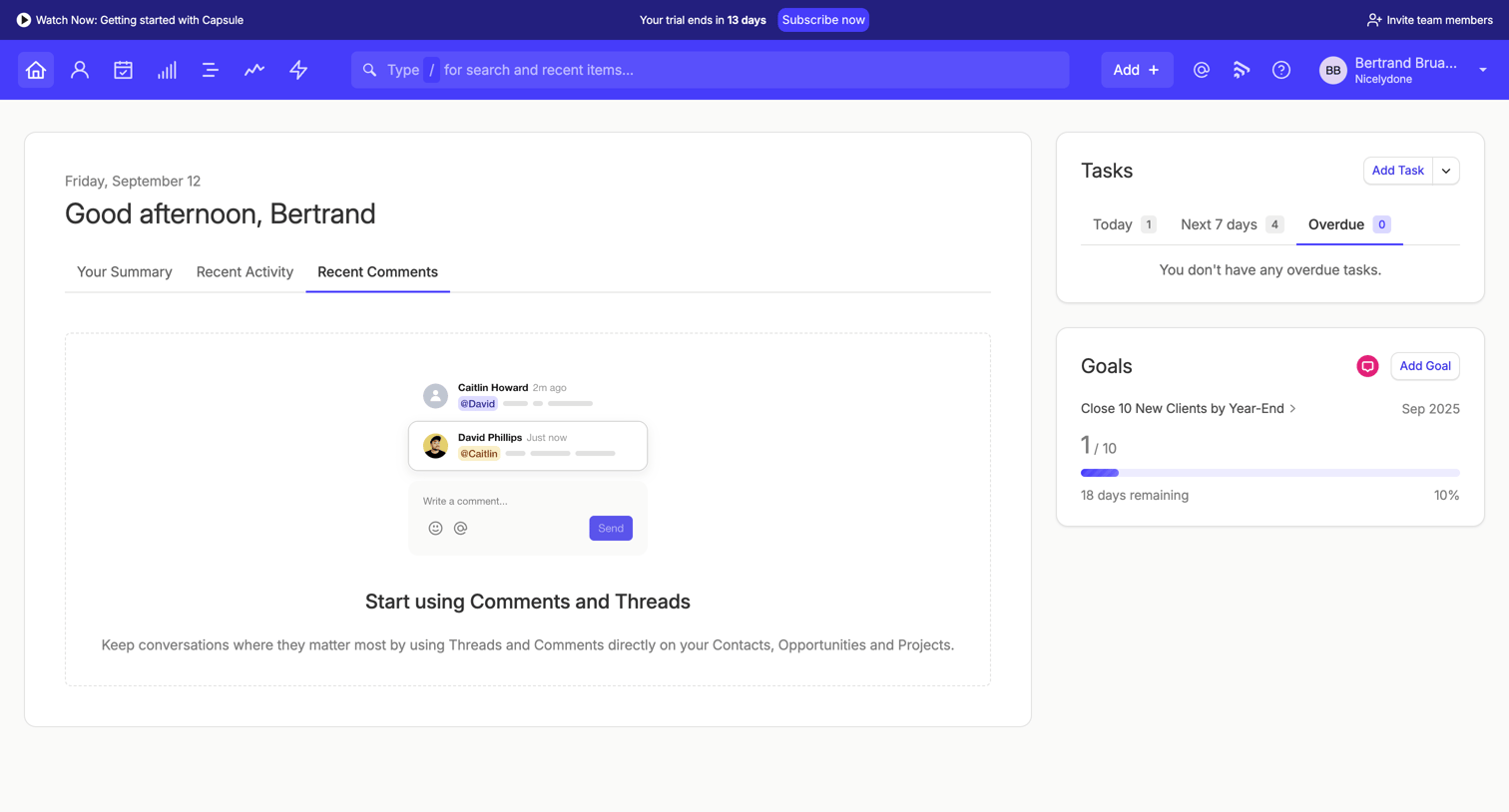

Dashboard home screen where the user is viewing the recent comments tab, which currently displays an empty state prompting them to start using threads.
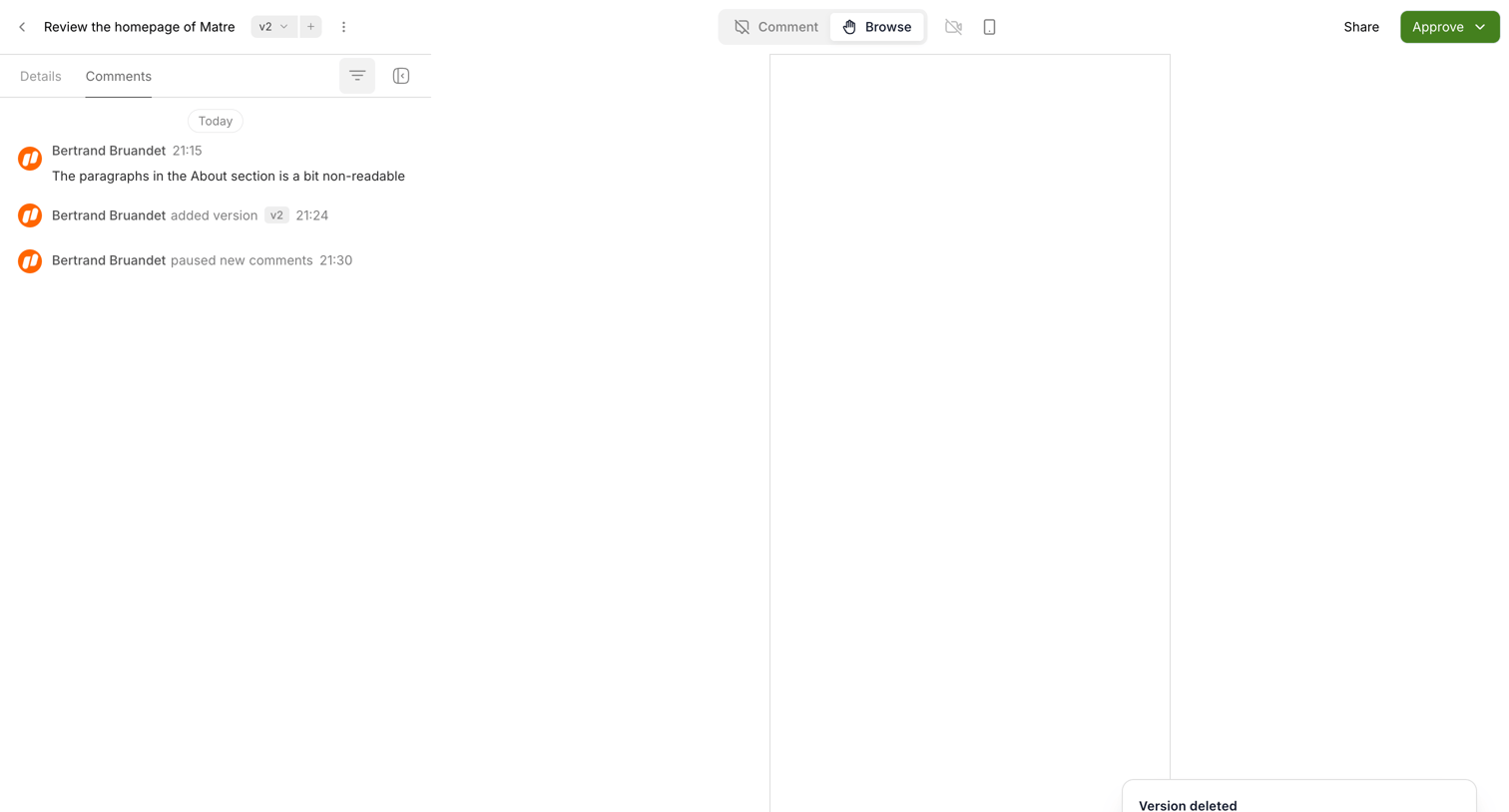

Detail page where a user reviews a design version, views a comment thread, and sees a toast indicating the current version was deleted.
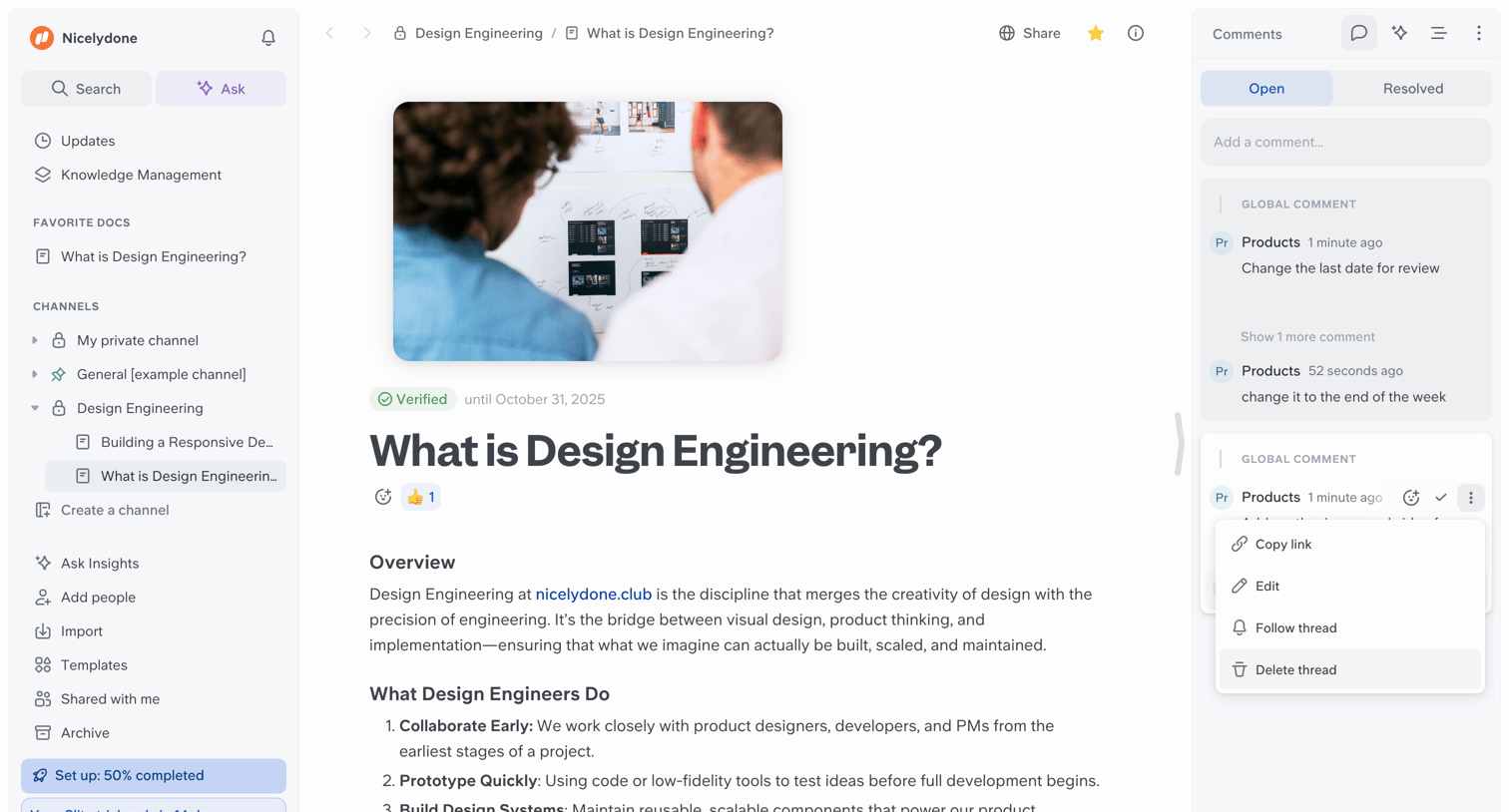

Document editor where the user is reading a verified design engineering guide while reviewing an active comments panel on the right.
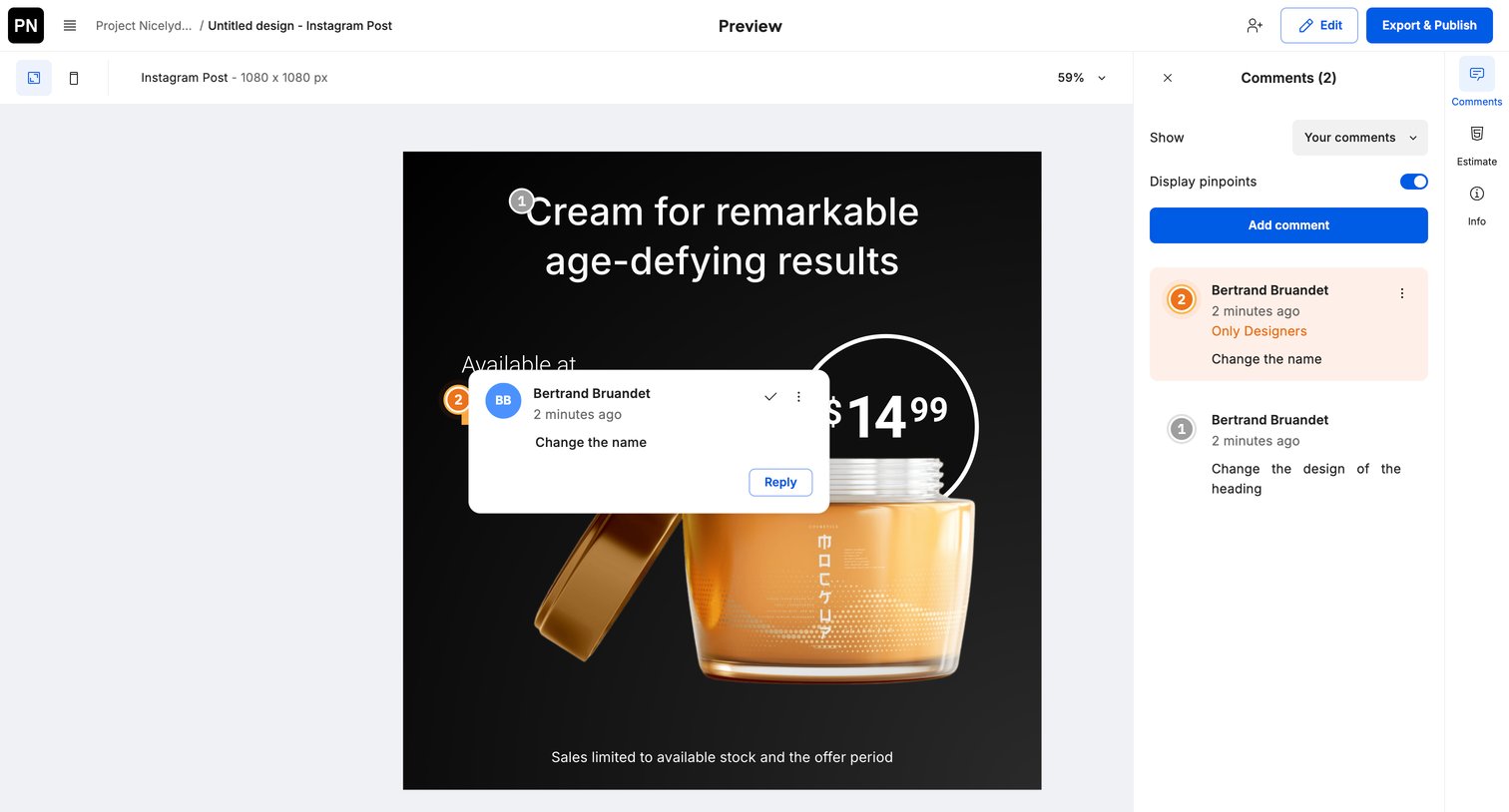

Design editor preview mode where a user reviews an Instagram post design and interacts with contextual comments.
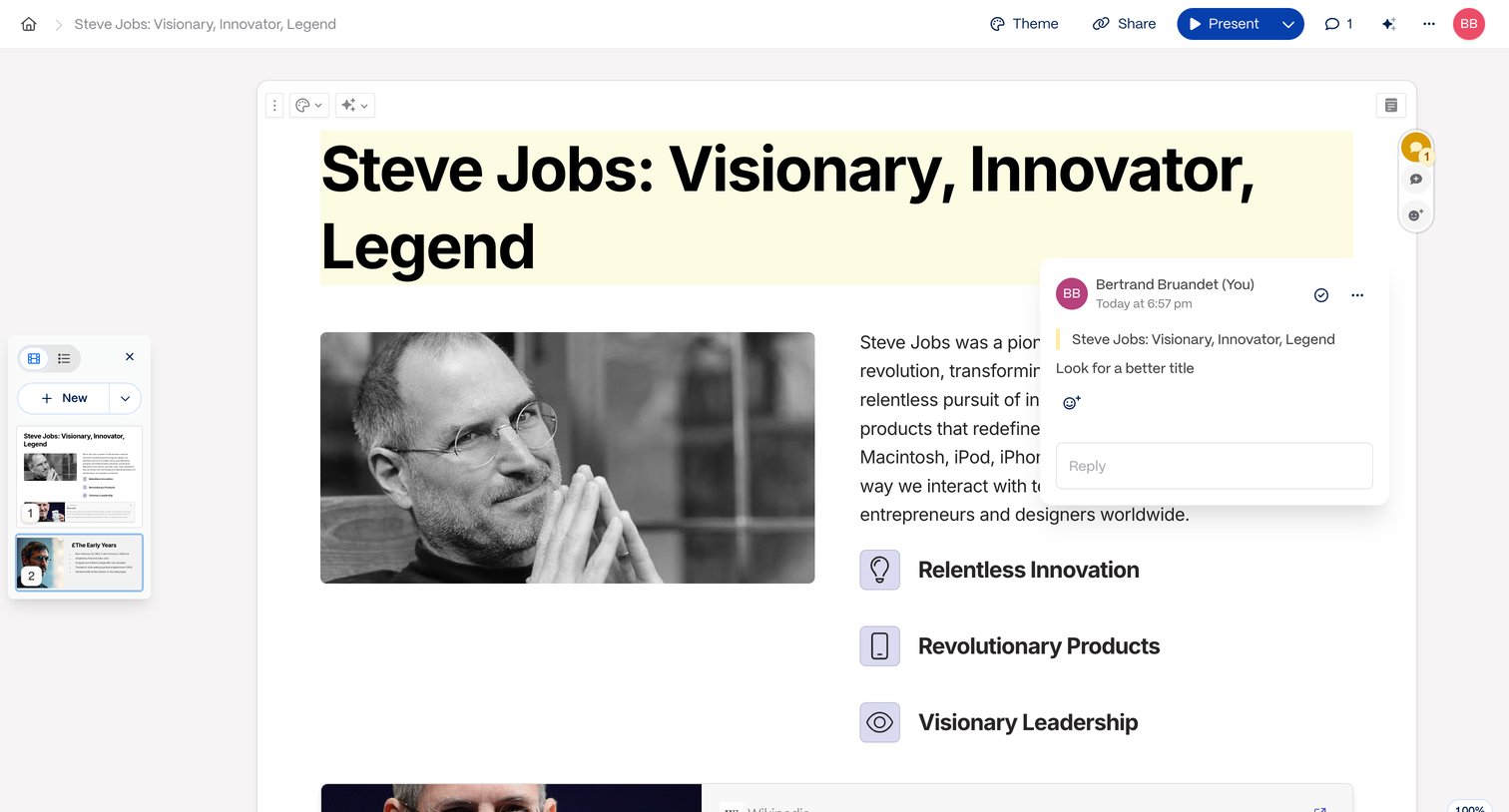

Content editor where a user is reviewing a block-based document about Steve Jobs and reading an active inline comment thread.
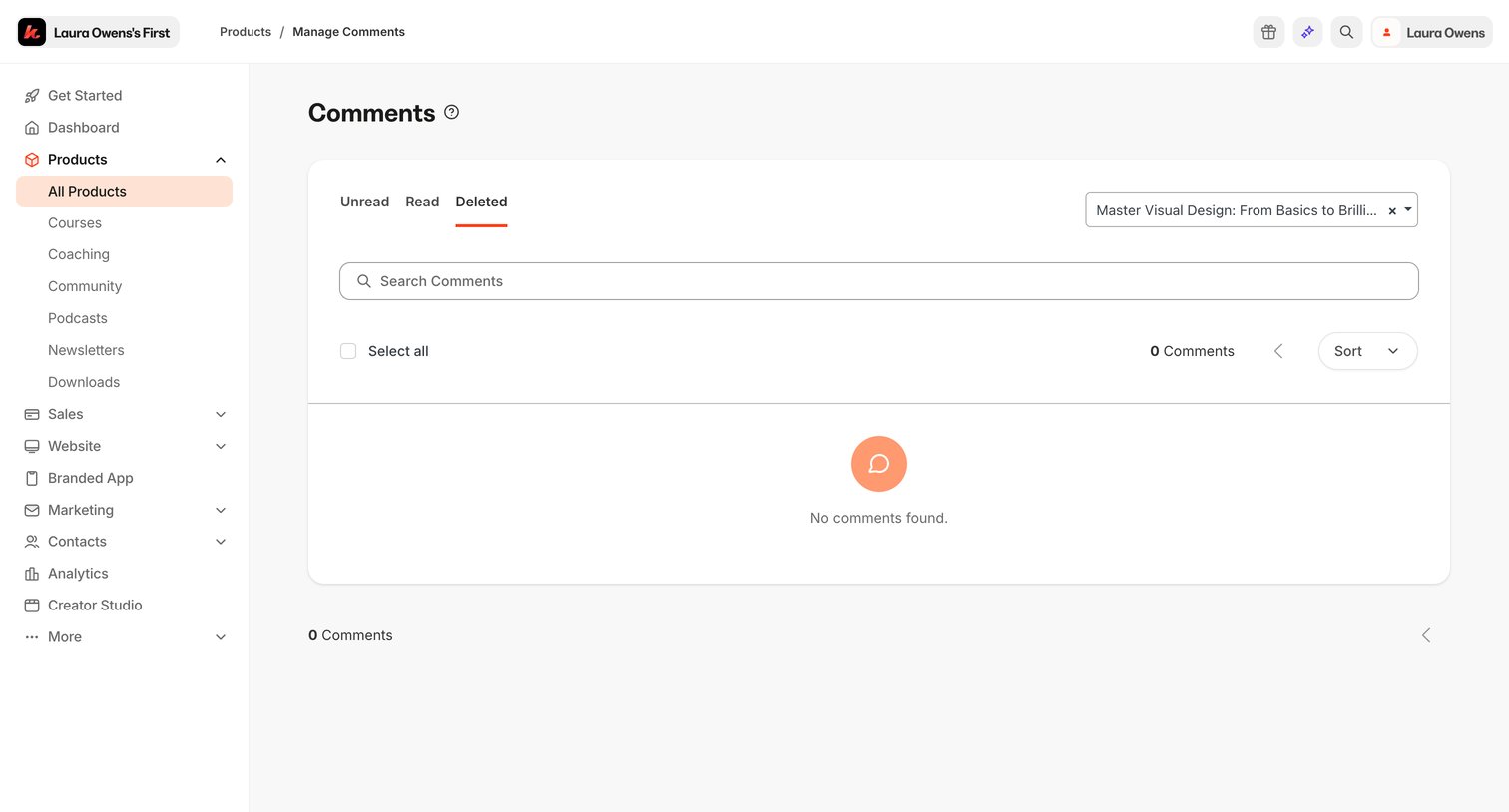

Inbox view showing an empty state for deleted comments, with a dropdown to filter by specific products and a search bar.
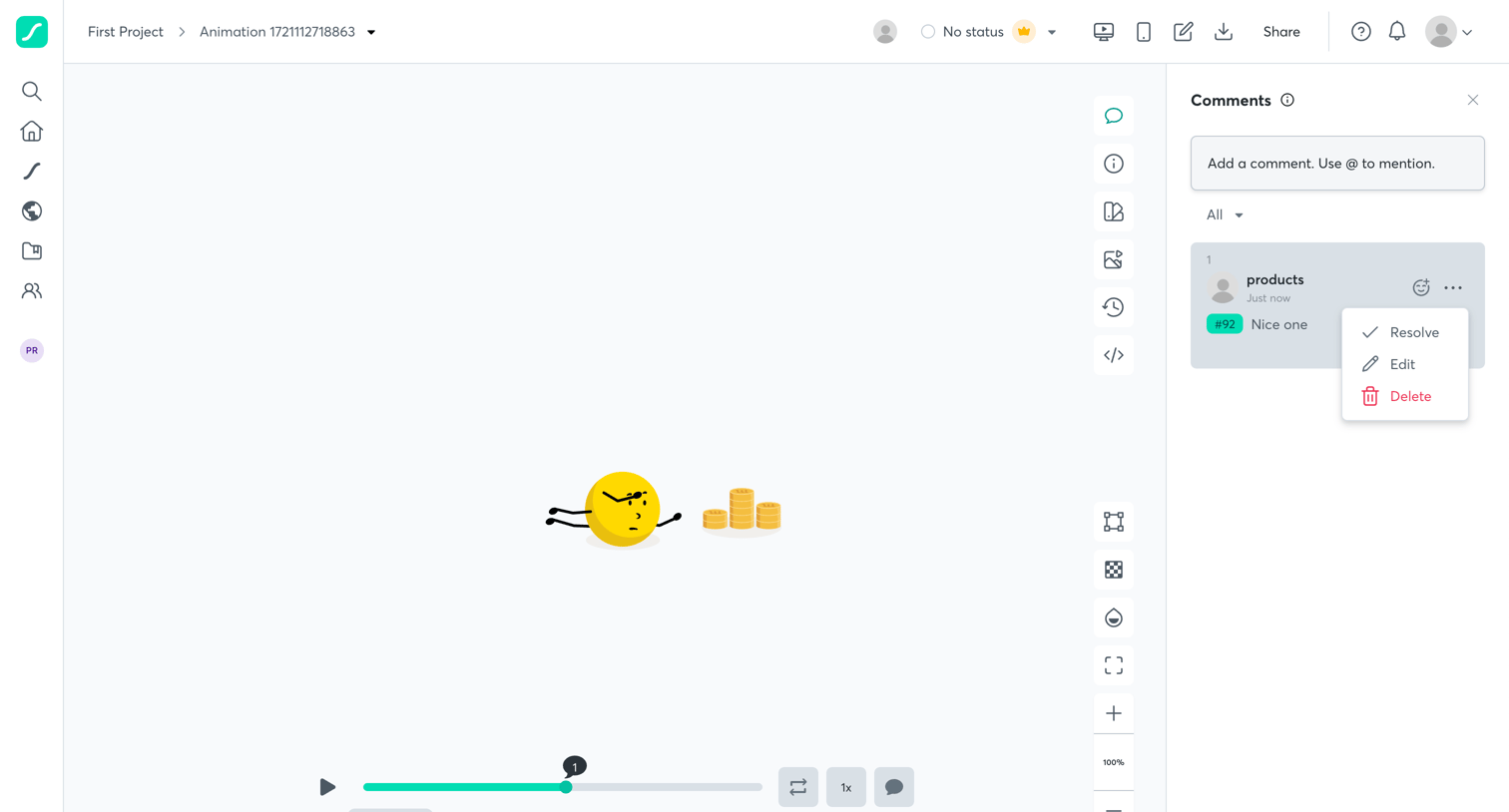

Design editor where the user previews an animation and reviews a comment thread in the right sidebar.
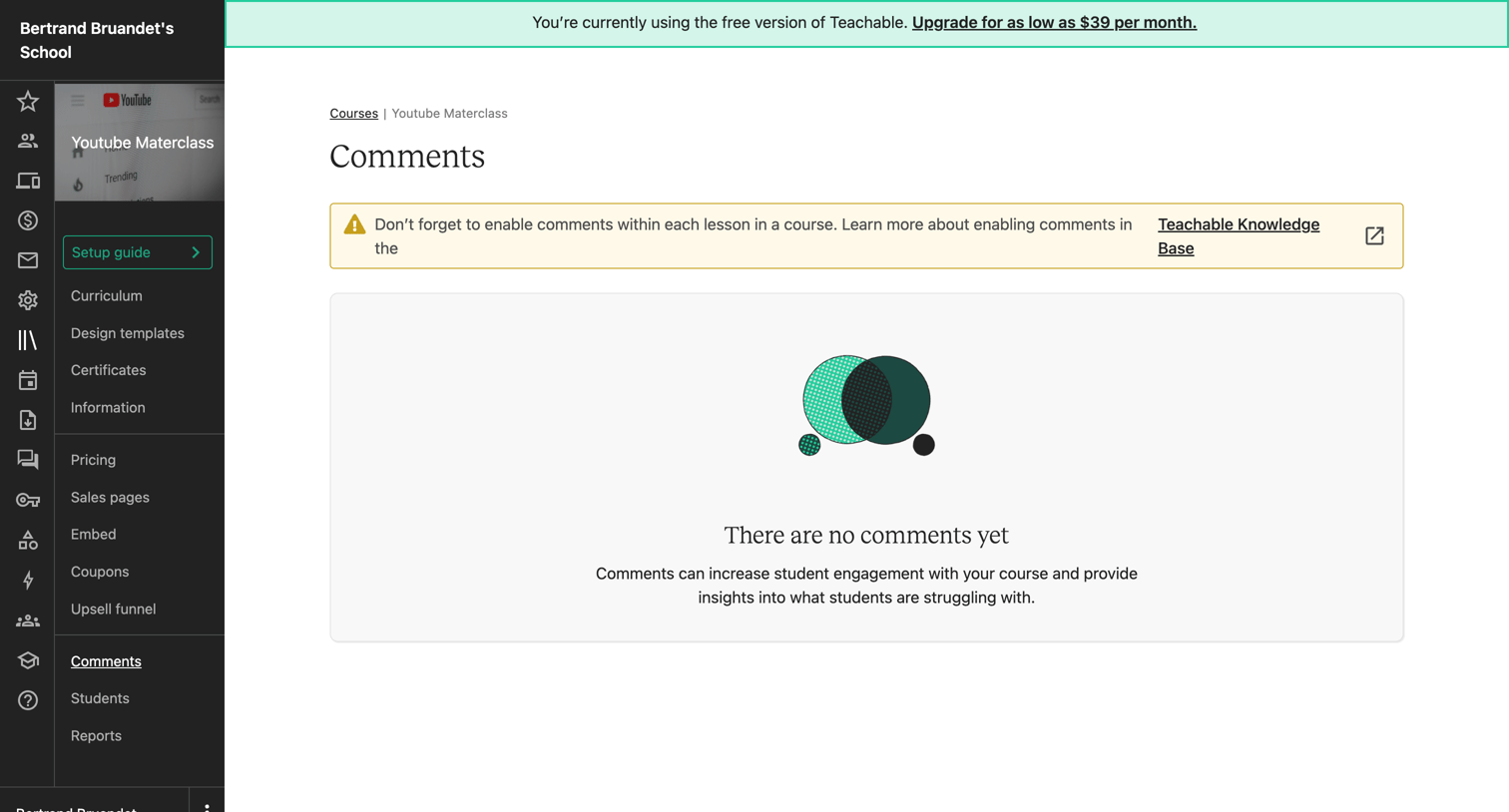

Course administration inbox showing an empty state for student comments, featuring an upgrade banner and a reminder to enable comments in lessons.
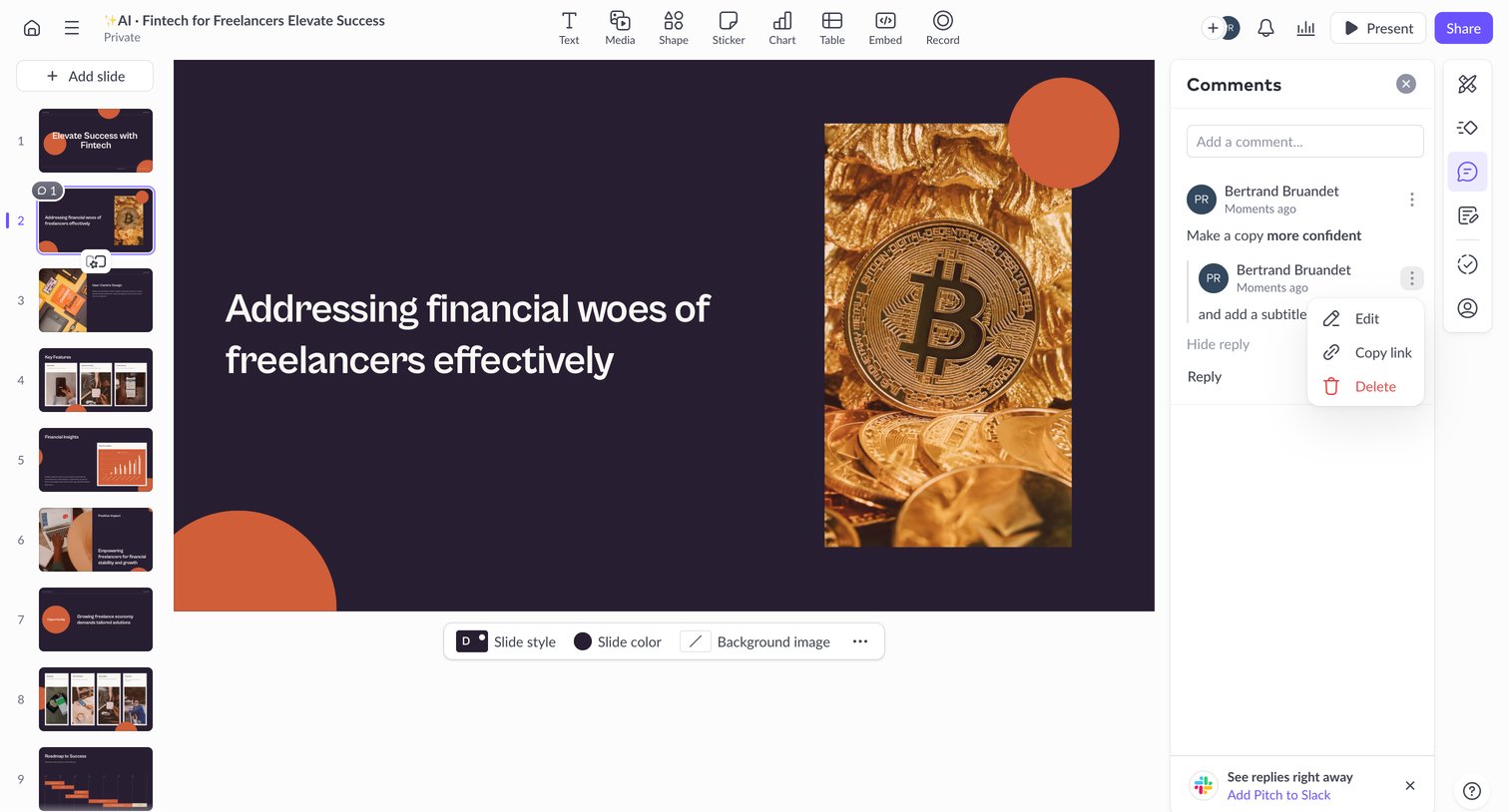

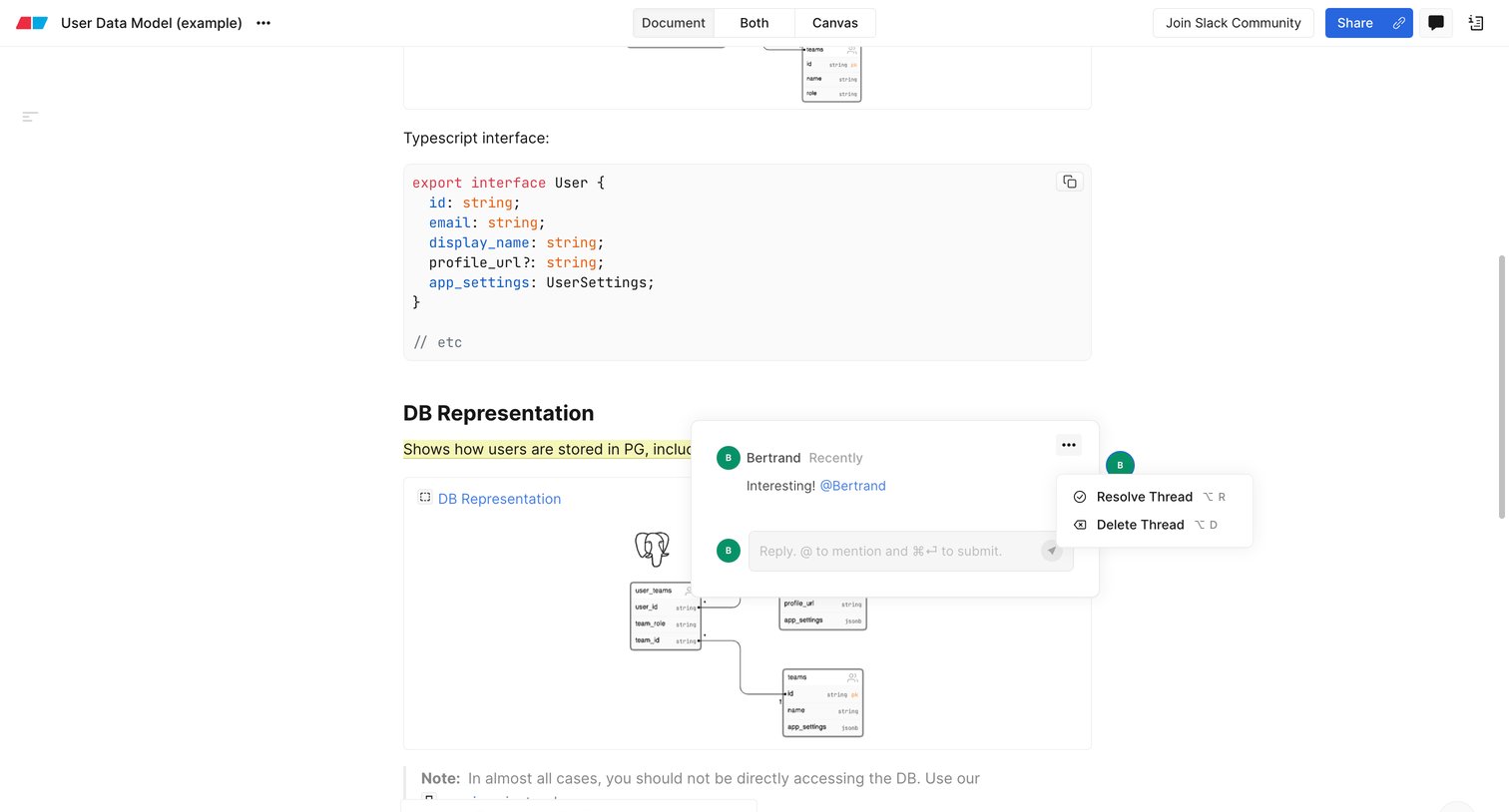

Content editor where a user is reviewing a technical document with embedded diagrams and interacting with an open comment thread.
Explore the full SaaS screen library
Upgrade to unlock the full library.
Trusted by the best teams








About Comments
See how apps place discussions beside the work they concern. Explore how comment threads, replies, and author details fit around a document, item, or shared workspace.