Pitch design examples
Explore Pitch UI design examples. Collaborative presentation software for modern teams
Product screens

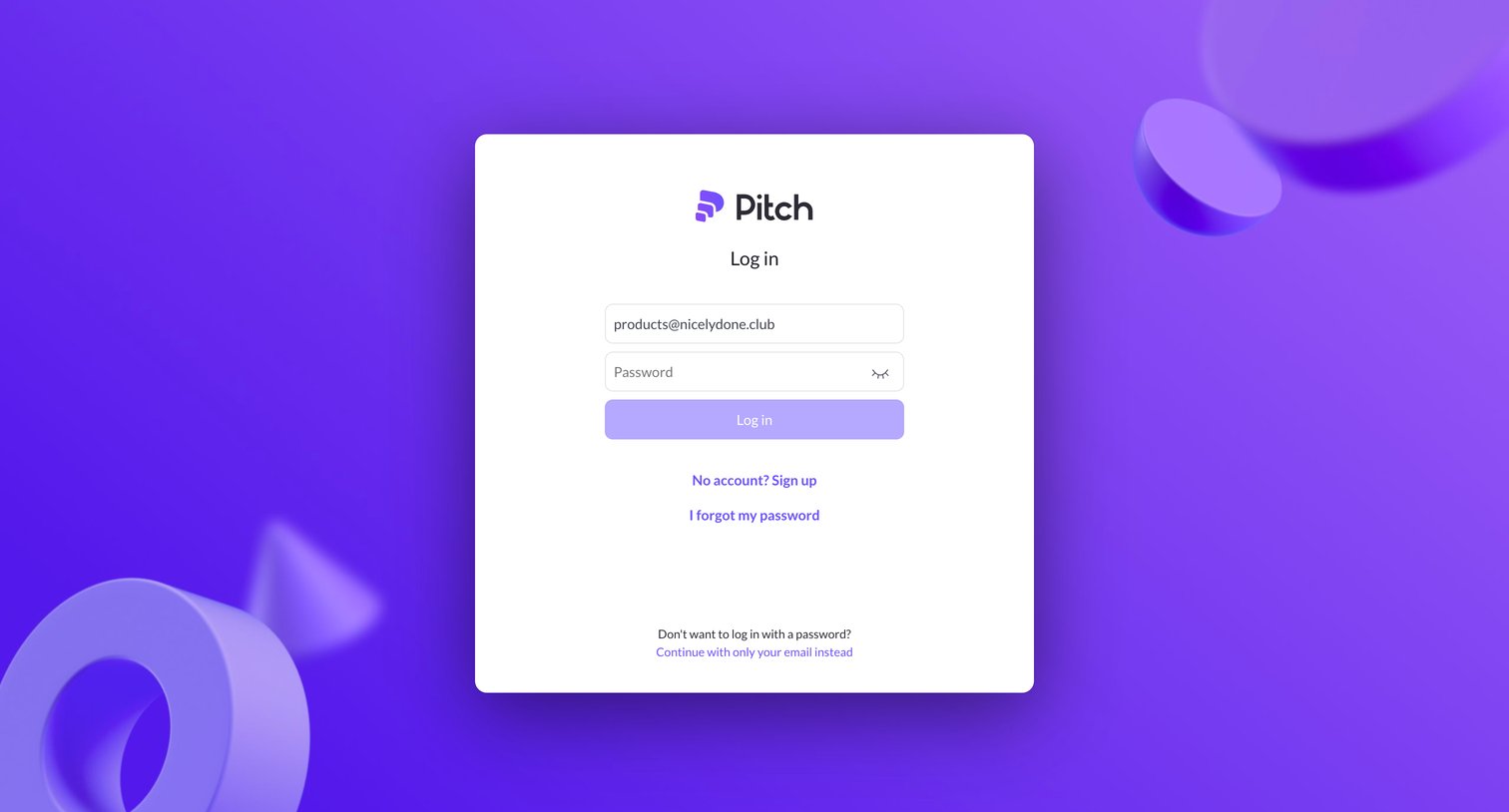

Sign-in screen where the user authenticates with their email and password, with options to sign up, reset their password, or use a passwordless email link.
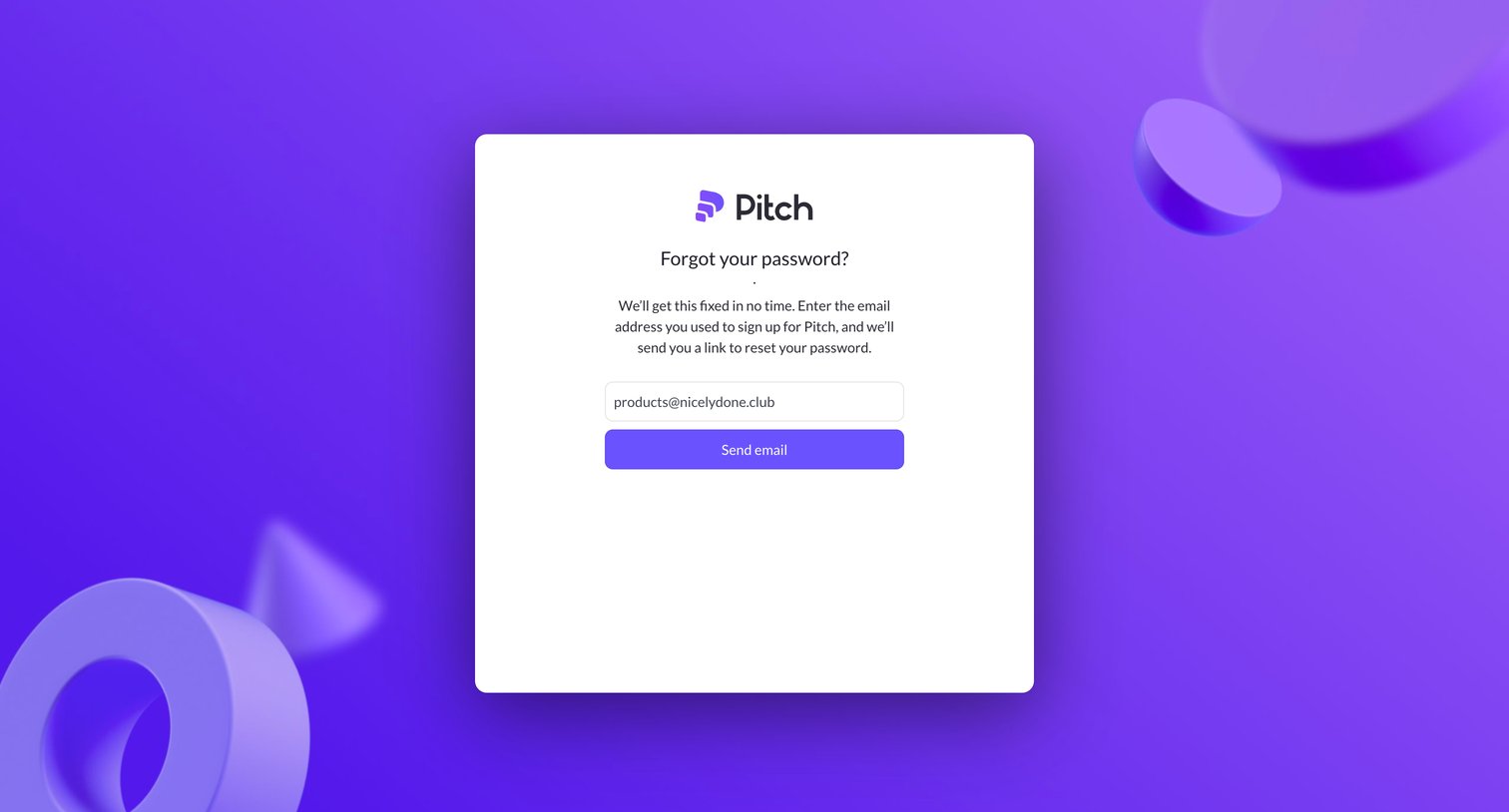
Password recovery screen where the user enters their registered email address to receive a reset link.
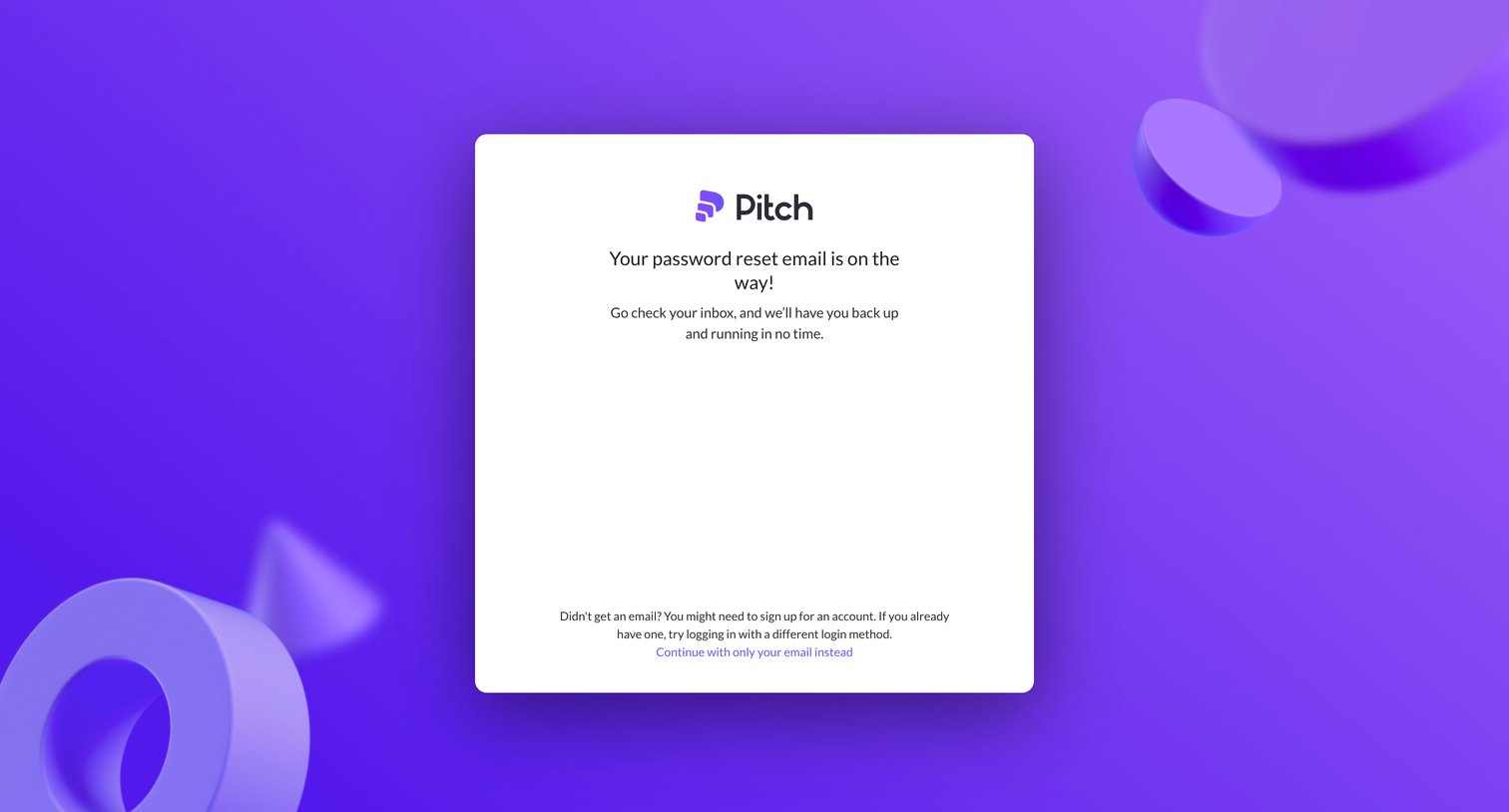
Password recovery screen confirming that a reset email has been sent to the user's inbox with instructions to continue.
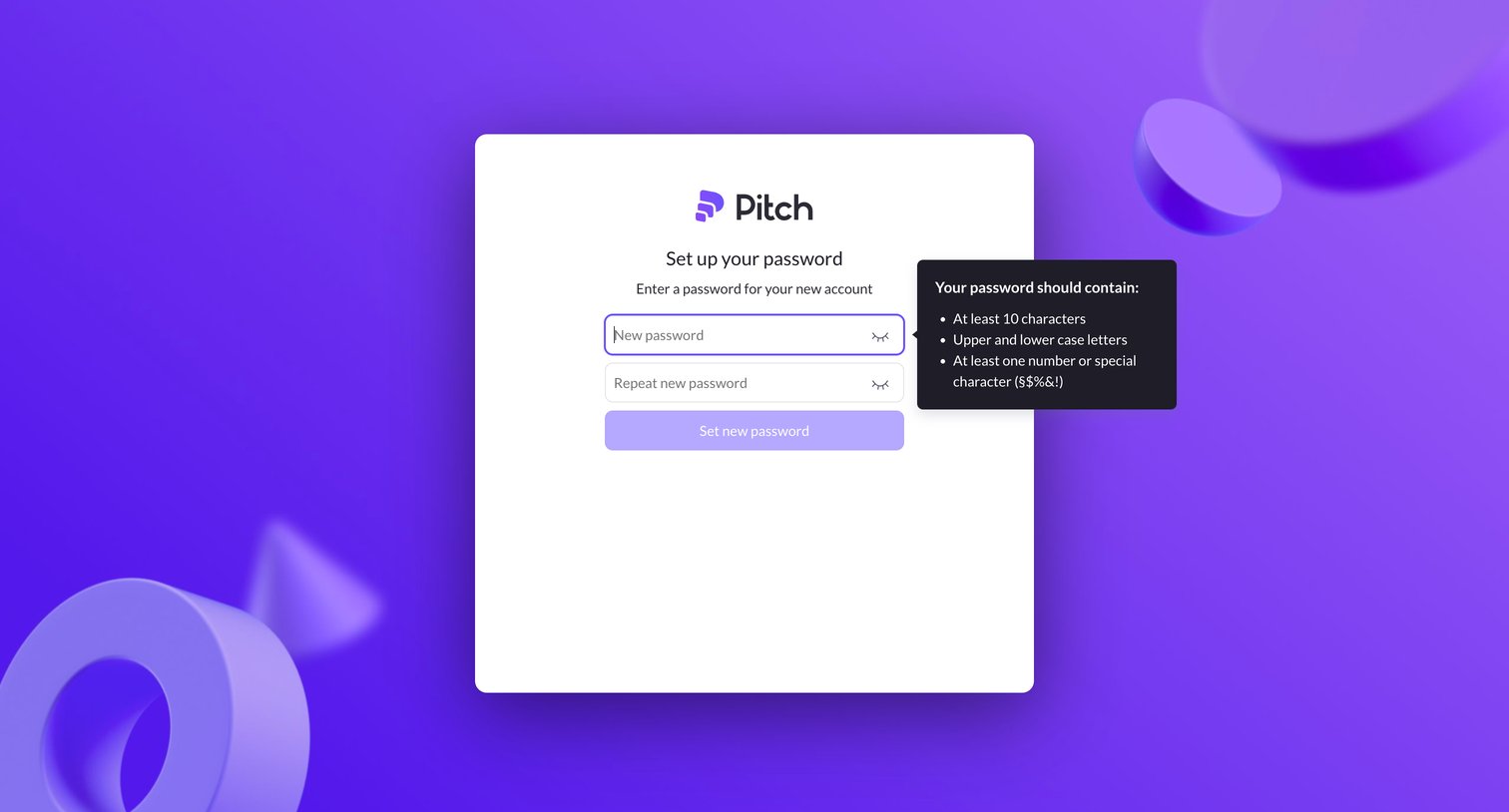
Signup step where the user sets a new password with a popover displaying character requirements.
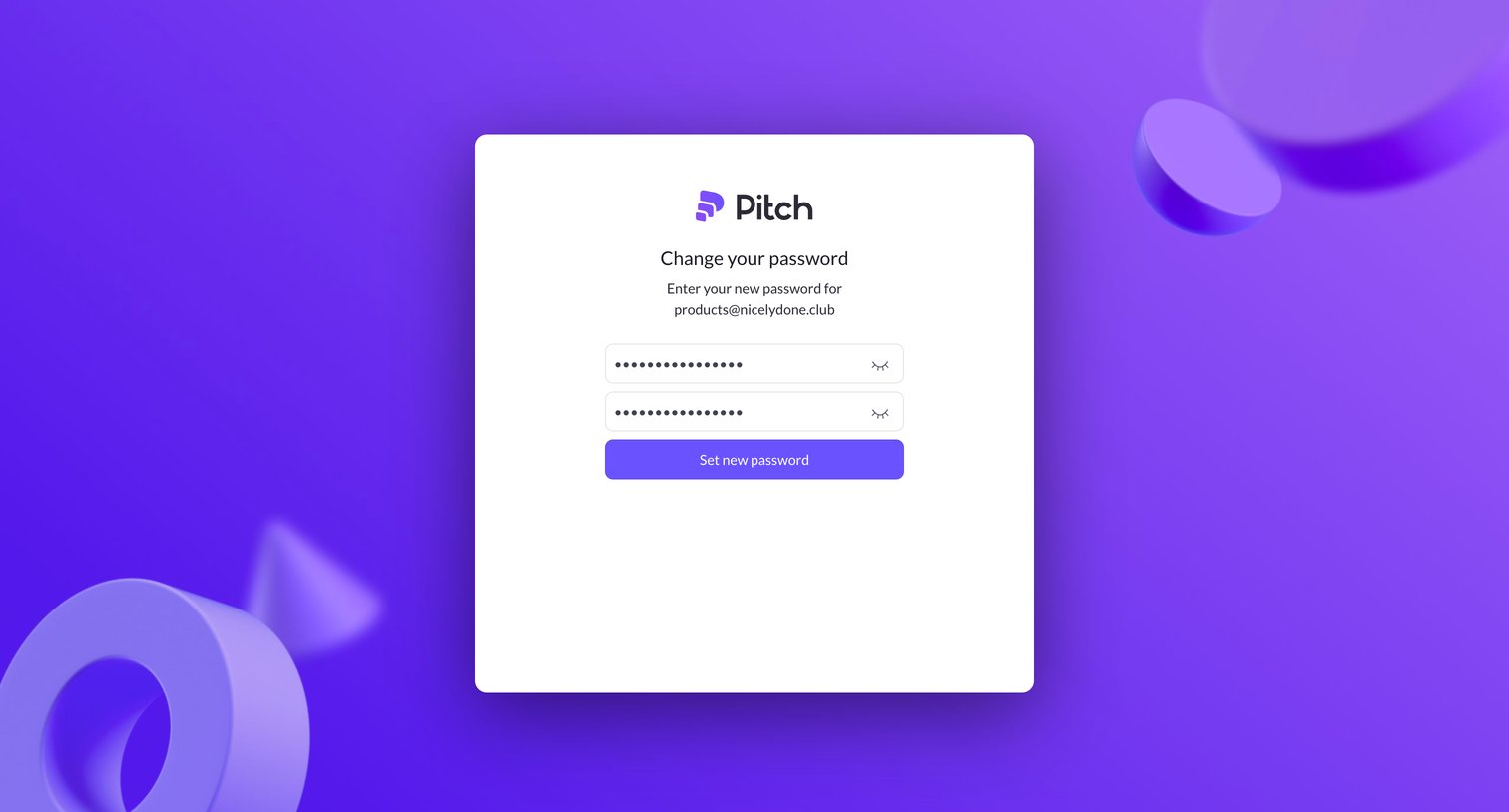
Password recovery screen where the user enters and confirms a new password for their account.
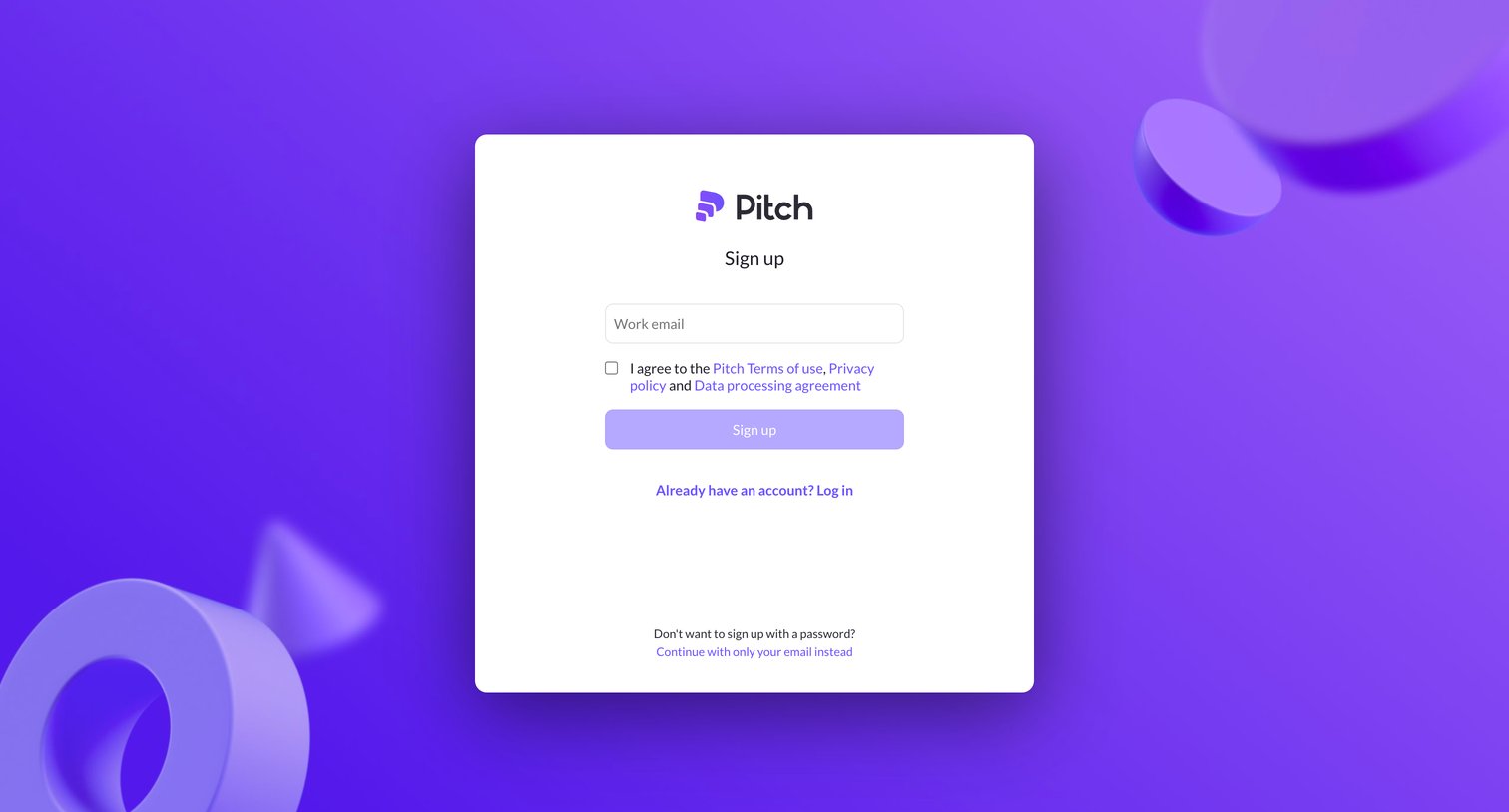
Sign-up screen where the user enters their work email and agrees to terms to create a Pitch account, with options to log in or use a passwordless flow.
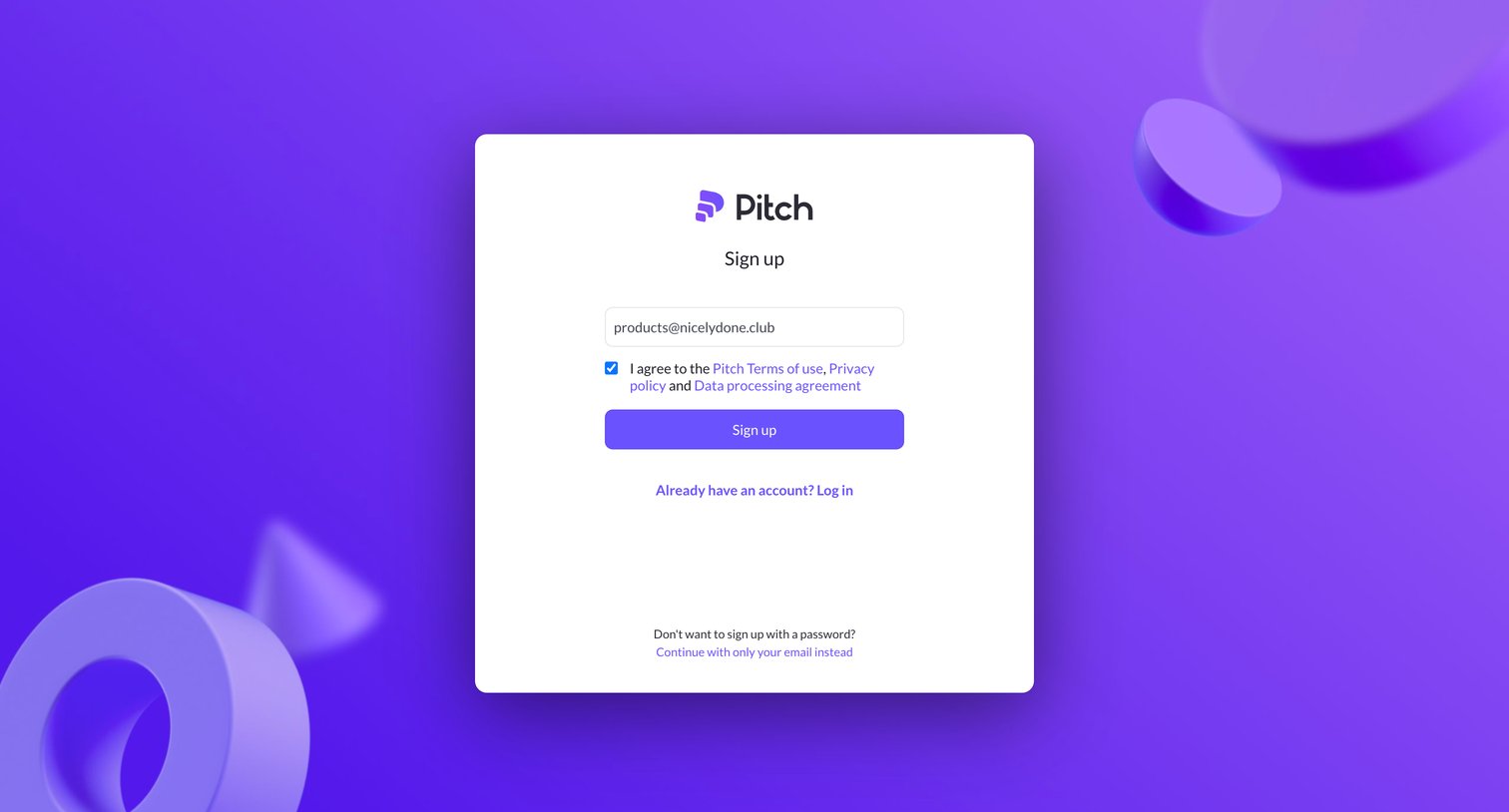
Signup screen where the user enters their email address and agrees to the terms of service to create an account.
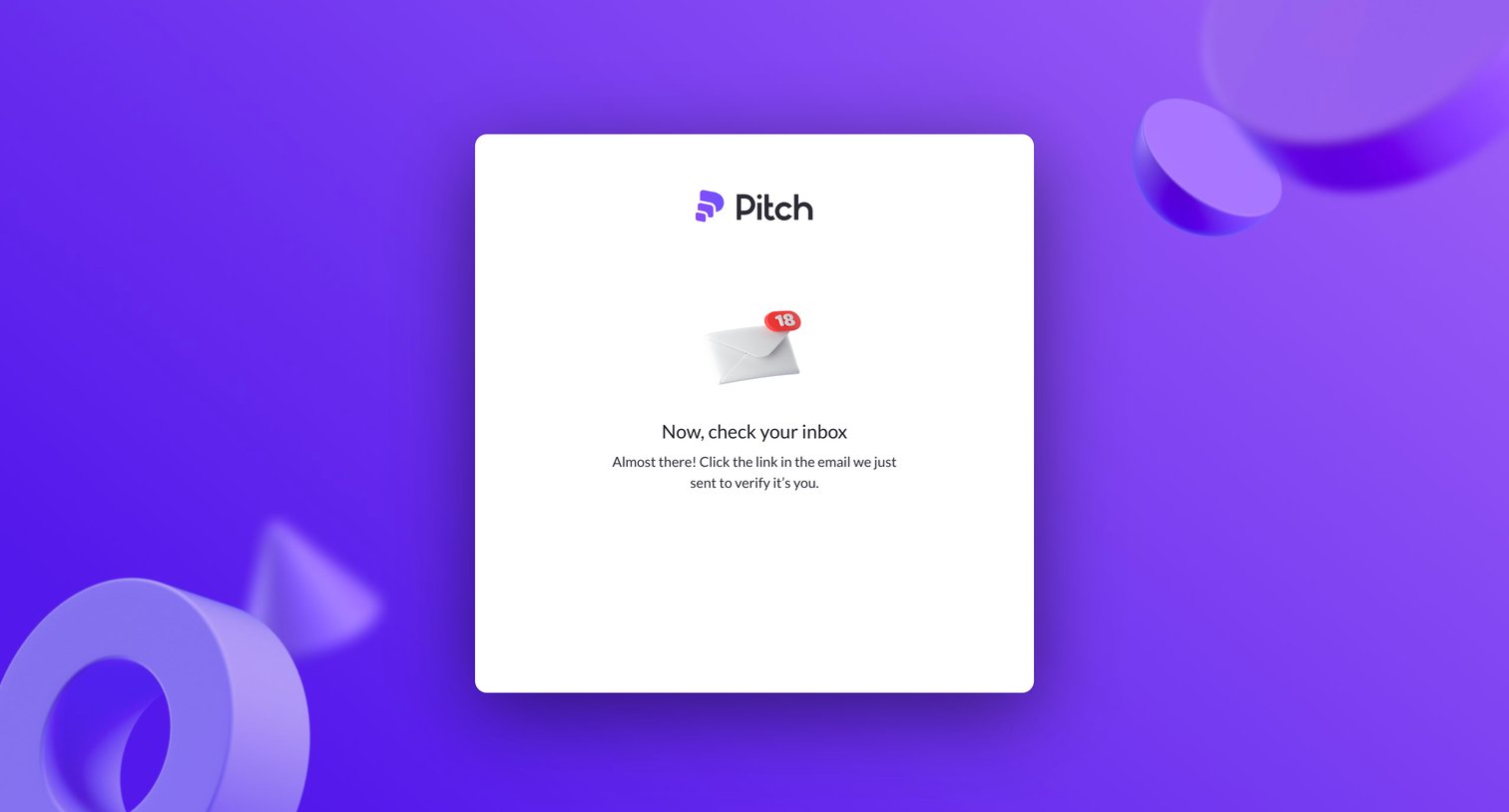
Verification screen where the user is instructed to check their inbox and click a link to verify their email address.
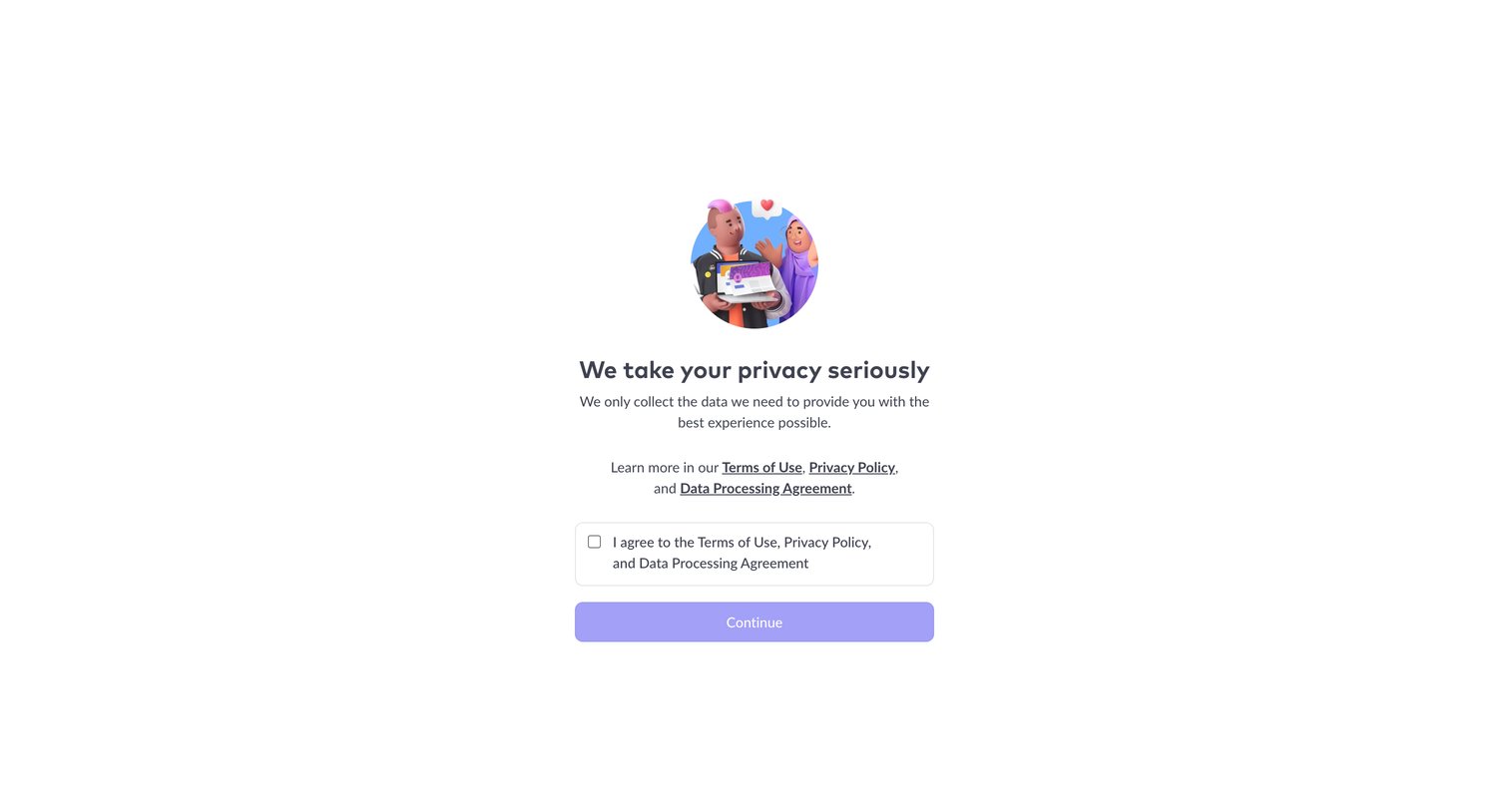
Signup step where the user must agree to the Terms of Use, Privacy Policy, and Data Processing Agreement before continuing.
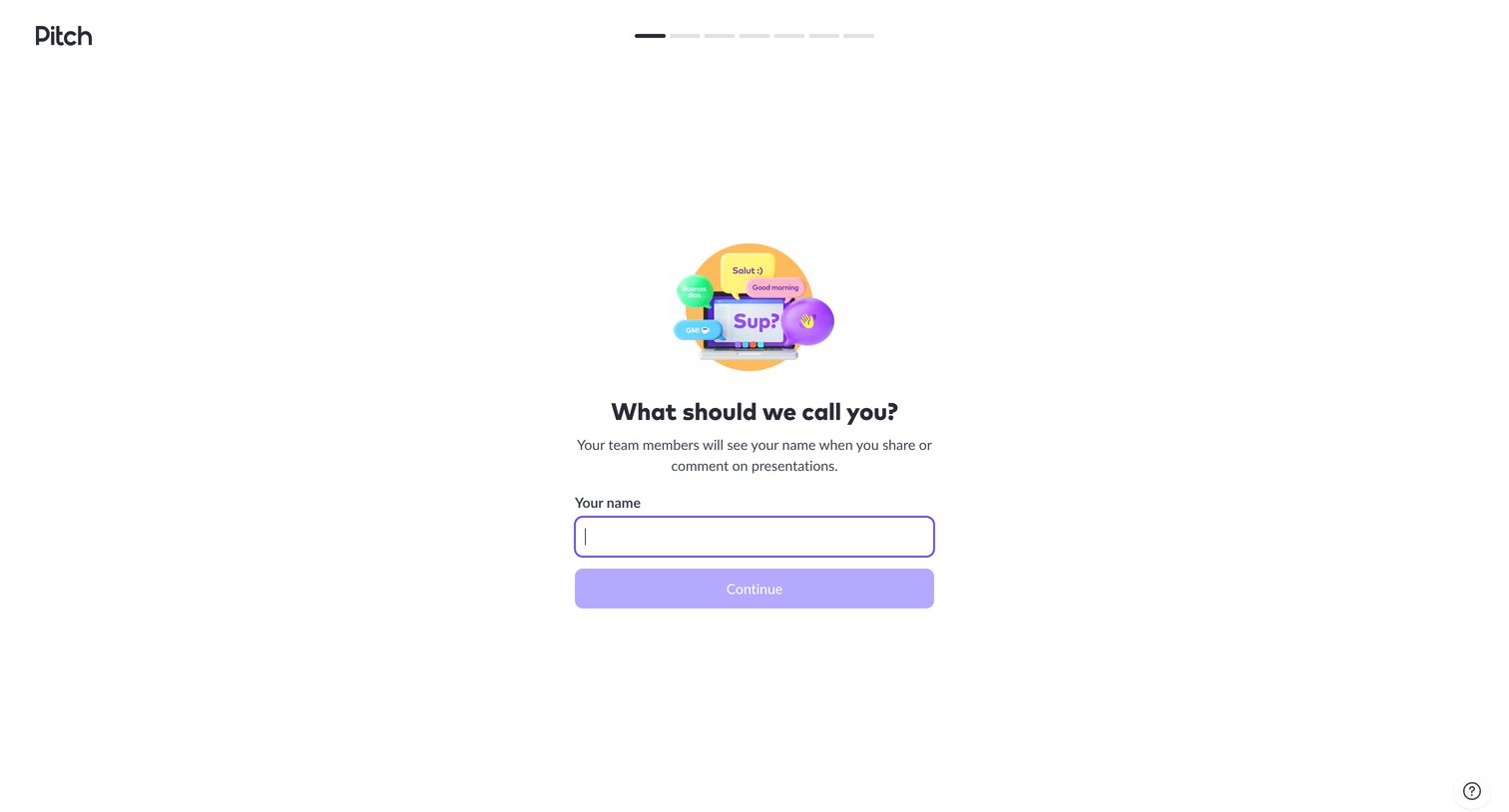
Onboarding step where the user enters their name so team members can identify them on shared presentations.
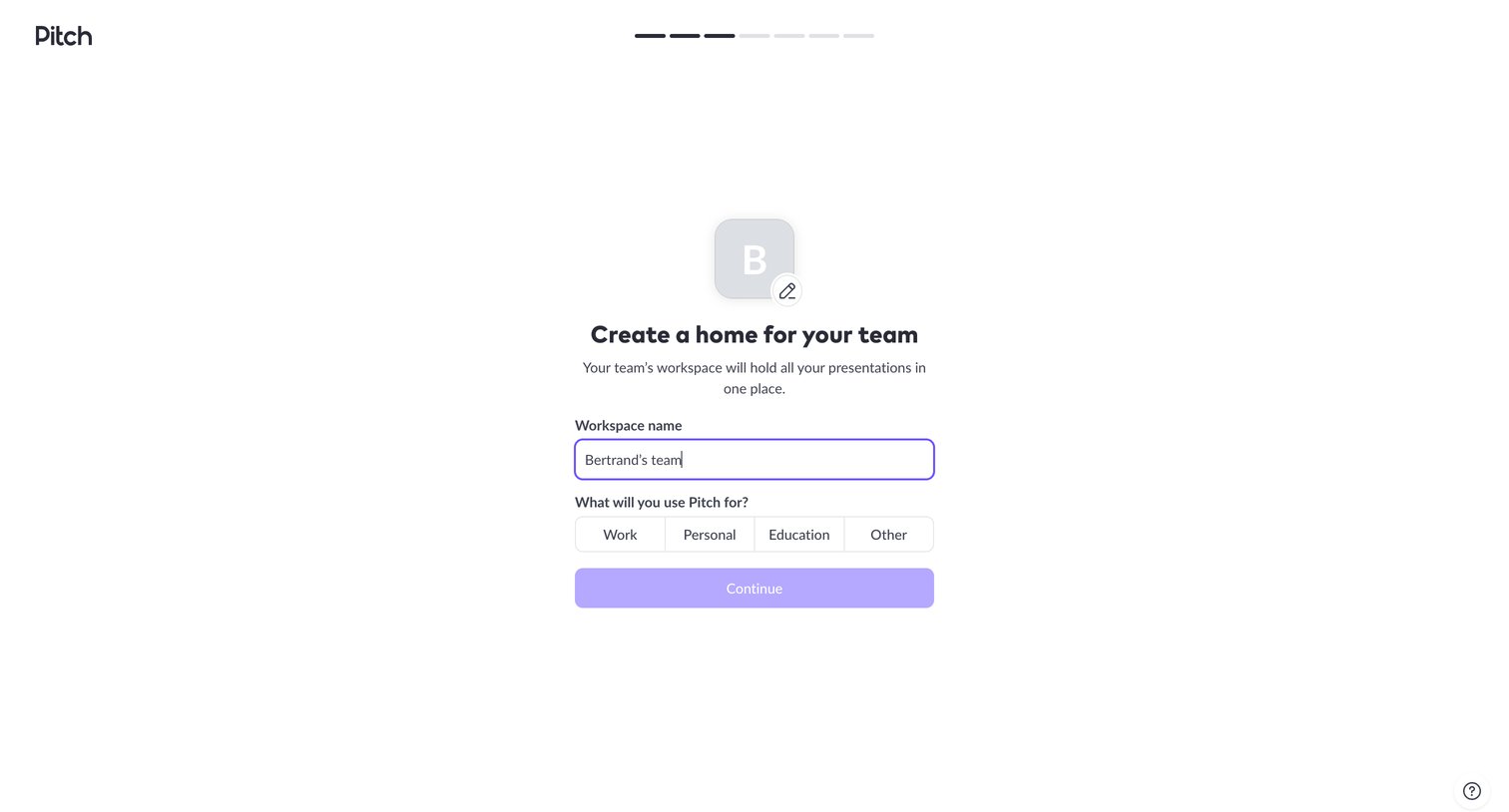
Onboarding step where the user names their new workspace and selects their primary use case for Pitch.
Browse the full SaaS app library
Explore real SaaS apps with their product screens, marketing screens, flows, and components.
Trusted by the best teams







