Pitch UI components examples
Browse Pitch UI component design examples. Preview individual interface elements and explore related component categories. Collaborative presentation software for modern teams
Explore the examples
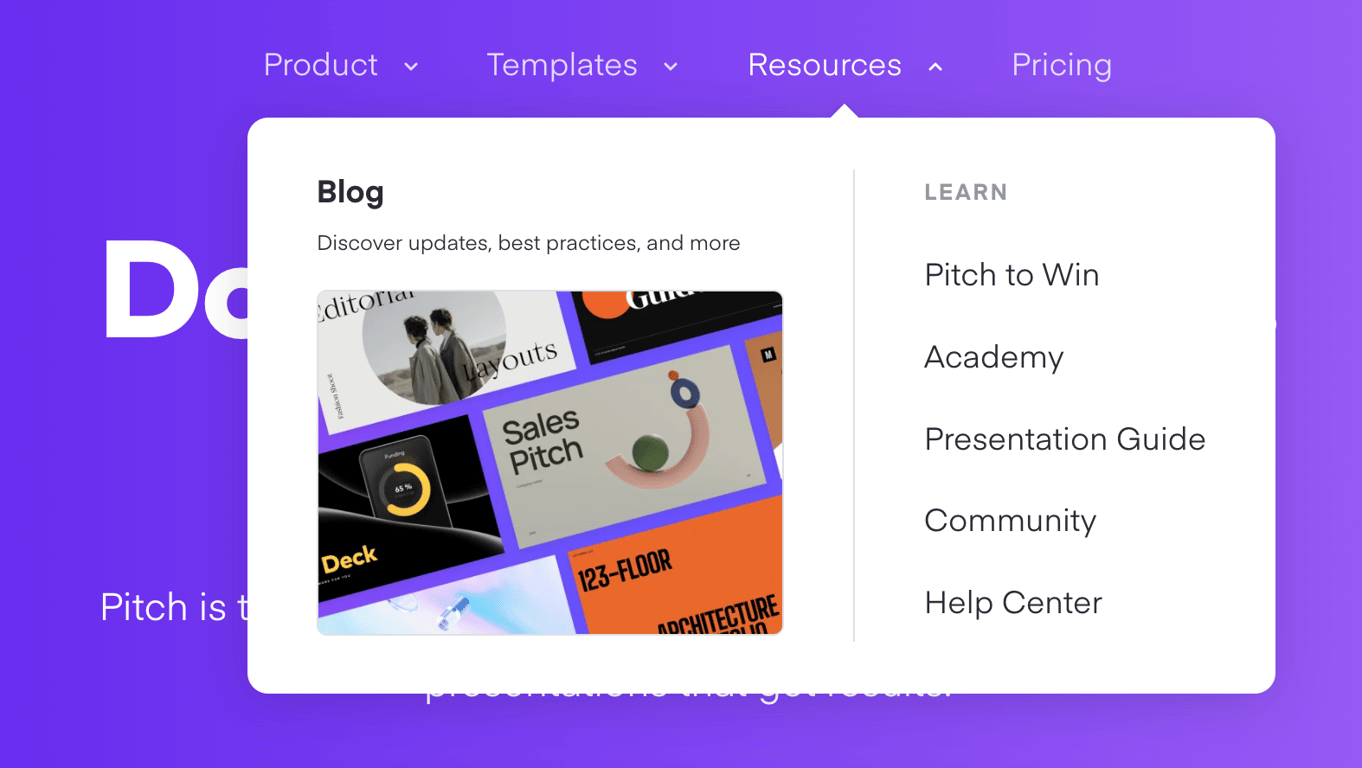

A flyout mega menu triggered from the top navigation, displaying a featured blog section with an image and a list of learning resources.
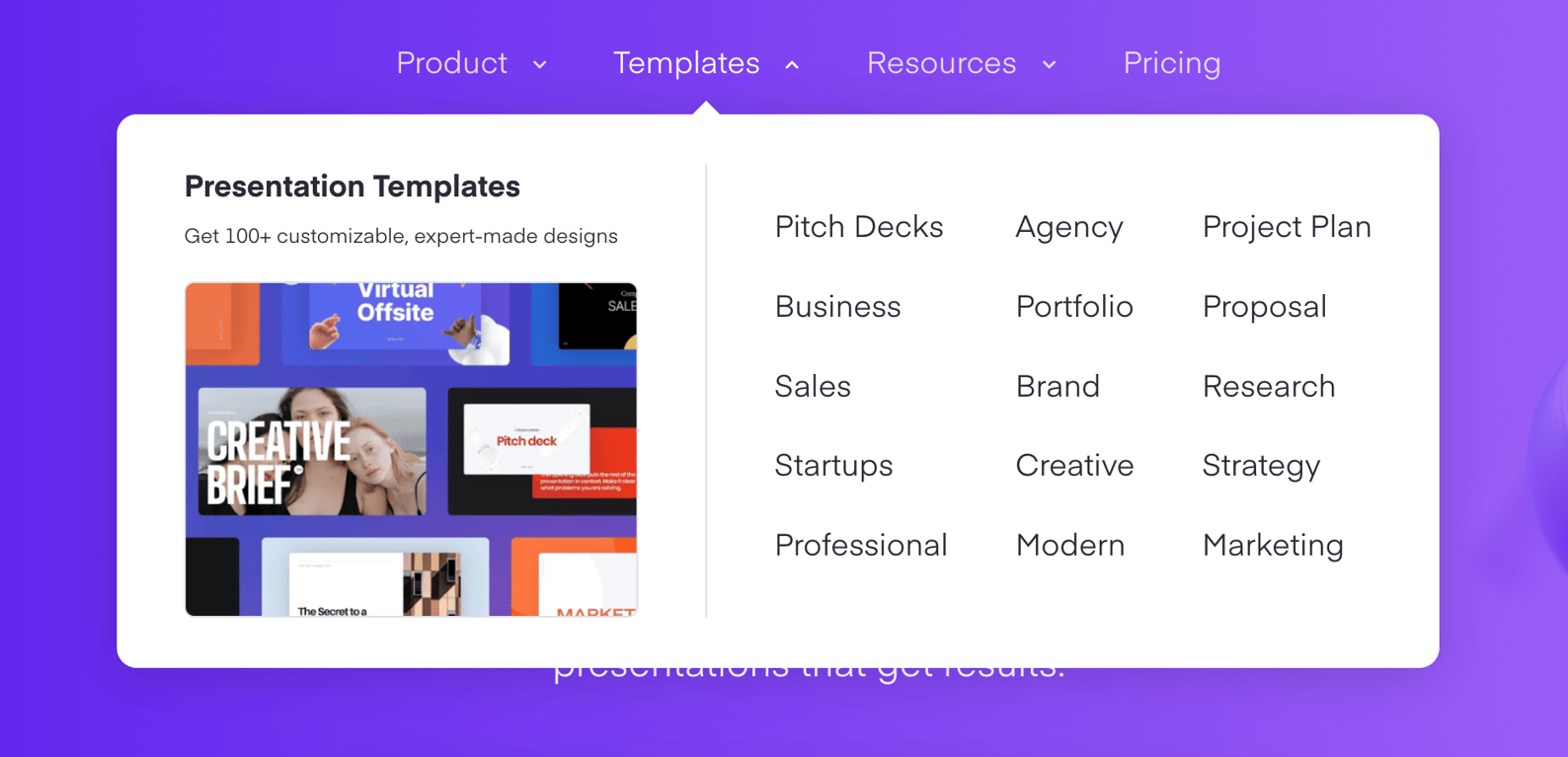
A large dropdown menu displaying presentation template categories alongside a featured image and description.
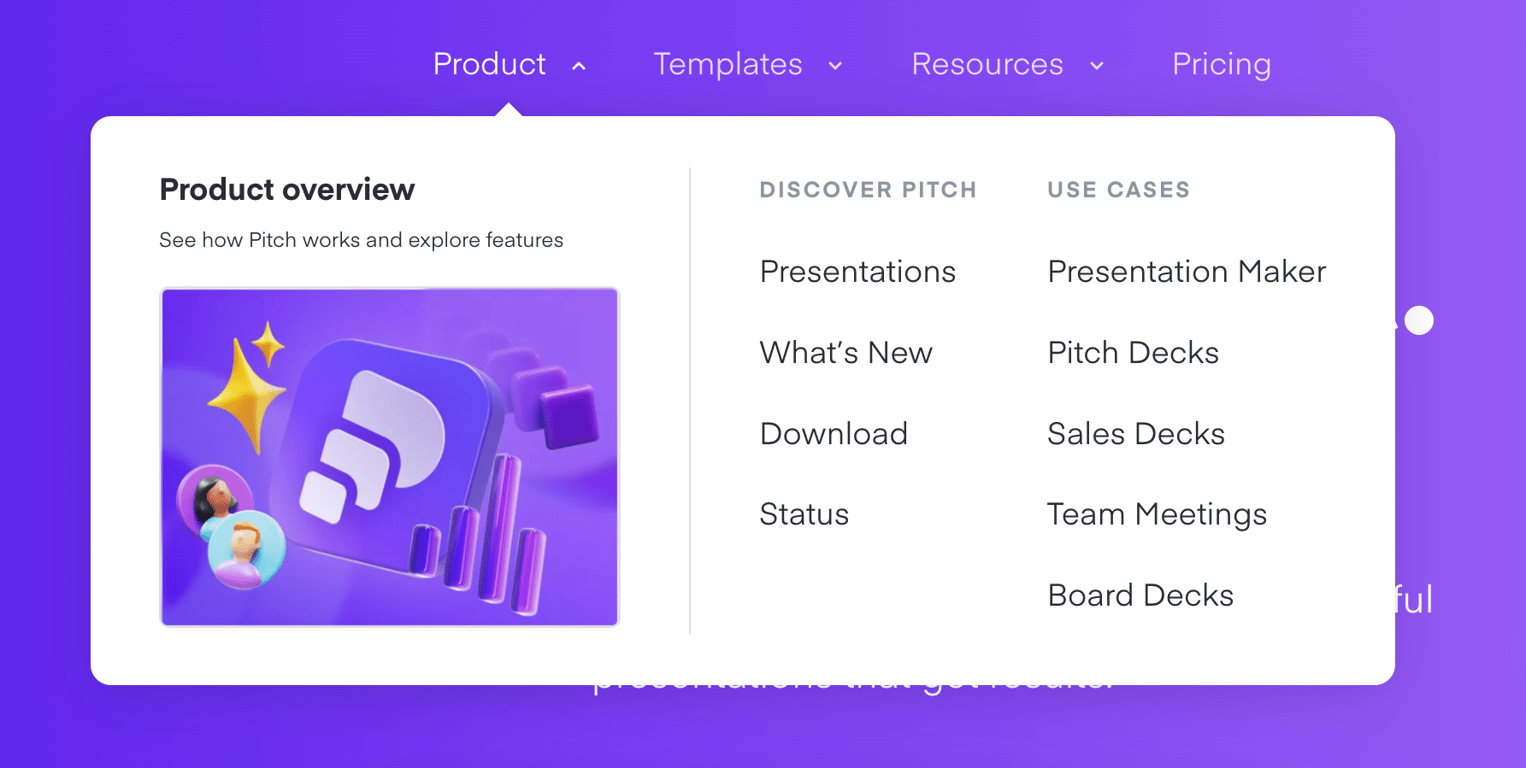
A large dropdown menu displaying product overview information alongside categorized links for discovering features and use cases.
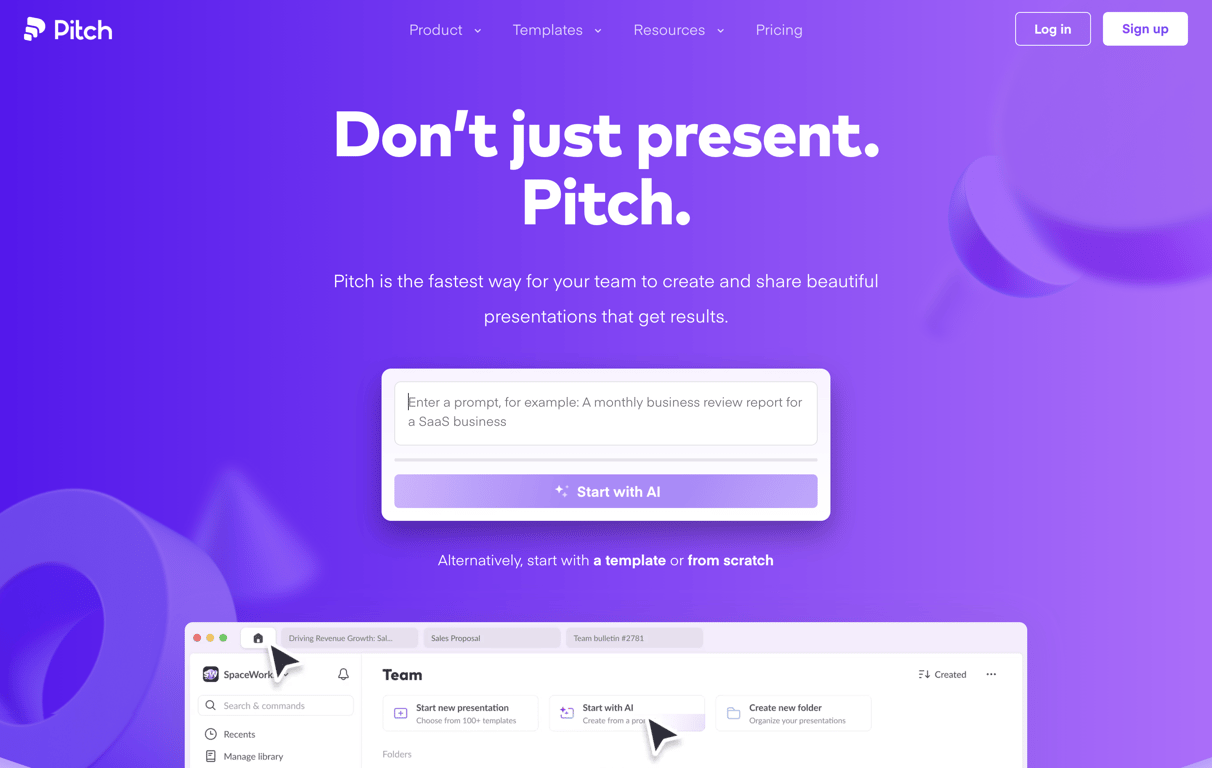
A hero section featuring a prominent headline, subheadline, and an AI prompt input box to generate presentations. It includes a top navigation bar and a partial view of the app interface below.
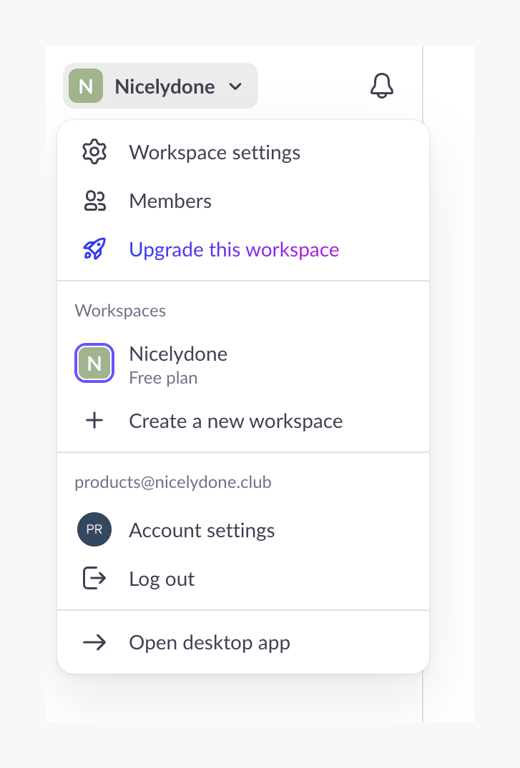
A dropdown menu for switching workspaces, managing settings, and accessing account options. It includes sections for workspace settings, available workspaces, account settings, and a link to the desktop app.
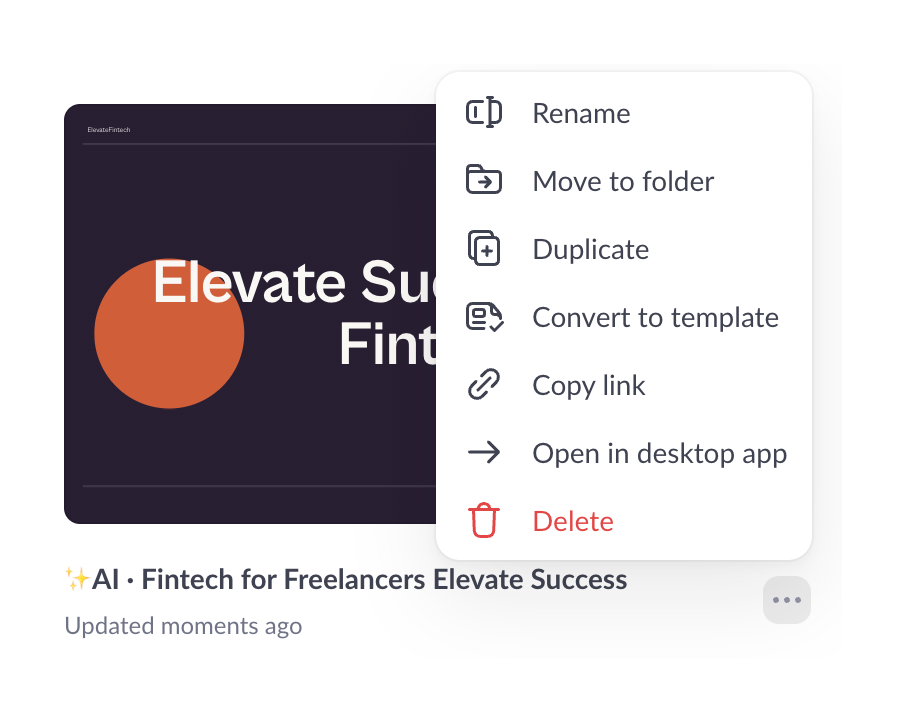
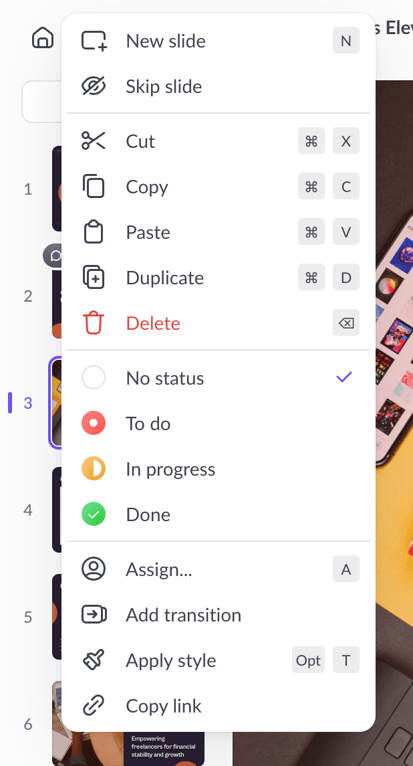
A context menu overlaying a presentation card, offering actions like rename, move, duplicate, and delete.

A dark-themed bottom toolbar for a presentation player. It features a segmented progress bar across the top, slide navigation controls on the left, and a cluster of utility icons and a primary CTA on the right.
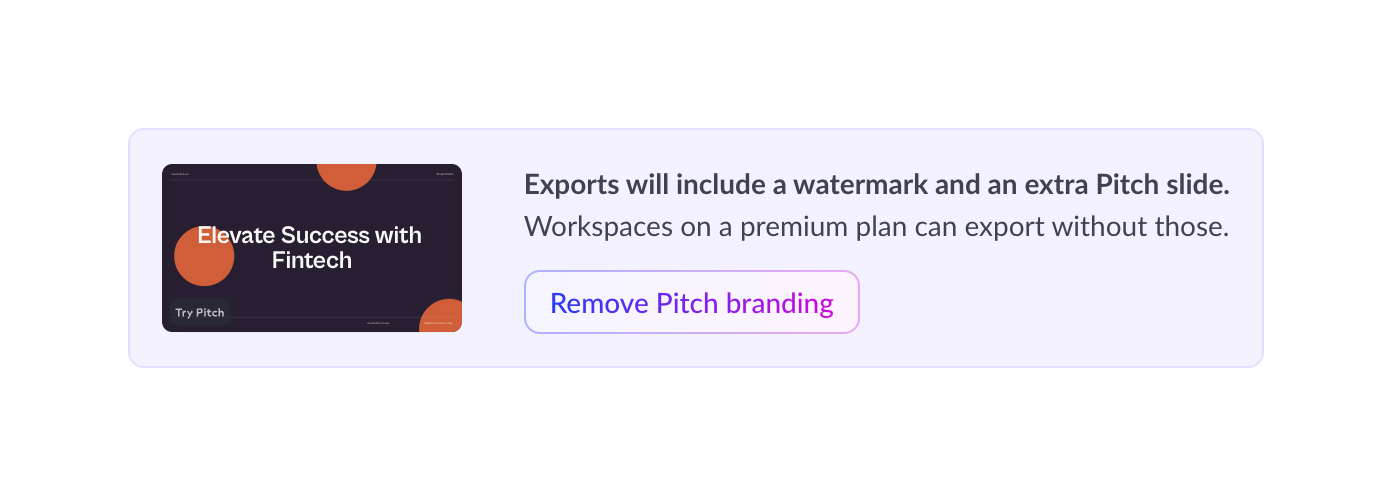
A banner prompting the user to upgrade to a premium plan to remove watermarks and branding from exports. It includes a preview thumbnail of the export and a call-to-action button.
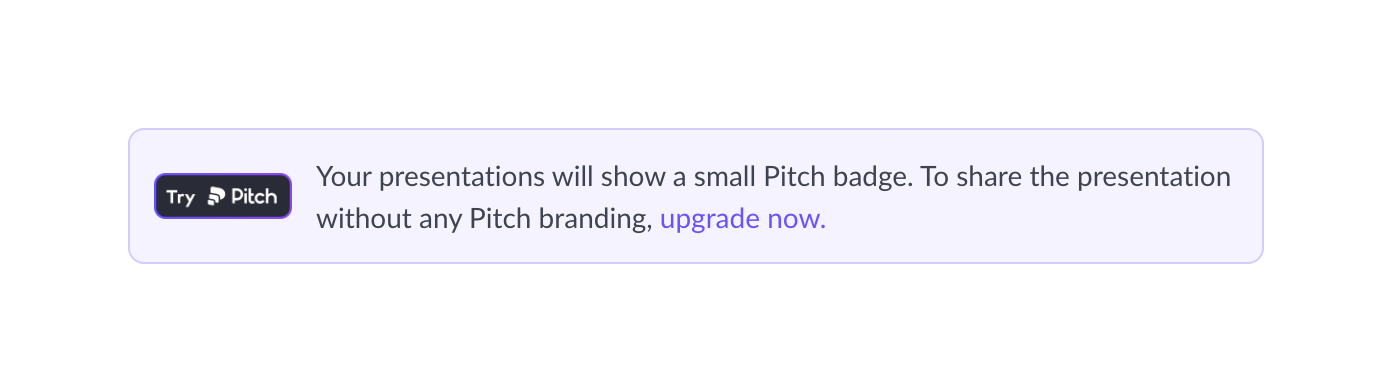
An inline banner informing the user about a branding badge on their presentations and offering an upgrade to remove it.

A list item containing an icon, a title, a descriptive subtitle, and a toggle switch to enable engagement analytics.
Browse the full component library
Browse the full UI component library.
Trusted by the best teams







