Filter & Sort screen examples
Filter & Sort screen design examples from SaaS apps. See how SaaS apps help people narrow a collection and change its order. Explore how filter controls, selected conditions, and sorting options relate to the…
Explore the examples

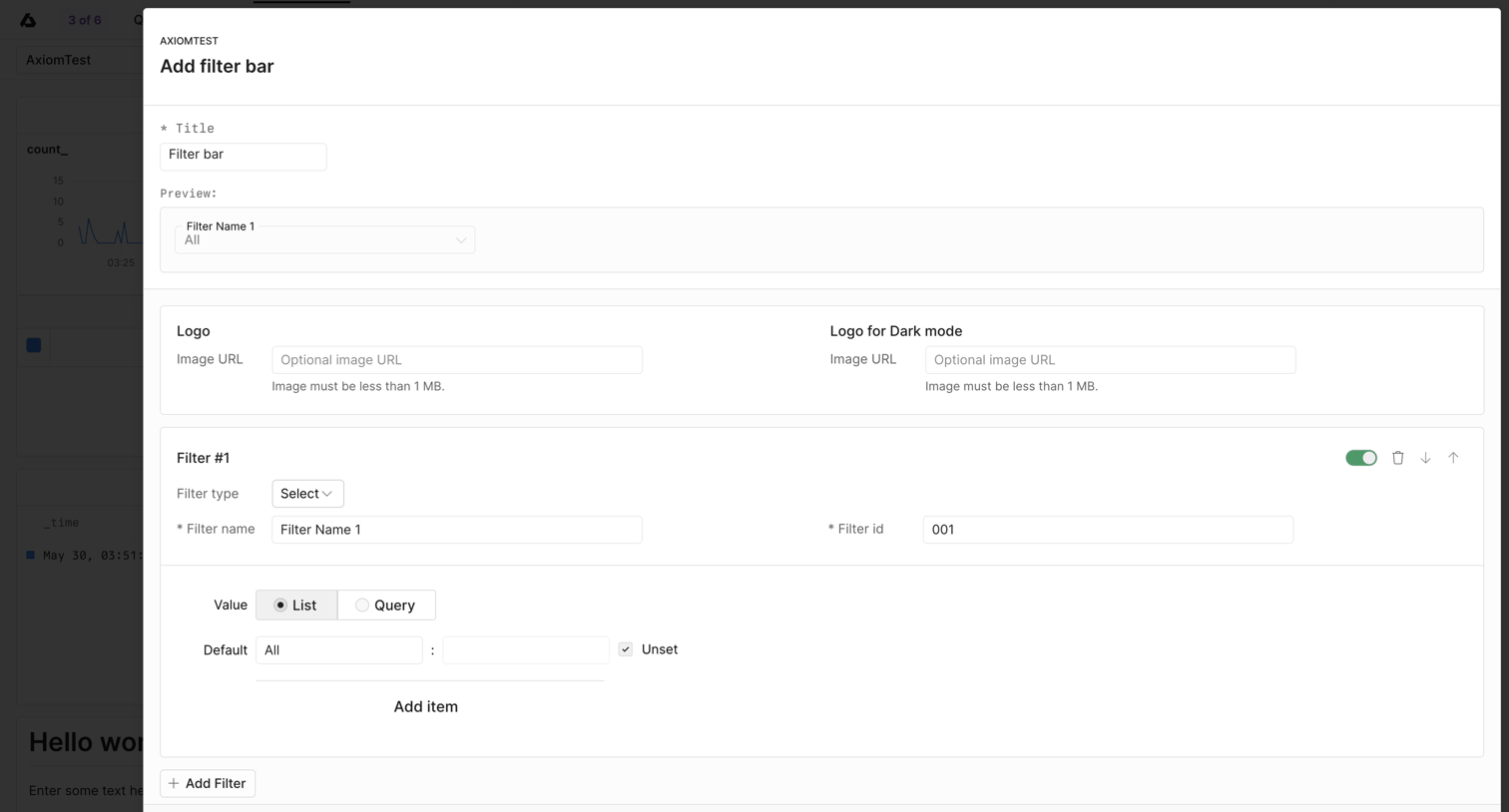

Modal where the user configures a new custom filter bar for their dashboard, defining titles, logos, and individual filter parameters.

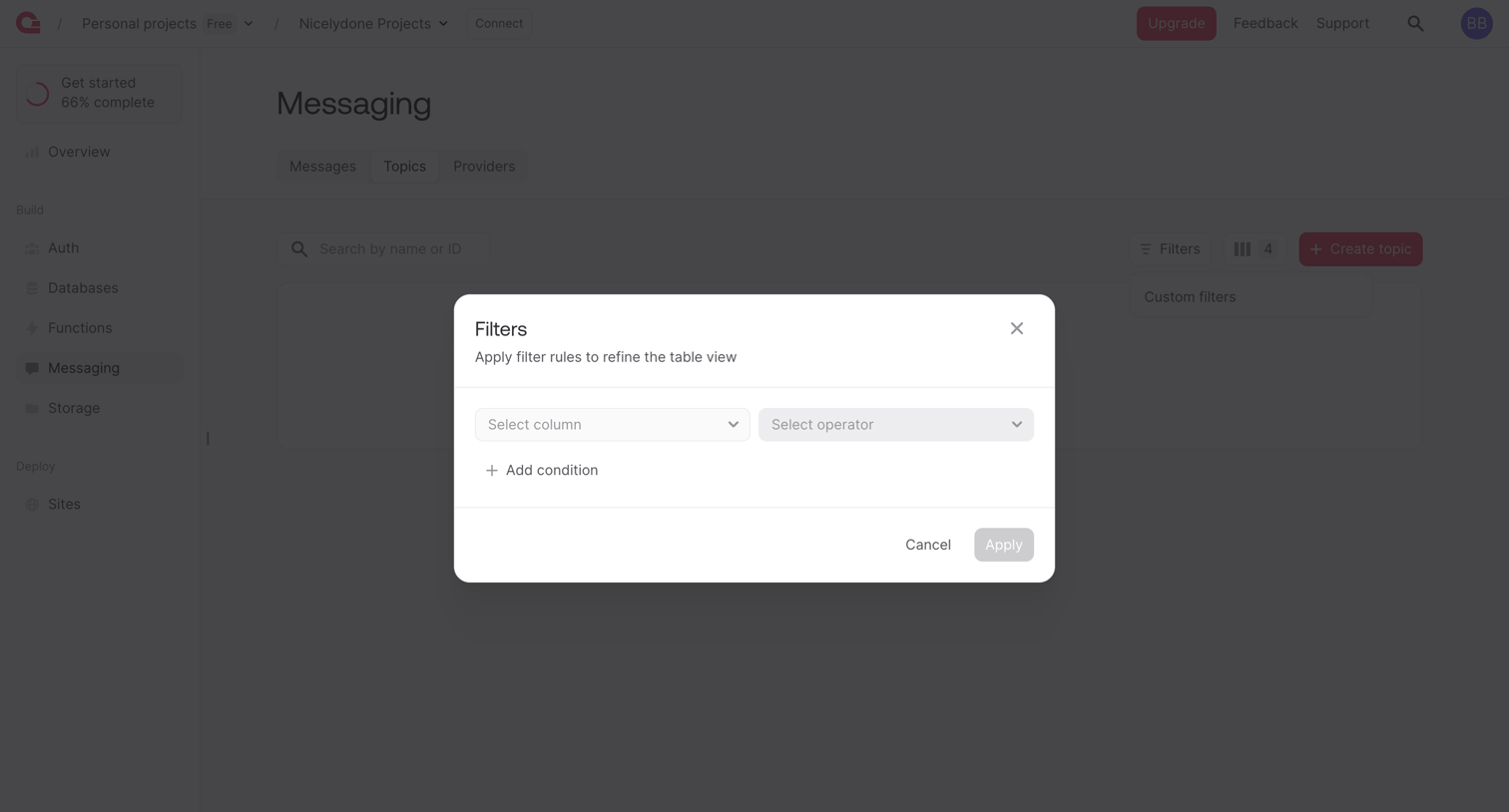

List view where the user configures table filters for messaging topics via a row-based query builder inside a modal overlay.
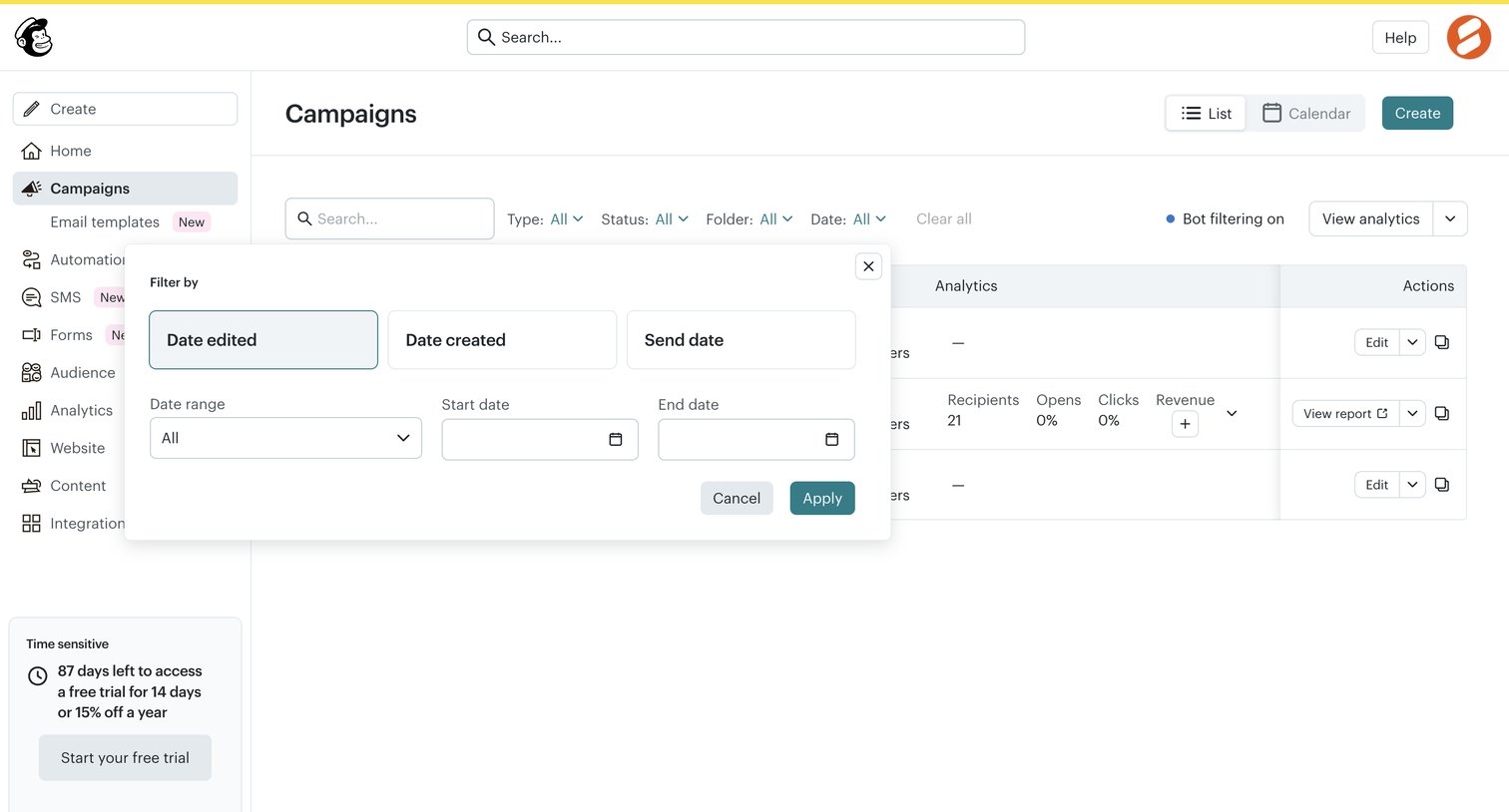

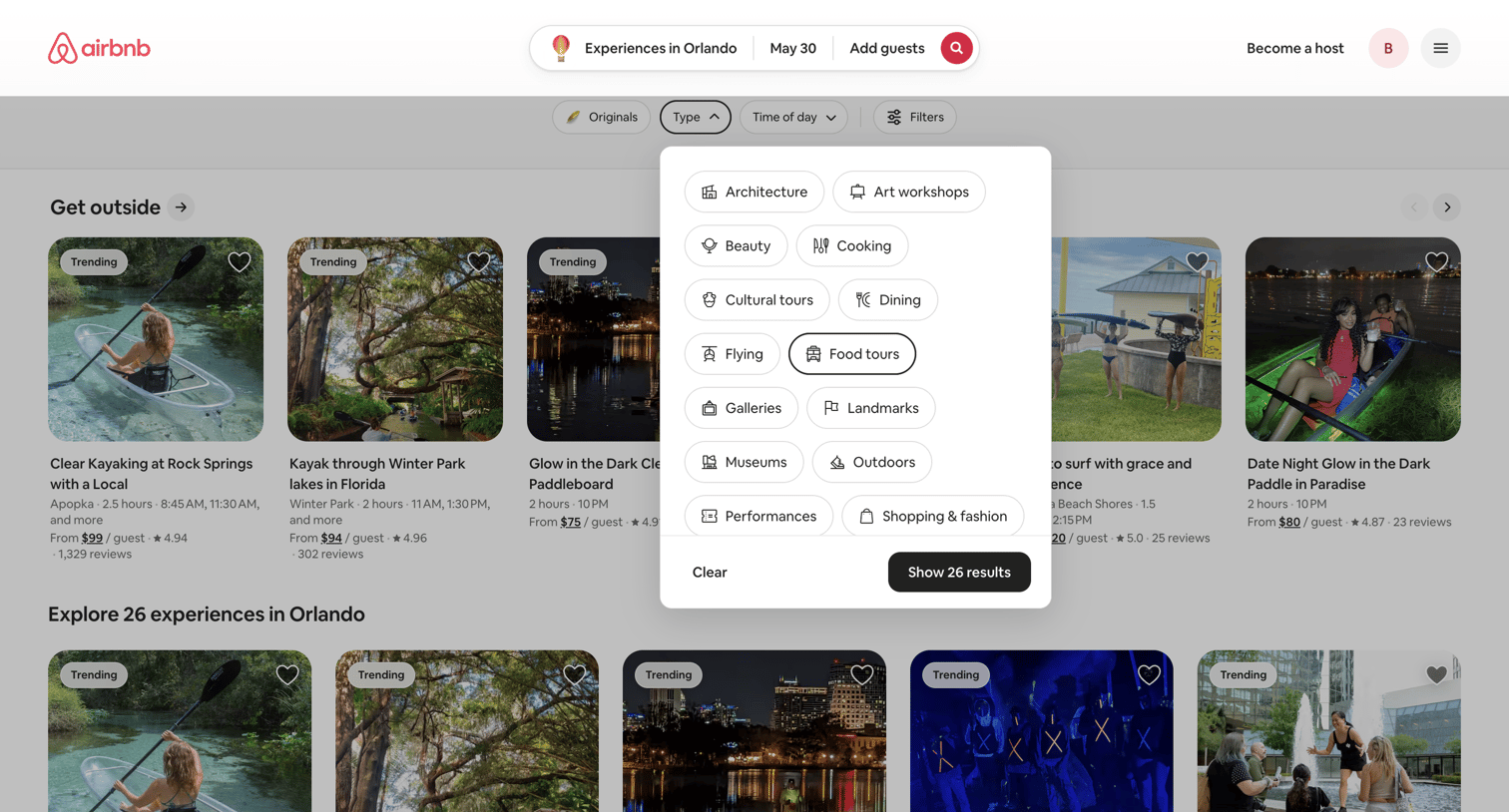
List view of email campaigns where the user is configuring a date filter via an open popover.
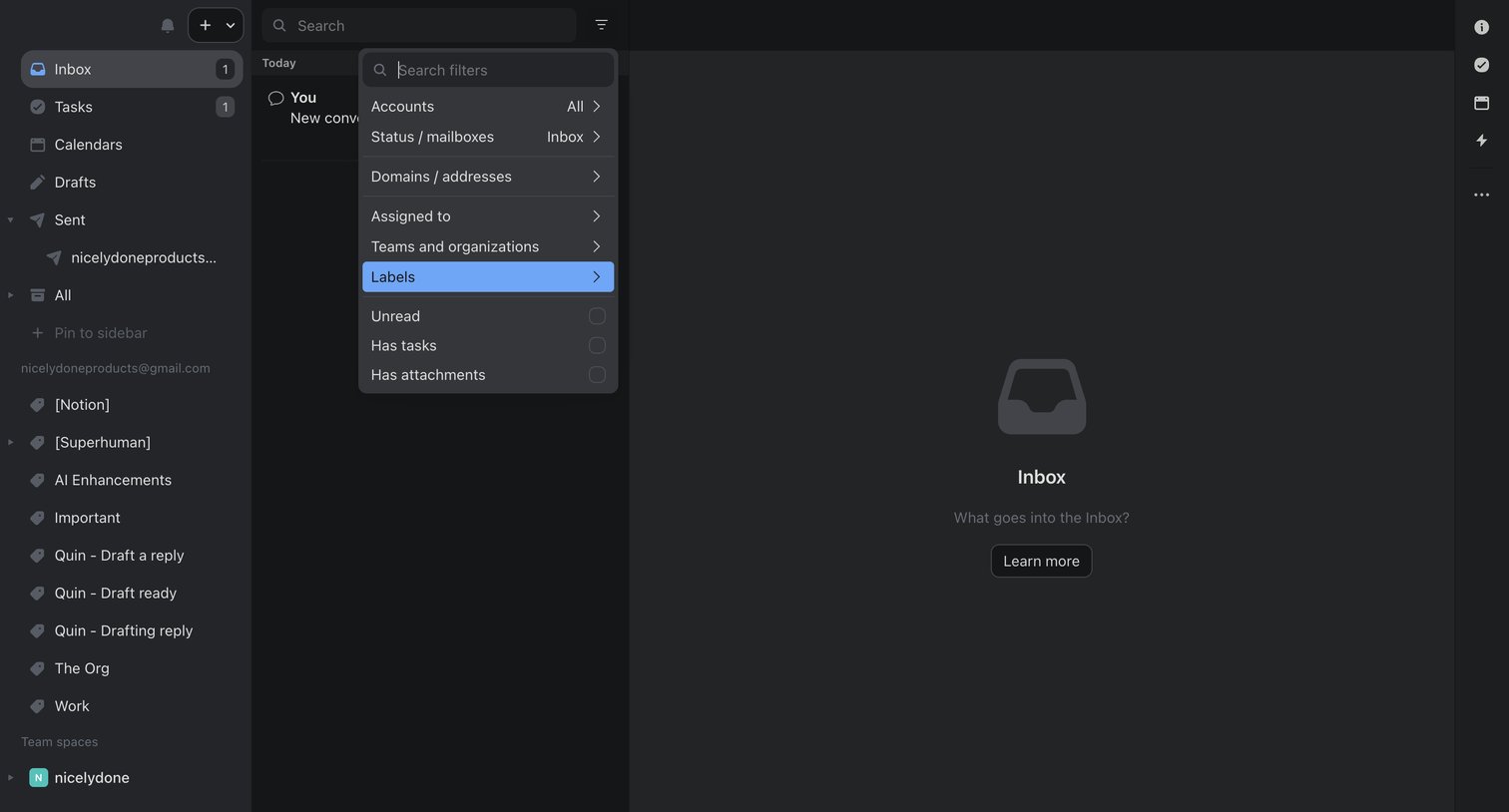

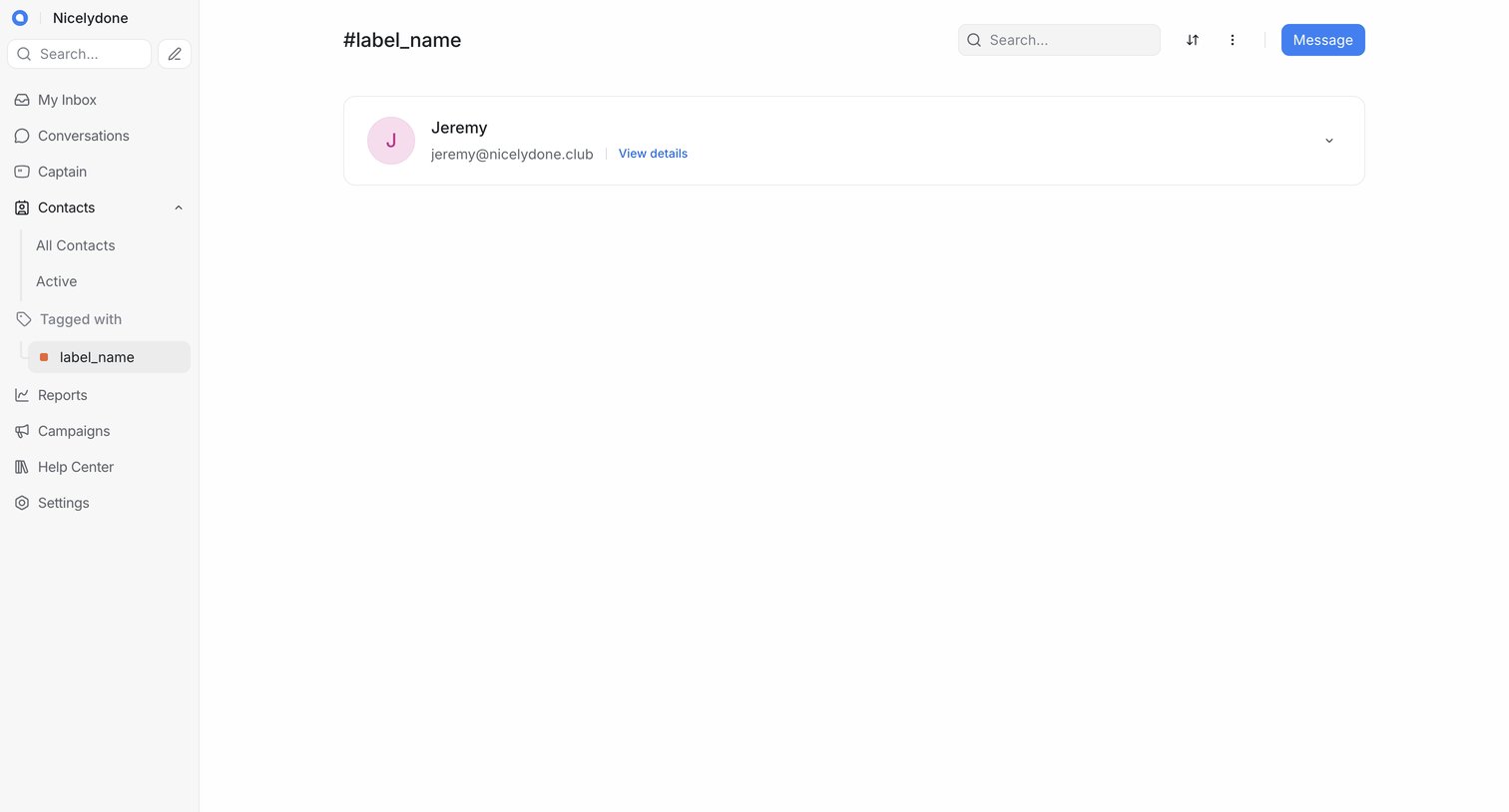

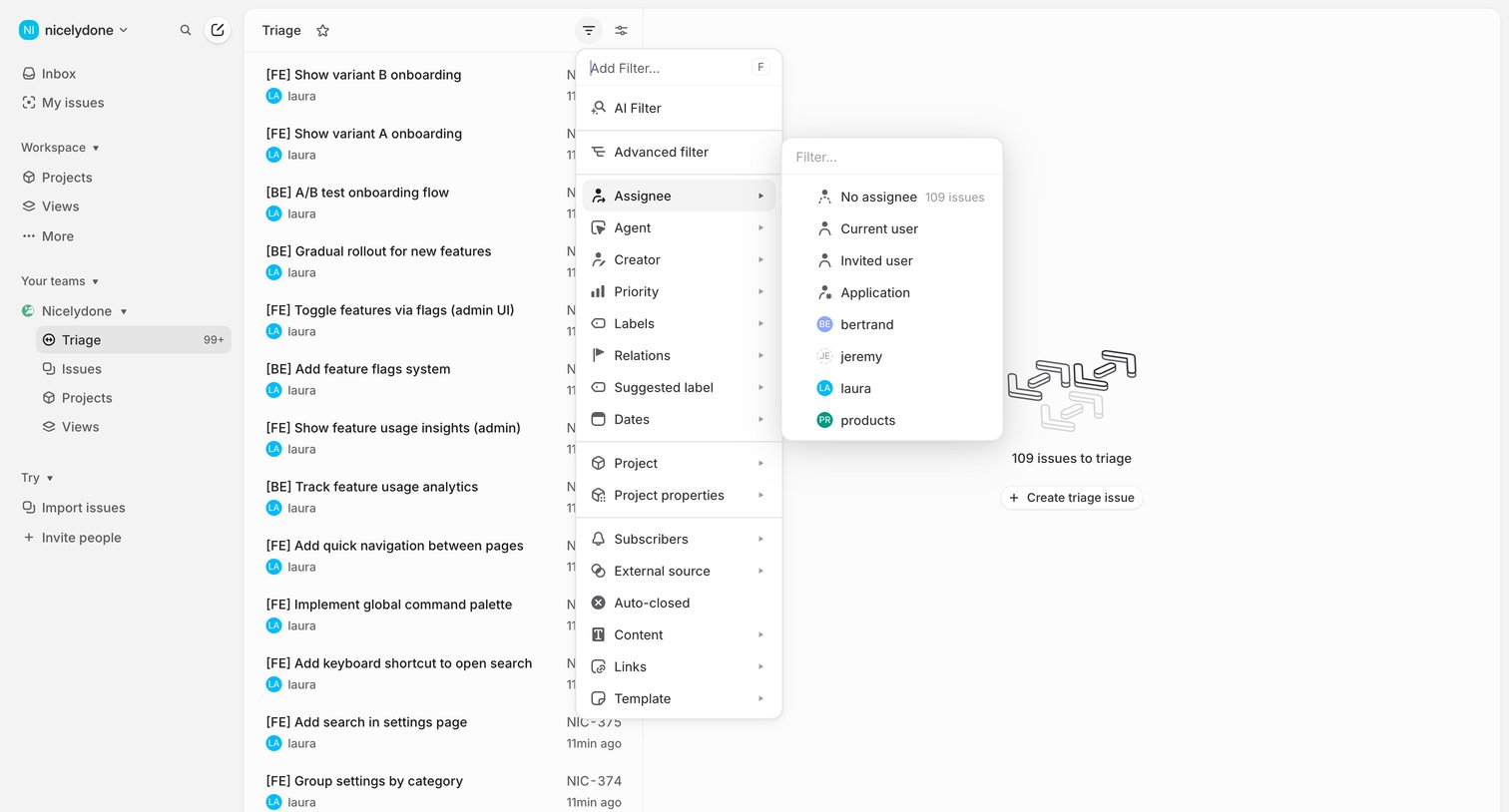

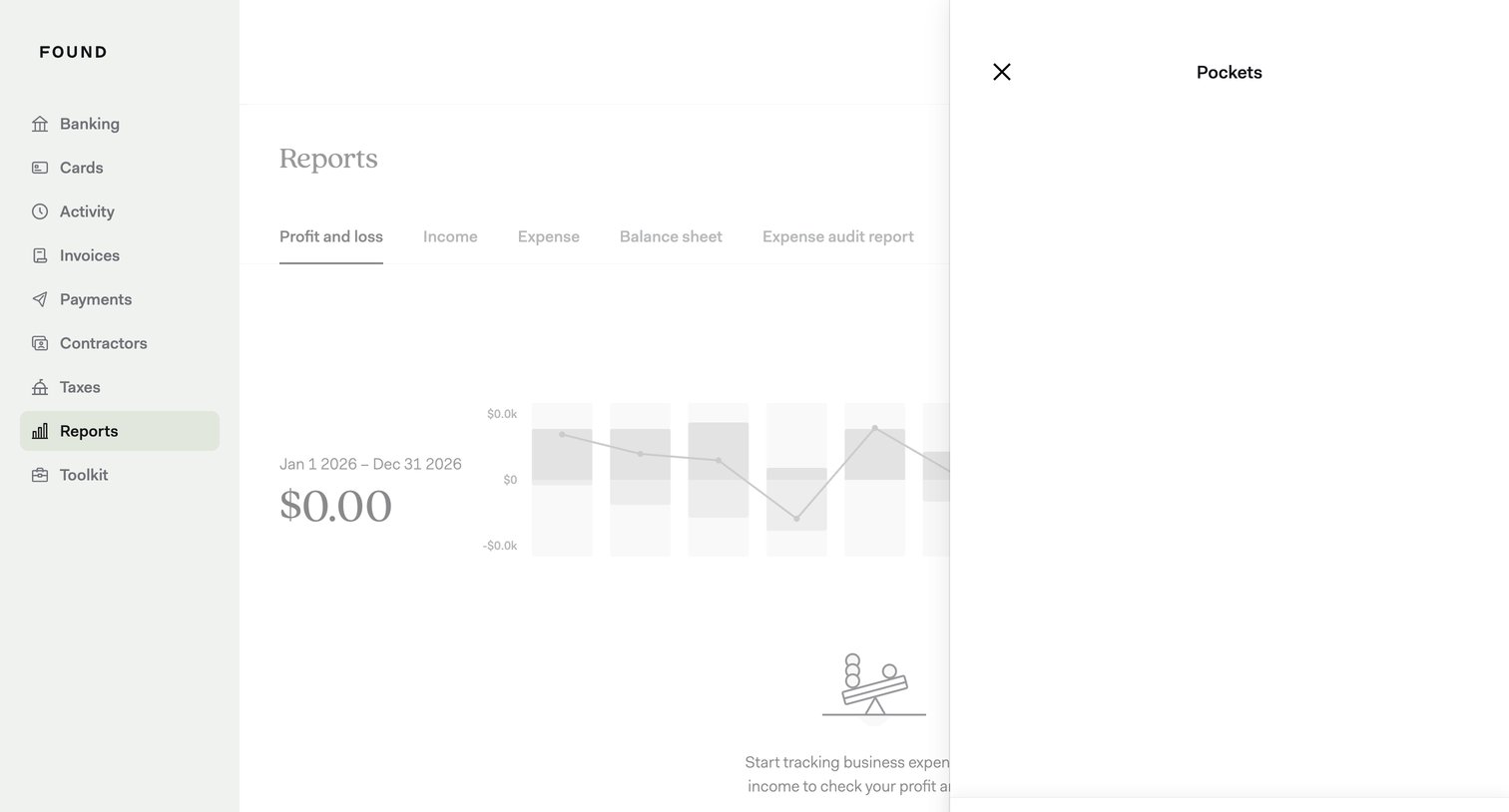

Financial reports dashboard where the user is opening a drawer to filter the profit and loss view by specific pockets.
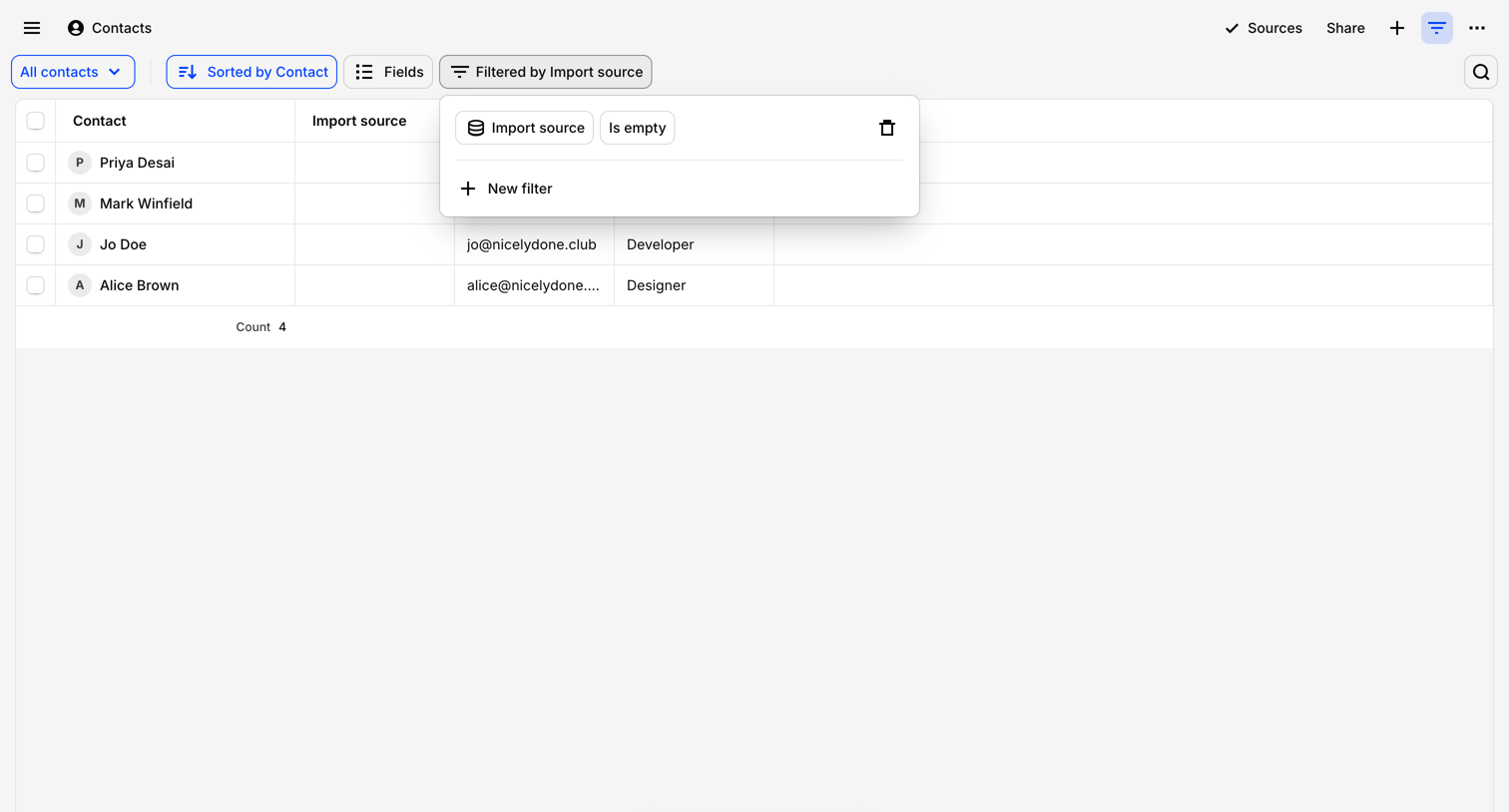

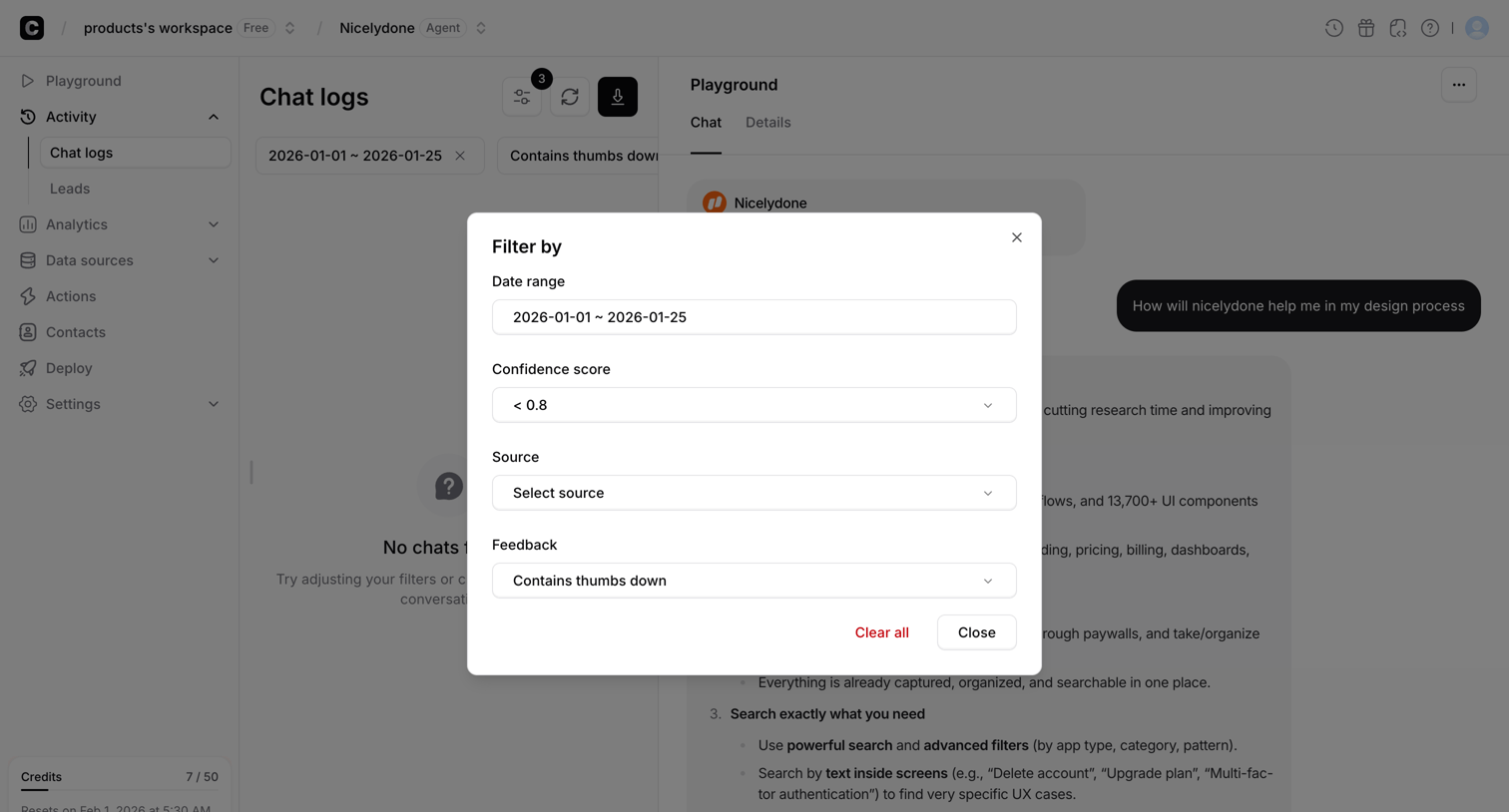

List view of AI chat logs where the user is applying filters for date range, confidence score, source, and feedback via a modal overlay.
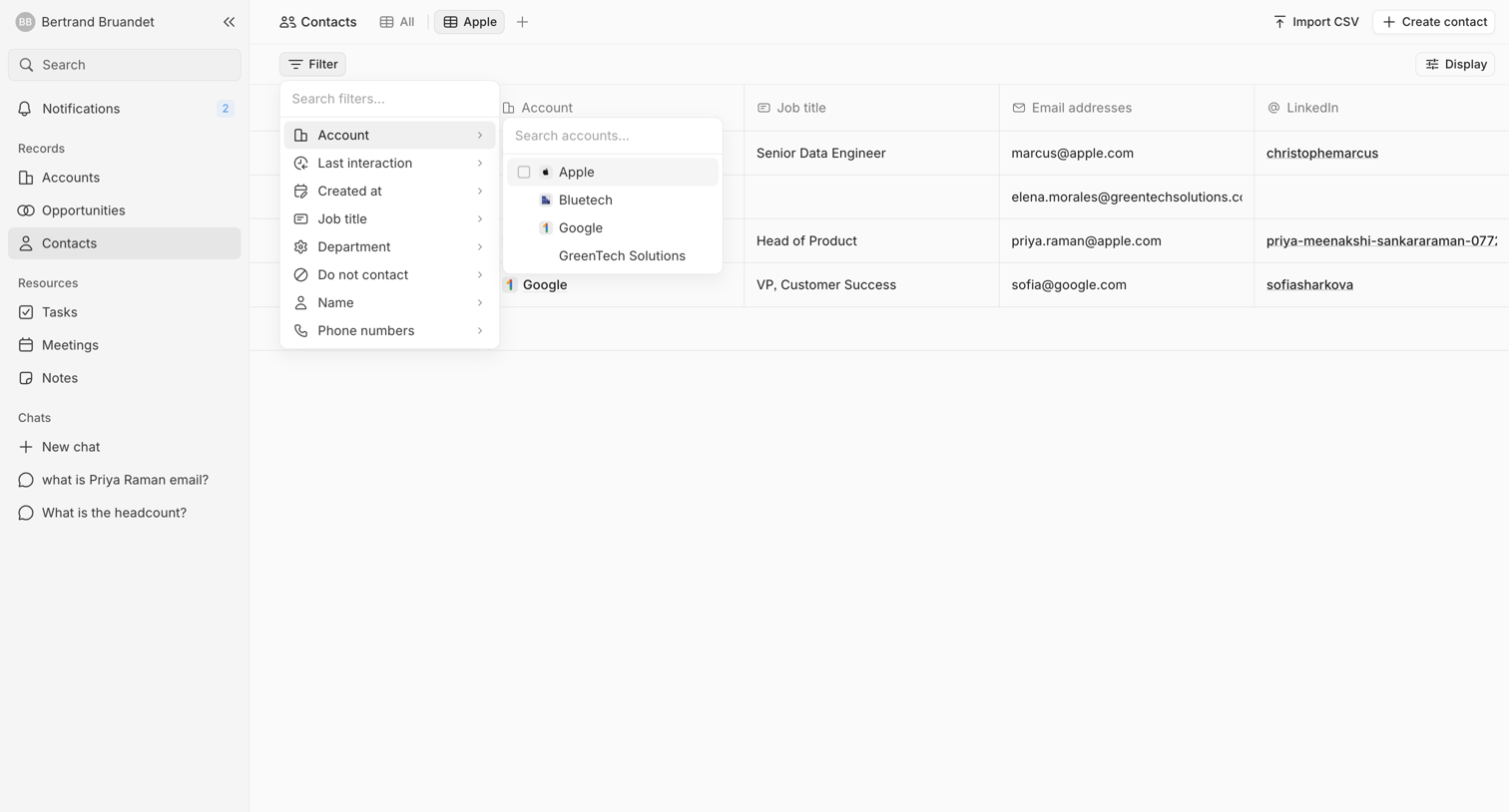

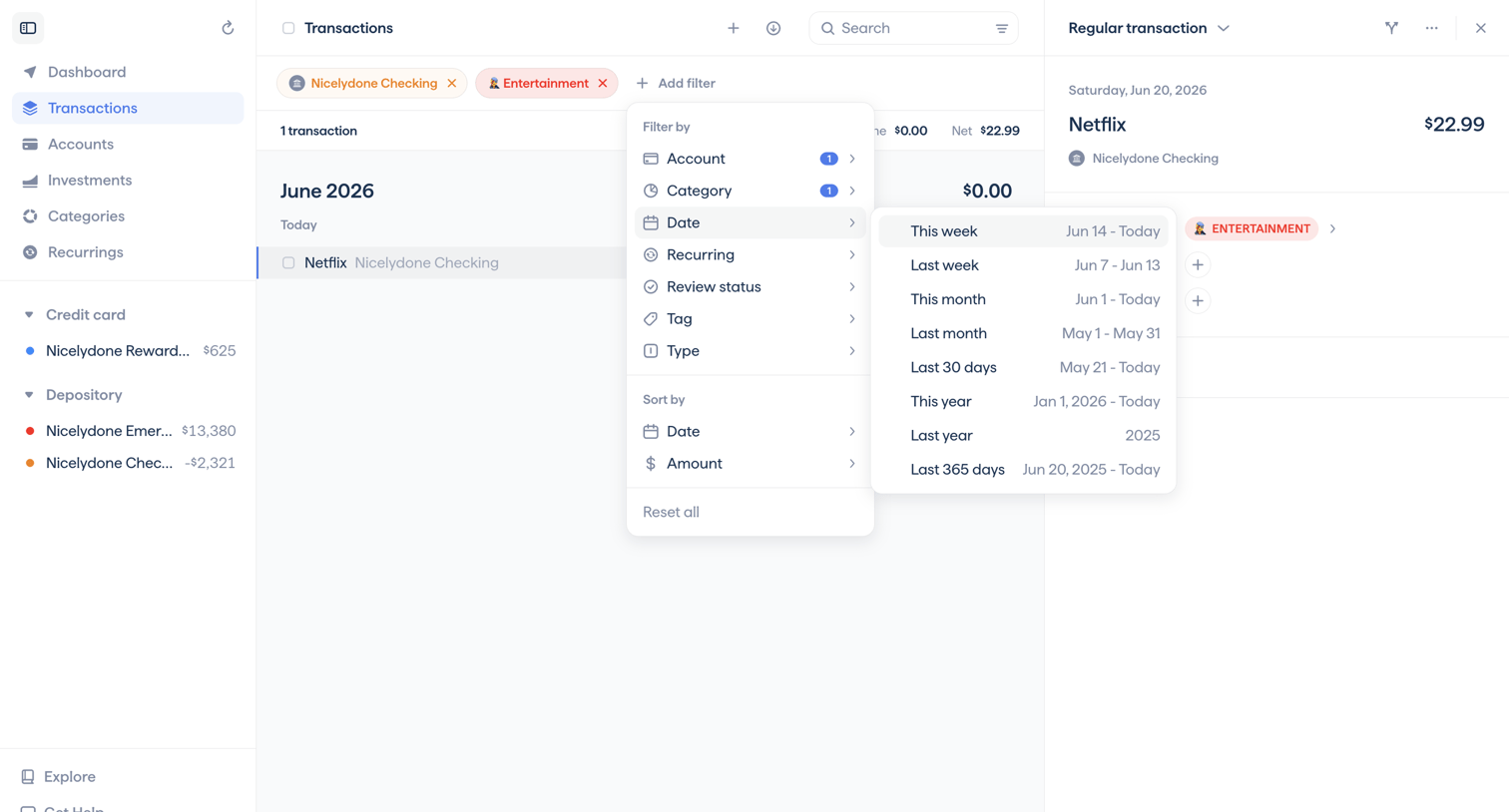
List view where the user filters a table of contacts by account using a nested popover menu.
Explore the full SaaS screen library
Upgrade to unlock the full library.
Trusted by the best teams








About Filter & Sort
See how SaaS apps help people narrow a collection and change its order. Explore how filter controls, selected conditions, and sorting options relate to the results on screen.