Help screen examples
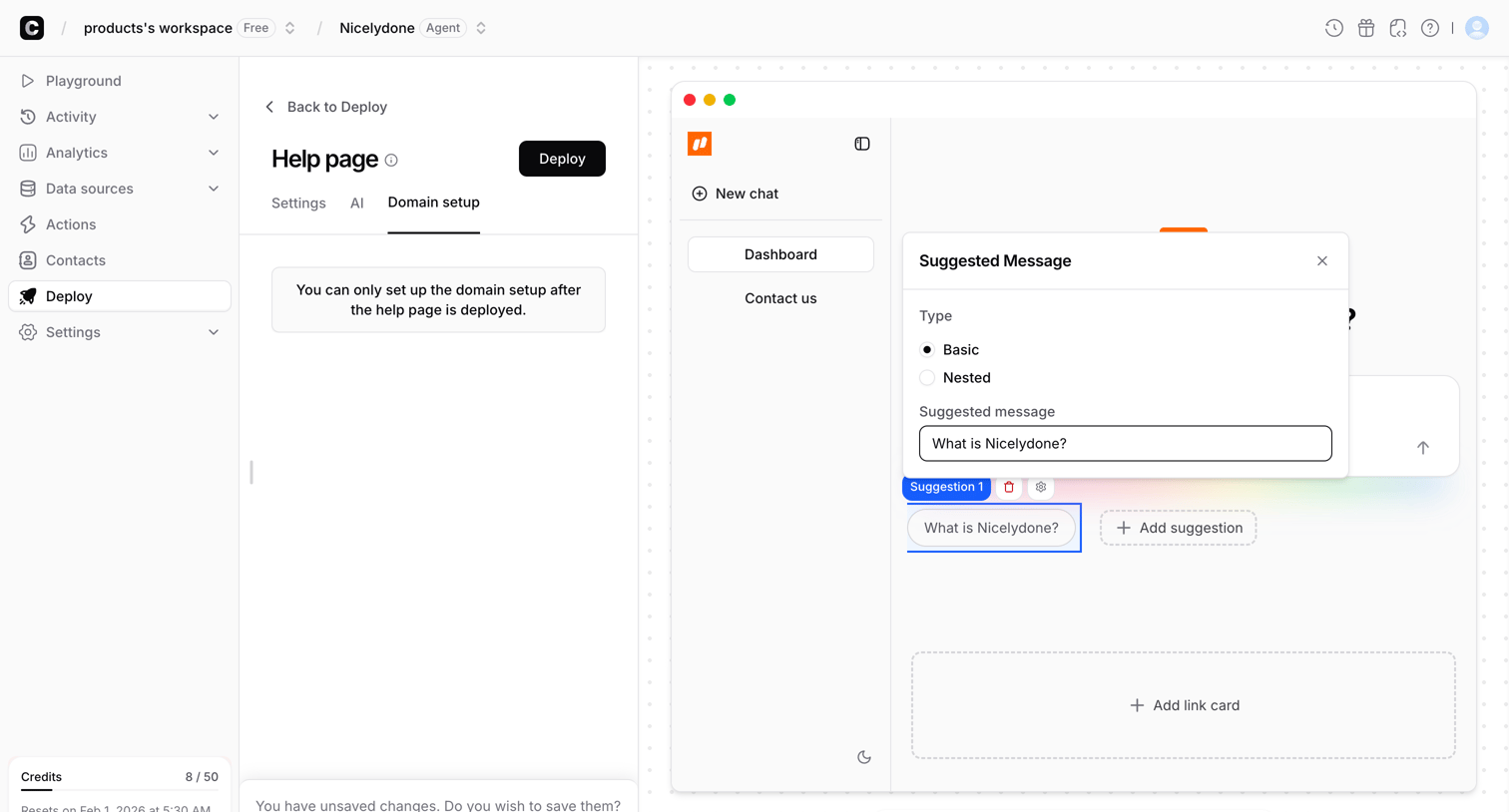
Help screen design examples from SaaS apps. See how apps make help available during a task. Explore how support options, documentation, and answers are organized so people can find a relevant source…
Explore the examples
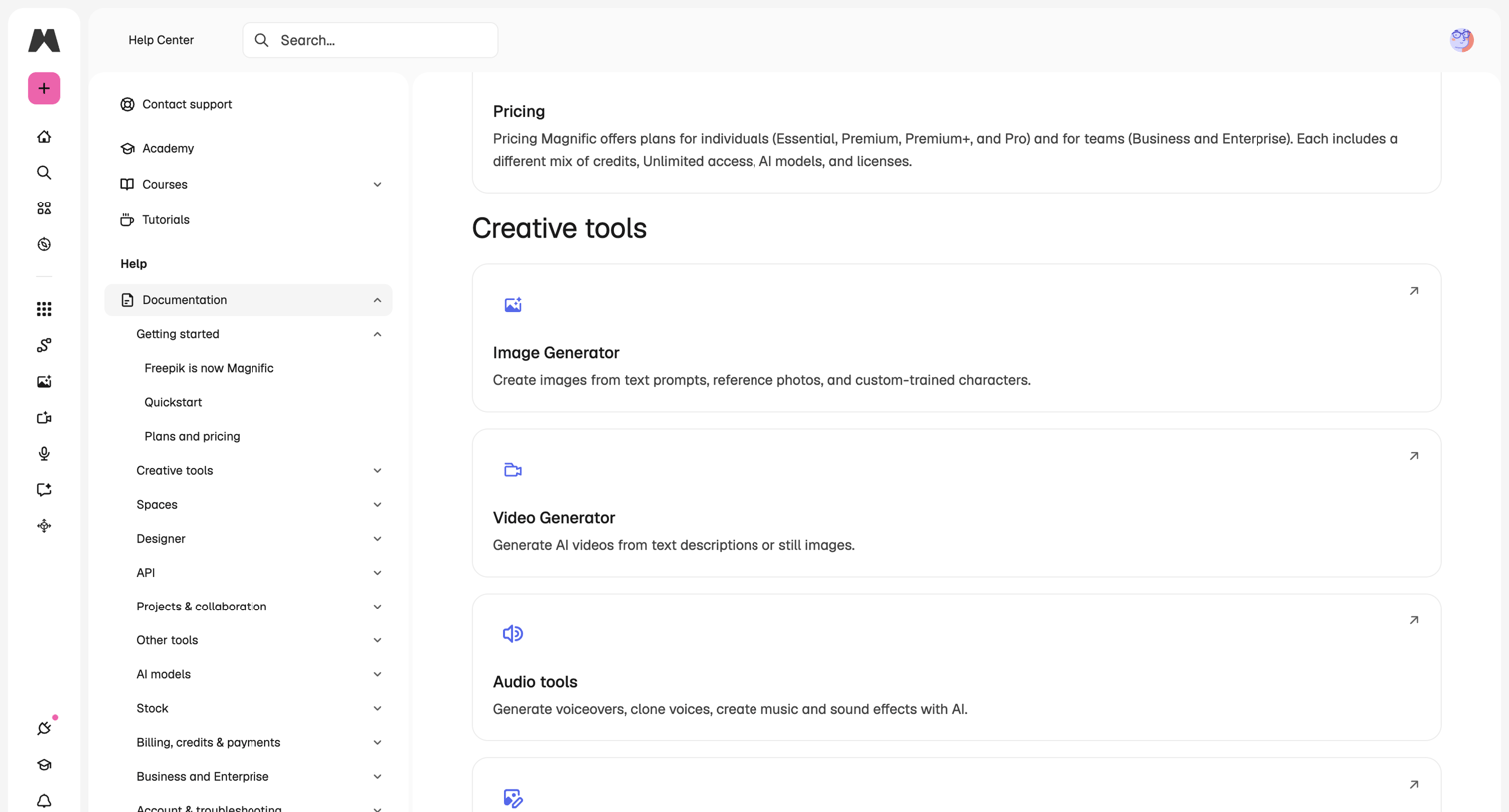

In-app help center directory where the user can search for documentation or browse guides for creative tools like the Image Generator and Video Generator.
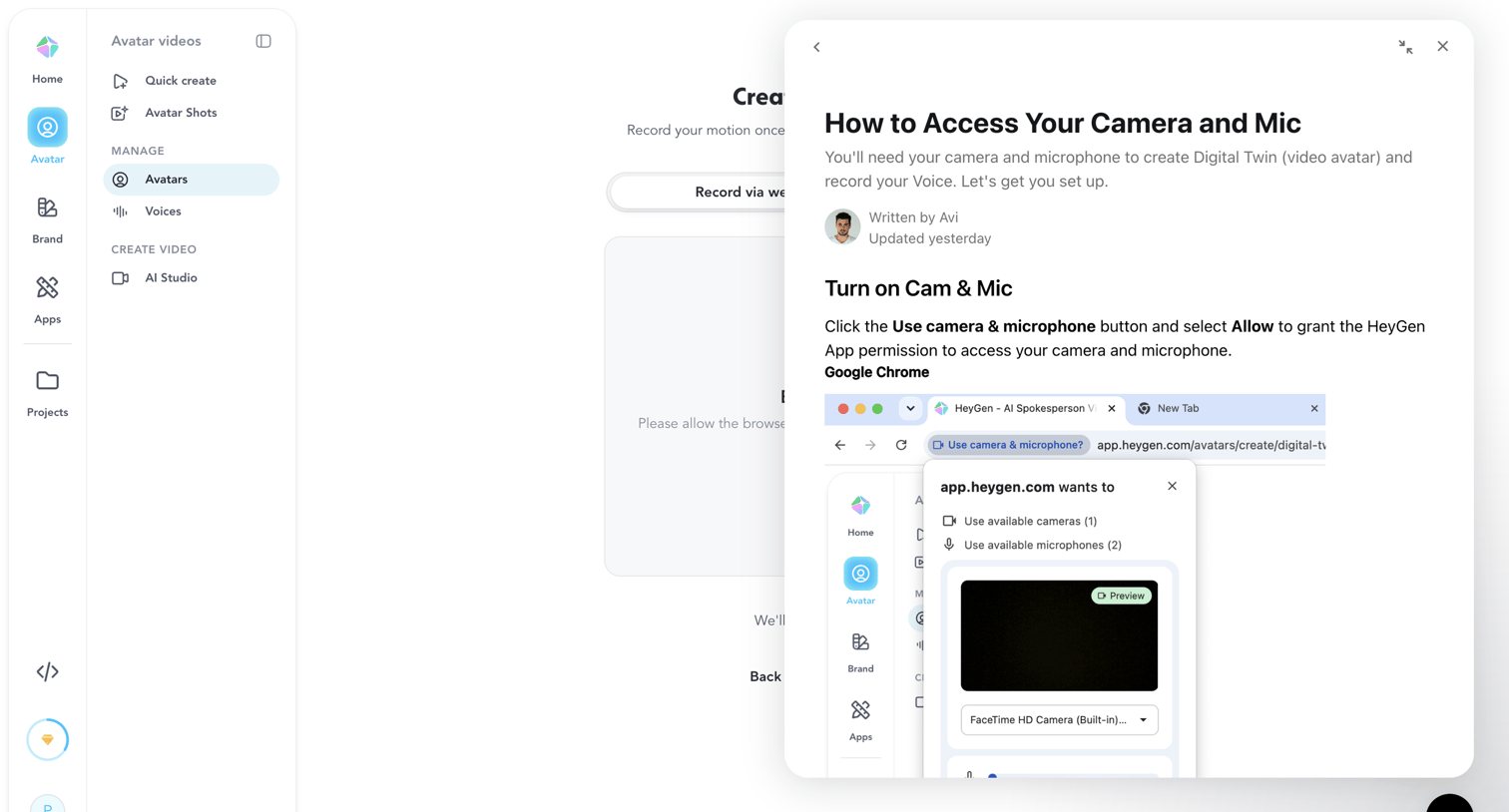

Creation page where an instructional modal explains how to grant camera and microphone permissions in the browser to record a digital twin.
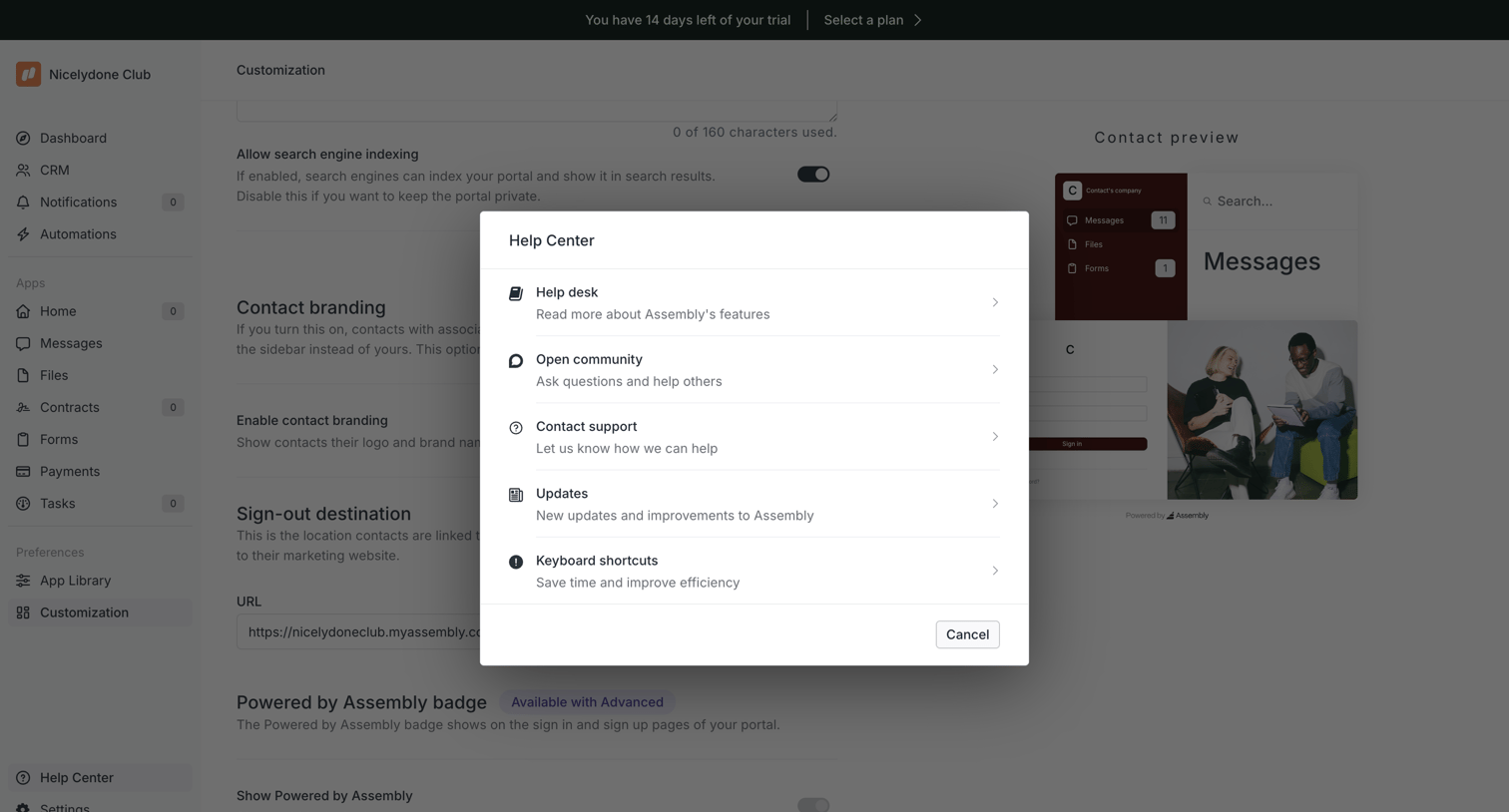

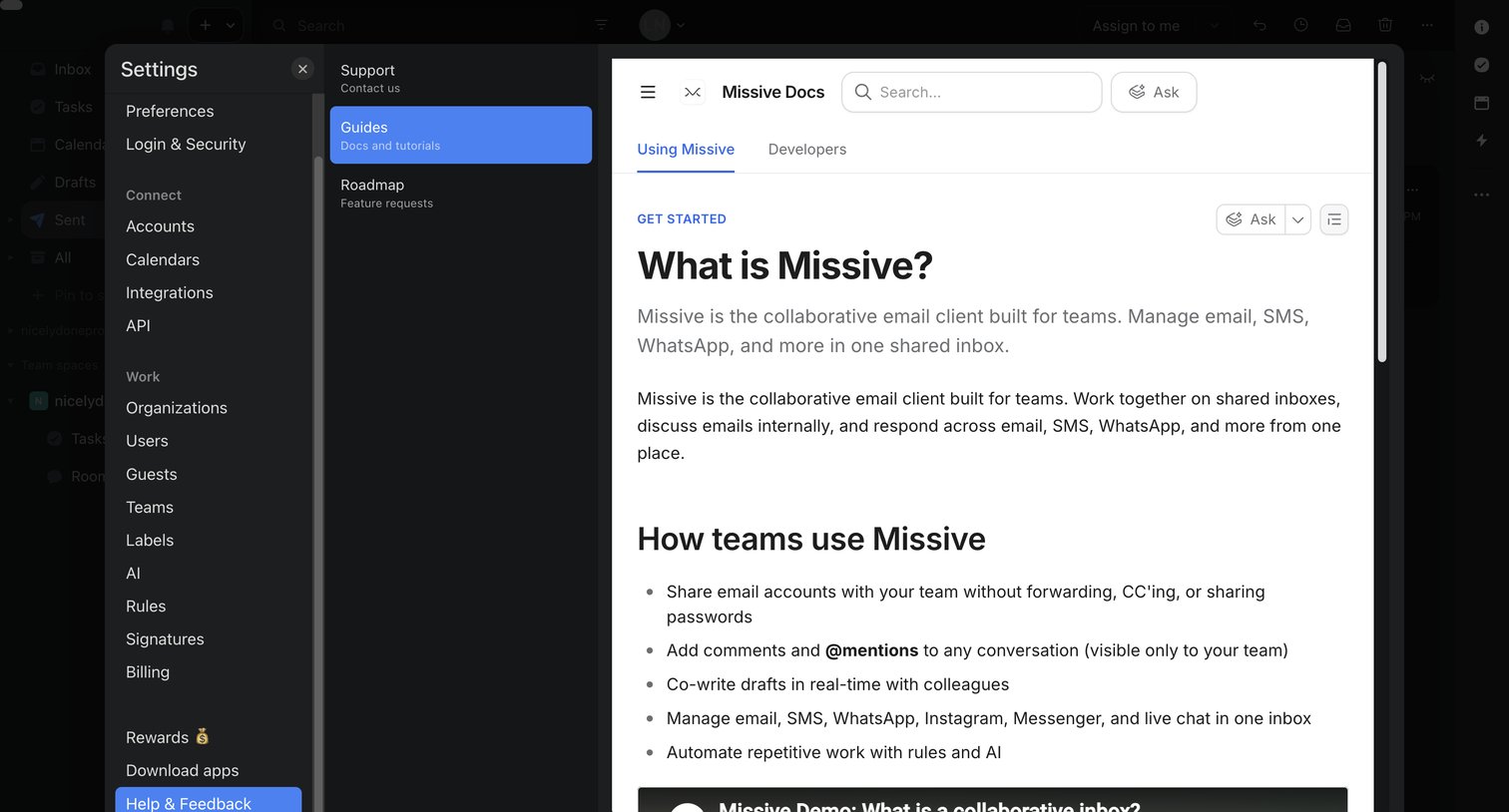
Settings page where the user configures portal customization like search engine indexing and contact branding, with a help center modal open over the view.
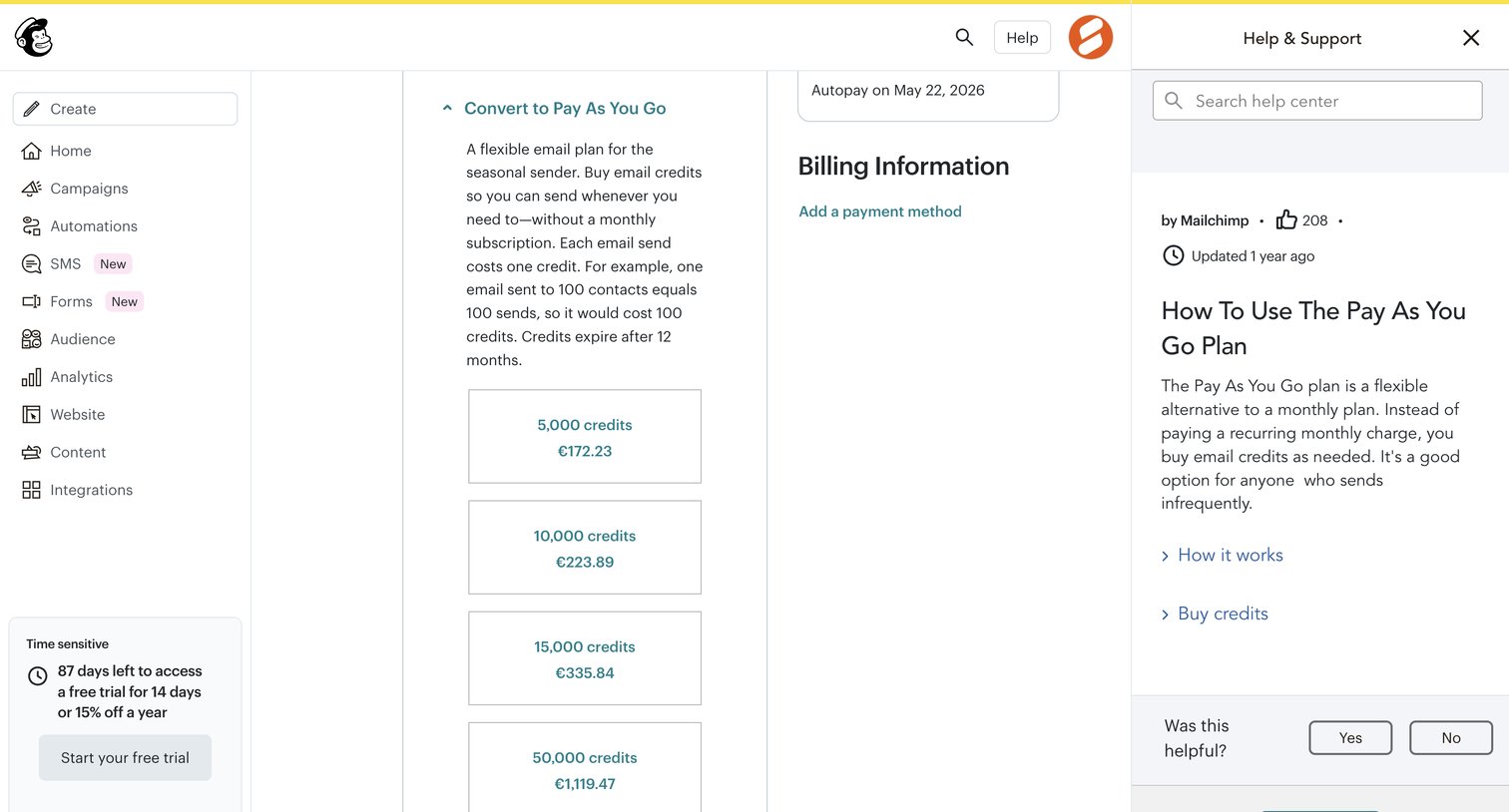

Settings page where the user can purchase email credits for a pay-as-you-go plan, with a help drawer open explaining how the plan works.

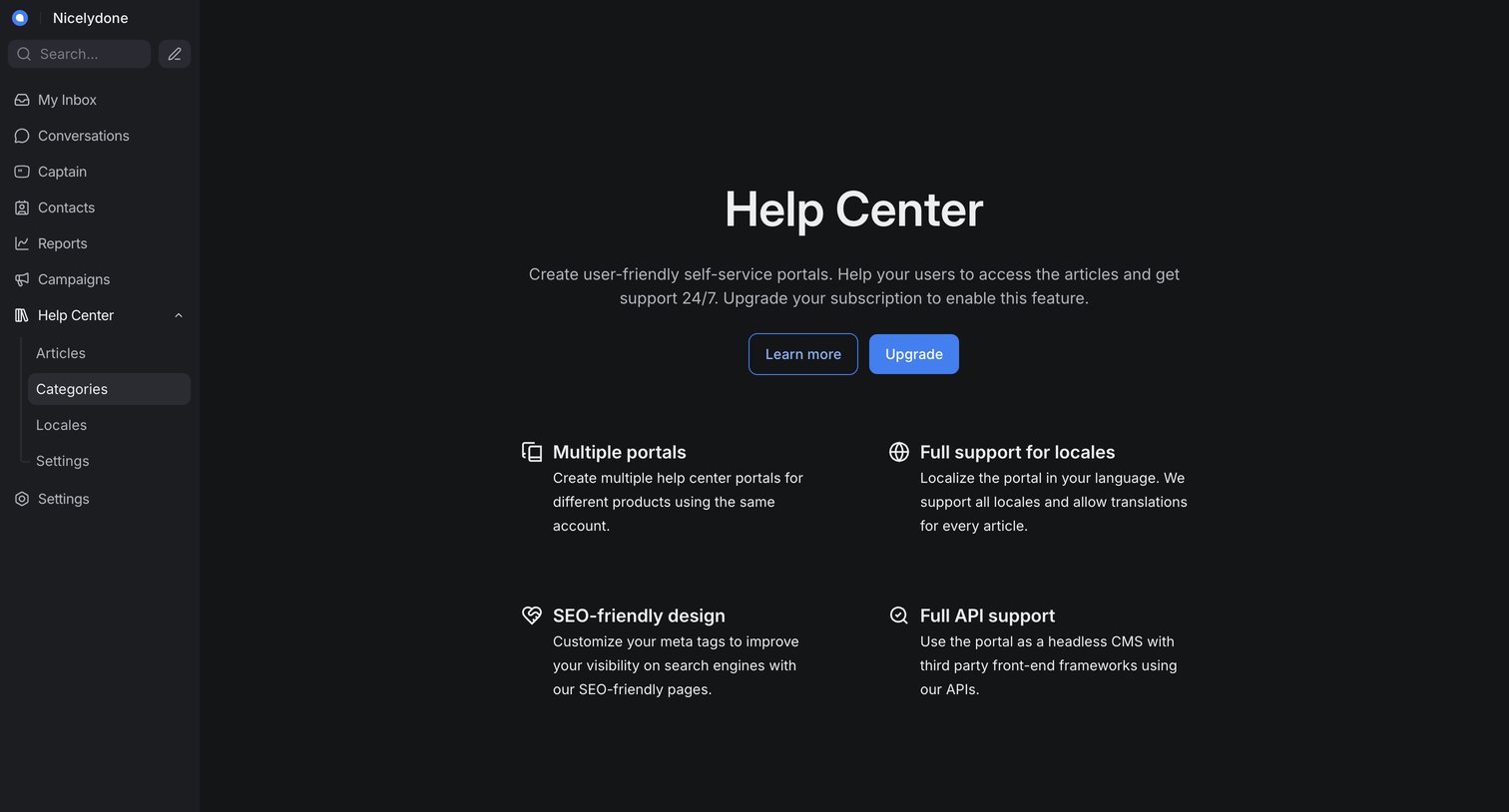

Feature gate for the Help Center where the user is prompted to upgrade their subscription to unlock self-service portals.
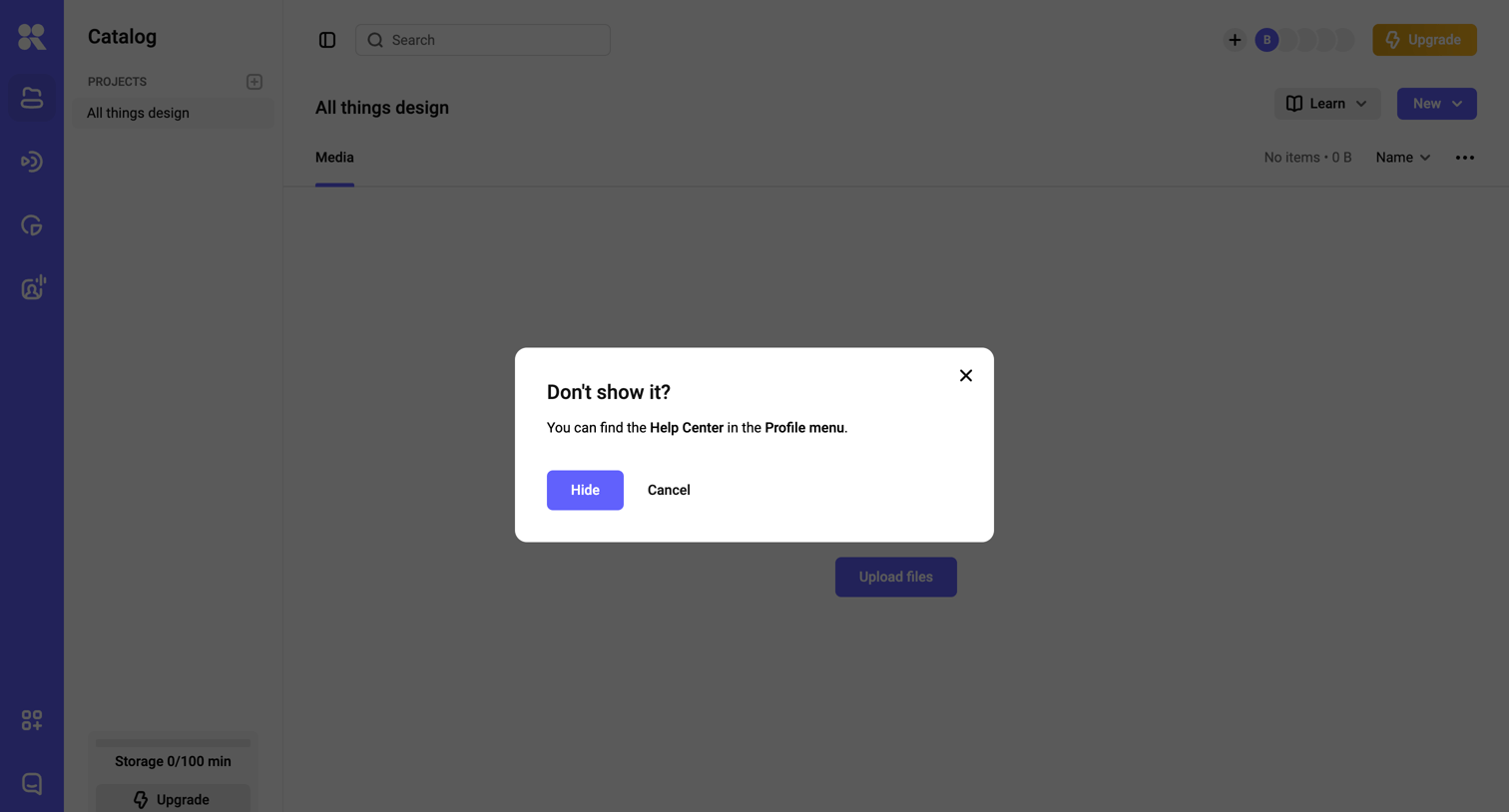

List view of an empty media catalog where a modal prompts the user to confirm hiding a help center tooltip.
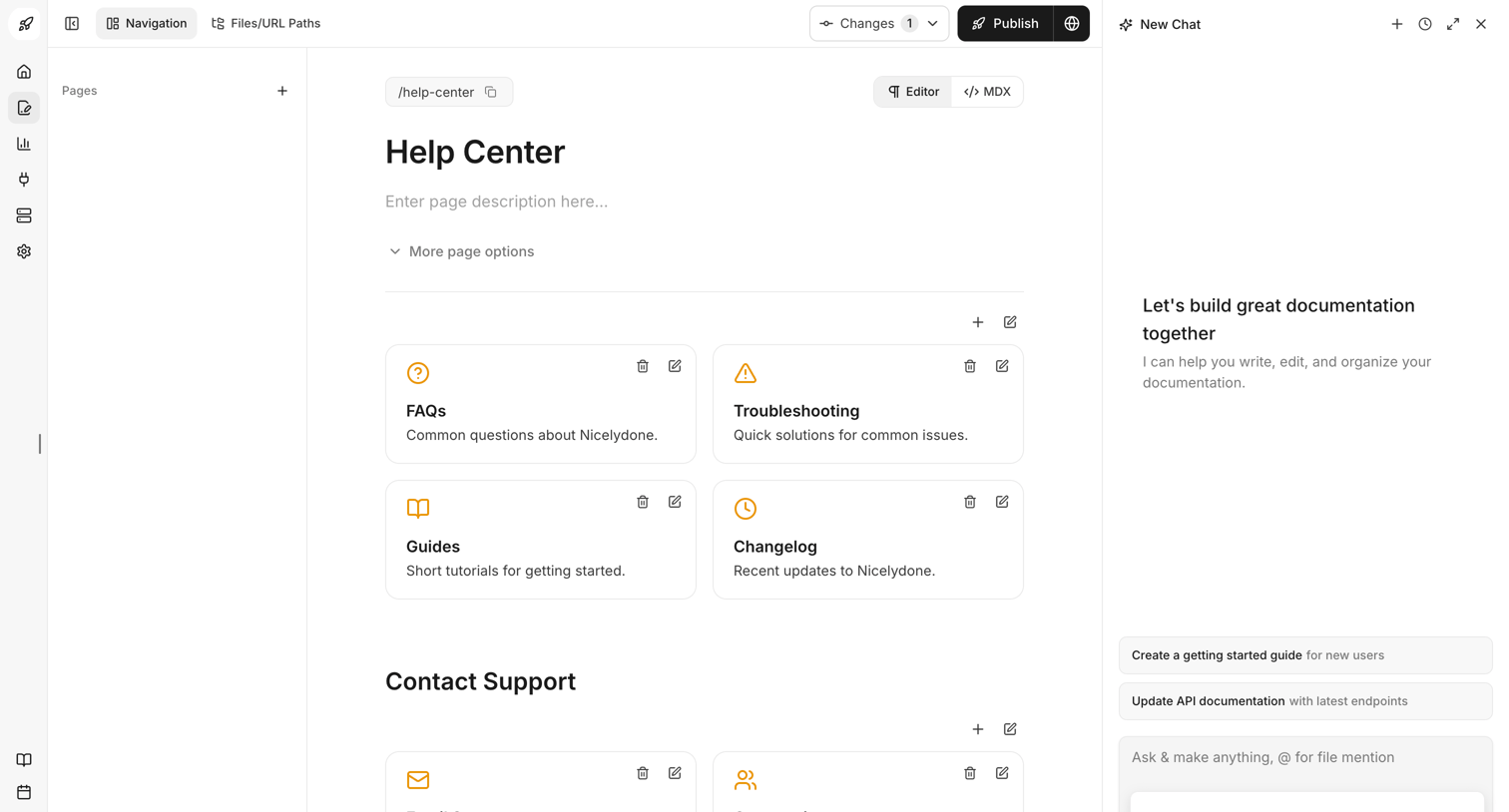

Documentation editor where the user is building a Help Center page with sections for FAQs, Guides, and Support, assisted by an AI chat panel on the right.
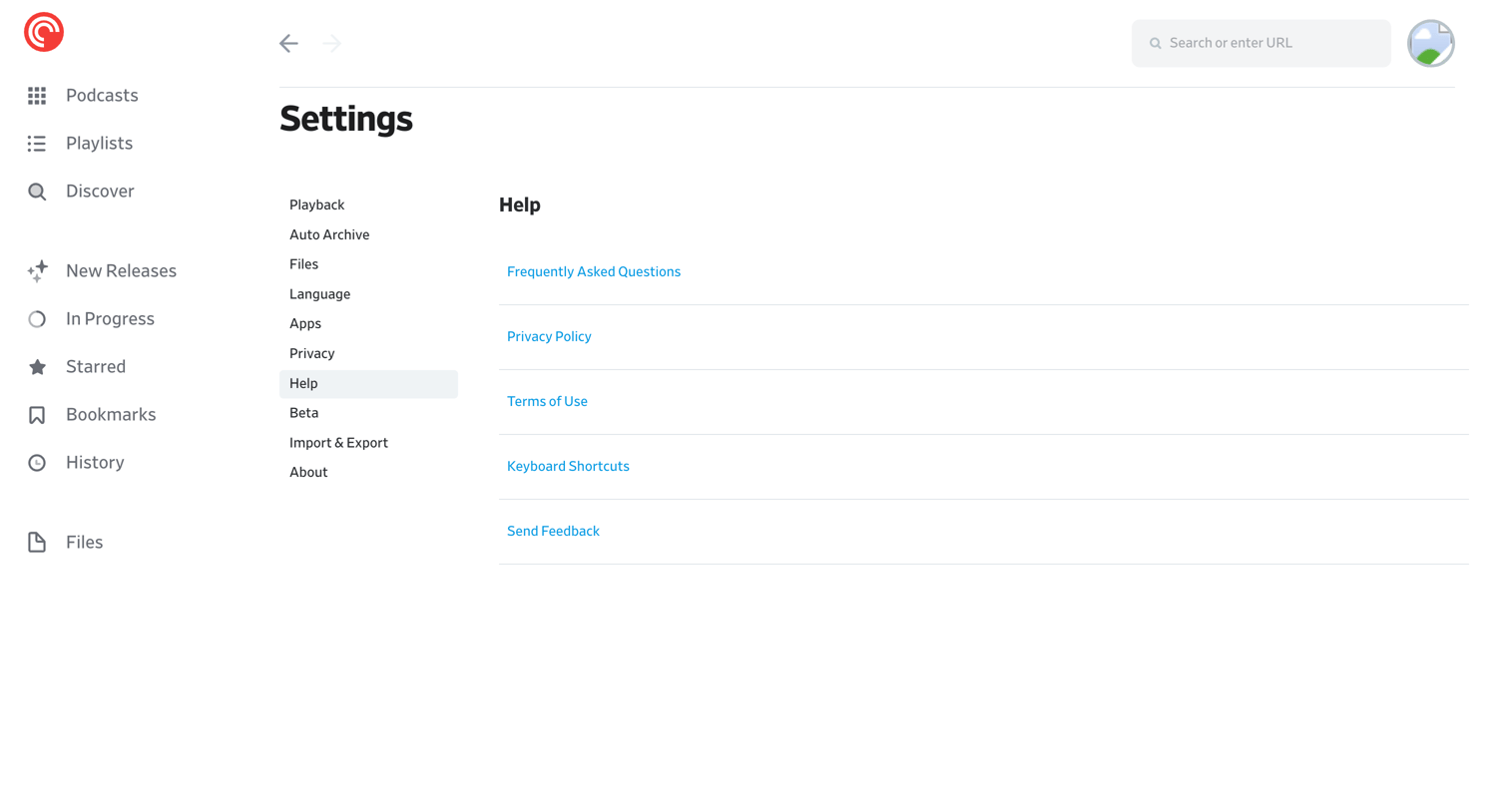

Settings page where the user can access help resources like FAQs, privacy policies, and send feedback.

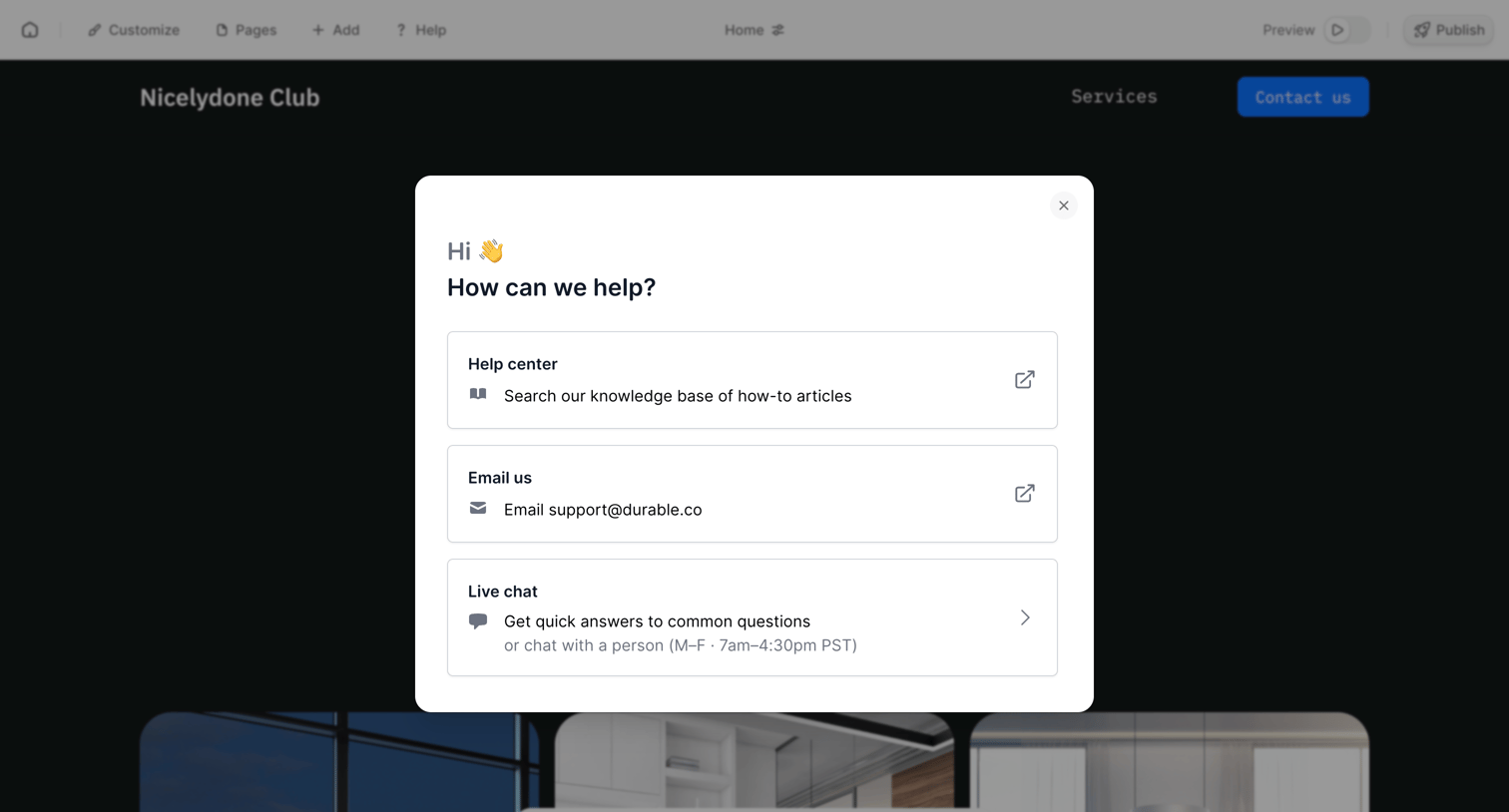

Design editor where the user opens a help modal offering links to the knowledge base, email support, and live chat.
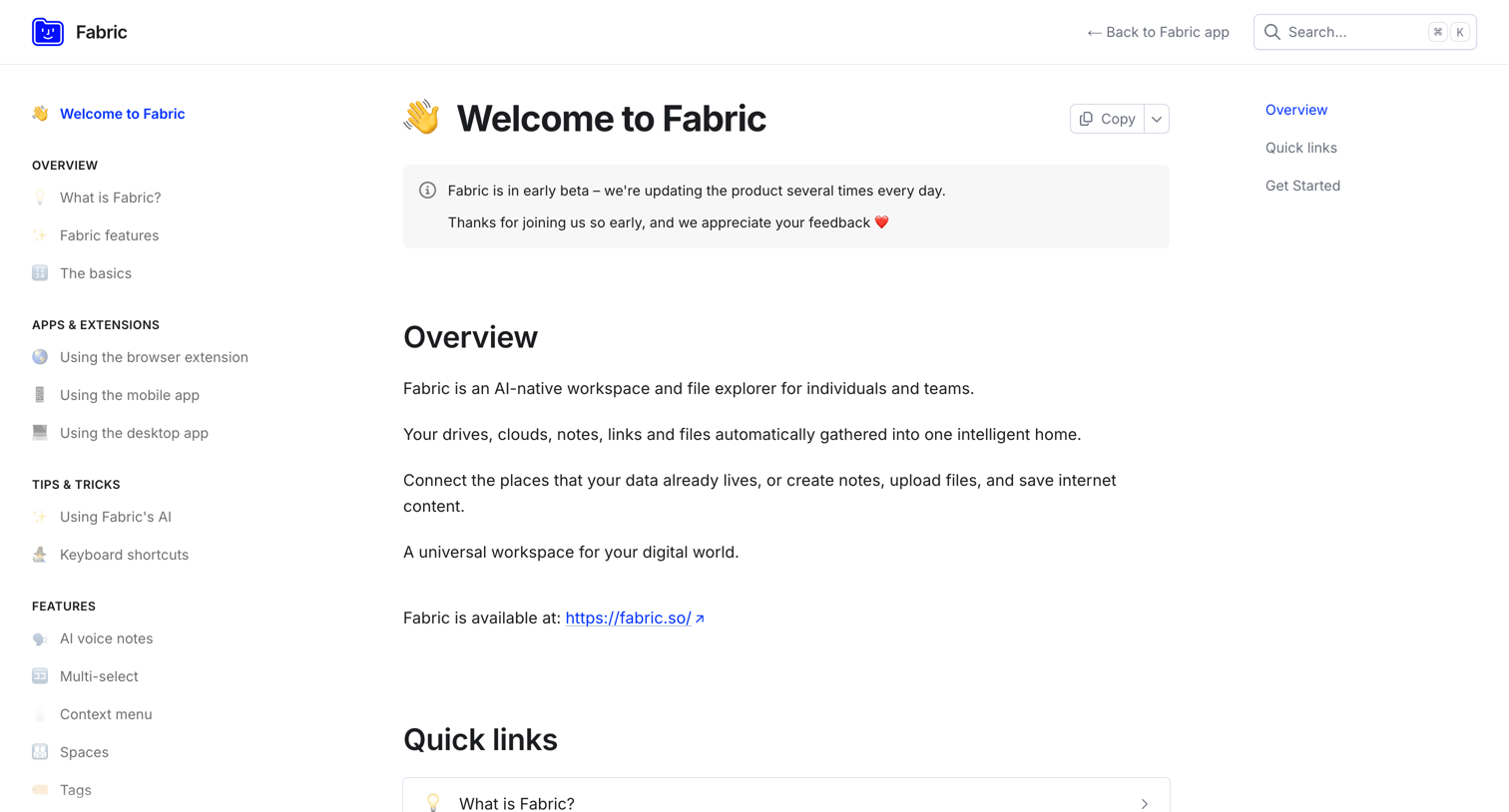

Help center home page introducing the workspace with quick links to features, apps, and getting started guides.
Explore the full SaaS screen library
Upgrade to unlock the full library.
Trusted by the best teams








About Help
See how apps make help available during a task. Explore how support options, documentation, and answers are organized so people can find a relevant source of assistance.
Browse related examples
Related screens
Related apps
- Magnific design examples
- HeyGen design examples
- Assembly AI App Builder design examples
- Mailchimp design examples
- Missive design examples
- Chatwoot design examples
- Kinescope design examples
- Documentation.AI design examples
- Pocket Casts design examples
- Chatbase design examples
- Durable design examples
- Fabric design examples