Trash & Archive screen examples
Trash & Archive screen design examples from SaaS apps. See how SaaS apps present content that has been removed from active work. Explore how archived or deleted items are identified and how available recovery…
Explore the examples
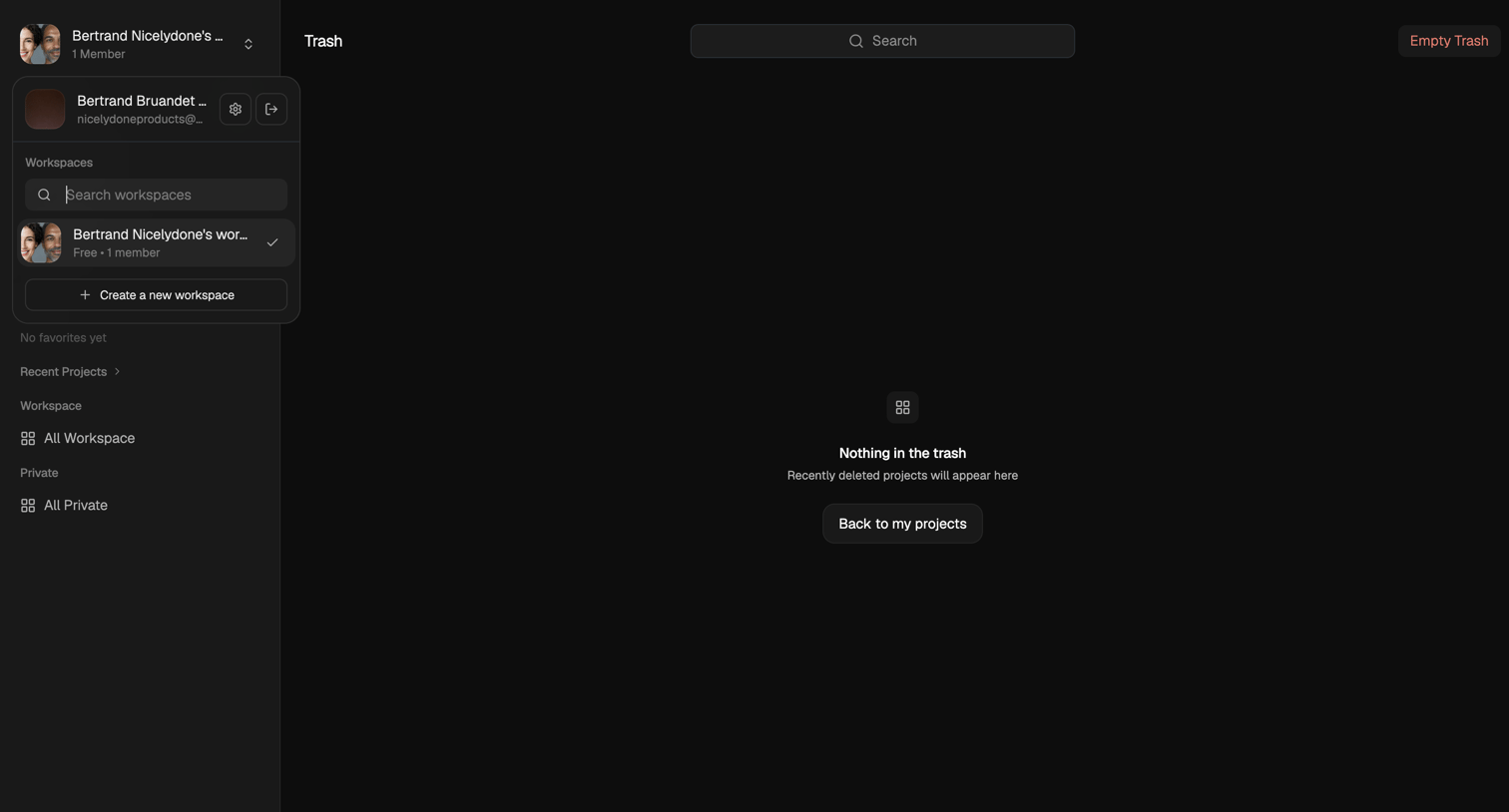

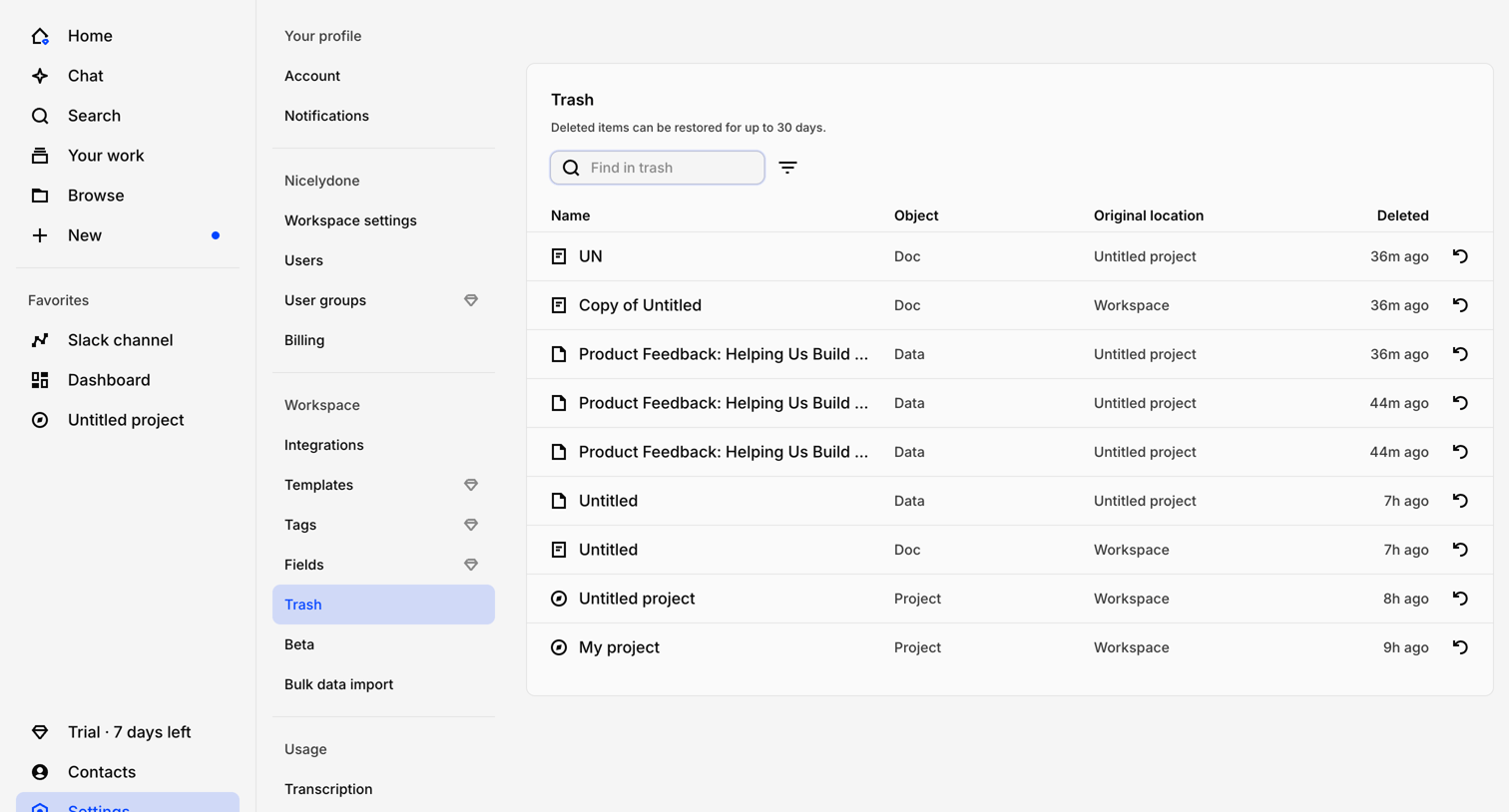

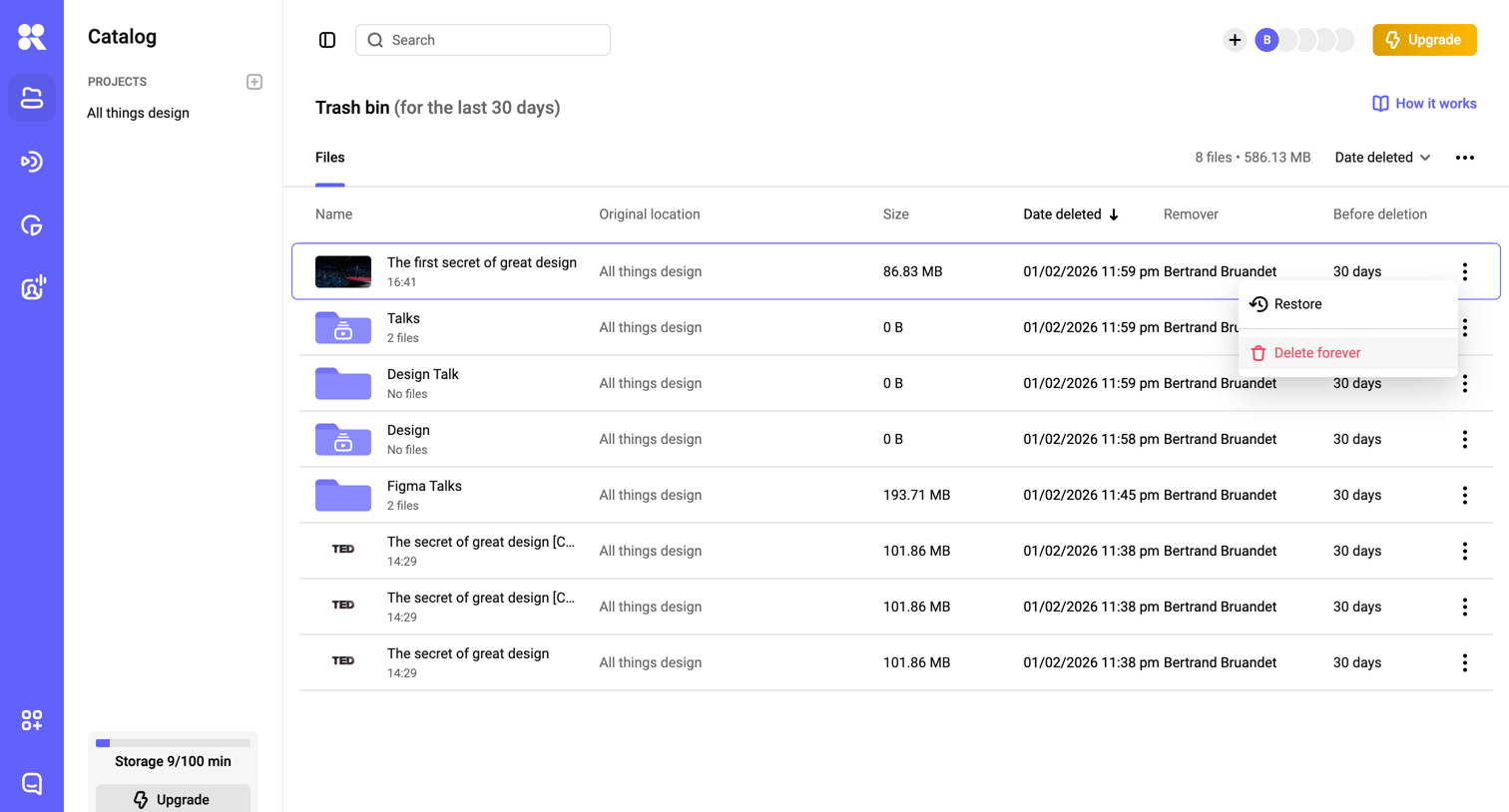

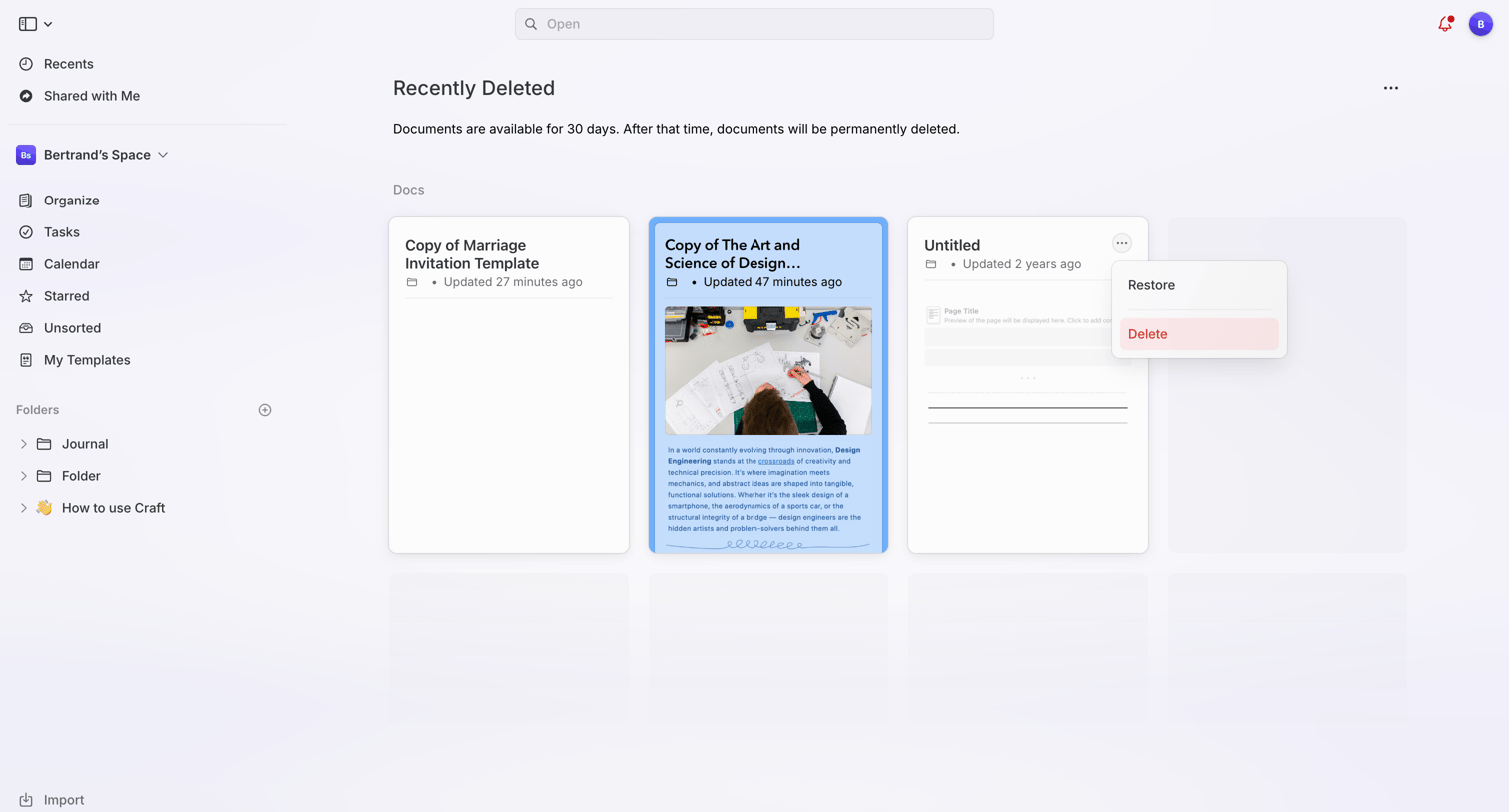
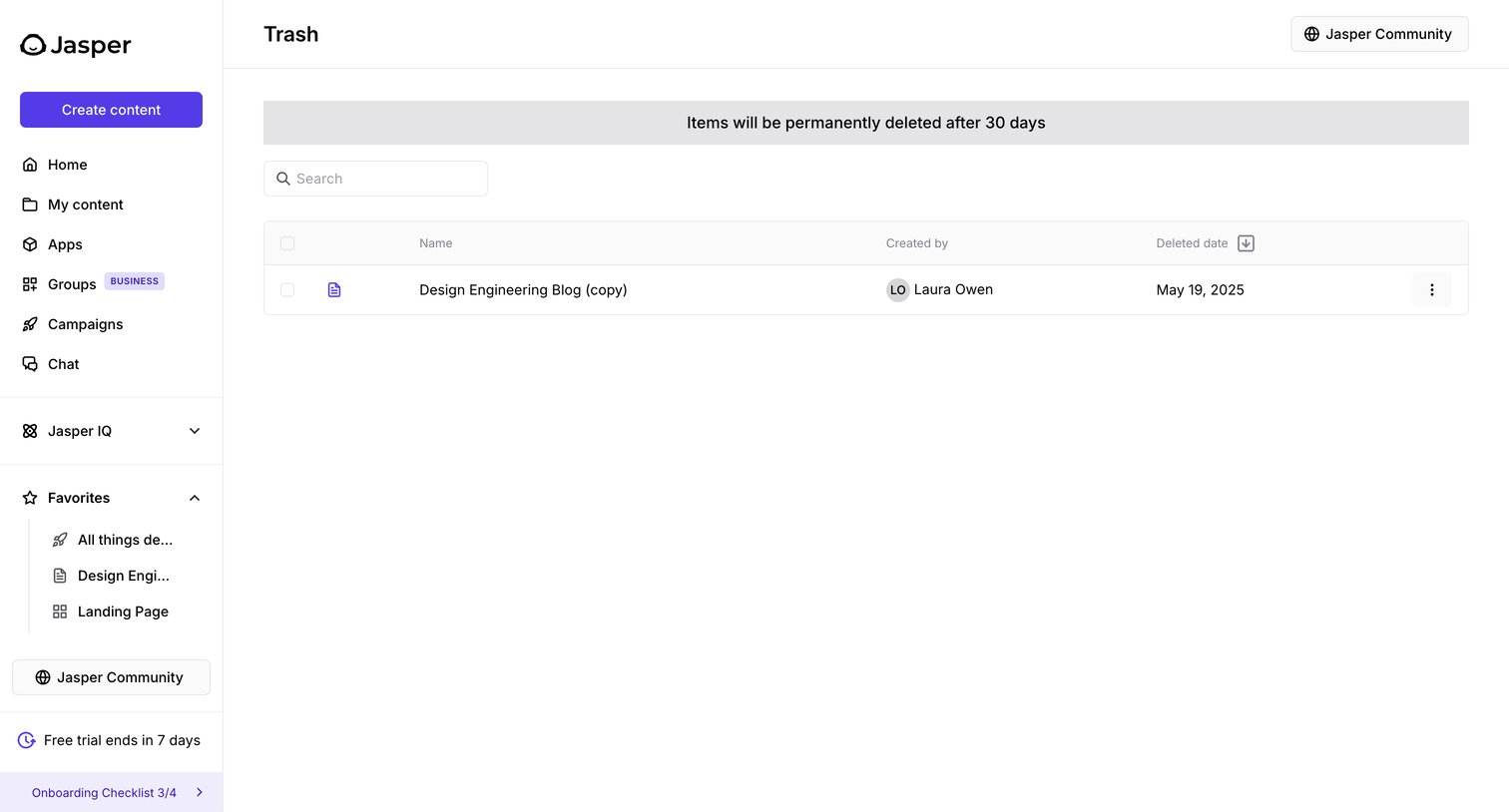
List view of the trash bin where the user can restore or permanently delete files and folders removed in the last 30 days.
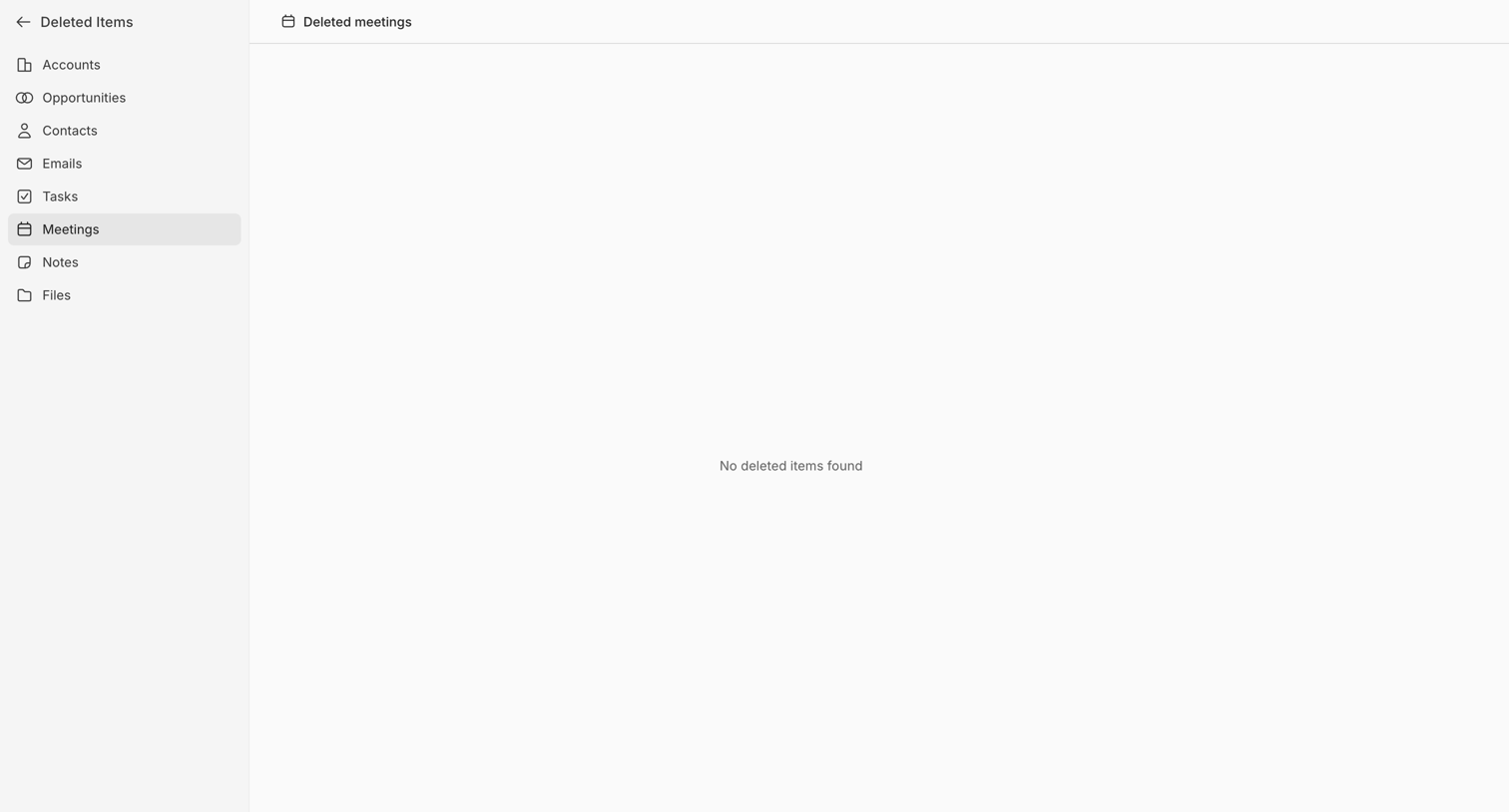

Trash view where the user checks for deleted meetings from their CRM, currently displaying an empty state with no items found.
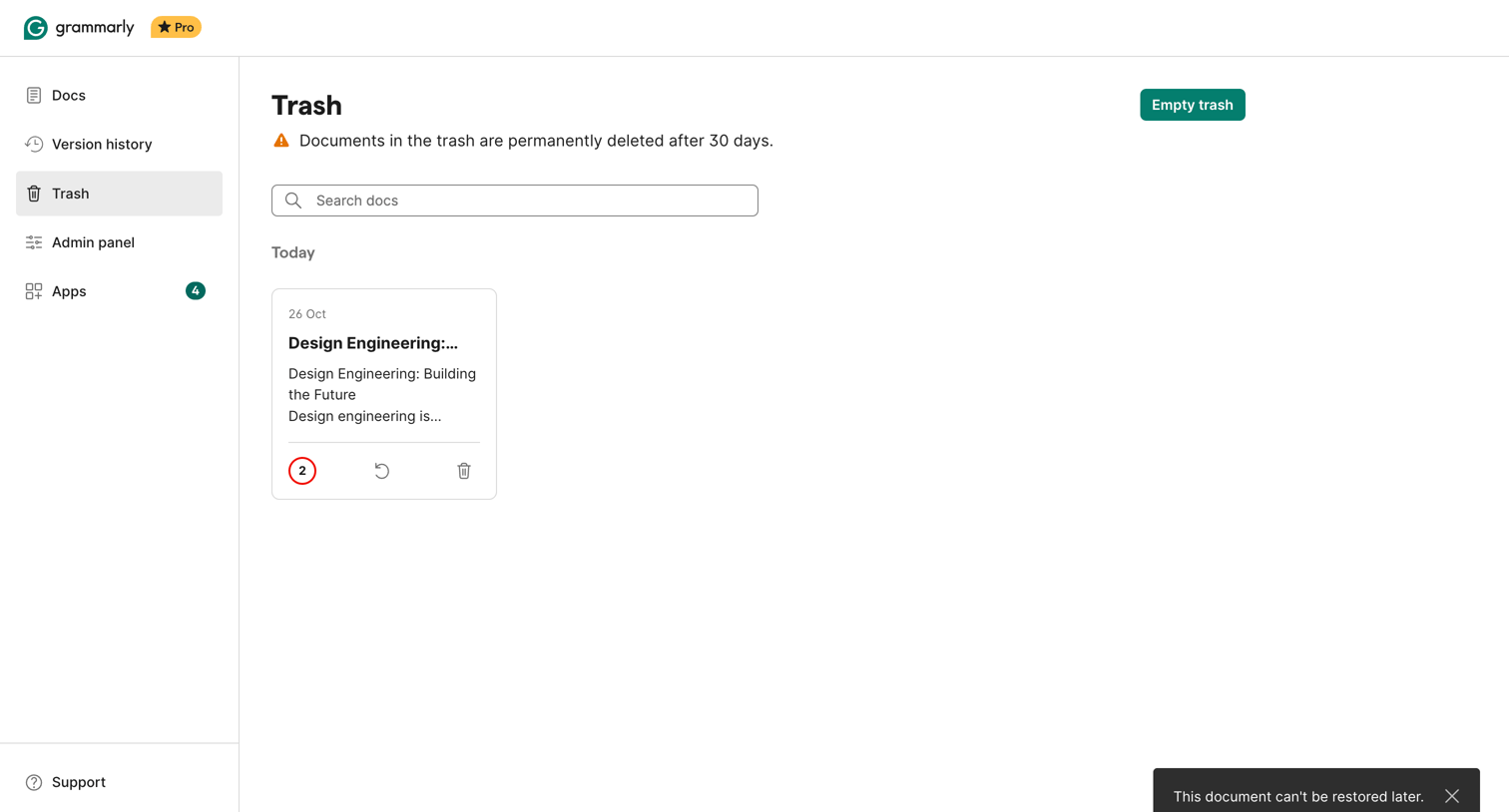

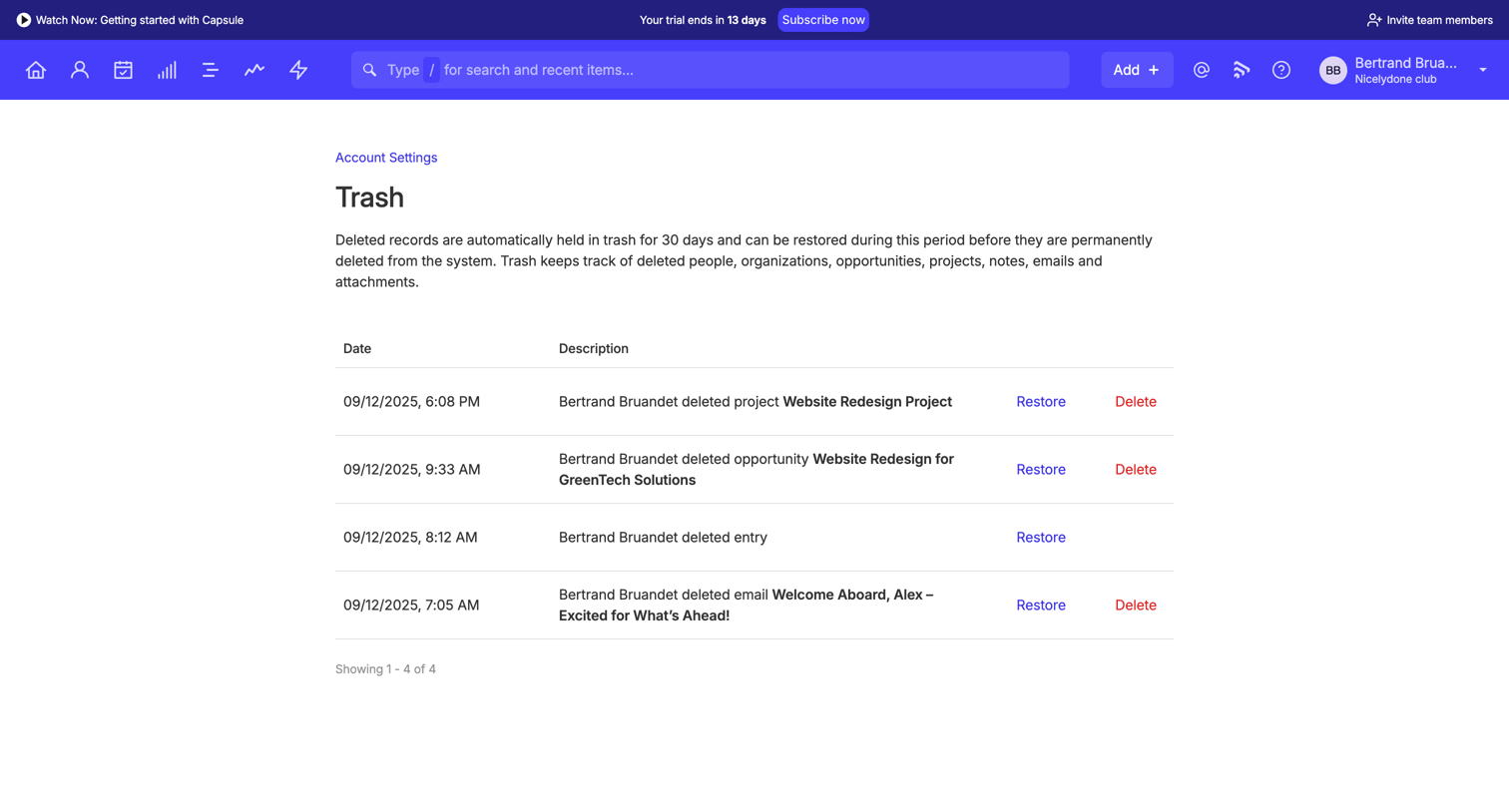

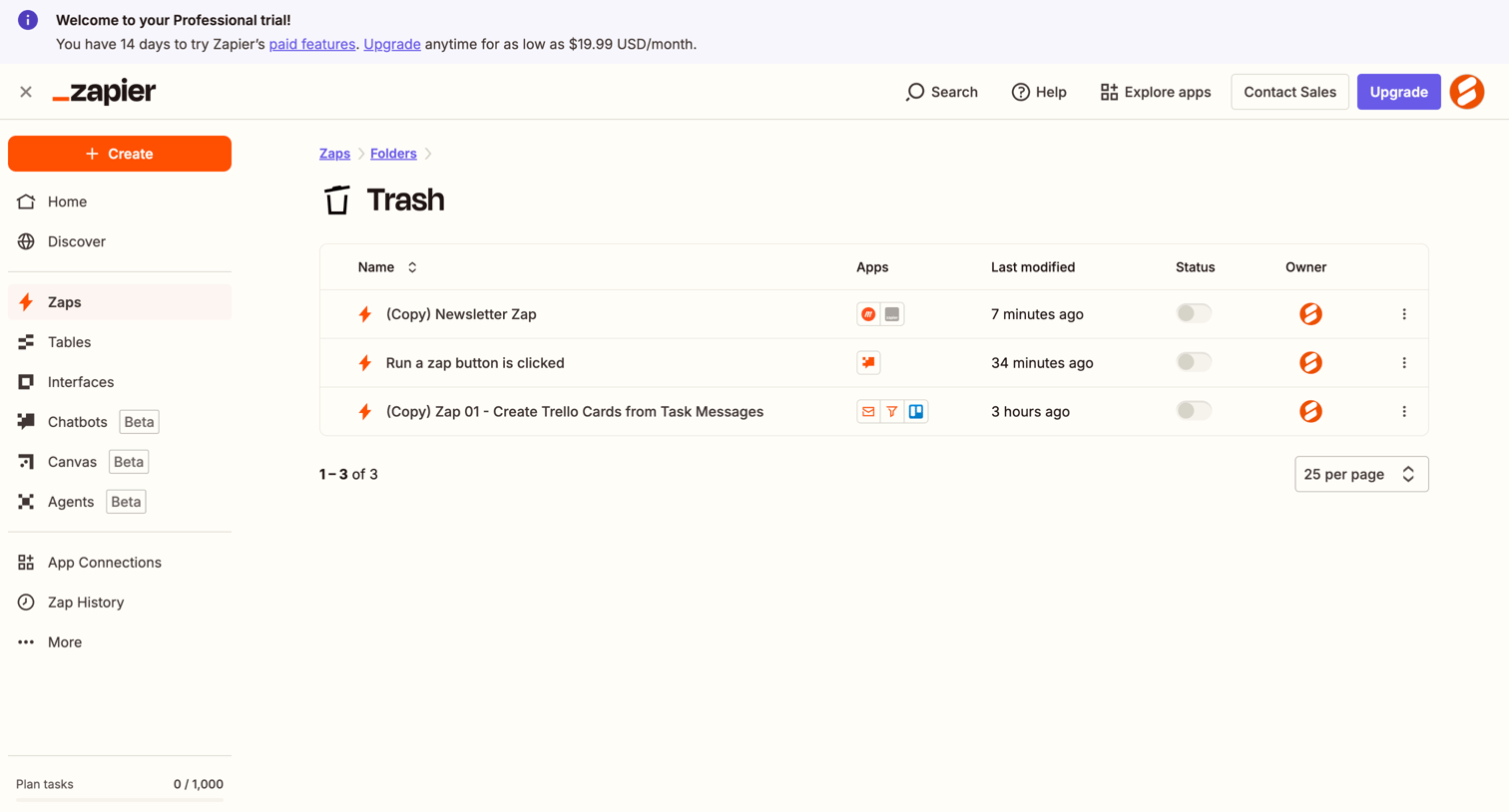

List view where the user manages deleted Zaps in their trash folder, with columns for connected apps, last modified date, and owner.

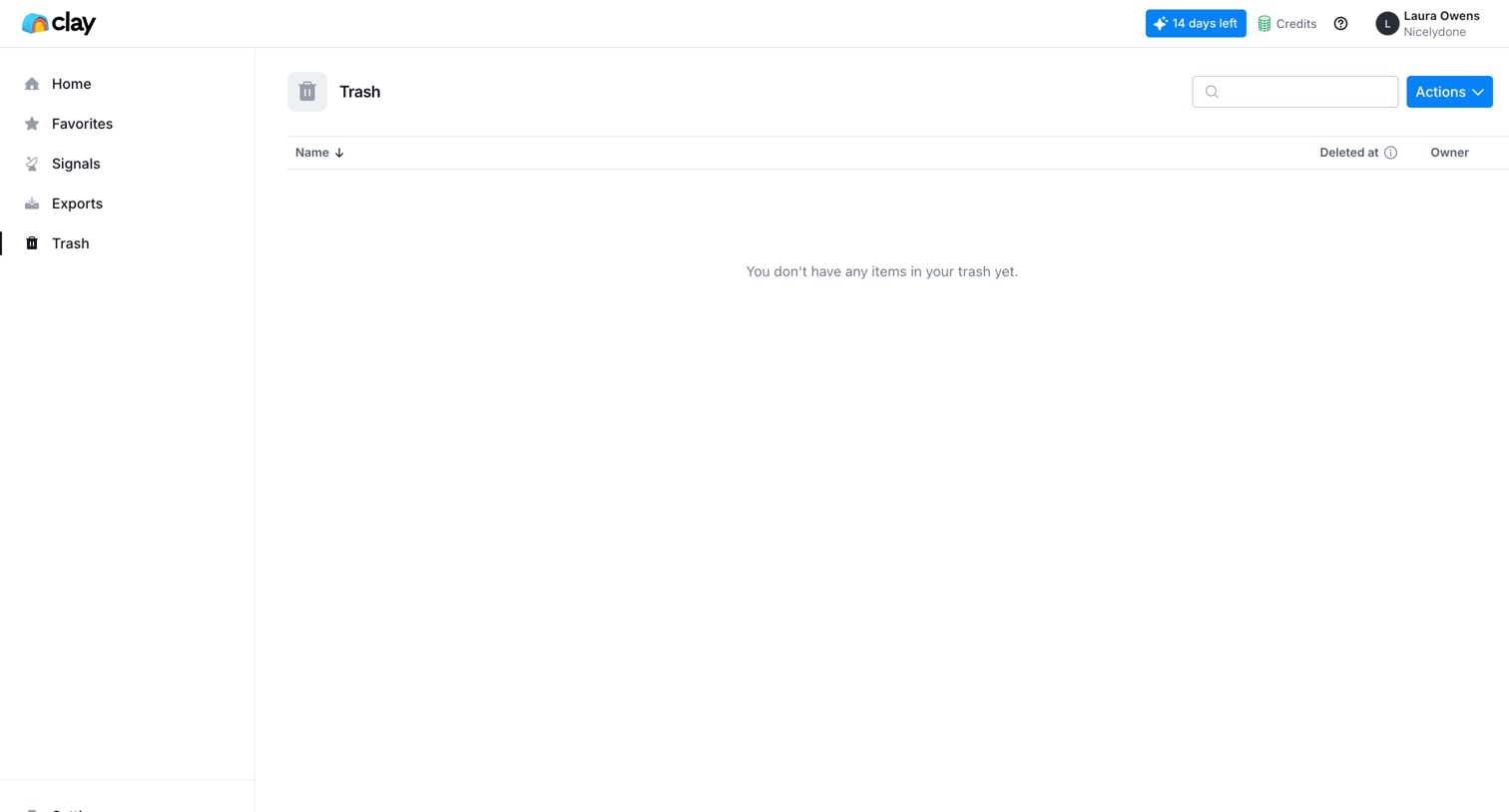

List view where the user can manage deleted items, currently showing an empty state and a success toast for a recently deleted resource.
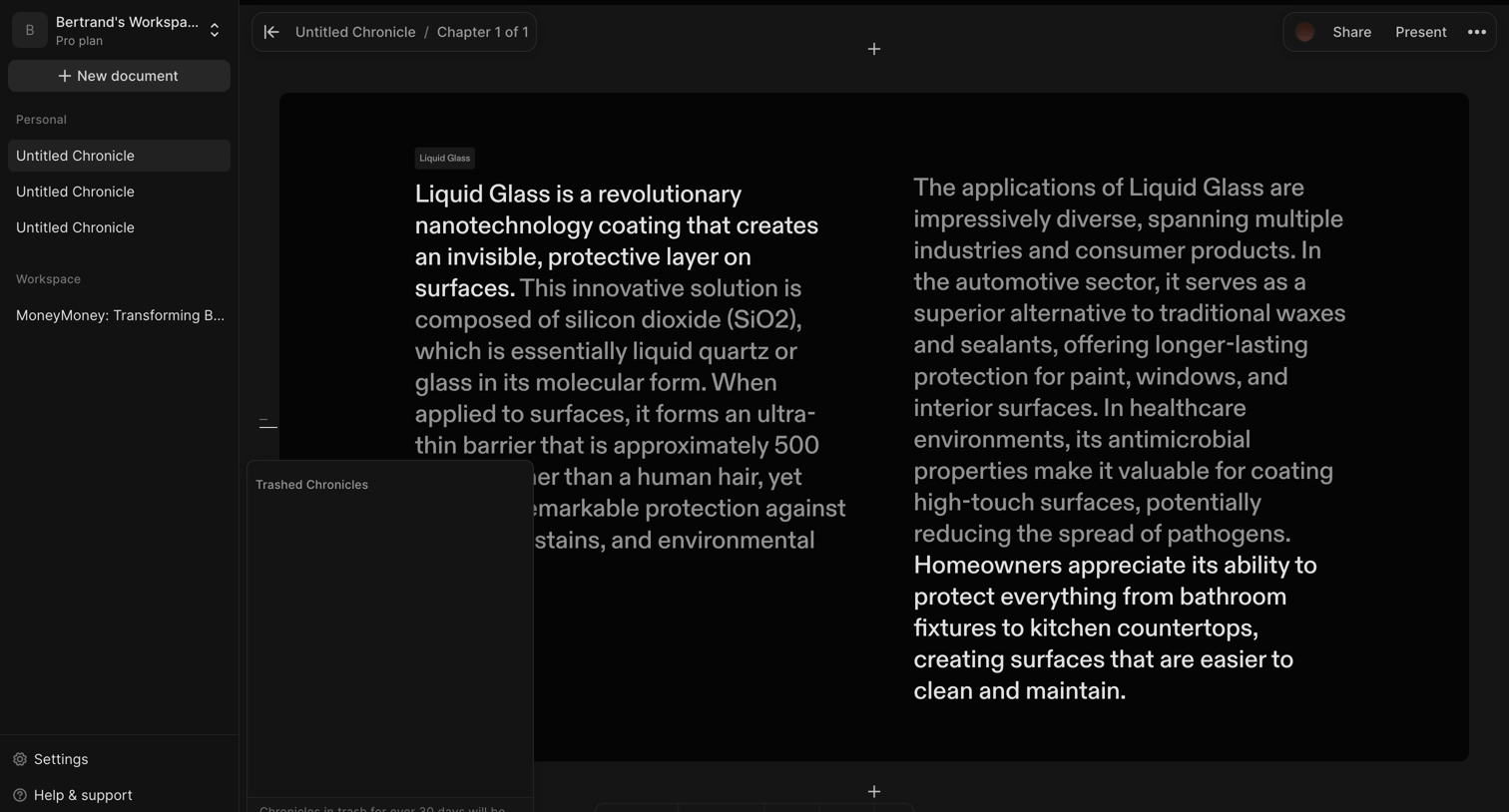

Document editor where the user has opened the trash popover to view deleted chronicles.

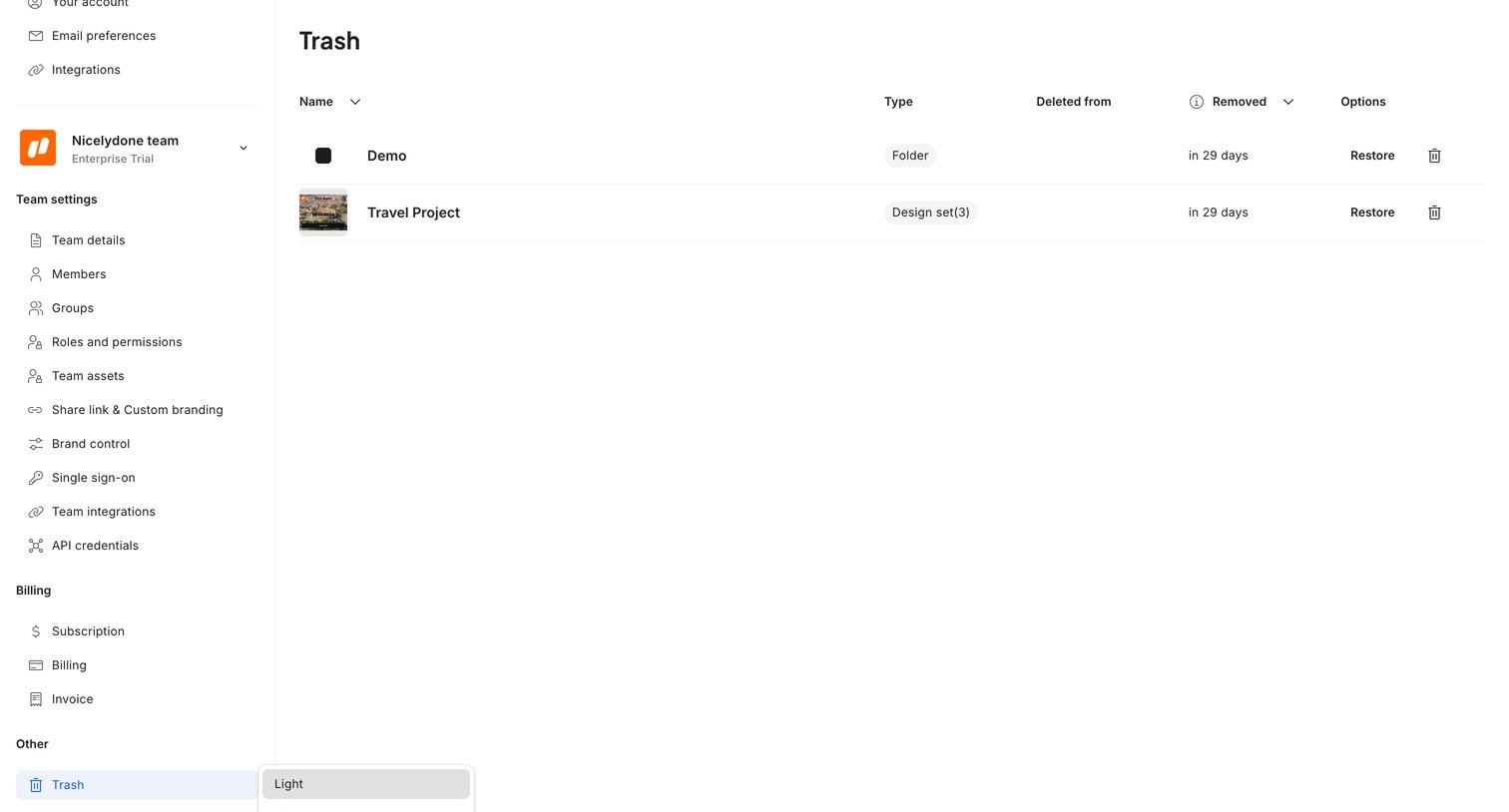

Settings view where the user manages deleted folders and projects in the trash, with options to restore them or let them permanently expire.
Explore the full SaaS screen library
Upgrade to unlock the full library.
Trusted by the best teams








About Trash & Archive
See how SaaS apps present content that has been removed from active work. Explore how archived or deleted items are identified and how available recovery actions are explained.