
Jimo design examples
Explore Jimo UI design examples. Onboard users smarter, scale faster.
Product screens
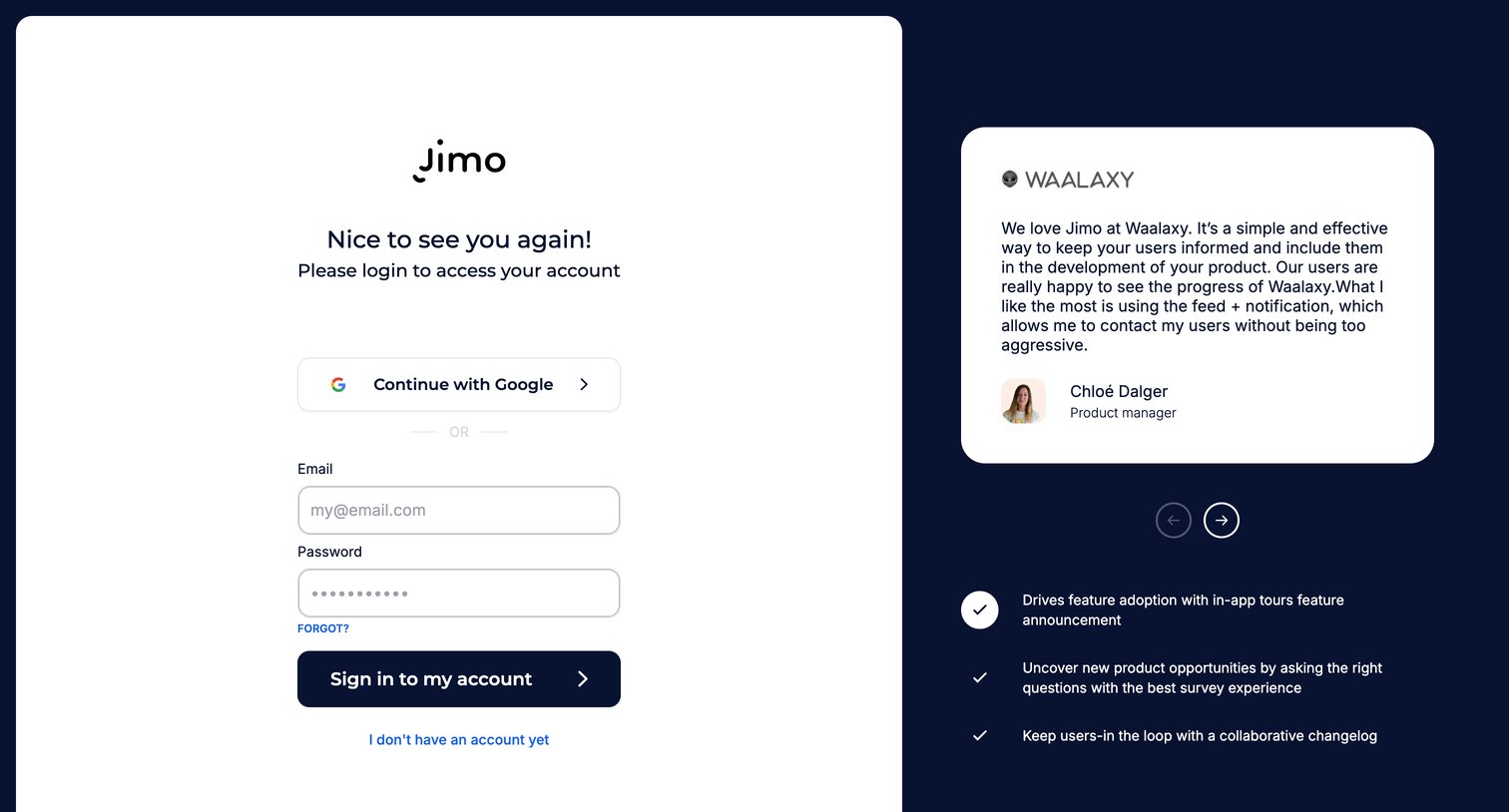
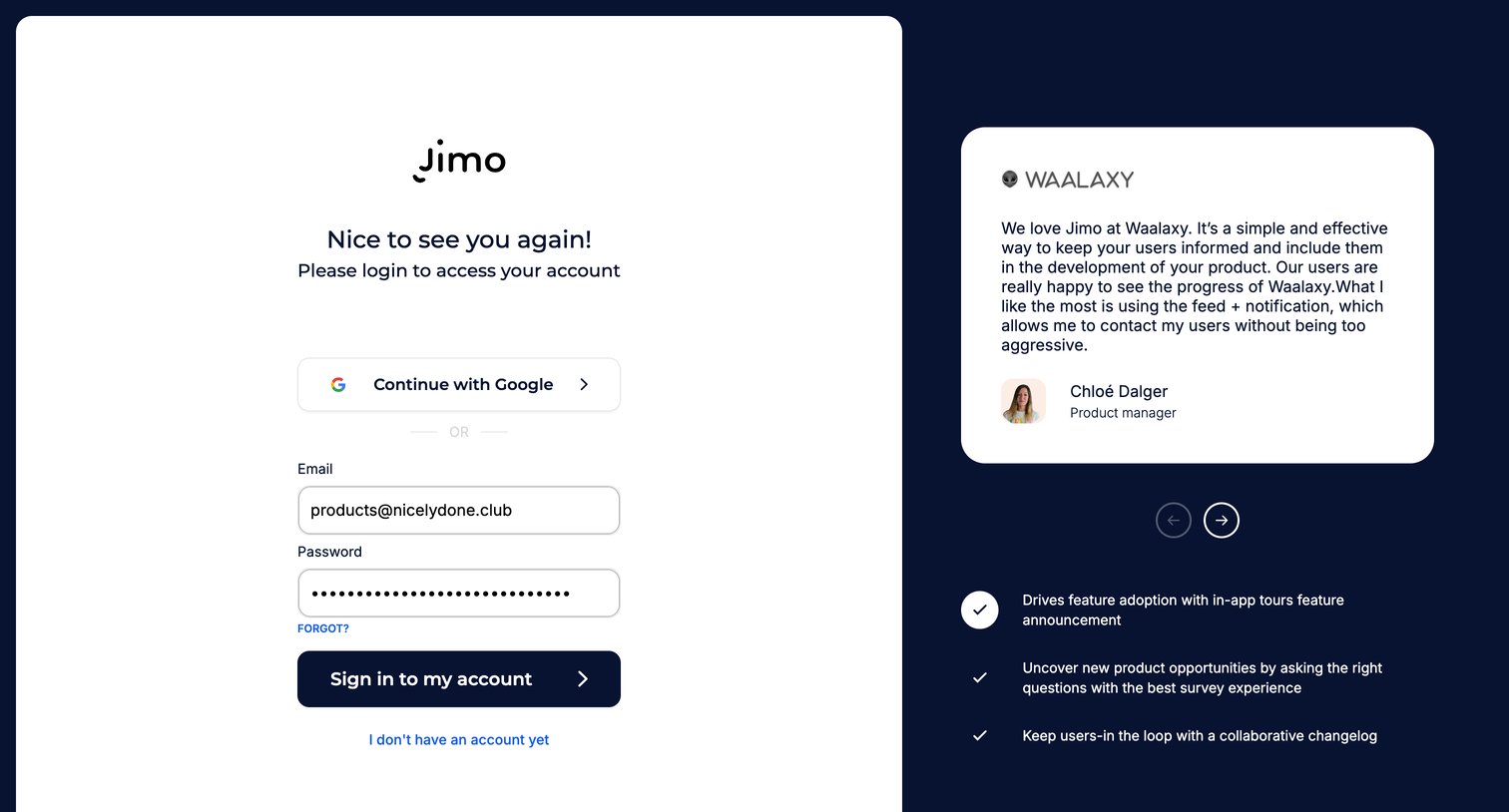
Sign-in screen where the user authenticates with Google or email, featuring a customer testimonial from Waalaxy and key product benefits on the side.
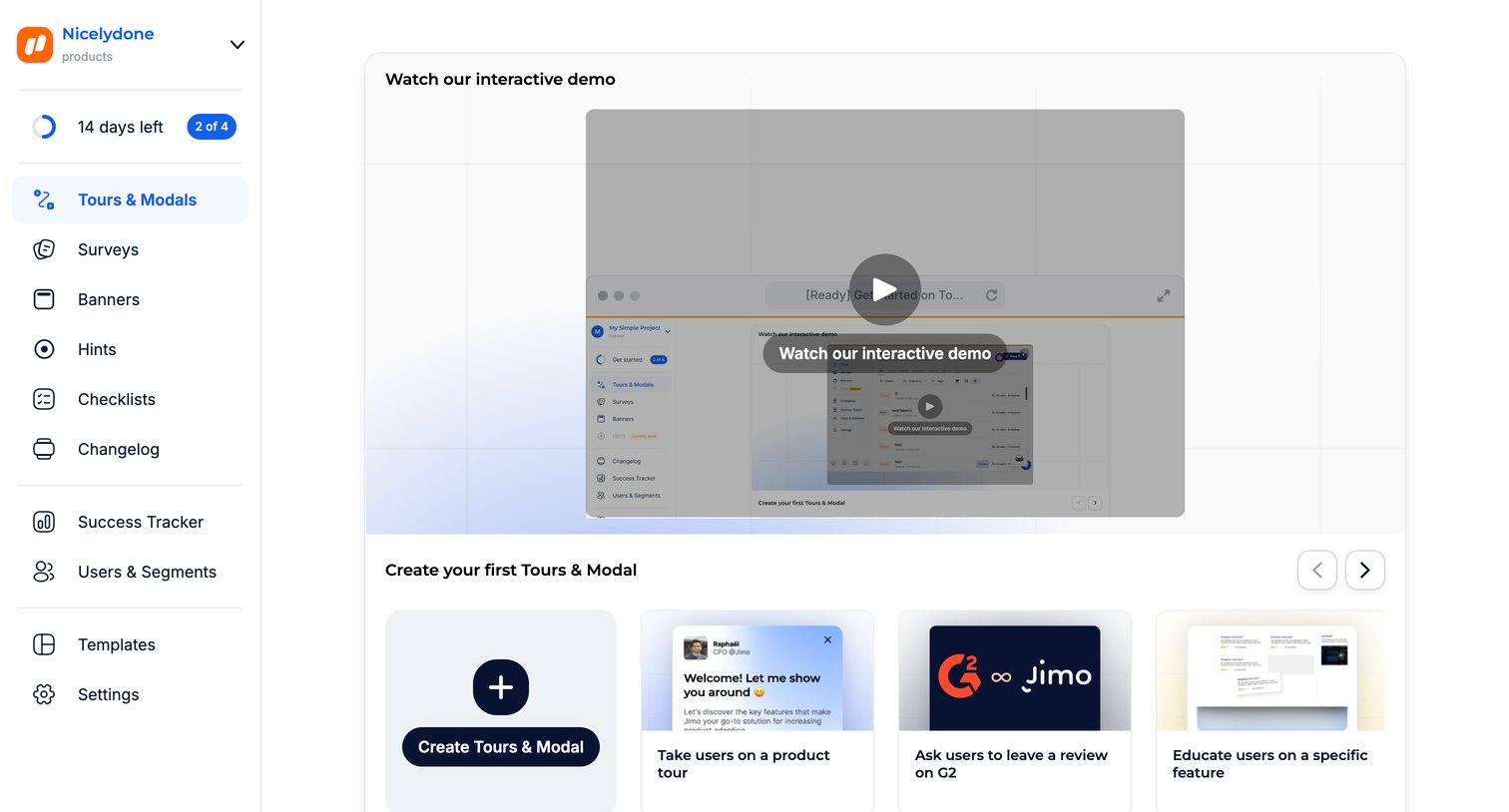
Onboarding screen for the Tours & Modals feature where the user can watch an interactive demo video or start creating from a carousel of templates.
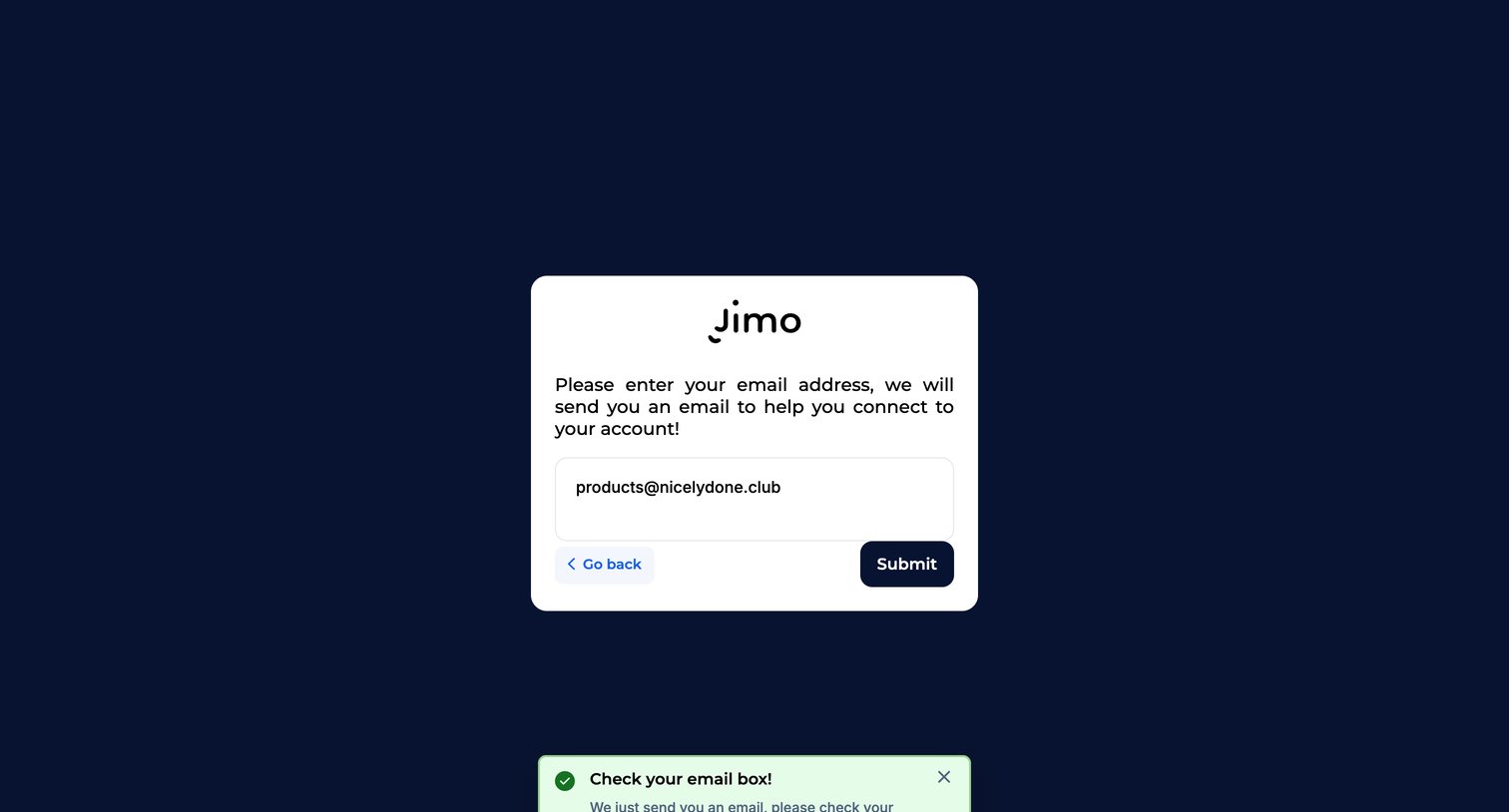
Password recovery screen where a success toast notifies the user to check their inbox after submitting their email address.
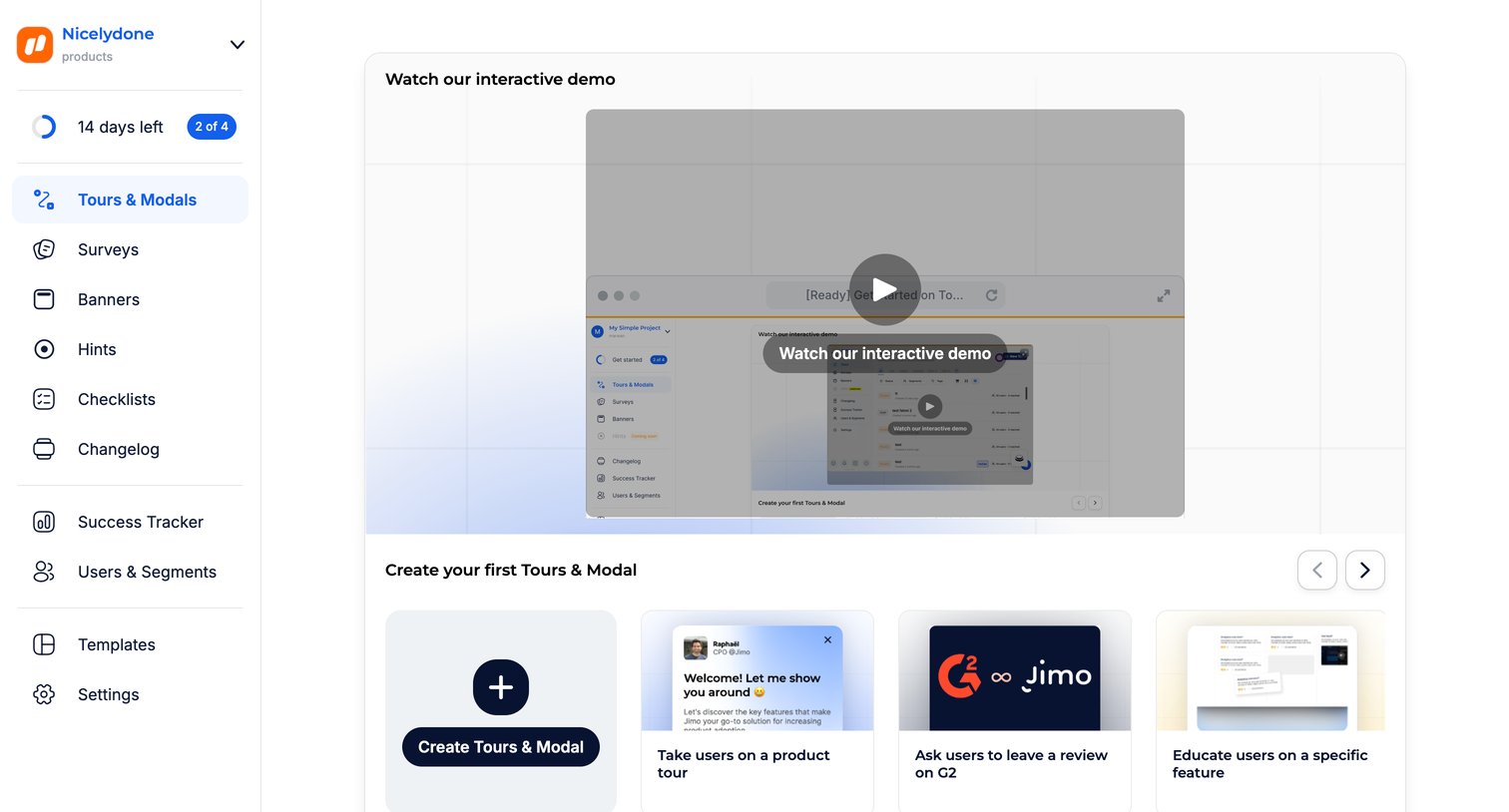
Dashboard empty state for tours and modals featuring an interactive demo video and a template gallery to create the first item.
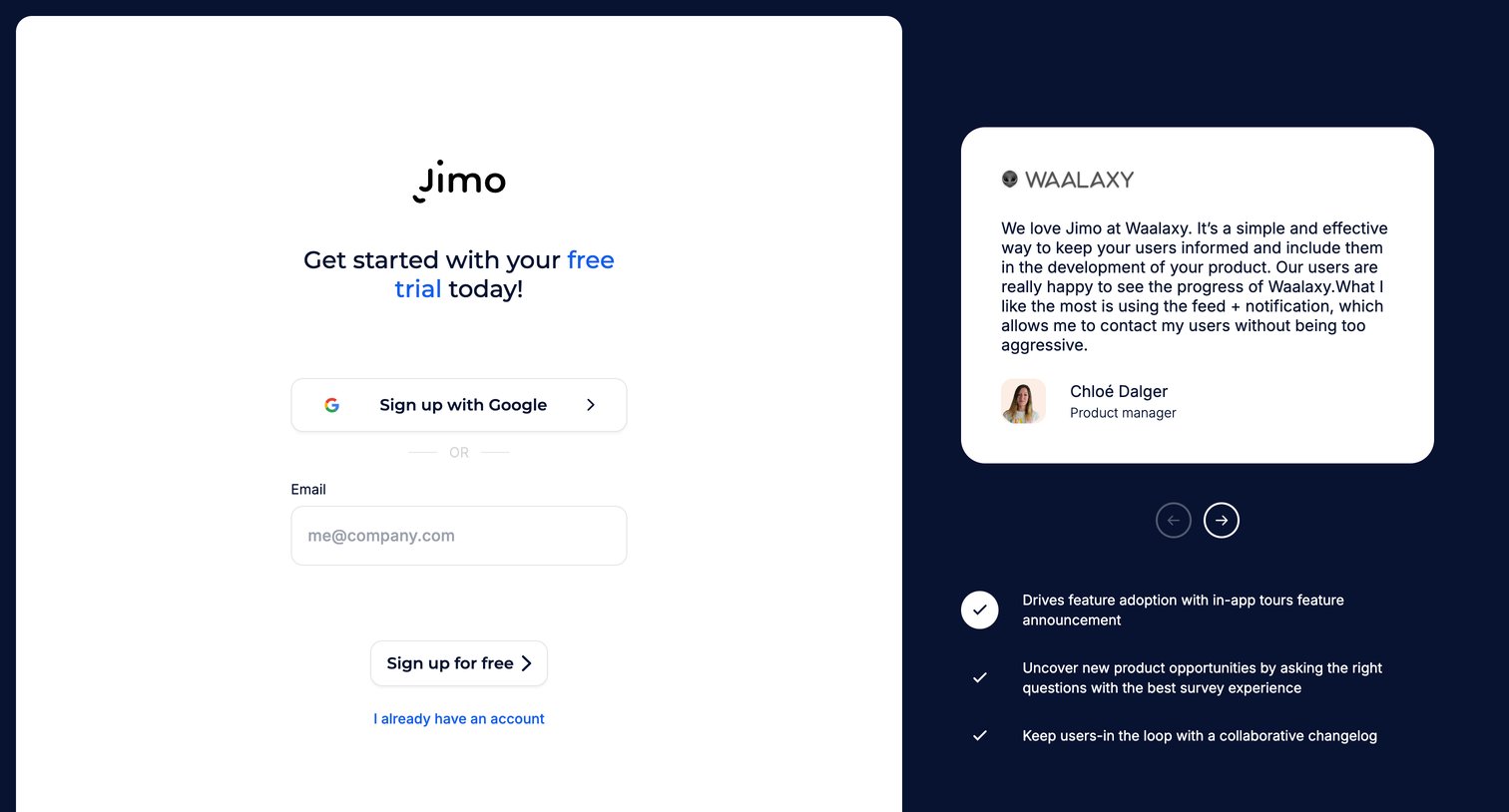
Signup screen where the user can start a free trial using Google or their email address, accompanied by a customer testimonial and feature highlights.
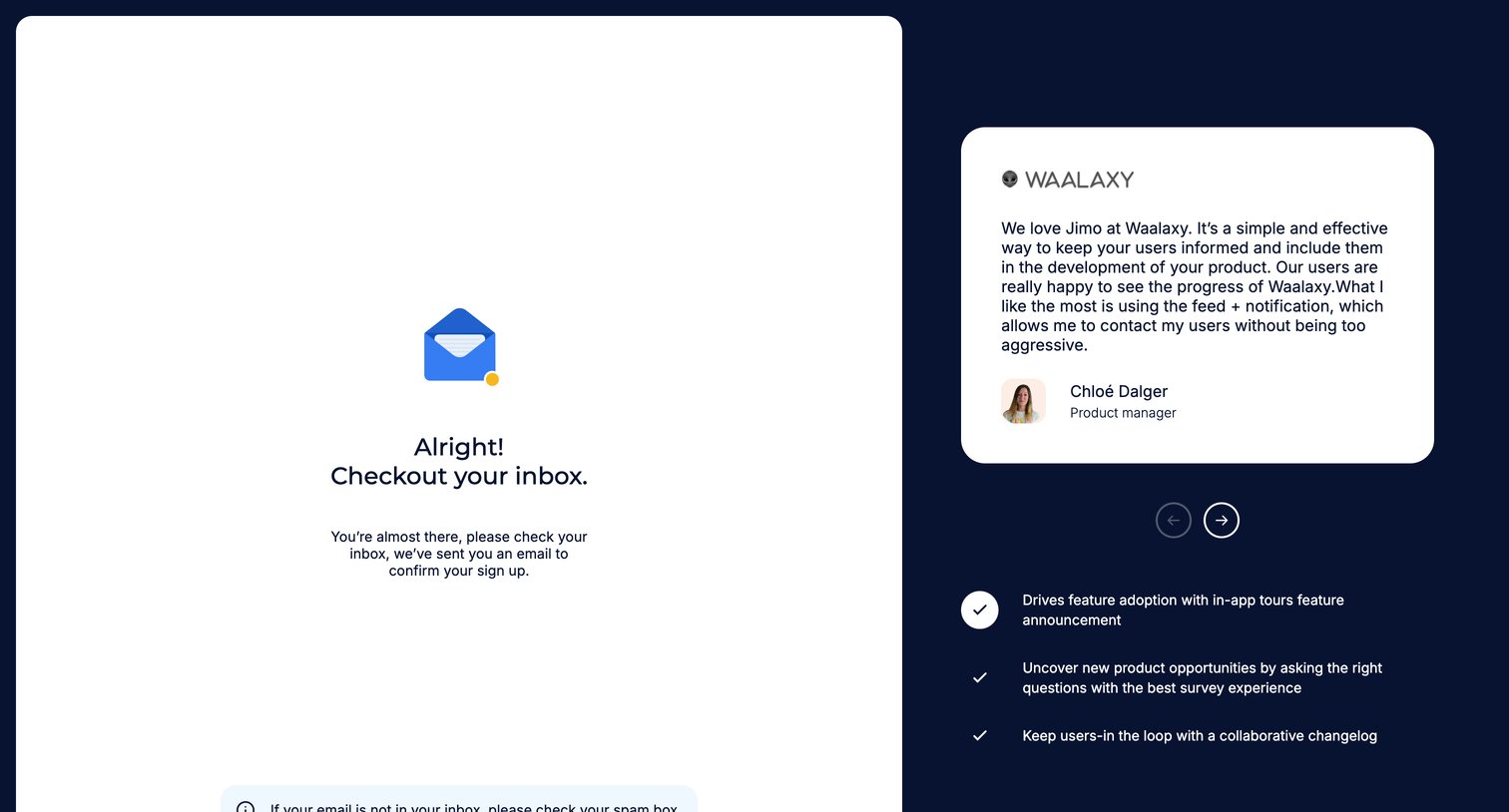
Verification screen where the user is instructed to check their inbox to confirm their sign up, alongside a customer testimonial and feature list.
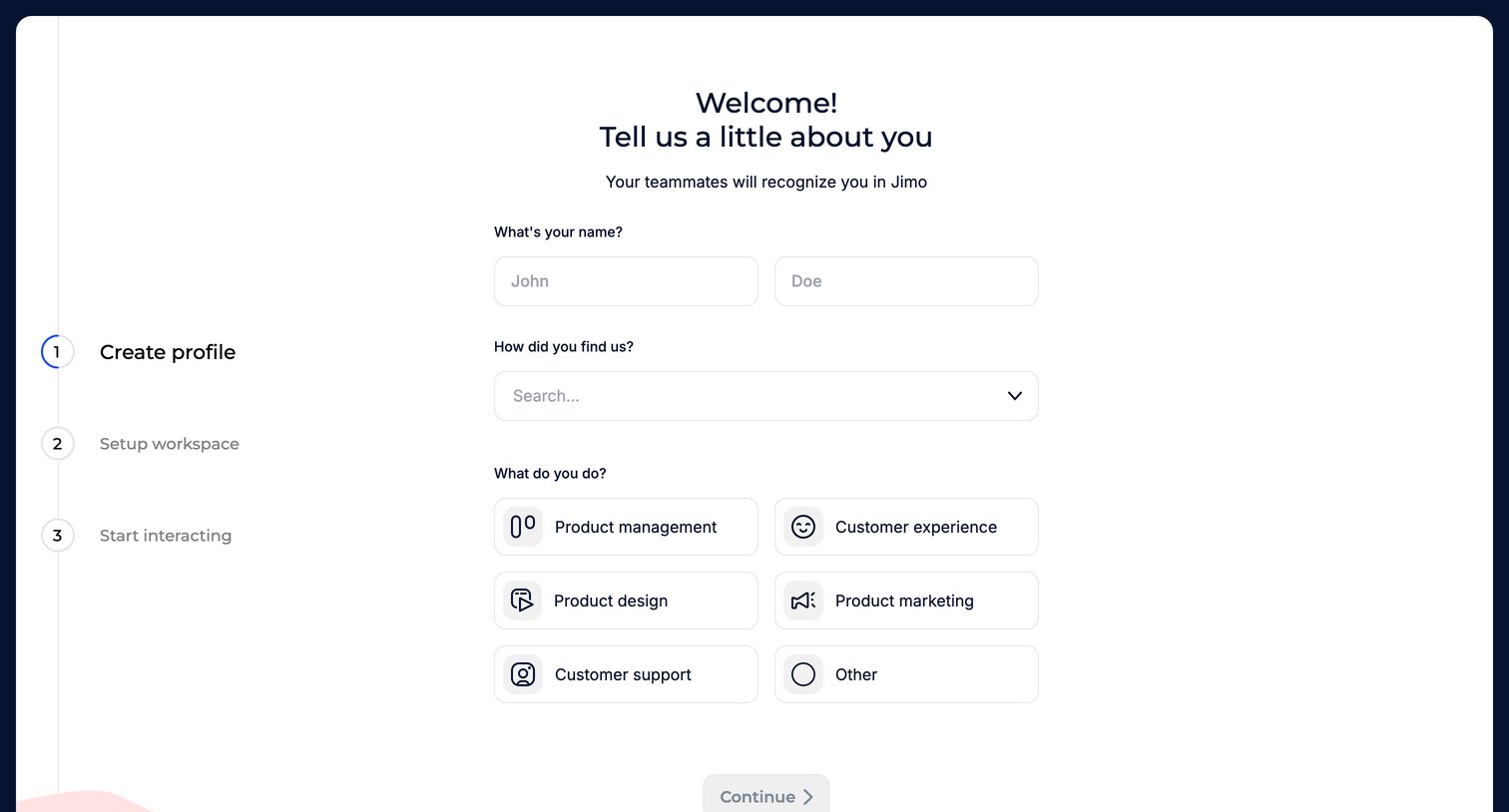
Onboarding step where the user enters their name, selects how they found Jimo, and chooses their role like Product management or Customer support.
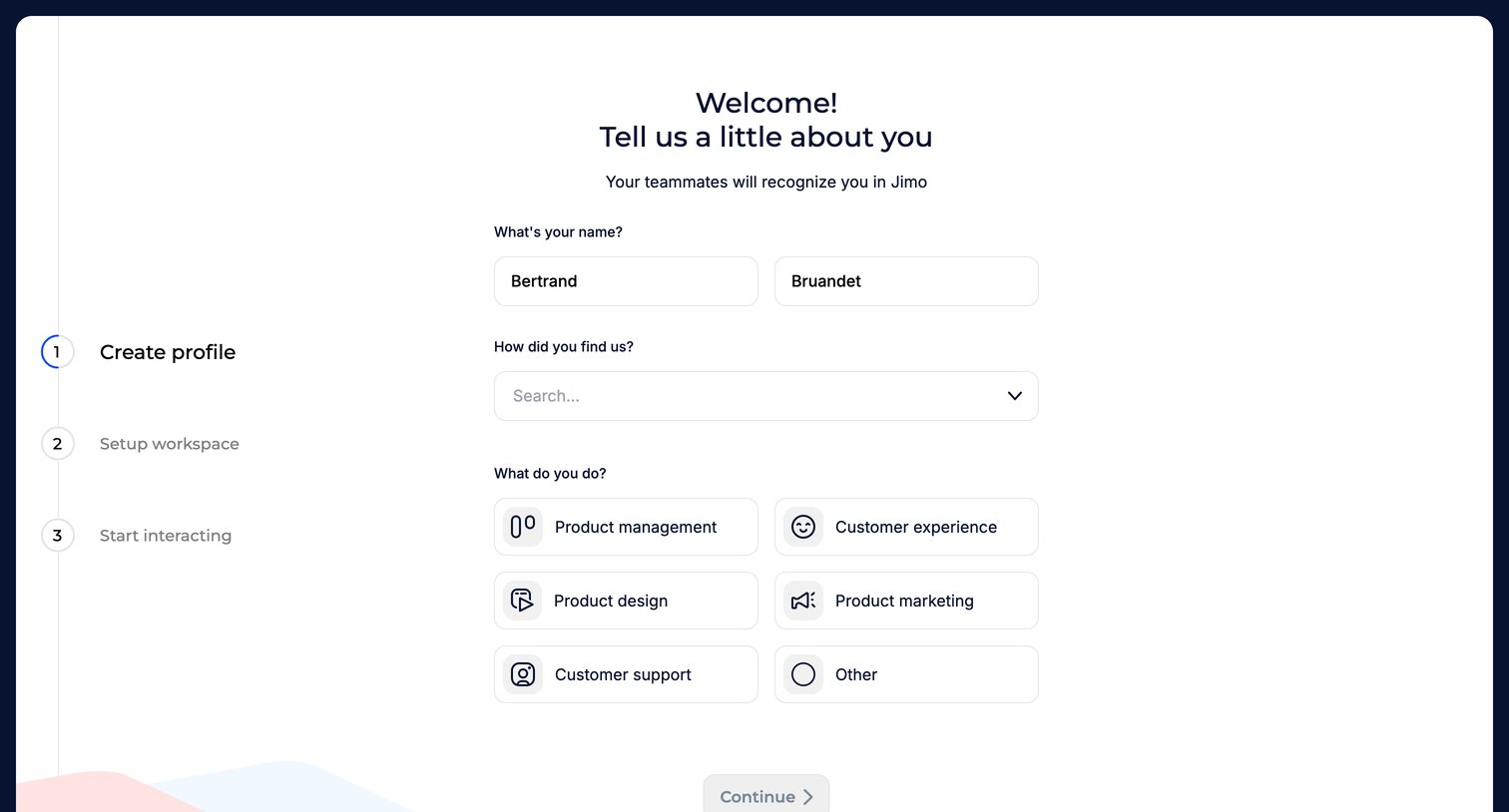
Onboarding step where the user enters their name, selects how they found the product, and chooses their role.
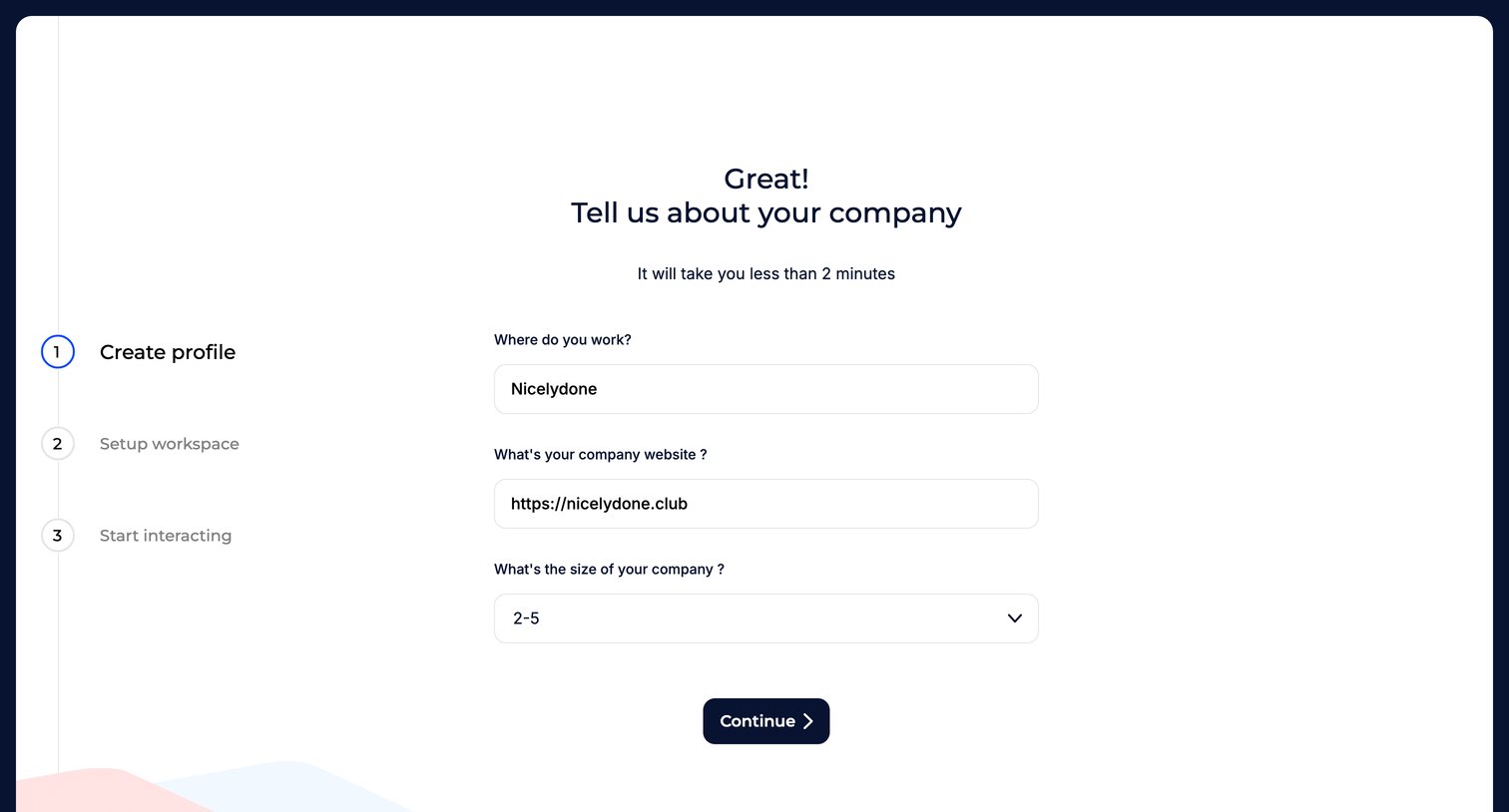
Onboarding step where the user enters their company name, website, and size to set up their workspace.
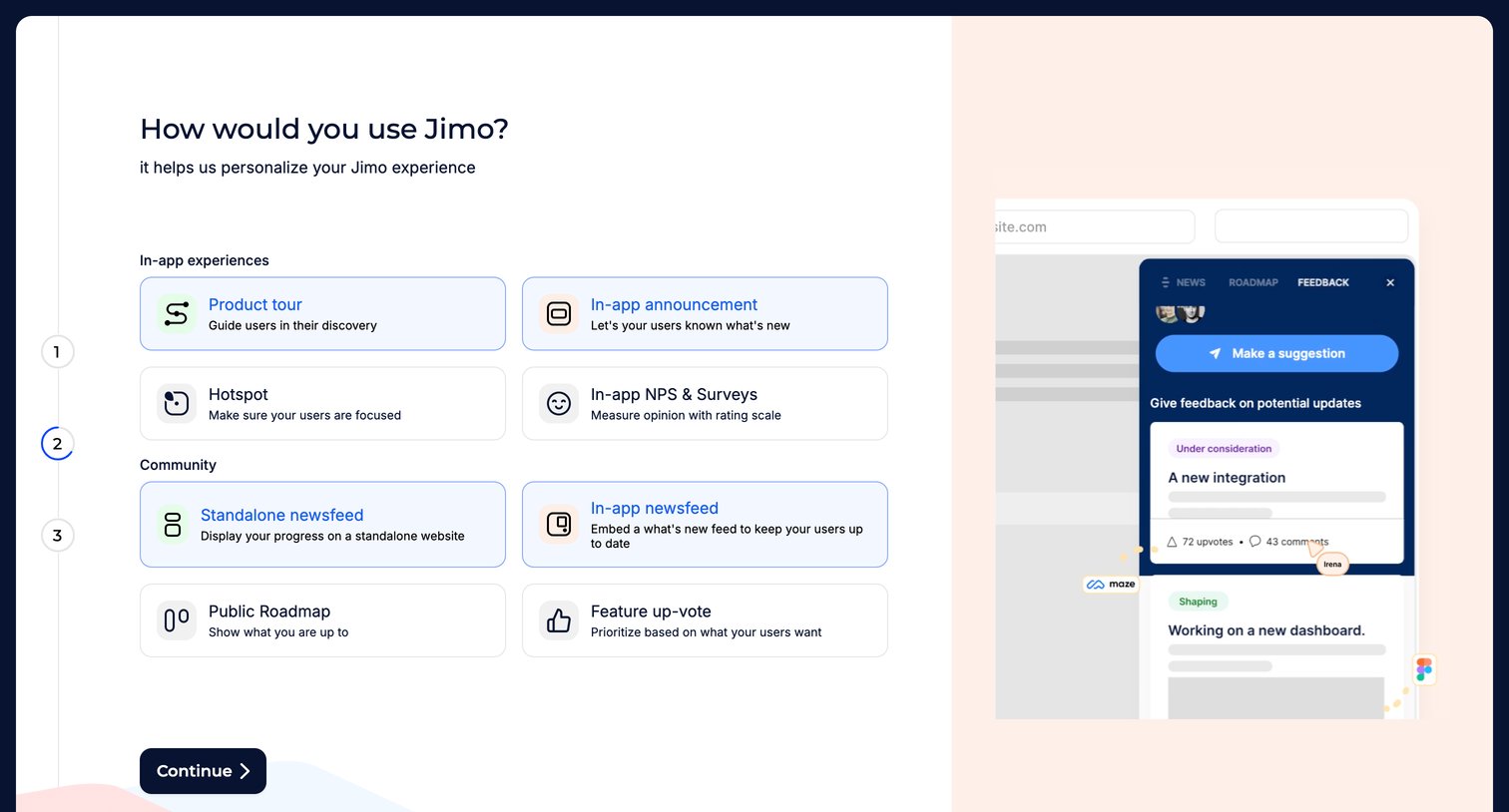
Onboarding step where the user selects their intended use cases, such as product tours or public roadmaps, to personalize their workspace experience.
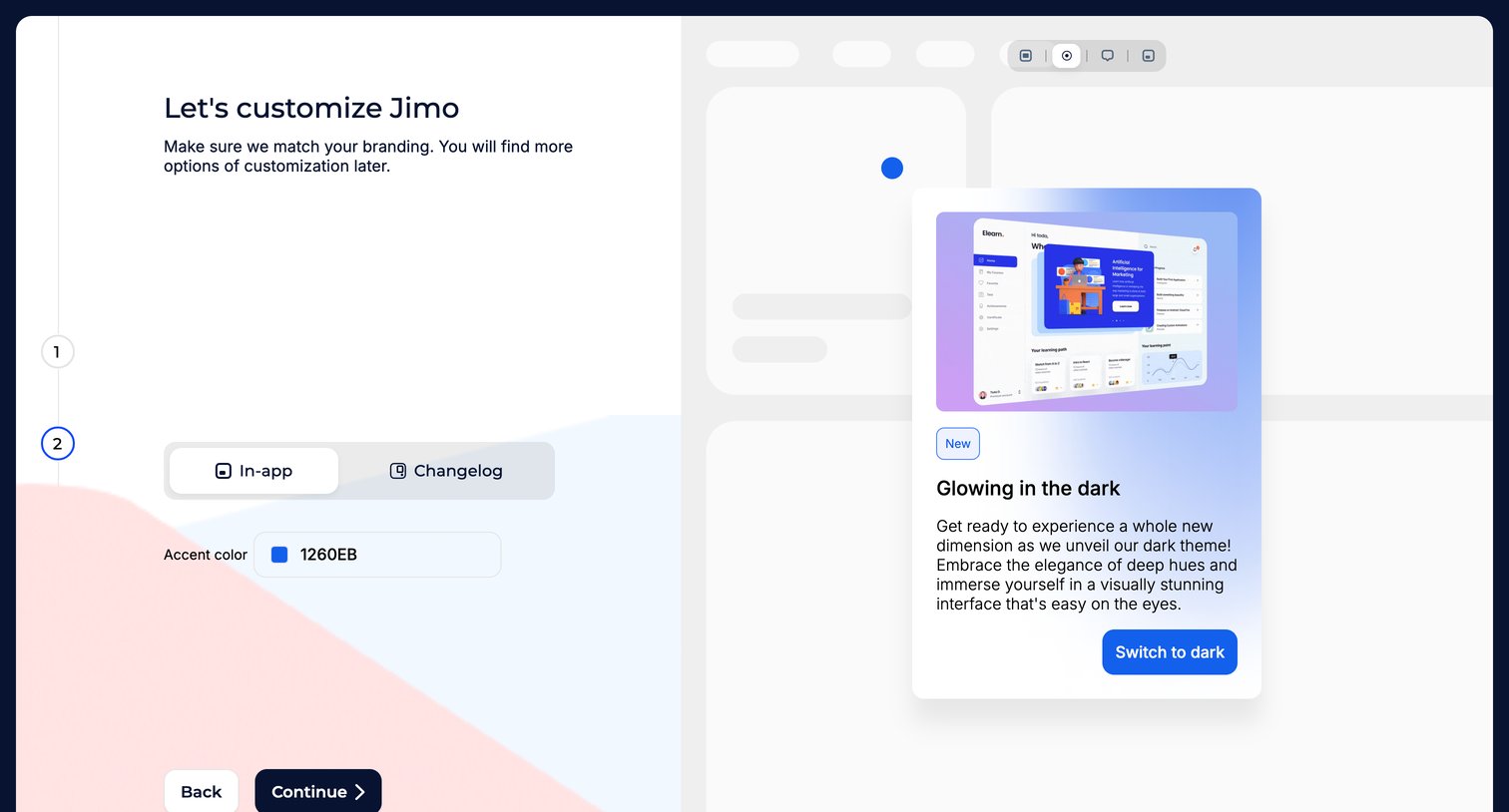
Onboarding step where the user customizes their workspace branding by picking an accent color and previewing it on an in-app widget.
Browse the full SaaS app library
Explore real SaaS apps with their product screens, marketing screens, flows, and components.
Trusted by the best teams







