Workflow management screen examples
Workflow management screen design examples from SaaS apps. Explore how SaaS apps let people arrange a sequence of work. Look at how steps, connections, and configuration panels show the structure of a workflow as it…
Explore the examples
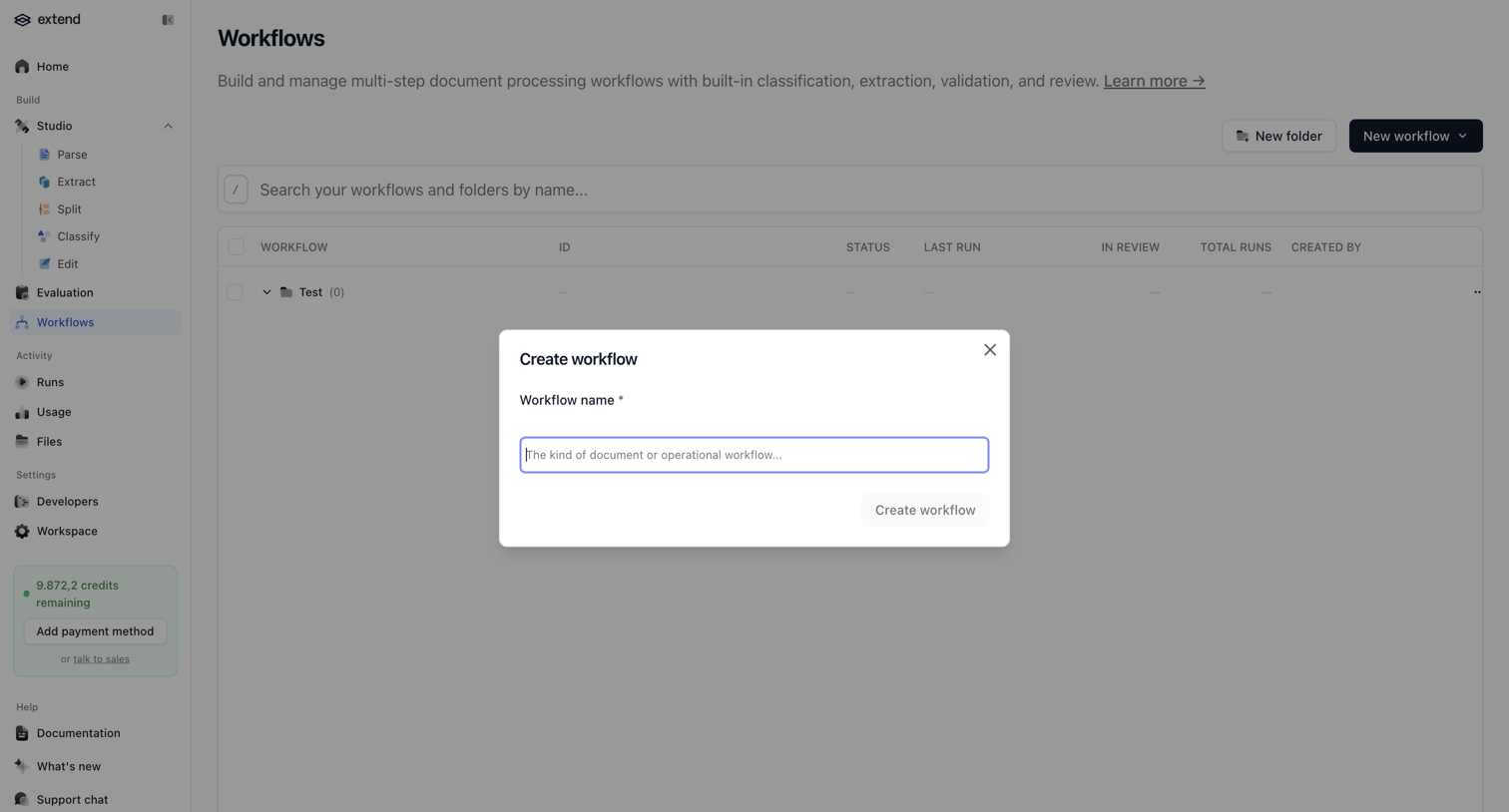

List view of document processing workflows with a modal open to create a new workflow by entering a name.
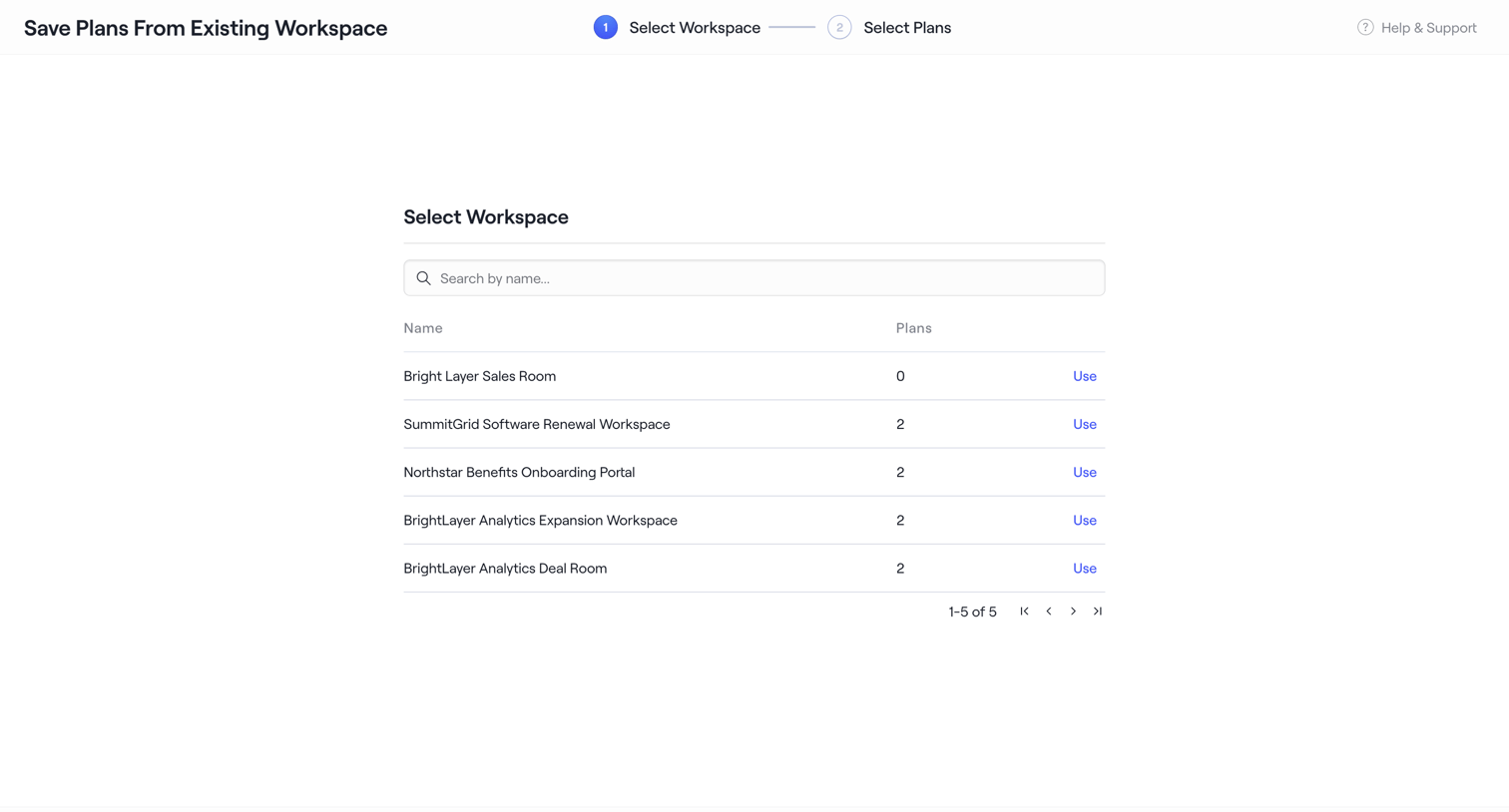

Wizard step where the user searches and selects an existing workspace like Bright Layer Sales Room to duplicate plans from.
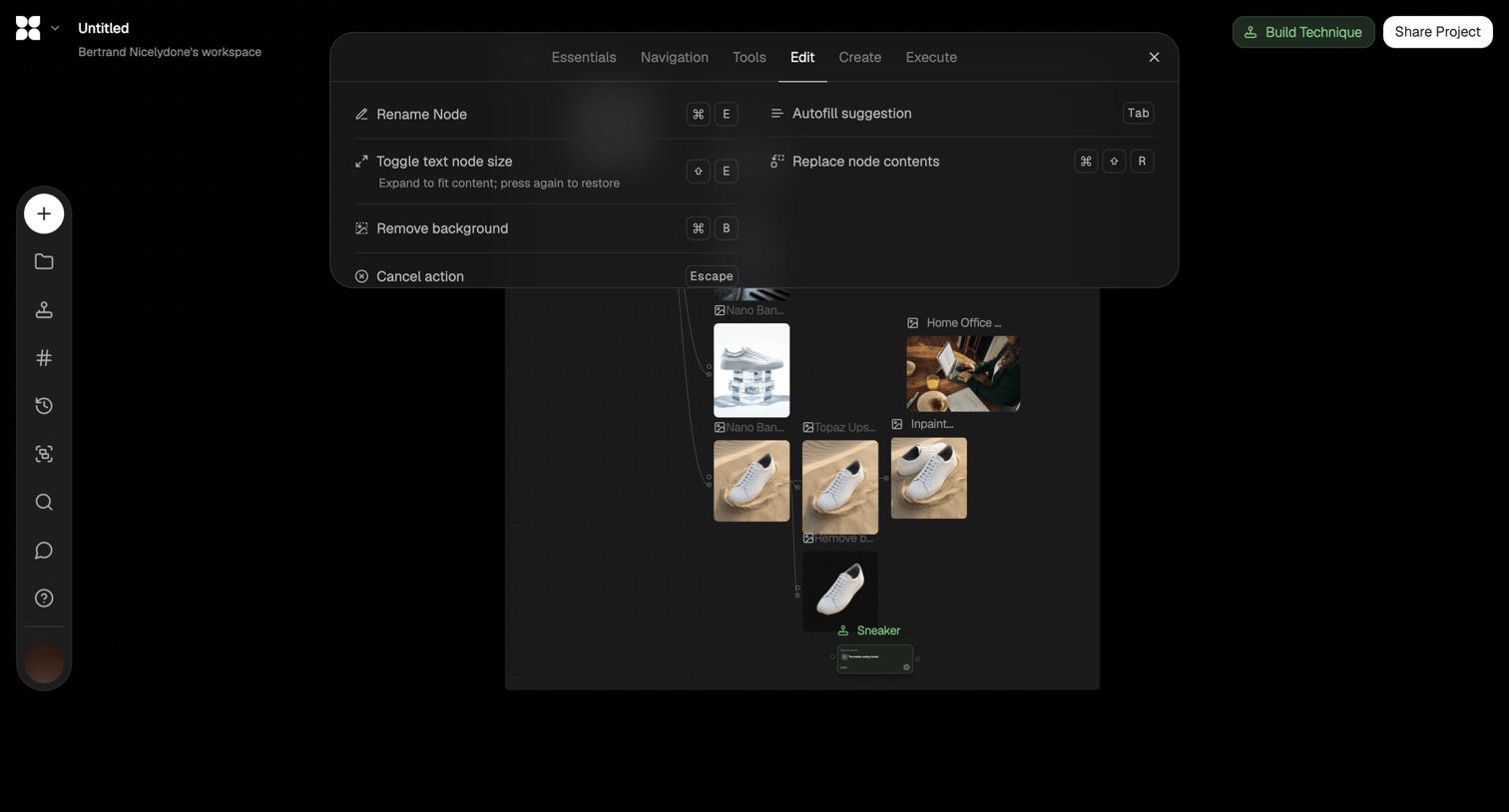

Design editor where the user builds an AI image generation workflow on a canvas and views a floating menu of keyboard shortcuts for editing nodes.
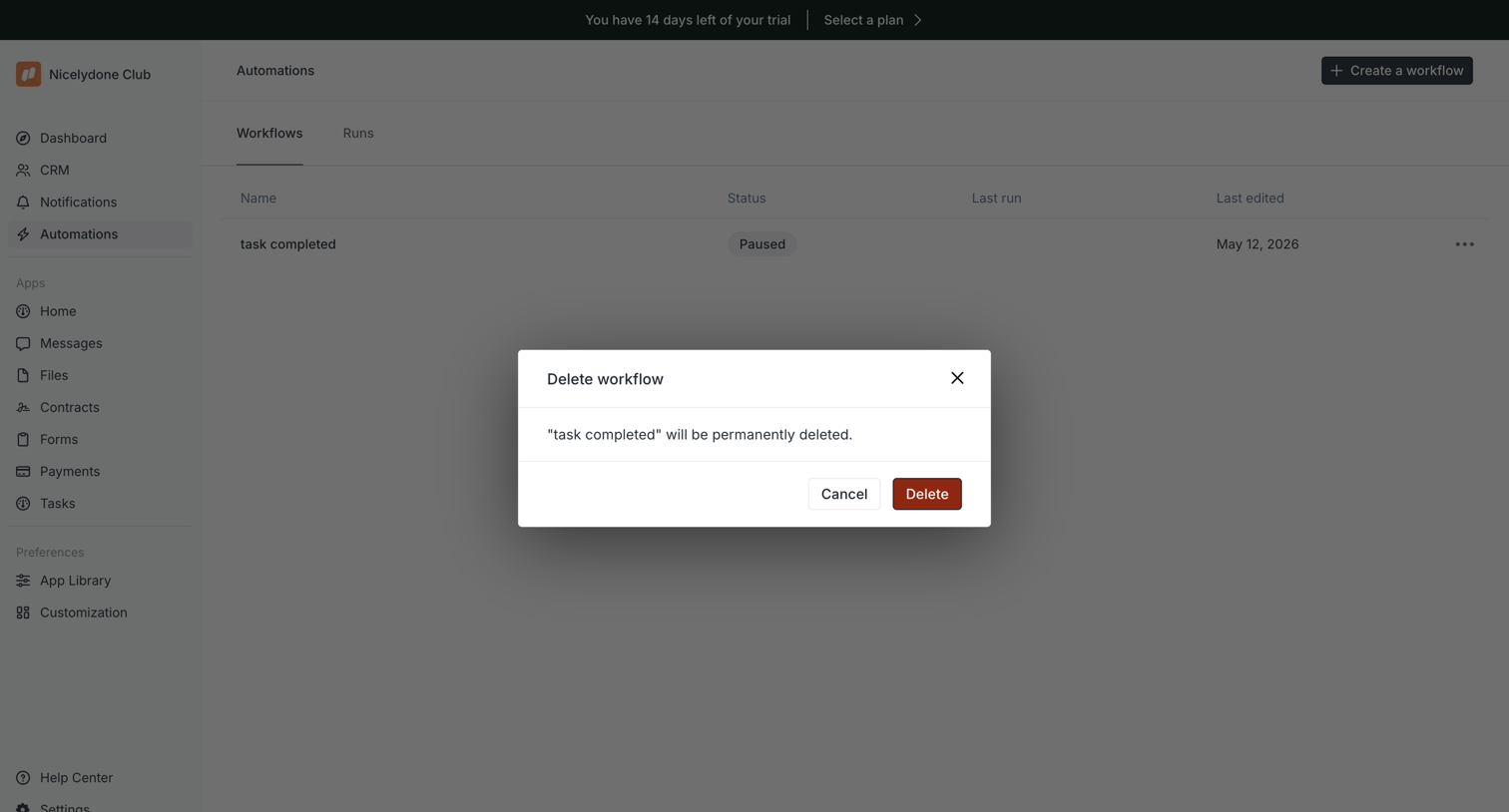

List view of automations where the user is prompted to confirm the permanent deletion of a specific workflow.
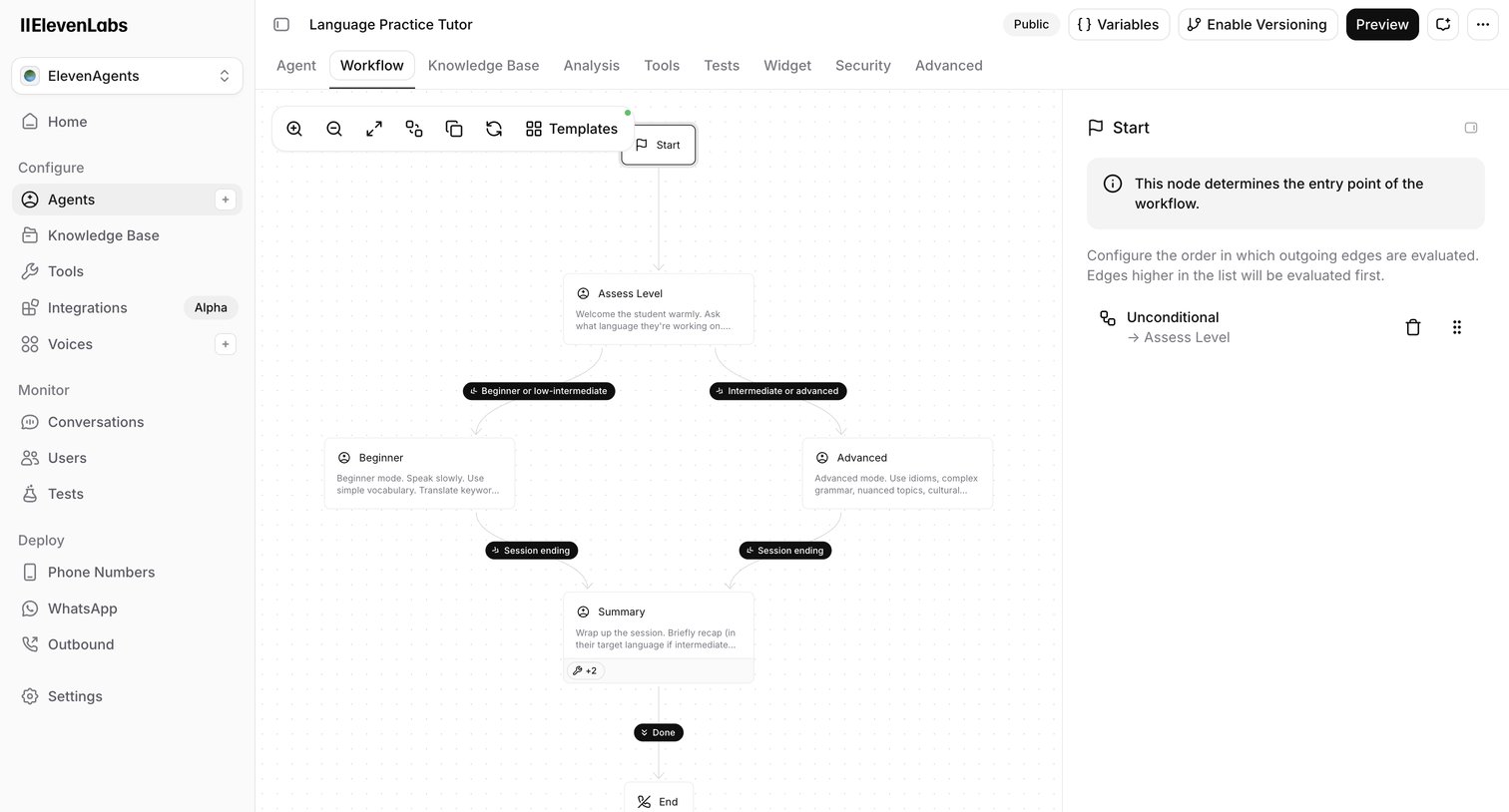

Design editor where the user configures the conversation flow of an AI language tutor agent using a node-based canvas and an inspector panel.
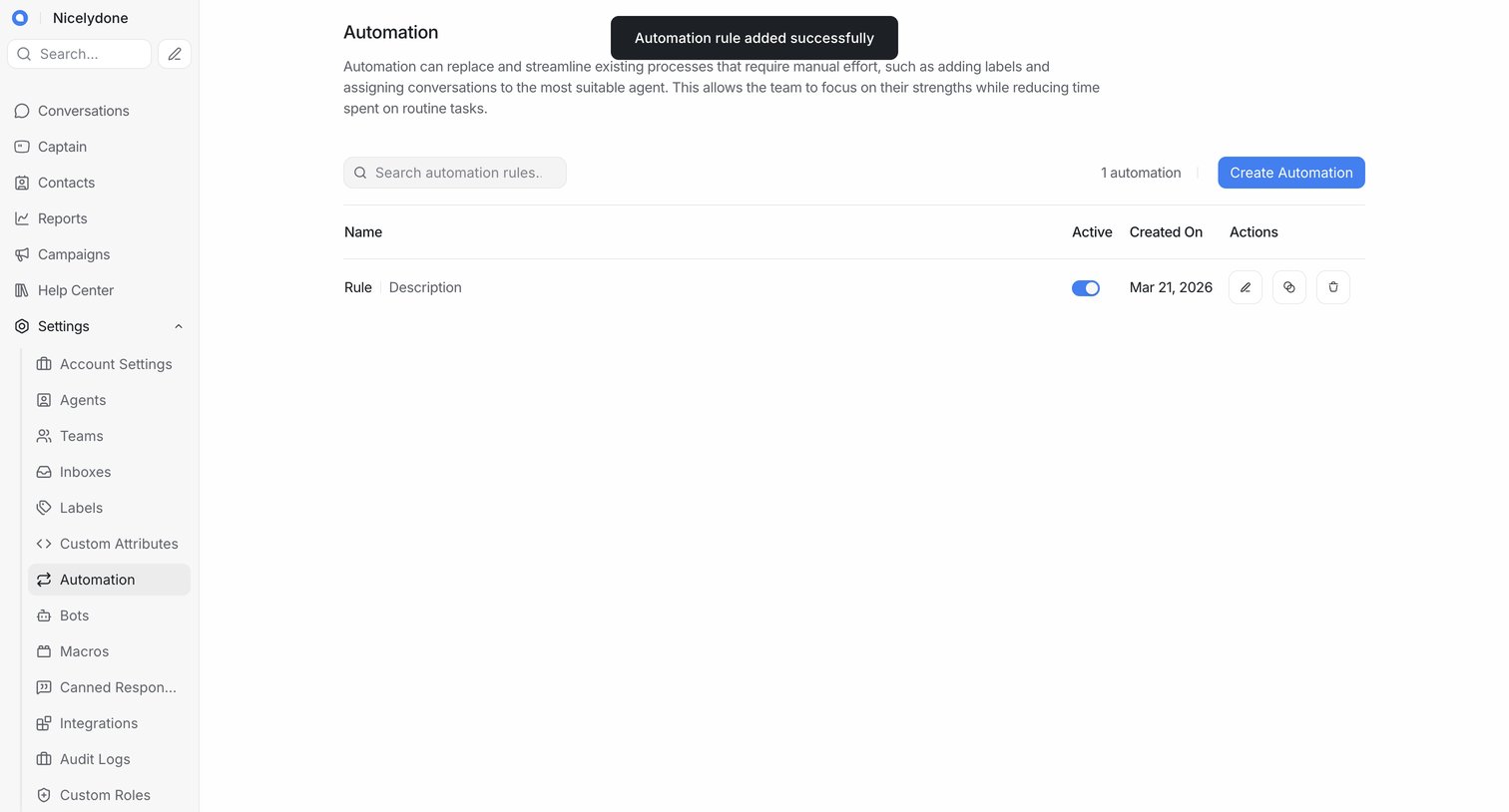

Settings page where the user manages automation rules, showing a list of existing rules and a success toast for a newly added rule.
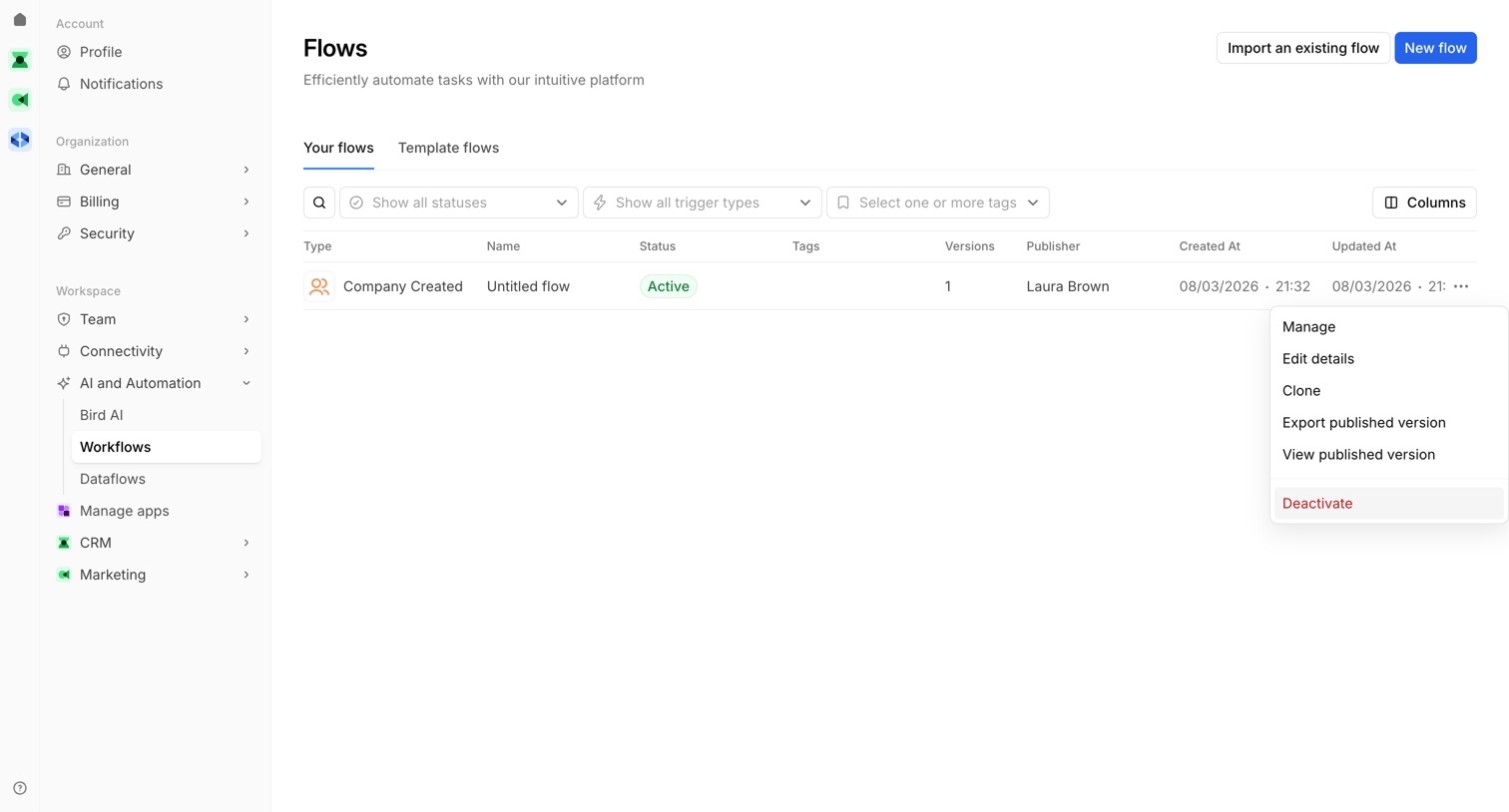

List view where the user manages their automated workflows, showing a table of existing flows with options to create, import, or edit them.
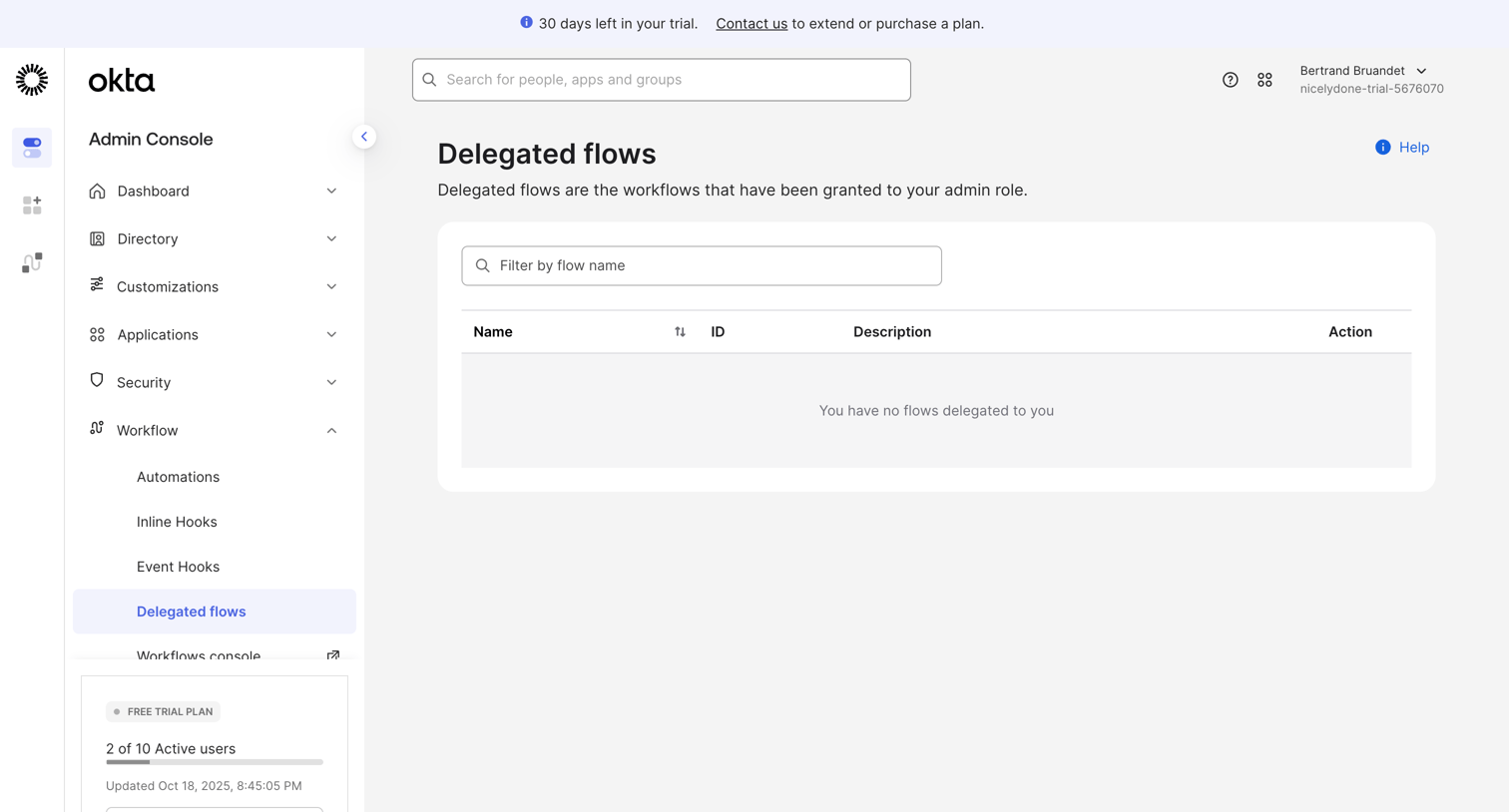

Admin list view for managing delegated workflow flows, currently showing an empty state with a trial usage limit card in the sidebar.
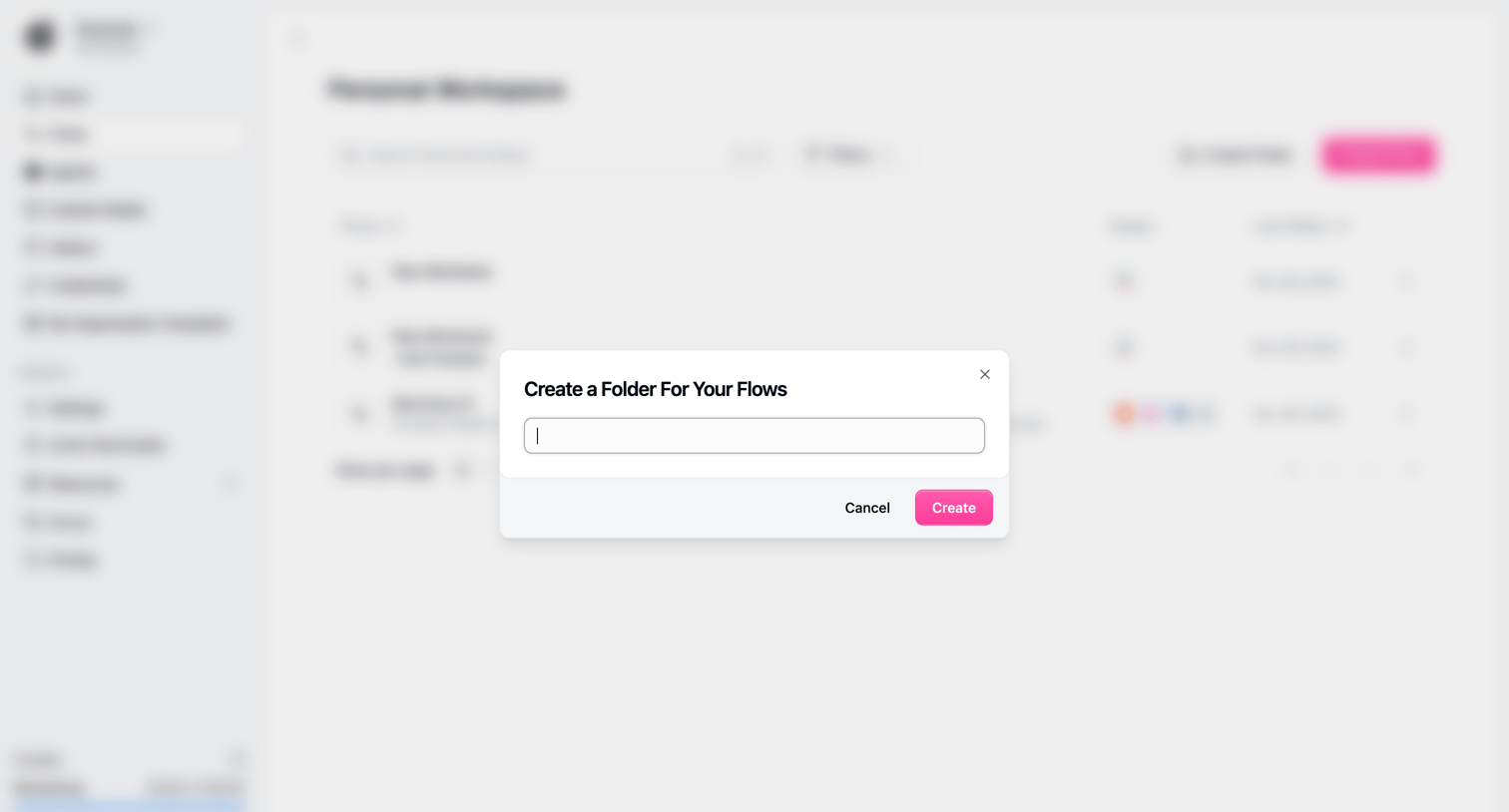

List view of flows with a modal overlay open to create a new folder for organizing workflows.
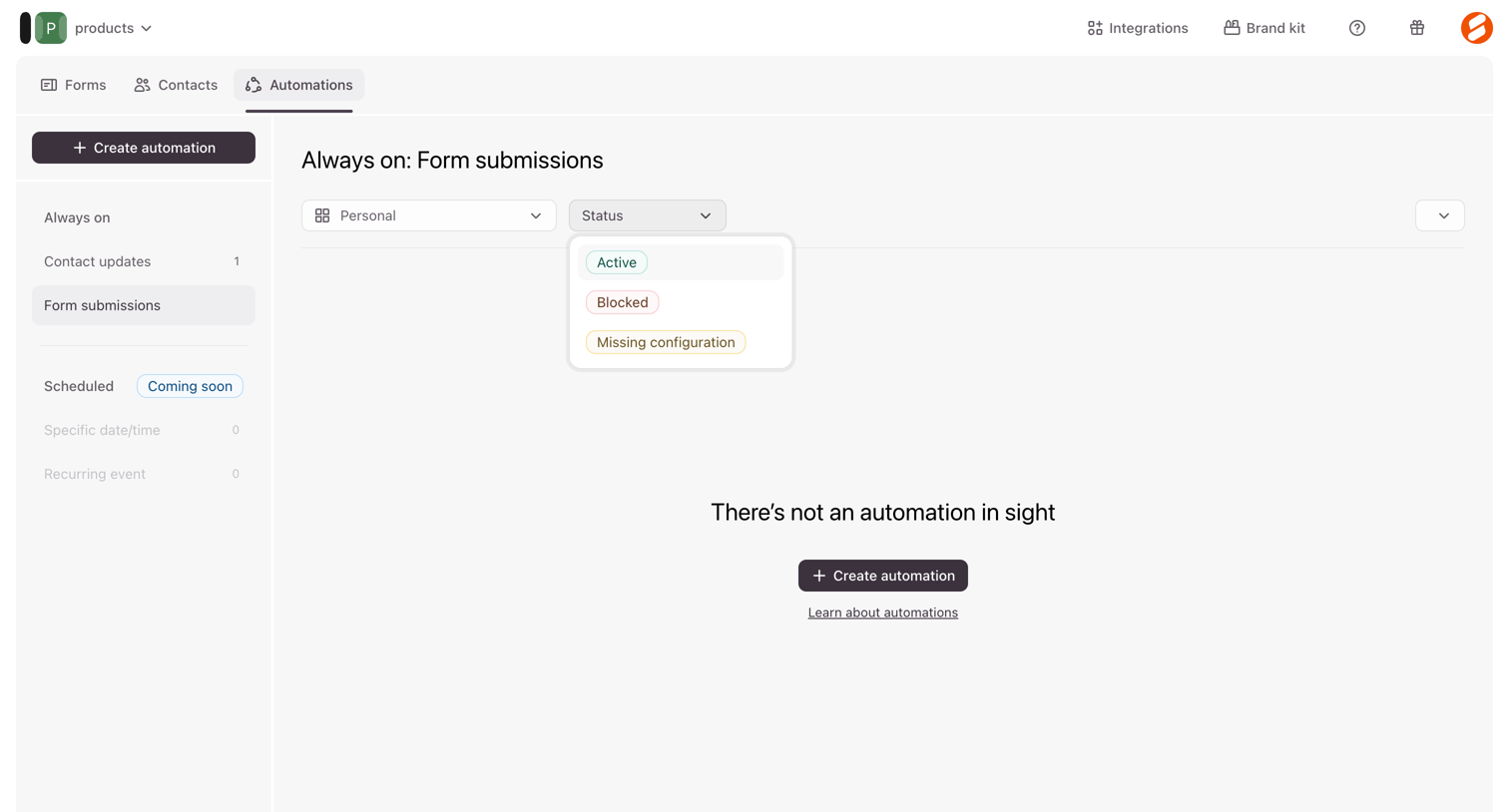

List view where the user manages form submission automations, currently showing an empty state with a prompt to create the first one.
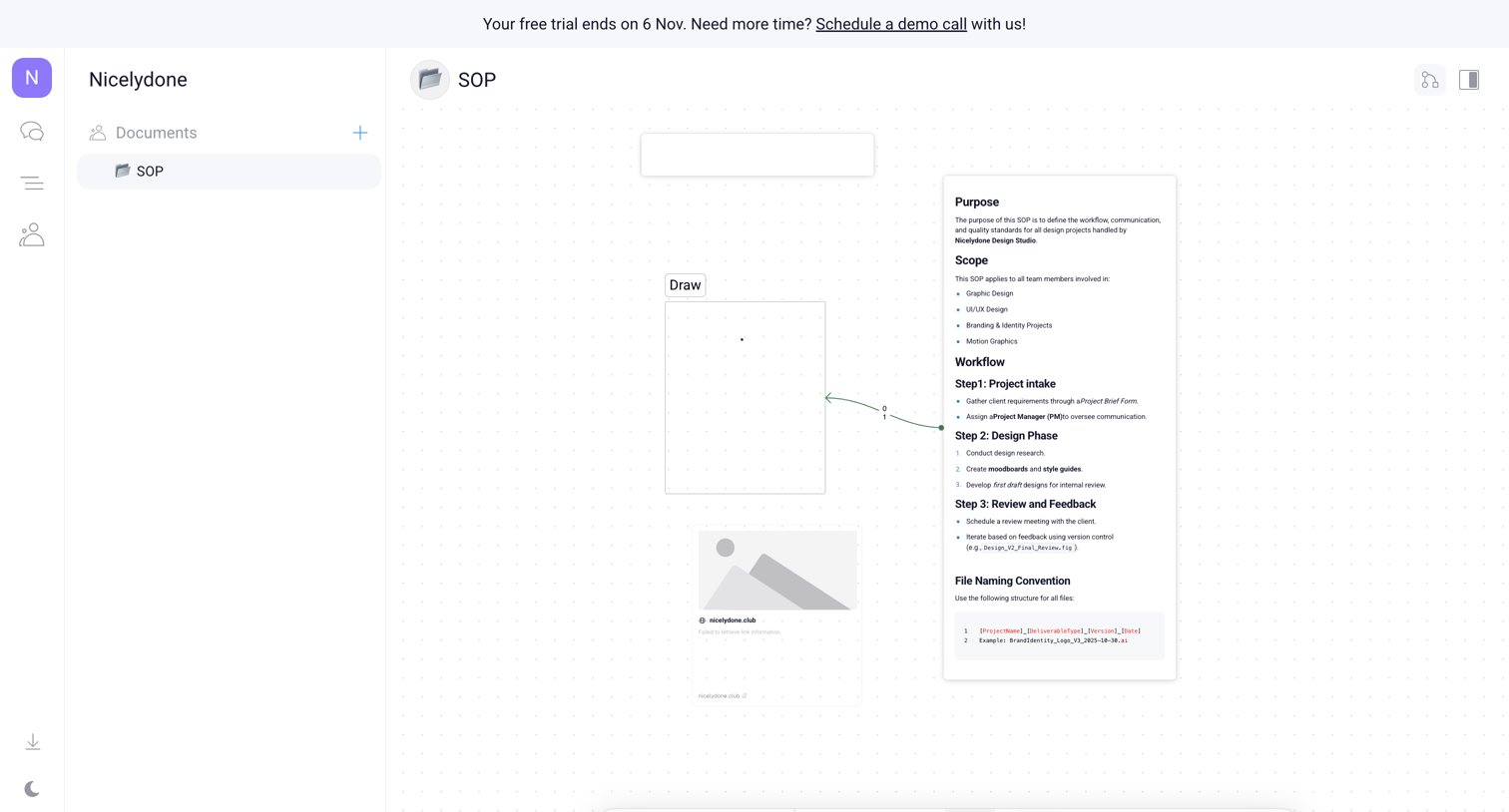

Whiteboard canvas where the user is building an SOP diagram with text nodes, image placeholders, and connecting arrows, featuring a floating tool palette and a trial expiration banner.
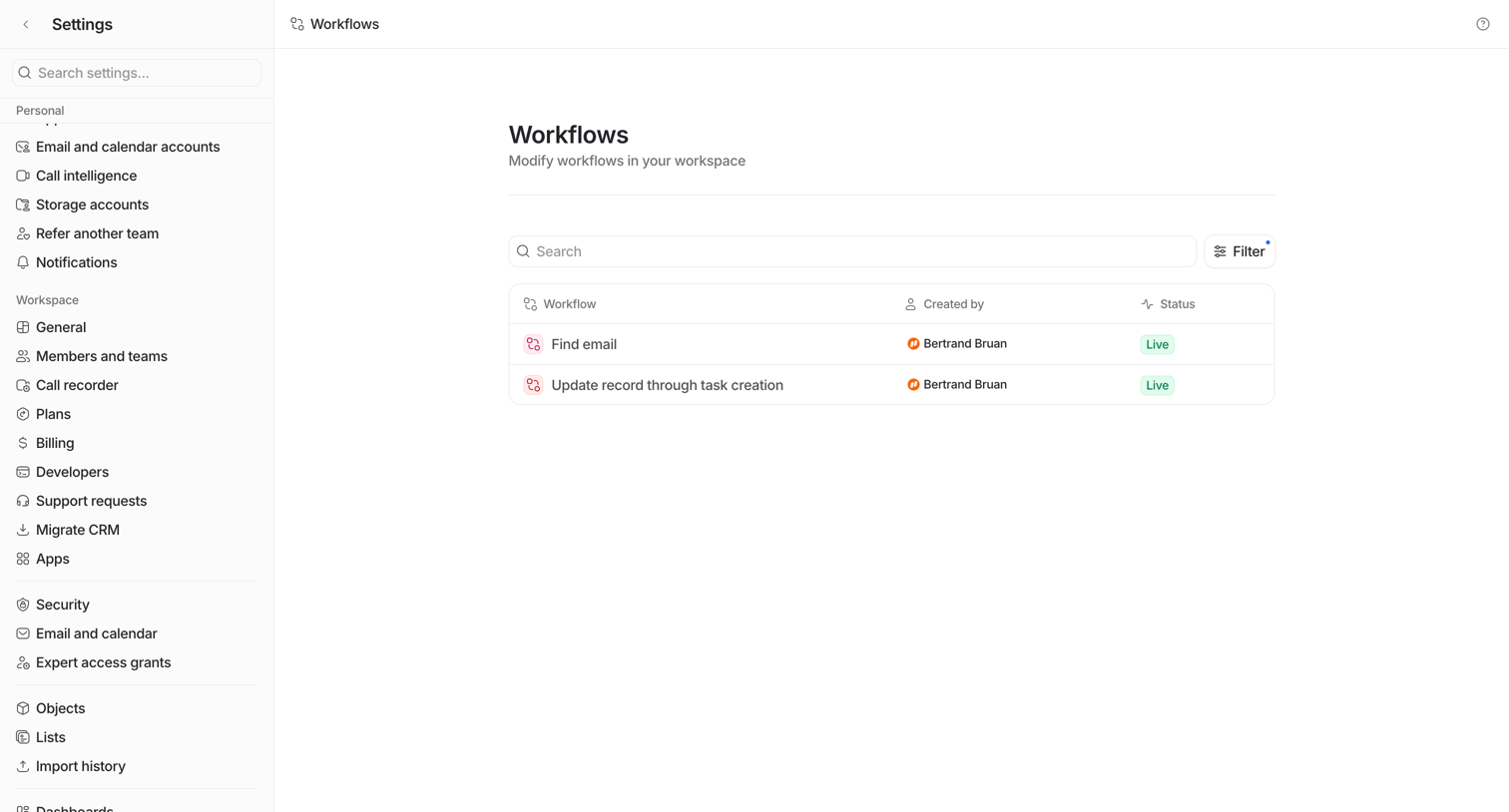

Settings page where the user manages their workspace workflows, featuring a search bar and a data table of active automations.
Explore the full SaaS screen library
Upgrade to unlock the full library.
Trusted by the best teams








About Workflow management
Explore how SaaS apps let people arrange a sequence of work. Look at how steps, connections, and configuration panels show the structure of a workflow as it is built.