Typography screen examples
Typography screen design examples from SaaS apps. Browse examples from Poolside, Llamaindex, Workflow.
Explore the examples
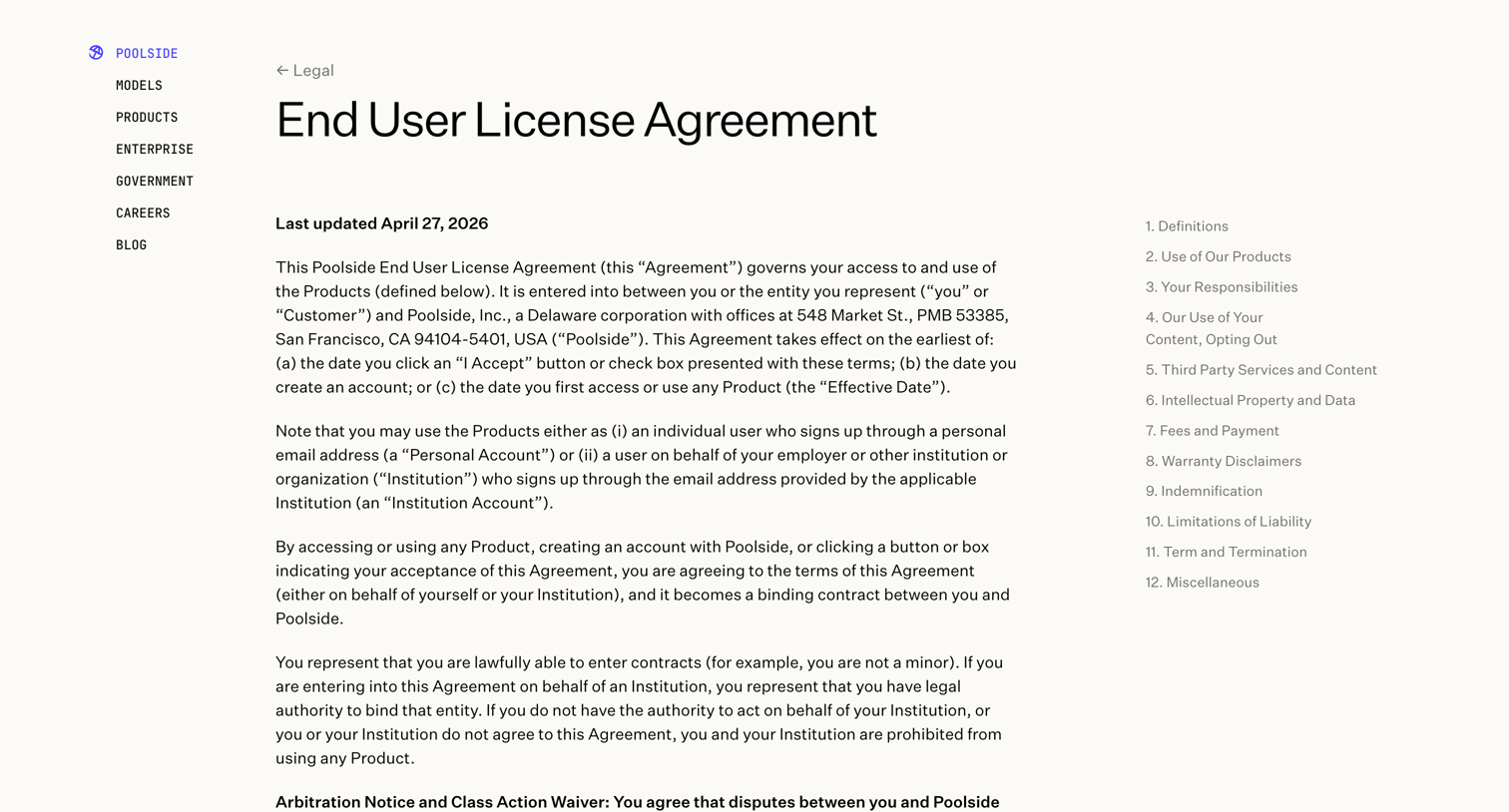

Legal page displaying the End User License Agreement with a sticky table of contents for easy navigation across sections.
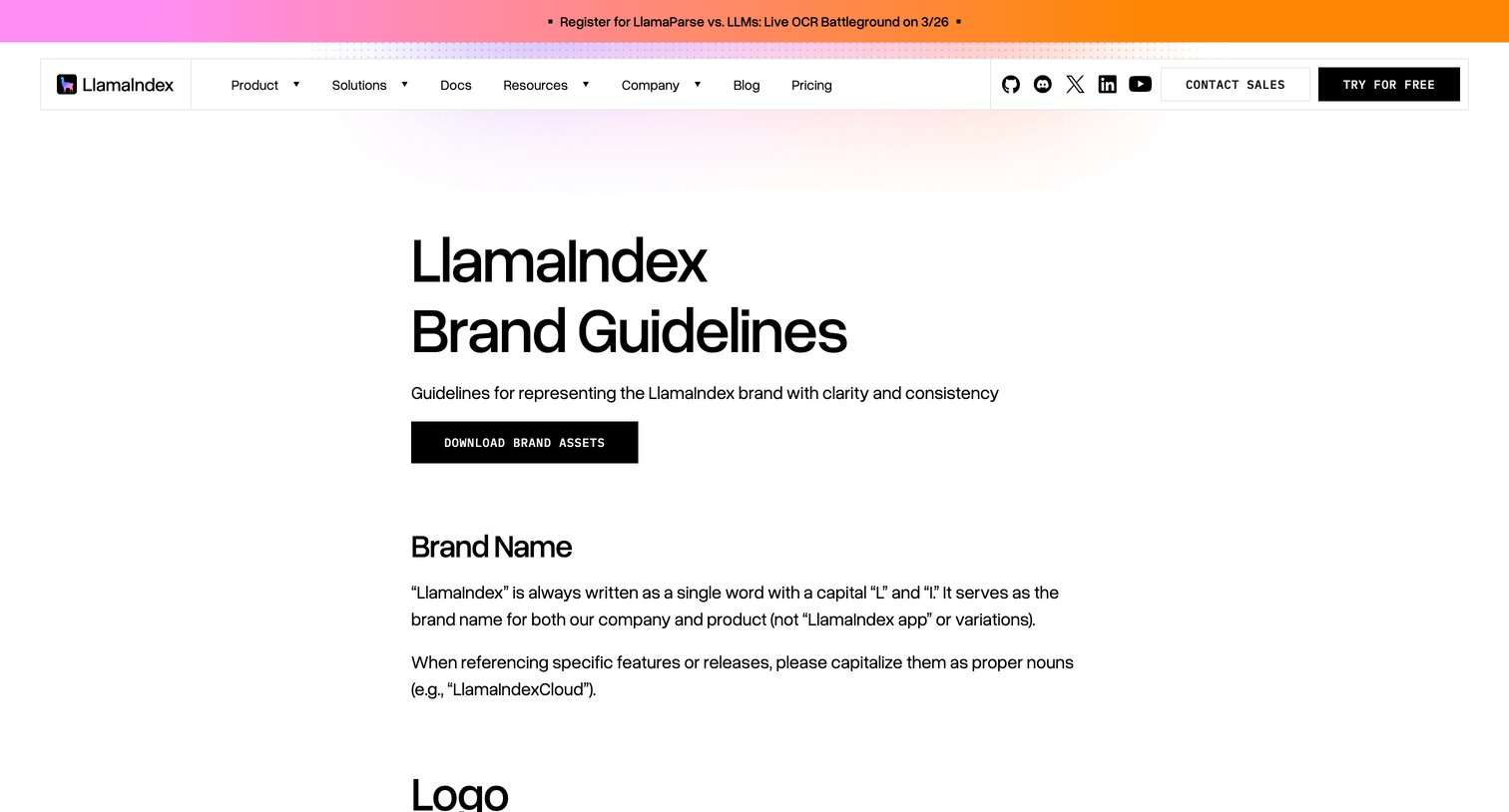

Brand guidelines page detailing logo usage, color palettes, and typography for LlamaIndex, including downloadable assets.
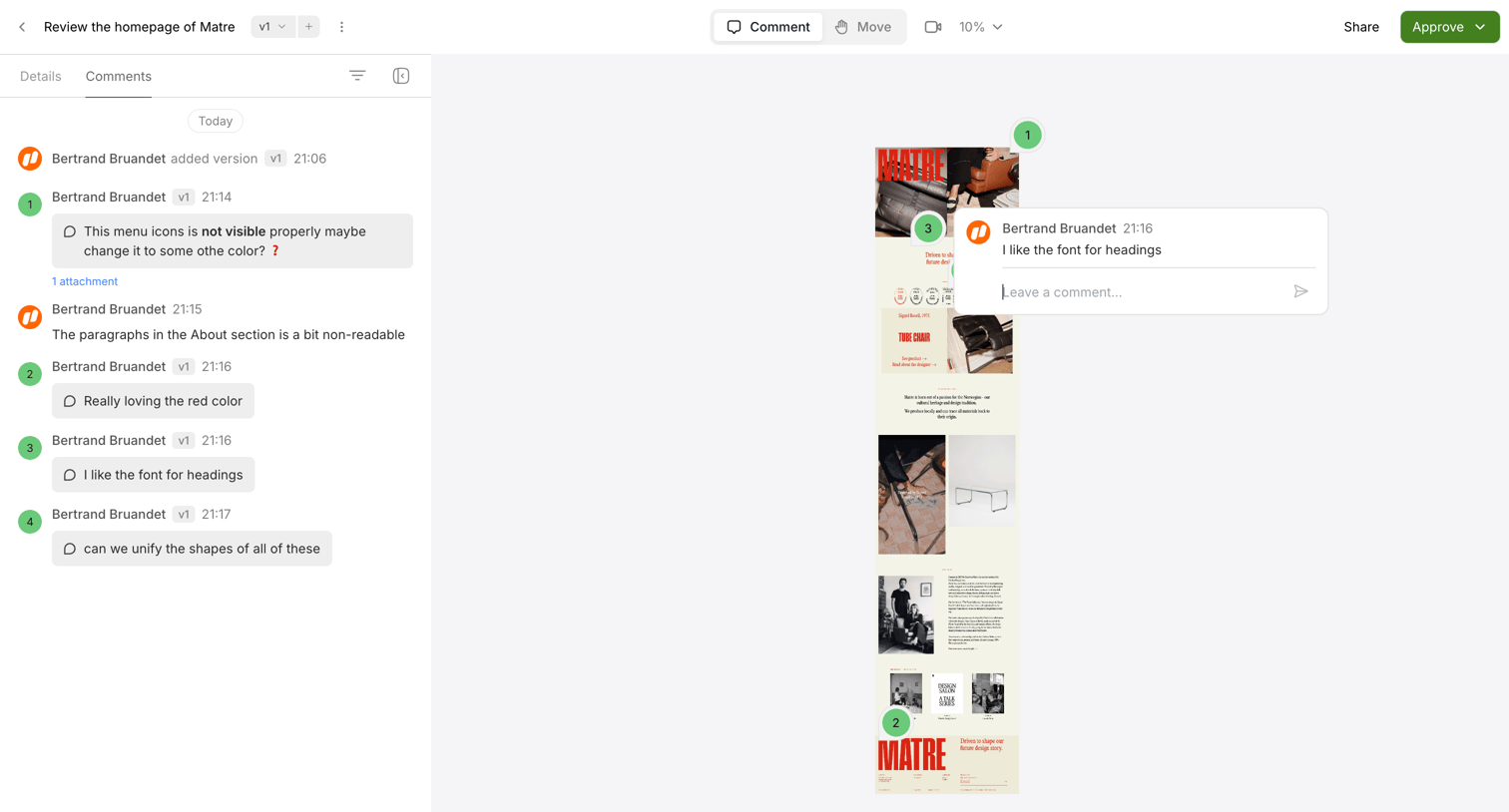

Design editor where a user reviews a webpage mockup, reading and leaving comments pinned to specific elements on the canvas.
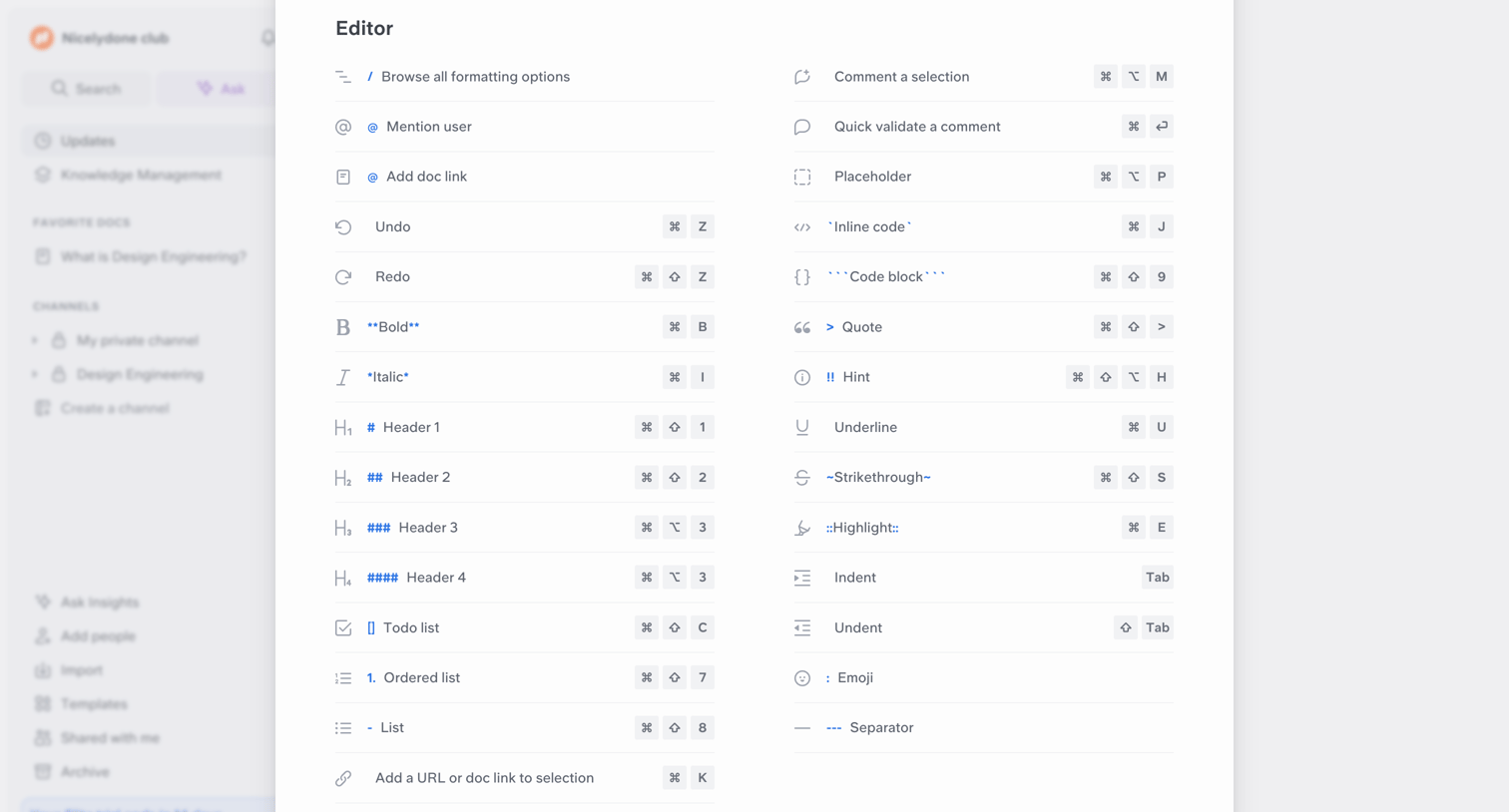

Content editor overlay showing a comprehensive list of markdown formatting options and keyboard shortcuts.
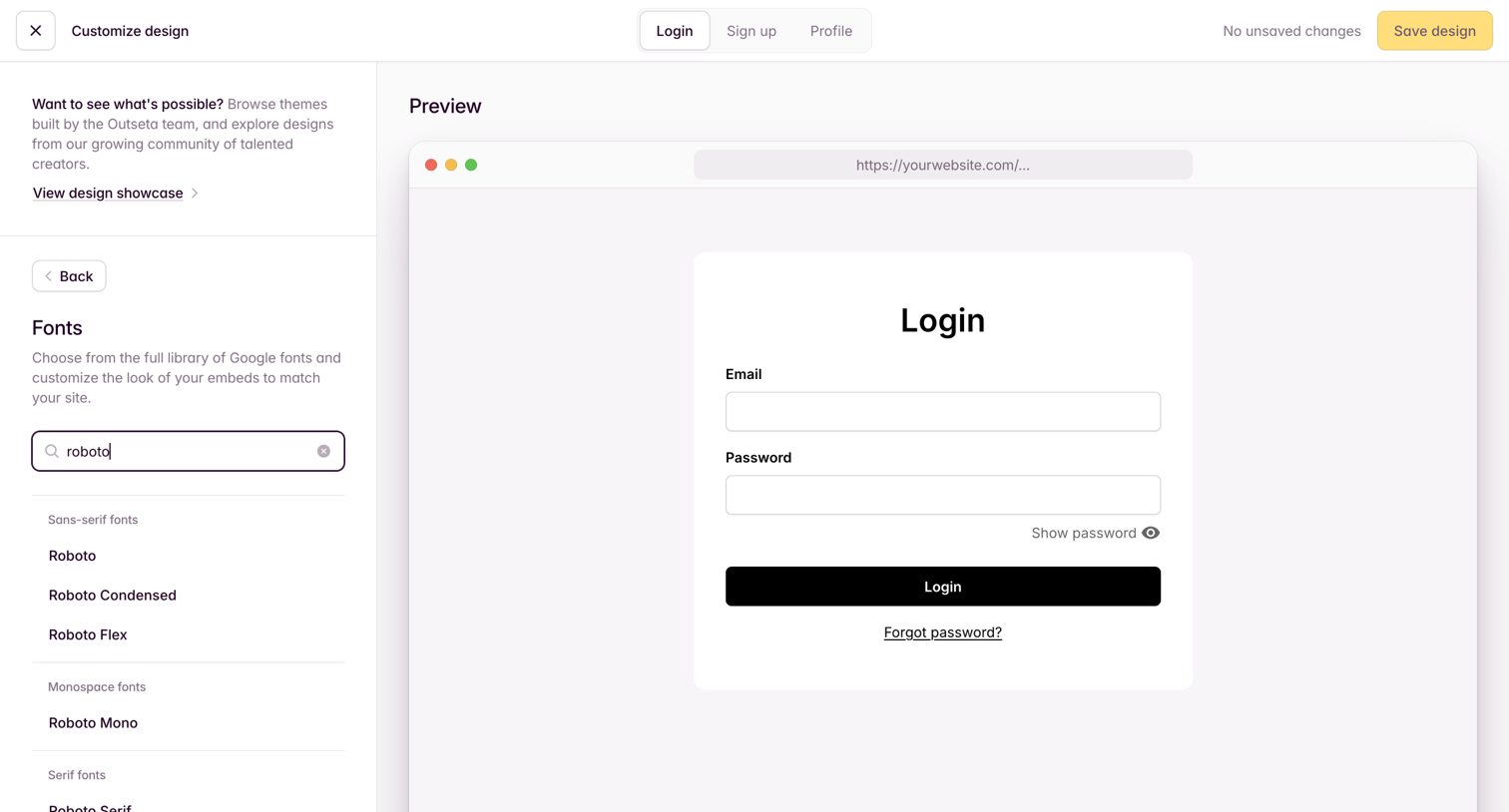

Settings page where the user customizes the fonts for their login embed via a live preview.
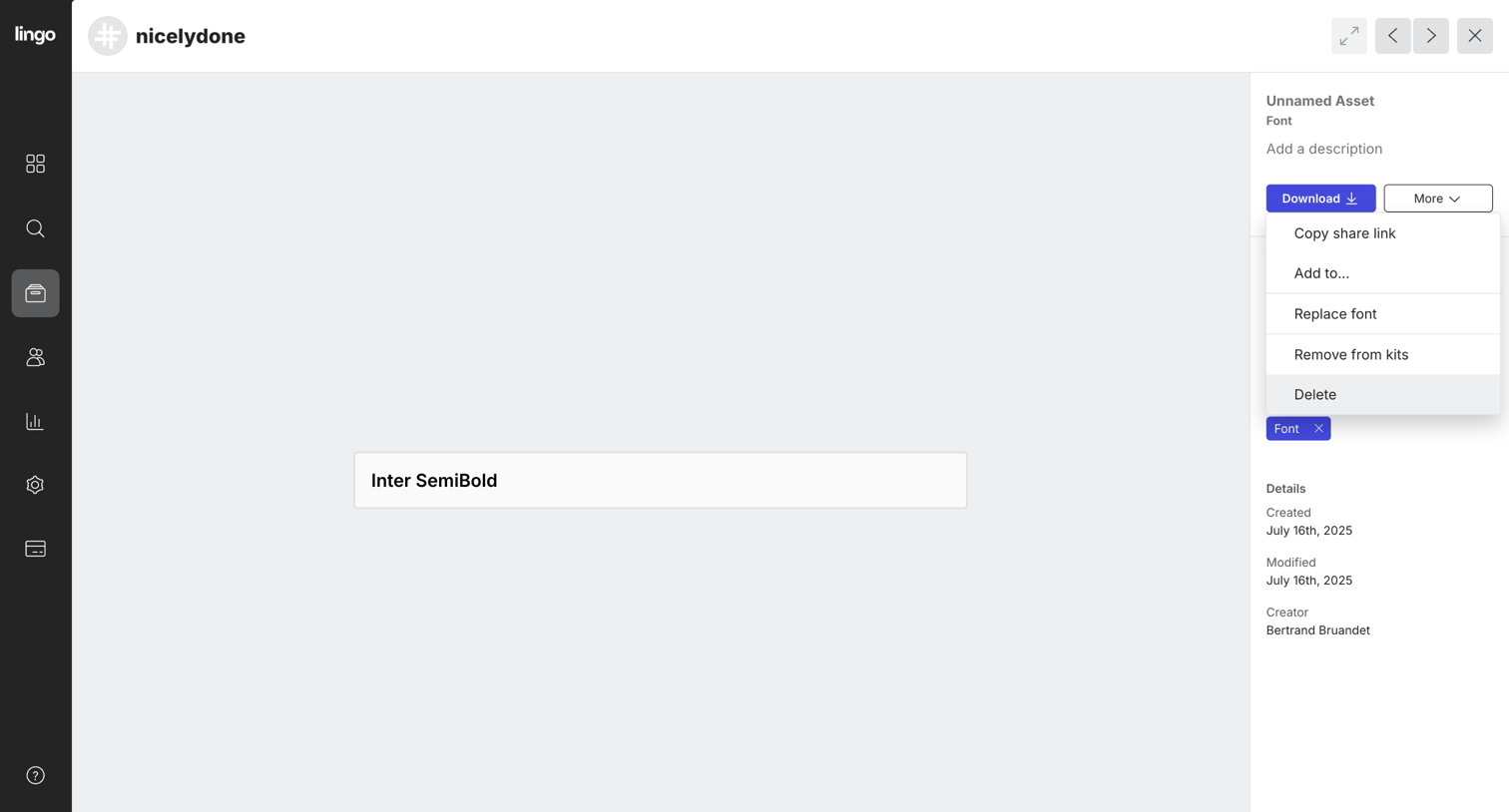

Detail page for a font asset where the user can preview the typeface, download the file, and manage metadata via an inspector panel.
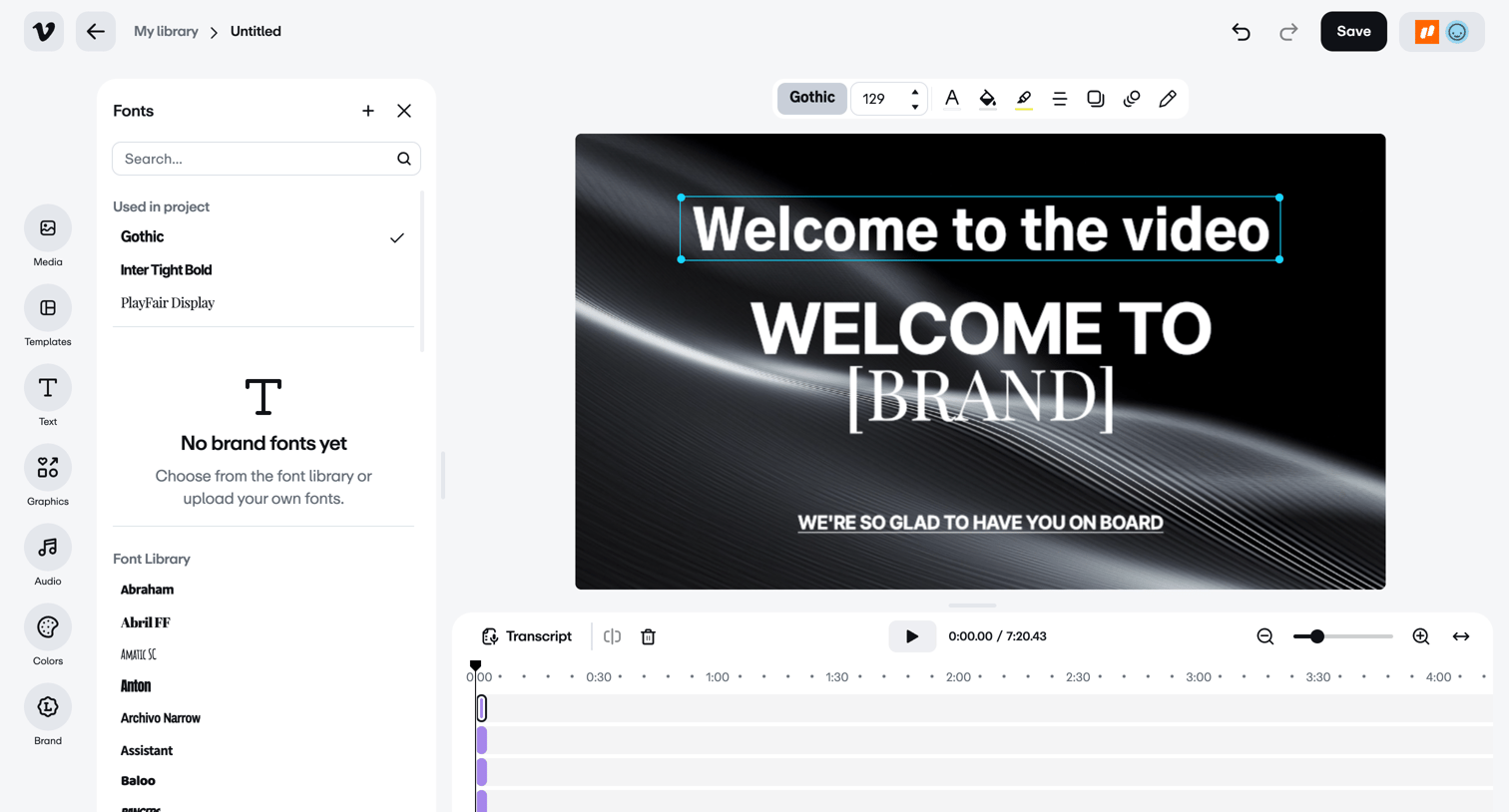

Design editor where the user formats text overlays on a video canvas and manages clips in a bottom timeline.
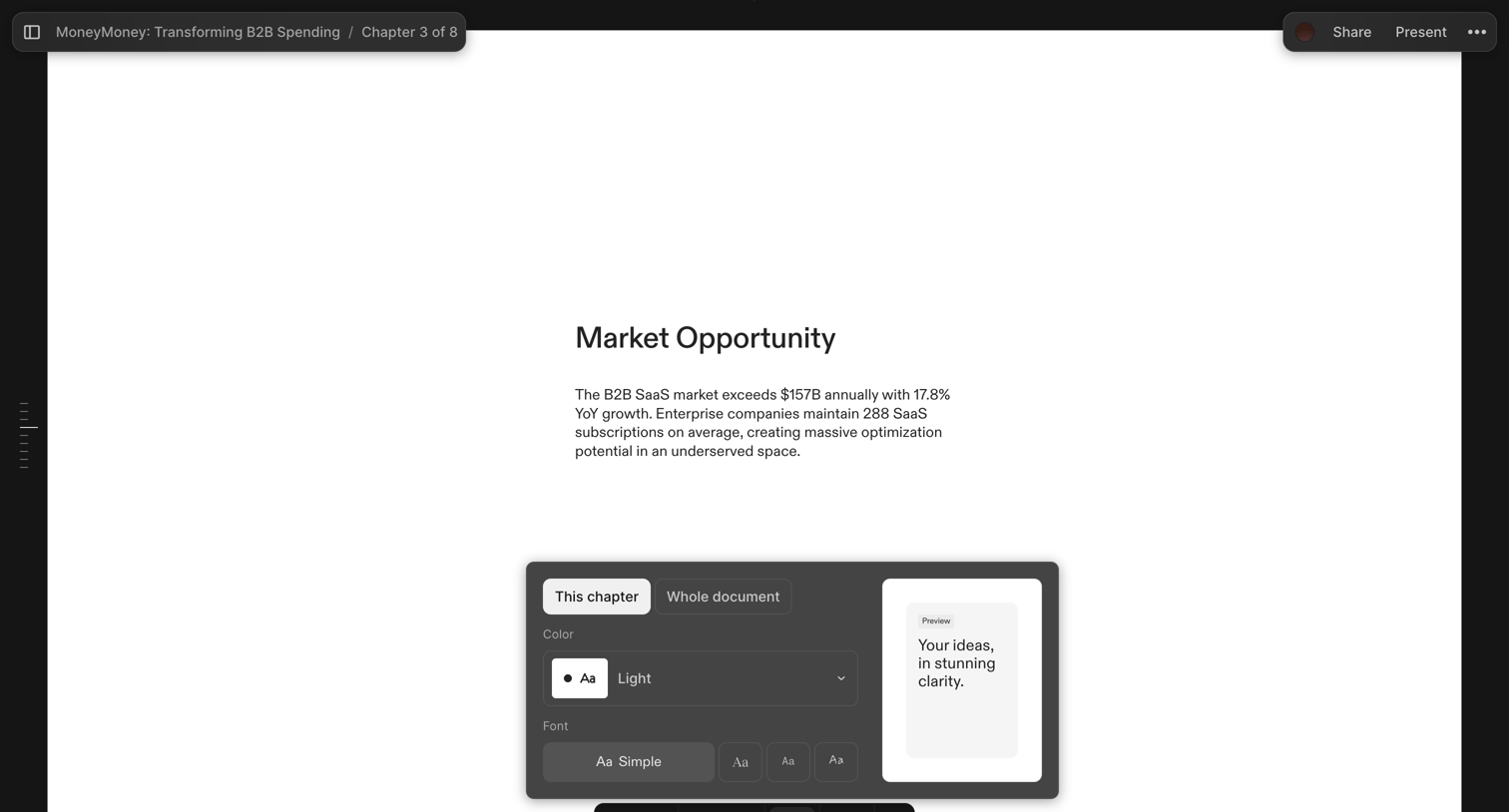

Design editor where the user is customizing the color and font of the current chapter via a floating inspector panel.
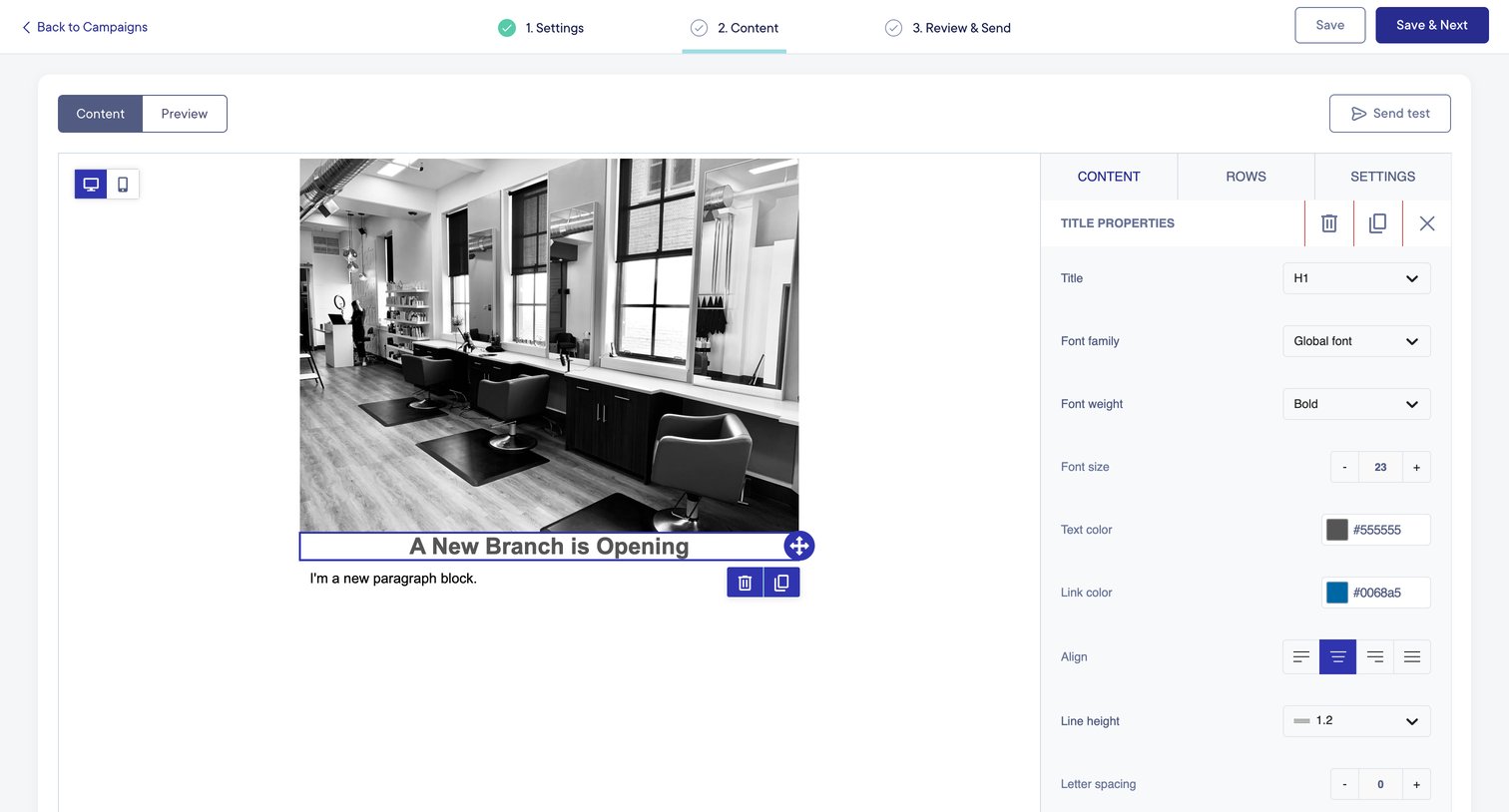

Design editor where the user configures typography, color, and alignment for a title block within a multi-step campaign builder.
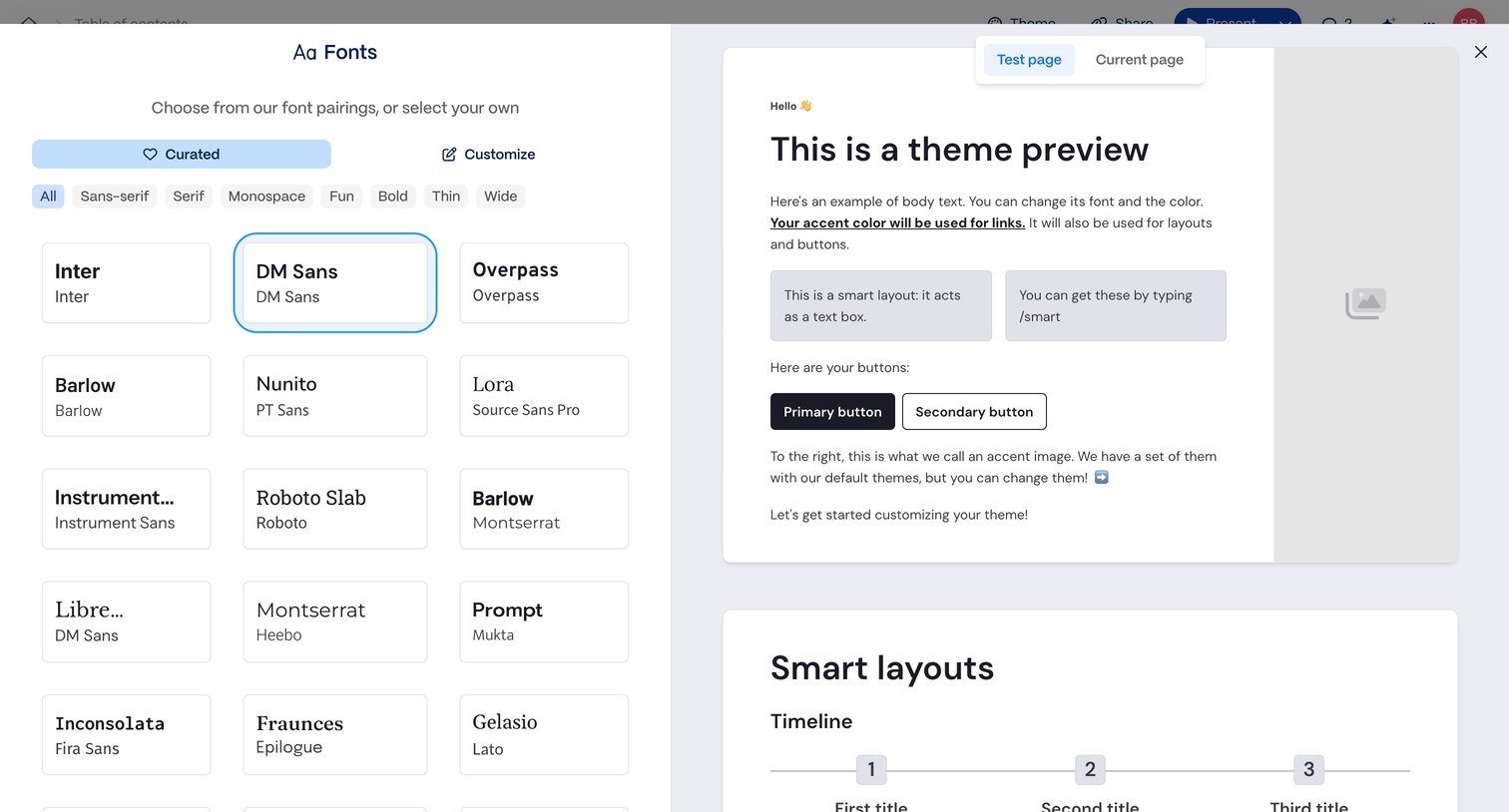

Design editor where the user selects a font pairing from a curated list while viewing a live theme preview.
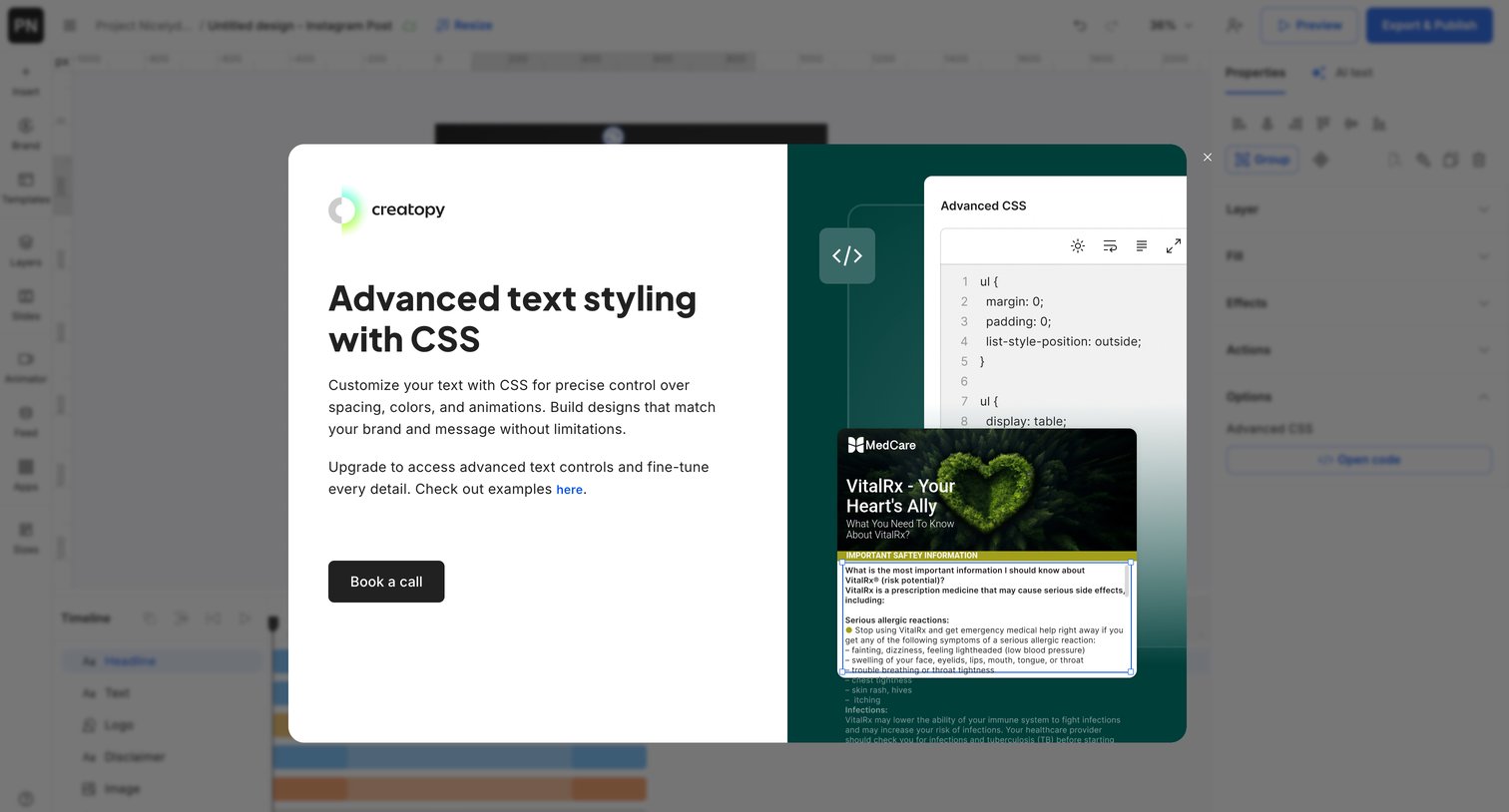

Design editor where a modal prompts the user to book a call to access advanced CSS text styling features, showing a code snippet and live preview.
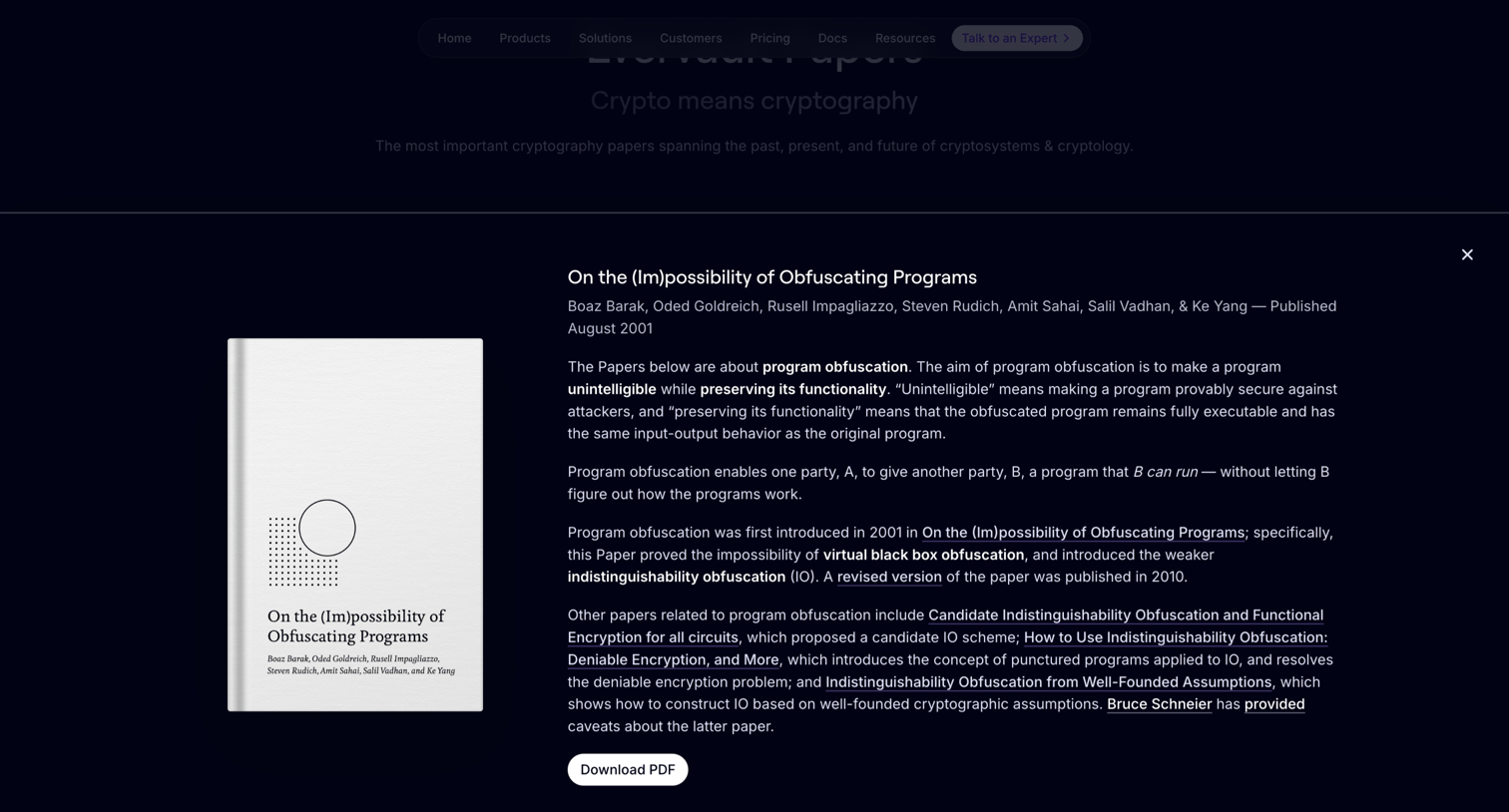

Resources page where the user reads the abstract for the 'On the (Im)possibility of Obfuscating Programs' paper and can download the PDF.
Explore the full SaaS screen library
Upgrade to unlock the full library.
Trusted by the best teams







