Trial onboarding screen examples
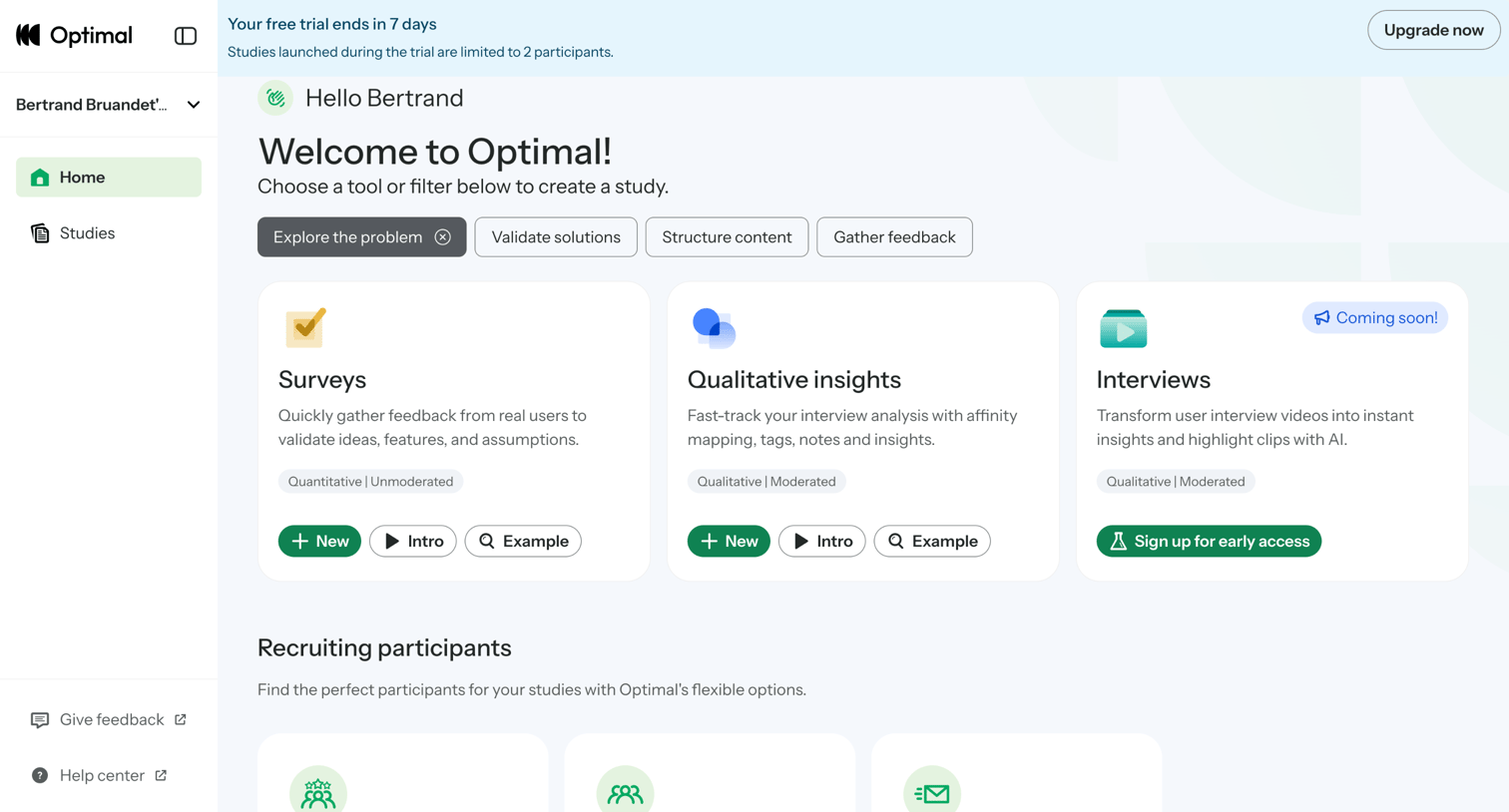
Trial onboarding screen design examples from SaaS apps. Browse examples from Maze, Okta, Optimal.
Explore the examples
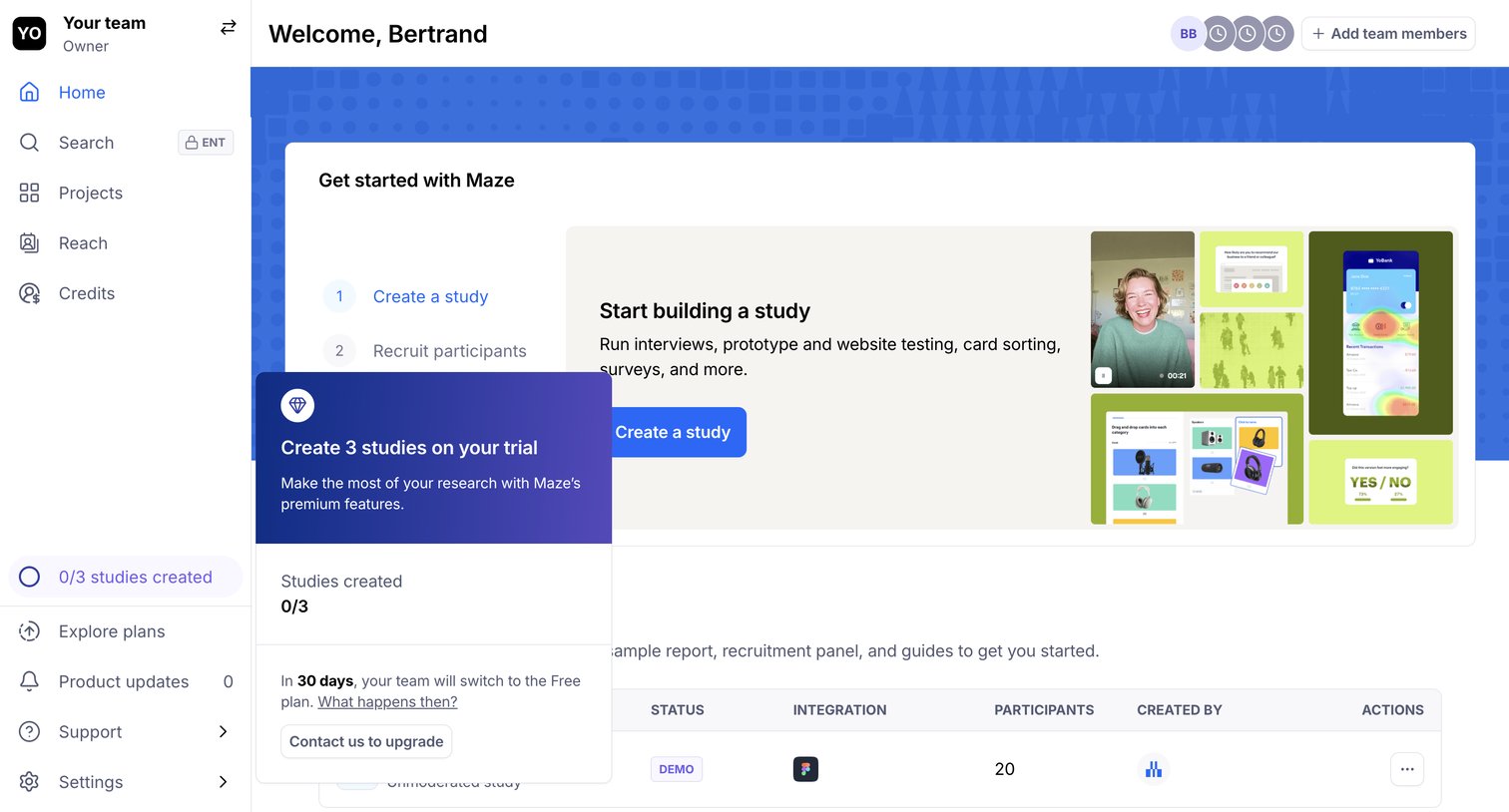

Home screen where a new user is guided to create their first research study via an onboarding stepper and prompted to upgrade their trial.
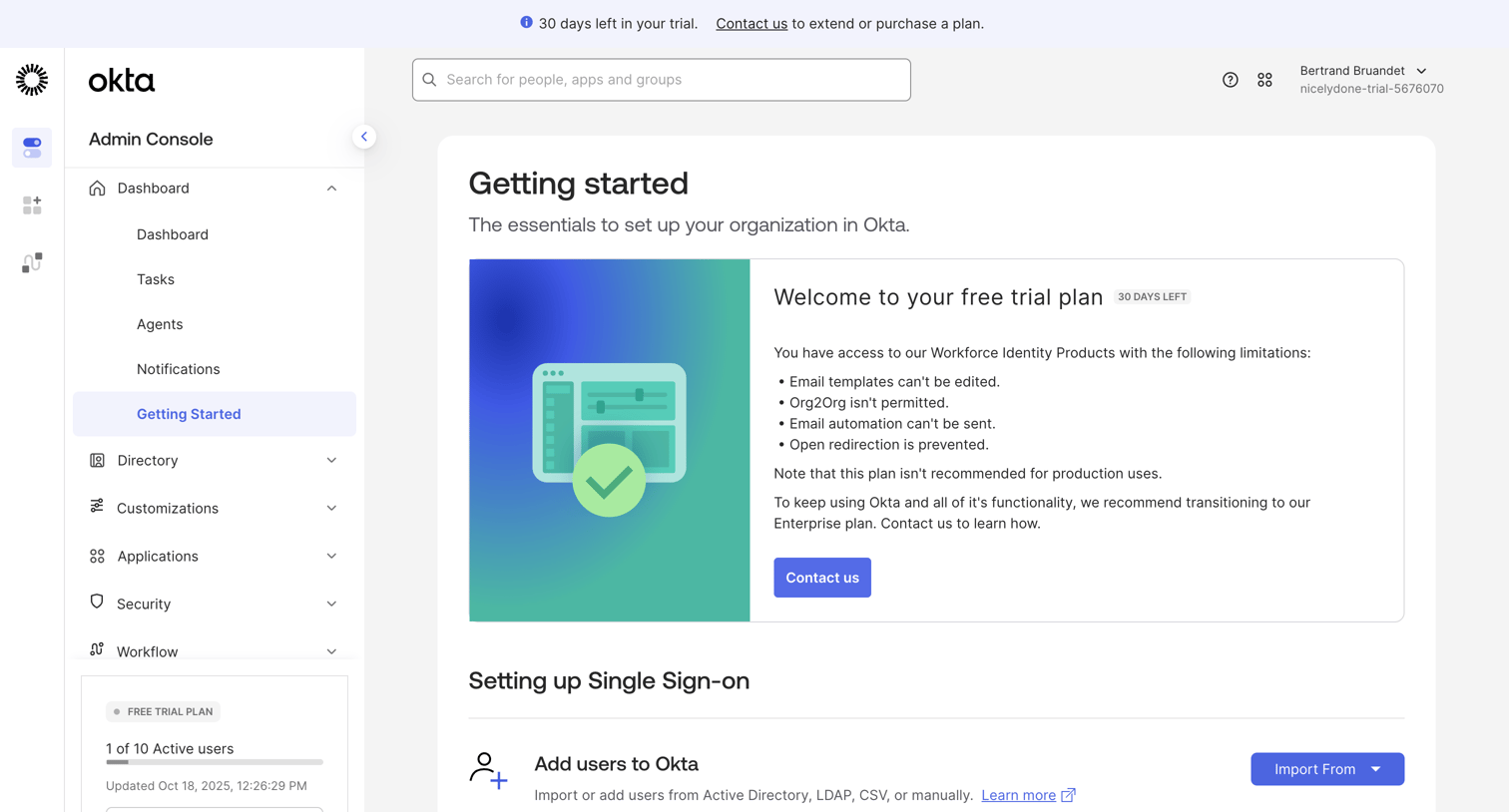

Admin dashboard showing a getting started checklist and trial plan limitations with prompts to contact sales.

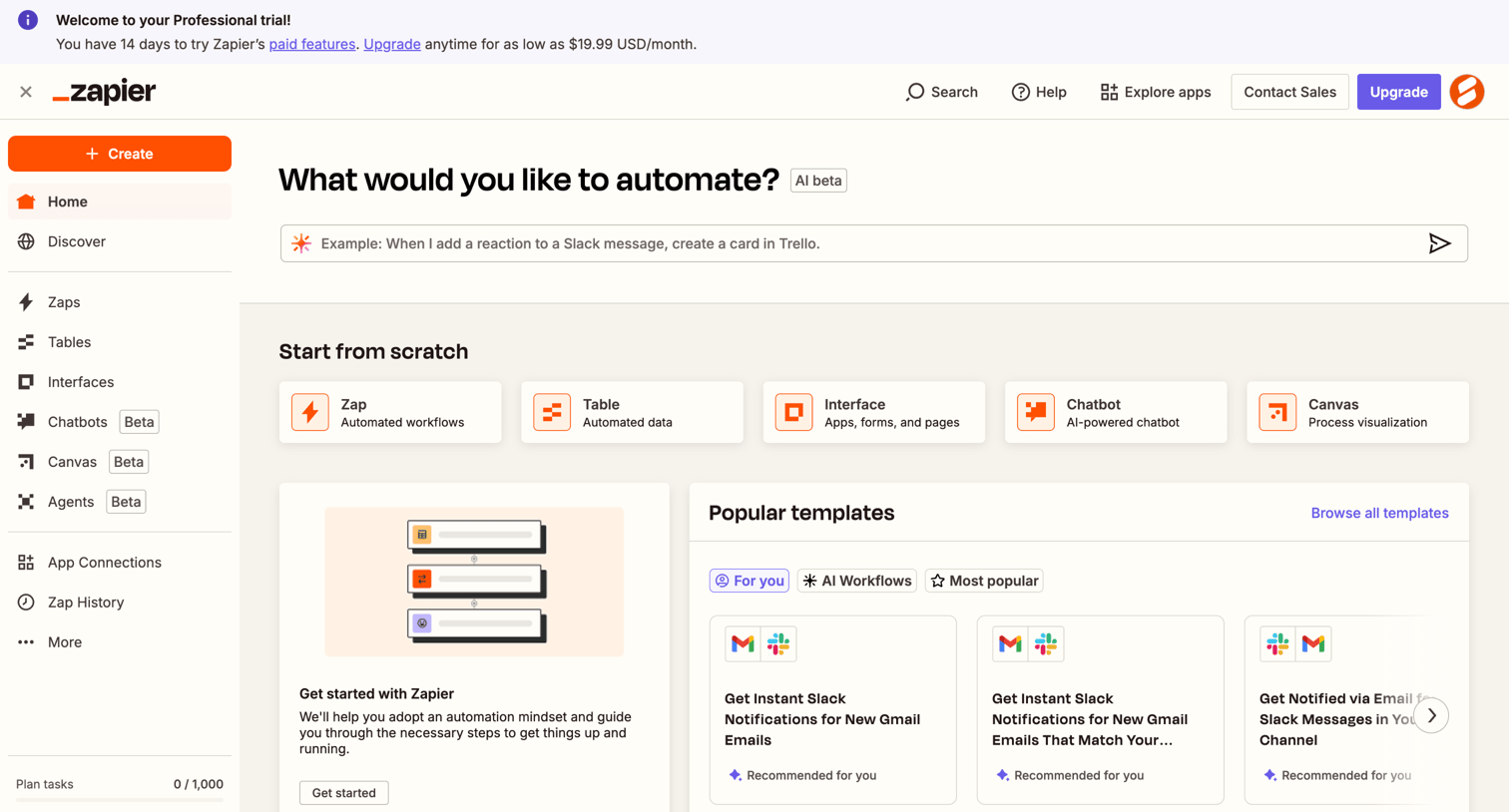

Home screen where the user can start building automations via an AI prompt, choose from scratch options like Zaps or Tables, or browse popular templates.
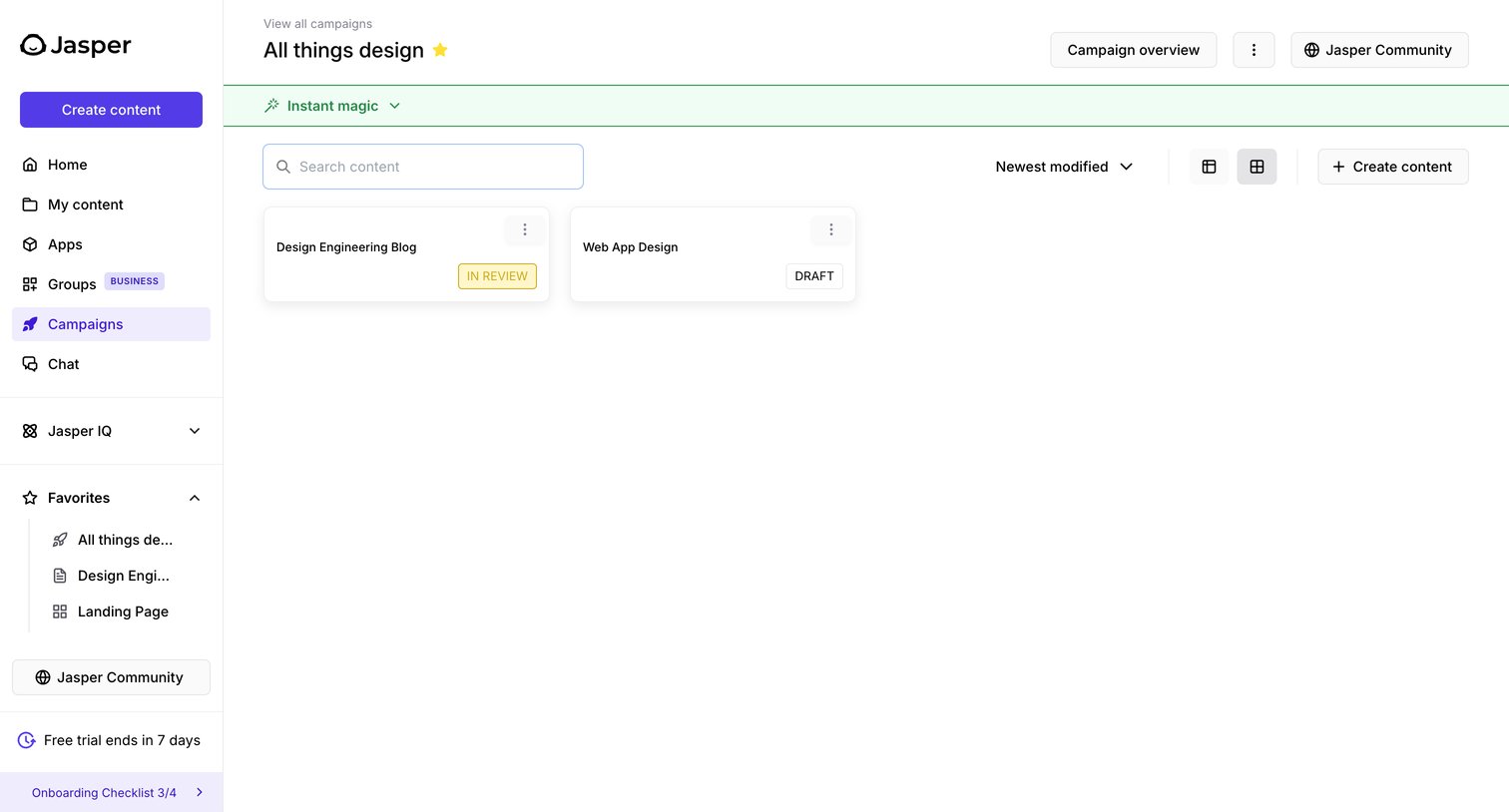

List view where the user manages content assets within the 'All things design' campaign, with options to search, sort, and create new content.
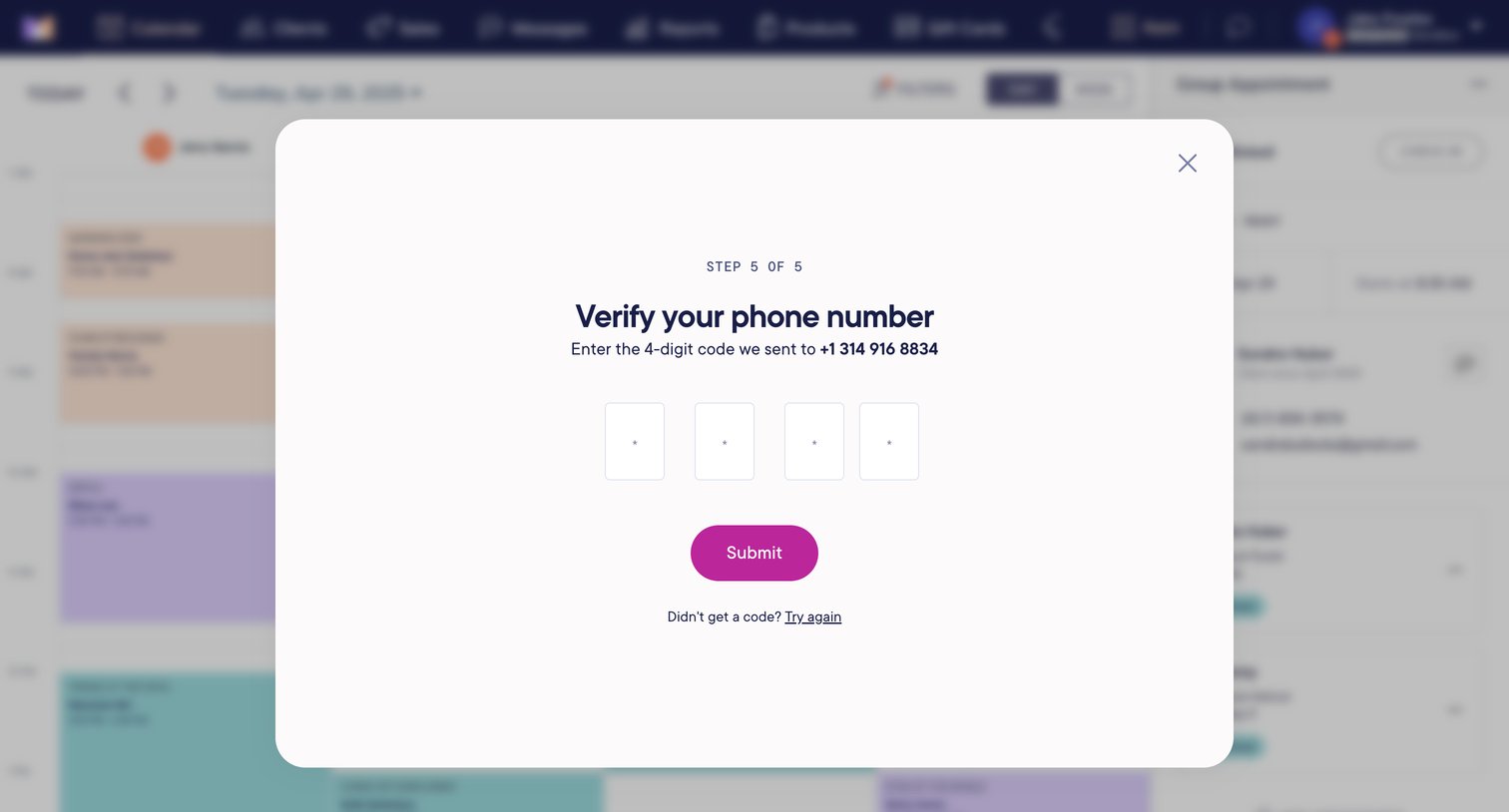

Verification step where the user enters a 4-digit SMS code to confirm their phone number during trial signup.
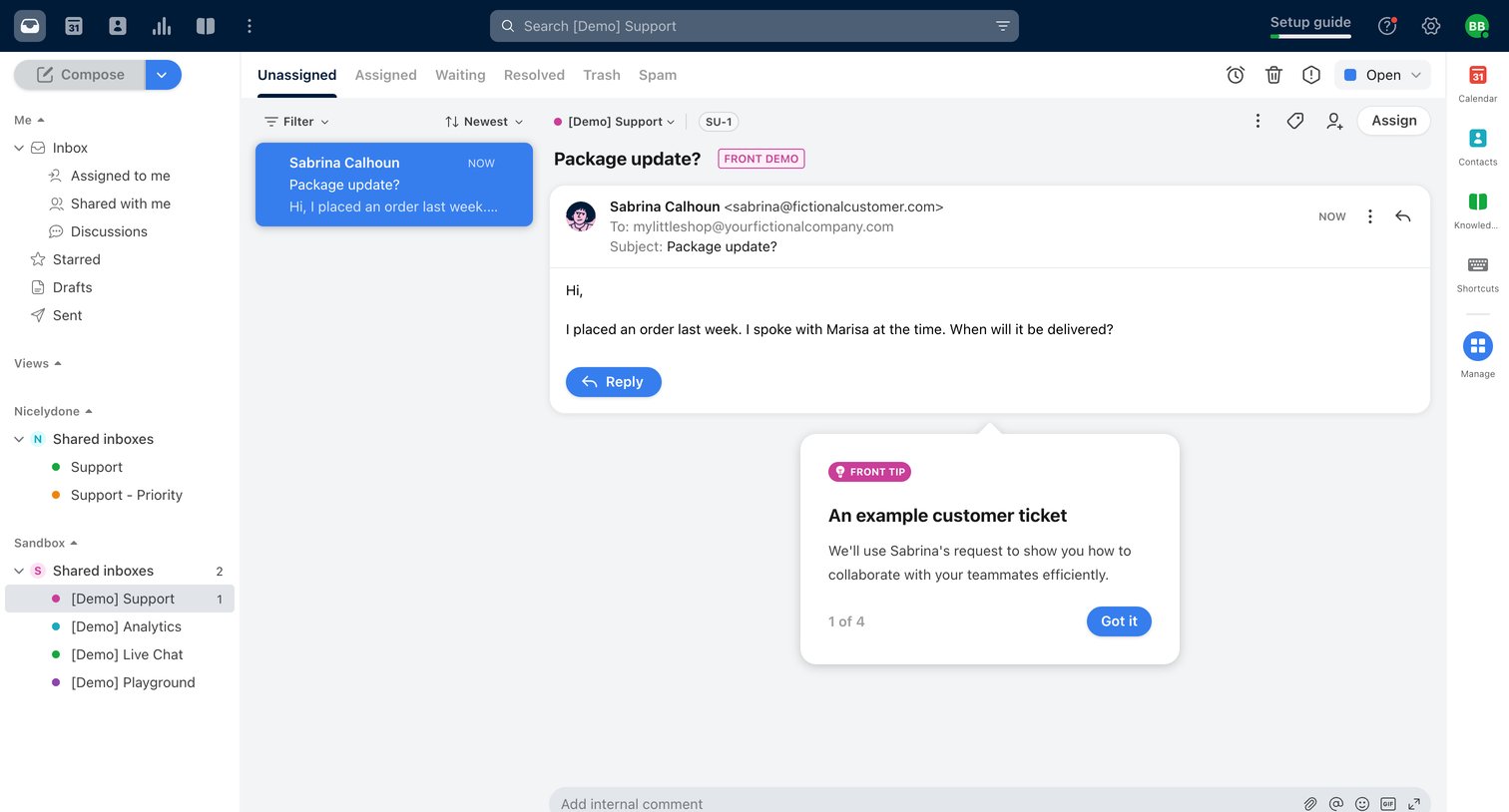

Shared inbox detail view where a user reads a customer support ticket about a package update, with an active onboarding popover explaining the interface.
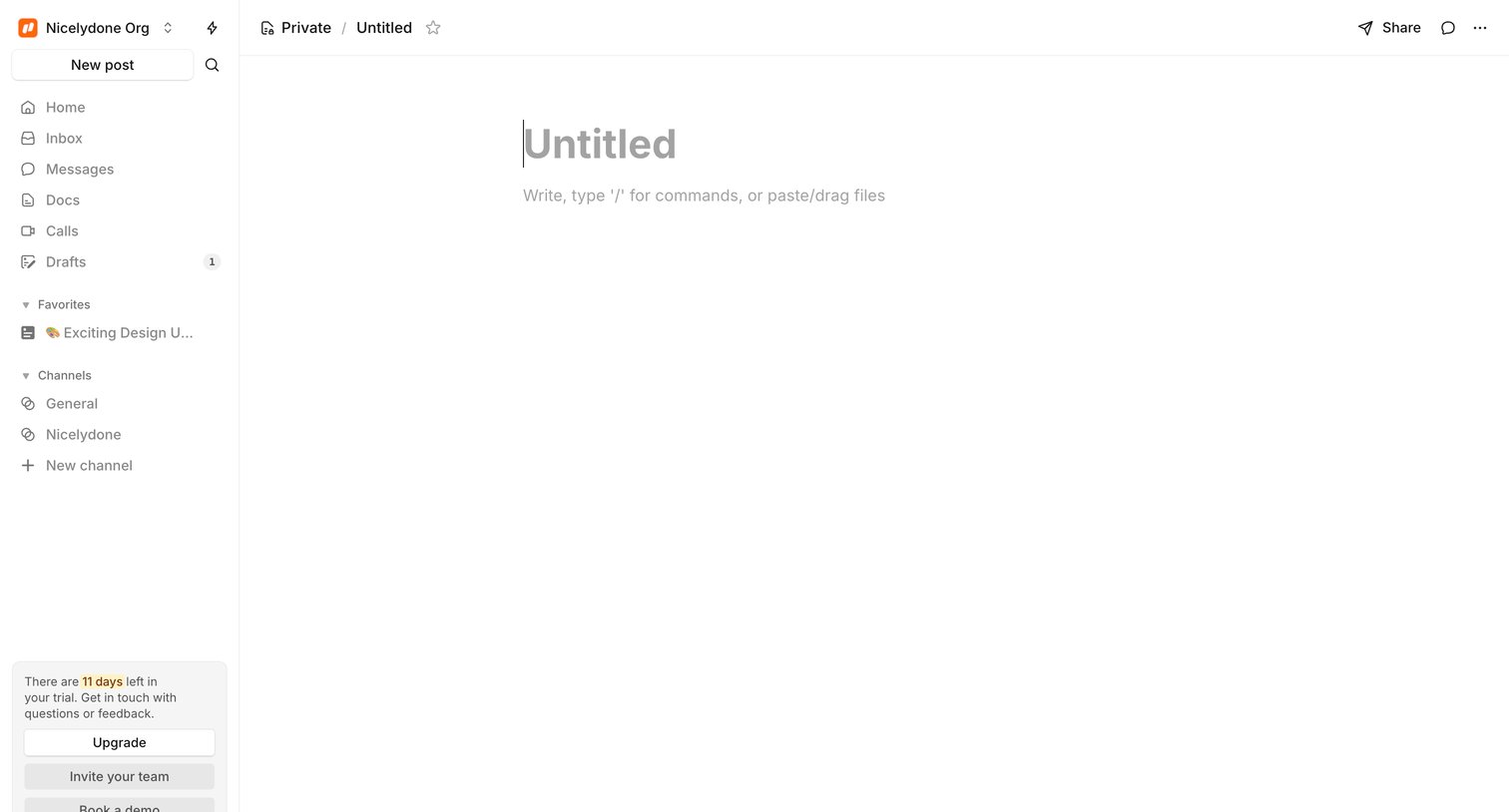

Content editor where the user starts a new untitled document with slash command support, alongside a sidebar showing a trial countdown.
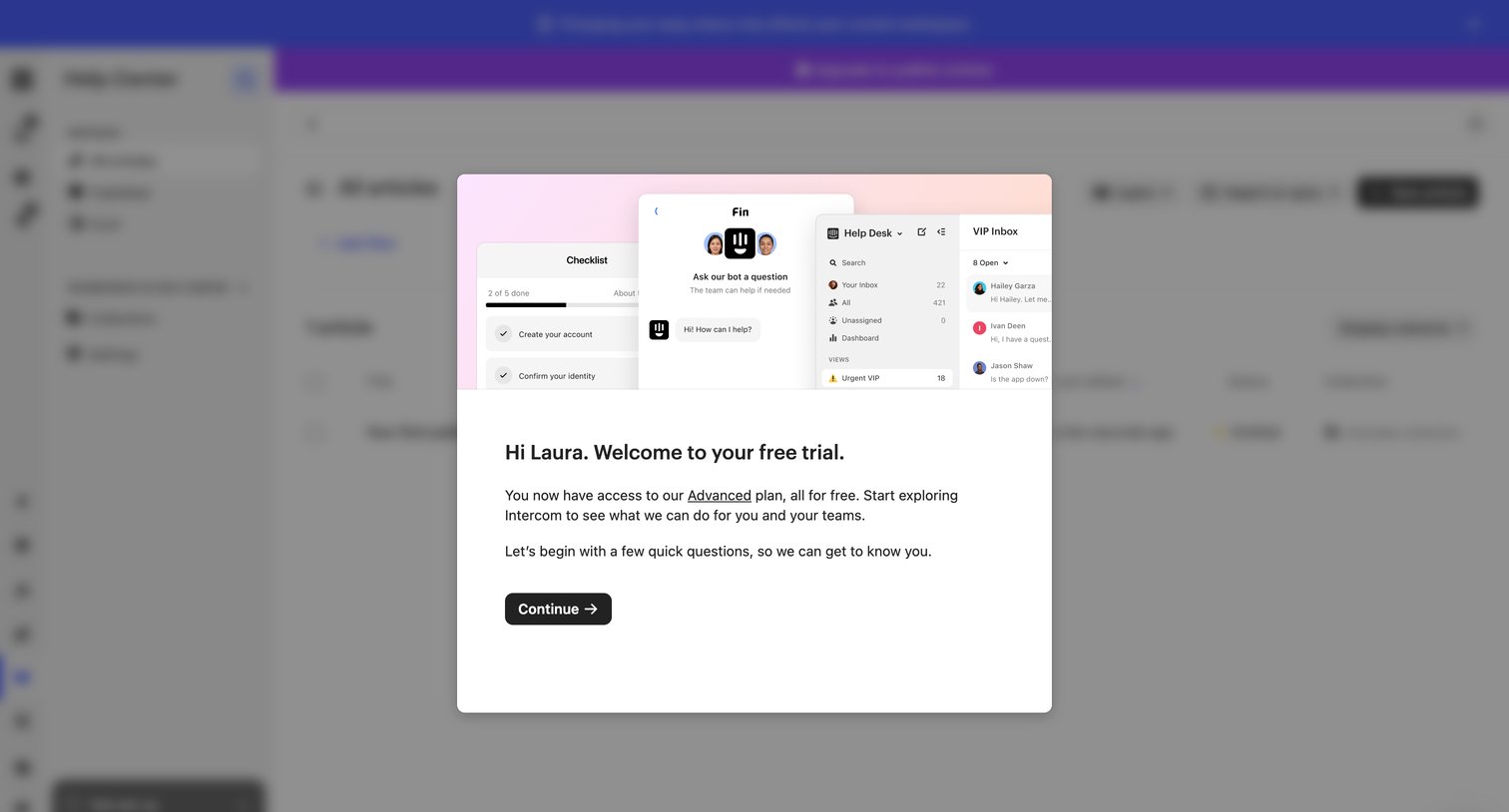

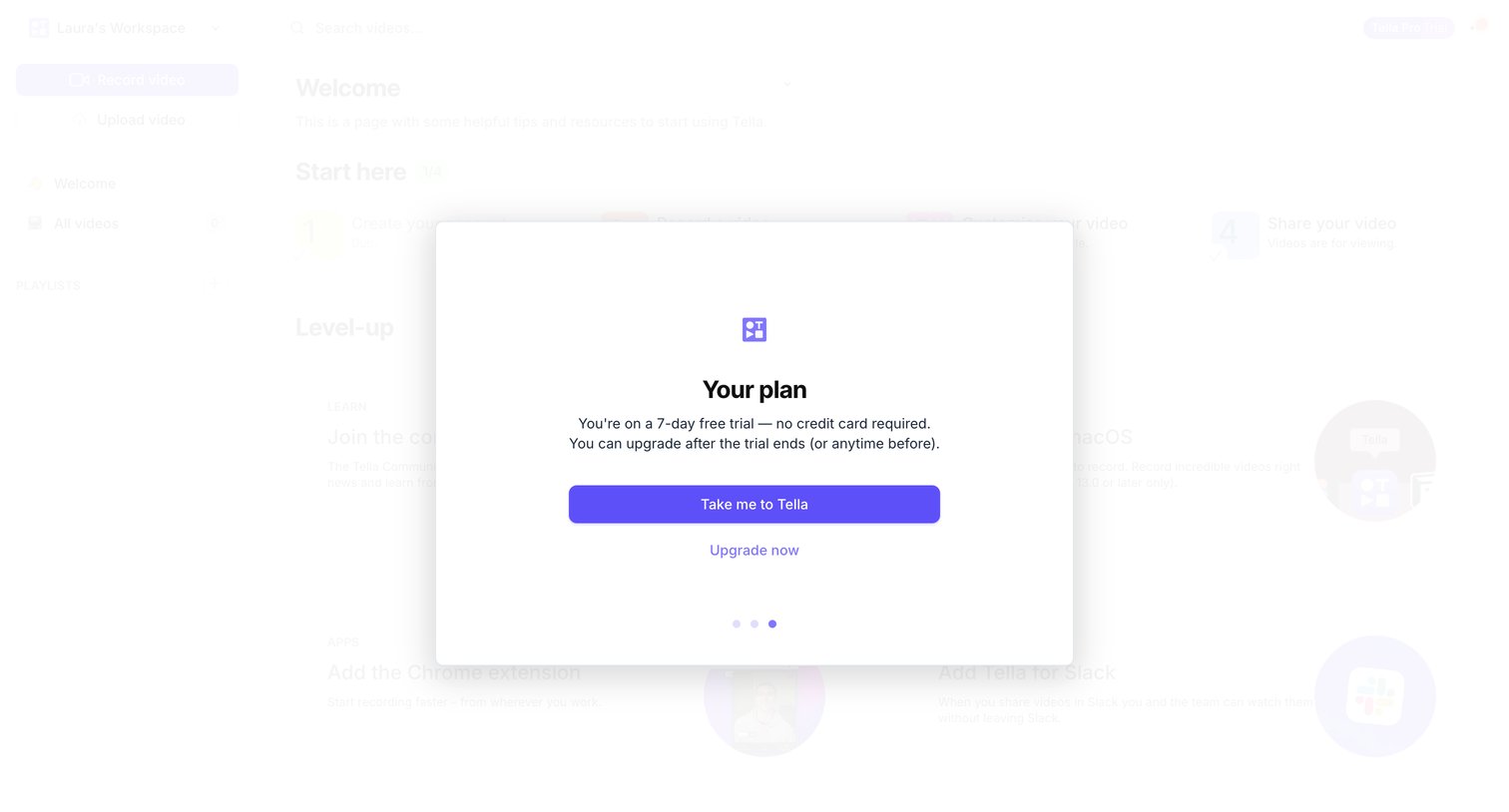

Onboarding modal reminding the user of their 7-day free trial status with an option to upgrade now or continue to the app.
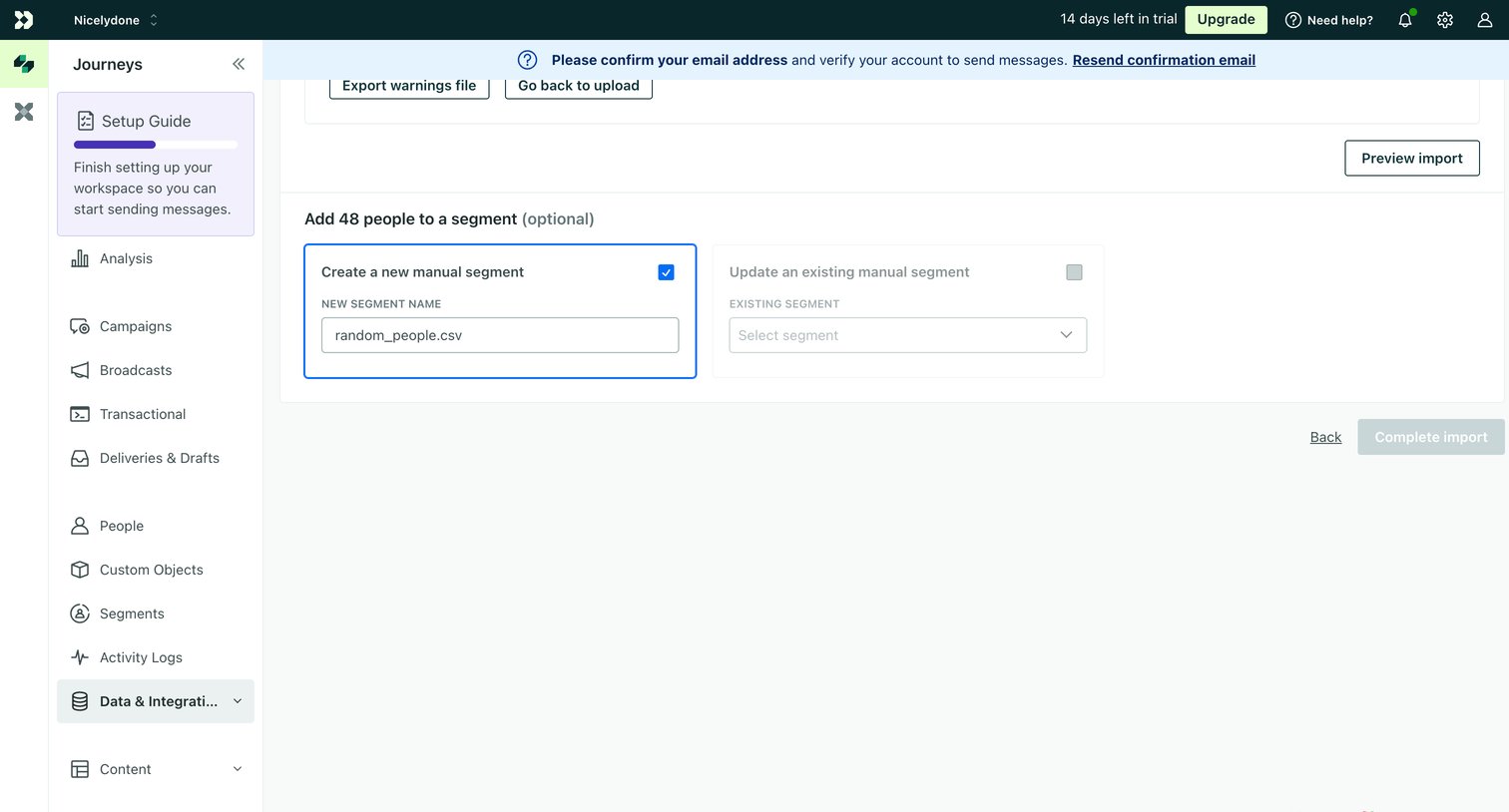

Creation step where the user configures whether to add imported people to a new or existing manual segment before completing the import.
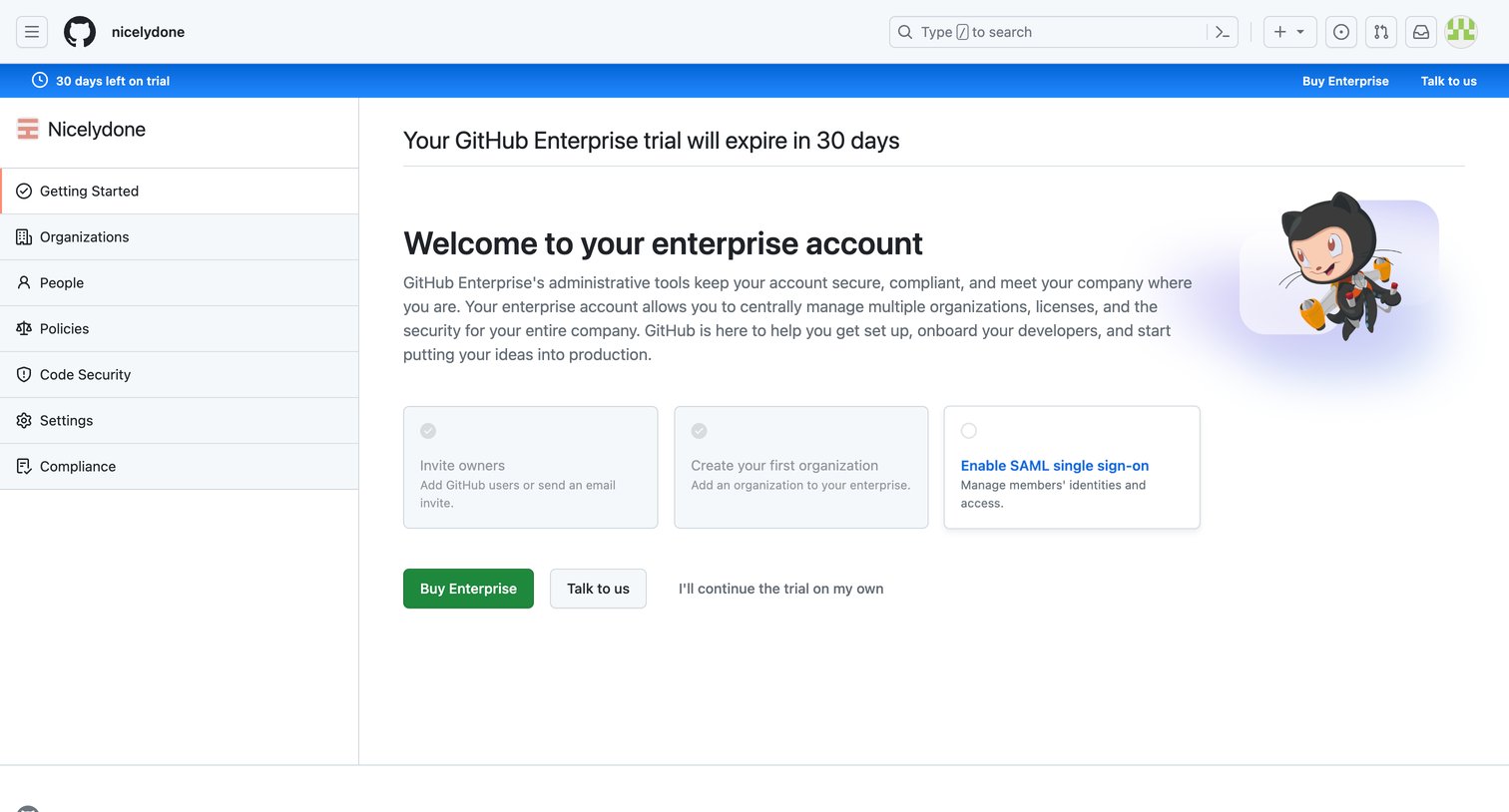

Onboarding screen where the user is welcomed to their enterprise account trial and presented with a setup checklist including inviting owners and enabling SAML.
Explore the full SaaS screen library
Upgrade to unlock the full library.
Trusted by the best teams







