Transcript screen examples
Transcript screen design examples from SaaS apps. Browse examples from Maze, Circleback, Vimeo.
Explore the examples
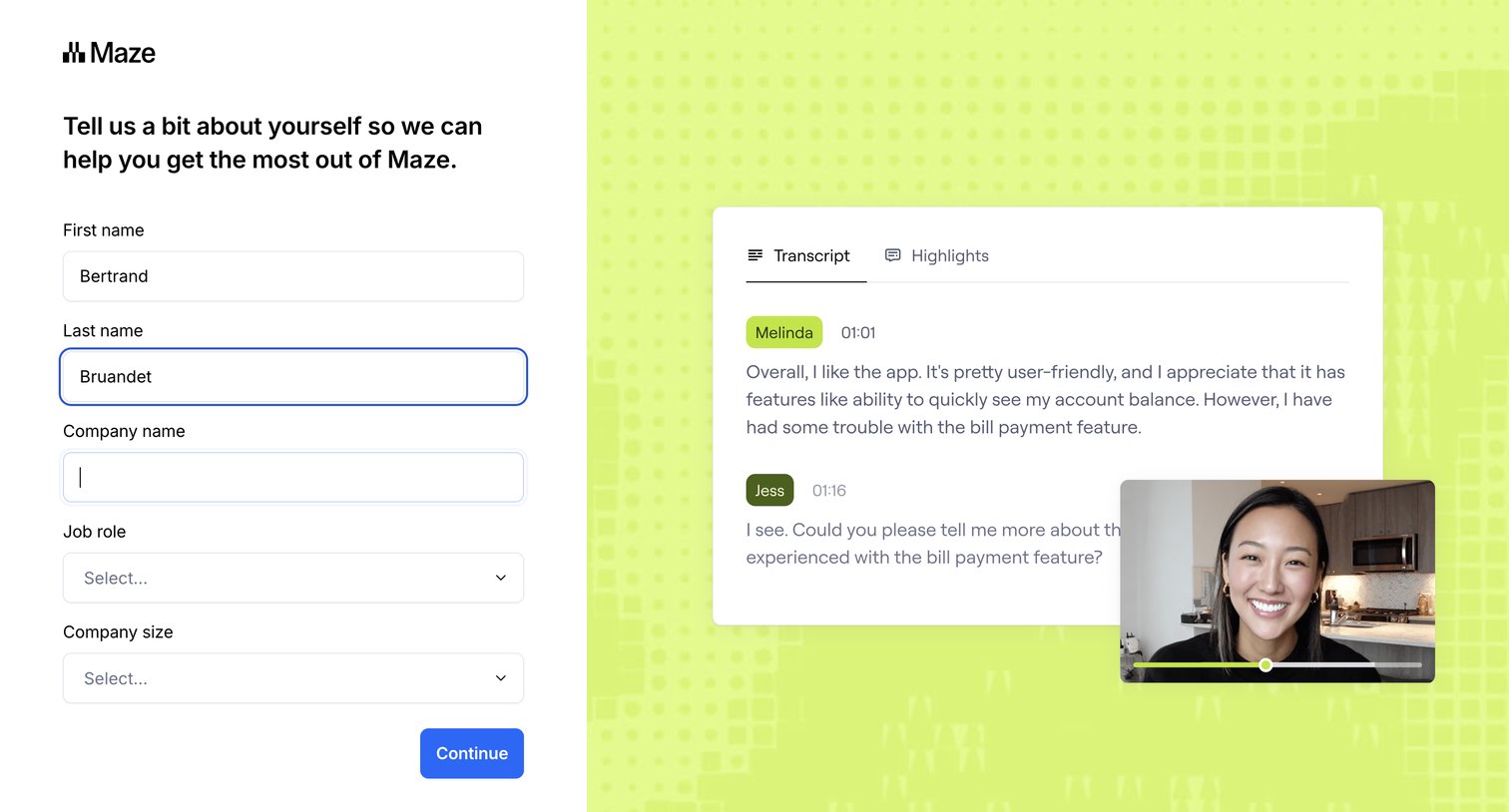

Onboarding step where the user provides their name, company, and role to personalize their experience, alongside a product preview of a video transcript.
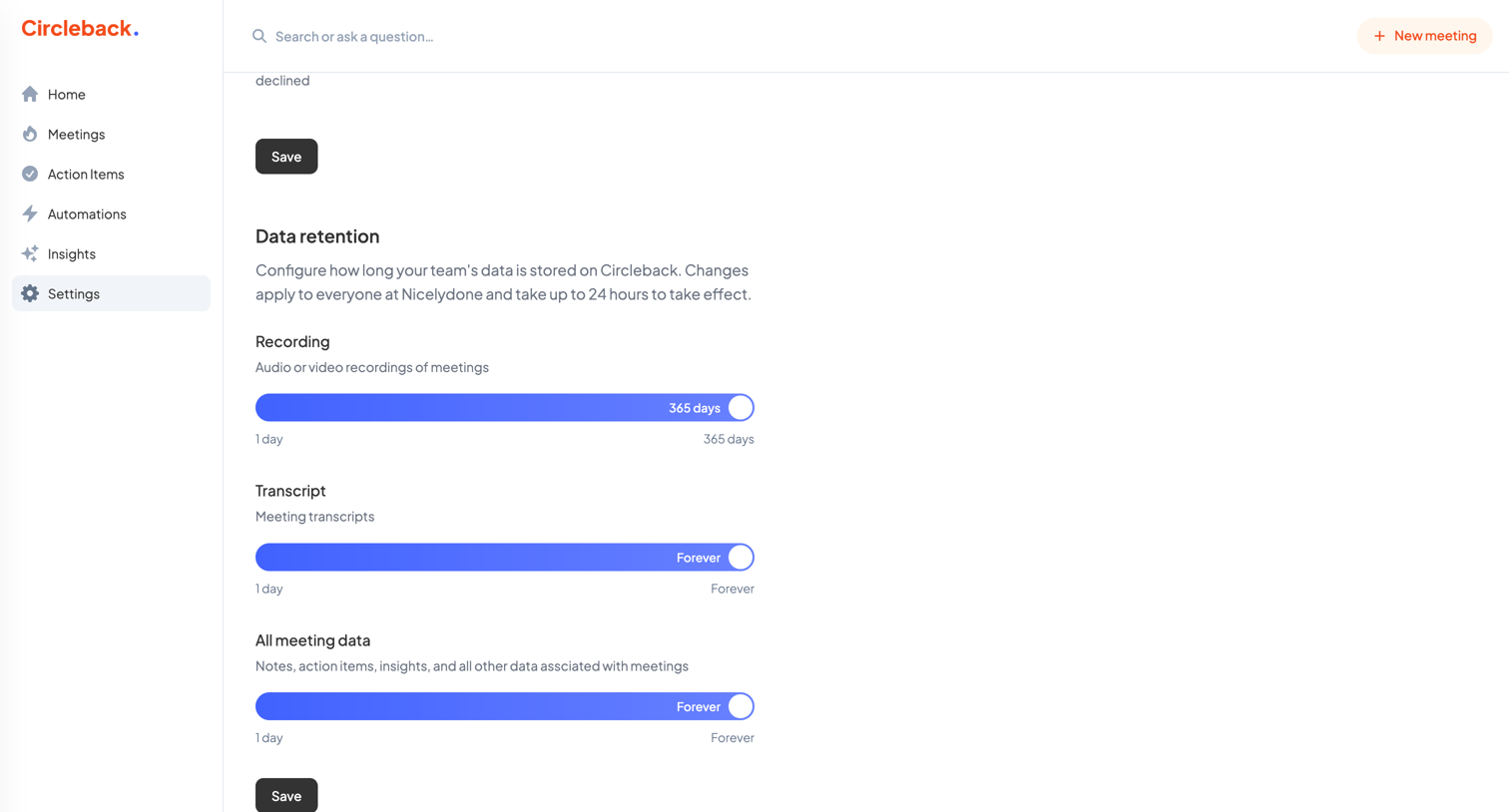

Settings page where the user configures data retention policies for meeting recordings, transcripts, and notes using sliders.
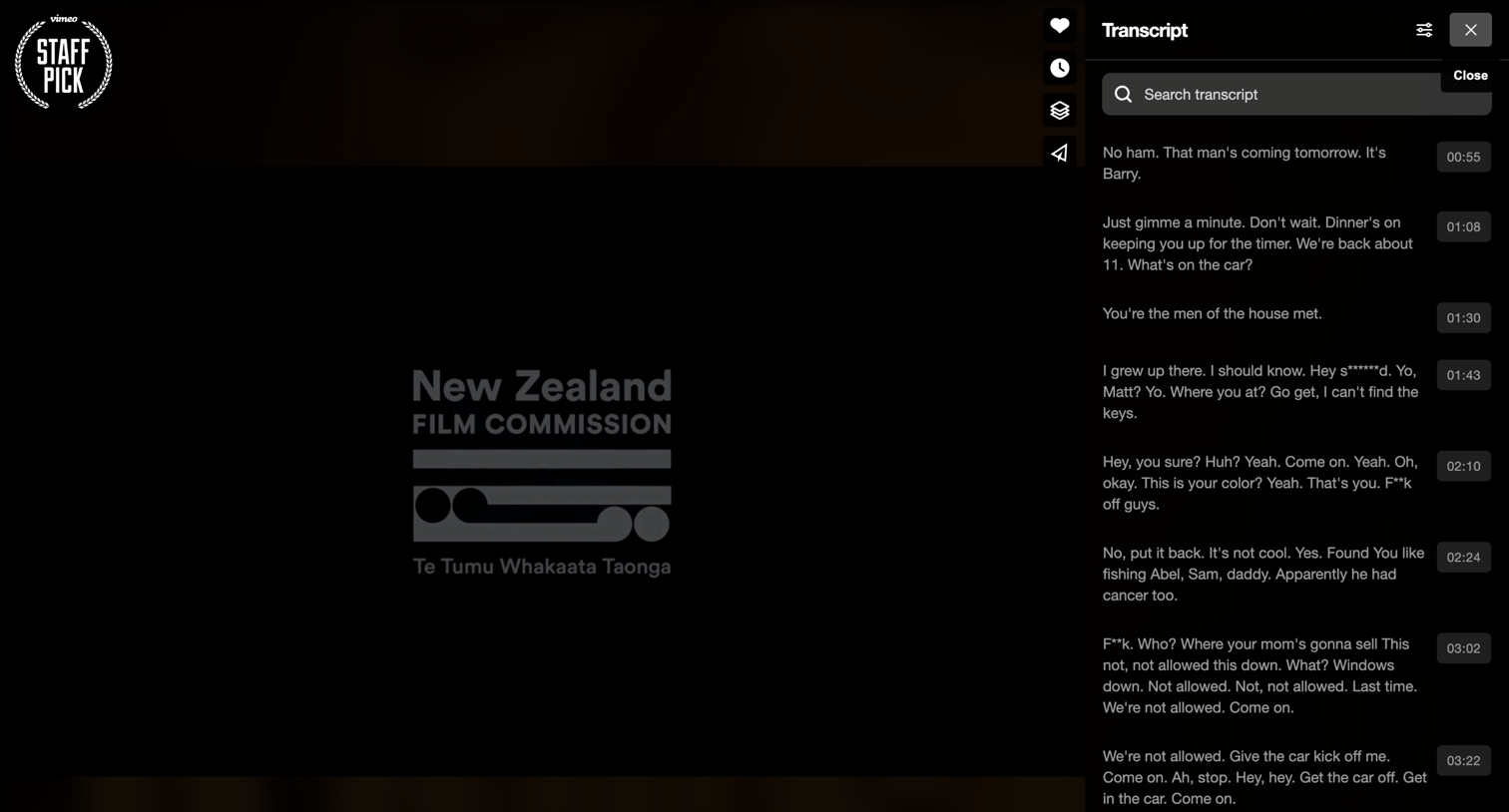

Detail page where the user watches a video and can search or read through an interactive, timestamped transcript in a side panel.
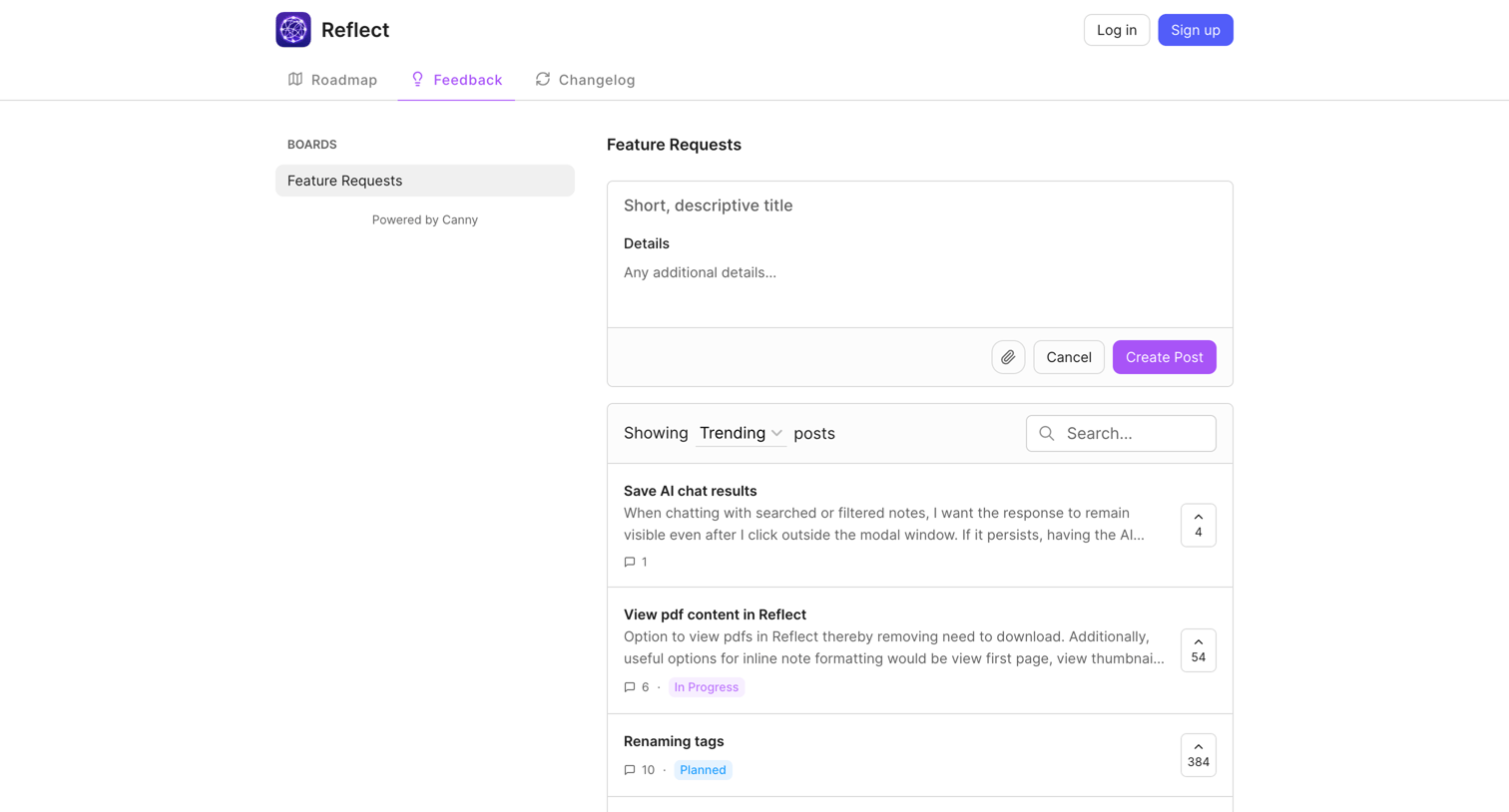

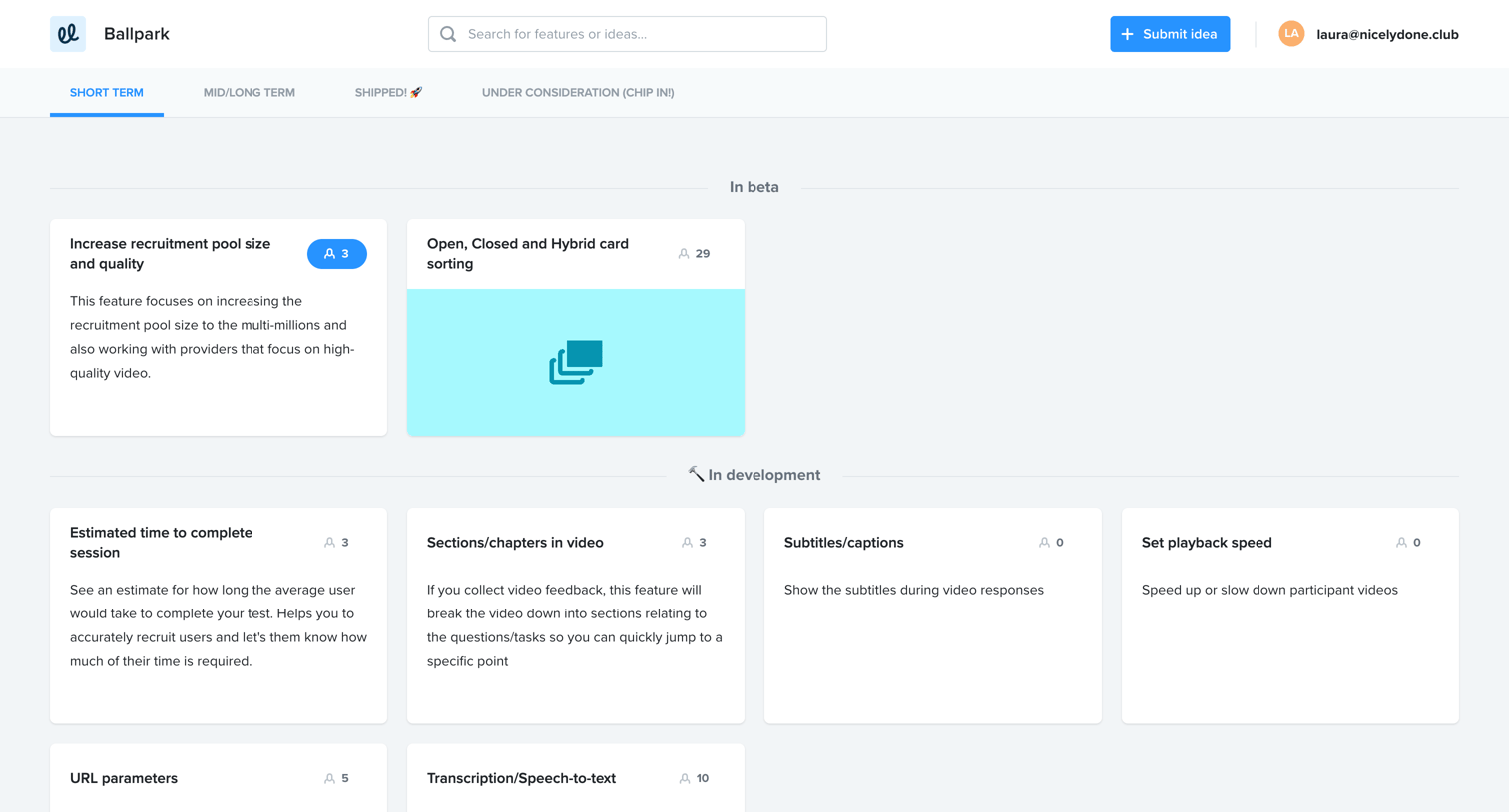
List view where users can submit new feature requests, search existing ones, and upvote ideas like saving AI chat results or viewing PDFs.
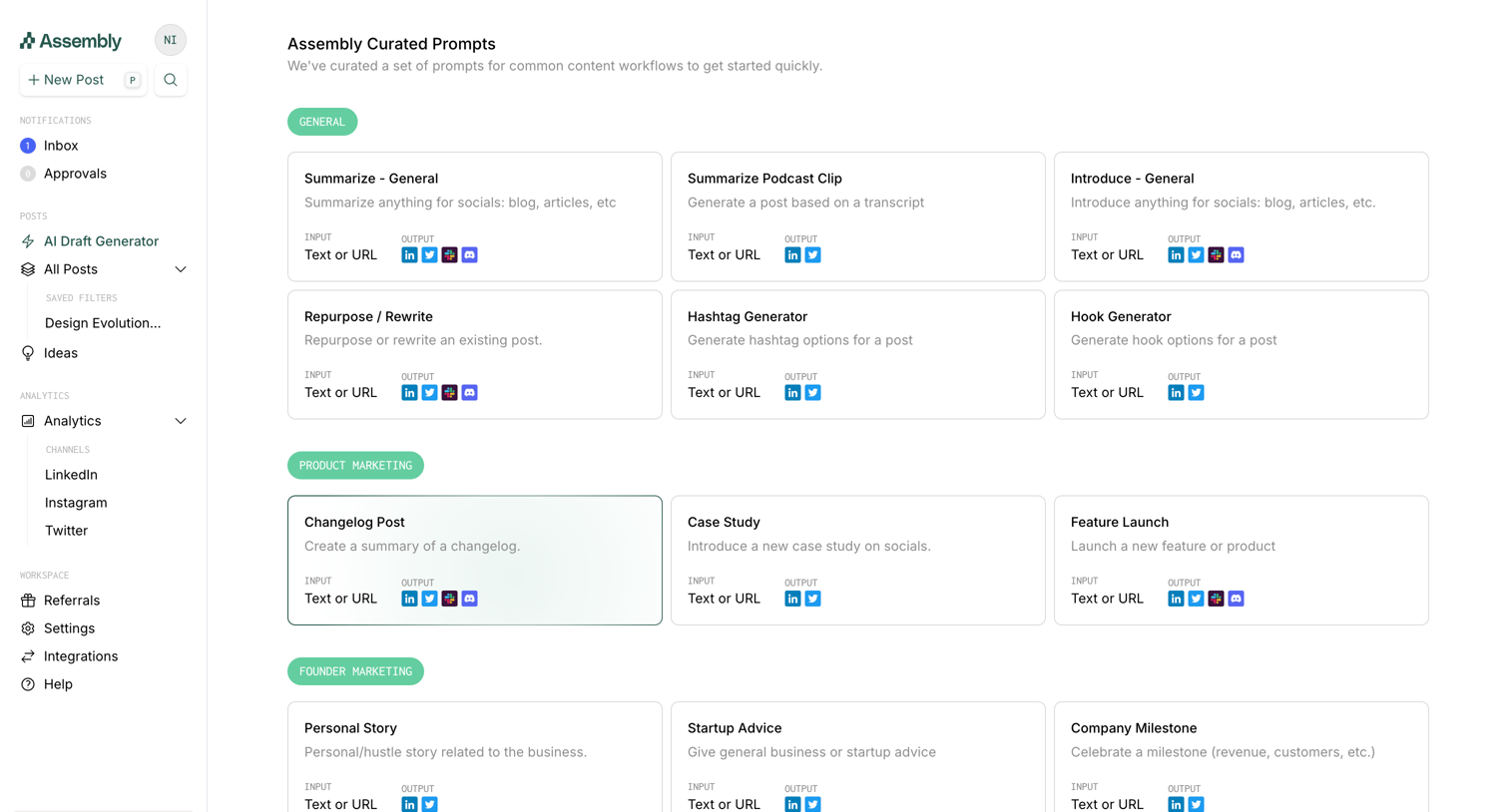

Prompt library where the user can browse curated prompt templates grouped by categories like General, Product Marketing, and Founder Marketing.
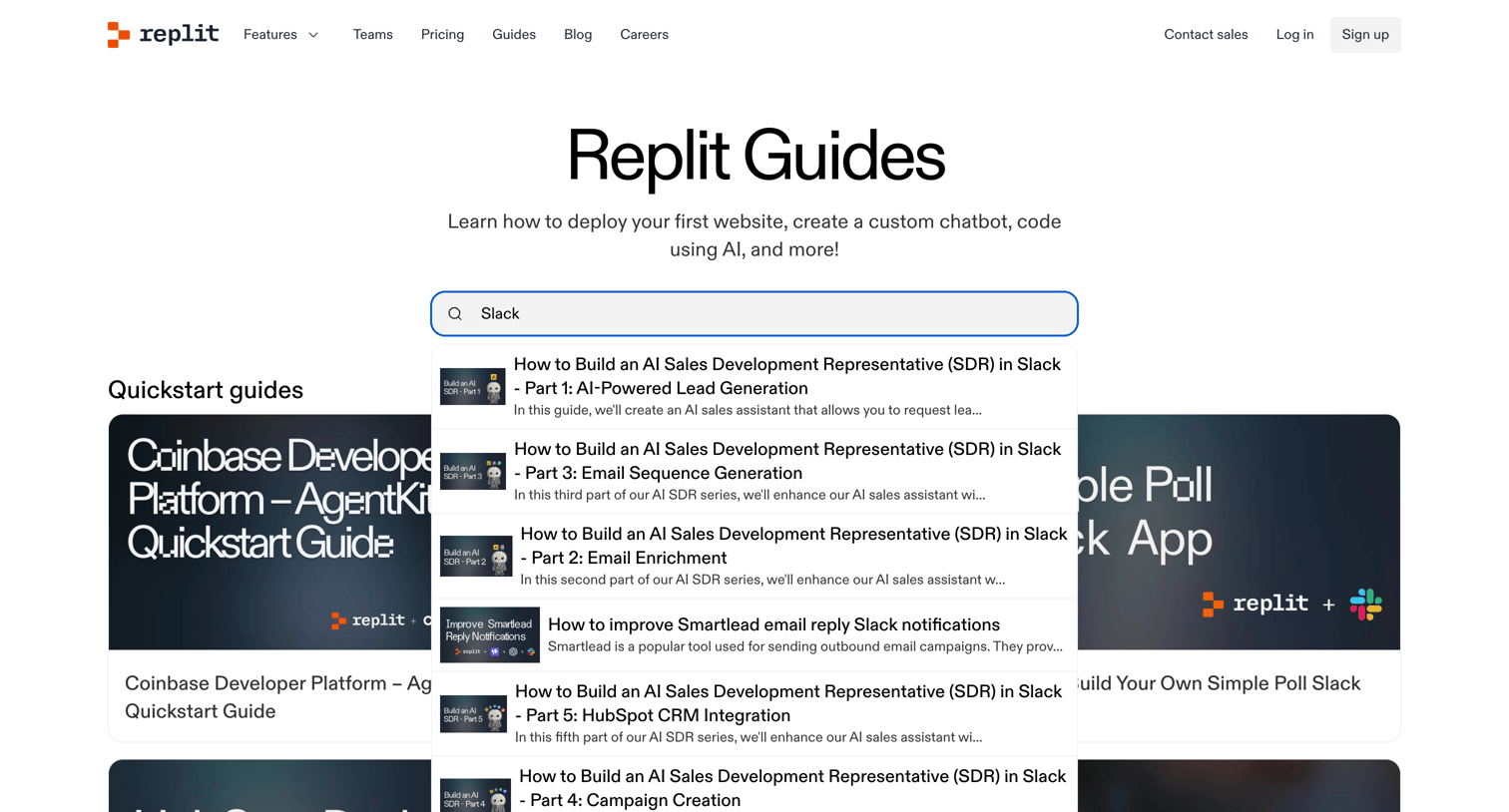

Guide index page where the user searches for tutorials or browses categorized quickstart and application building guides.
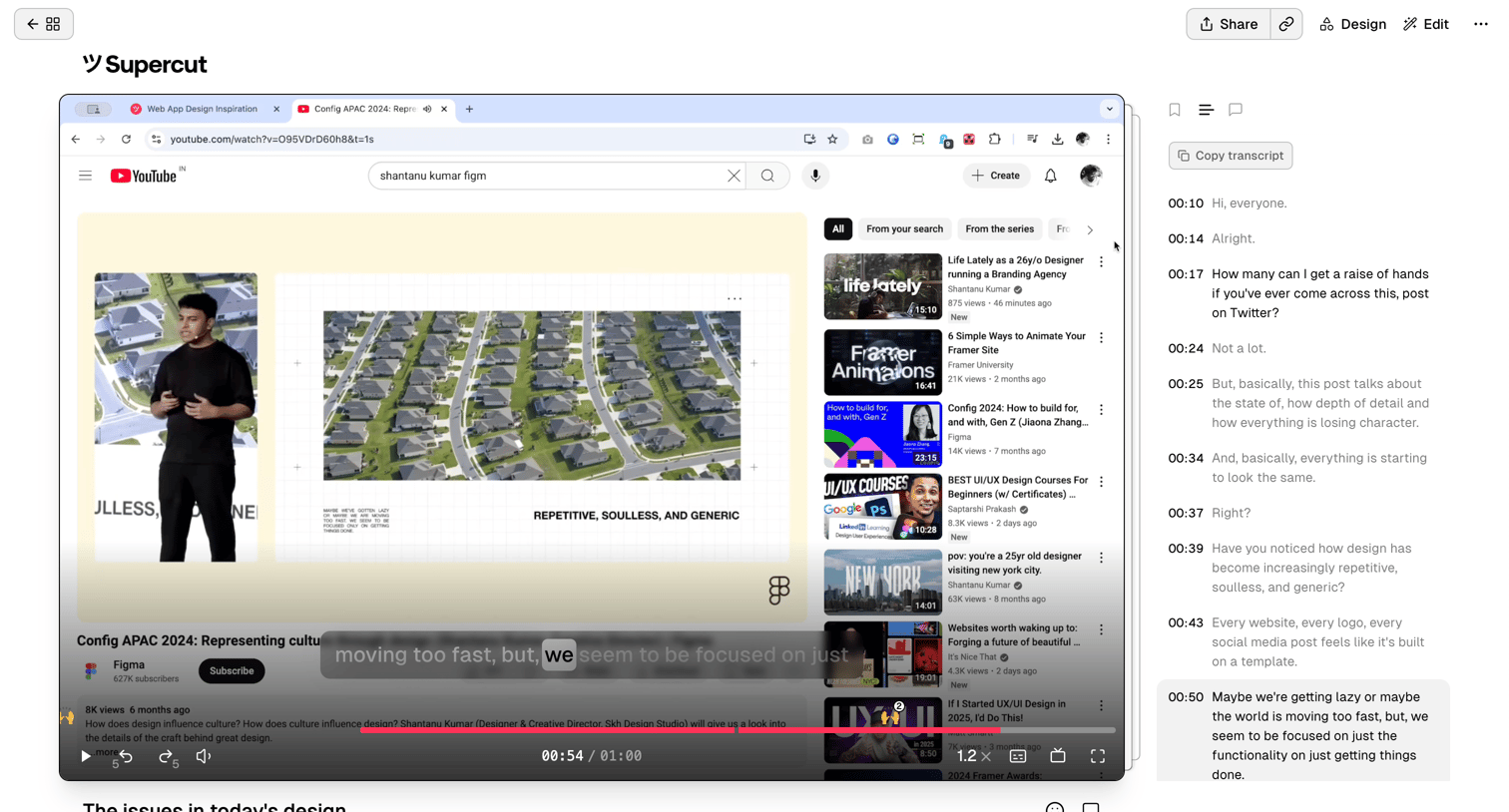

Detail page where a user reviews a shared video recording alongside its interactive, timestamped transcript.
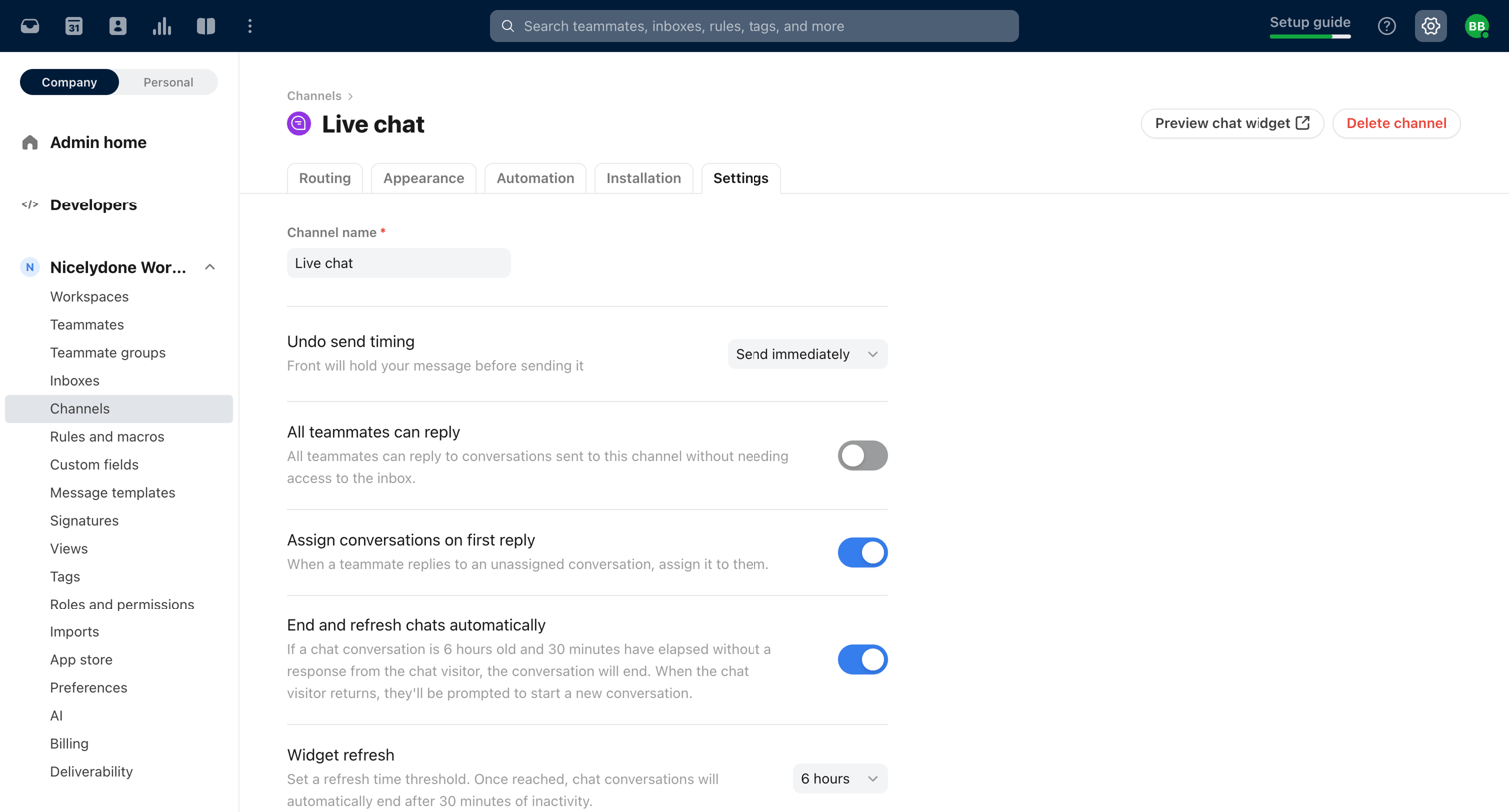

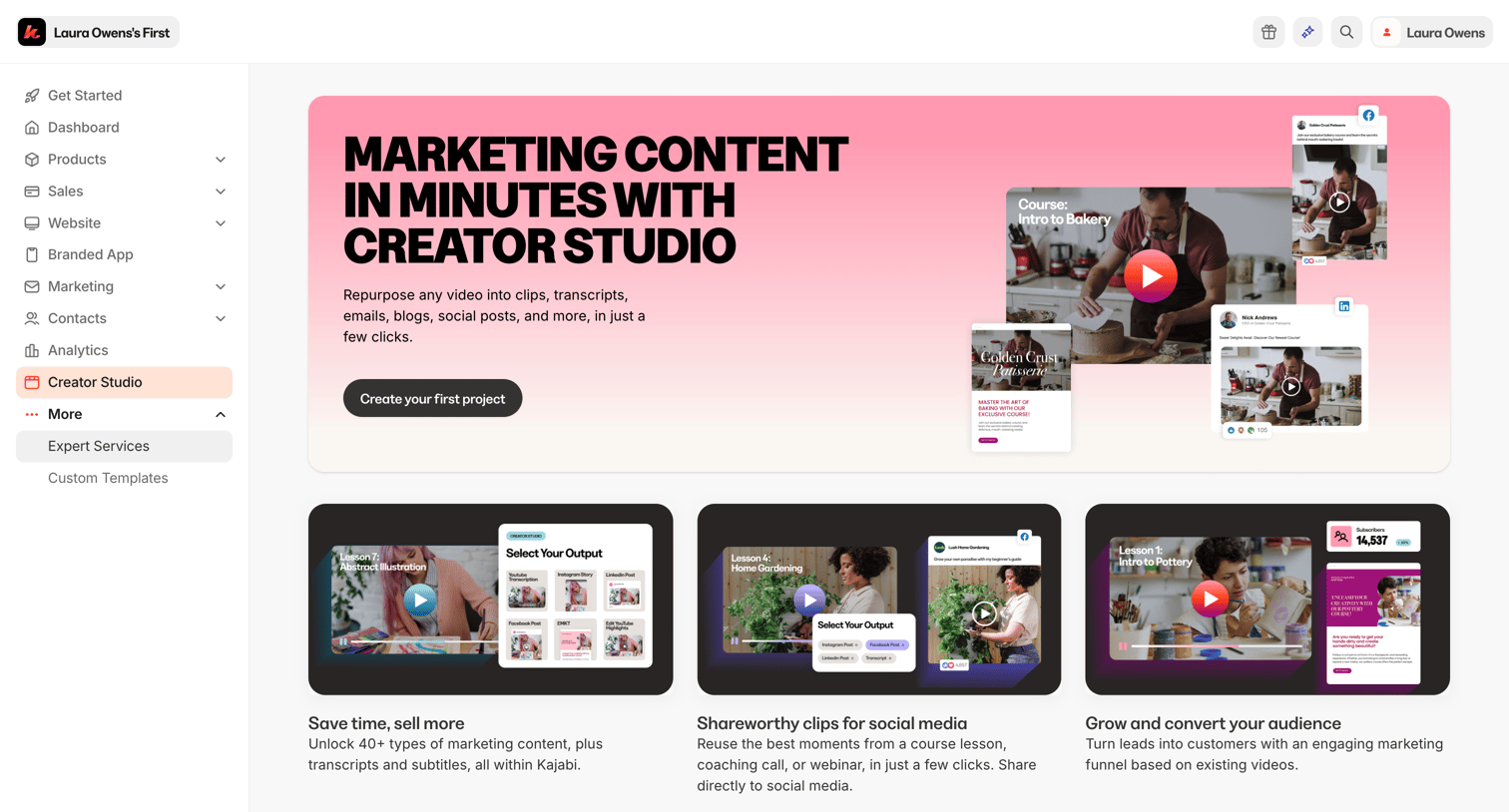

Onboarding screen for the Creator Studio feature where the user is prompted to create their first project to repurpose videos into marketing content.
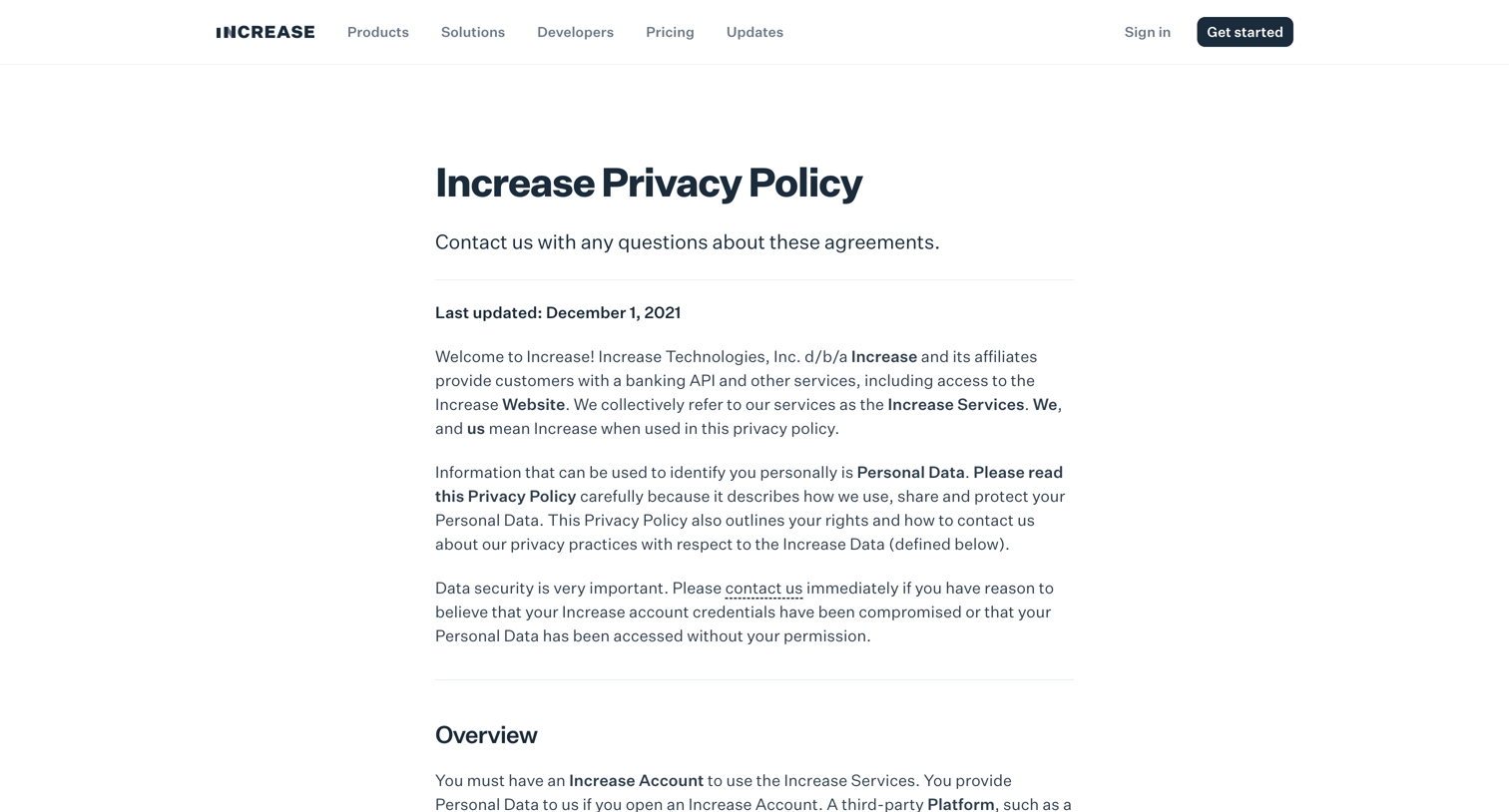

Privacy policy page detailing how the company collects, uses, and discloses personal data, including specific rights for California residents.


Explore the full SaaS screen library
Upgrade to unlock the full library.
Trusted by the best teams







