Task completion screen examples
Task completion screen design examples from SaaS apps. Browse examples from Dock, Beside, Poolside.
Explore the examples
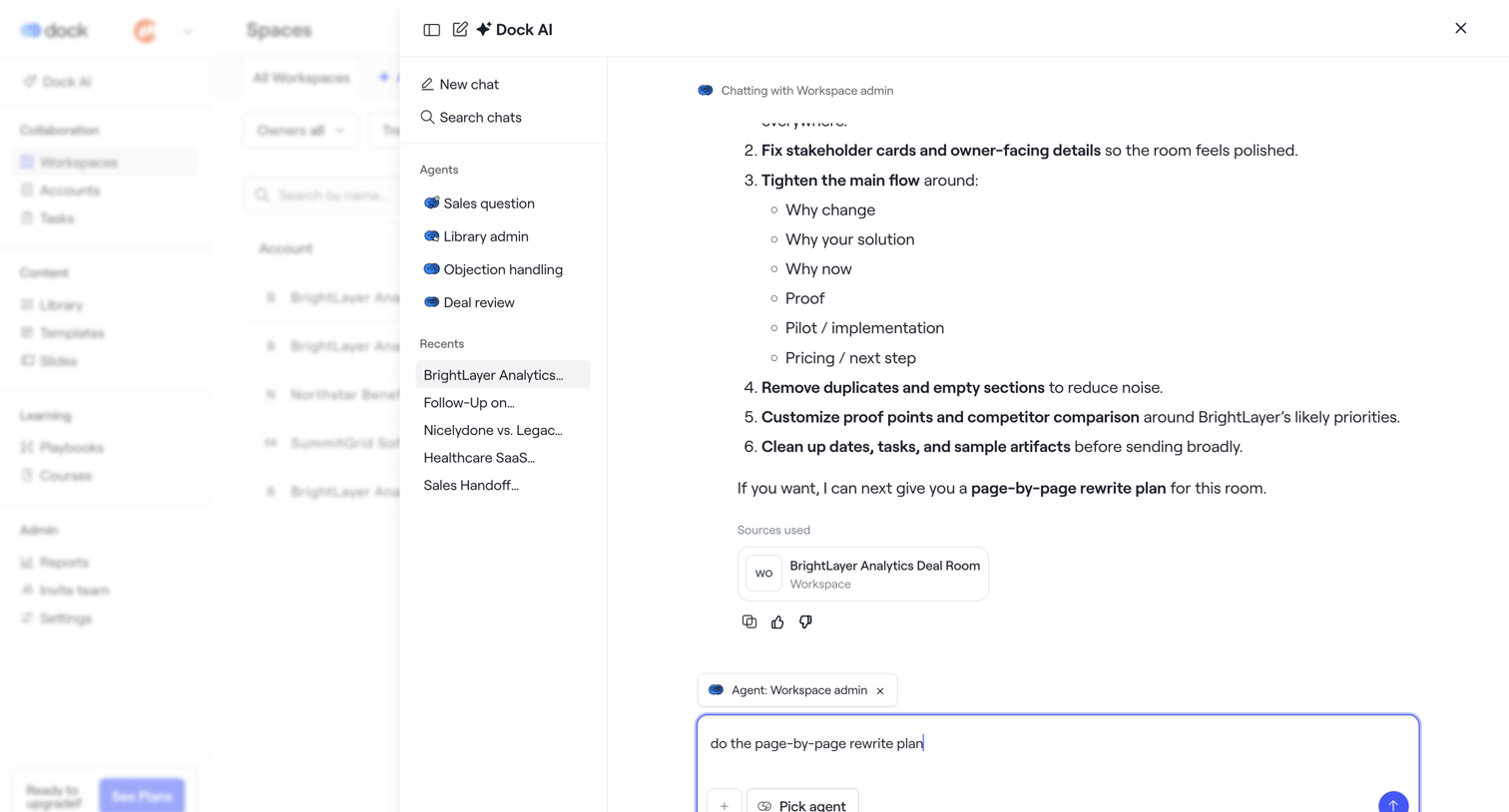

AI chat drawer where the user interacts with a Workspace admin agent to review a rewrite plan for a deal room, with options to select different agents or view recent chats.
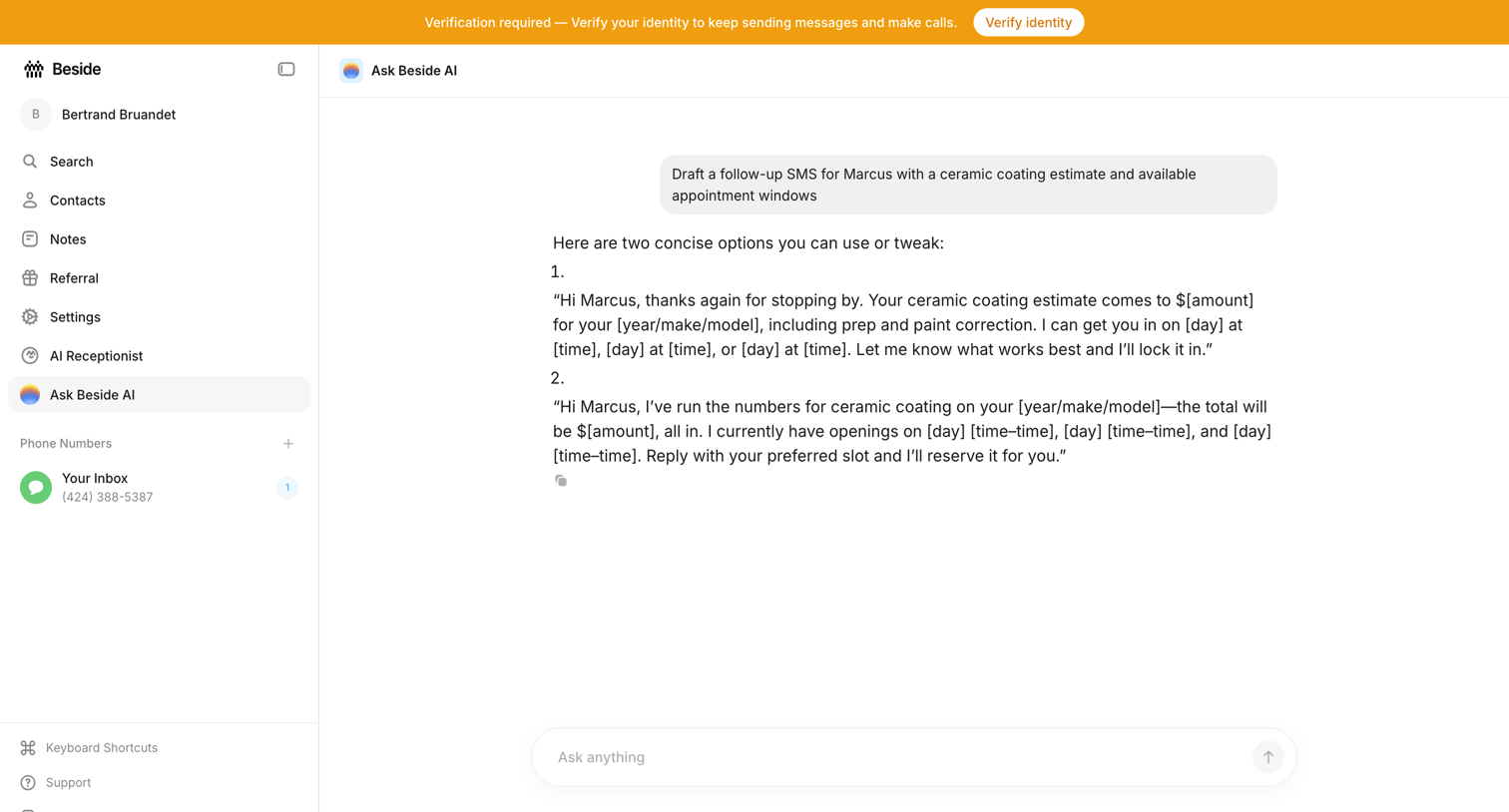

AI chat interface where the user drafts a follow-up SMS for a customer with a ceramic coating estimate, featuring a top banner prompting identity verification.
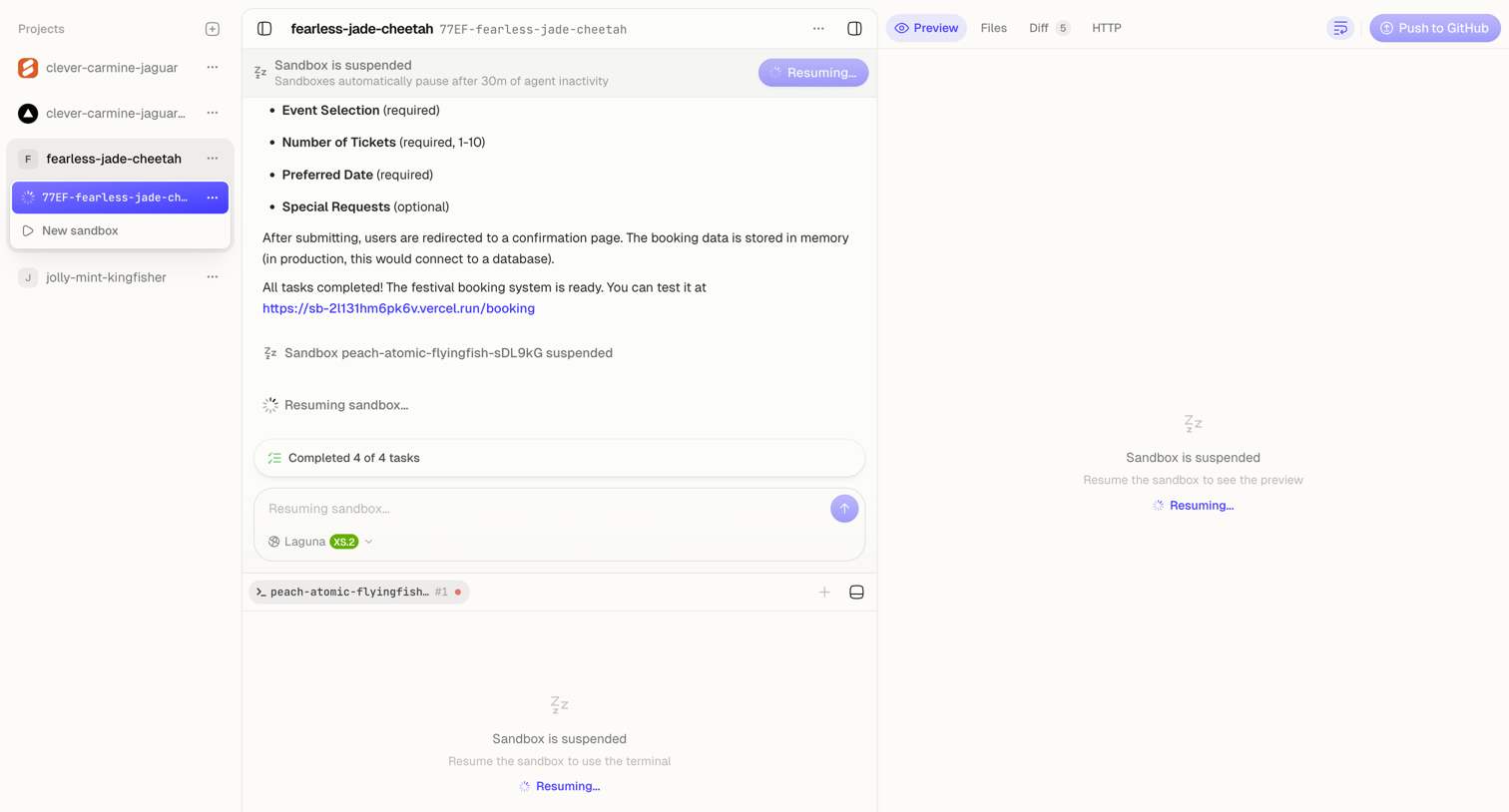

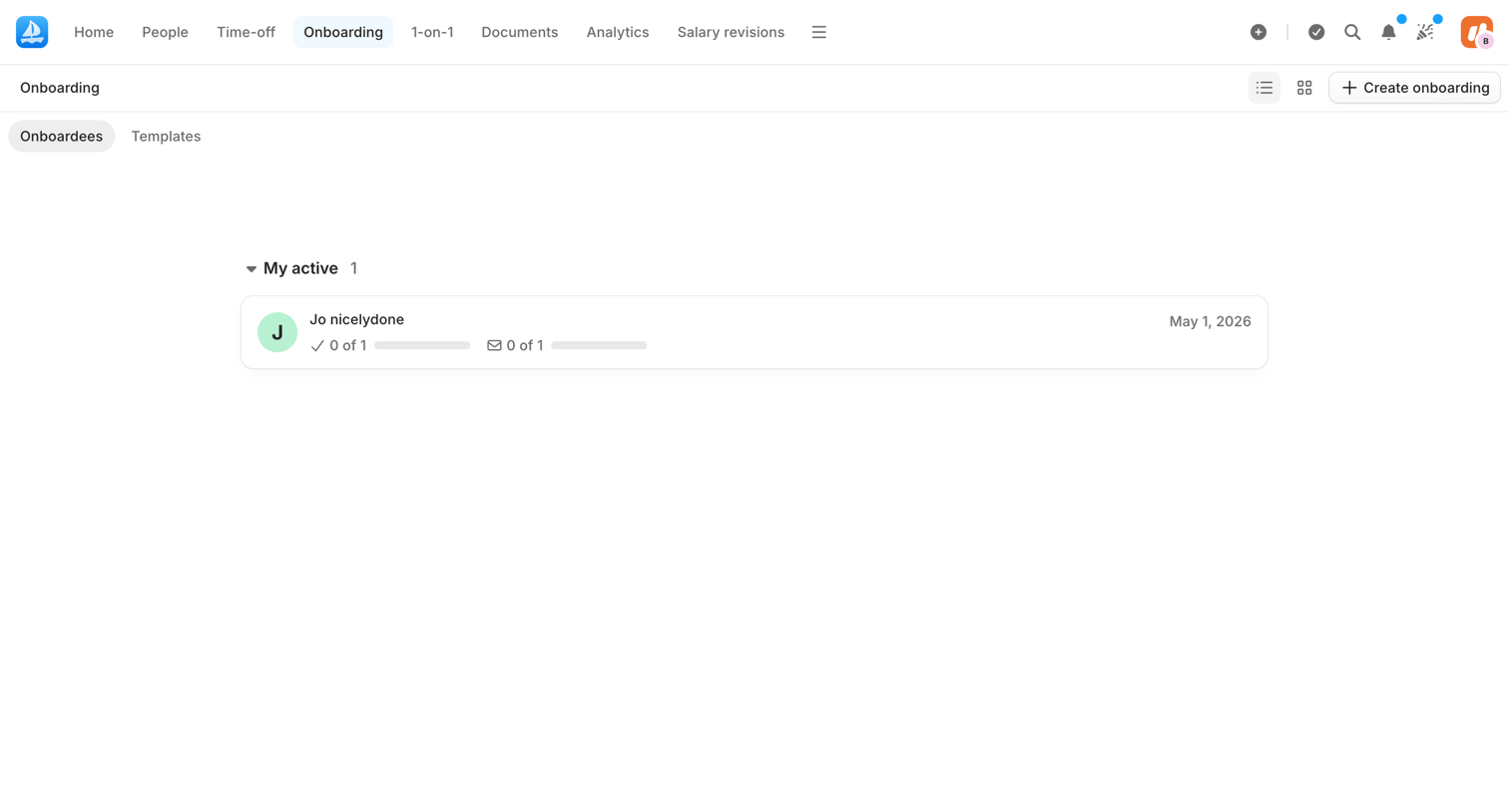

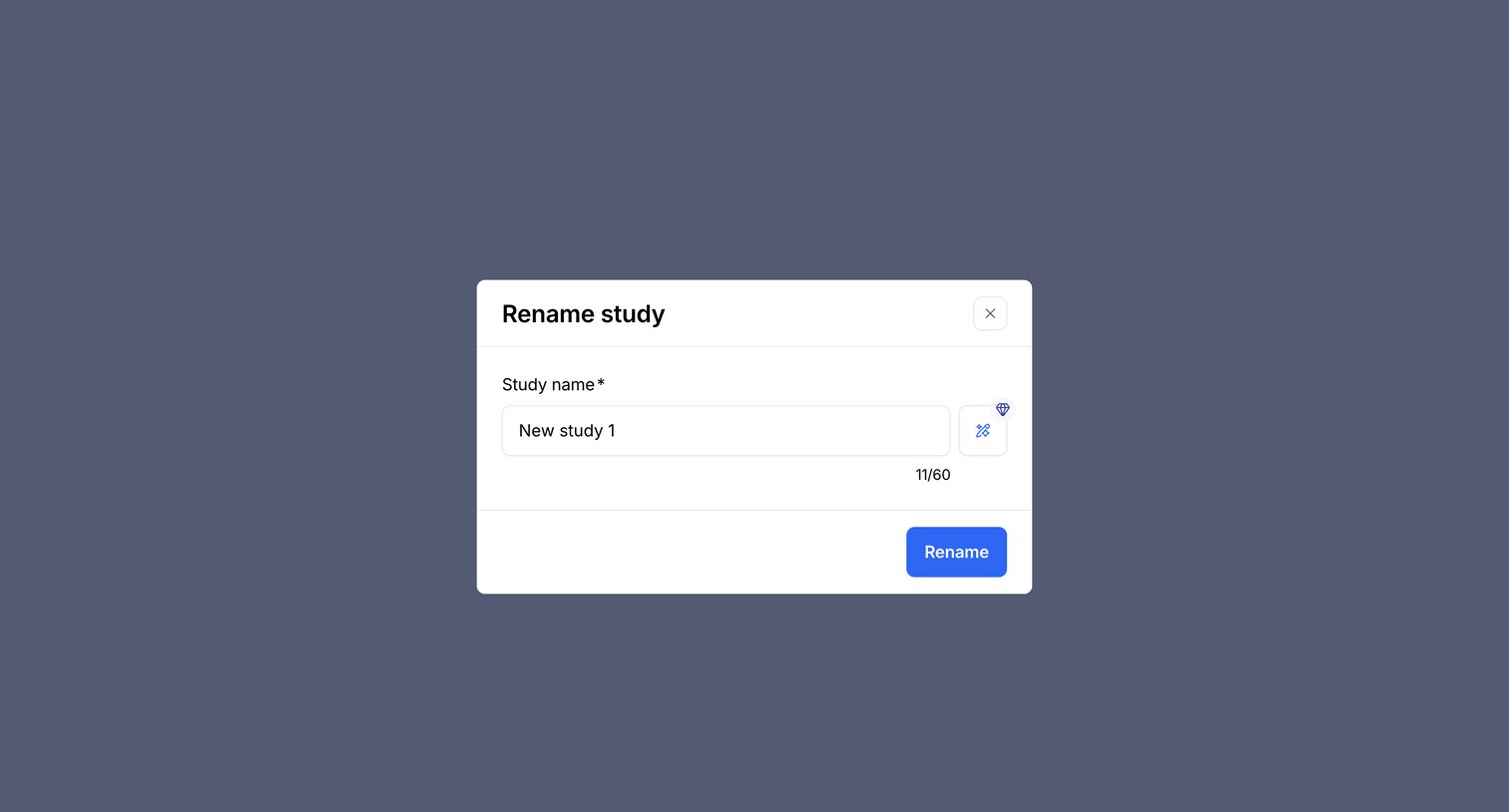

Modal where the user can rename an existing study, featuring a character counter and an AI inline action to assist with naming.
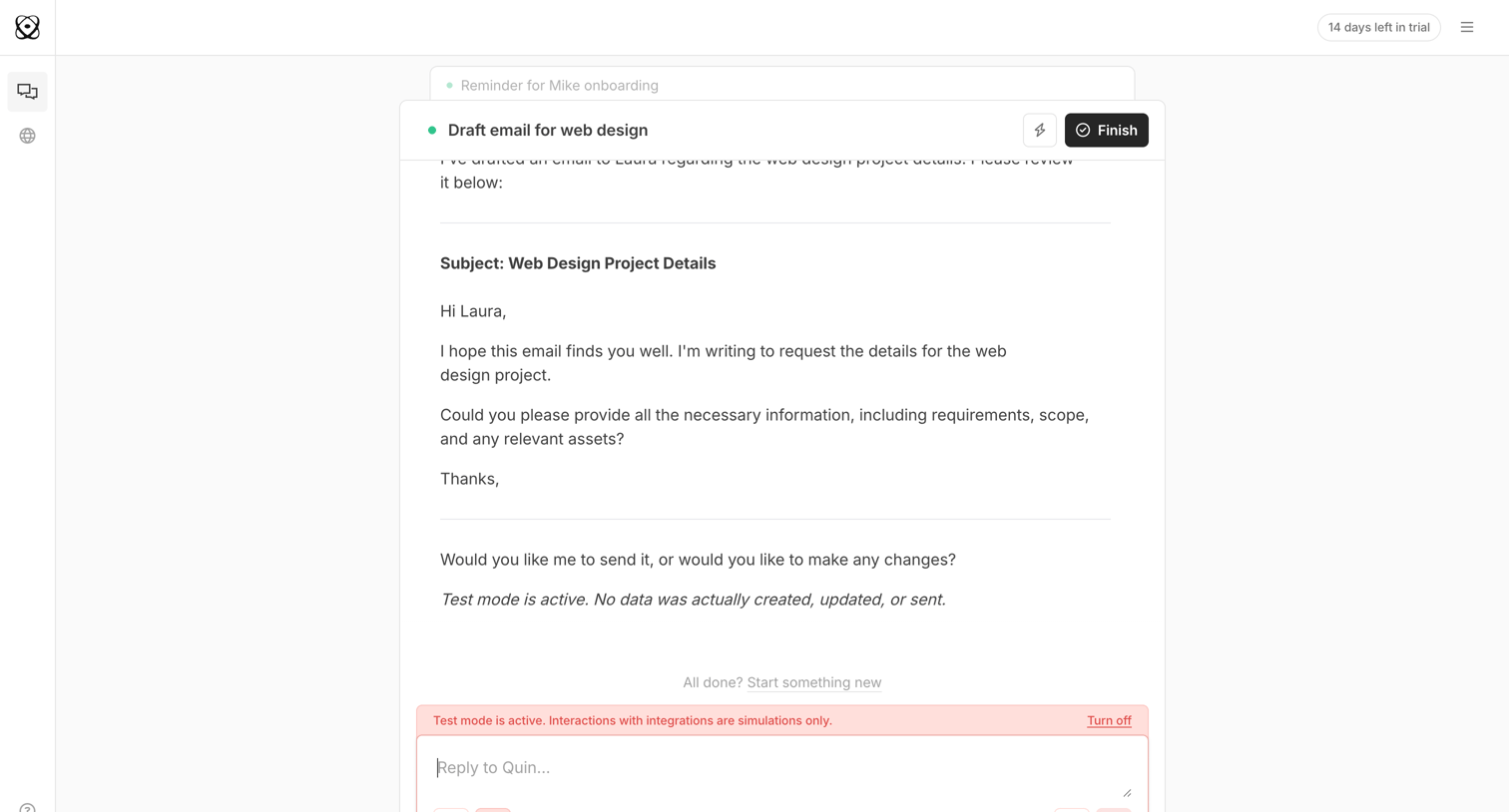

AI chat interface where the user reviews an email drafted by the AI for a web design project, with an option to finish the task or request changes via the composer.
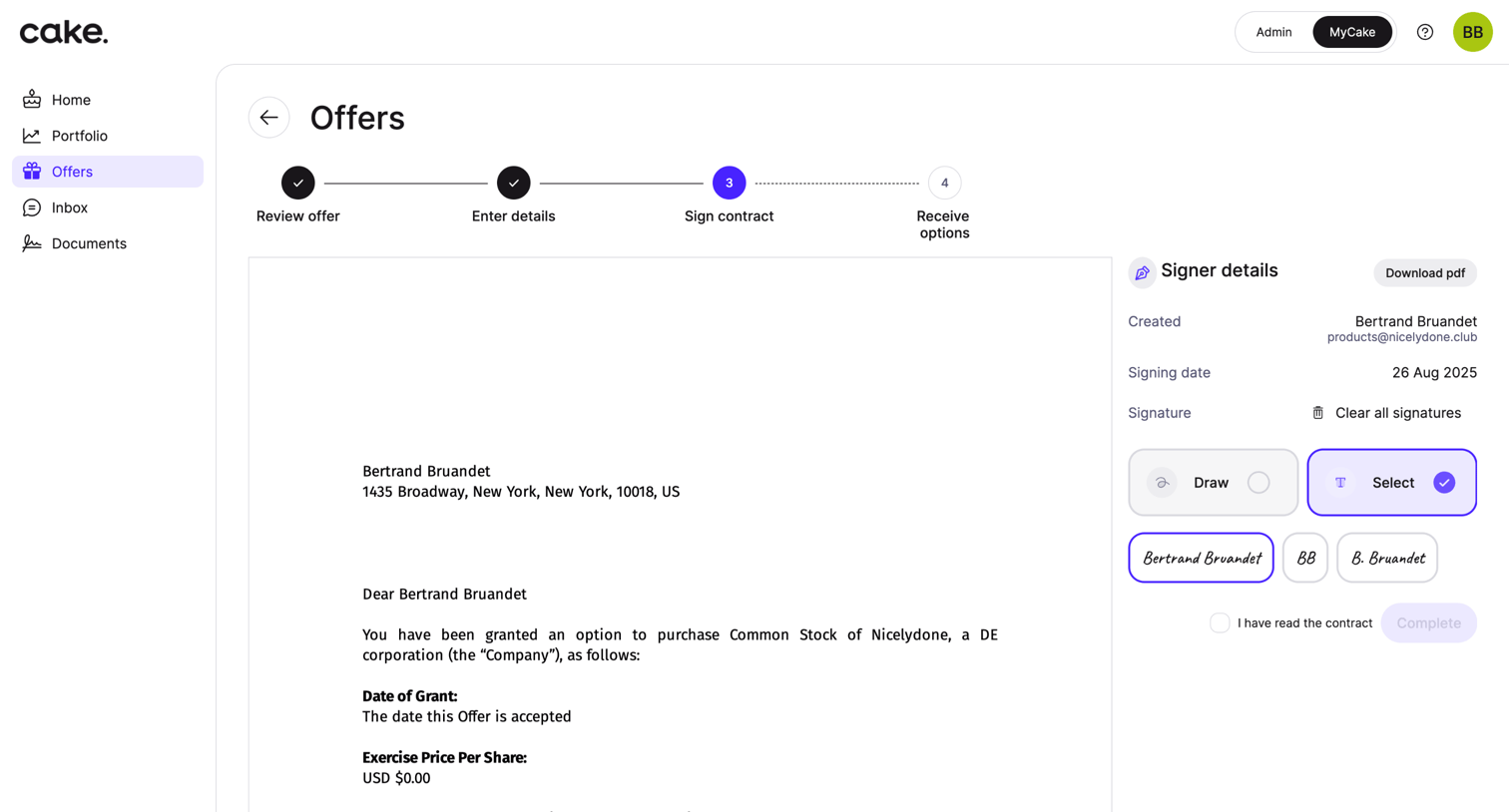

Detail page where the user reviews an equity offer document and selects a signature style to sign the contract.
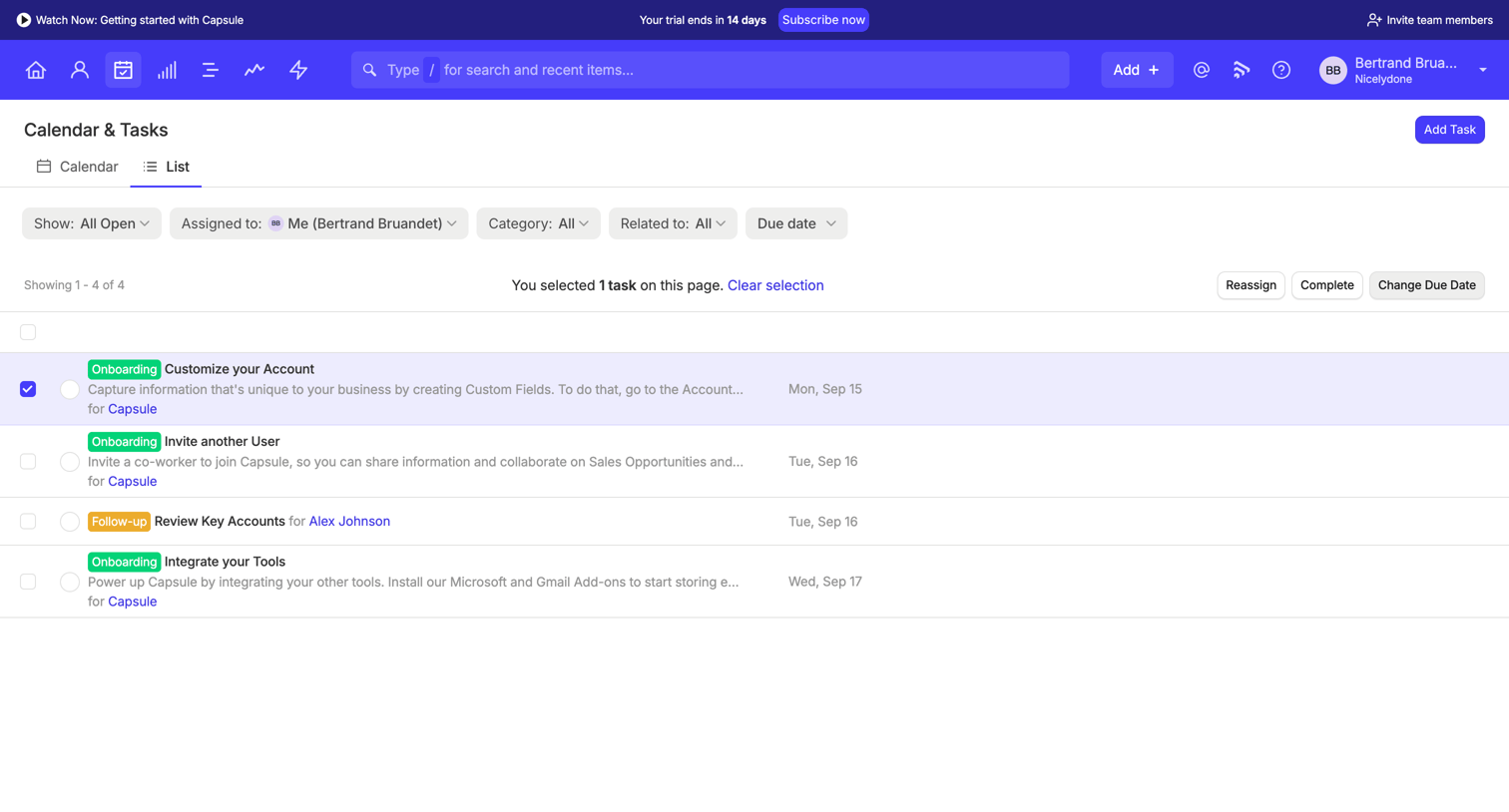

List view where the user manages their tasks, with options to filter by assignee, category, and due date, and perform bulk actions on selected items.
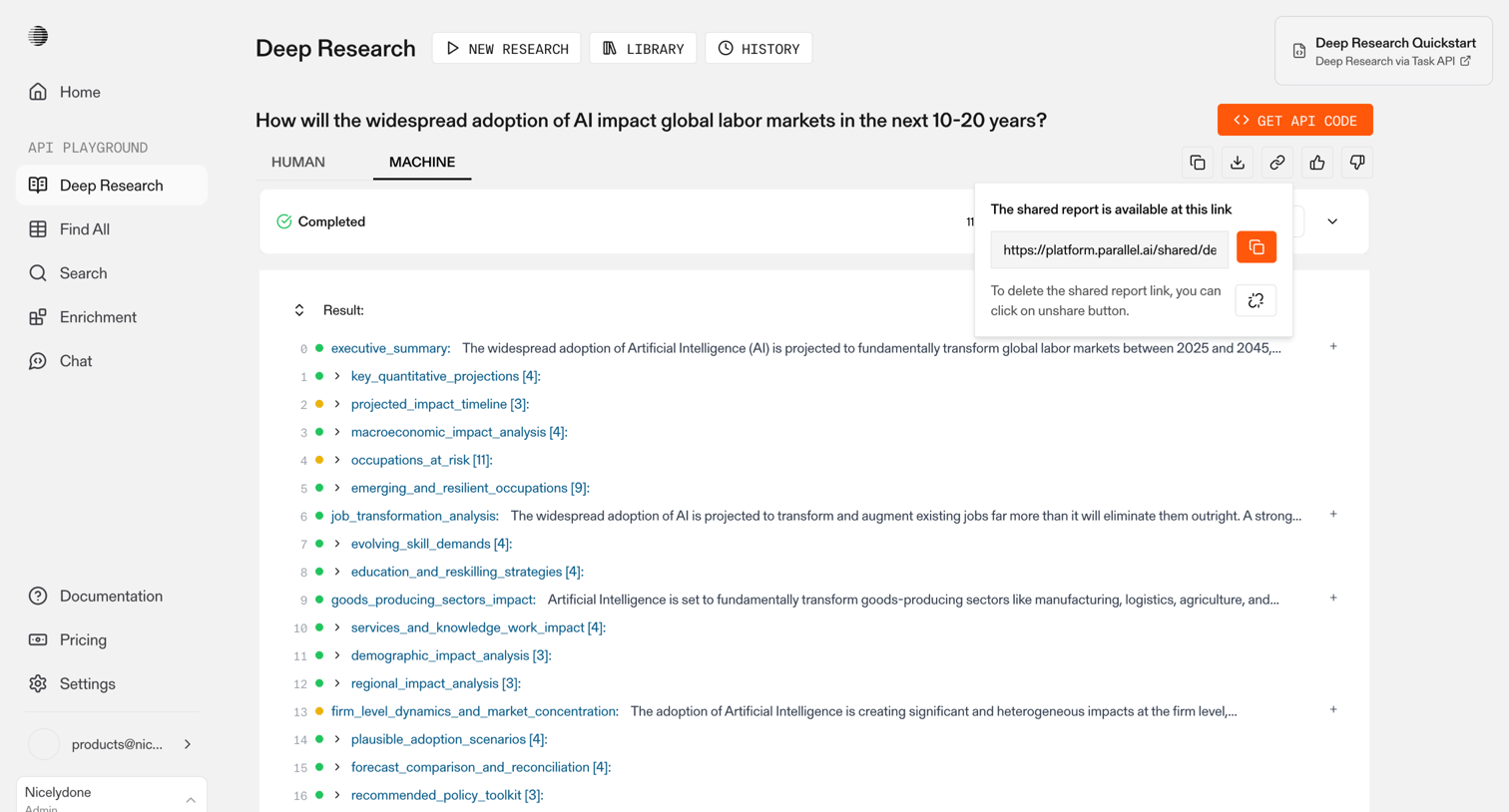

Detail page showing the structured JSON-like results of an AI deep research query about global labor markets, with an open popover to share the report link.
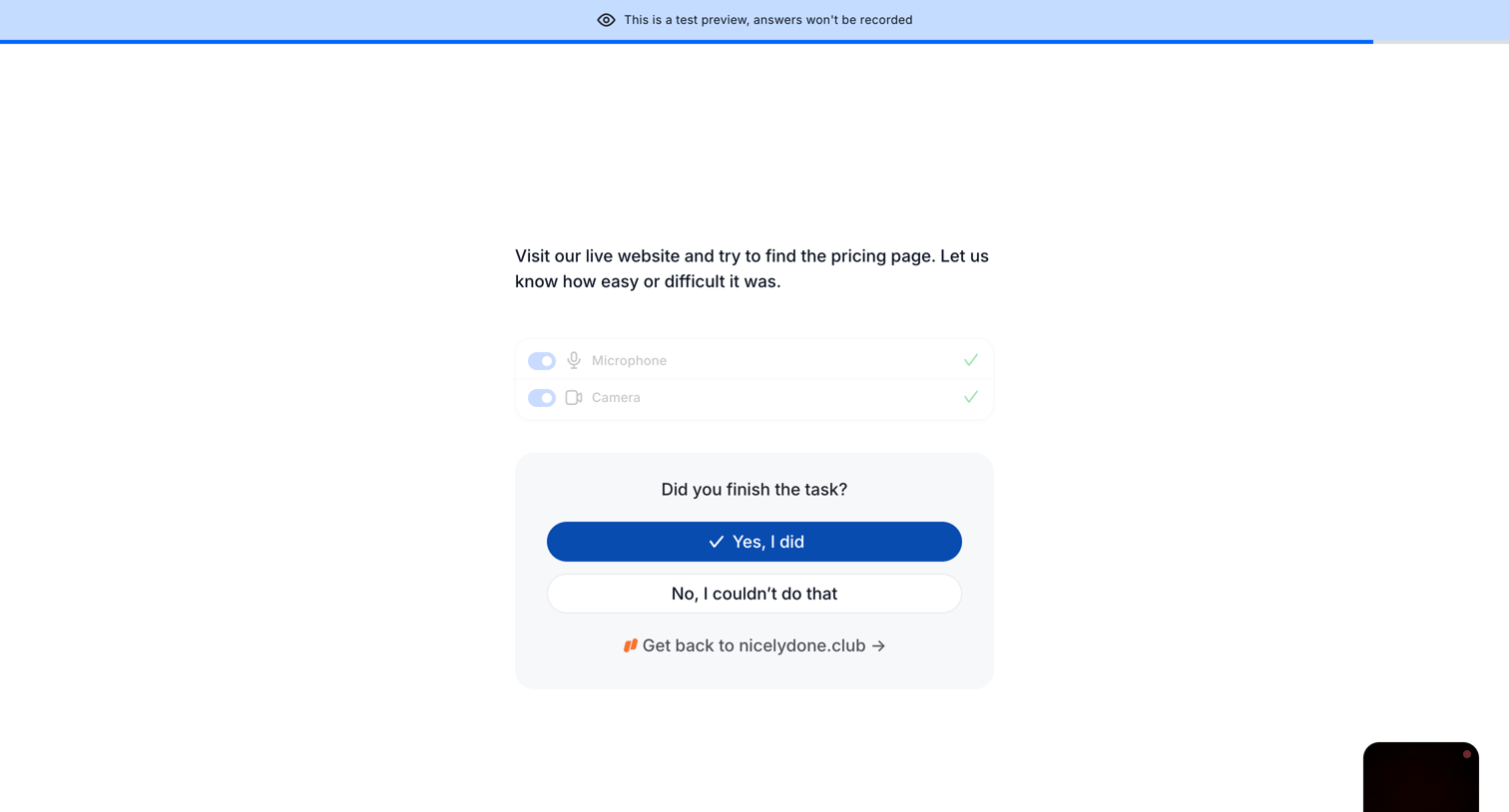

Detail page where the user confirms if they finished a usability task while their microphone and camera are active.
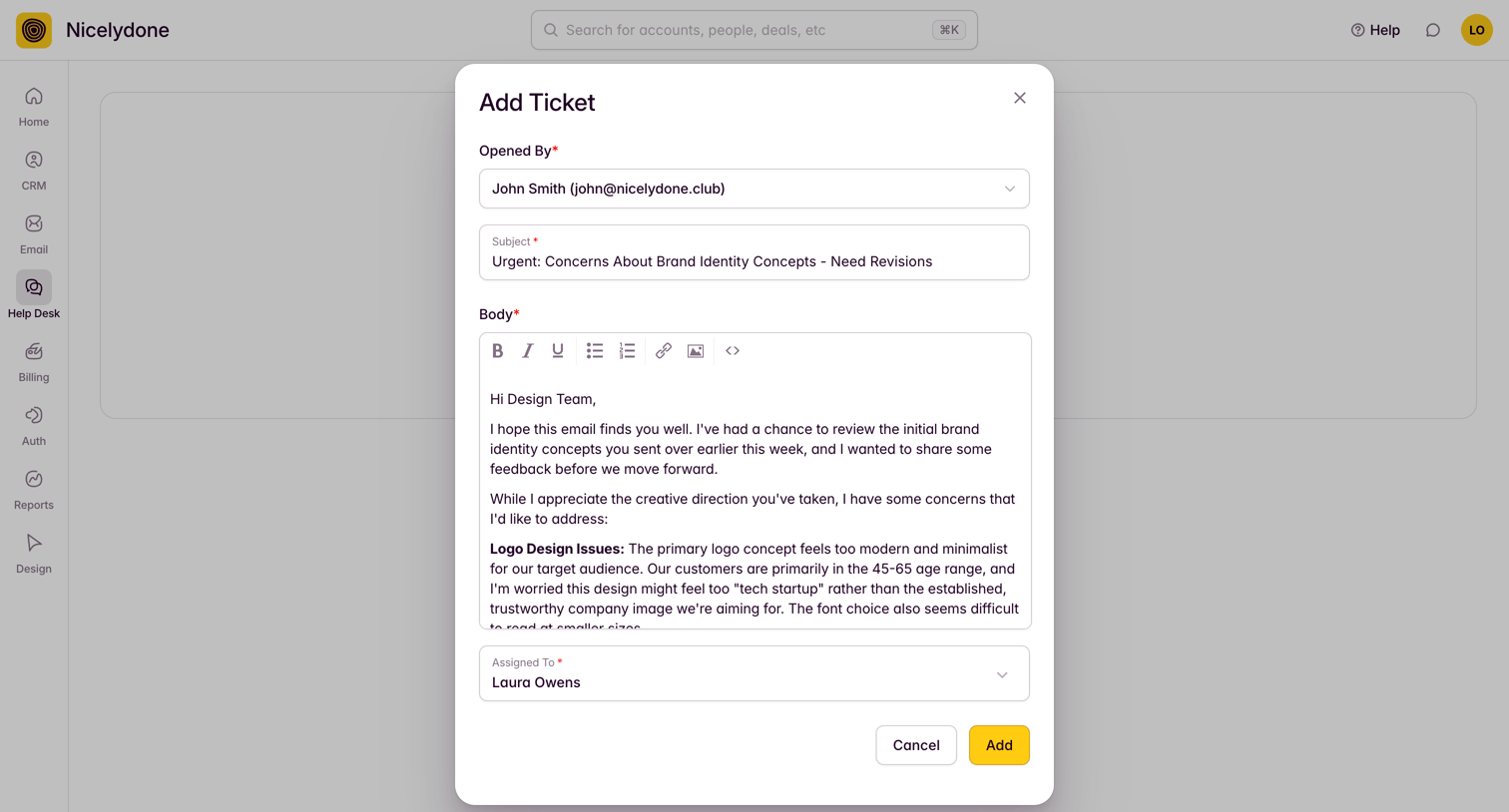

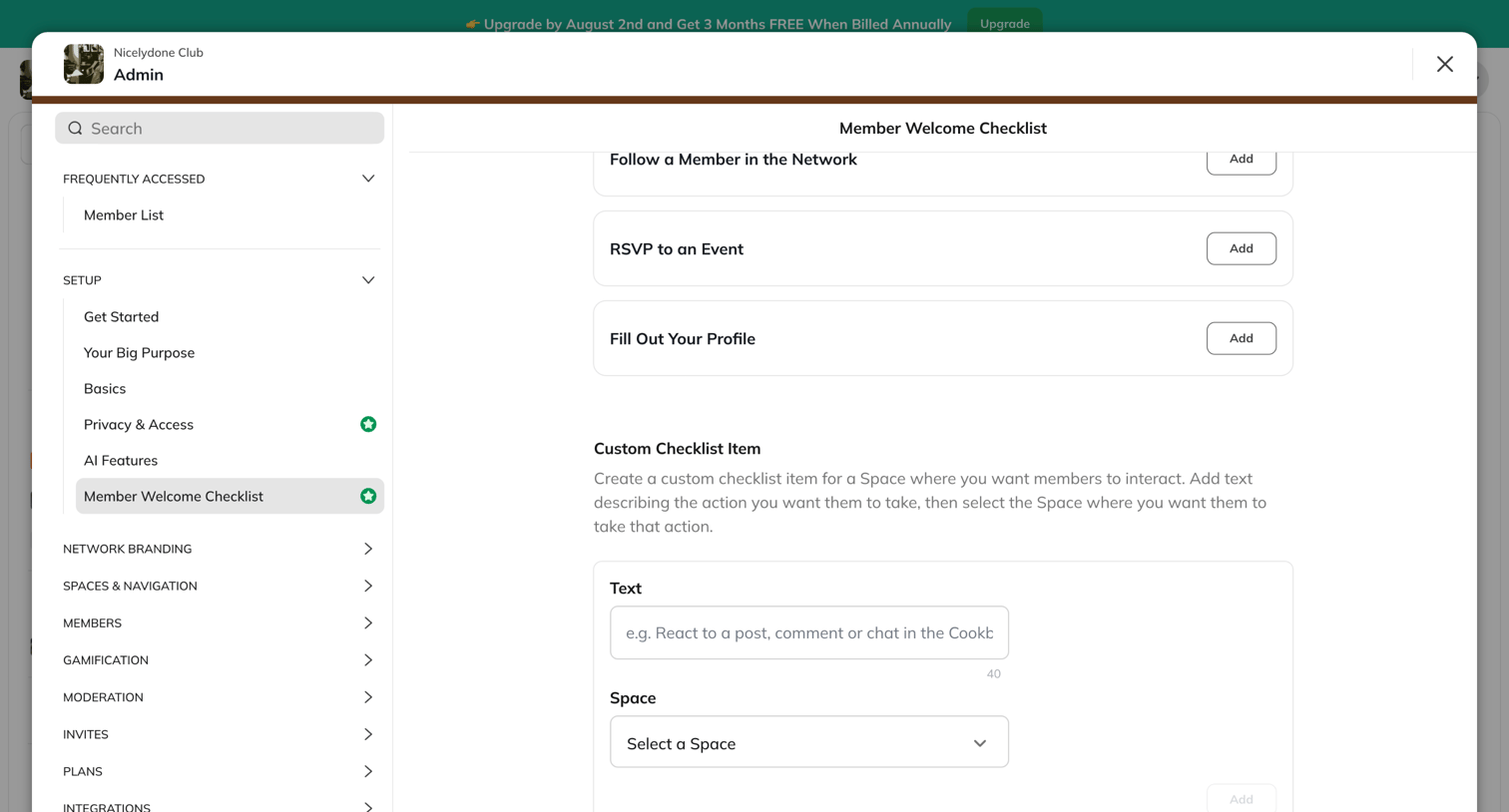

Settings modal where an admin configures the member welcome checklist by adding predefined actions or creating custom tasks tied to specific spaces.
Explore the full SaaS screen library
Upgrade to unlock the full library.
Trusted by the best teams







