Tag management screen examples
Tag management screen design examples from SaaS apps. Browse examples from Dock, Copilot, Aboard.
Explore the examples
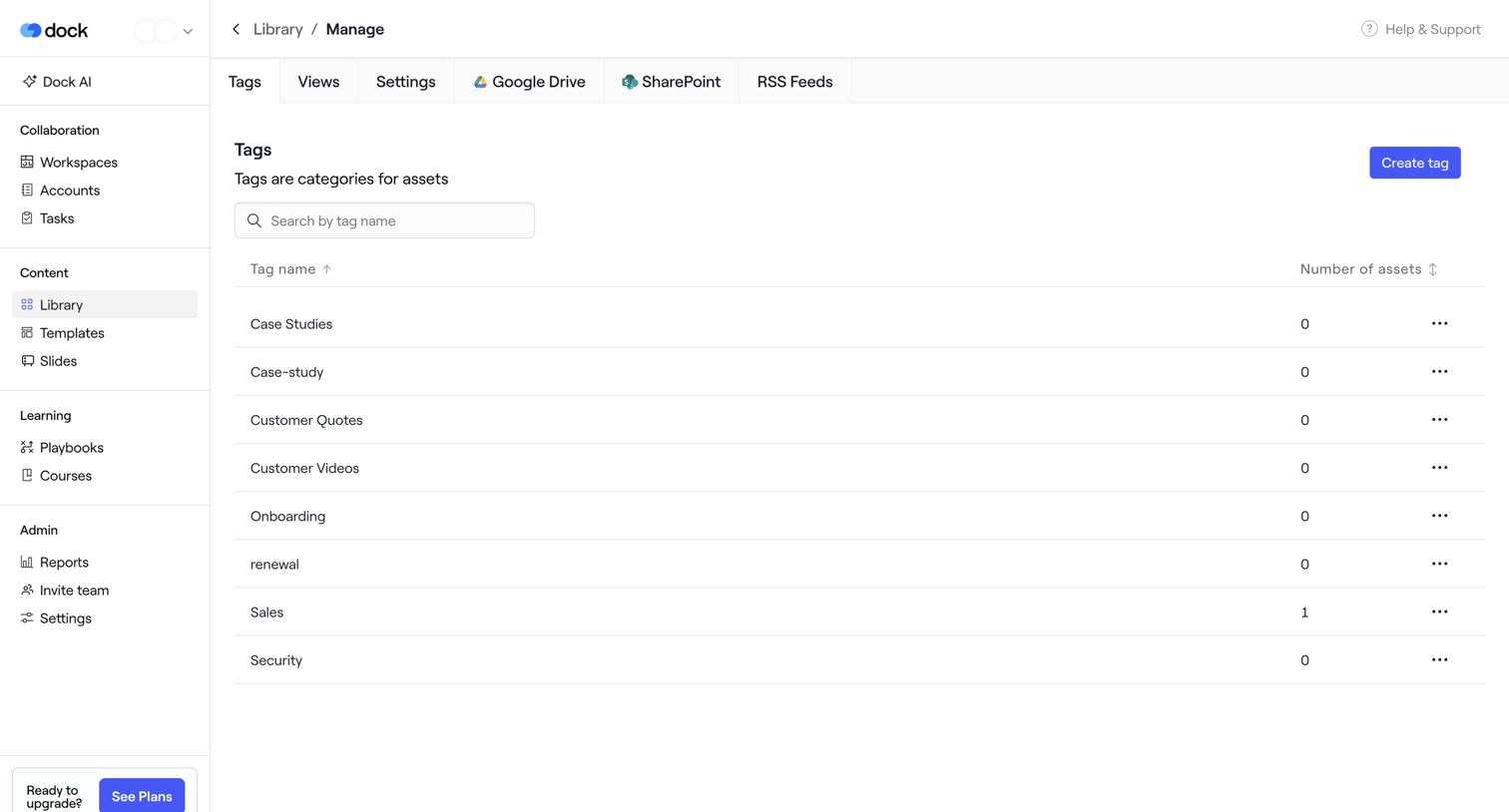

List view where the user manages asset tags for their content library, featuring a searchable data table and a prompt to create new tags.
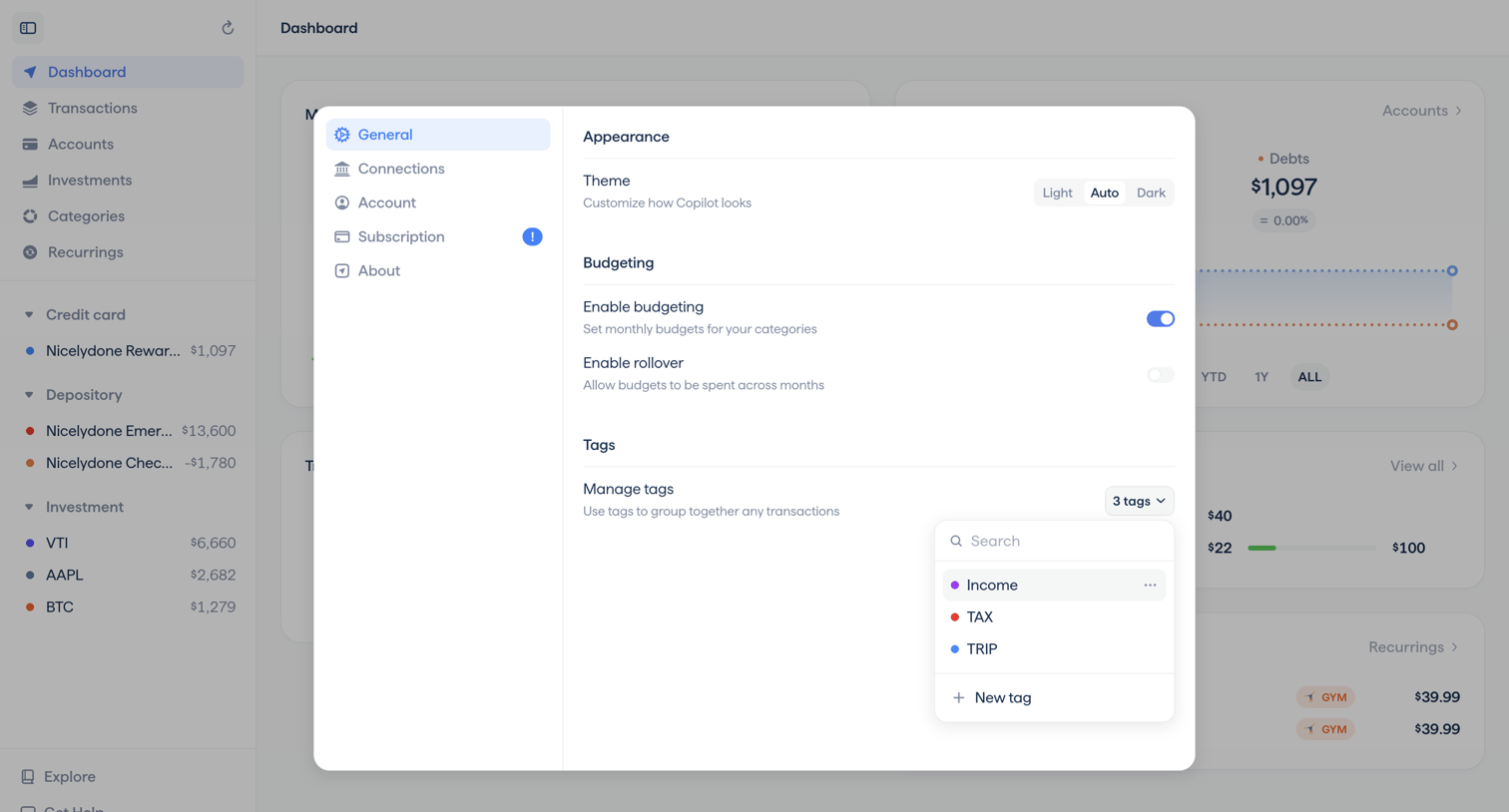

Settings modal where the user configures the appearance theme, enables budgeting features, and manages transaction tags.
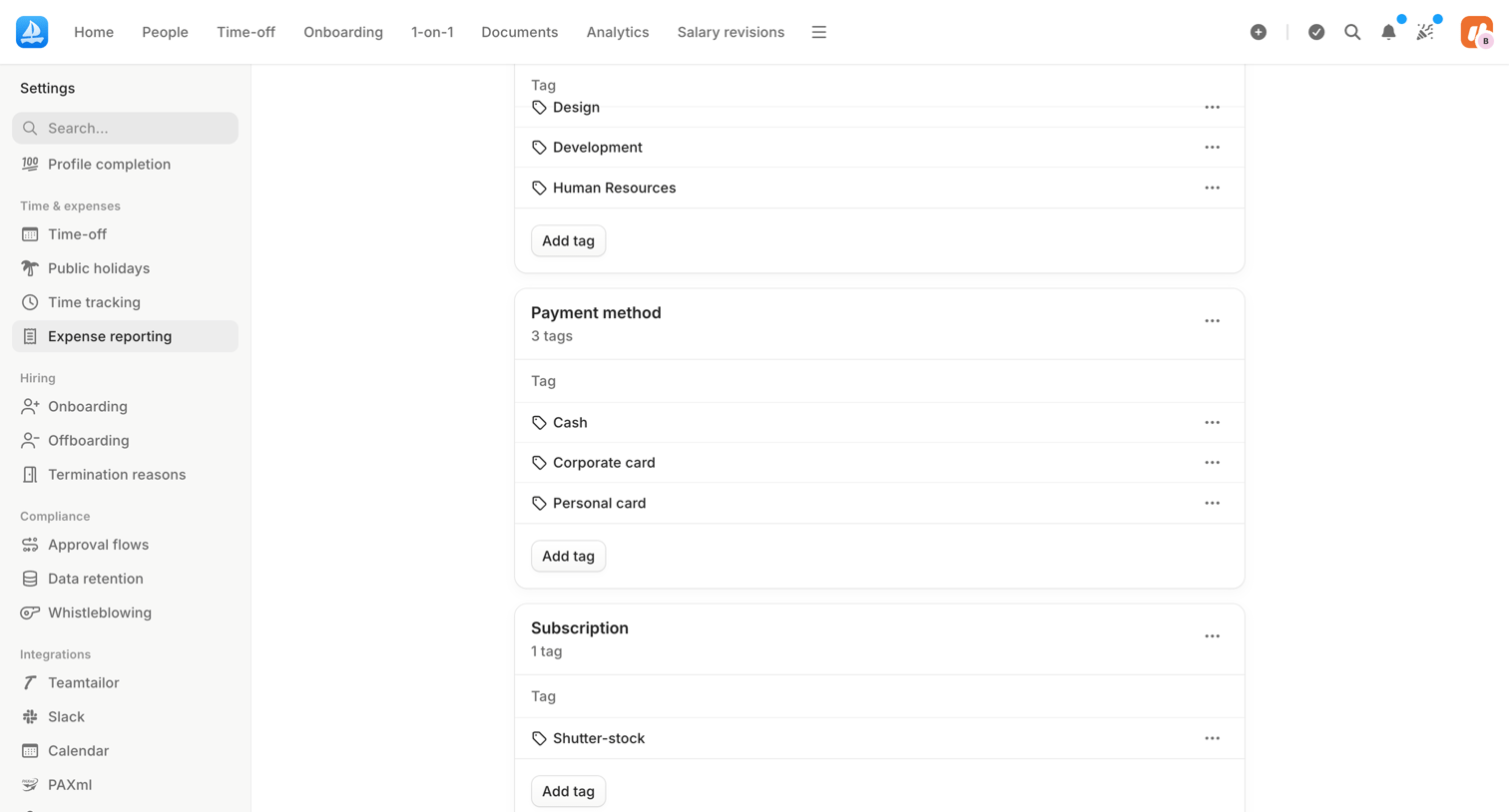

Settings page where the user manages expense reporting tags organized by categories like payment method and subscription.
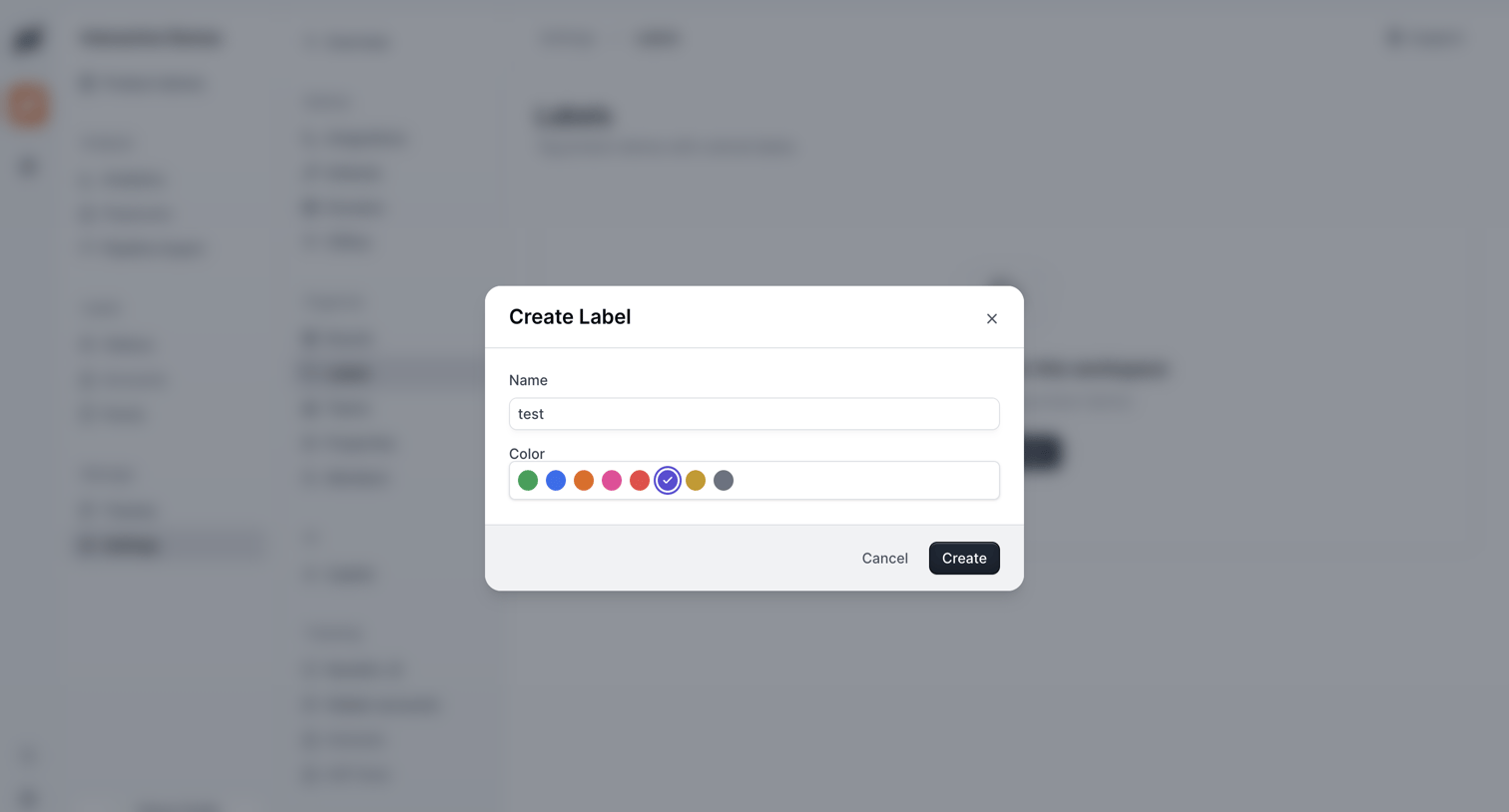

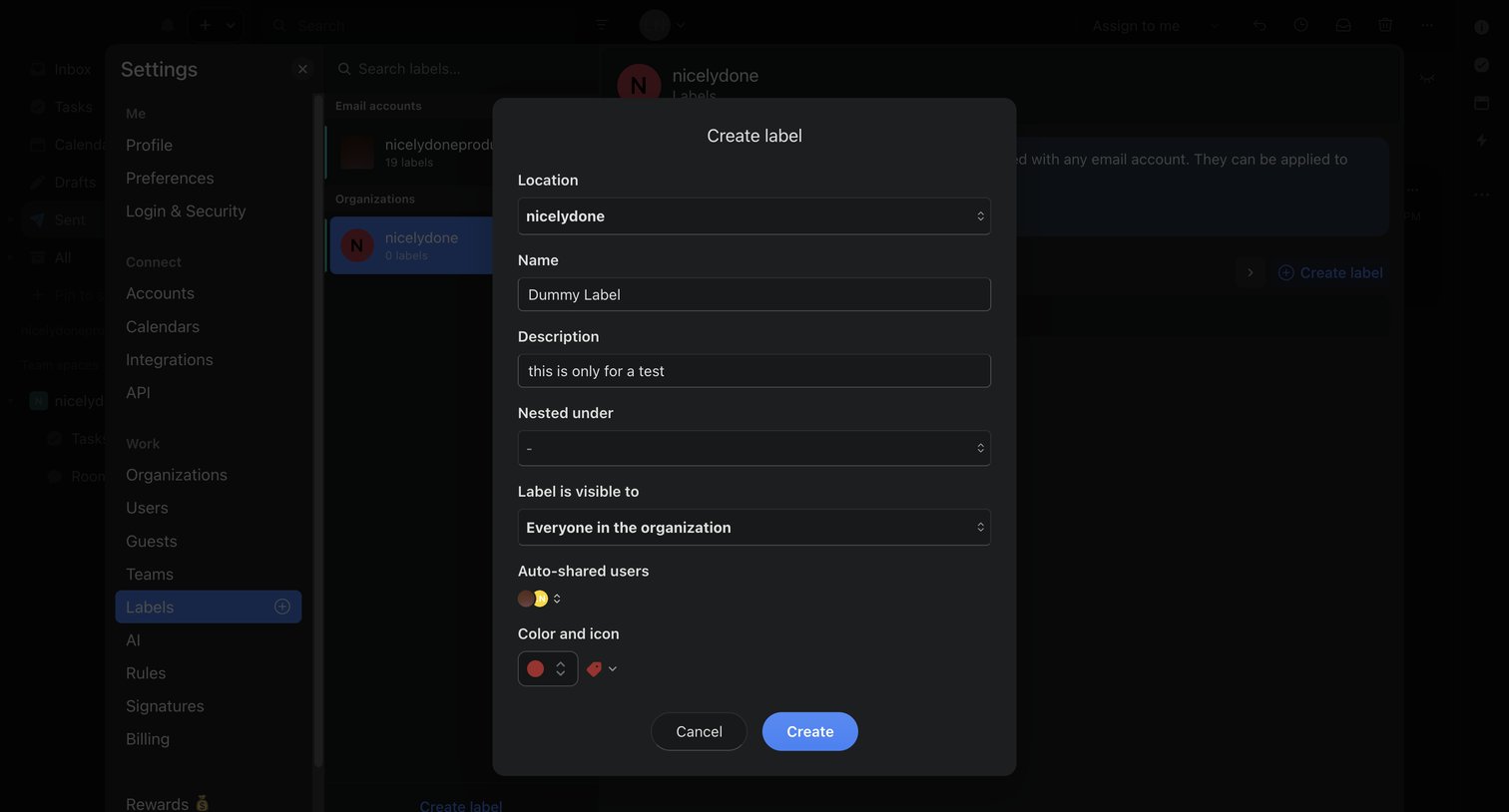
Settings page where the user creates a new label by providing a name and selecting a color from a preset palette within a modal.
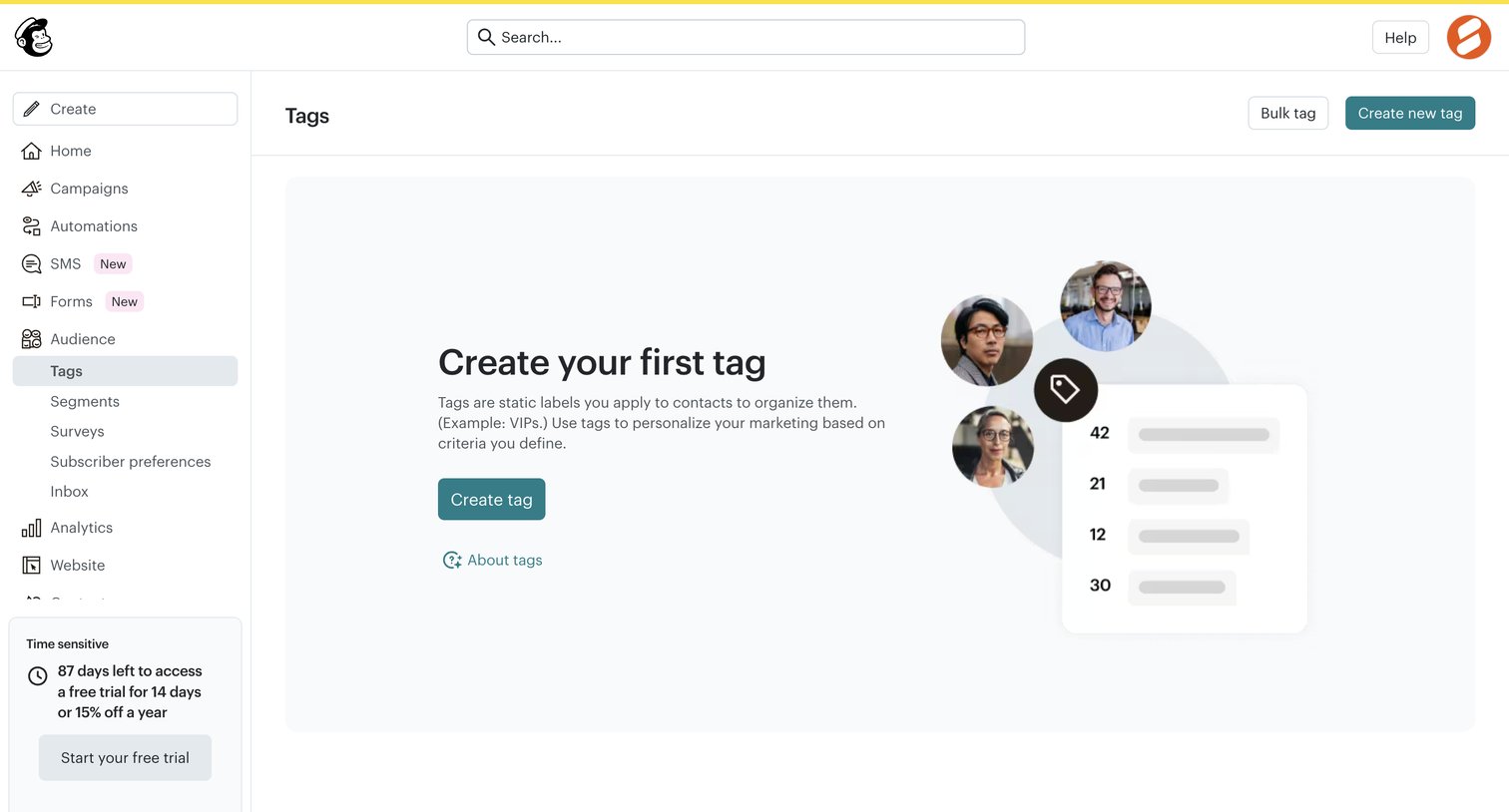

List view empty state where the user is prompted to create their first tag to organize audience contacts, alongside a prominent trial countdown banner in the sidebar.



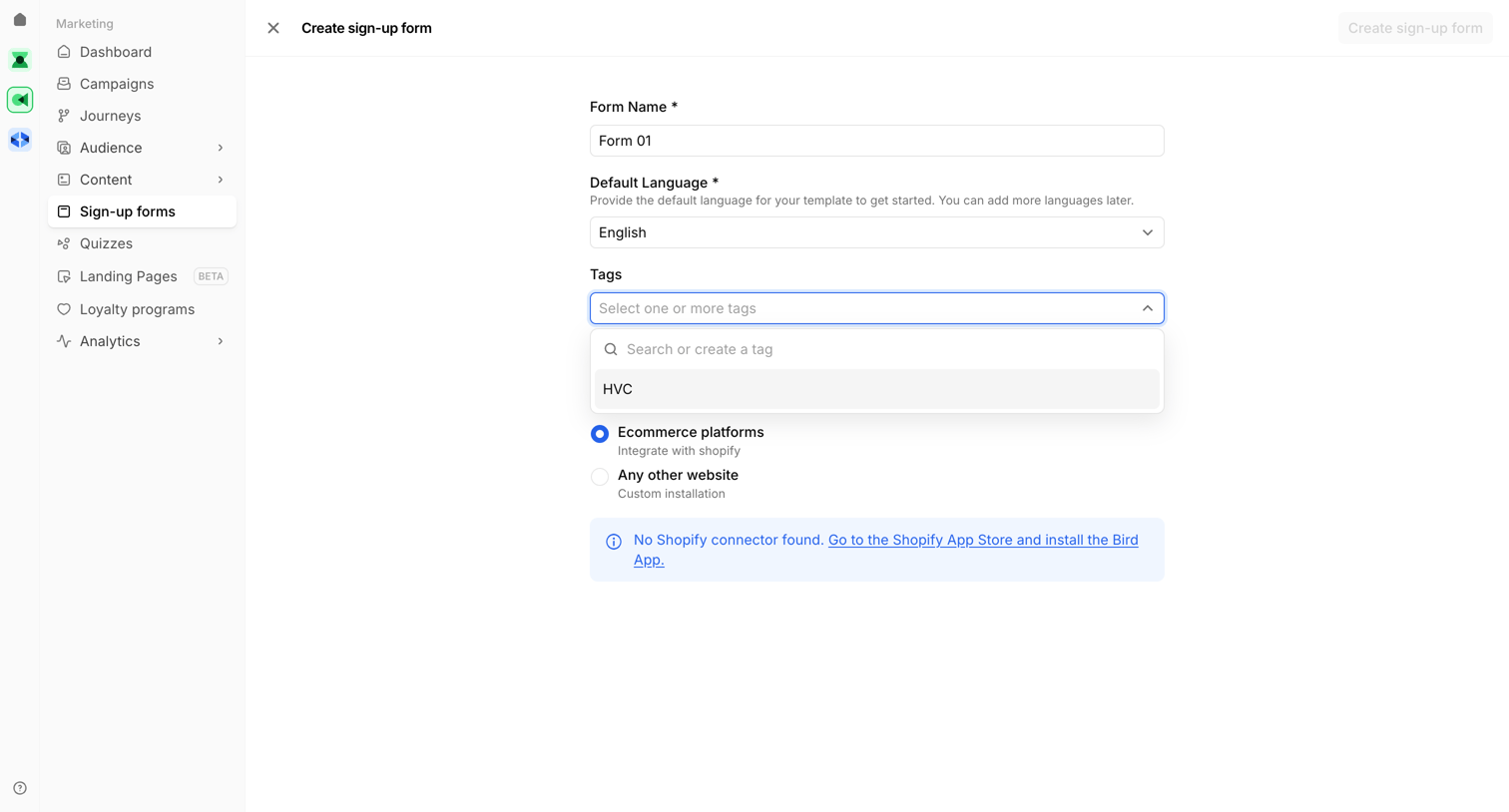

Creation screen where the user configures the basic settings like name, language, tags, and platform integration for a new sign-up form.
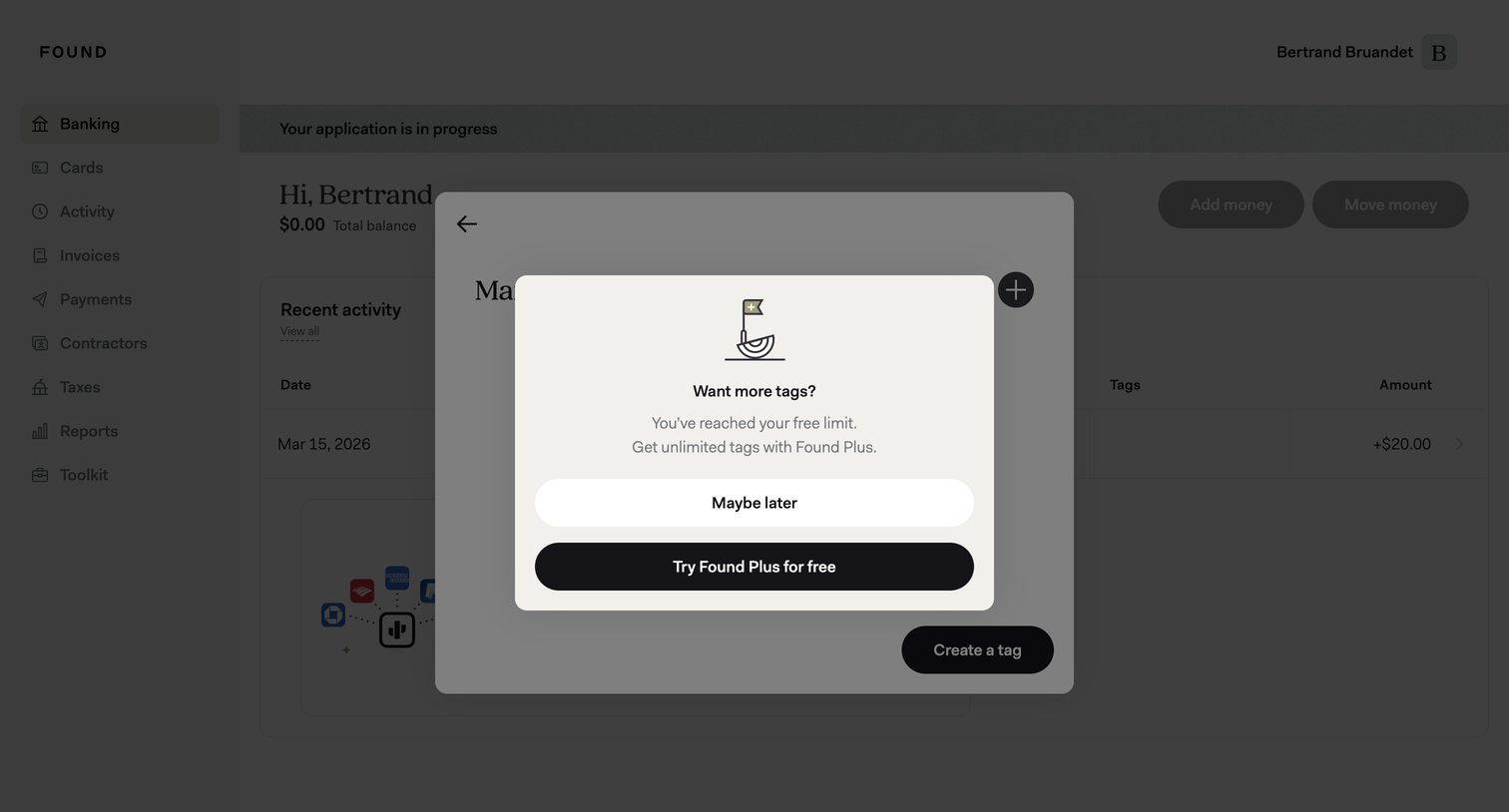

Paywall modal where the user is prompted to upgrade to Found Plus after reaching their free tag limit.
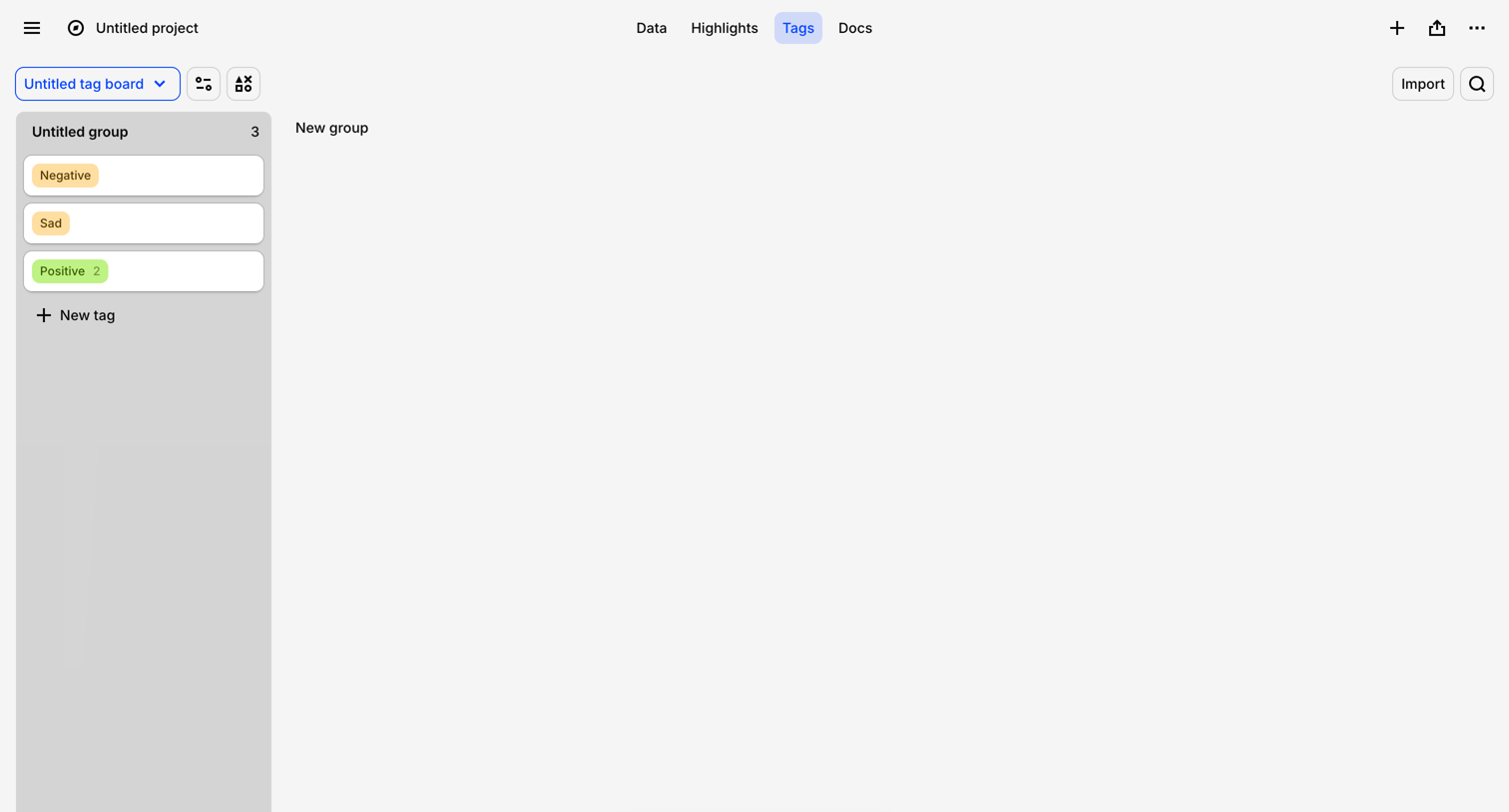

List view where the user manages and organizes research tags like Negative, Sad, and Positive into columns.
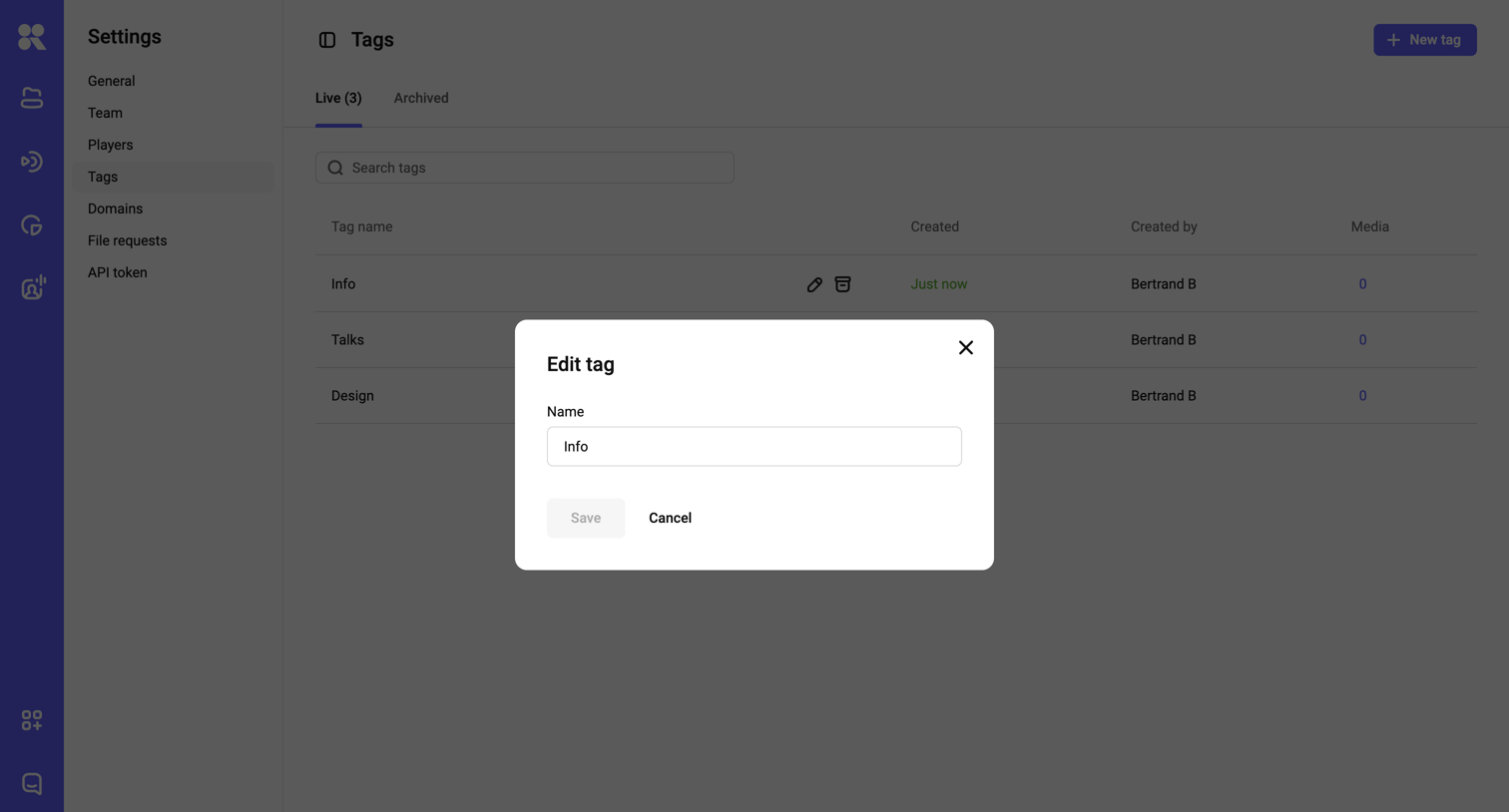

Explore the full SaaS screen library
Upgrade to unlock the full library.
Trusted by the best teams







