Search results ui screen examples
Search results ui screen design examples from SaaS apps. Browse examples from The org, Lindy, Evervault.
Explore the examples
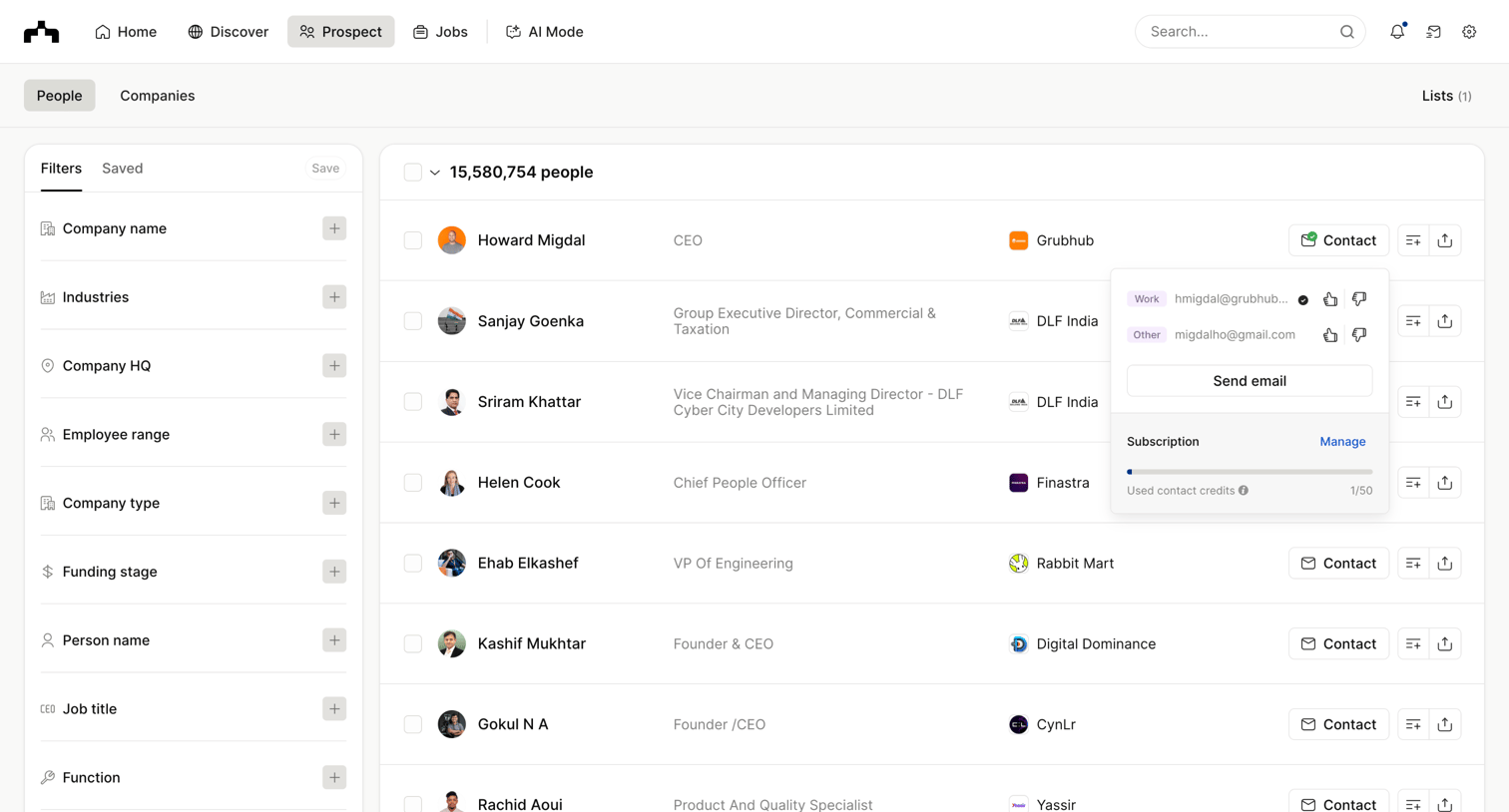

List view where the user searches and filters a database of people to find prospects and reveal their contact information.
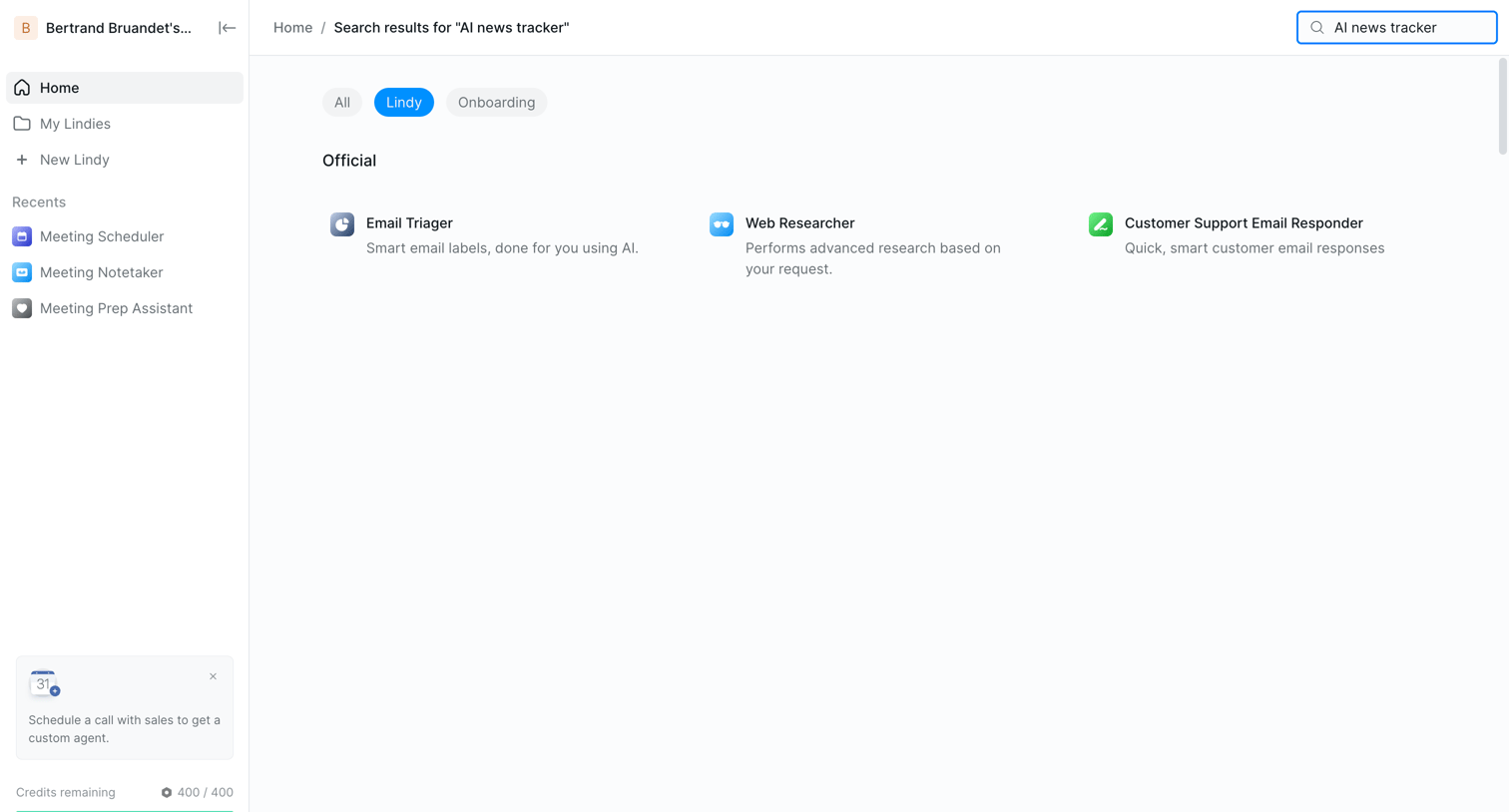

Search results page where the user browses available AI agents matching their query across categories.
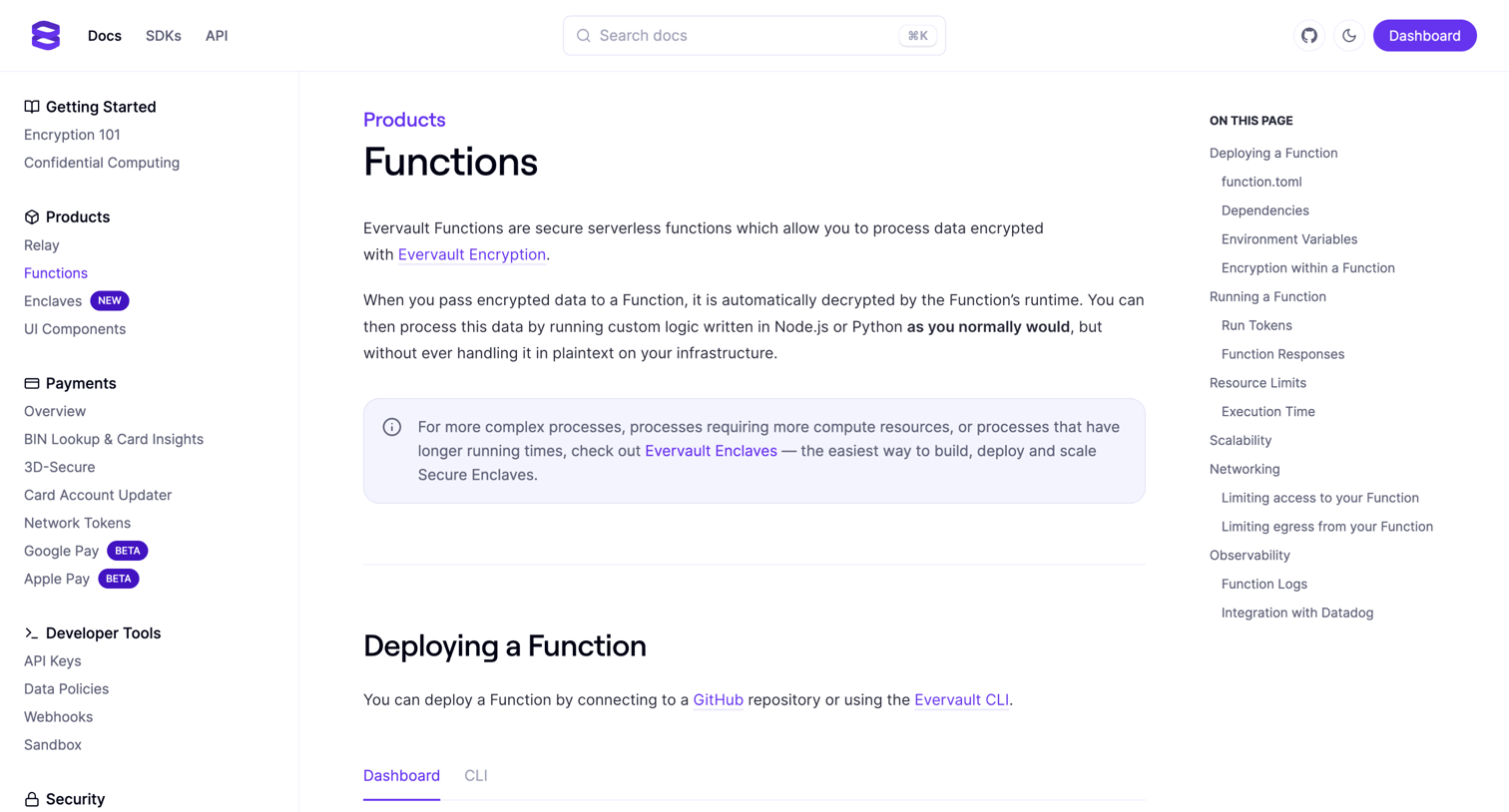

Developer documentation page detailing how to deploy, configure, and run serverless functions, featuring code snippets and configuration examples.
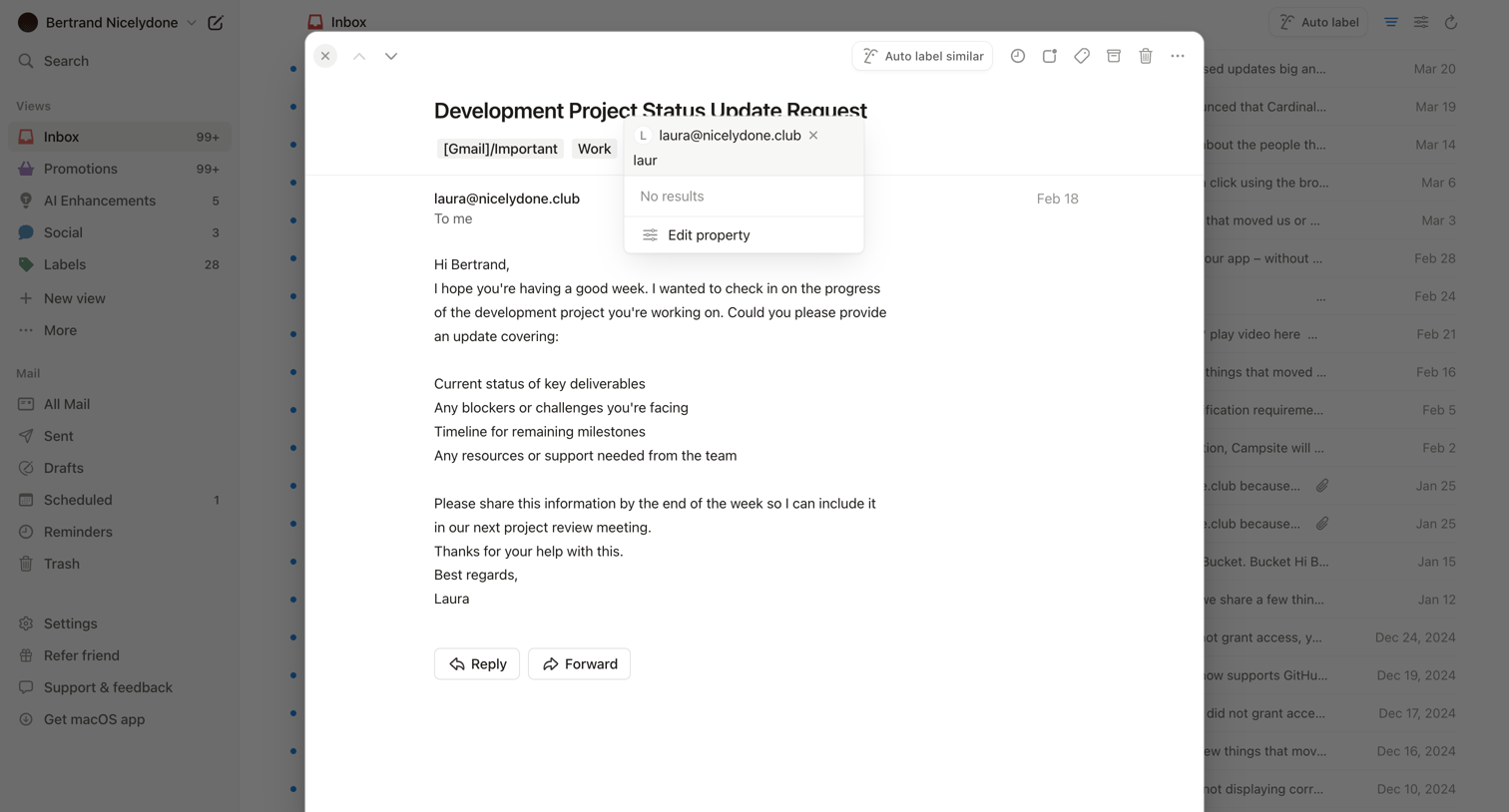

Inbox view where the user reads a specific email about a project status update in a modal and attempts to edit a property label.
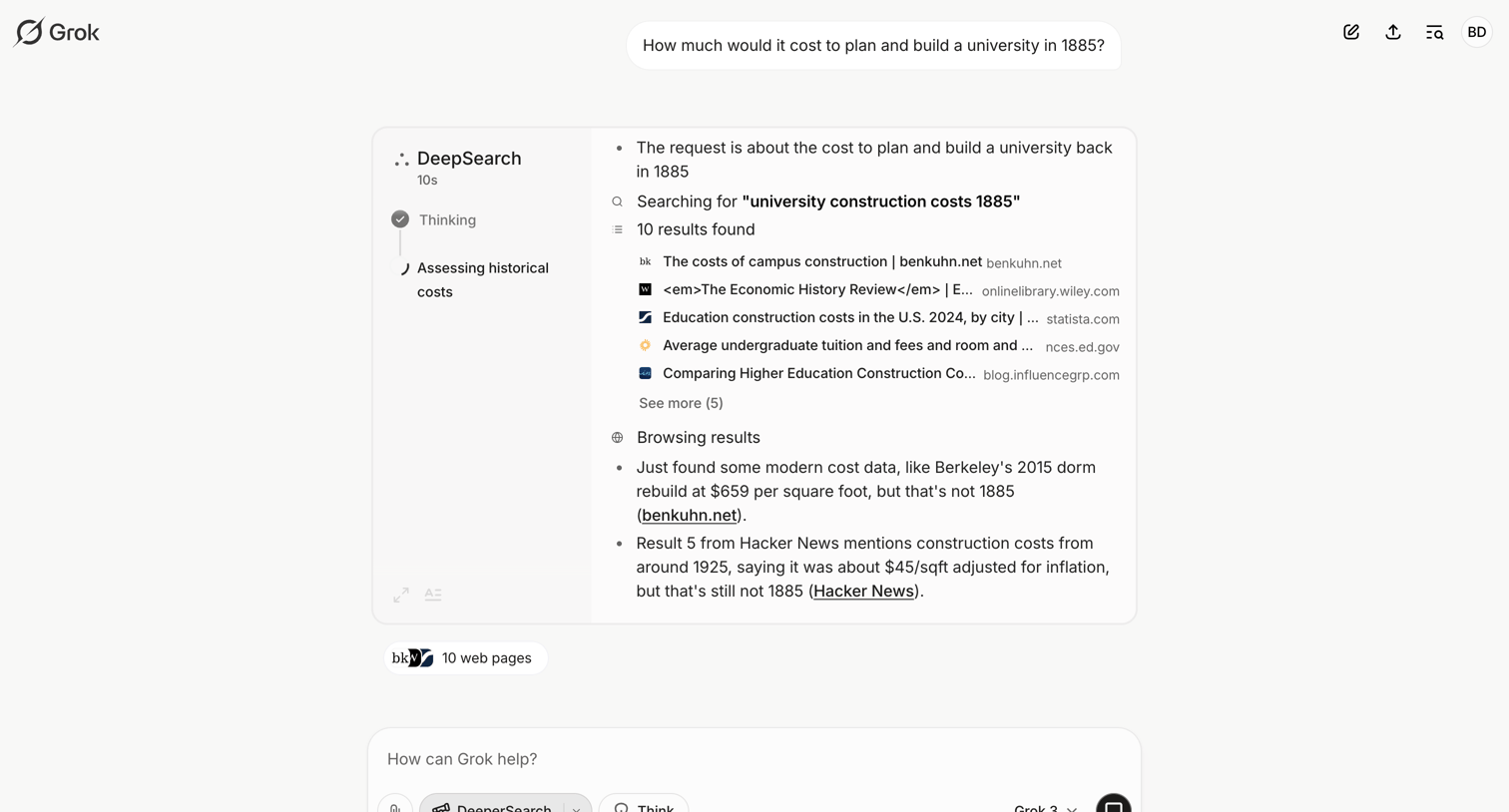

AI chat interface where the user asks a historical cost question and watches a live trace of the agent's web search and reasoning process.
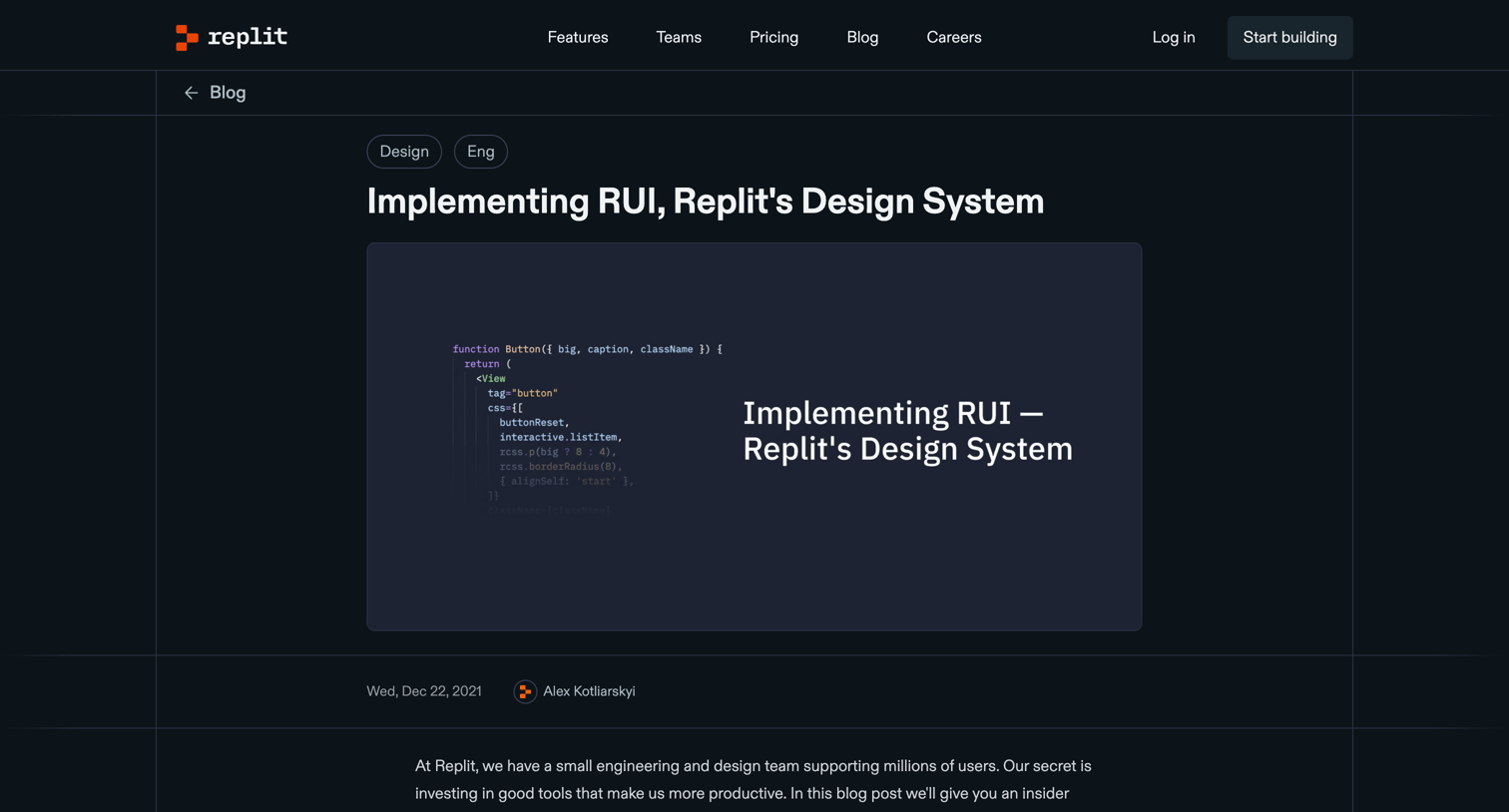

Article detailing the technical decisions and implementation of Replit's internal design system, featuring code snippets and comparisons of CSS-in-JS approaches.
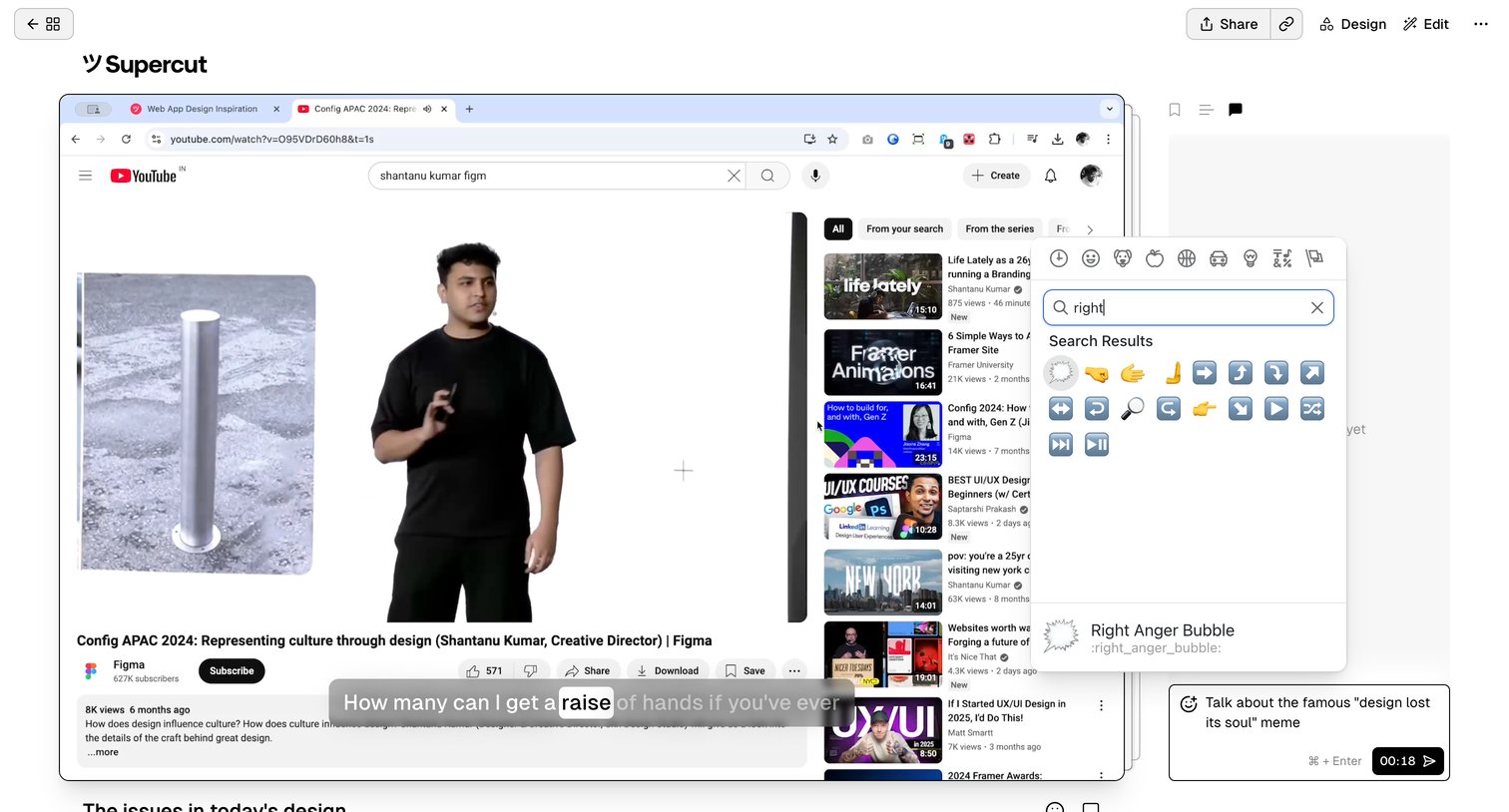

Detail page where the user is drafting a timestamped comment on a video and searching for a specific emoji using an open popover.
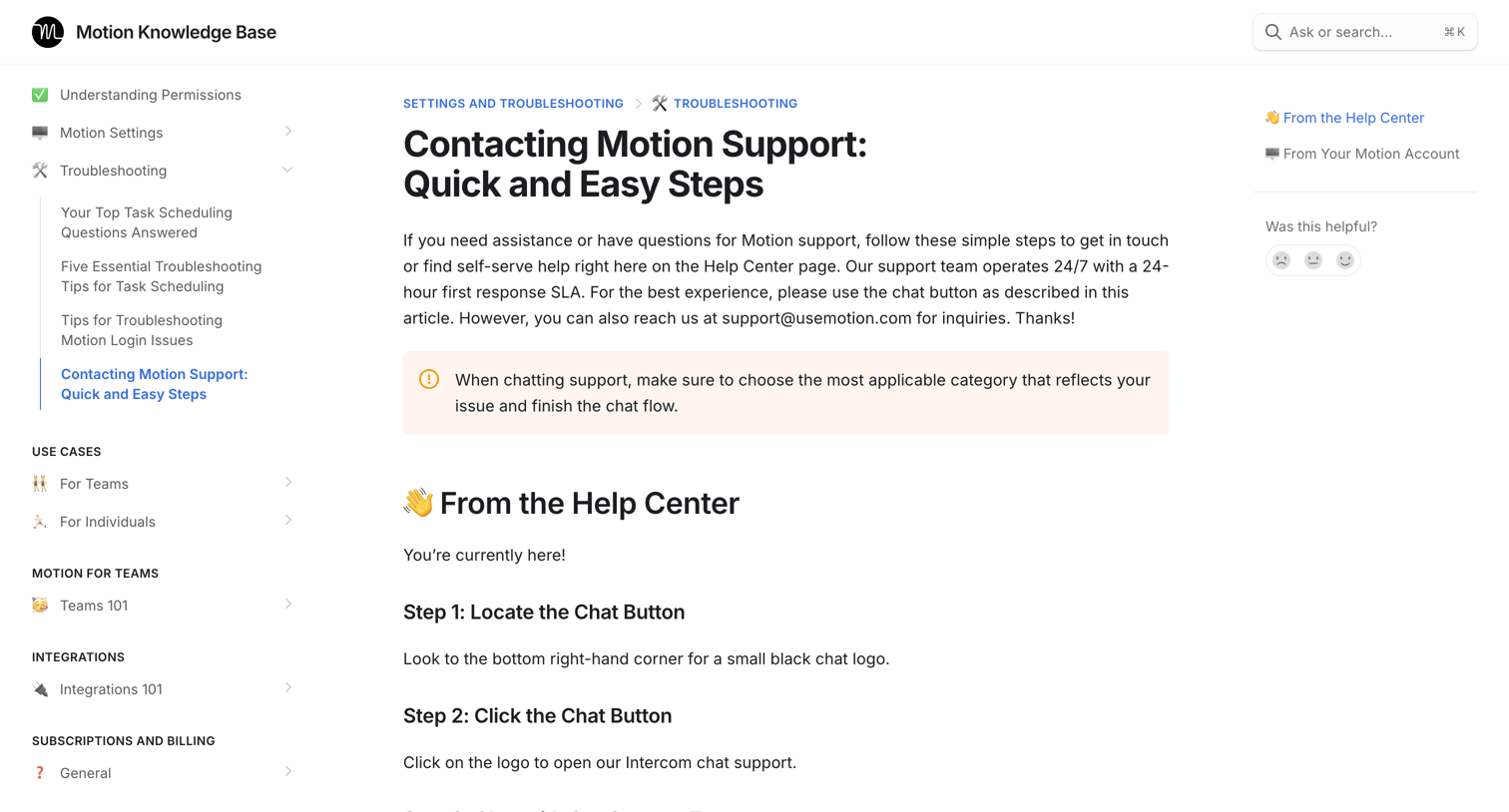

Help center article explaining how to contact support via chat or search, featuring step-by-step instructions, embedded walkthroughs, and a helpfulness feedback widget.
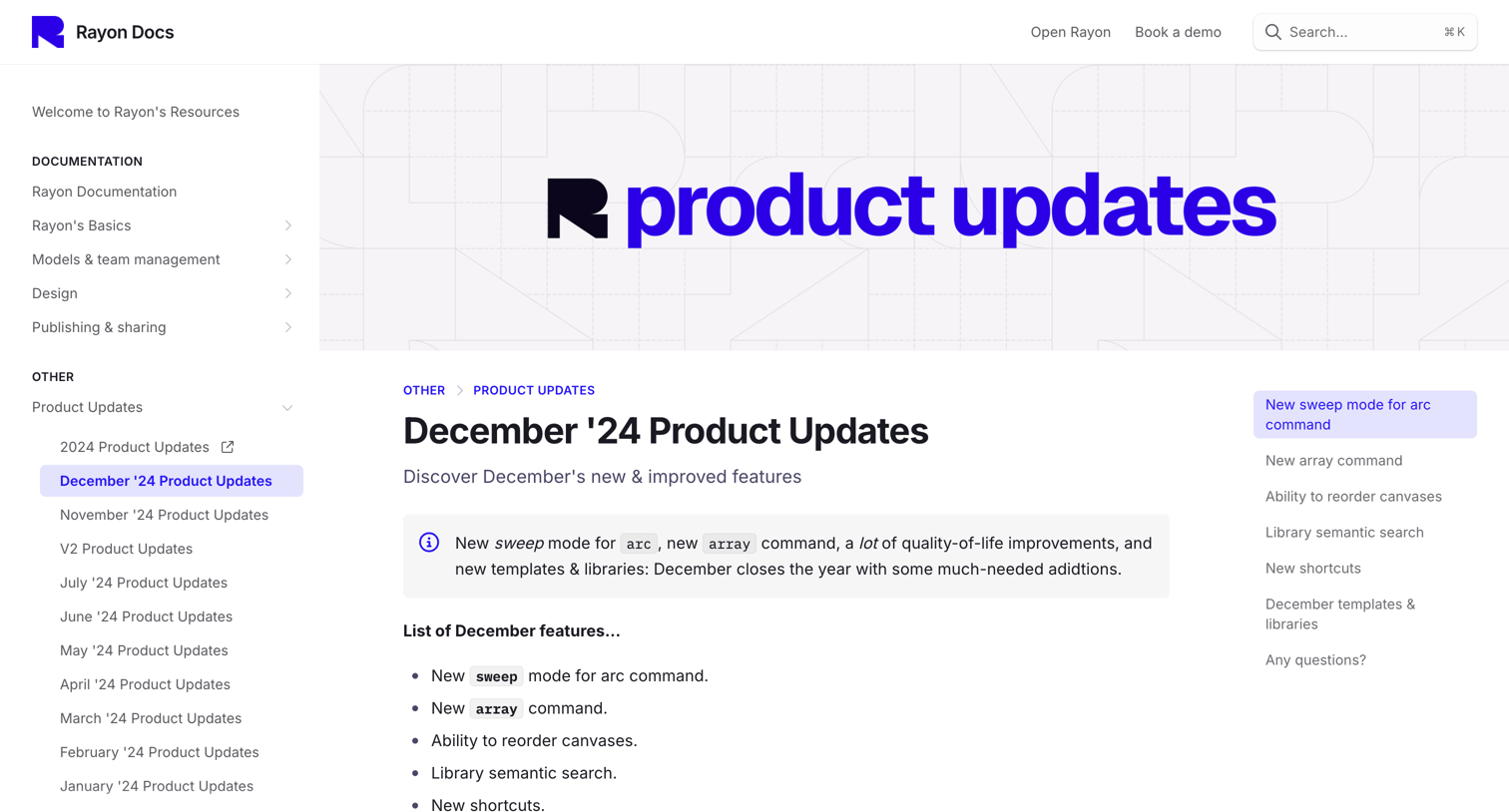

Changelog page detailing new features like the sweep mode for arc command, array command, and library semantic search, including a table of new keyboard shortcuts.
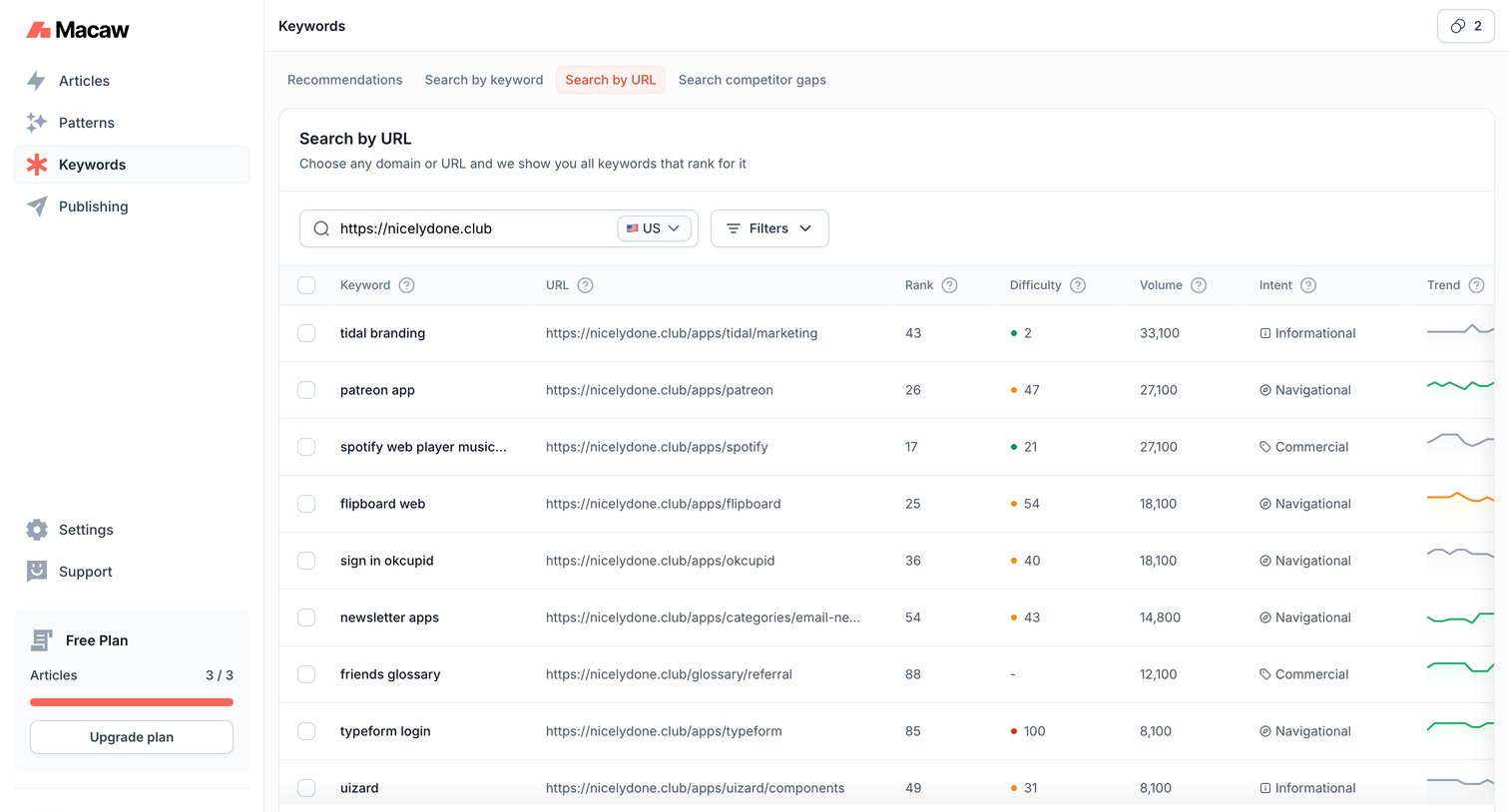

Search page where the user analyzes SEO keyword rankings, search volume, and difficulty for a specific URL.
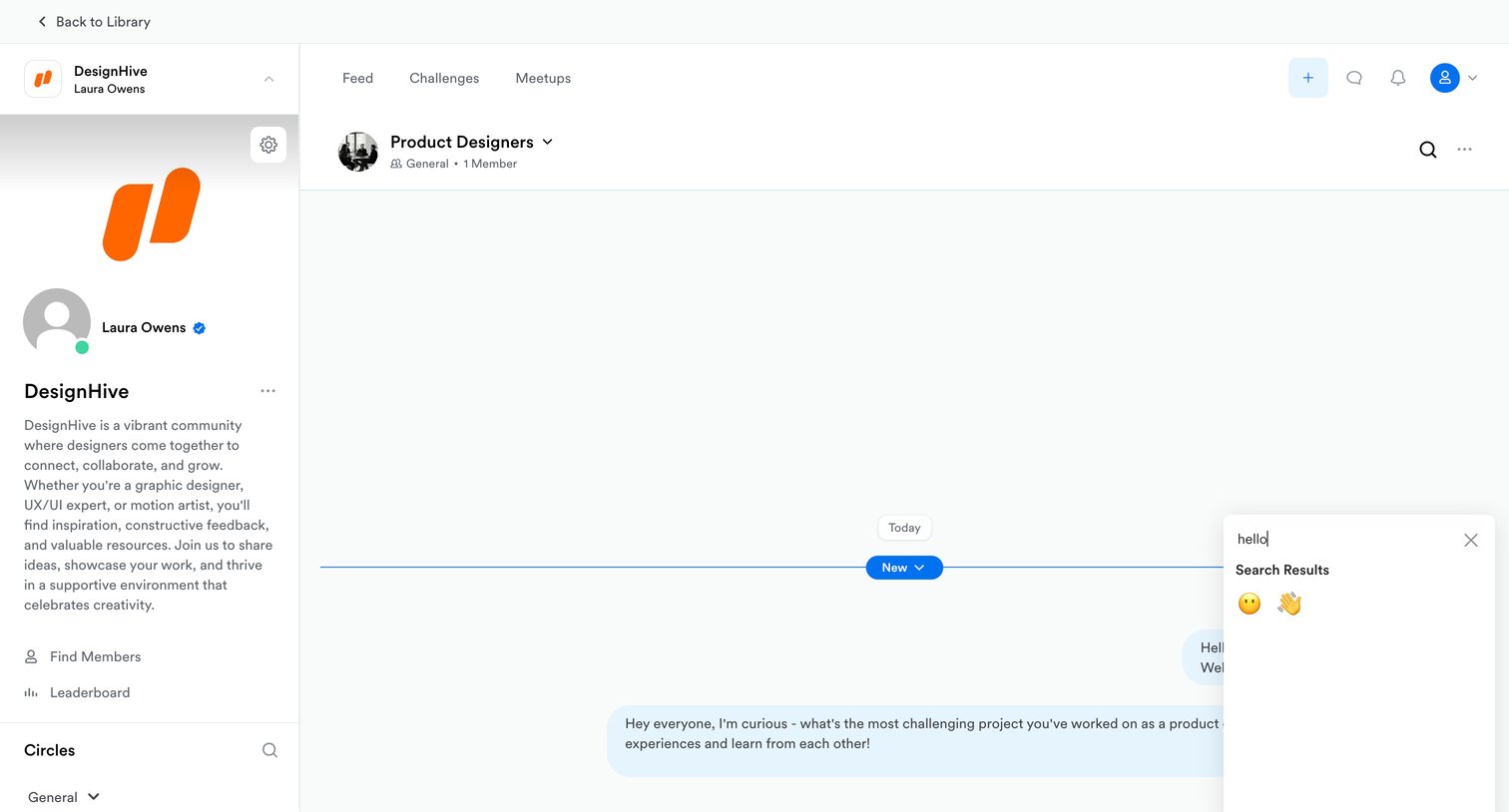

Community messaging interface where the user is searching for an emoji to add to their message in the Product Designers channel.
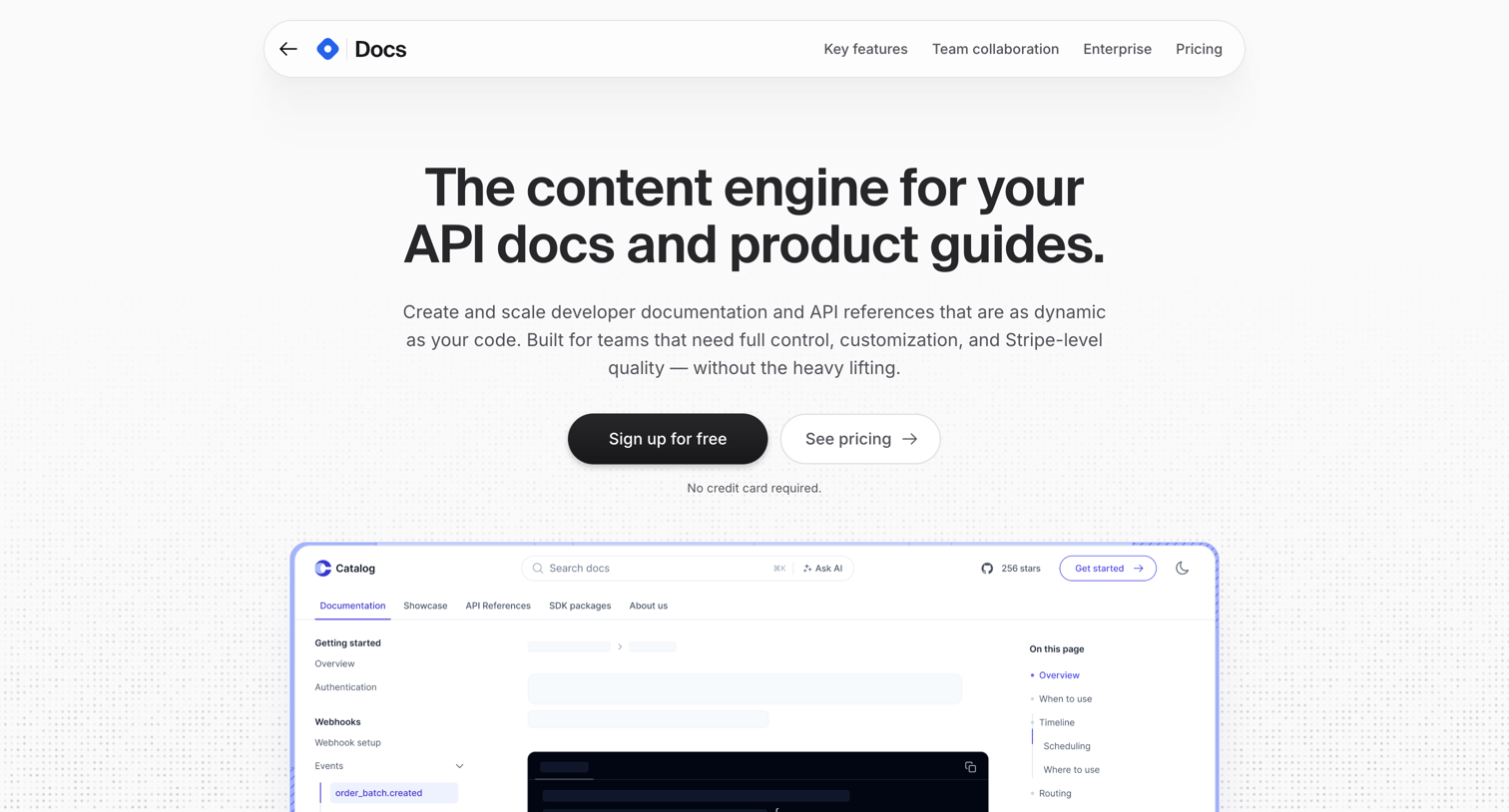

Product page for Hashnode Docs detailing features like MDX editing, API references, and custom branding, ending with a tiered pricing comparison.
Explore the full SaaS screen library
Upgrade to unlock the full library.
Trusted by the best teams







