Records screen examples
Records screen design examples from SaaS apps. Browse examples from Twenty, Supercut, Flodesk.
Explore the examples
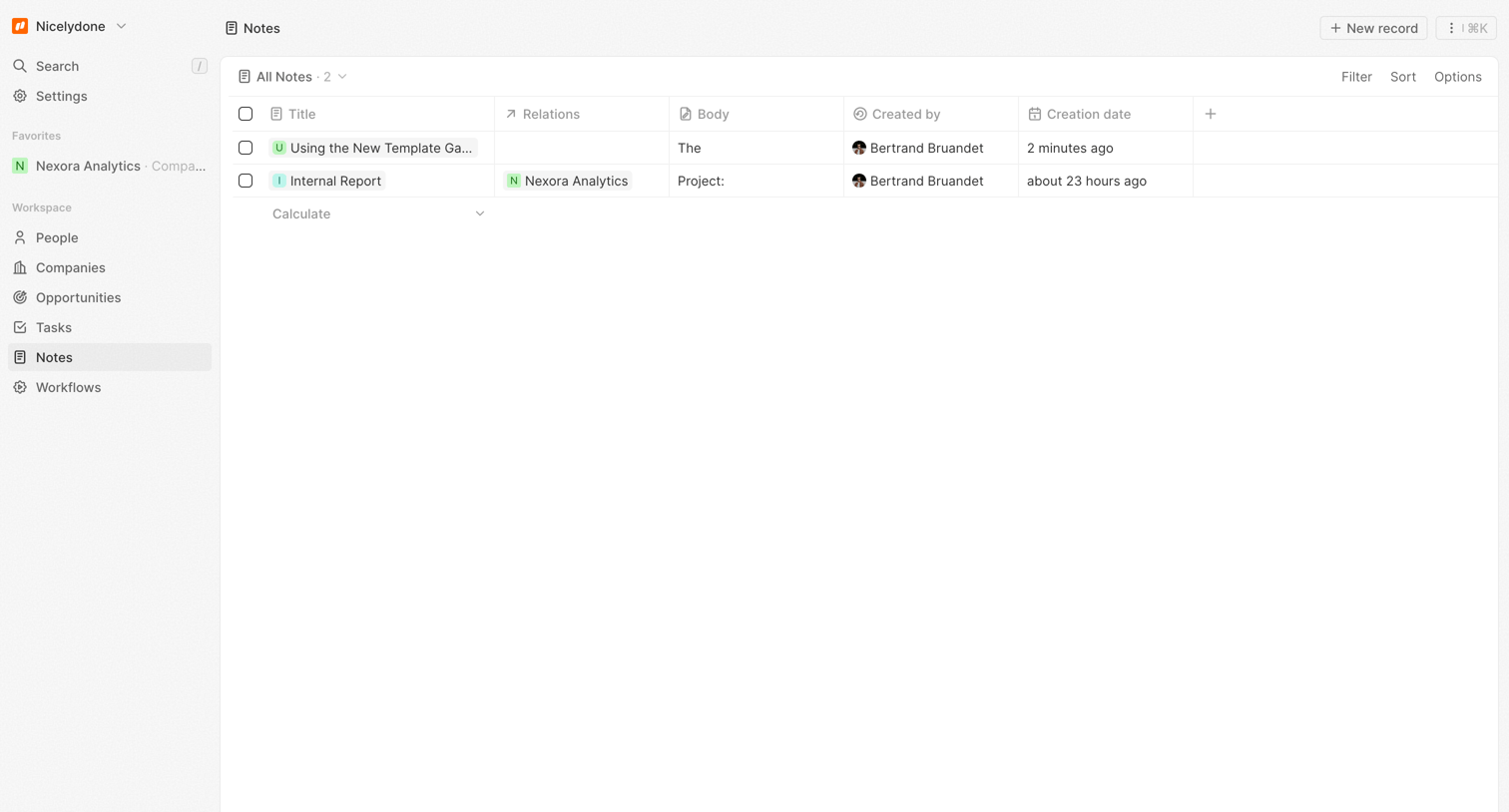

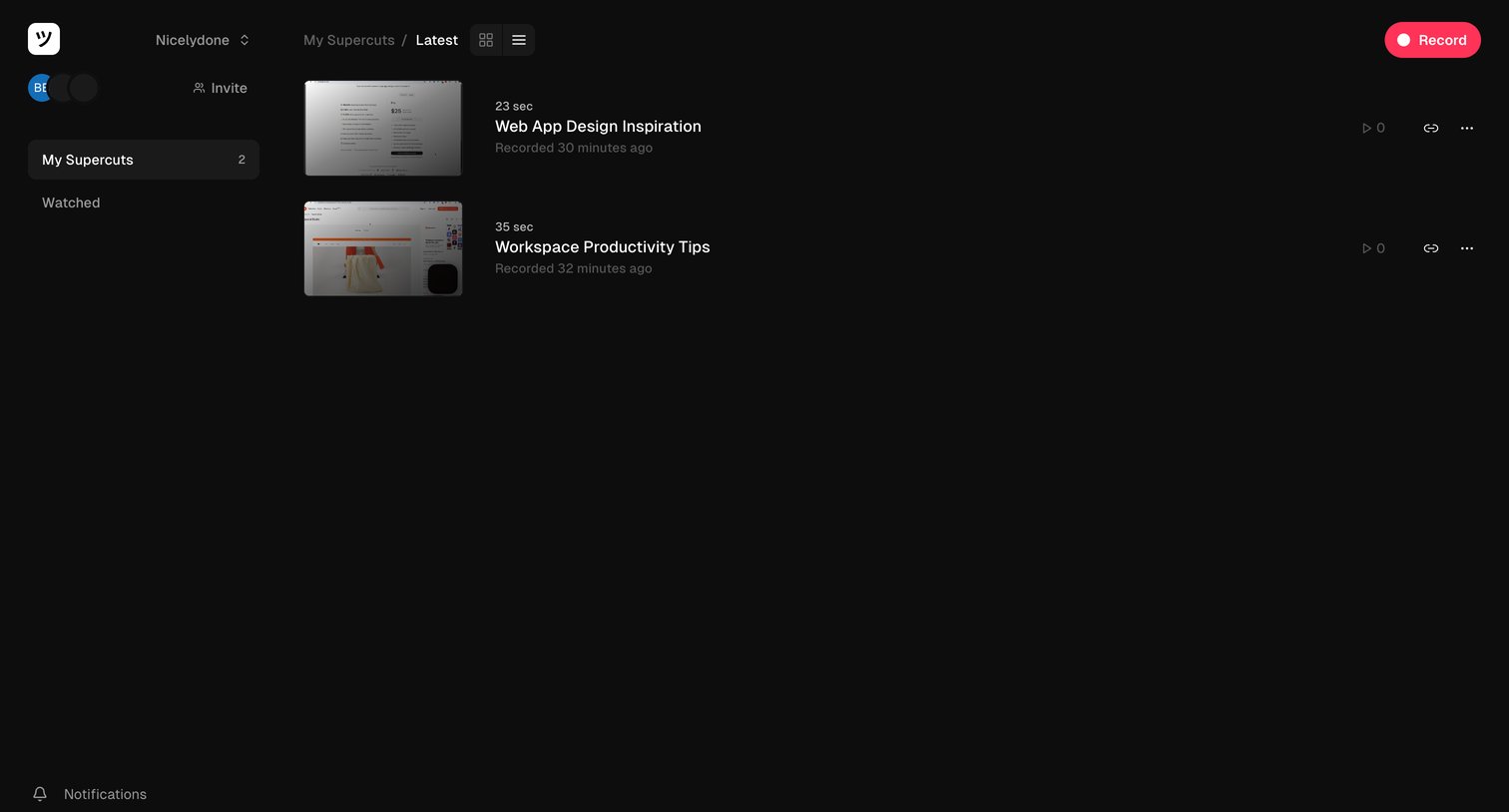

List view where the user manages their recent video recordings, switches between grid and list layouts, and can start a new recording.
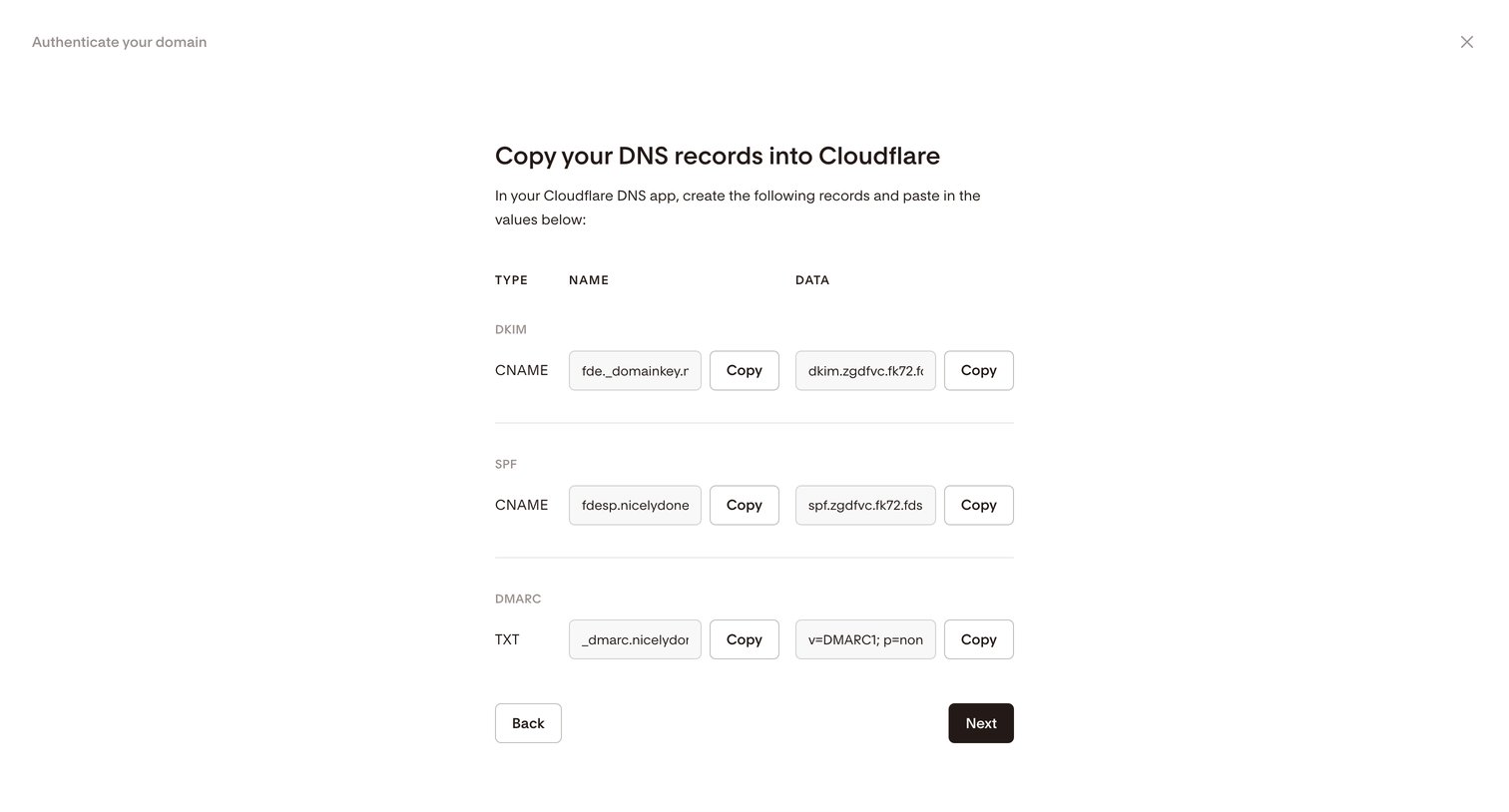

Settings flow step where the user copies DNS records for DKIM, SPF, and DMARC to authenticate their domain via Cloudflare.
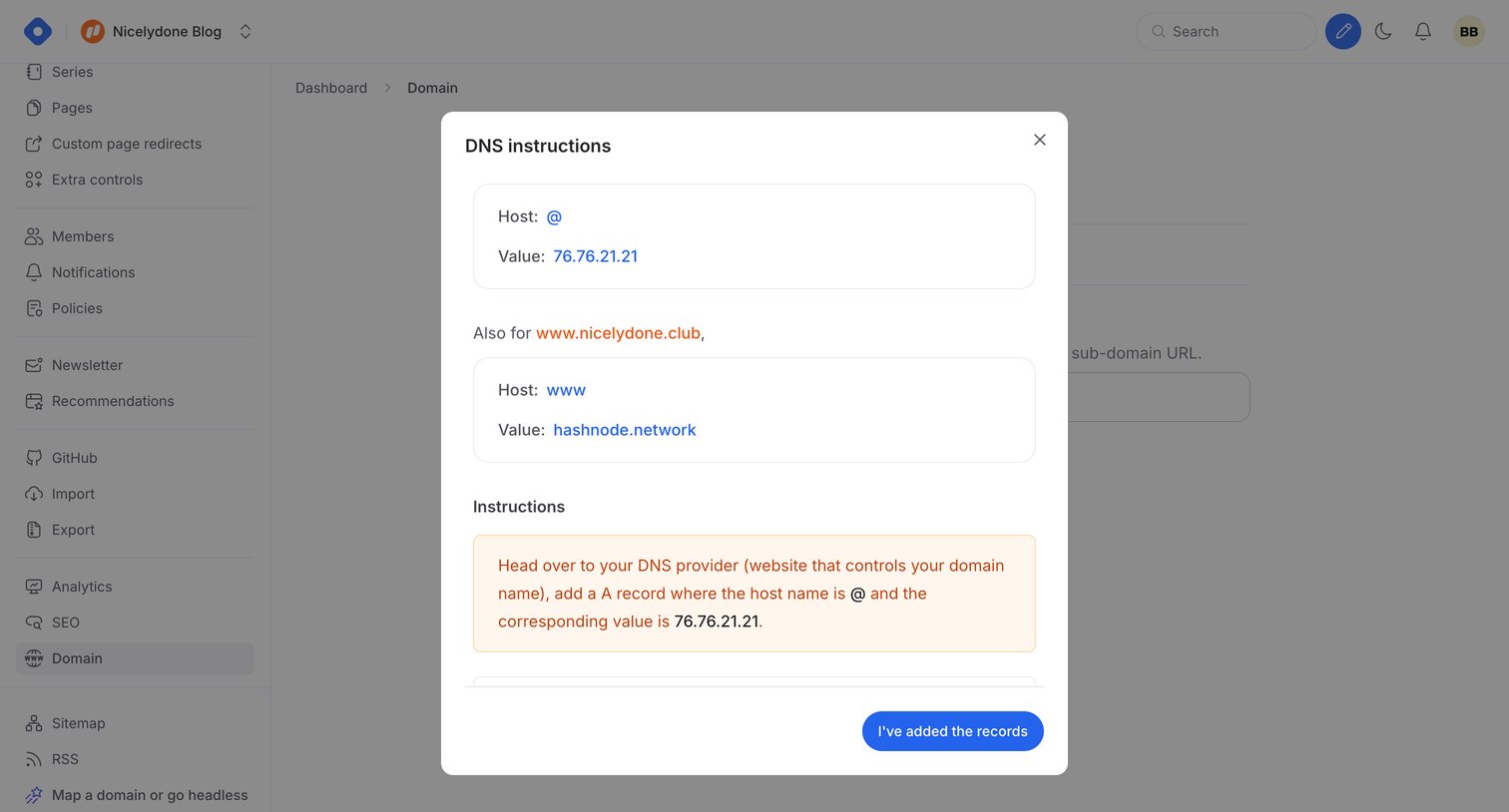

Settings page where the user views DNS instructions to configure their custom domain with A and CNAME records.
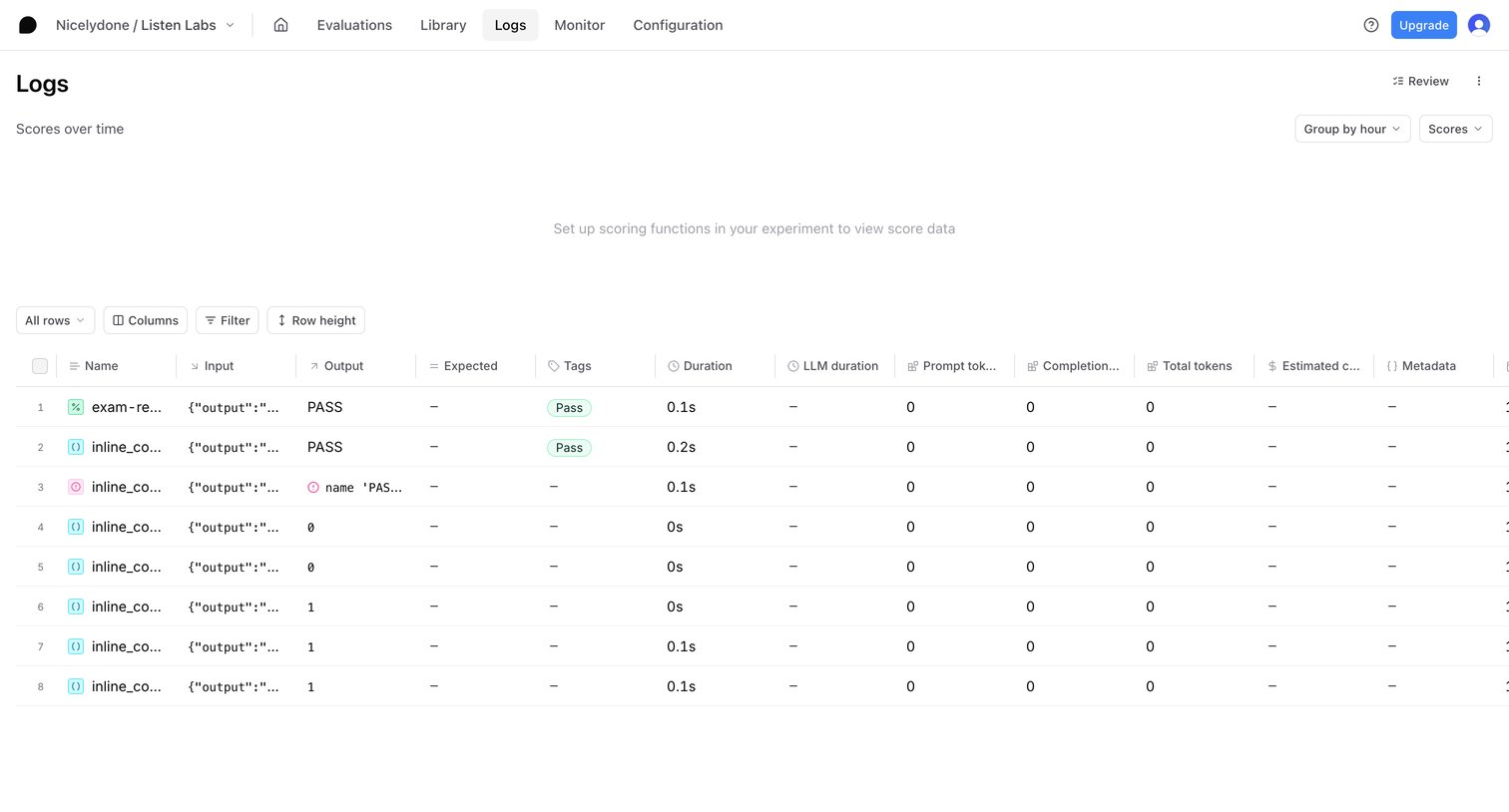

List view where the user analyzes AI experiment logs, including inputs, outputs, and token usage, with an empty state for score charts.
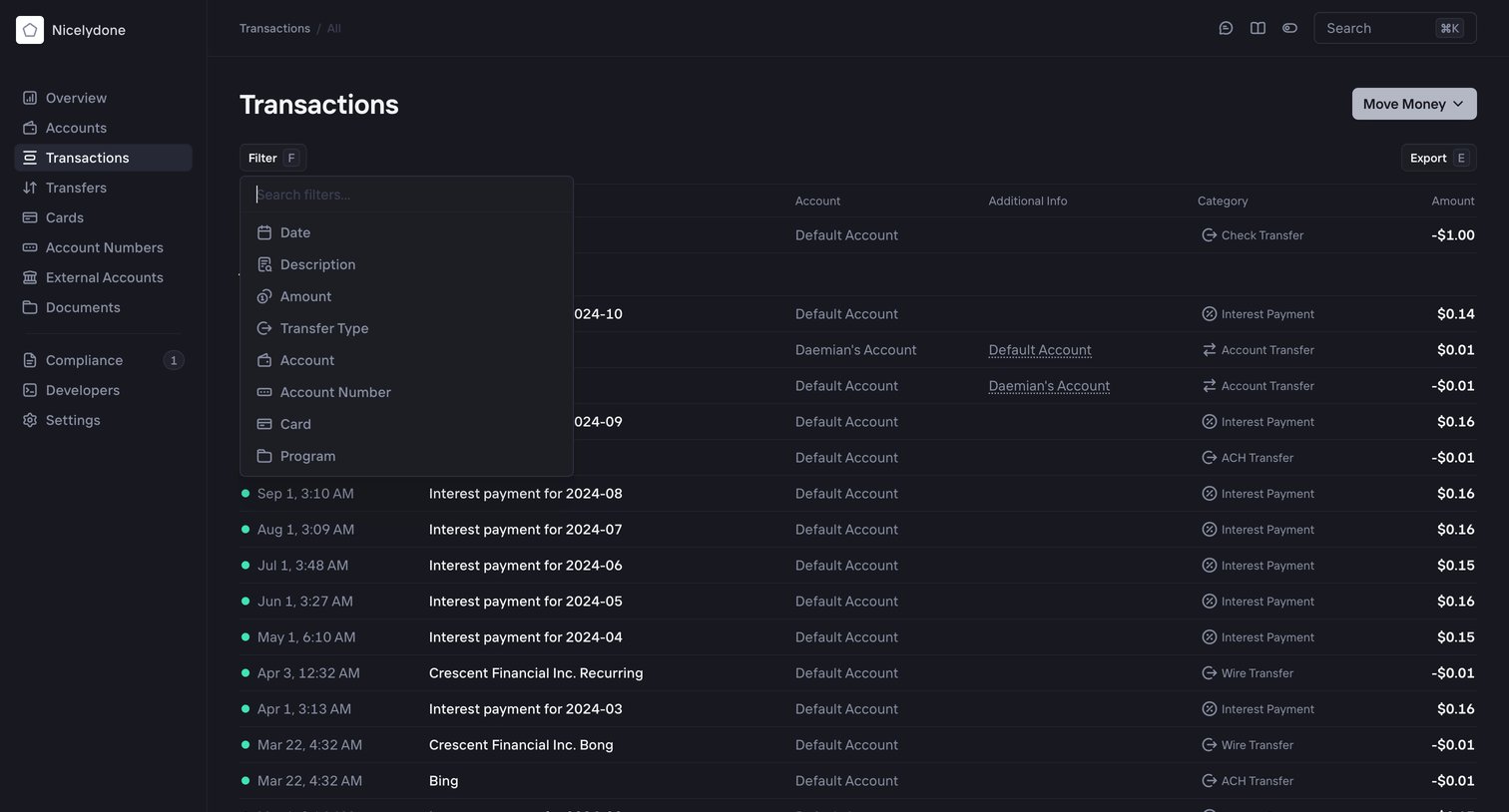

Transactions list where the user views financial activity across accounts and opens a filter menu to narrow results by date, description, or amount.
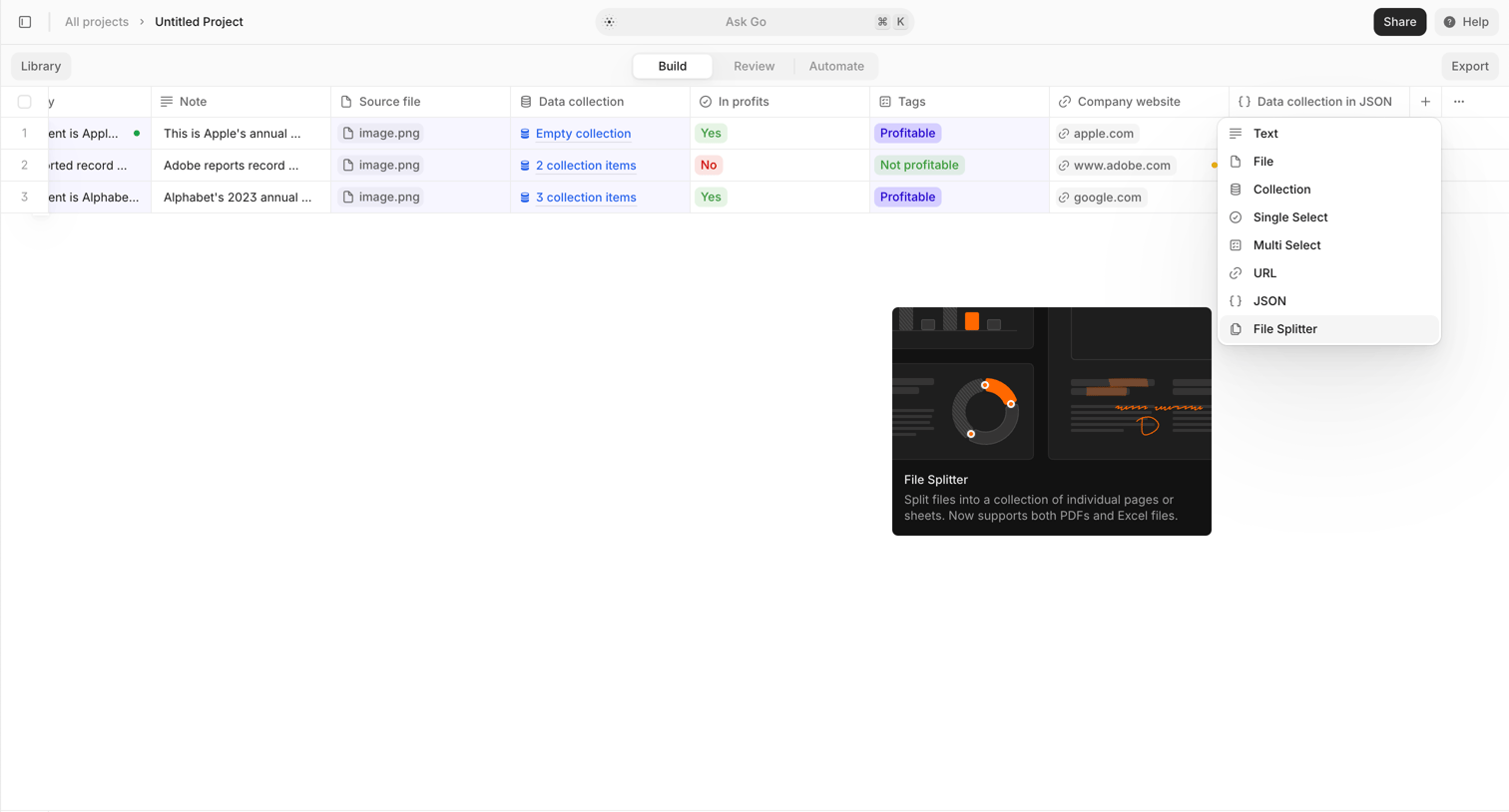

List view where the user manages project entities in a data table and adds a new column type from a dropdown menu.


Marketing directory page listing hundreds of specific use case links for screen, video, and webcam recording.
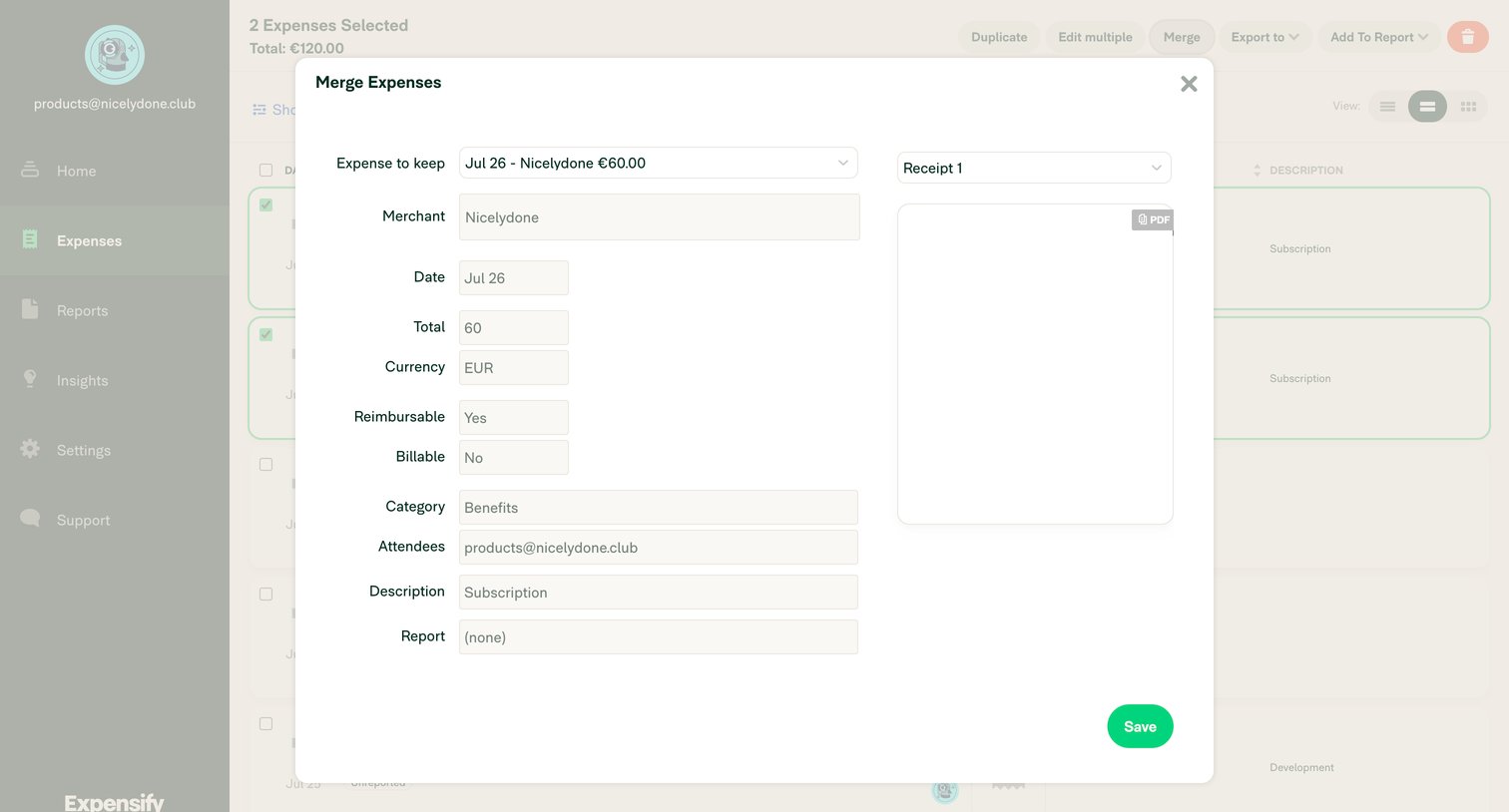

List view of expenses where the user is merging two selected transactions into one via a modal, choosing which details to keep.
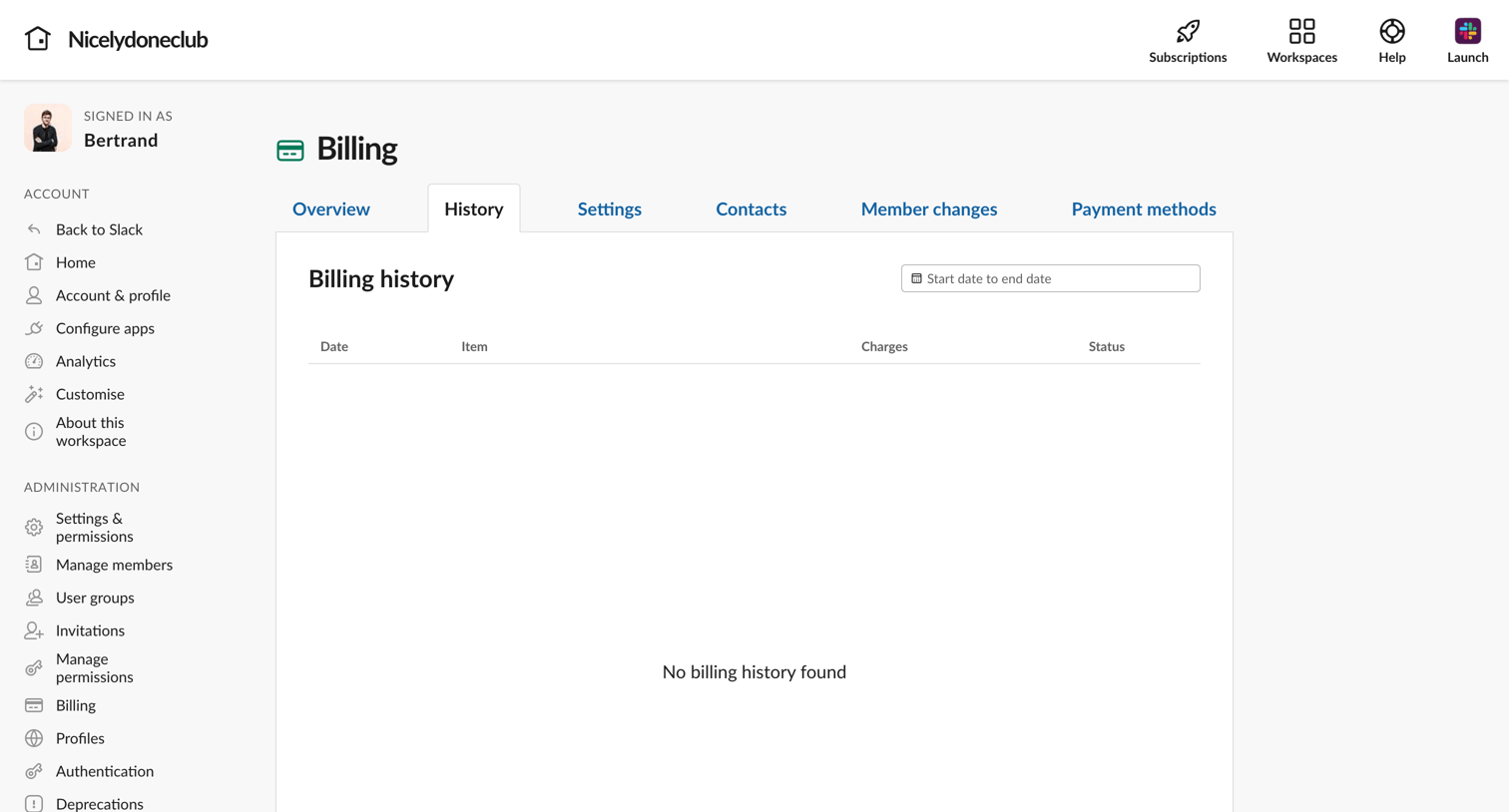

Settings page where the user views their workspace billing history, currently showing an empty state with a date range filter.
![Stripe - Customers – nicelydone.club – Stripe [Test] screen](https://assets.nicelydone.club/cdn-cgi/image/g=top,w=1512,h=814,f=webp,fit=cover/https://assets.nicelydone.club/f/c2f93f7f-3fe9-47a0-a357-41be0c8bf609.png)

List view where the user manages their customer directory, filtering by email, card, or creation date.
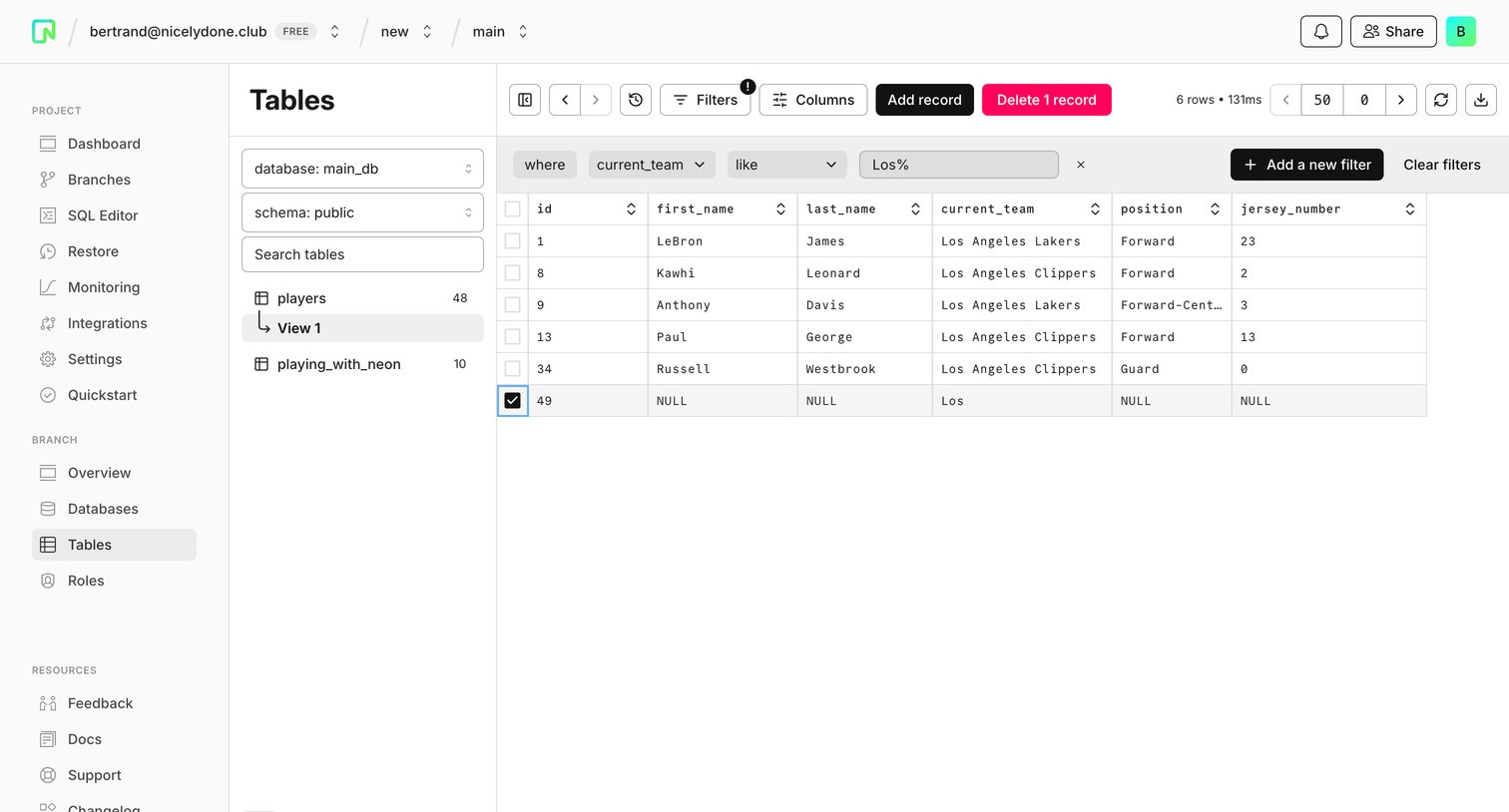

Data table view where the user browses and manages records for the players database table, with an active row-based filter applied.
Explore the full SaaS screen library
Upgrade to unlock the full library.
Trusted by the best teams







