Neon design examples
Explore Neon UI design examples. Ship faster with Postgres
Product screens
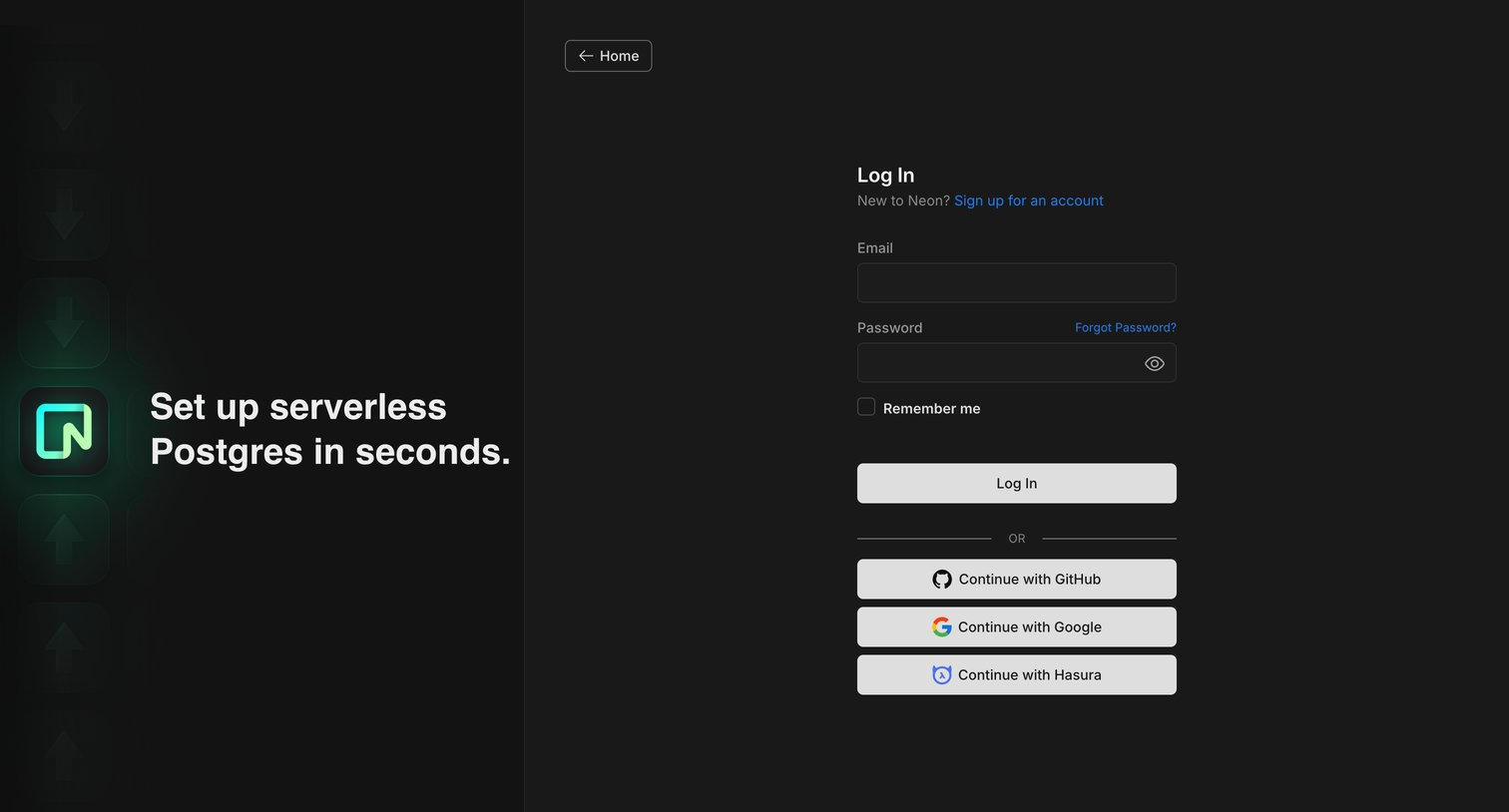

Password recovery screen where the user enters their email address to receive a reset link.
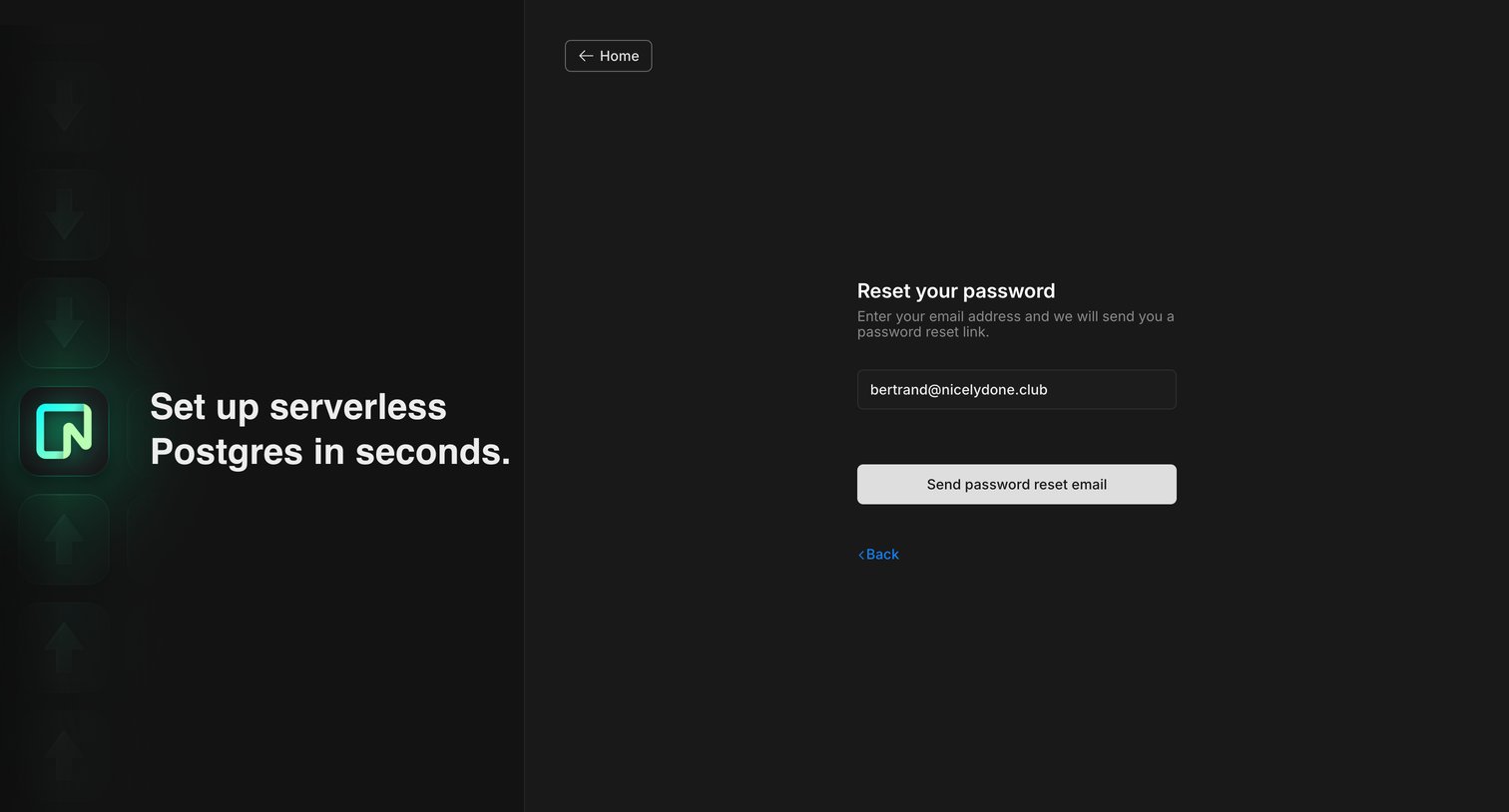
Password recovery screen where the user enters their email address to receive a reset link, featuring a promotional sidebar for serverless Postgres.
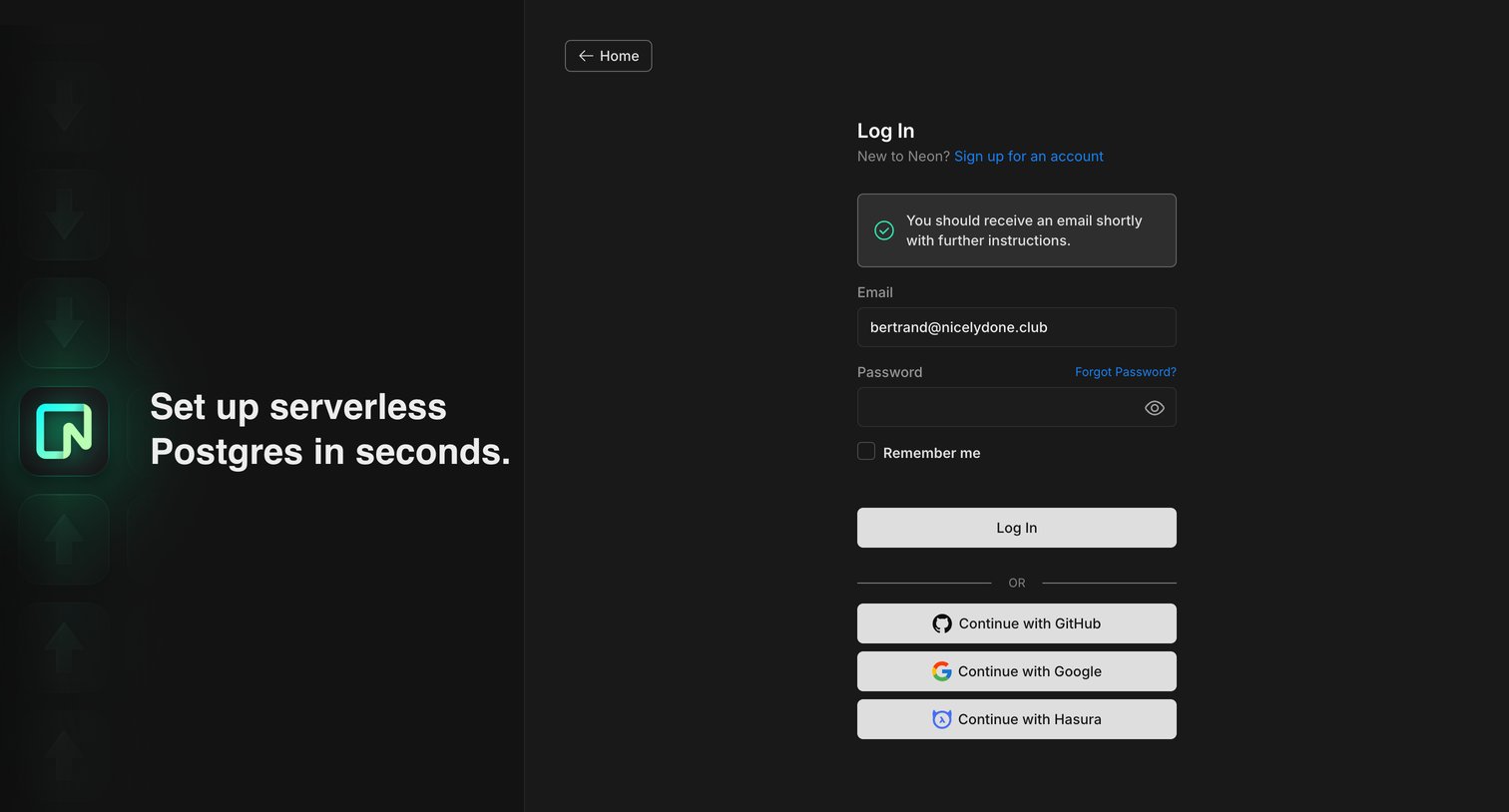
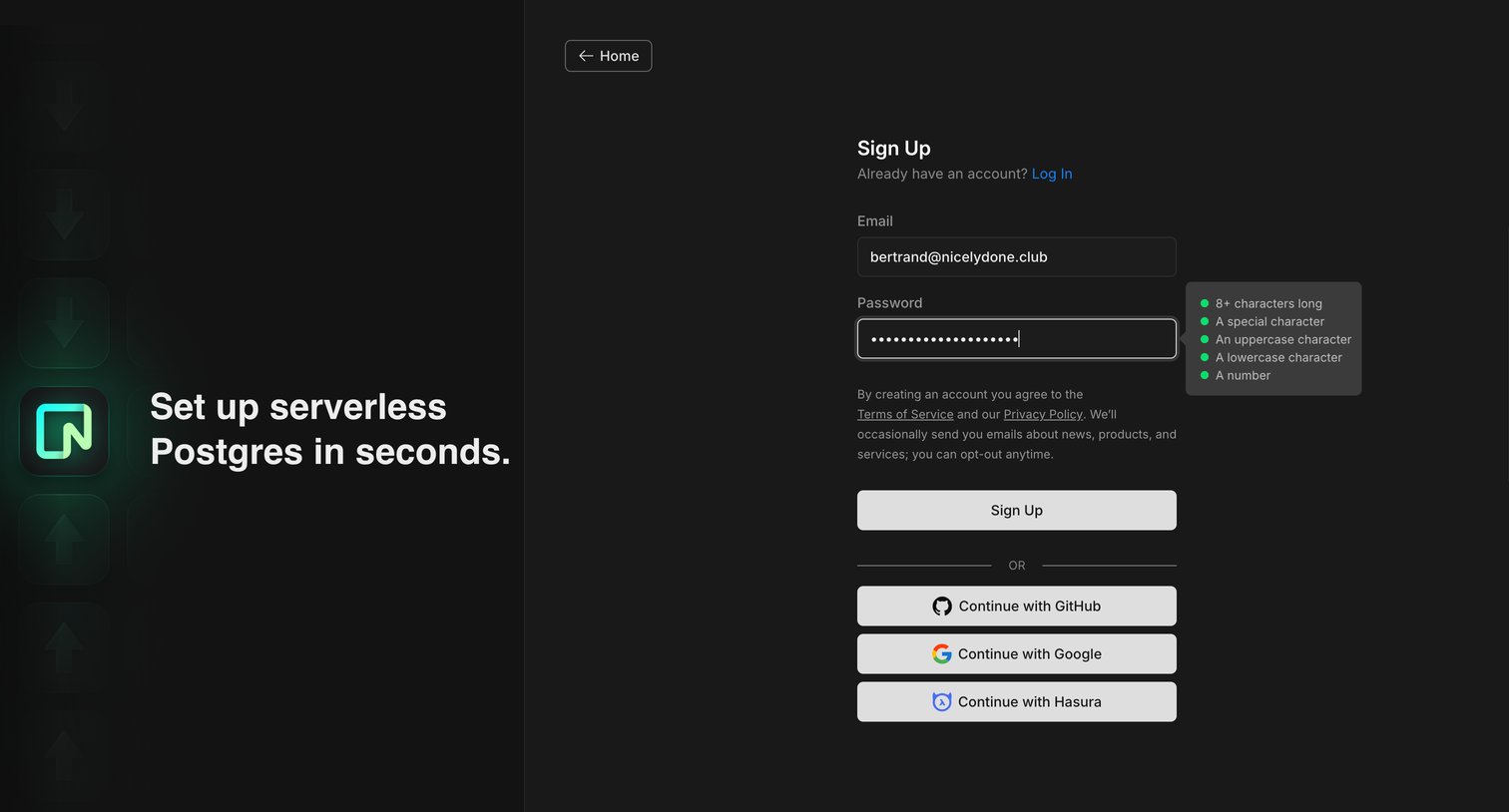
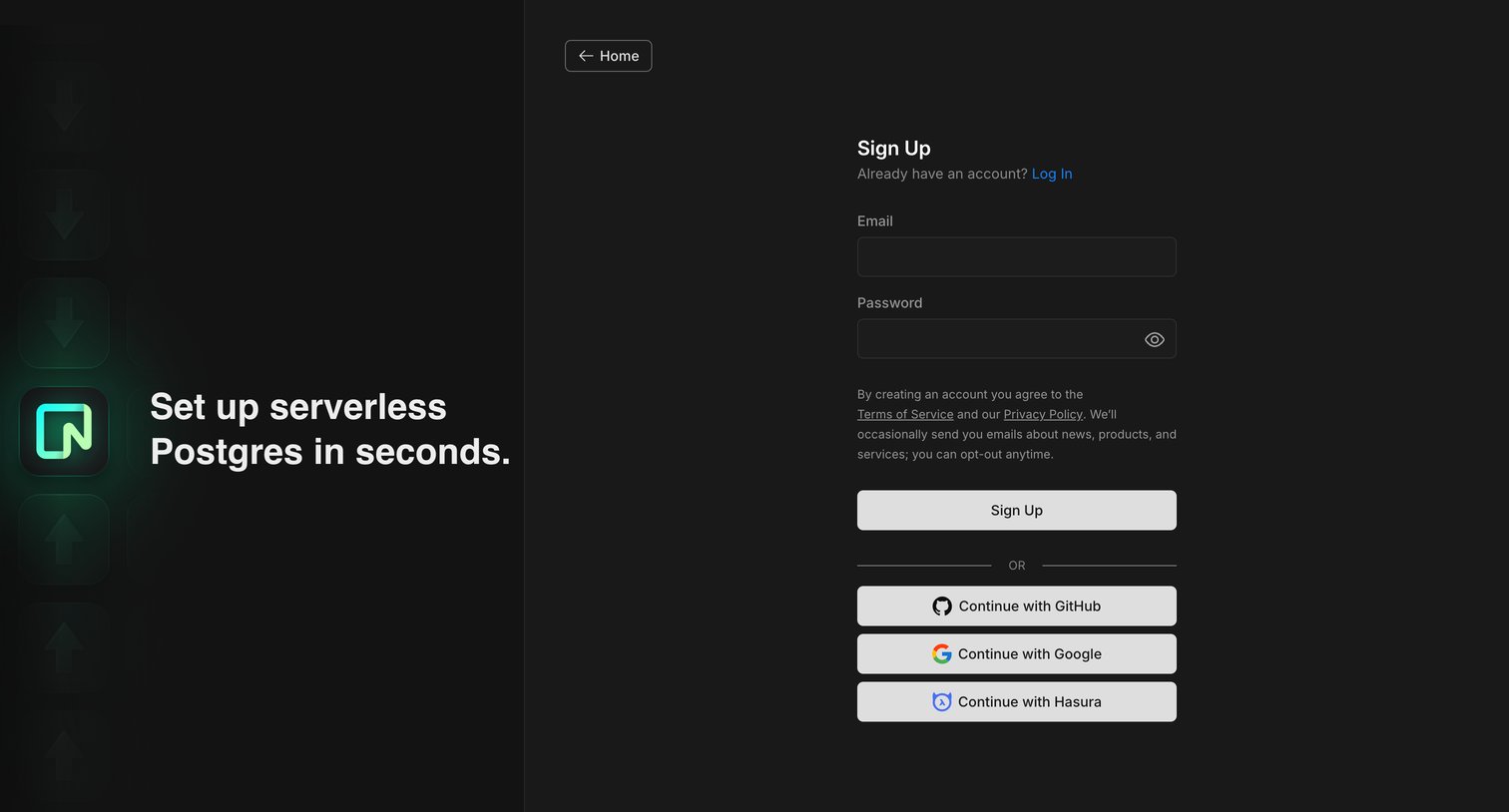
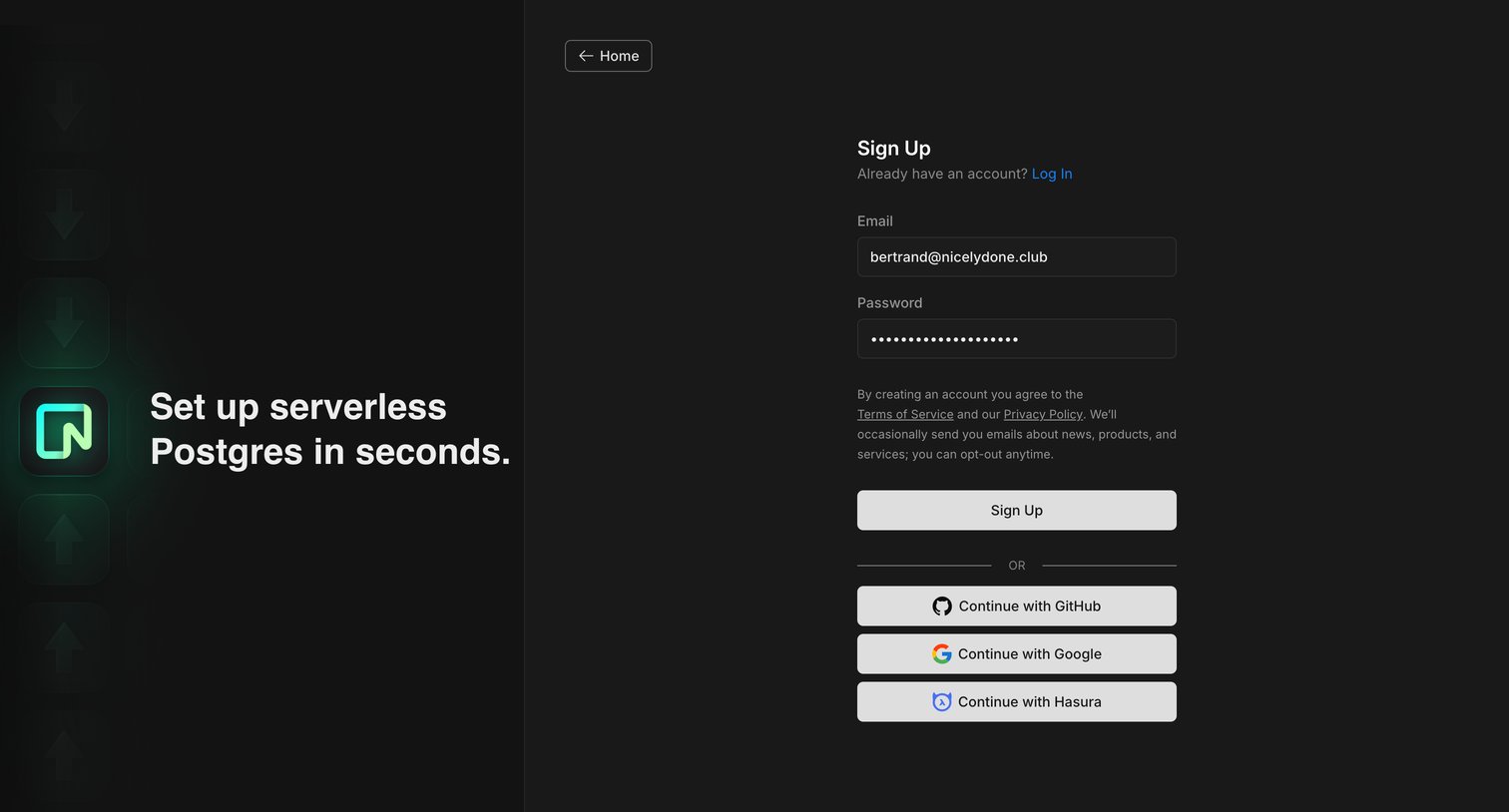
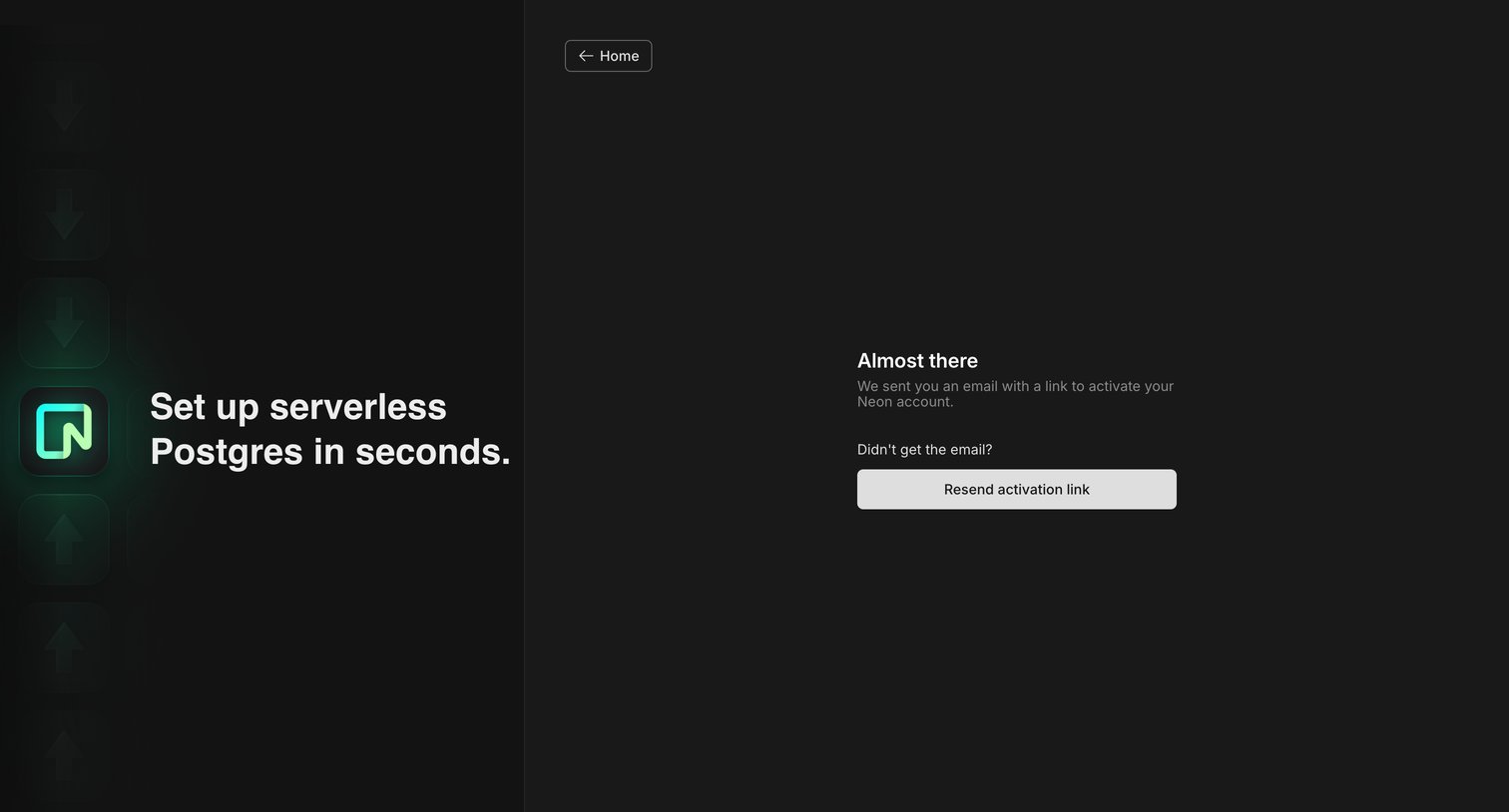
Verification screen where the user is prompted to check their email for an activation link to their Neon account or resend it.
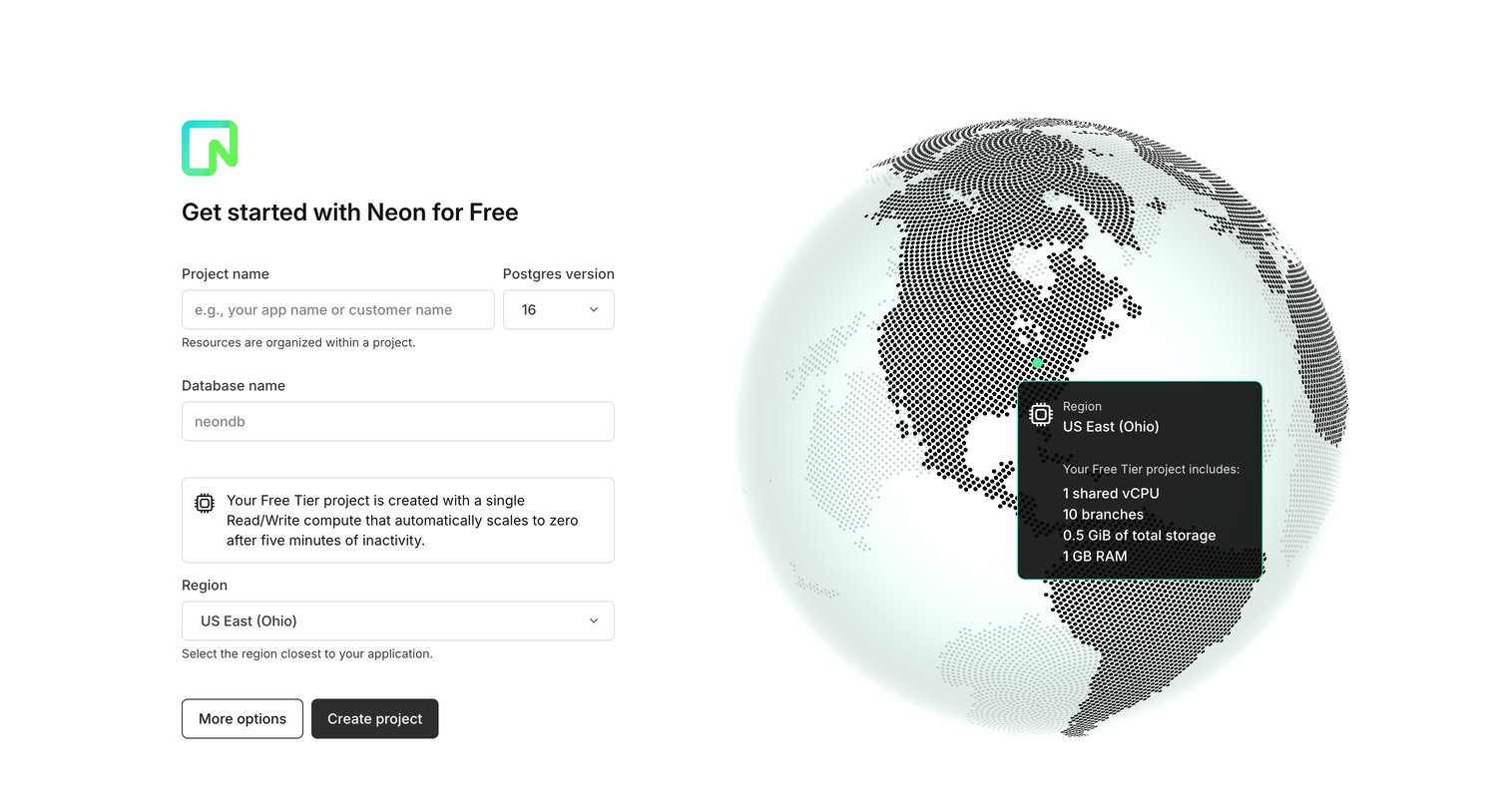
Onboarding screen where the user configures their first free-tier database by setting a project name, Postgres version, and deployment region.
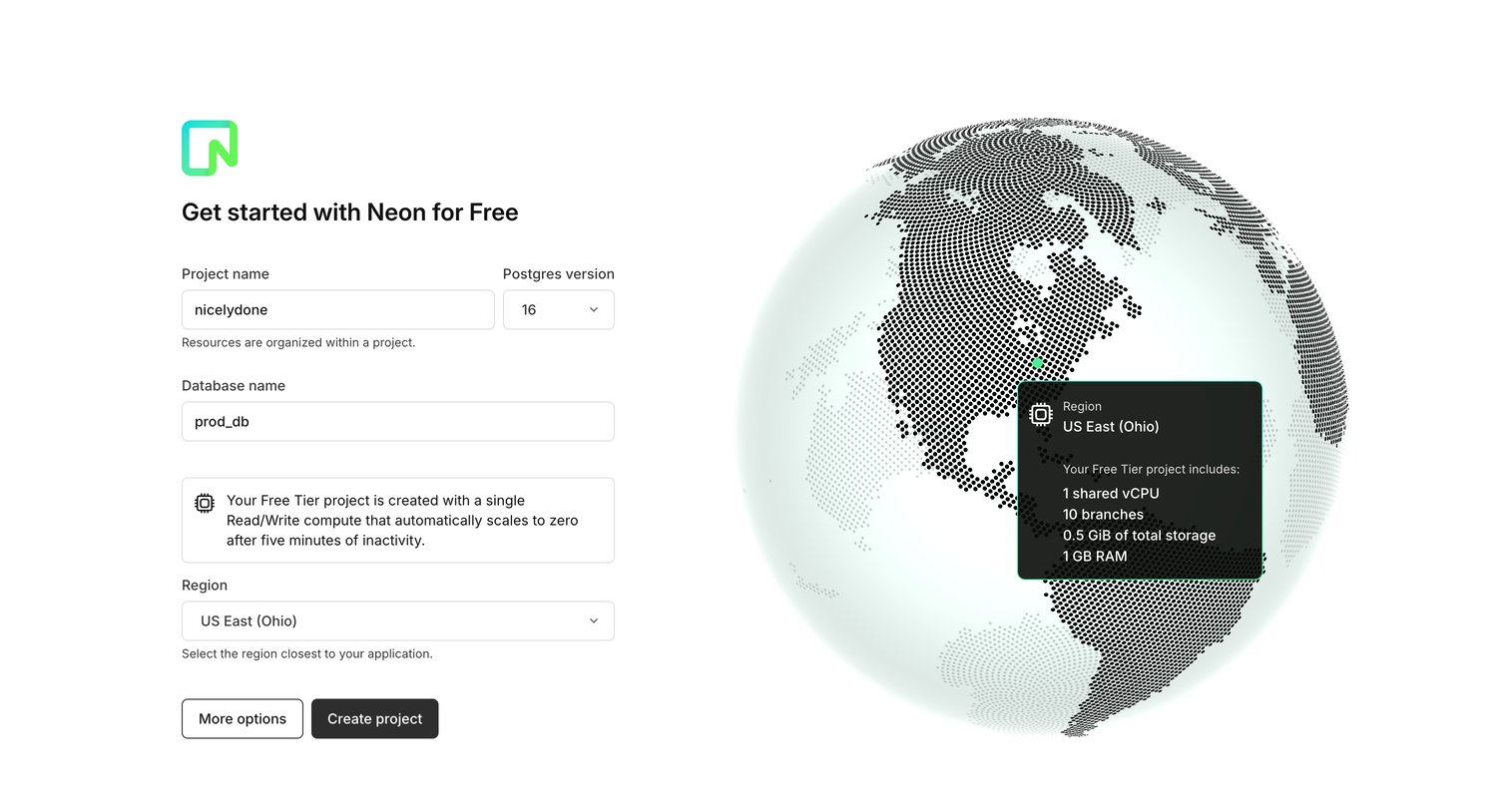
Onboarding screen where the user creates their first free project by specifying a project name, Postgres version, database name, and region.
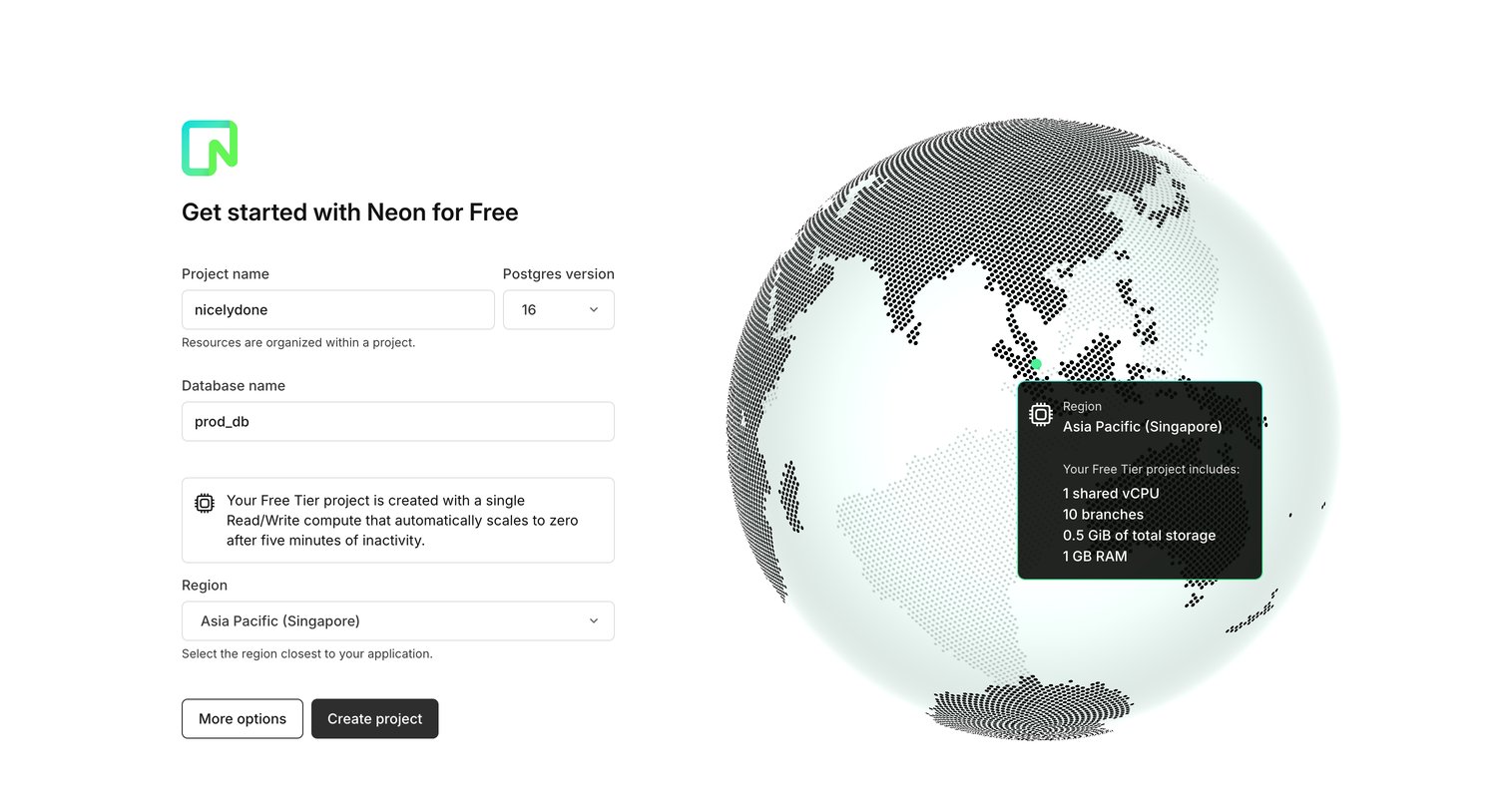
Onboarding step where the user names their first project and database, selects a Postgres version, and chooses a deployment region to get started on the free tier.
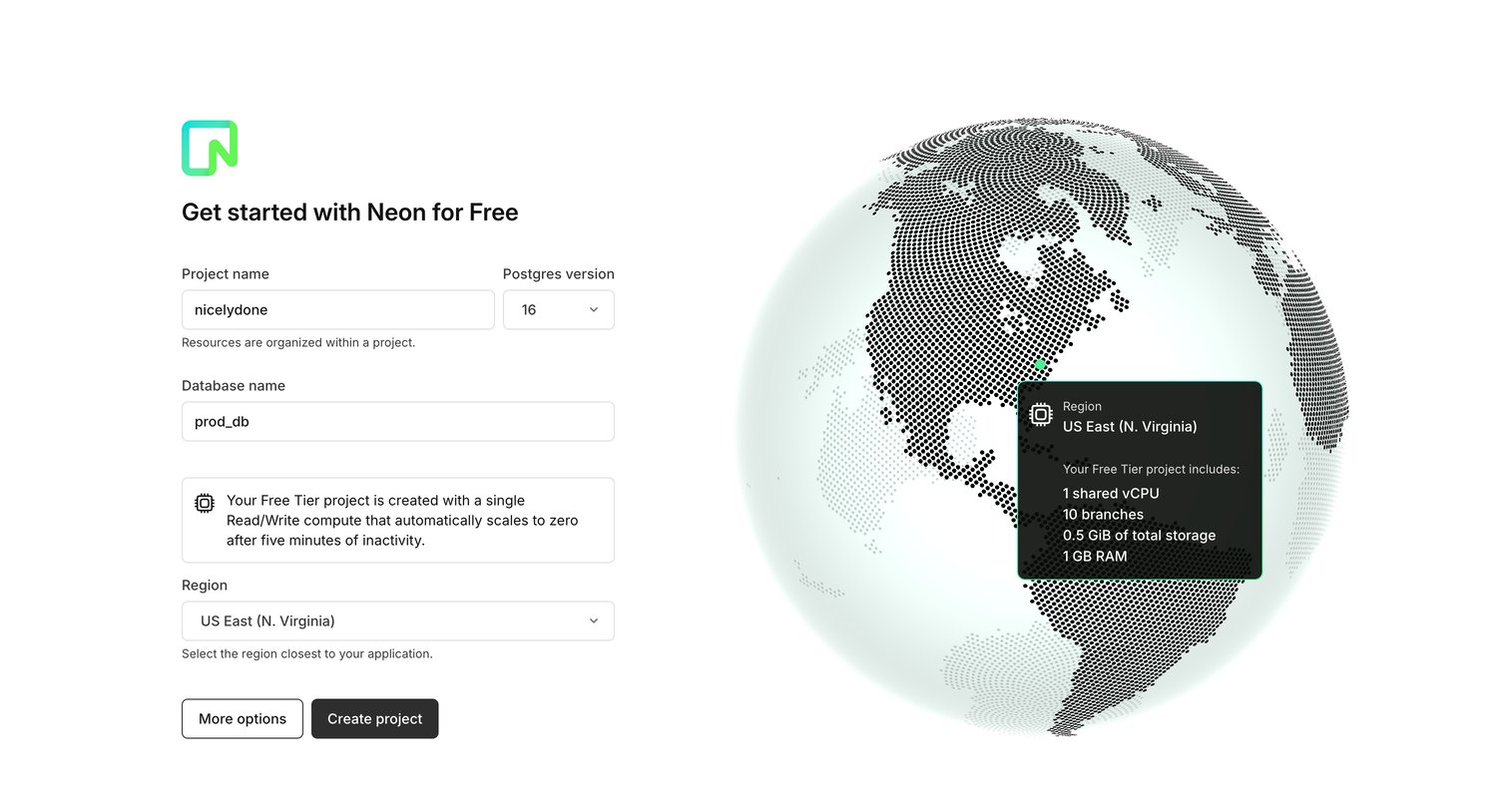
Onboarding step where the user creates their first Neon project by naming it, selecting a Postgres version, and choosing a geographic region.
Browse the full SaaS app library
Explore real SaaS apps with their product screens, marketing screens, flows, and components.
Trusted by the best teams







