Real-time collaboration screen examples
Real-time collaboration screen design examples from SaaS apps. See how collaboration apps bring people into shared work. Explore how workspaces, discussions, and review controls connect individual actions with a team.
Explore the examples
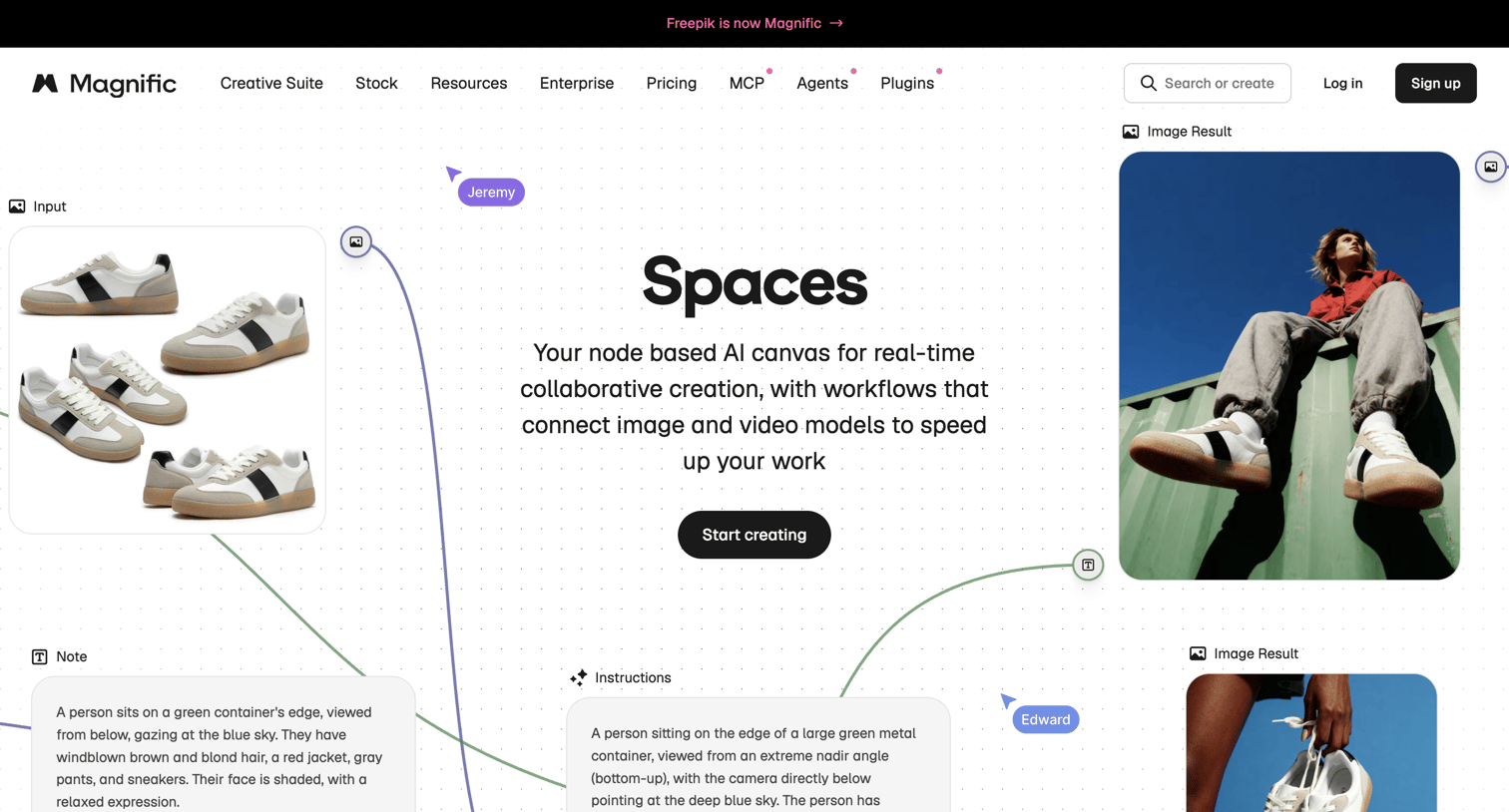

Feature page for an AI canvas tool highlighting real-time collaboration, node-based workflows, and ready-to-use templates.
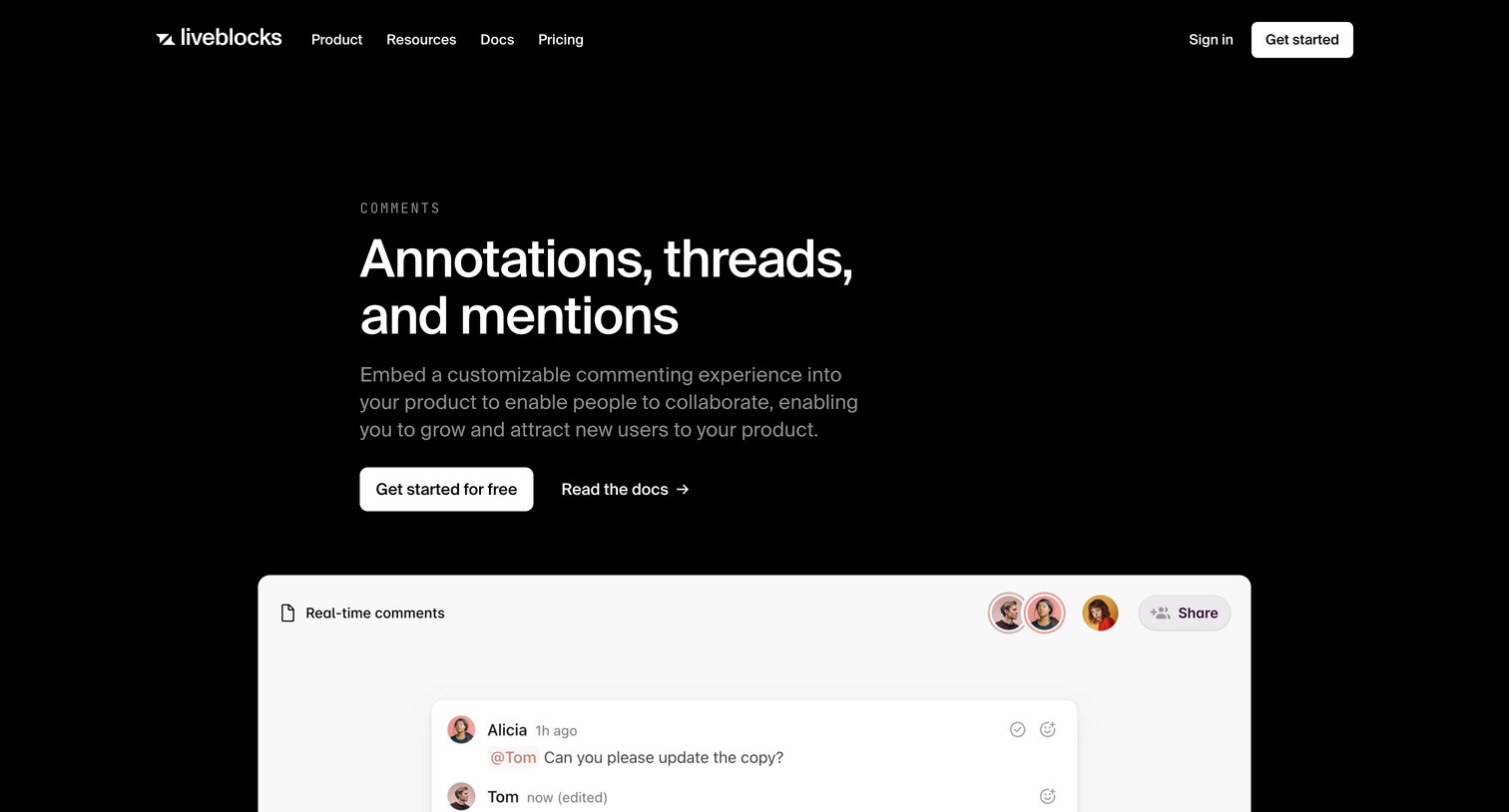

Marketing use case page highlighting the comments feature, featuring a prominent mockup of a comment thread with mentions and reactions, followed by a logo wall, feature grid, and open-source examples.
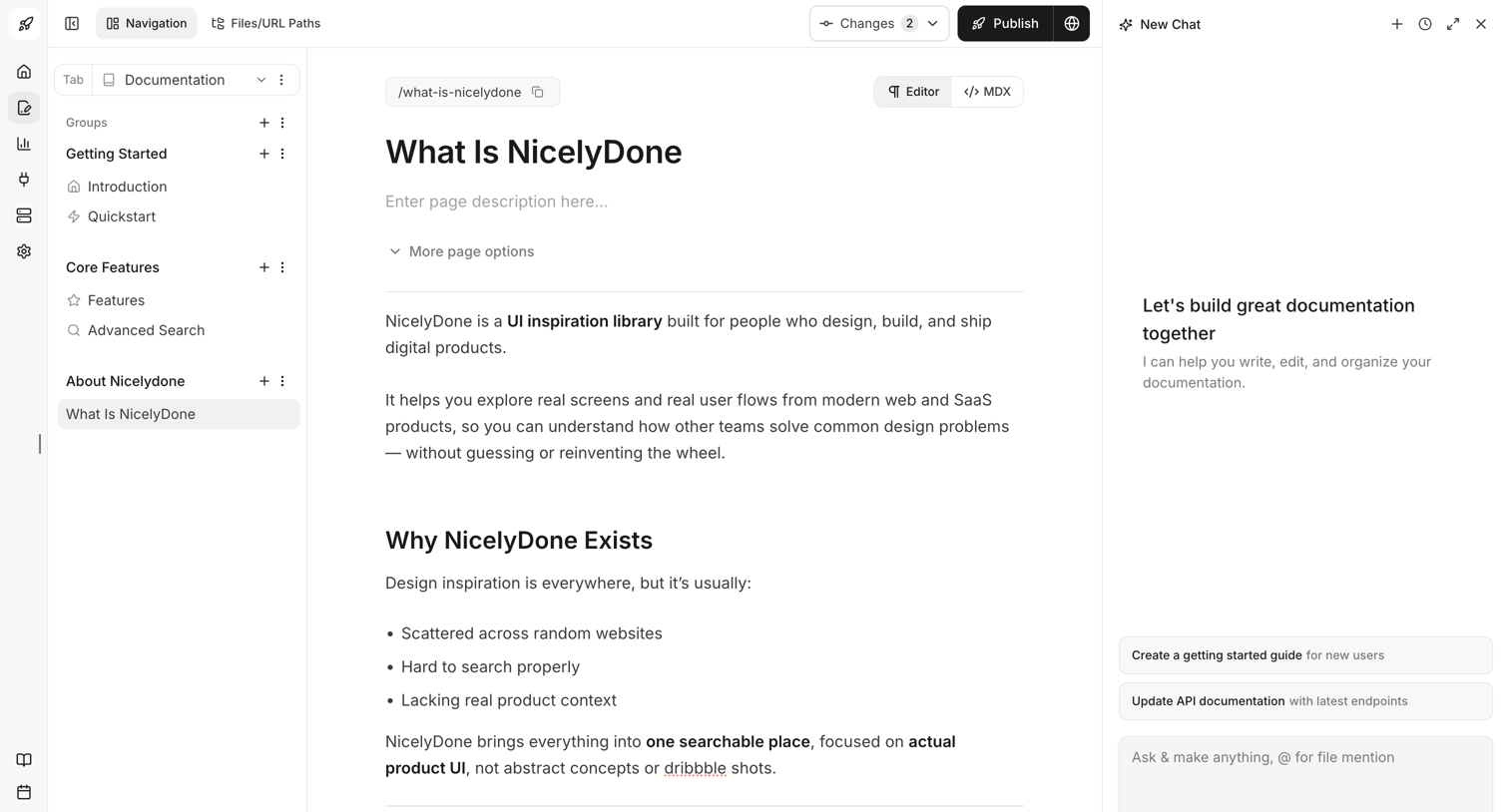

Content editor where the user writes and formats documentation pages alongside a contextual AI assistant for drafting and organizing content.
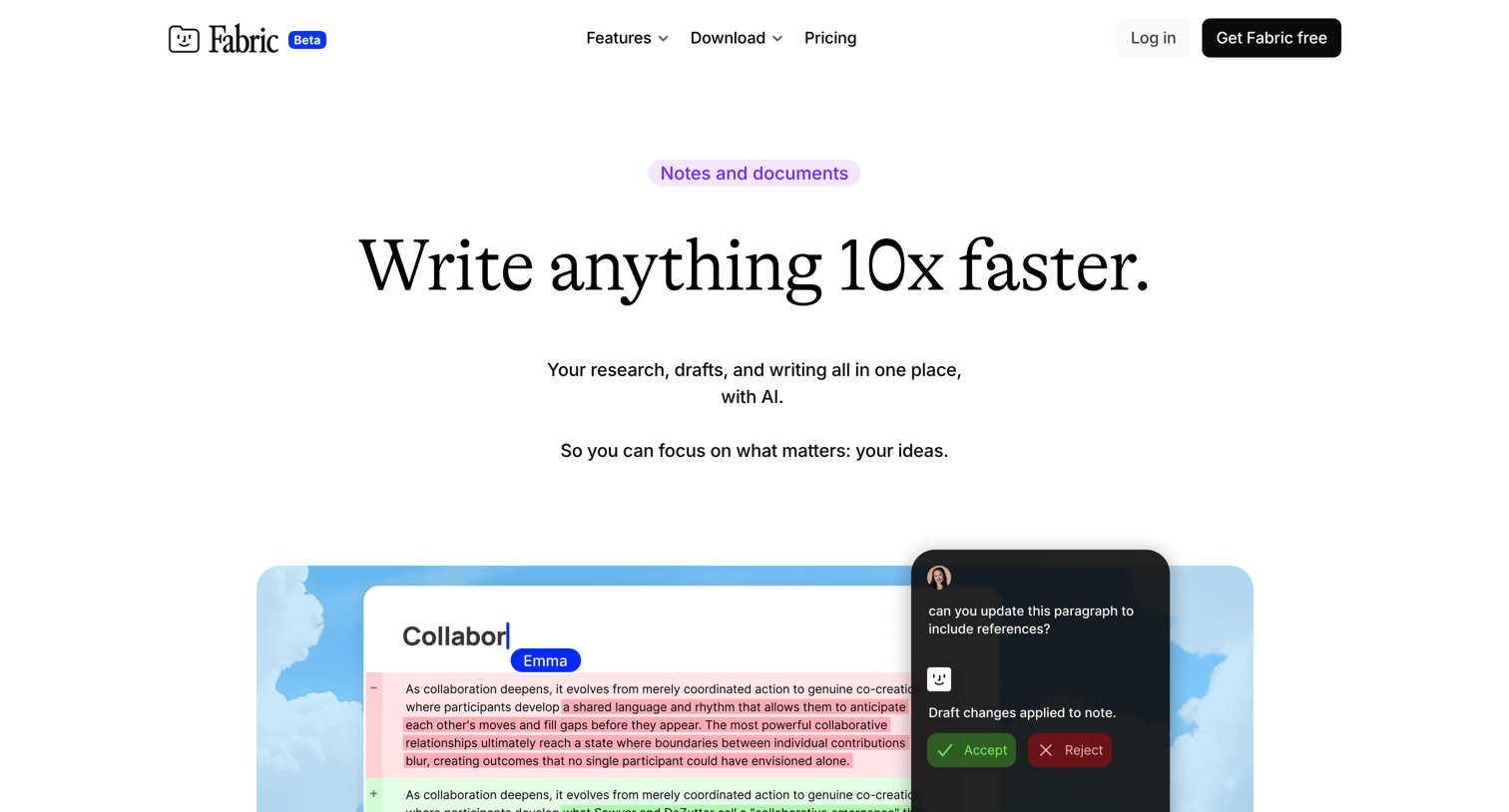

Feature page showcasing the platform's AI-powered document editor, real-time collaboration, and knowledge organization capabilities.
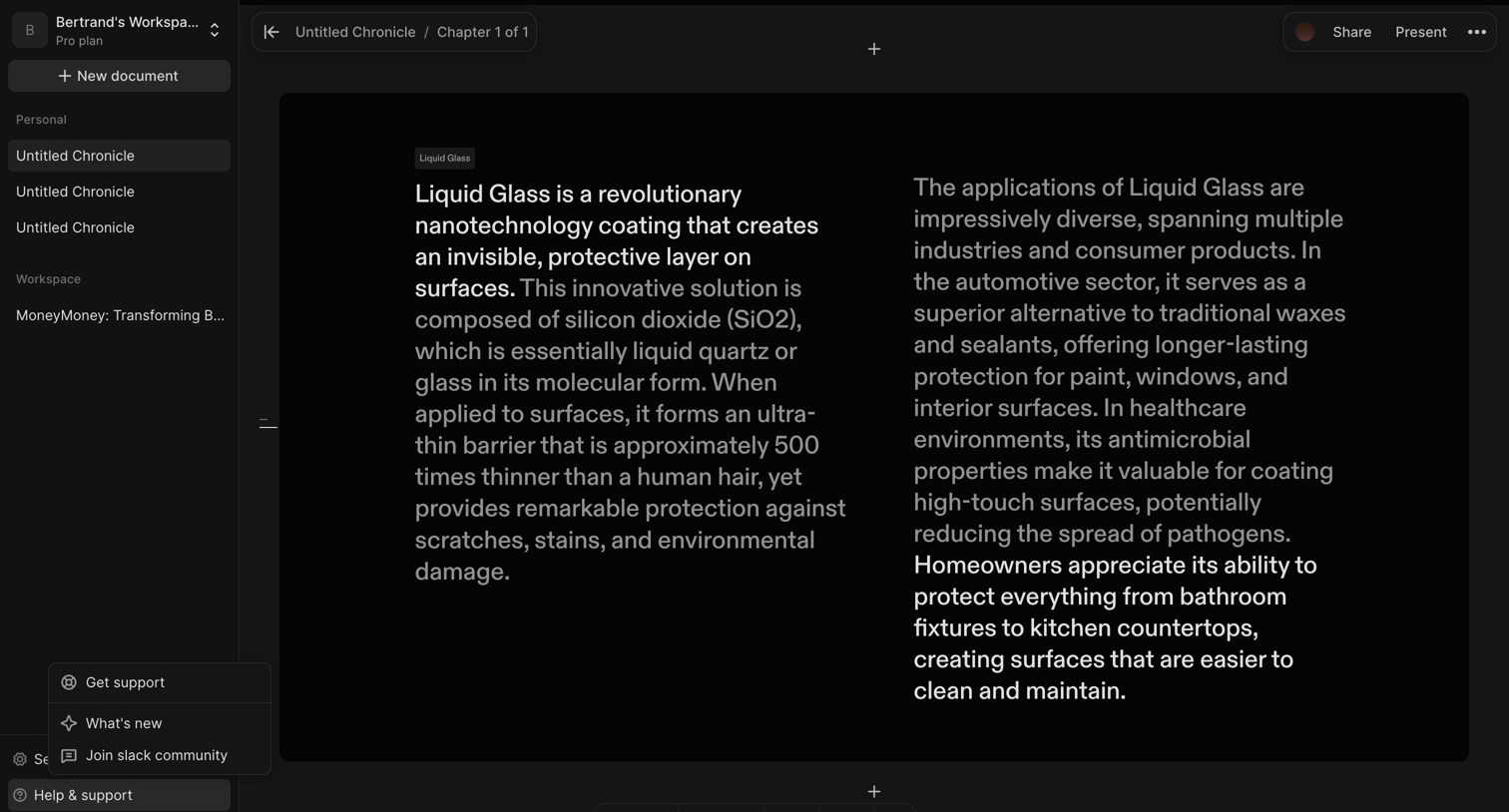

Content editor where the user is writing a multi-column document about Liquid Glass, featuring a floating formatting toolbar and an open help menu in the sidebar.
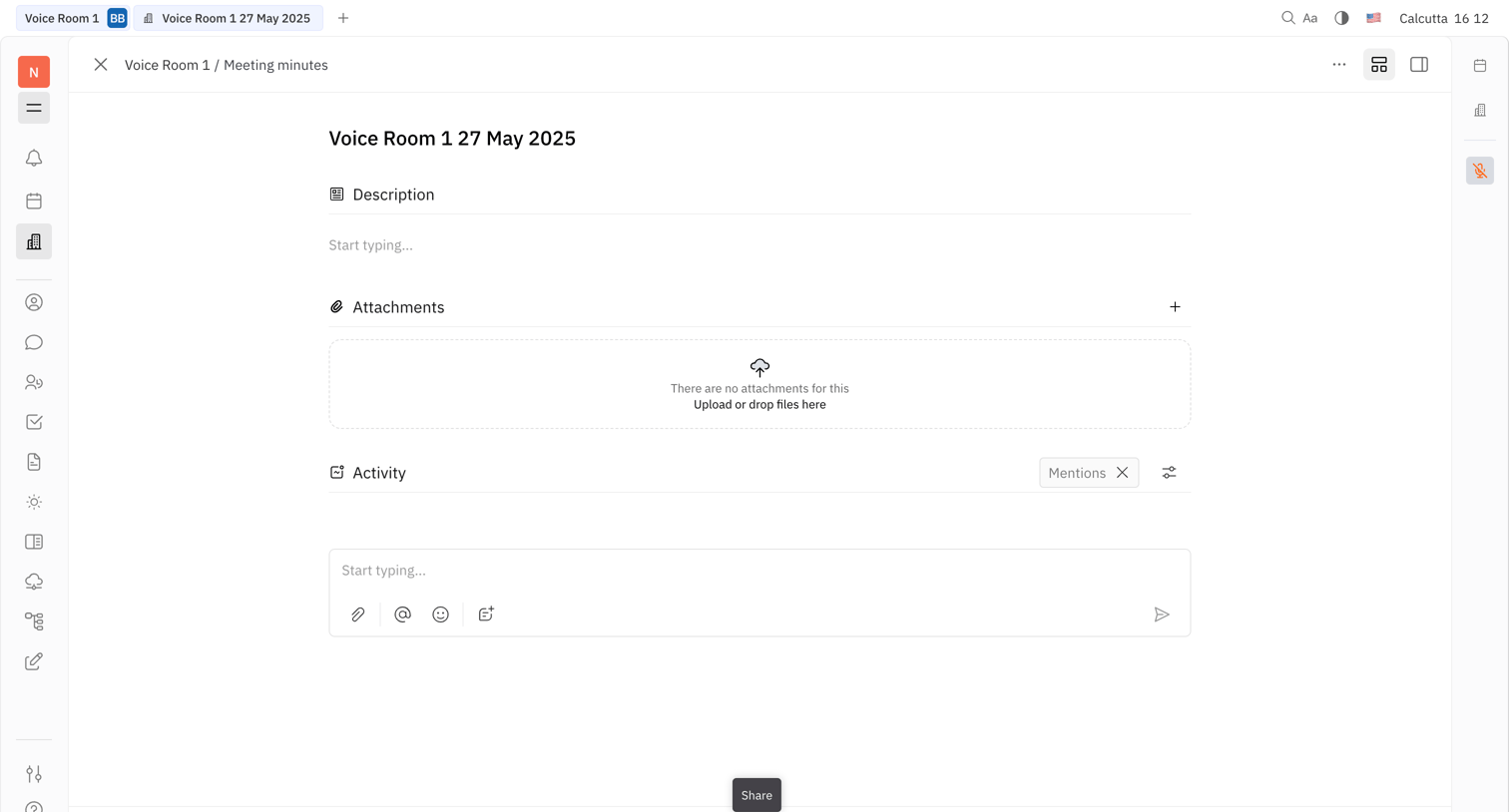

Detail page where the user edits meeting minutes, uploads attachments, and views activity while participating in an active voice room.
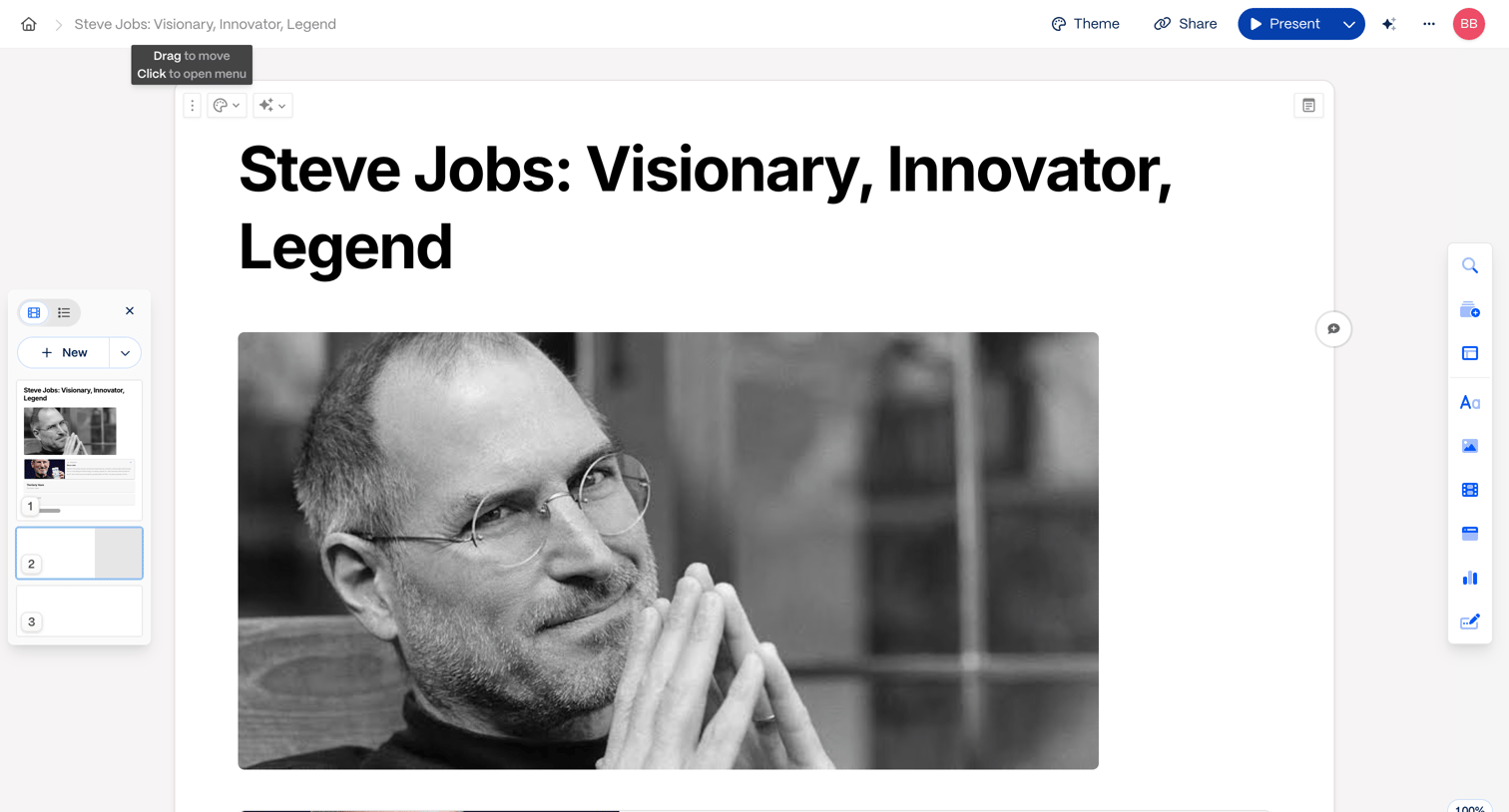

Block-based document editor where the user is writing an article about Steve Jobs, featuring a left thumbnail navigation panel and a right floating tool palette.
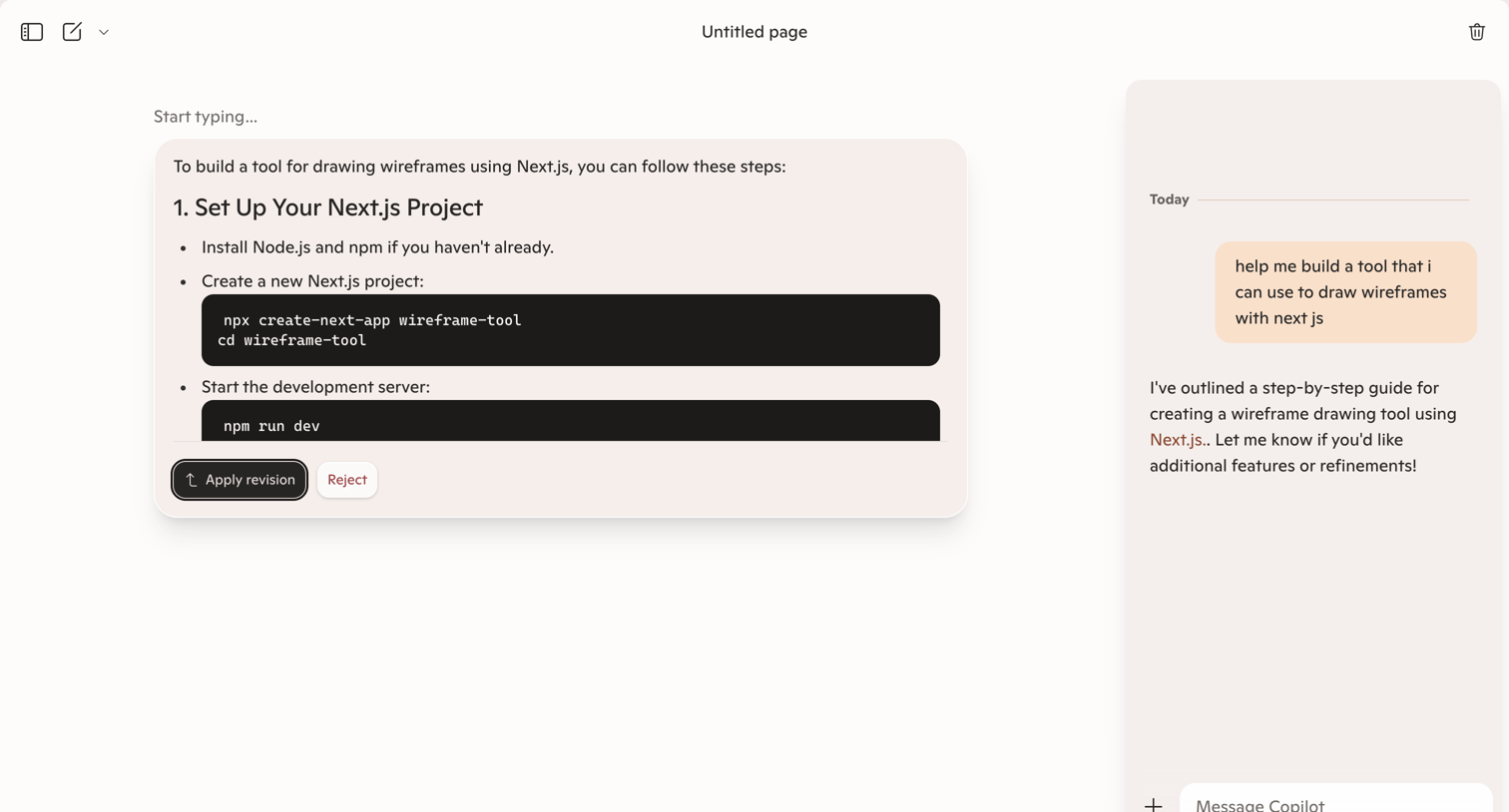

Content editor where the user is reviewing an AI-generated code snippet revision before applying it to the document.
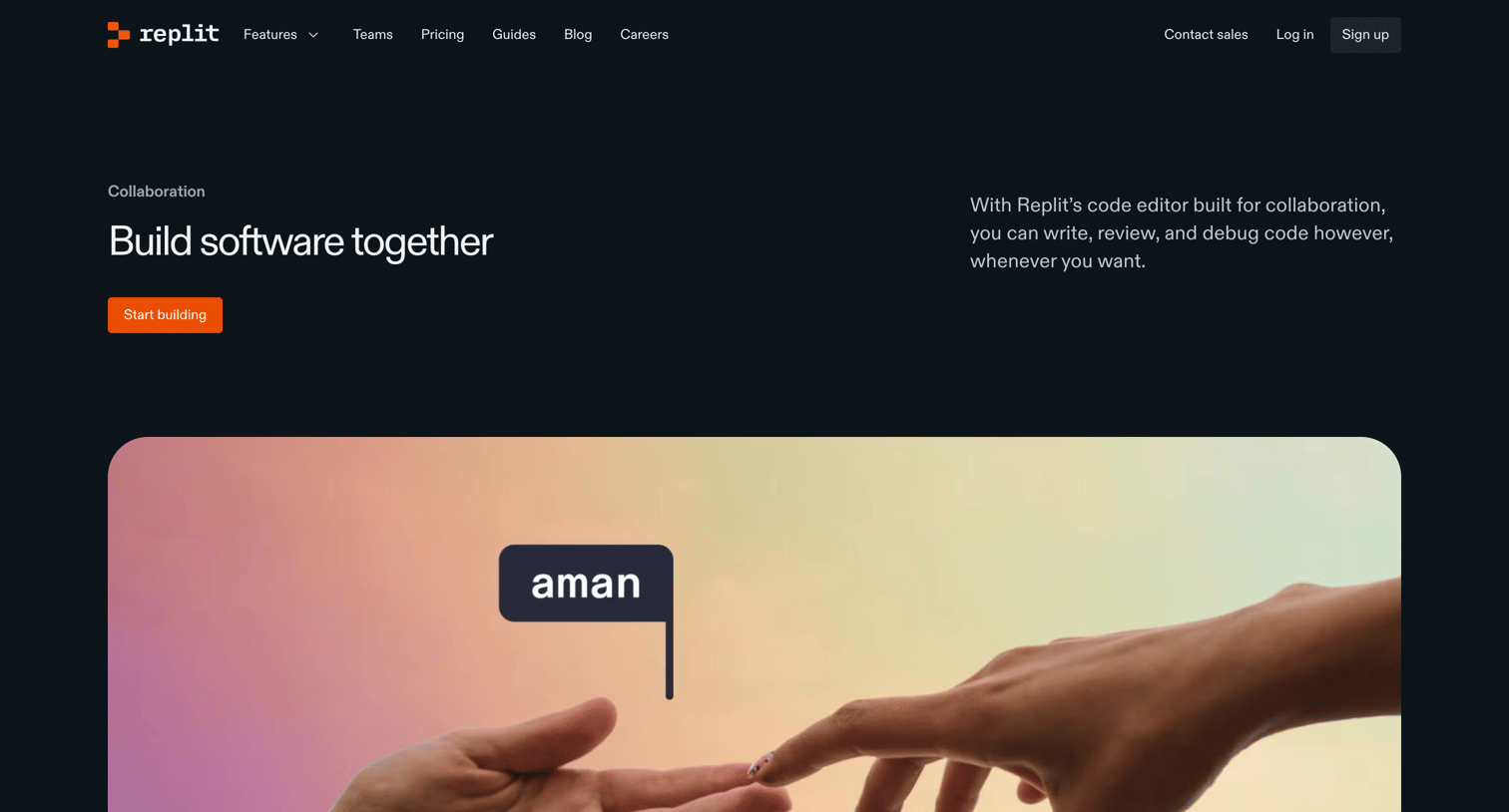

Feature page highlighting Replit's real-time collaboration tools, including synchronous coding and frictionless sharing, with customer testimonials and a strong call to action.
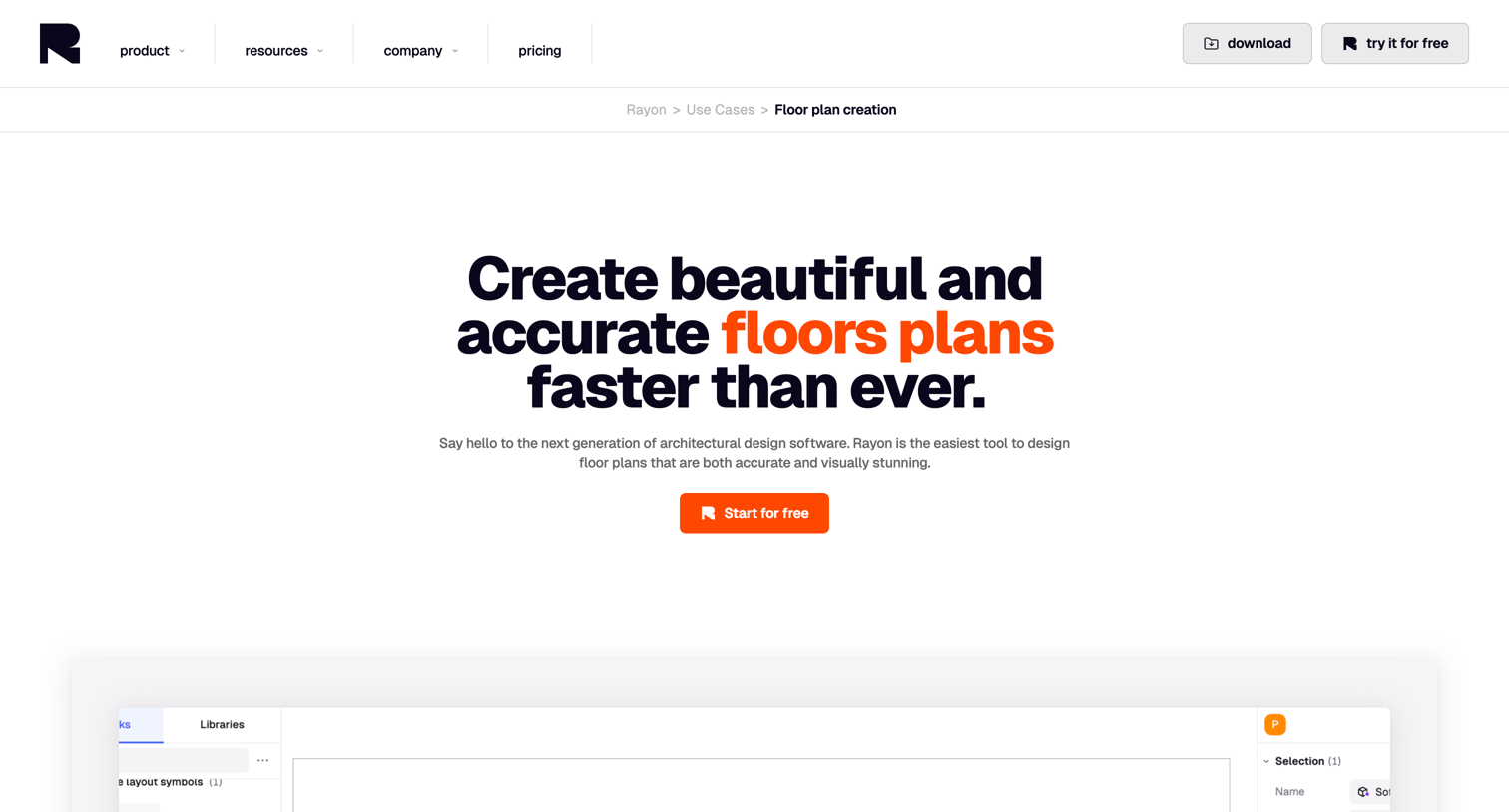

Use case page detailing how the product is used to create floor plans, featuring product screenshots, alternating feature highlights, specific room templates, and an FAQ section.
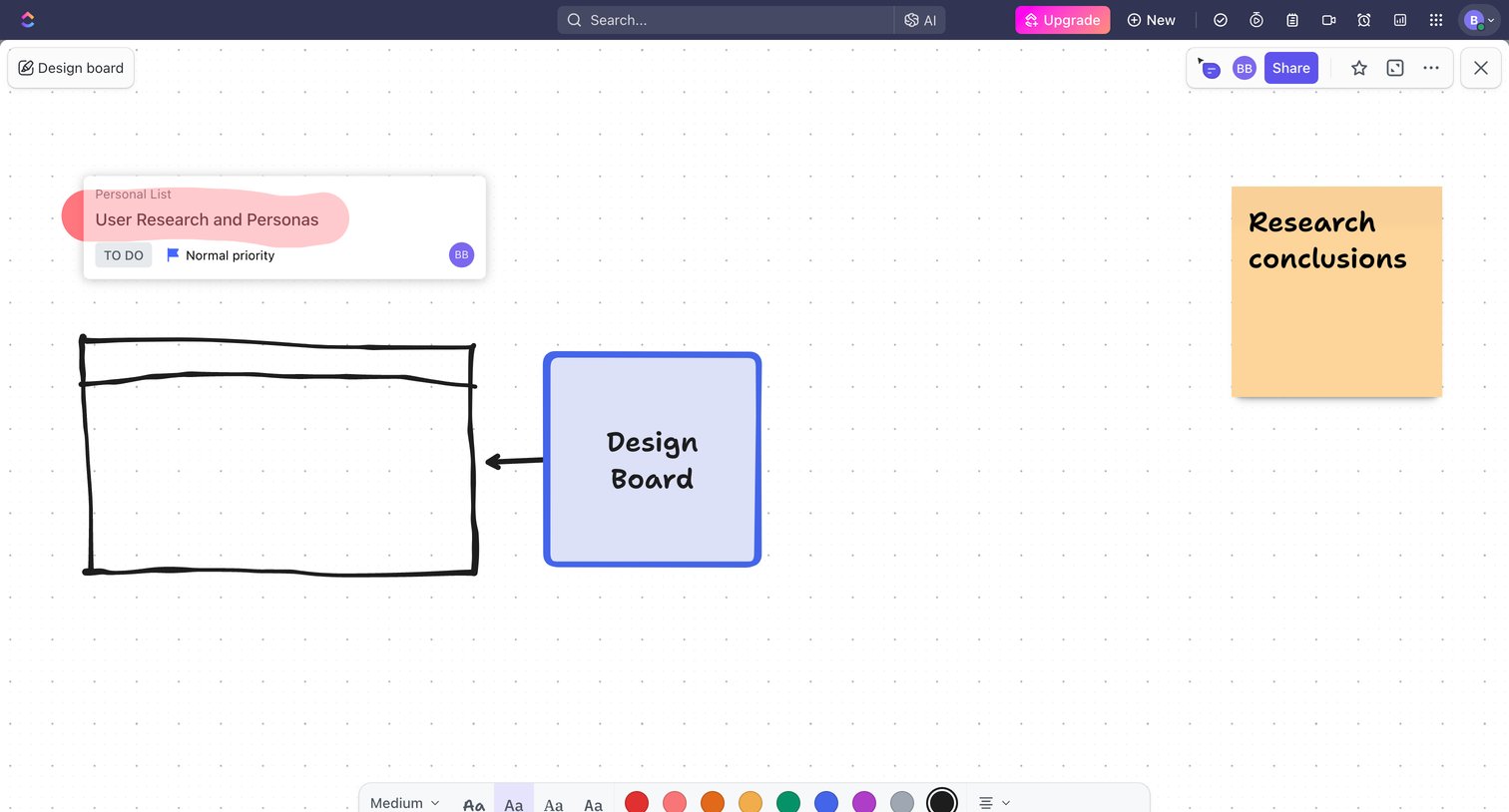

Design editor where the user builds a visual whiteboard with sticky notes, drawn shapes, and embedded task cards.

Explore the full SaaS screen library
Upgrade to unlock the full library.
Trusted by the best teams








About Real-time collaboration
See how collaboration apps bring people into shared work. Explore how workspaces, discussions, and review controls connect individual actions with a team.