Quick actions screen examples
Quick actions screen design examples from SaaS apps. Browse examples from Bud, Magnific, Alloy.
Explore the examples
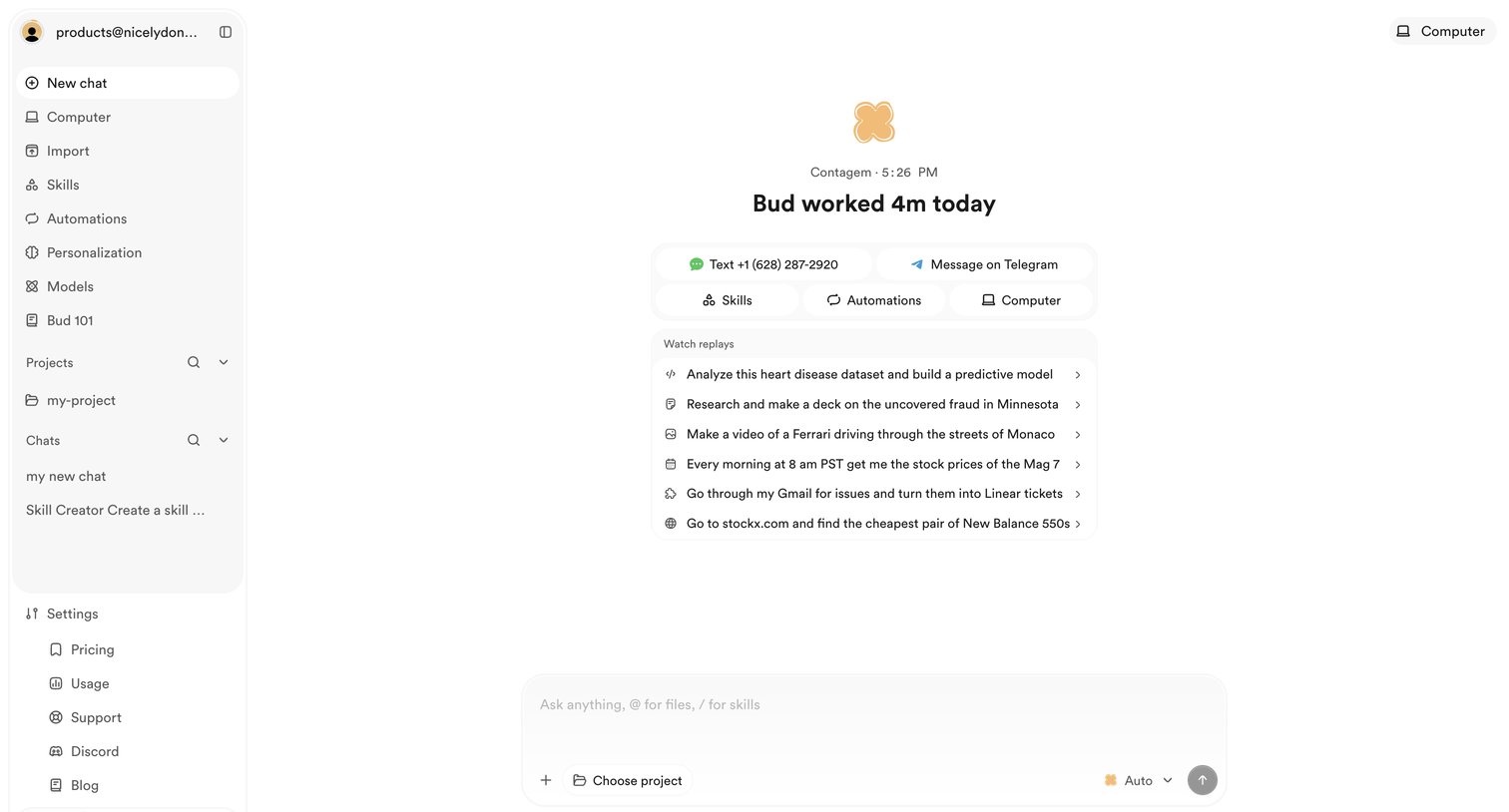

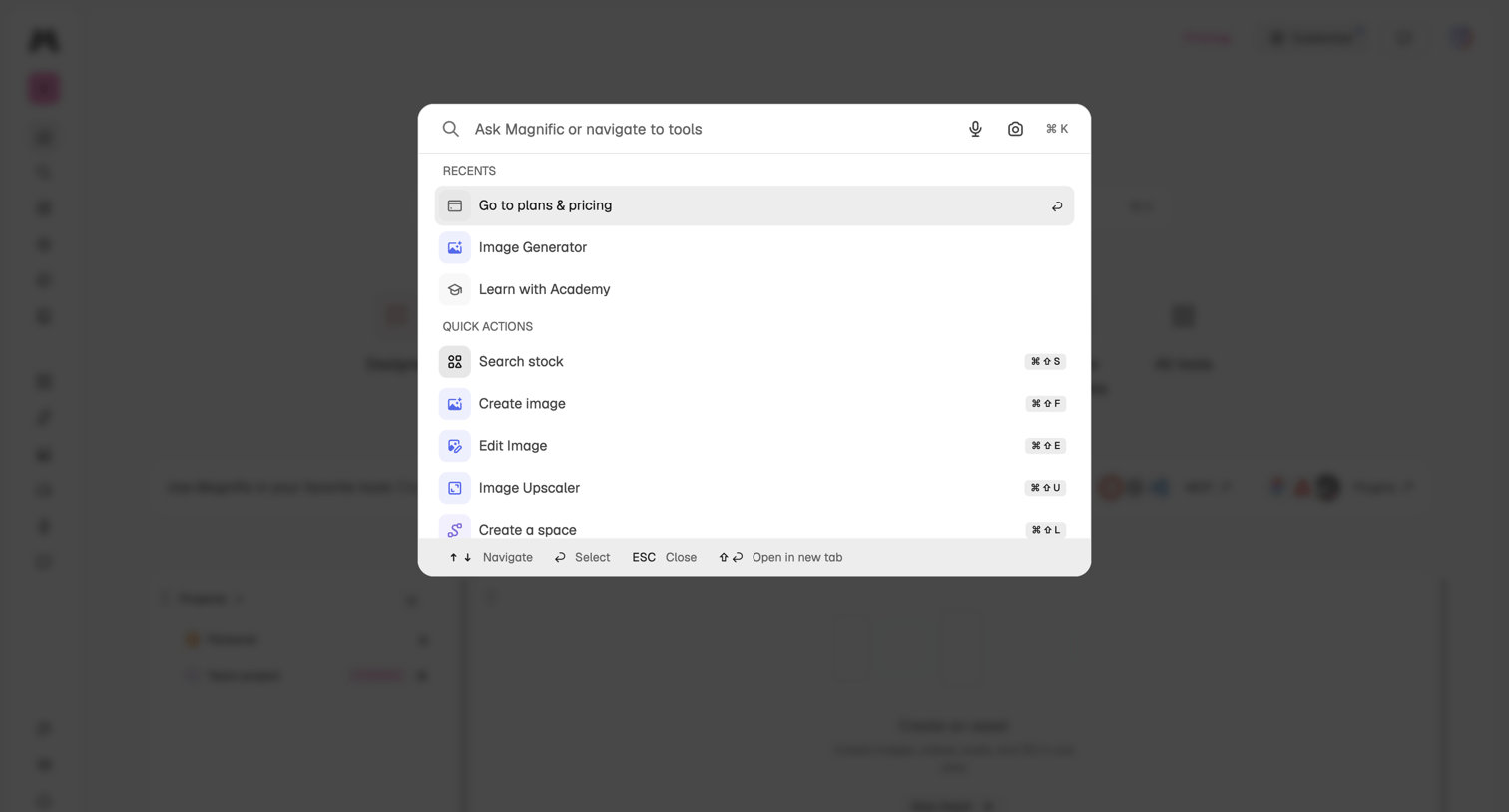

Global search overlay where the user can ask questions, navigate to recent tools like the image generator, or trigger quick actions via keyboard shortcuts.
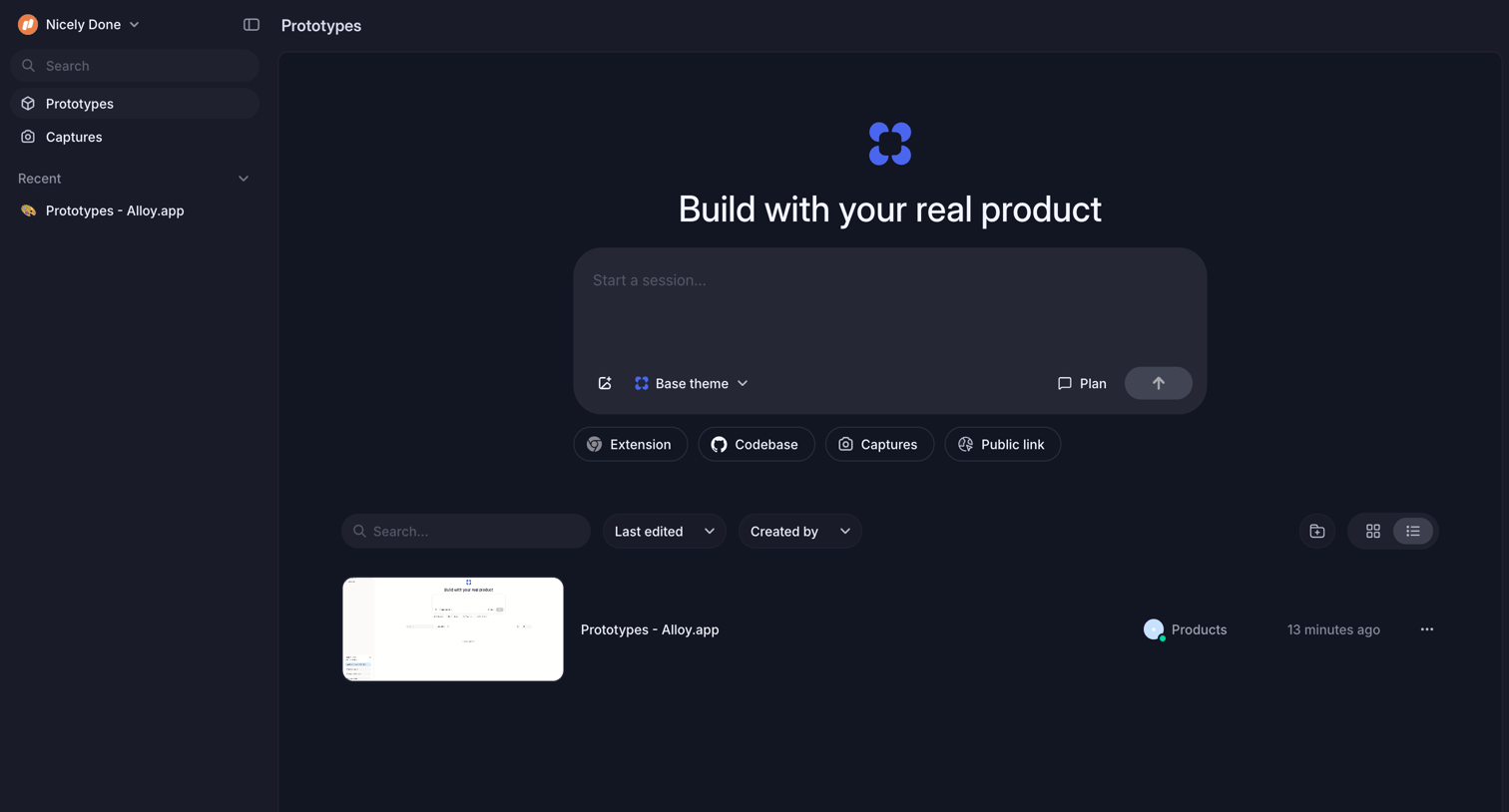

List view where the user can start a new session via a prominent composer, trigger quick actions like Extension or Codebase, and manage existing prototypes with search and filters.
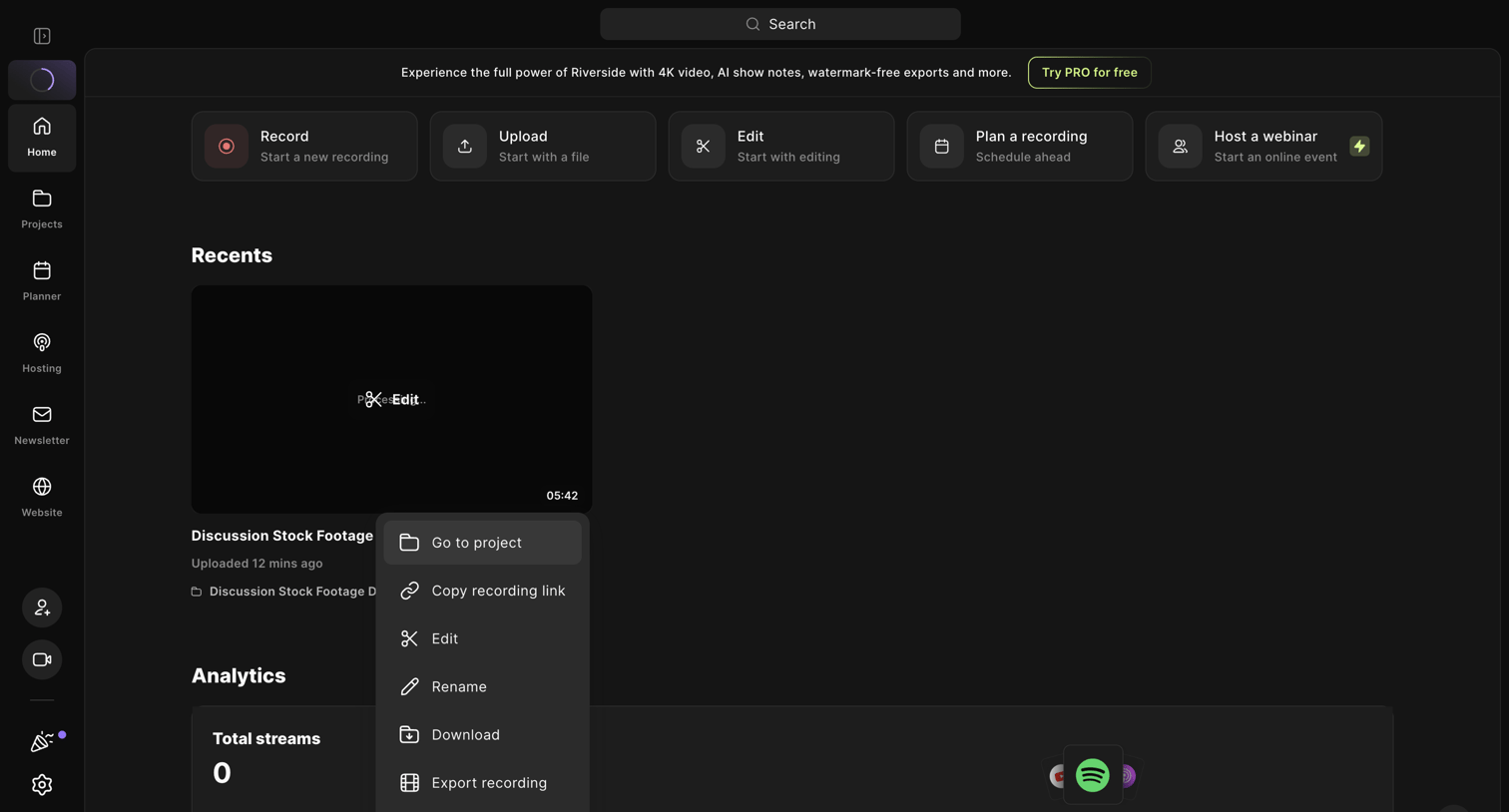

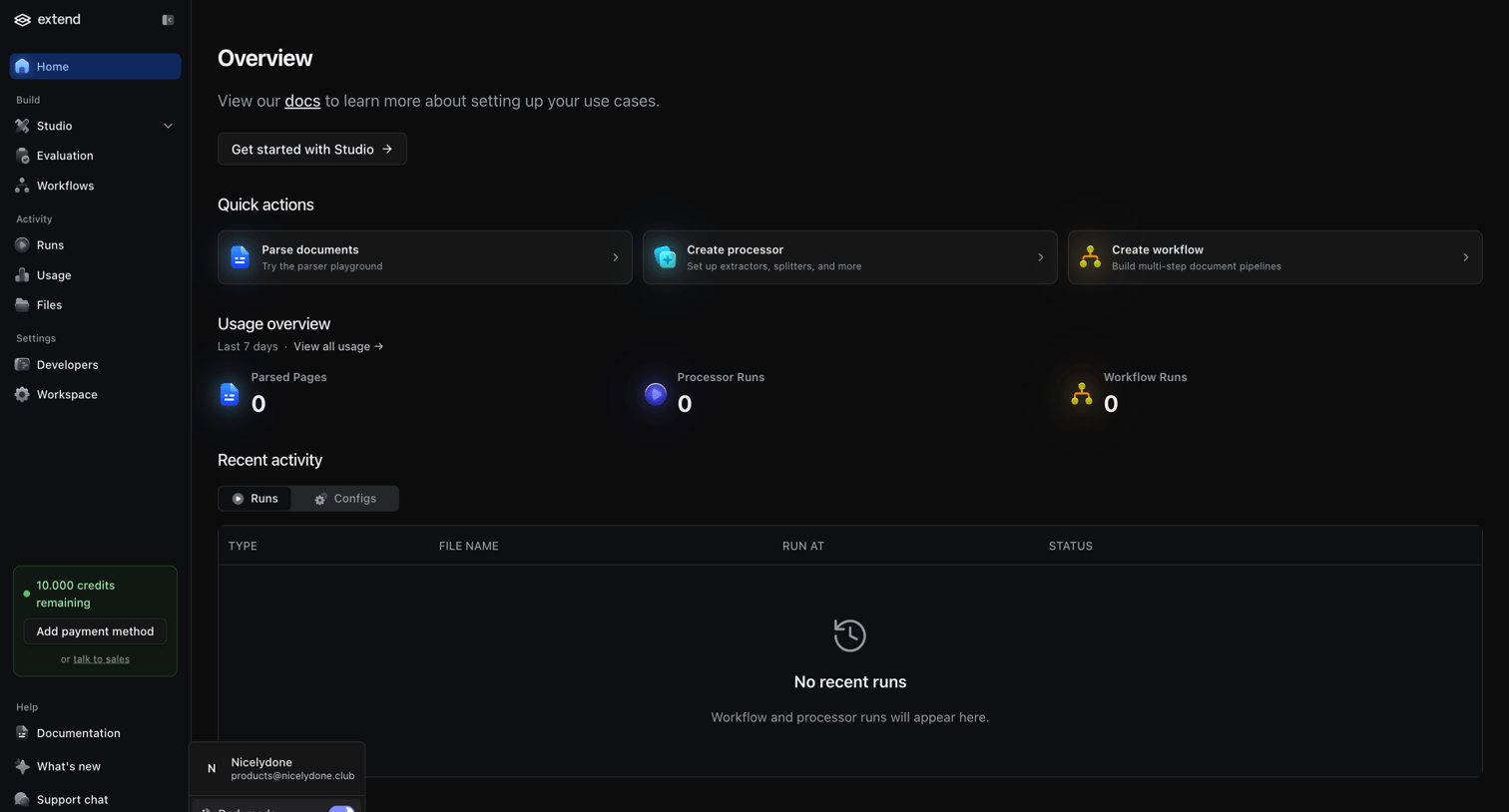

Dashboard start screen showing quick actions for document parsing and workflow creation, alongside zero-state usage metrics and an empty recent activity table.
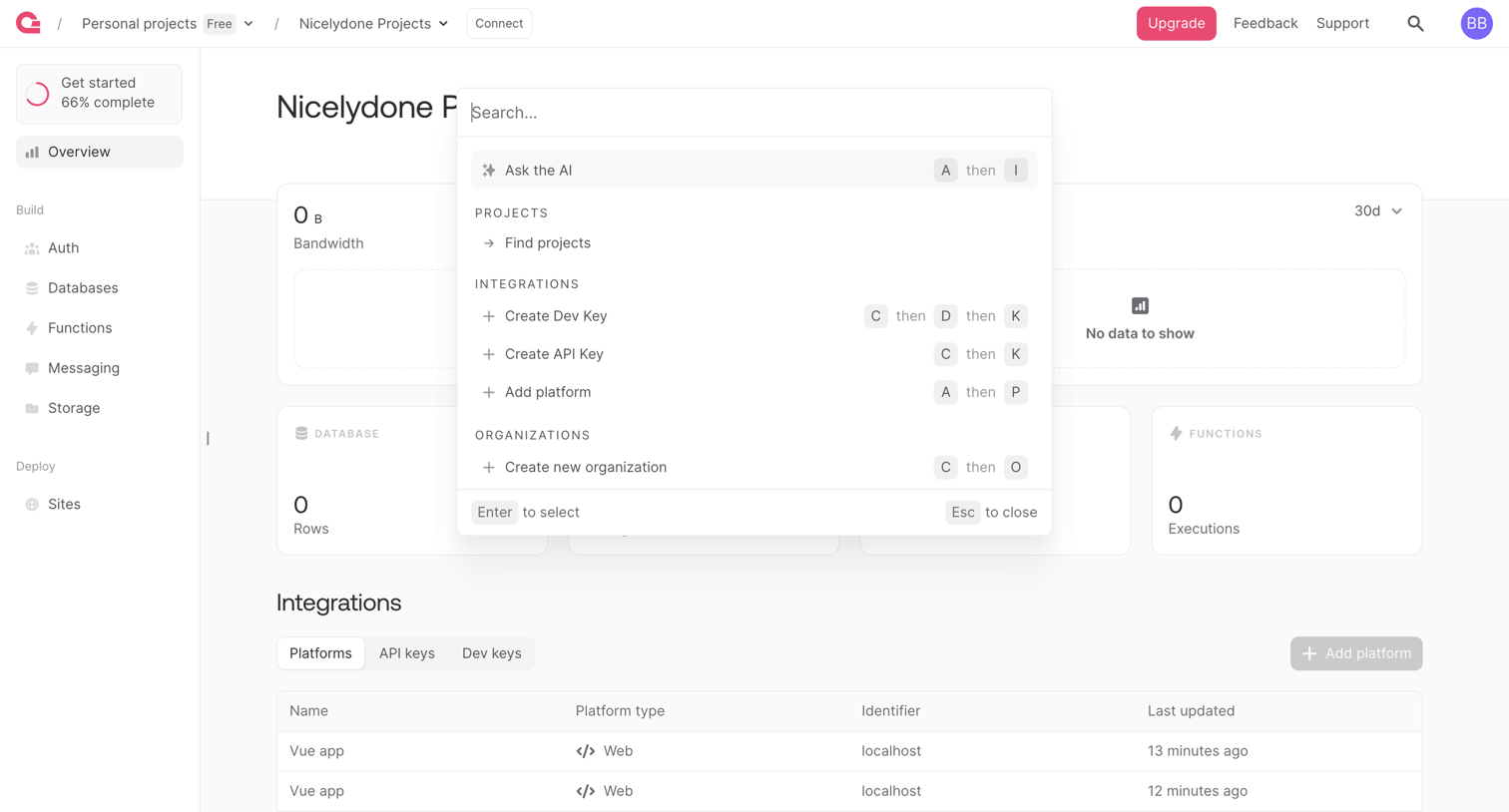

Project dashboard overview showing bandwidth and execution metrics, with a global command palette open for quick navigation and actions.
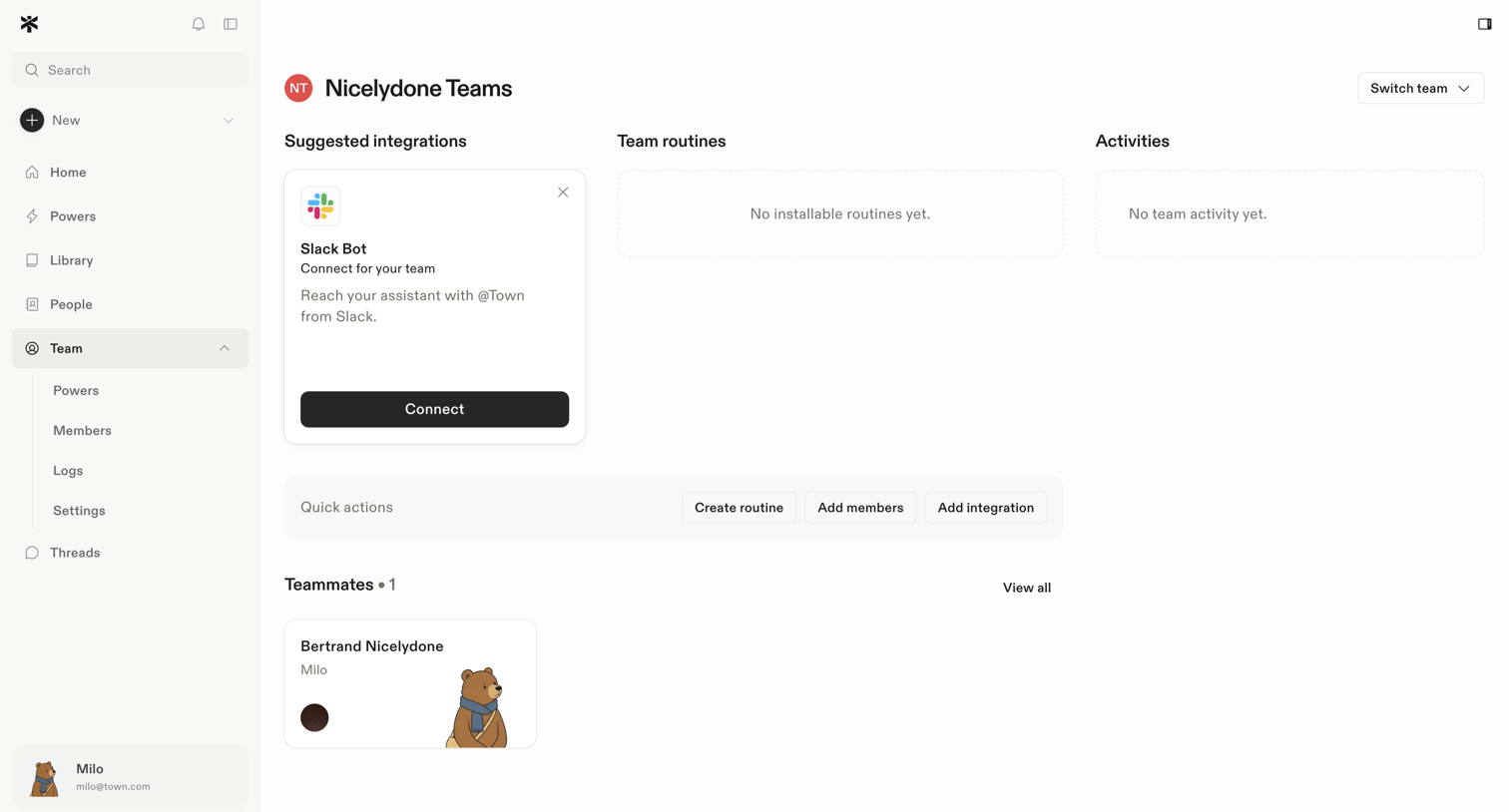

Team dashboard showing a suggested Slack integration, empty states for routines and activities, a quick actions toolbar, and a list of current teammates.
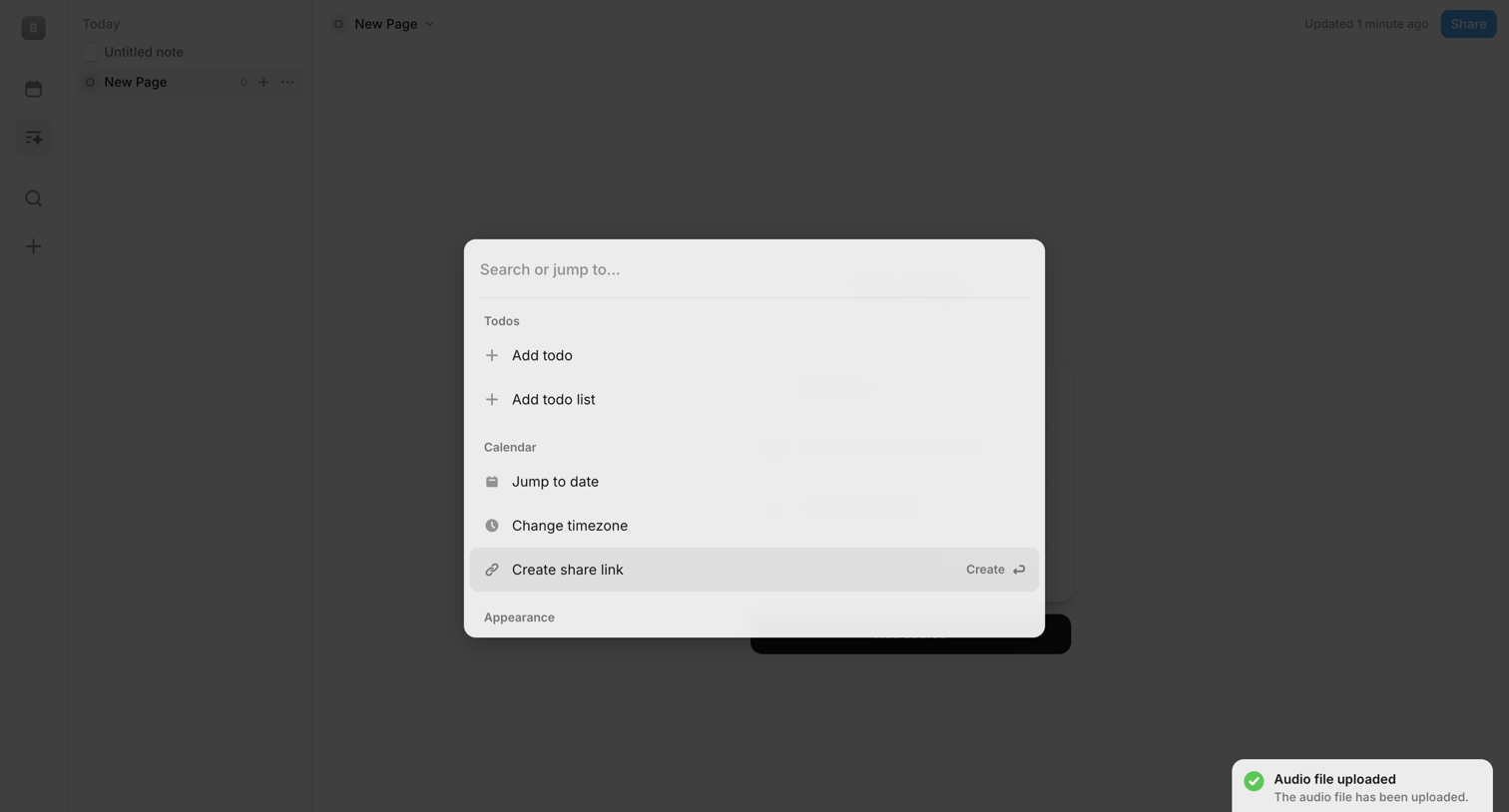

Search overlay where the user can jump to actions like adding a todo, changing timezone, or creating a share link.
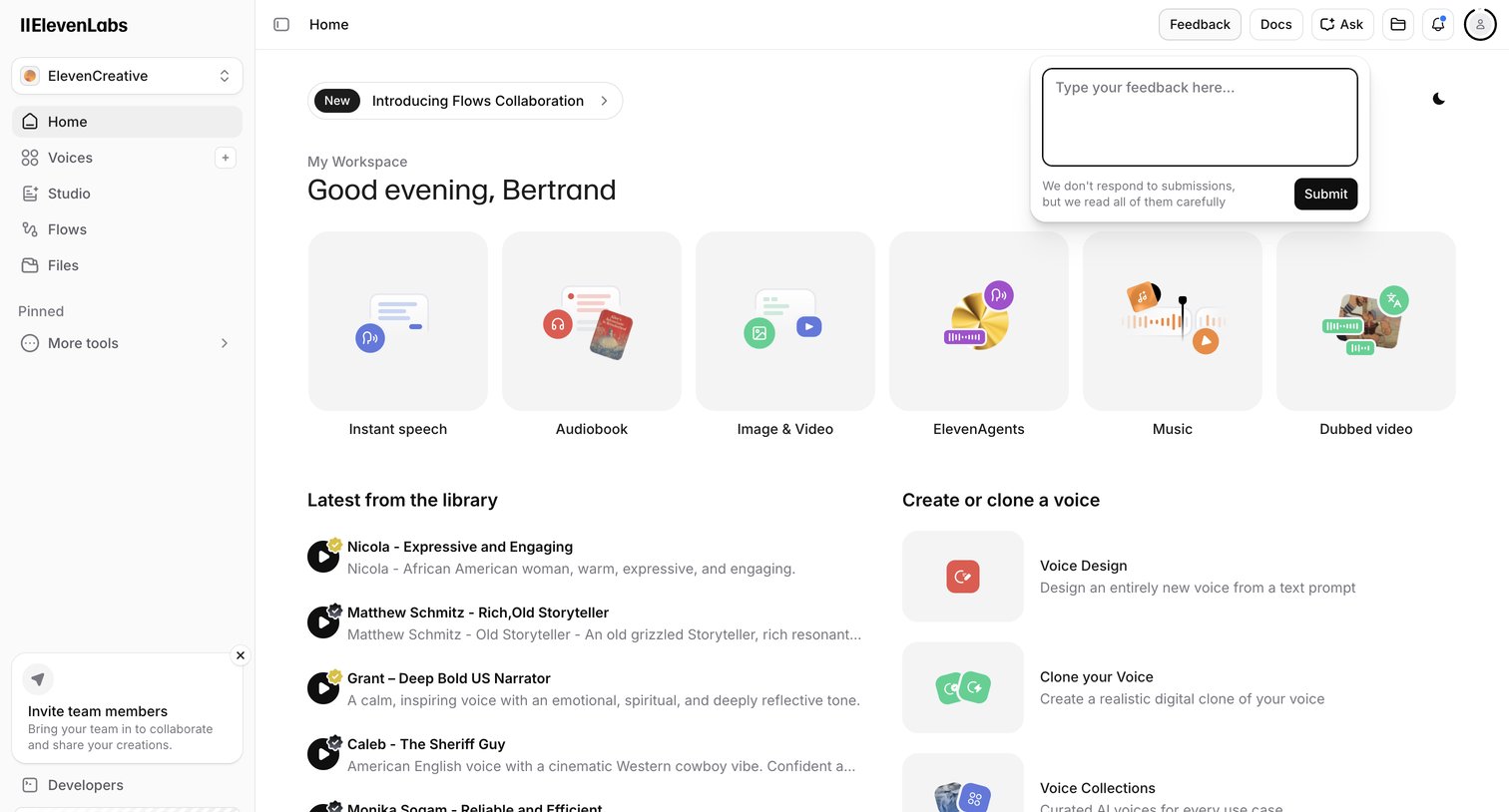

Home screen where the user can start new audio projects, browse the voice library, or create a custom voice.
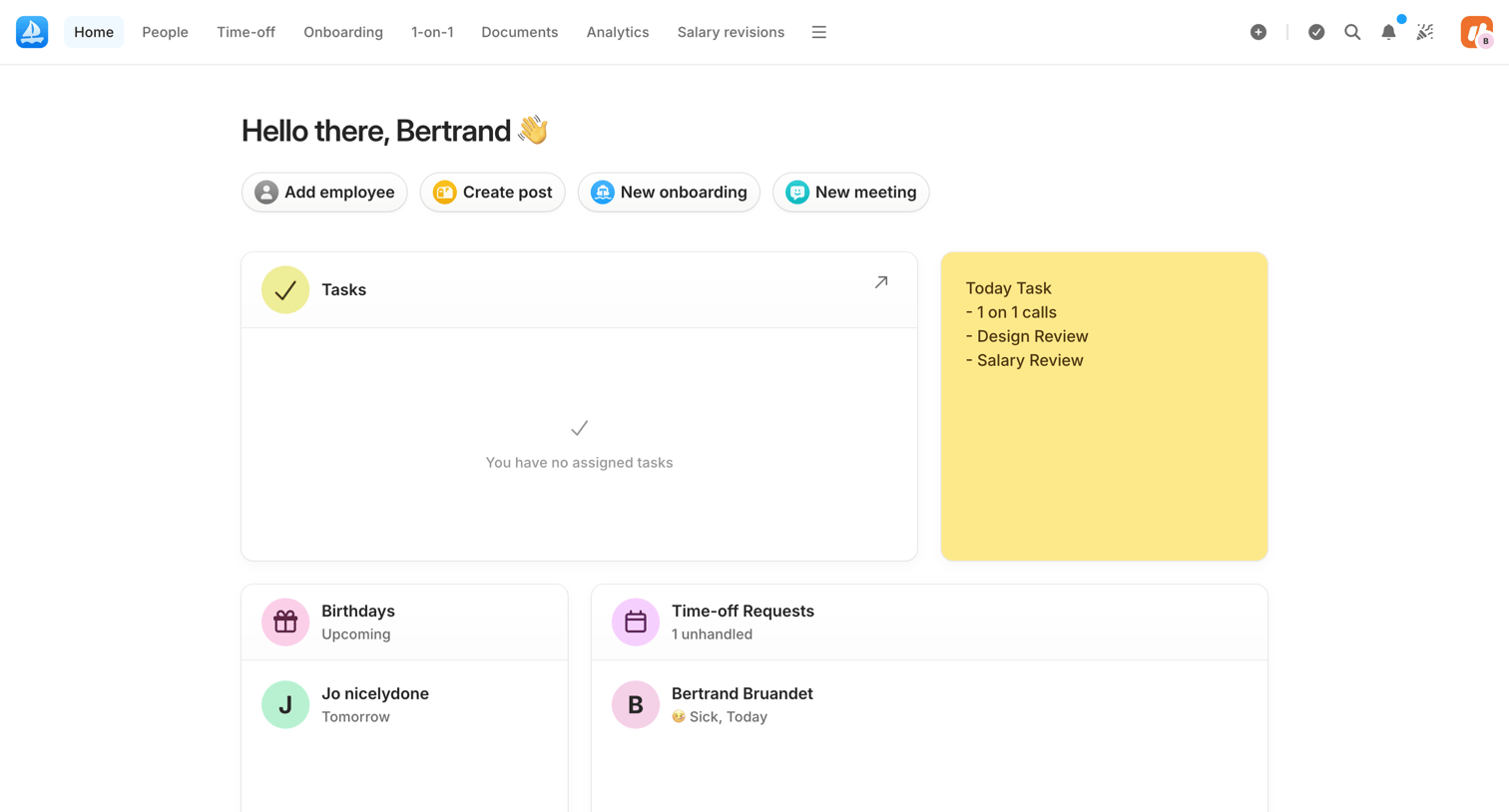

Home dashboard where an admin views upcoming birthdays, time-off requests, and accesses quick actions to add employees or create posts.
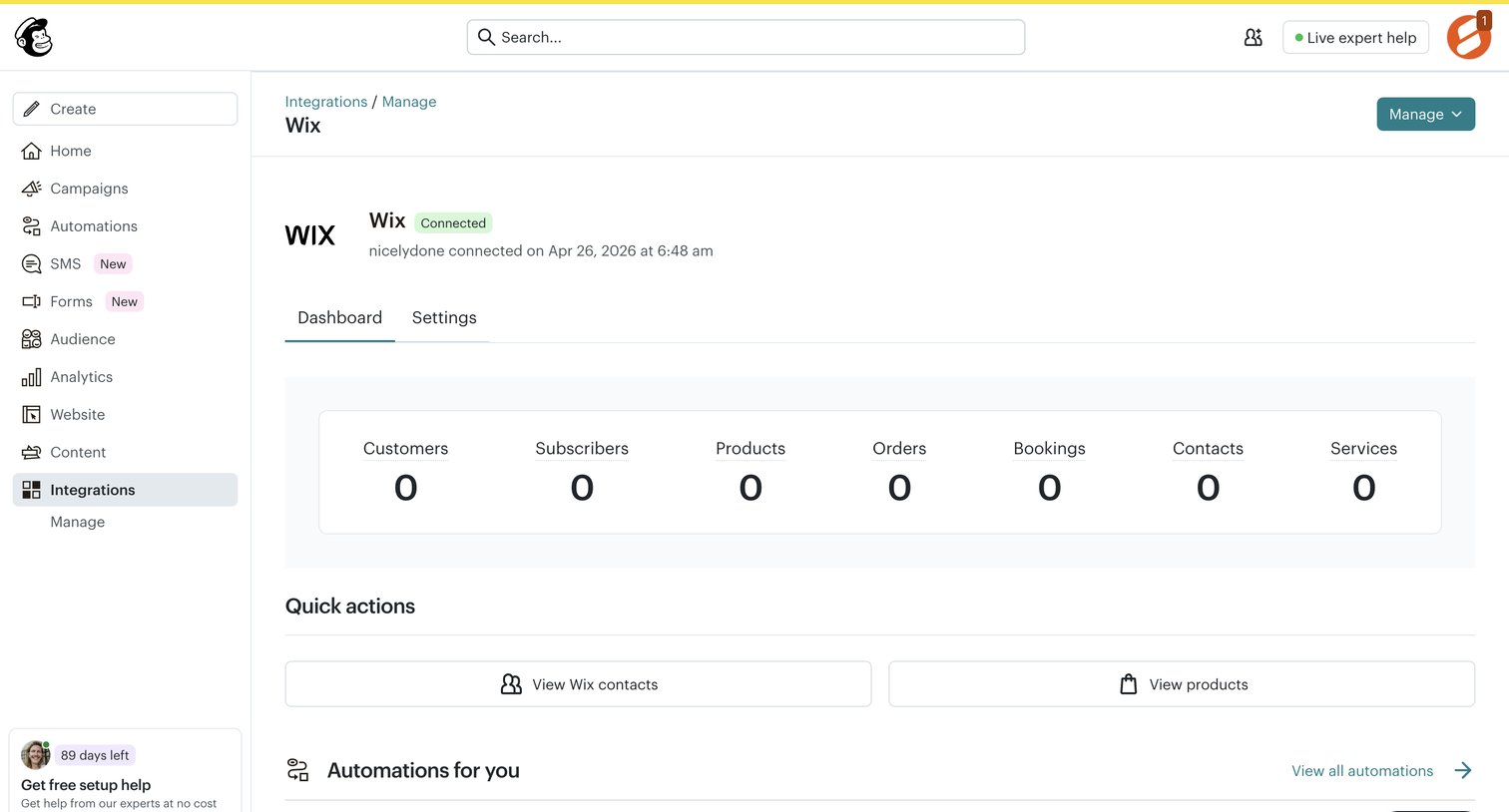

Detail page for a connected Wix integration displaying synced metrics like customers and orders, along with quick actions and suggested automations.
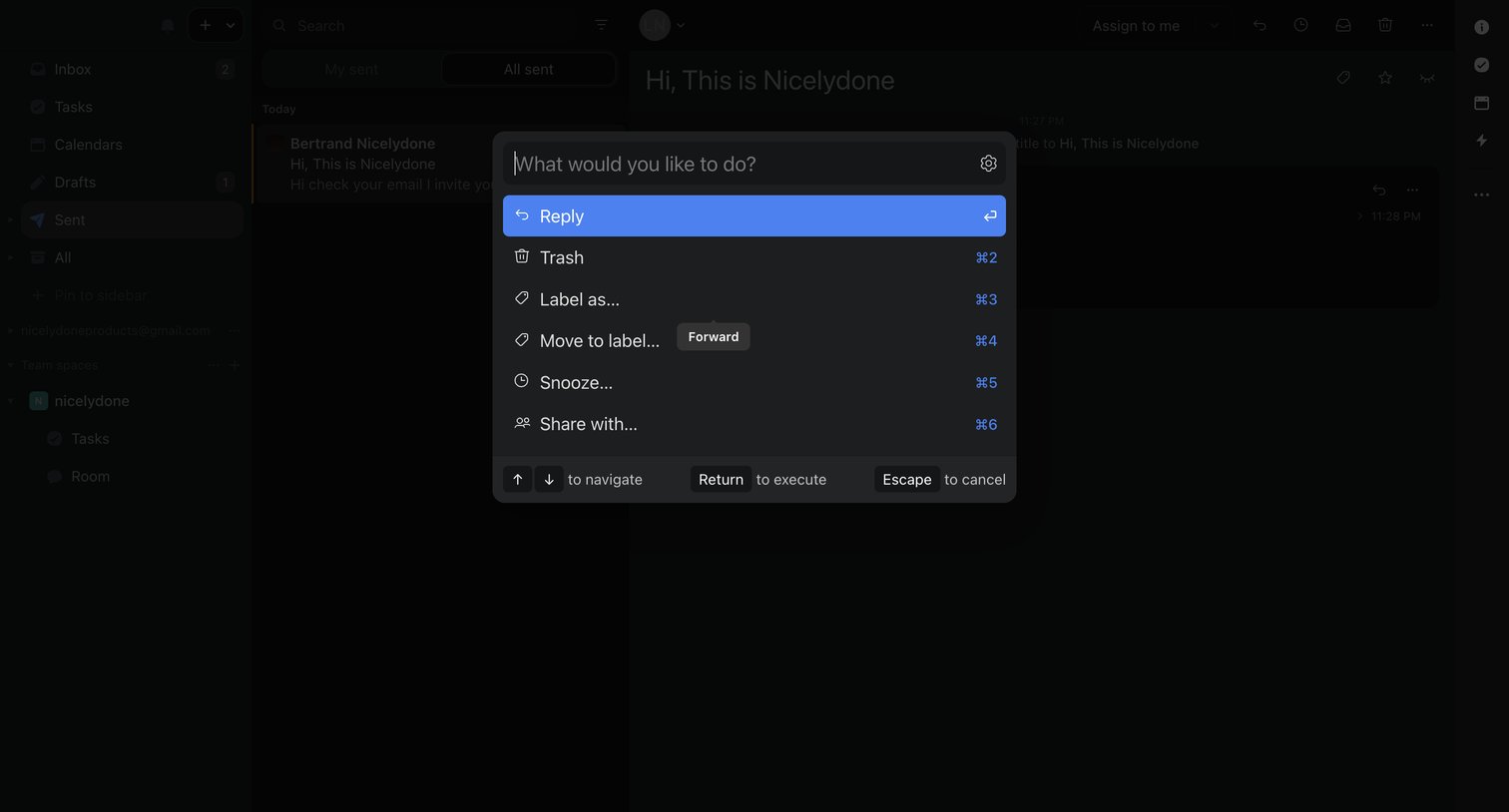

Inbox view where the user has opened a command palette to quickly execute actions like reply, trash, or label on a selected message.
Explore the full SaaS screen library
Upgrade to unlock the full library.
Trusted by the best teams







