Progress tracking screen examples
Progress tracking screen design examples from SaaS apps. See how interfaces communicate progress through a task or process. Explore how bars, labels, and completion states present what is finished and what remains.
Explore the examples
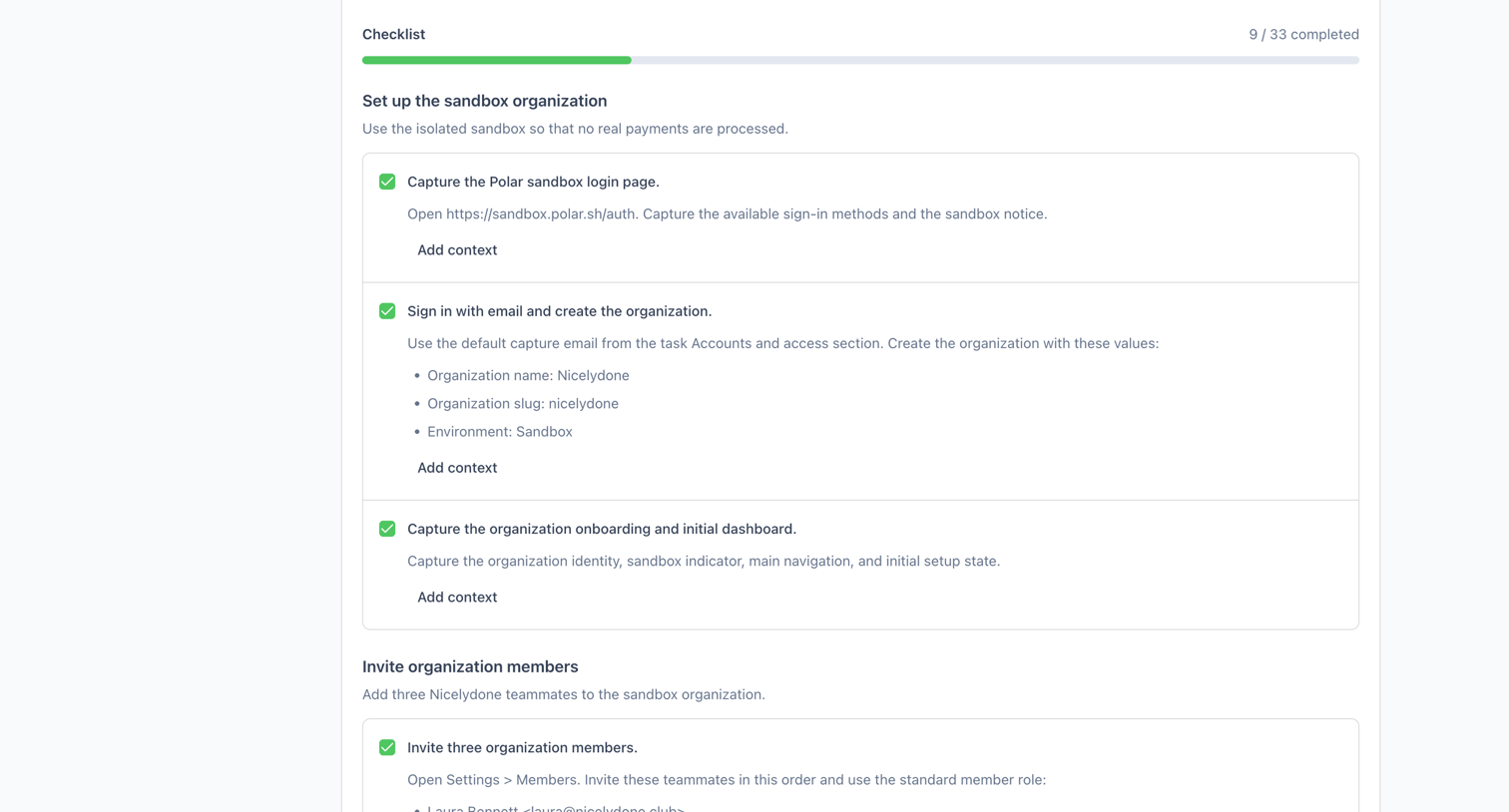

Dashboard view of a sandbox setup checklist where the user reviews completed tasks for organization creation and member invitations.
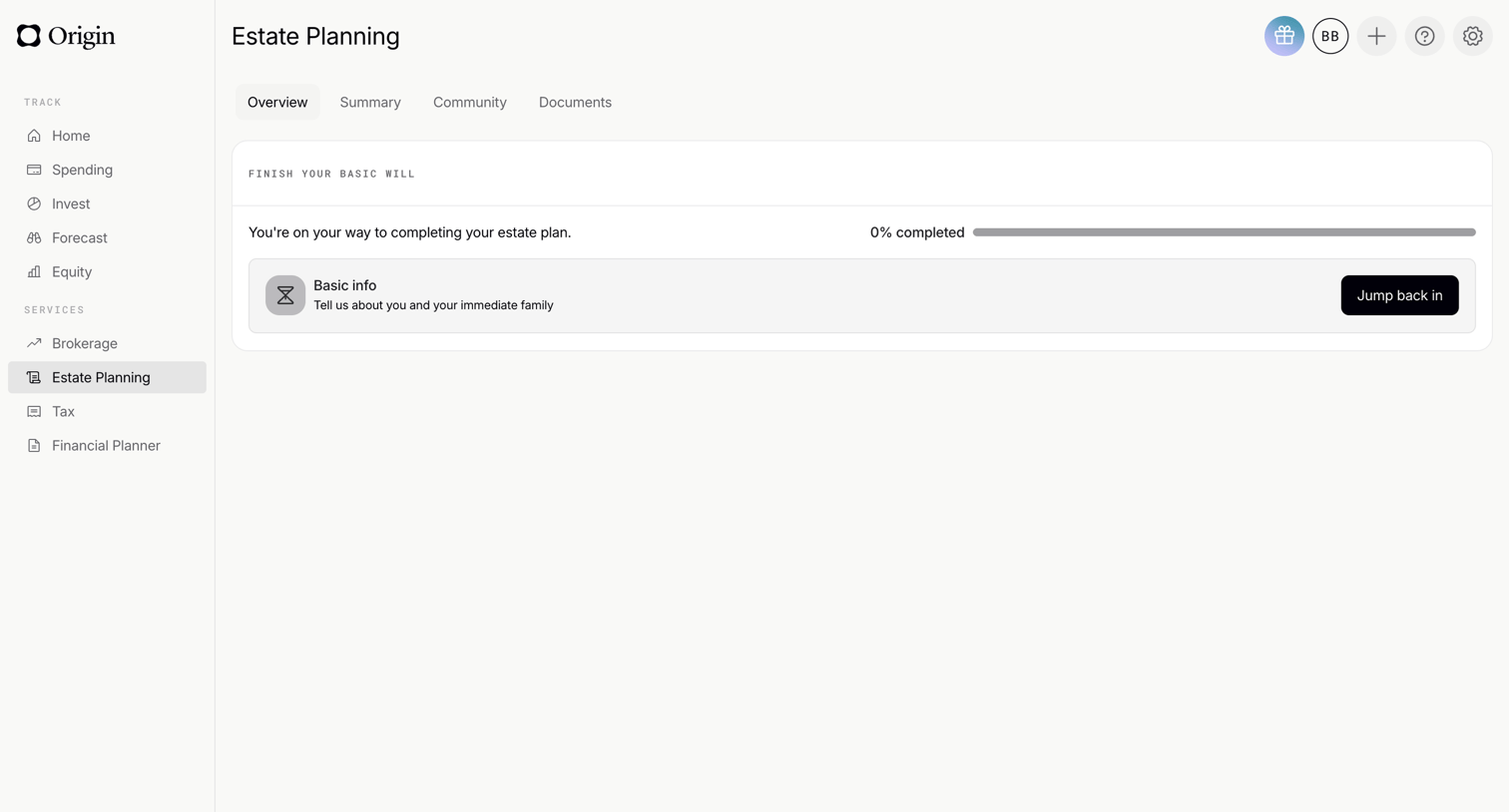

Dashboard overview where the user can track their progress and resume setting up their basic will.
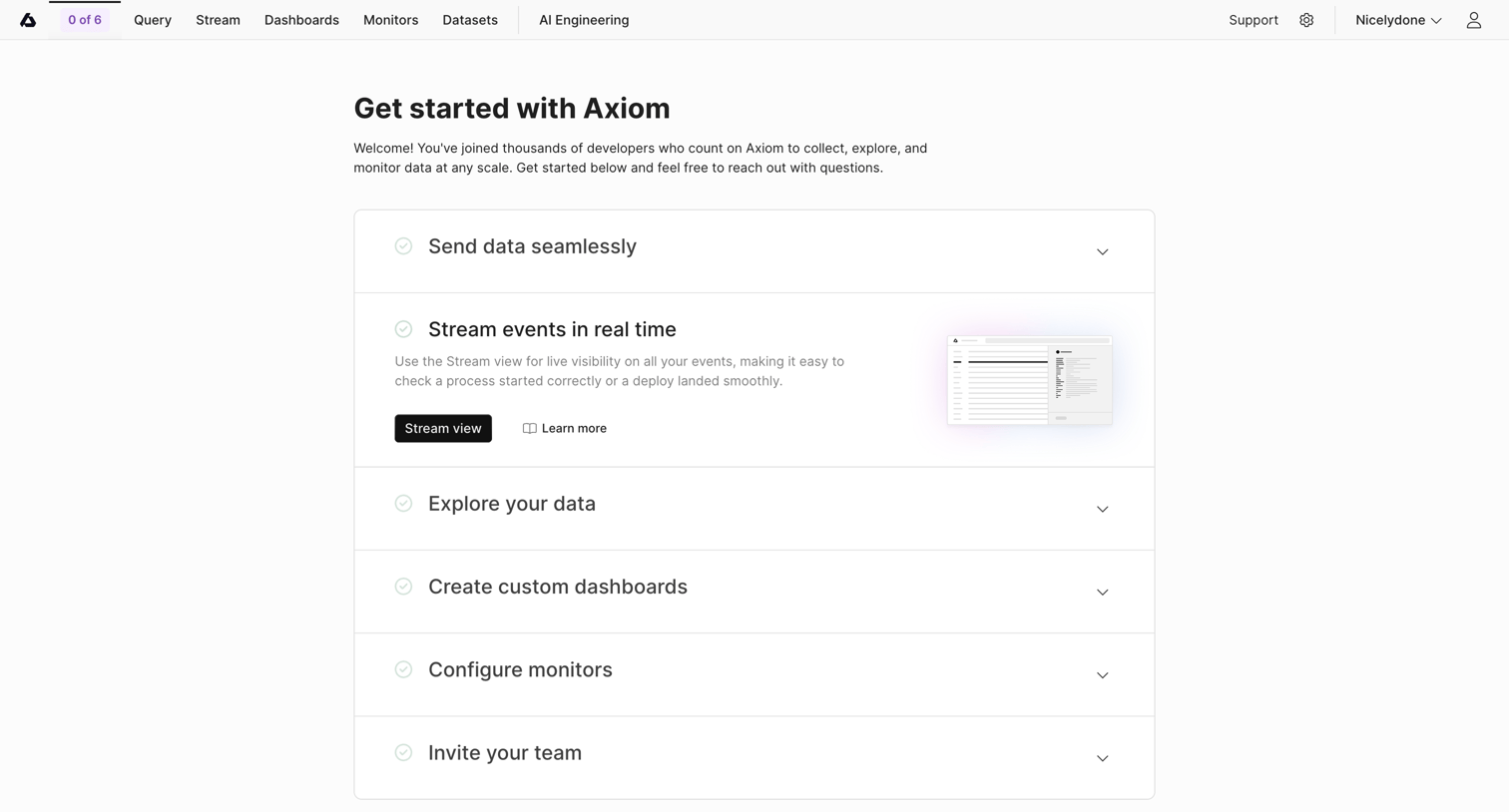

Onboarding screen where the user follows a checklist to send data, stream events, explore data, create dashboards, configure monitors, and invite their team.
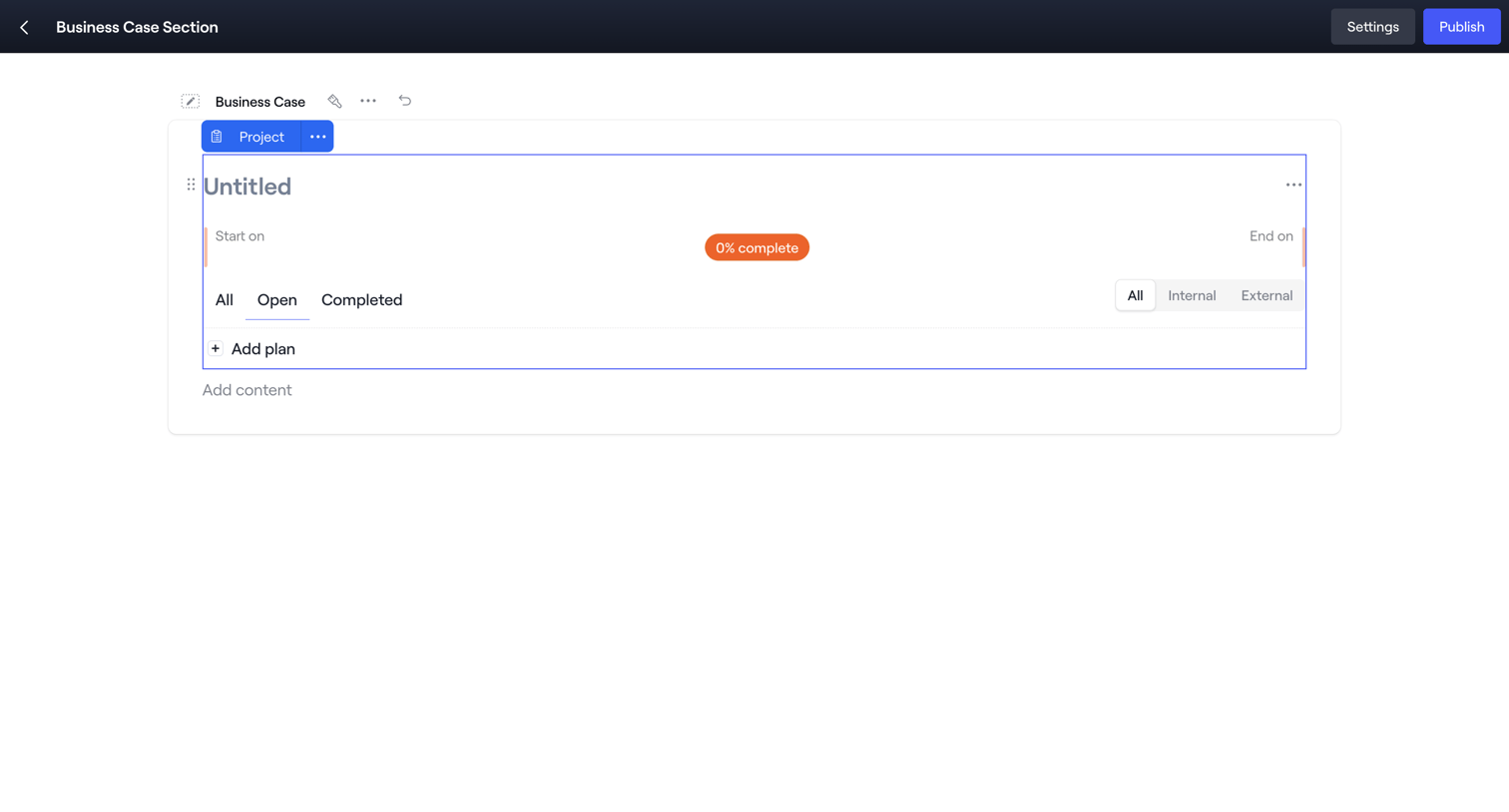

Content editor where the user is building a business case section, currently focusing on a project block with task filters and a progress indicator.
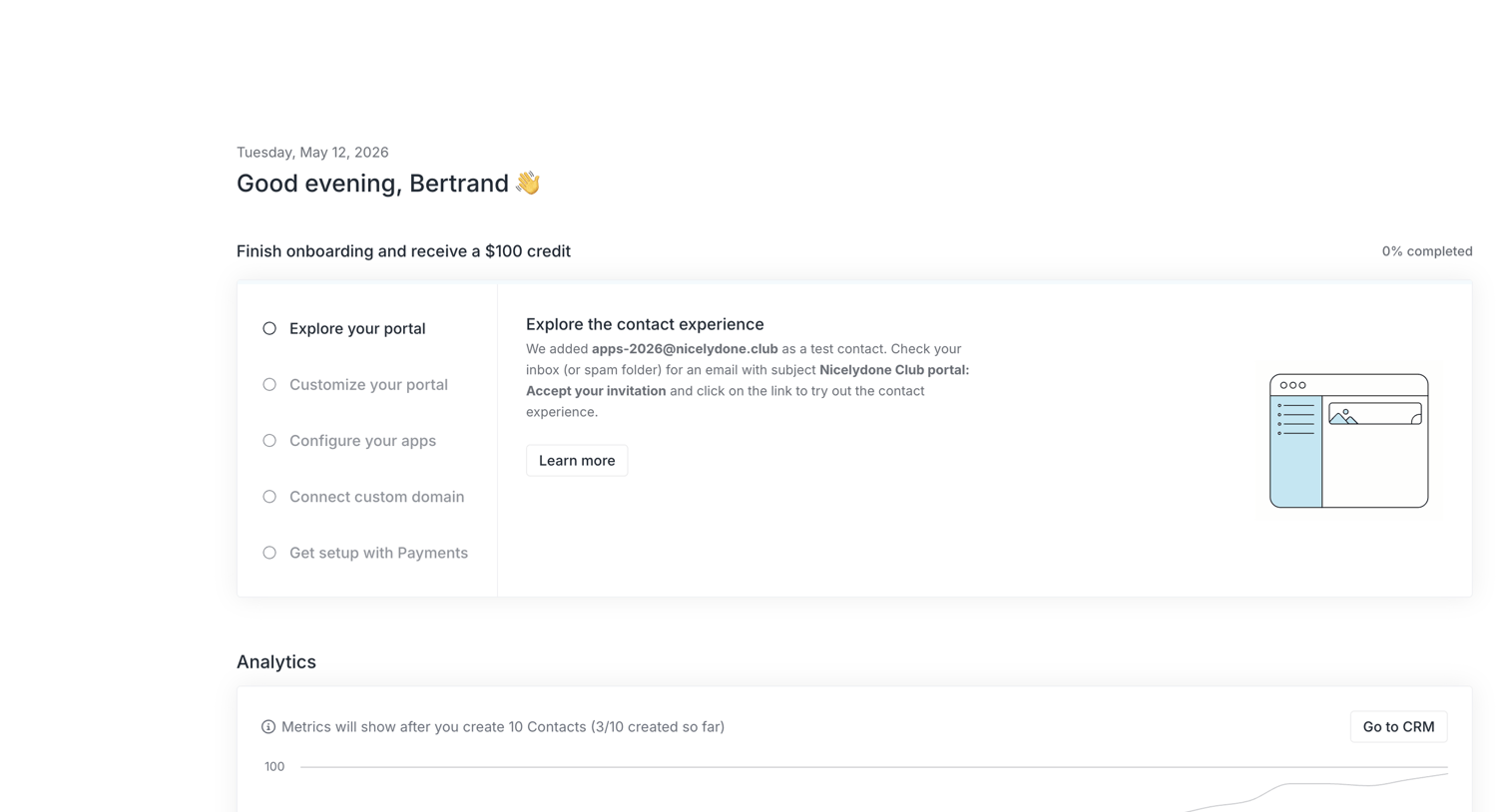

Dashboard featuring a setup checklist to earn a credit and an empty analytics section waiting for contact creation.
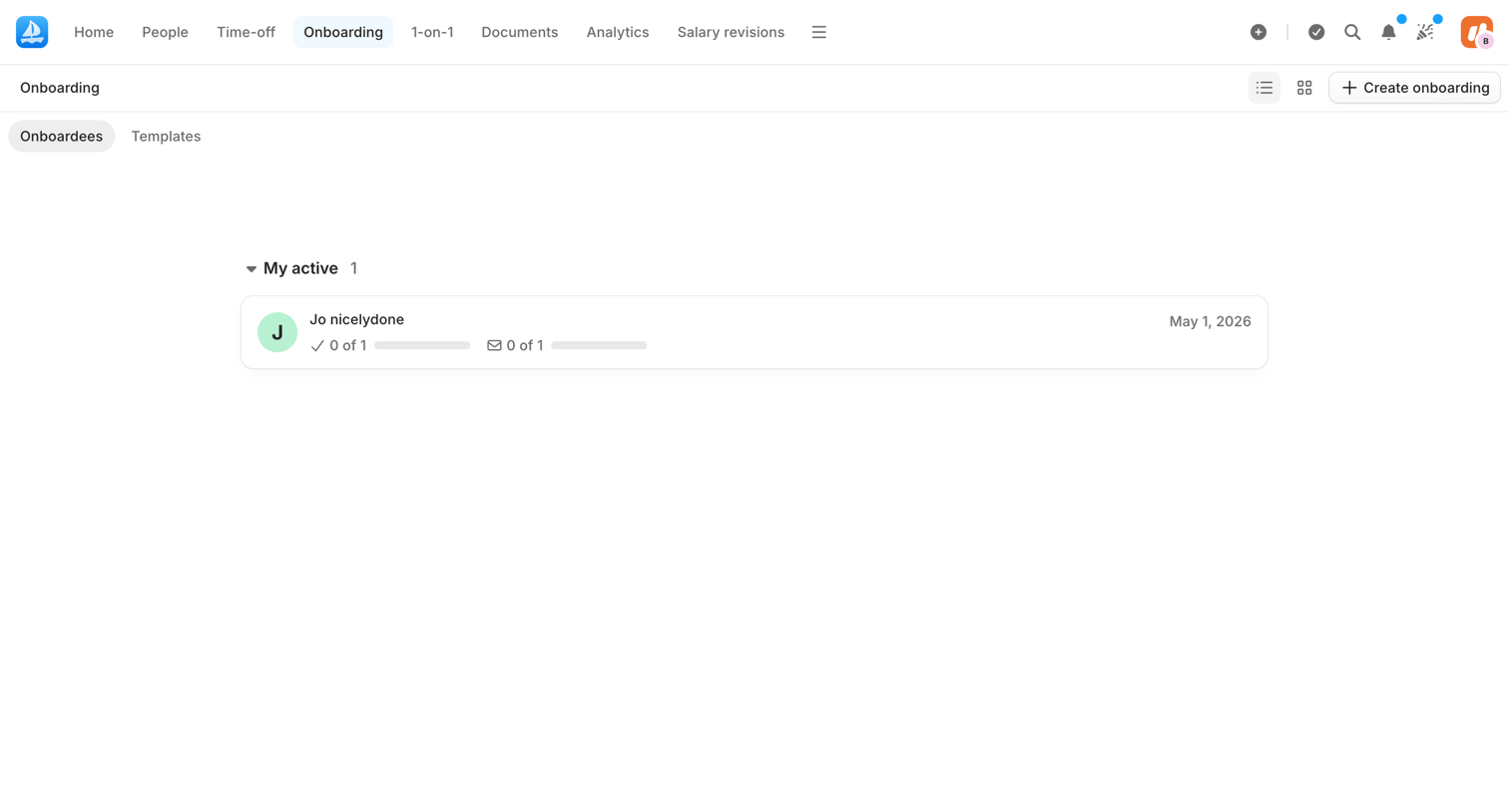

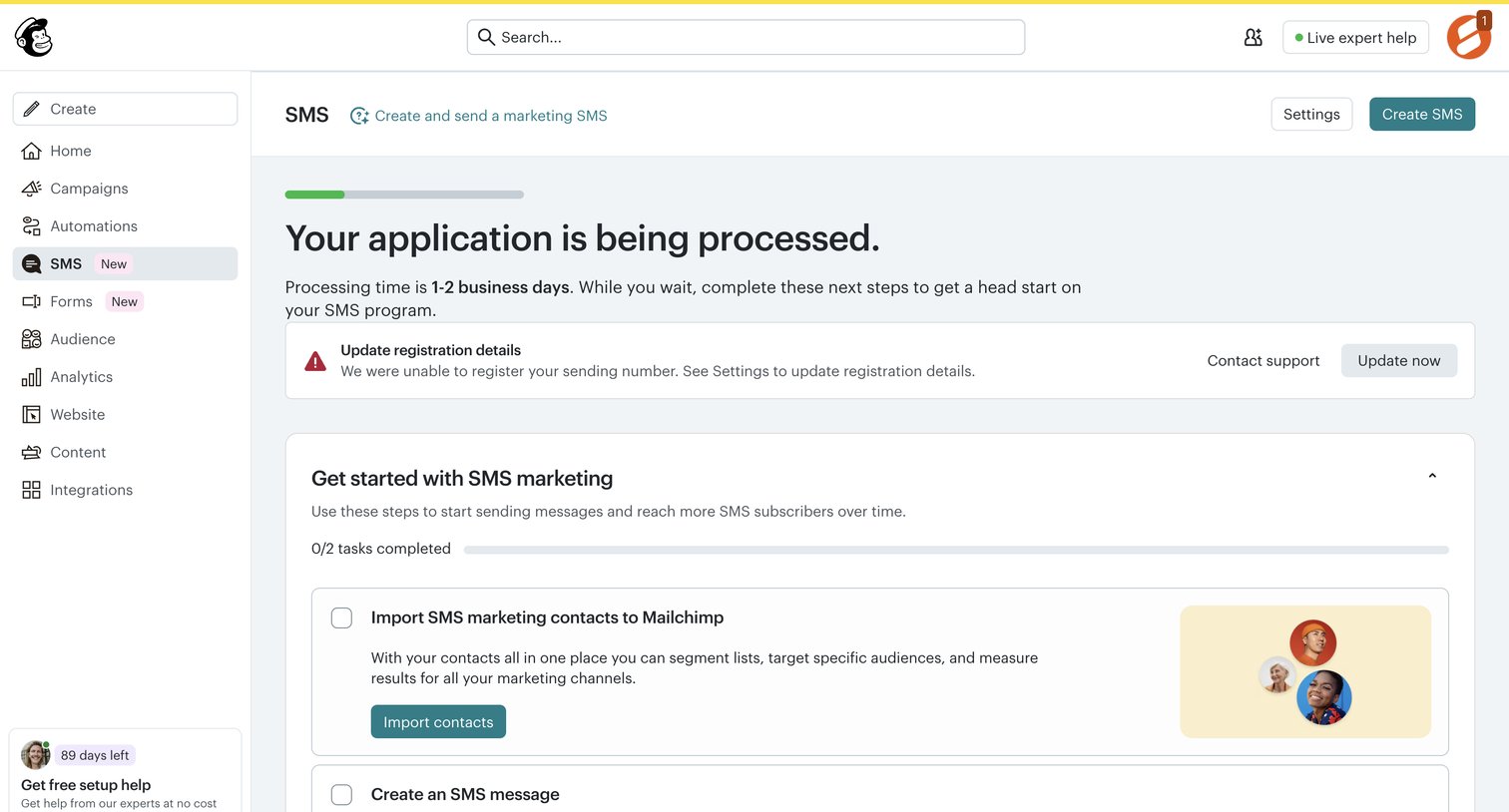

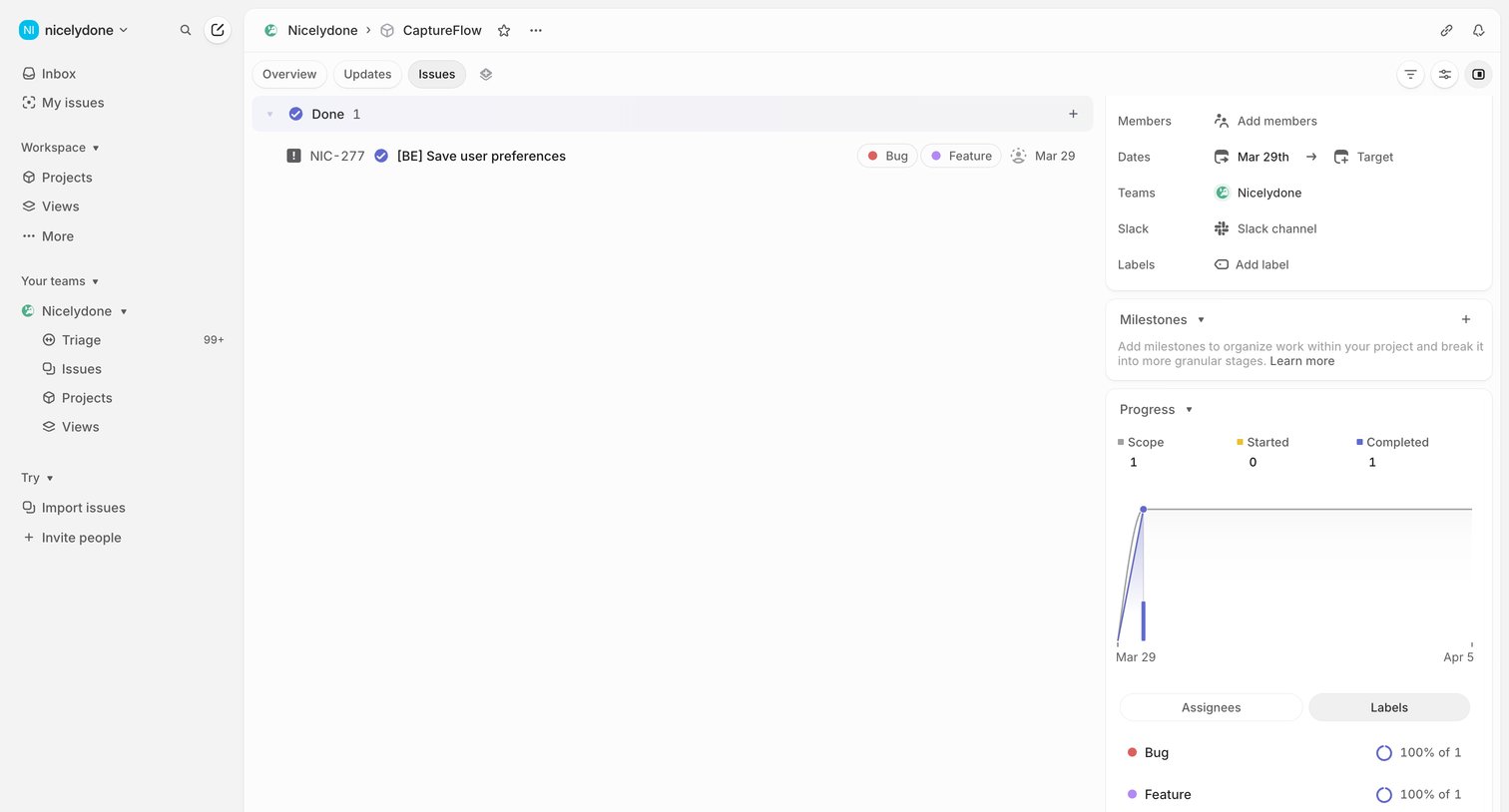

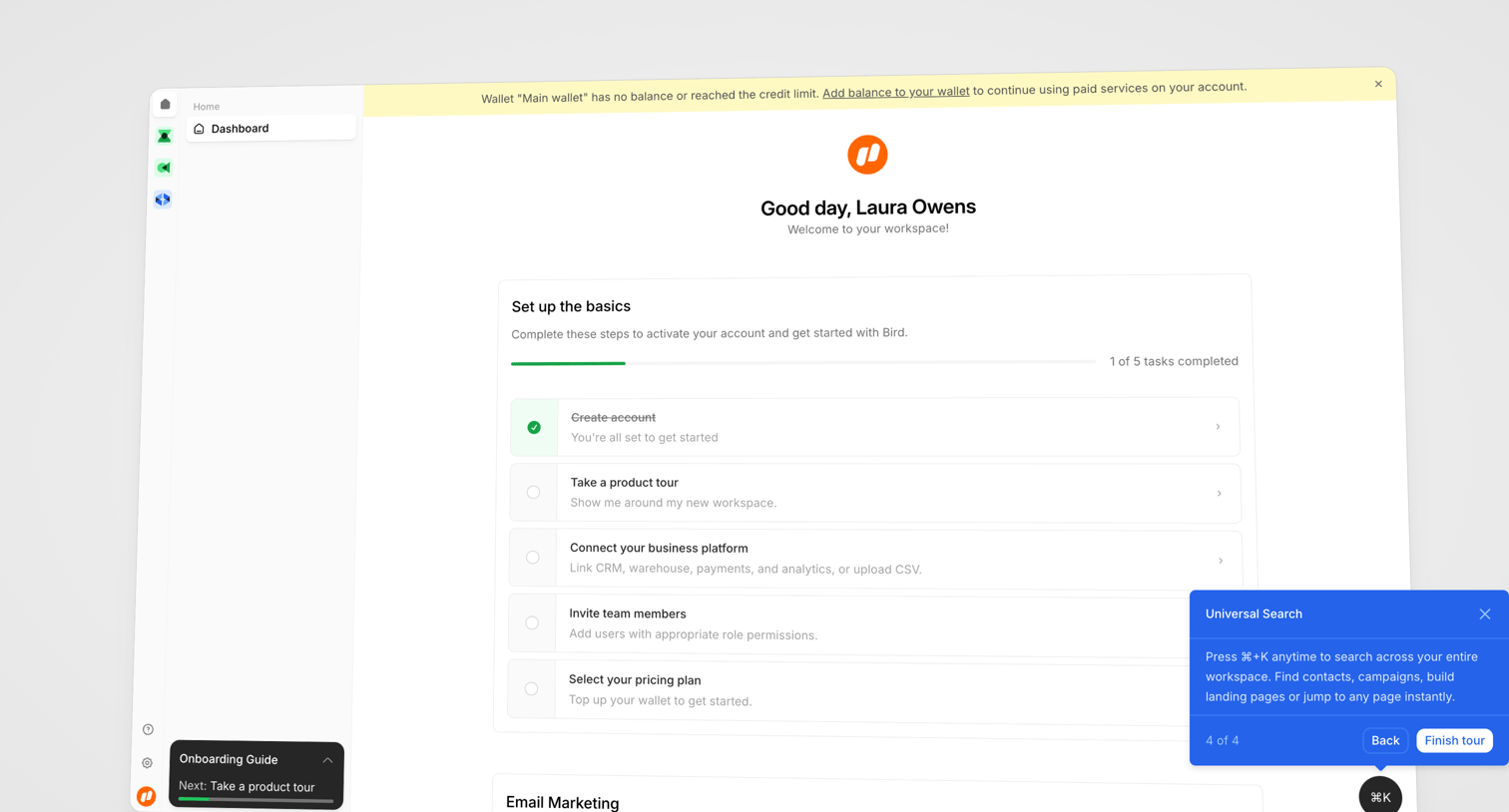

Dashboard where a new user is guided through a setup checklist to activate their account and complete a product tour.
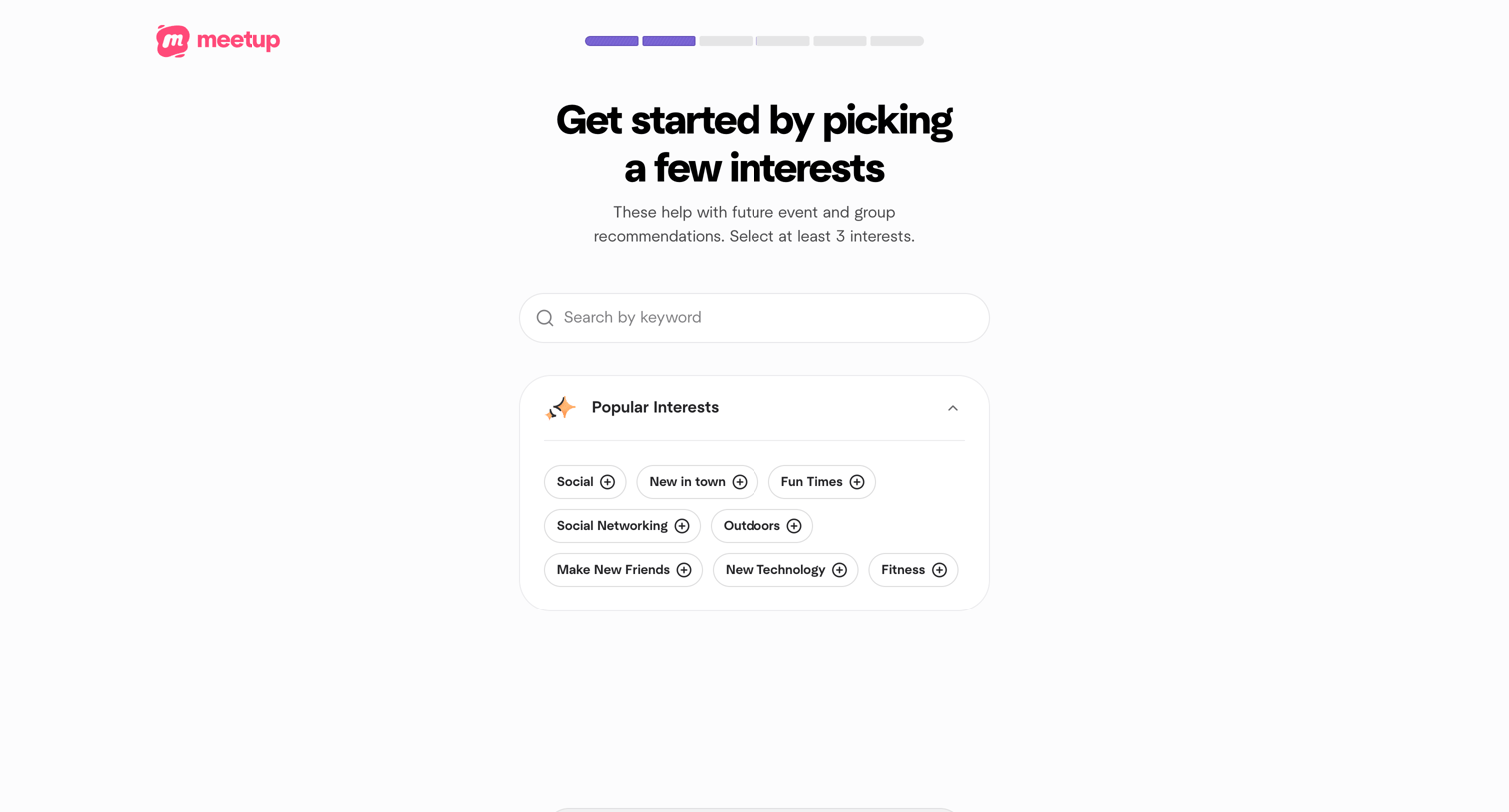

Onboarding step where the user searches for or selects at least three interests like Social or Fitness to personalize their group recommendations.


Explore the full SaaS screen library
Upgrade to unlock the full library.
Trusted by the best teams








About Progress tracking
See how interfaces communicate progress through a task or process. Explore how bars, labels, and completion states present what is finished and what remains.