Profile page screen examples
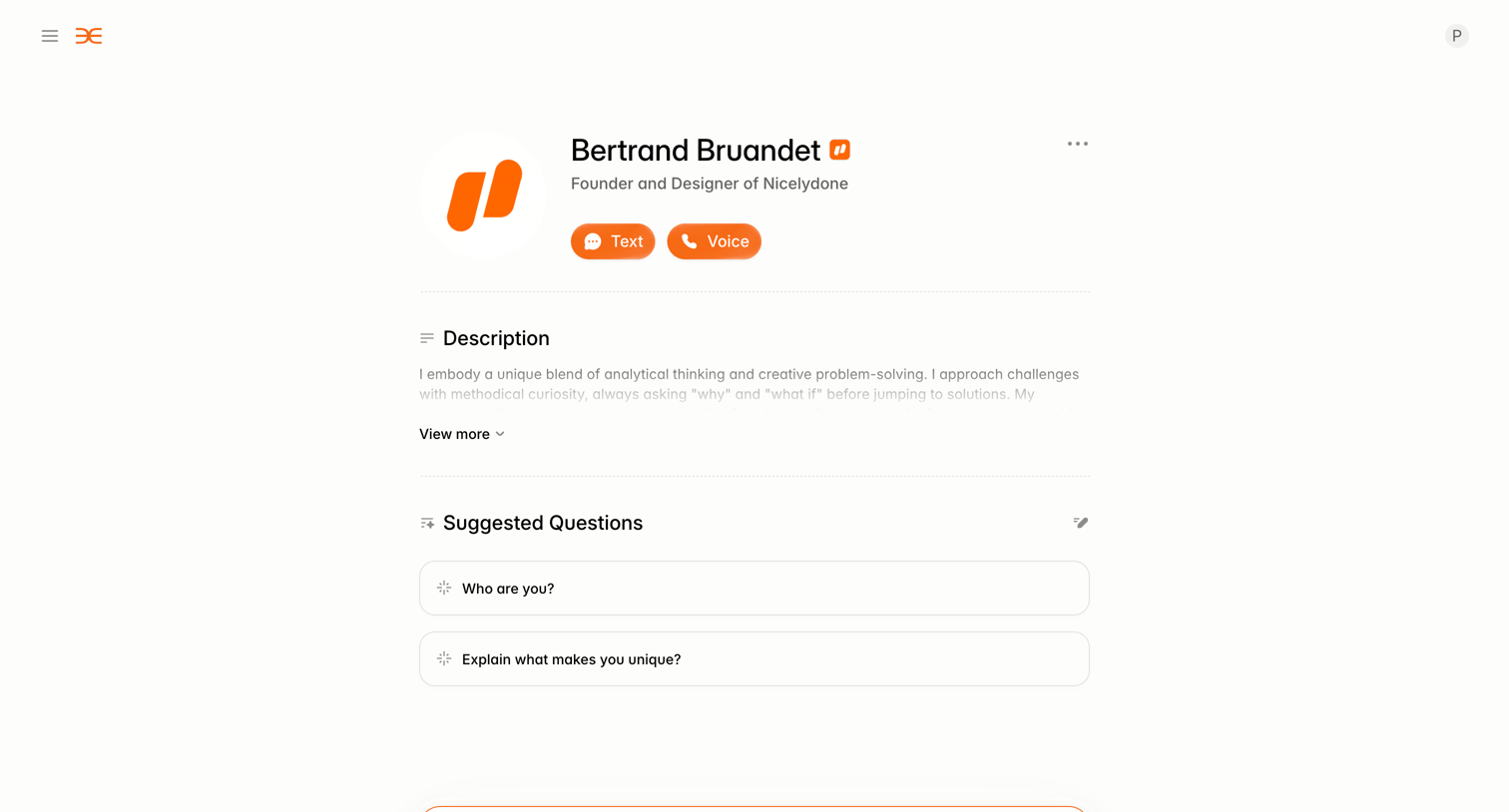
Profile page screen design examples from SaaS apps. See how apps present a person or account through a profile. Explore how identity details, activity, and available actions share space in viewing and editing…
Explore the examples
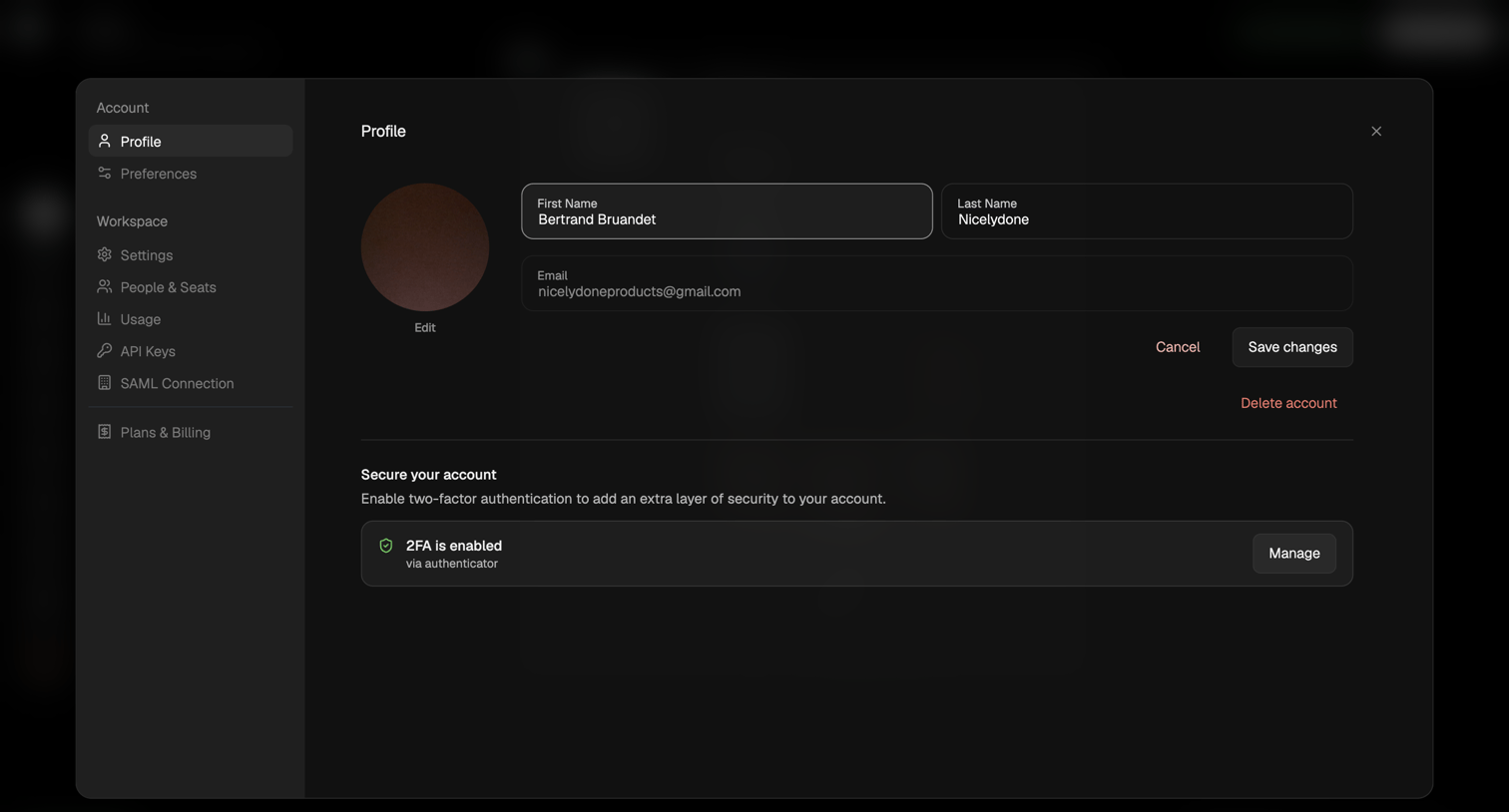

Settings modal where the user updates their name and email, and manages their two-factor authentication status.
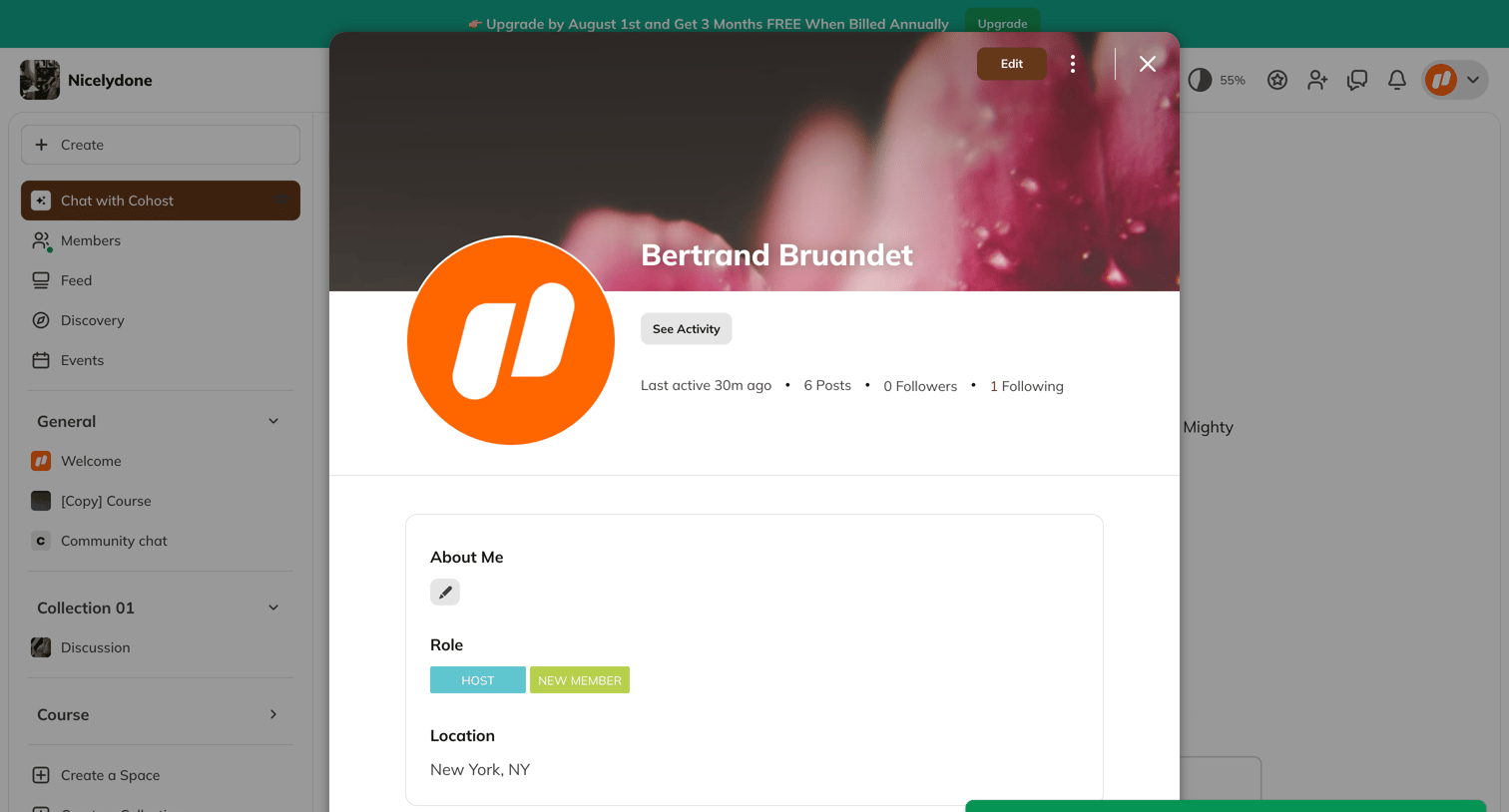

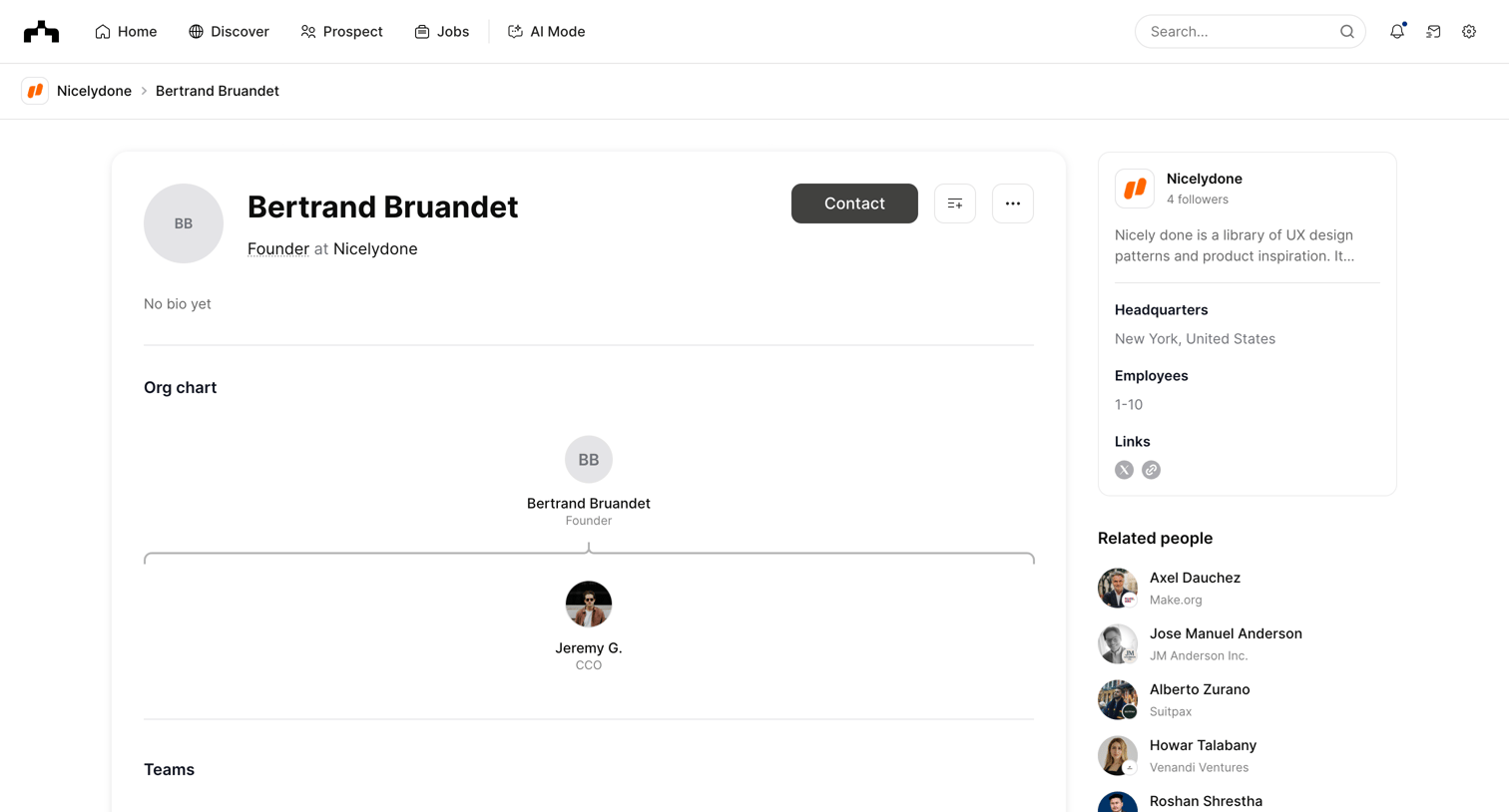

Profile detail page showing a user's position within an organization chart, along with company details and related people.
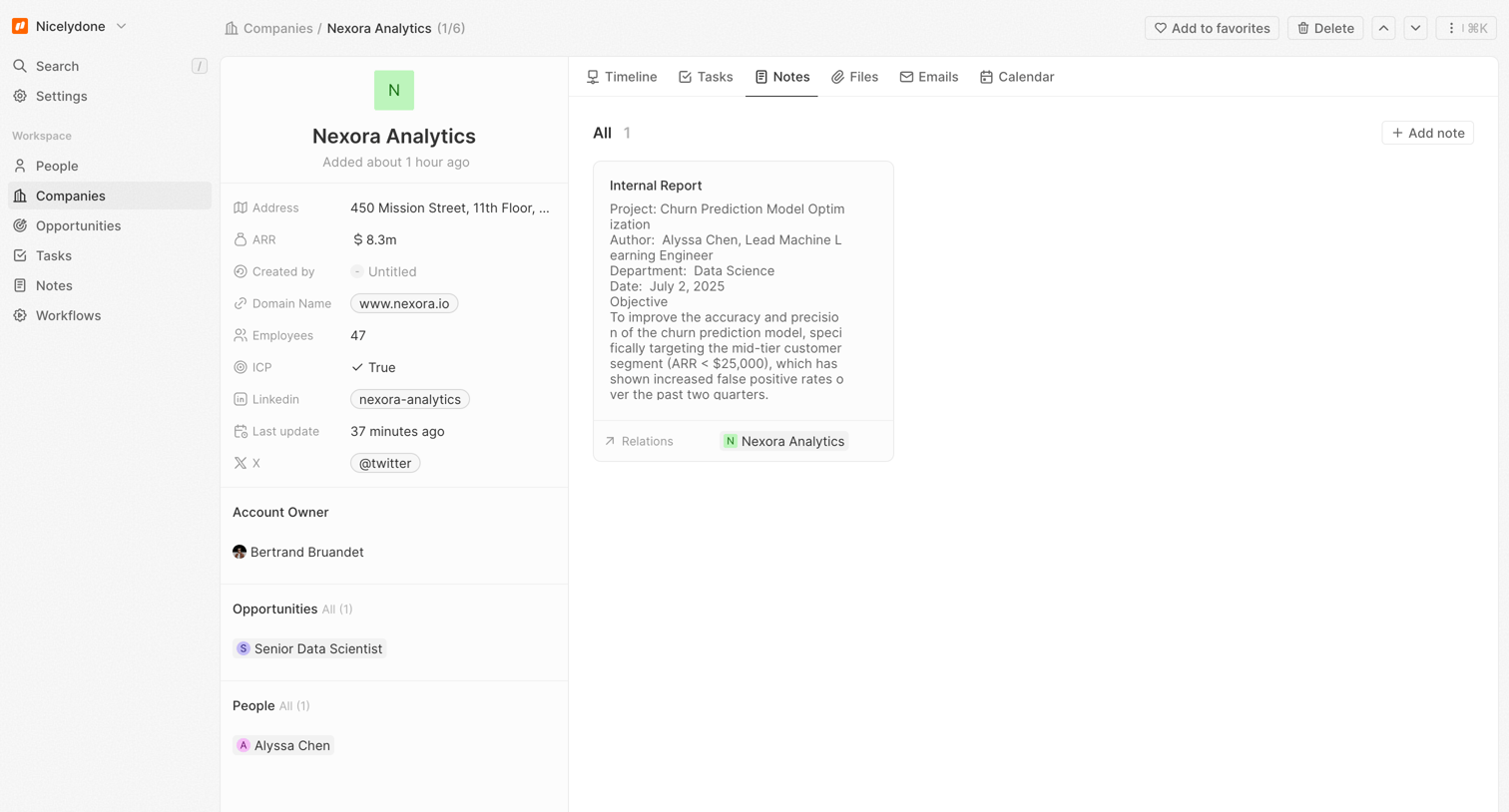

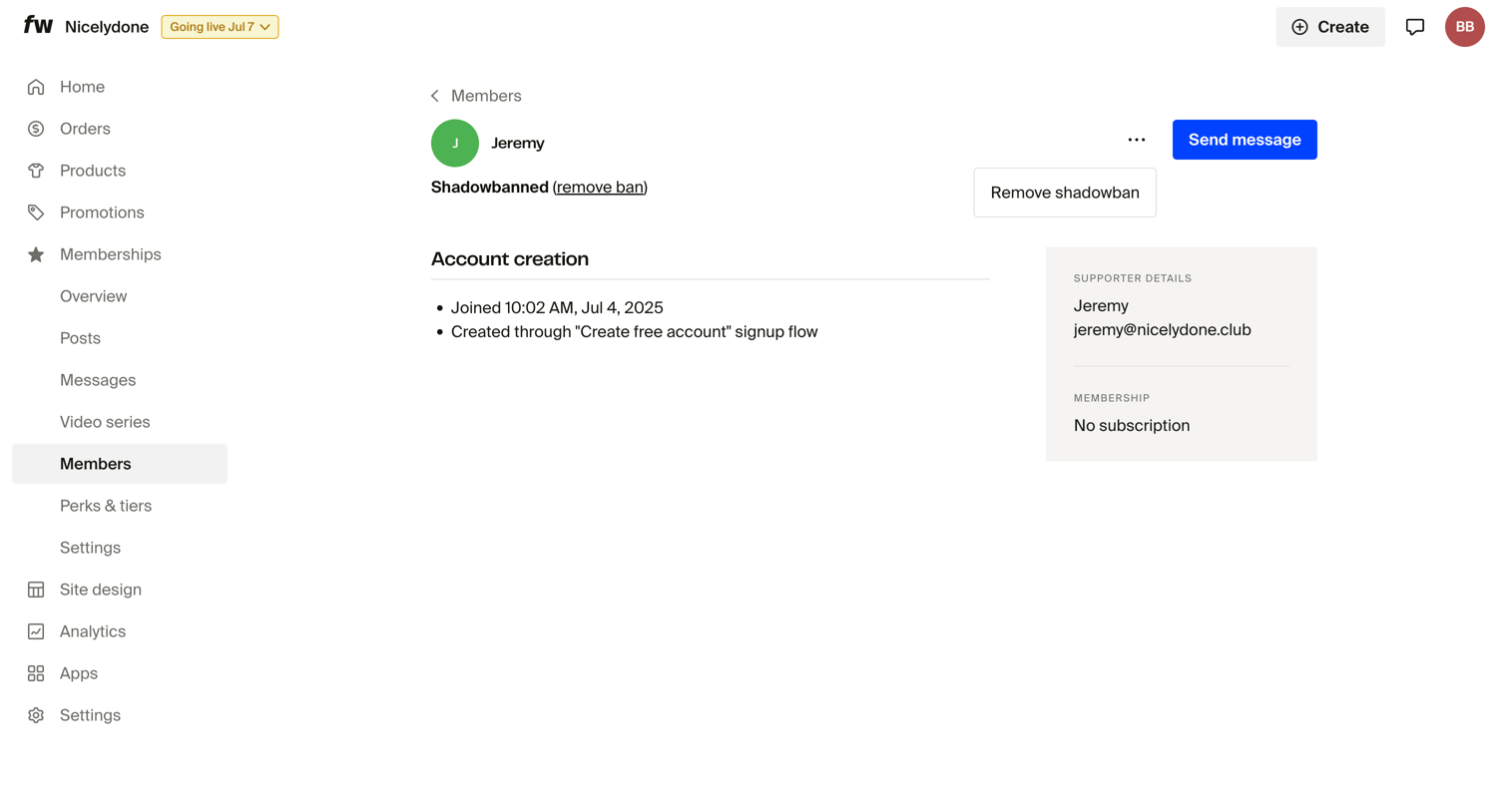

Detail page for a specific member where the user can view account creation details, check subscription status, send a message, or manage a shadowban.

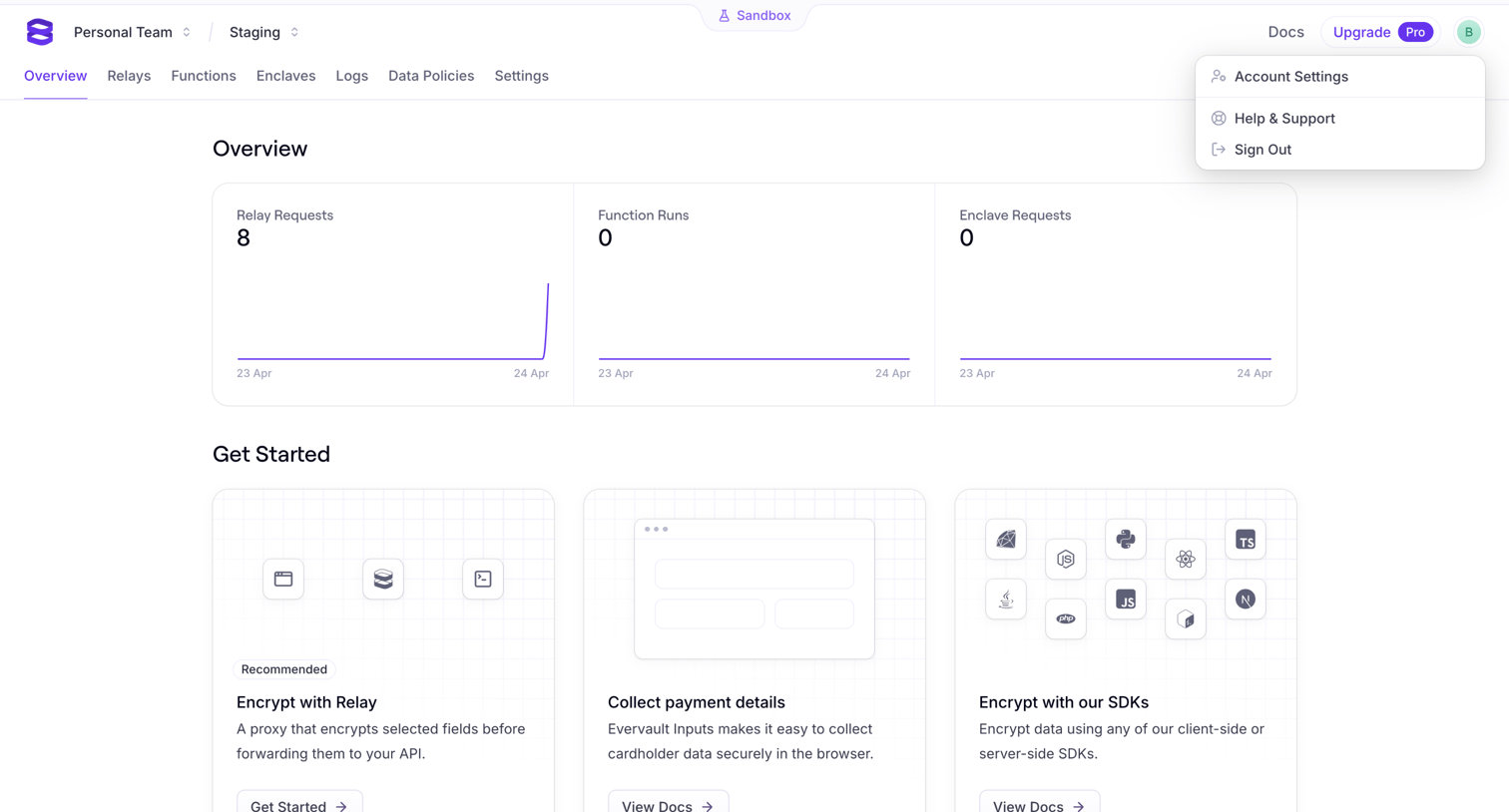

Dashboard showing request metrics across relays, functions, and enclaves, along with getting started guides for the staging environment.
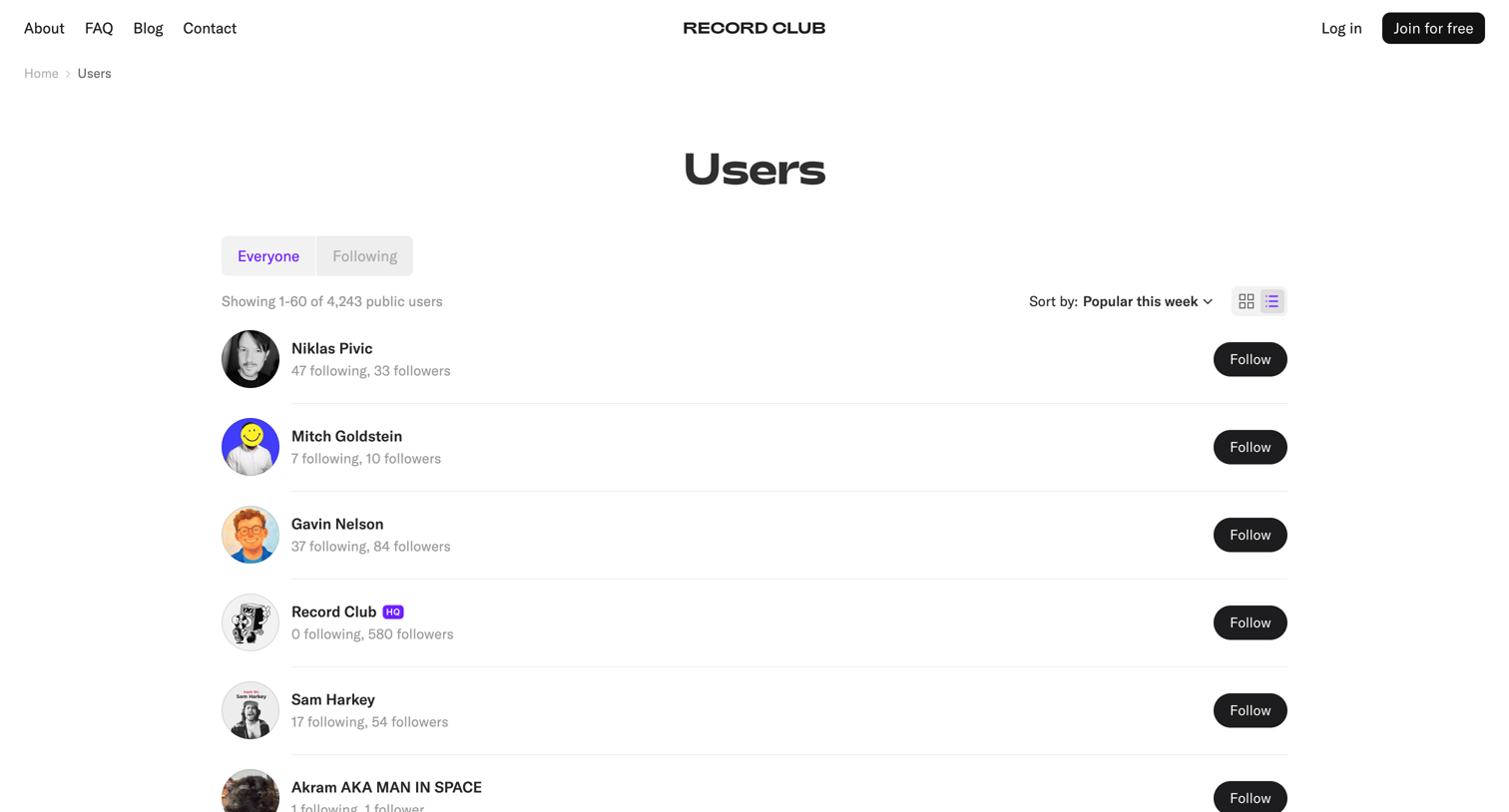

Community directory where visitors can browse public user profiles, sort by popularity, toggle between list and grid views, and follow members.
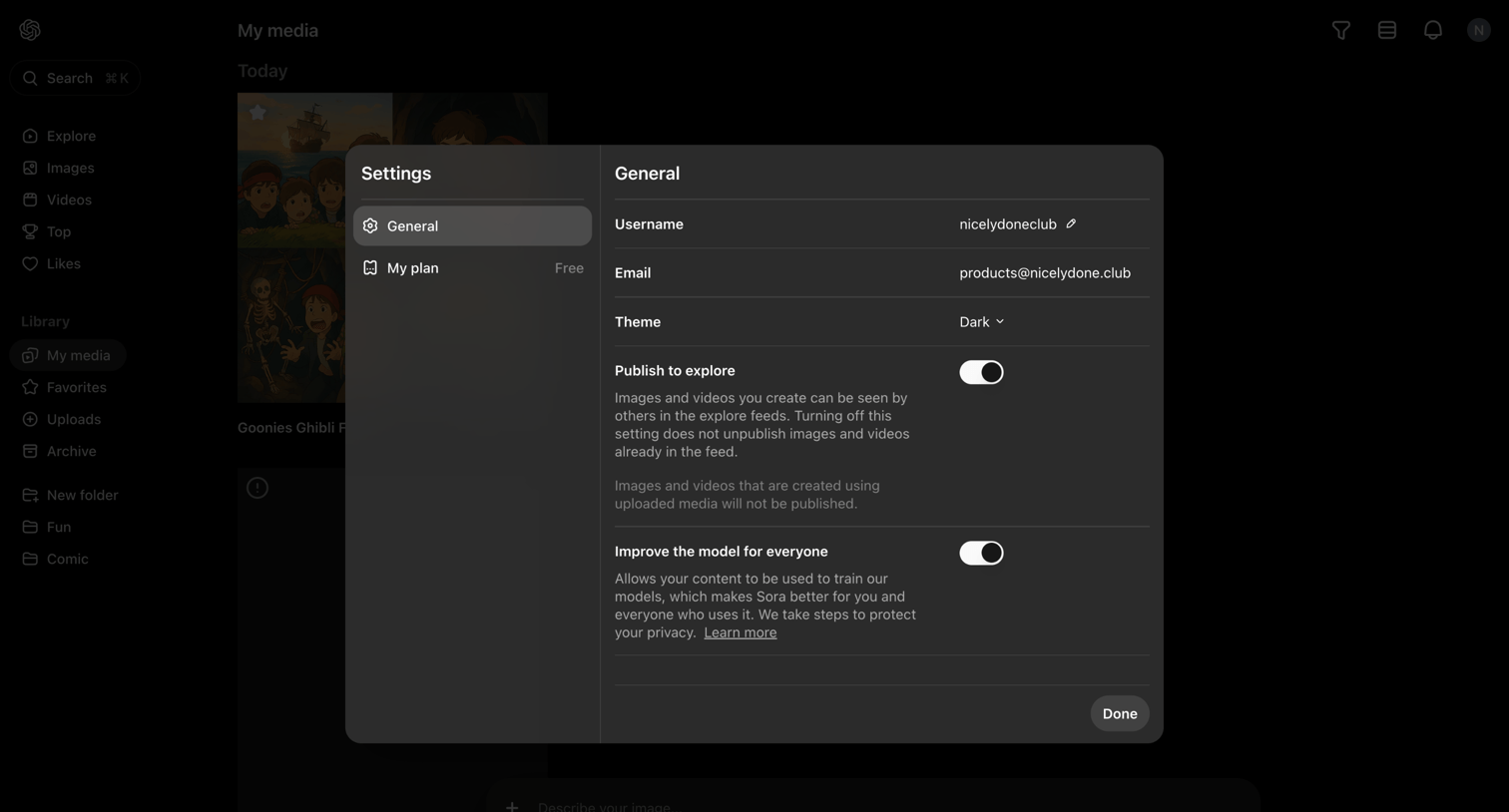

Settings modal where the user configures general preferences like username, theme, and data sharing options for model training.
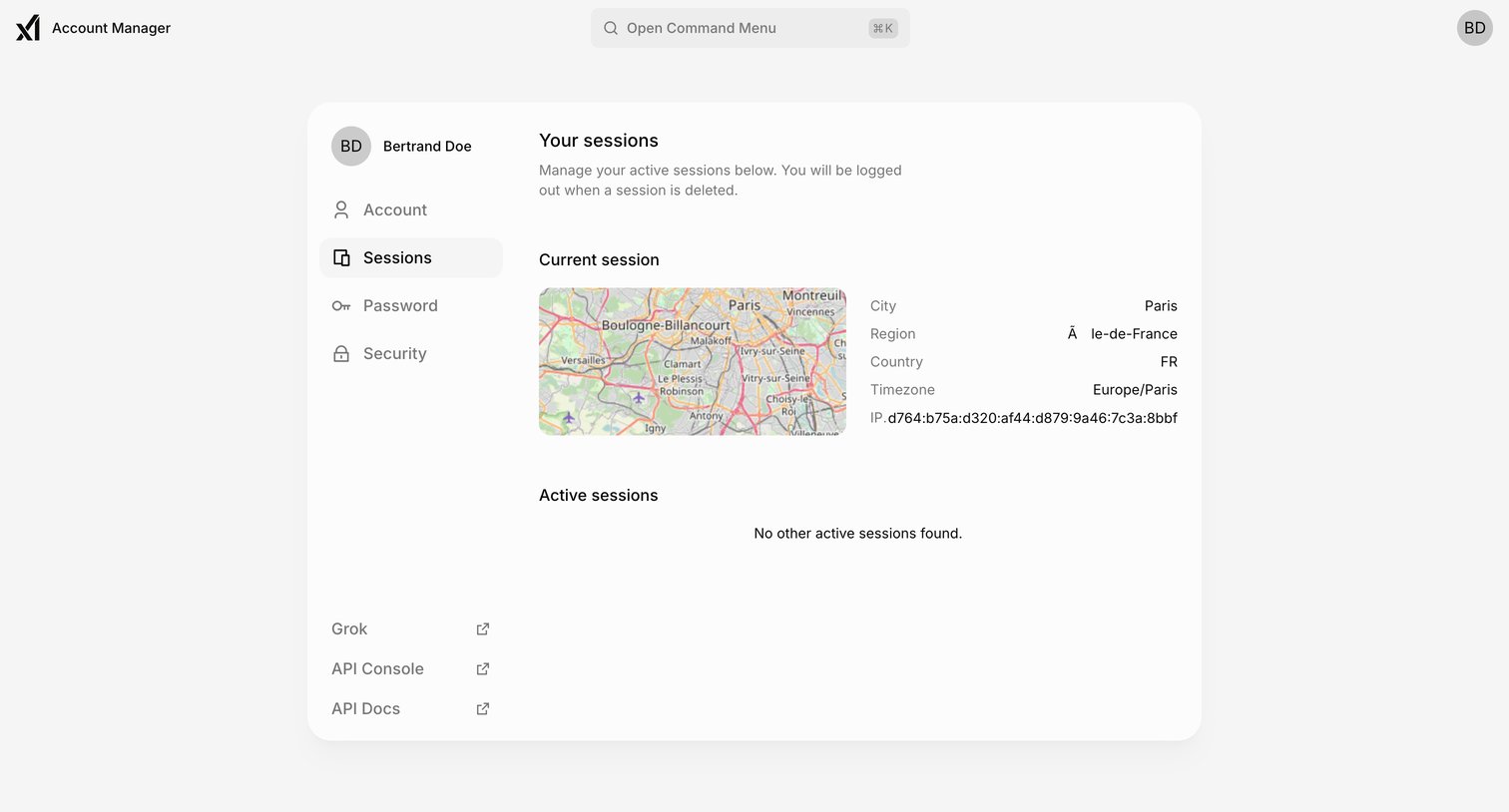

Settings page where the user views their current active session location on a map and manages other active sessions.
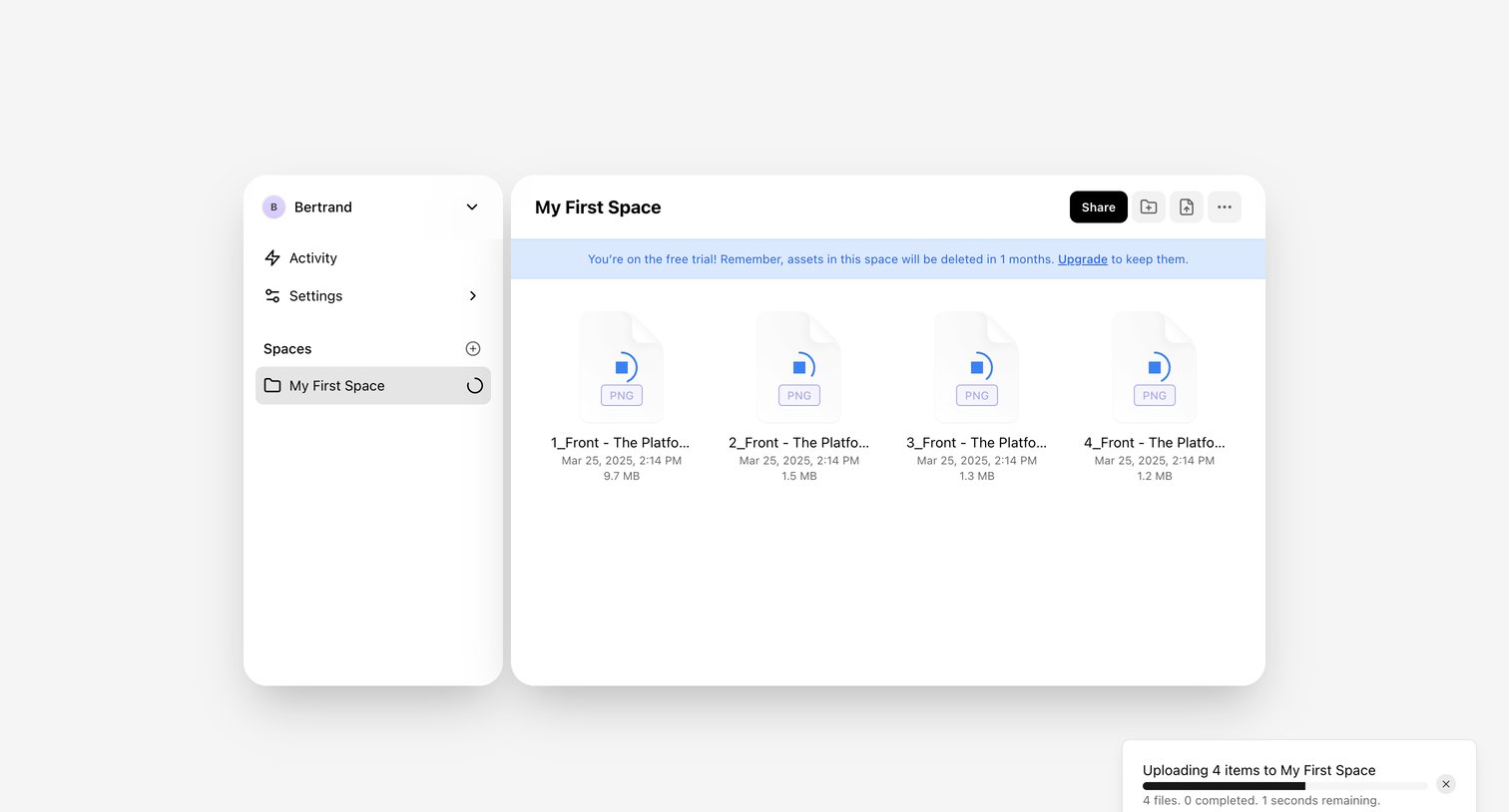

List view of a workspace where the user is actively uploading four image files, with a banner warning about trial expiration.
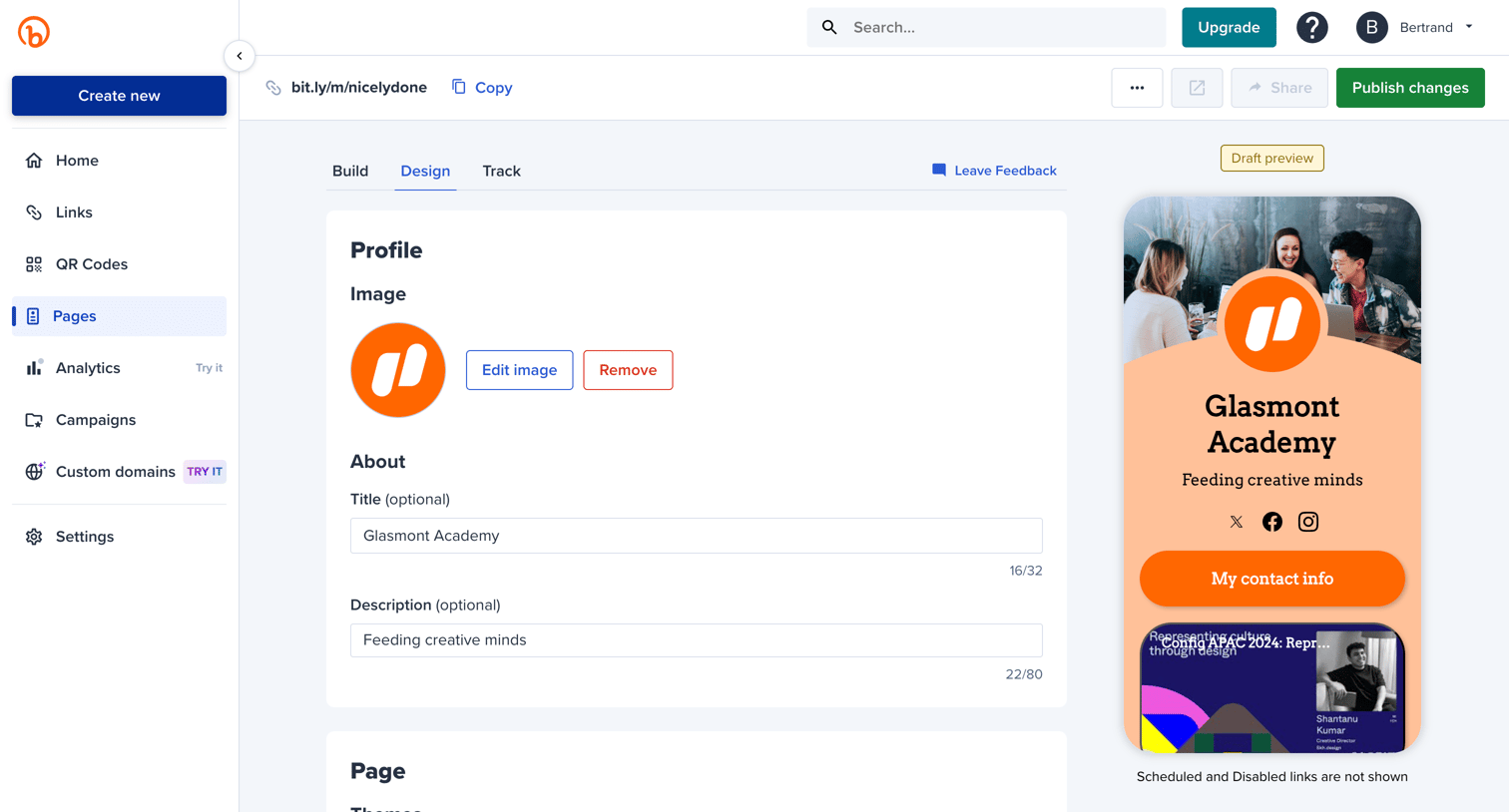

Design editor where the user customizes the profile, theme, layout, and social links for their link-in-bio page with a live mobile preview.
Explore the full SaaS screen library
Upgrade to unlock the full library.
Trusted by the best teams








About Profile page
See how apps present a person or account through a profile. Explore how identity details, activity, and available actions share space in viewing and editing layouts.