Navigation links screen examples
Navigation links screen design examples from SaaS apps. Browse examples from Slite, Notion Mail, Replit.
Explore the examples


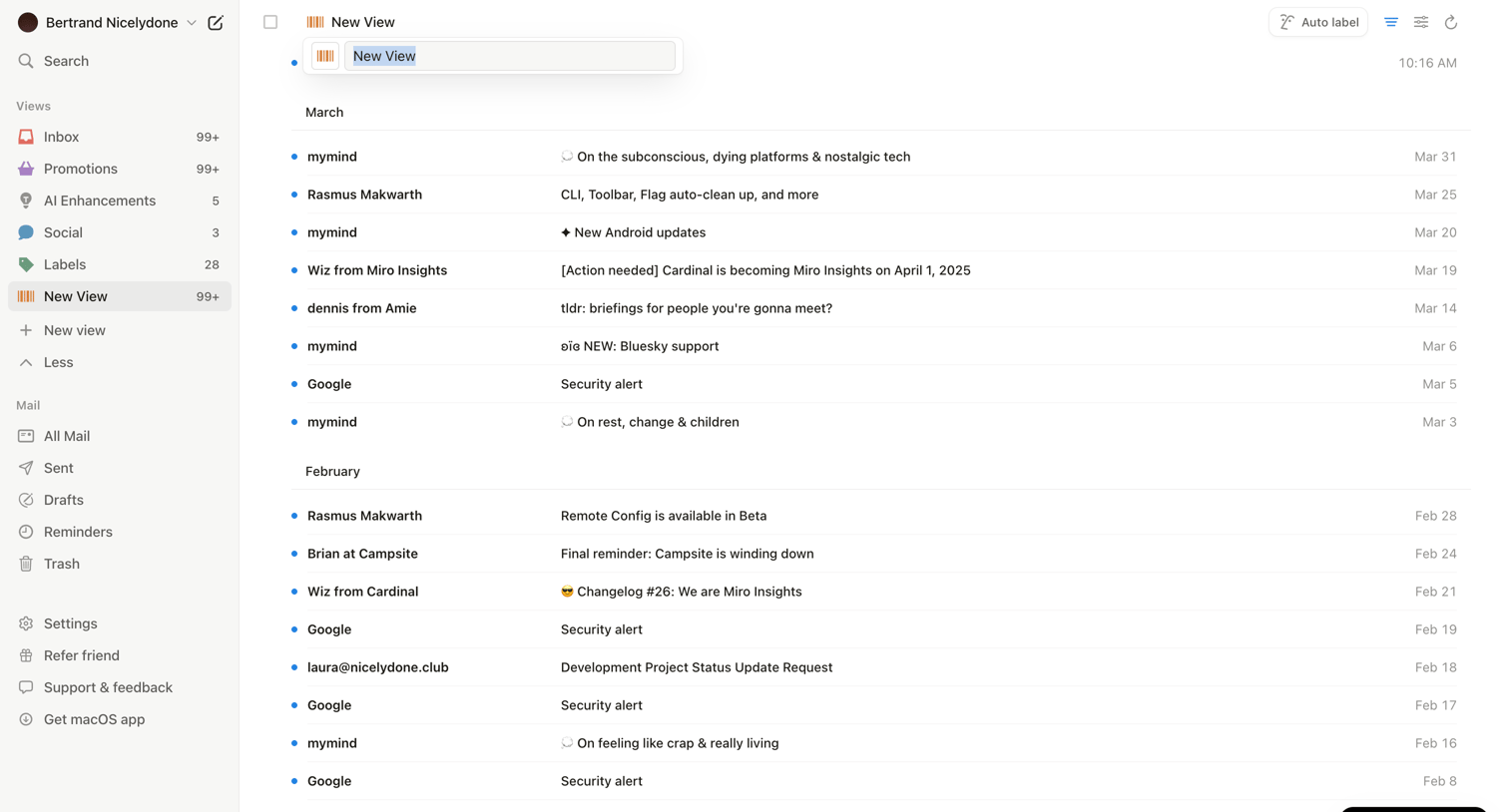

Inbox view where the user is creating or renaming a custom view while browsing emails grouped by month.
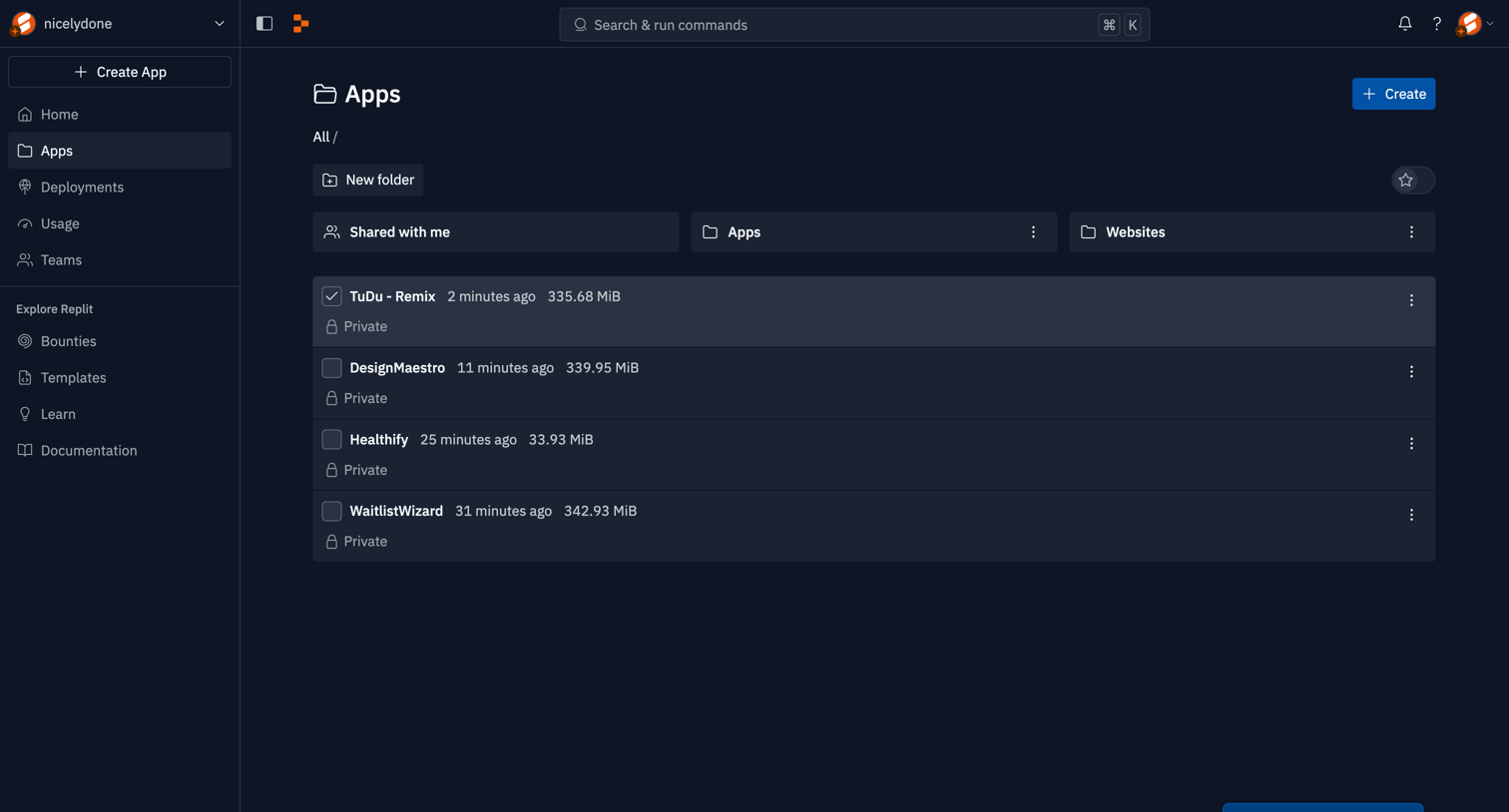

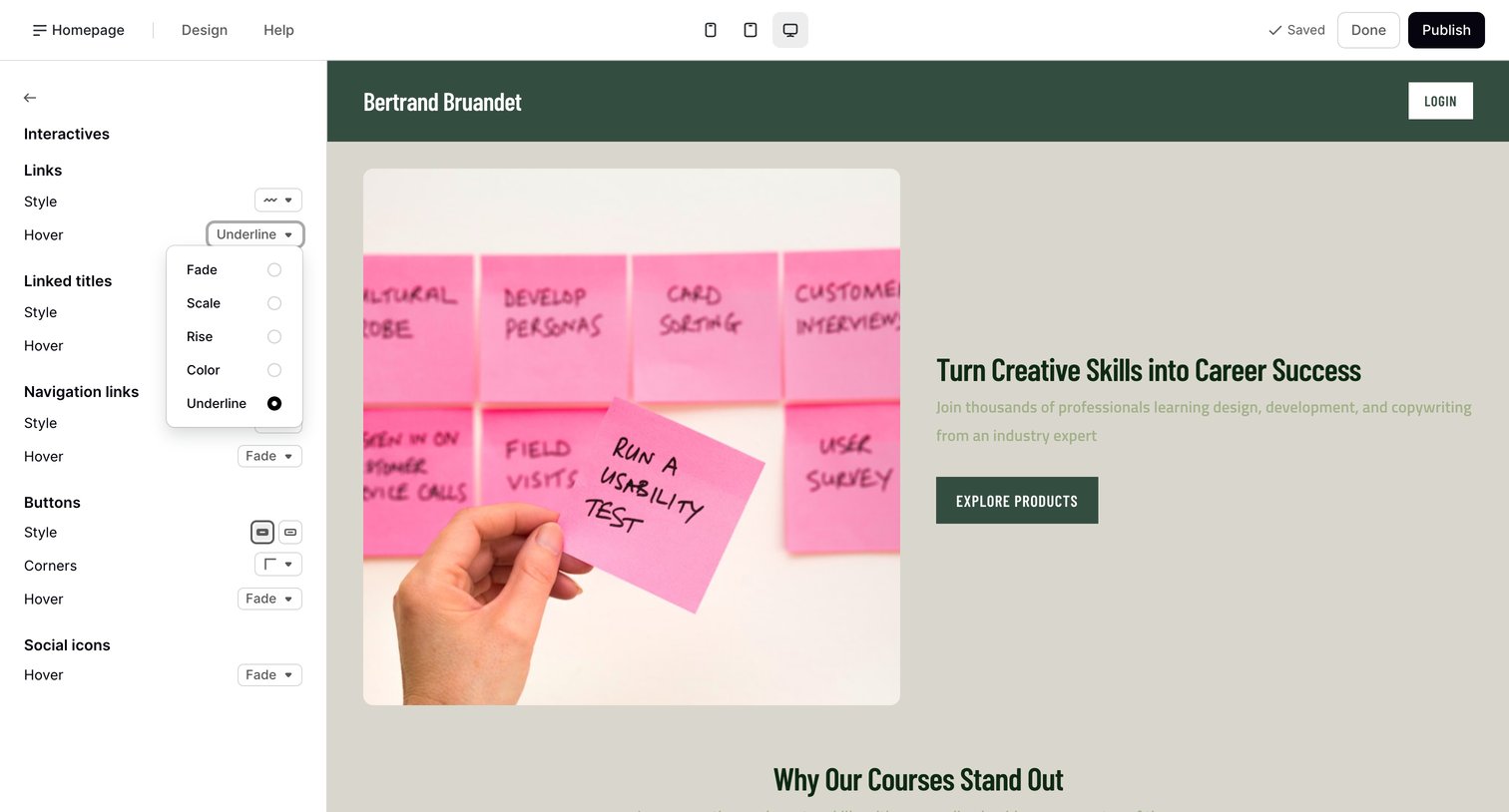

Page builder where the user configures link and button hover styles via a left sidebar while previewing a hero section on the right.
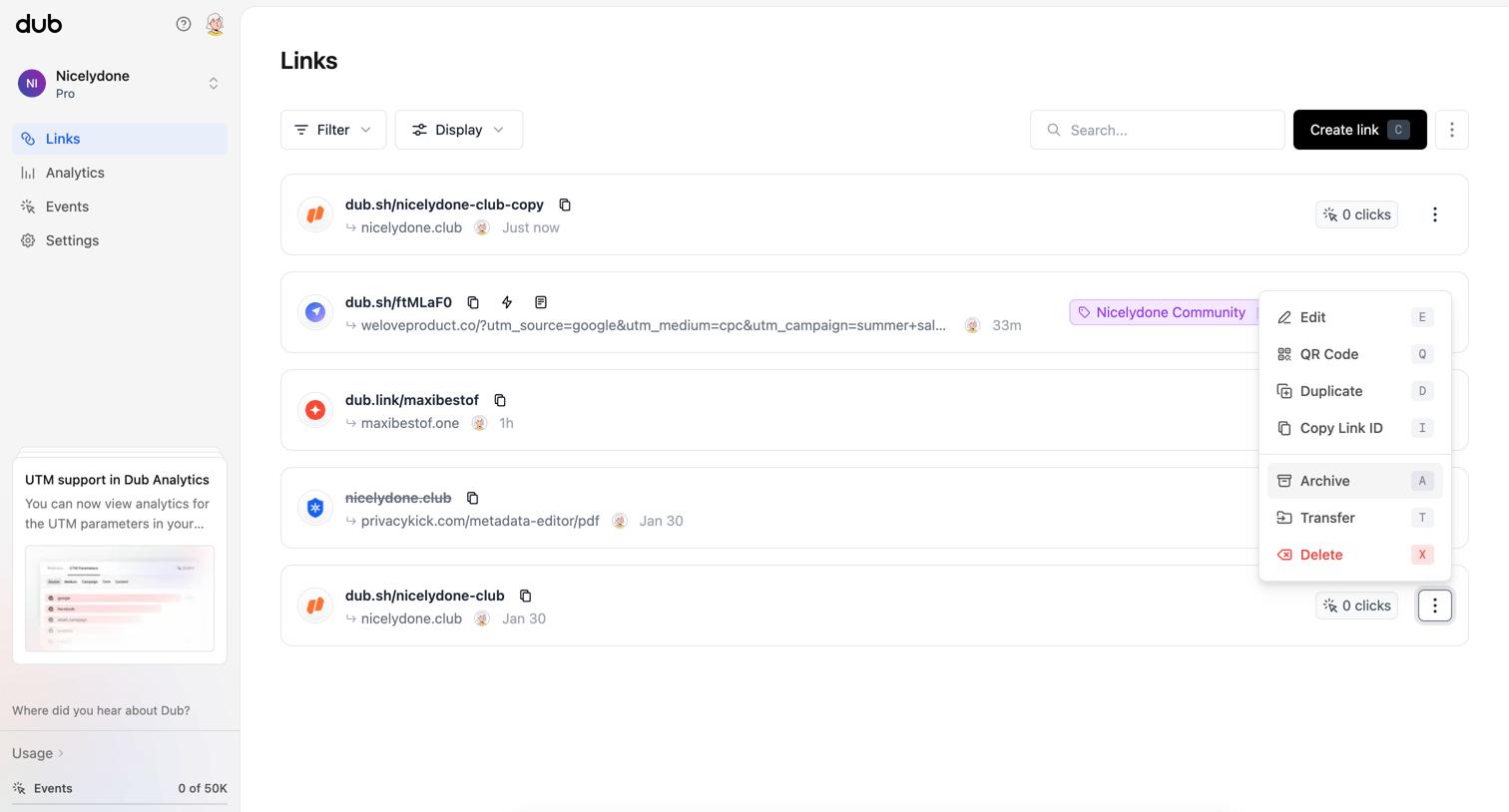

List view where the user manages shortened links, views click counts, and accesses link-specific actions like editing and archiving.
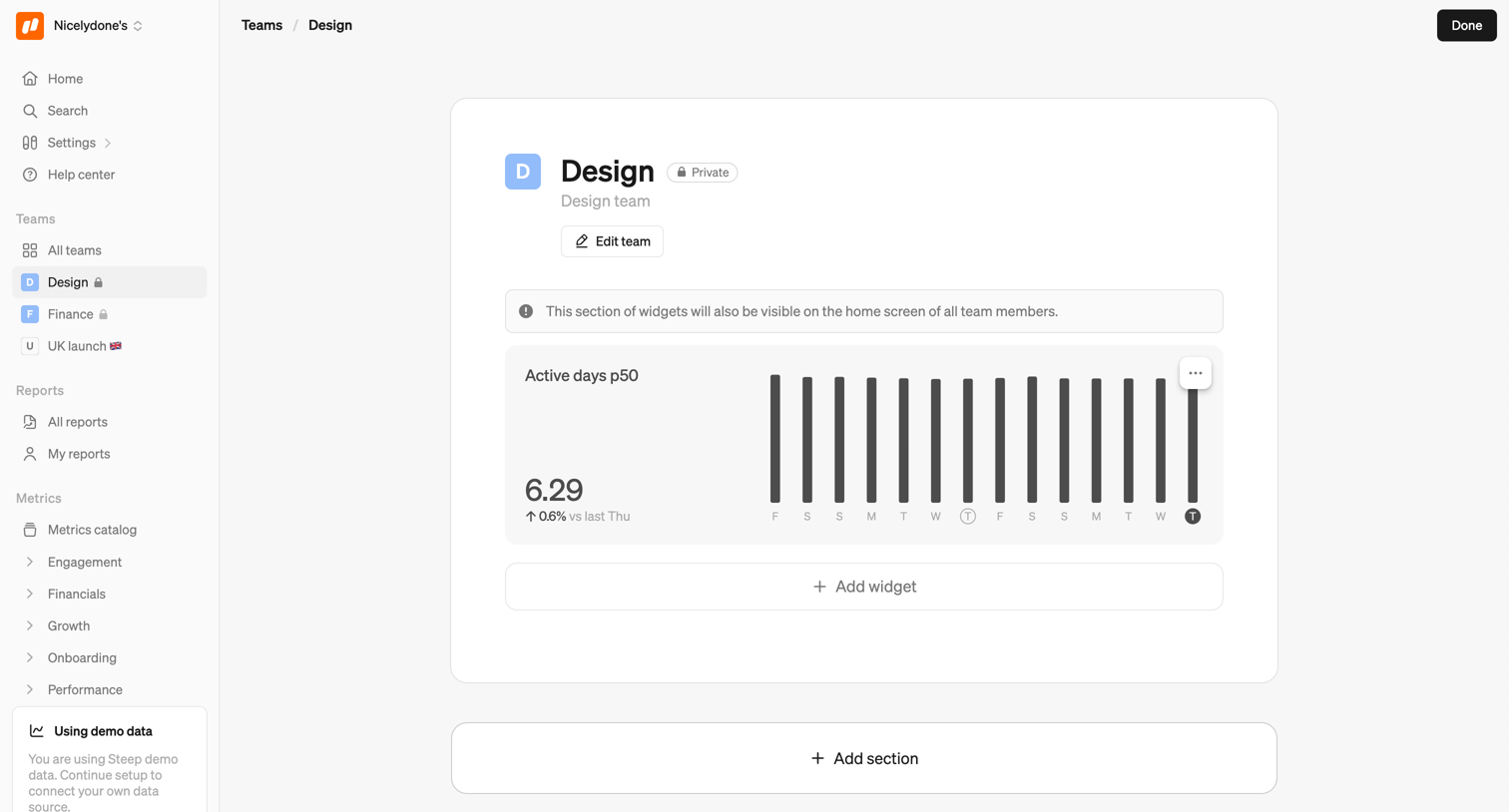

Detail page where the user views and edits the Design team profile, including adding analytics widgets and sections.

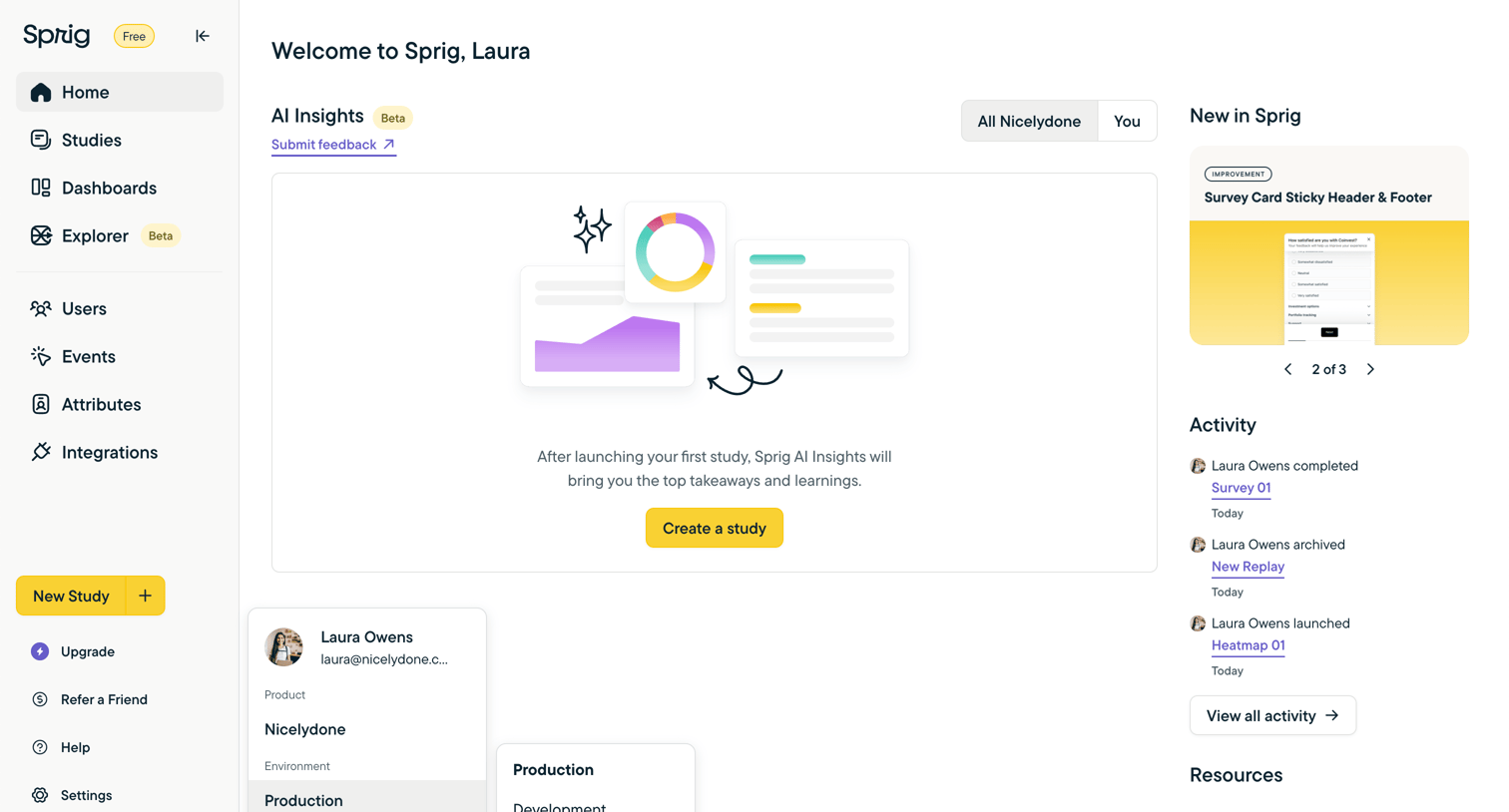

Home screen where the user can view recent activity and product updates, featuring a prominent empty state prompting them to create their first study for AI insights, while a workspace switcher dropdown is open in the sidebar.

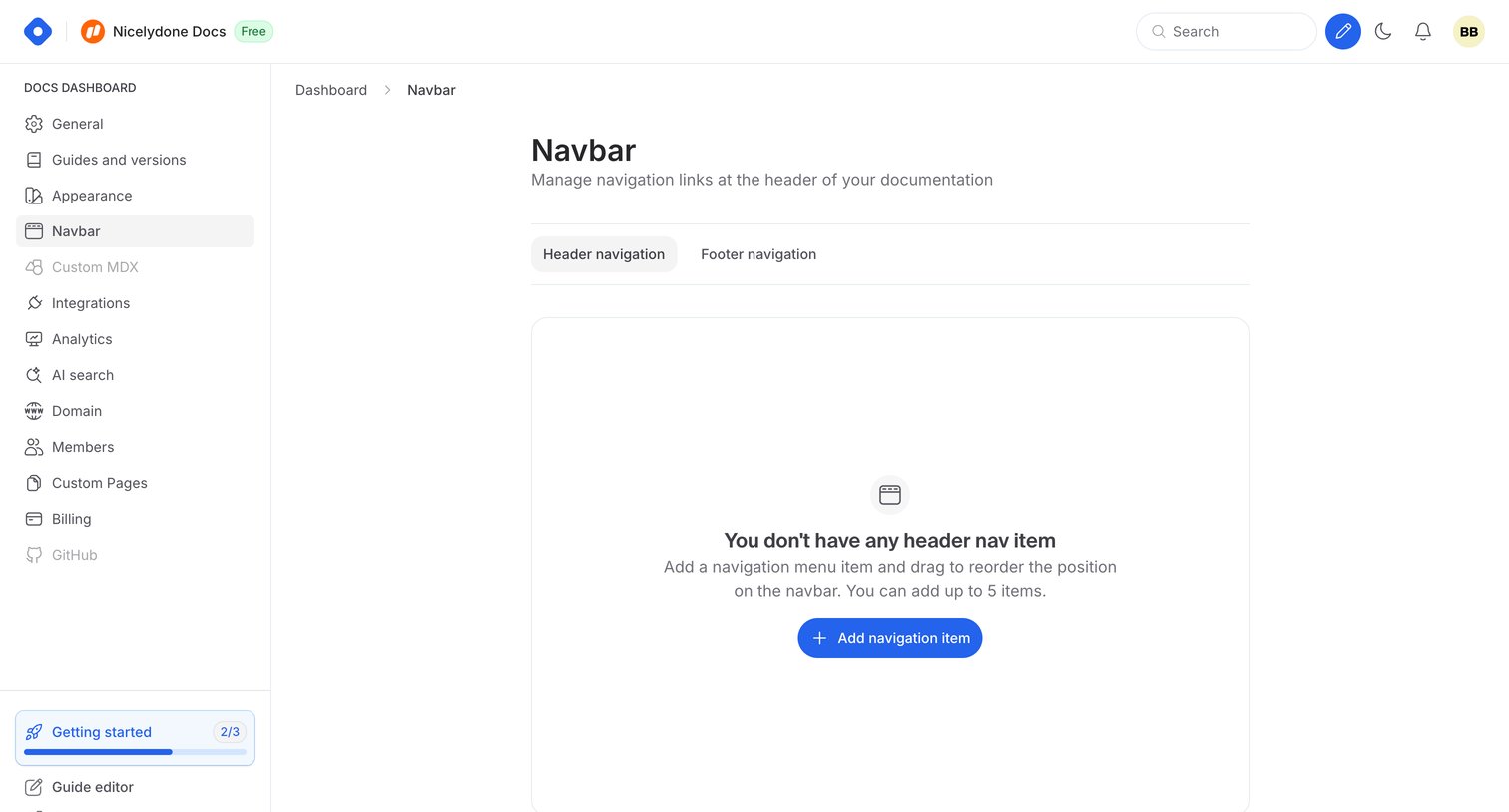

Settings page where the user configures header and footer navigation links for their documentation, currently displaying an empty state.
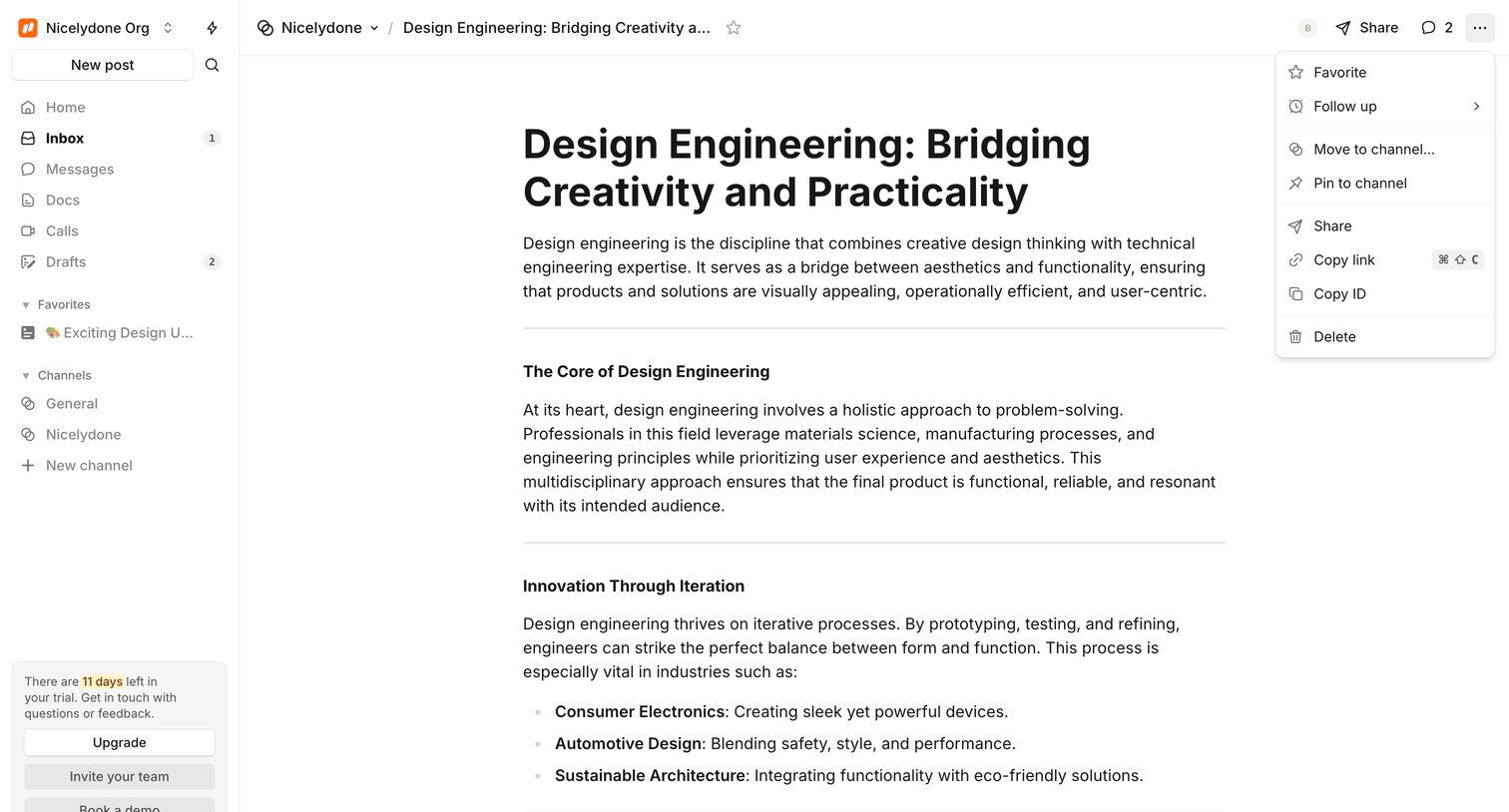

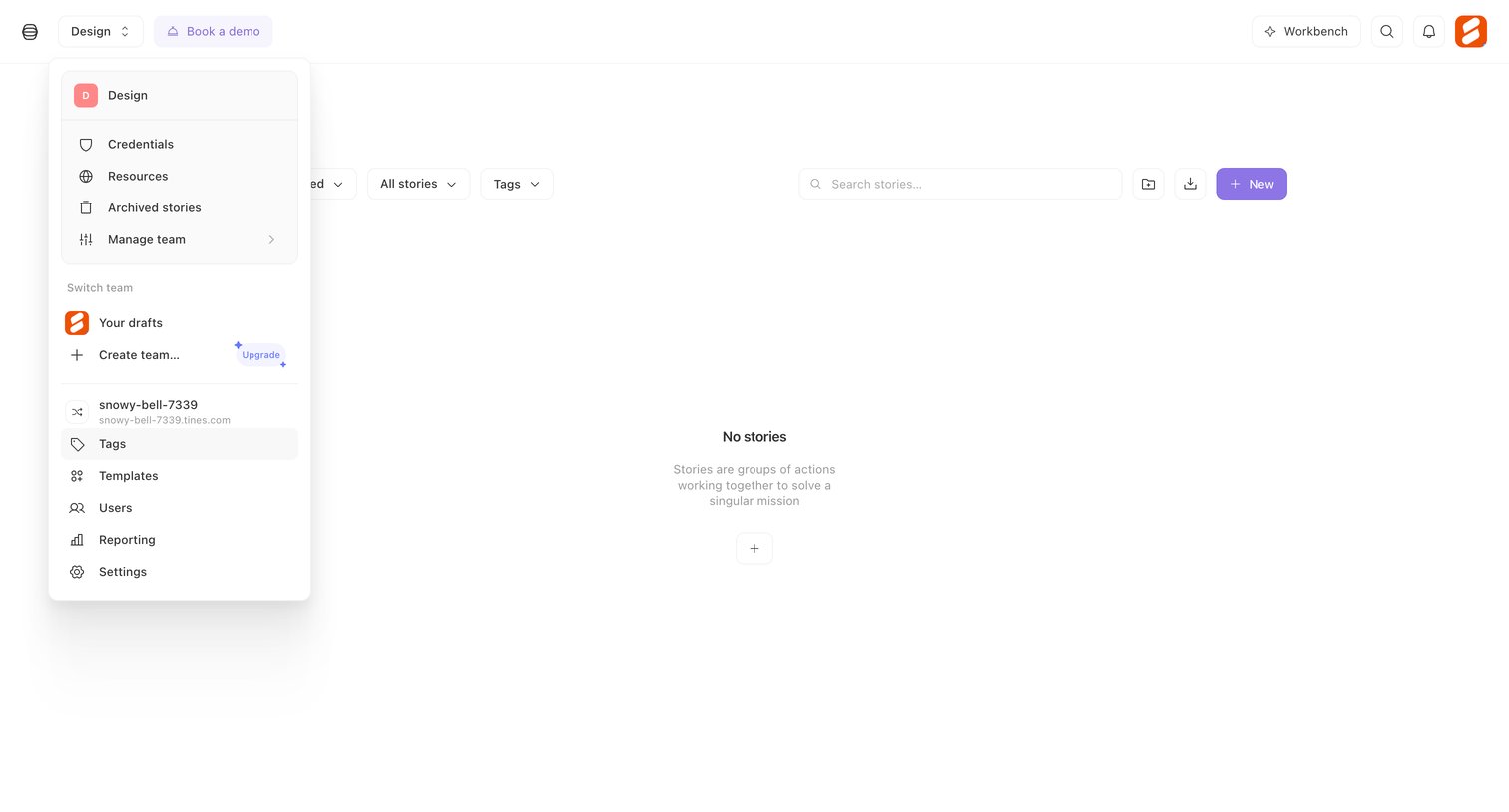

Empty list view for stories featuring a filter toolbar and an open workspace switcher menu that includes team navigation and an upgrade prompt.
Explore the full SaaS screen library
Upgrade to unlock the full library.
Trusted by the best teams







