Markdown editor screen examples
Markdown editor screen design examples from SaaS apps. Browse examples from Polar, Zaro, Axiom.
Explore the examples
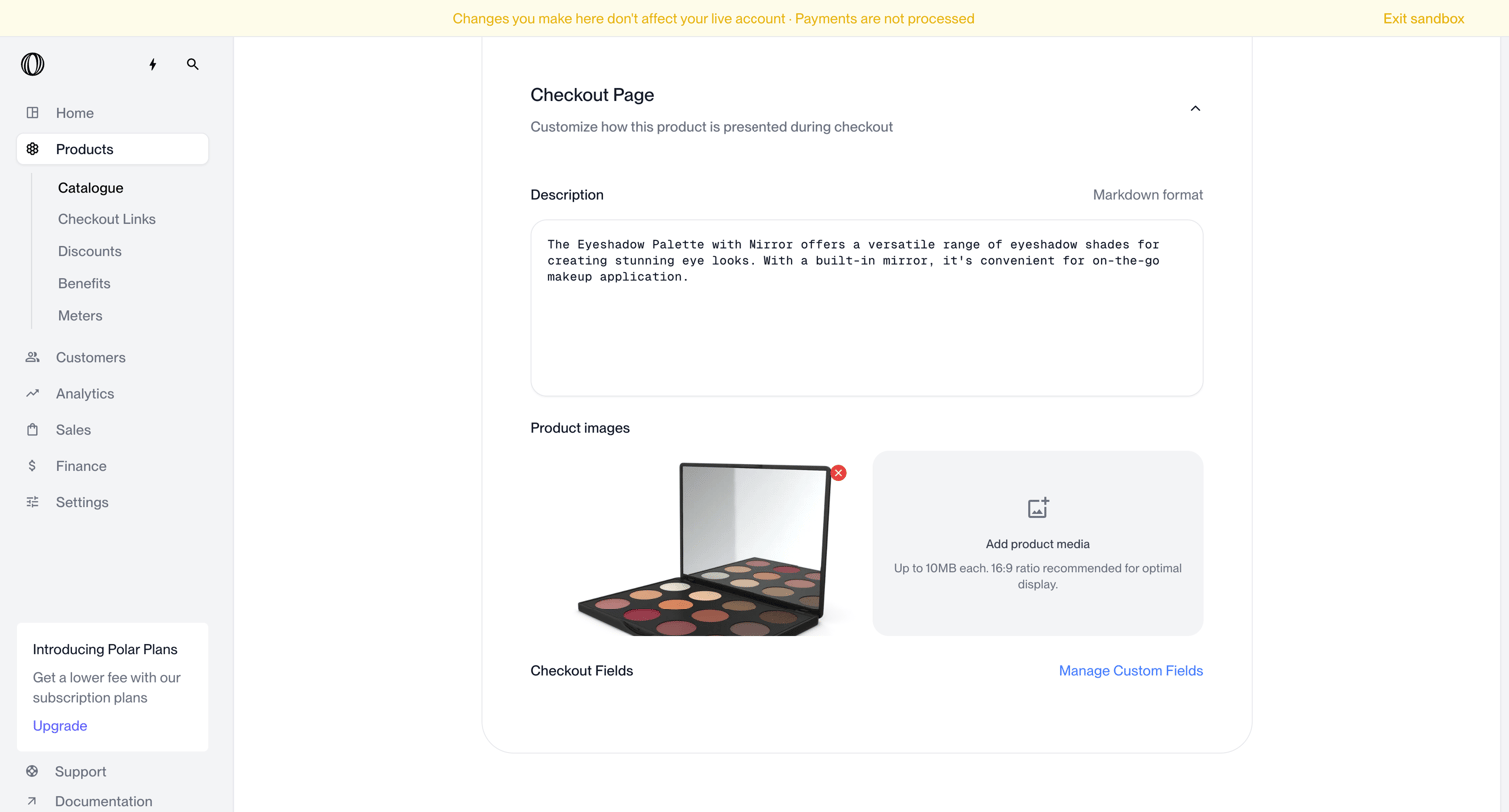

Product creation page where the user customizes the checkout presentation by adding a description, uploading product images, and managing custom fields.
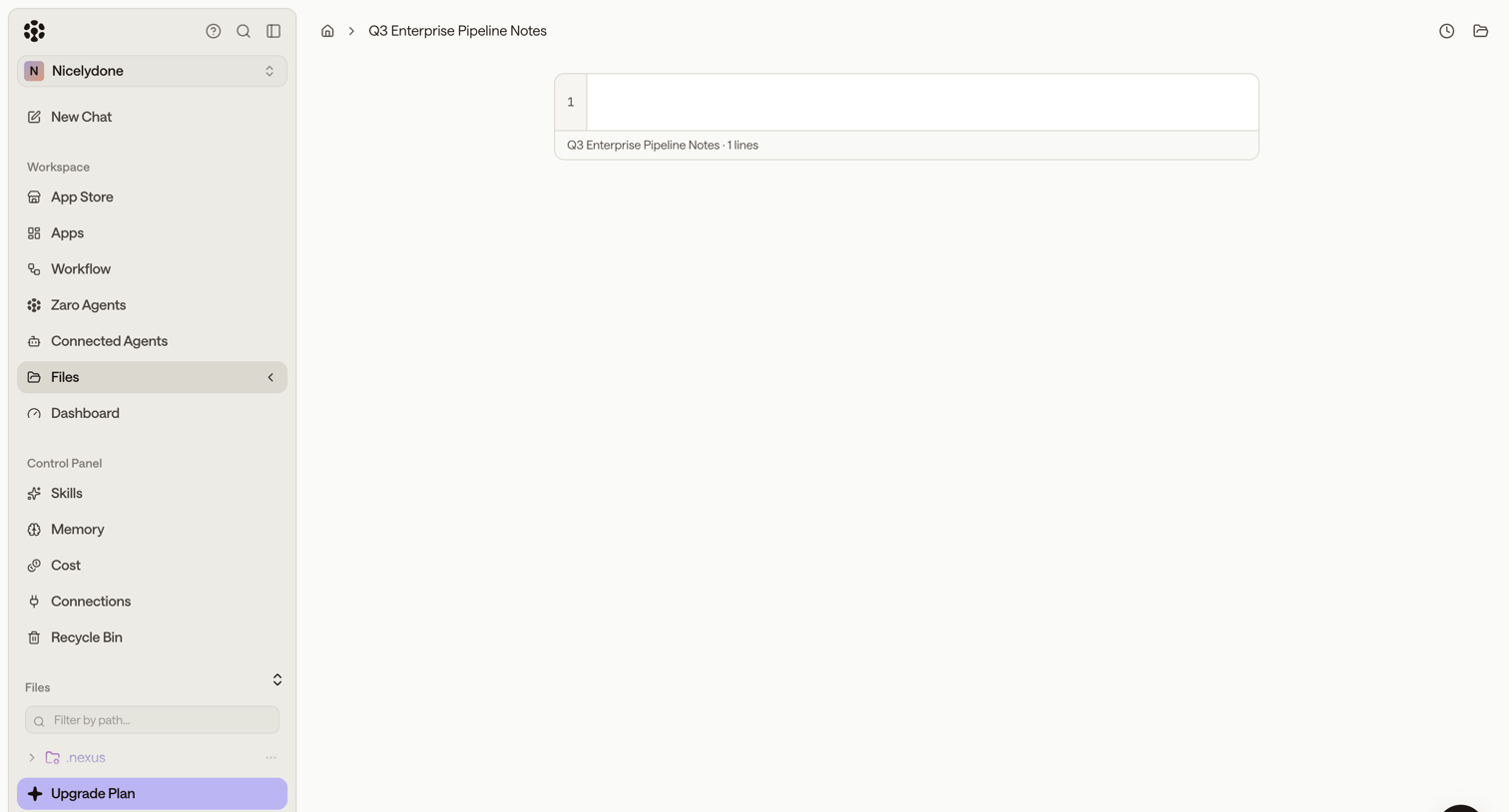

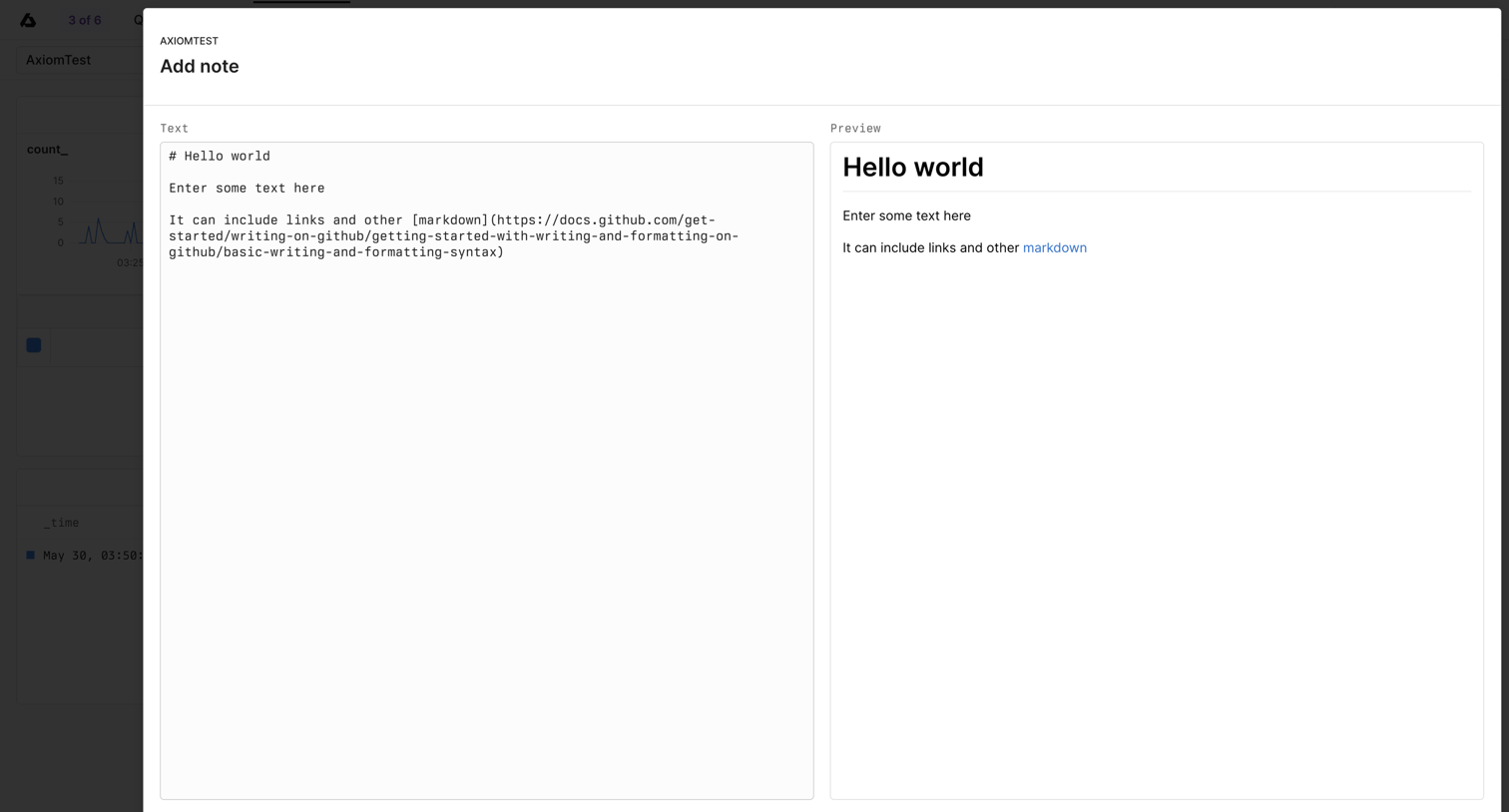

Content editor modal where the user writes a markdown note with a live side-by-side preview before saving it to their dashboard.
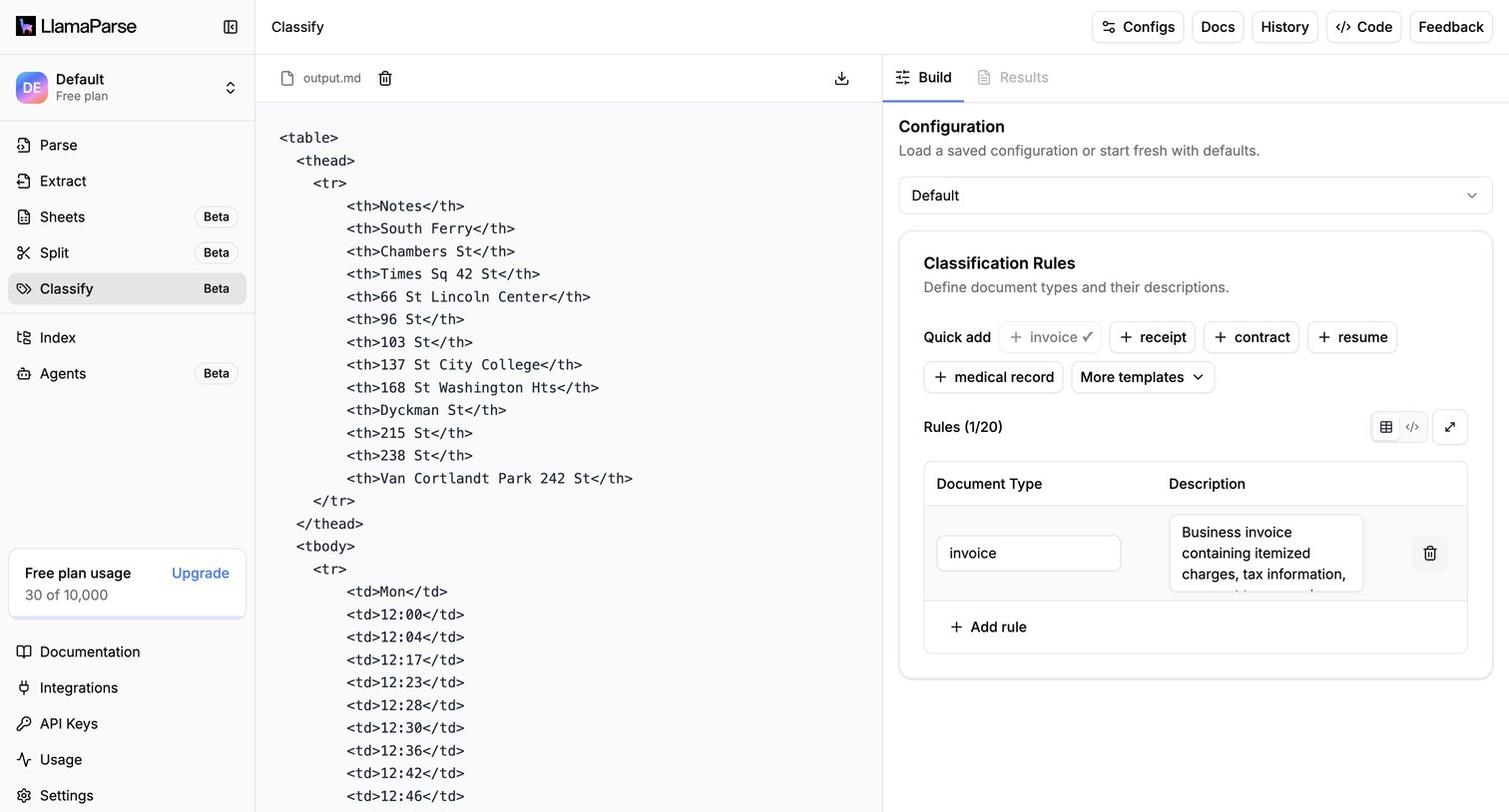

IDE-style workspace where the user configures document classification rules alongside a markdown preview of the parsed output.
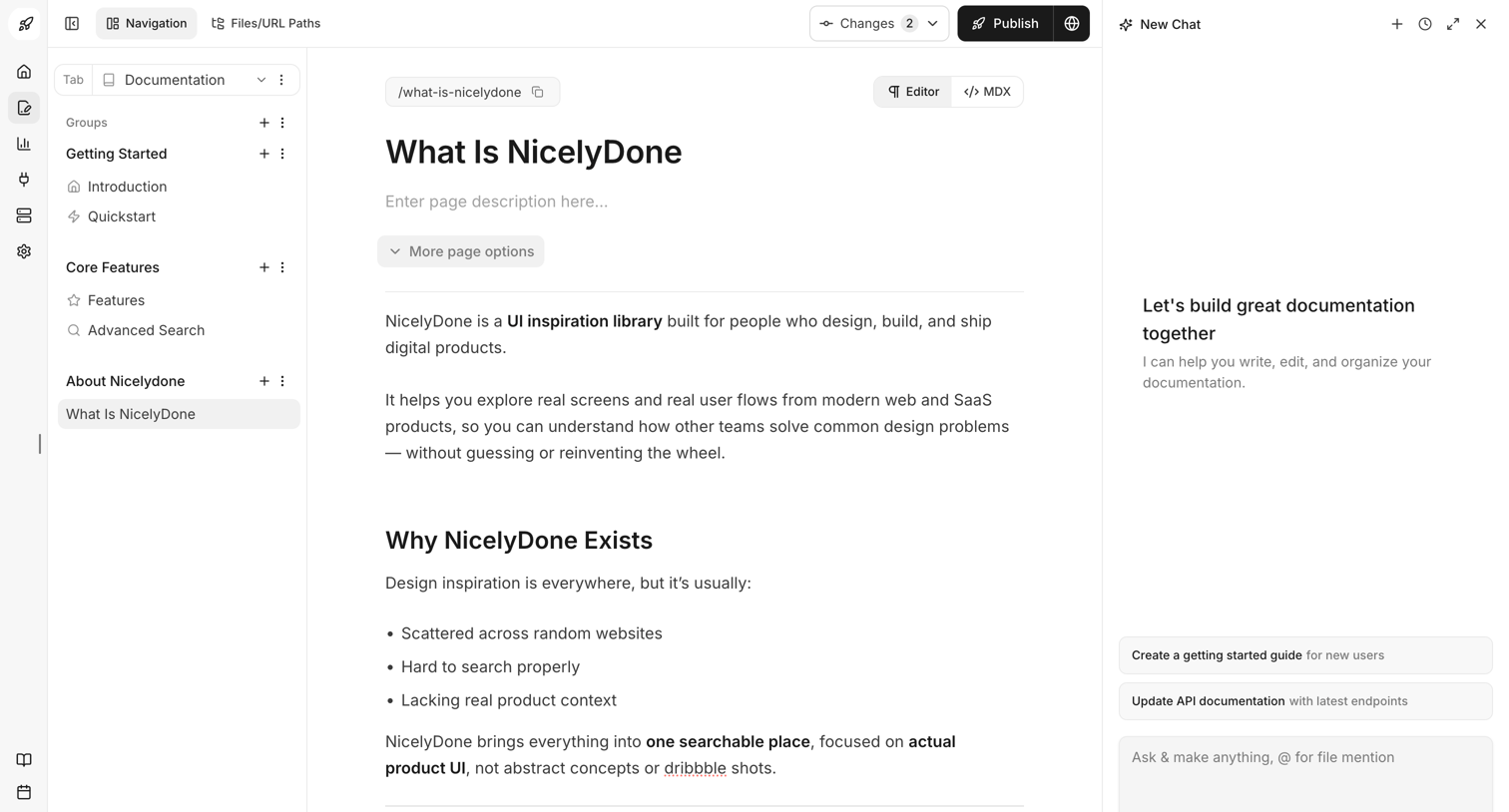

Content editor where the user writes and formats documentation pages alongside an AI chat assistant.
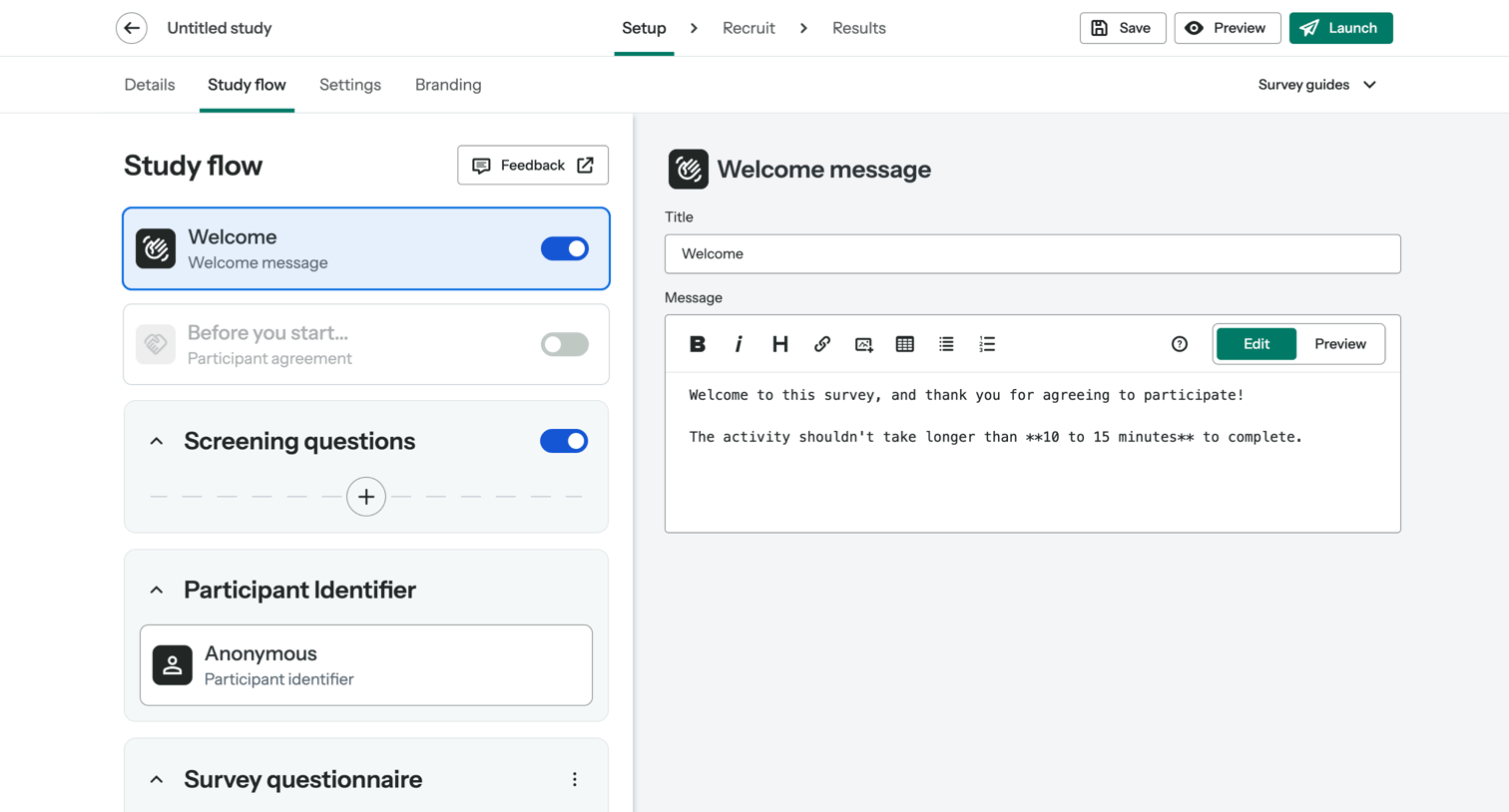

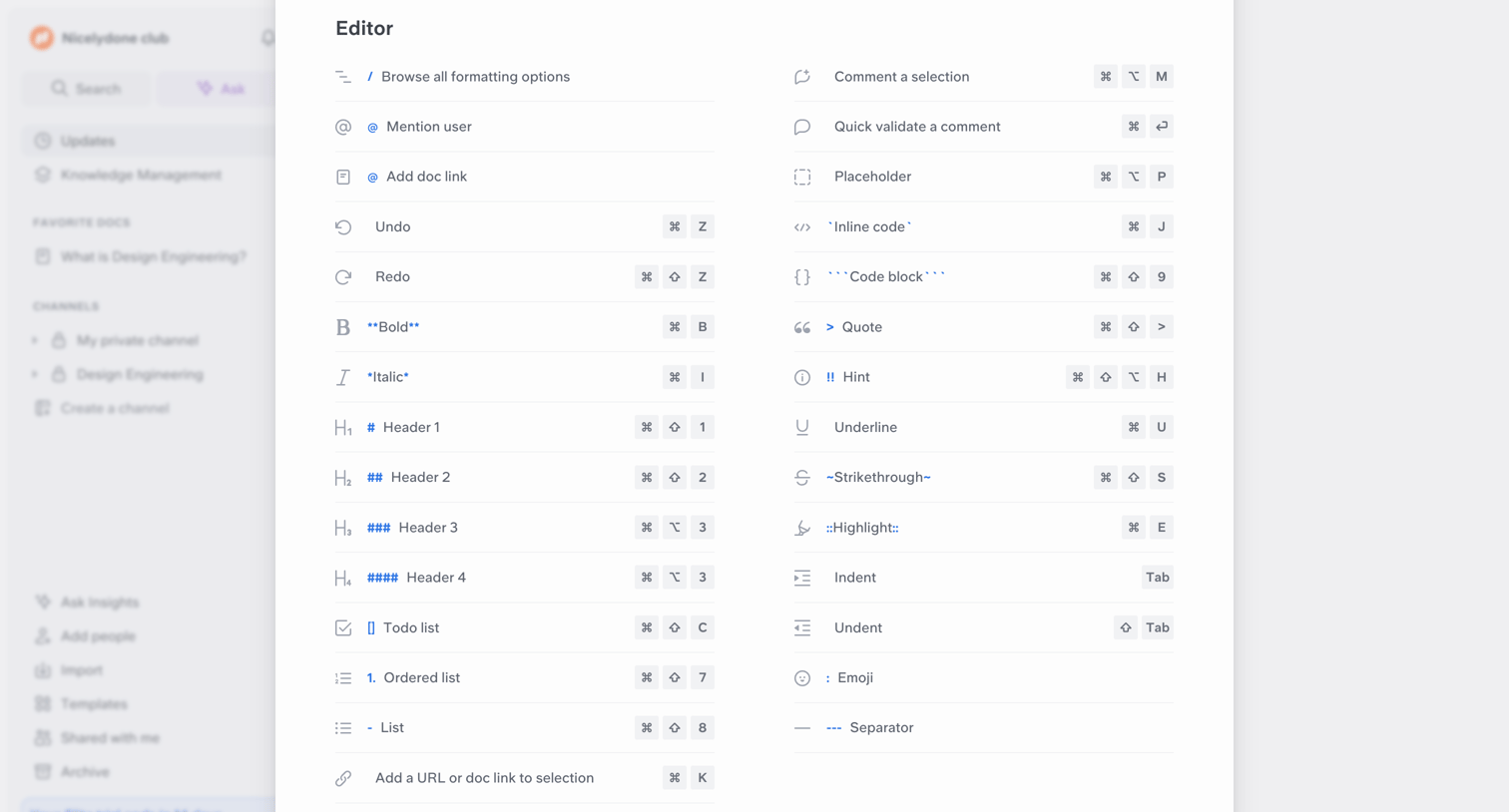

Content editor overlay showing a comprehensive list of markdown formatting options and keyboard shortcuts.
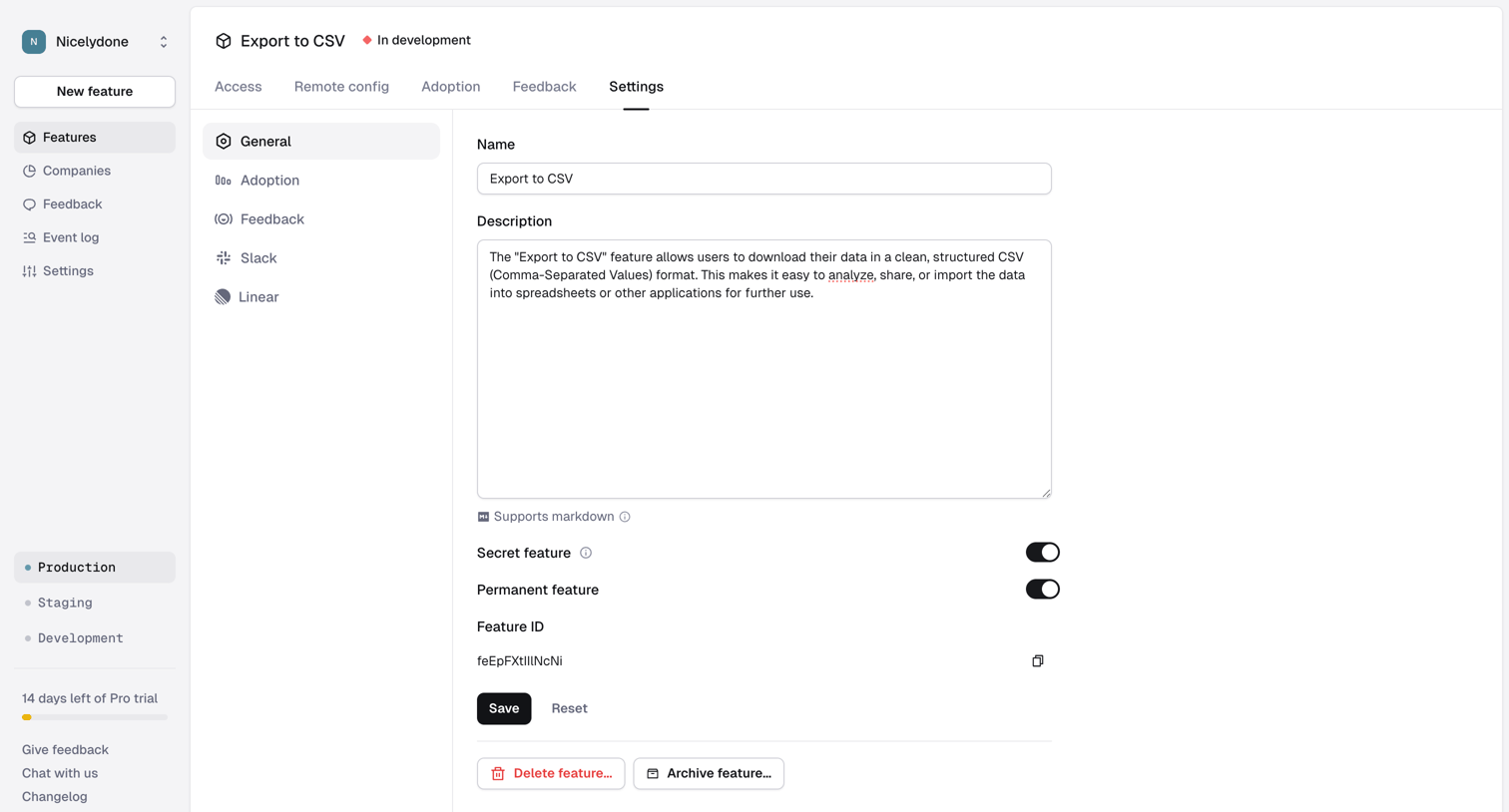

Settings page where the user configures the name, description, and visibility toggles for a specific feature.

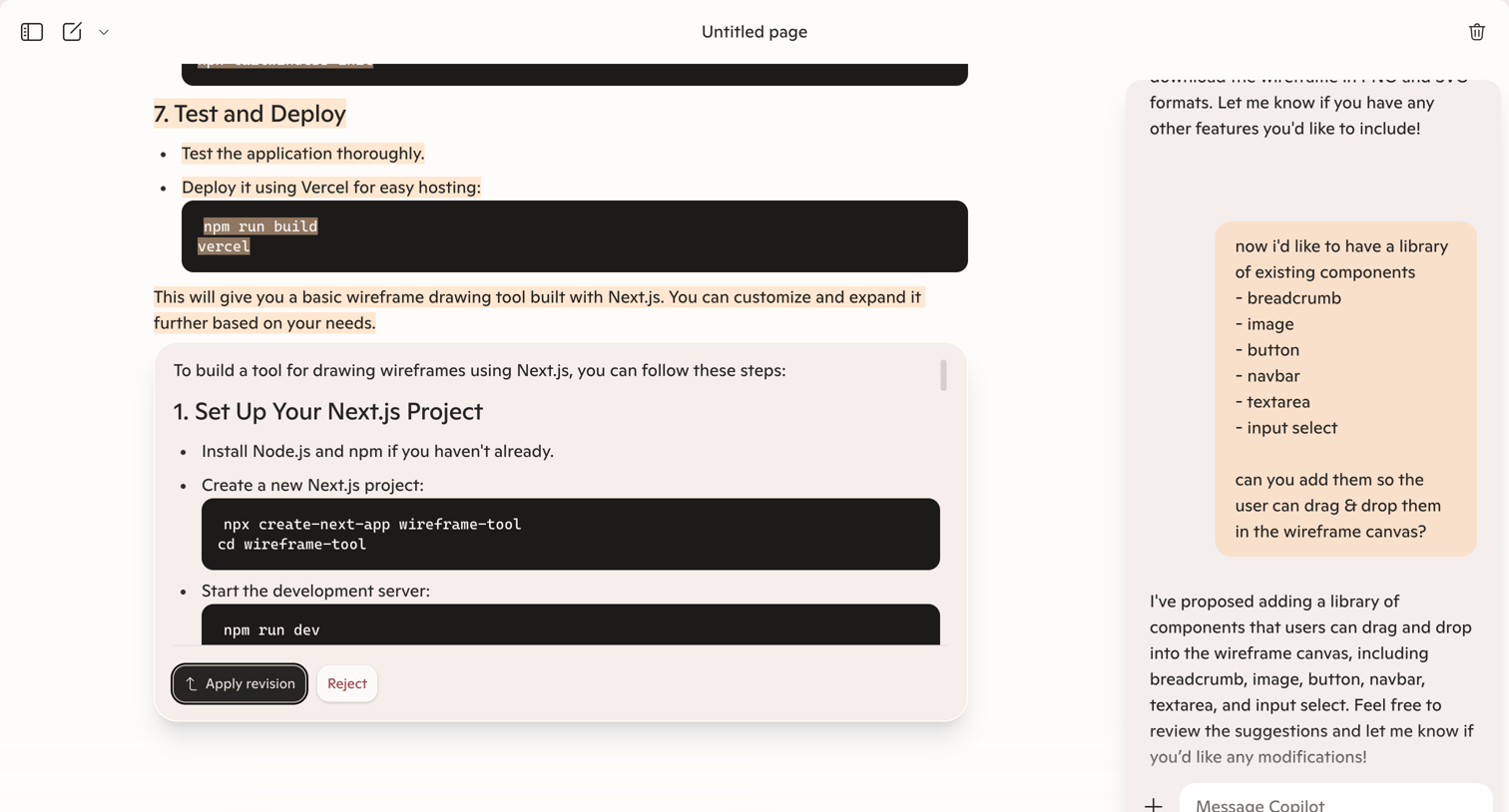

Document editor with an AI chat sidebar where the user is reviewing a proposed revision to a Next.js wireframe tool guide.
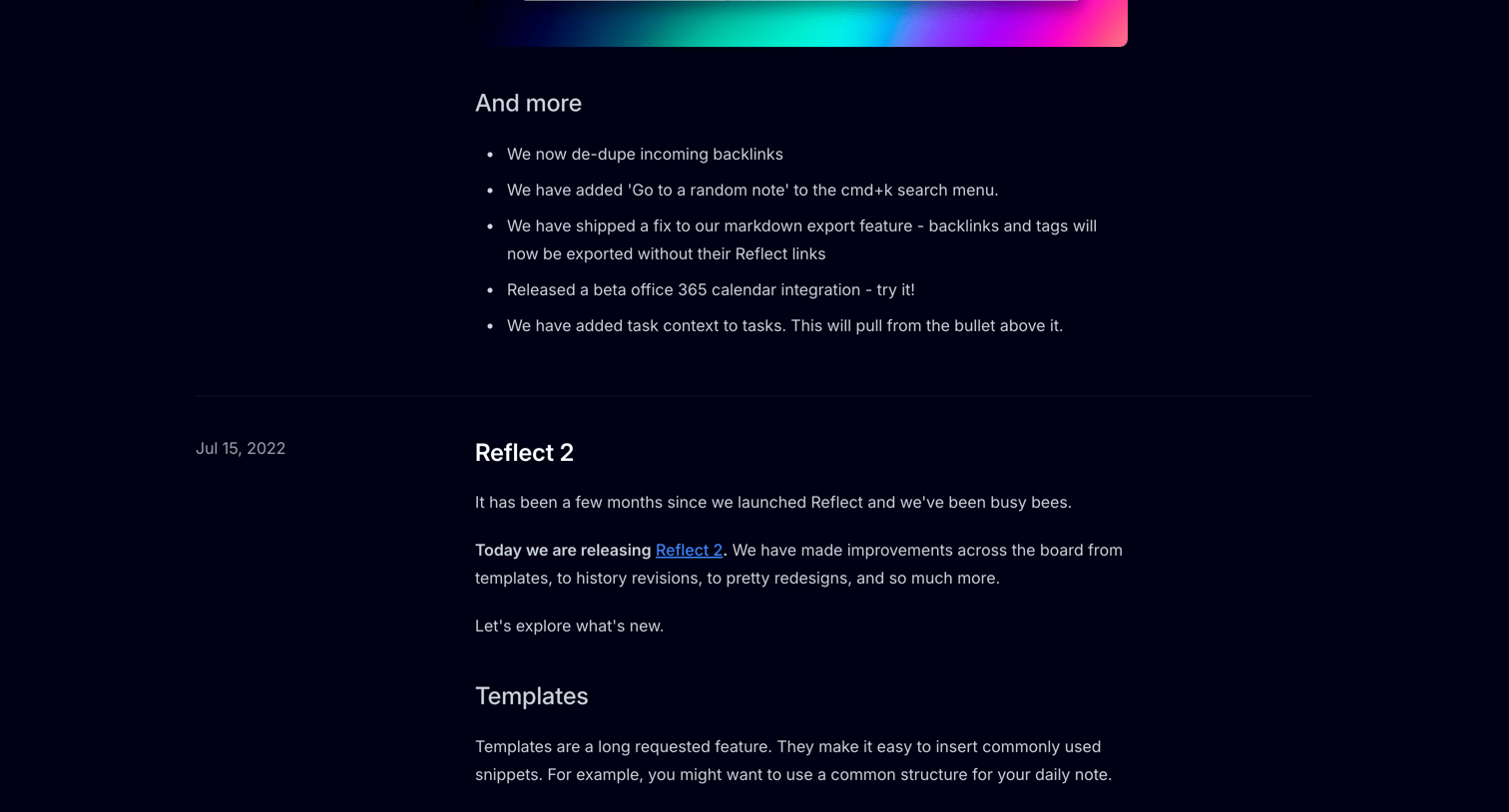

Changelog page detailing new features, editor improvements, and bug fixes for the Reflect app, organized by release date in a timeline format.
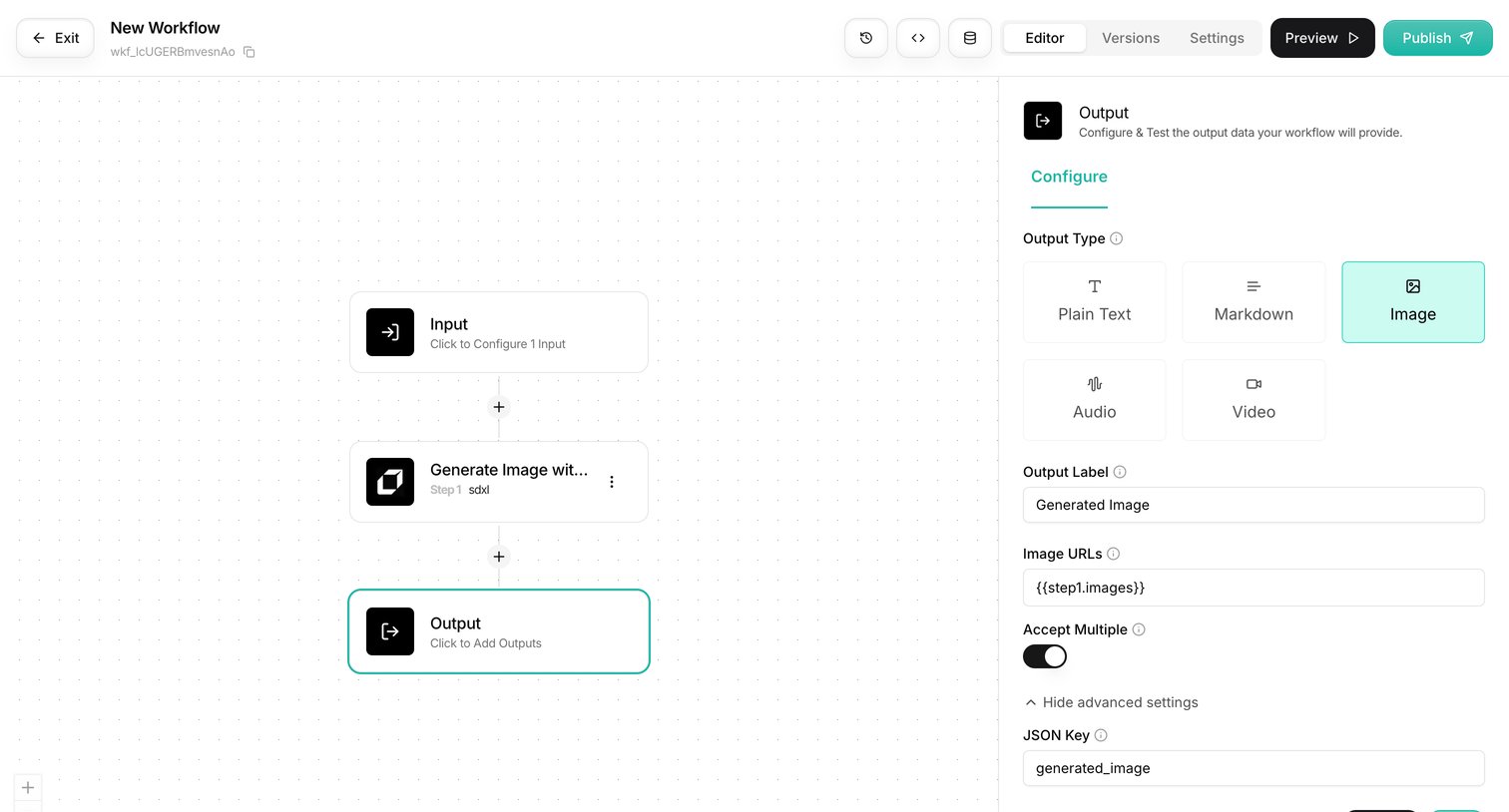

Workflow editor where the user configures an output node for an image generation pipeline.
Explore the full SaaS screen library
Upgrade to unlock the full library.
Trusted by the best teams







