Map view screen examples
Map view screen design examples from SaaS apps. Browse examples from Airbnb, Maze, Gather.
Explore the examples
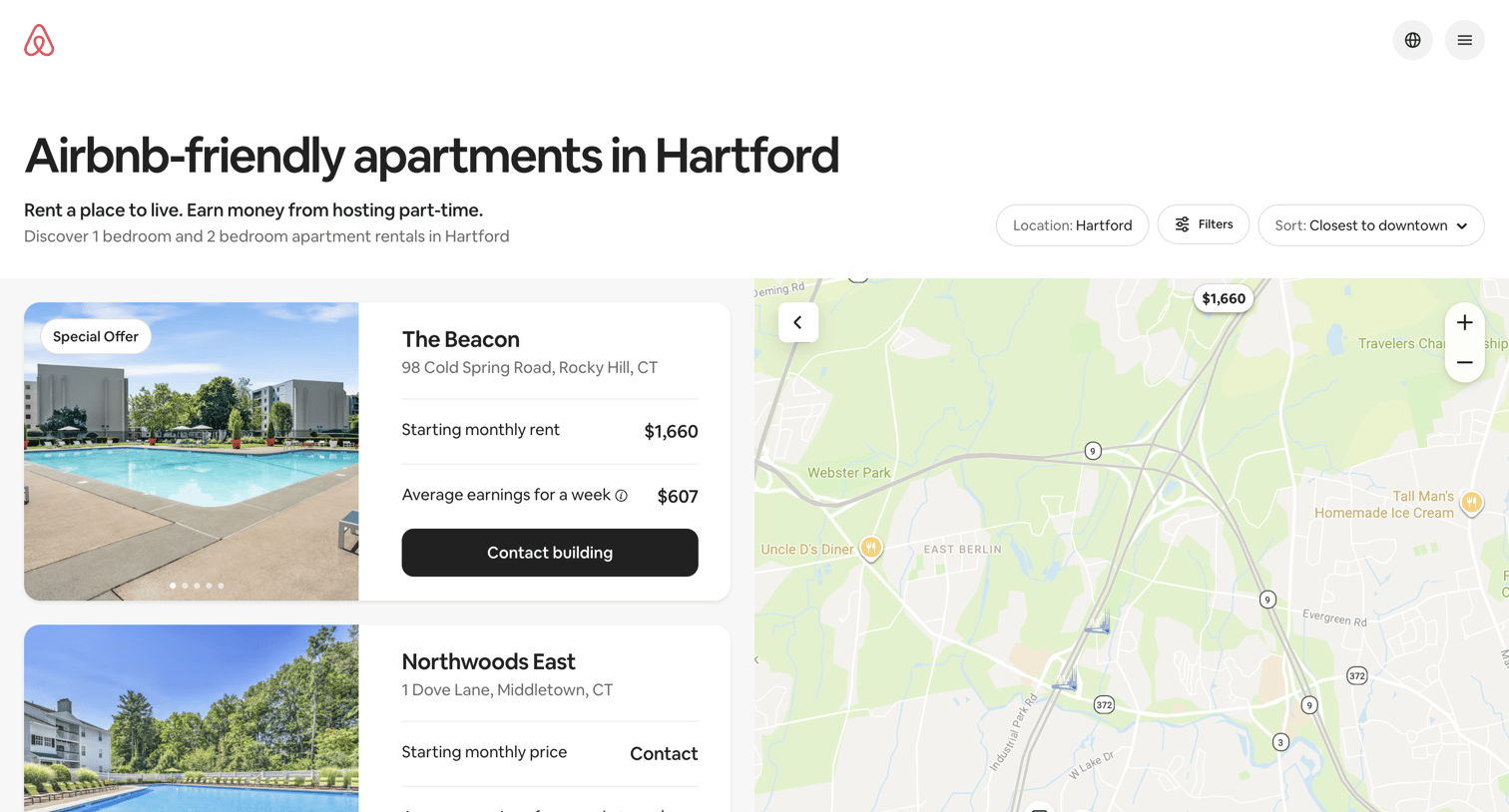

Landing page where the user browses a map and list of Airbnb-friendly apartment buildings in Hartford, CT, with estimated earnings and rent.
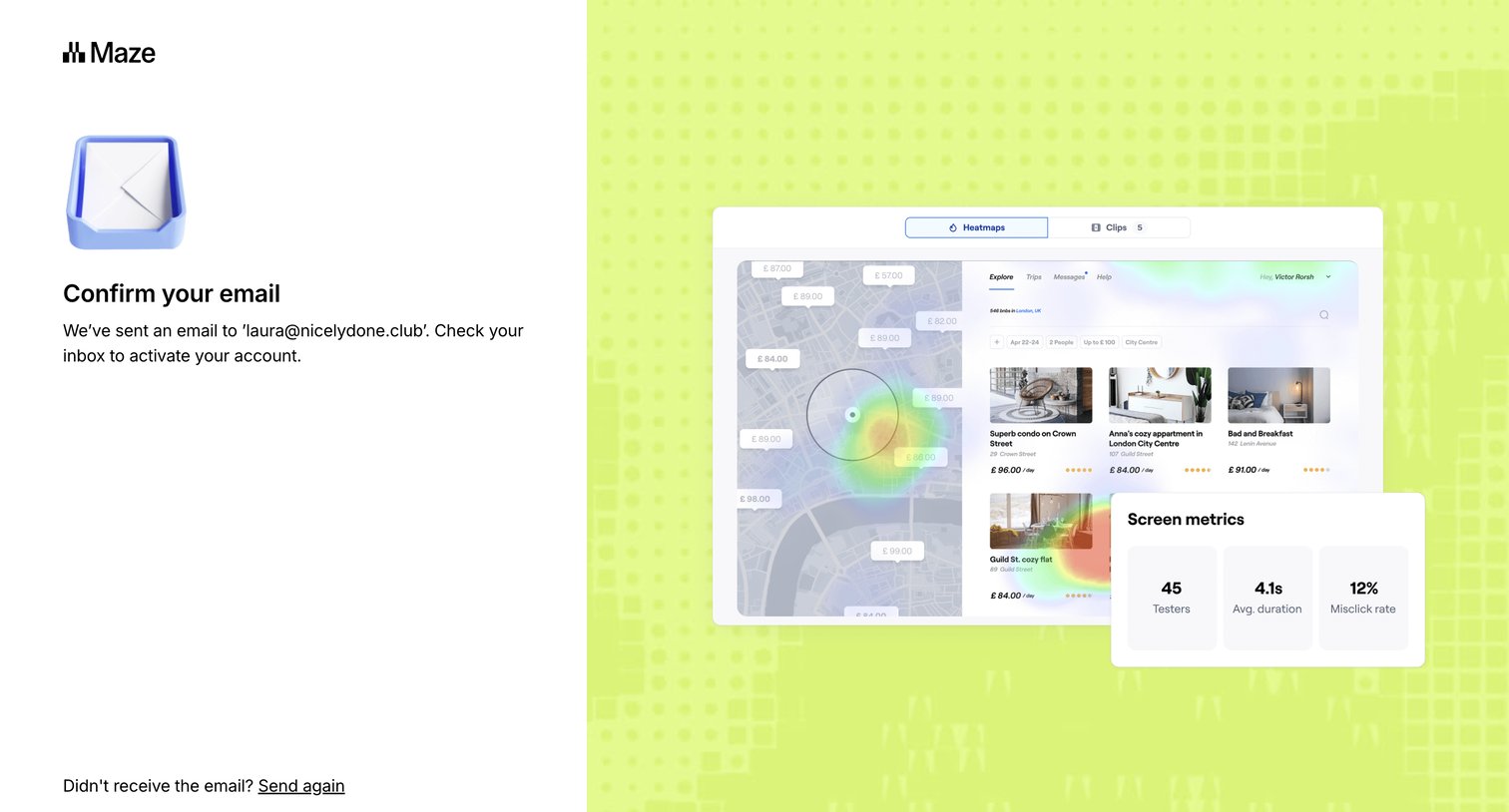

Verification screen where the user is instructed to check their email inbox to activate their account, with options to resend the email or return to signup.
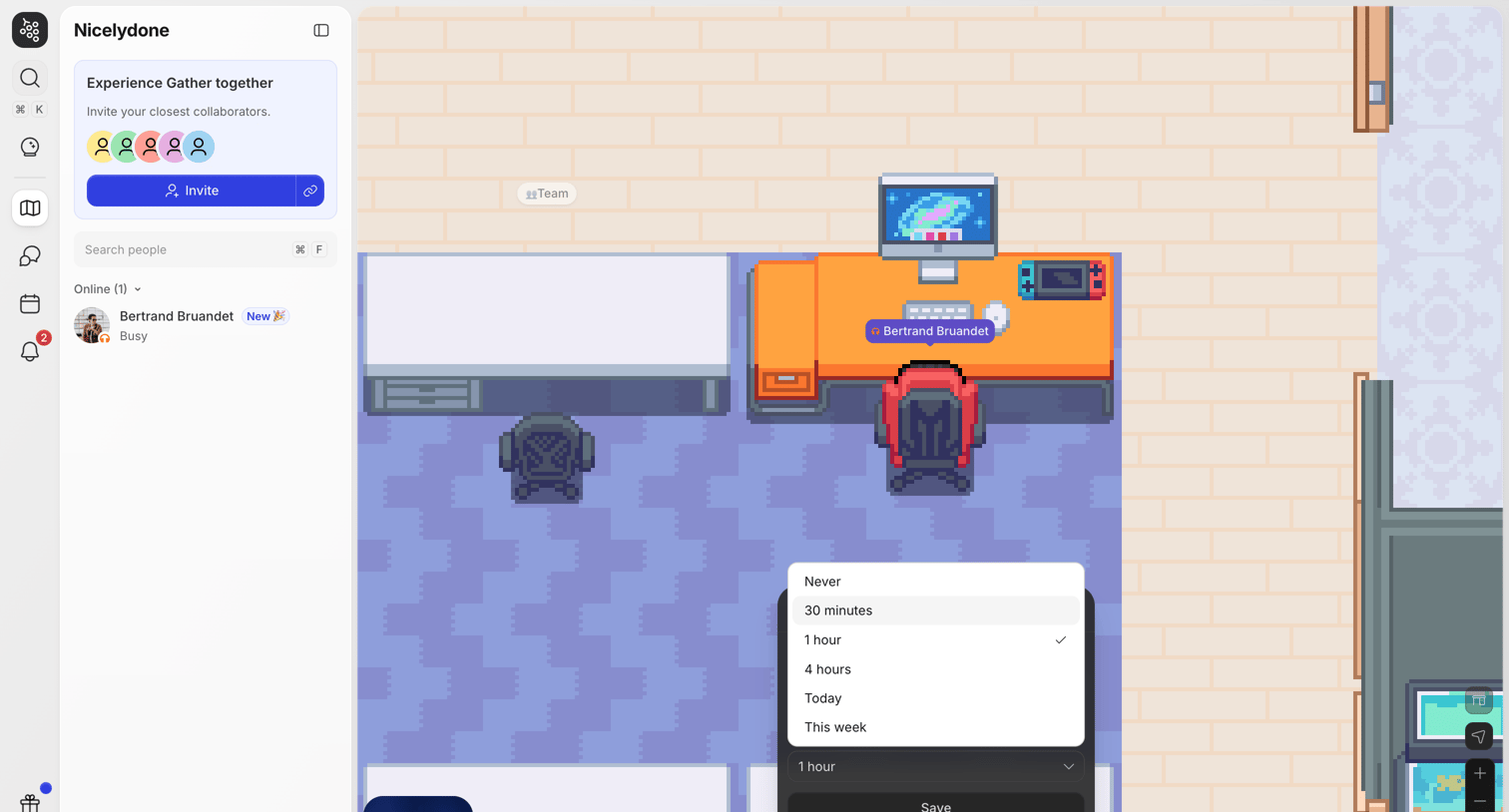

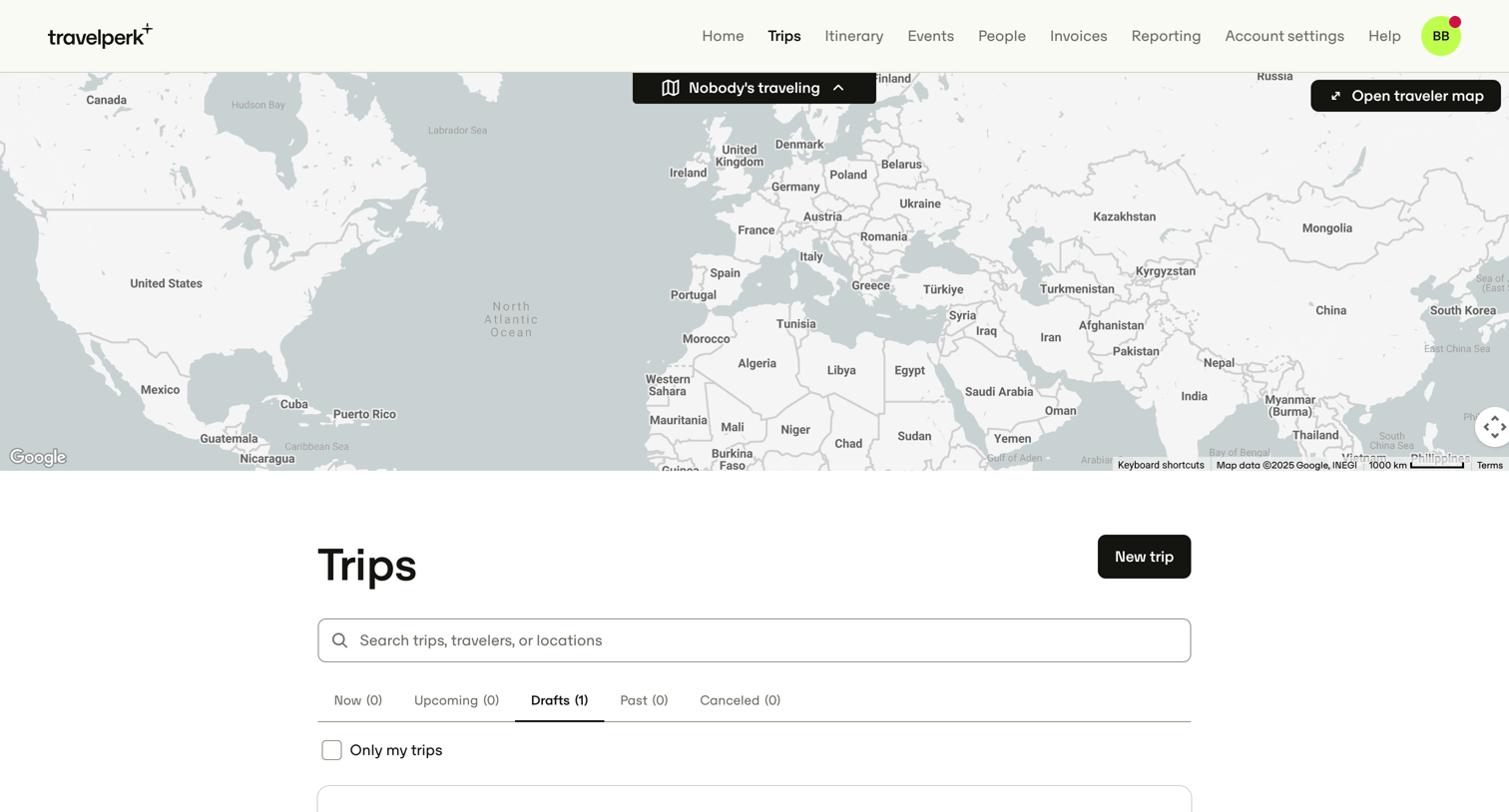

List view where the user manages their corporate travel itineraries, currently showing a drafted trip to New York with options to resume editing, share, or delete.

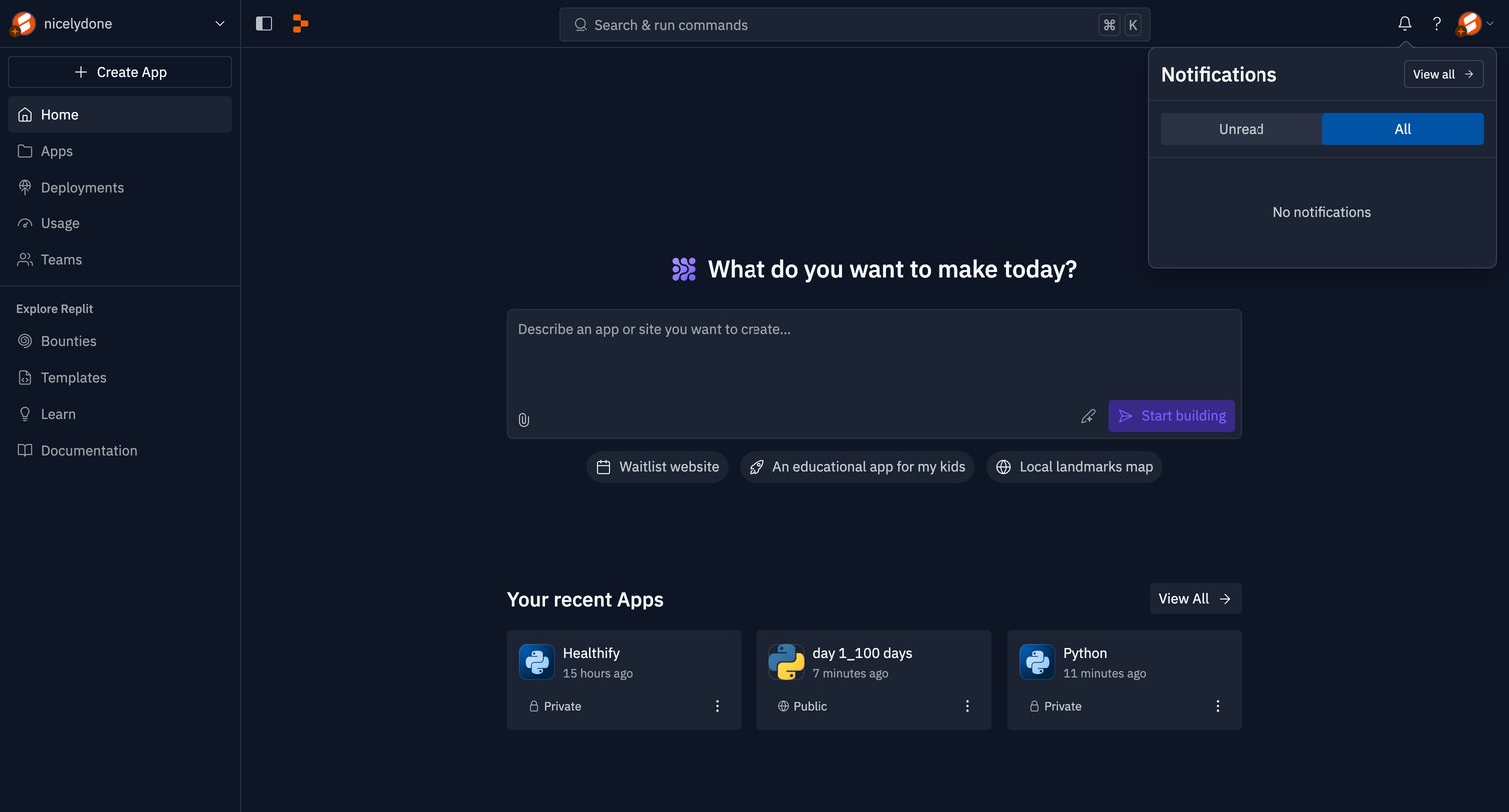

Home screen where the user can start building an application via an AI prompt or access their recently modified projects.
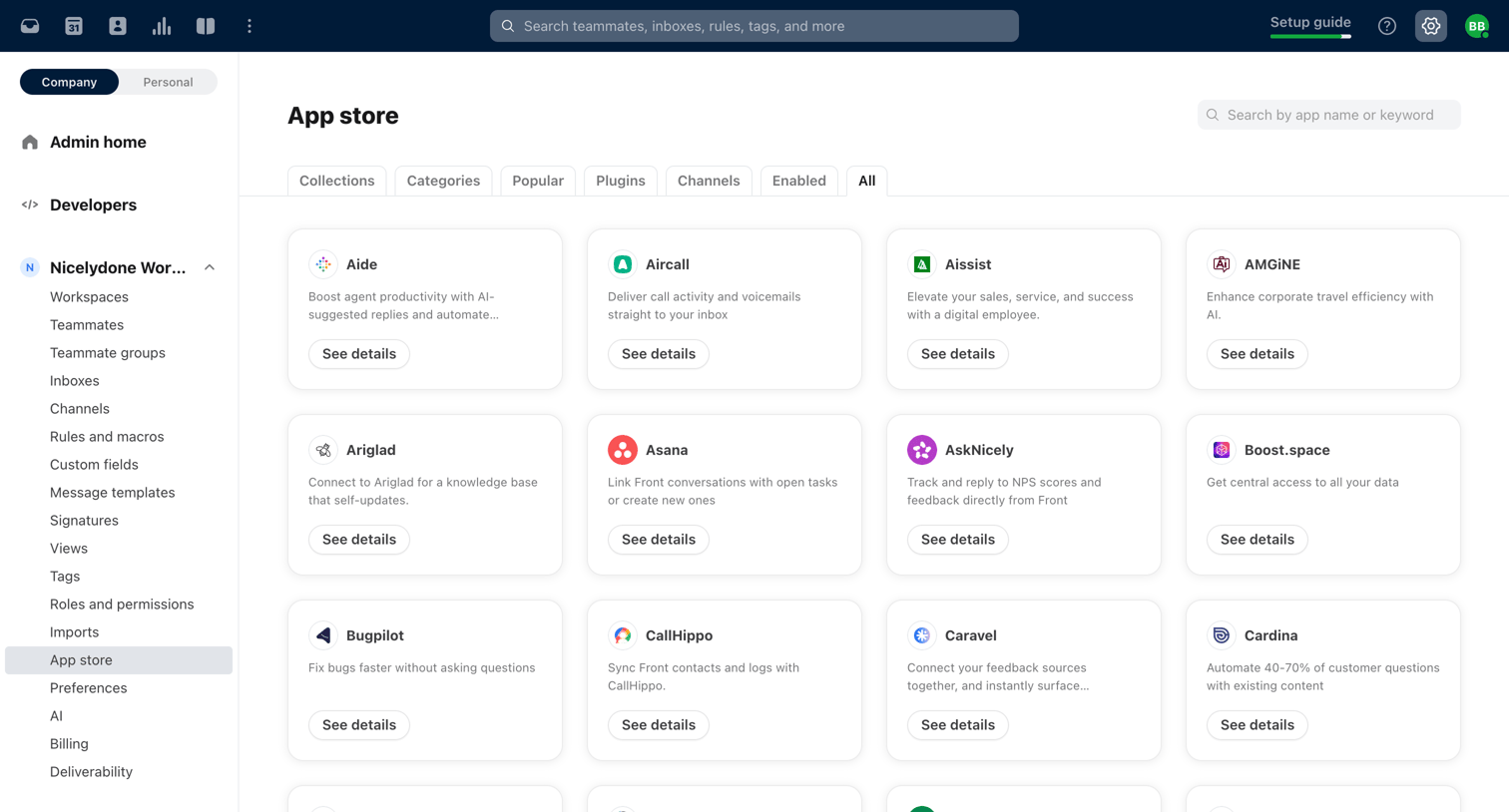

Settings page where the user browses and searches for third-party apps like Asana, GitHub, and Salesforce to connect to their workspace.
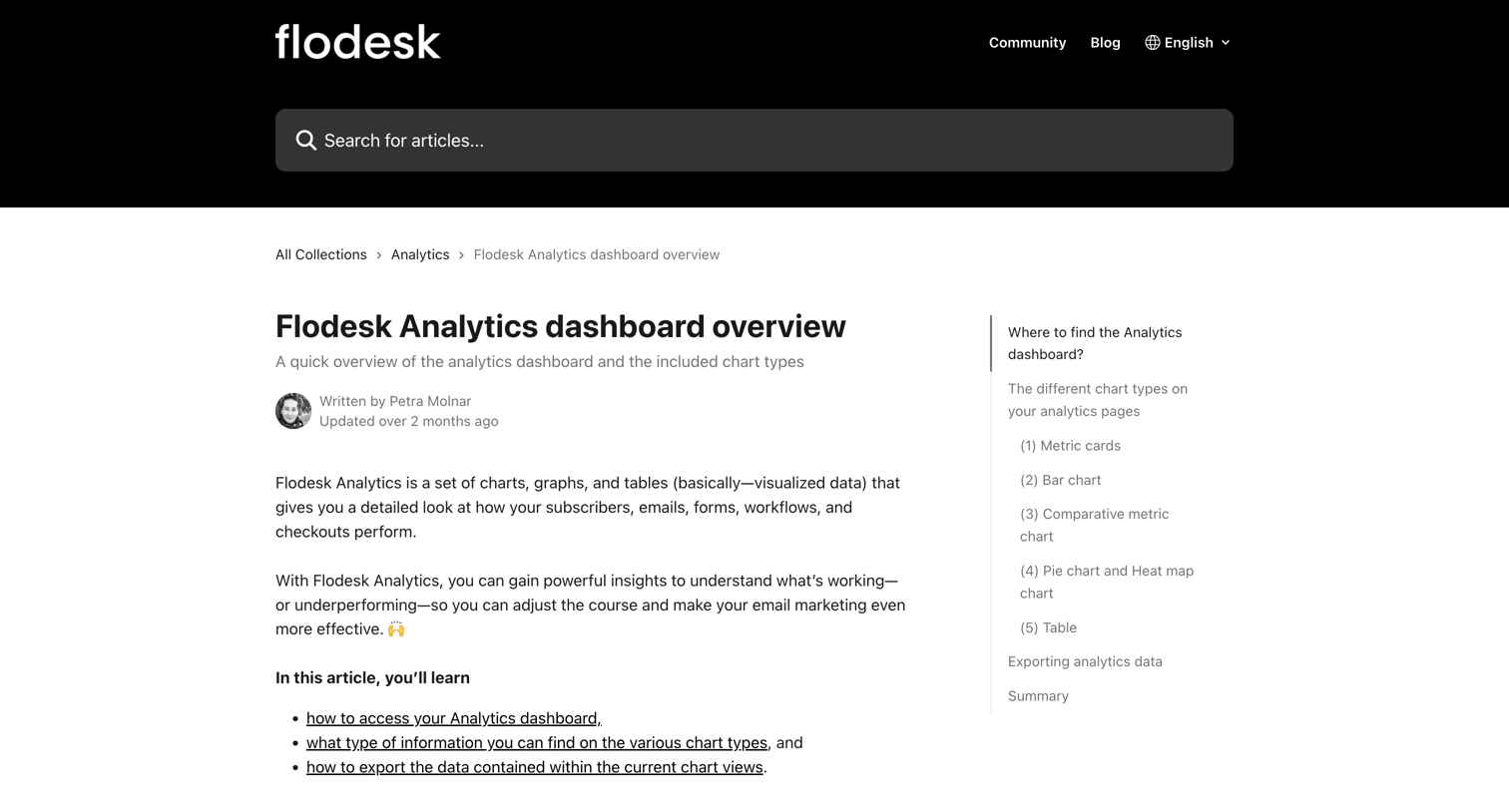

Help center article explaining the different chart types and data available on the analytics dashboard, featuring screenshots of bar charts, pie charts, and data tables.


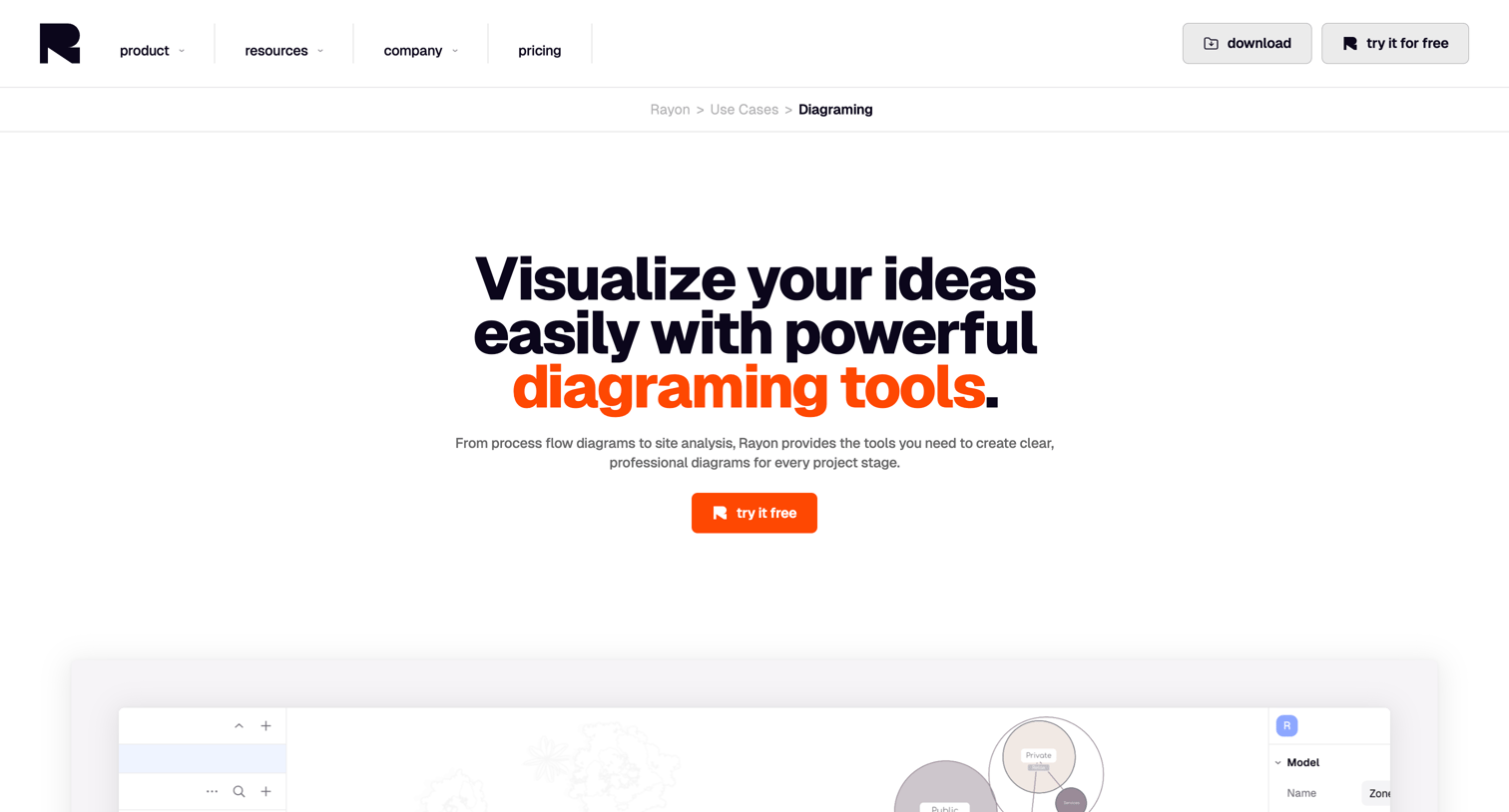

Use case page where the user learns about Rayon's diagramming tools for site analysis and space planning, featuring an asset library, feature grids, and a real-time collaboration pitch.
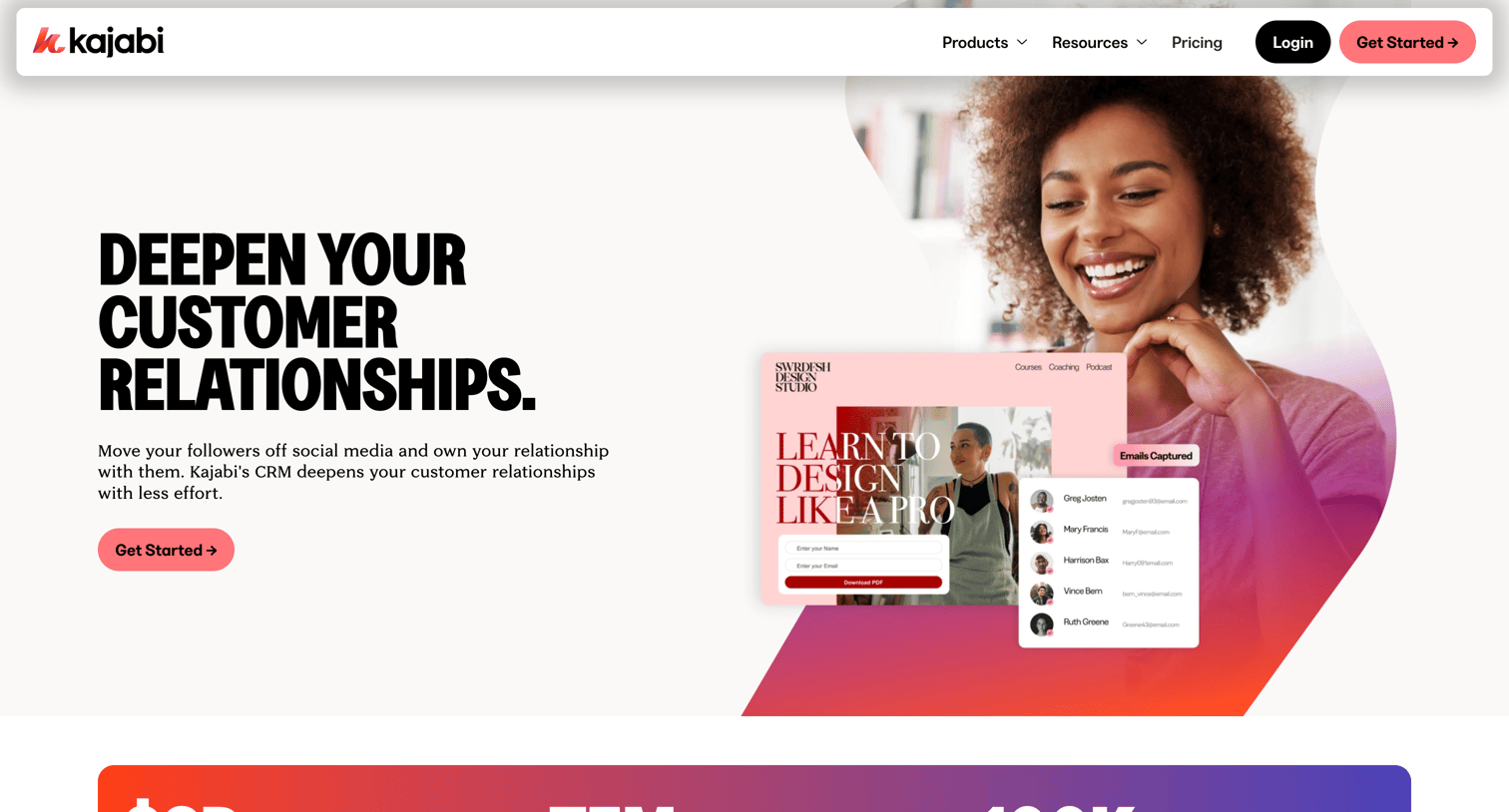

Feature page highlighting the CRM and contact management capabilities of the platform, including automation, organization, and insights, with a comparison section and FAQ.
Explore the full SaaS screen library
Upgrade to unlock the full library.
Trusted by the best teams







