Importing data screen examples
Importing data screen design examples from SaaS apps. Browse examples from Outseta, Zapier, Freckle.
Explore the examples
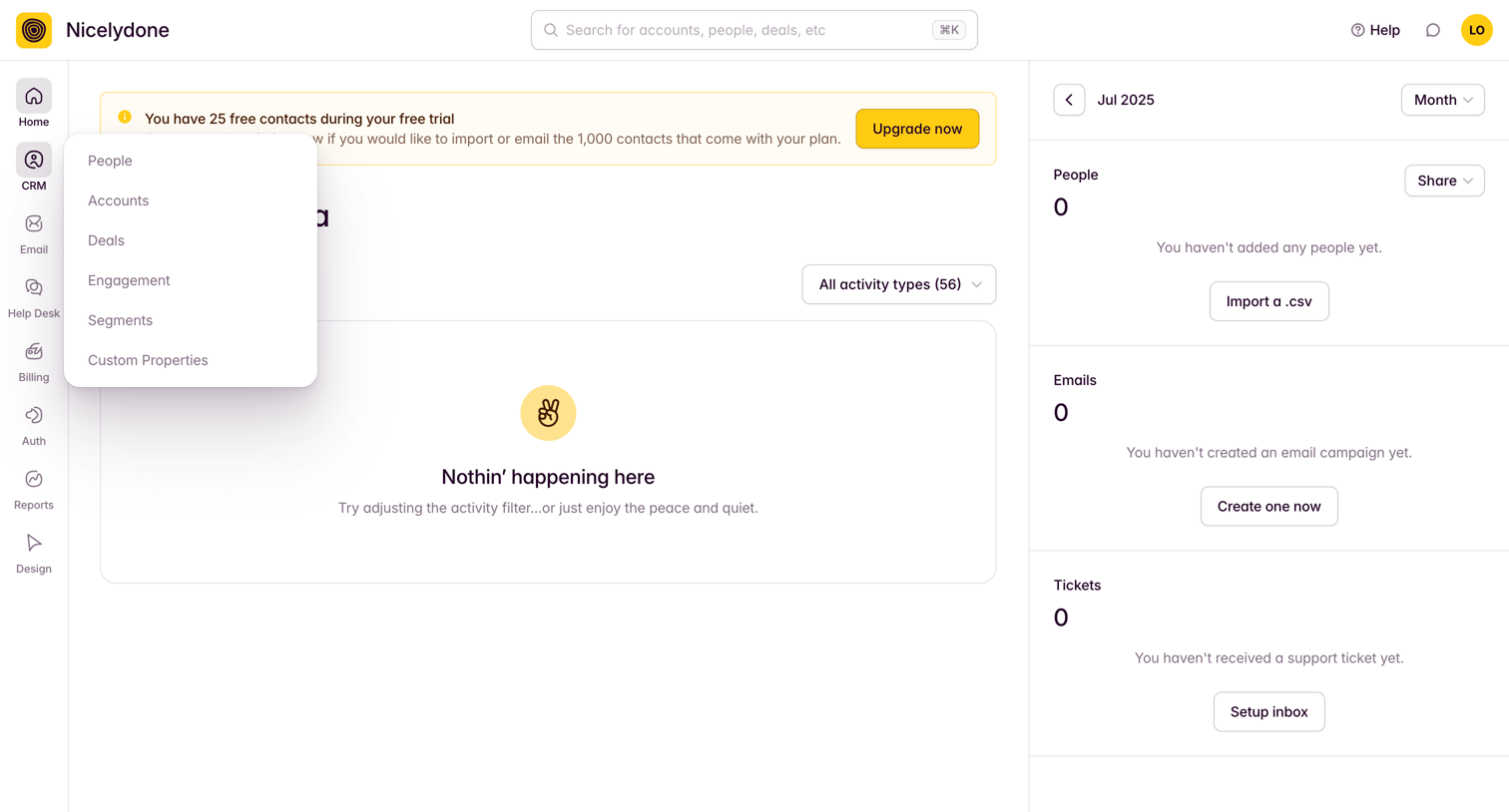

Dashboard where the user sees empty states for recent activity, people, emails, and tickets, with prompts to import data or create campaigns.
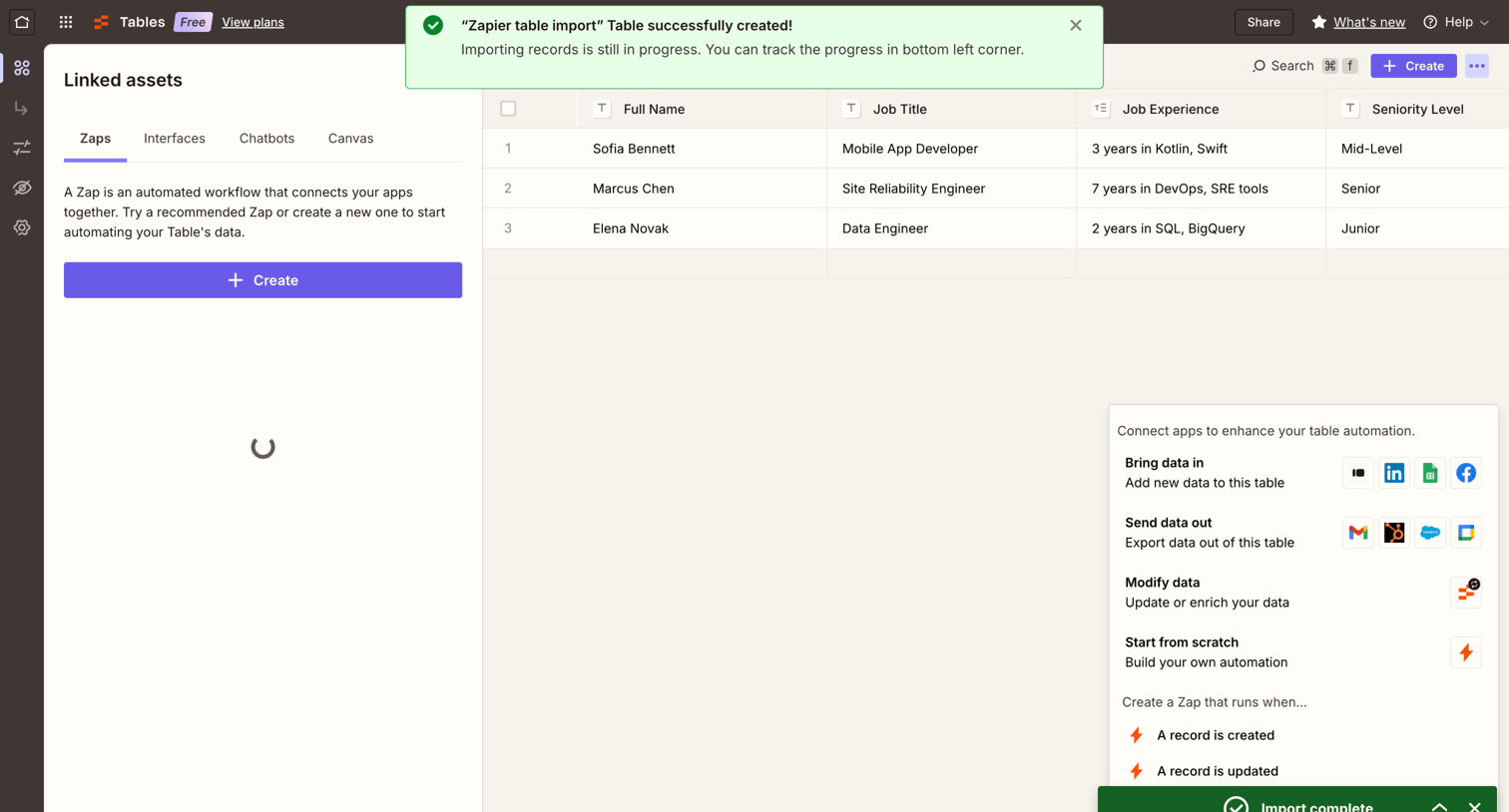

Data table view where the user manages records and can connect automated workflows via a linked assets sidebar.
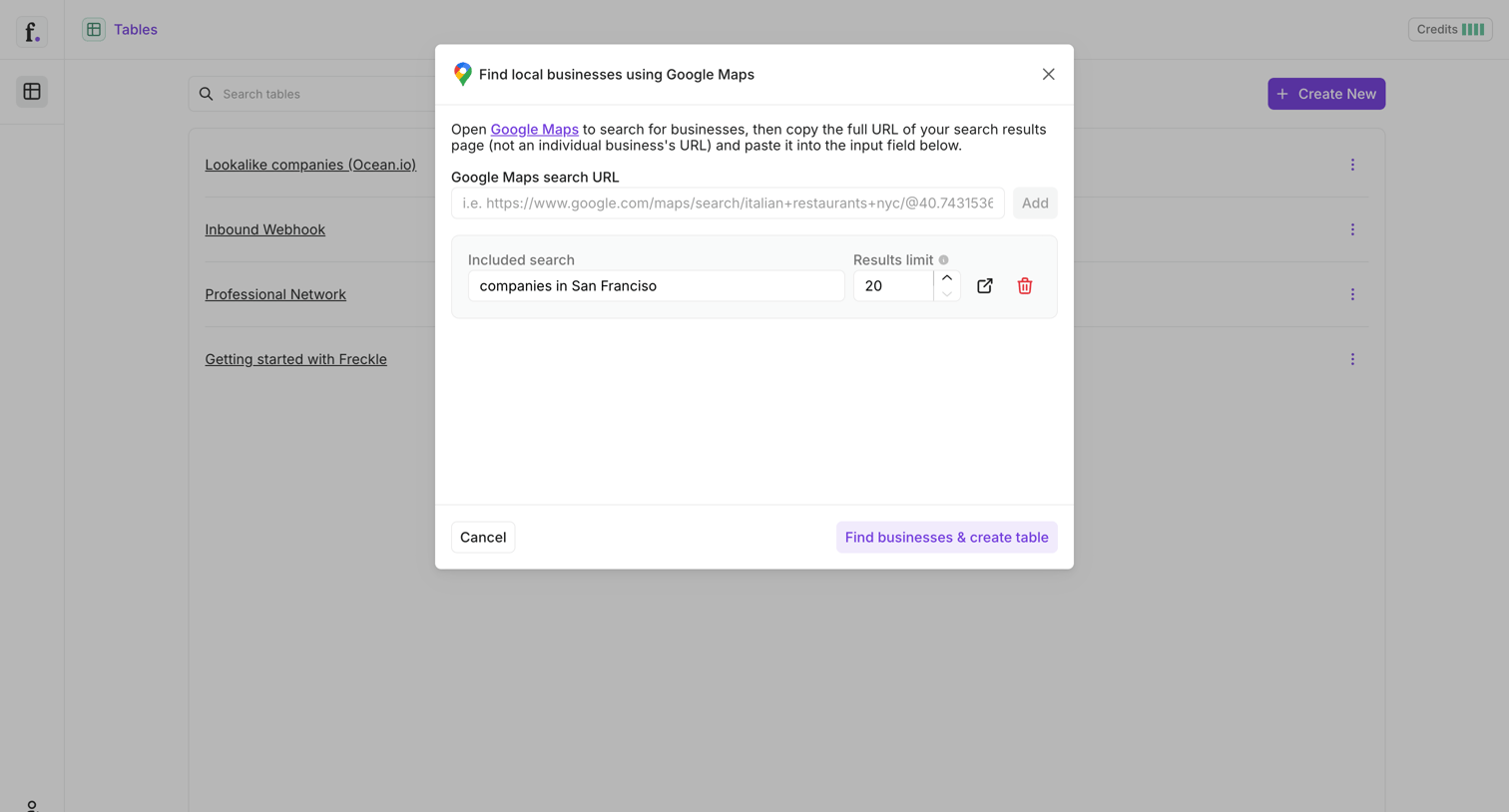

List view with an active modal where the user configures a Google Maps search URL and result limits to extract local business data into a new table.
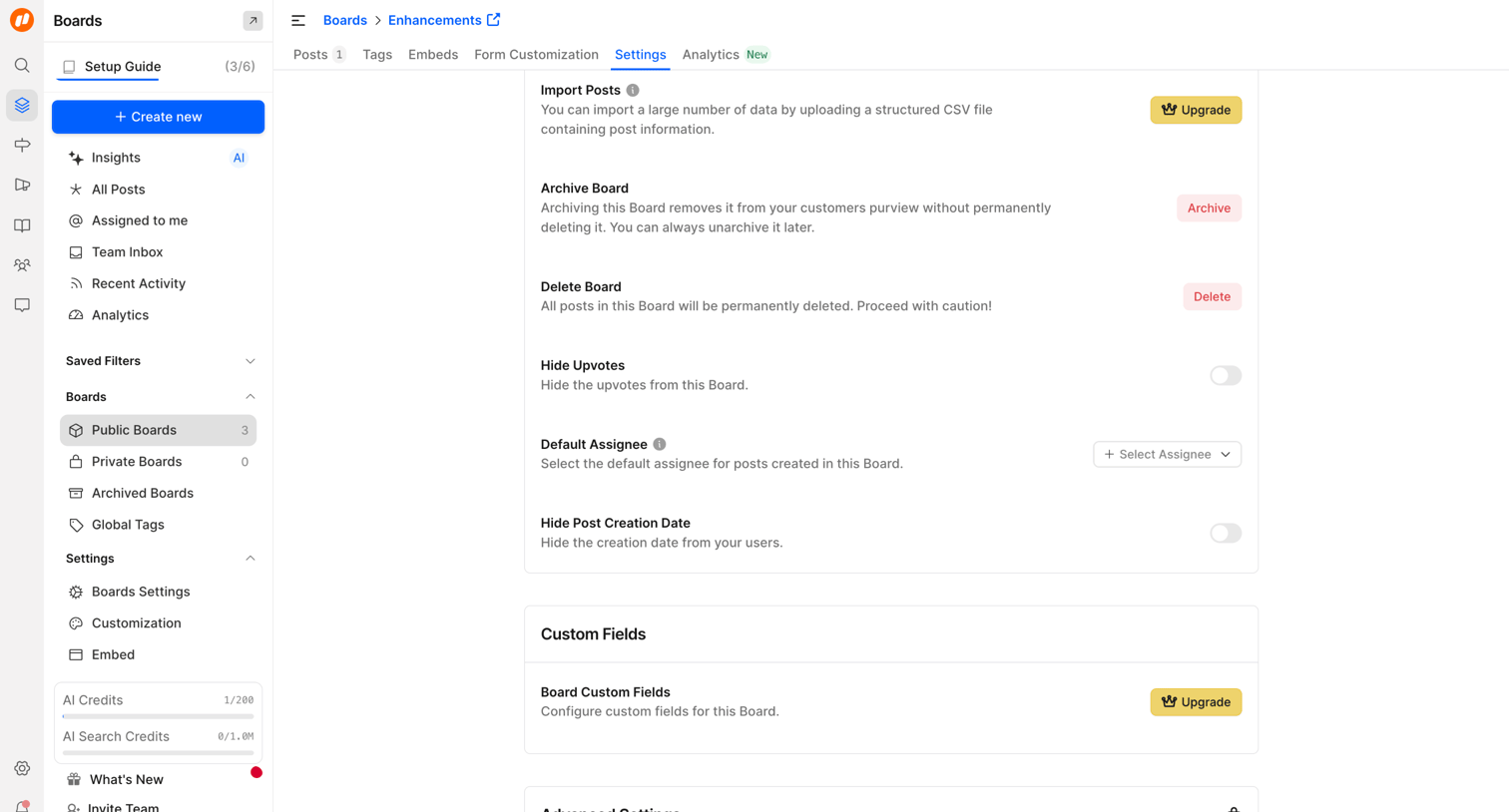

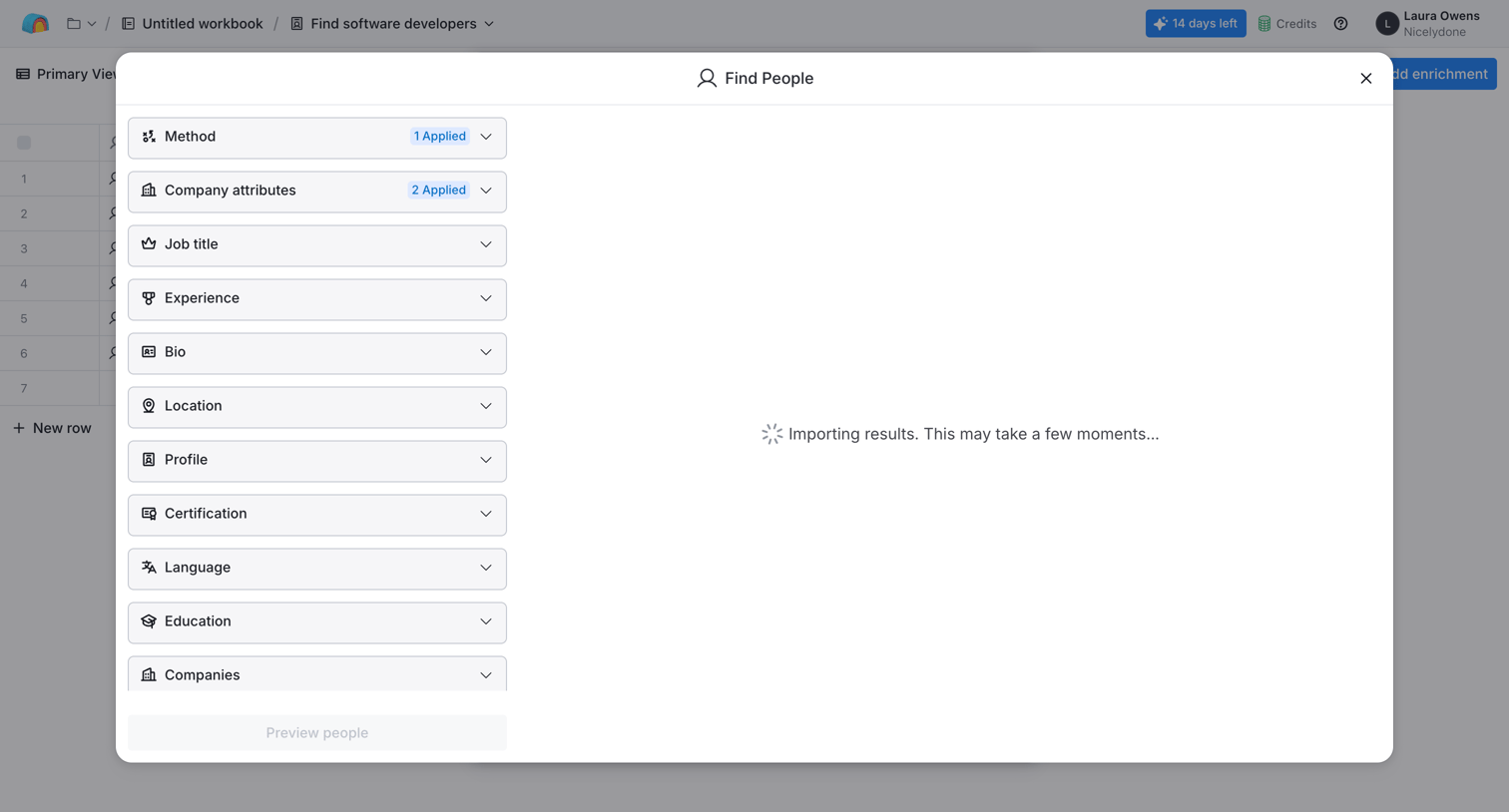

Search overlay where the user filters by method and company attributes to find software developers while results are importing.
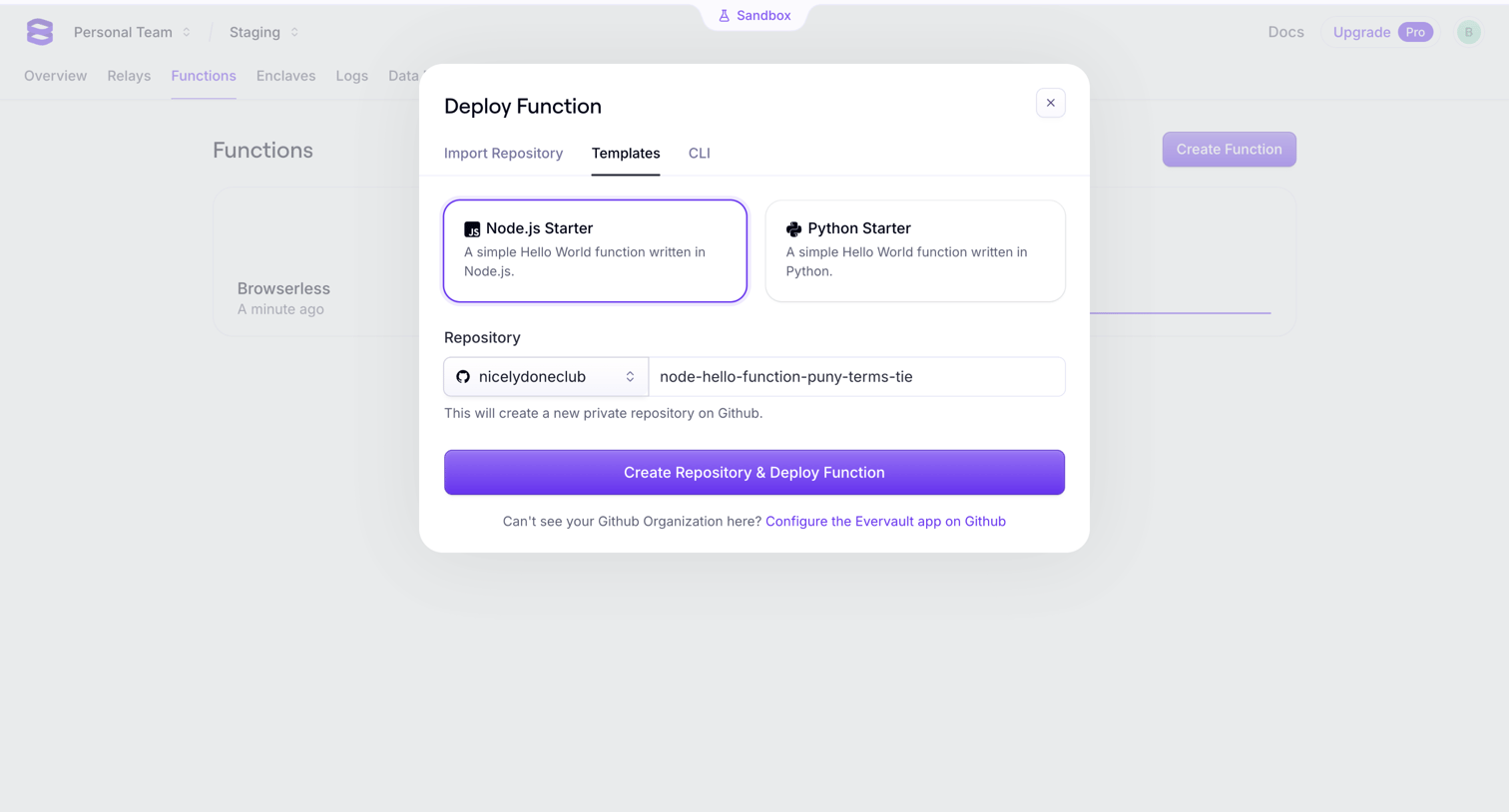

Modal where the user deploys a new function by selecting a Node.js or Python starter template and naming the GitHub repository.
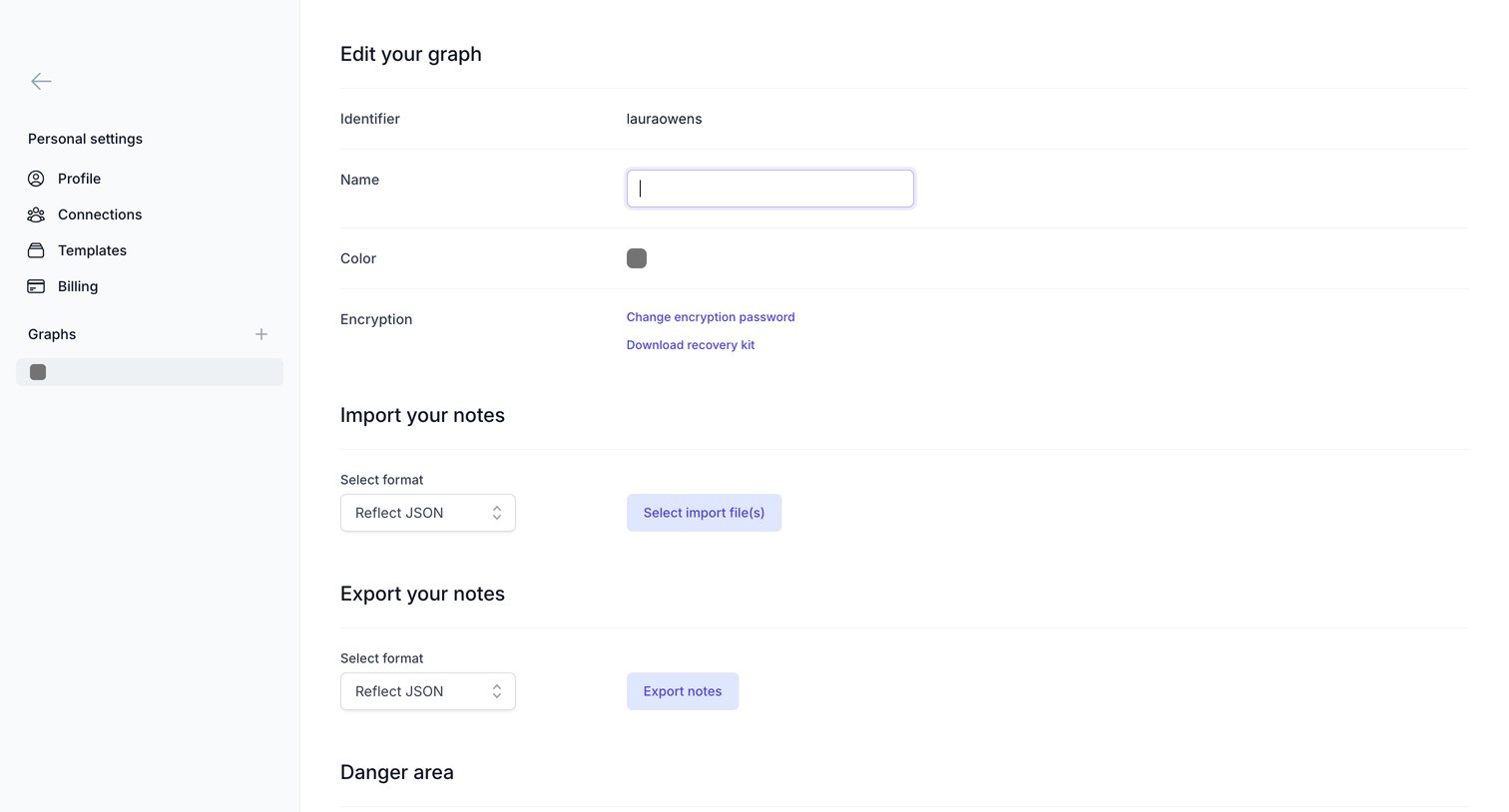

Settings page where the user configures their graph's name and color, manages encryption, and handles importing or exporting notes.
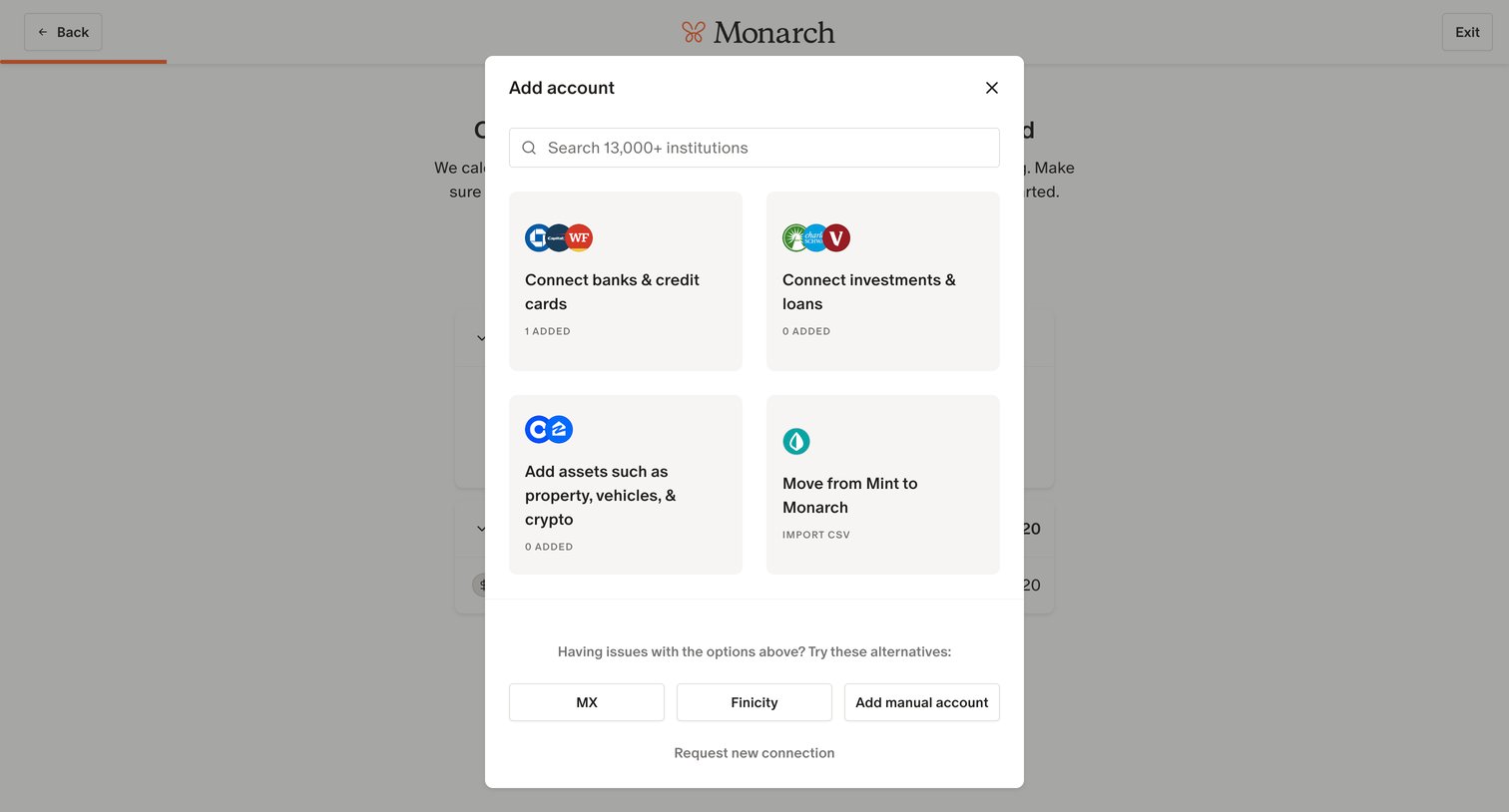

Onboarding step where the user adds financial accounts via a modal with options for connecting banks, investments, assets, or importing from Mint.
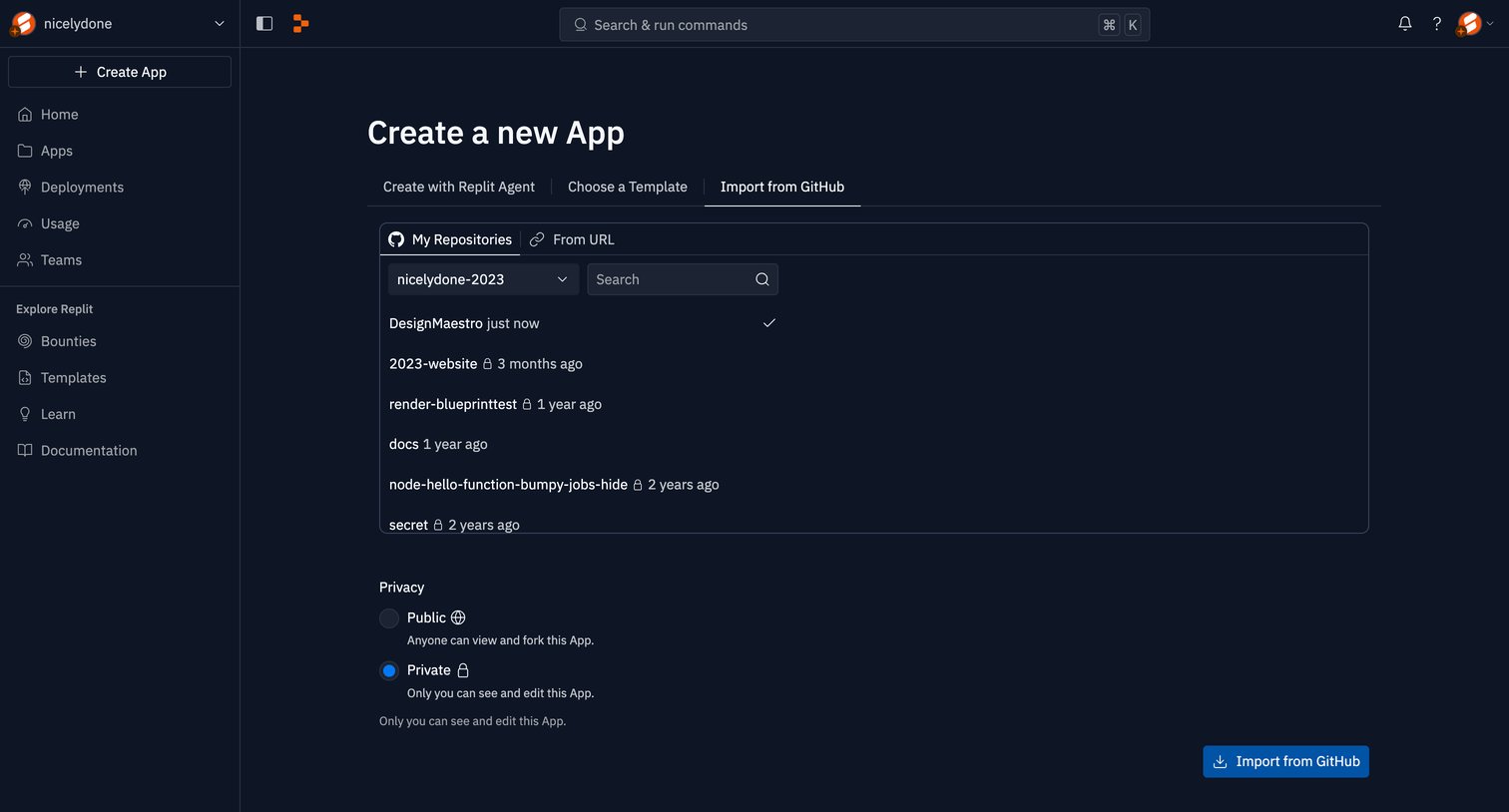

Create screen where the user imports a new app from a GitHub repository, selecting a specific repo and configuring privacy options.
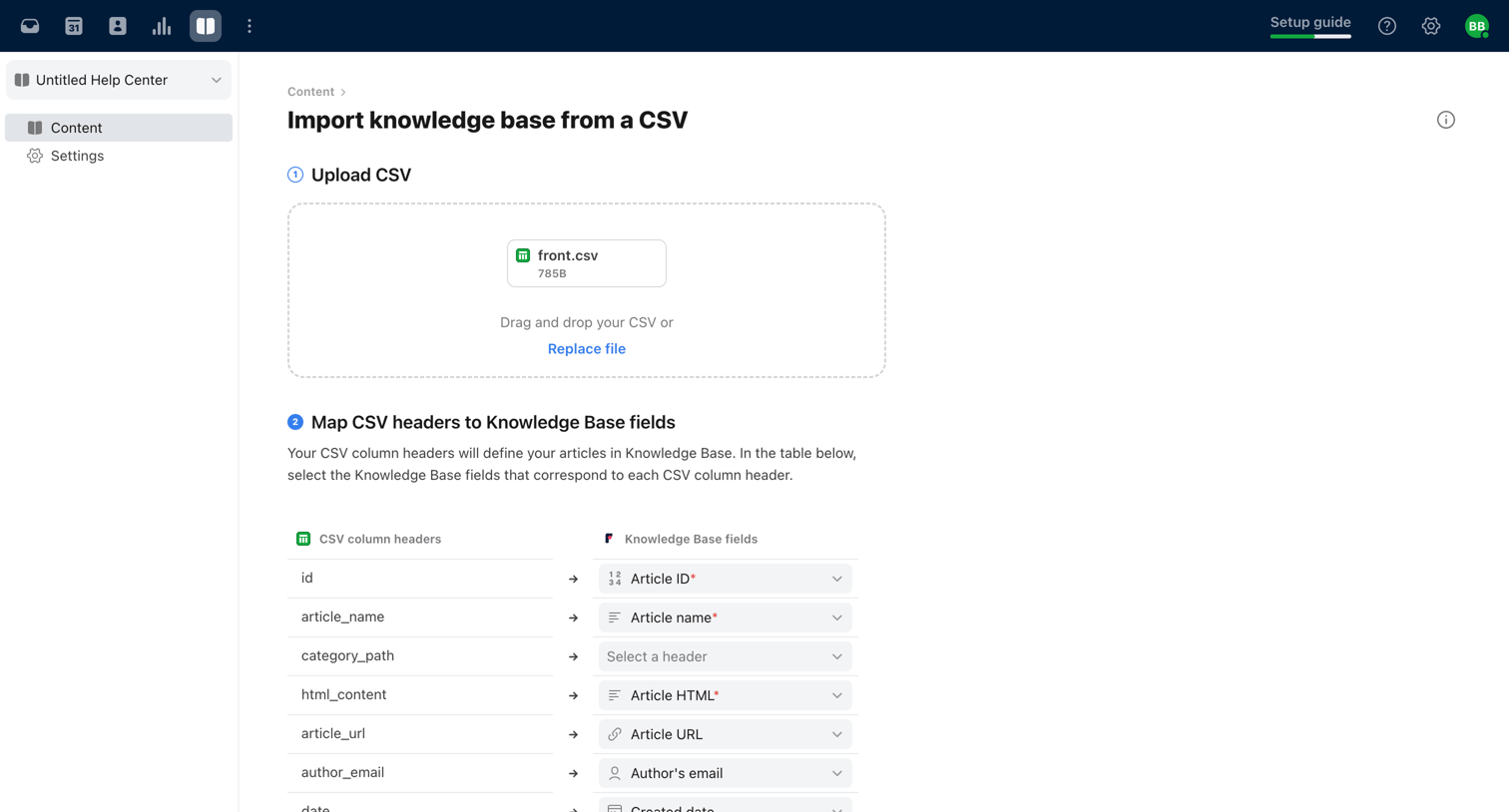

Creation flow where the user uploads a CSV file and maps its column headers to knowledge base fields to import articles.
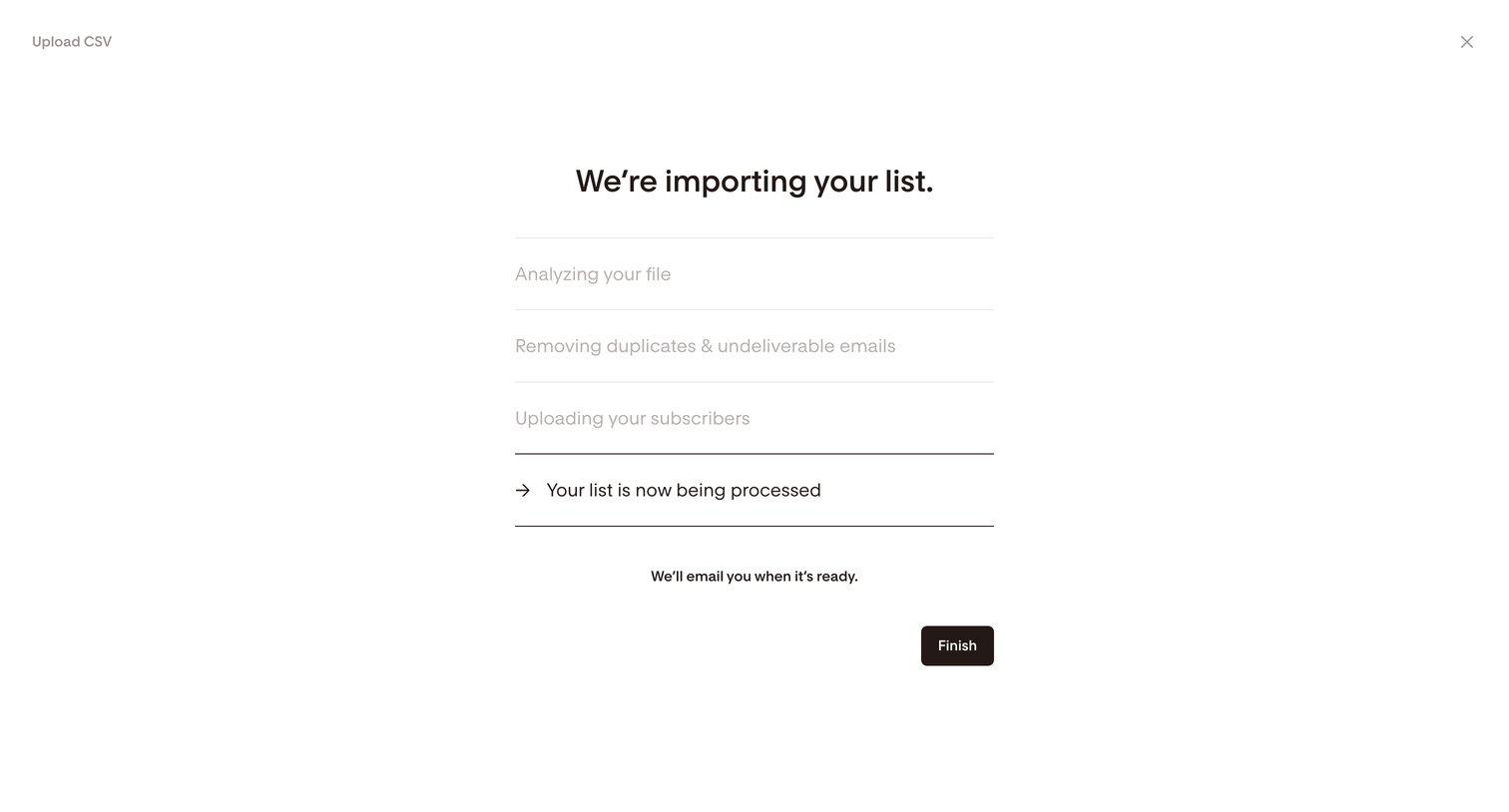

Full-screen overlay where the user views the progress of their CSV subscriber list import and can dismiss the view while background processing completes.
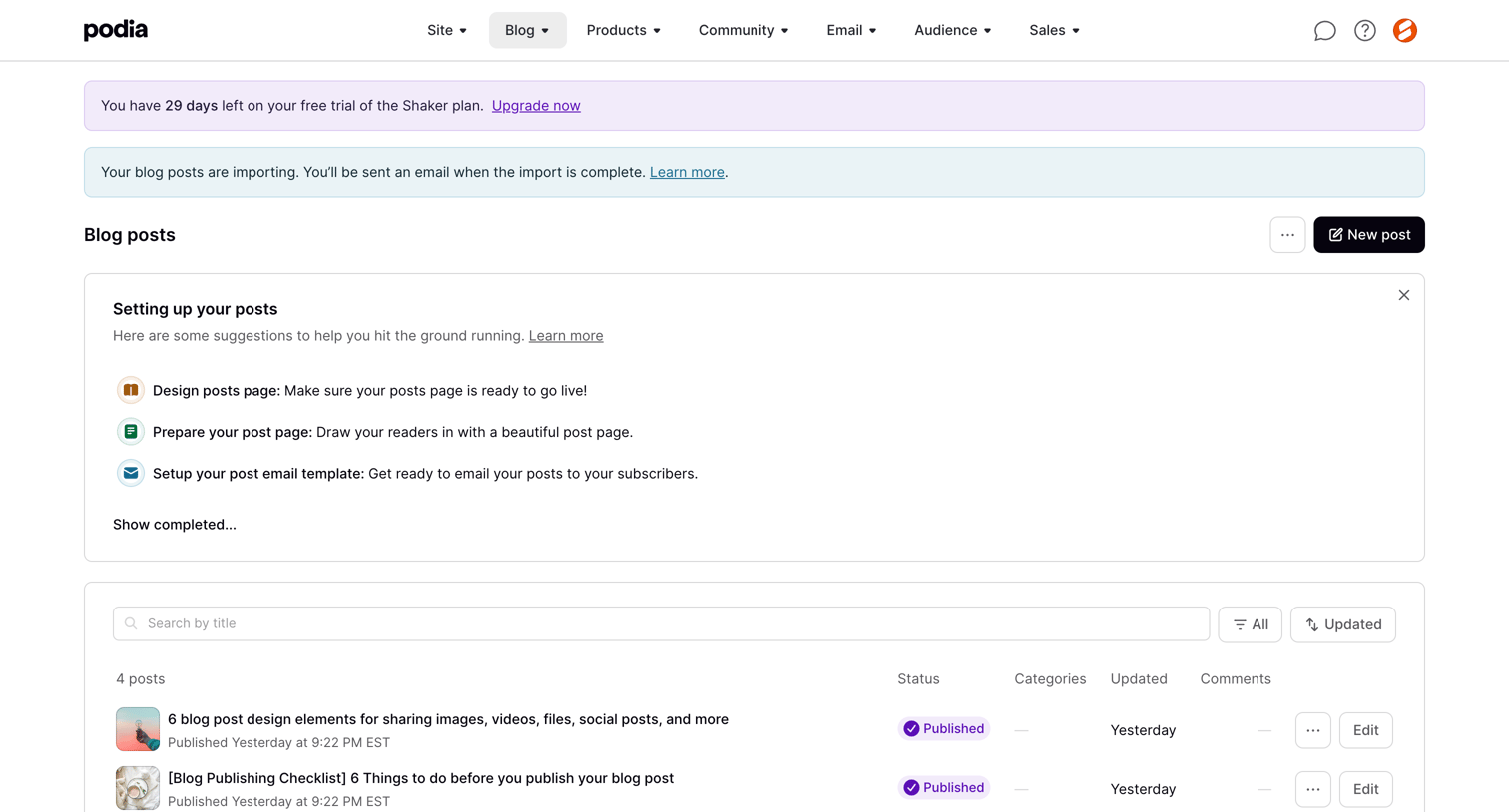

List view of blog posts where the user can search, filter, and manage their published content, with a setup checklist and import status visible.
Explore the full SaaS screen library
Upgrade to unlock the full library.
Trusted by the best teams







