Form screen examples
Form screen design examples from SaaS apps. Browse examples from Dock, Beside, Exa.
Explore the examples
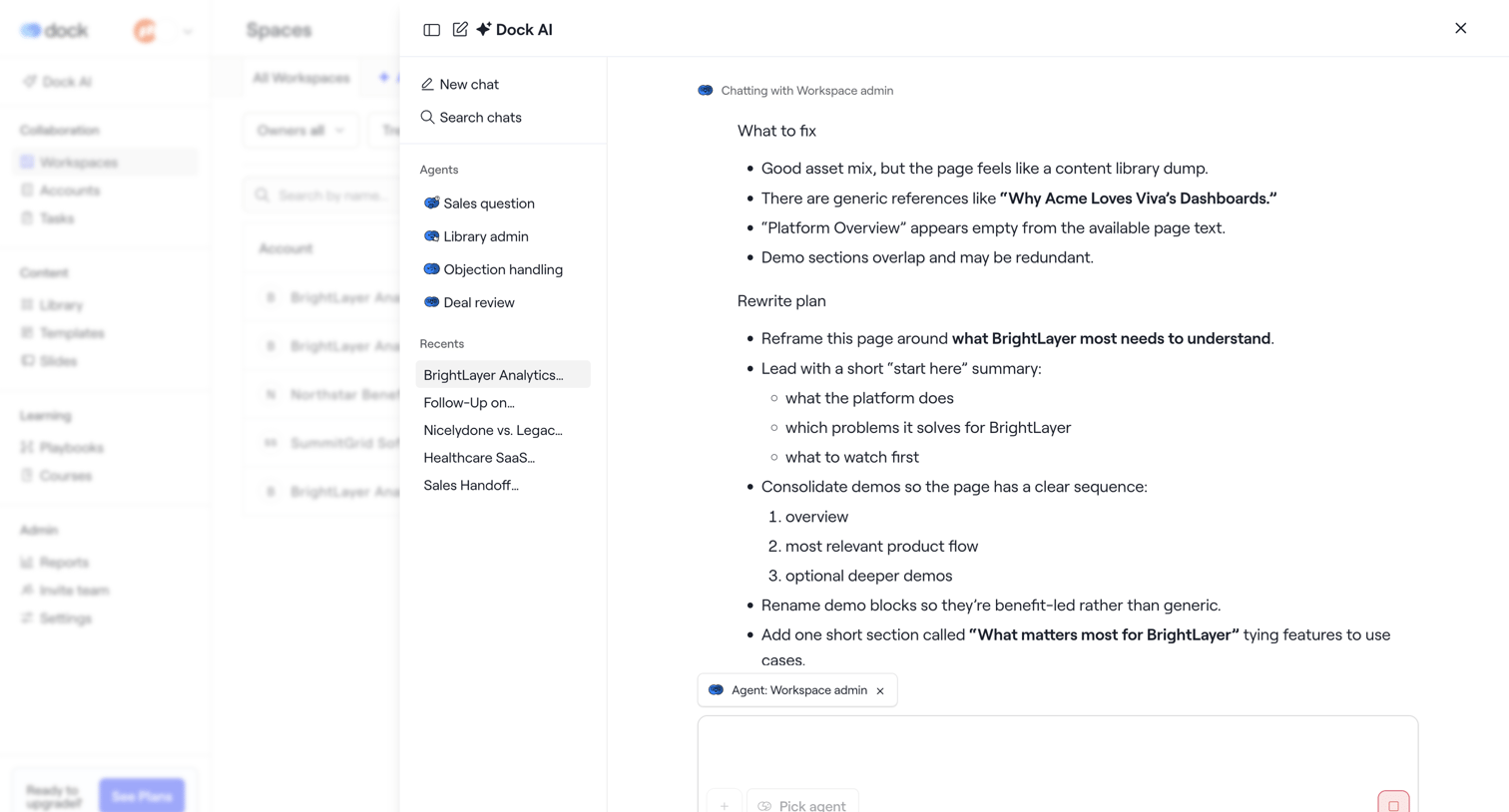

AI assistant drawer where the user chats with a workspace admin agent to review a rewrite plan for a BrightLayer page.
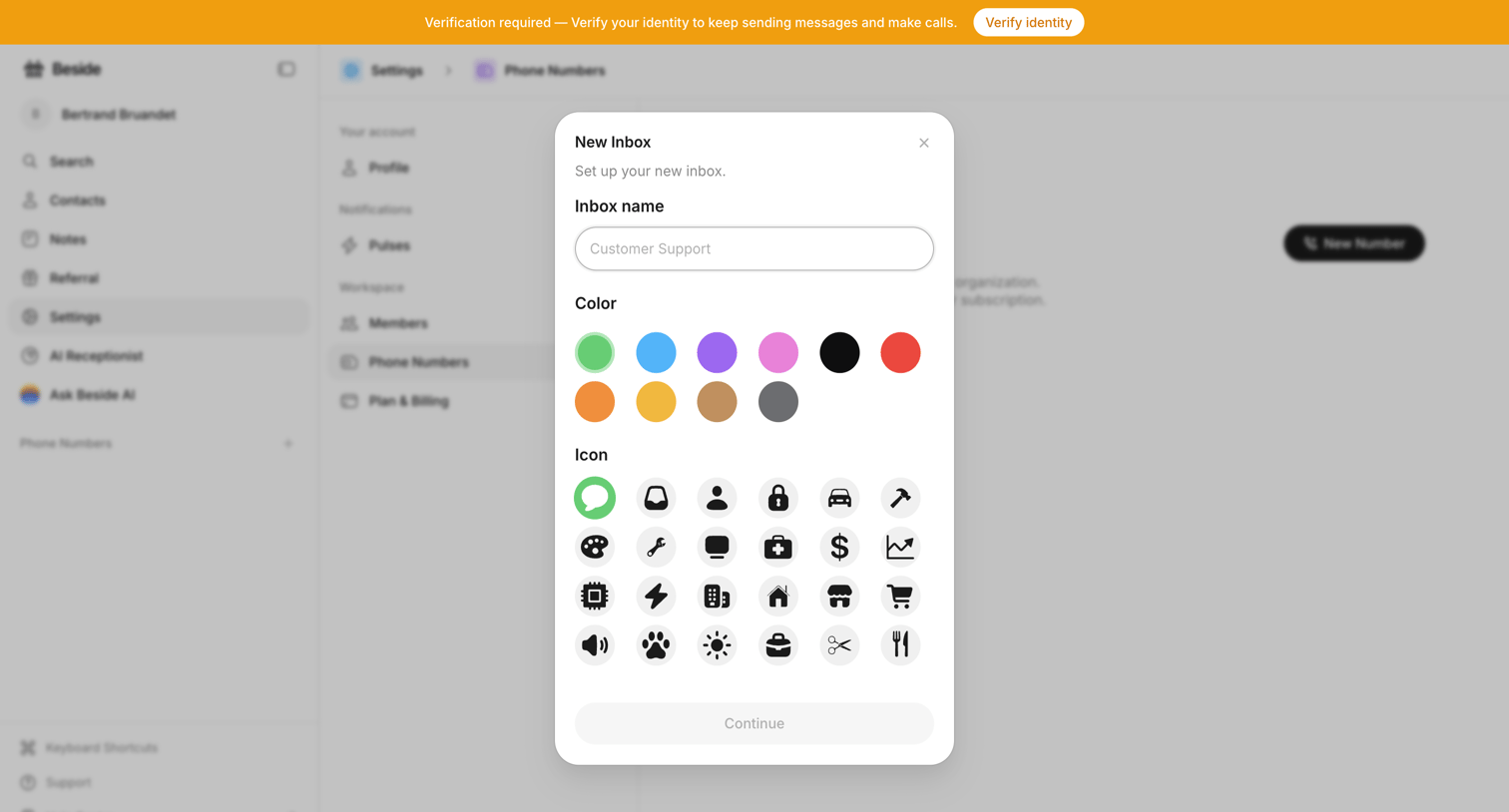

Settings page where the user creates a new inbox by entering a name, selecting a color, and choosing an icon from a grid.
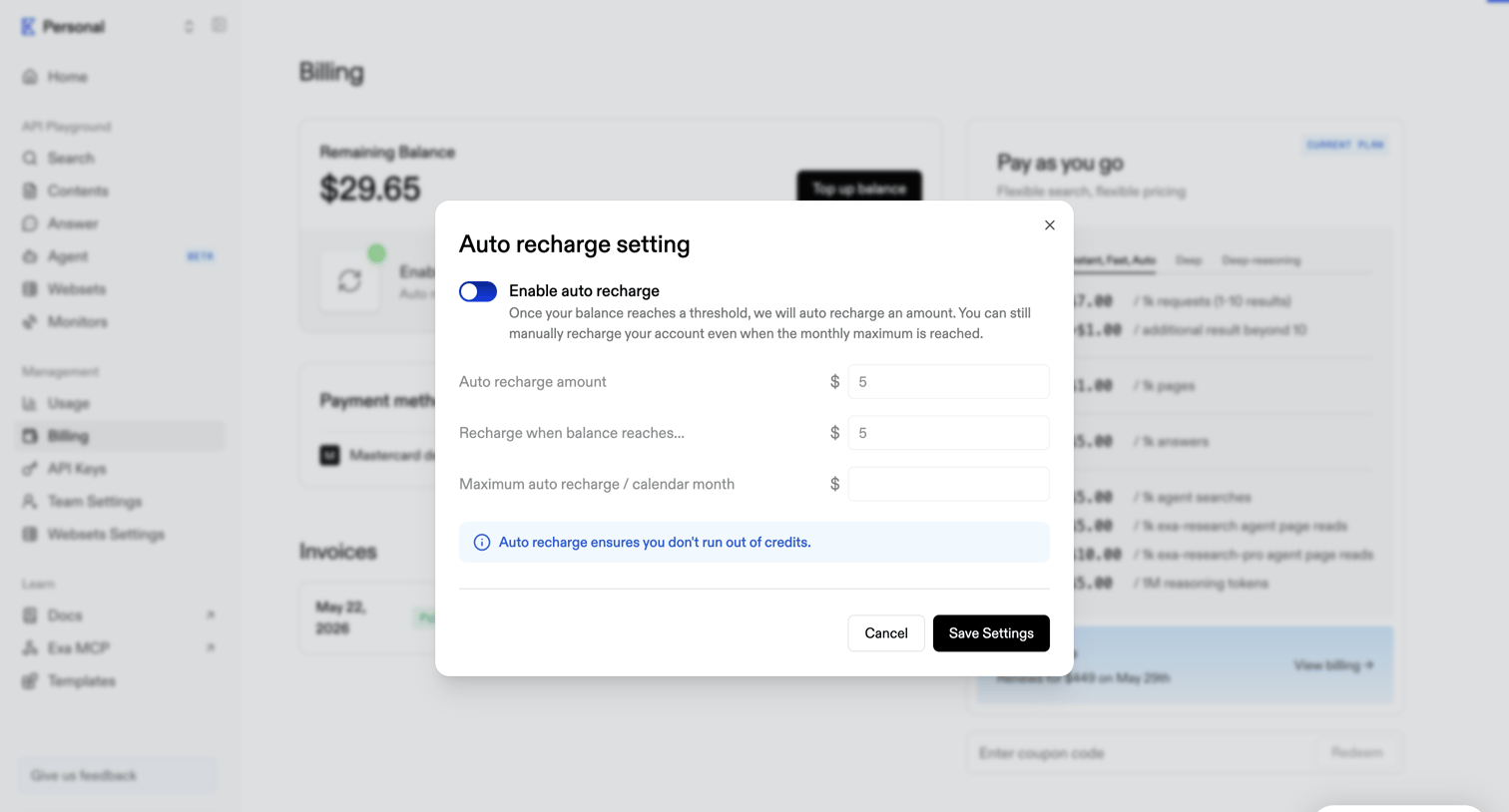

Billing settings modal where the user configures auto-recharge amounts and thresholds to prevent running out of API credits.
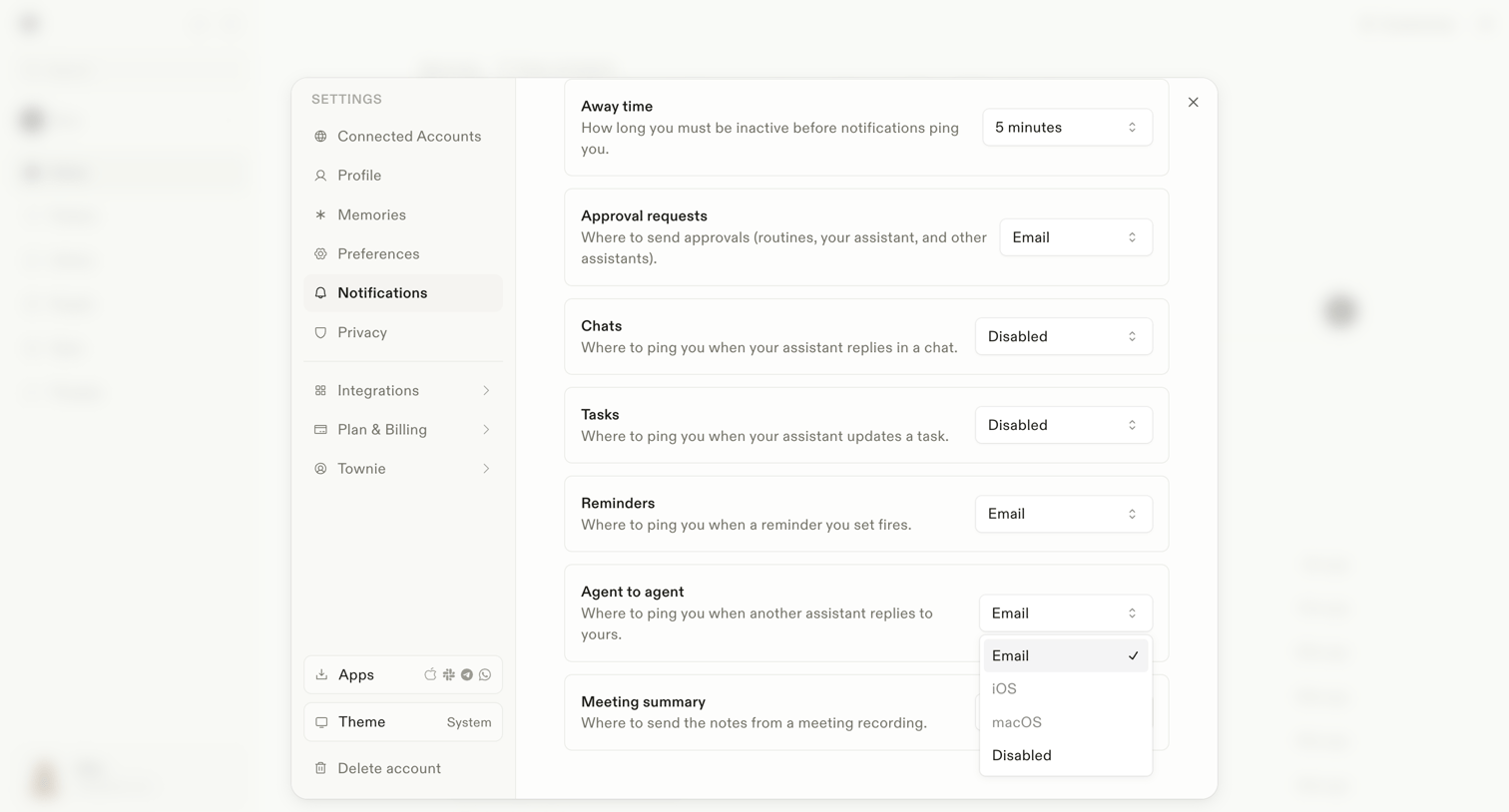

Settings modal where the user configures notification preferences for away time, approval requests, chats, tasks, and agent-to-agent interactions.
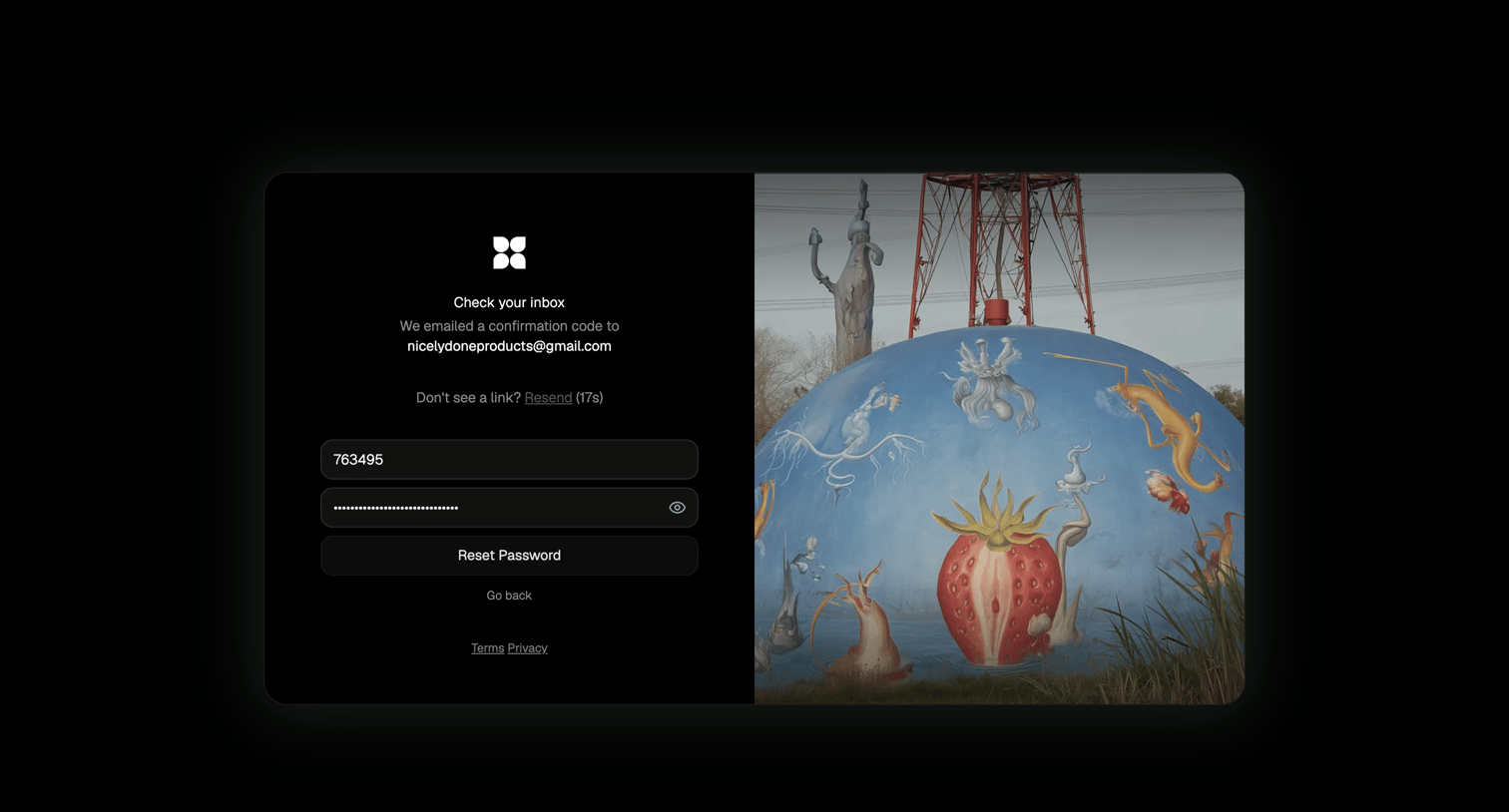

Password recovery screen where the user enters an emailed confirmation code and a new password to regain account access.
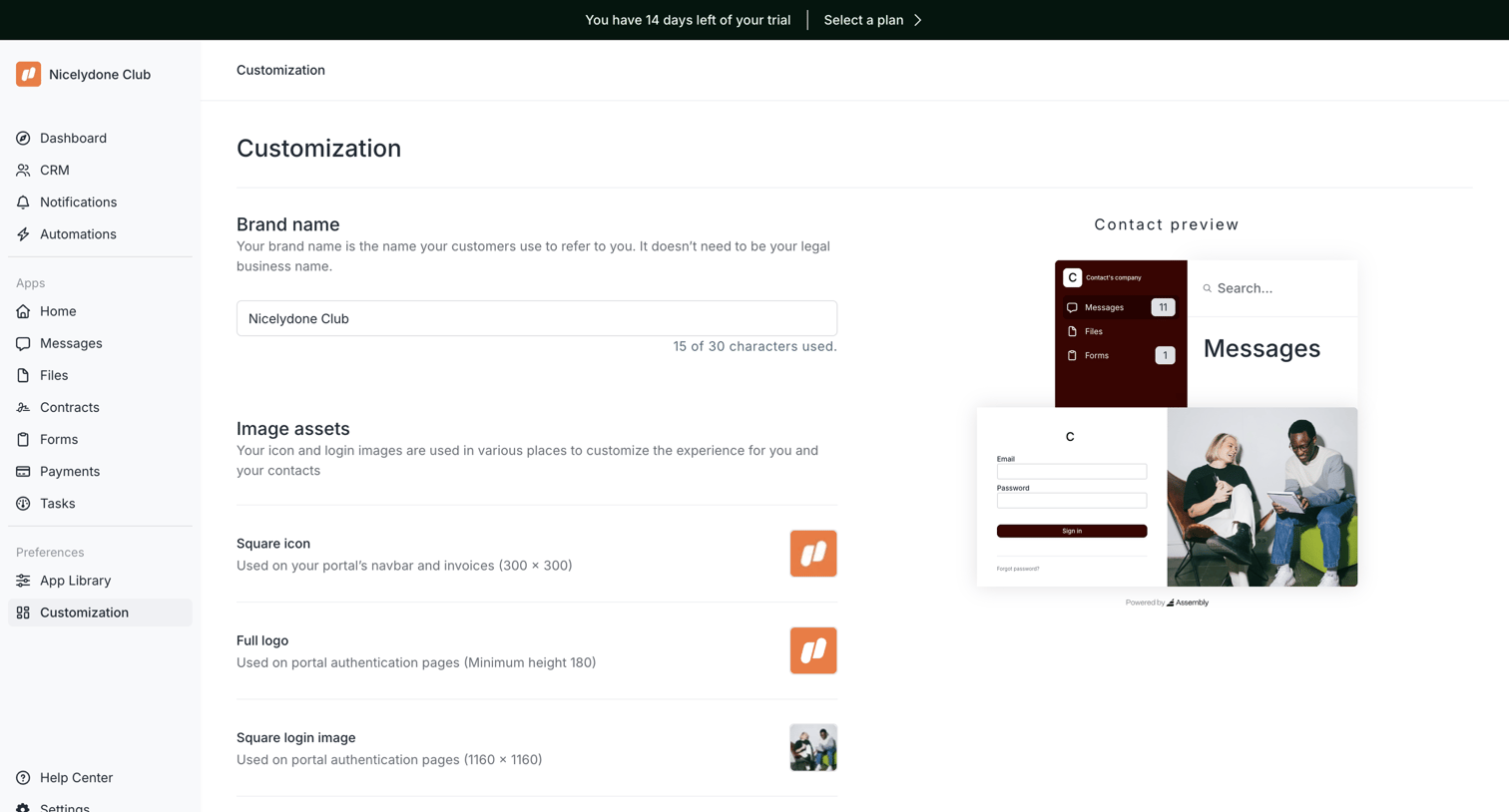

Settings page where the user configures their portal's brand name and image assets while viewing a live preview.
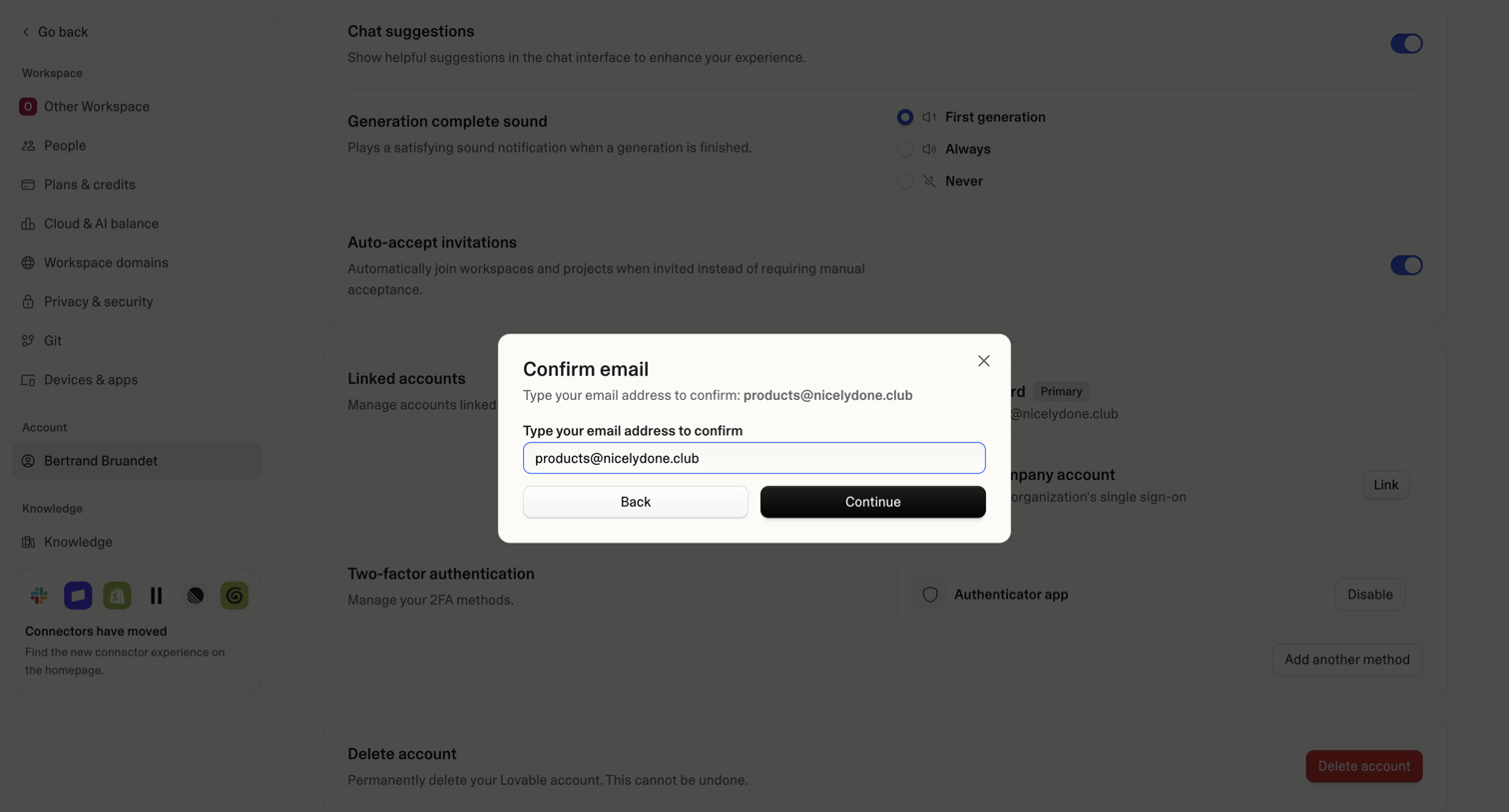

Settings page where the user must confirm their email address in a modal overlay to proceed with an account change.
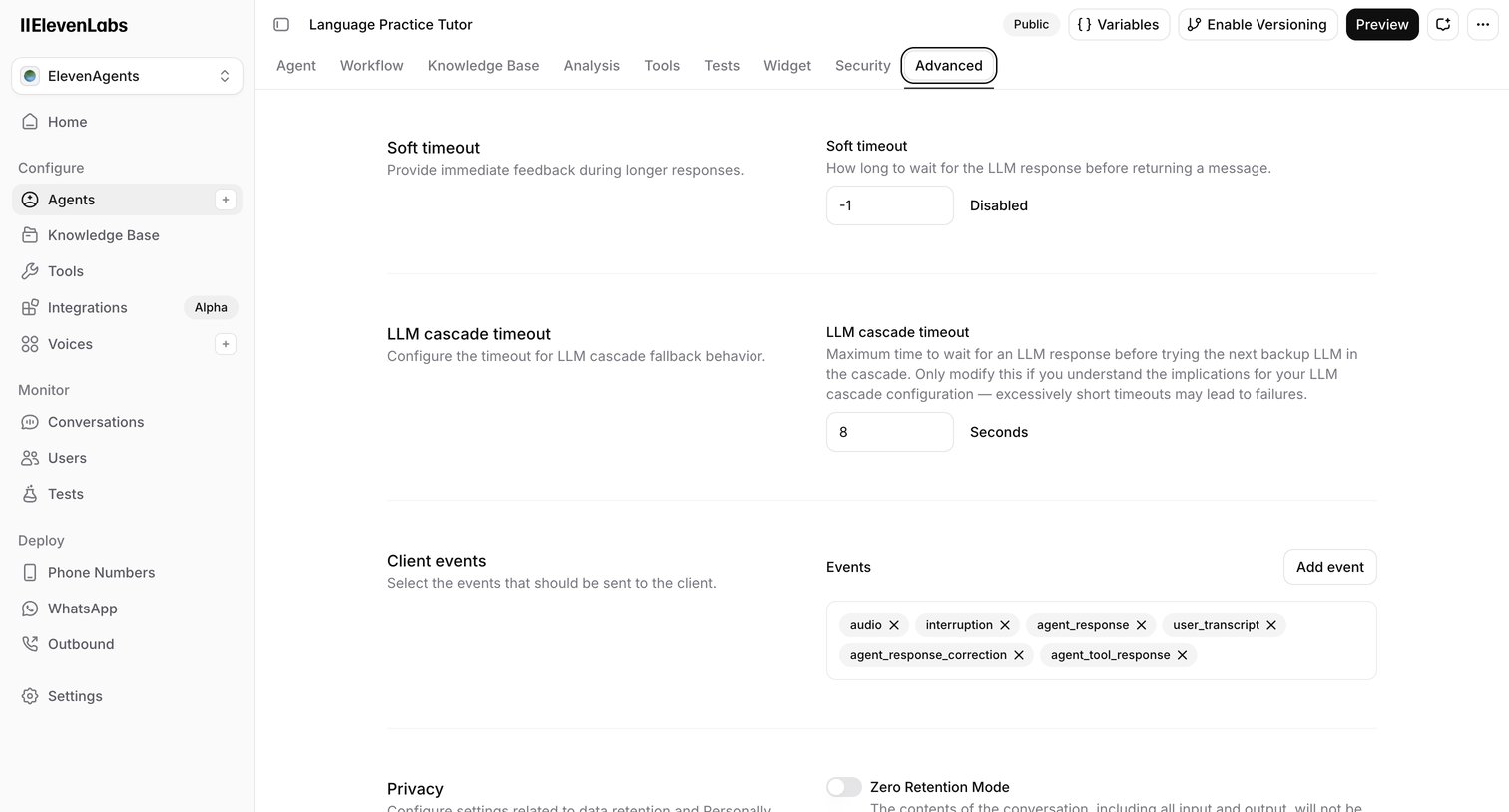

Settings page where the user configures advanced parameters for an AI agent, including timeouts, client events, and privacy retention modes.
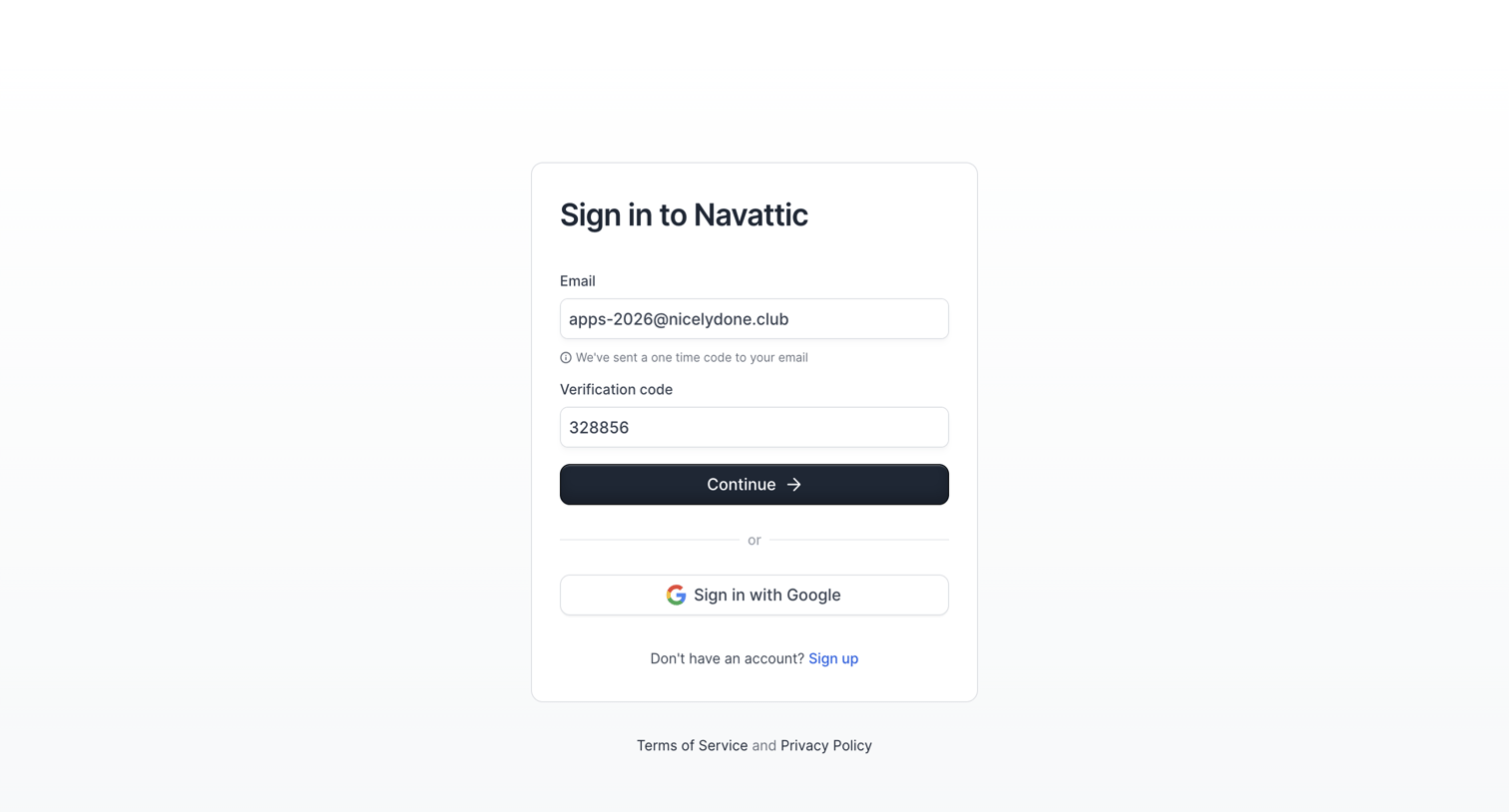

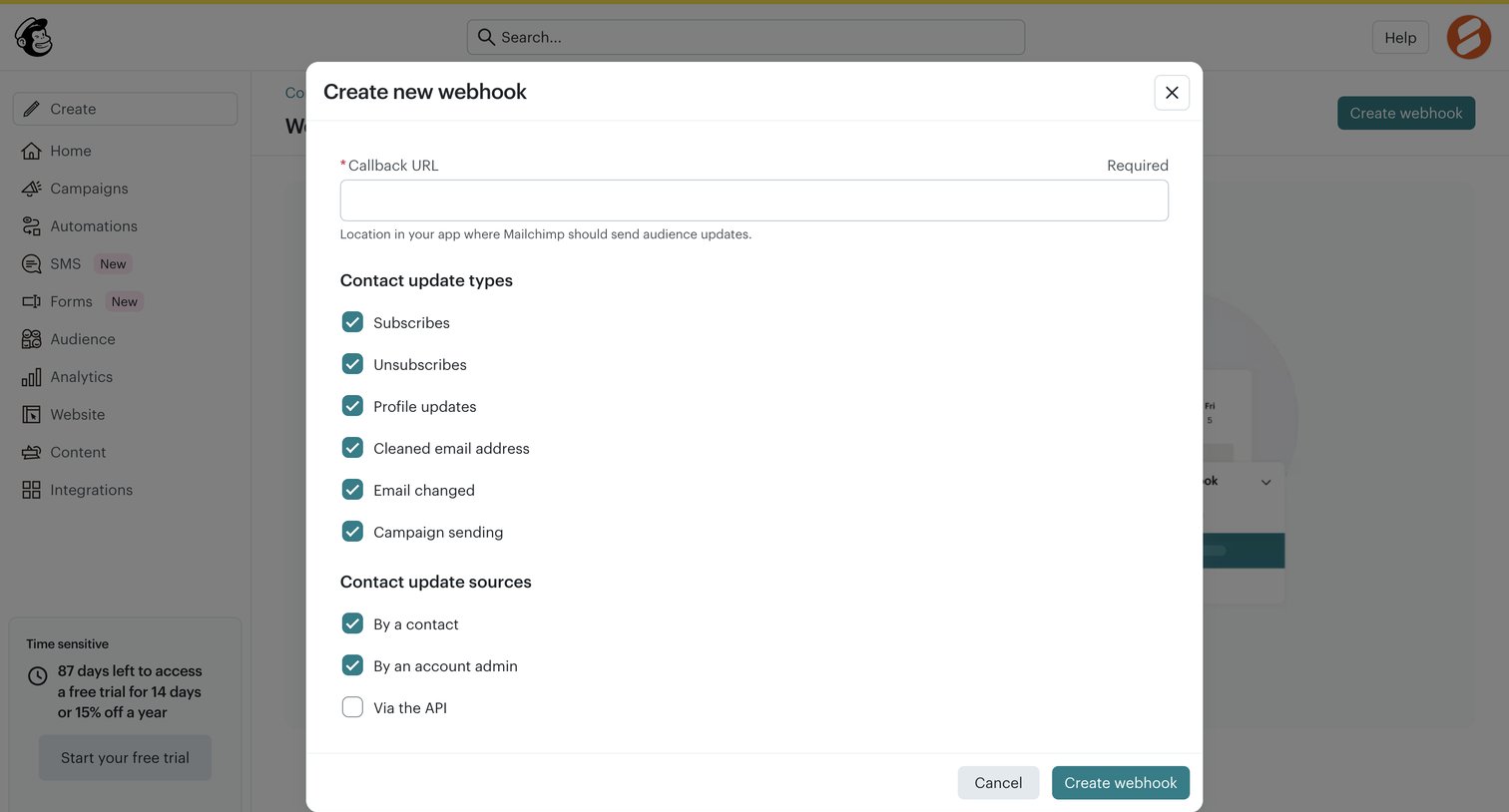

Settings modal where the user configures a new webhook by providing a callback URL and selecting trigger events and sources.
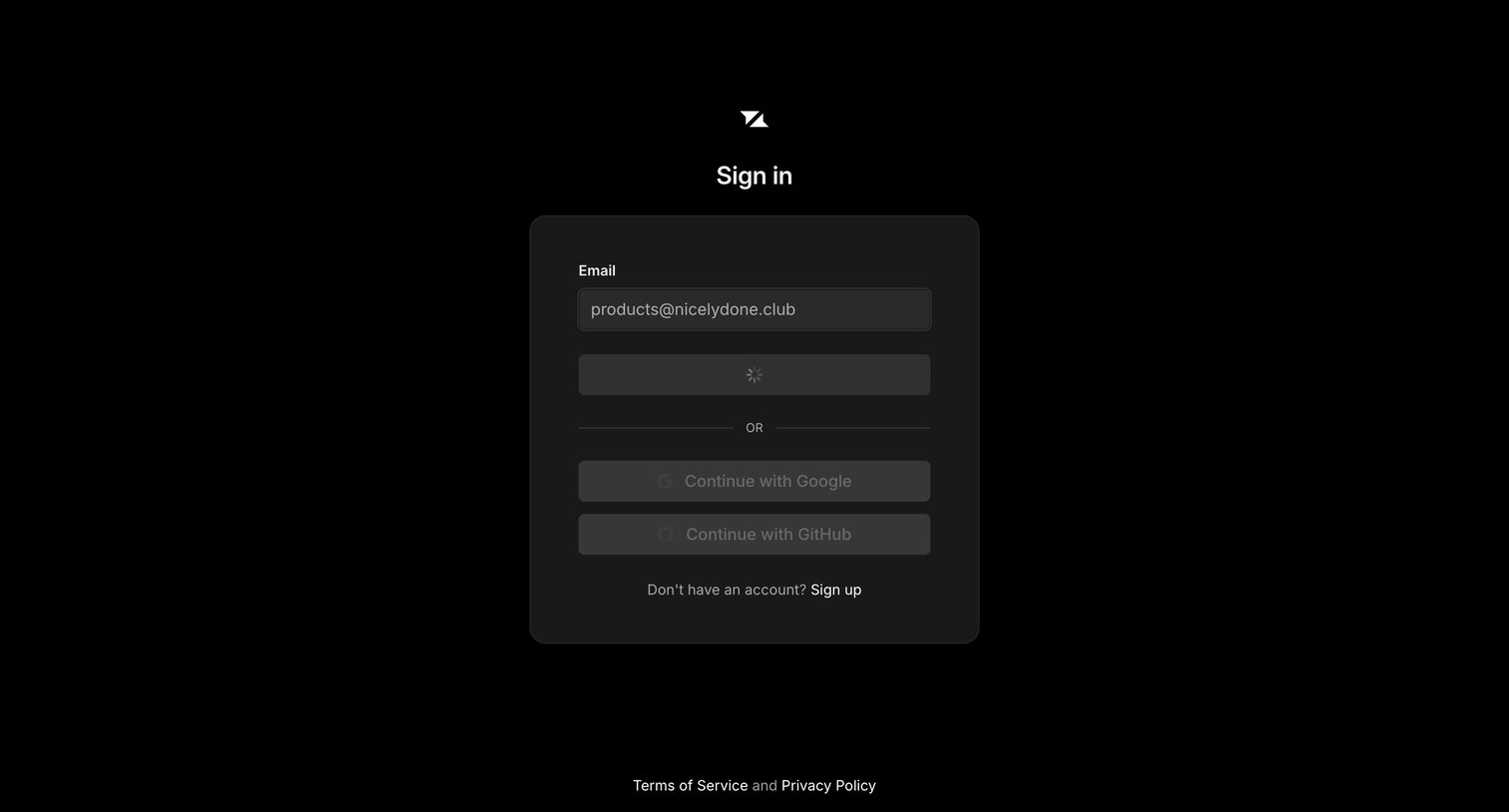

Sign-in screen where the user has submitted their email address and the primary authentication action is currently loading.
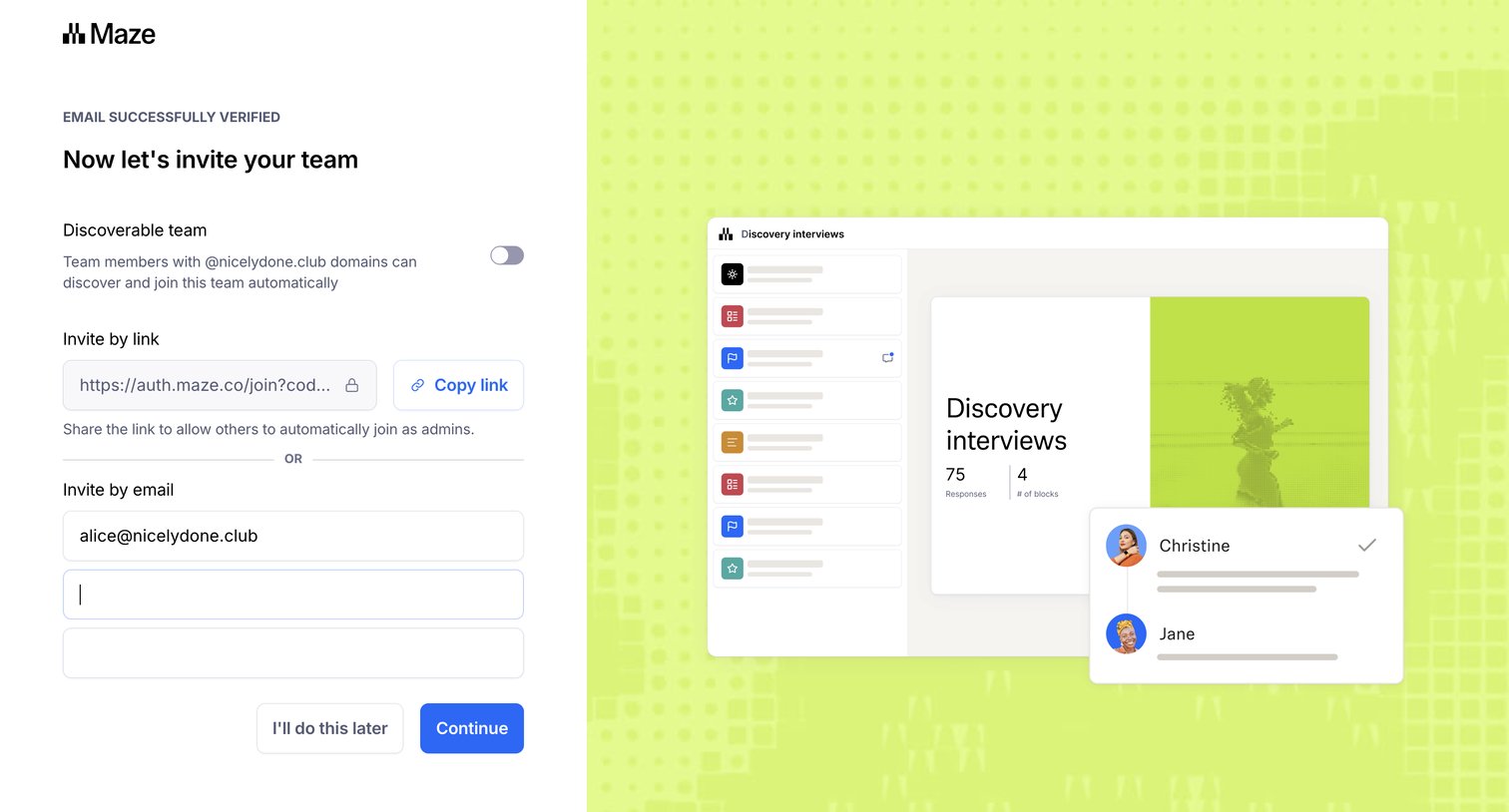

Onboarding step where the user can enable domain discoverability, copy an invite link, or invite teammates by email before continuing.
Explore the full SaaS screen library
Upgrade to unlock the full library.
Trusted by the best teams







