Folder management screen examples
Folder management screen design examples from SaaS apps. Browse examples from Extend, Dock, Exa.
Explore the examples
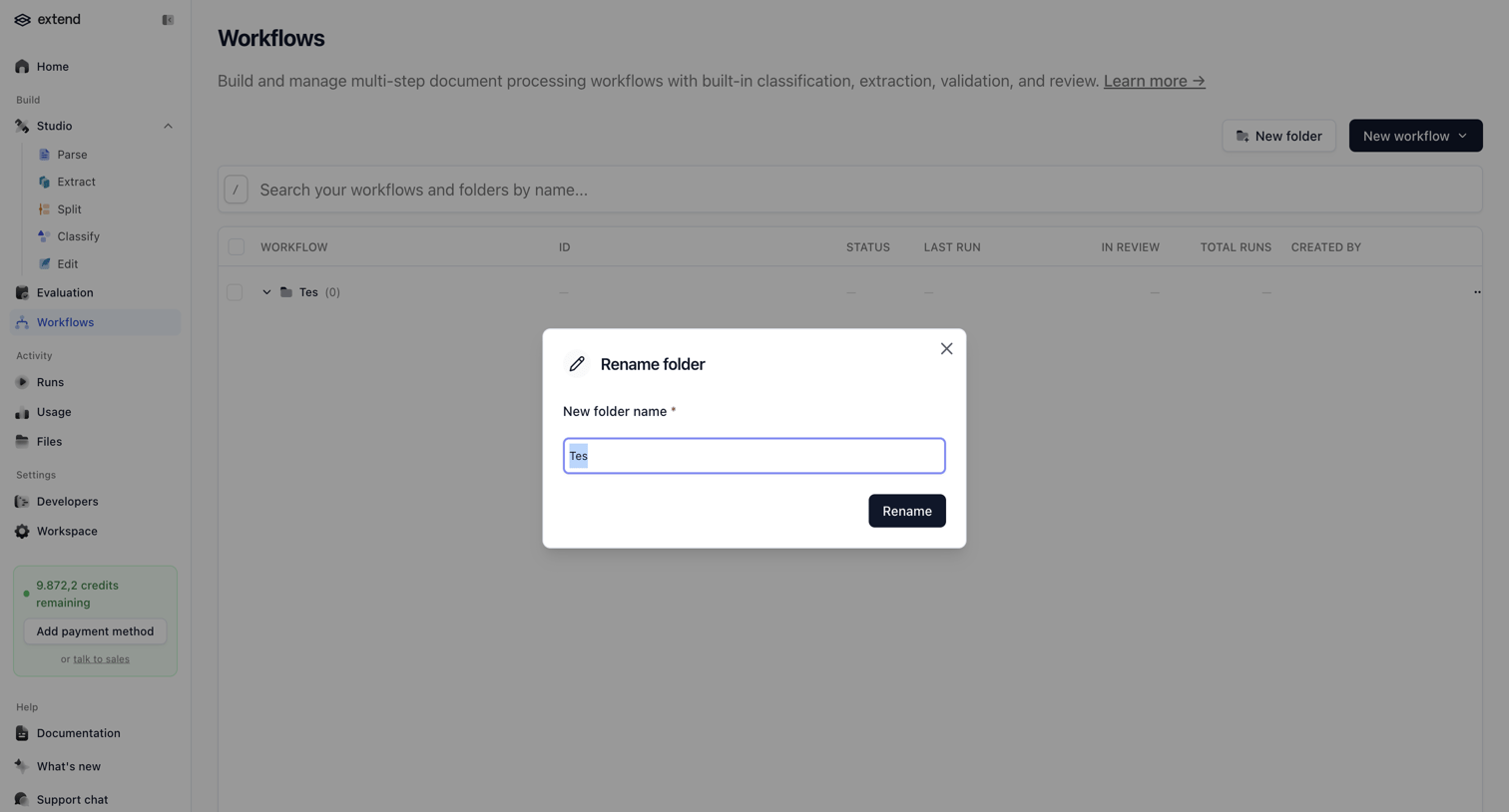

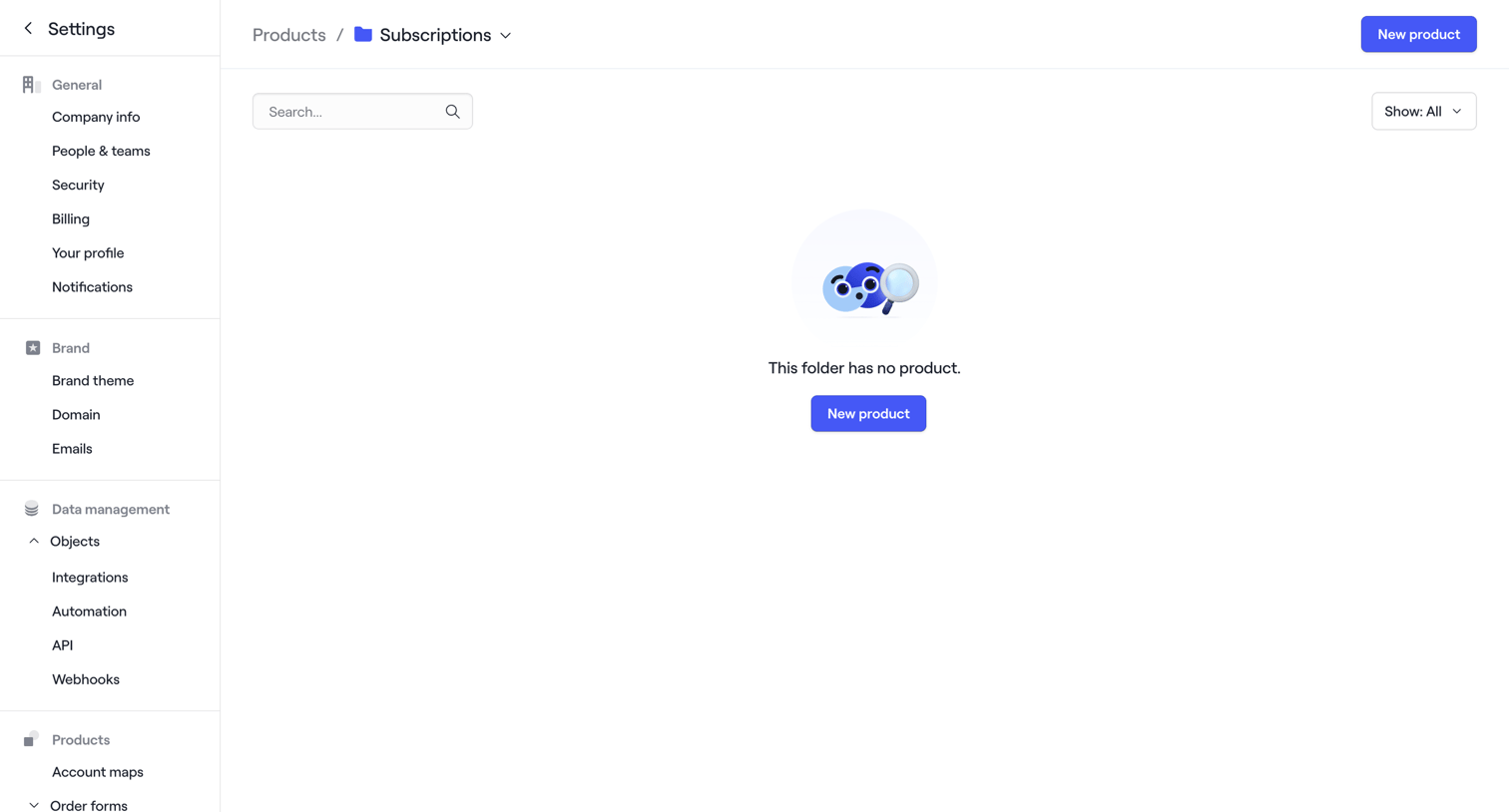

Settings page for a product folder showing an empty state where the user can create a new product.
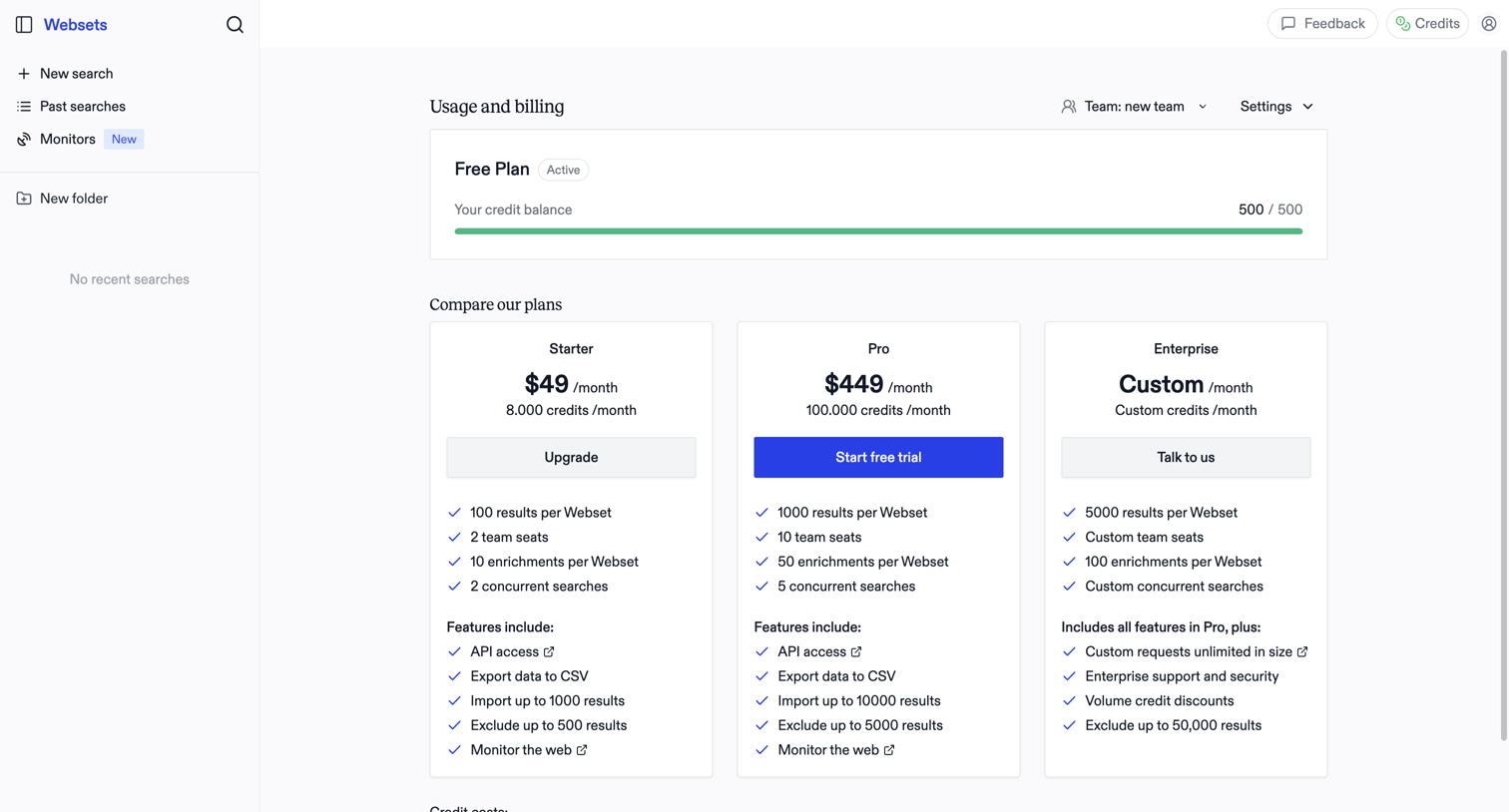

Billing settings page where the user monitors their free plan credit balance and compares paid subscription tiers to upgrade.
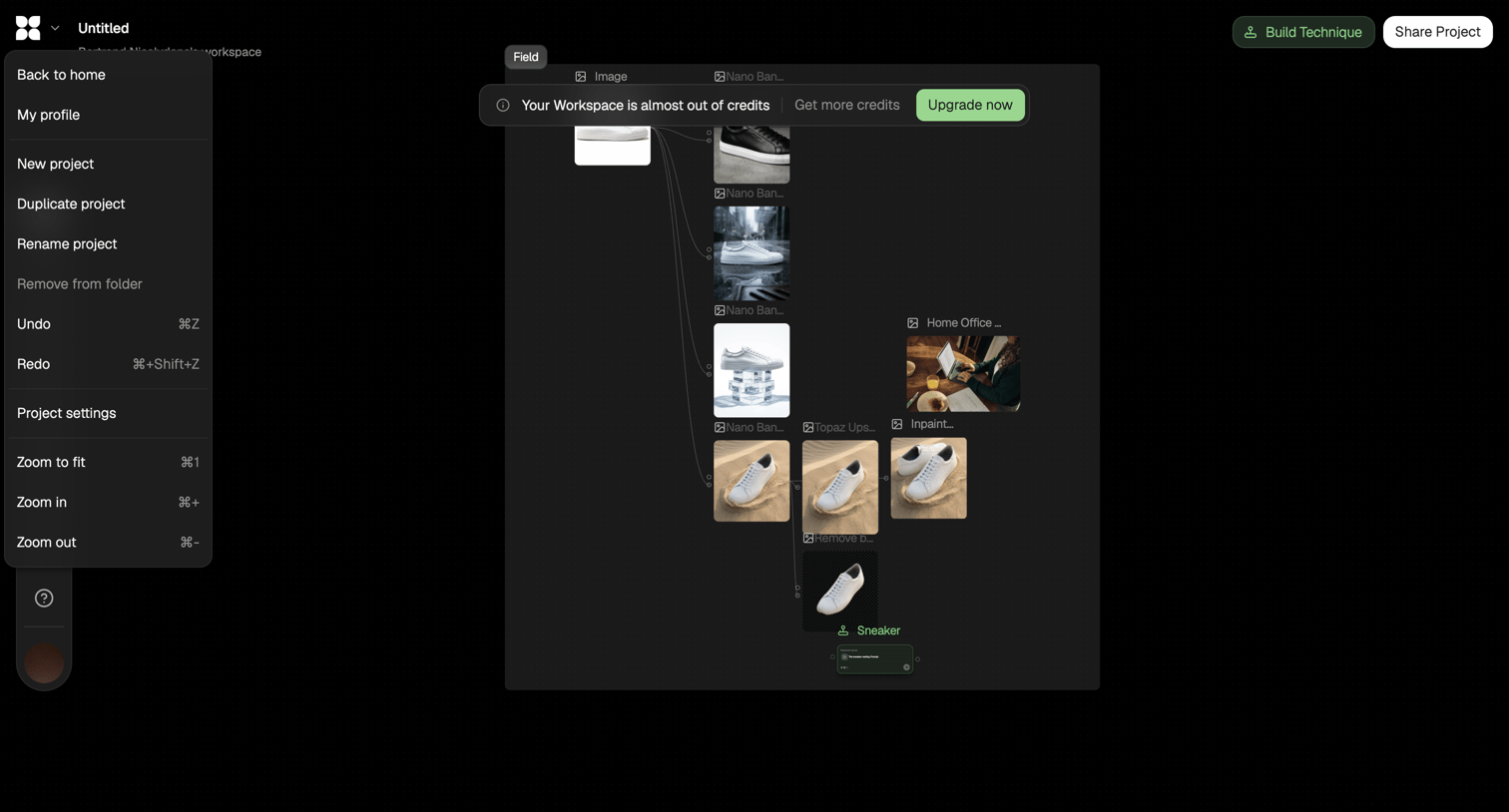

Workflow editor where the user connects image processing nodes to generate and modify sneaker images, showing an open project menu and a low-credits warning banner.
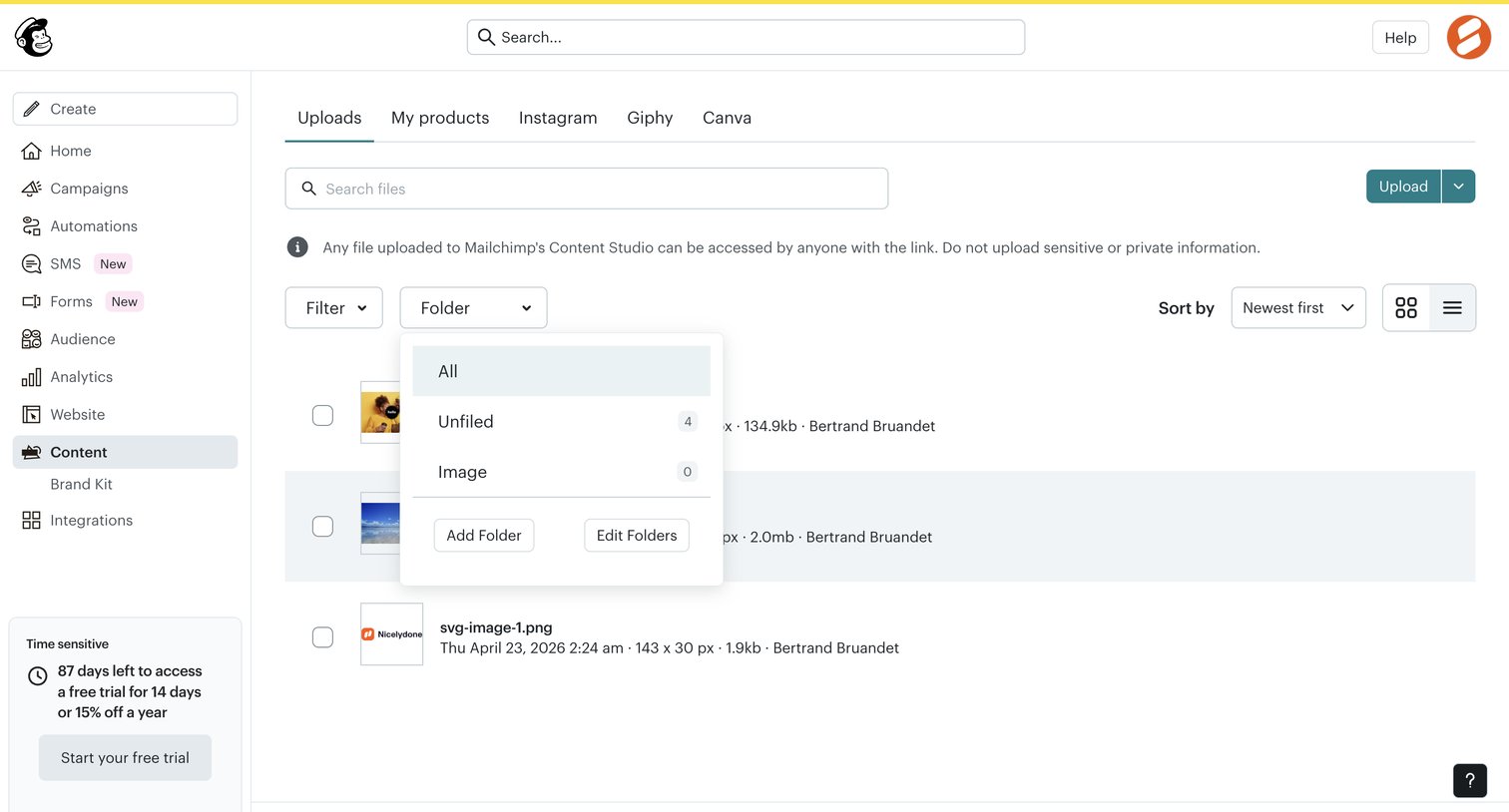

List view where the user manages uploaded files in the content studio, with options to search, filter by folder, sort, and toggle between grid and list layouts.
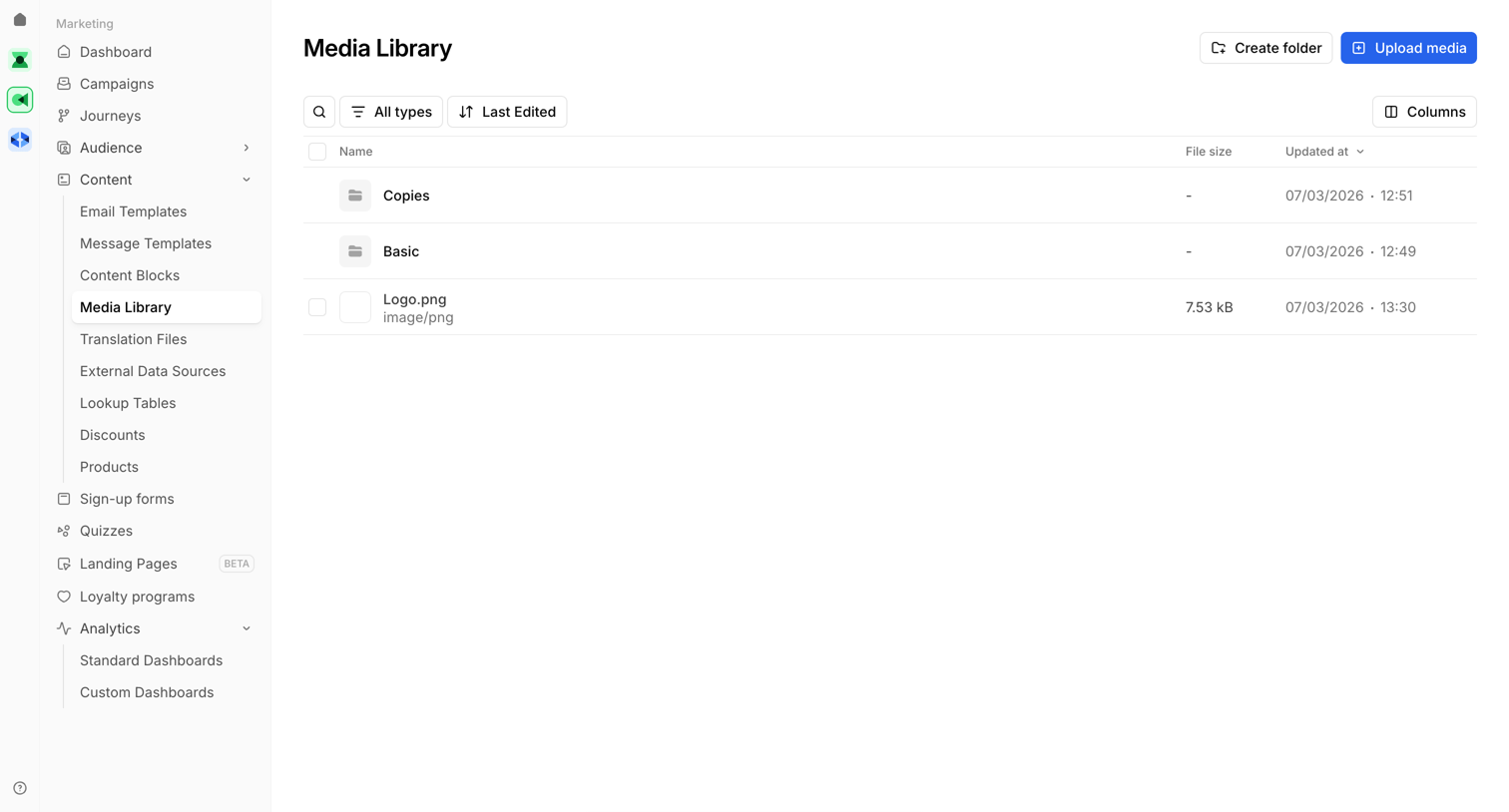

Media library list view where the user manages folders and image assets, showing a recent upload success toast.
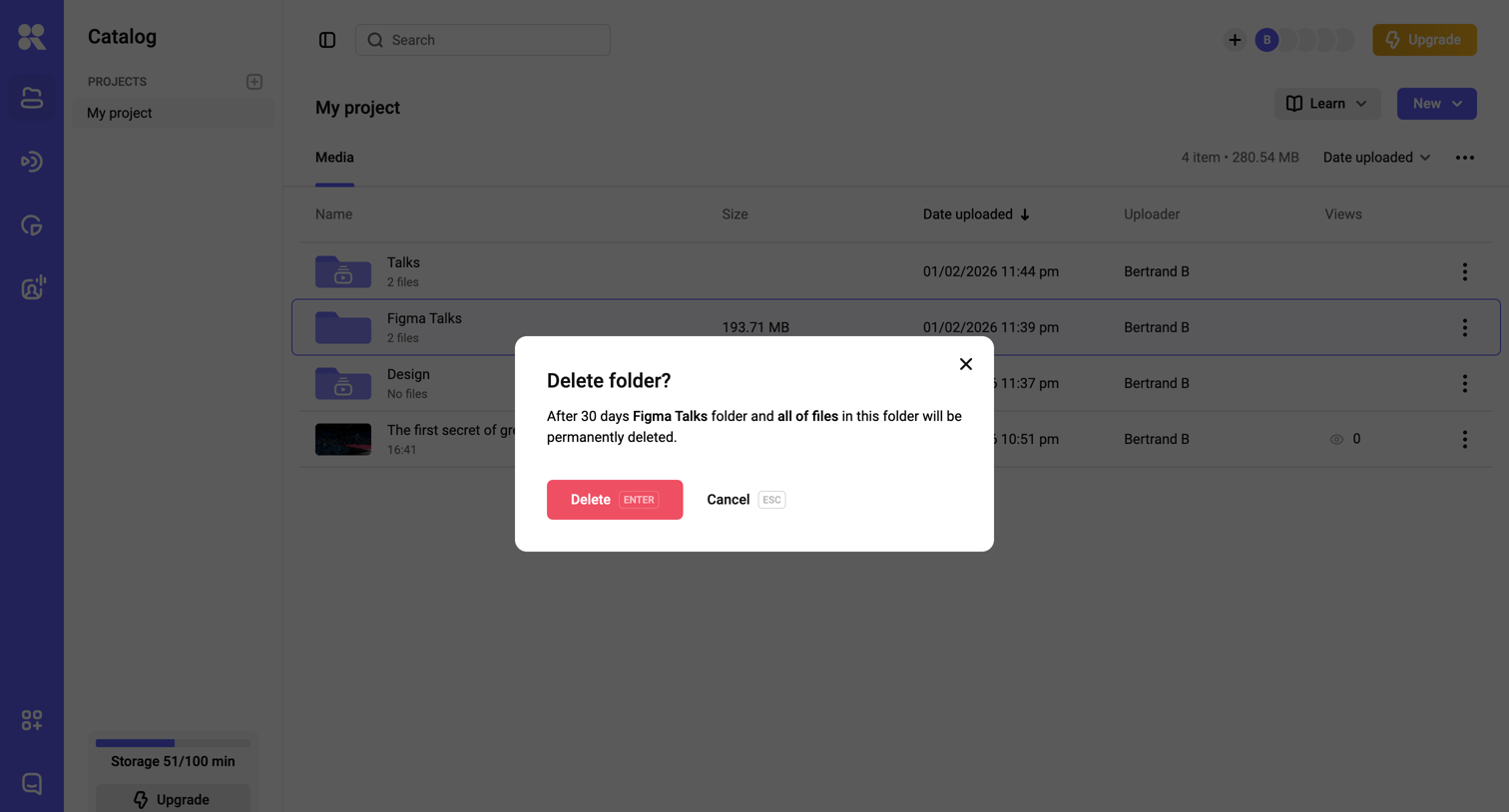

List view where the user is prompted to confirm the deletion of a folder and its contents.
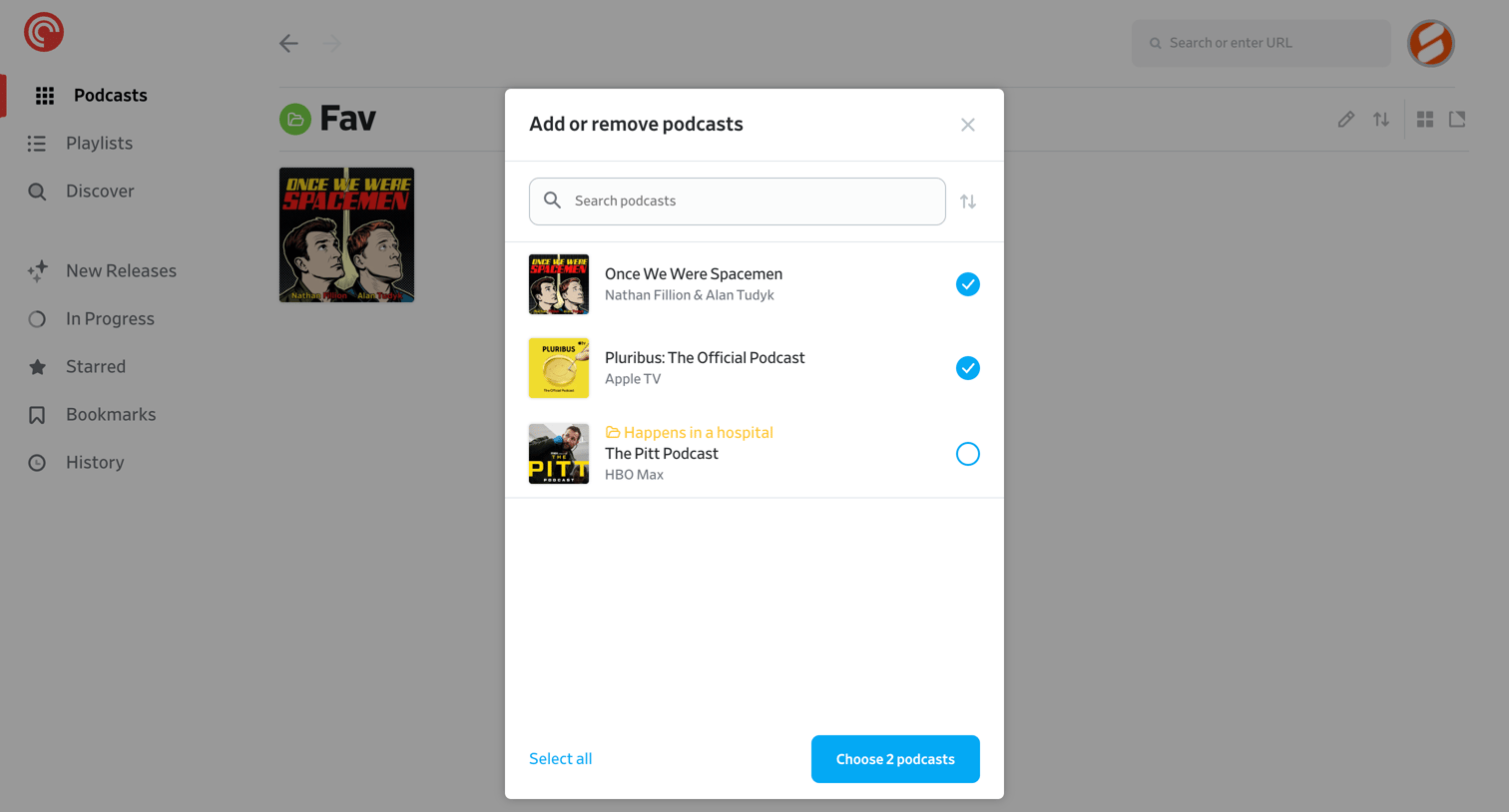

List view where the user manages a custom folder by searching and selecting podcasts to add or remove via a modal.
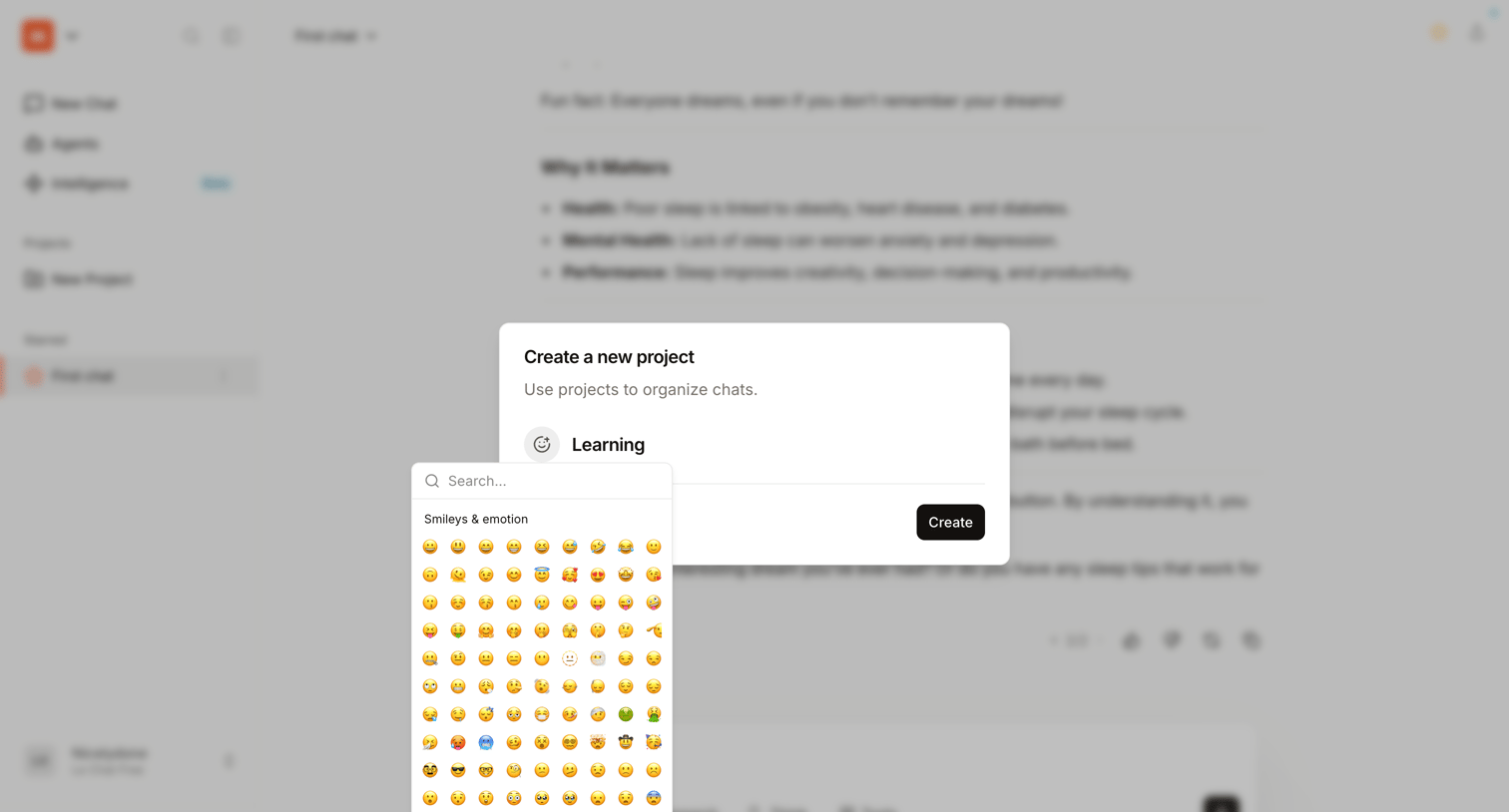

AI chat interface where the user is creating a new project named 'Learning' and selecting an icon from an emoji picker popover.
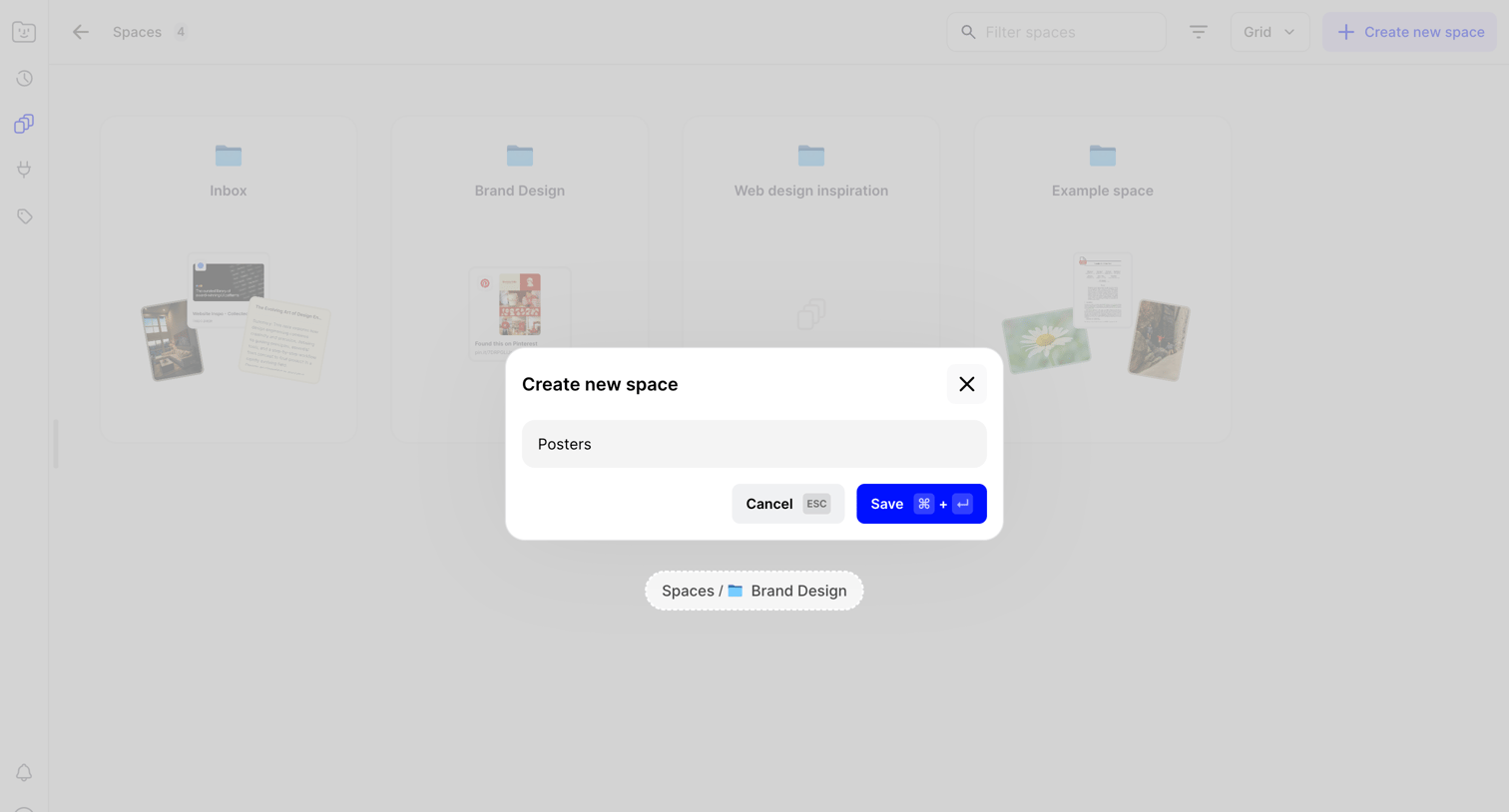

Modal for creating a new space where the user enters a name, overlaid on a gallery view of existing spaces.
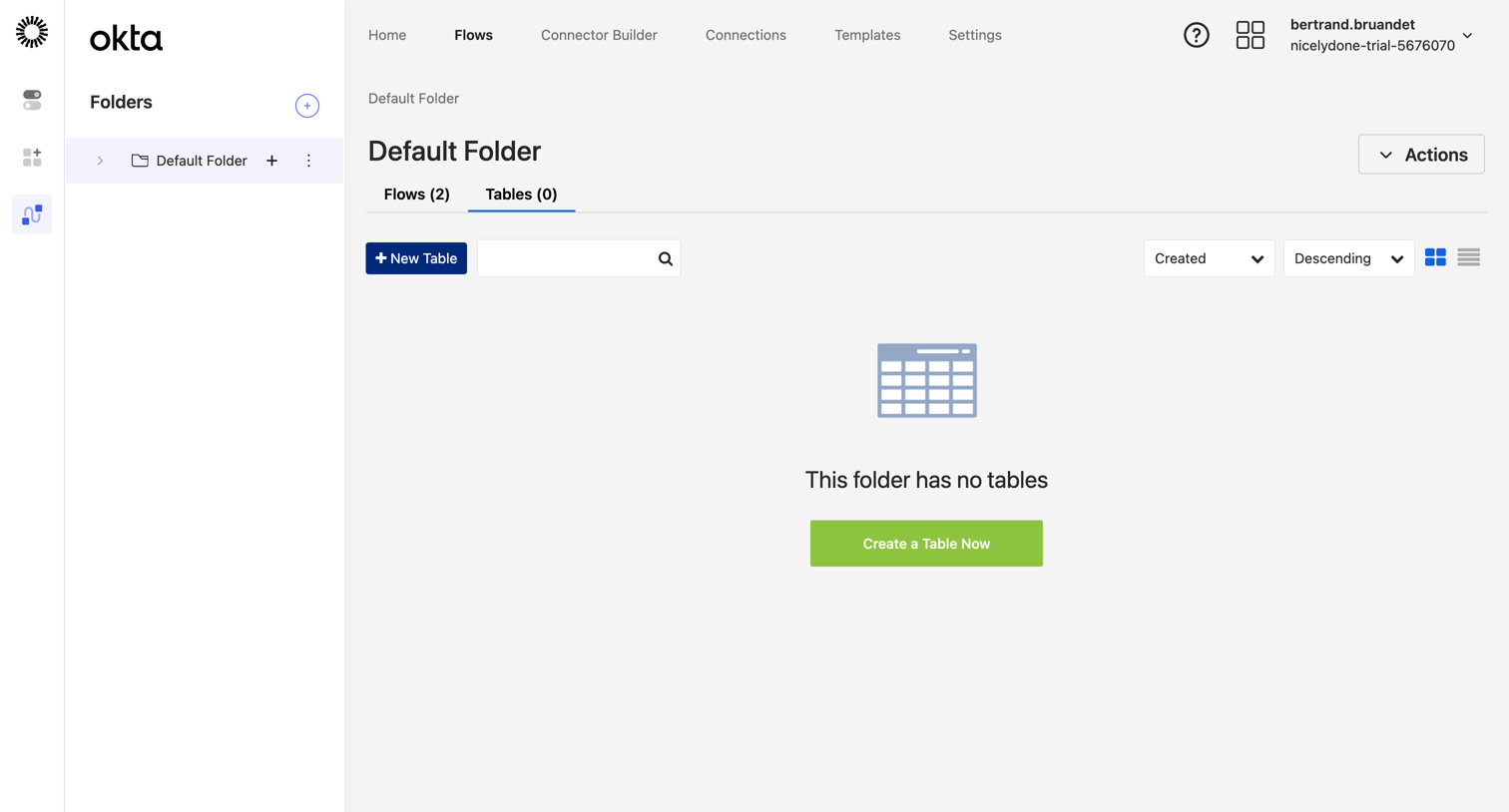

List view within a folder showing an empty state for tables, featuring a prominent call to action to create a new table alongside search and sort controls.
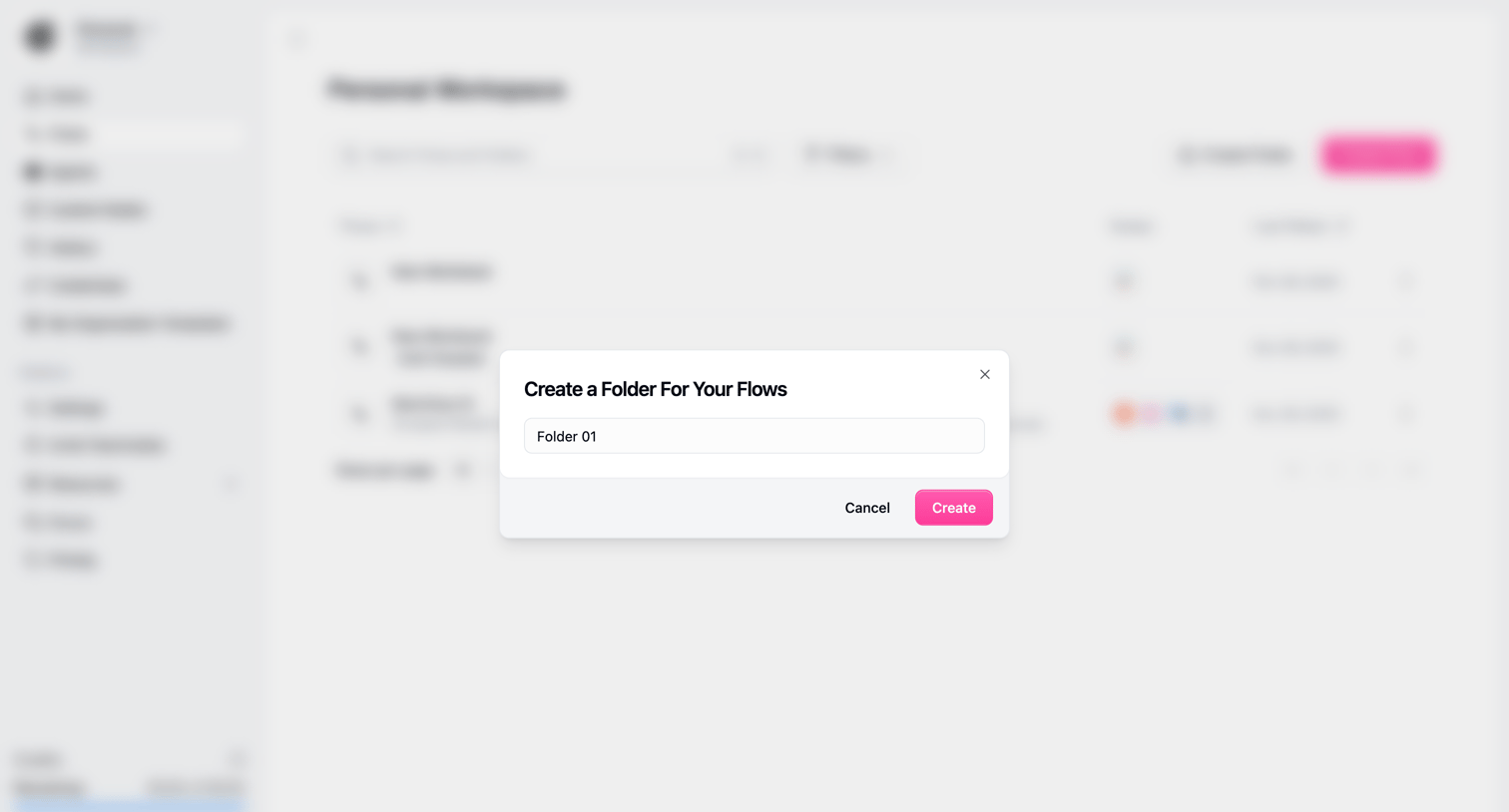

Explore the full SaaS screen library
Upgrade to unlock the full library.
Trusted by the best teams







