Enterprise settings screen examples
Enterprise settings screen design examples from SaaS apps. Browse examples from Okta, Grammarly, Evervault.
Explore the examples
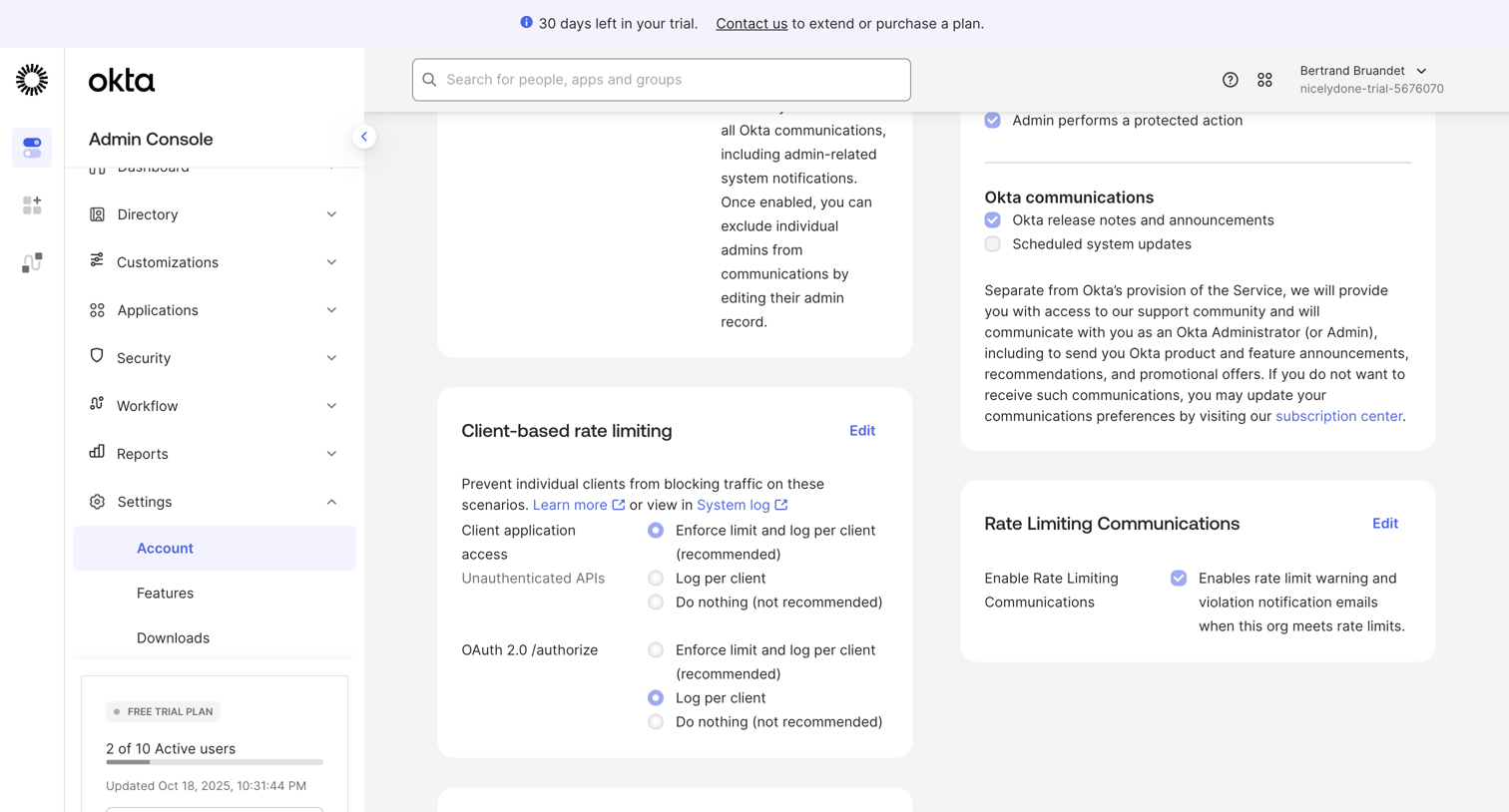

Settings page where the admin configures client-based rate limiting, communication preferences, and views their active user count against trial limits.
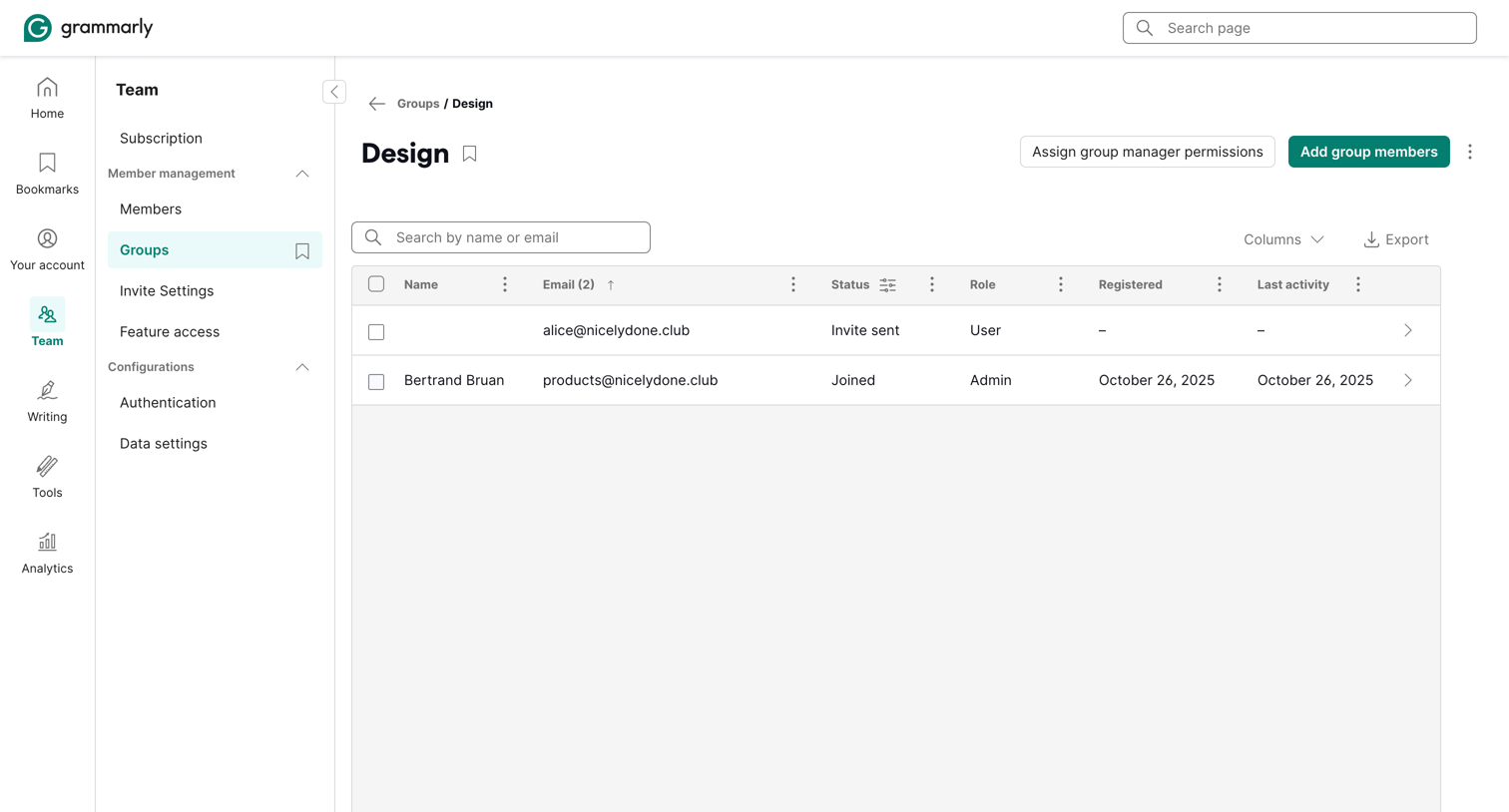

Settings page where an admin manages members of the Design group, with options to assign manager permissions, add new members, and search the directory.
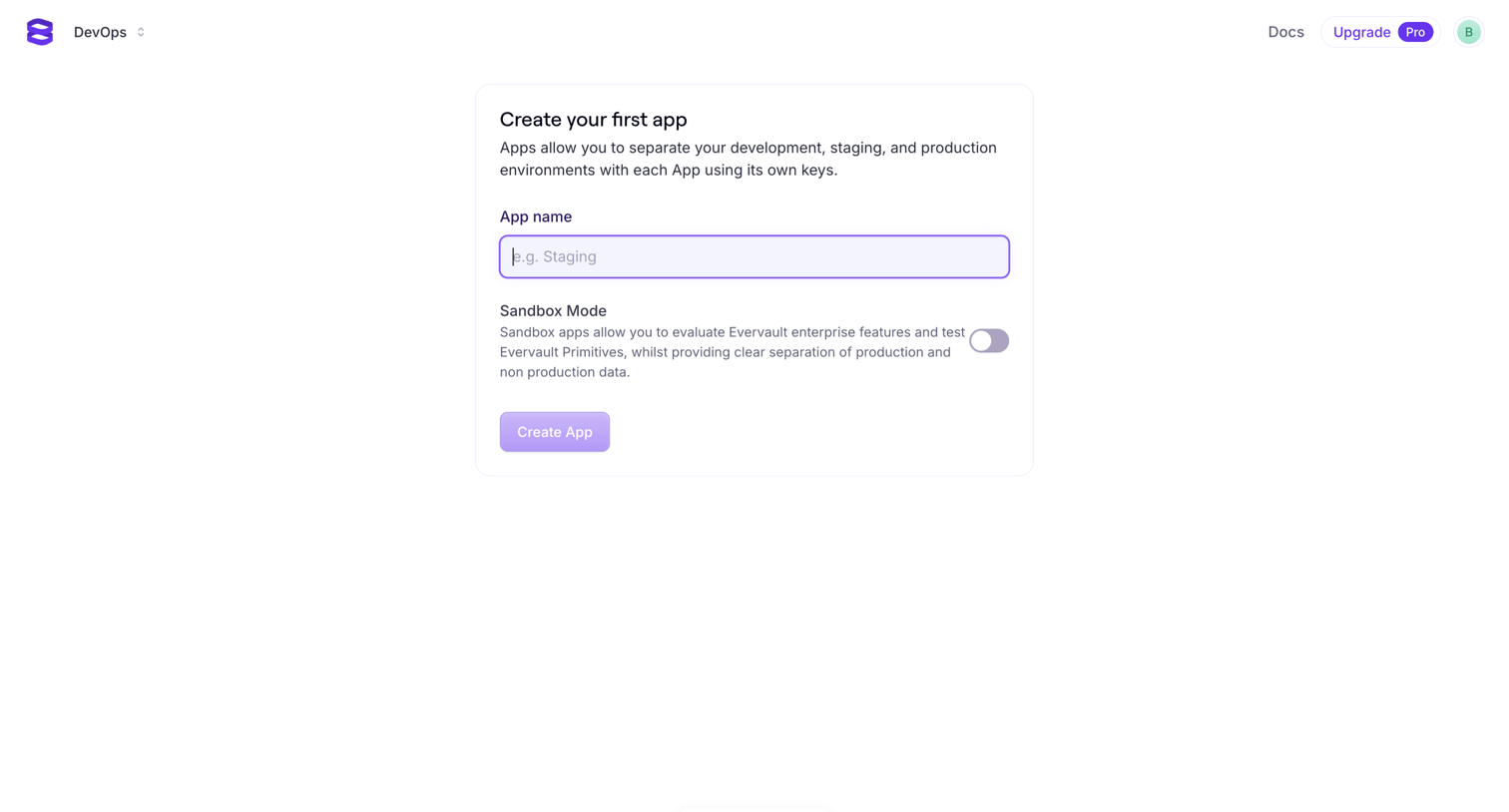

App creation screen where the user names their first app and toggles sandbox mode.
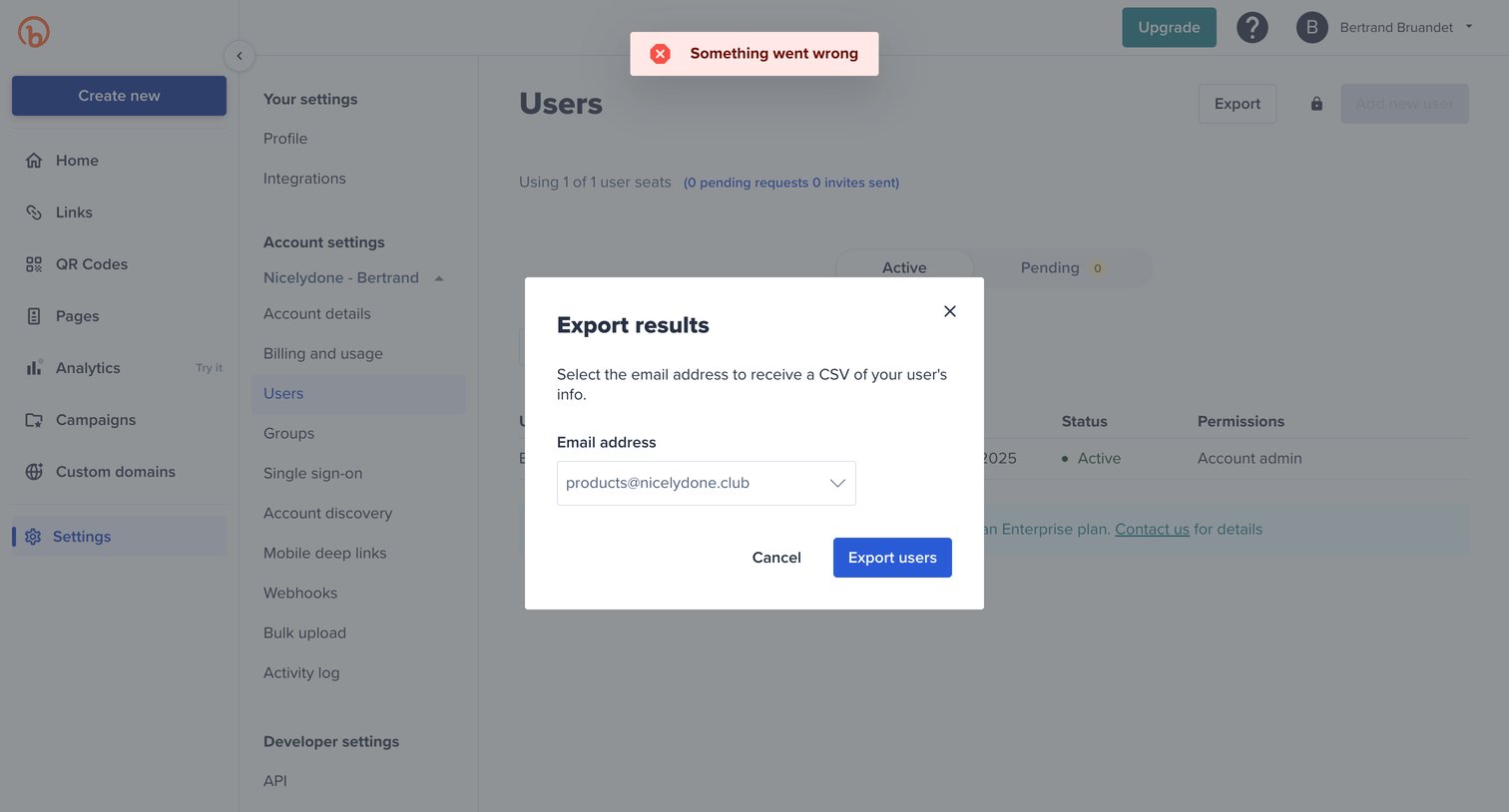

Settings page where the user is presented with a modal to export a CSV of user information, while an error toast is displayed at the top of the screen.
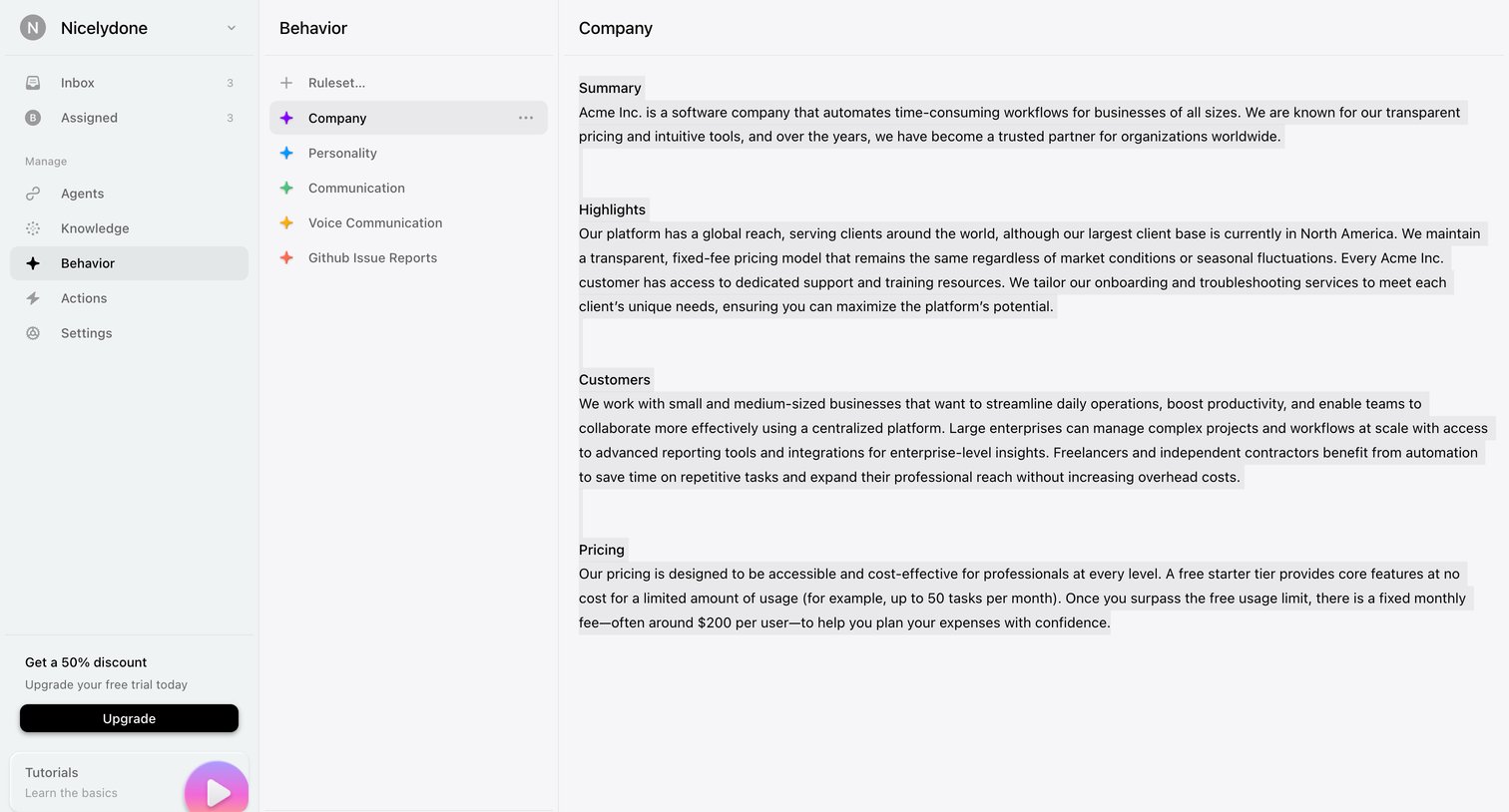

Settings page where the user configures rulesets like company summary, highlights, and pricing to align the AI agent's behavior.

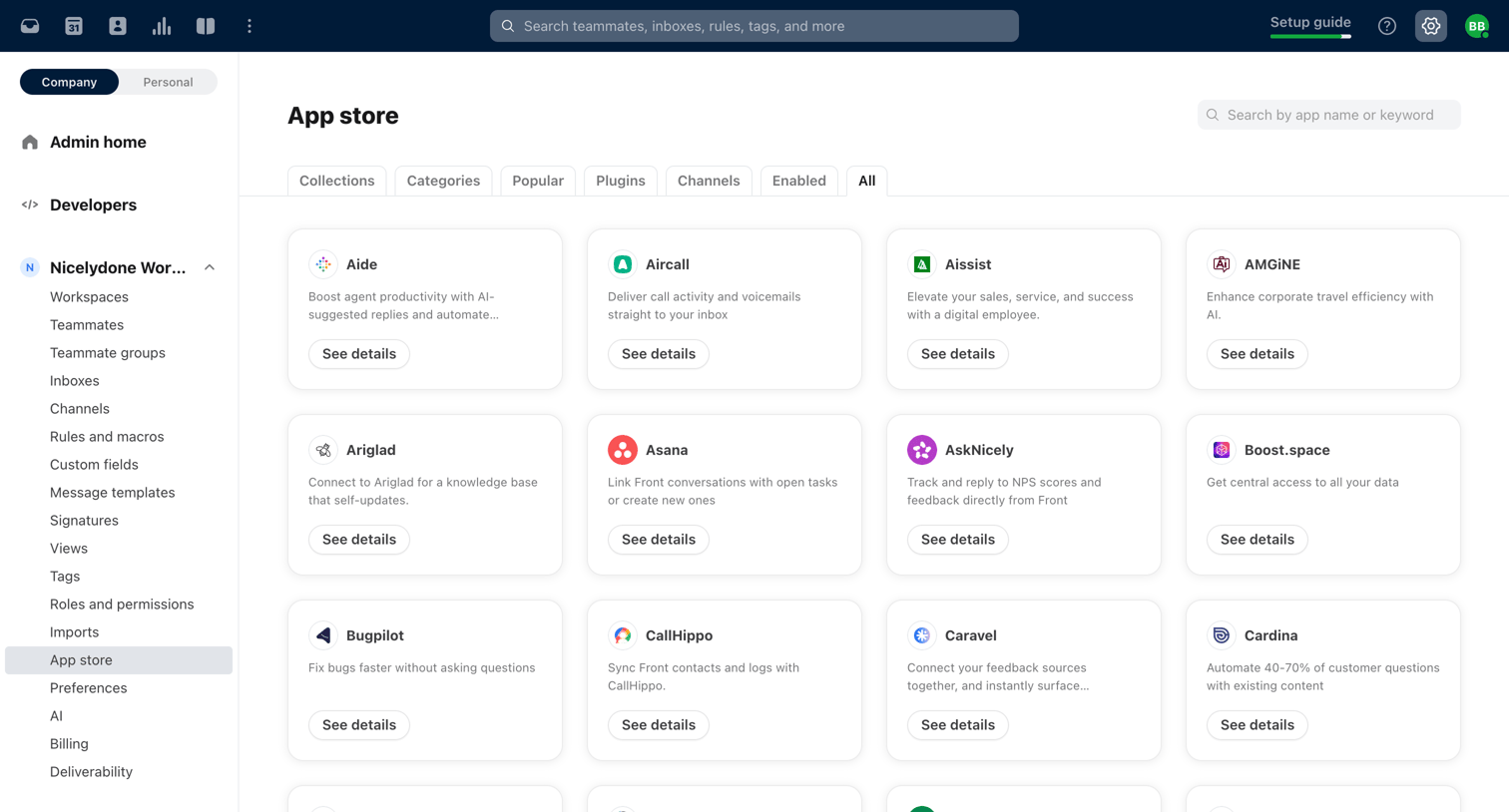

Settings page where the user browses and searches for third-party apps like Asana, GitHub, and Salesforce to connect to their workspace.
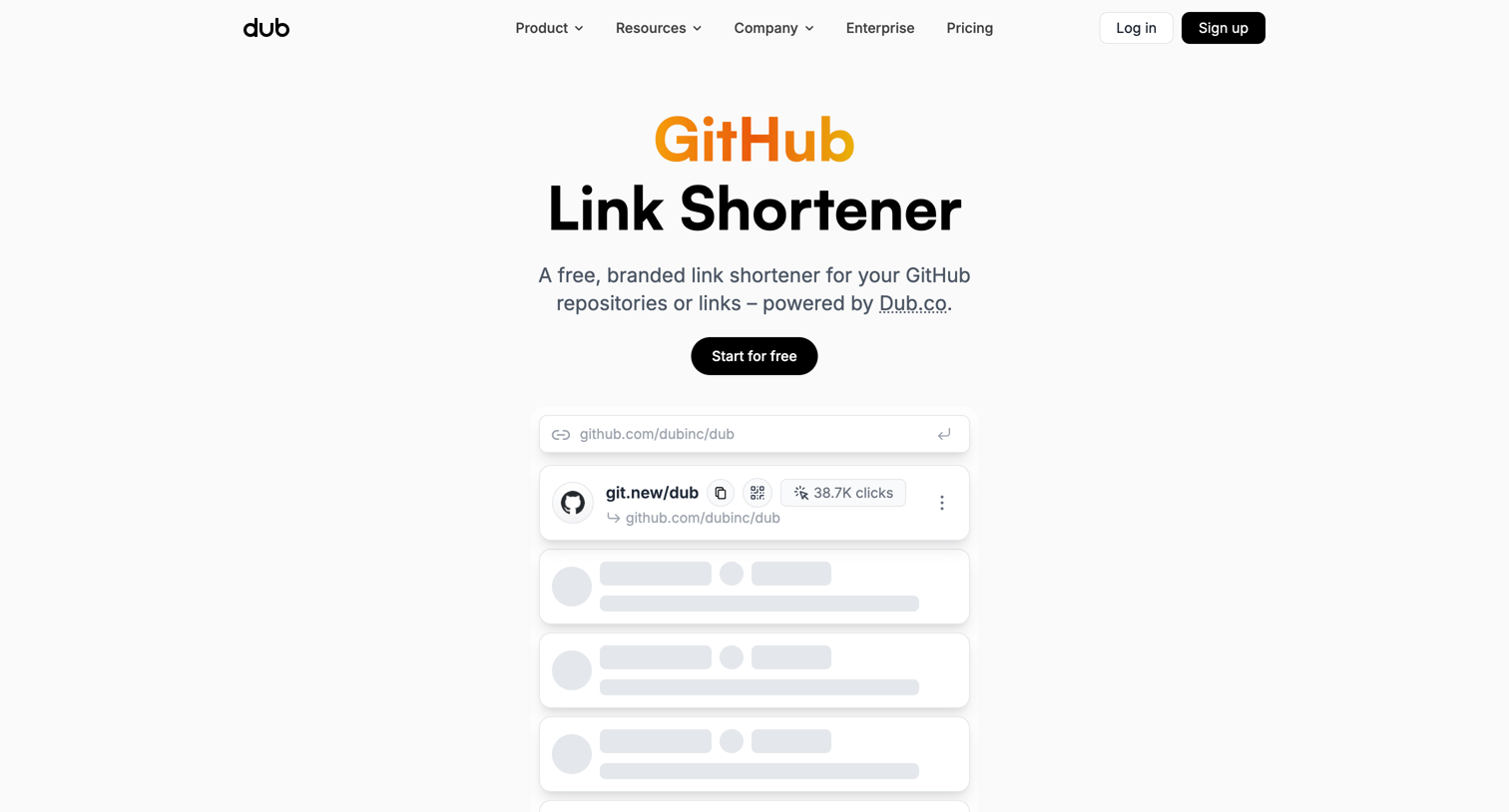

Marketing page for a free GitHub link shortener tool featuring a live leaderboard, feature highlights, usage statistics, and a wall of customer testimonials.
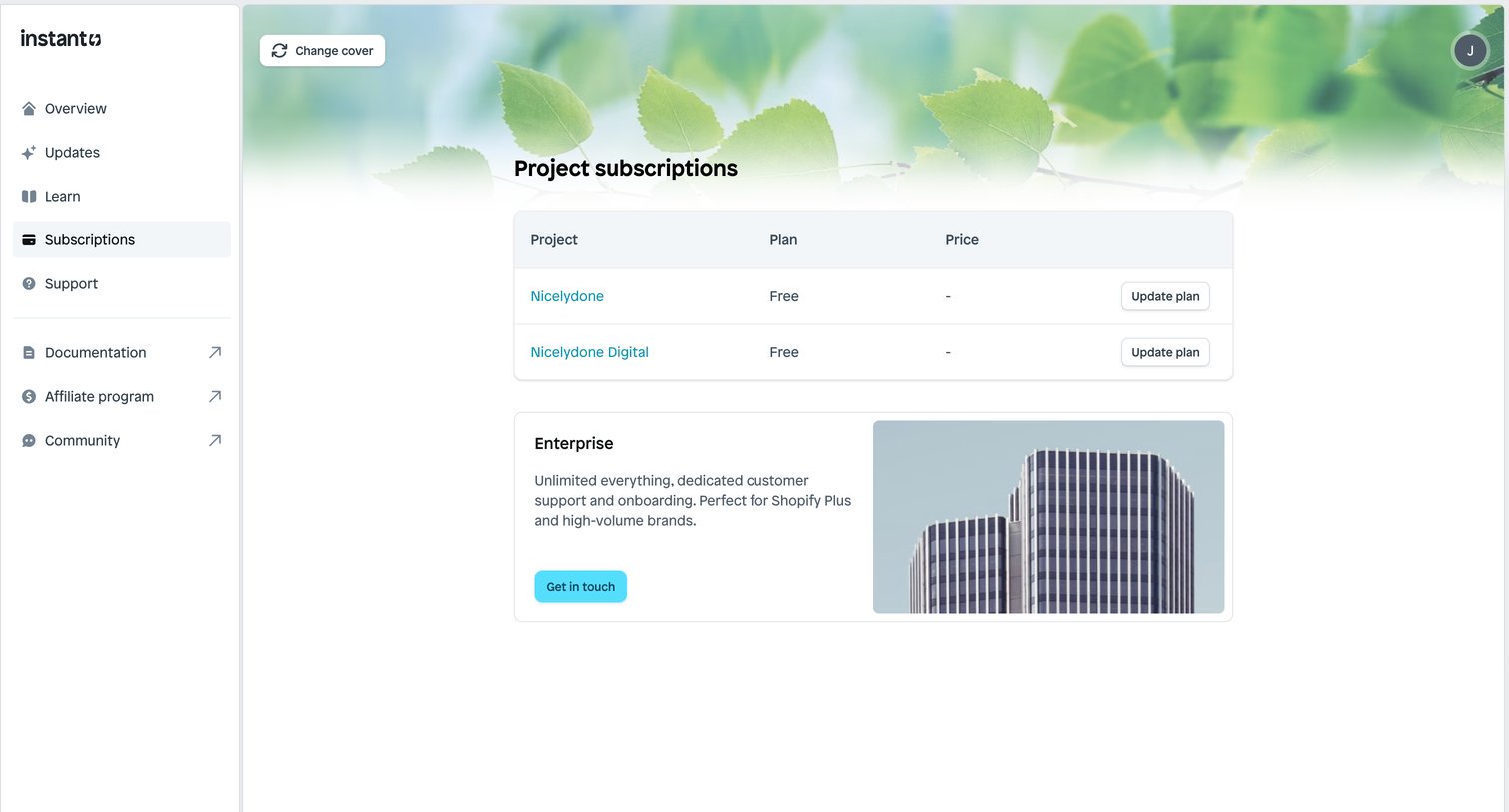

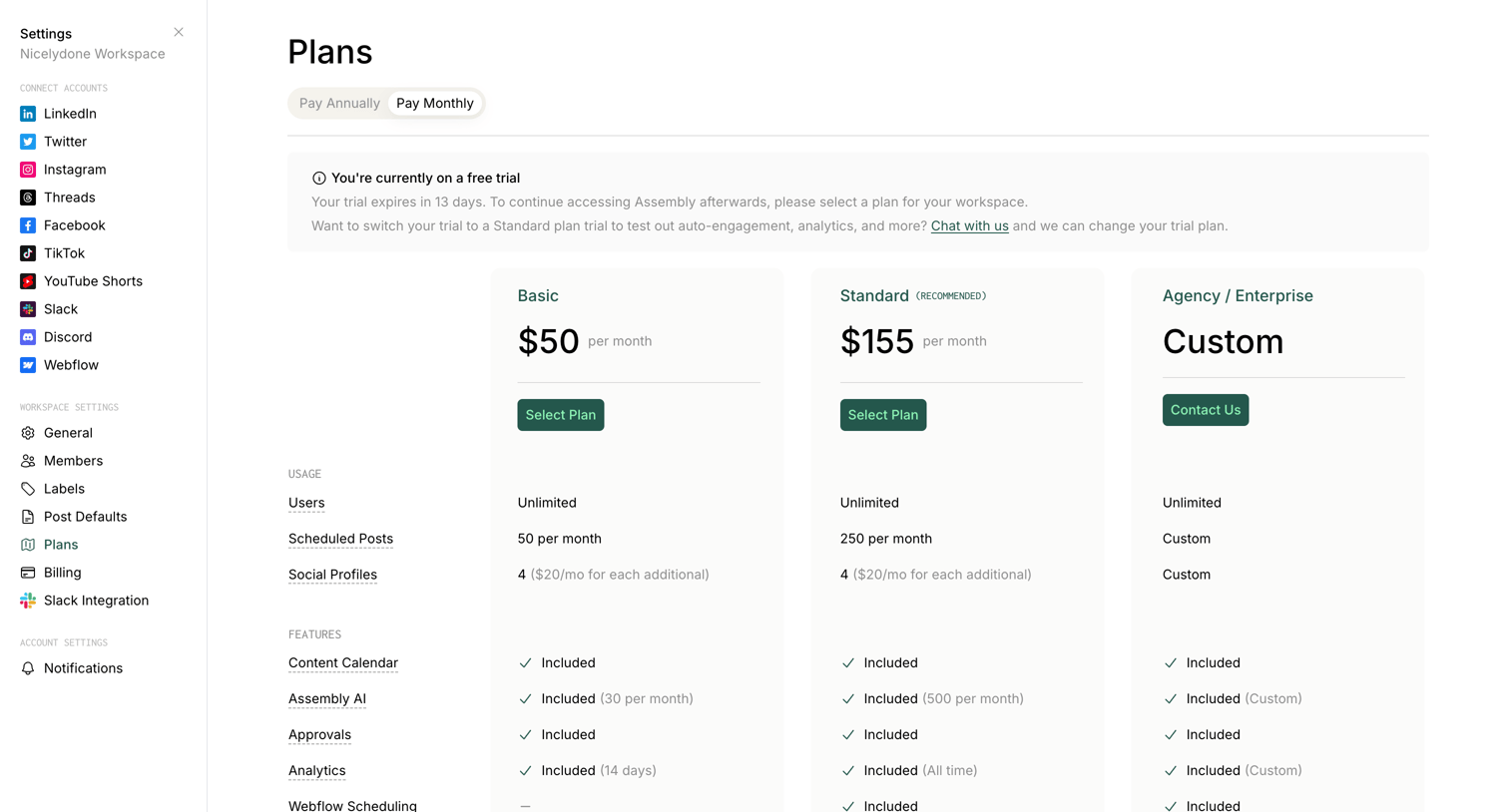
Settings page where the user manages their project subscription plans and can contact sales for an enterprise tier.
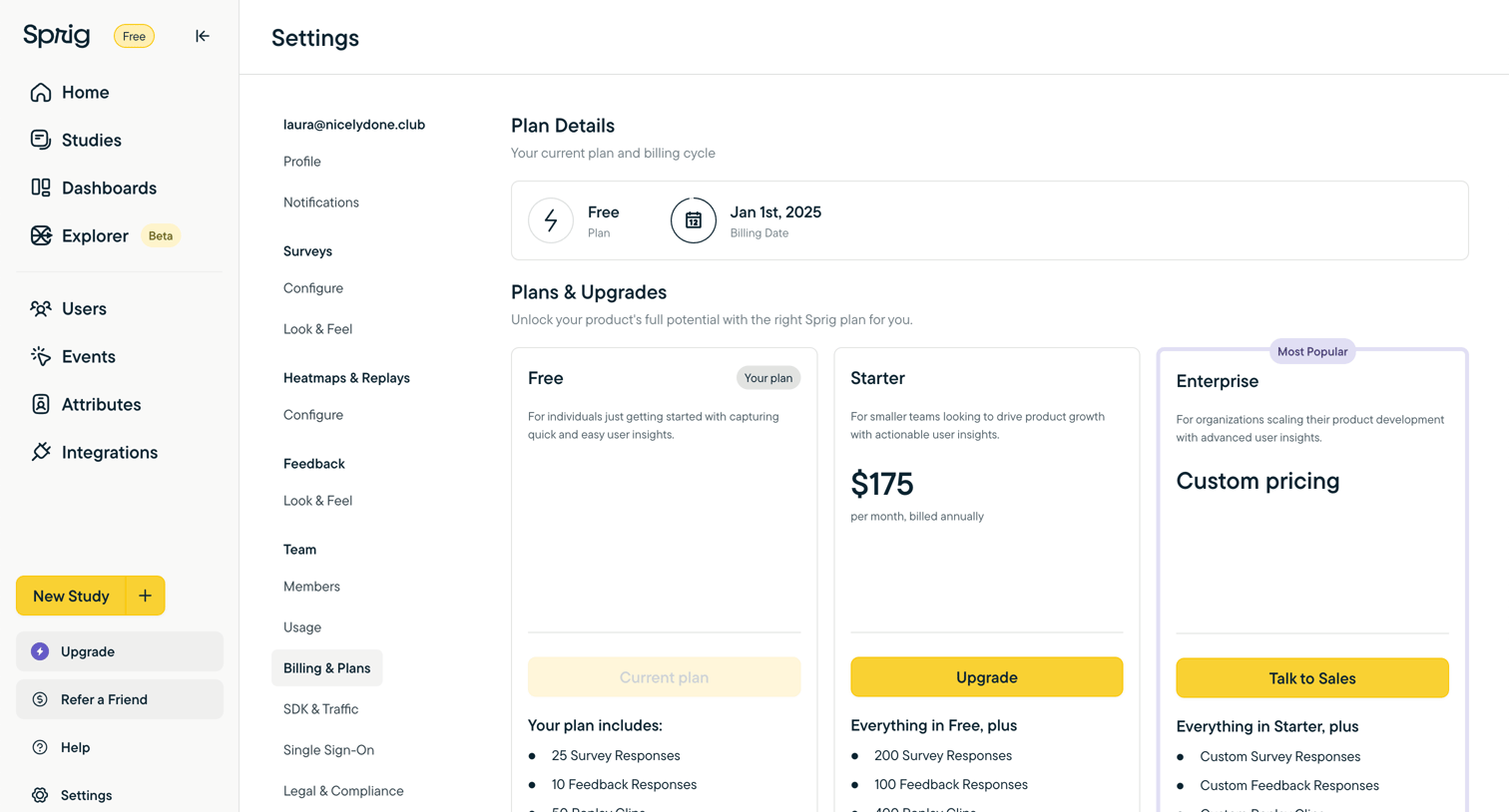

Settings page where the user views their current Free plan details and compares upgrade options for Starter and Enterprise tiers.

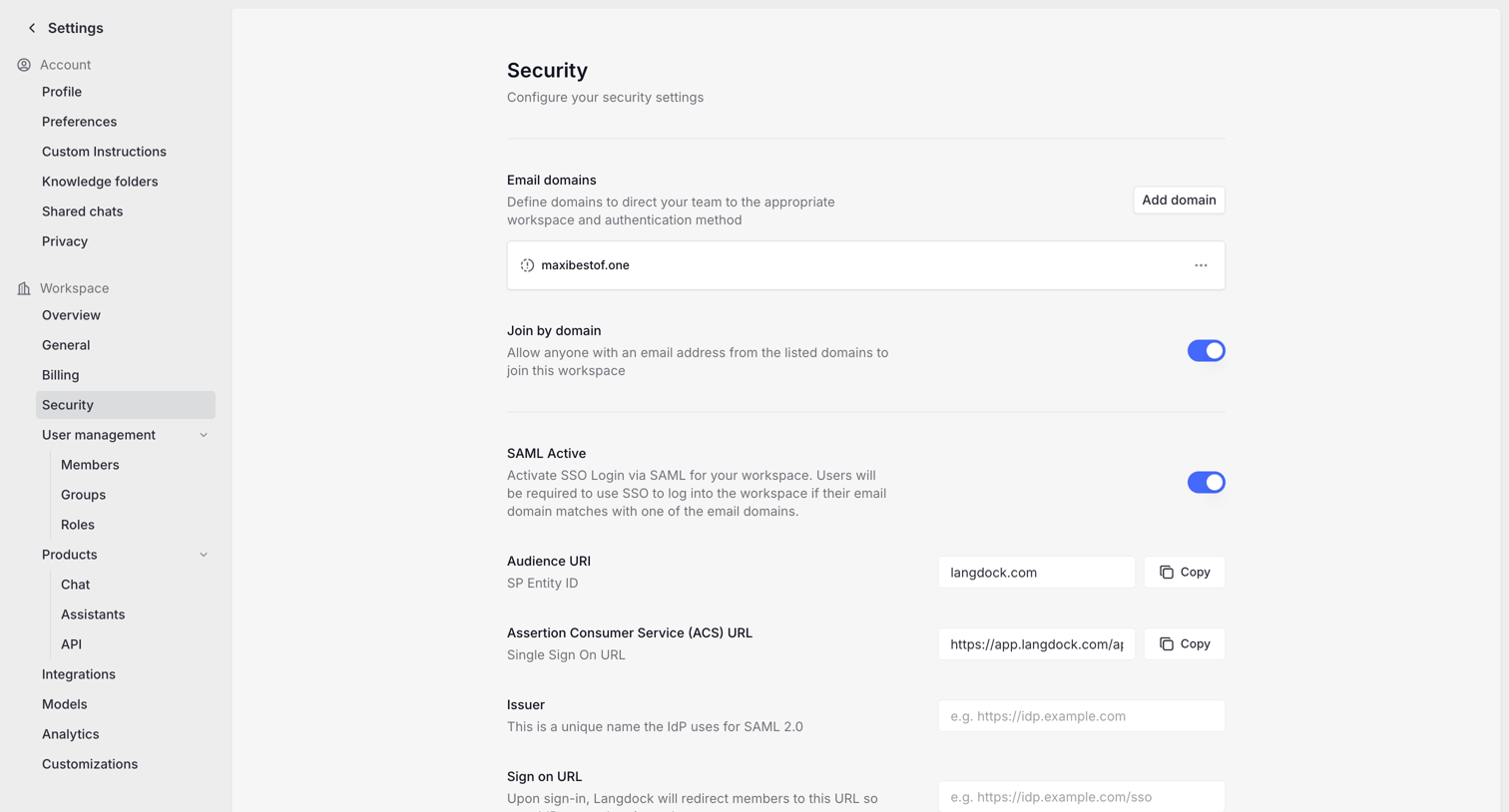

Settings page where the user configures SAML SSO, SCIM provisioning, and email domains for workspace security.
Explore the full SaaS screen library
Upgrade to unlock the full library.
Trusted by the best teams







