Empty page prompt screen examples
Empty page prompt screen design examples from SaaS apps. Browse examples from Evervault, Notion Mail, Record club.
Explore the examples
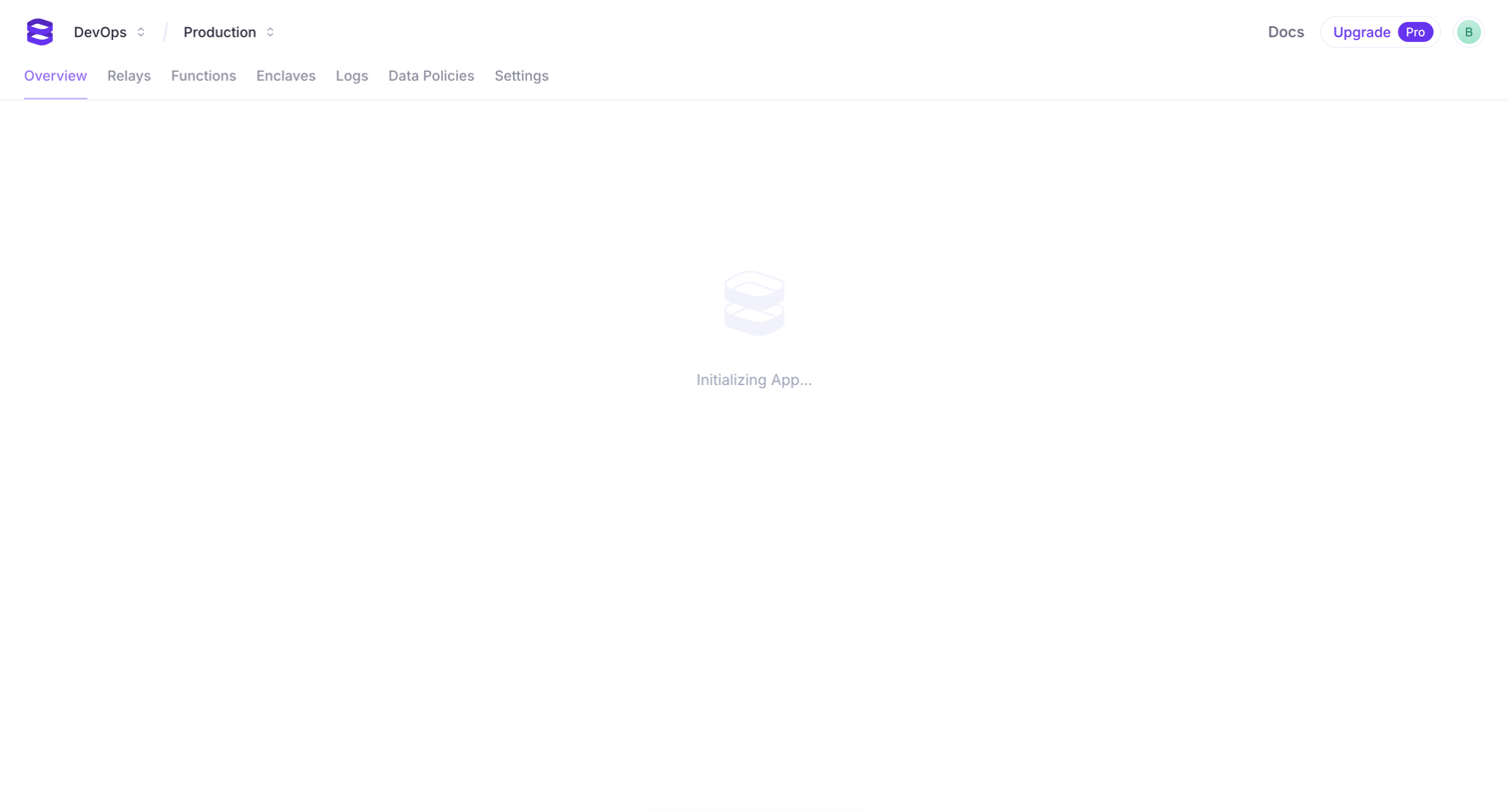

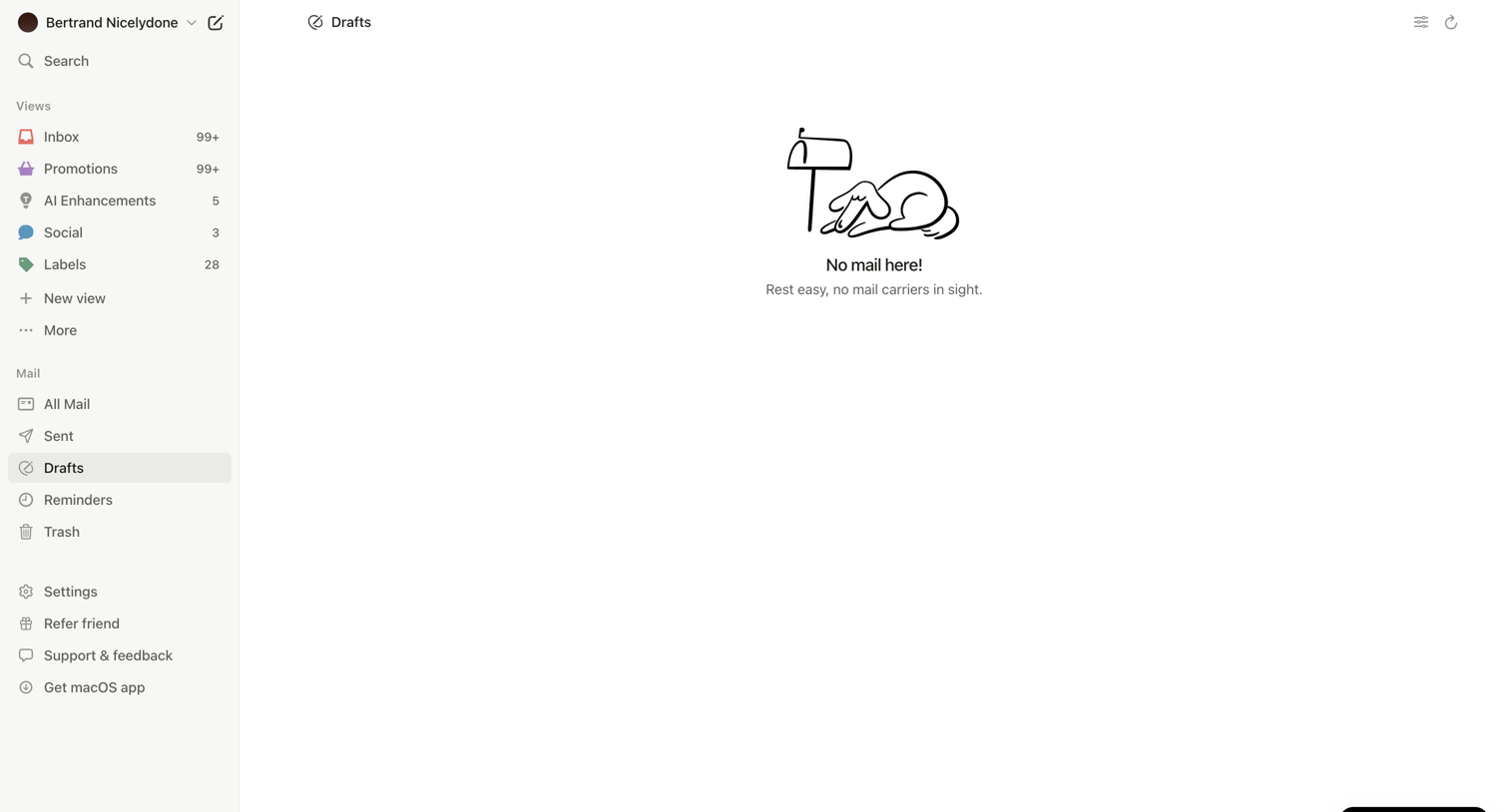

Inbox view showing an empty drafts folder with an illustration and a prominent floating button to download the desktop app.
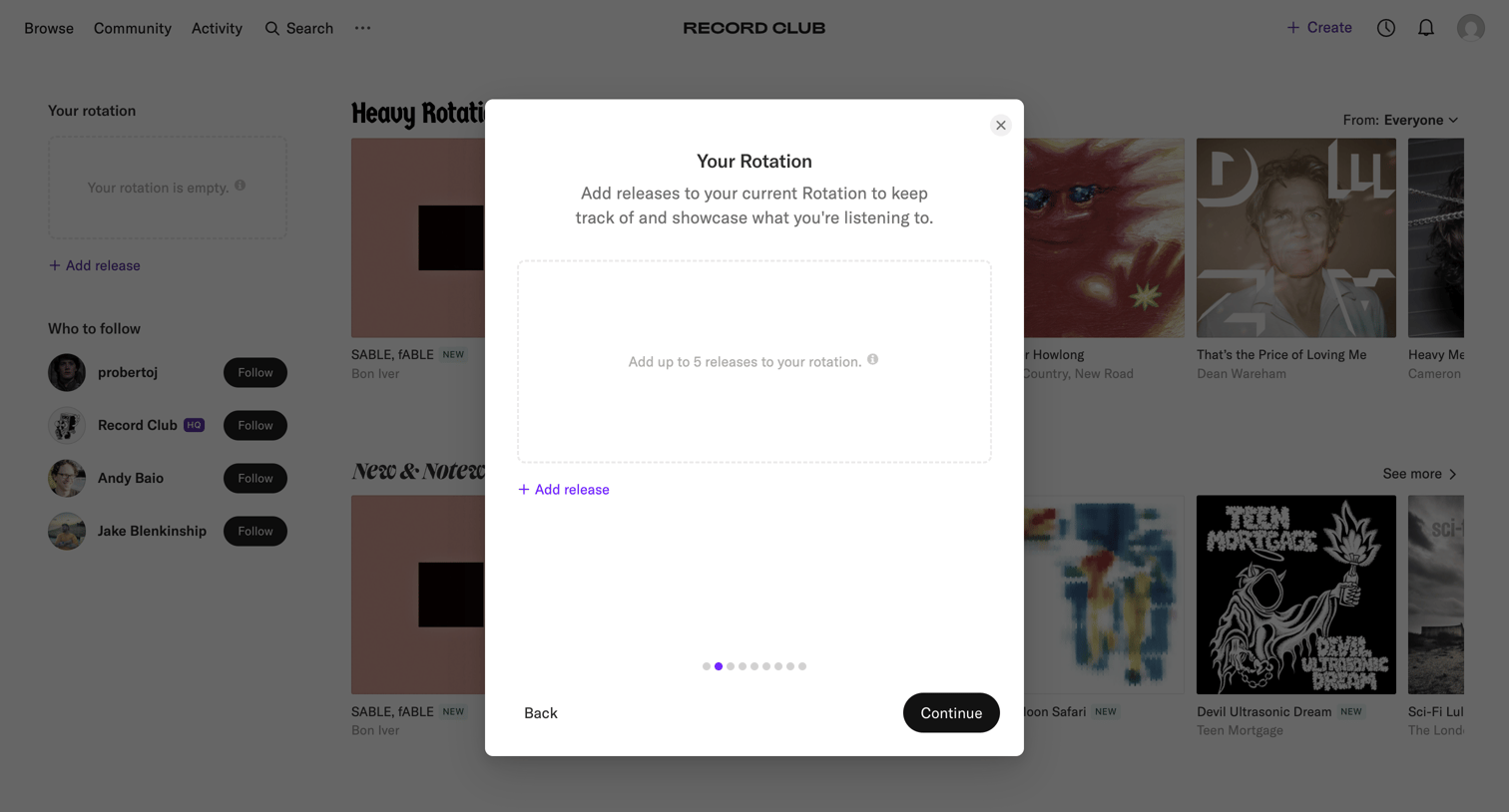

Home feed with an onboarding modal prompting the user to add up to 5 releases to their current rotation to showcase what they are listening to.
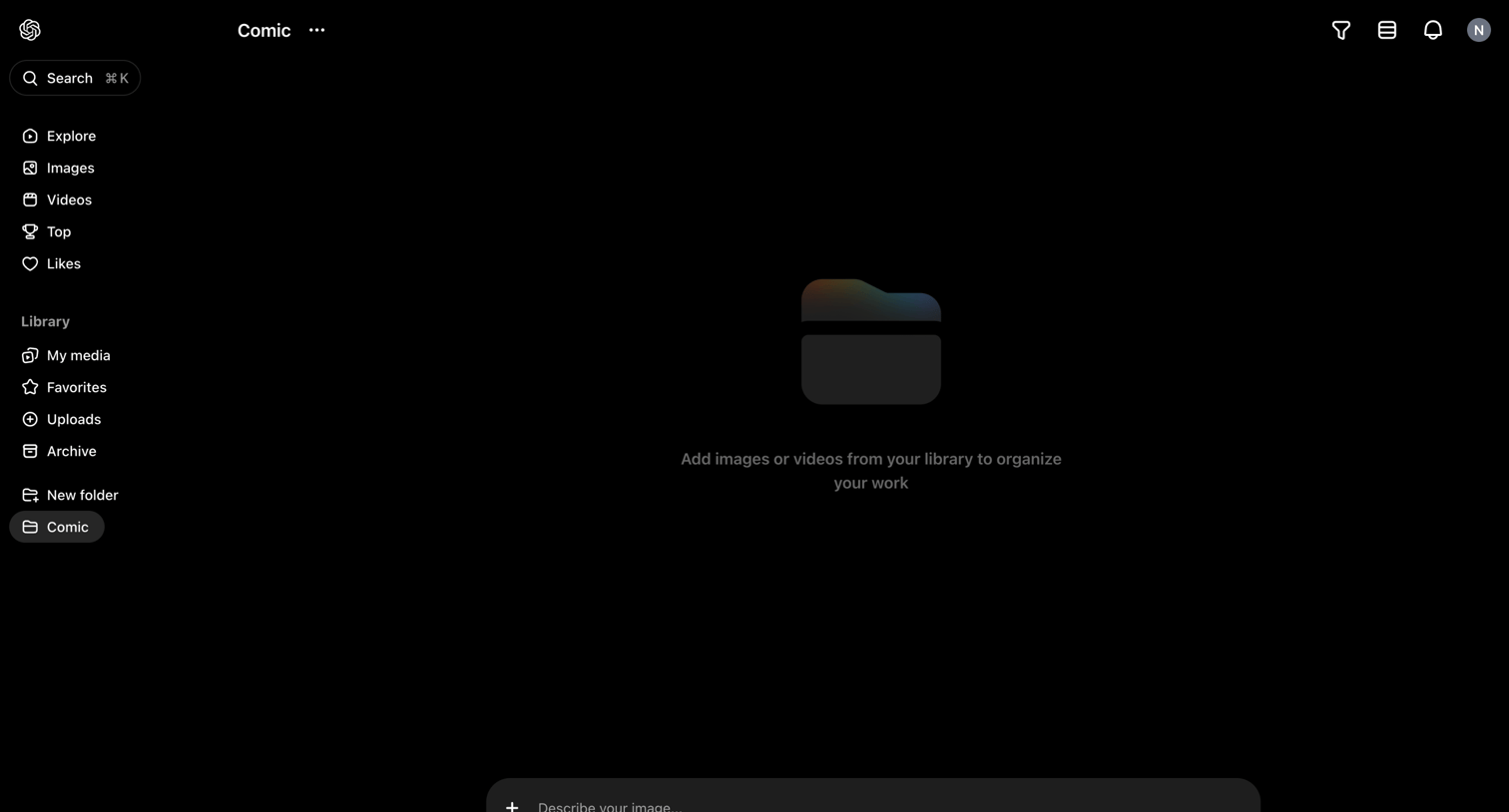

List view of an empty folder named Comic, featuring a persistent bottom composer for generating new AI images or videos to populate the space.
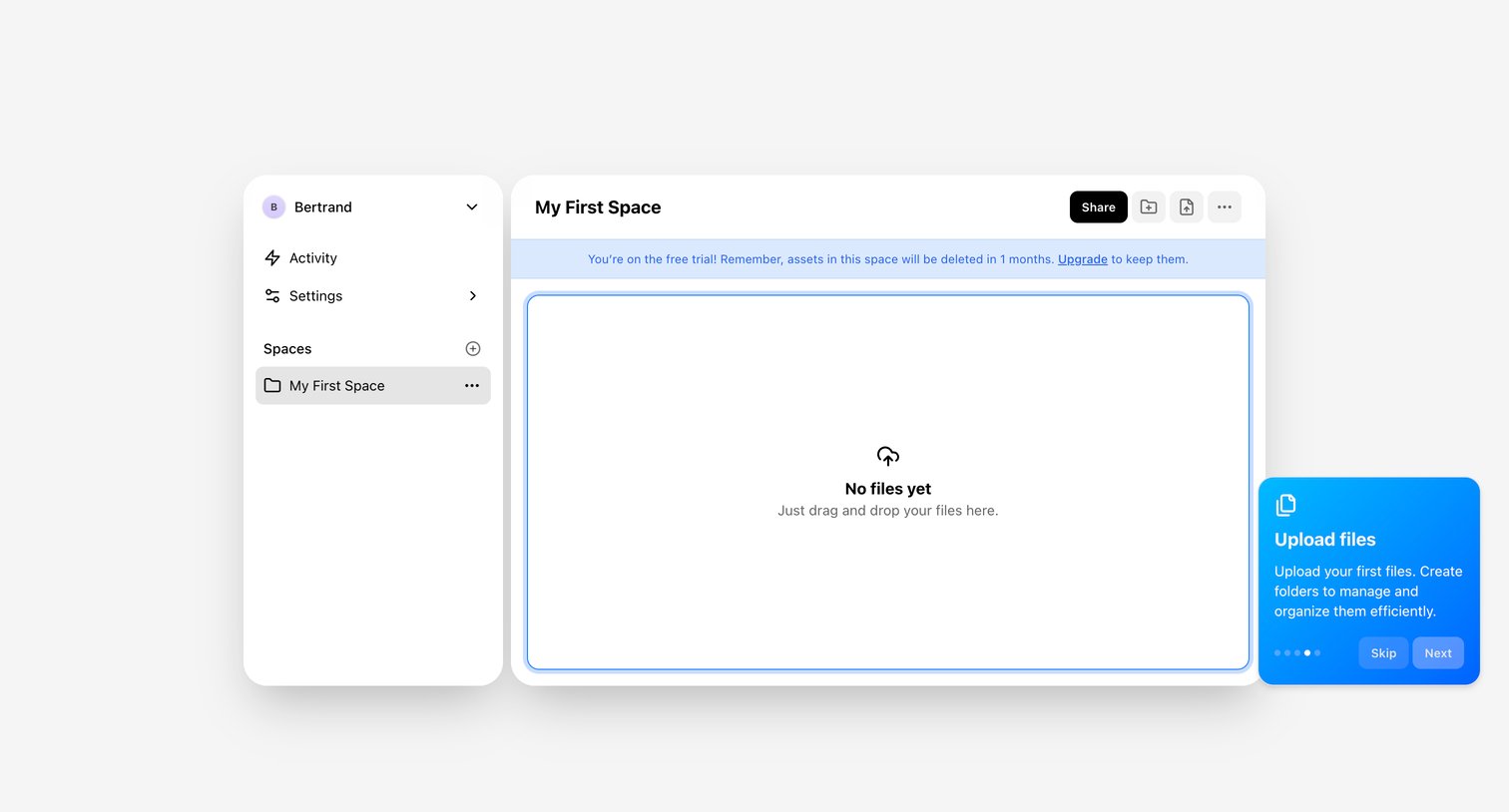

Empty file workspace where a product tour popover prompts the user to upload their first files.
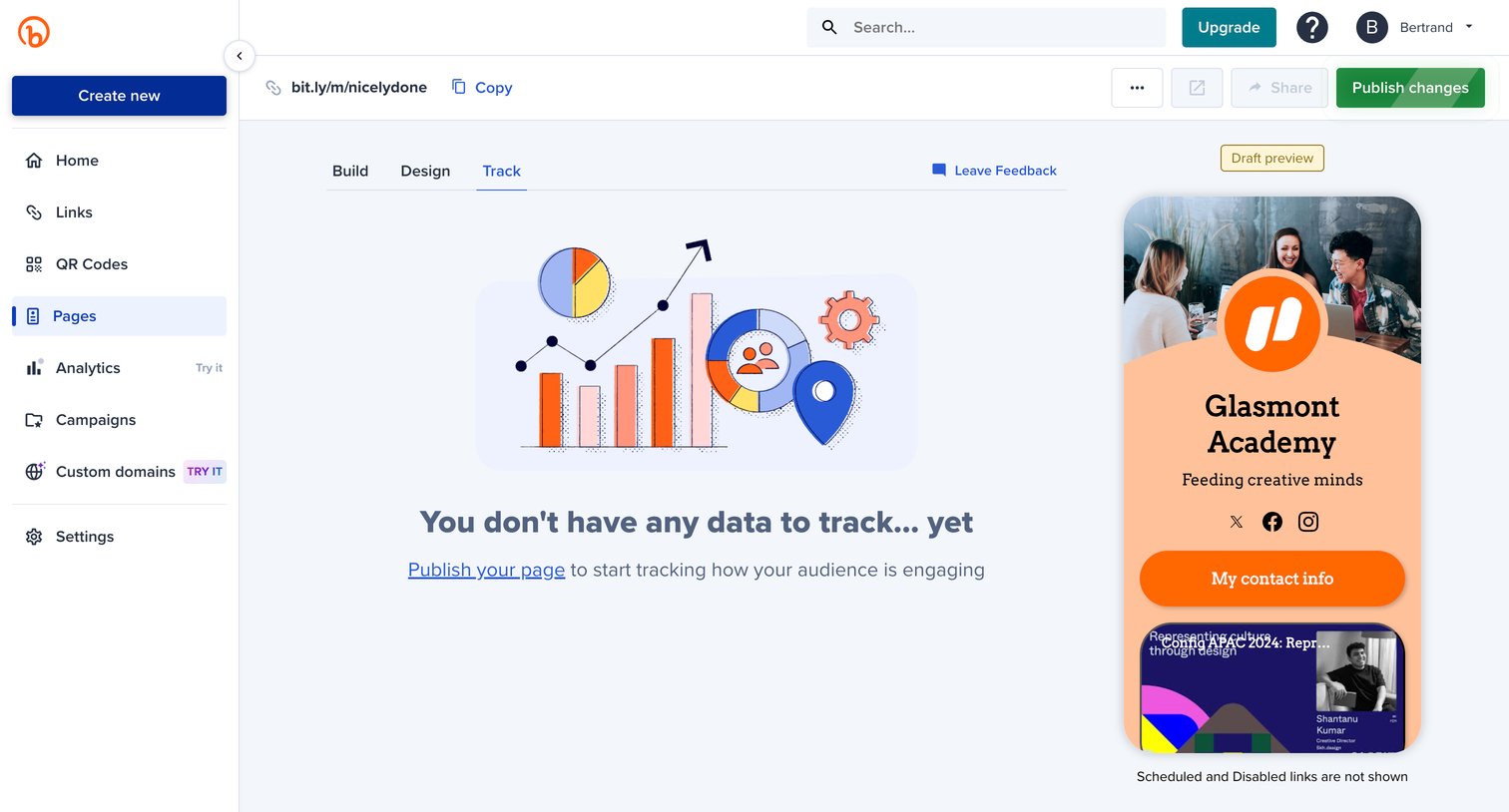

Design editor for a link-in-bio page showing an empty state on the tracking tab, prompting the user to publish their page to start collecting data alongside a live mobile preview.
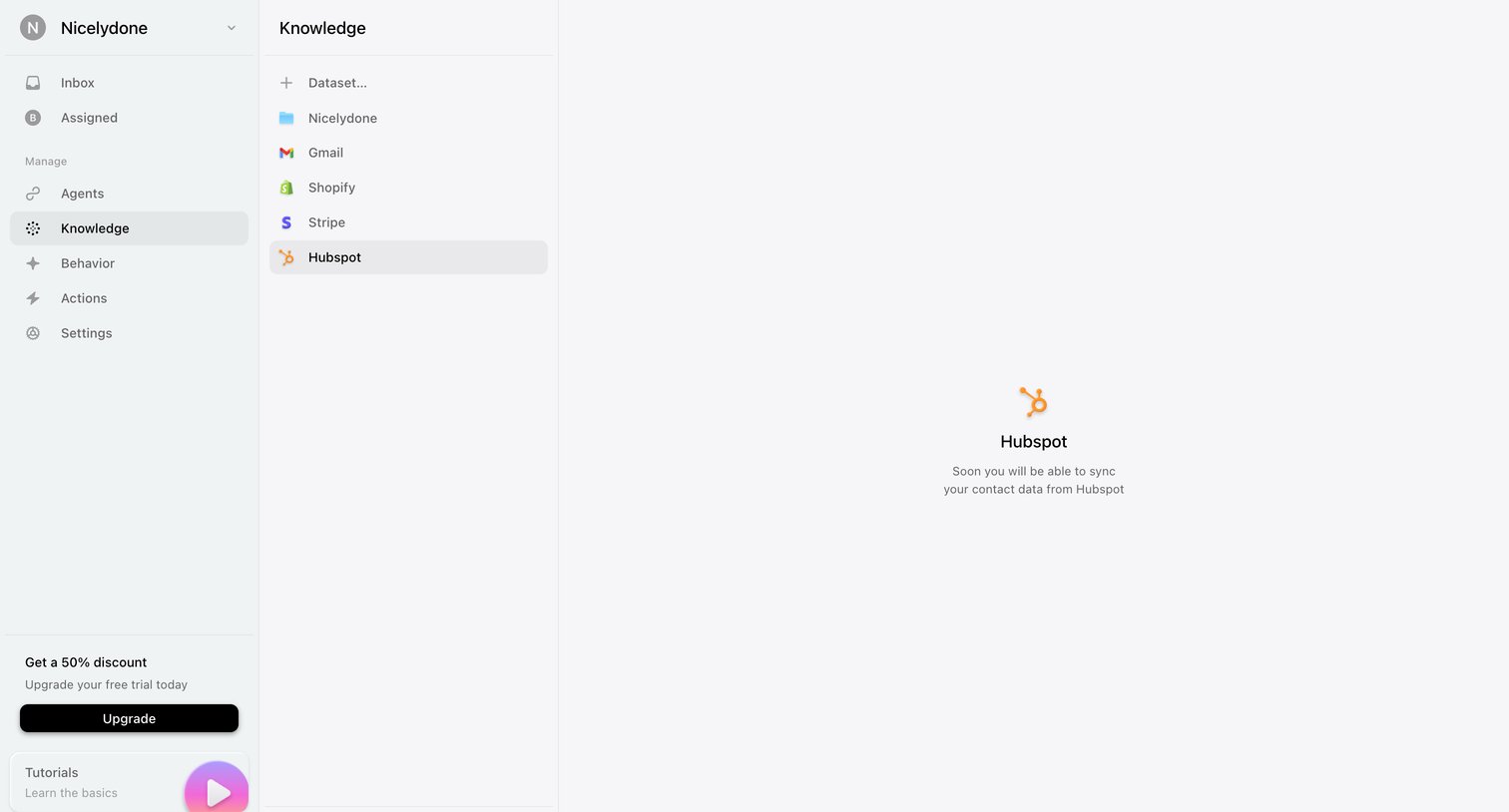

Settings page where the user views a coming-soon placeholder for the Hubspot knowledge integration.
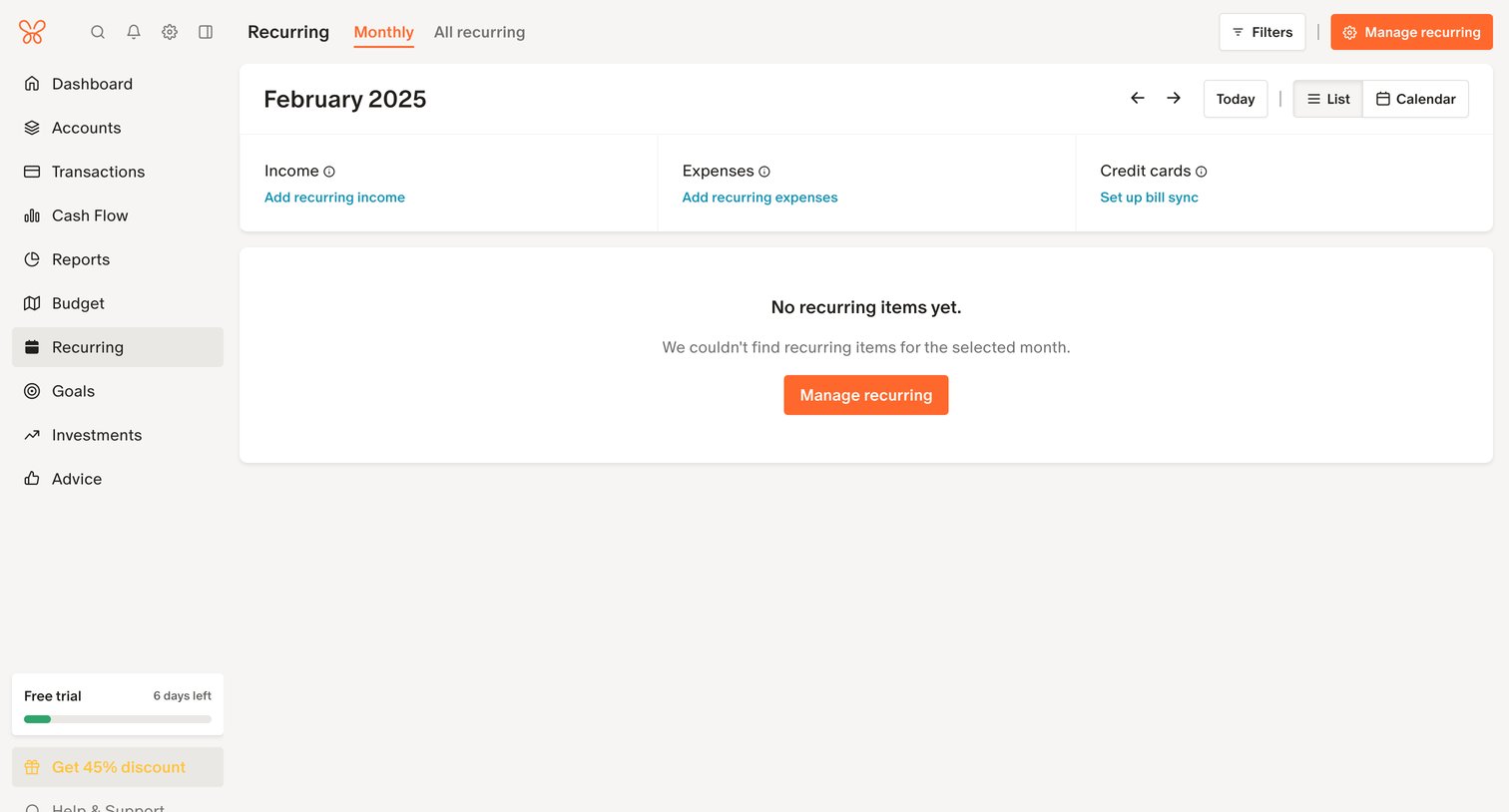

List view for managing recurring income, expenses, and credit card bills, currently showing an empty state for February 2025 with prompts to add items.
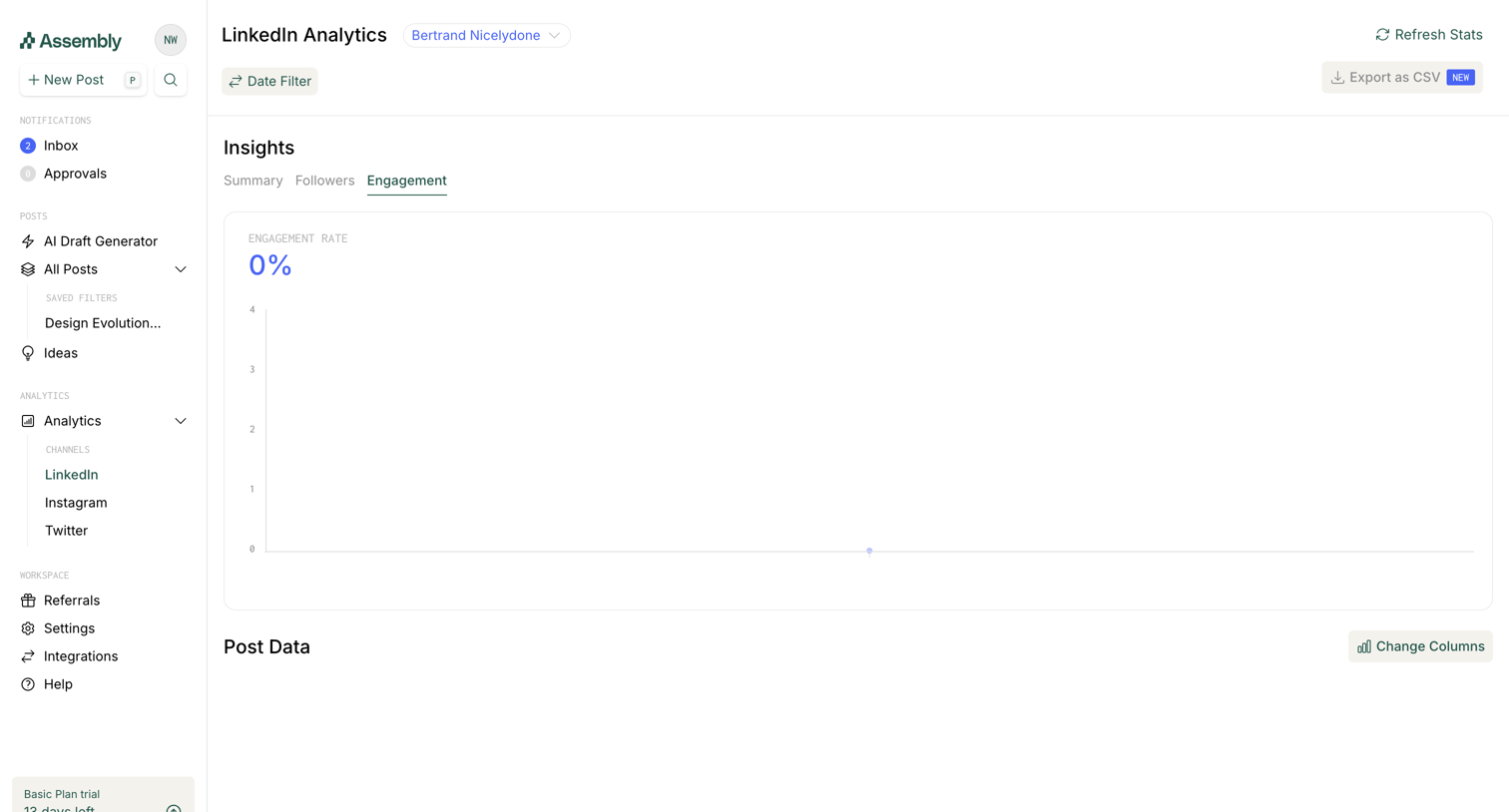

Dashboard showing LinkedIn engagement insights with an empty chart and a prompt to sync data via a bookmarklet.
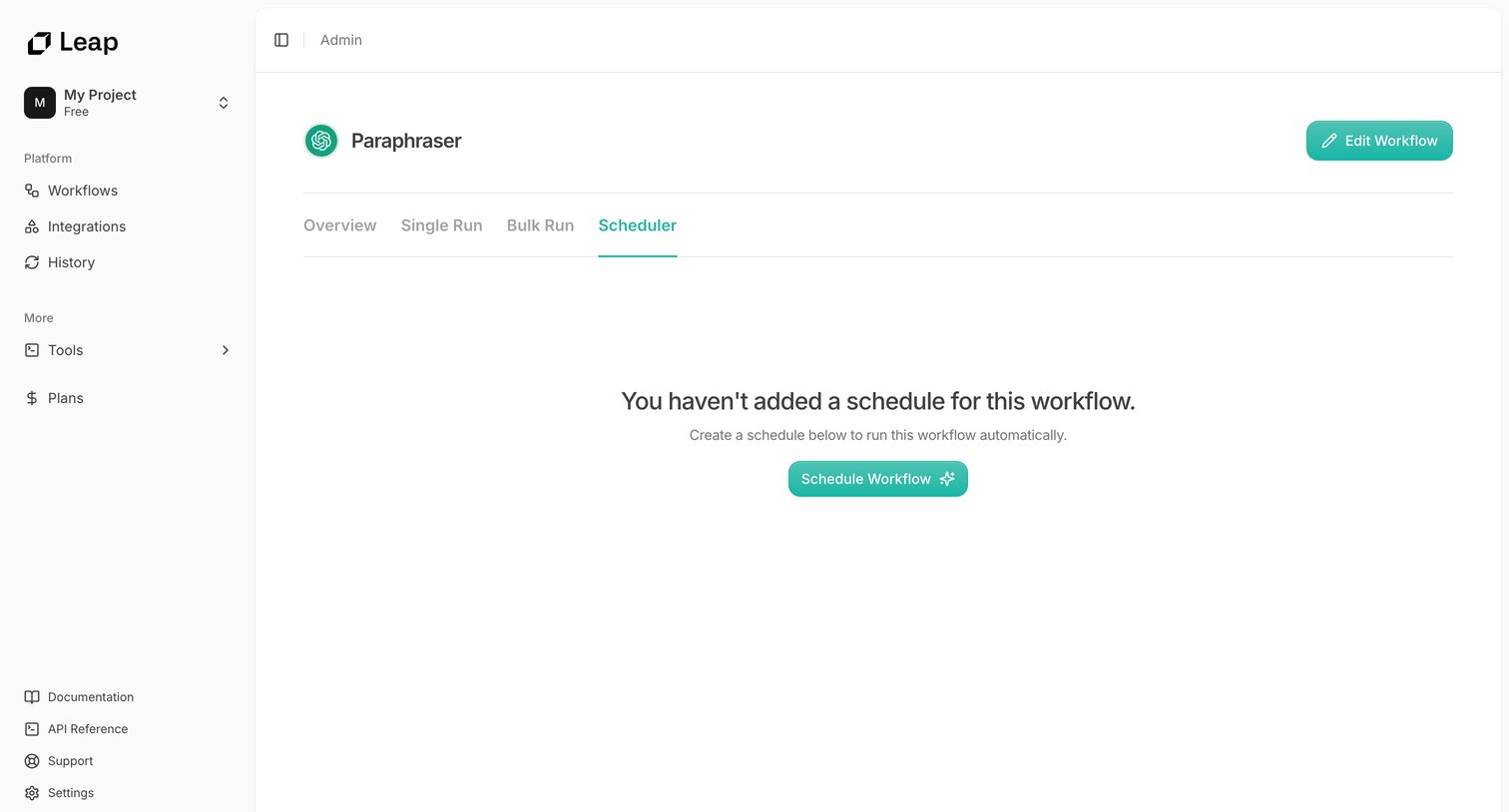

Workflow detail page where the user views the empty Scheduler tab for the Paraphraser workflow and is prompted to create an automated run schedule.
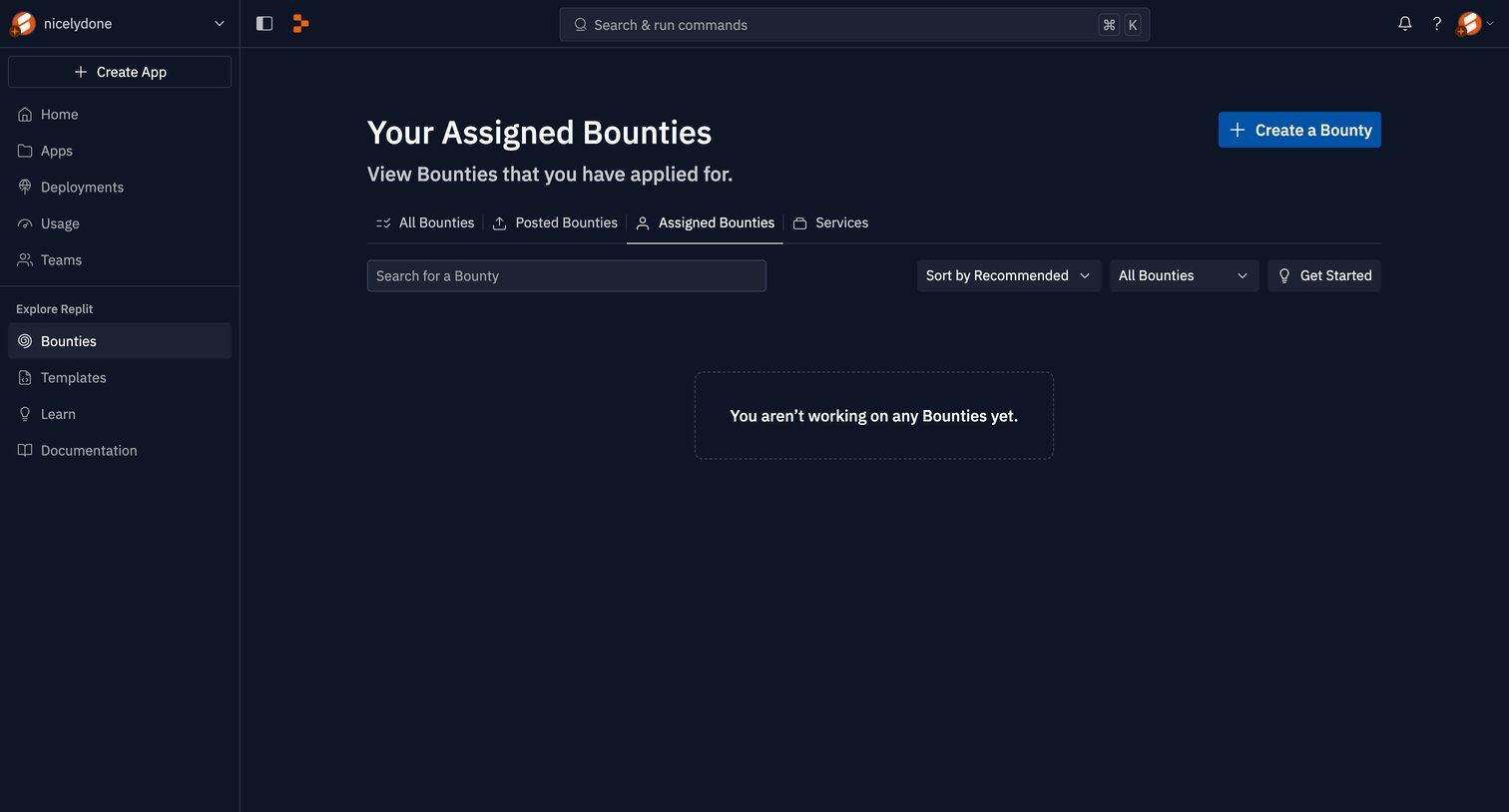

List view showing an empty state for assigned bounties, with tabs to navigate between all, posted, and assigned bounties, and a toolbar for searching and filtering.
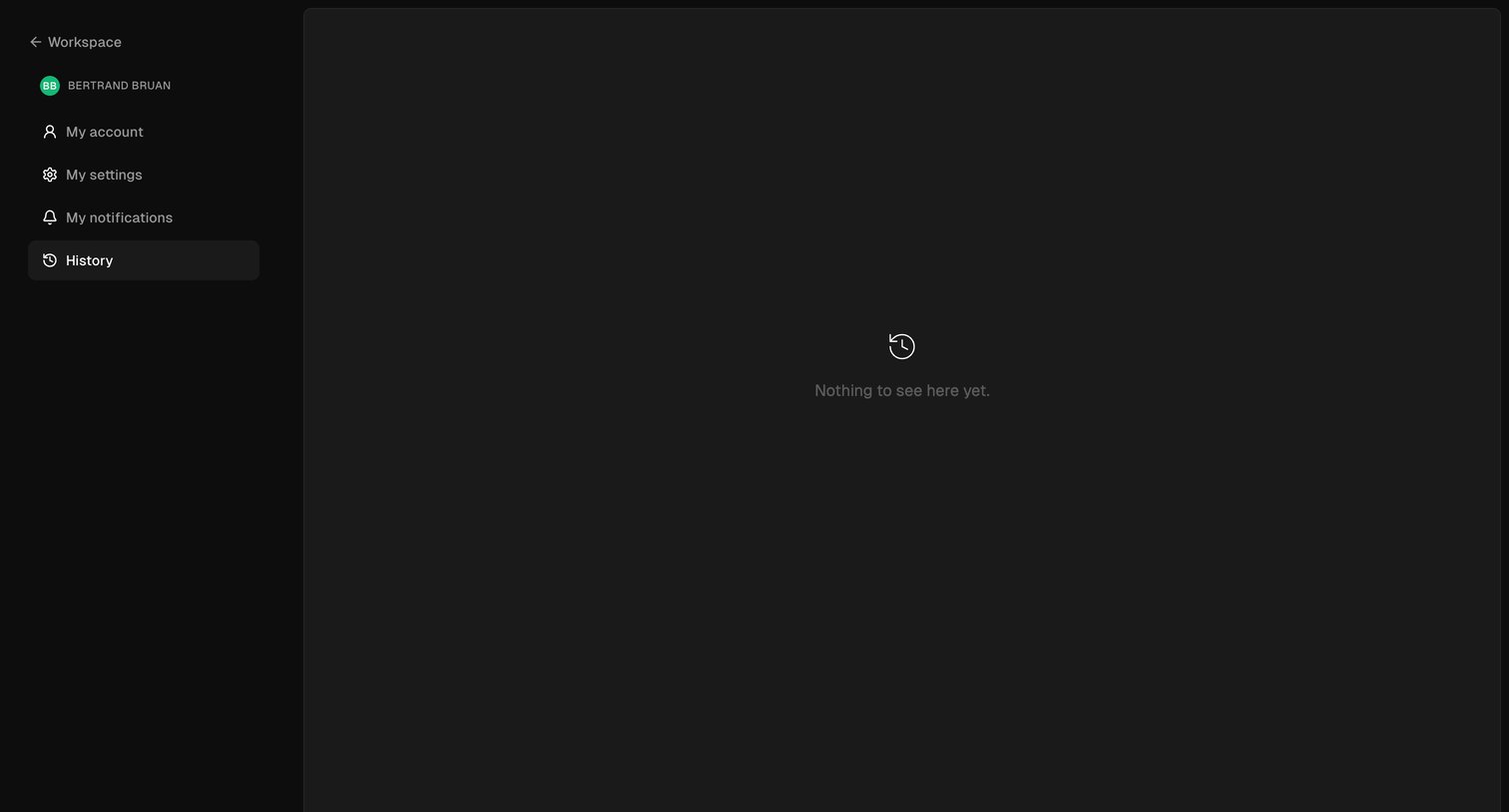

Settings page where the user views their account history, currently showing an empty state with no past activity.
Explore the full SaaS screen library
Upgrade to unlock the full library.
Trusted by the best teams







