Email management screen examples
Email management screen design examples from SaaS apps. Browse examples from Steel, Beside, Town.
Explore the examples
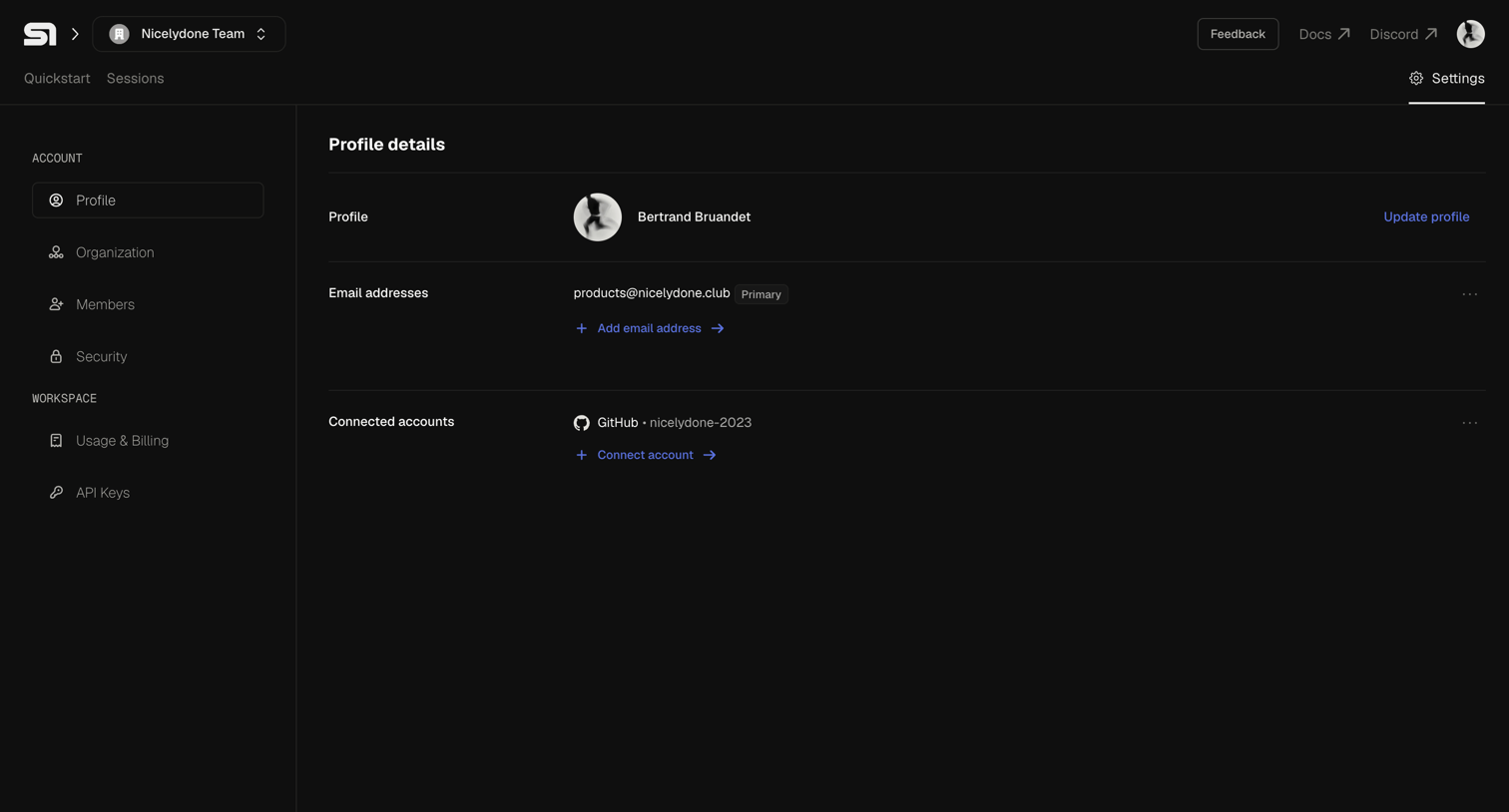

Settings page where the user manages their personal profile details, primary email address, and connected GitHub accounts.
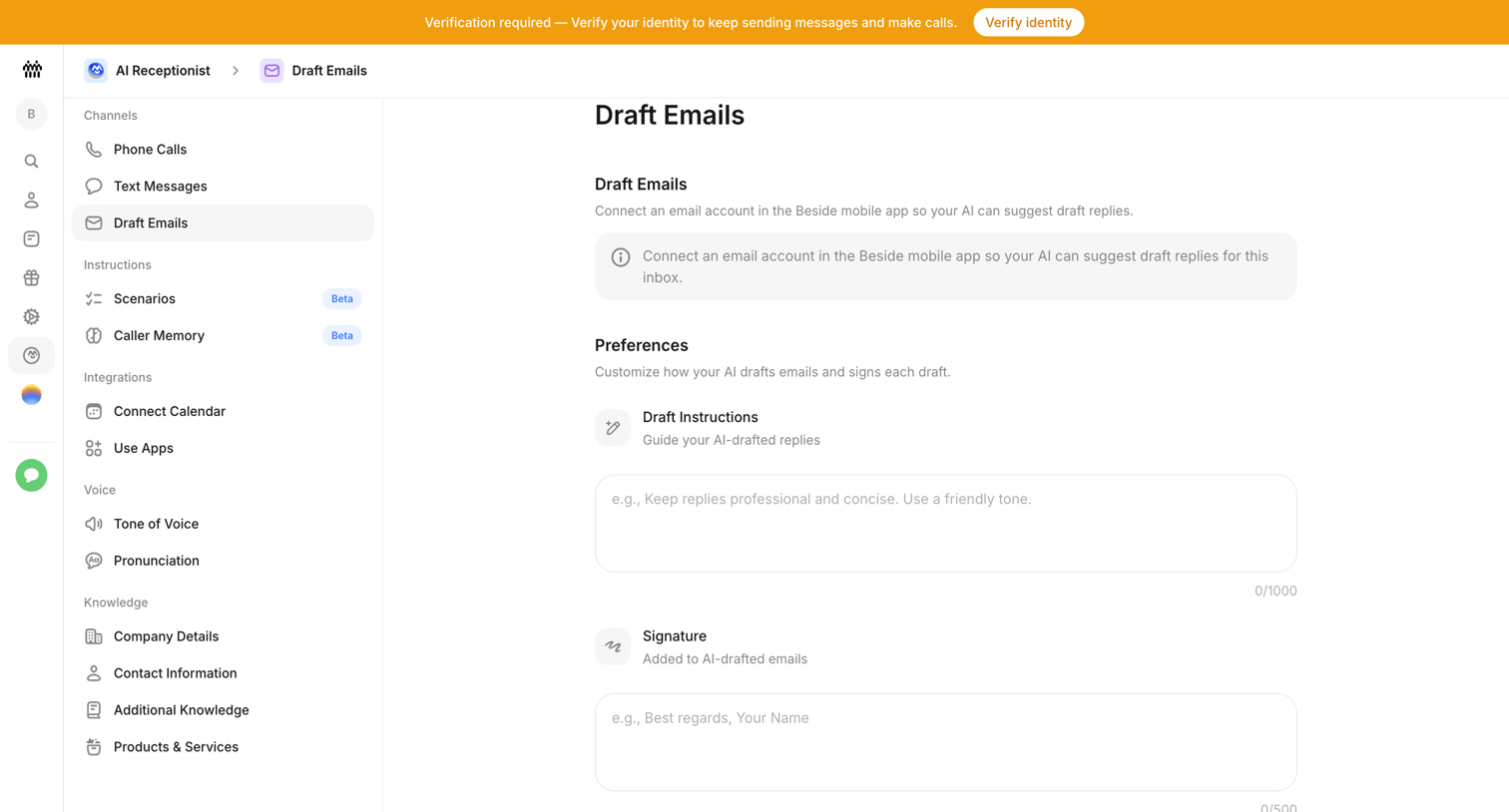

Settings page where the user configures email drafting preferences for their AI receptionist, including custom instructions and a signature.
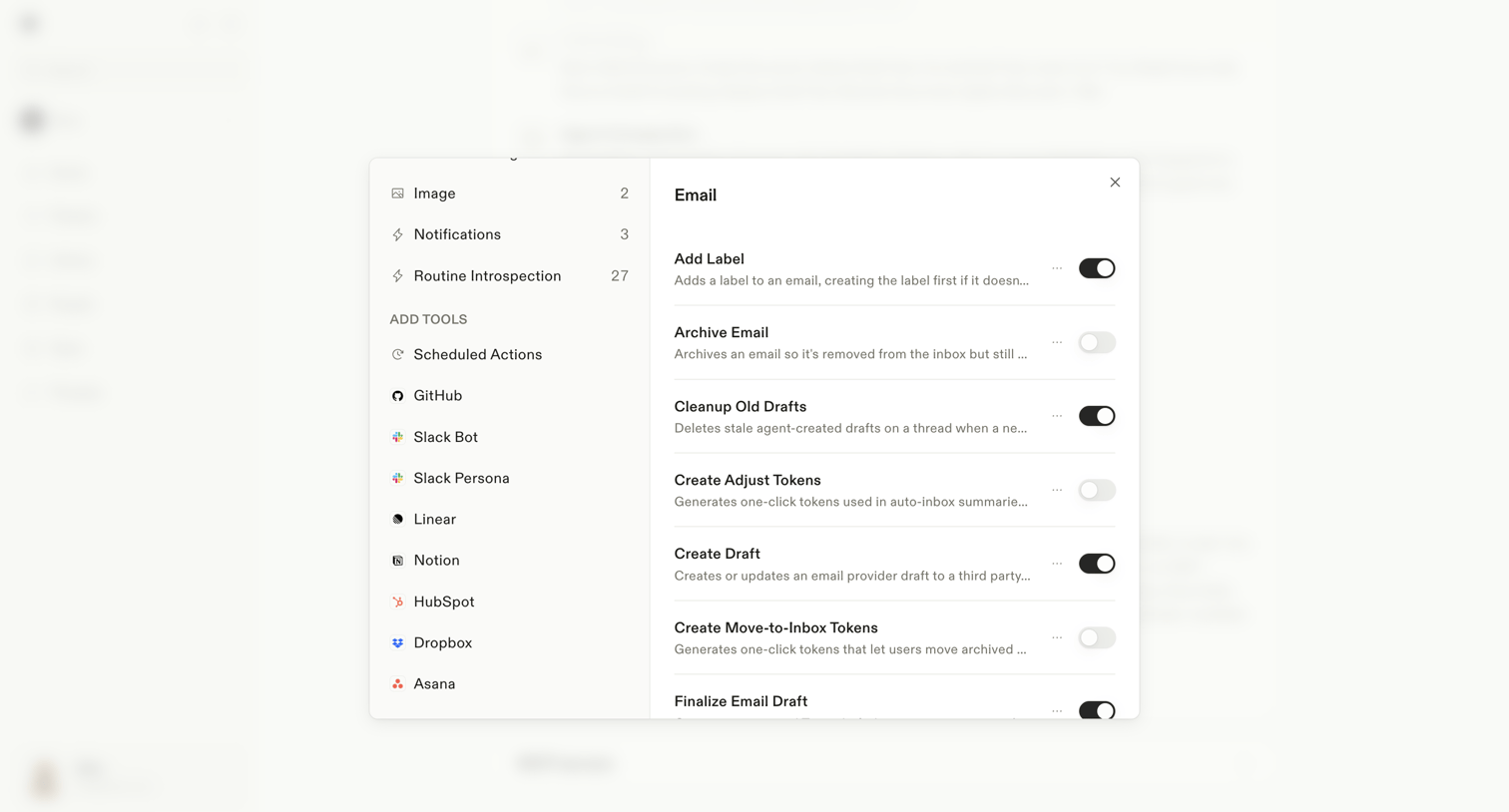

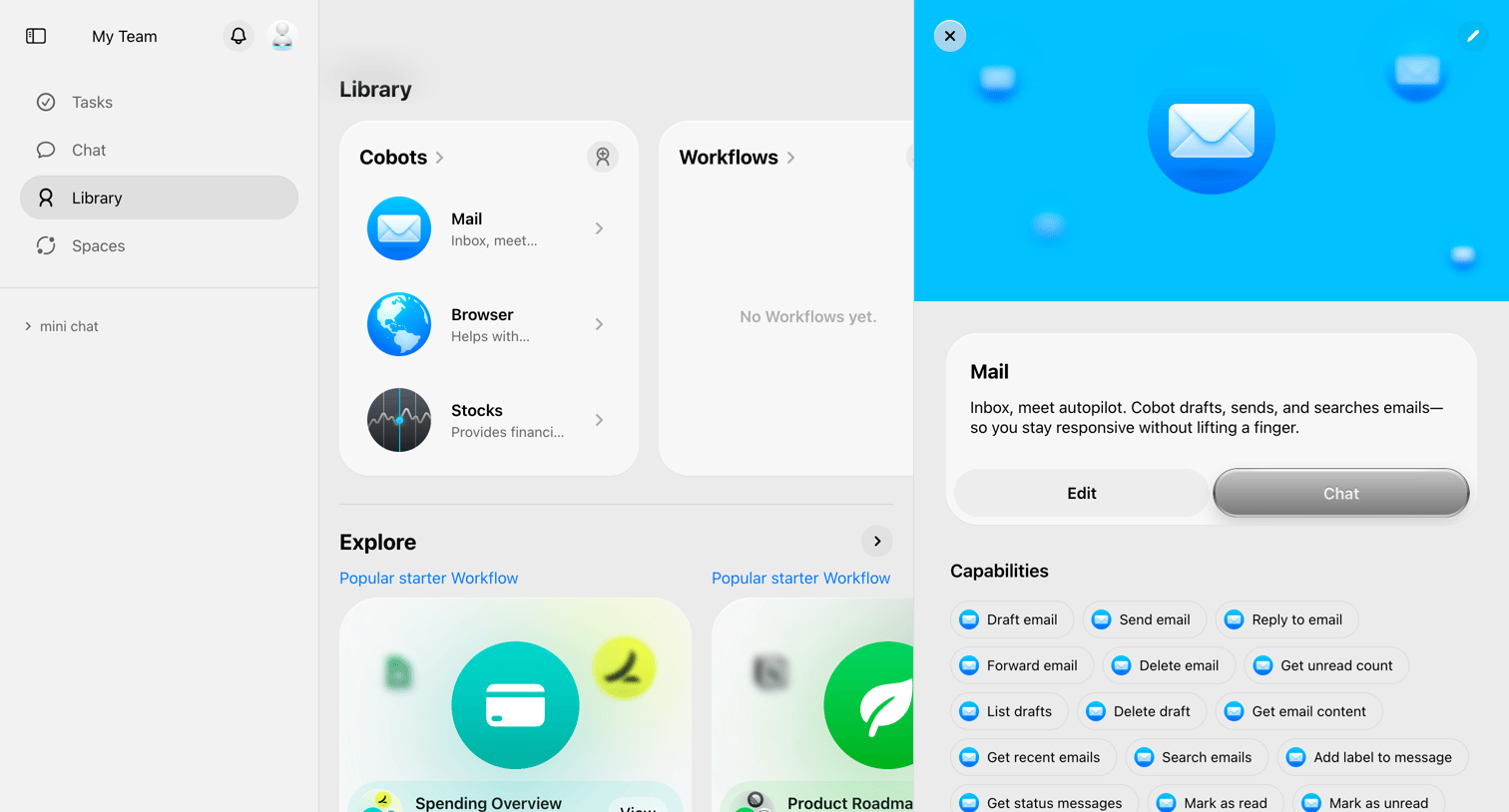
Settings modal where the user configures specific actions the AI assistant can perform for the Email integration, such as adding labels or creating drafts.
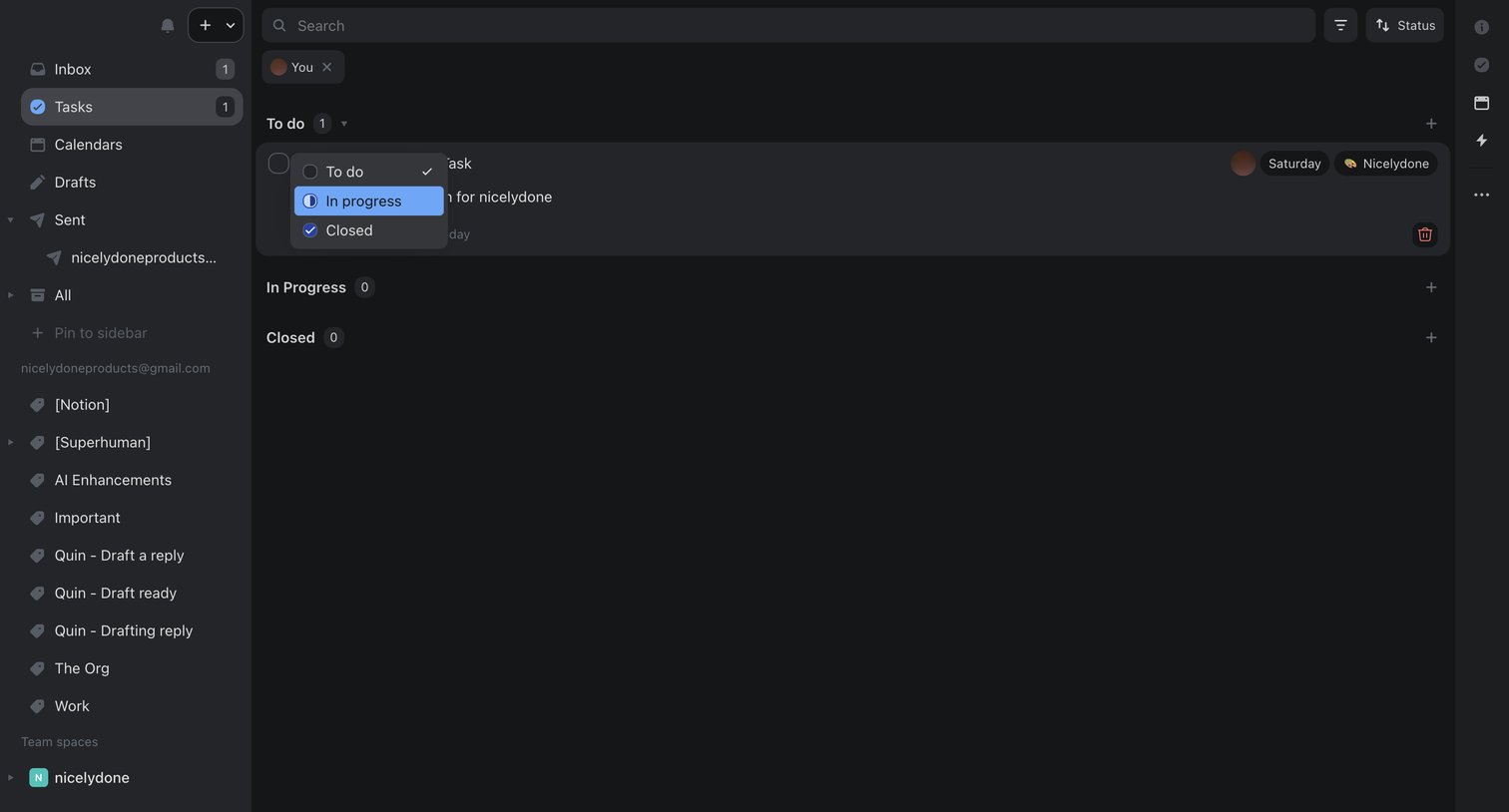

Task management view where the user filters tasks assigned to them and updates a task's status from to-do to in-progress via an inline dropdown.
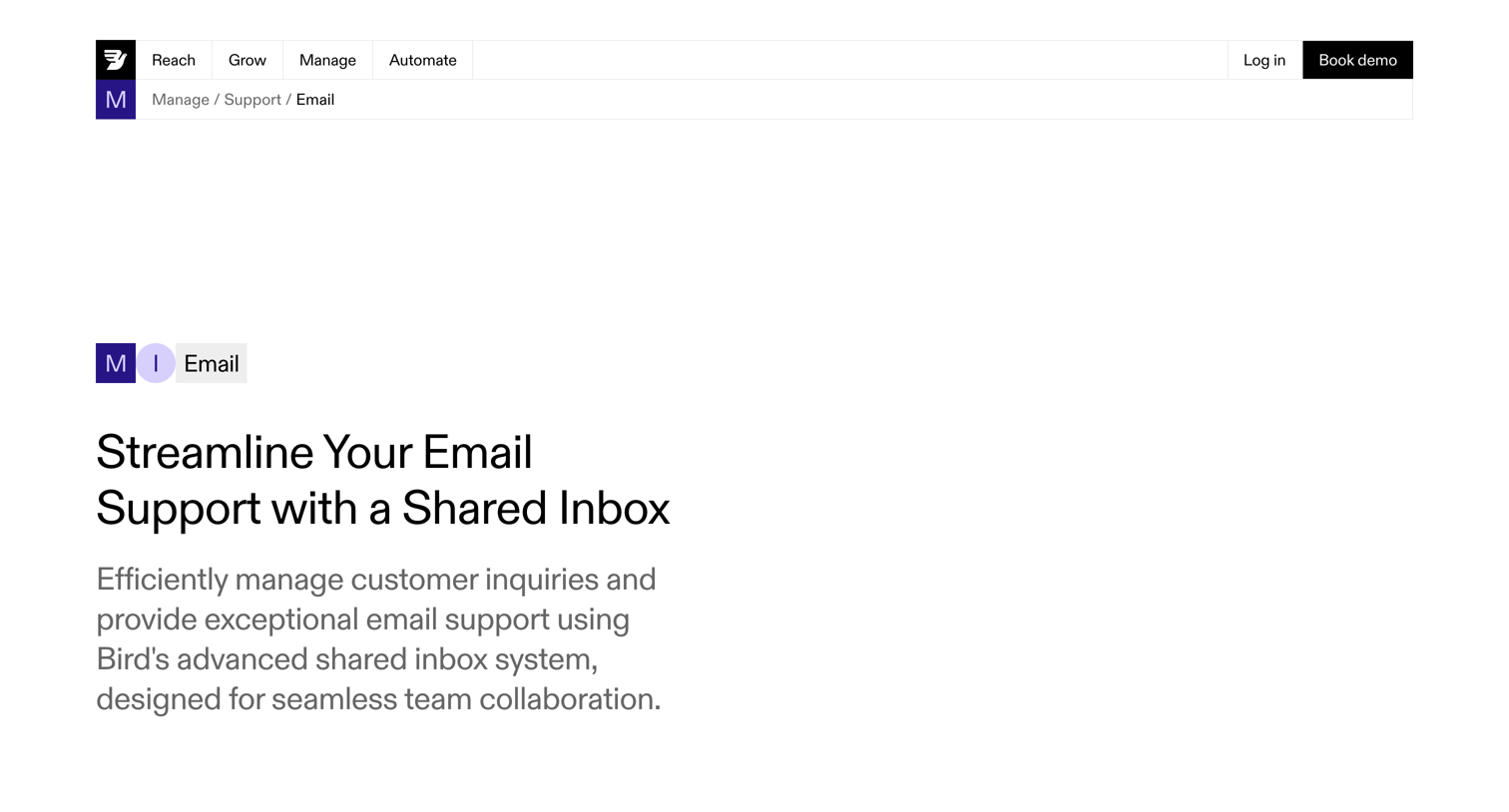

Feature page detailing a shared inbox tool for email support, highlighting capabilities like unified inbox, templates, and analytics, with a demo booking CTA.
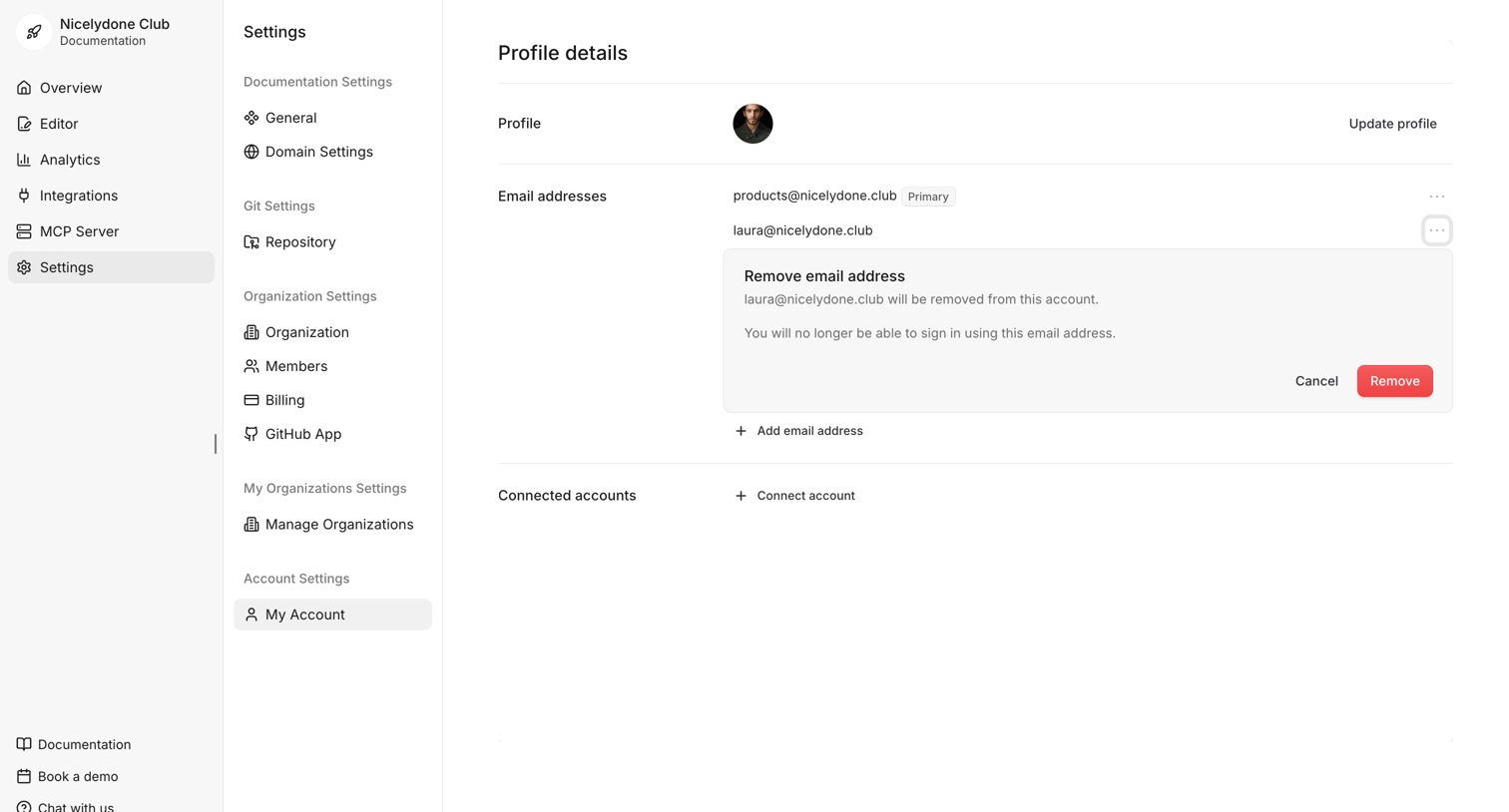

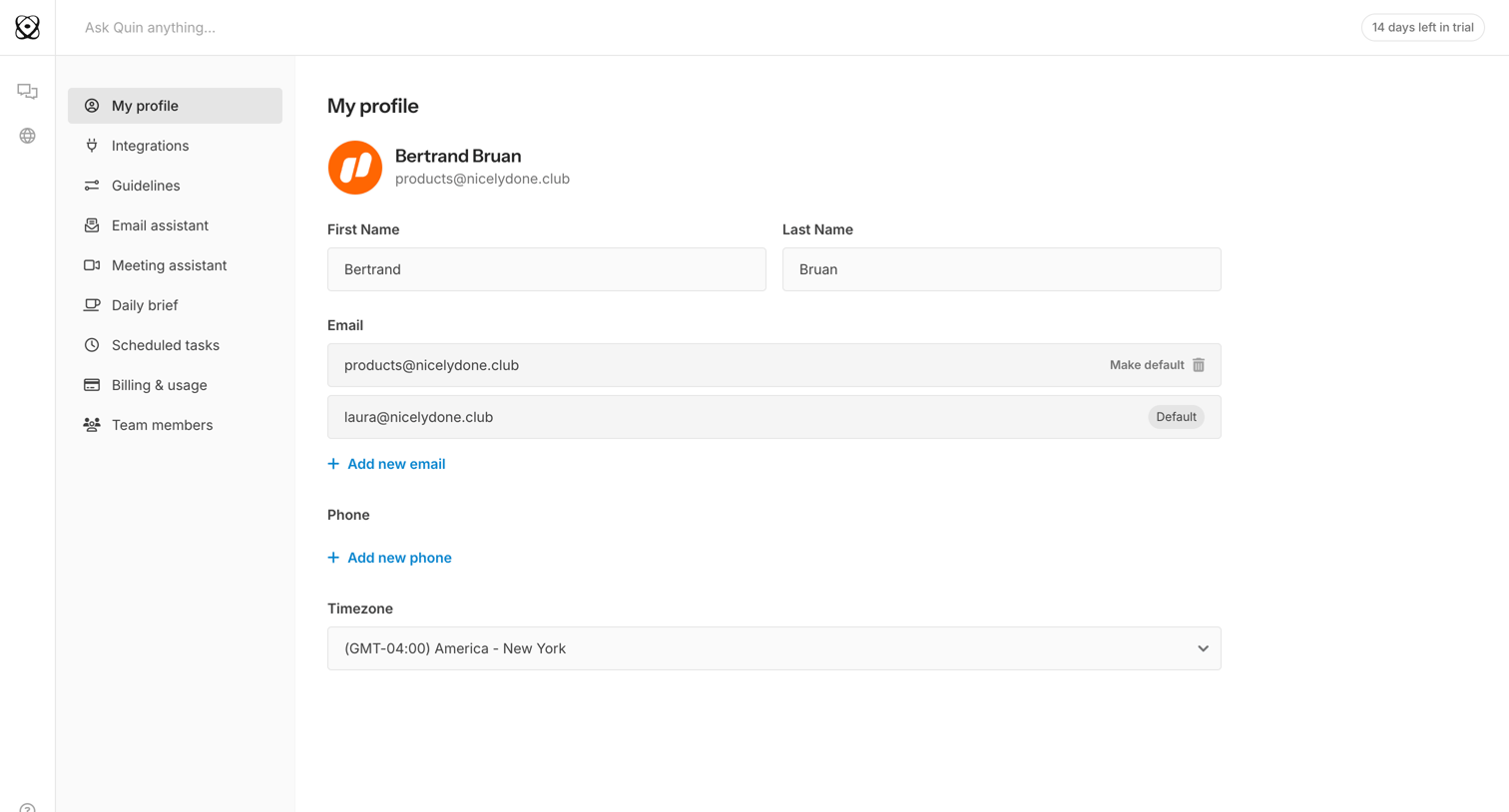
Settings page where the user manages their profile details, email addresses, and connected accounts, currently showing an inline prompt to remove a secondary email address.
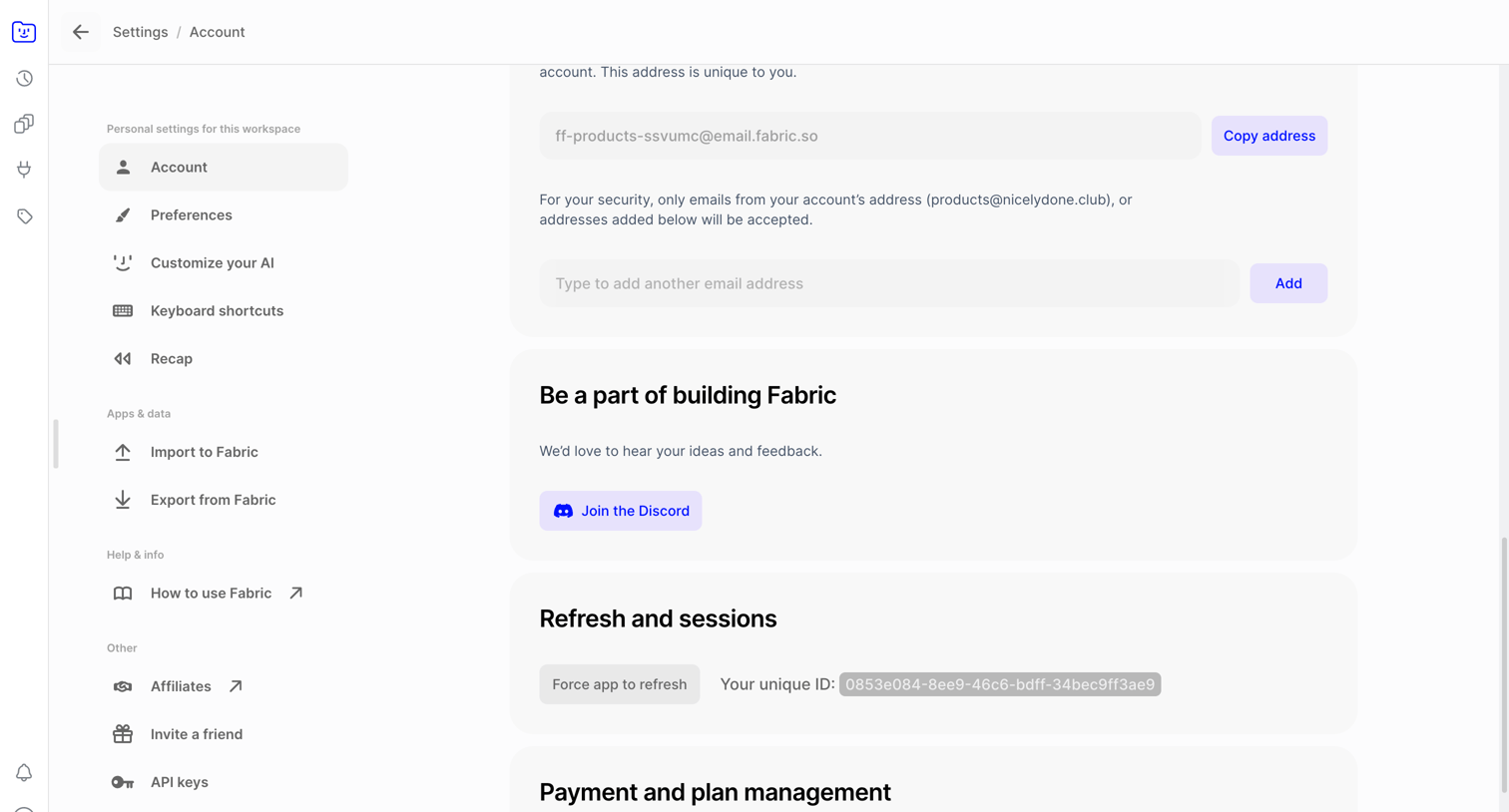

Settings page where the user manages their unique inbound email address, active sessions, and plan subscription.
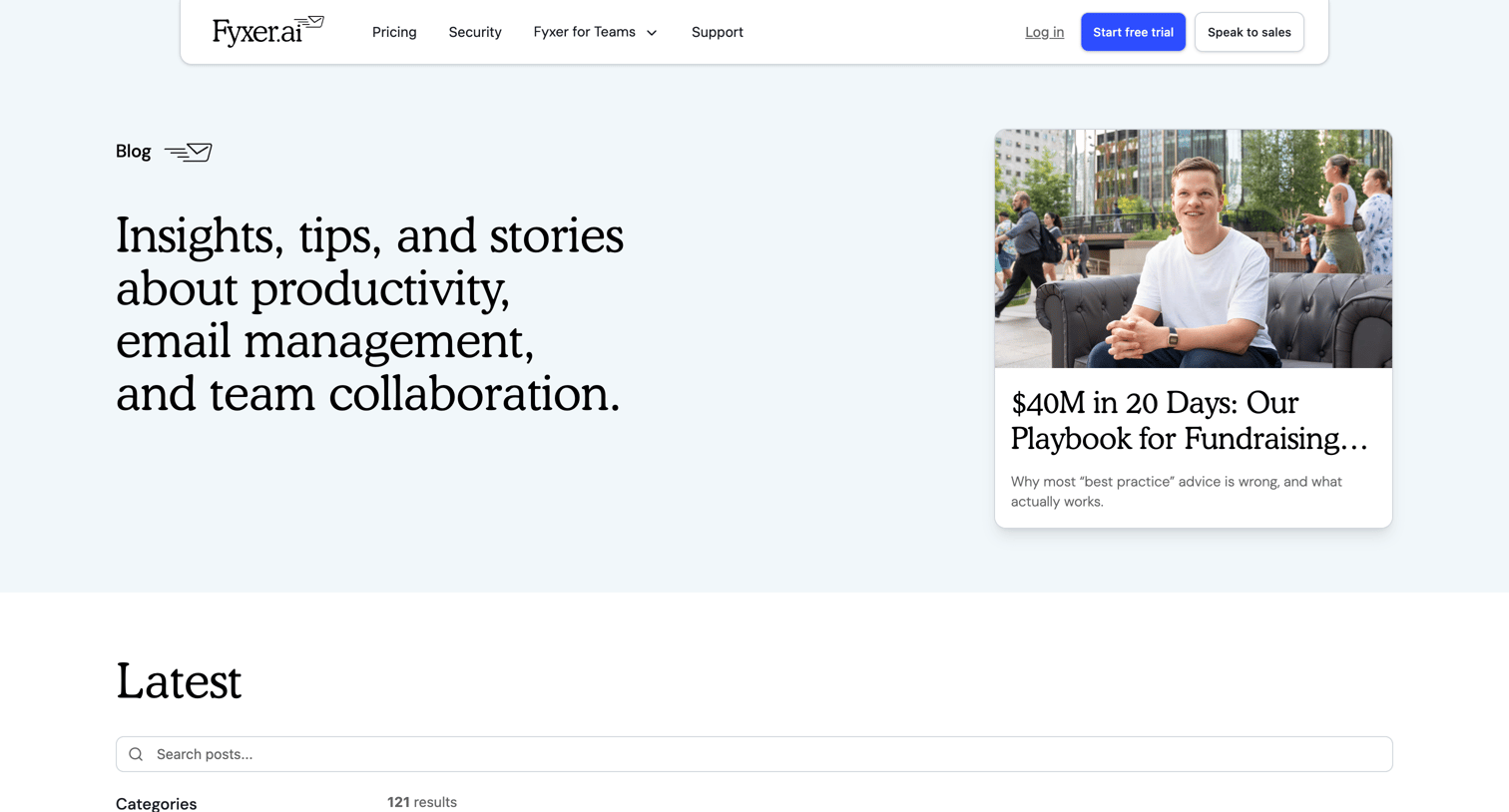

Blog index page where the user can search posts, filter by categories like How-to and Knowledge, and browse recent articles in a grid.

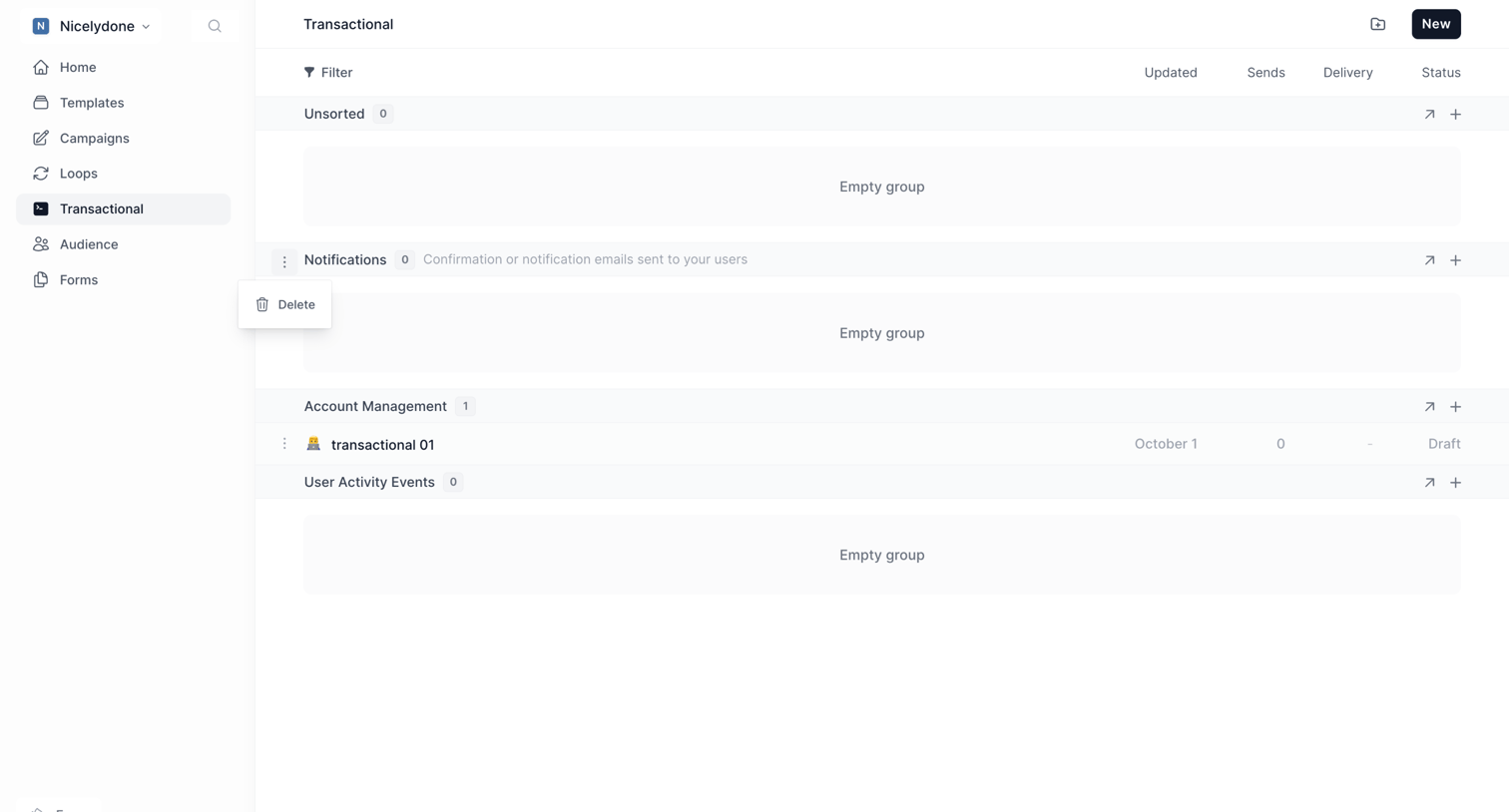

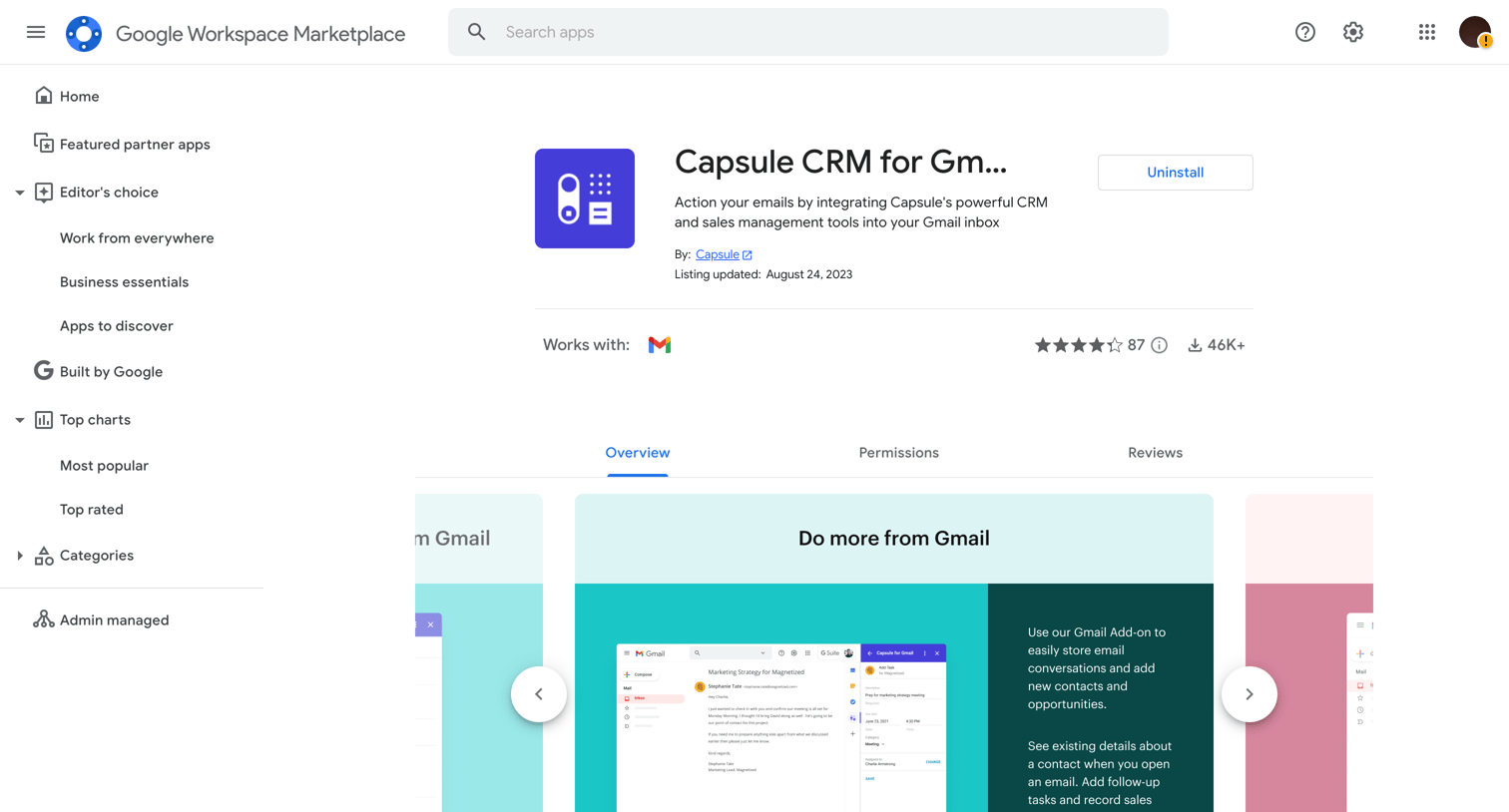

Application download page for a Google Workspace add-on where the user views details, screenshots, and can uninstall the integration.

Explore the full SaaS screen library
Upgrade to unlock the full library.
Trusted by the best teams







