Download screen examples
Download screen design examples from SaaS apps. Browse examples from Beside, Town, Flora.
Explore the examples
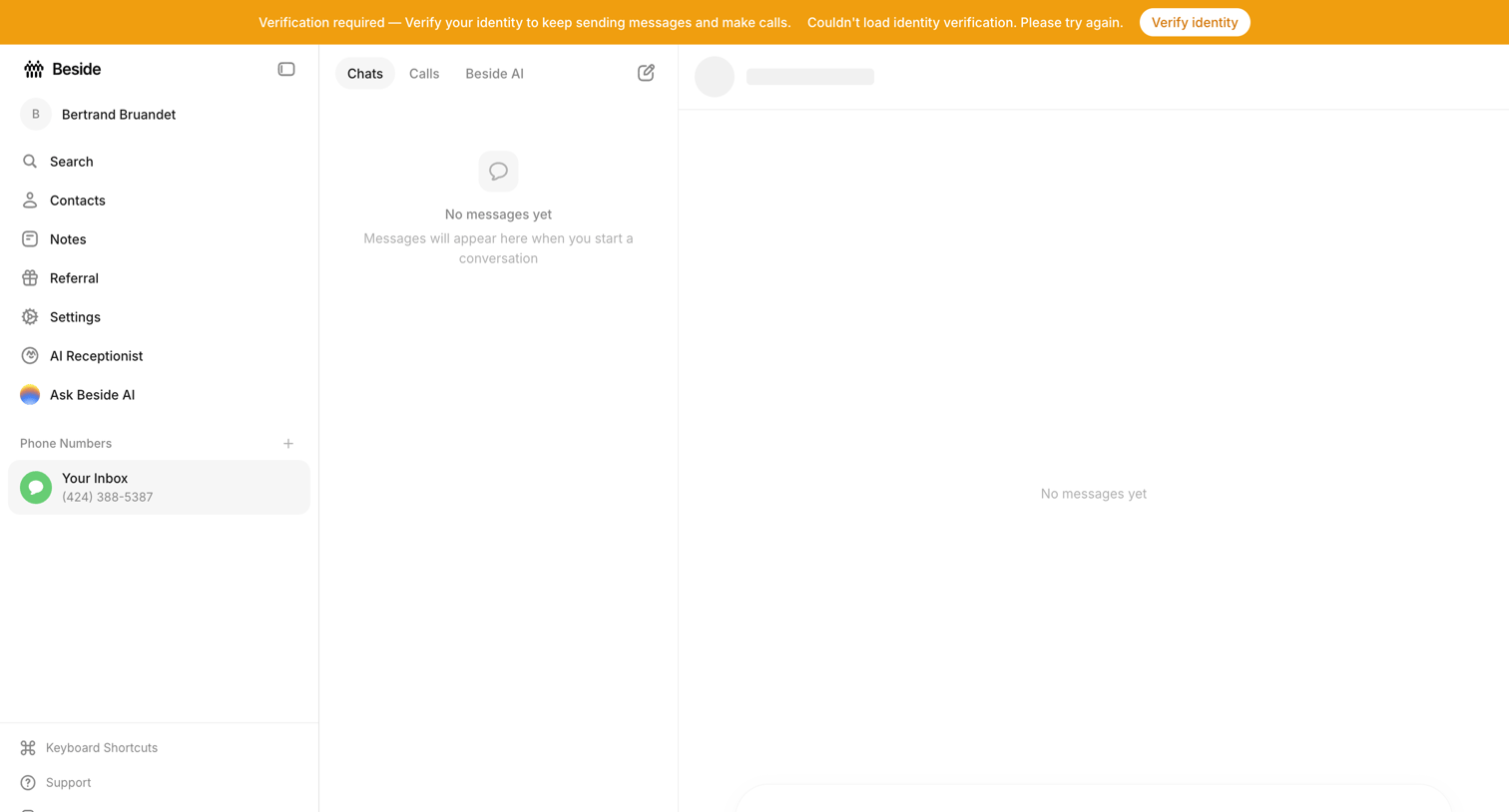

Inbox view where the user is prompted to verify their identity to continue sending messages, showing empty states for both the chat list and conversation panes.
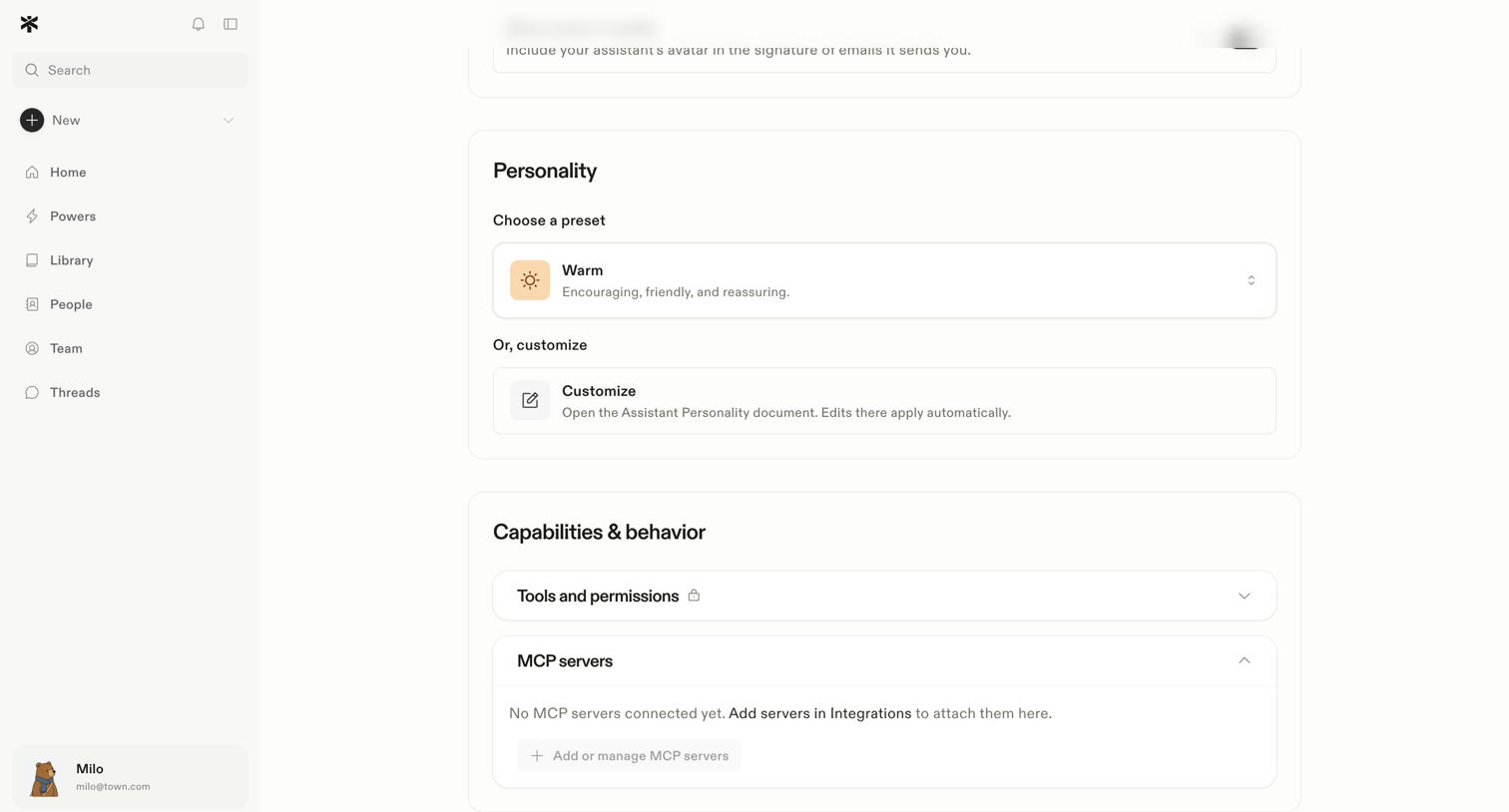

Settings page where the user configures their AI assistant's personality preset and manages its capabilities like tools and MCP servers.
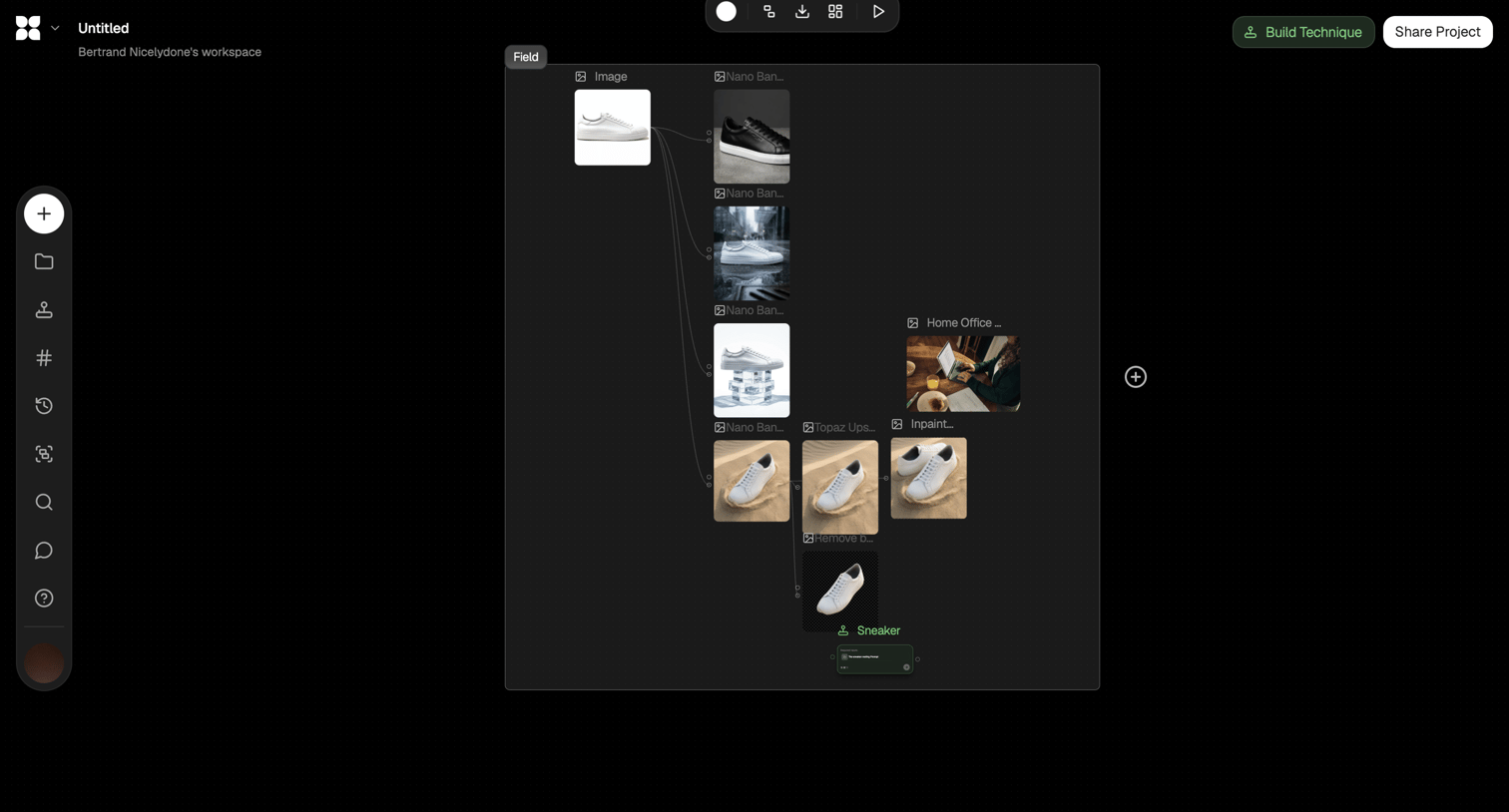

Design editor where the user builds a node-based AI image generation workflow, connecting source images to upscaling and inpainting models.
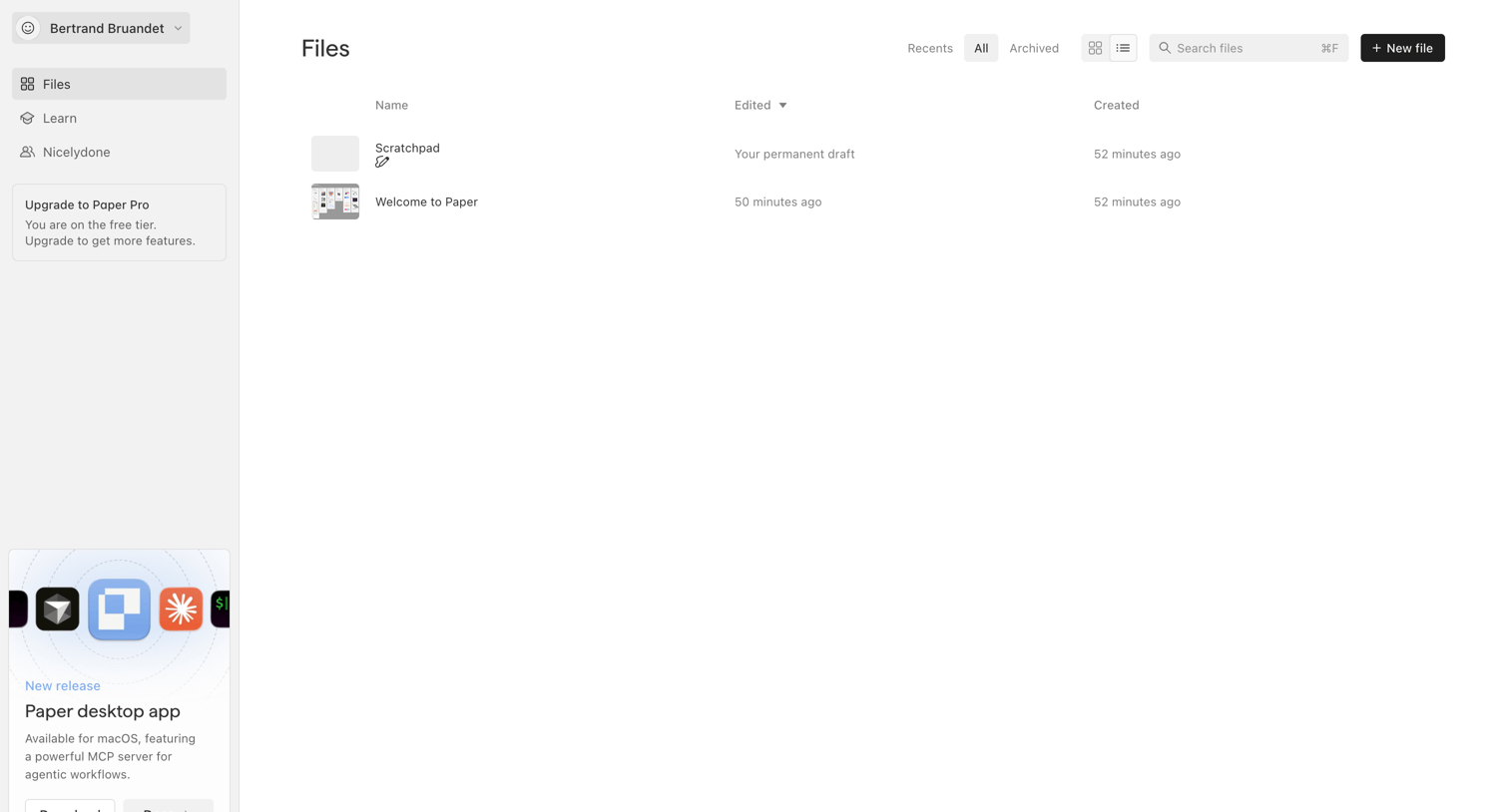

List view where the user manages their files, with options to filter by recent or archived, search, and create a new file, alongside a prompt to download the desktop app.
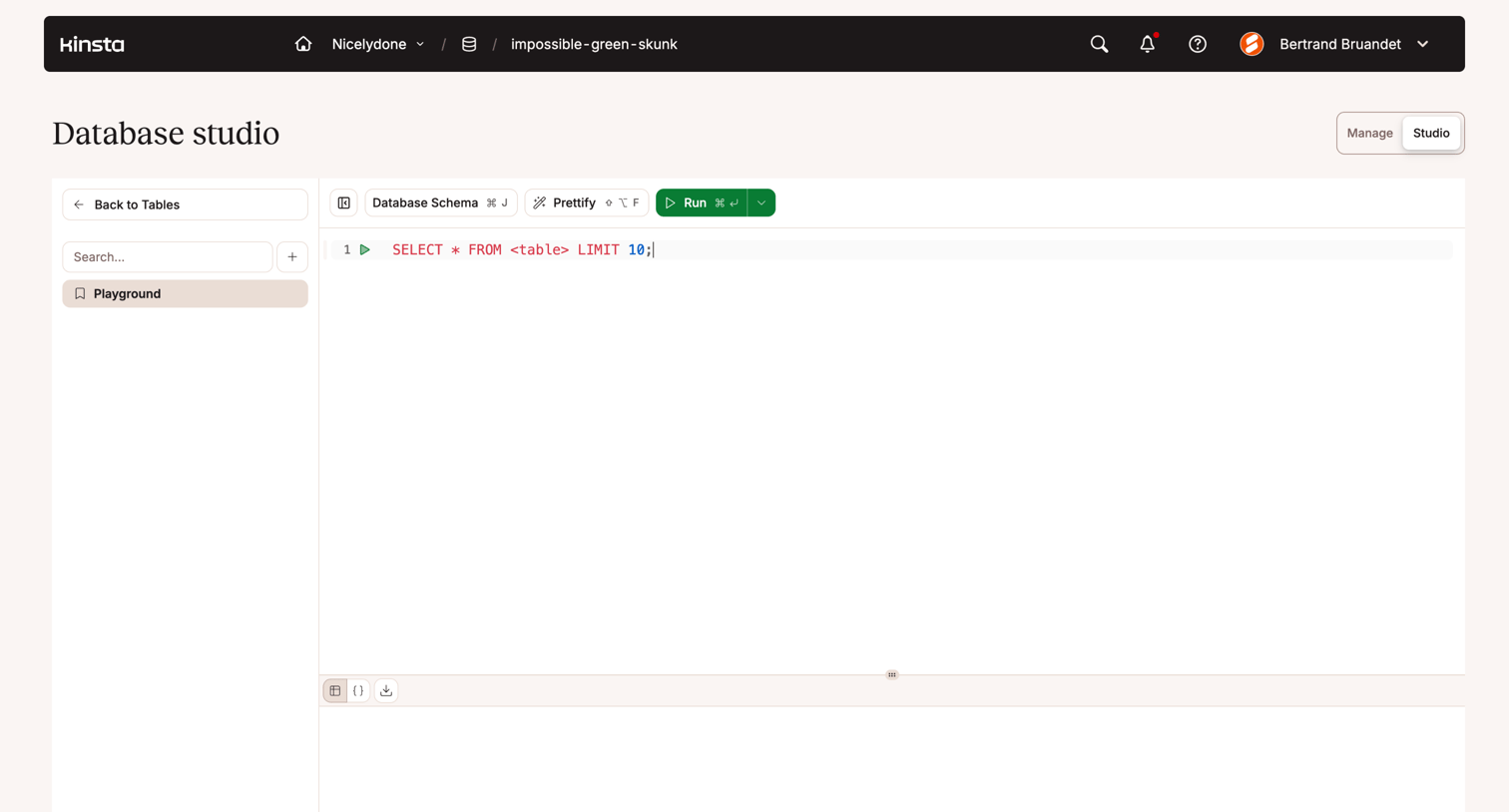

Code editor where the user writes and executes SQL queries against their database, featuring a saved playgrounds sidebar and a split-pane results view.

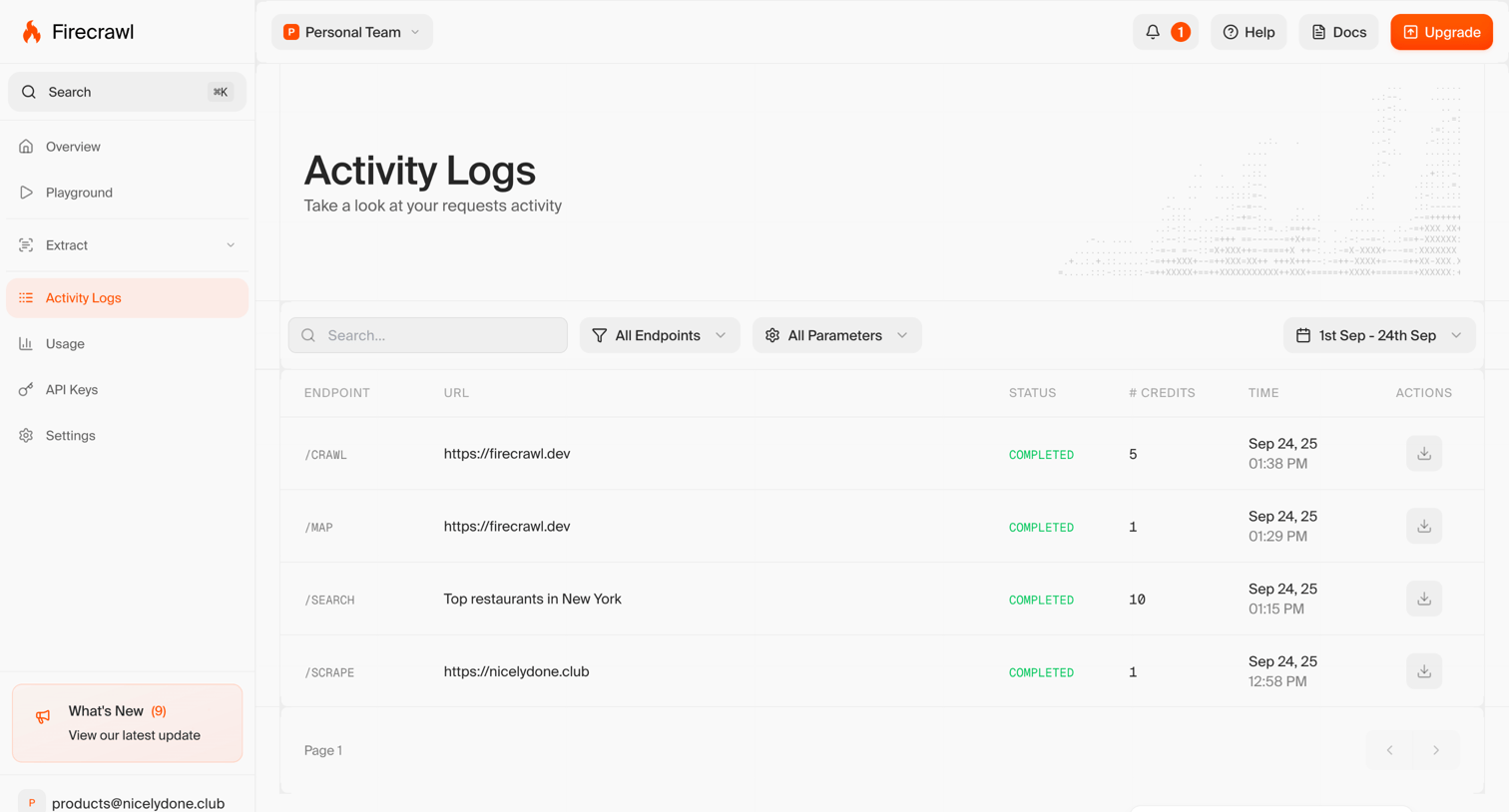

List view where the user monitors API request activity logs, with options to search, filter by endpoint, and select date ranges.
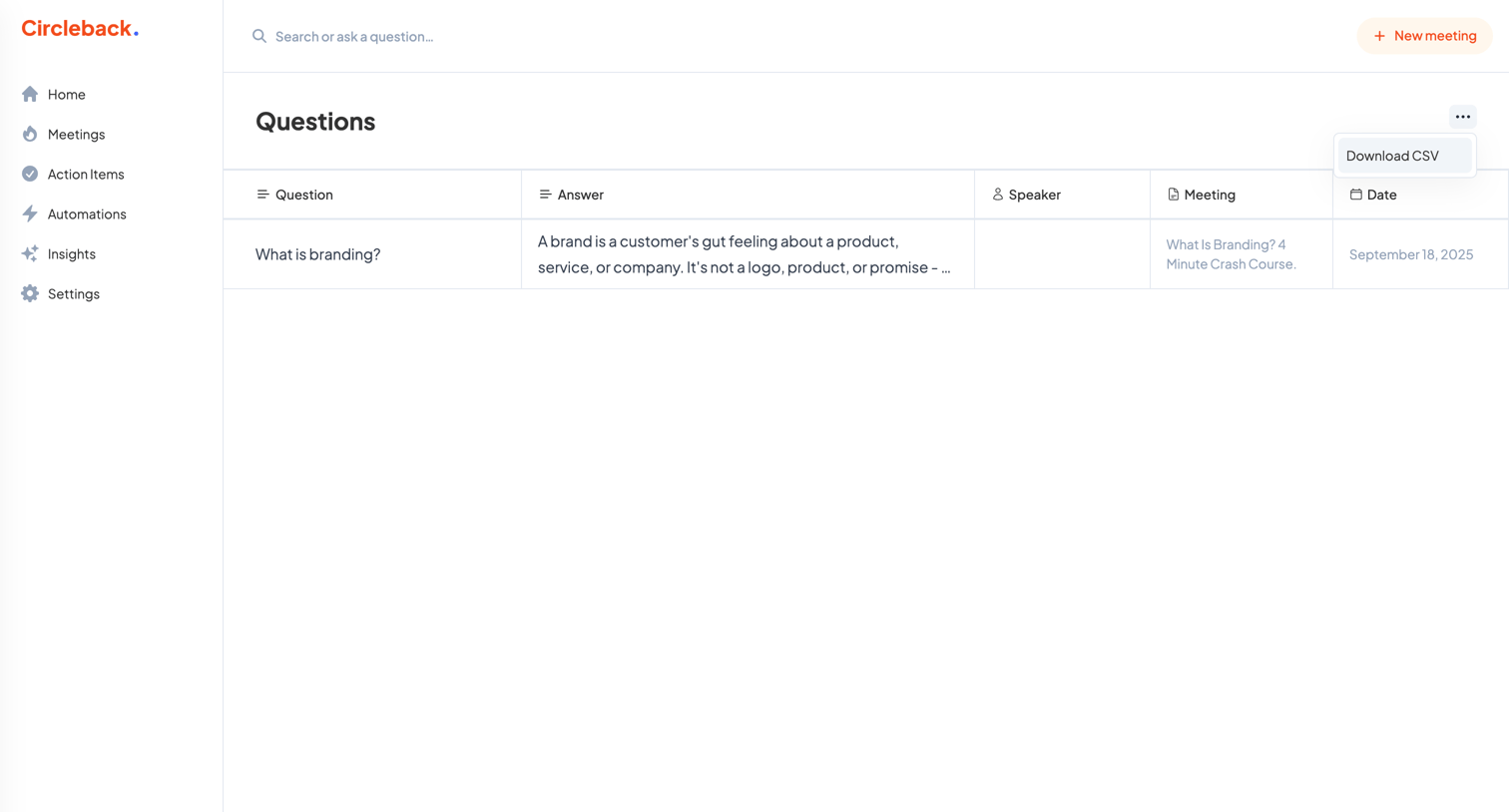

List view where the user can browse, search, and export a table of questions and answers extracted from their recorded meetings.
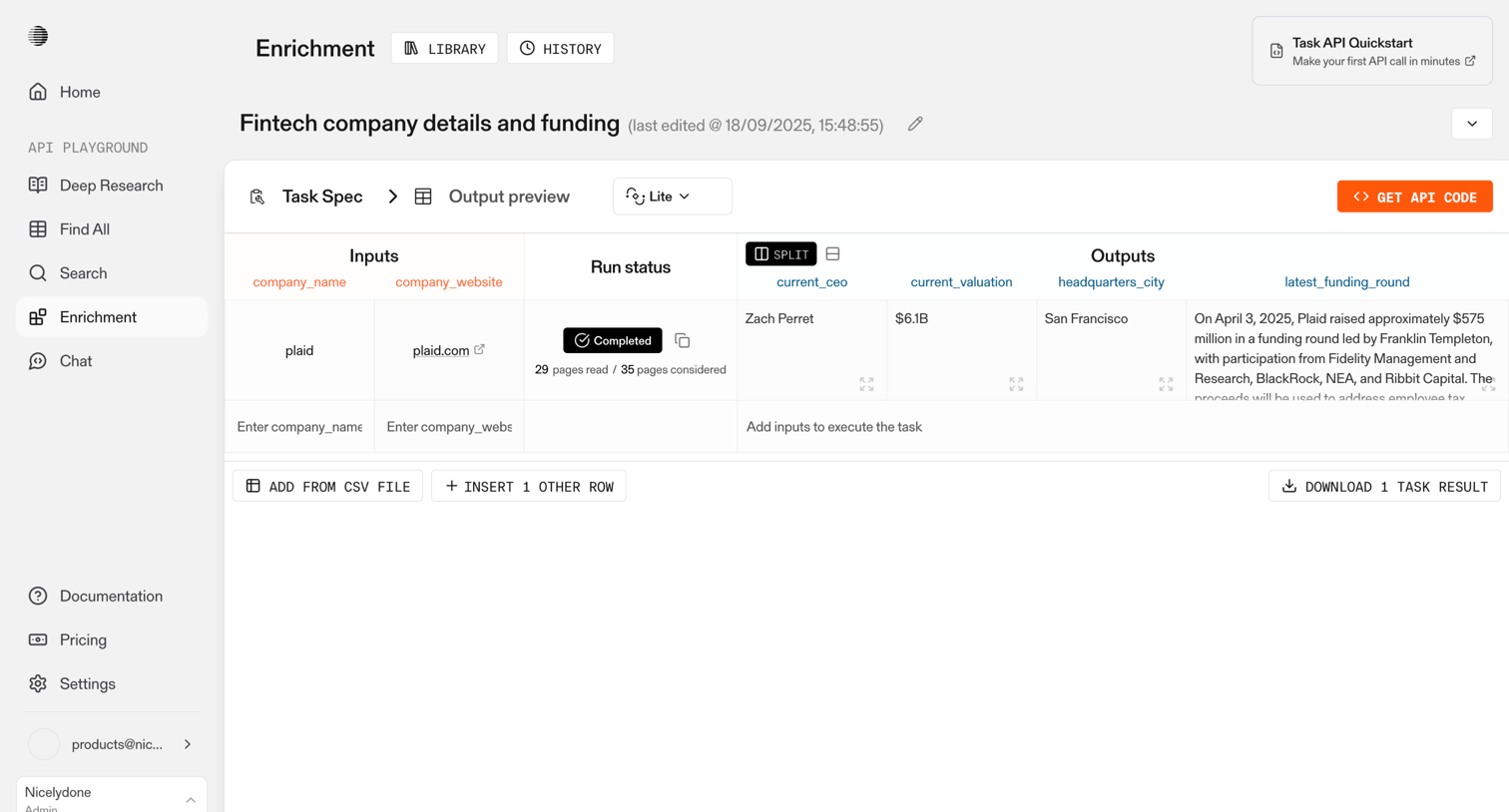

Detail page where the user previews the output of an AI enrichment task for fintech companies, viewing inputs like website alongside extracted outputs like CEO and valuation.
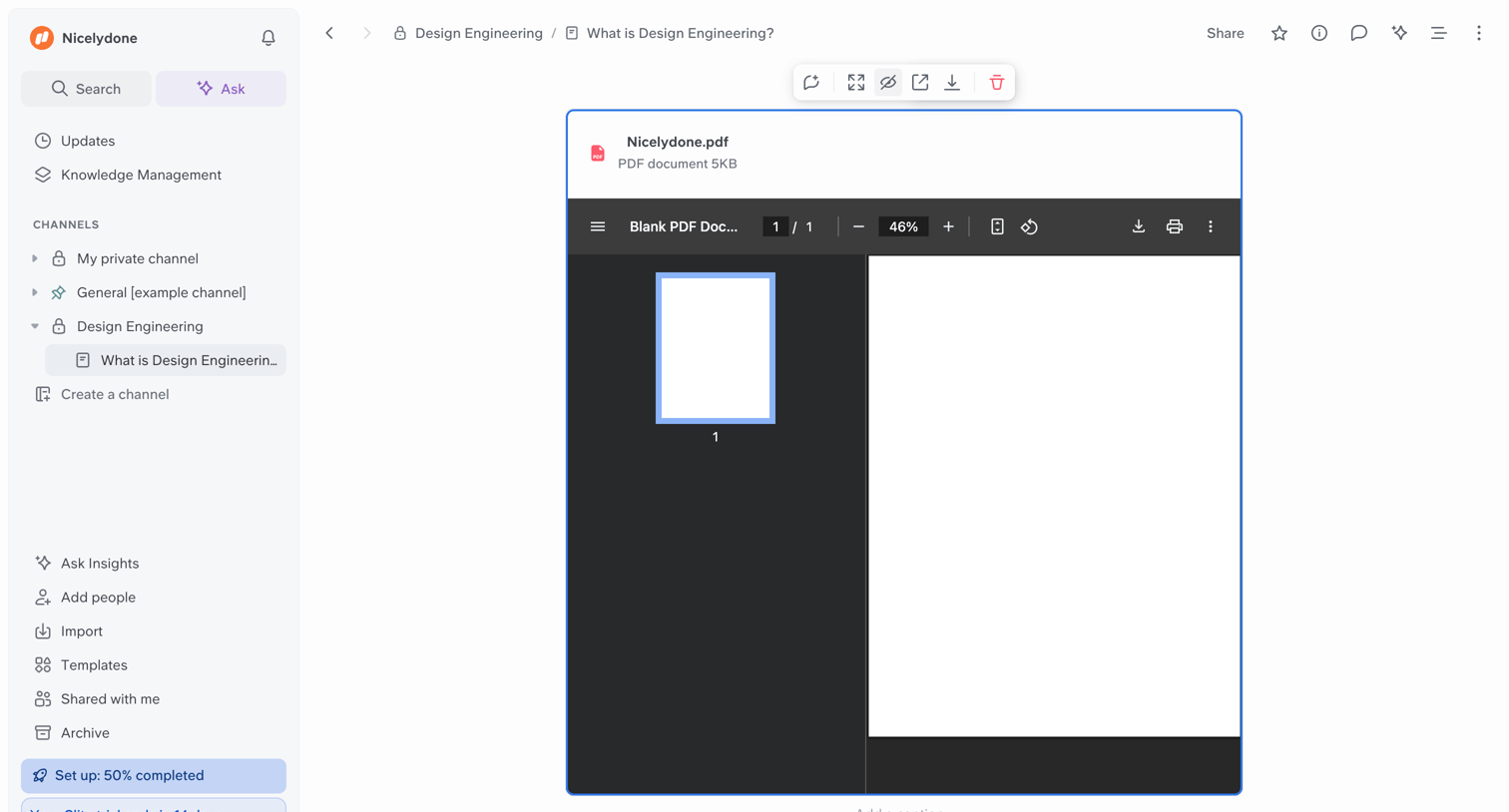

Content editor where the user is viewing an embedded PDF document within a knowledge base channel, with options to share, comment, or ask AI.
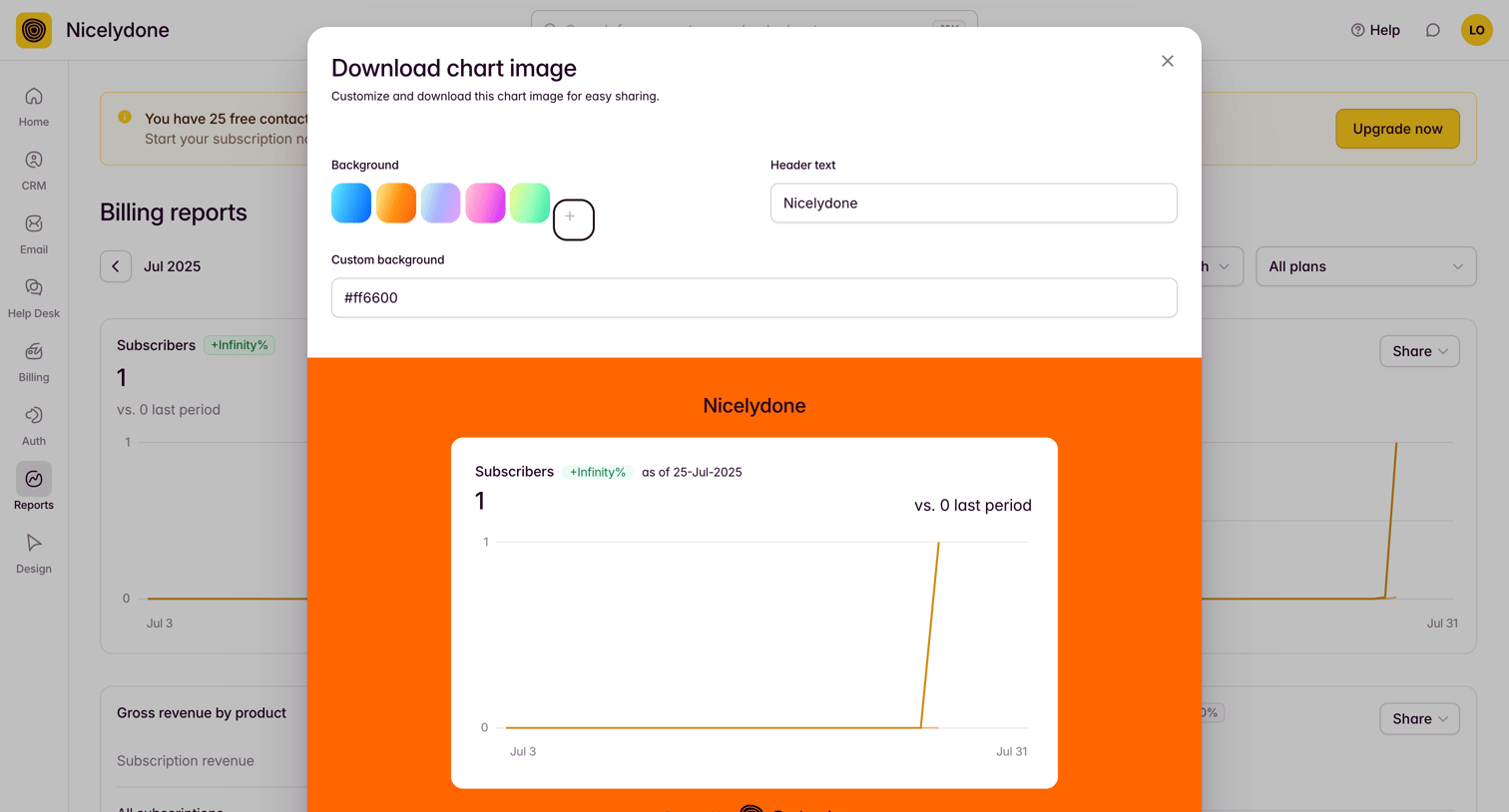

Dashboard where the user customizes a chart image for export by modifying its background color and header text.
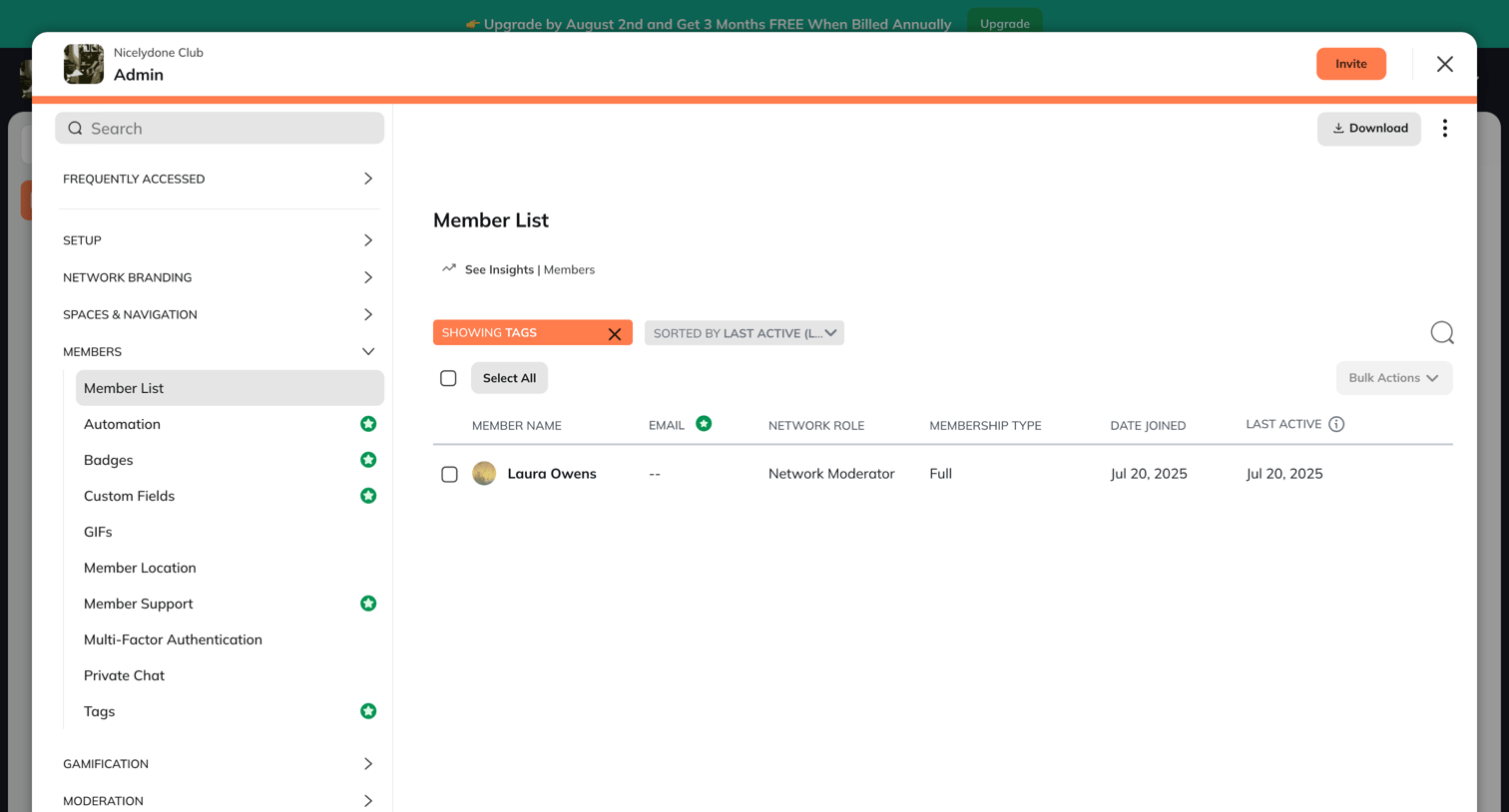

Admin settings modal where the user filters and manages the community member list, with options to invite new members or perform bulk actions.
Explore the full SaaS screen library
Upgrade to unlock the full library.
Trusted by the best teams







