Document management screen examples
Document management screen design examples from SaaS apps. See how apps organize documents and their status. Explore how document lists, editing access, and sharing controls relate to the individual file.
Explore the examples
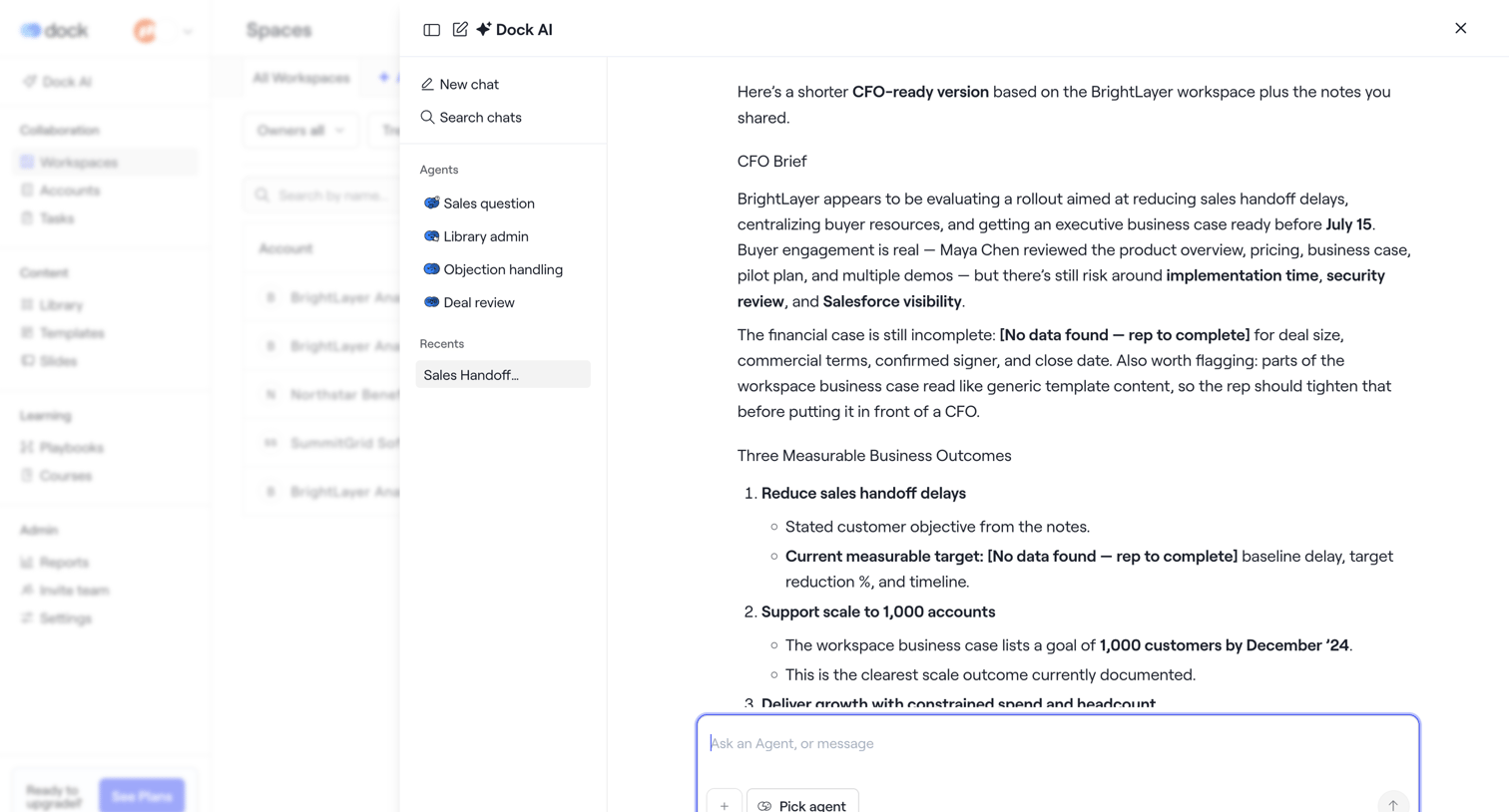

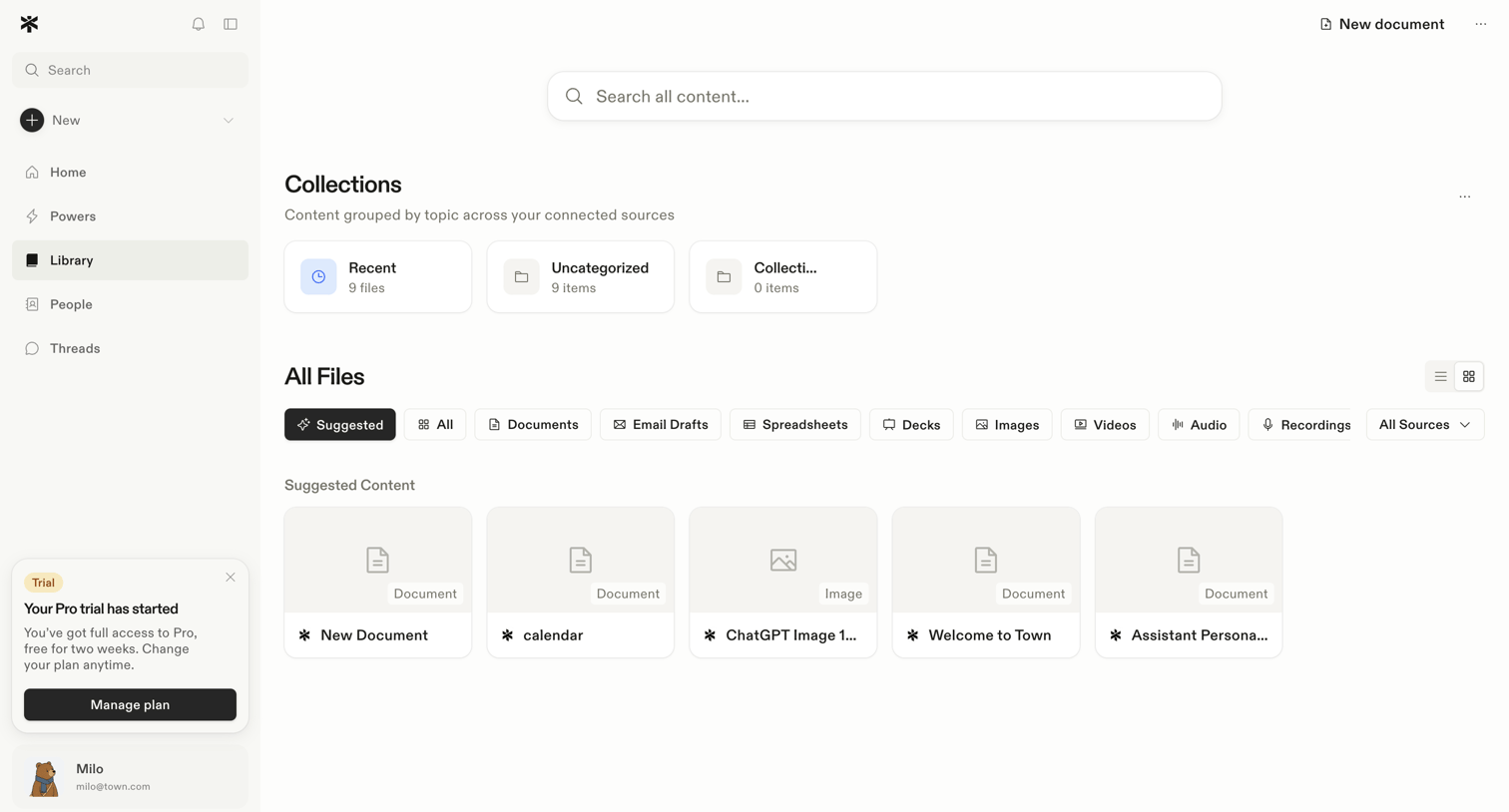

Library view where the user browses collections and recent files with filters for document types.
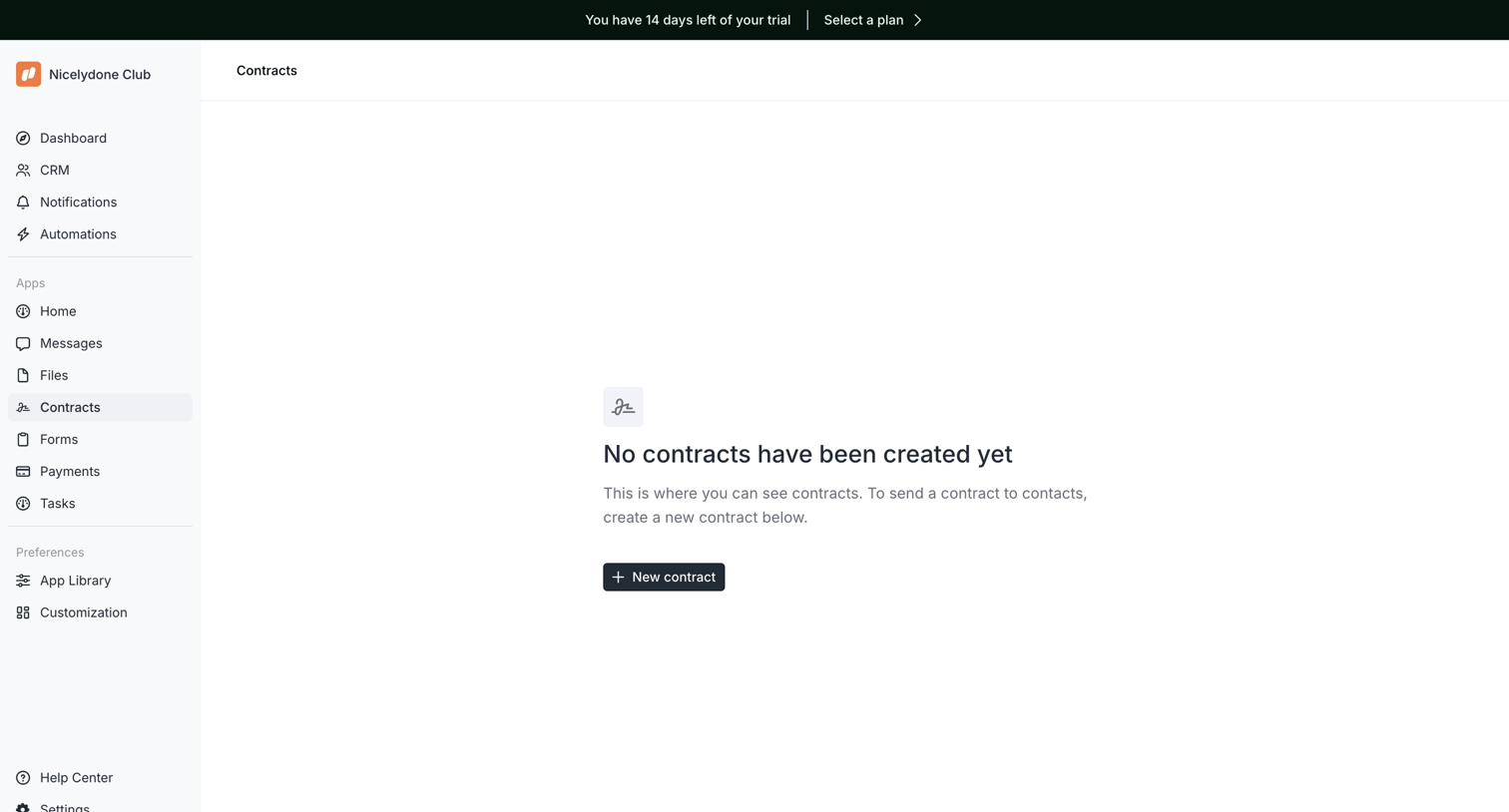

List view where the user manages contracts, currently showing an empty state with a prompt to create the first one.
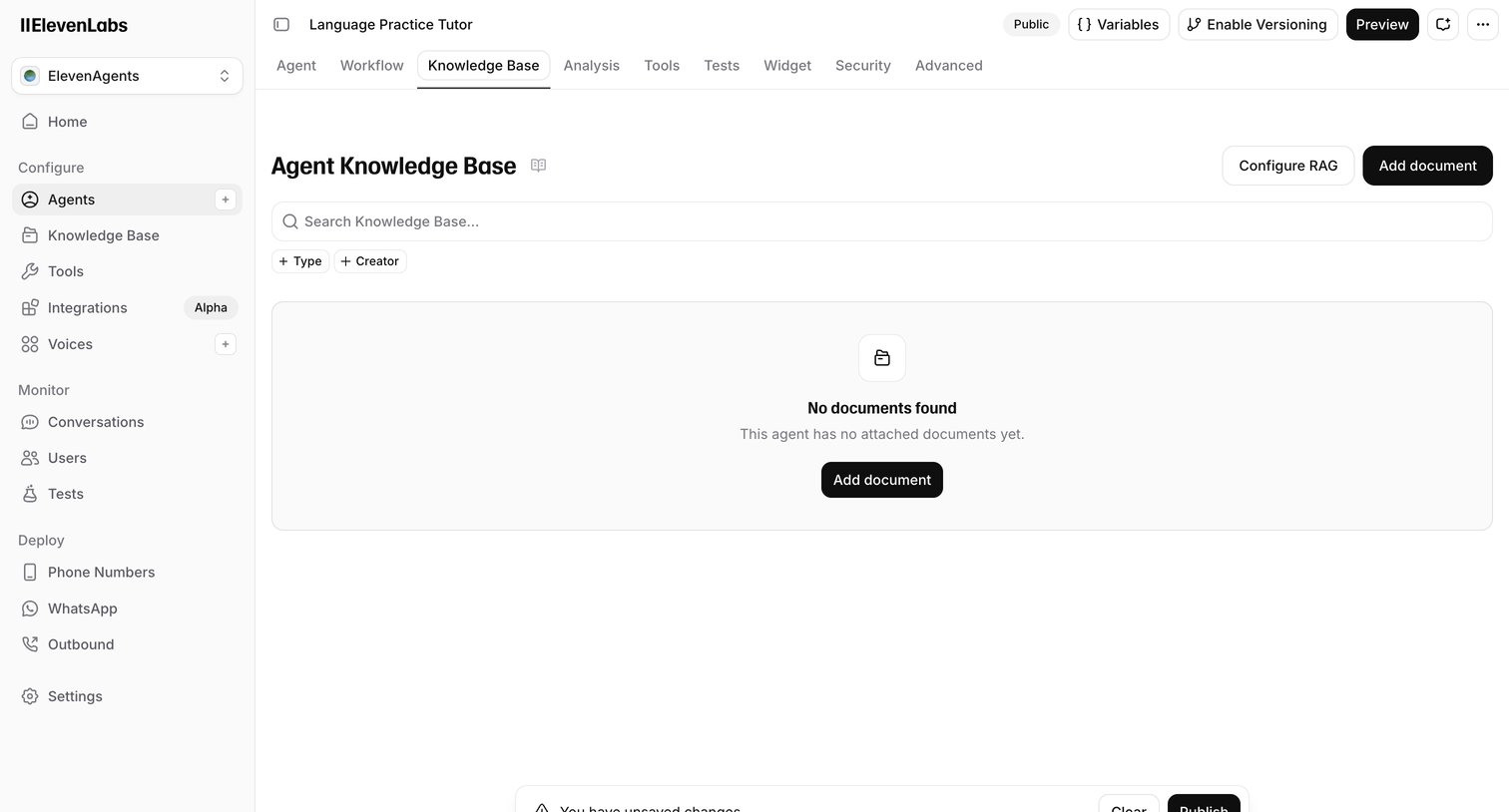

Settings page where the user manages the knowledge base documents for an AI agent, currently showing an empty state and an unsaved changes warning.
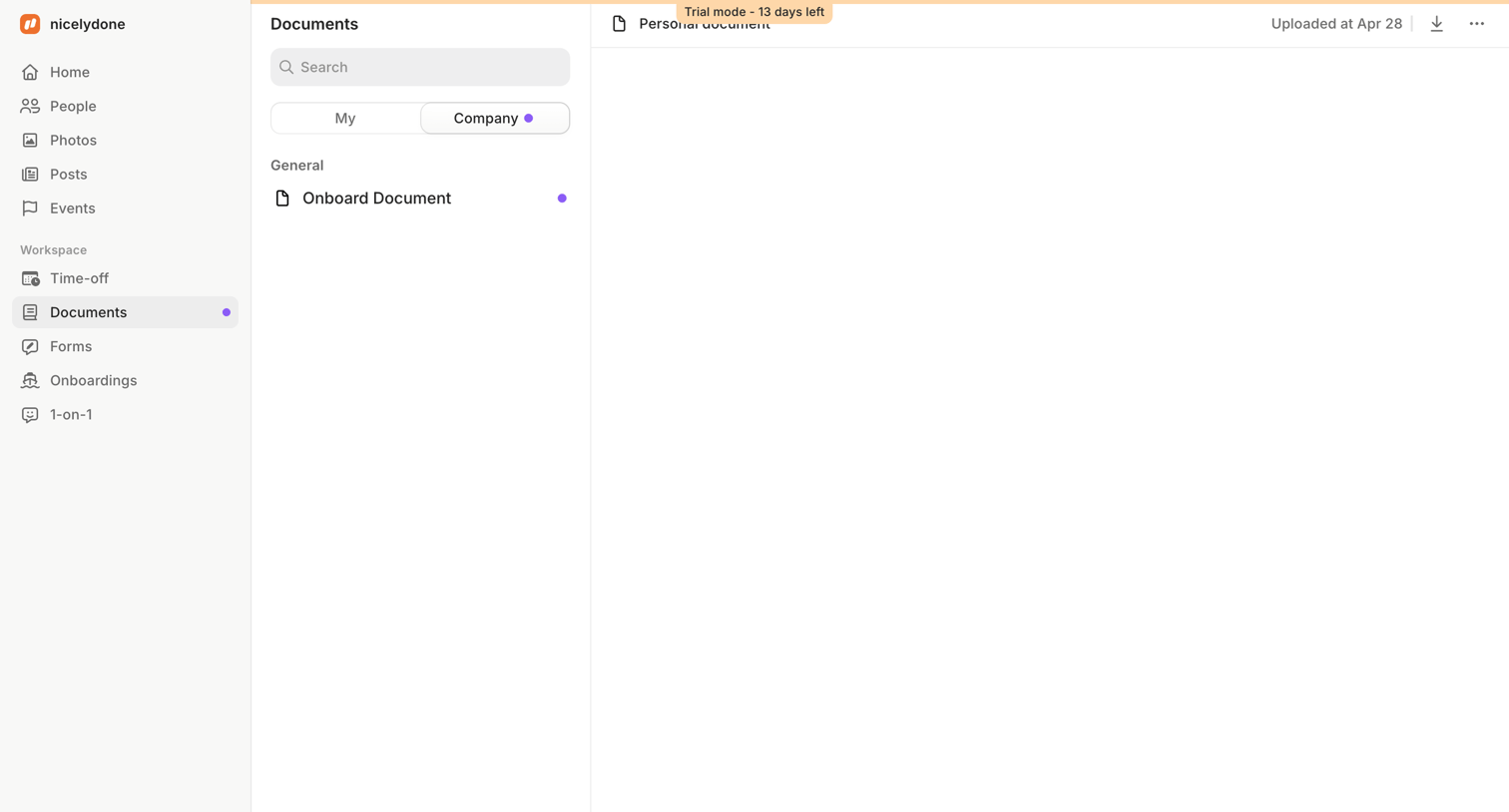

Detail page where the user views company documents, switching between personal and company files, with a trial countdown banner visible at the top.
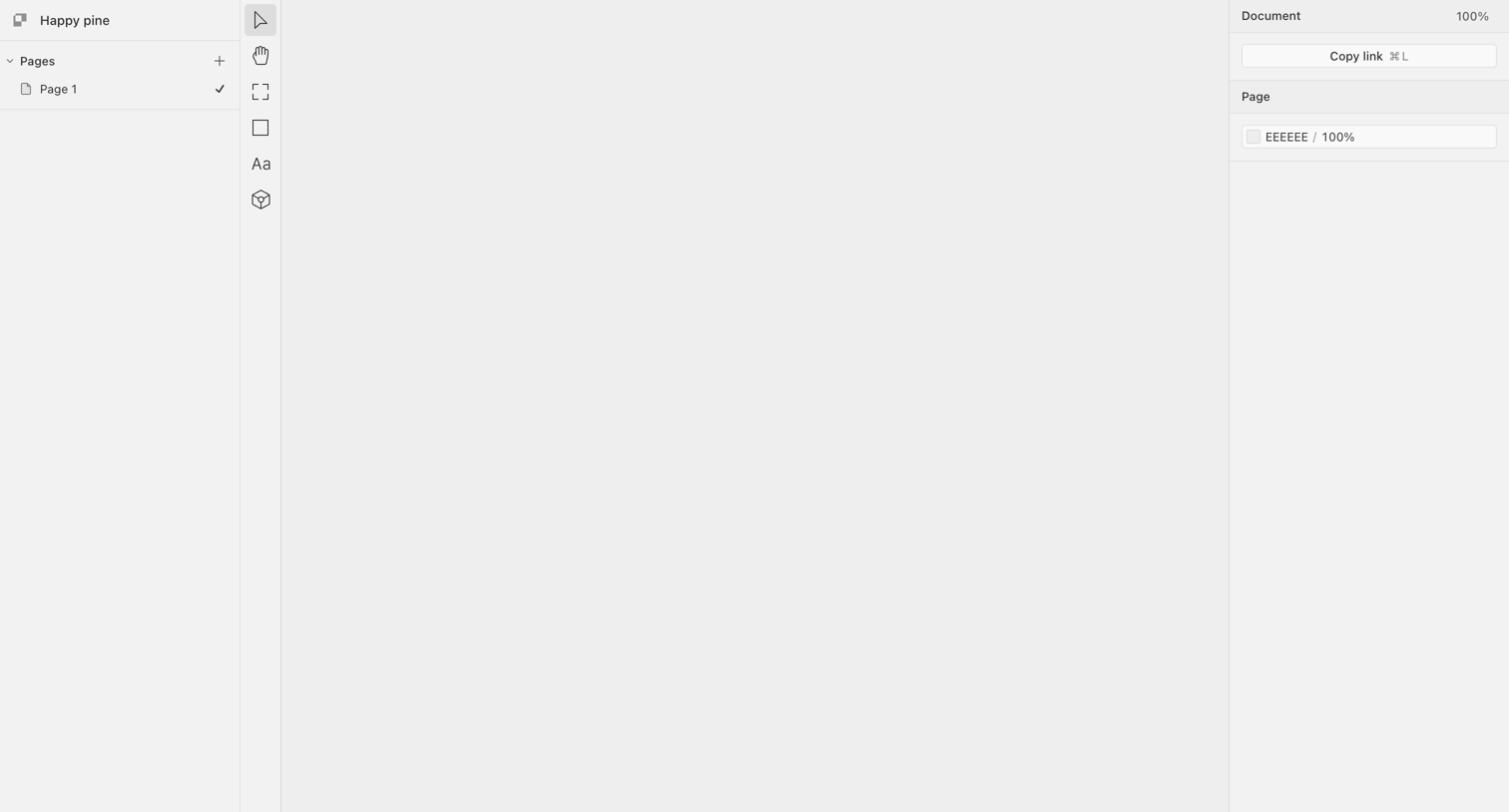

Design editor with an empty canvas, a pages list on the left, a central vertical toolbar, and a properties inspector on the right.
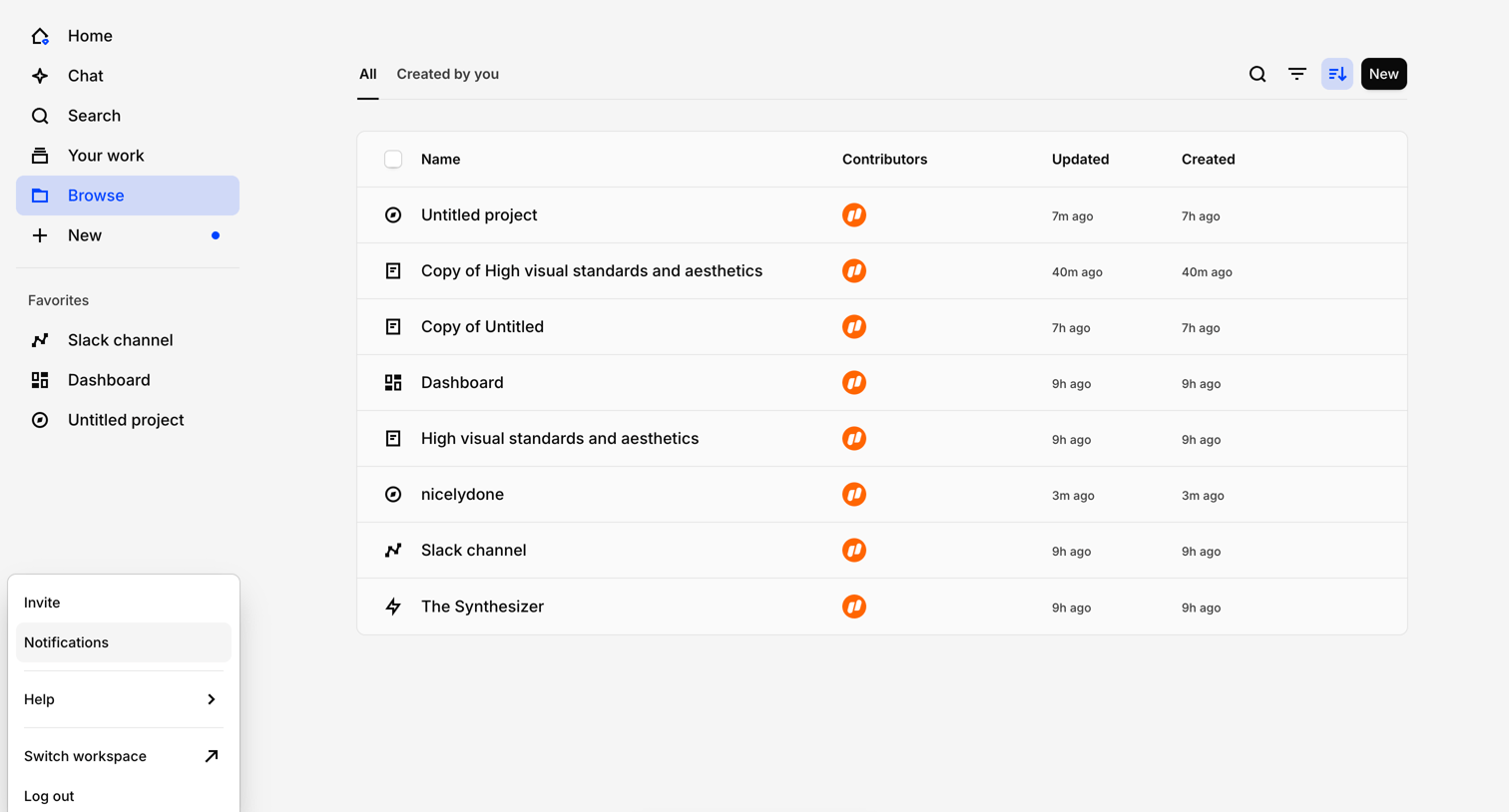

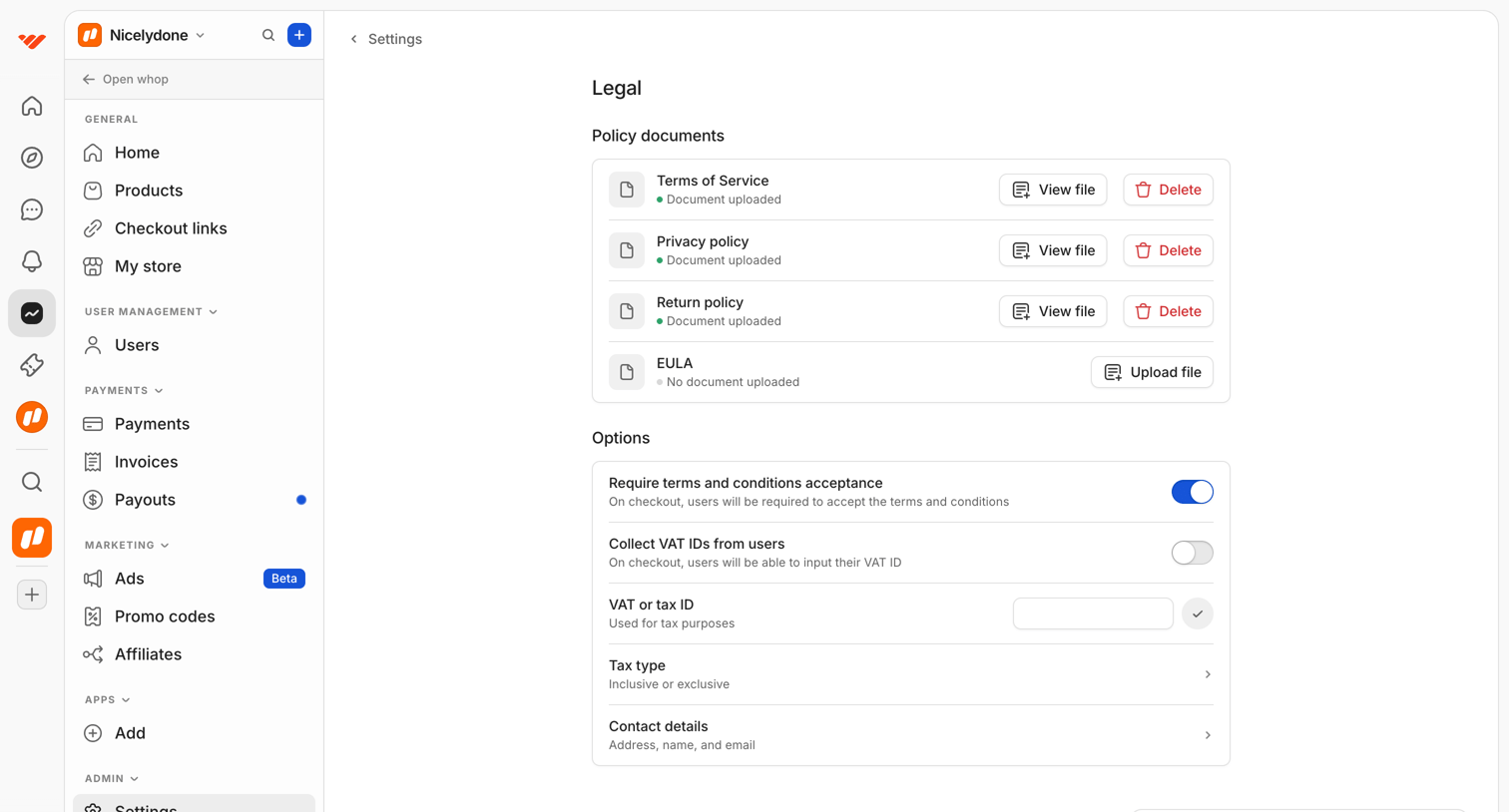

Settings page where the user manages legal policy documents like Terms of Service and configures checkout options like VAT collection.
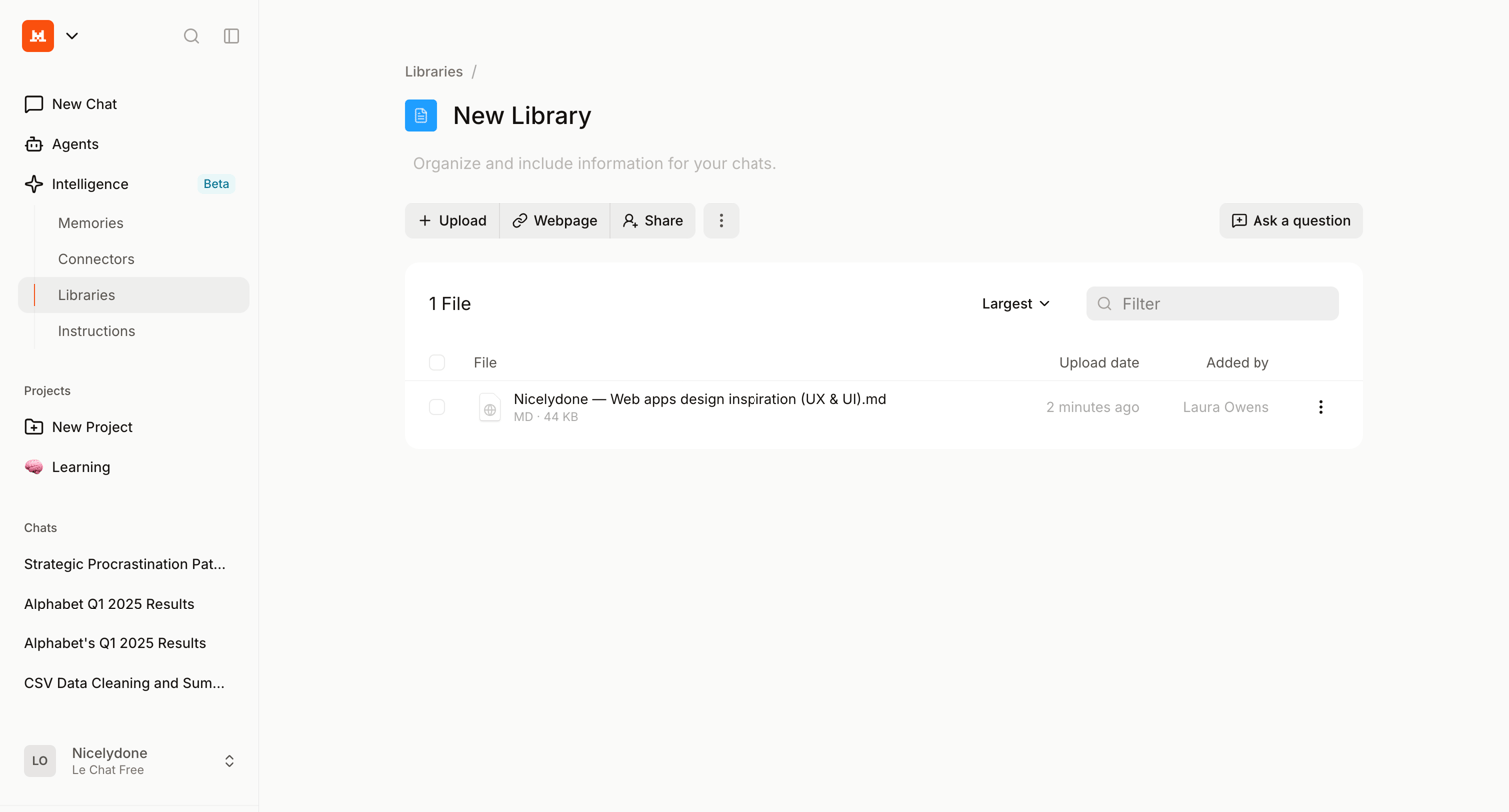

Detail page where the user manages files within a specific knowledge library, with options to upload new content, link webpages, and ask questions about the data.
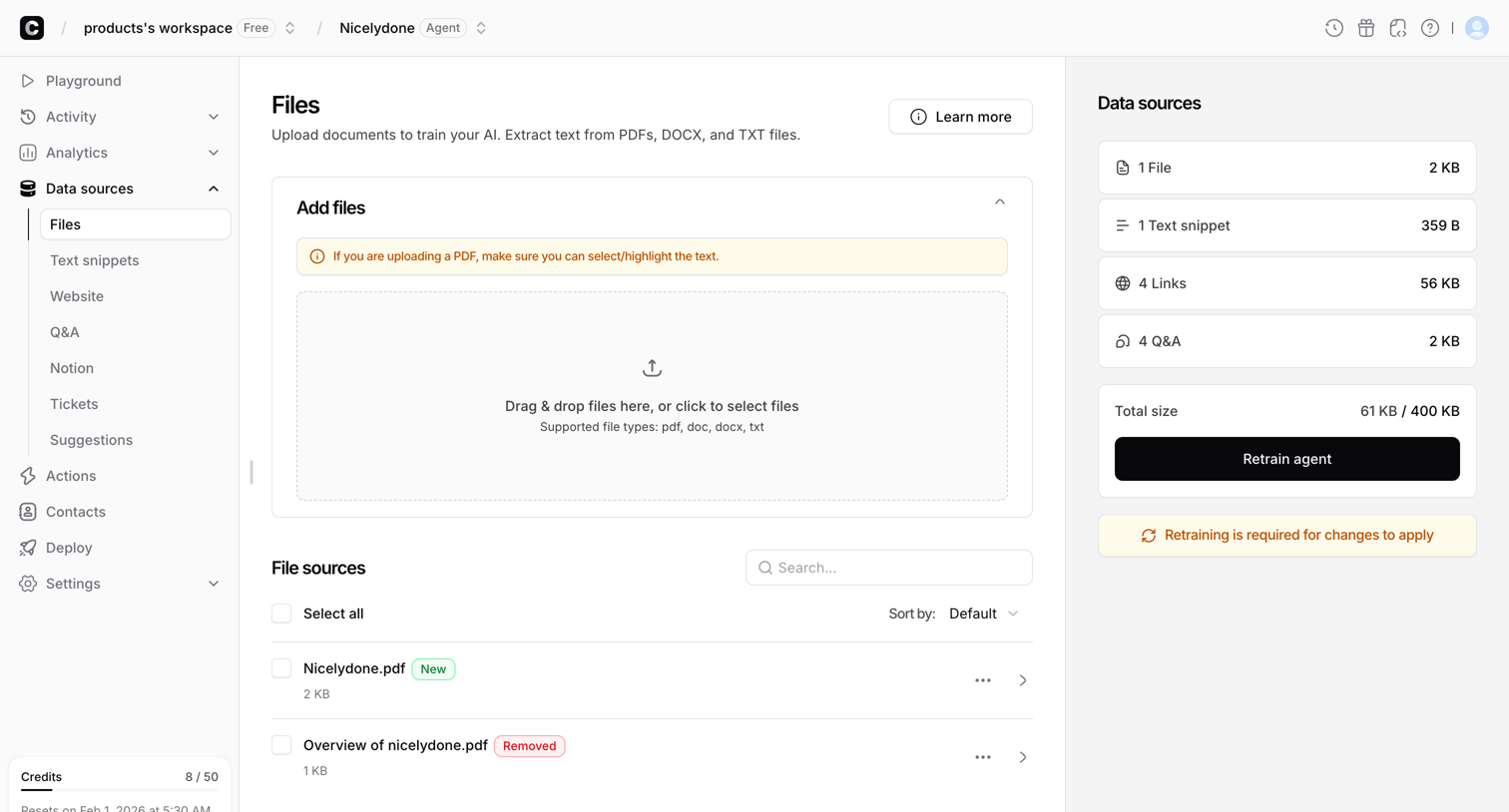

Settings page where the user uploads and manages file documents to train their AI agent's knowledge base.
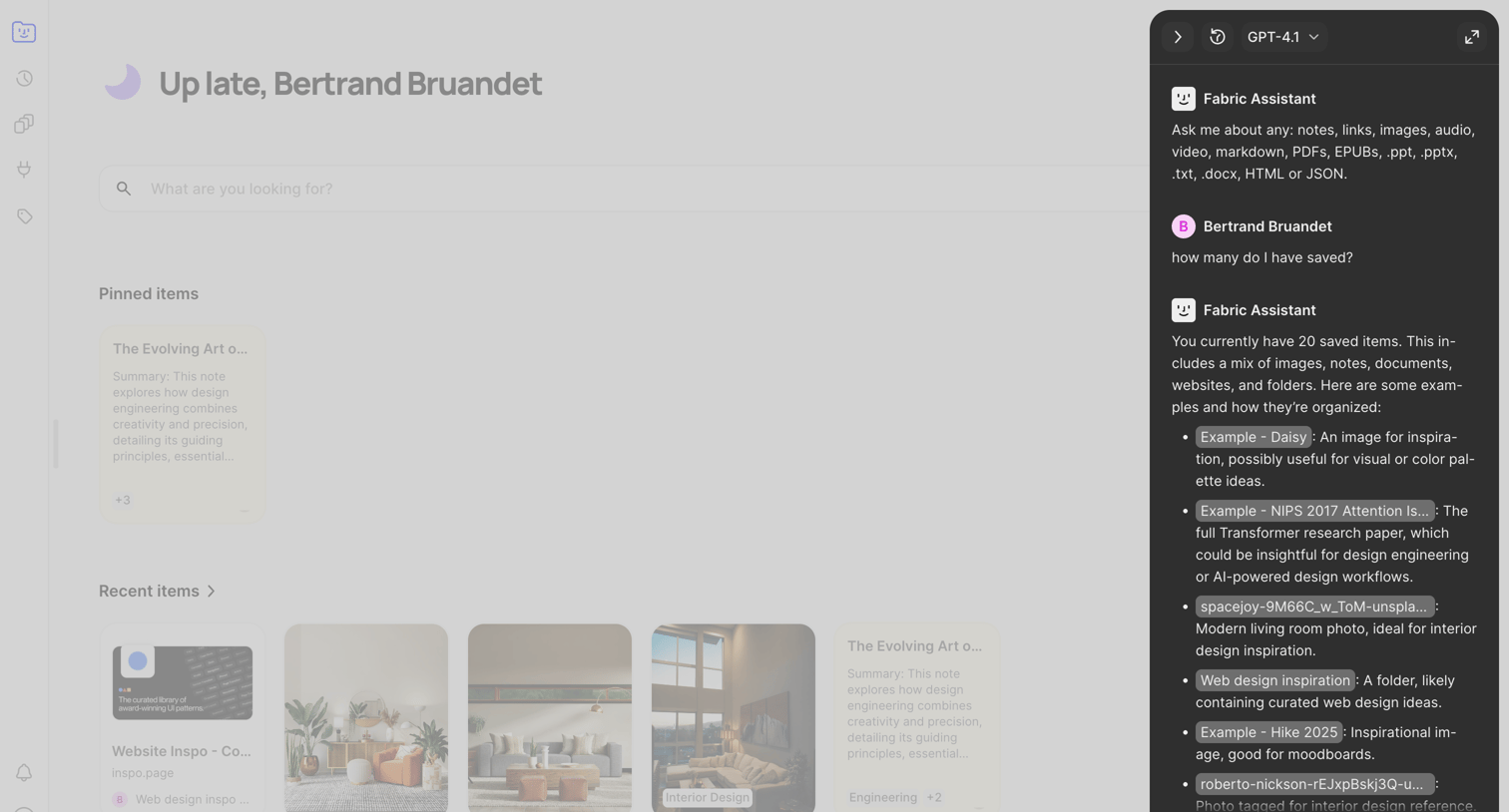

Home dashboard where the user can search their saved items, view pinned and recent content, and chat with an AI assistant to query their knowledge base.
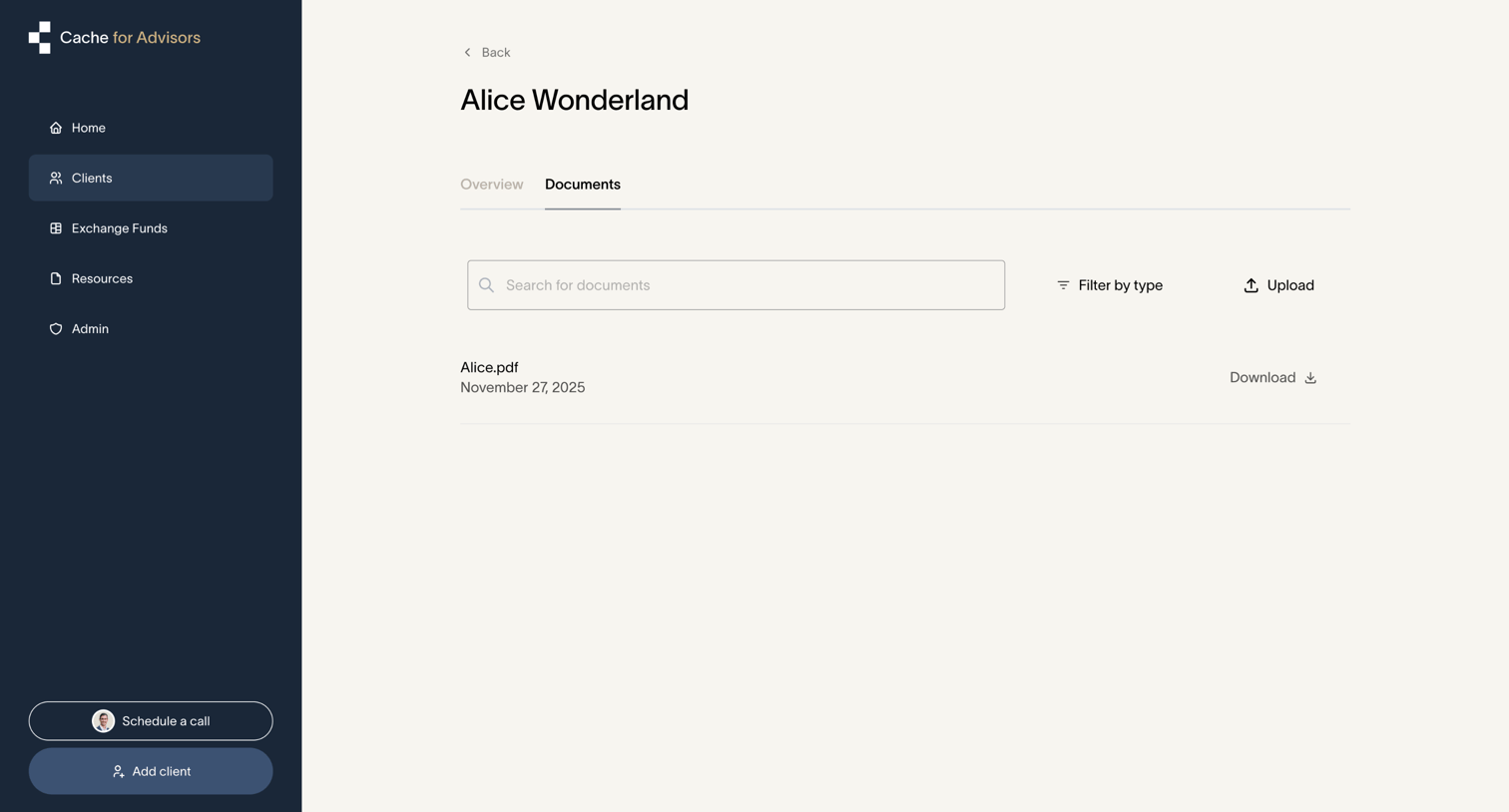

Explore the full SaaS screen library
Upgrade to unlock the full library.
Trusted by the best teams








About Document management
See how apps organize documents and their status. Explore how document lists, editing access, and sharing controls relate to the individual file.