Skip to content

Dashboard warning screen examples

Dashboard warning screen design examples from SaaS apps. Browse examples from Bitly, Monarch, Assembly.

Explore the examples
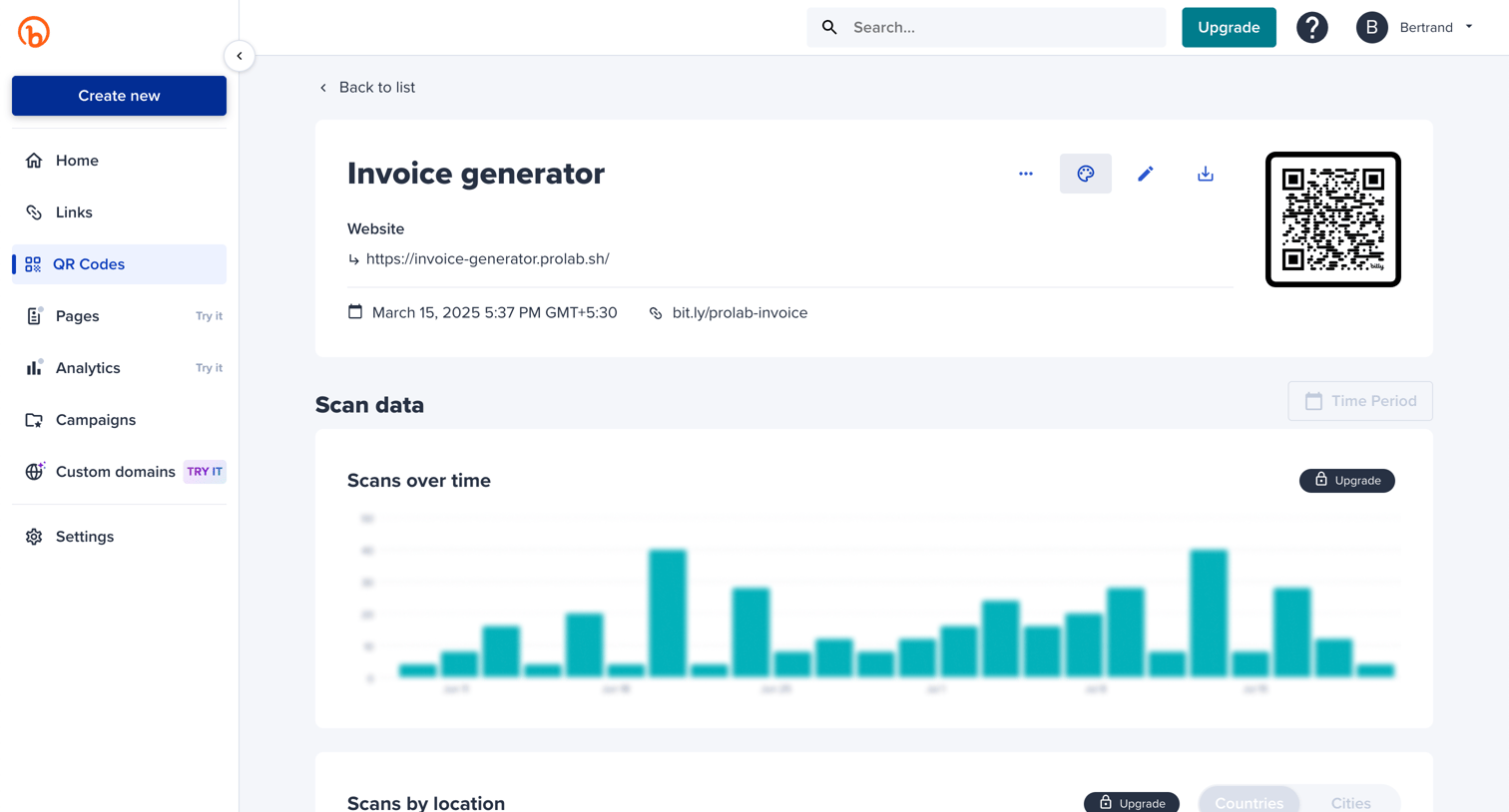
Bitly - Bitly | QR Codes screen
Bitly logo
Bitly

Detail page for a specific QR code showing its destination URL, creation date, short link, and scan analytics over time and by location.
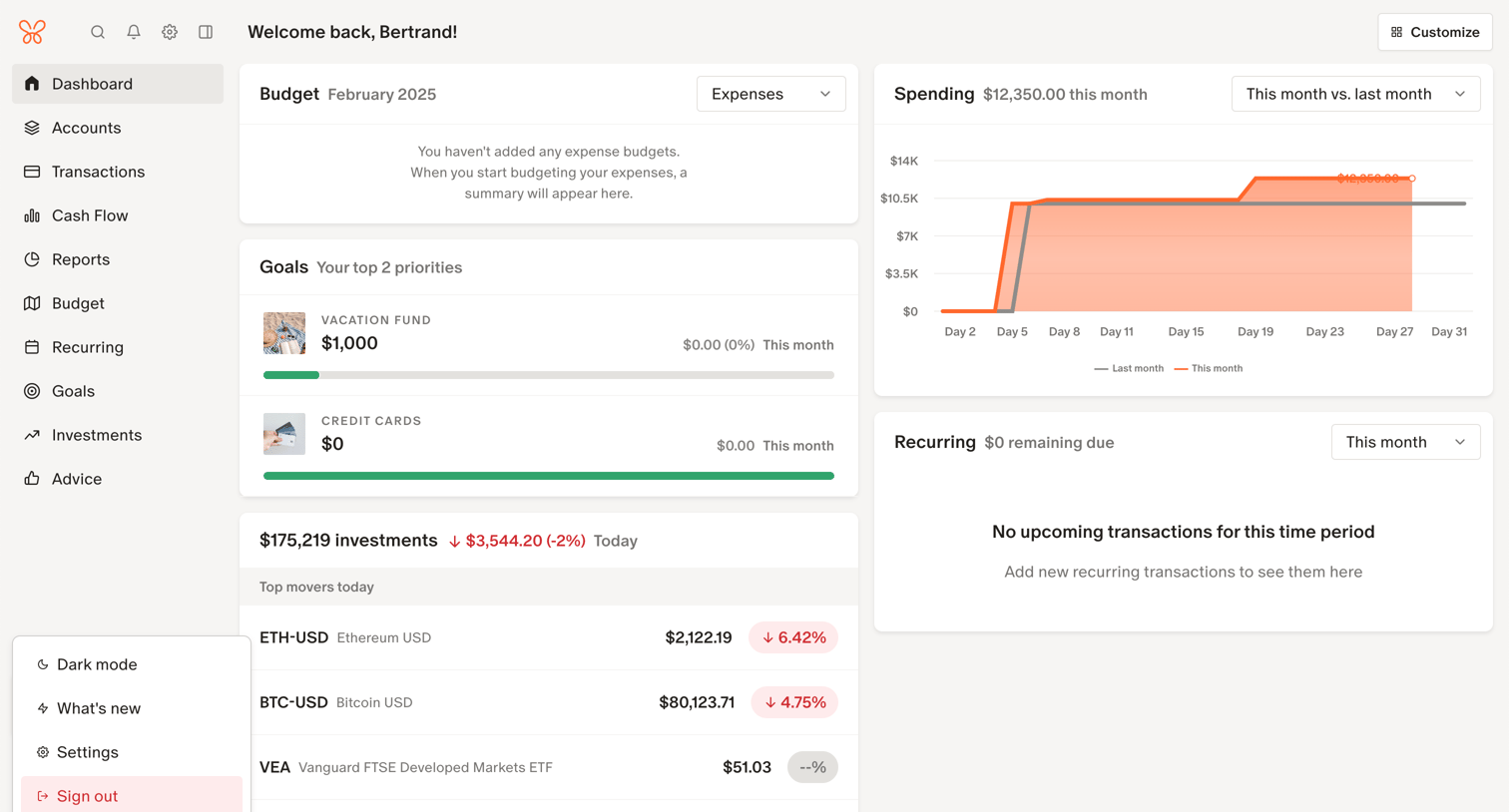
Monarch - Frame 49 screen
Monarch logo
Monarch

Dashboard where the user views their financial overview, including spending vs last month, top goals, and investment top movers.

Assembly screen
Assembly logo
Assembly

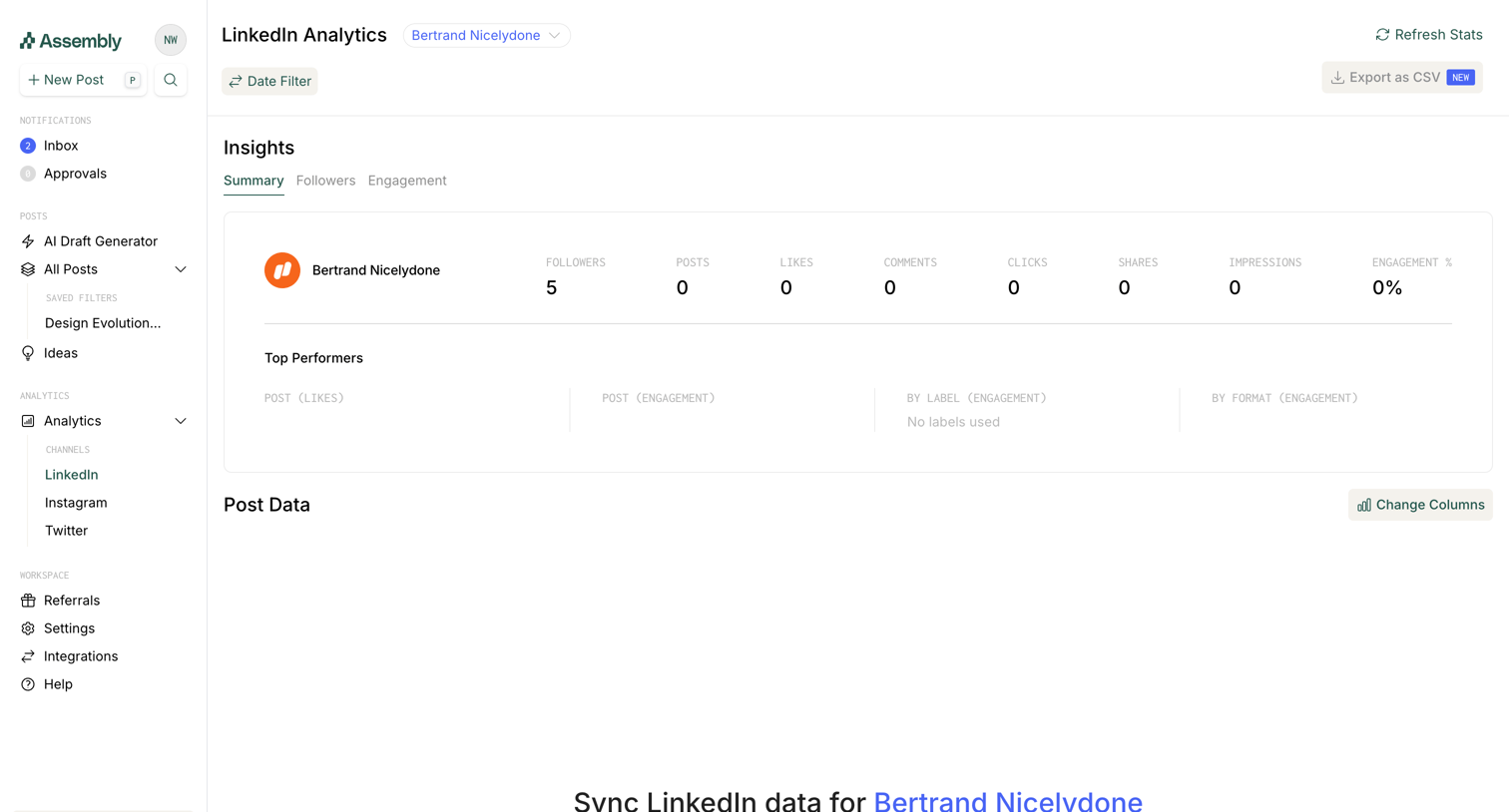
Dashboard displaying LinkedIn engagement metrics with an empty state prompting the user to sync their data via a bookmarklet.

Front - Front (4) screen
Front logo
Front

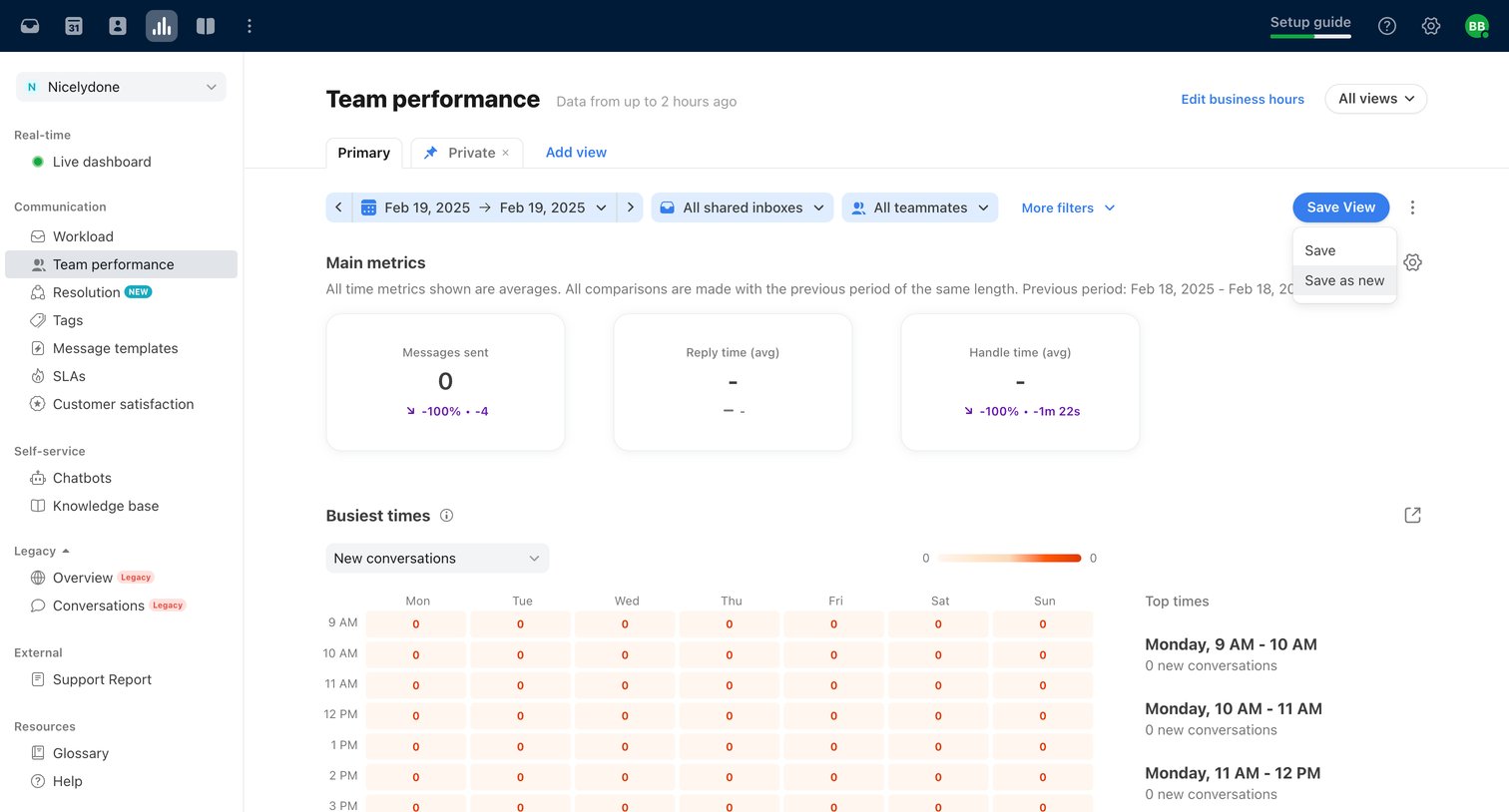
Dashboard showing team performance metrics like messages sent and handle time, along with a busiest times heatmap for selected inboxes and teammates.
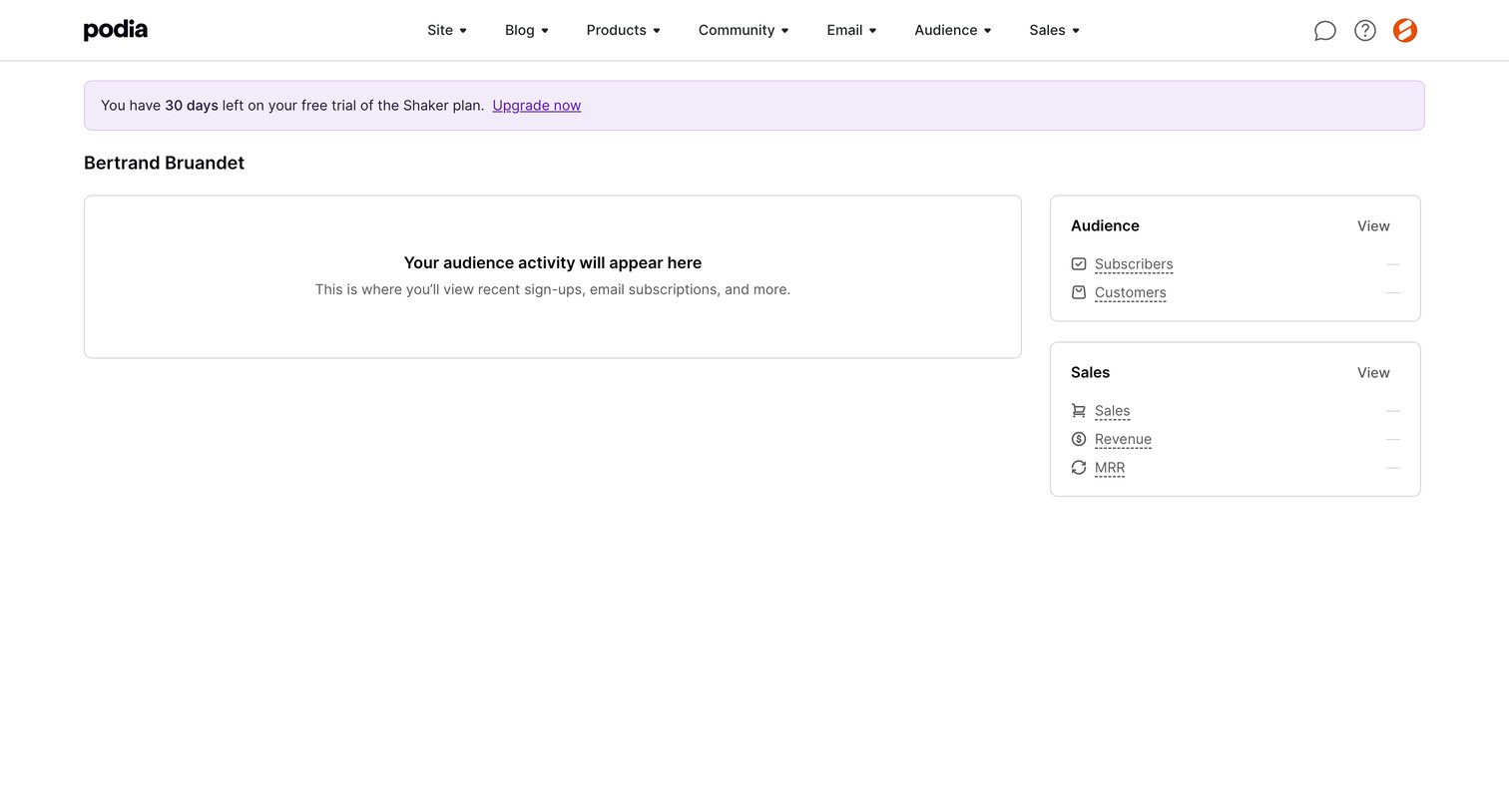

Podia - Podia Bertrand Bruandet screen
Podia logo
Podia

Dashboard overview showing an empty audience activity feed and zero-state sales metrics, along with a trial countdown banner.

Dub - Dub.co - Link Management for Modern Marketing Teams screen
Dub logo
Dub

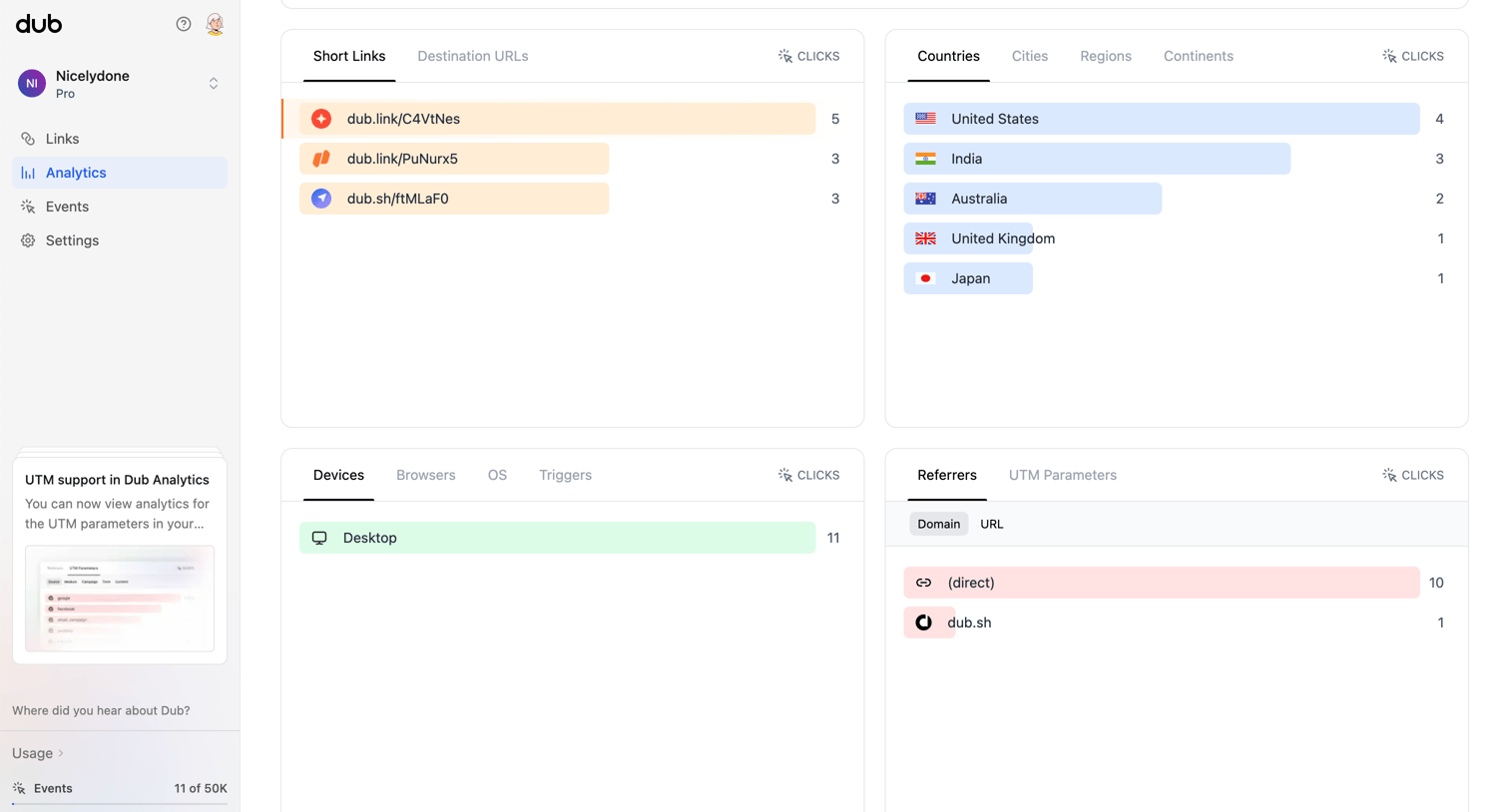
Dashboard showing analytics for short links, including clicks broken down by destination, country, device, and referrer.

Steep - Ad Clicks screen
Steep logo
Steep

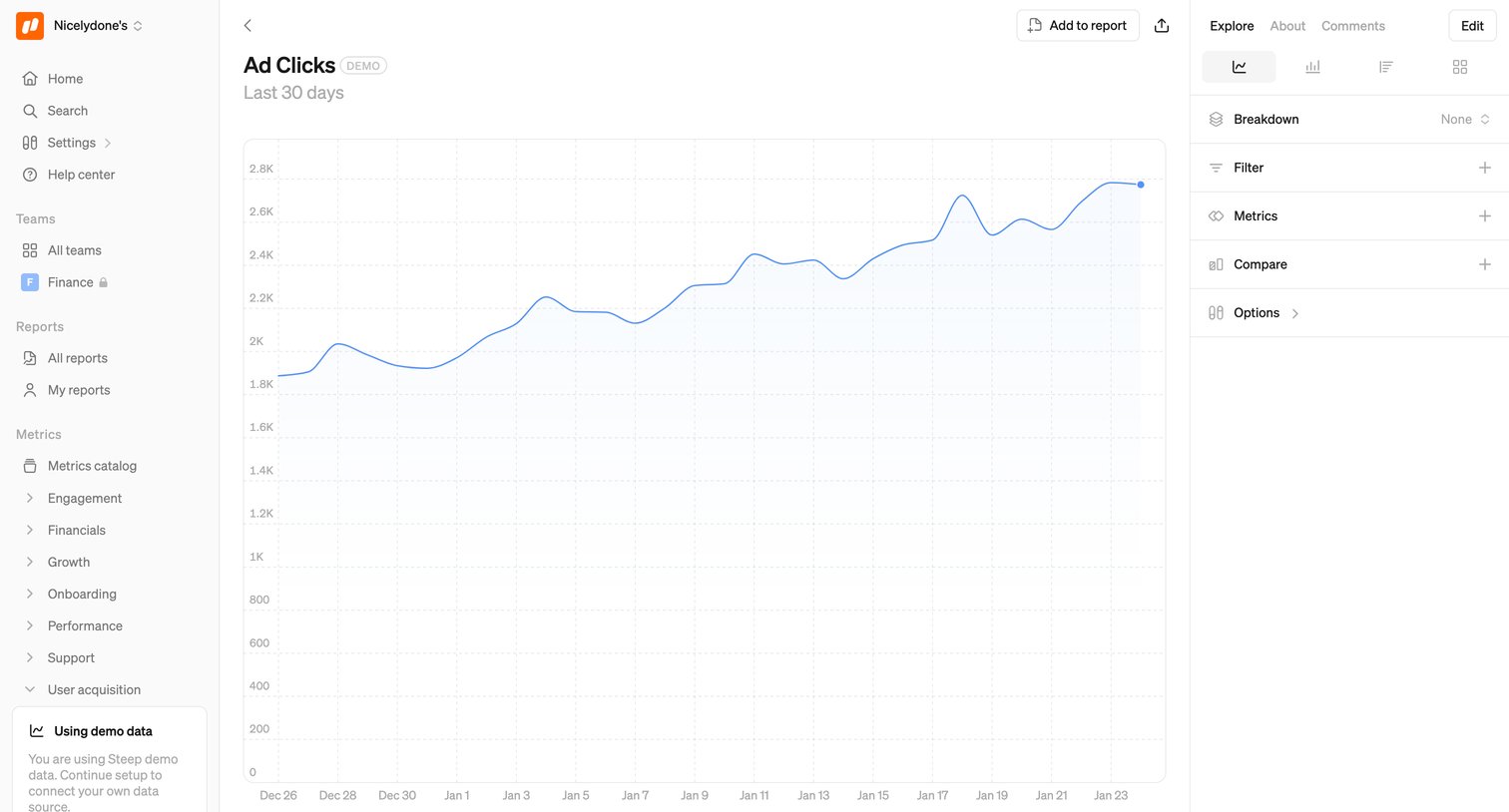
Detail page where the user explores the Ad Clicks metric over time with options to change the chart type, apply filters, and adjust the date range.

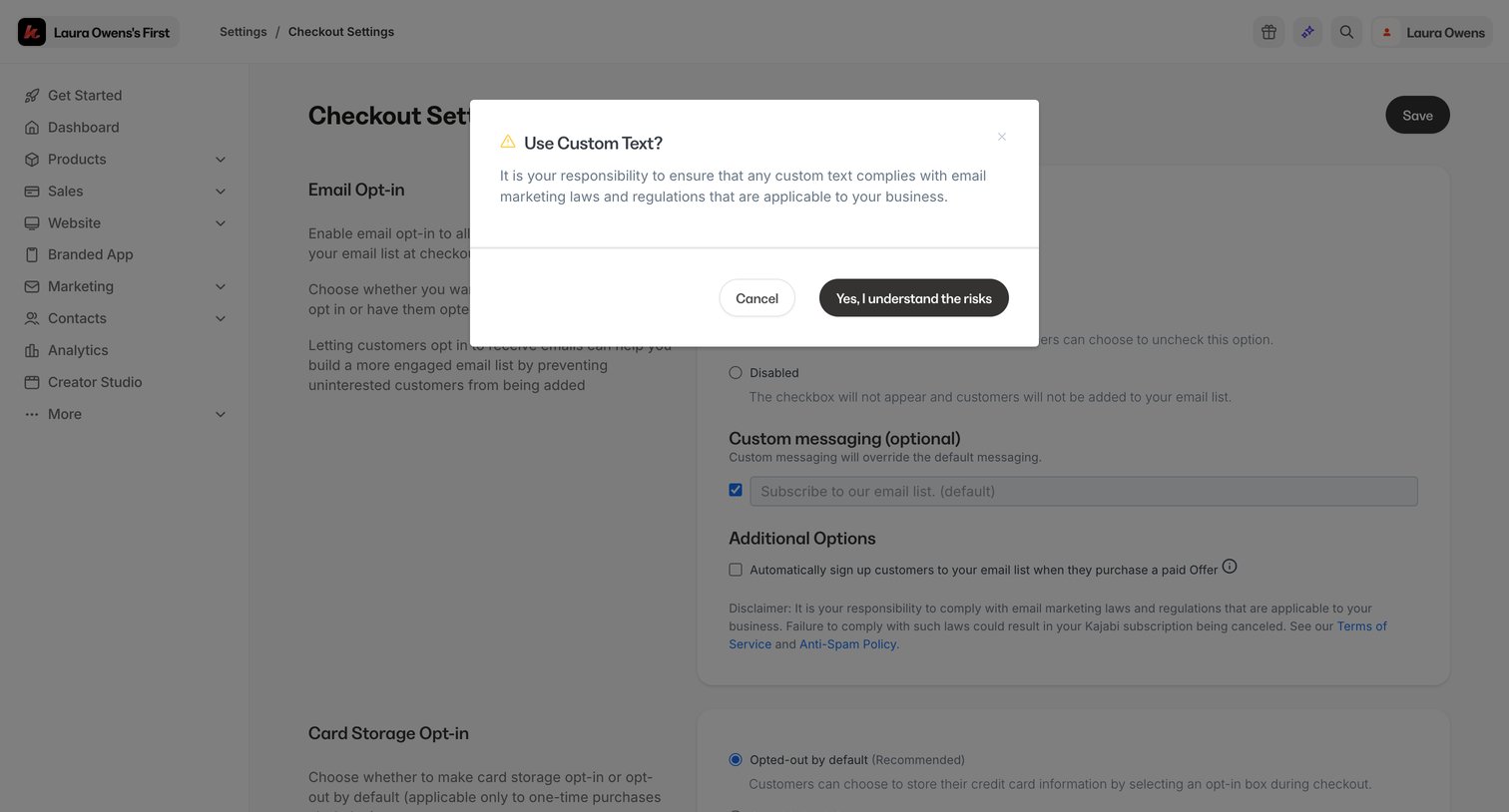
Kajabi - Checkout Settings screen
Kajabi logo
Kajabi

Settings page where the user must acknowledge compliance risks before enabling custom email opt-in messaging for their checkout.
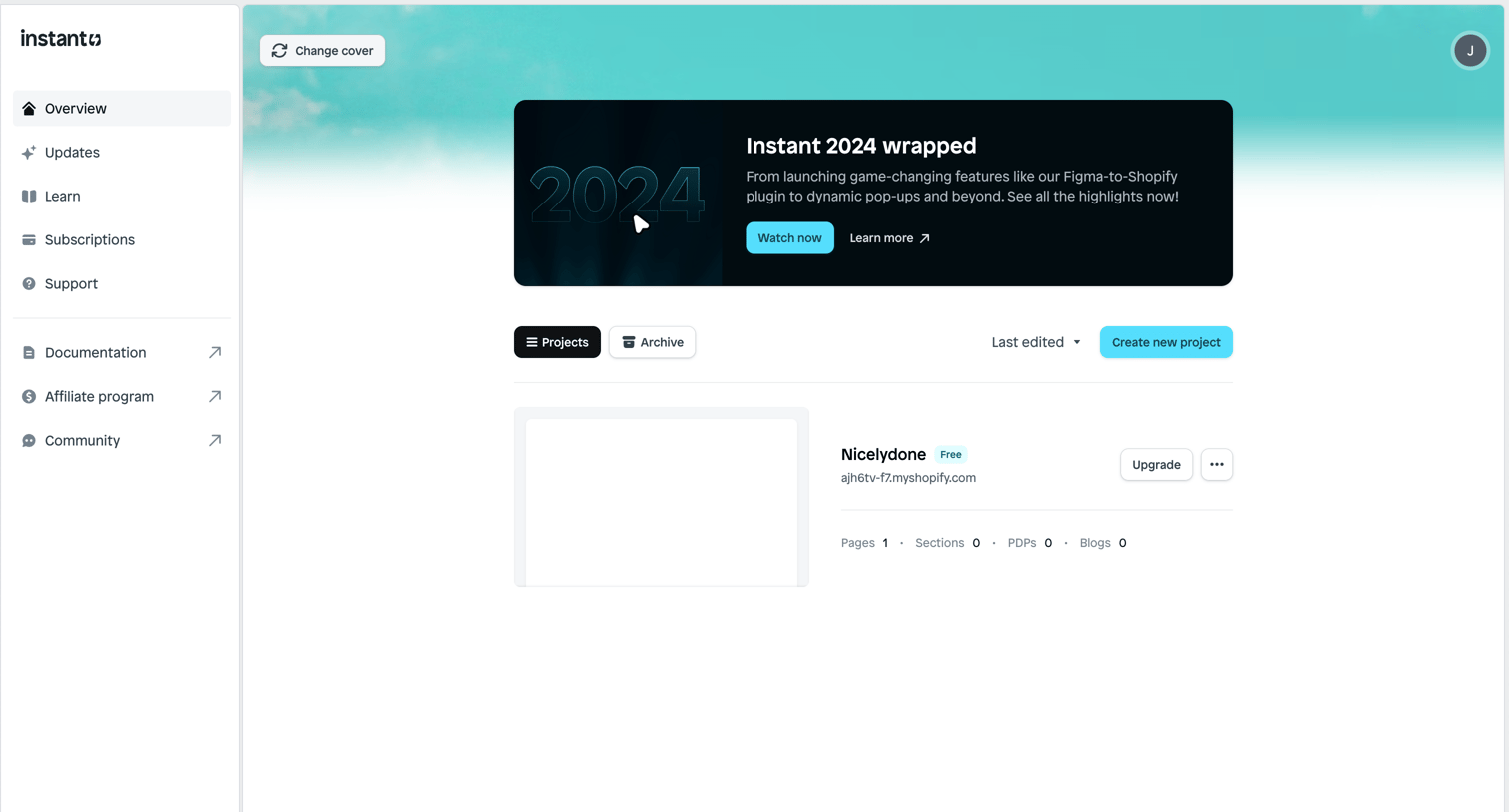

Instant - Frame 4 screen
Instant logo
Instant

Home screen where the user manages their recent projects, creates new ones, and views a promotional year-in-review banner.
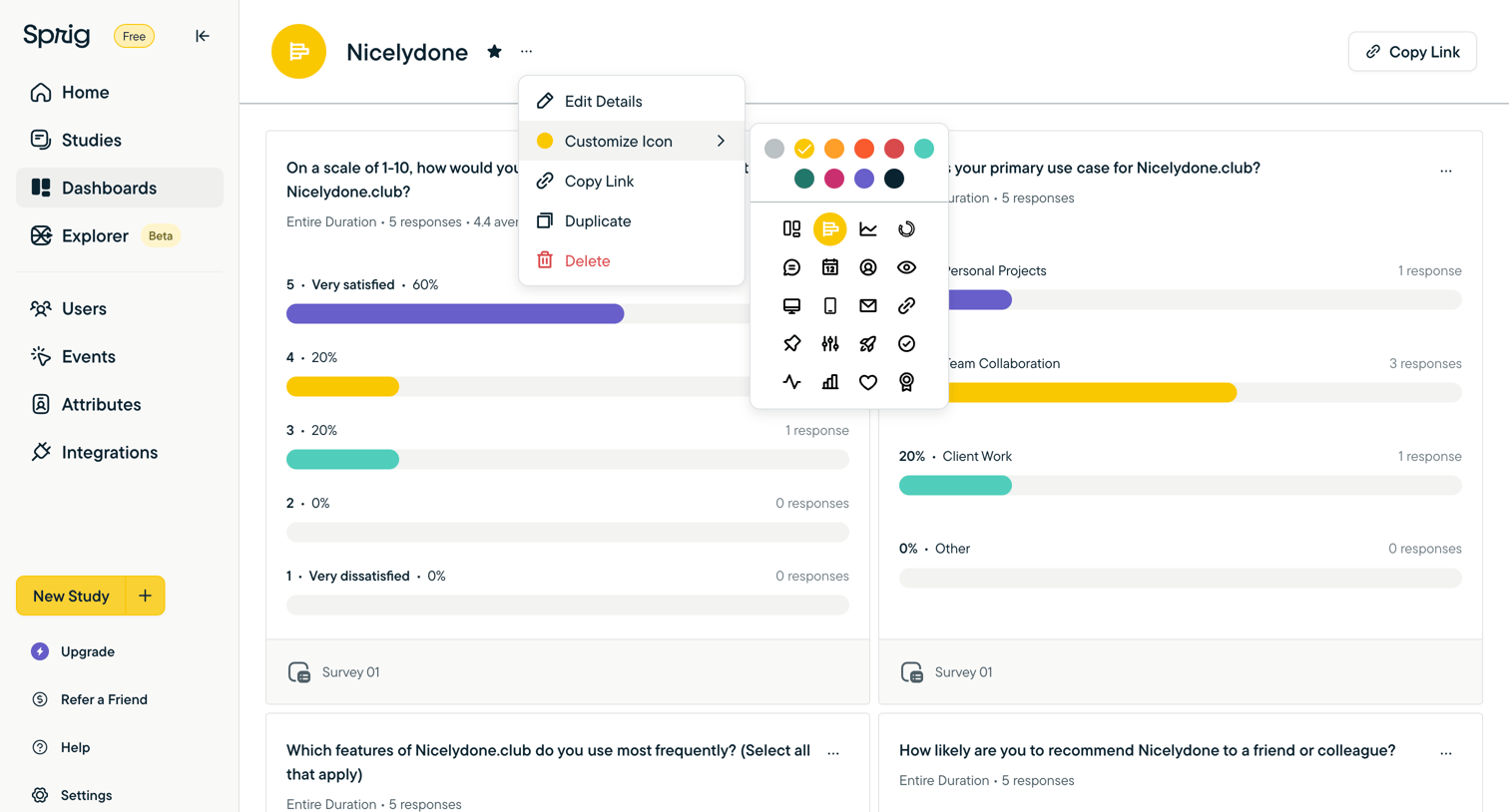

Sprig screen
Sprig logo
Sprig

Survey dashboard showing response distributions where the user has opened a nested menu to customize the dashboard's icon color and symbol.

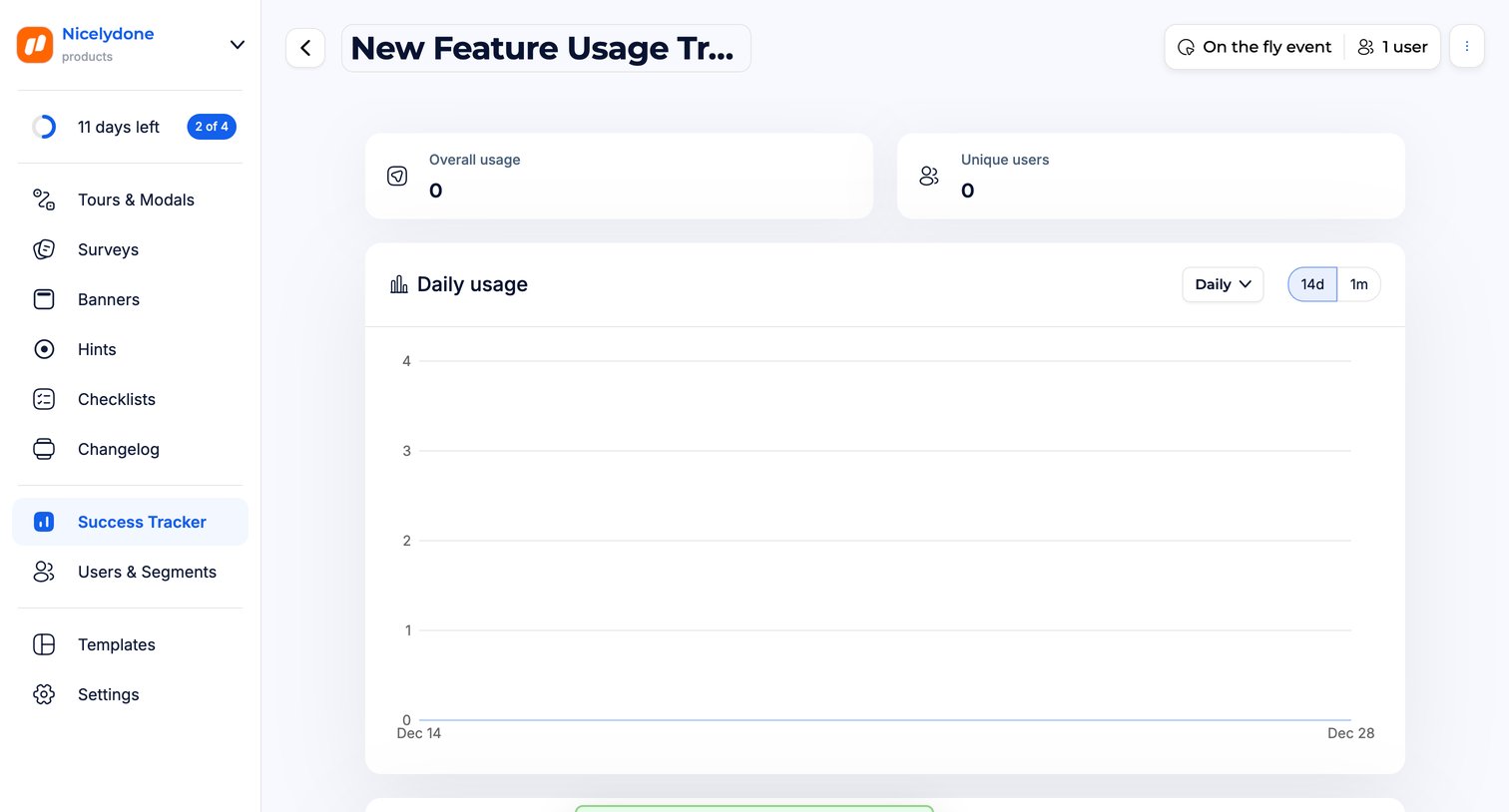
Jimo - Tracker Report · Jimo screen
Jimo logo
Jimo

Detail page where the user views empty usage analytics for a newly created feature success tracker, showing overall usage and daily trends.

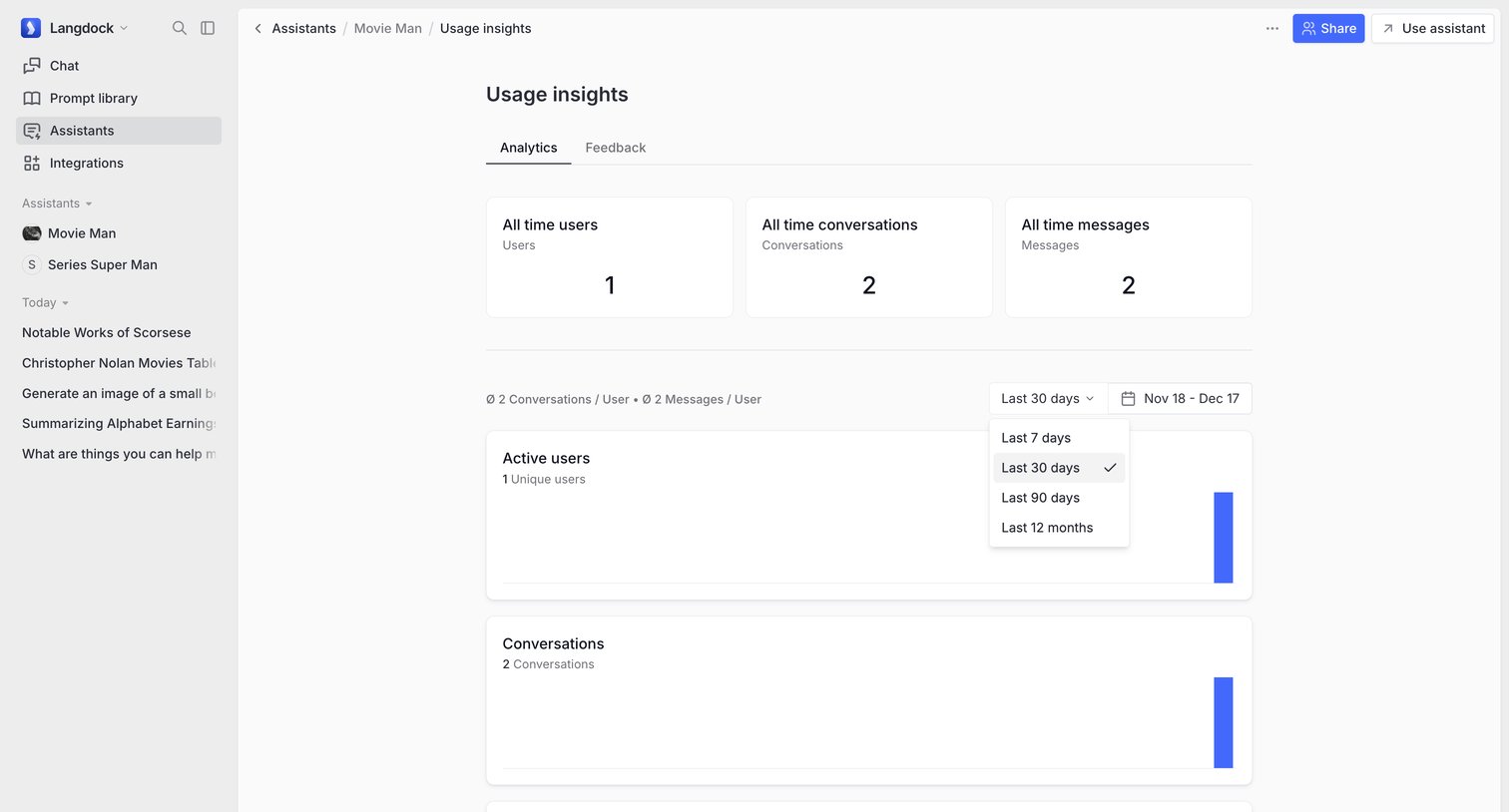
Langdock - Movie Man screen
Langdock logo
Langdock

Analytics dashboard for a specific AI assistant showing usage metrics like active users, conversations, and messages over time with date range filtering.

Explore the full SaaS screen library

Upgrade to unlock the full library.

Trusted by the best teams