Dark ui screen examples
Dark ui screen design examples from SaaS apps. Browse examples from Evervault, Grok, Leap.
Explore the examples
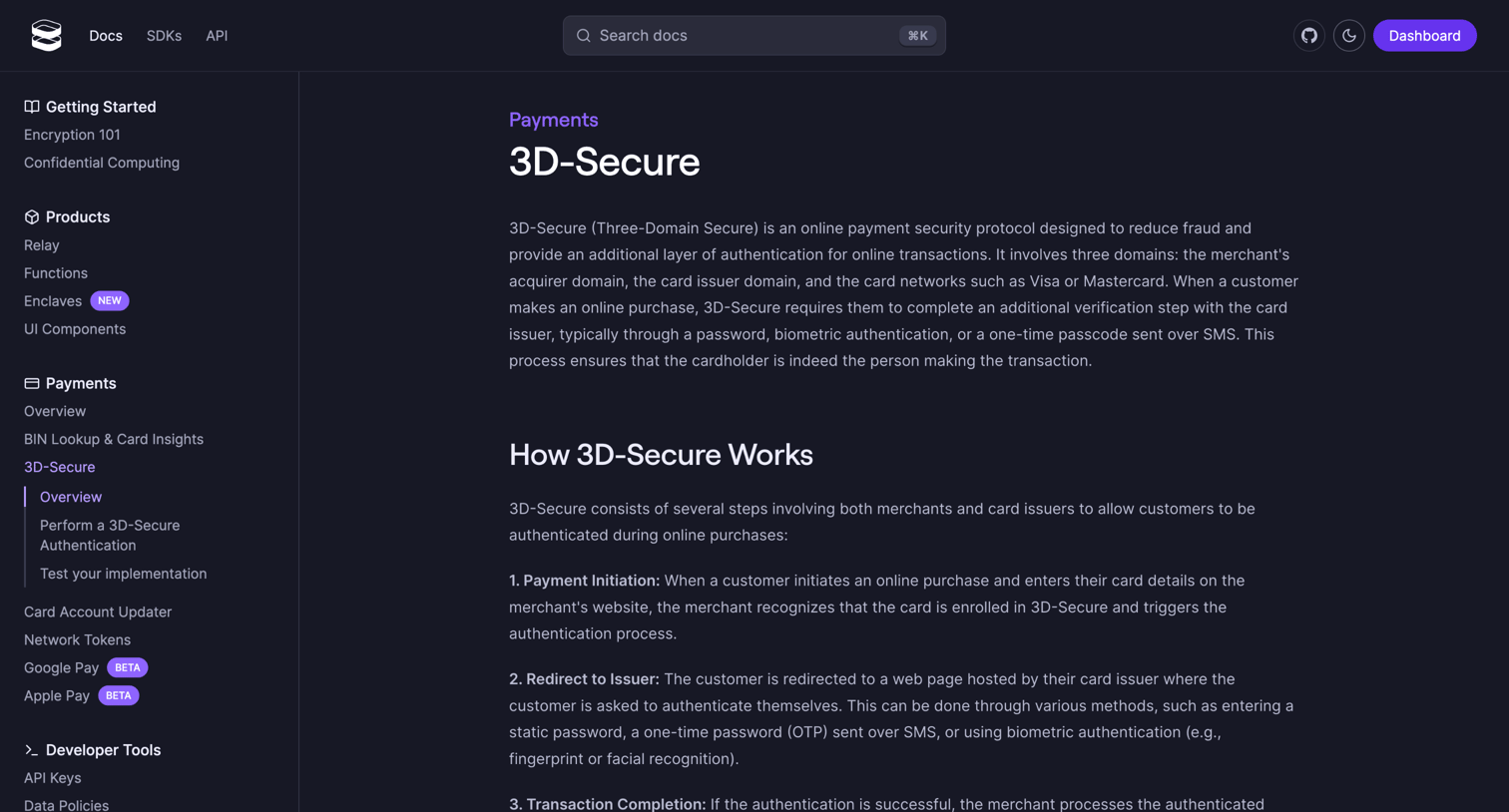

Developer documentation article explaining the concepts and flow of the 3D-Secure payment authentication protocol.
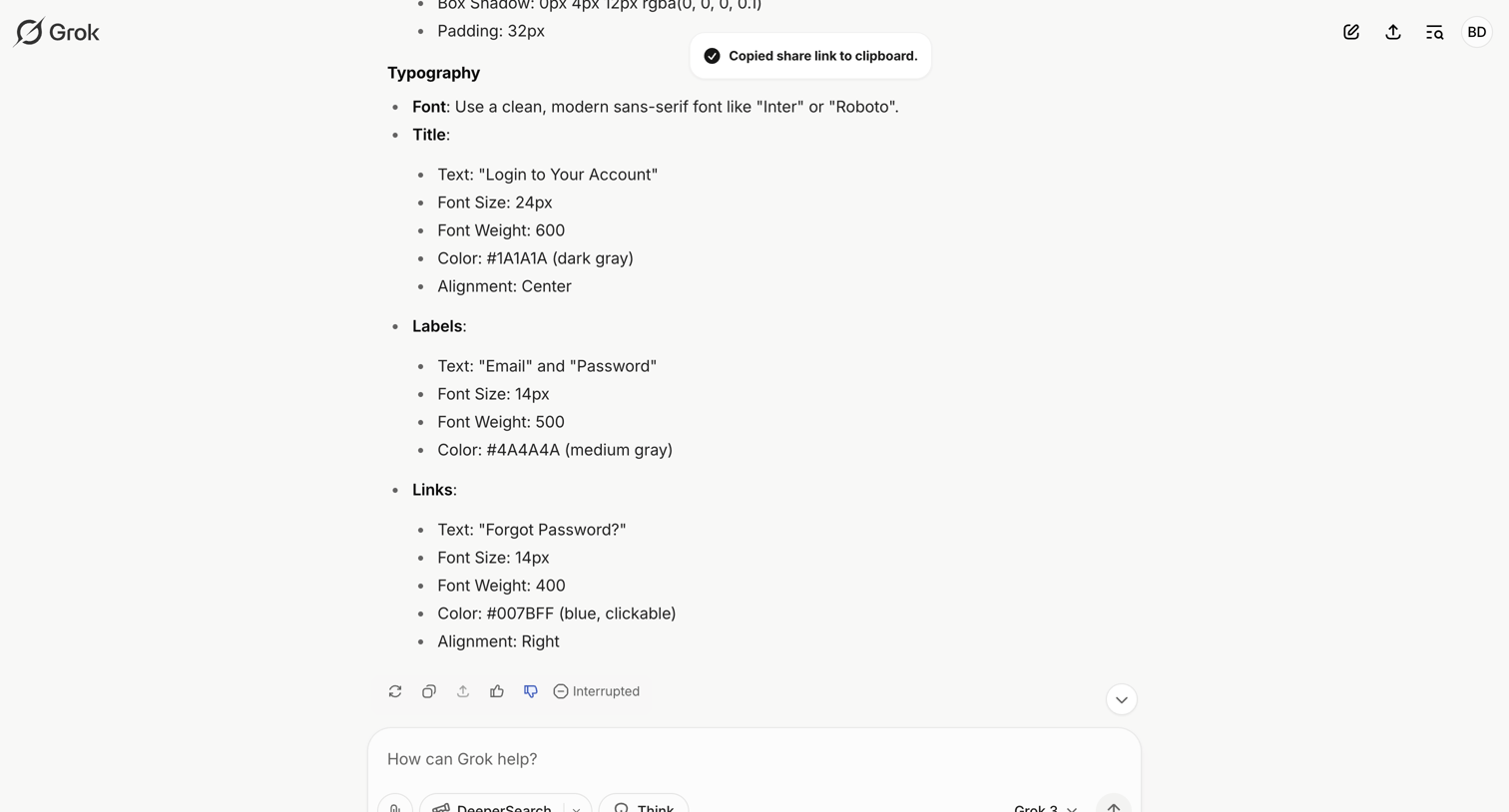

AI chat interface where the user views a generated response detailing typography specifications and can input a new prompt.
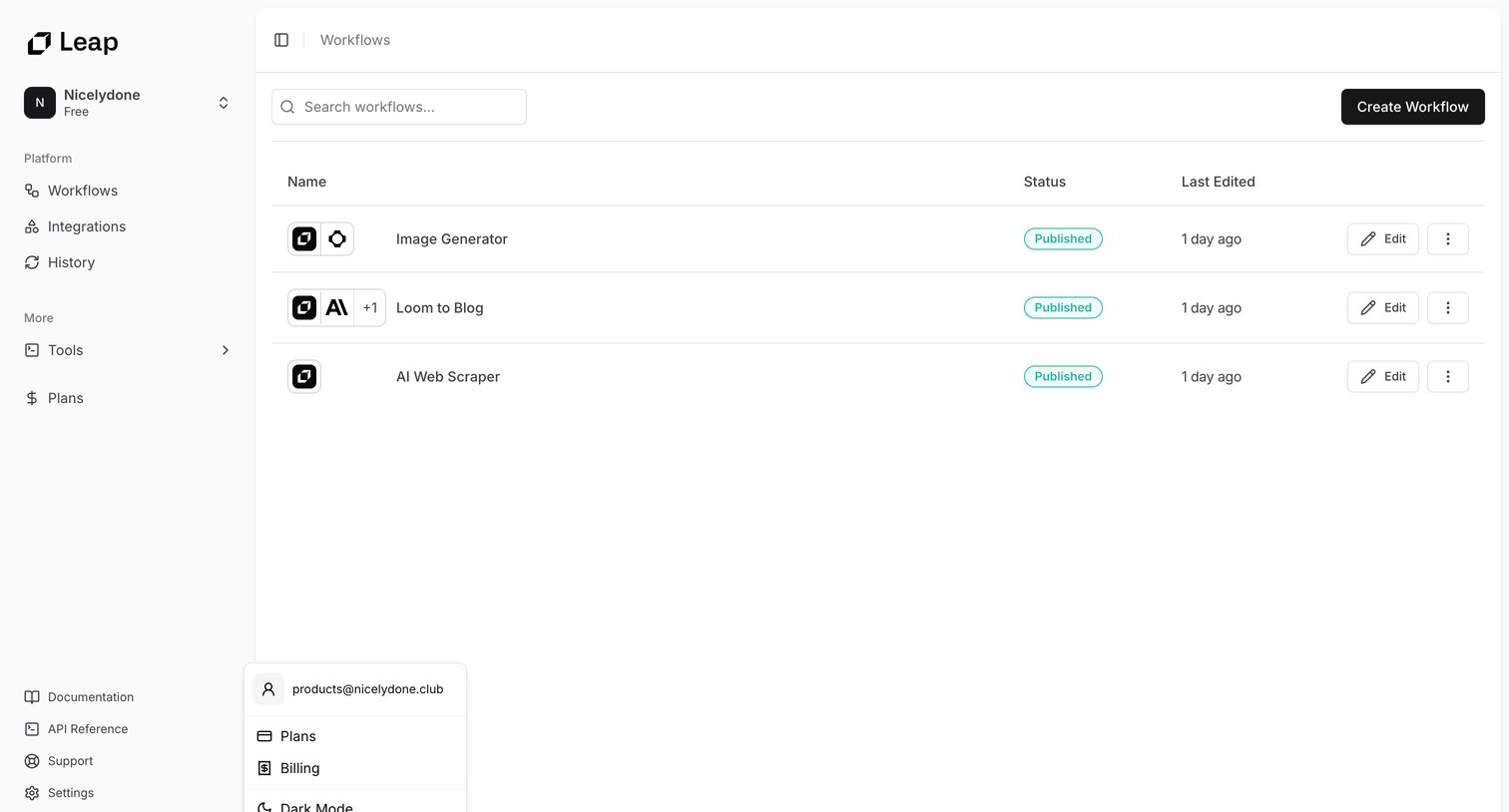

List view where the user manages their published AI workflows, with options to search, create new ones, or edit existing configurations.
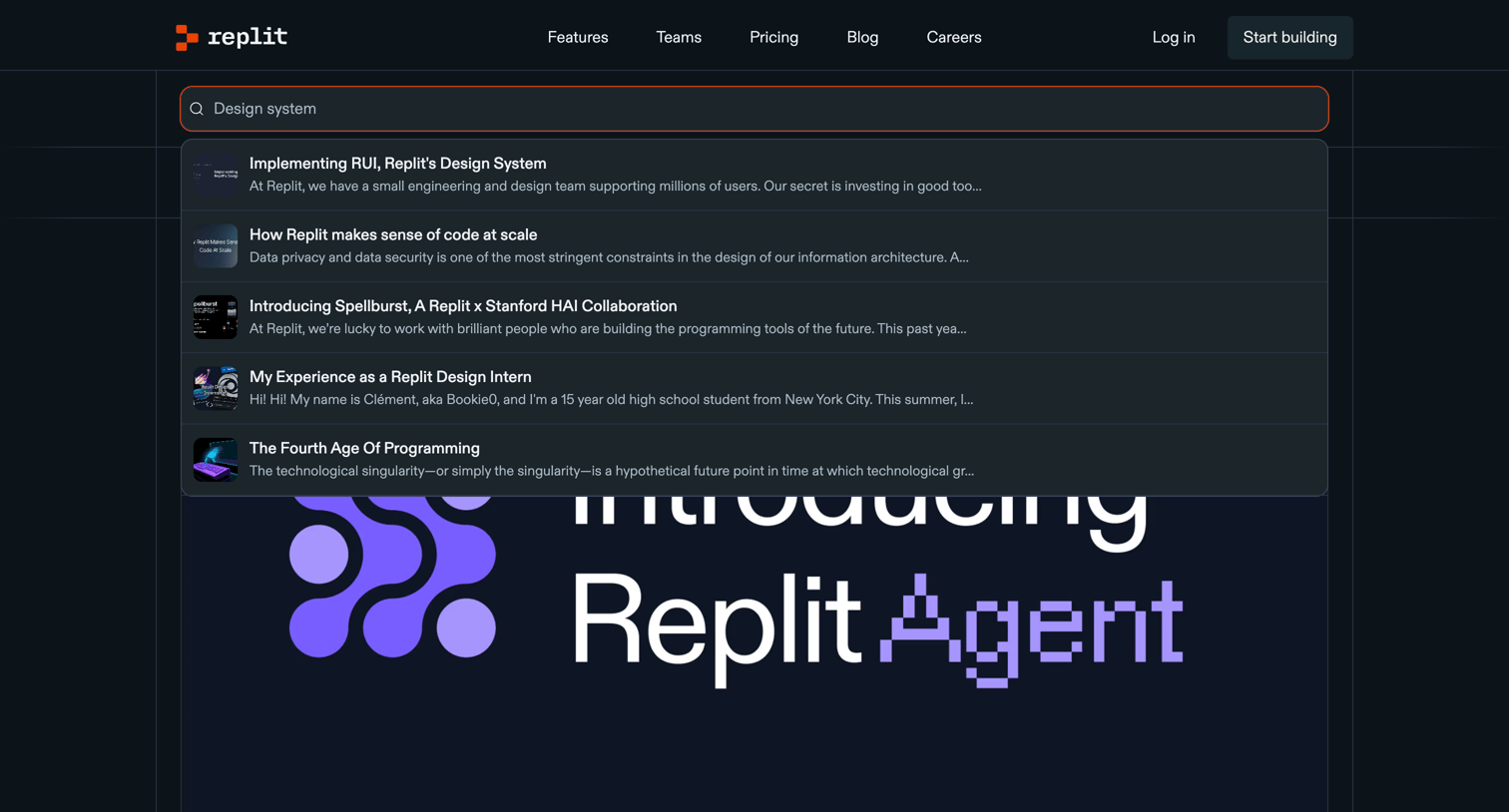

Blog index page displaying a featured article and a grid of recent posts in the design category, with an active search dropdown showing matching results.
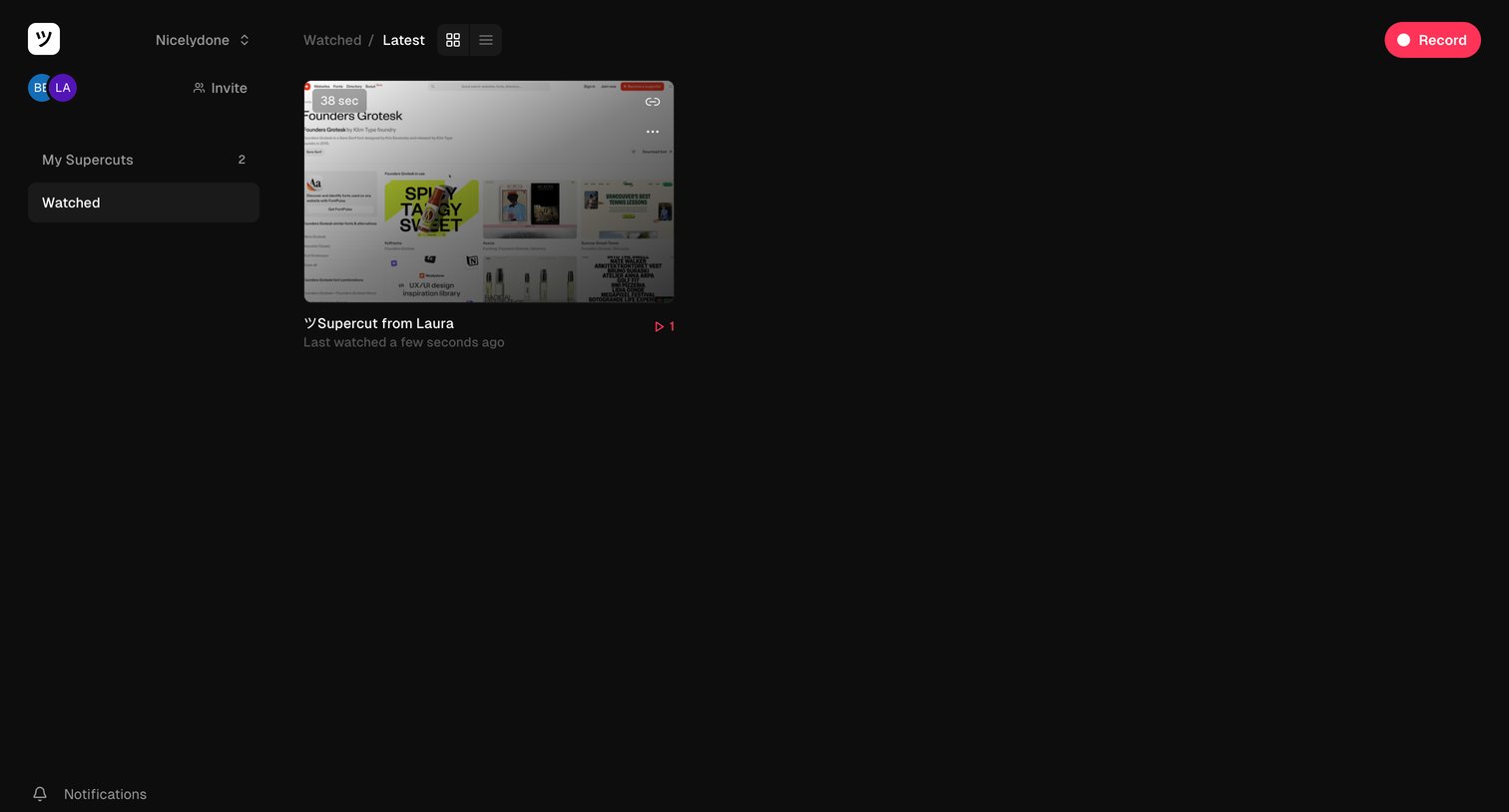

List view where the user browses their watched video recordings in a grid layout.
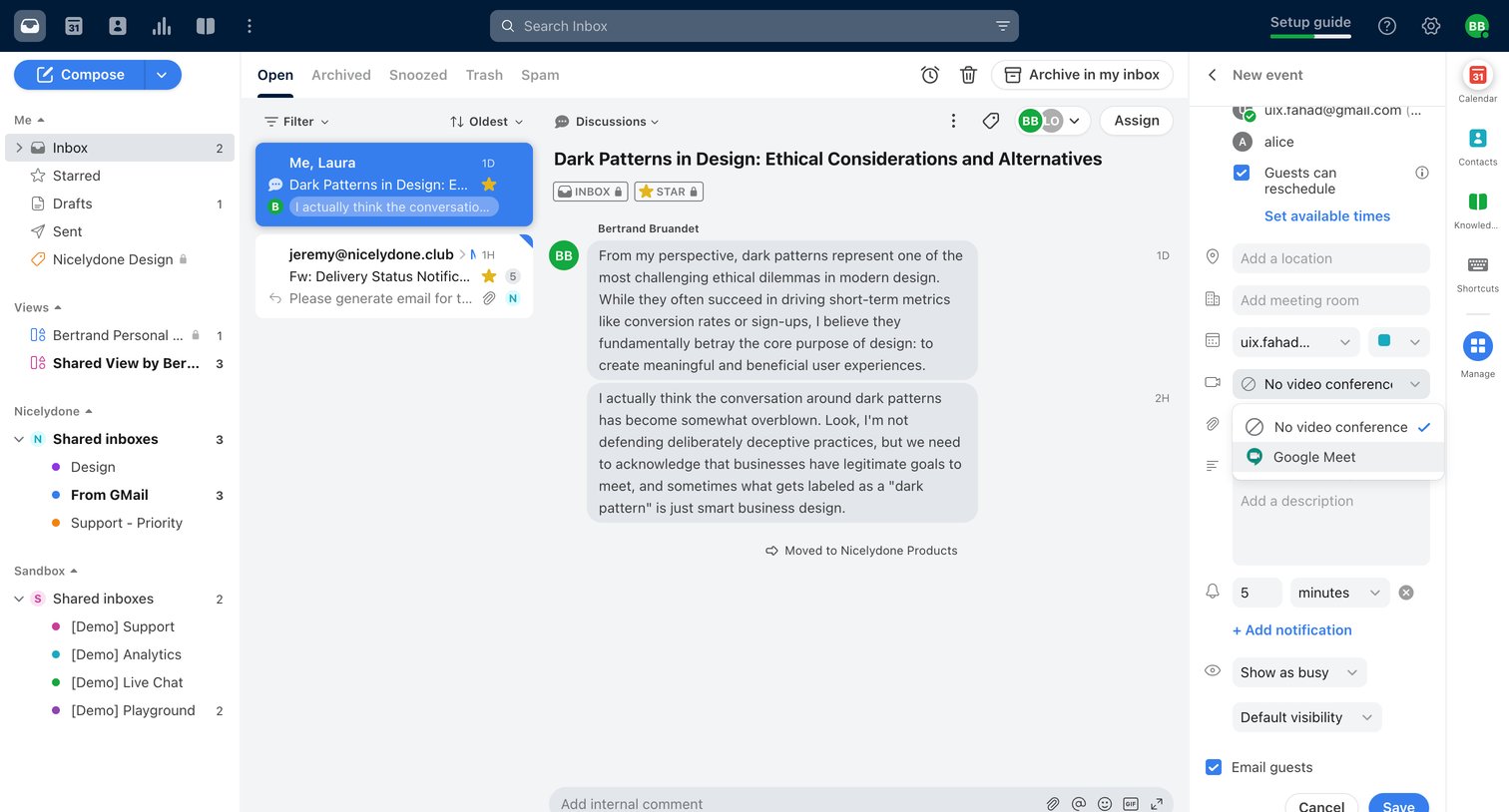

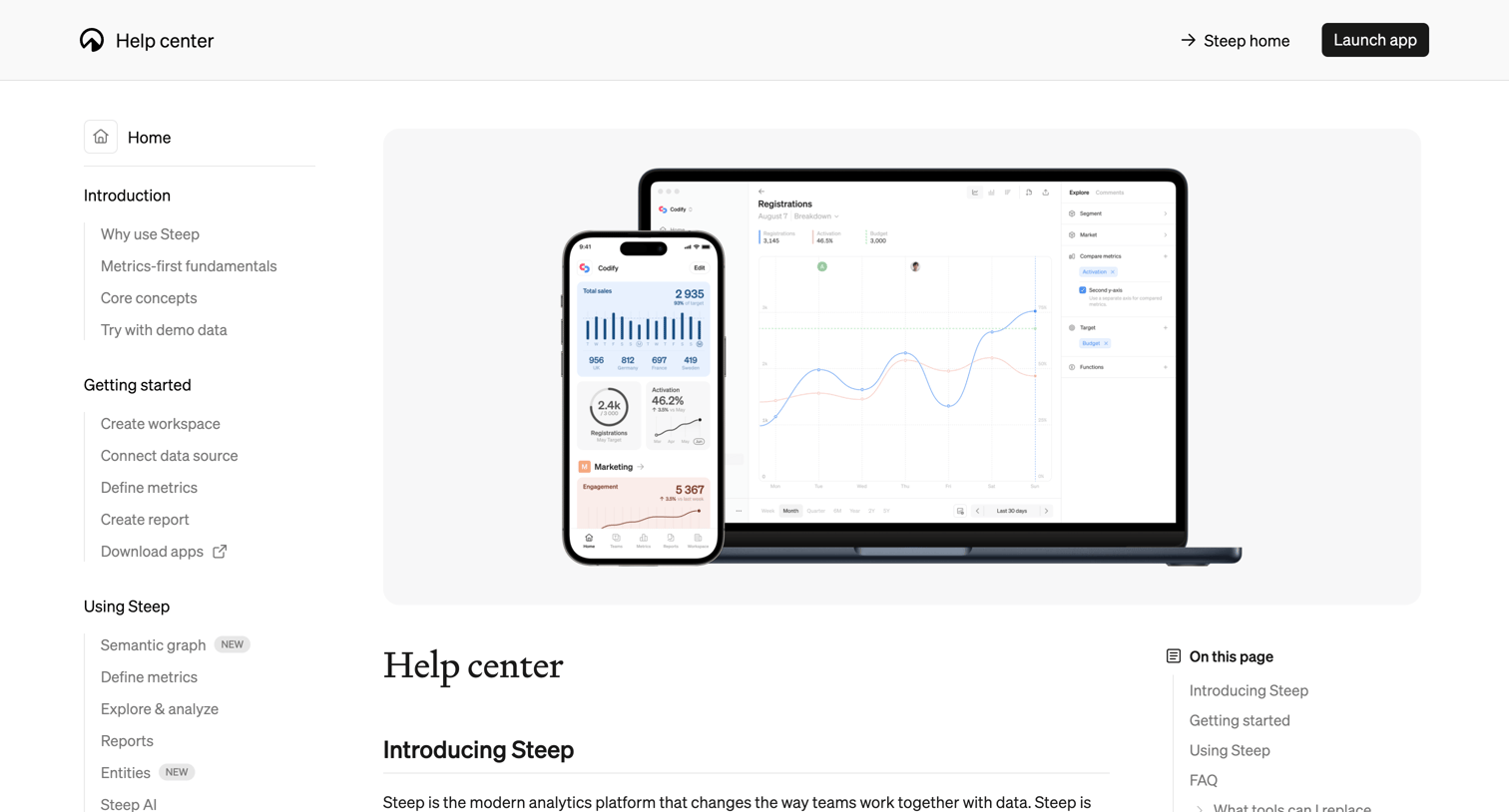

Help center home page providing an overview of the Steep analytics platform, getting started steps, feature guides, and an FAQ section.
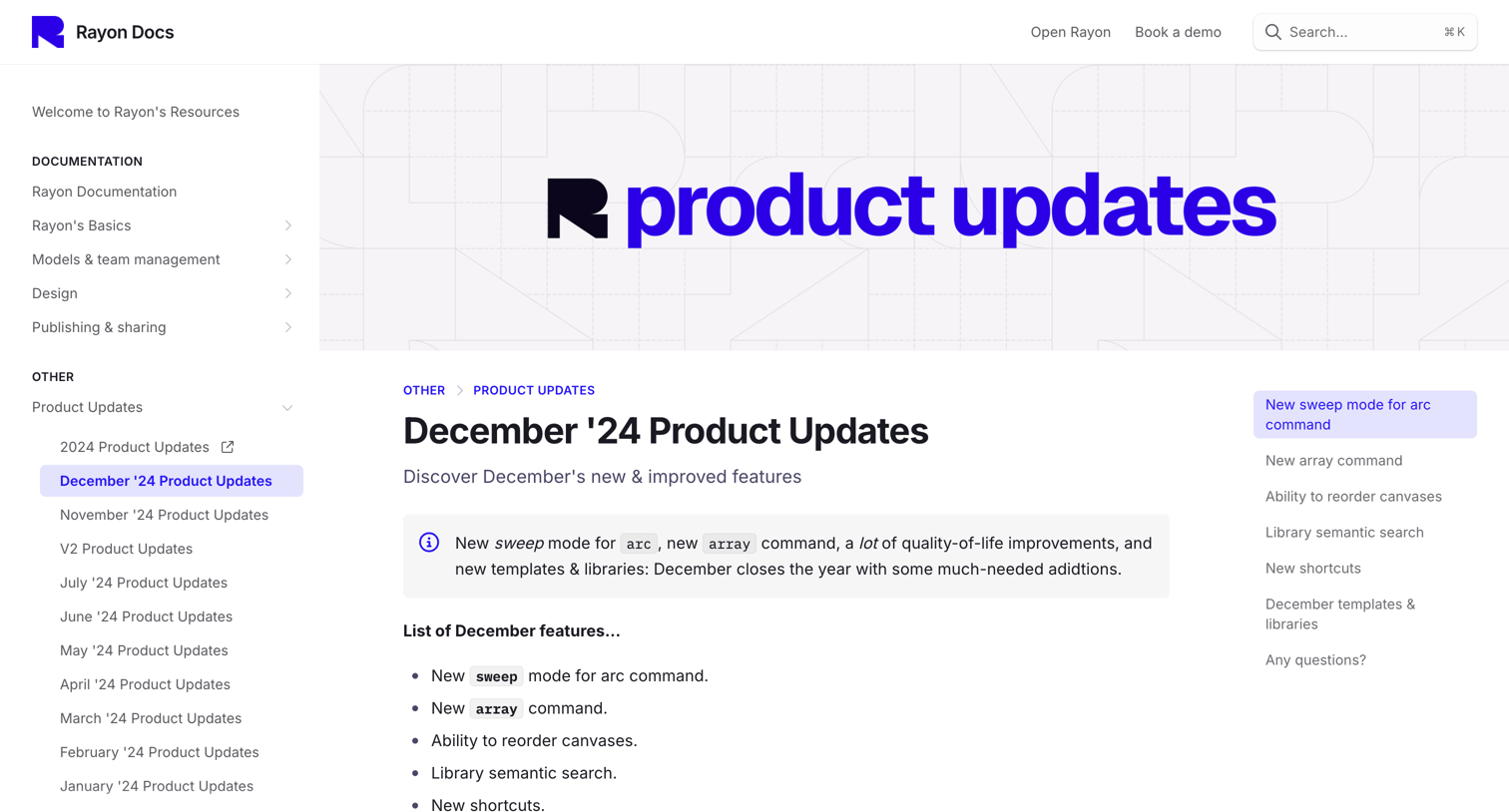

Changelog page detailing new features like the sweep mode for arc command, array command, and library semantic search, including a table of new keyboard shortcuts.
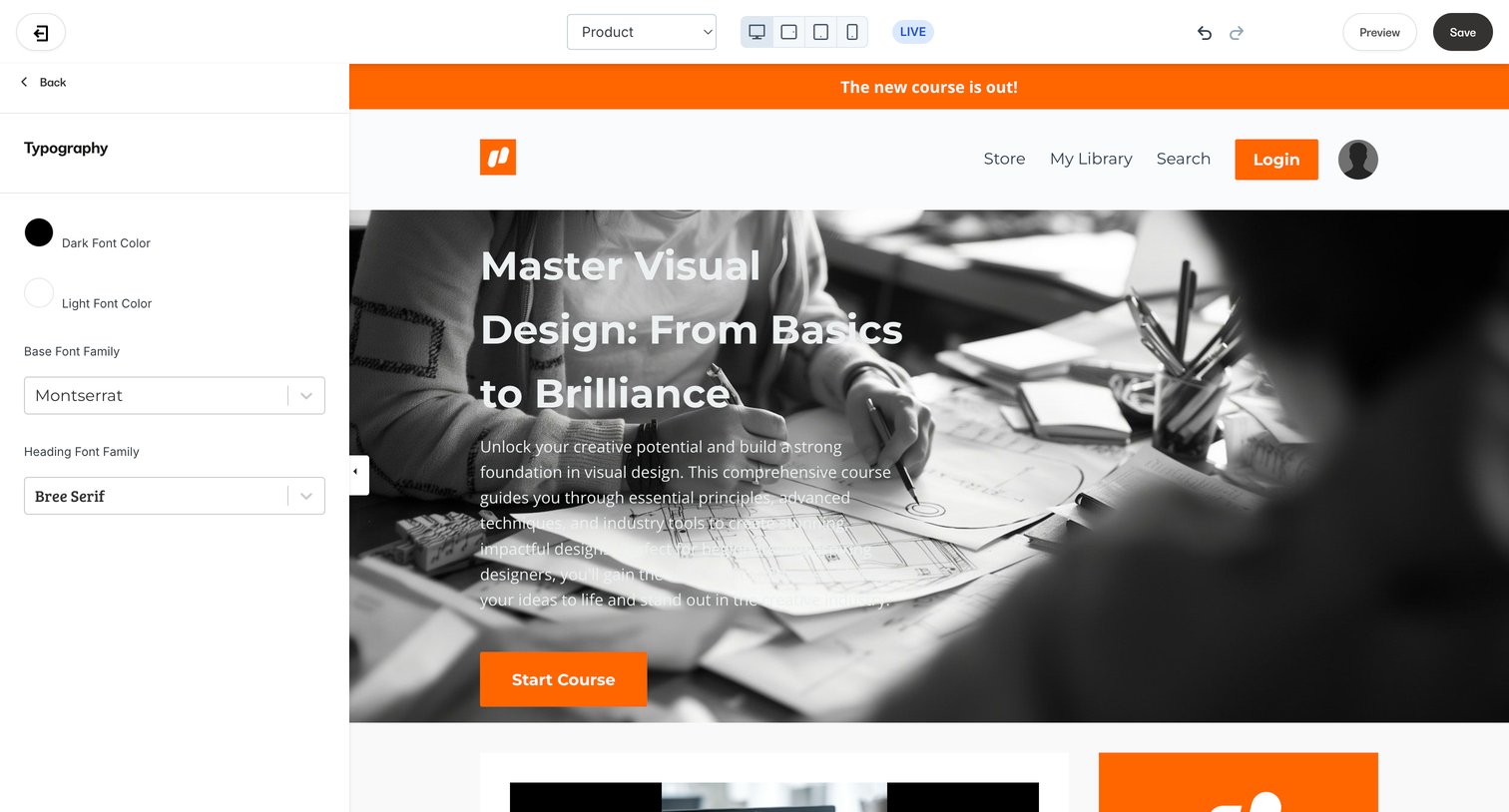

Design editor where the user customizes typography settings, such as base and heading font families, while viewing a live preview of the course landing page.
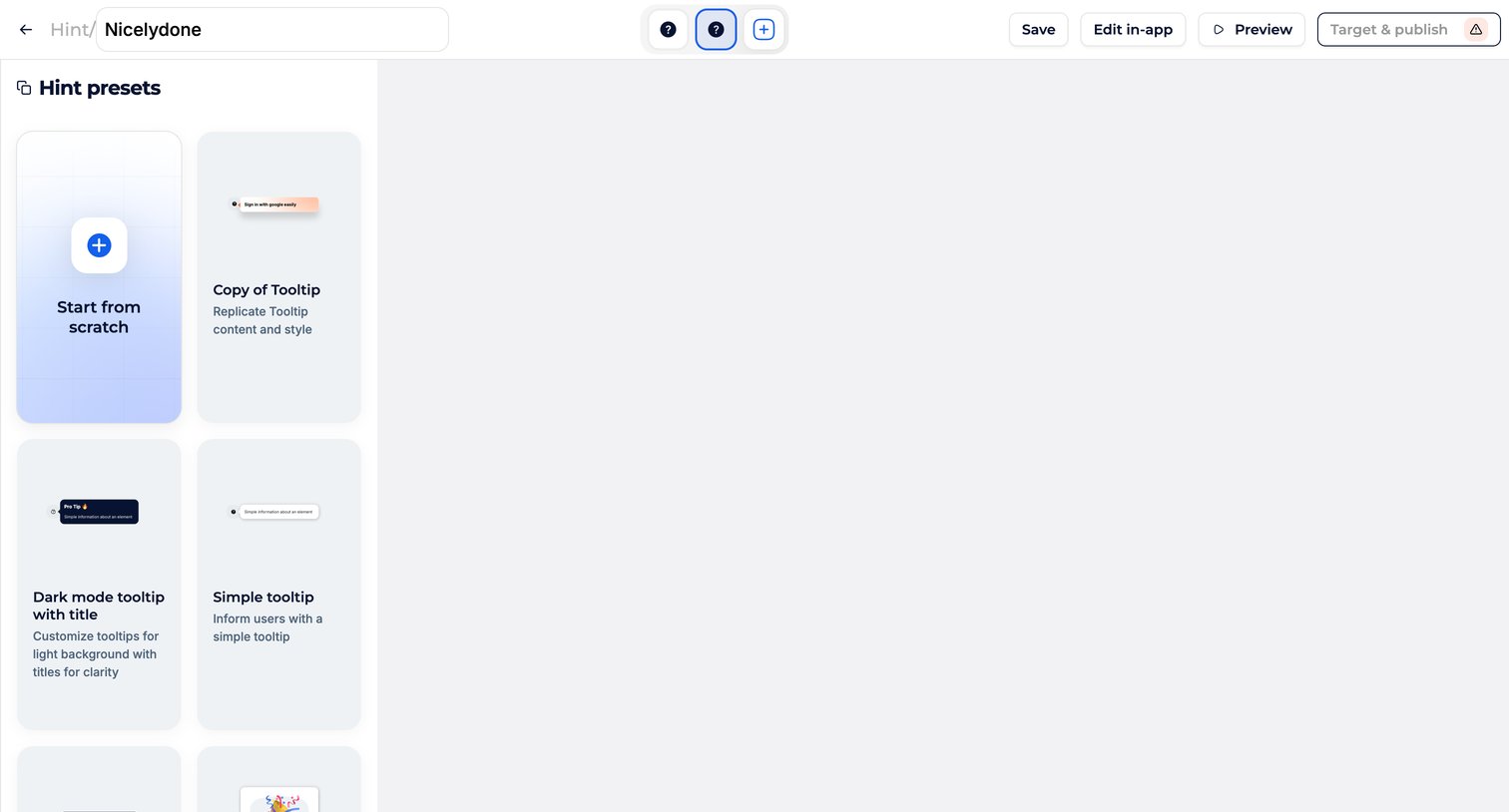

Creation screen where the user selects a starting template or starts from scratch to build a new in-app hint.
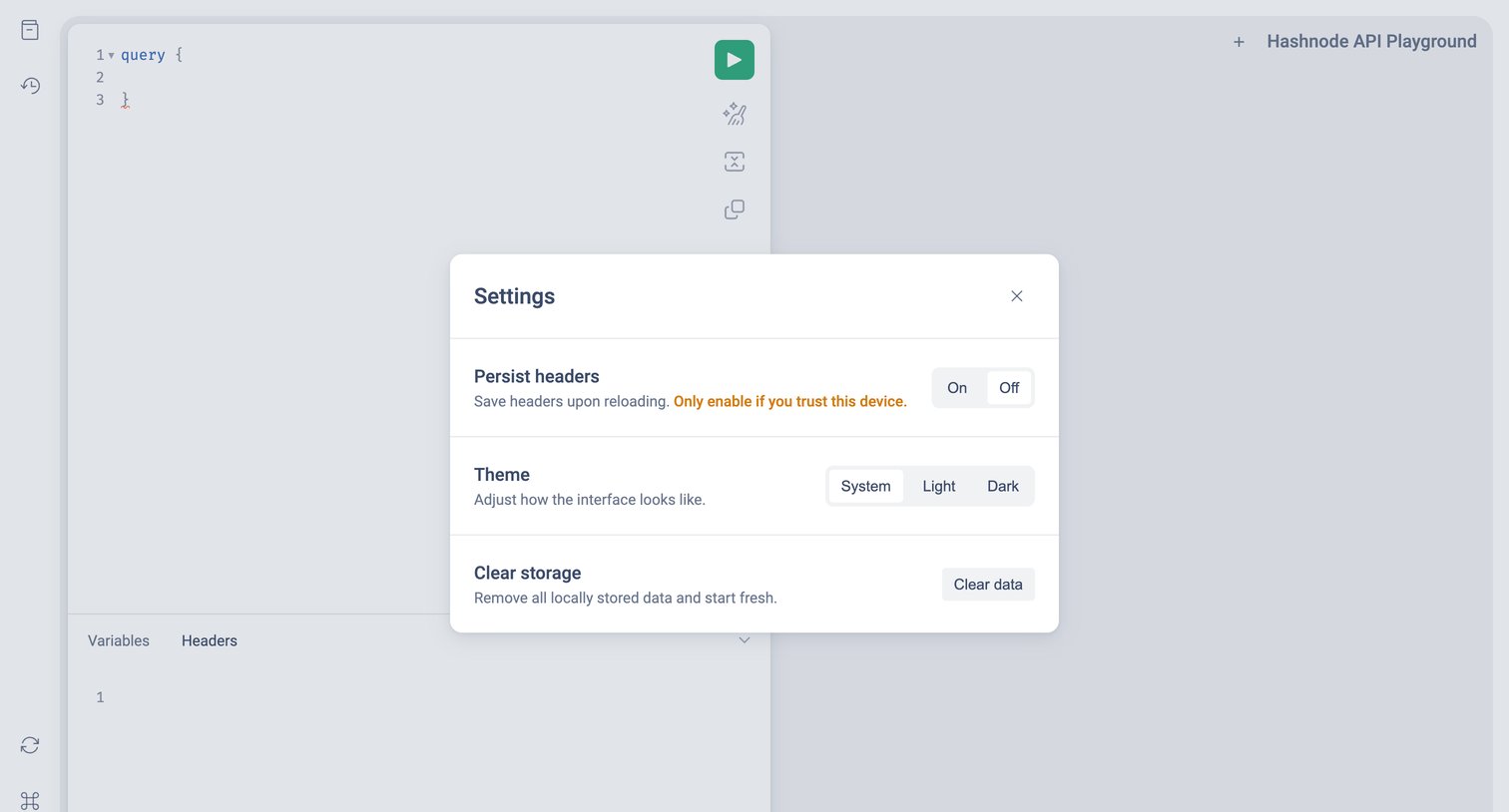

Code editor where the user configures playground settings like header persistence, theme, and local storage clearing.
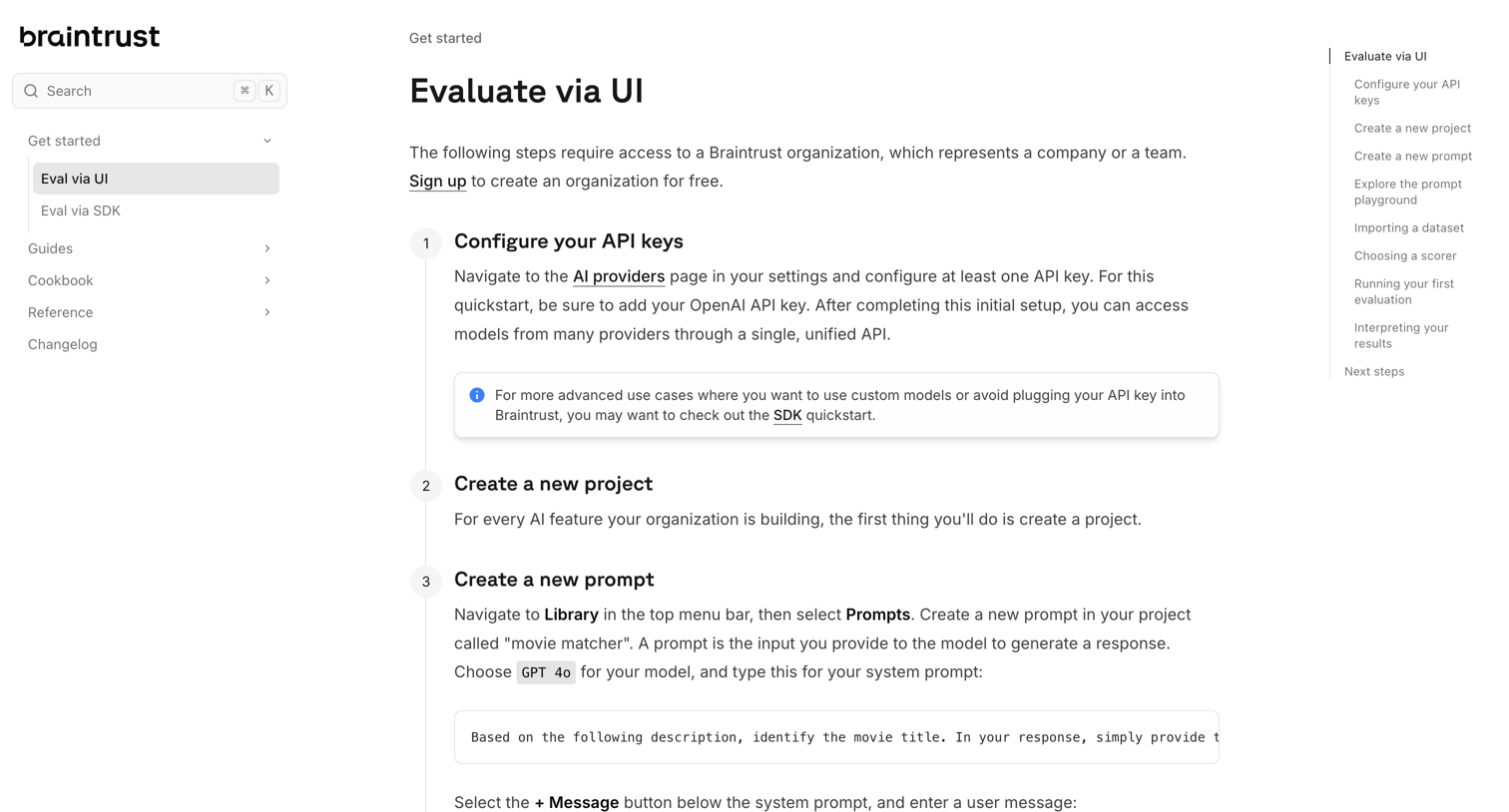

Documentation quickstart guide explaining how to evaluate AI prompts using the product's UI, featuring step-by-step instructions and embedded screenshots.
Explore the full SaaS screen library
Upgrade to unlock the full library.
Trusted by the best teams







