Customer communication screen examples
Customer communication screen design examples from SaaS apps. Browse examples from Beside, Assembly AI App Builder, Mailchimp.
Explore the examples
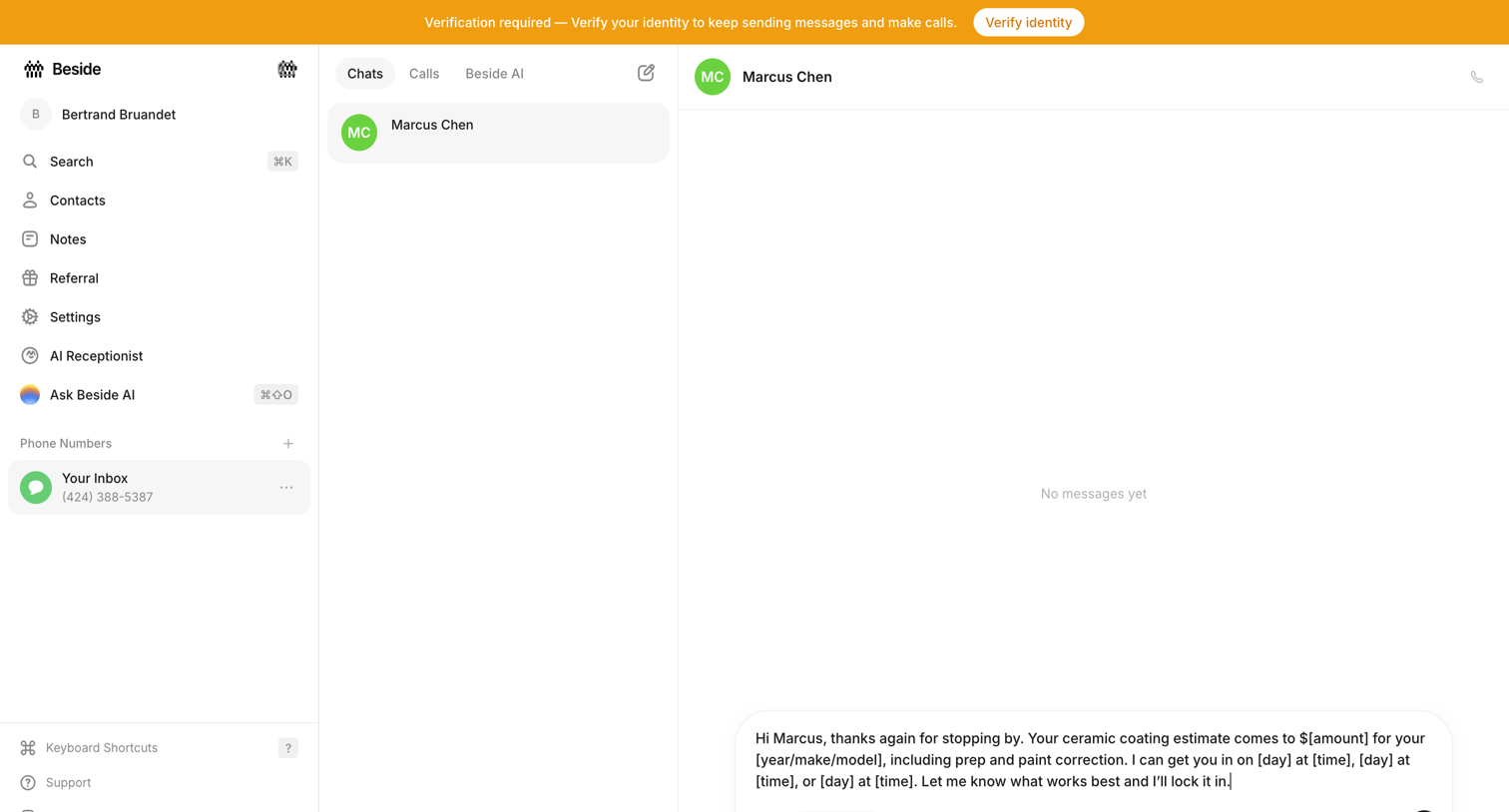

Inbox view where the user is drafting a message to a contact in an empty thread, with a verification requirement banner at the top.
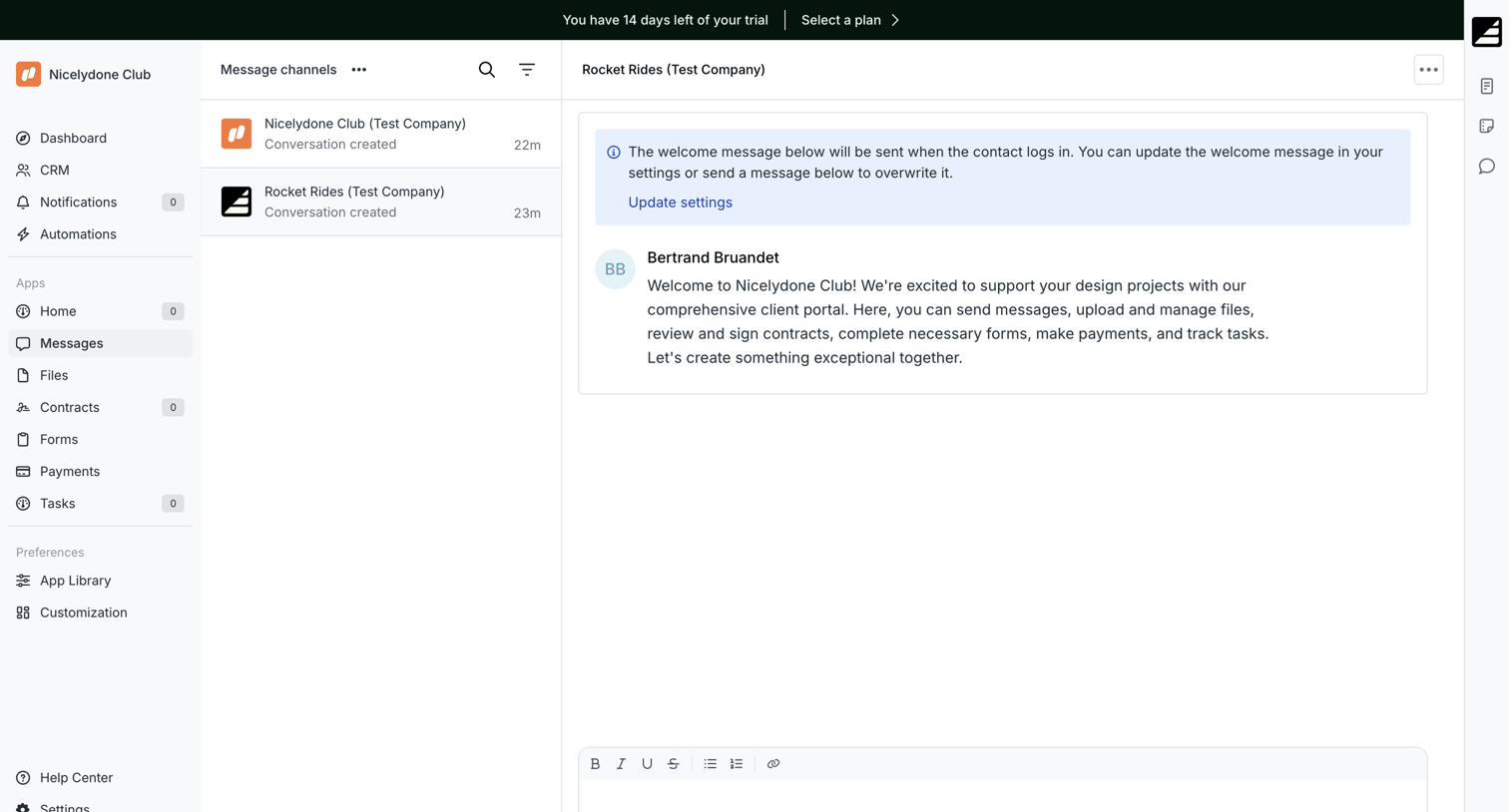

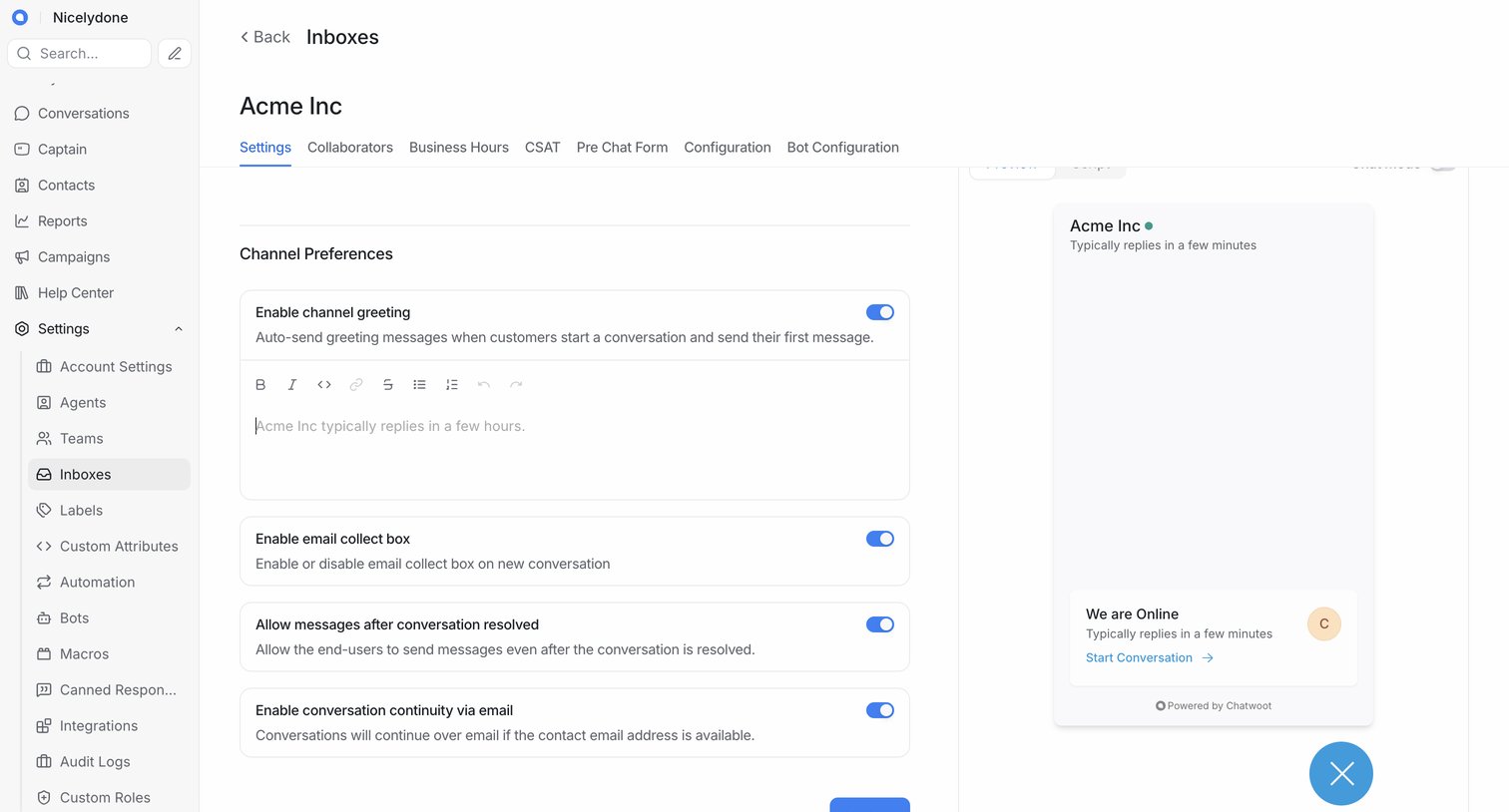
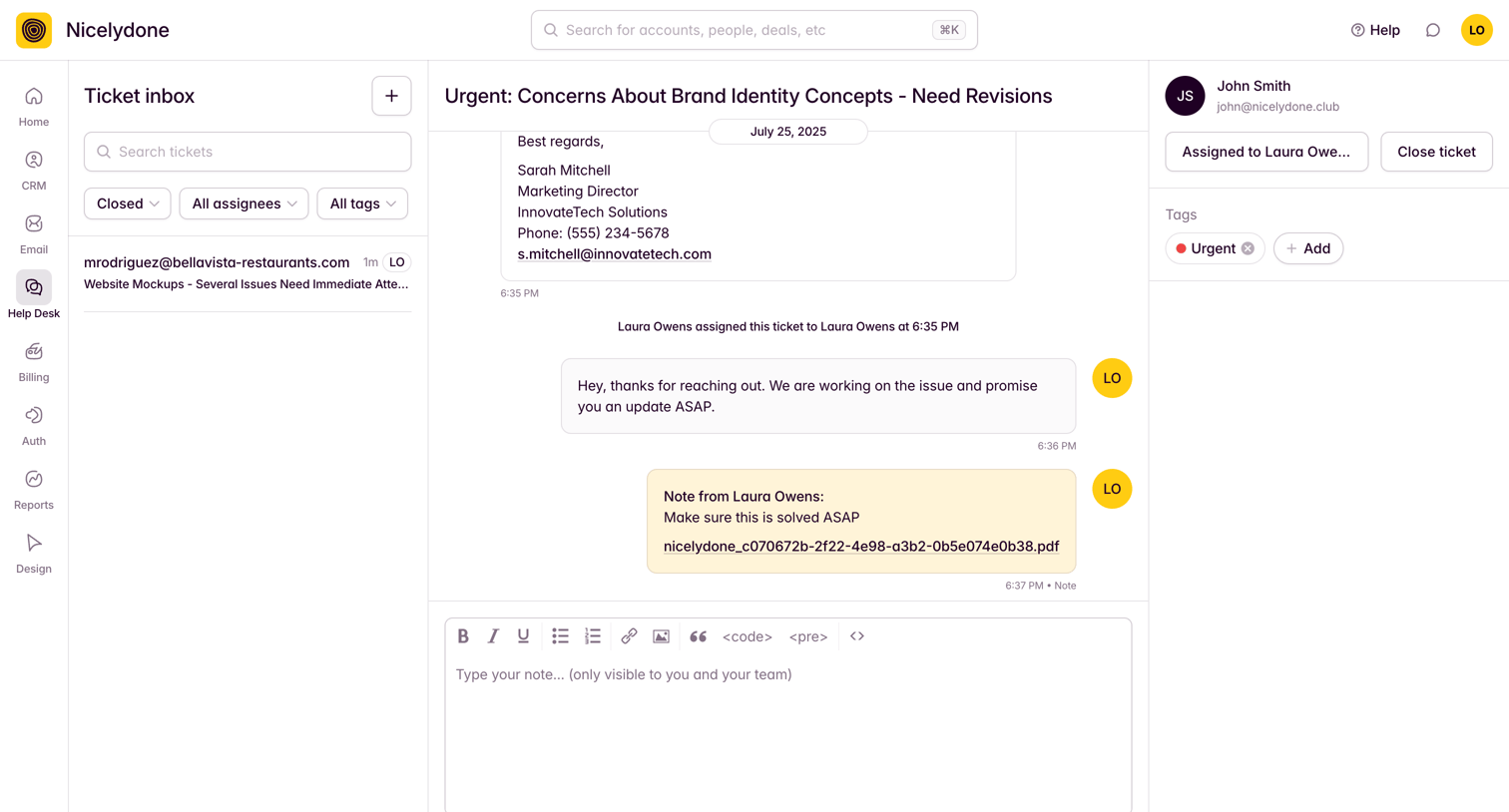
Messaging inbox where the user views client conversations and can send rich-text replies with attachments.
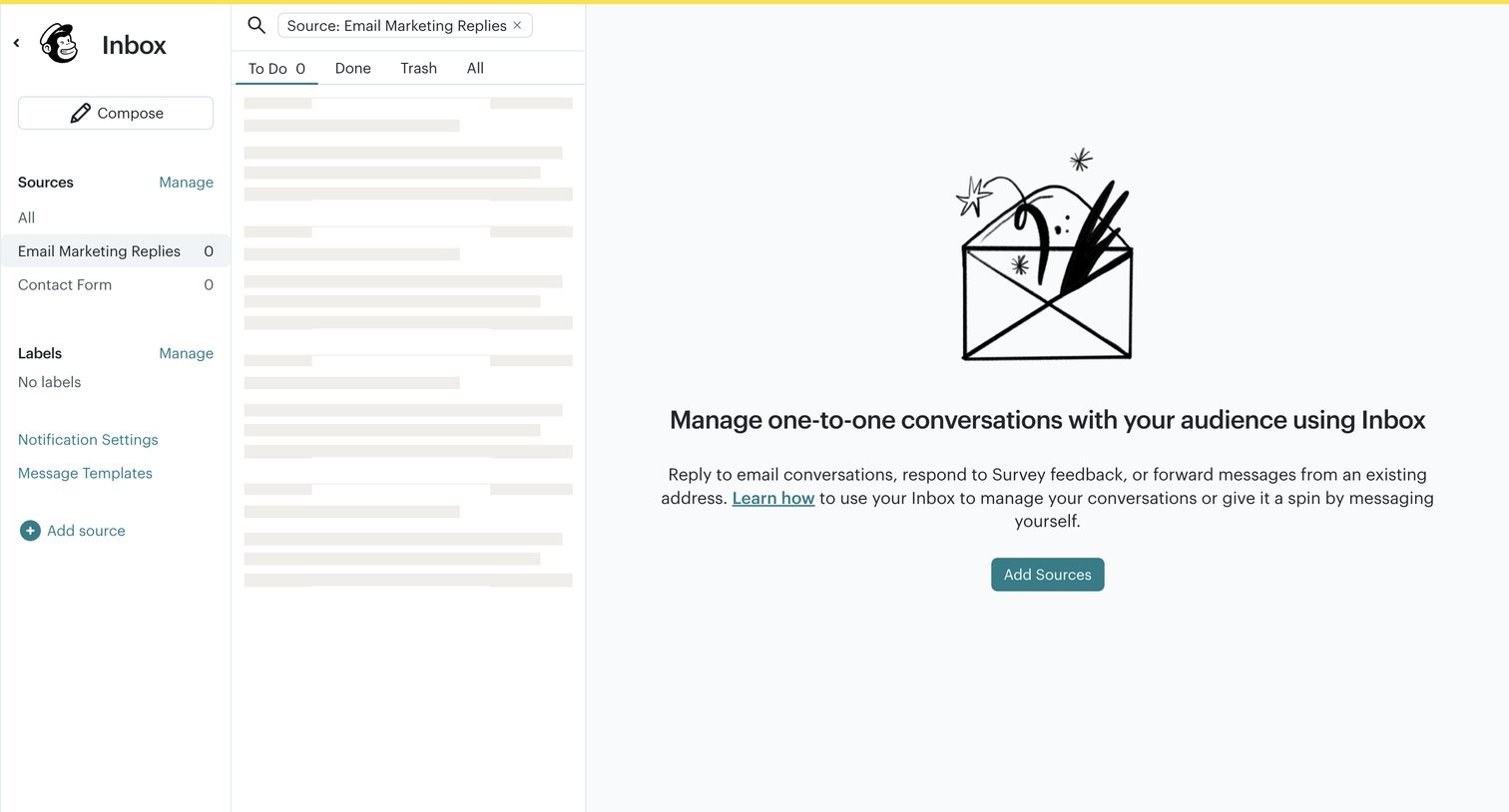

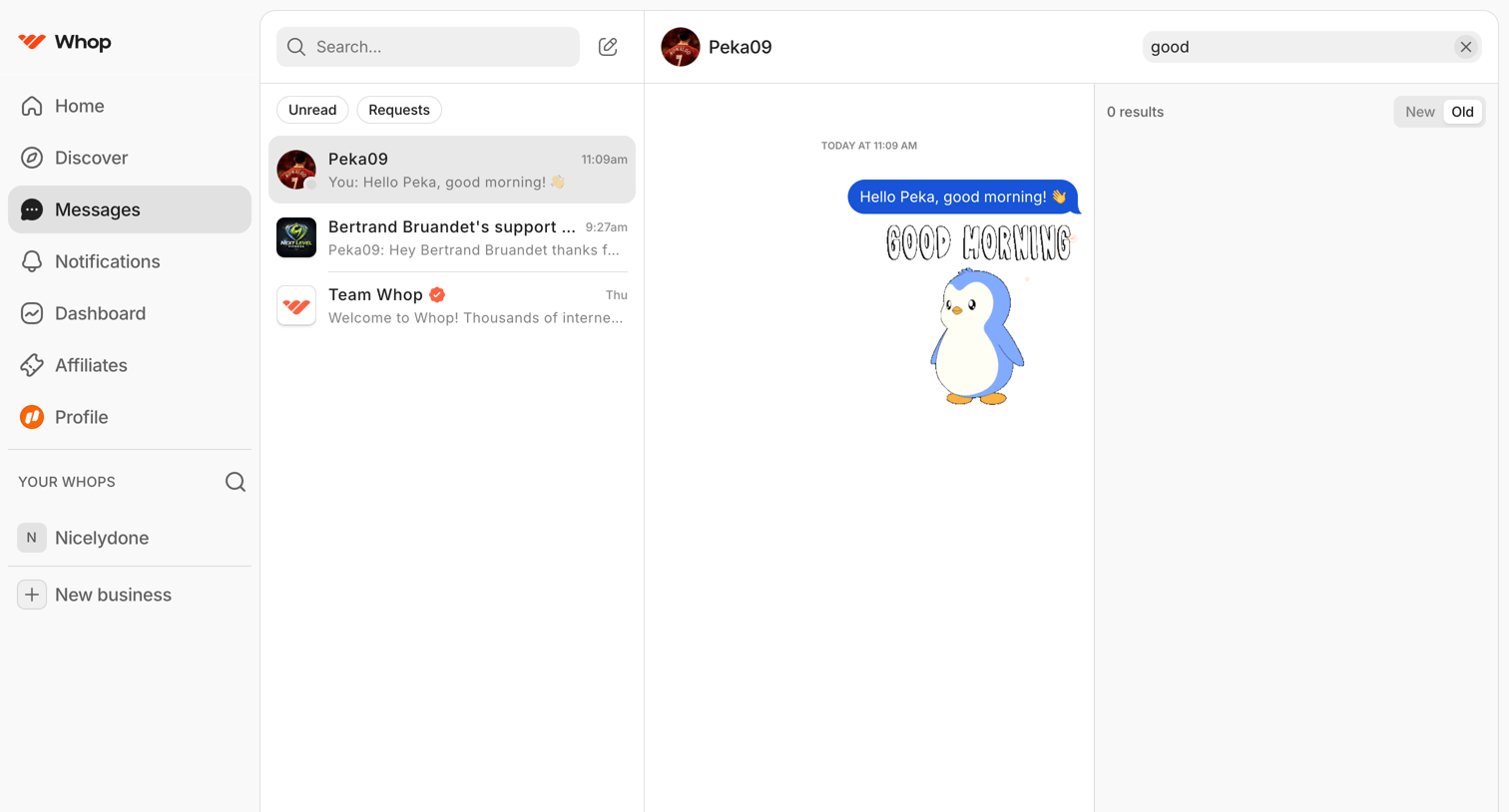
Inbox view where the user can manage one-to-one conversations, currently showing an empty state with a prompt to add sources while the message list loads.
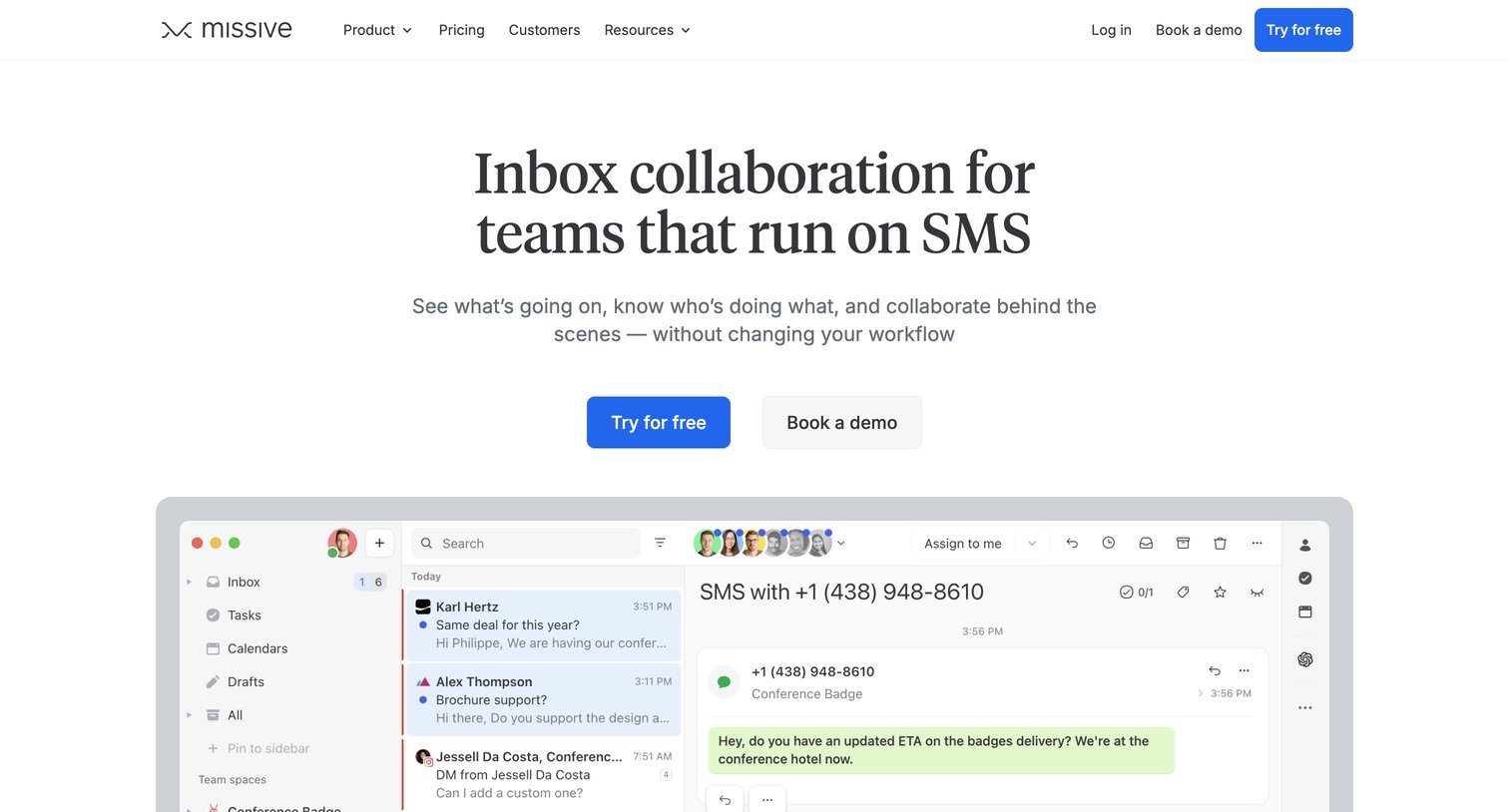

Feature page highlighting SMS collaboration capabilities, including a shared inbox, automated rules, and advanced management tools for teams.



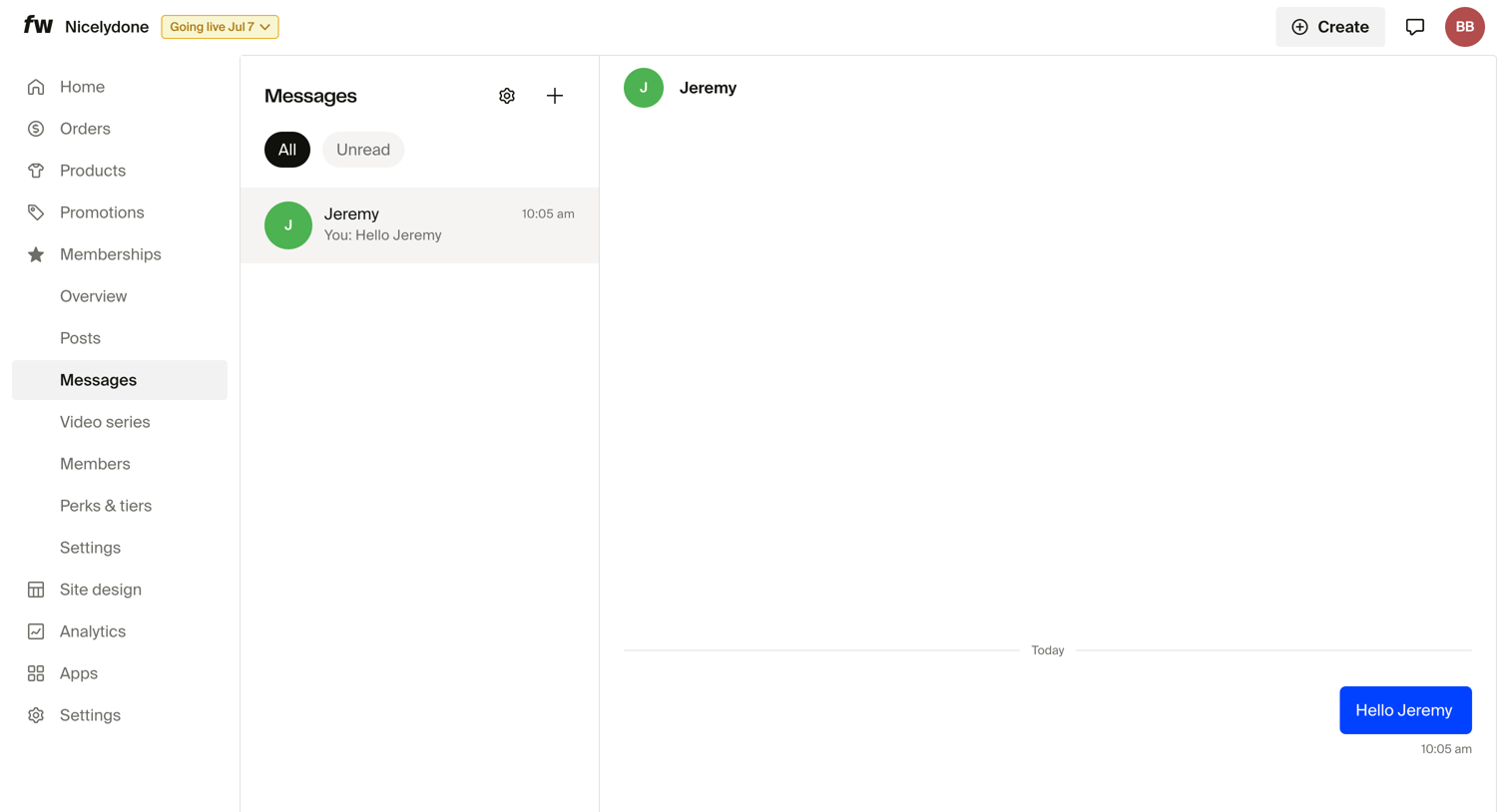

Inbox view where the user manages membership messages, showing a selected conversation with Jeremy and a composer to reply.
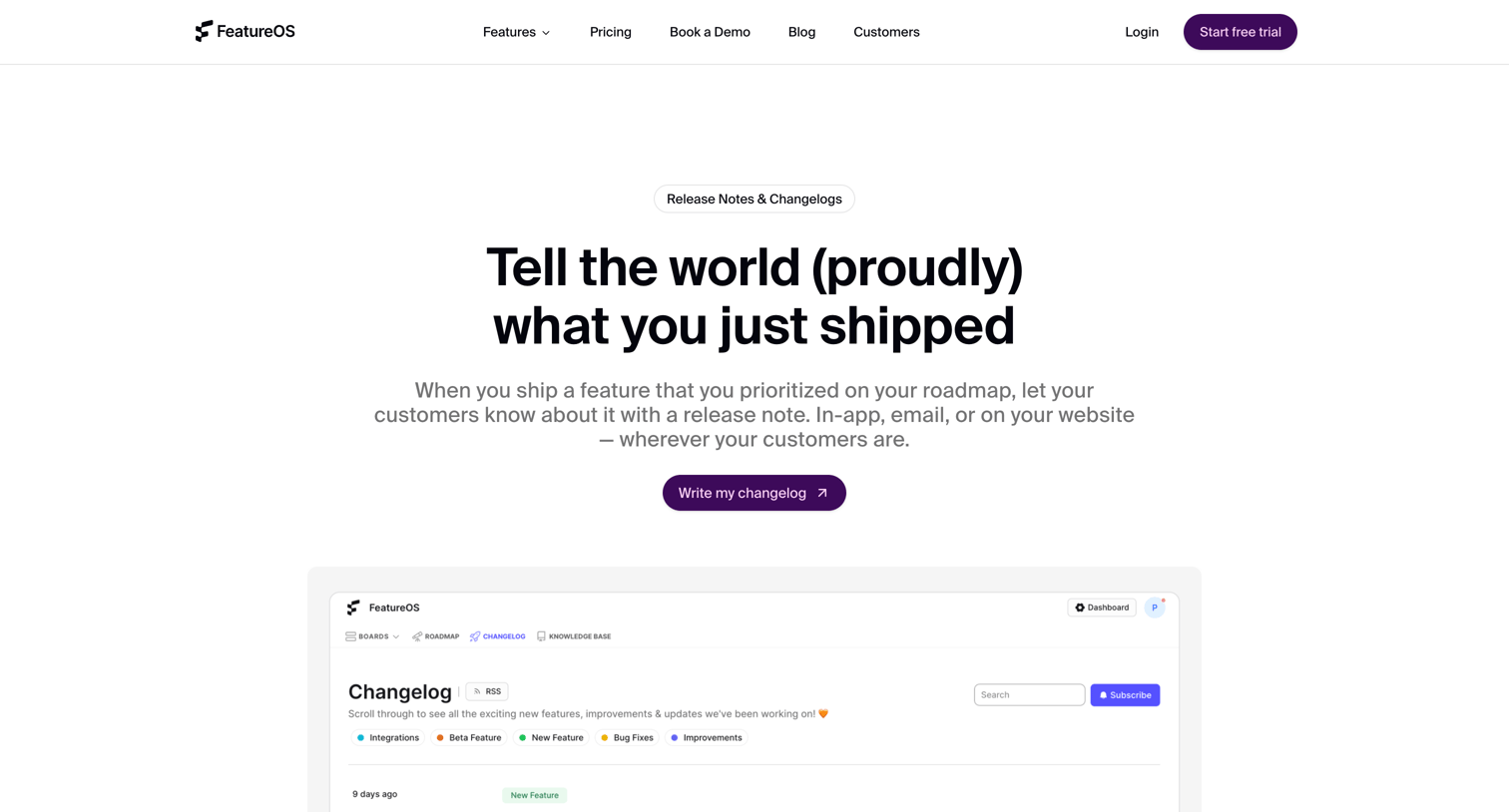

Feature page explaining the release notes and changelog capabilities, highlighting embeddable widgets, the rich text editor, and answering frequently asked questions.
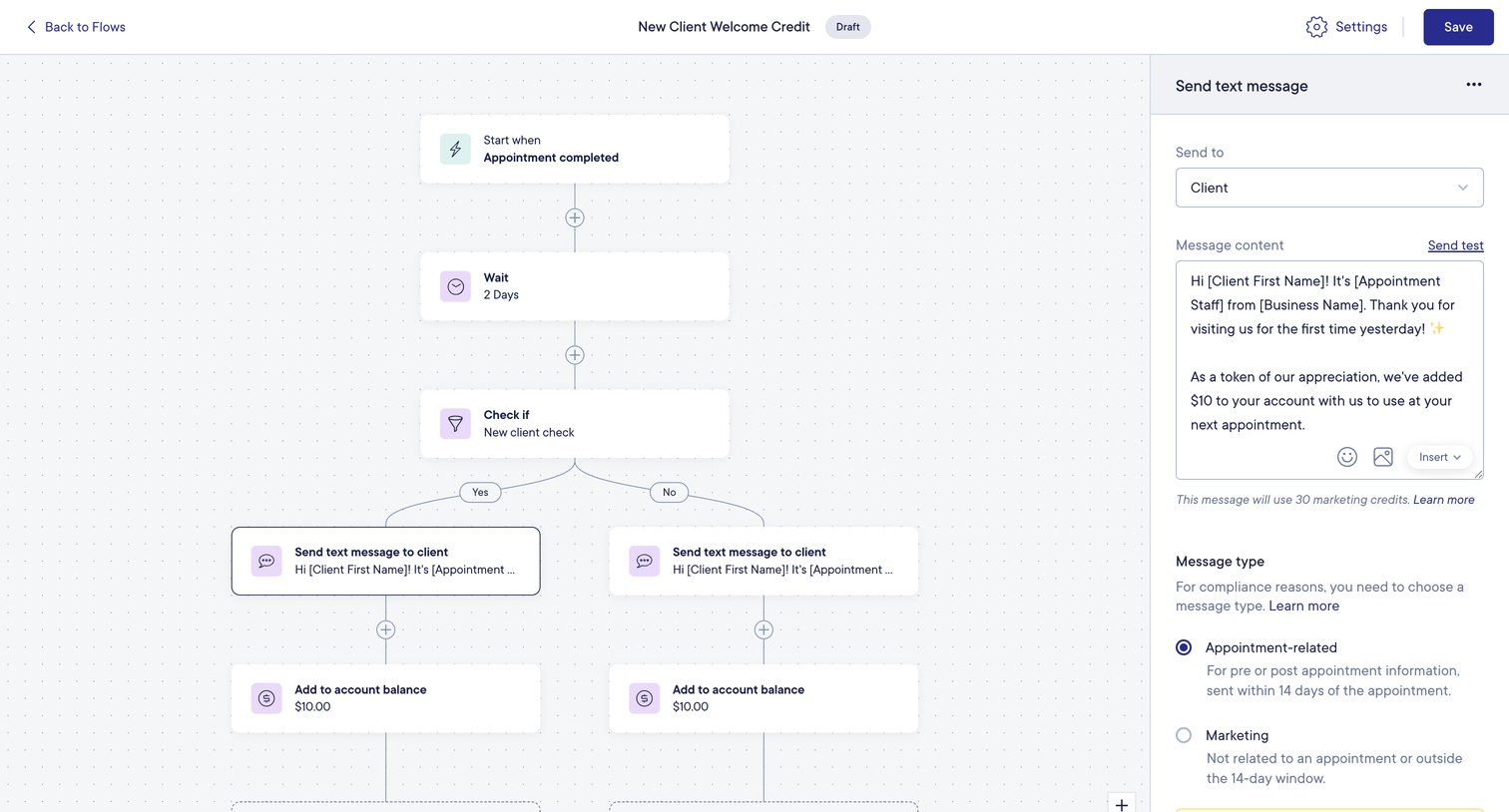

Workflow editor where the user configures a new client welcome credit automation with a text message and account balance update.
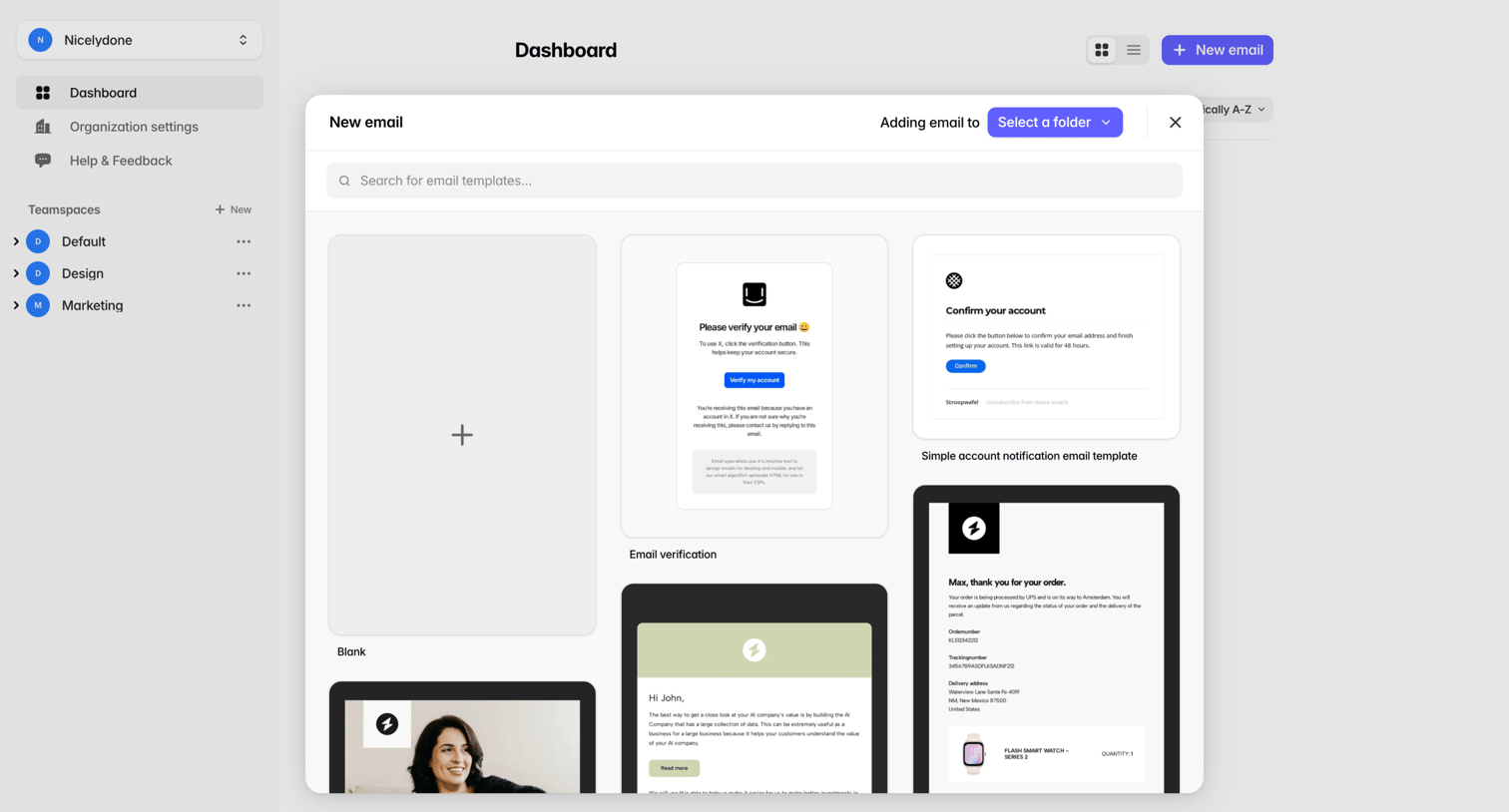

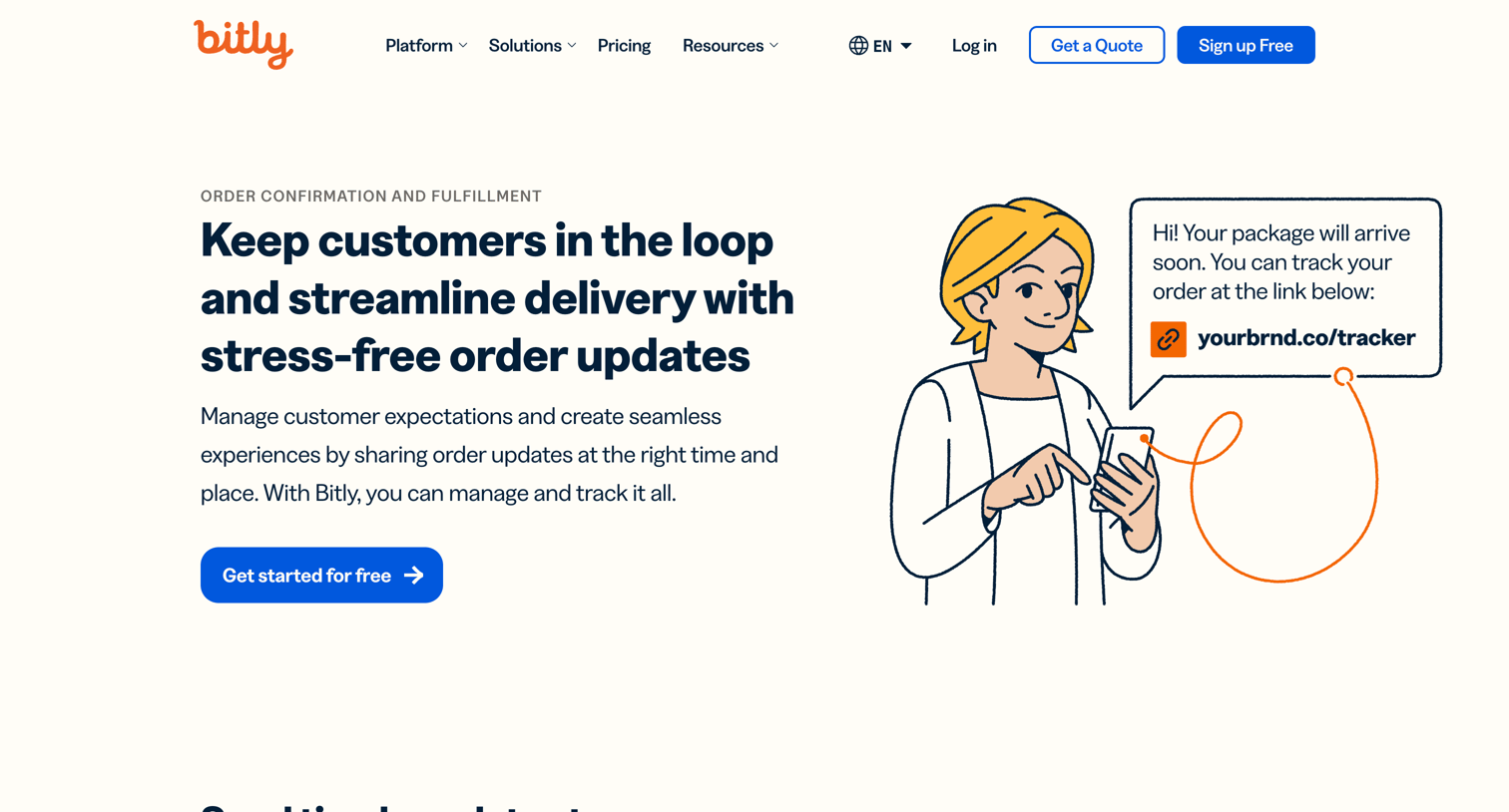

Marketing use case page explaining how to use short links and QR codes for order tracking, delivery updates, and fulfillment analytics.
Explore the full SaaS screen library
Upgrade to unlock the full library.
Trusted by the best teams







