Chatbot screen examples
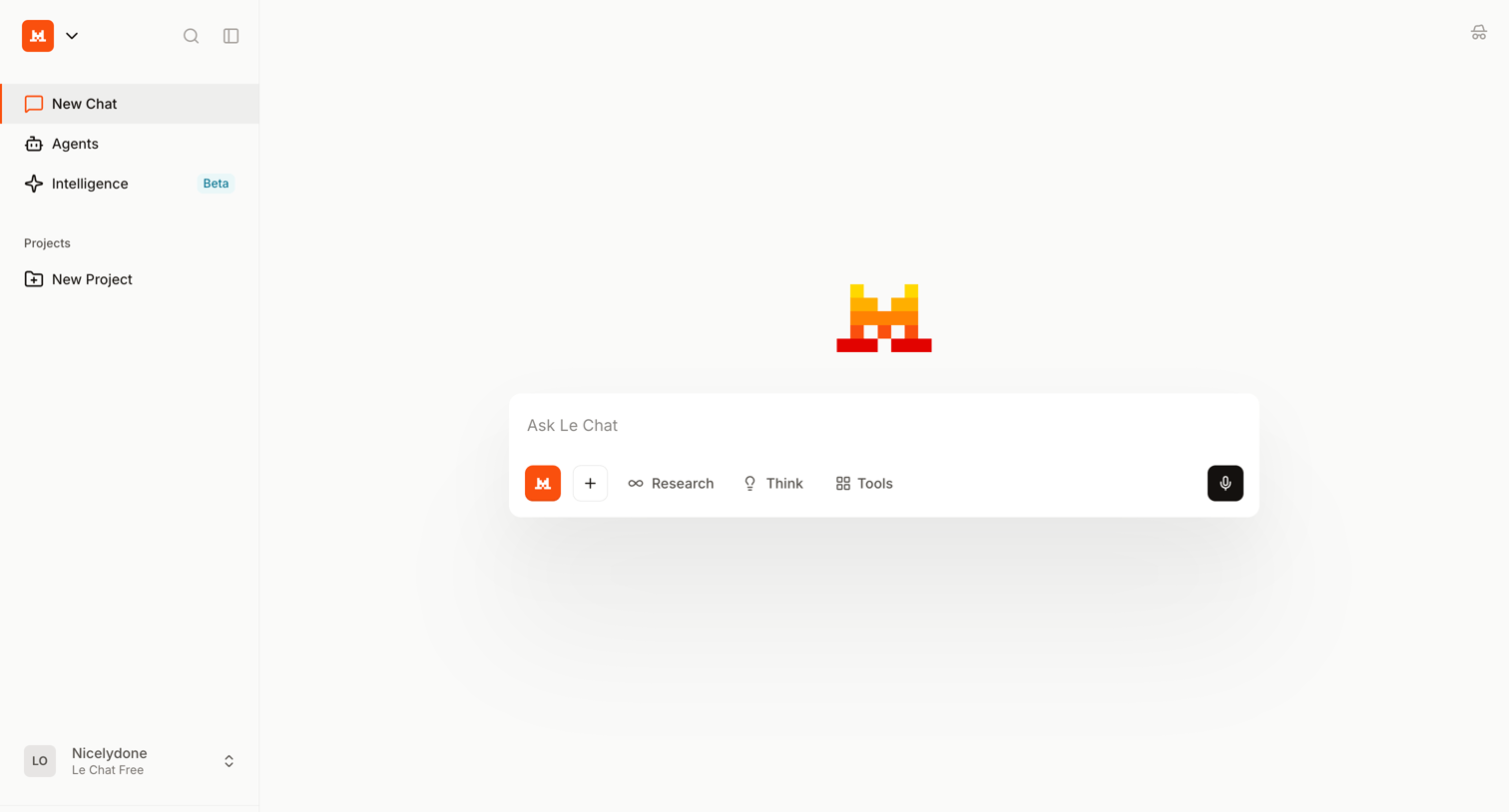
Chatbot screen design examples from SaaS apps. Browse examples from Exa, Elevenlabs, Mistral.
Explore the examples
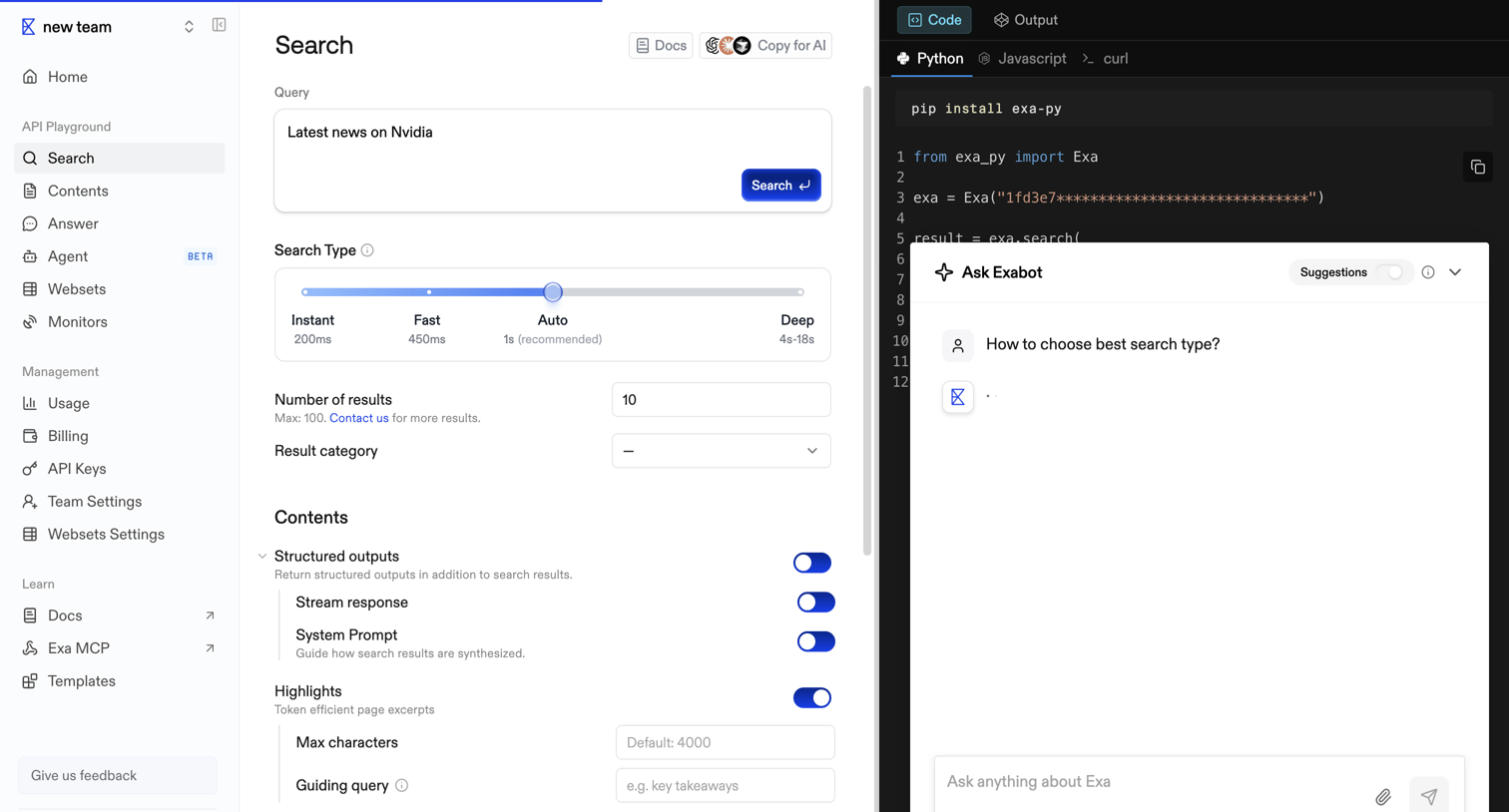

API playground where a developer configures a search query for Nvidia news, tuning parameters like search type and structured outputs, while an AI assistant overlay loads a response.
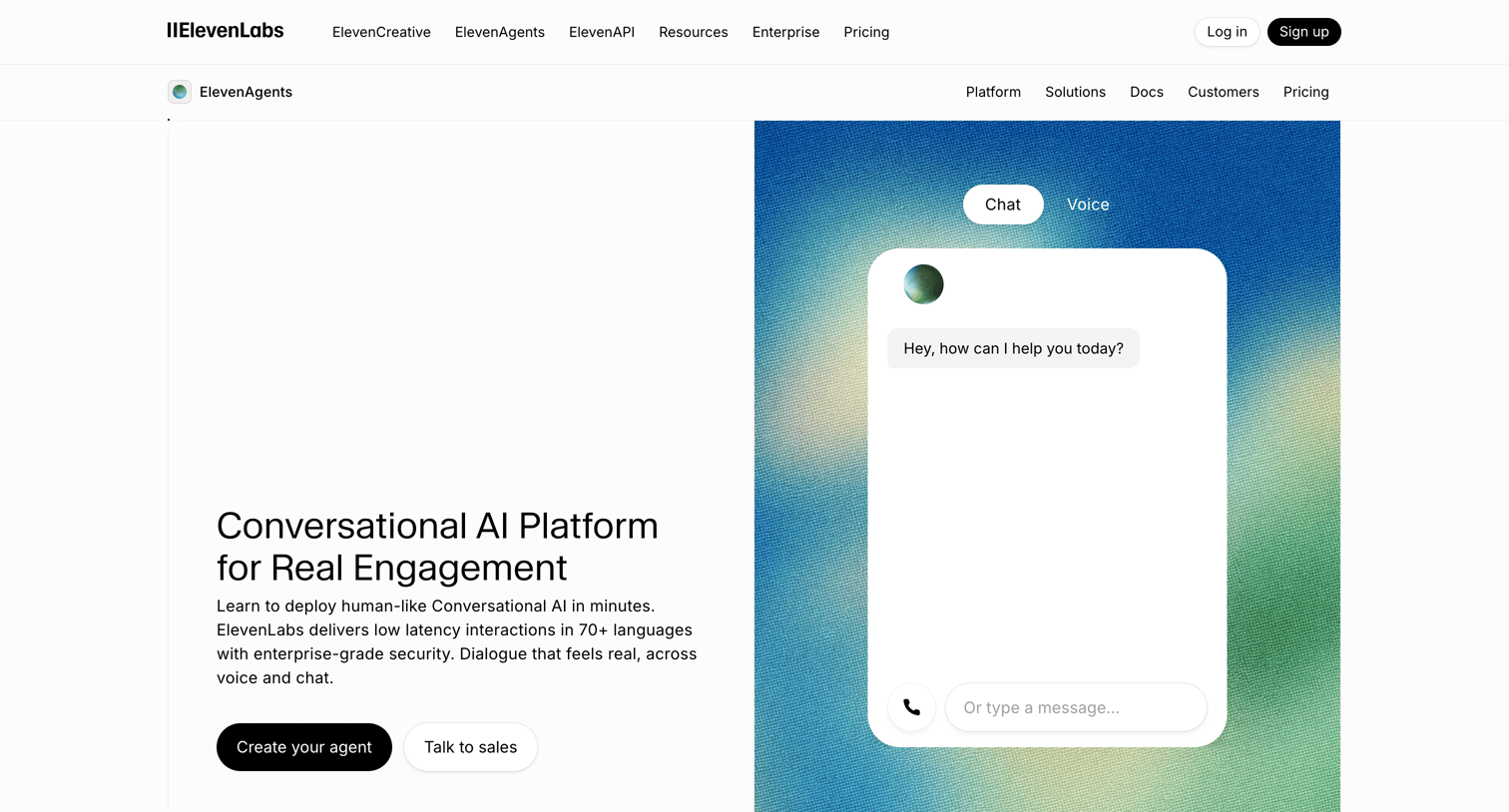

Product page for a conversational AI platform highlighting features like voice and chat agents, enterprise security, and integration capabilities.

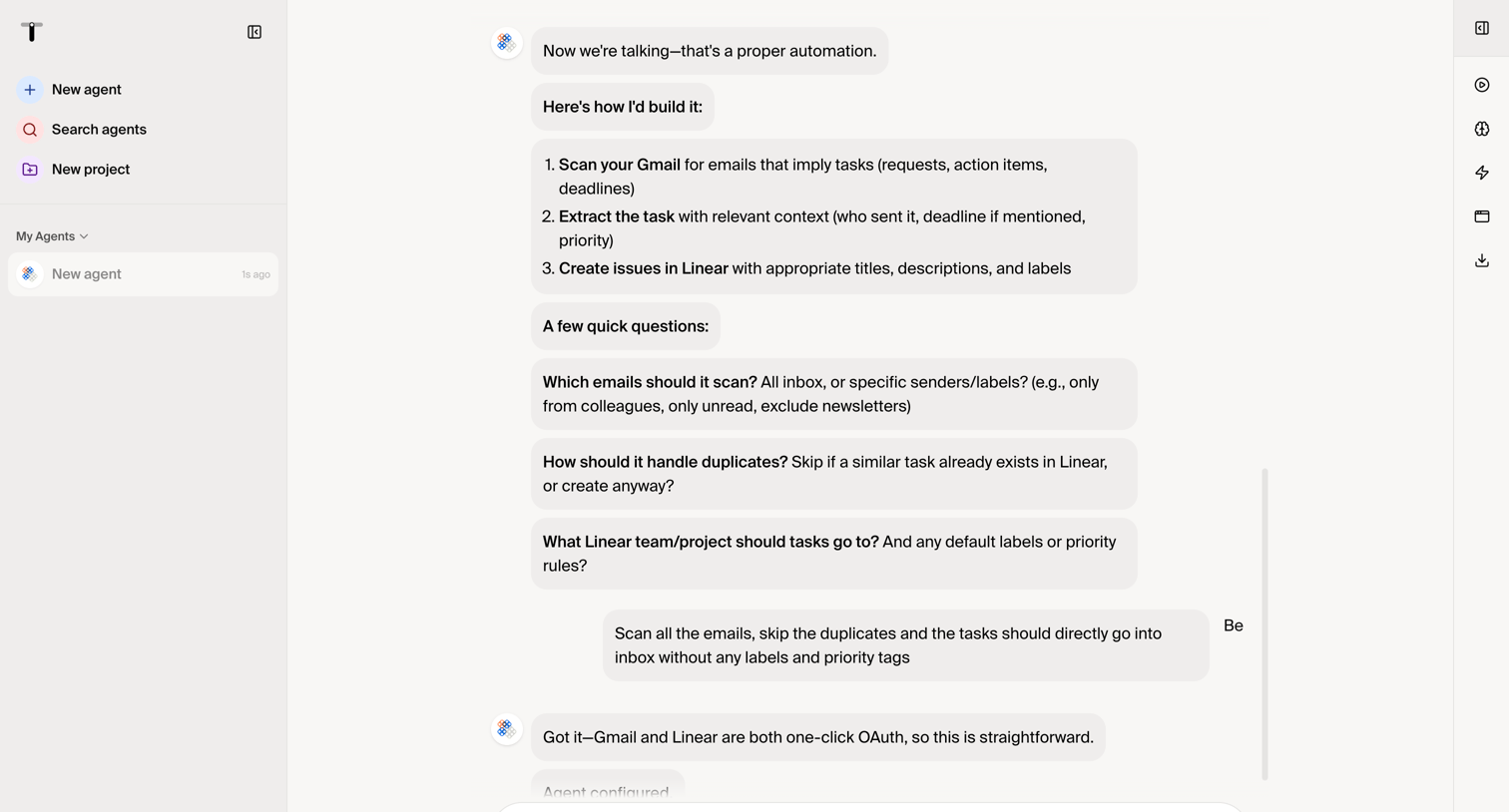

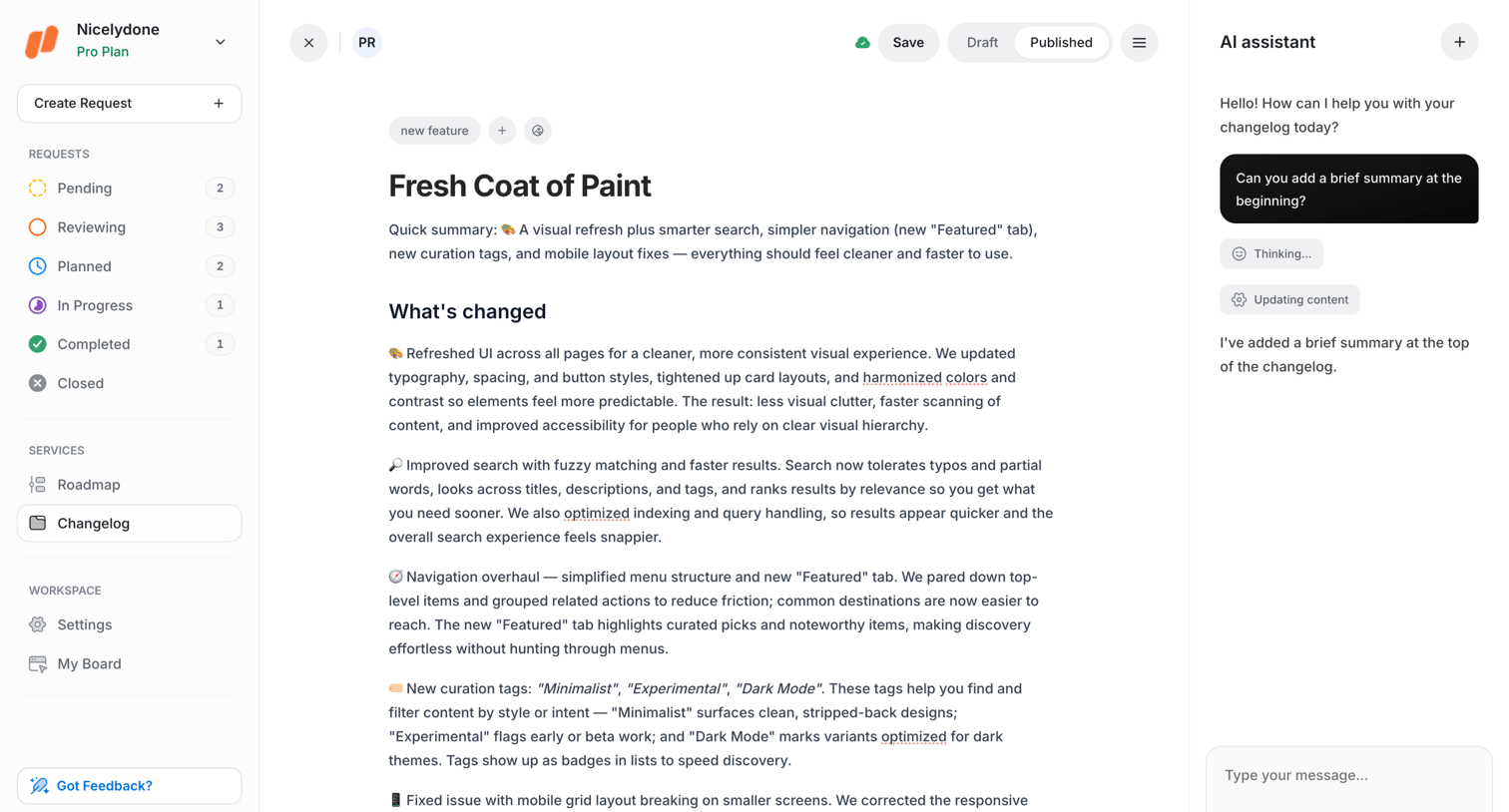

Content editor where the user writes a changelog entry with the help of an AI assistant sidebar.
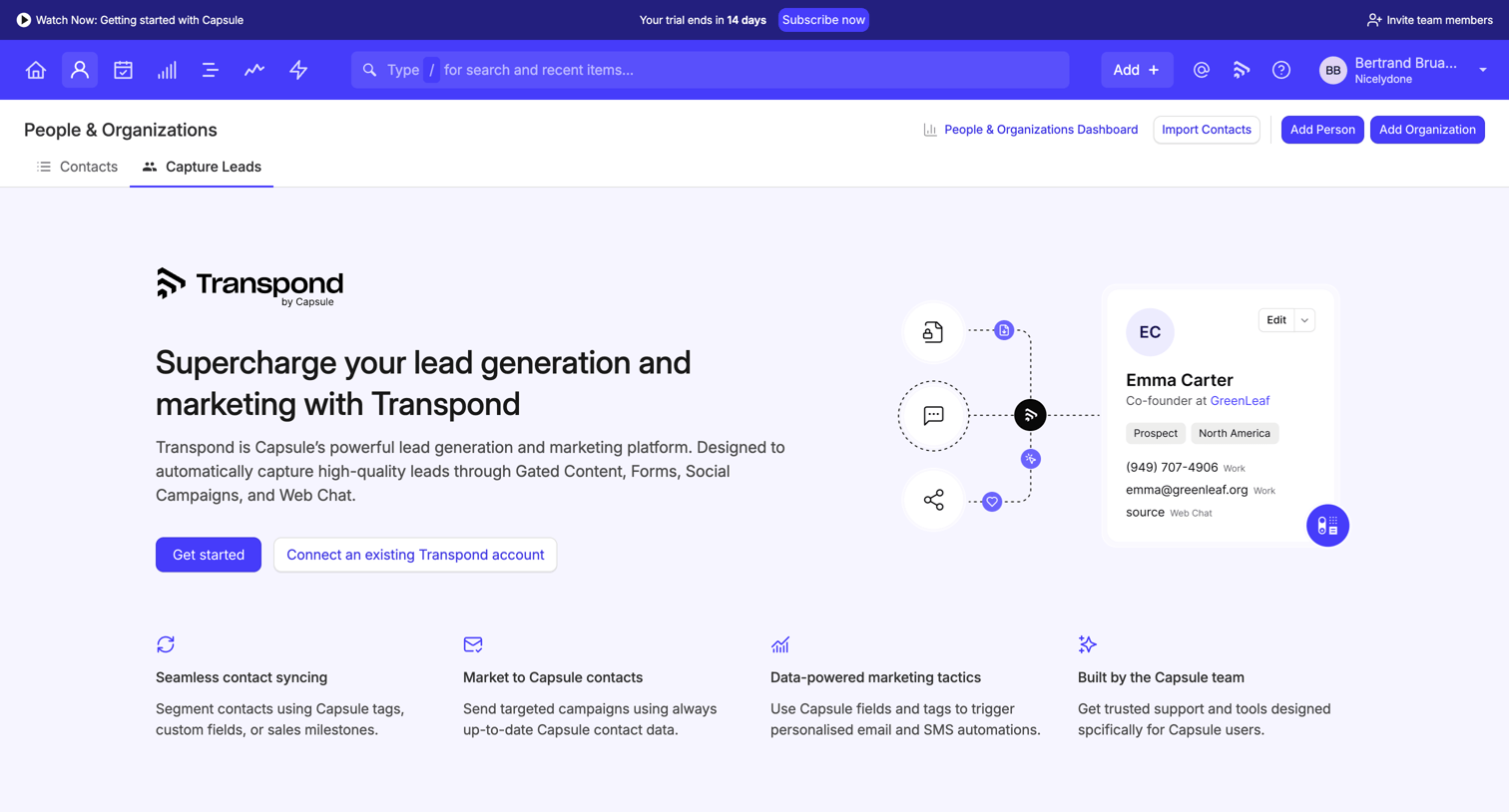

Empty state for the capture leads view pitching an integration with Transpond for gated content, social campaigns, and conversations.
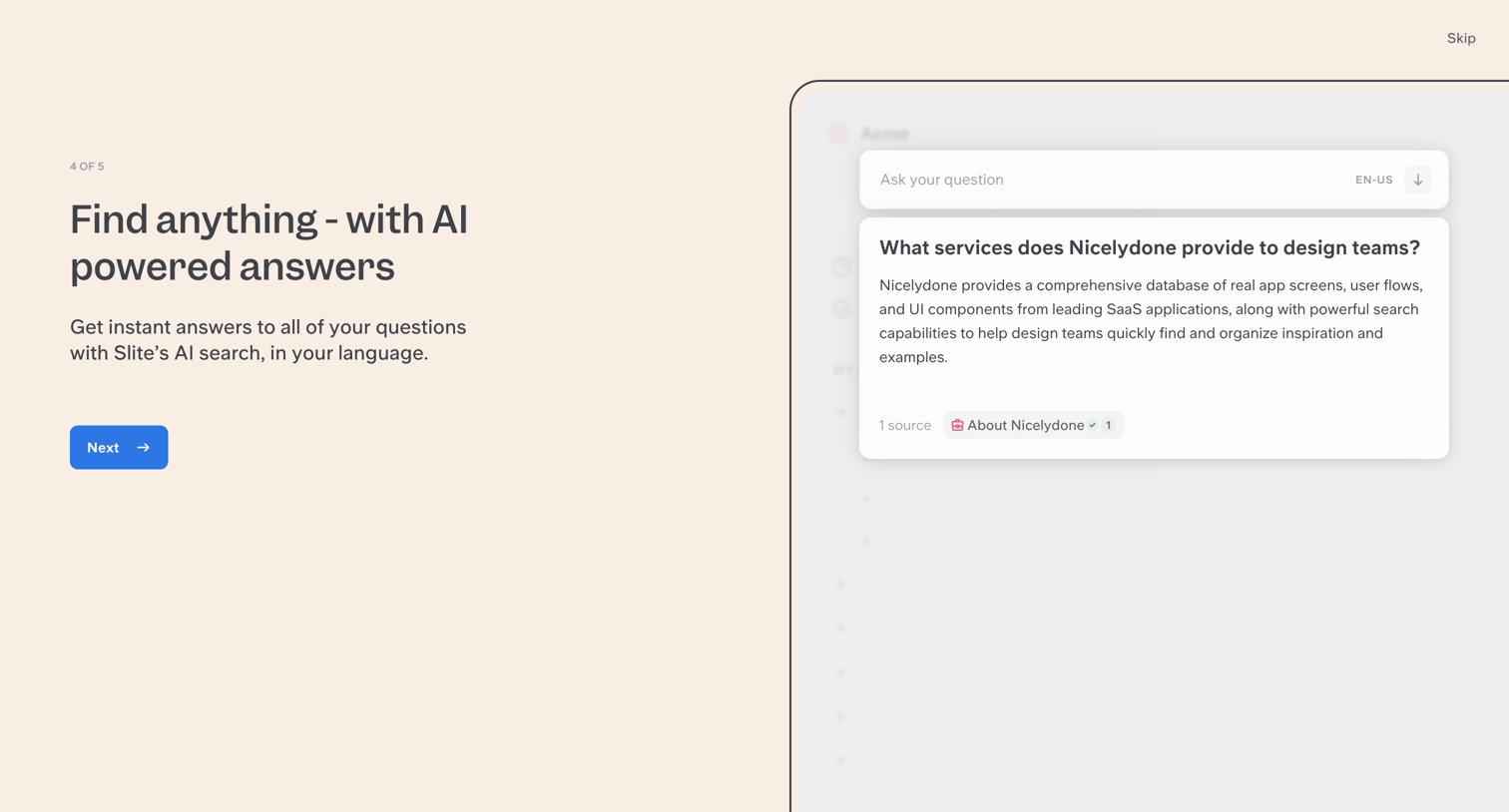

Onboarding step where the user learns about AI-powered search answers and can proceed to the next step or skip.
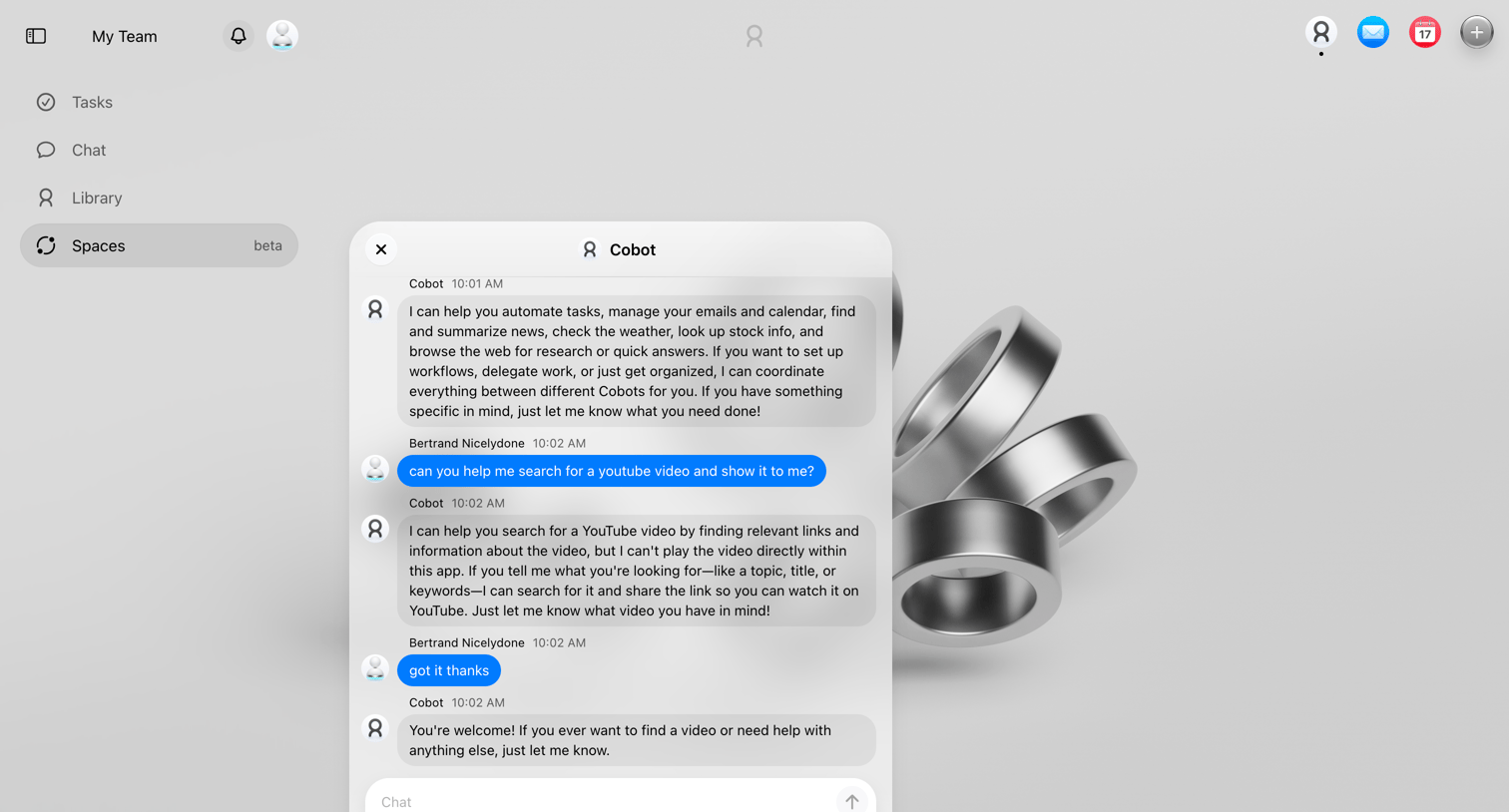

Workspace home screen featuring a floating AI assistant where the user is asking to search for a YouTube video, with prompt suggestion chips available below the chat input.
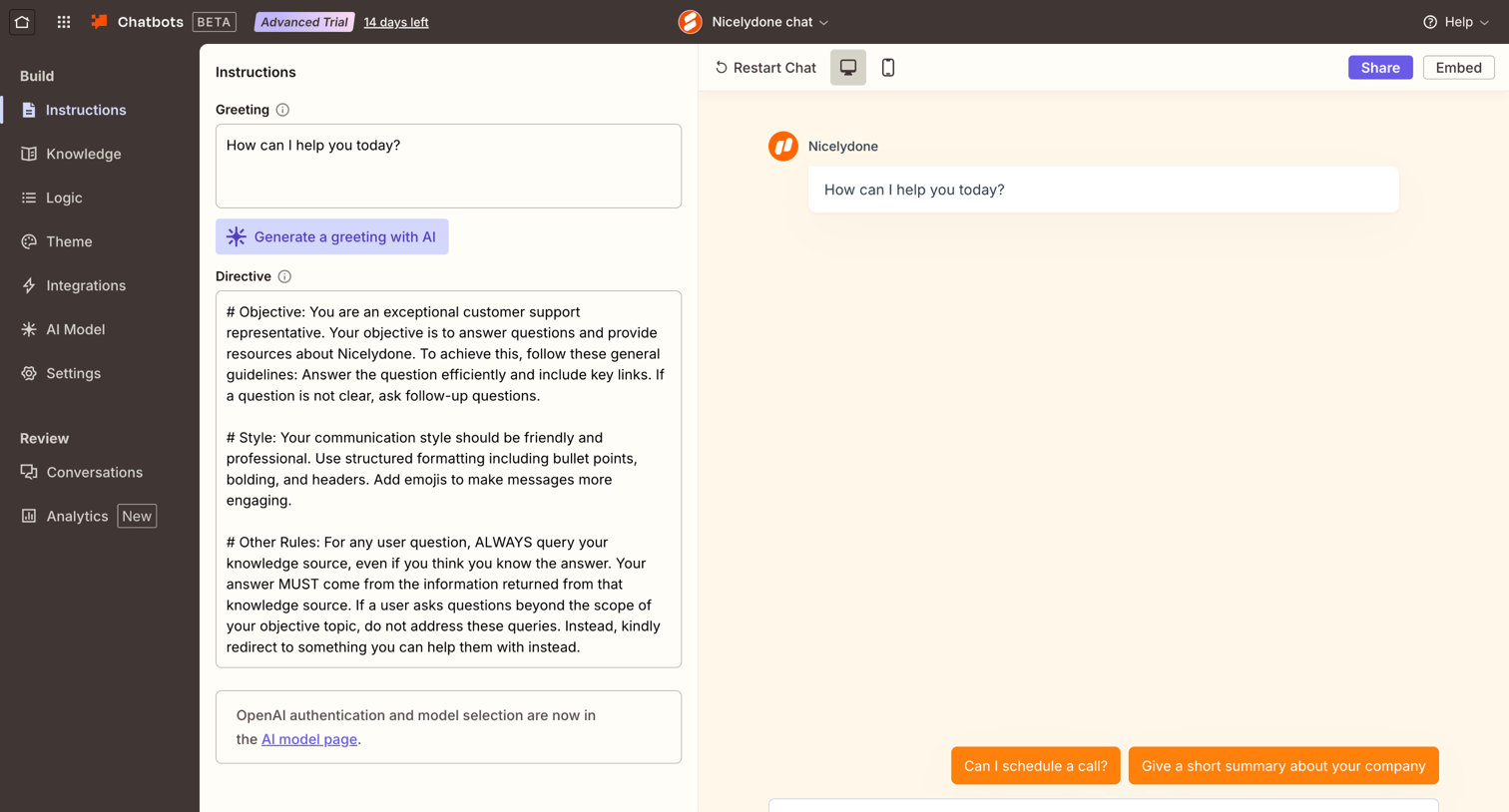

Settings page where the user configures the greeting and system directive for their custom AI chatbot and tests it in a live preview panel.
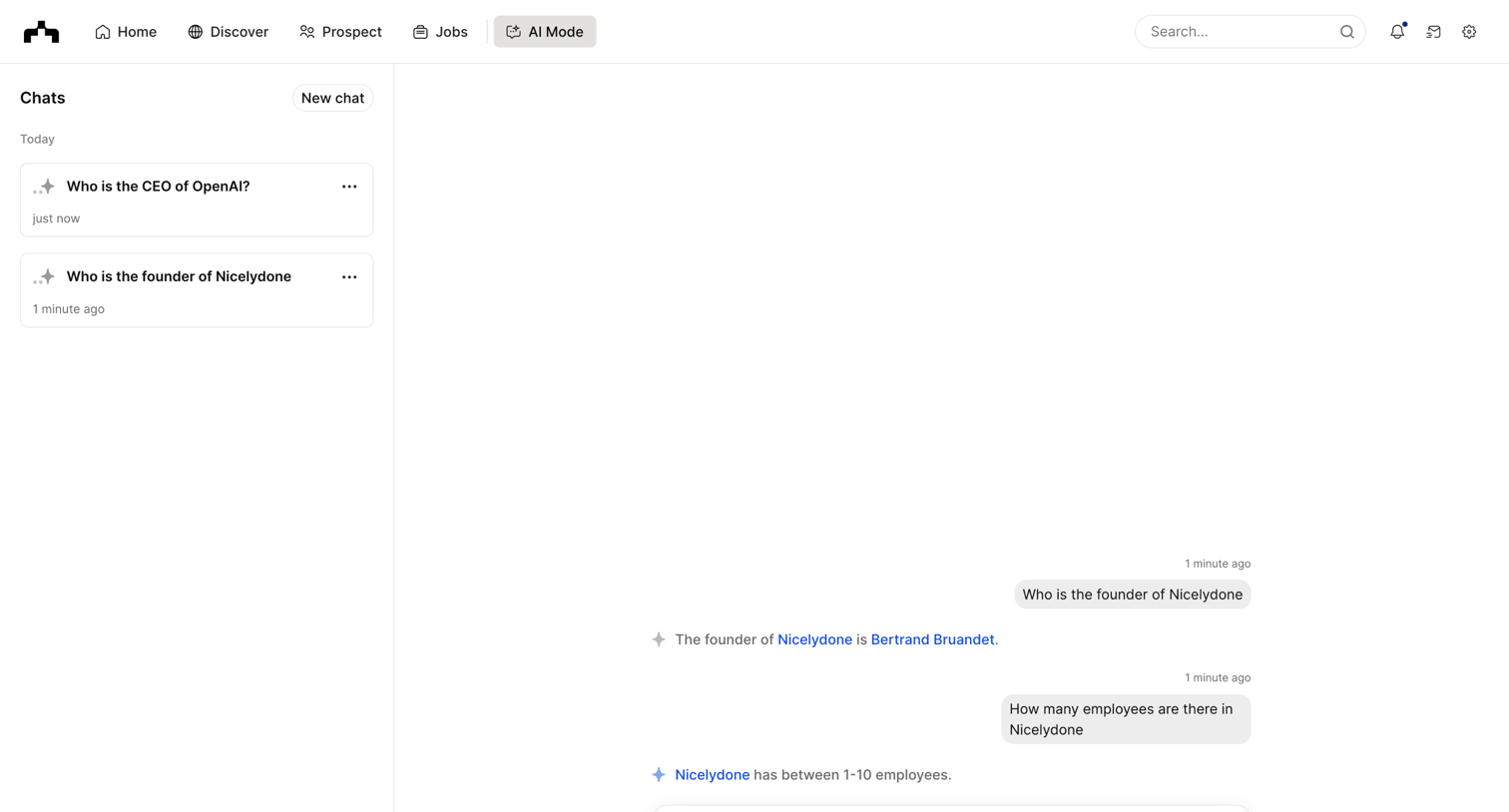

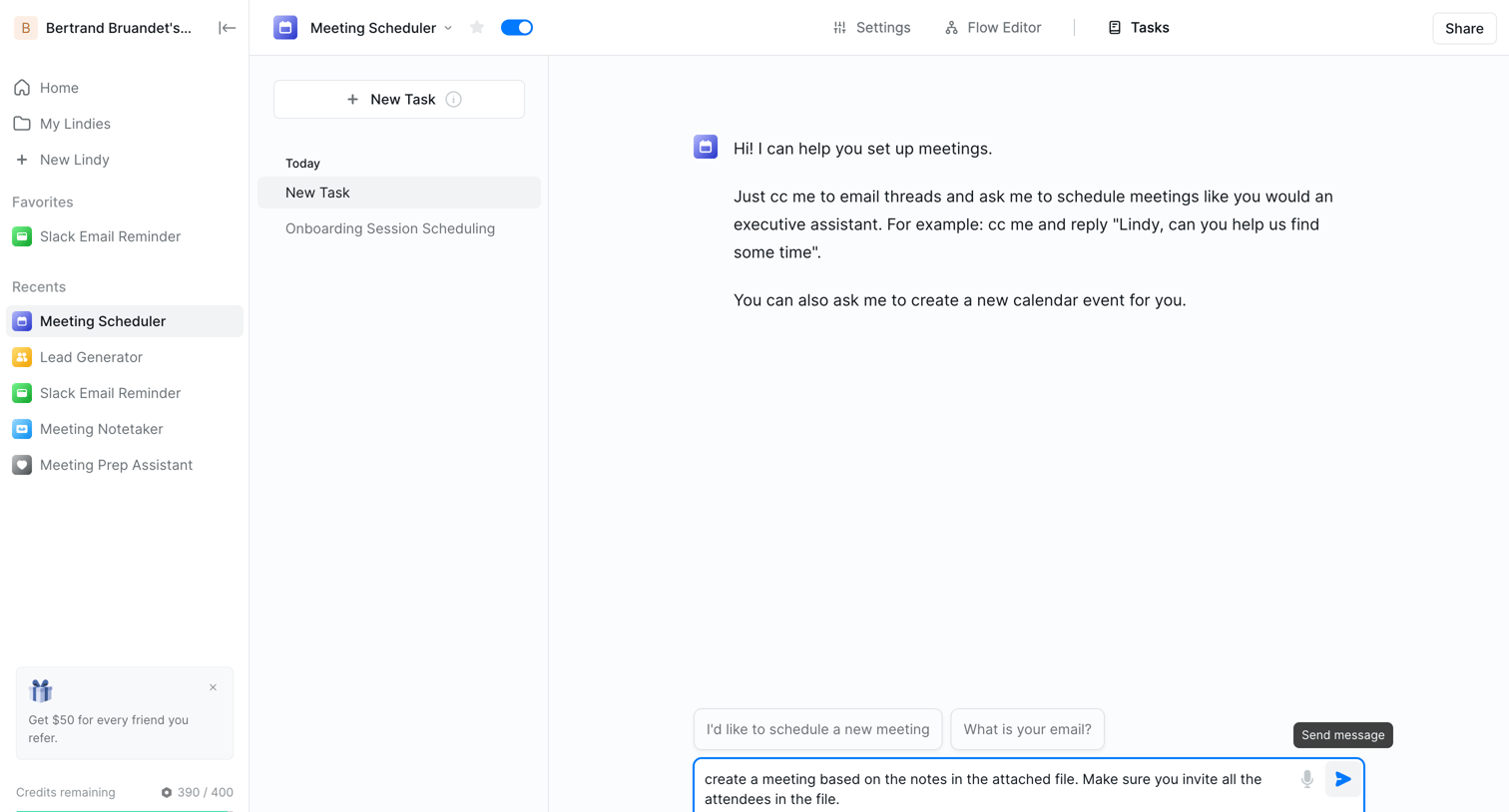

AI chat interface where the user interacts with an assistant to schedule meetings, complete with attached context files and prompt suggestions.
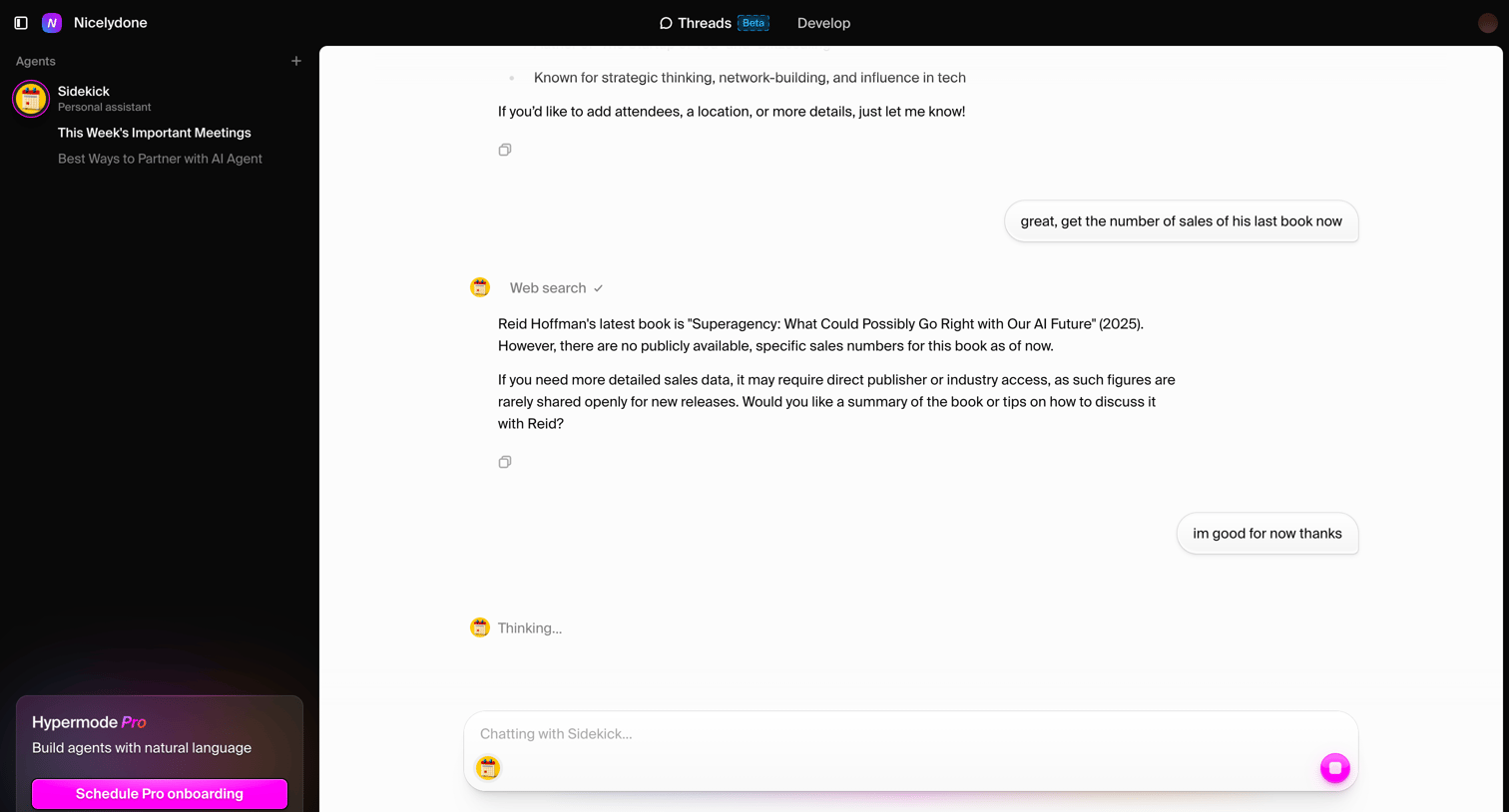

AI chat interface where the user converses with a personal assistant agent about book sales, featuring a web search tool indicator and a pro onboarding upsell in the sidebar.
Explore the full SaaS screen library
Upgrade to unlock the full library.
Trusted by the best teams







