Chat screen examples
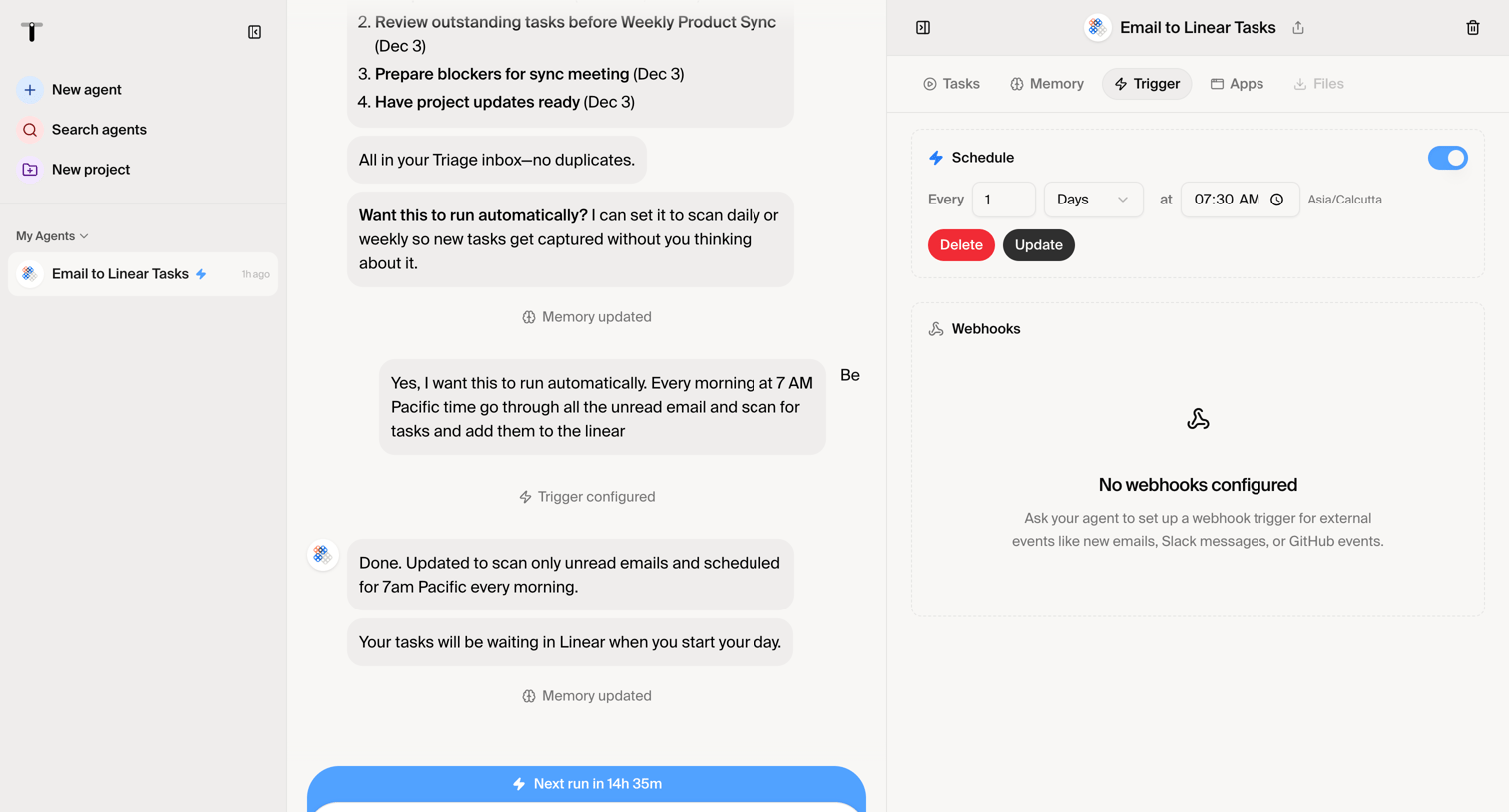
Chat screen design examples from SaaS apps. Browse examples from Dock, Beside, Exa.
Explore the examples
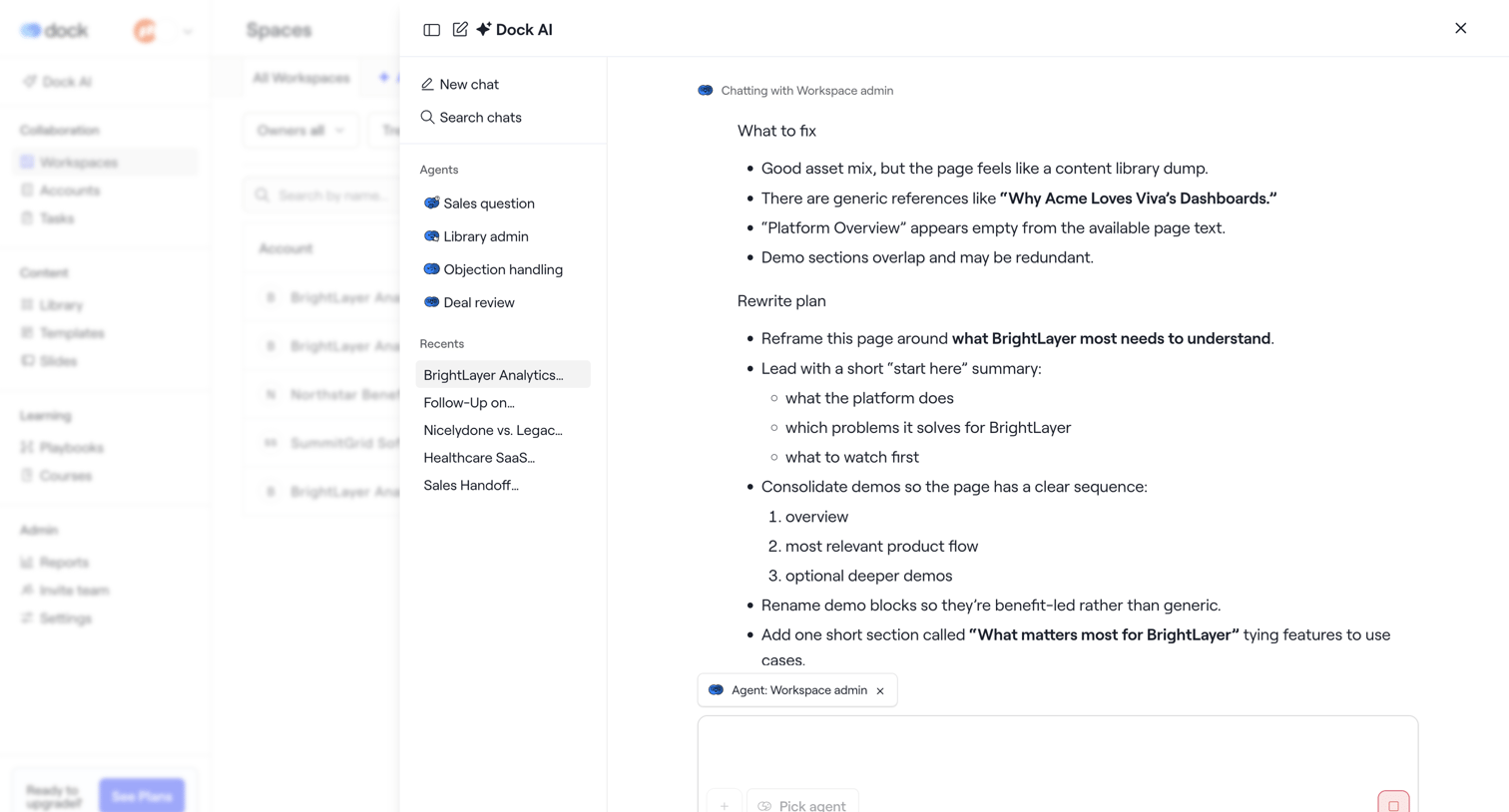

AI assistant drawer where the user chats with a workspace admin agent to review a rewrite plan for a BrightLayer page.
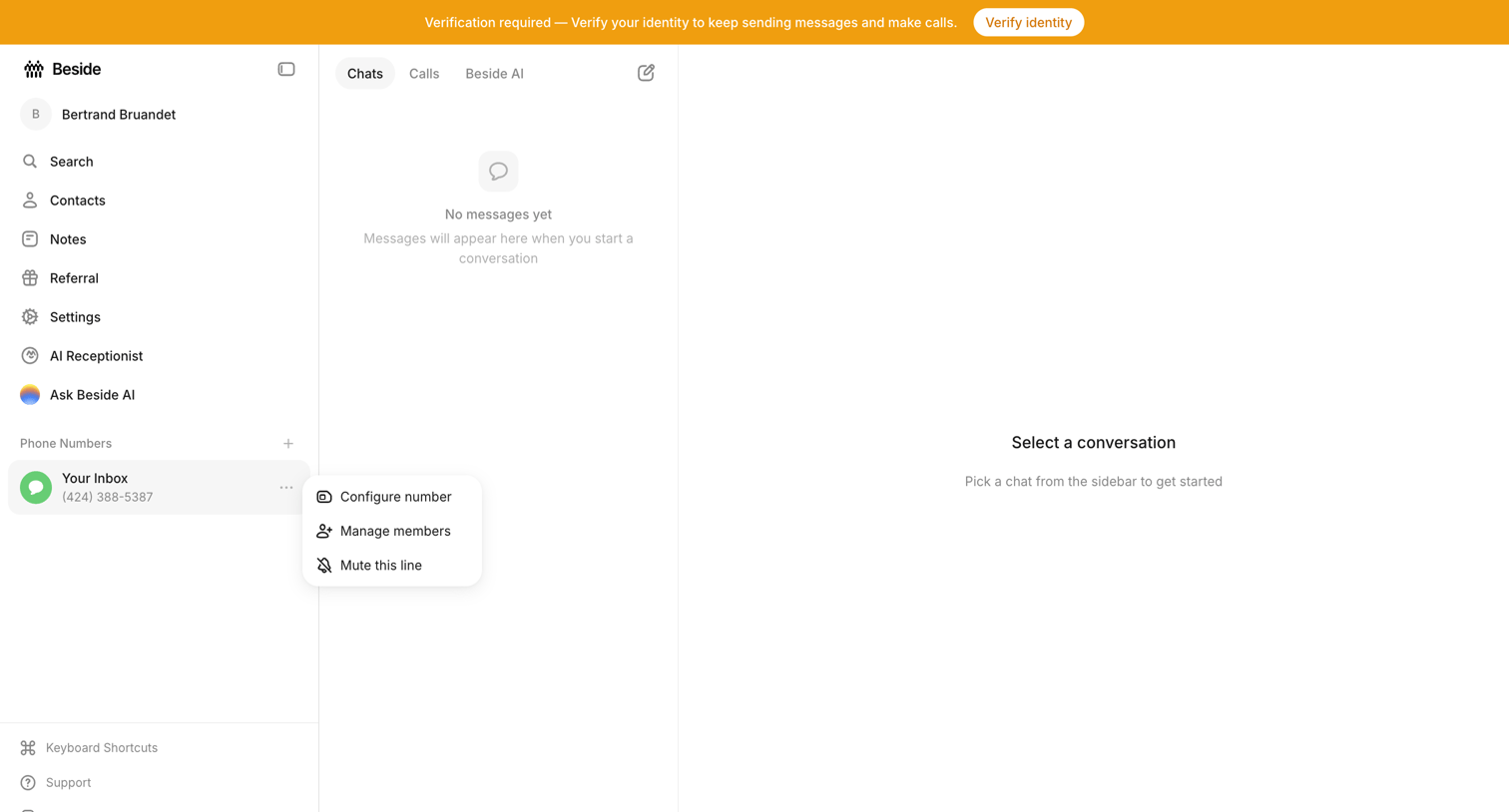

Inbox view where the user sees empty states for both the chat list and conversation detail, while a prominent top banner requires them to verify their identity.
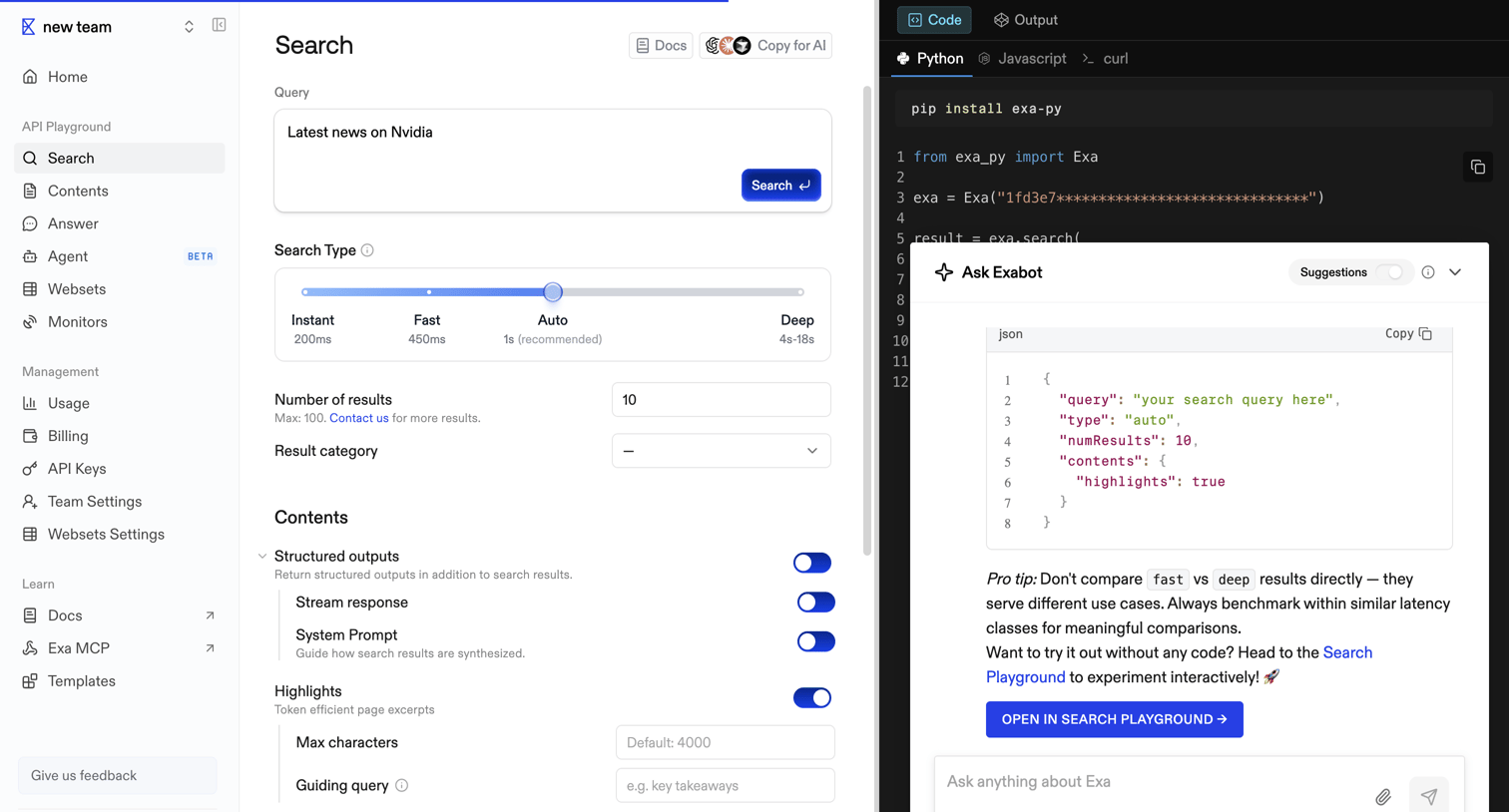

API playground where the user configures a search query with parameters like search type, number of results, and structured outputs, while viewing the corresponding Python code and interacting with an AI assistant.
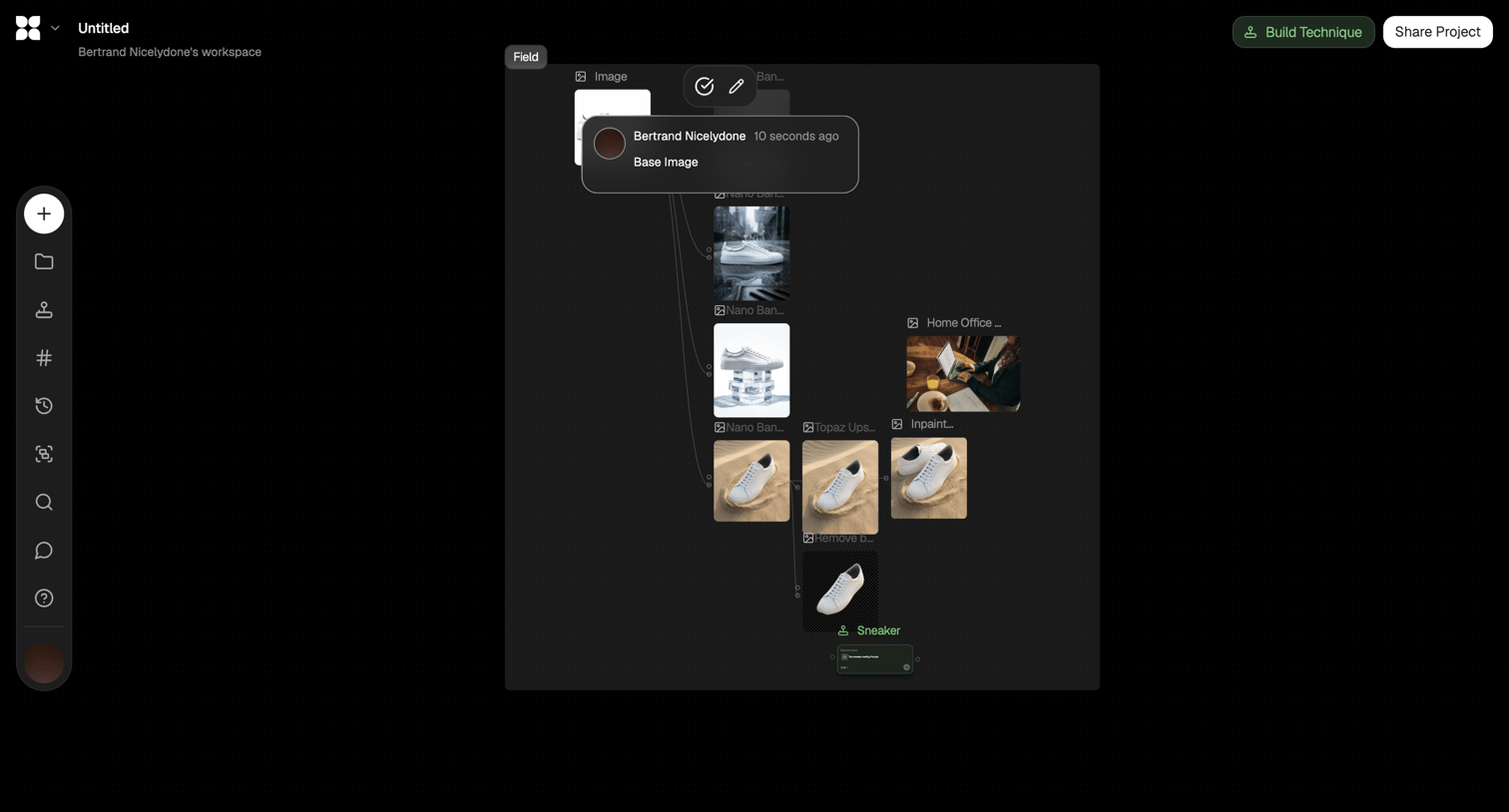

Node-based workflow editor where the user connects image generation and manipulation steps like background removal and upscaling.
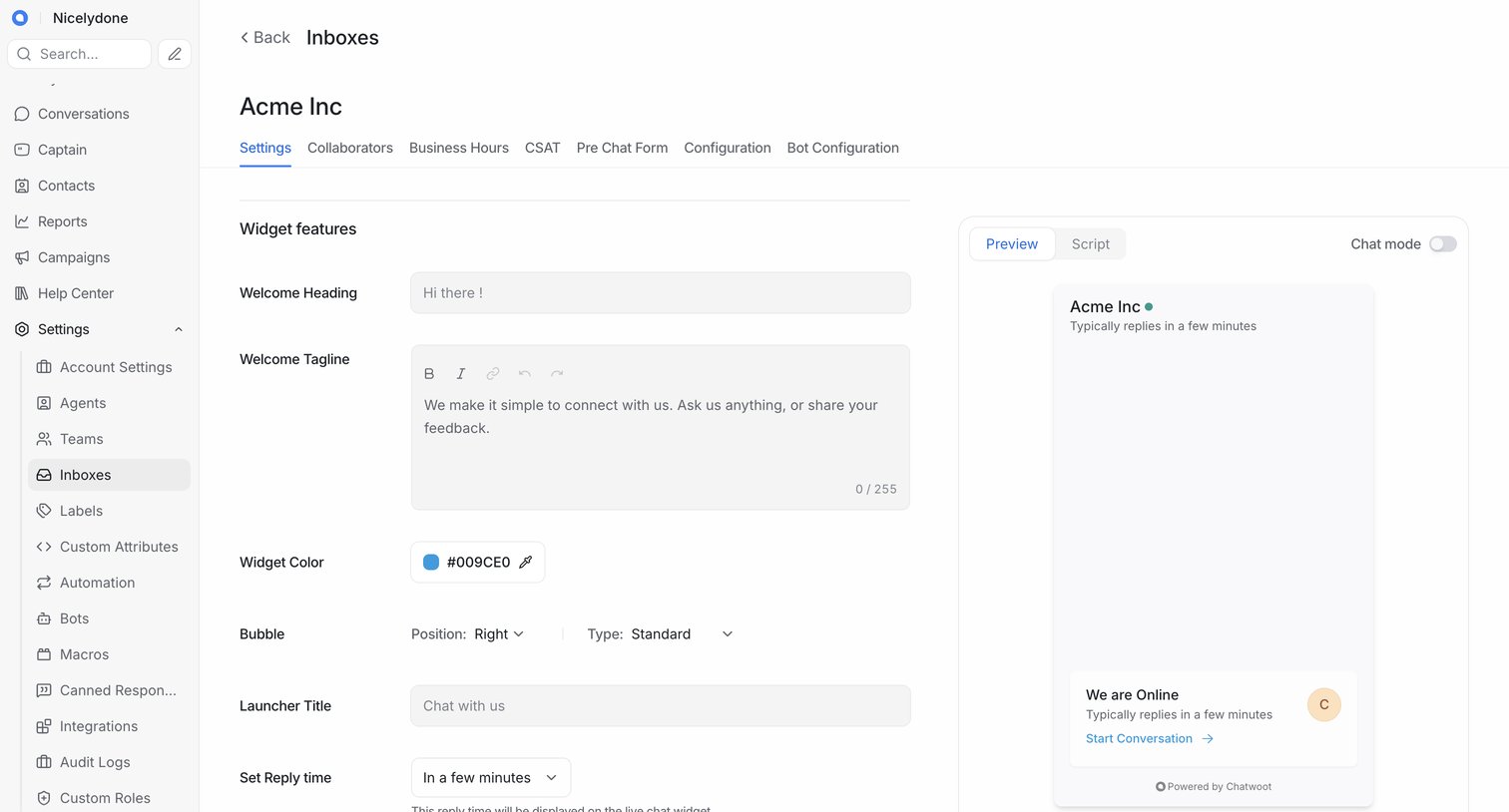

Settings page where the user configures the appearance and behavior of the live chat widget, including welcome text, colors, and launcher style, alongside a real-time preview.
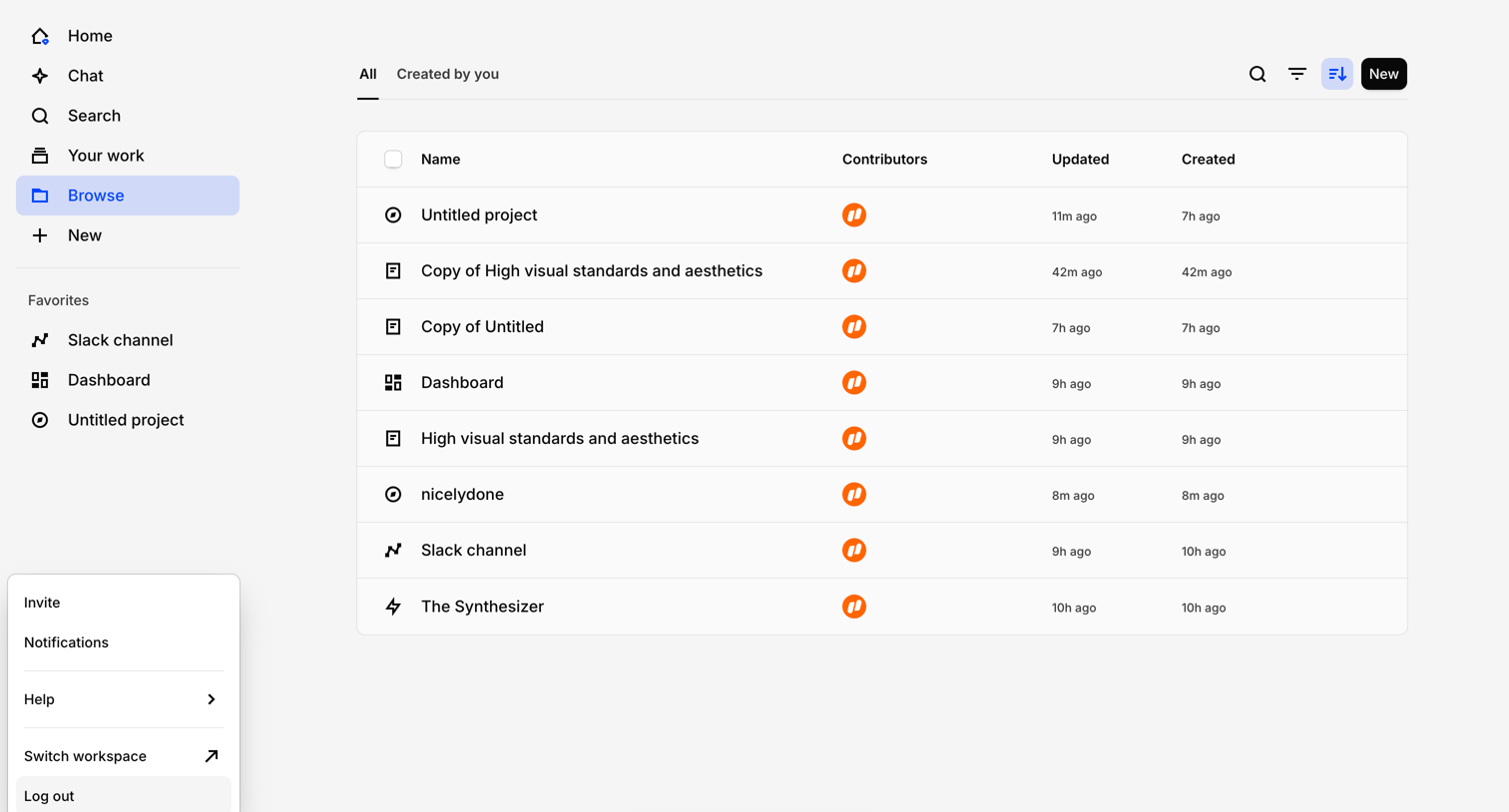

List view where the user browses their projects, files, and dashboards with a floating affordance to chat with their data.
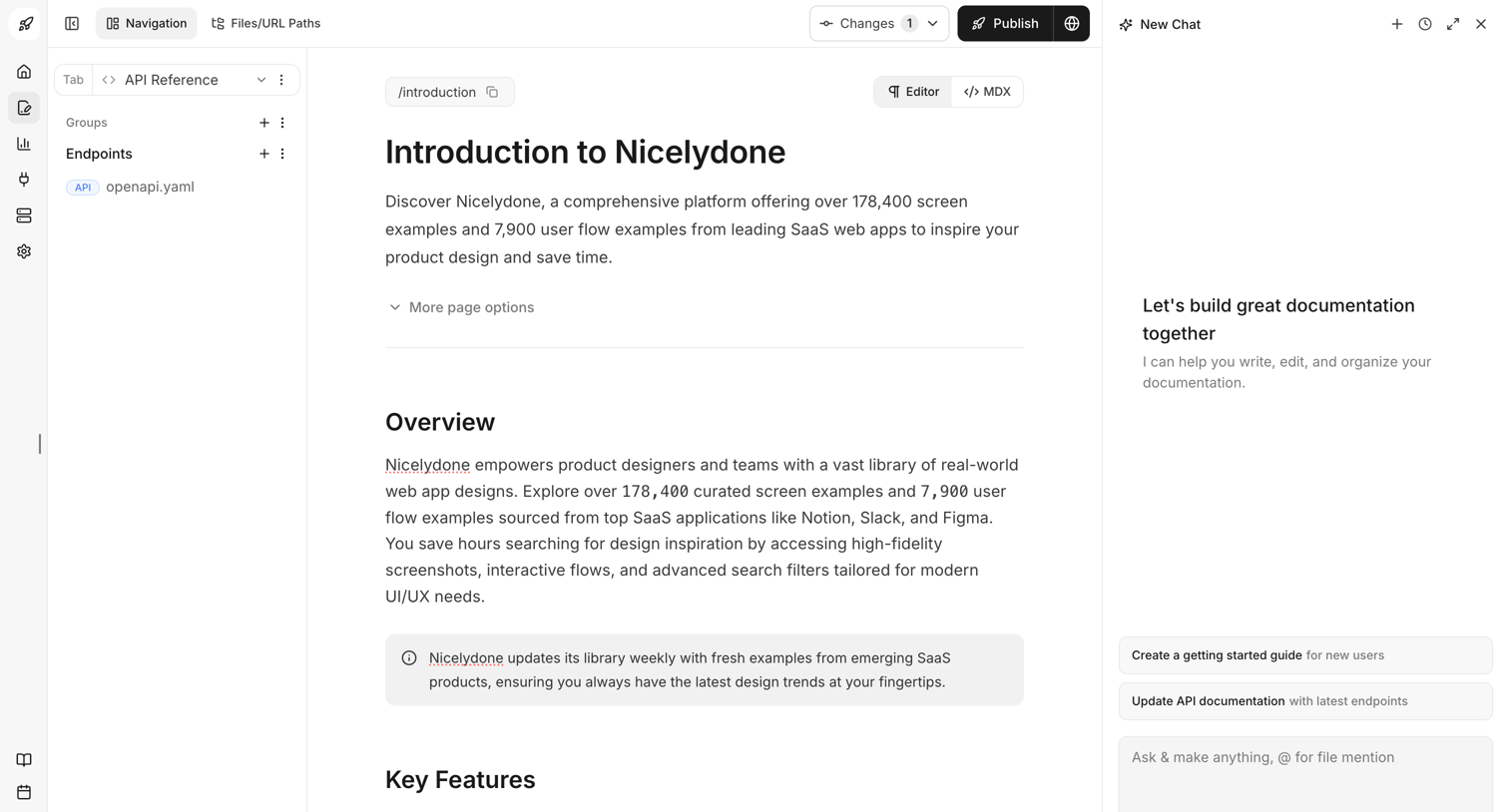

Content editor where the user writes the Introduction to Nicelydone documentation, with an AI assistant panel open on the right to help write and organize.
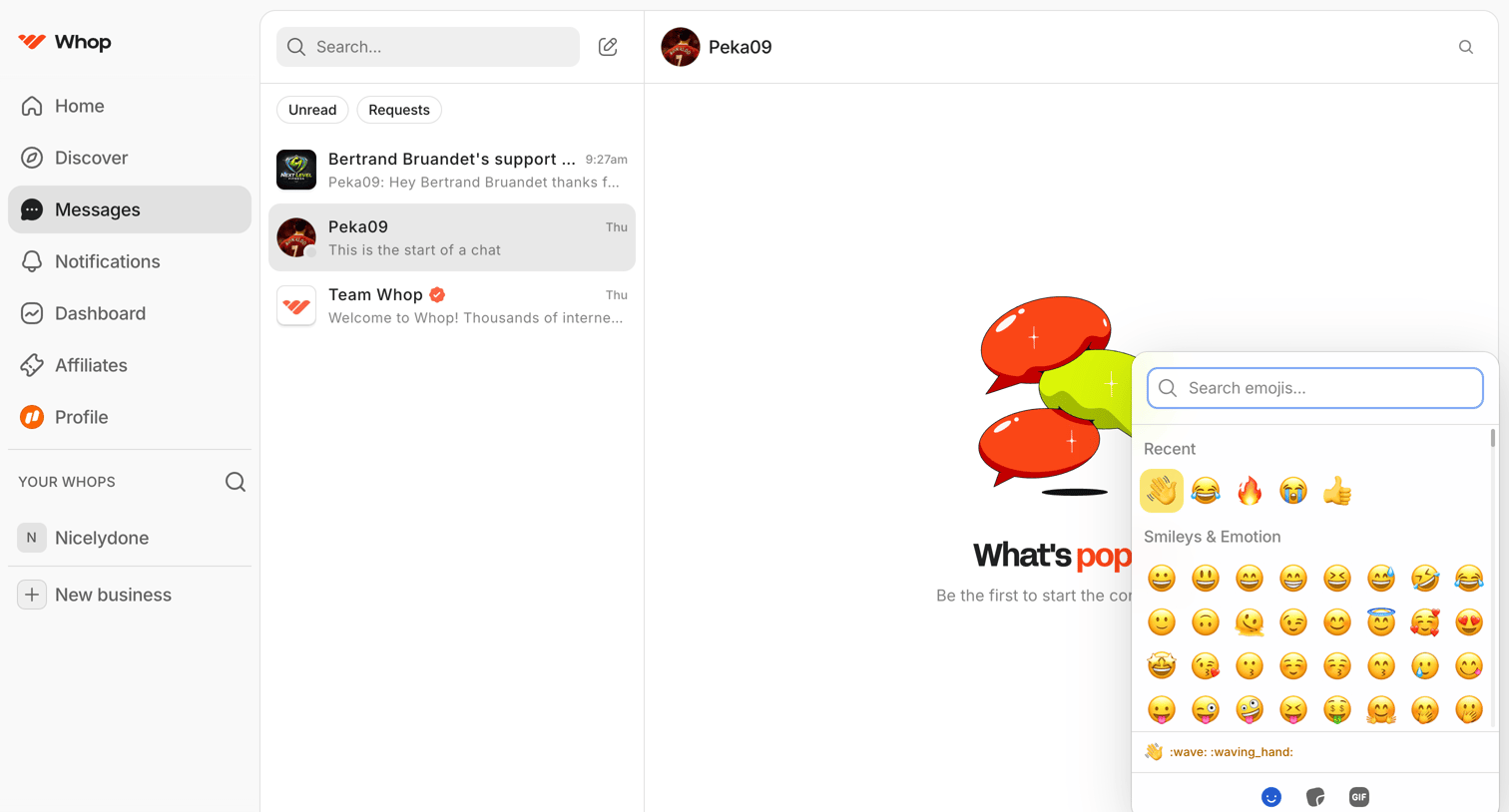

Messaging inbox where the user is composing a new message to Peka09 and has opened the emoji picker over an empty chat history.

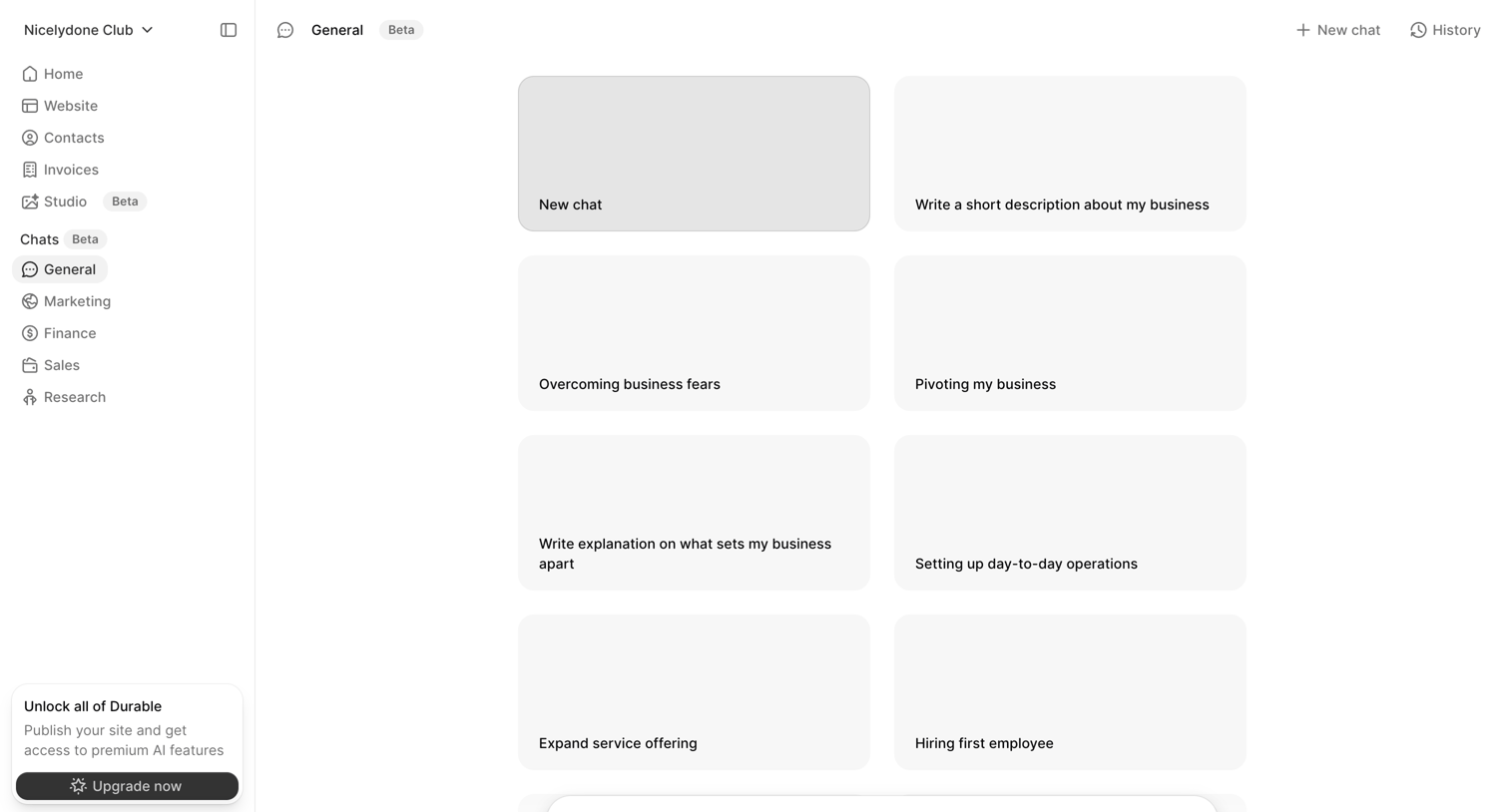

AI chat interface where the user can start a new conversation by selecting from business-focused prompt suggestions or typing a custom message.
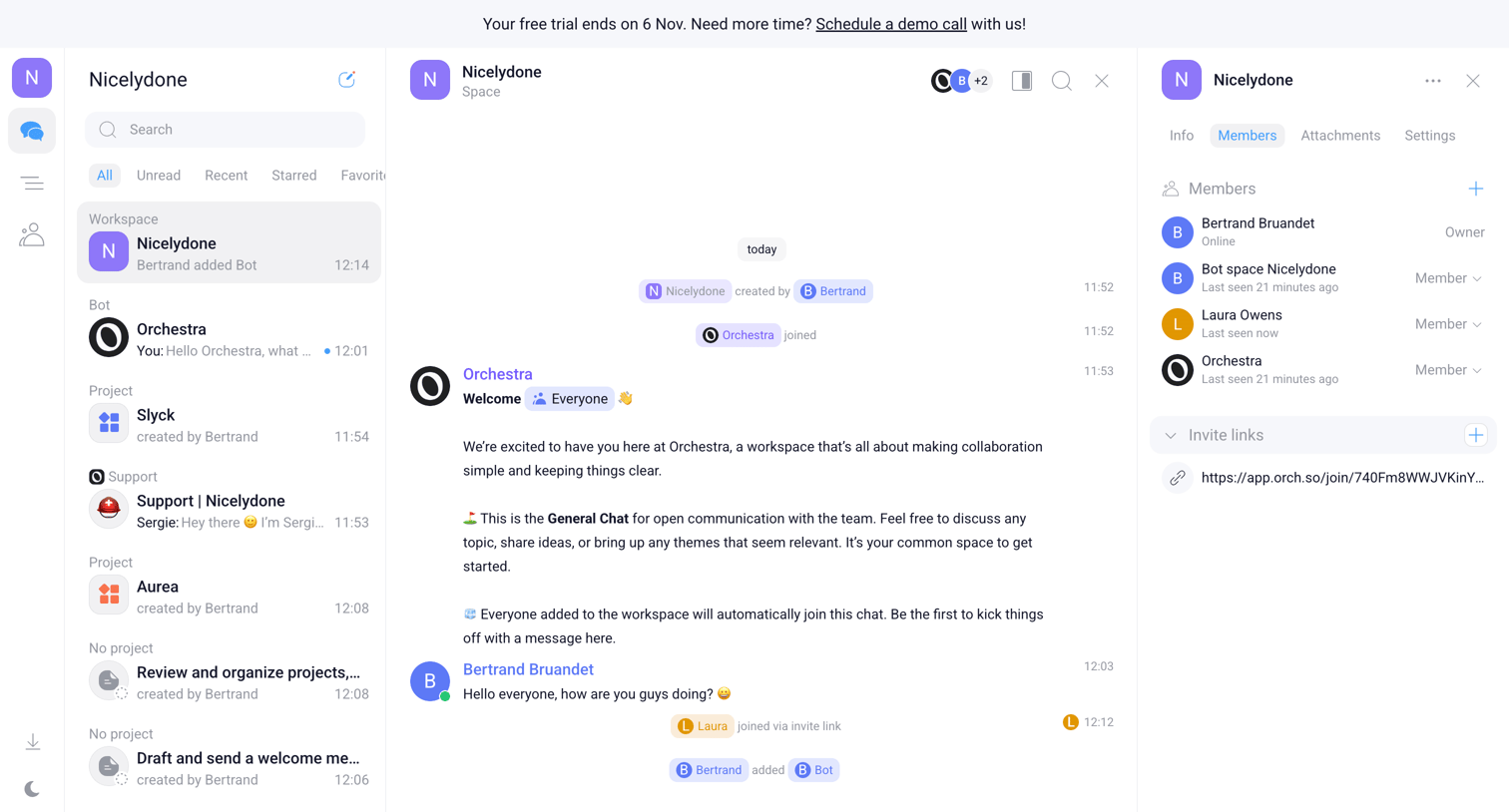

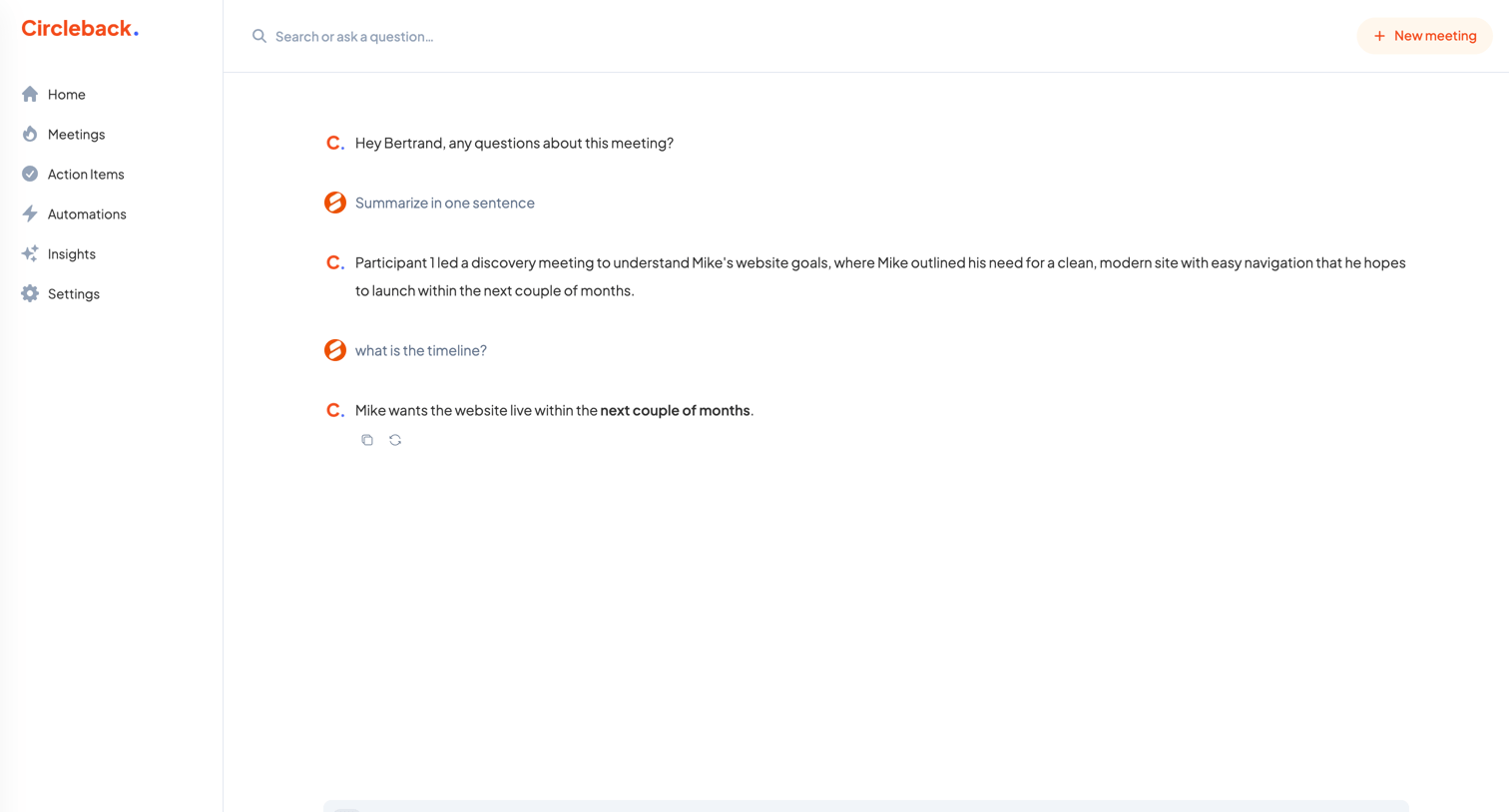

AI chat interface where the user asks questions and requests summaries about a specific meeting transcript.
Explore the full SaaS screen library
Upgrade to unlock the full library.
Trusted by the best teams







