Channel management screen examples
Channel management screen design examples from SaaS apps. Browse examples from Beside, Cushion, Chatwoot.
Explore the examples
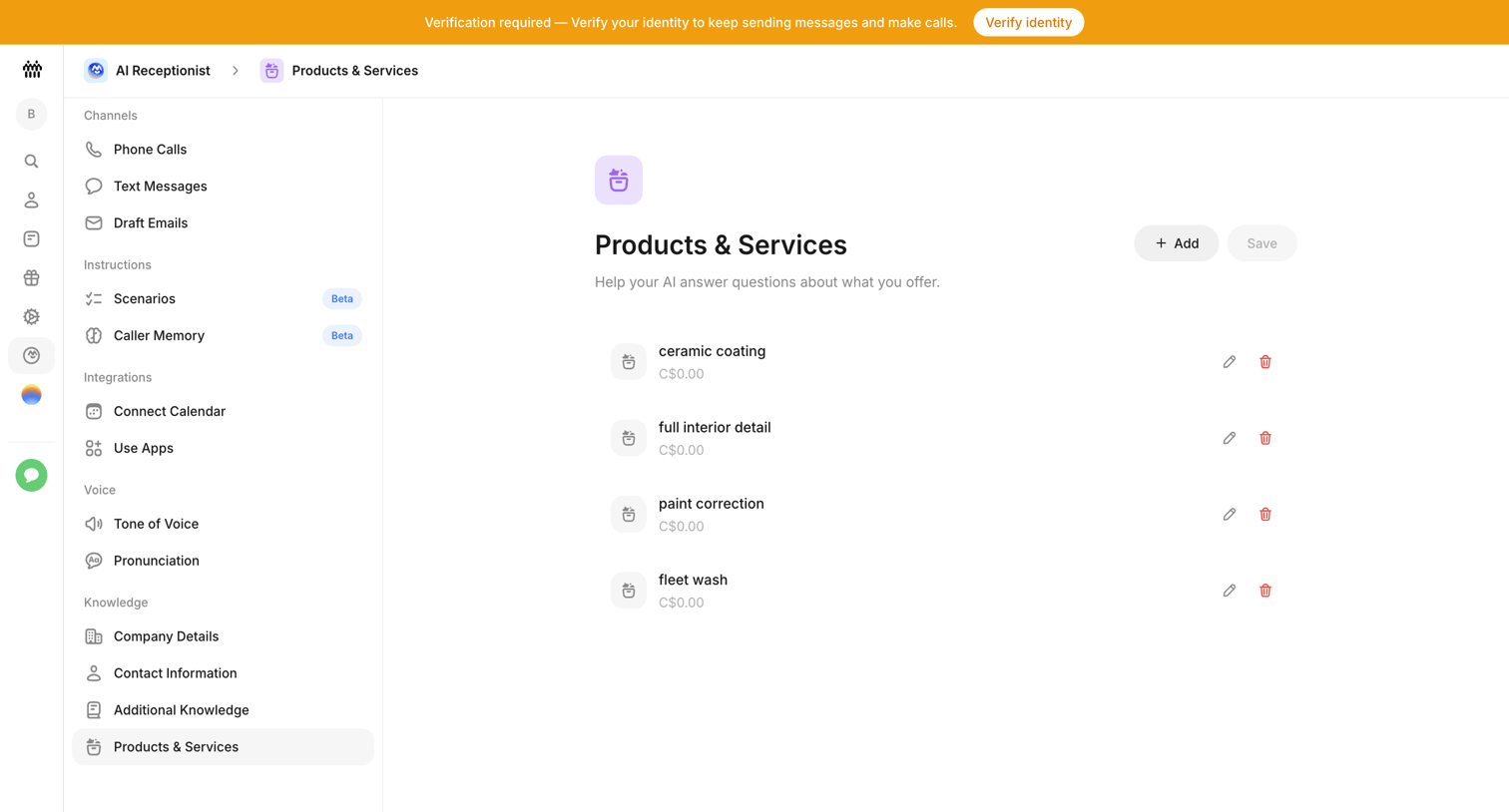

Settings page where the user configures the products and services their AI receptionist knows about, including prices for items like ceramic coating and fleet wash.
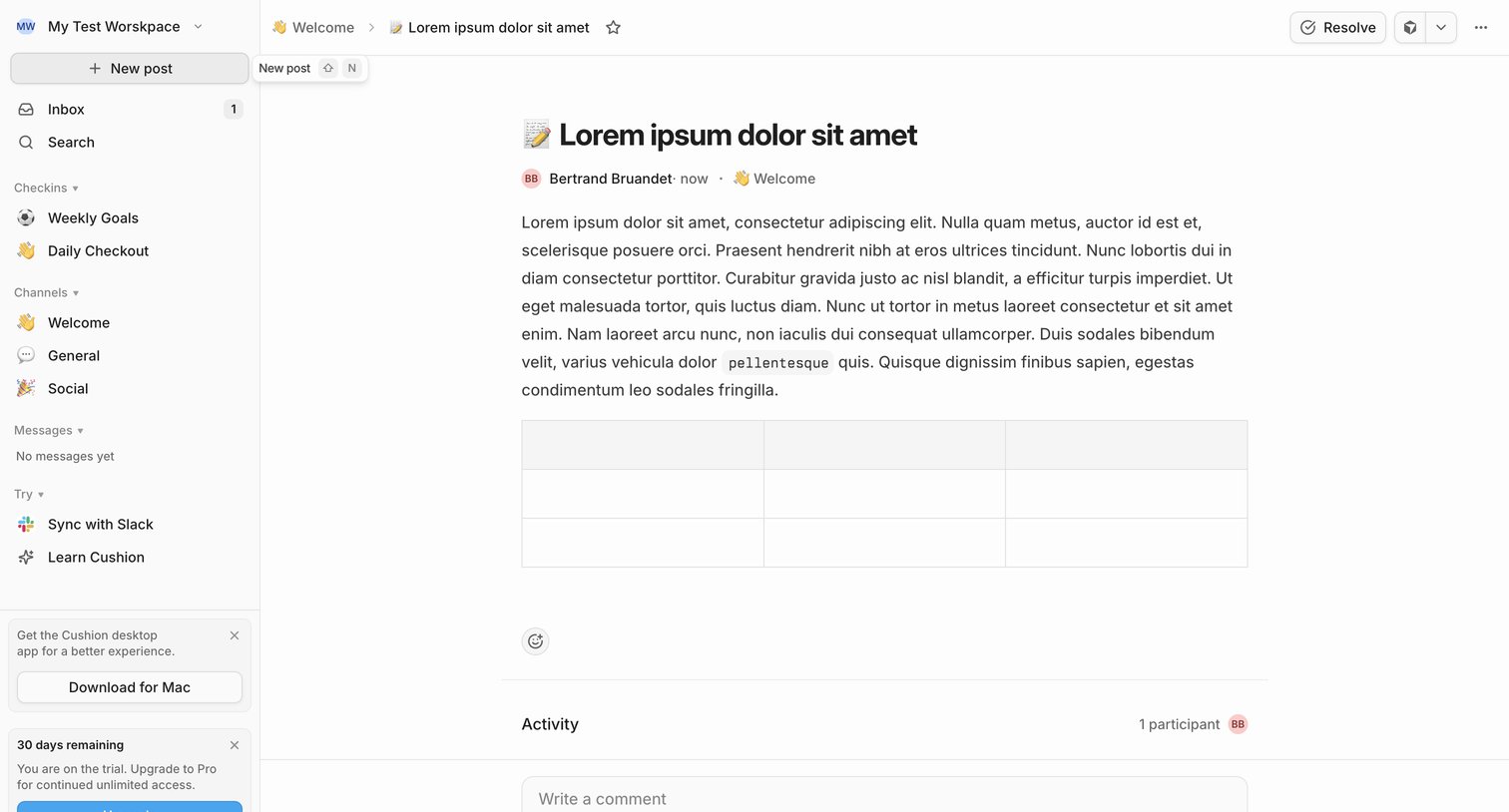

Detail page where a user reads a team update in the Welcome channel, views activity participants, and can write a comment or resolve the post.
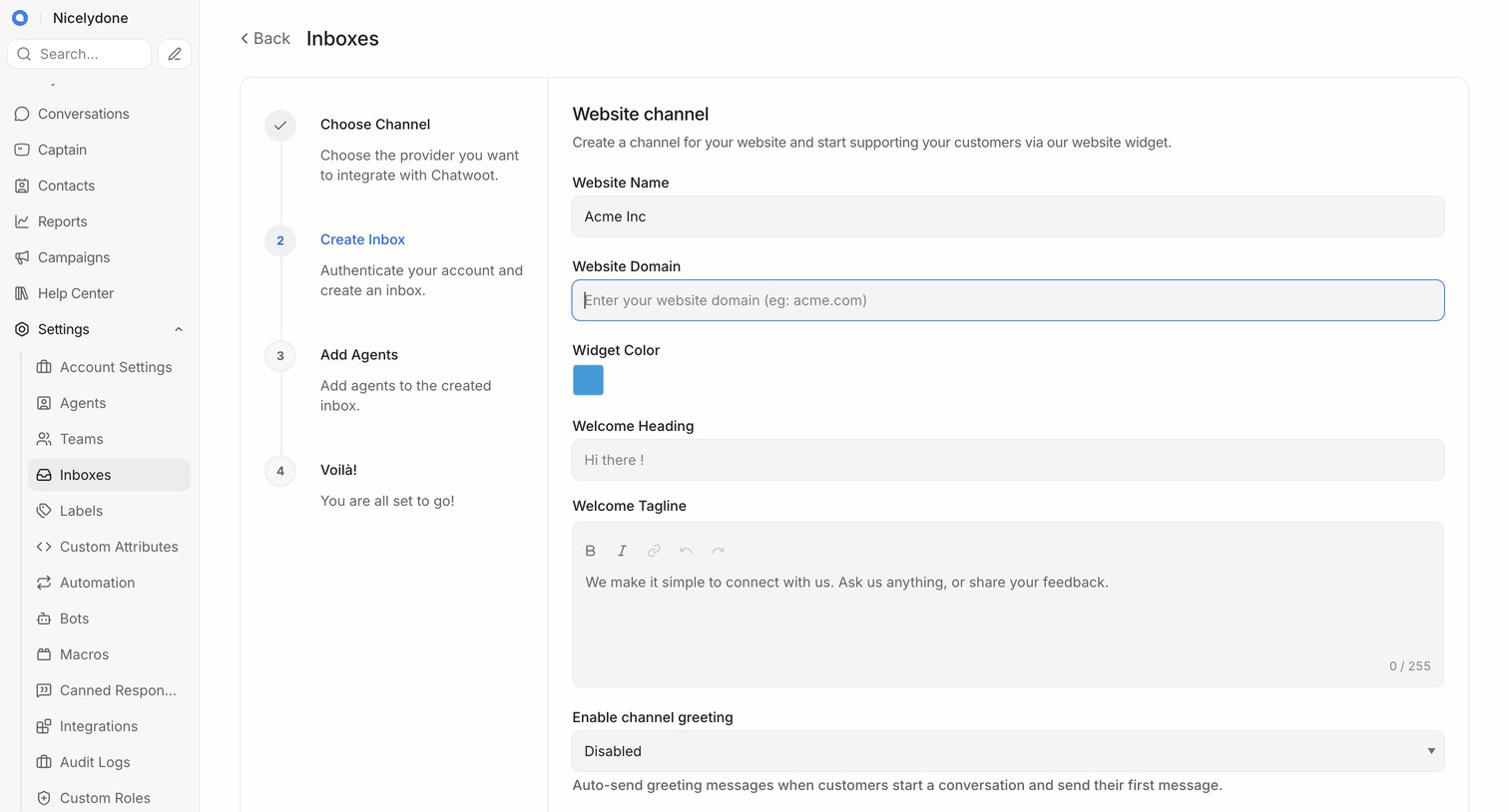

Wizard step where the user configures a new website channel inbox by setting the website name, domain, widget color, and welcome messaging.
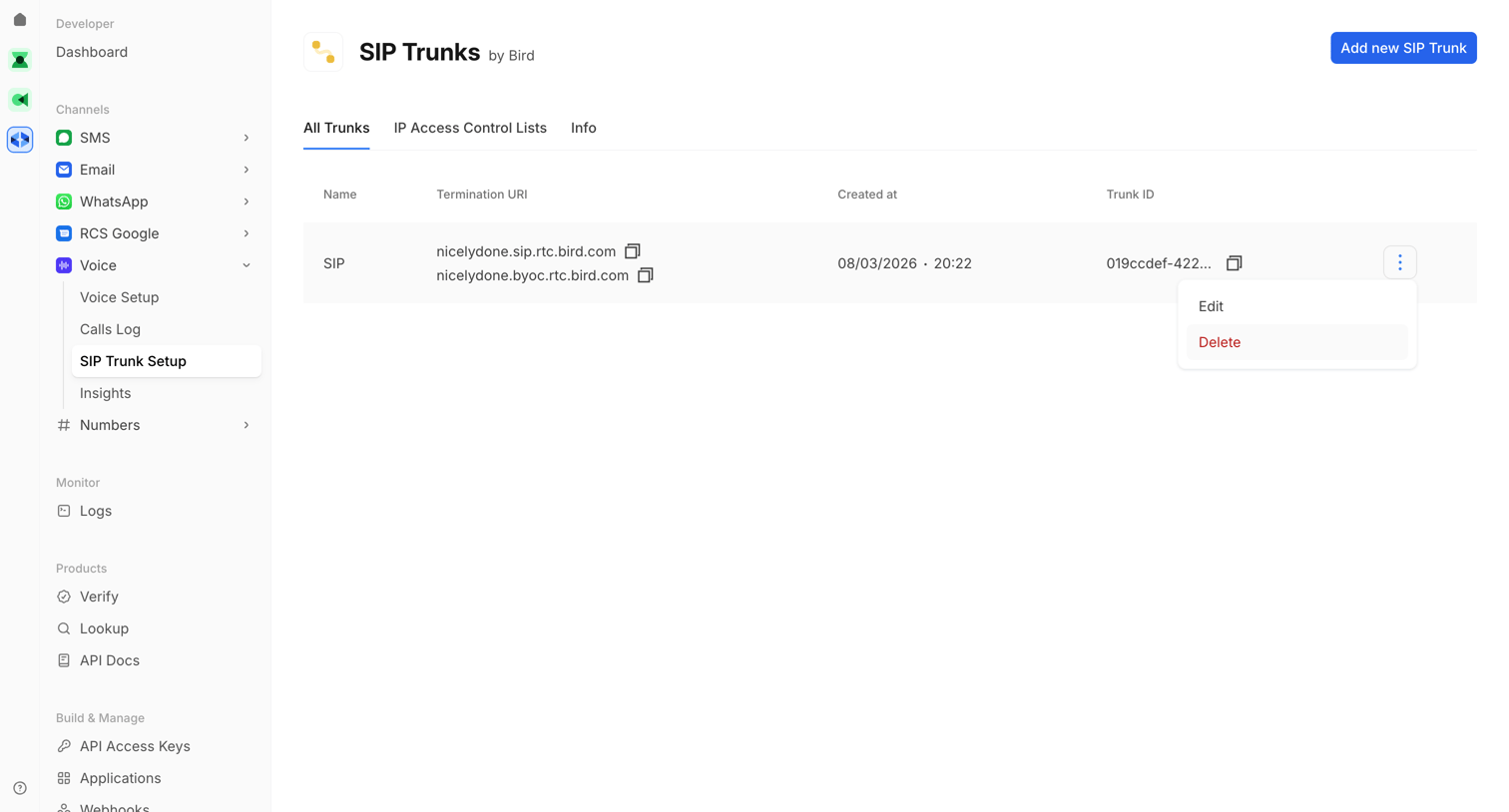

List view where the user manages SIP Trunks, with options to copy URIs and an open menu to edit or delete a specific trunk.
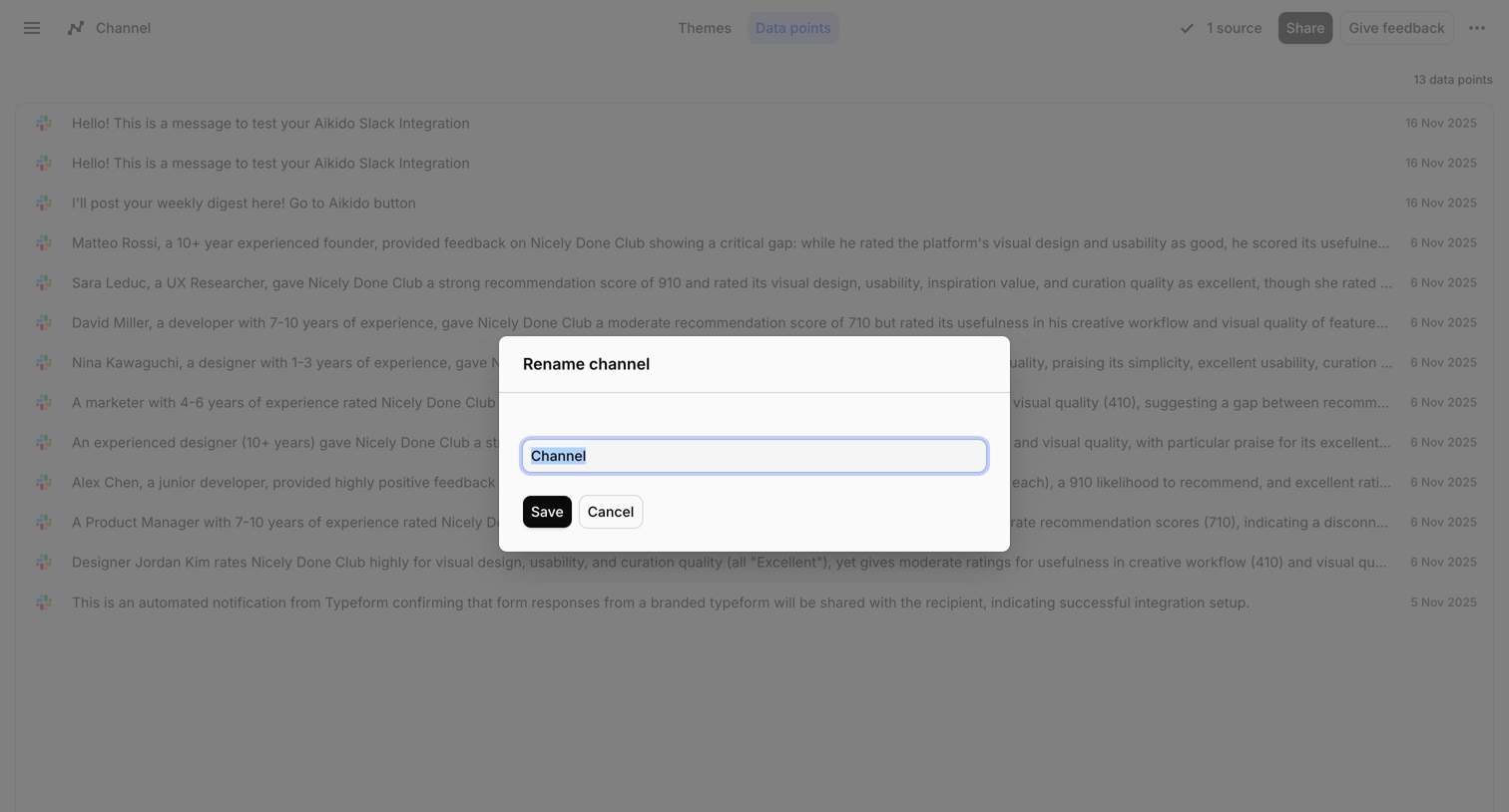

List view of Slack integration messages where the user is renaming the current channel via a centered modal.
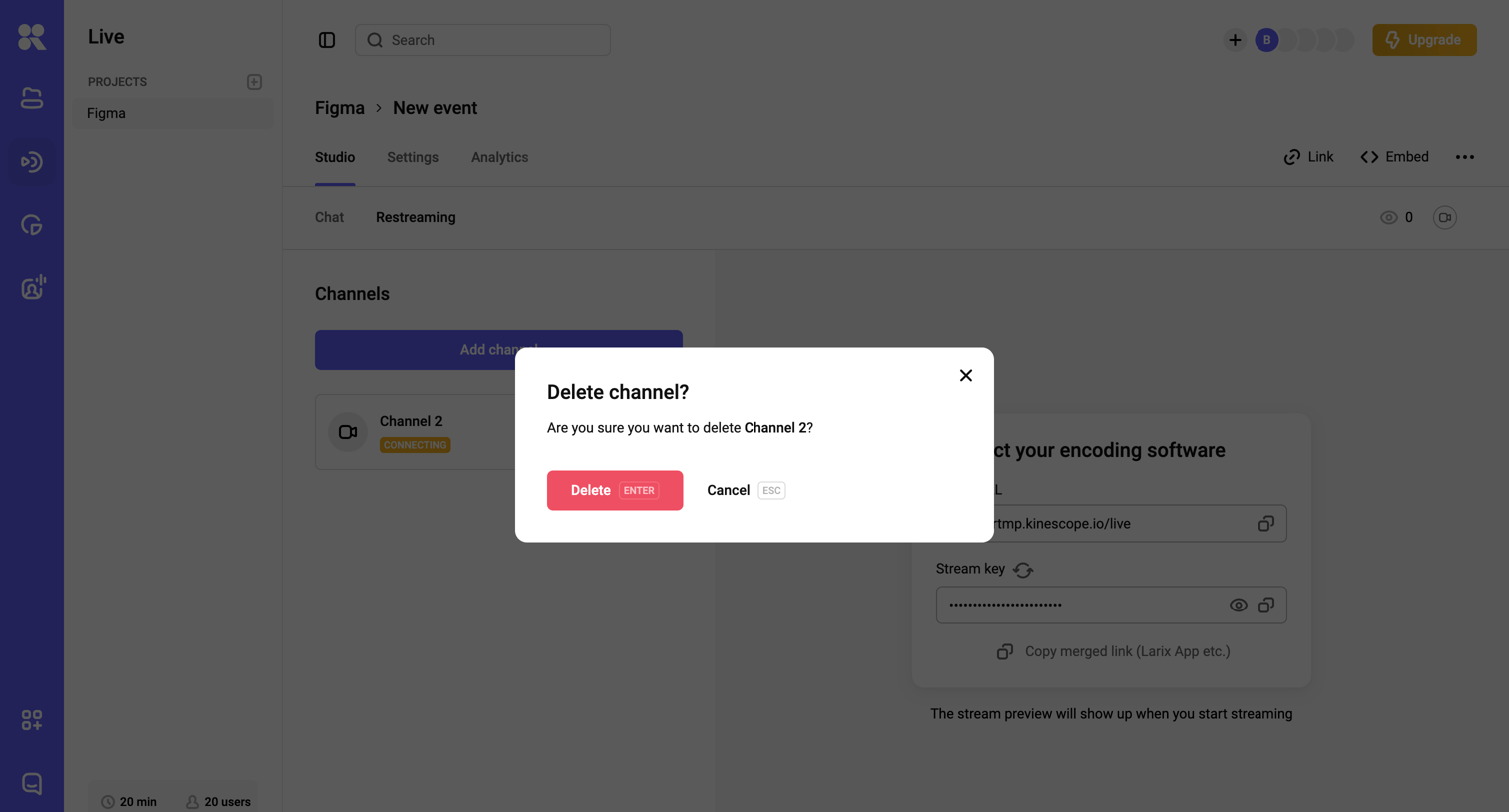

Detail page for a live event where the user is prompted to confirm the deletion of a restreaming channel.
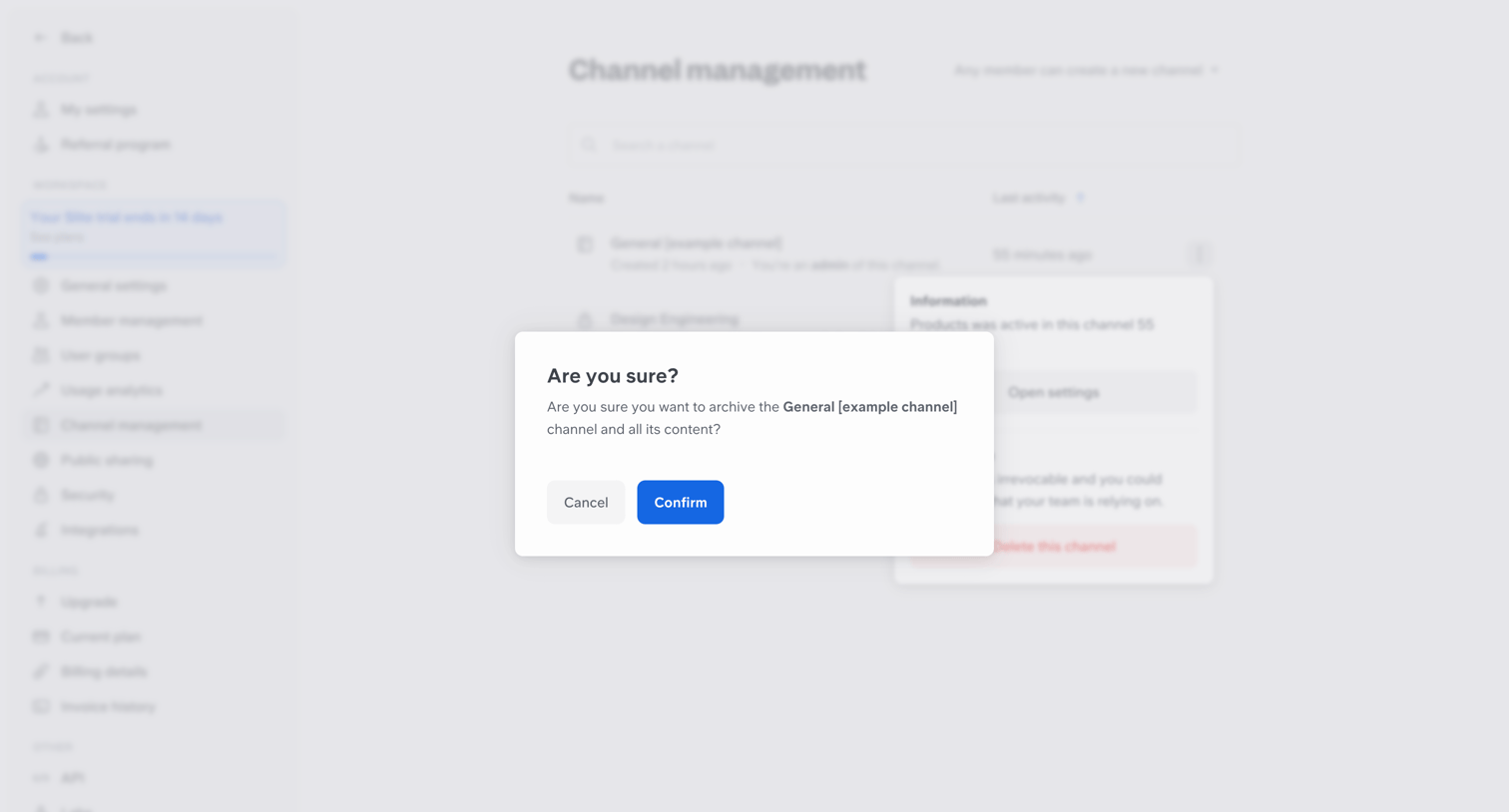

Settings page where the user confirms archiving a specific channel via a modal dialog.
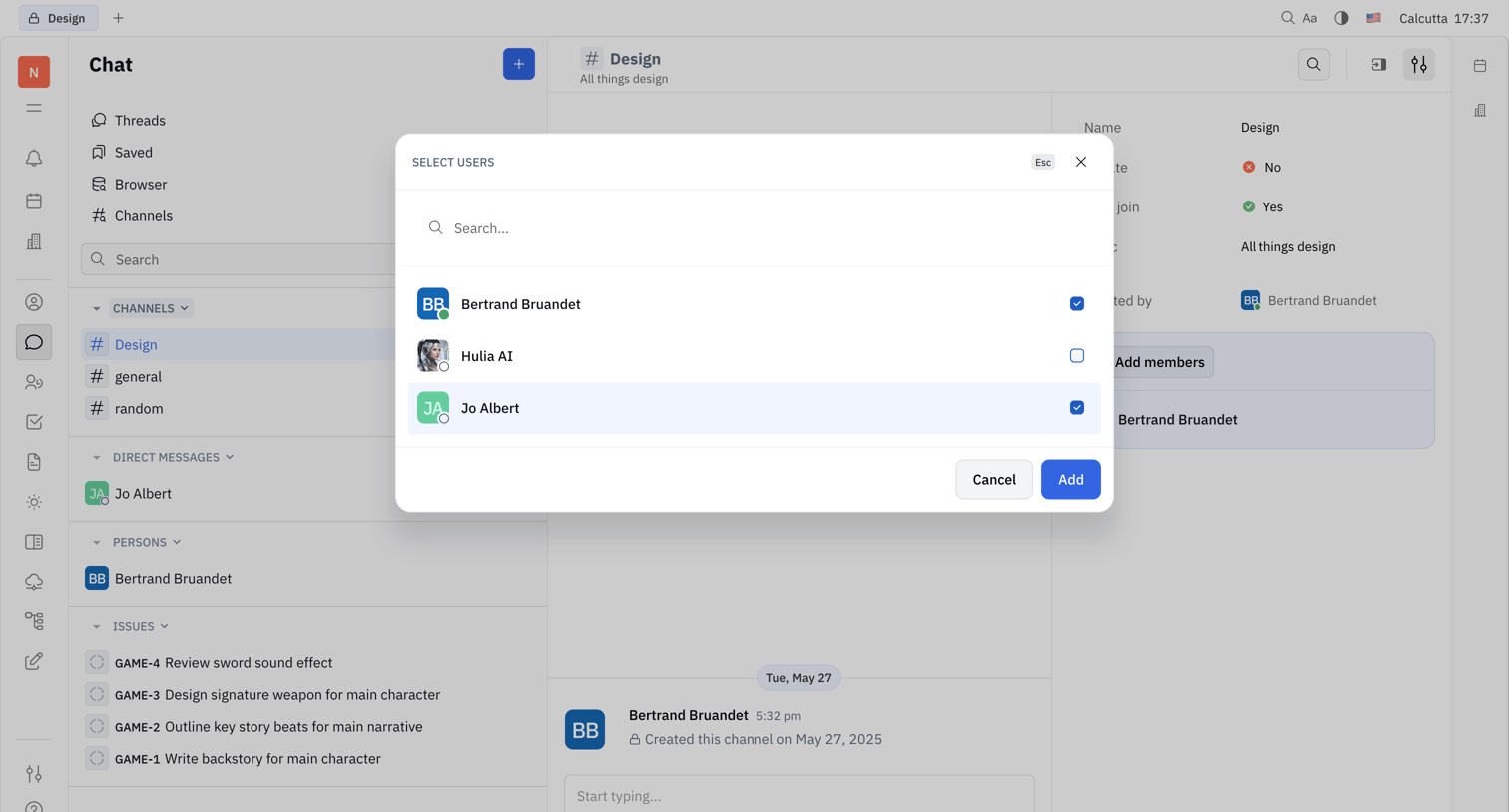

Chat interface where the user is searching and selecting teammates from a modal to add them to the Design channel.

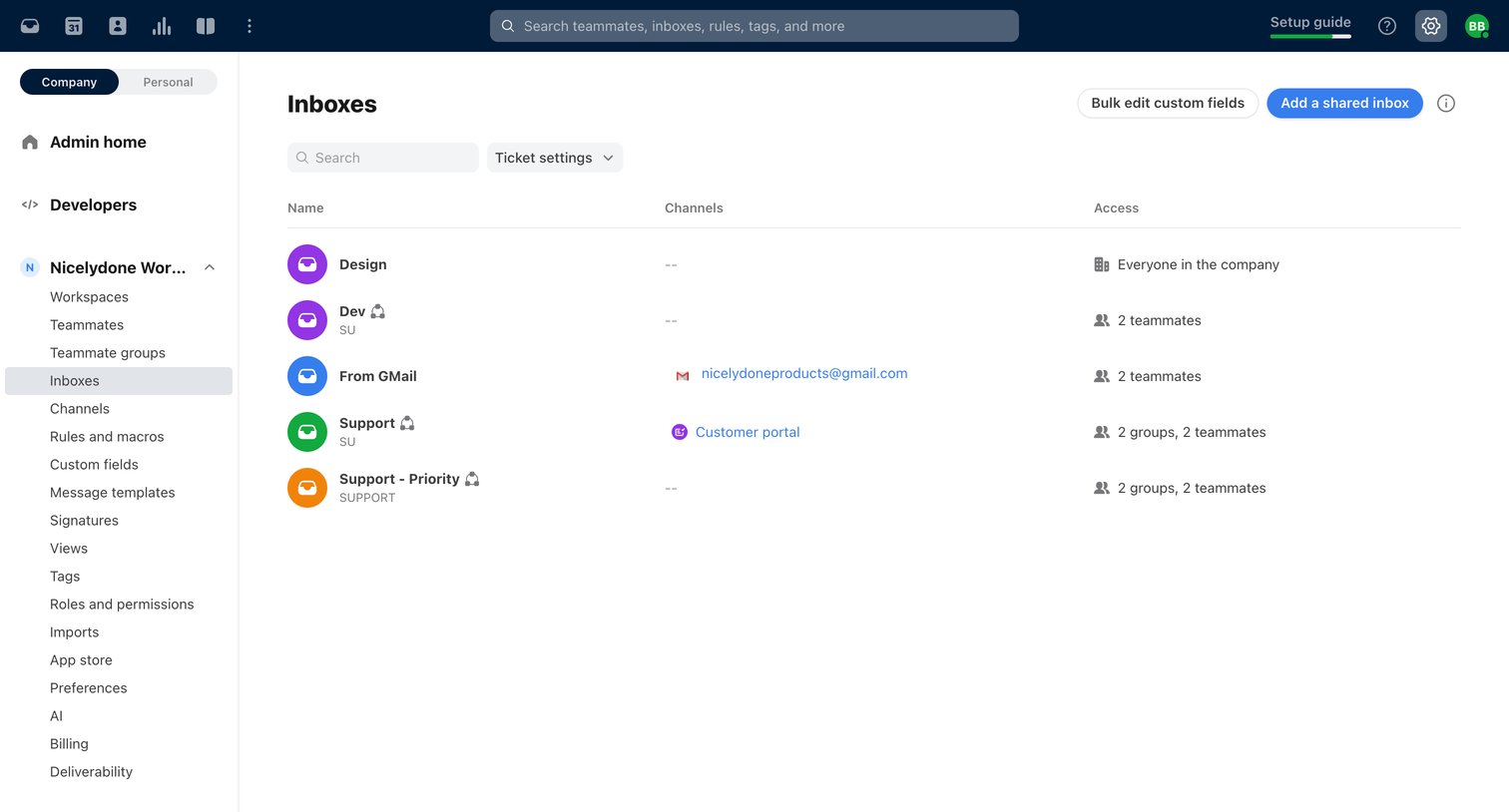

Settings page where the user manages shared team inboxes, viewing connected channels and access permissions.
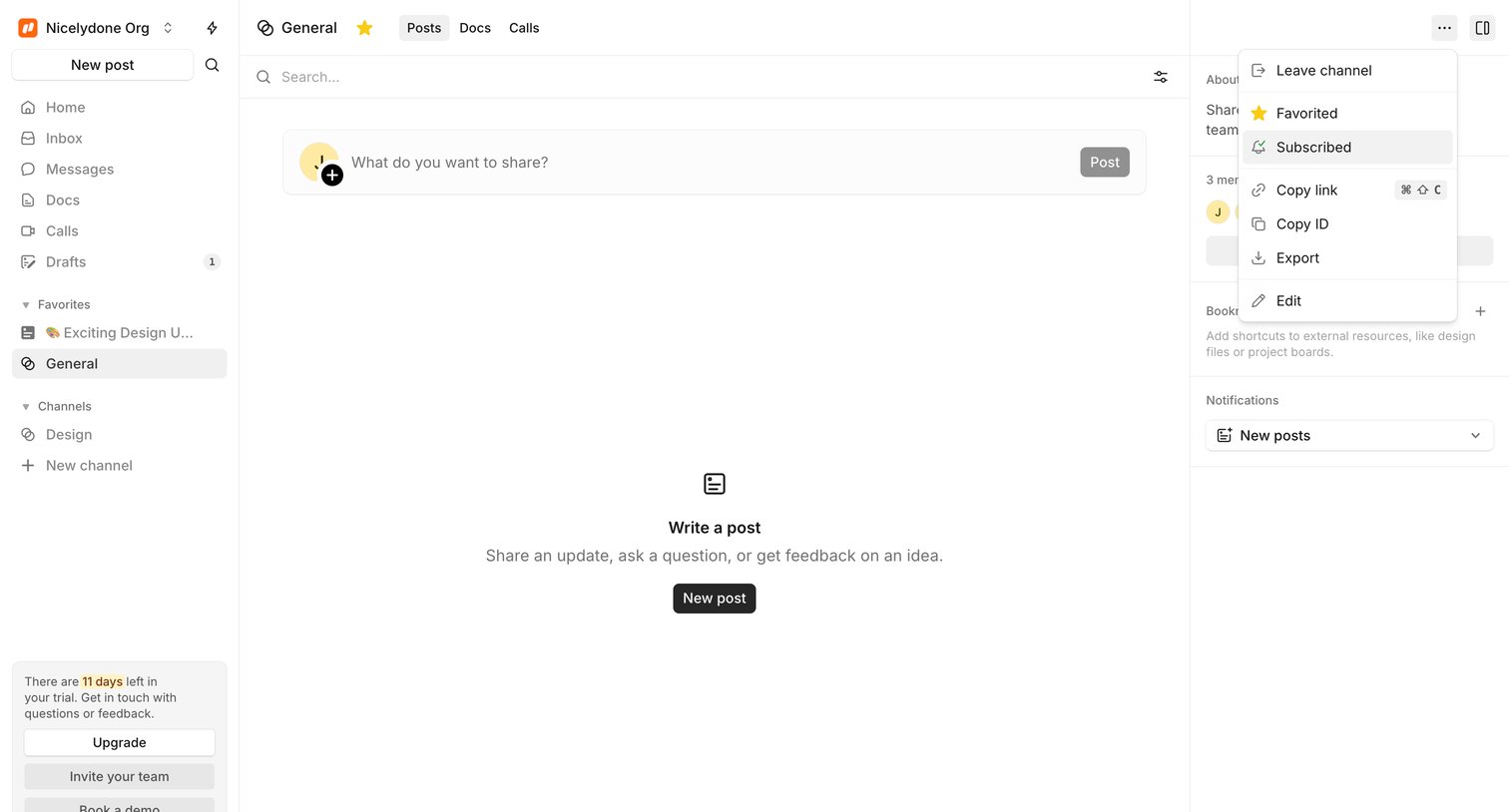

Channel feed where the user can write a new post, currently showing an empty state and an open context menu for channel settings.

Explore the full SaaS screen library
Upgrade to unlock the full library.
Trusted by the best teams







