Card layout screen examples
Card layout screen design examples from SaaS apps. Browse examples from Dock, Exa, Town.
Explore the examples
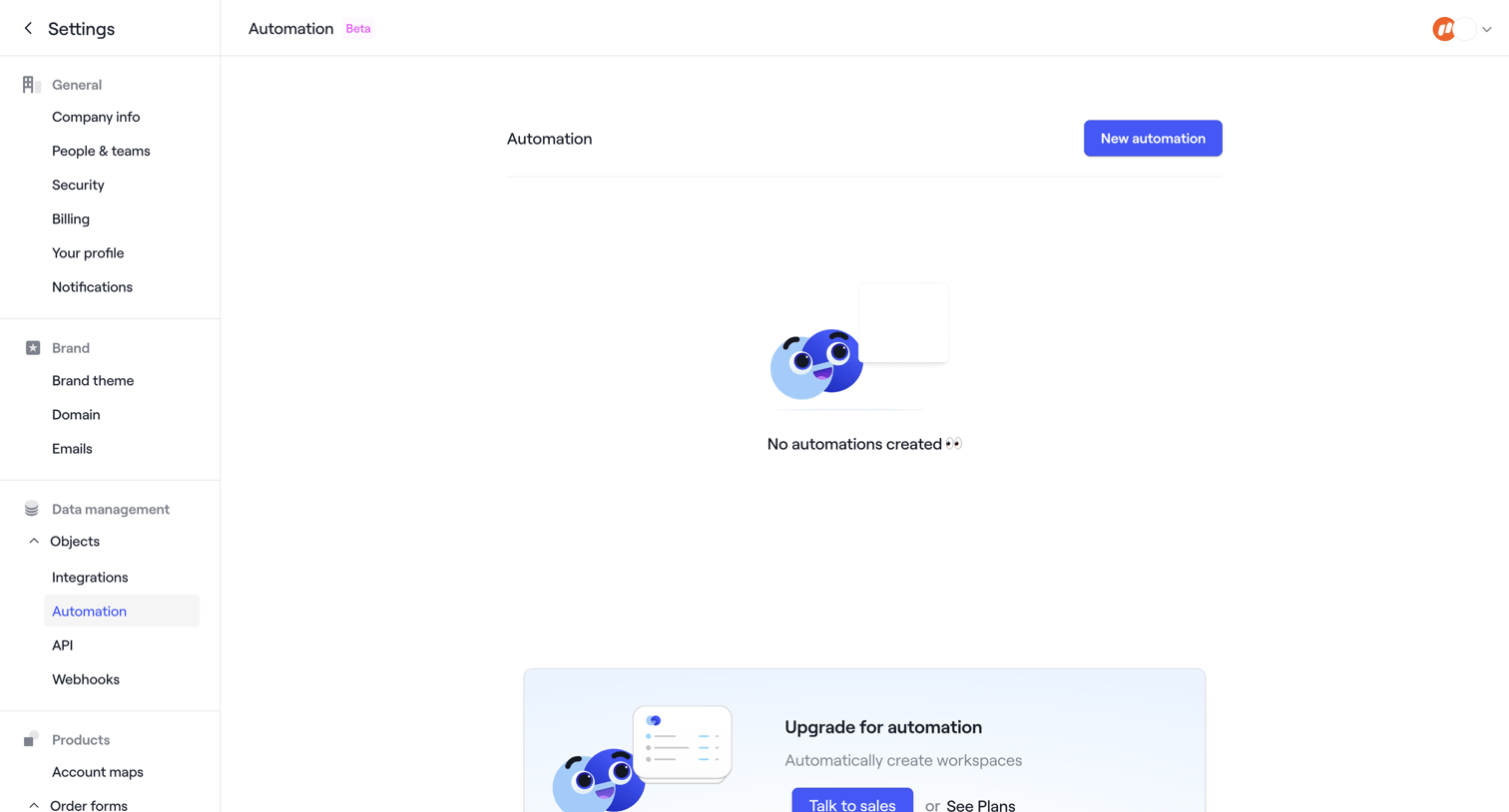

Settings page where the user manages automations, currently showing an empty state with a prompt to upgrade for advanced features.
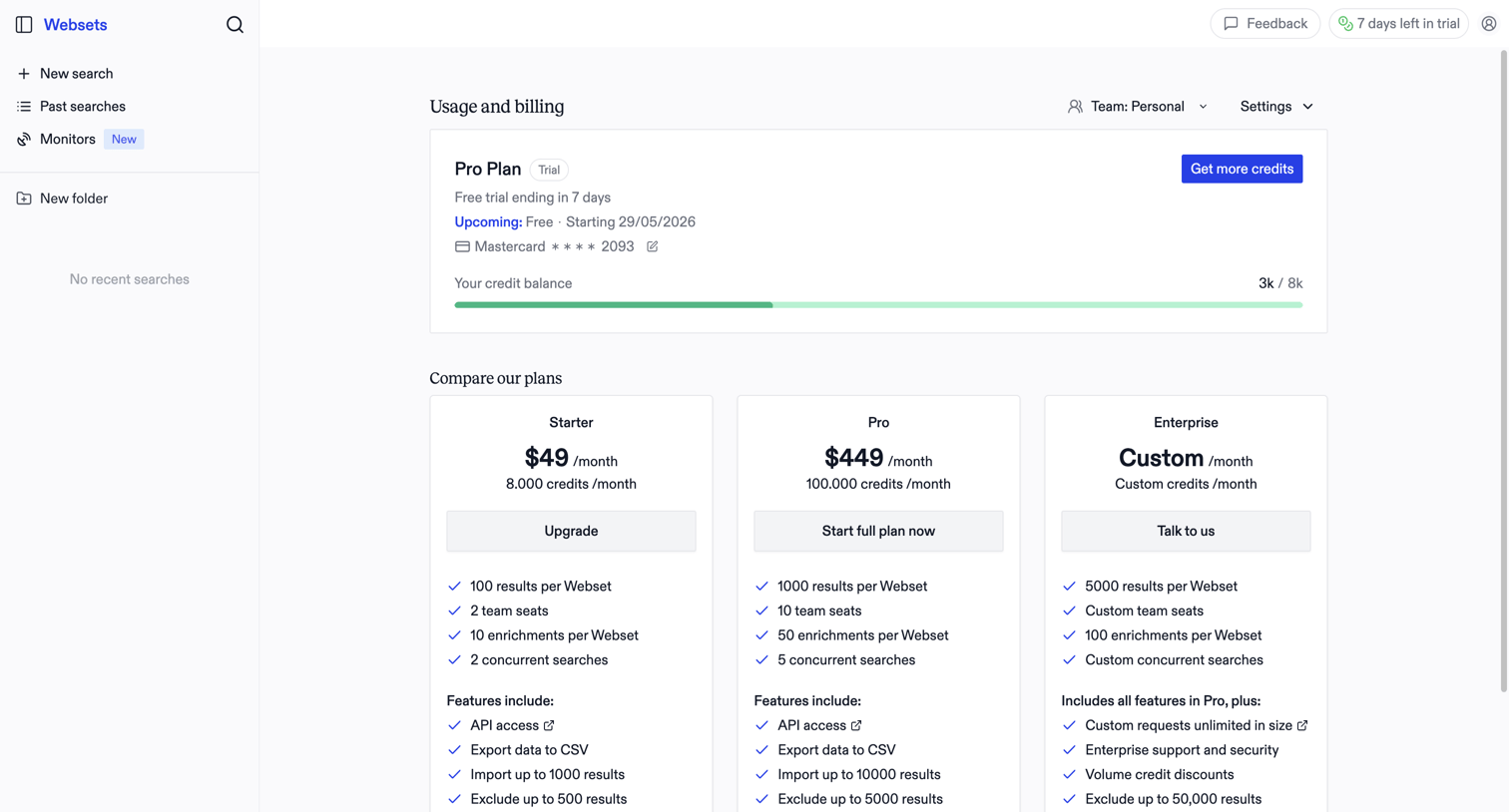

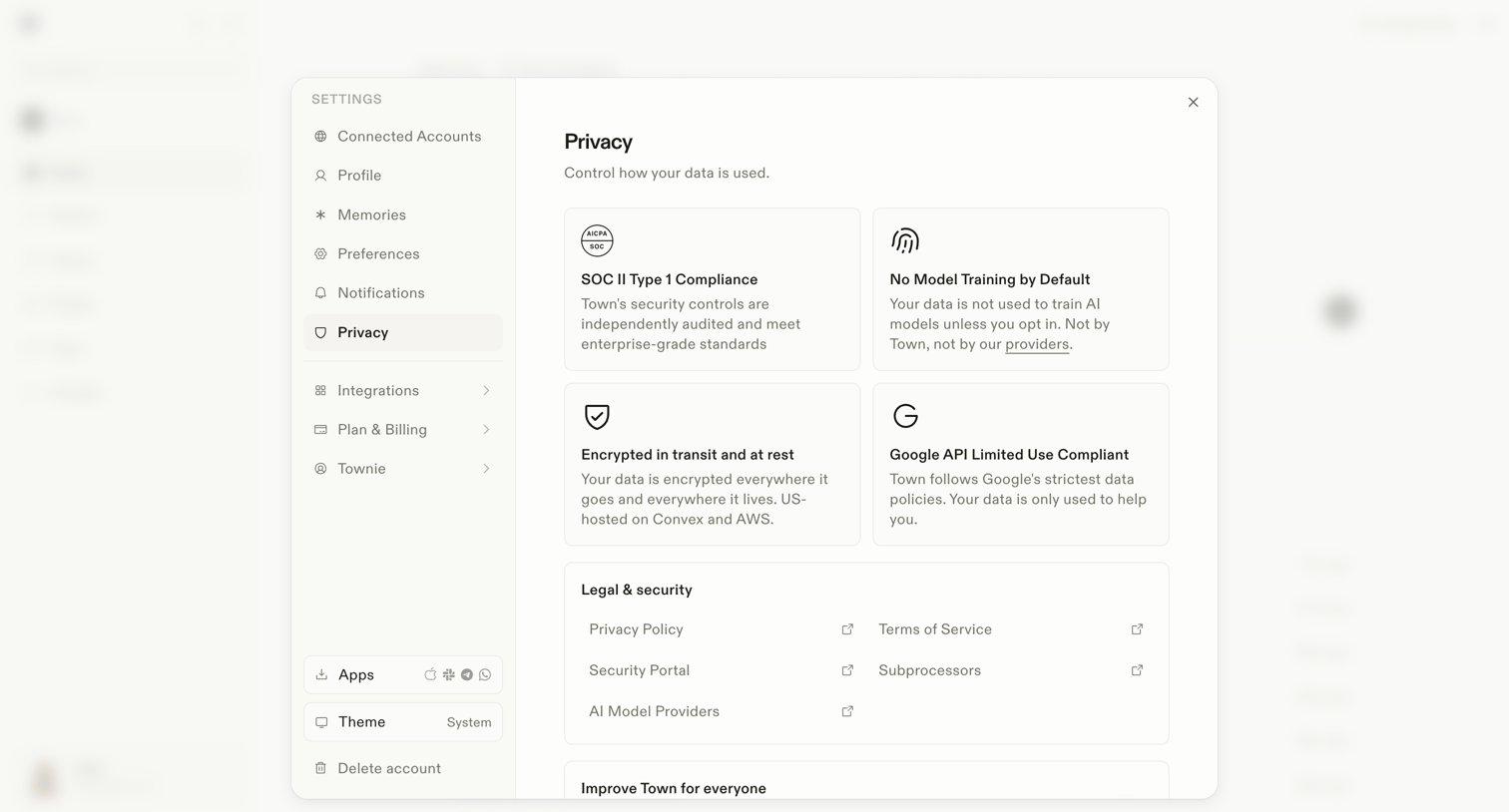

Settings modal where the user reviews privacy controls, compliance details like SOC II, and legal documentation links.
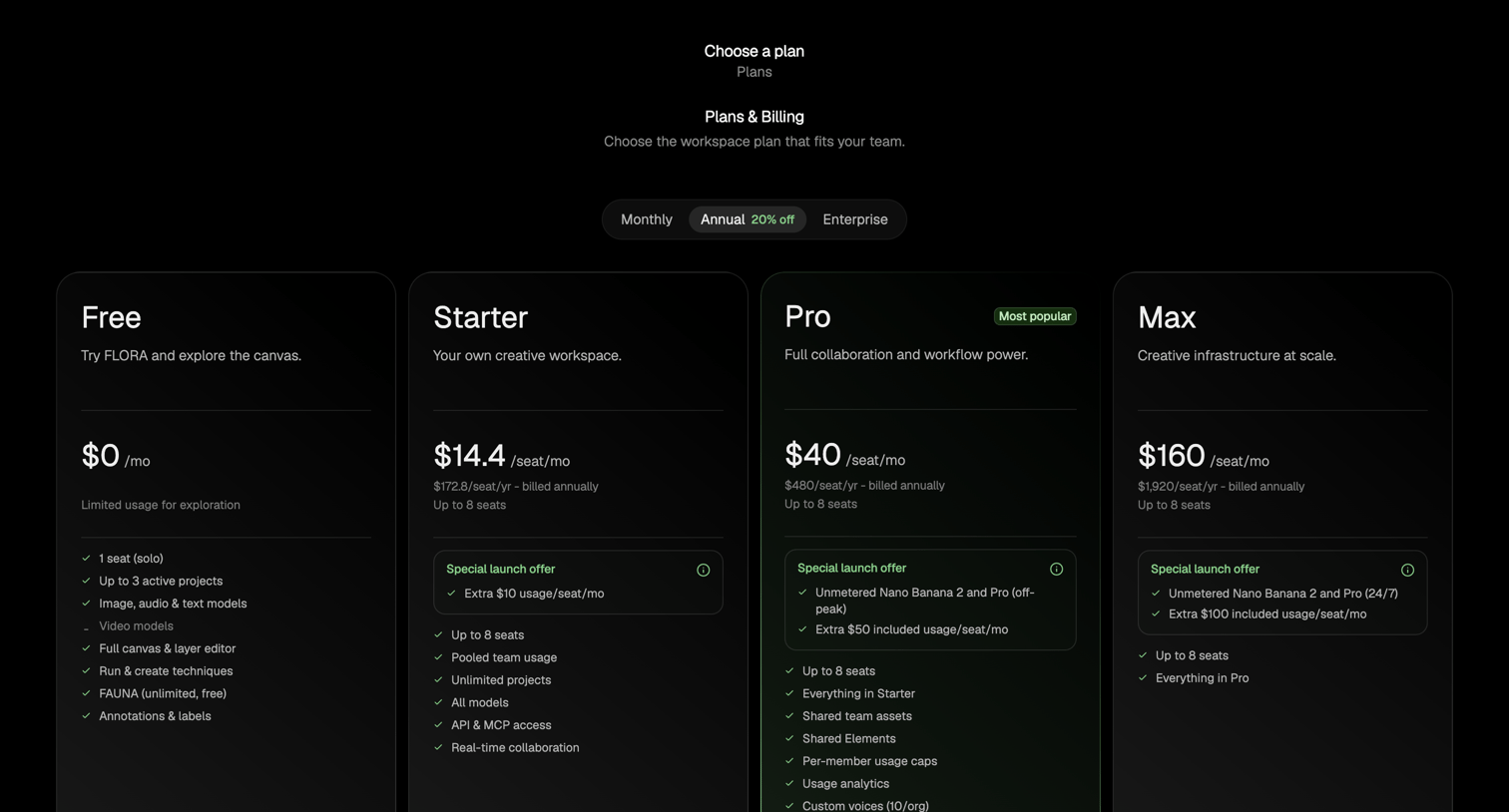

Paywall screen where the user selects a billing cycle and chooses between Free, Starter, Pro, and Max tiers for their workspace.
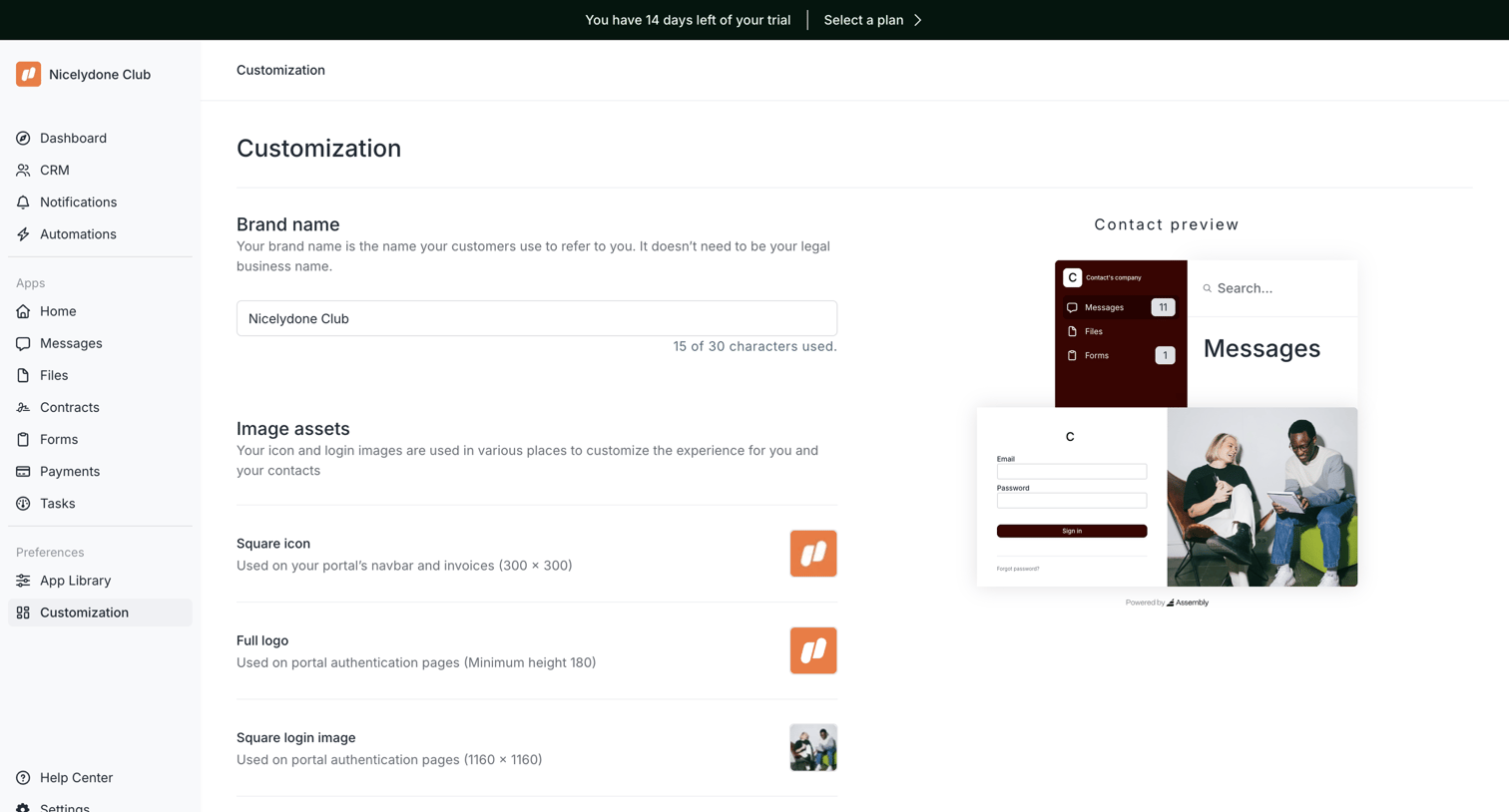

Settings page where the user configures their portal's brand name and image assets while viewing a live preview.
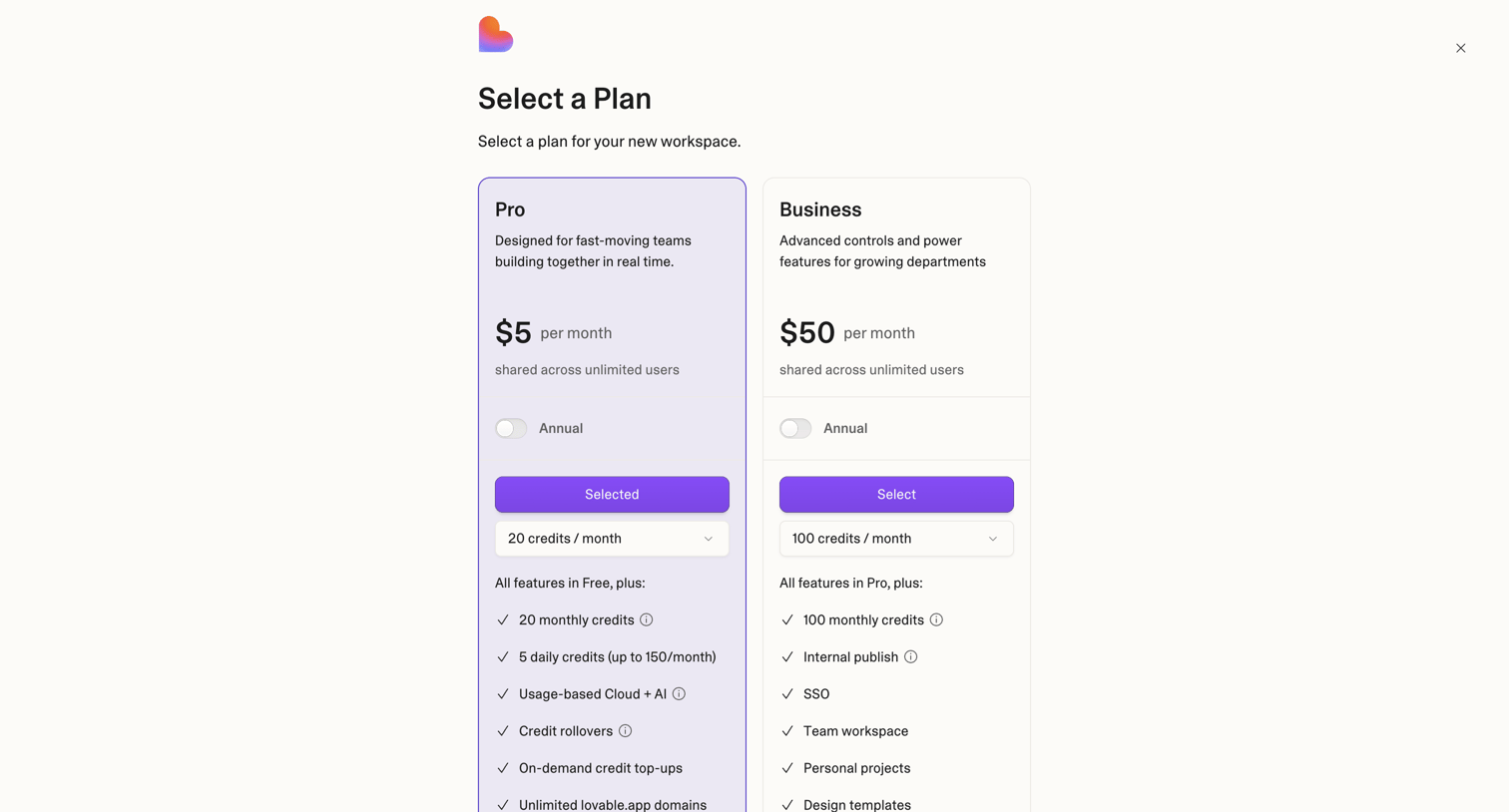

Paywall screen where the user selects between a Pro and Business plan to create a new workspace, with options for annual billing and monthly credit limits.
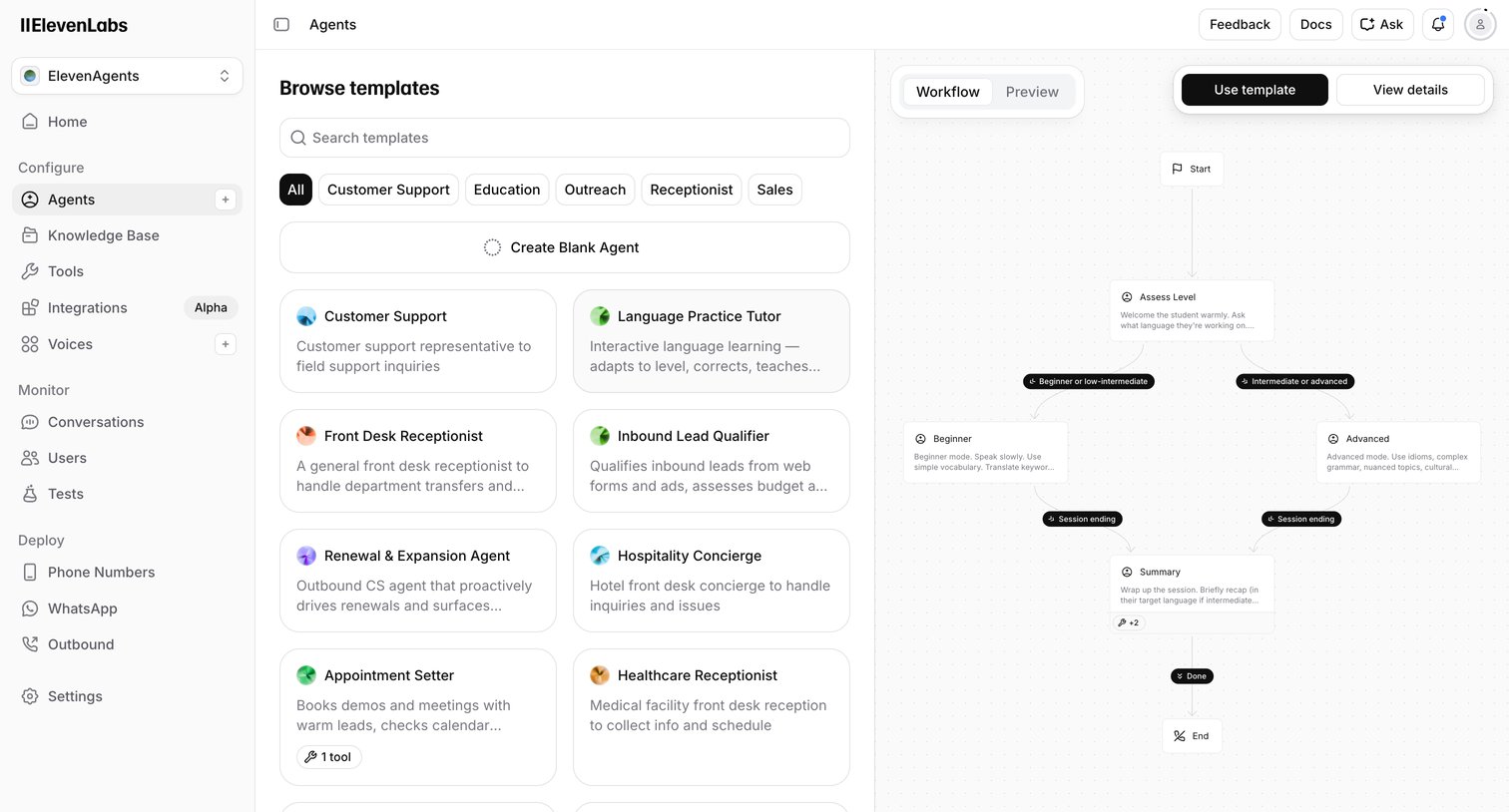

Creation screen where the user browses agent templates like Customer Support or Front Desk Receptionist and previews their workflow logic before starting.
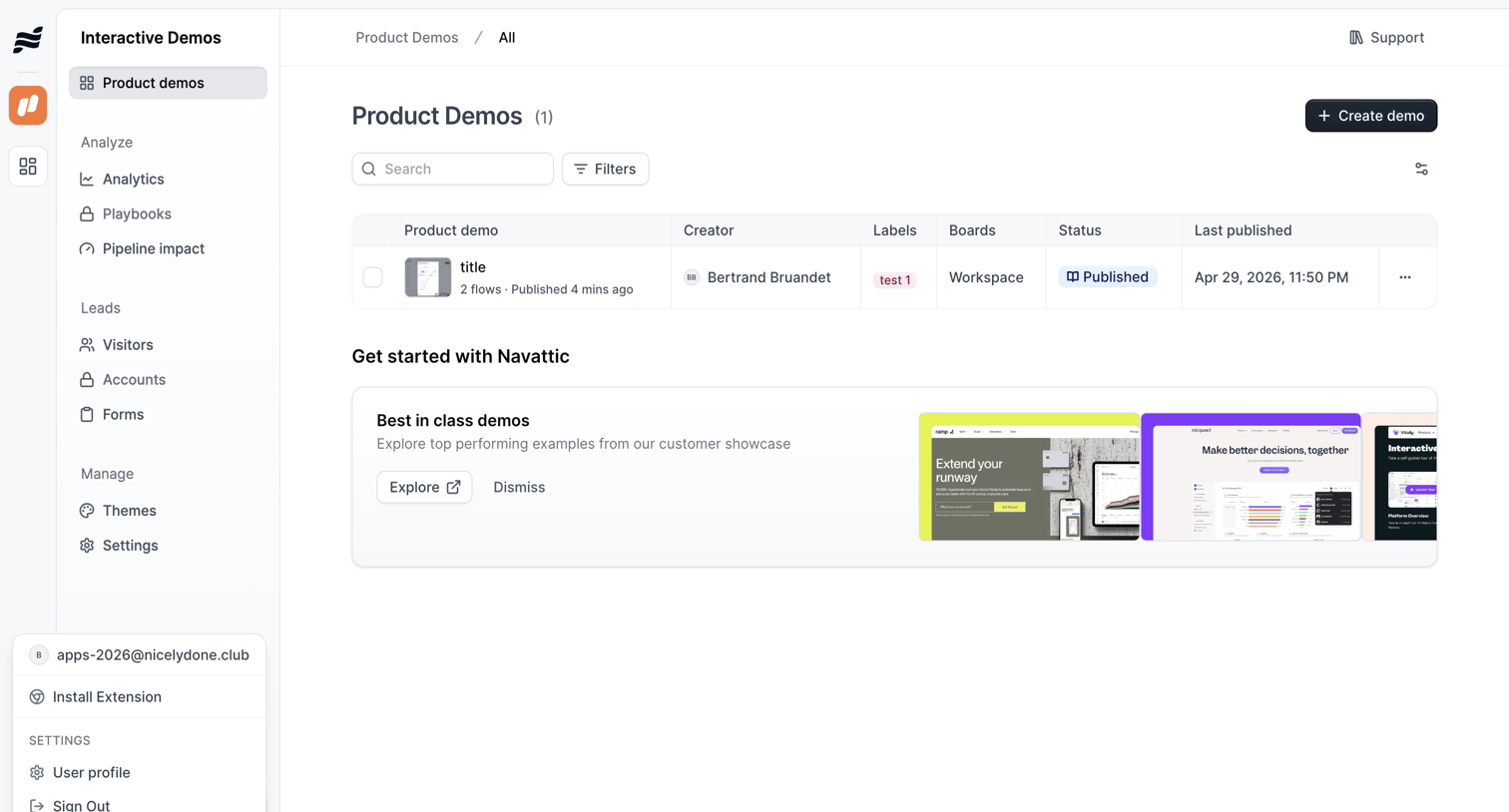

List view where the user manages their interactive product demos, with options to search, filter, and create new flows, alongside an onboarding banner promoting best-in-class examples.
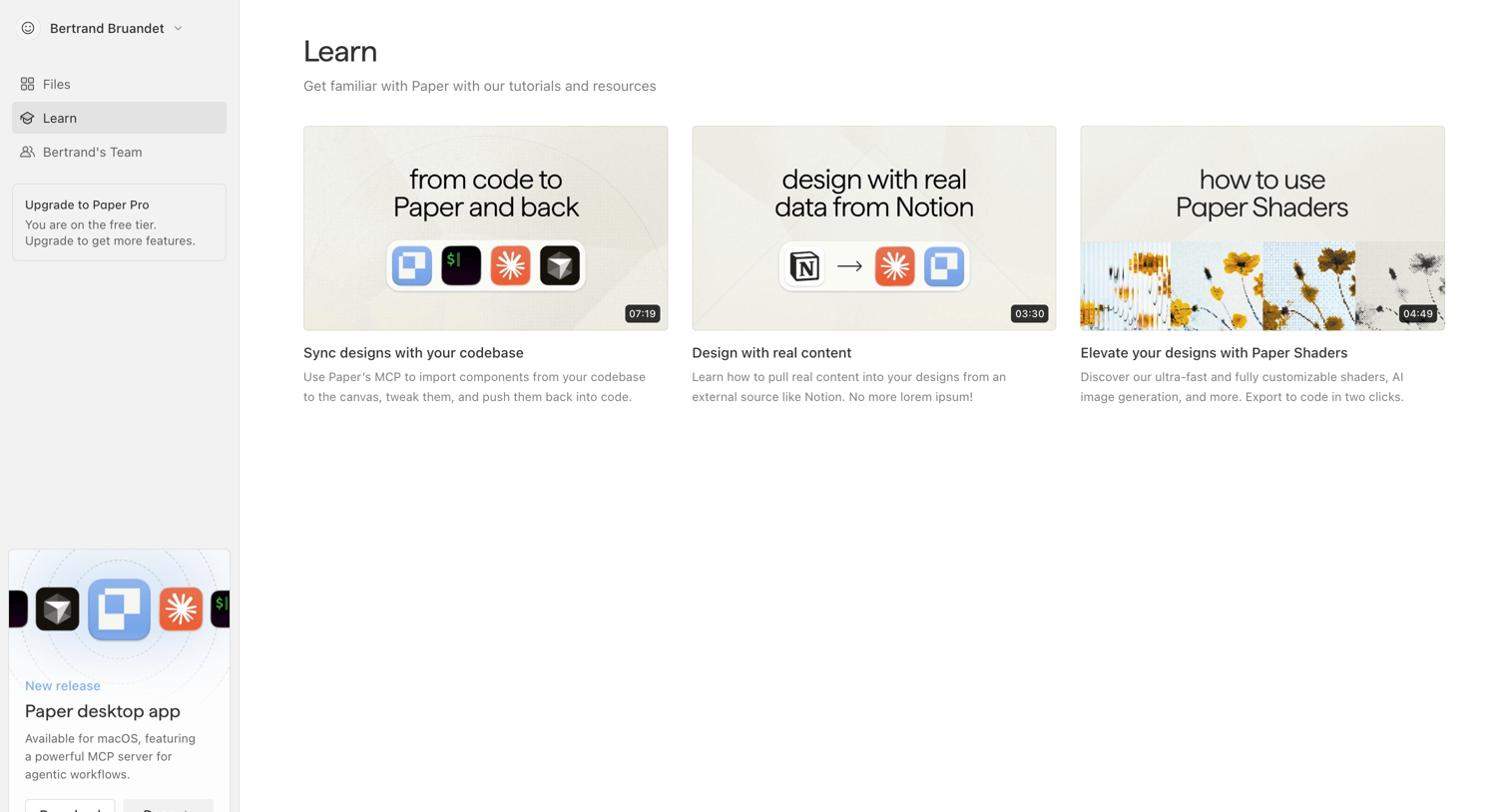

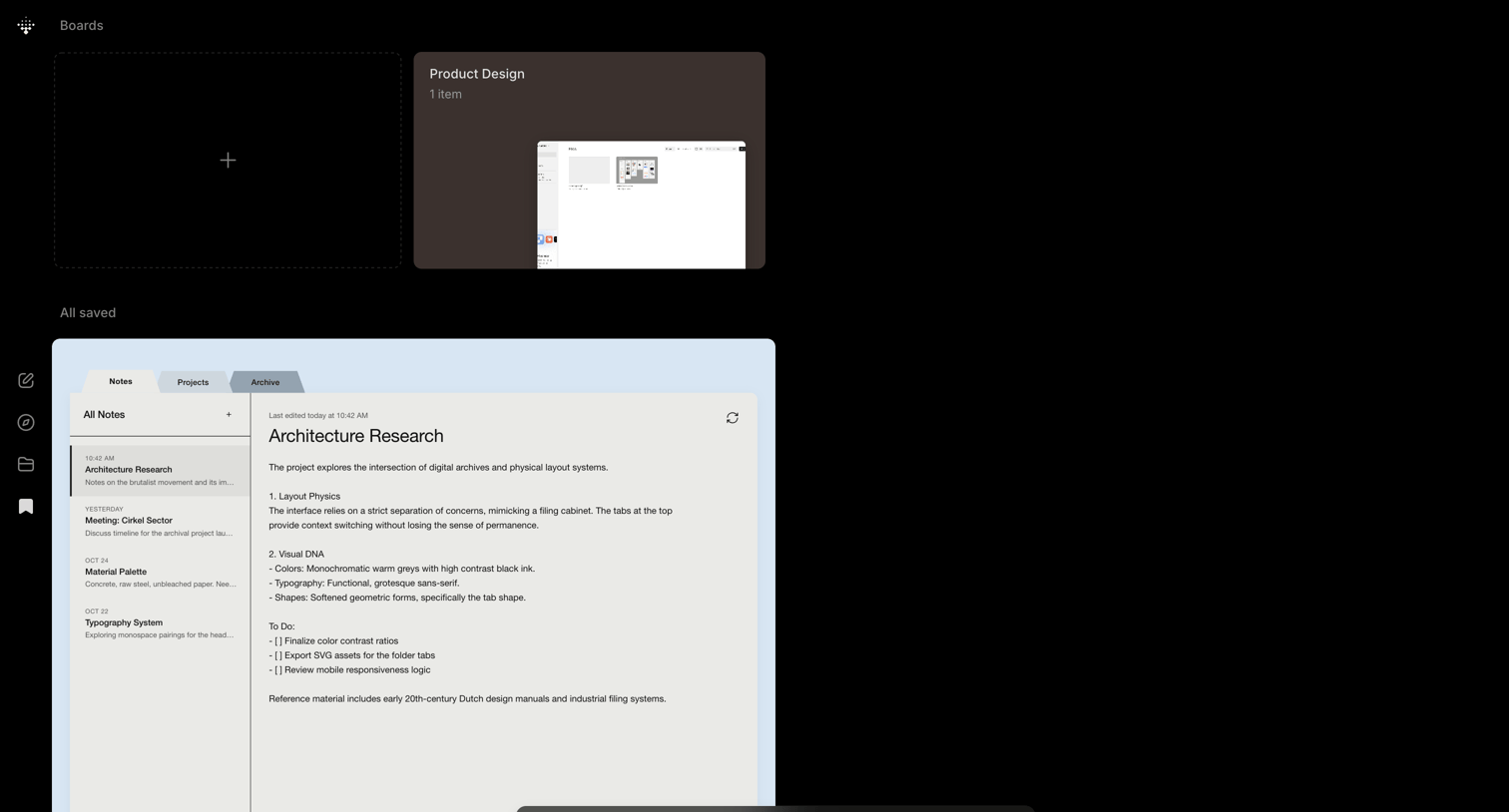

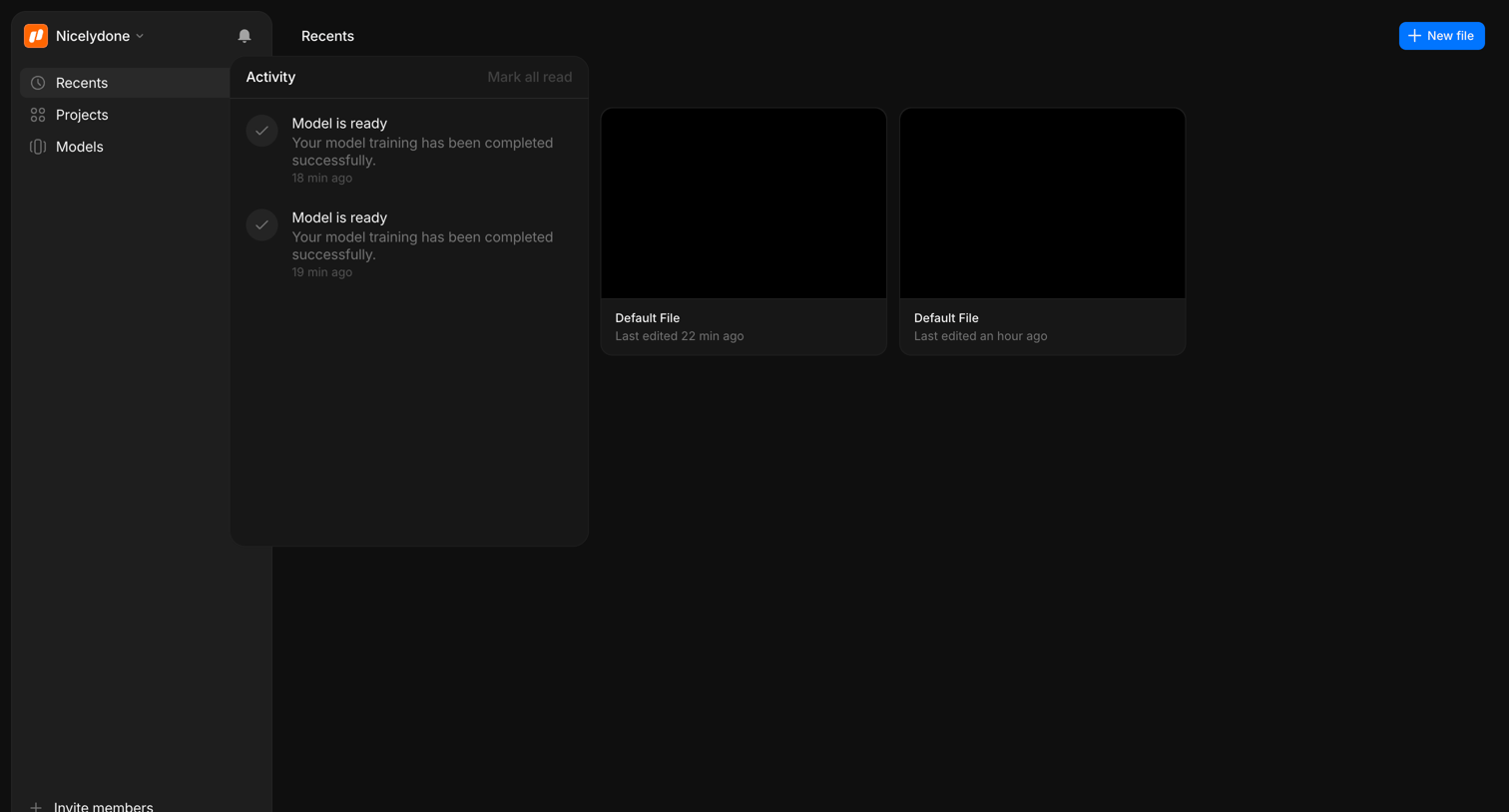

Home screen where the user views recently edited files and checks recent model training activity via a notification panel.
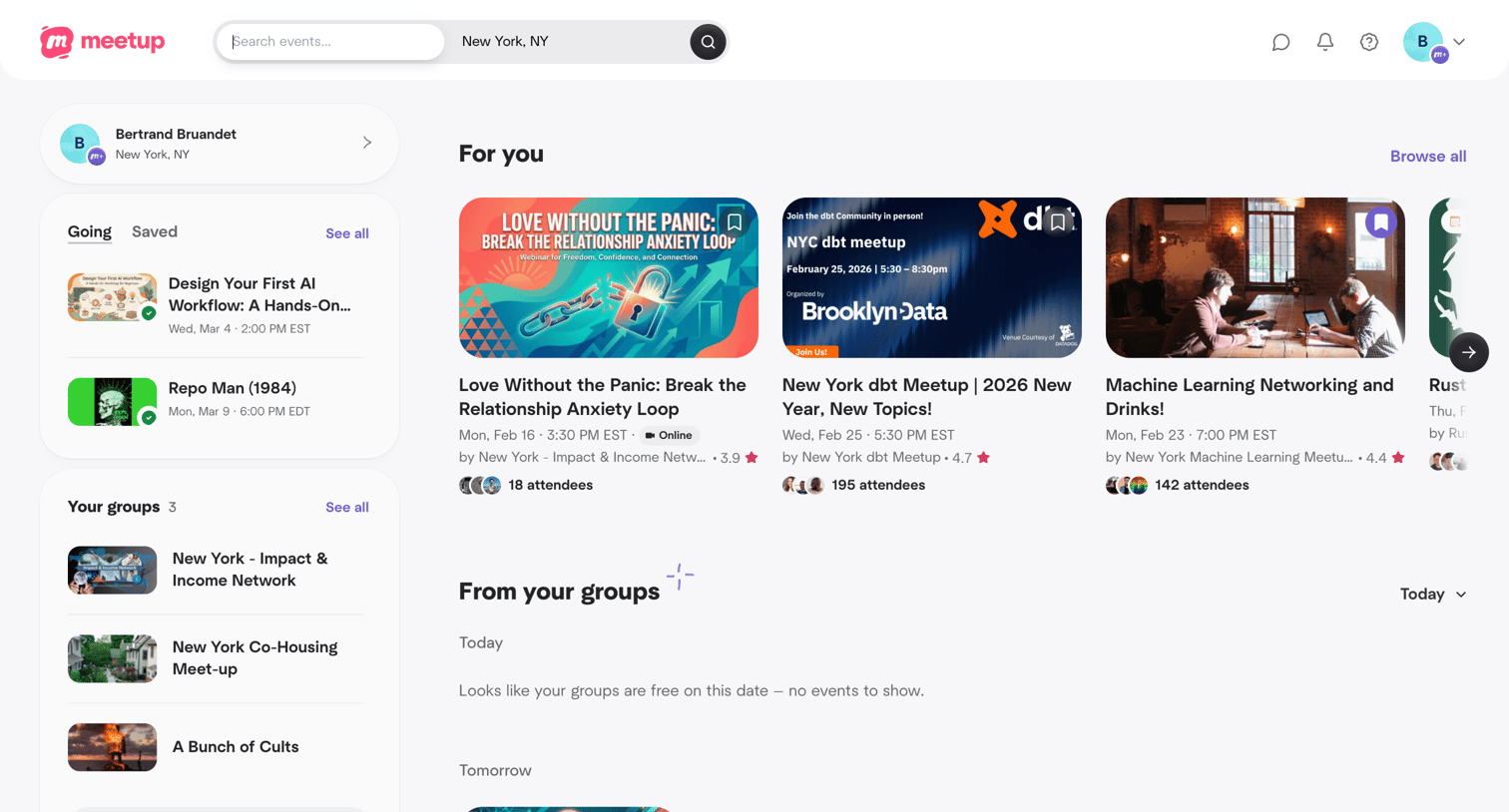

Explore the full SaaS screen library
Upgrade to unlock the full library.
Trusted by the best teams







