API management screen examples
API management screen design examples from SaaS apps. Browse examples from Steel, Extend, Visitors.
Explore the examples
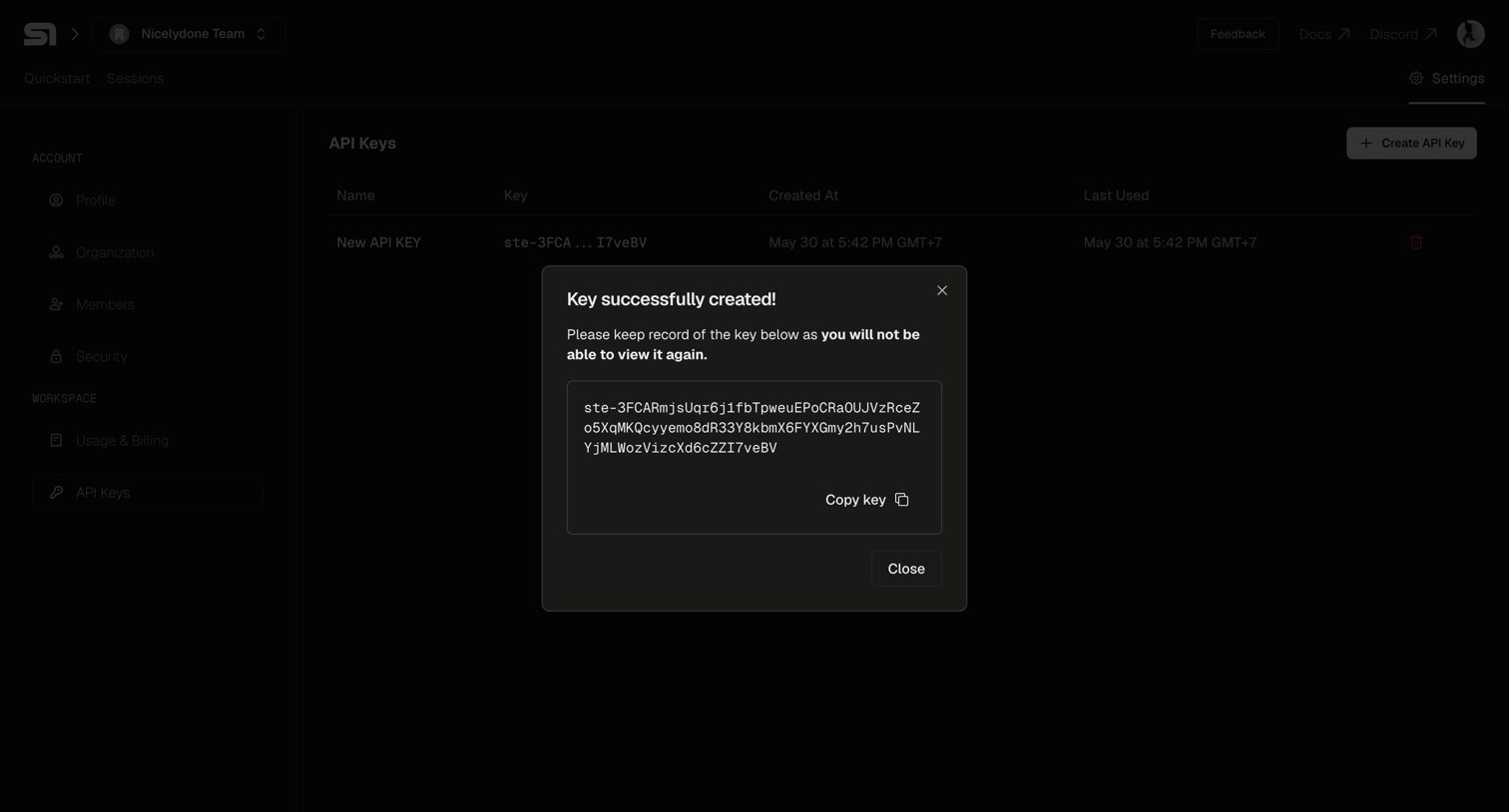

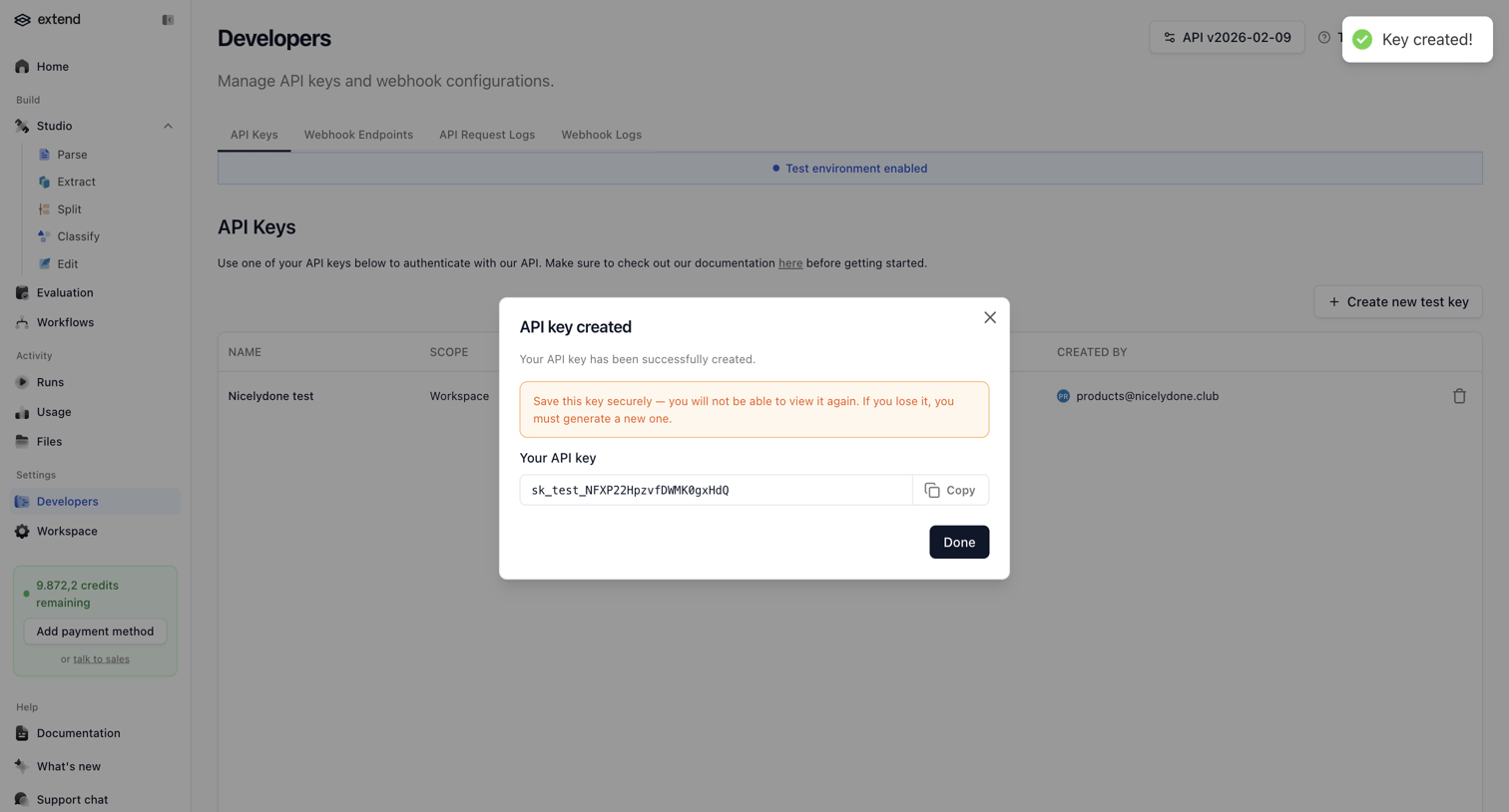

Settings page where the user manages API keys, currently showing a modal with a newly generated test key to copy.
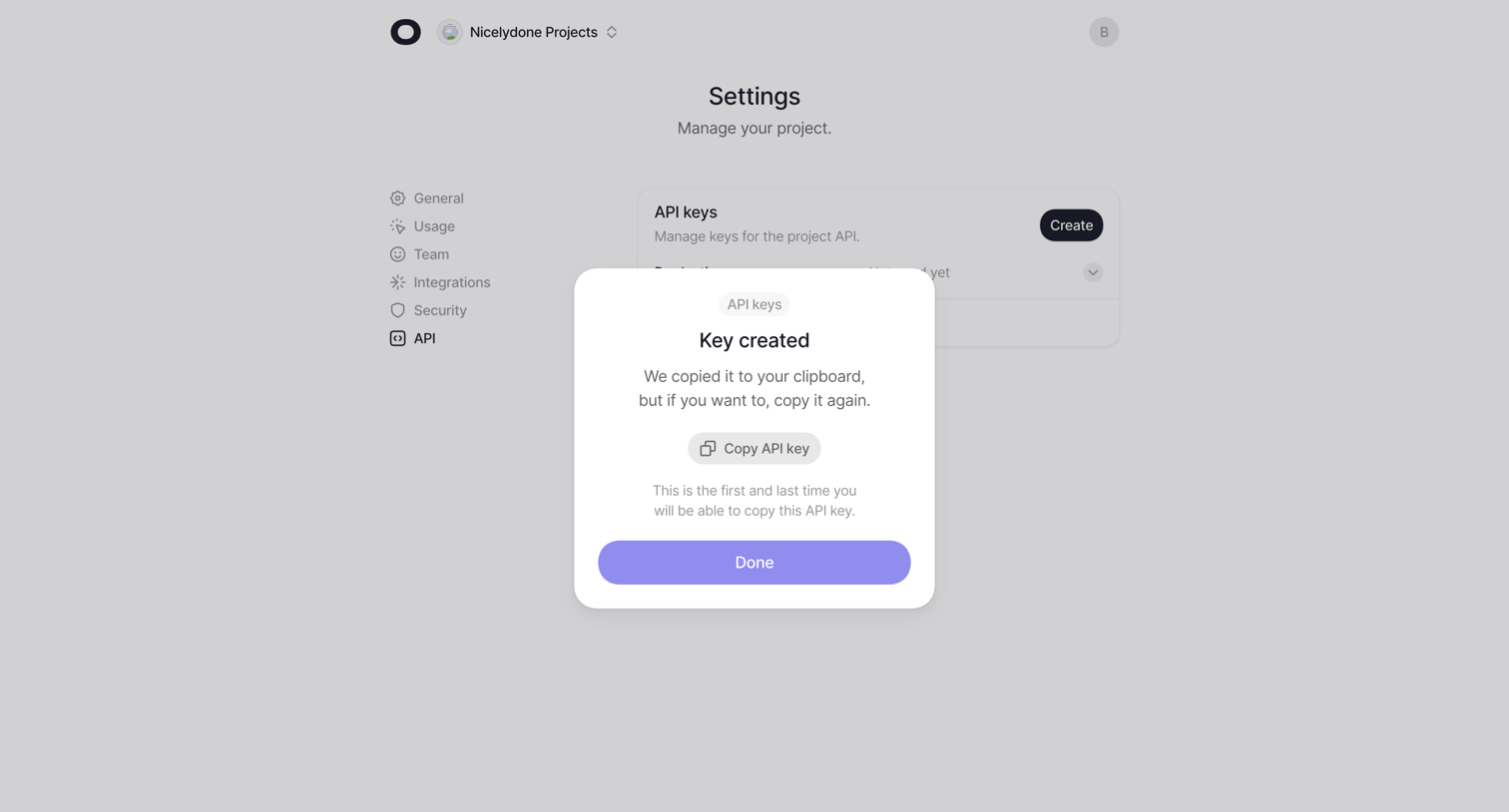

Settings page where the user has just generated a new API key and is presented with a success modal to copy it before it is hidden.
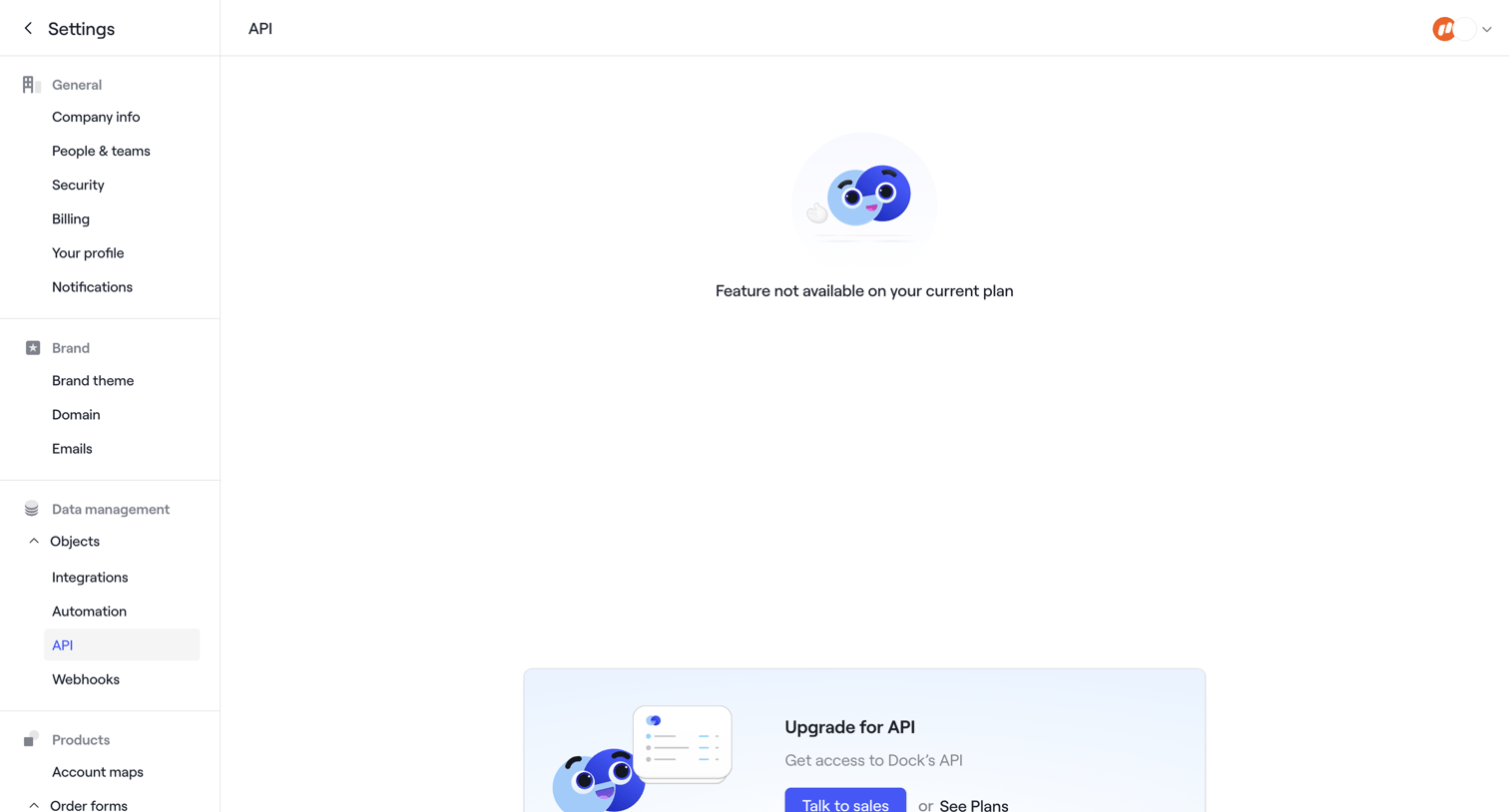

Settings page for API access where the user is blocked by a paywall and prompted to upgrade their plan or talk to sales.
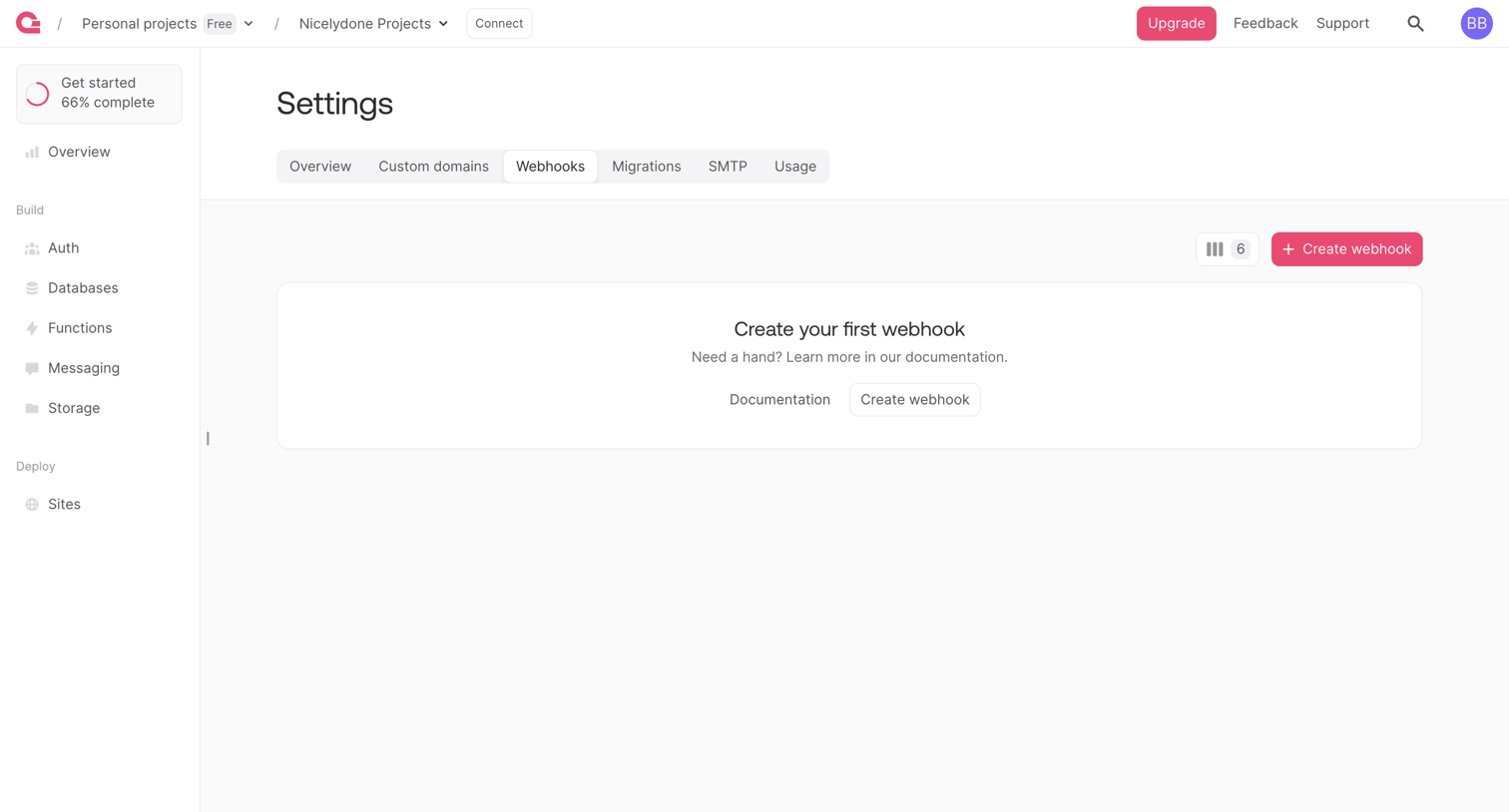

Settings page where the user is prompted to create their first webhook for a project.
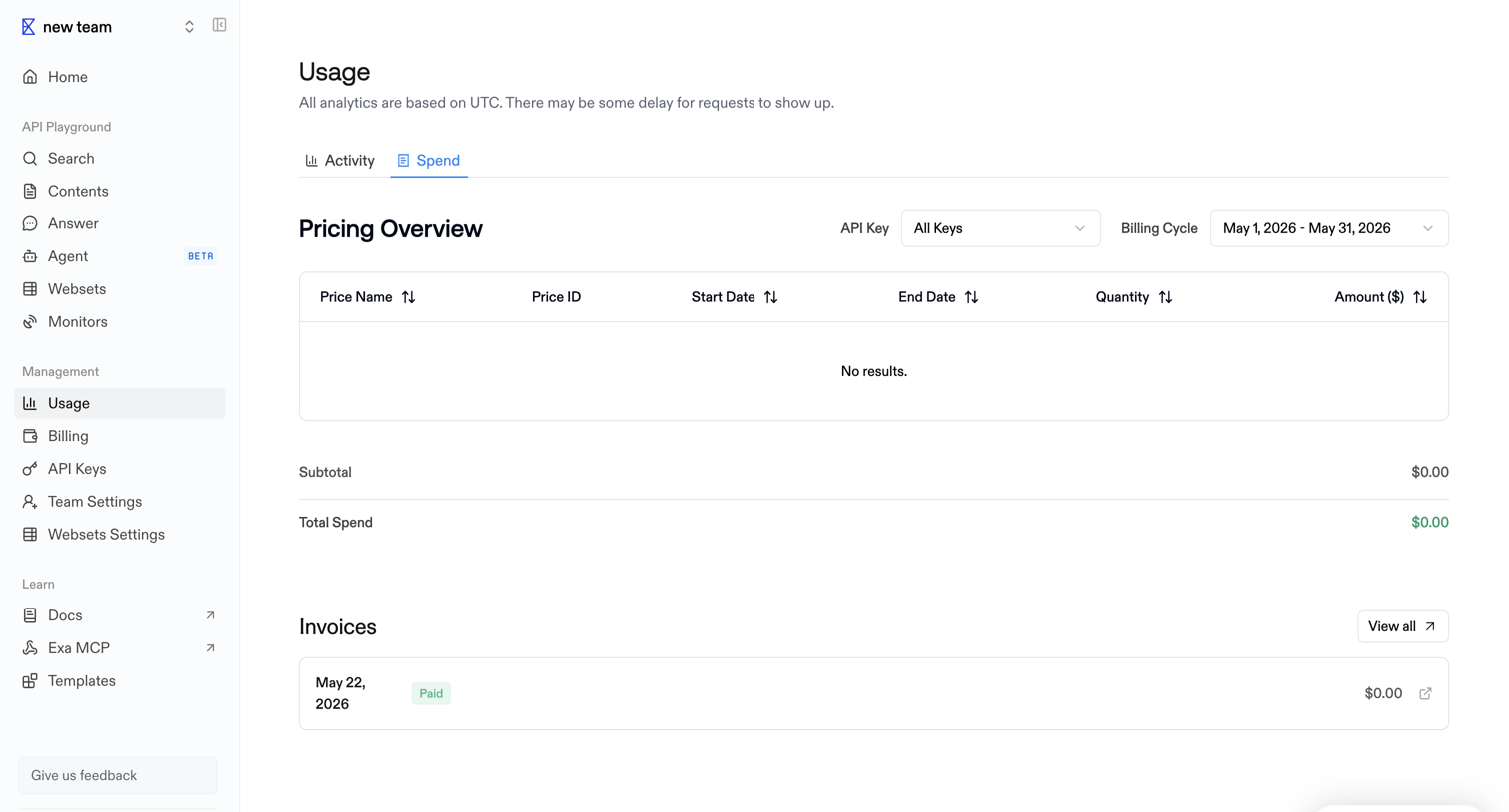

Usage settings page where the user views their pricing overview filtered by API key and billing cycle, along with a history of past invoices.
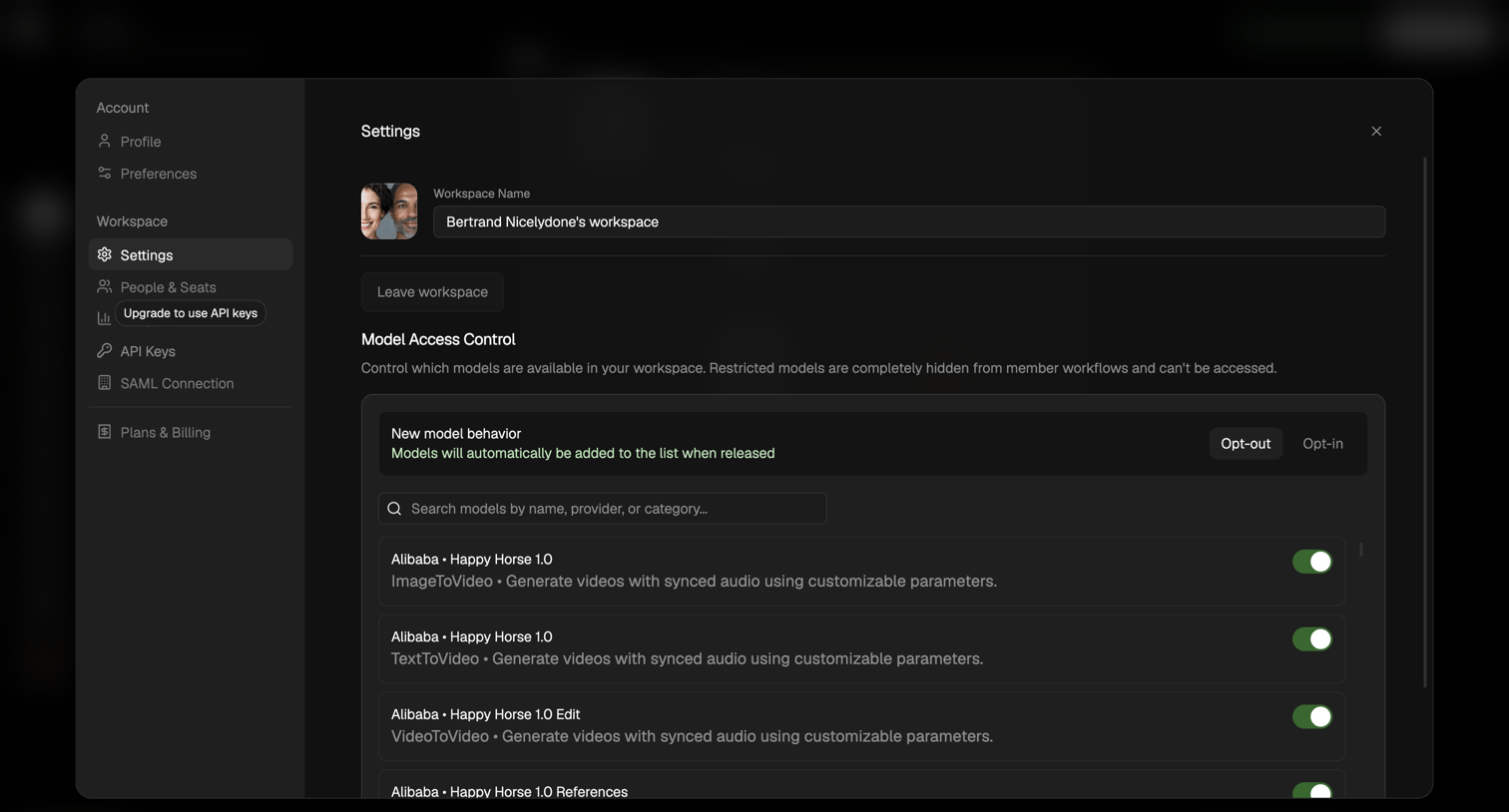

Workspace settings modal where the user configures access control for AI models by toggling specific models on or off and setting default behavior for new models.
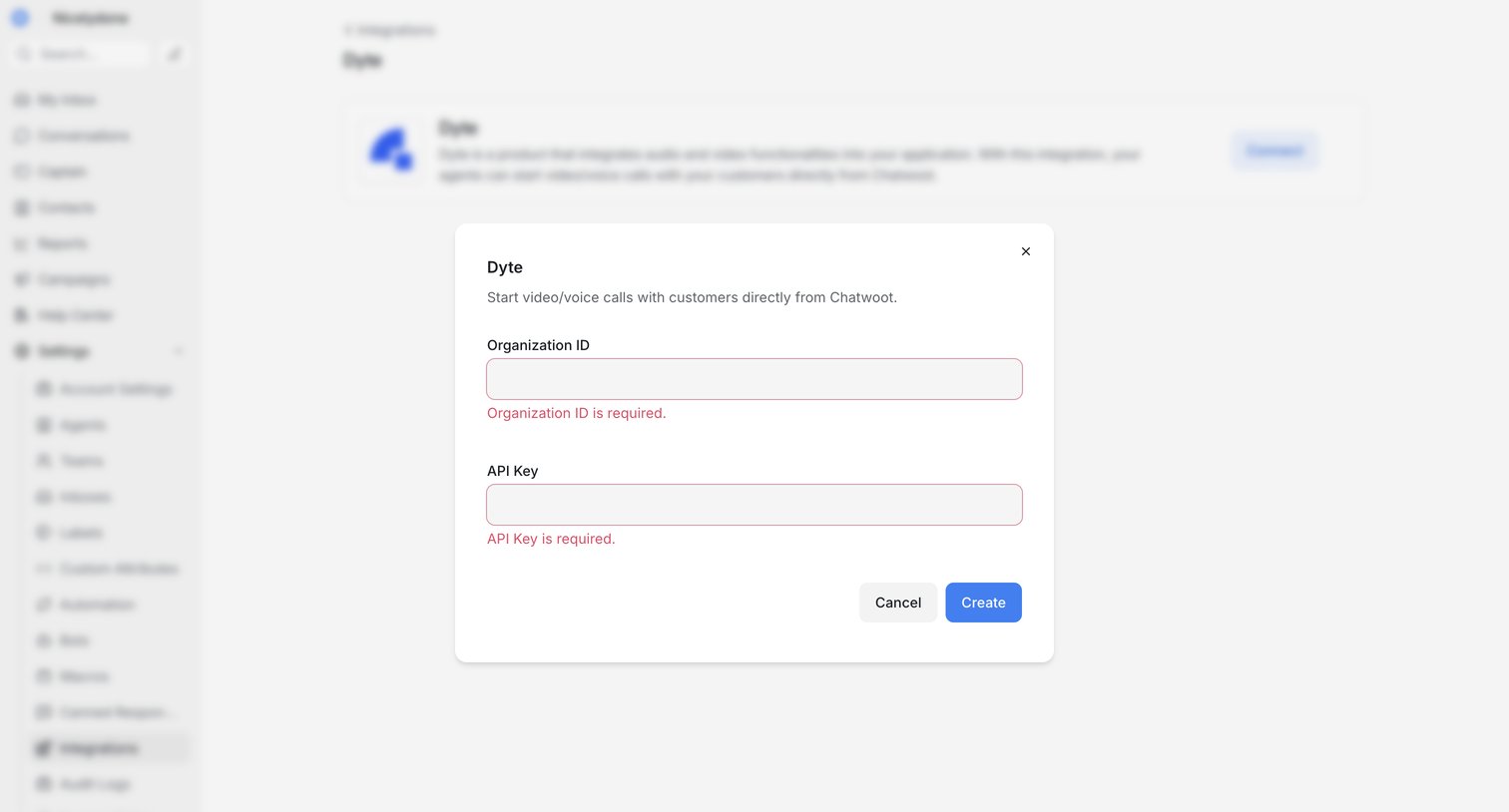

Settings page where the user configures the Dyte integration by entering their Organization ID and API Key, currently showing validation errors in a modal.
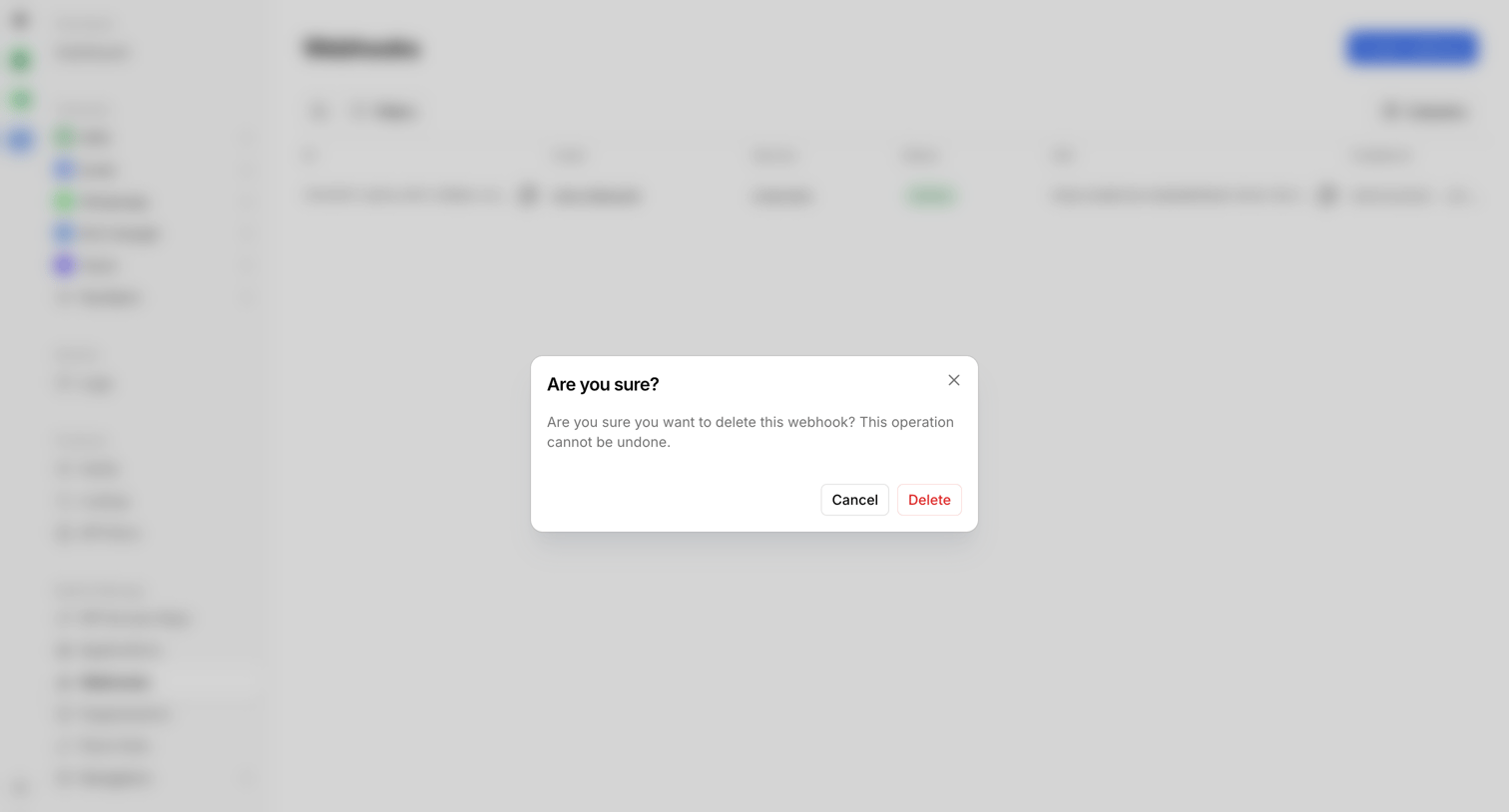

Settings page where the user confirms the destructive action of deleting a webhook.
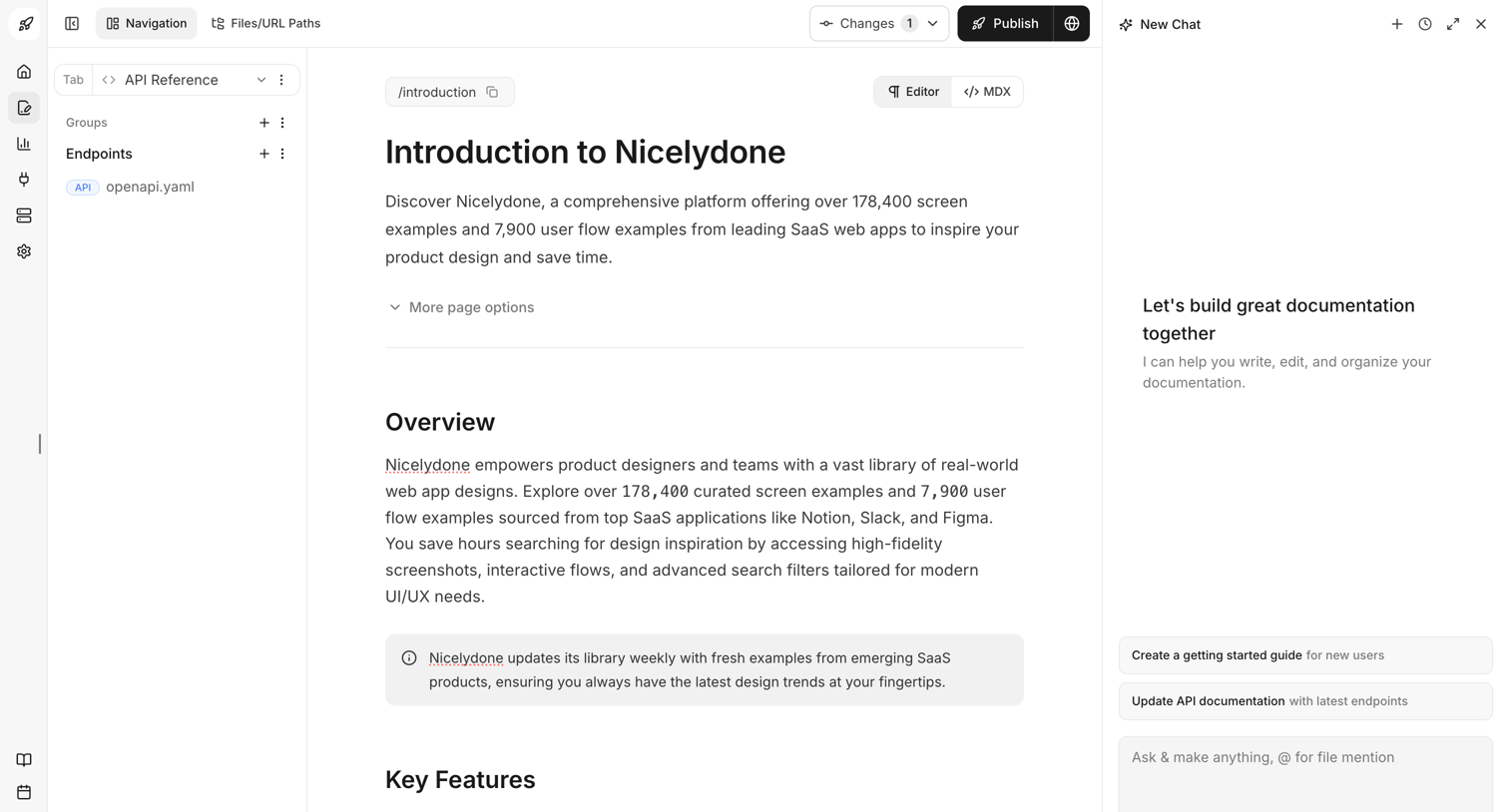

Content editor where the user writes the Introduction to Nicelydone documentation, with an AI assistant panel open on the right to help write and organize.
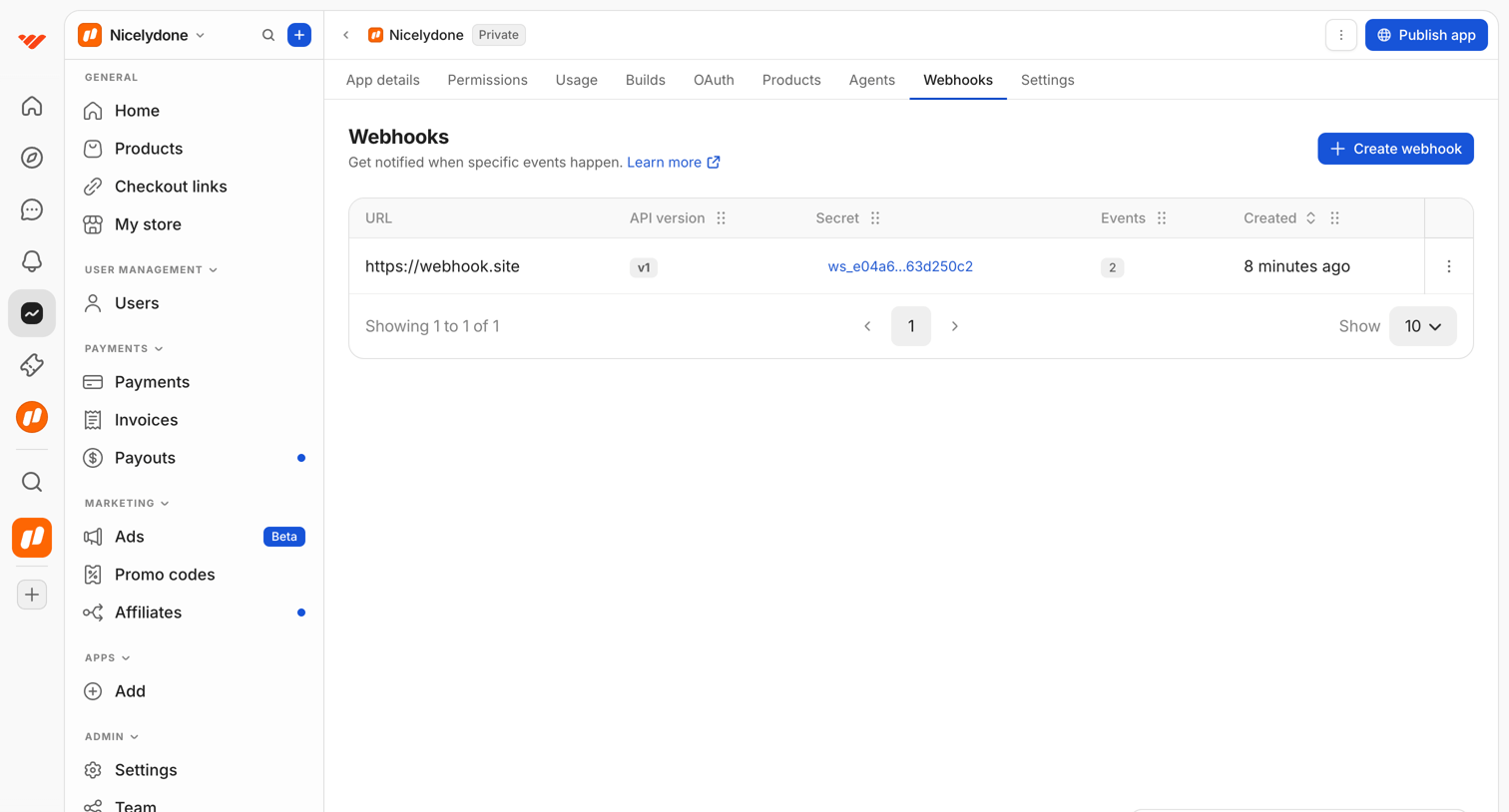

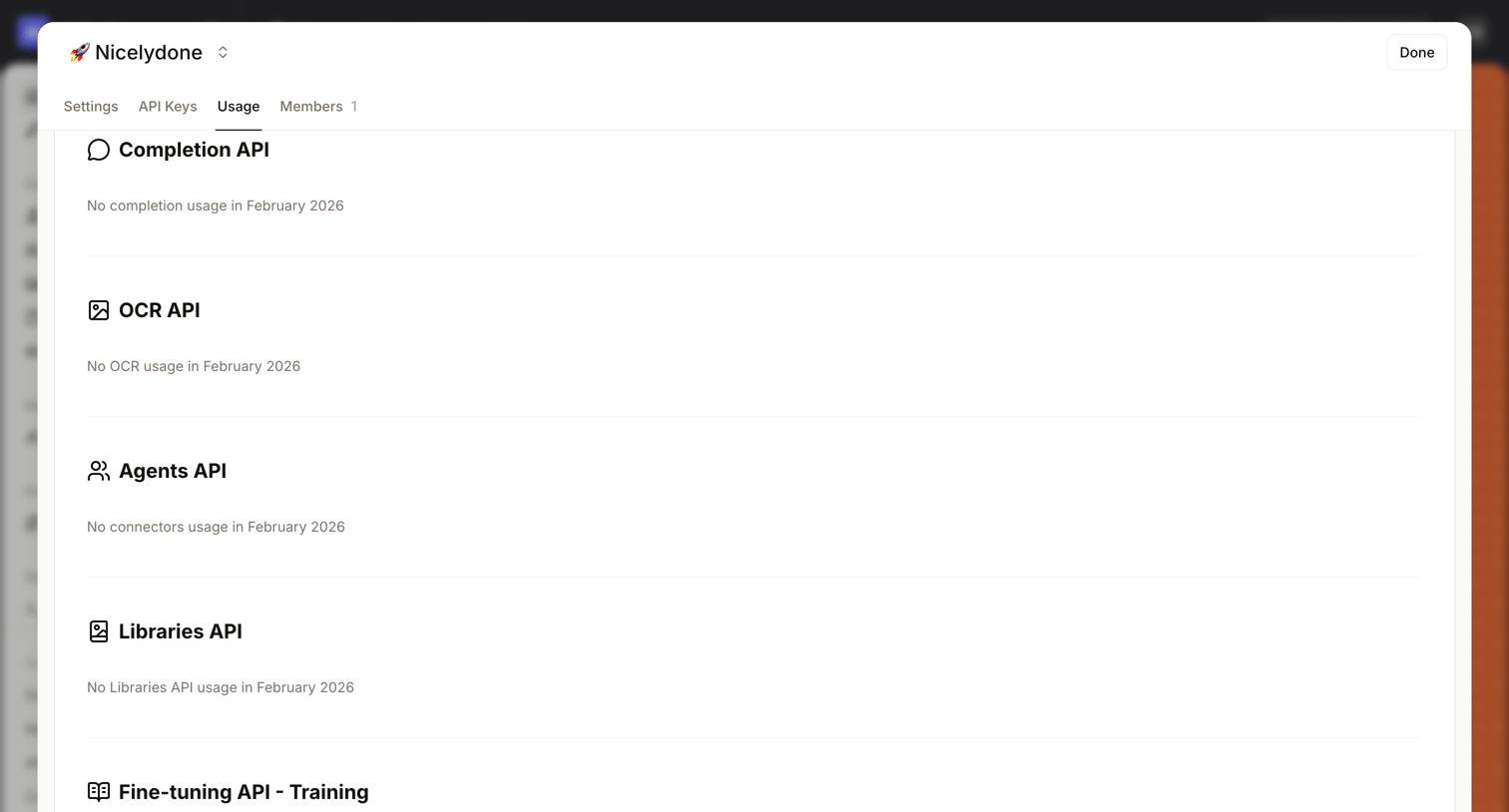

Explore the full SaaS screen library
Upgrade to unlock the full library.
Trusted by the best teams







