AI assistance screen examples
AI assistance screen design examples from SaaS apps. See how apps make an AI assistant available alongside the main workspace. Explore how suggested tasks, input fields, and responses fit into the surrounding…
Explore the examples
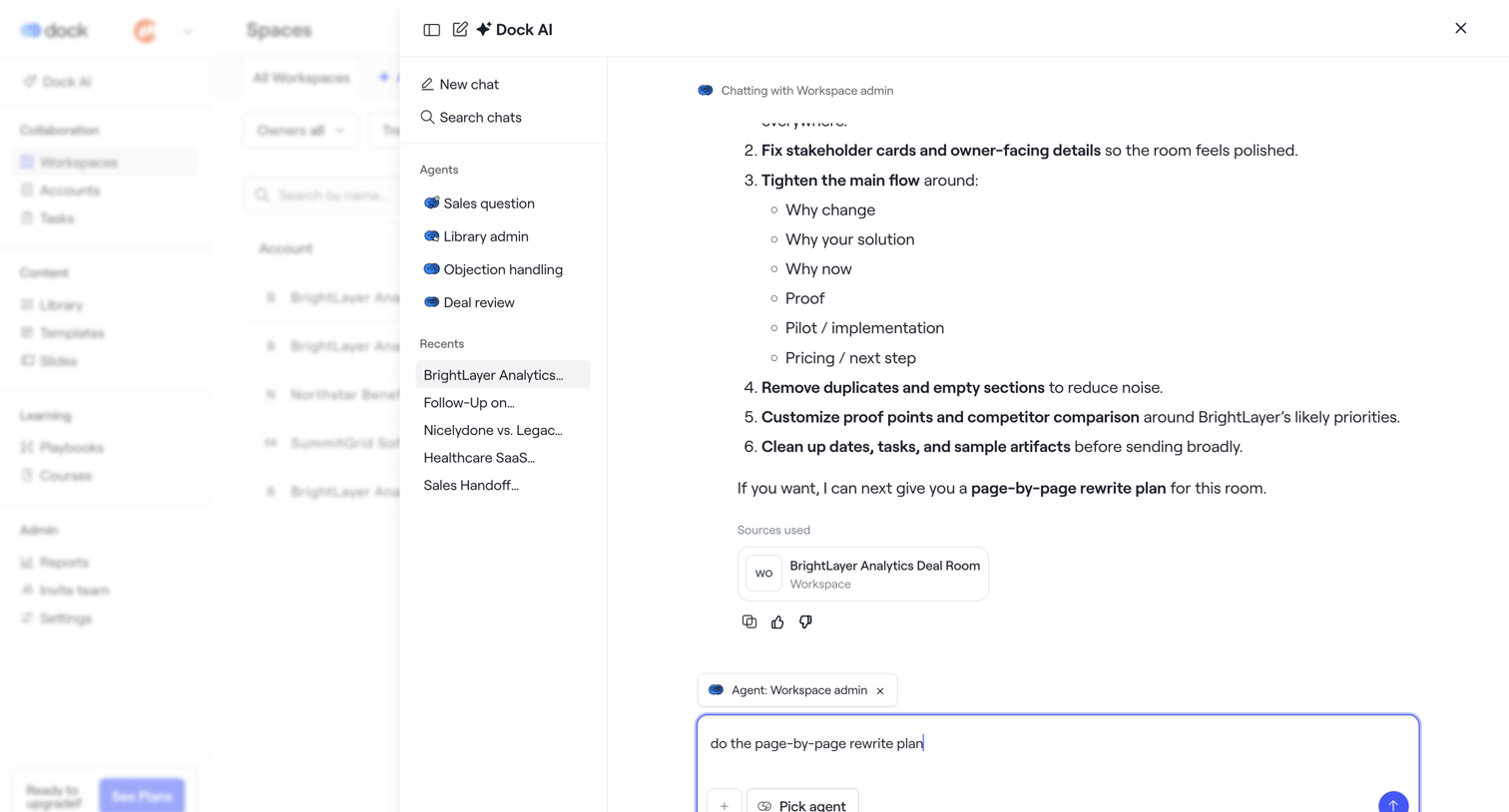

AI chat drawer where the user interacts with a Workspace admin agent to review a rewrite plan for a deal room, with options to select different agents or view recent chats.
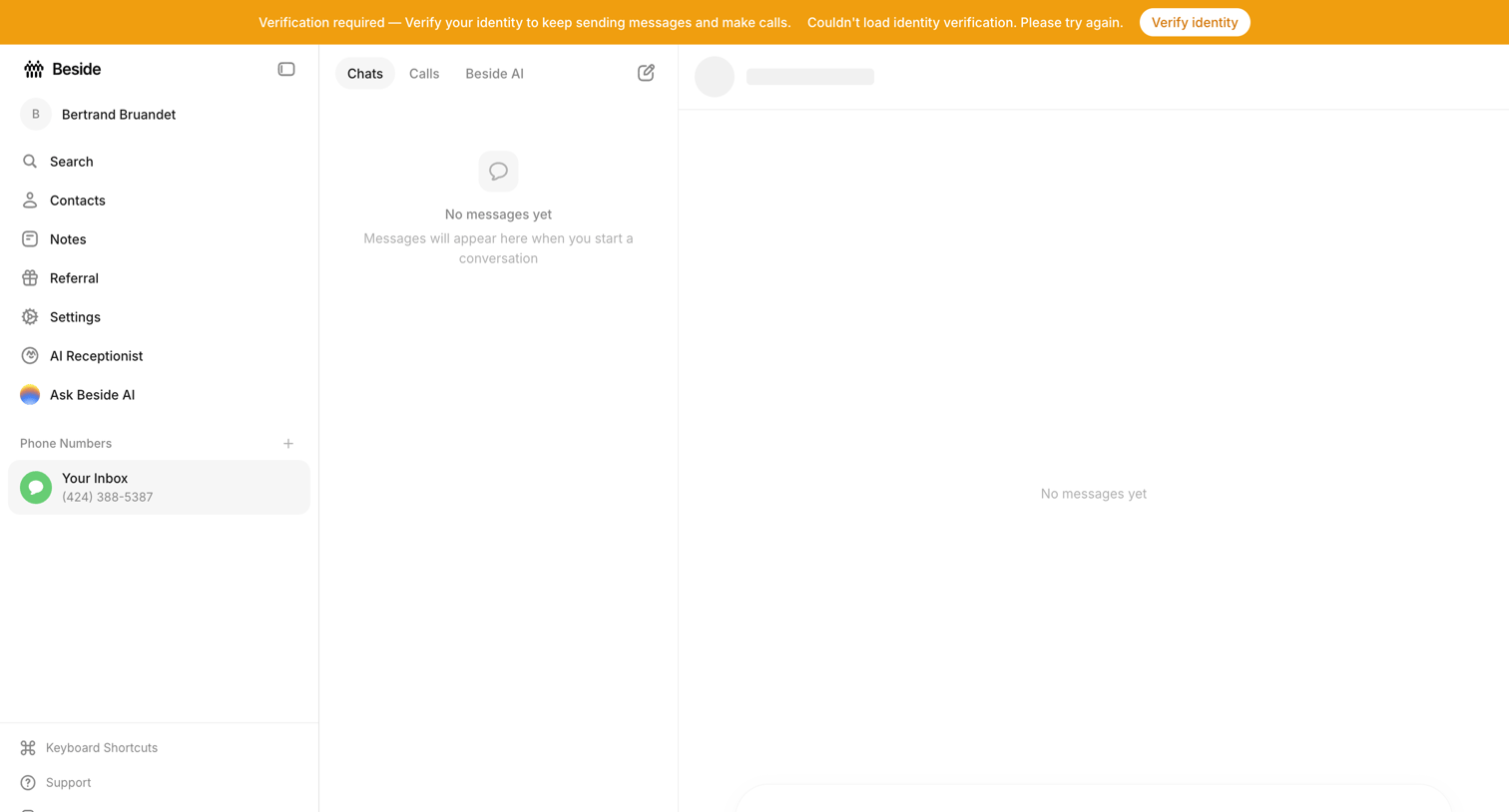

Inbox view where the user is prompted to verify their identity to continue sending messages, showing empty states for both the chat list and conversation panes.
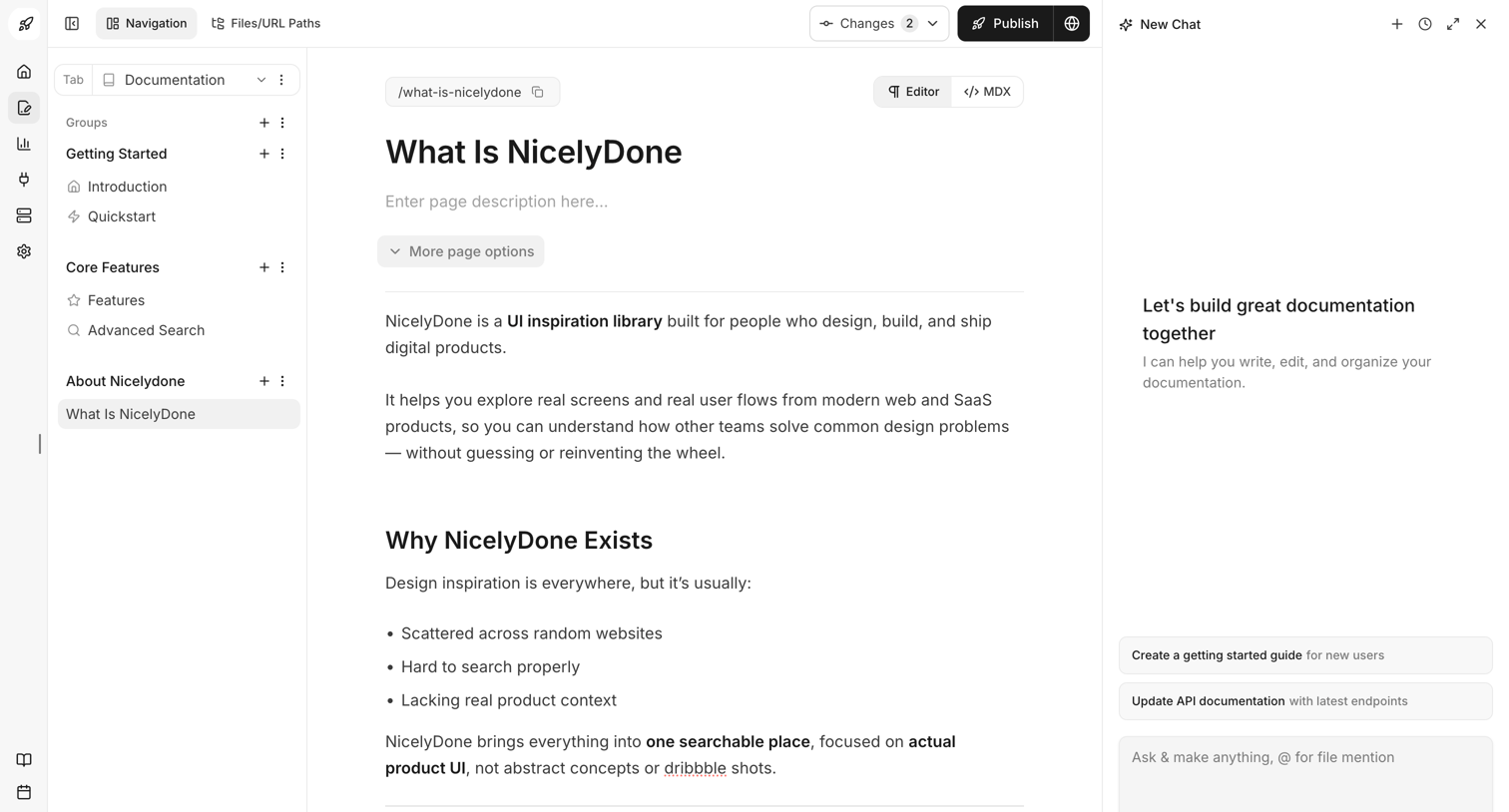

Content editor where the user writes and formats documentation pages alongside an AI chat assistant.
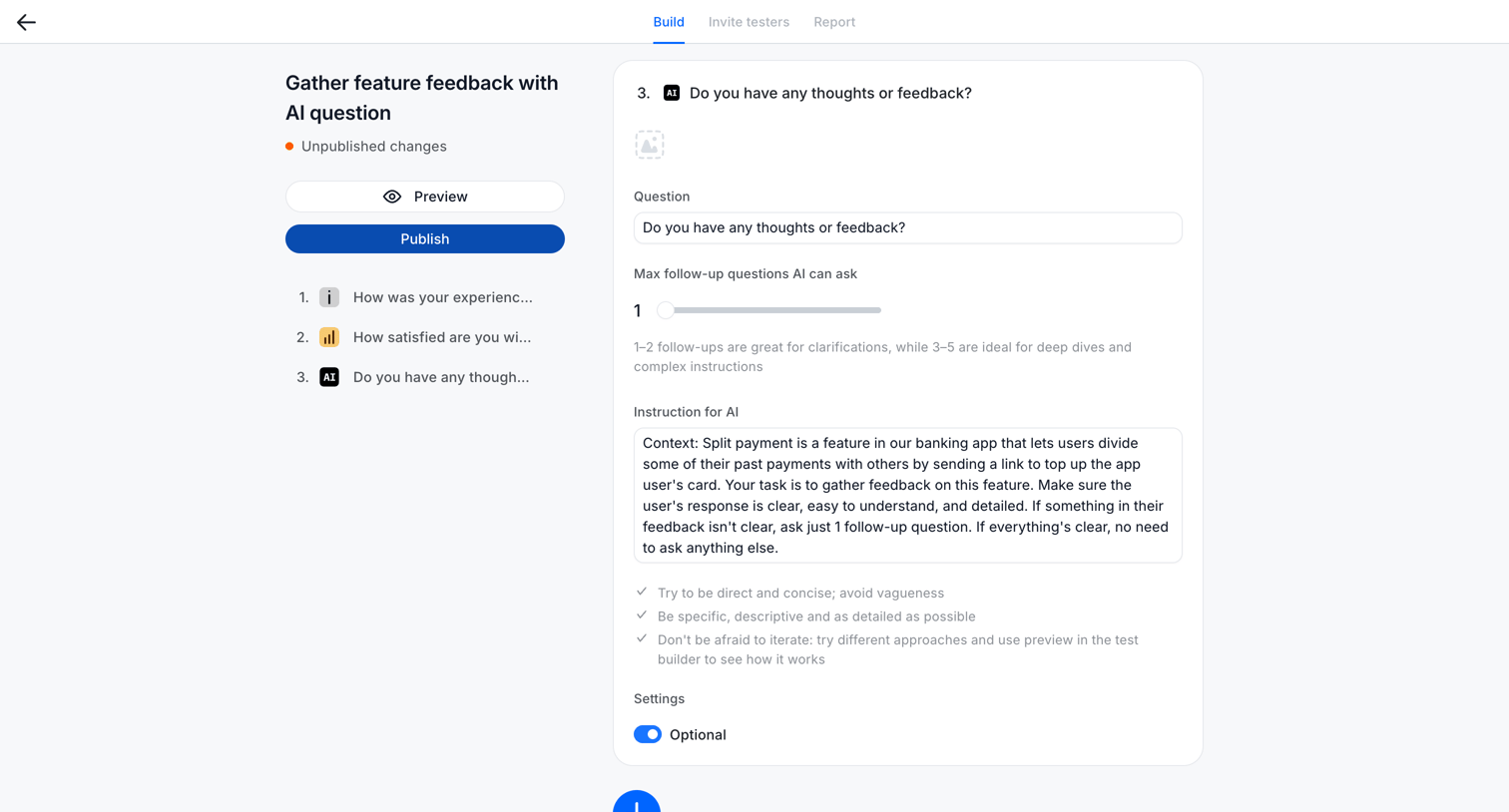

Design editor where the user configures an AI-driven feedback question, setting the prompt instructions and the maximum number of follow-up questions.
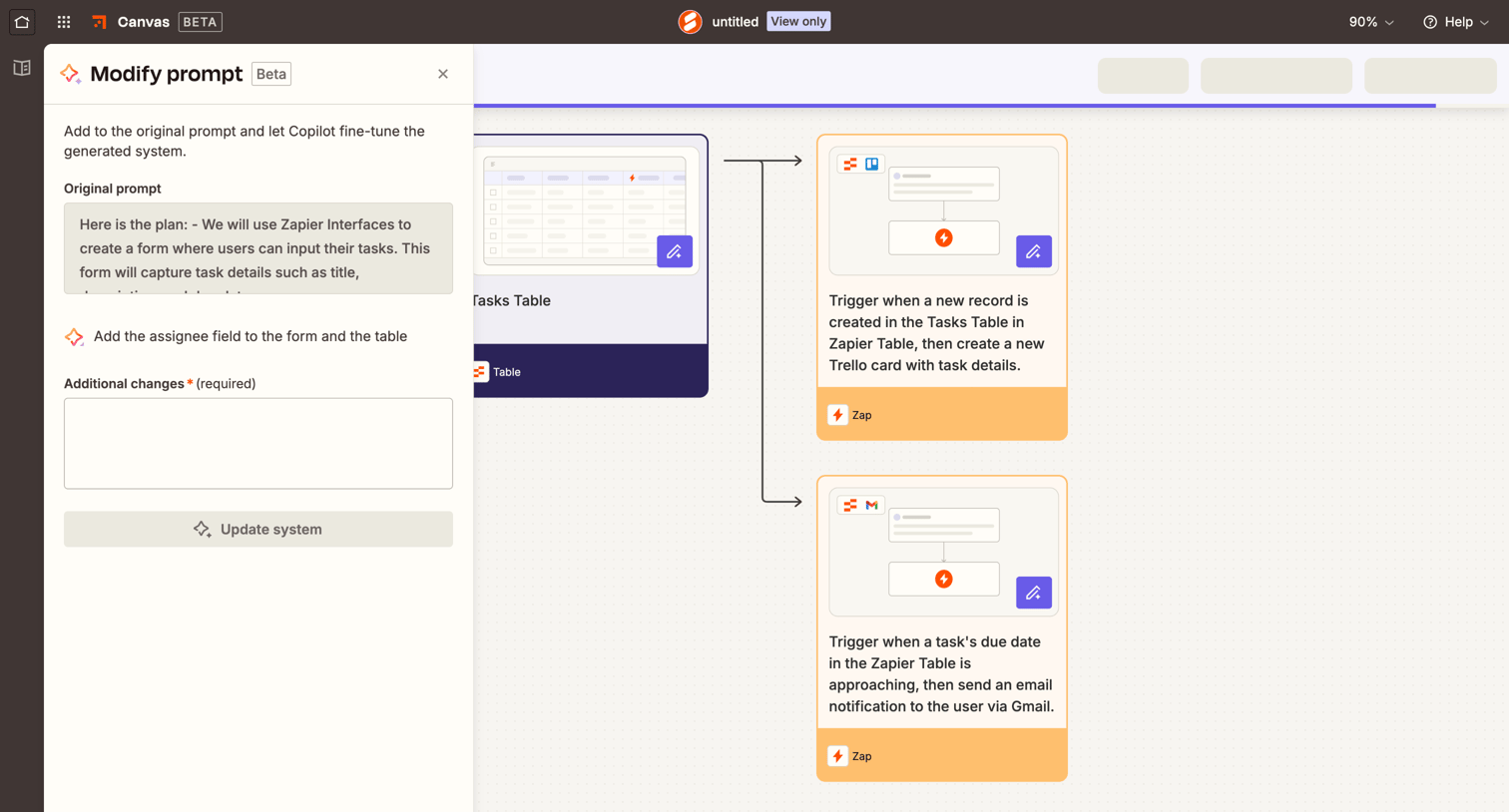

Design editor canvas where the user modifies an AI-generated automation system by adding instructions to a prompt drawer.
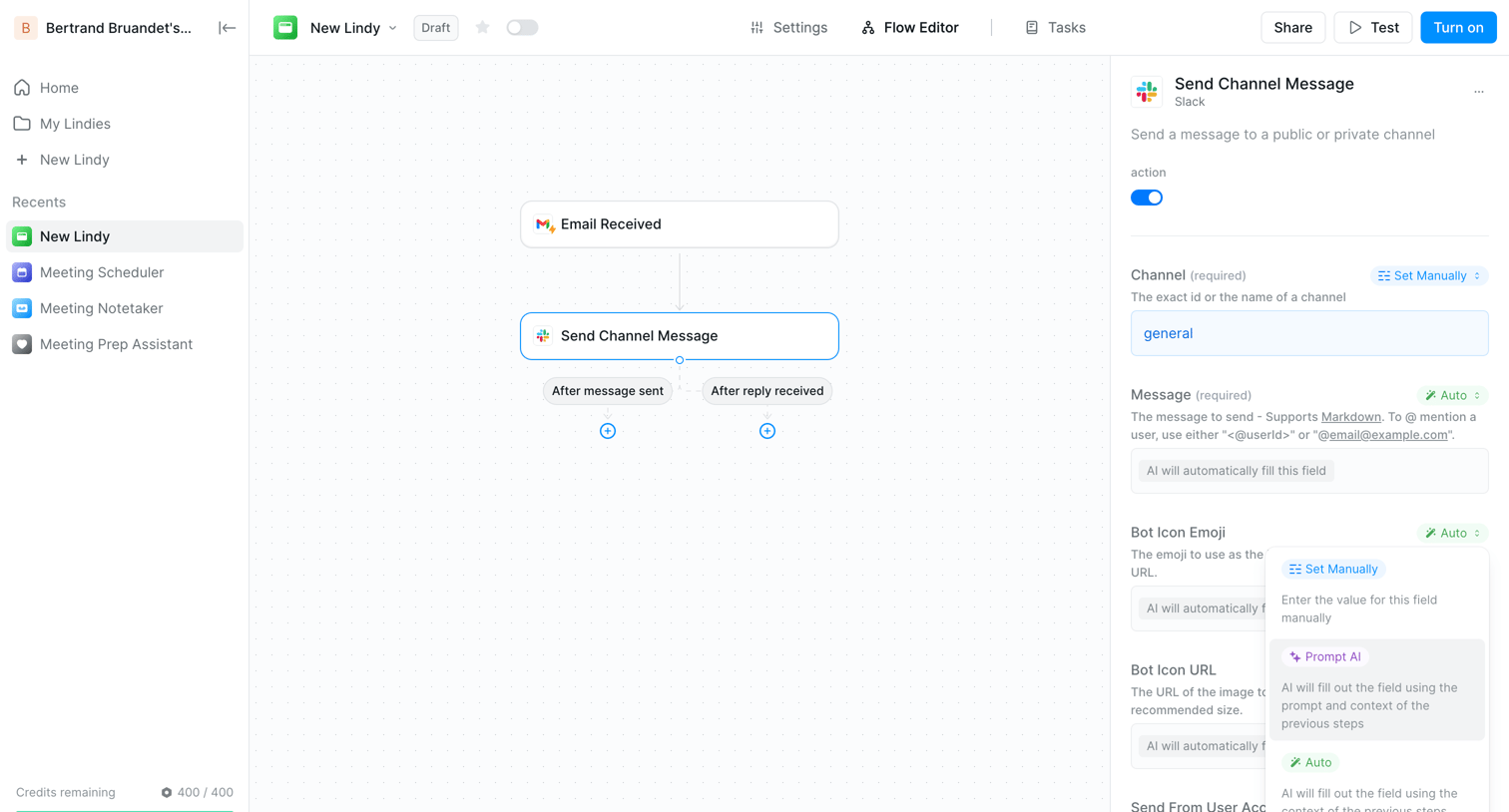

Workflow editor where the user configures an AI agent to send a Slack message when an email is received, with a properties panel for node configuration.
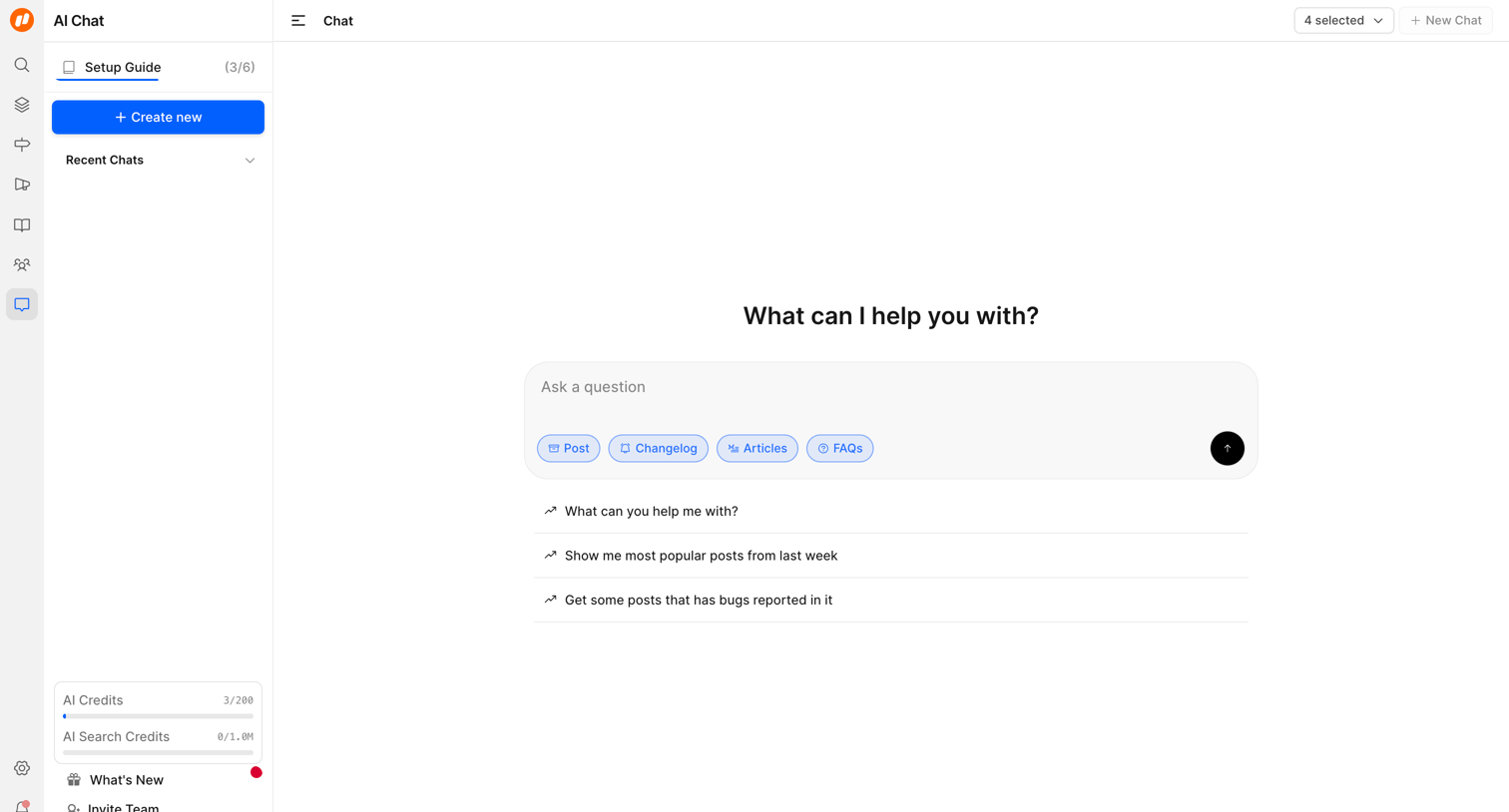

AI chat interface where the user can ask a question, select context filters like Post or Changelog, or choose from suggested prompts.
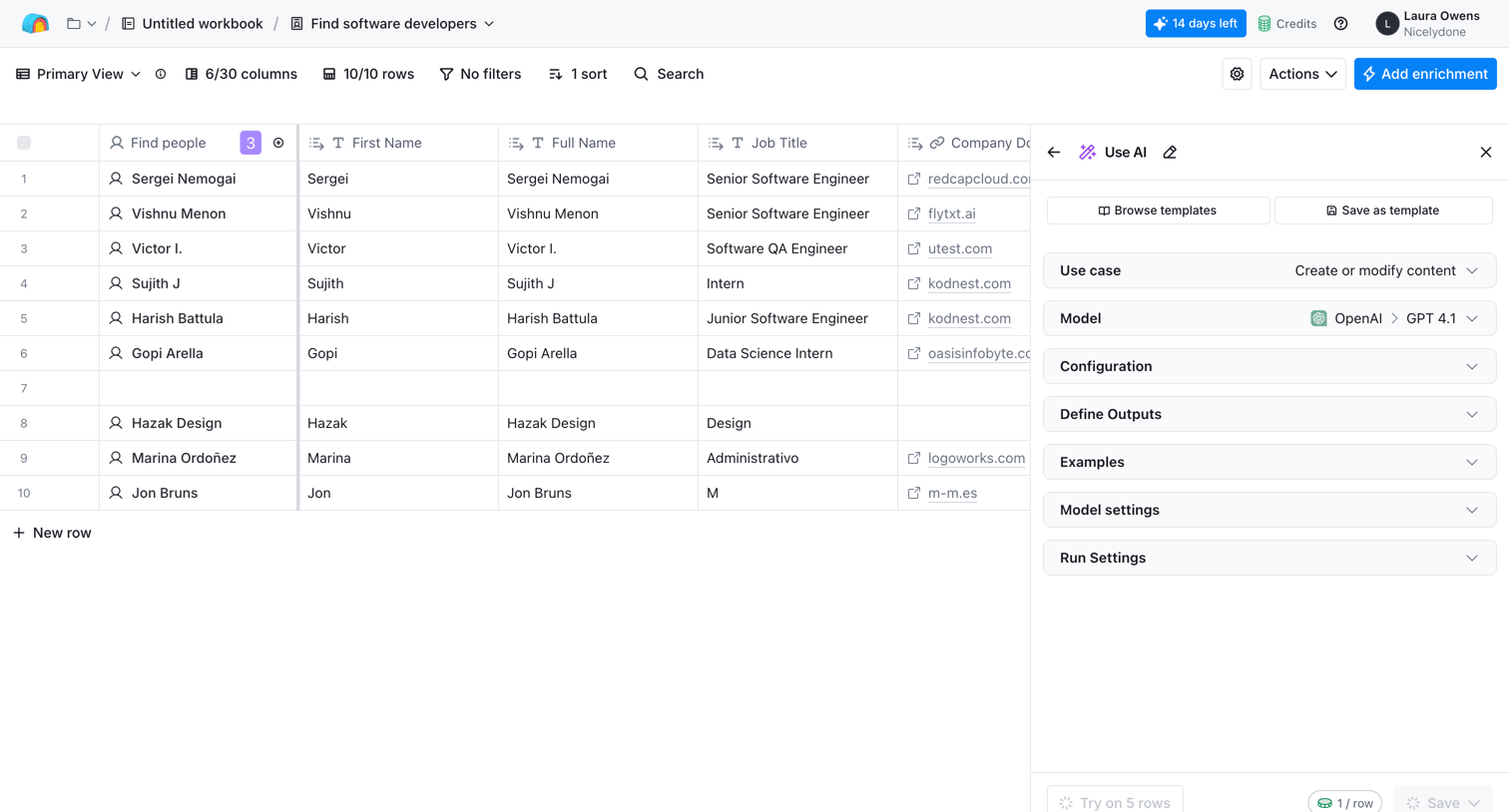

List view where the user configures an AI model to generate content for a new column based on existing table data.
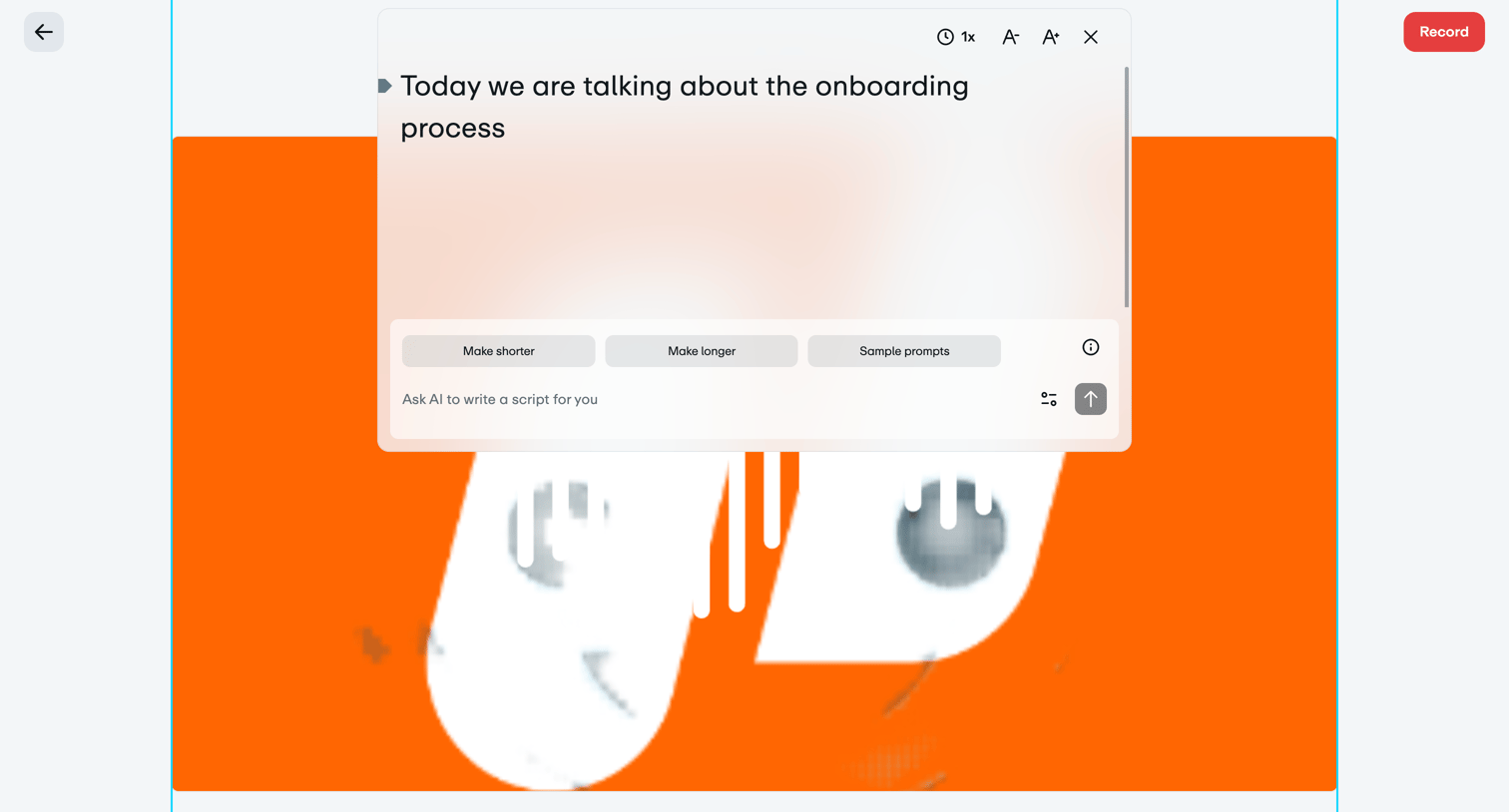

Video recording interface where the user can edit a teleprompter script and use AI to generate or modify the text before recording.
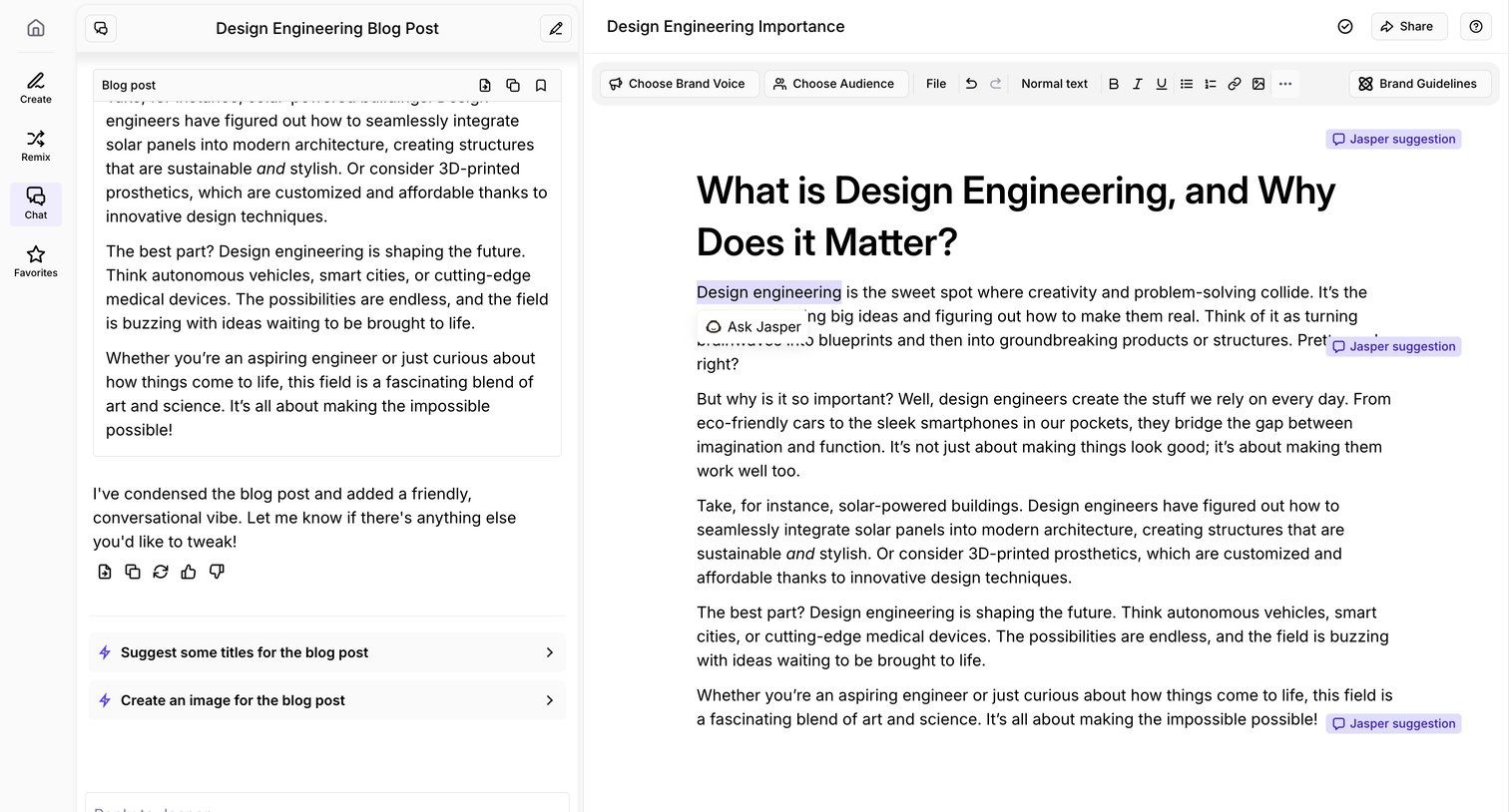

Content editor where the user writes a blog post with the help of an AI sidebar assistant and inline AI suggestions.
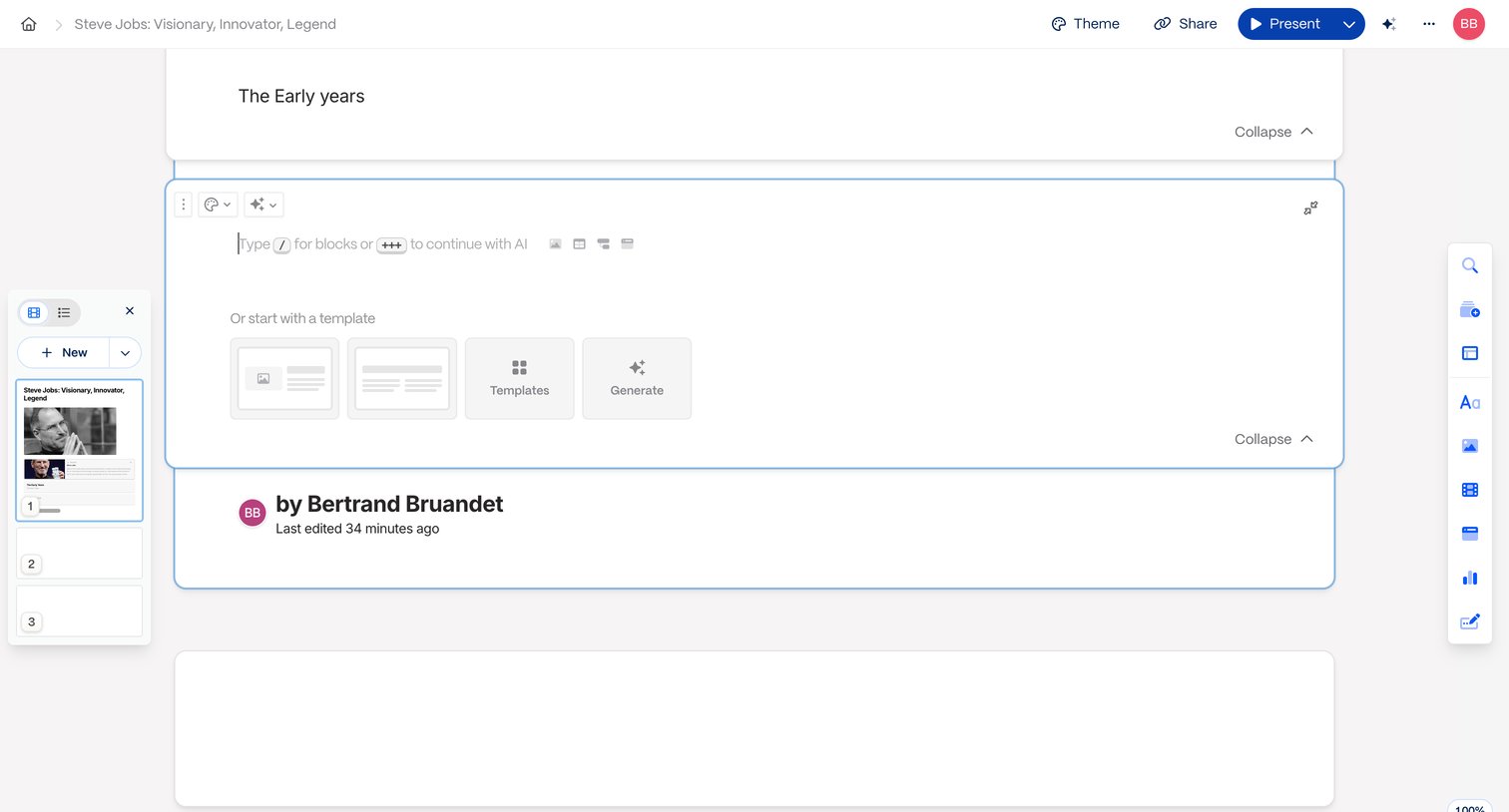

Content editor where the user builds a presentation using blocks, templates, and AI generation tools.
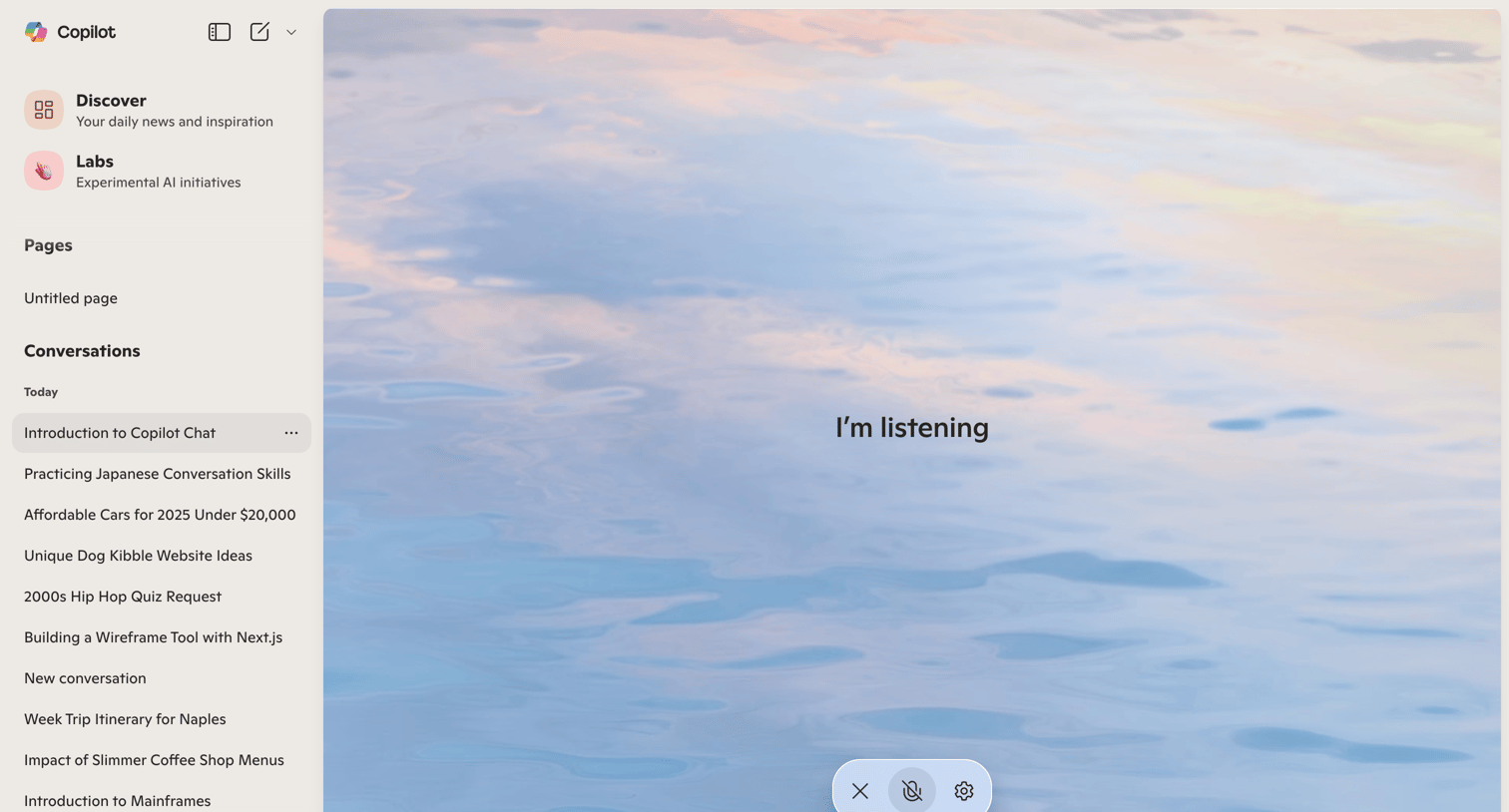

AI chat interface in an active voice listening mode with a conversation history sidebar.
Explore the full SaaS screen library
Upgrade to unlock the full library.
Trusted by the best teams








About AI assistance
See how apps make an AI assistant available alongside the main workspace. Explore how suggested tasks, input fields, and responses fit into the surrounding interface.