Activity tracking screen examples
Activity tracking screen design examples from SaaS apps. Browse examples from Dock, Aboard, Morphic.
Explore the examples
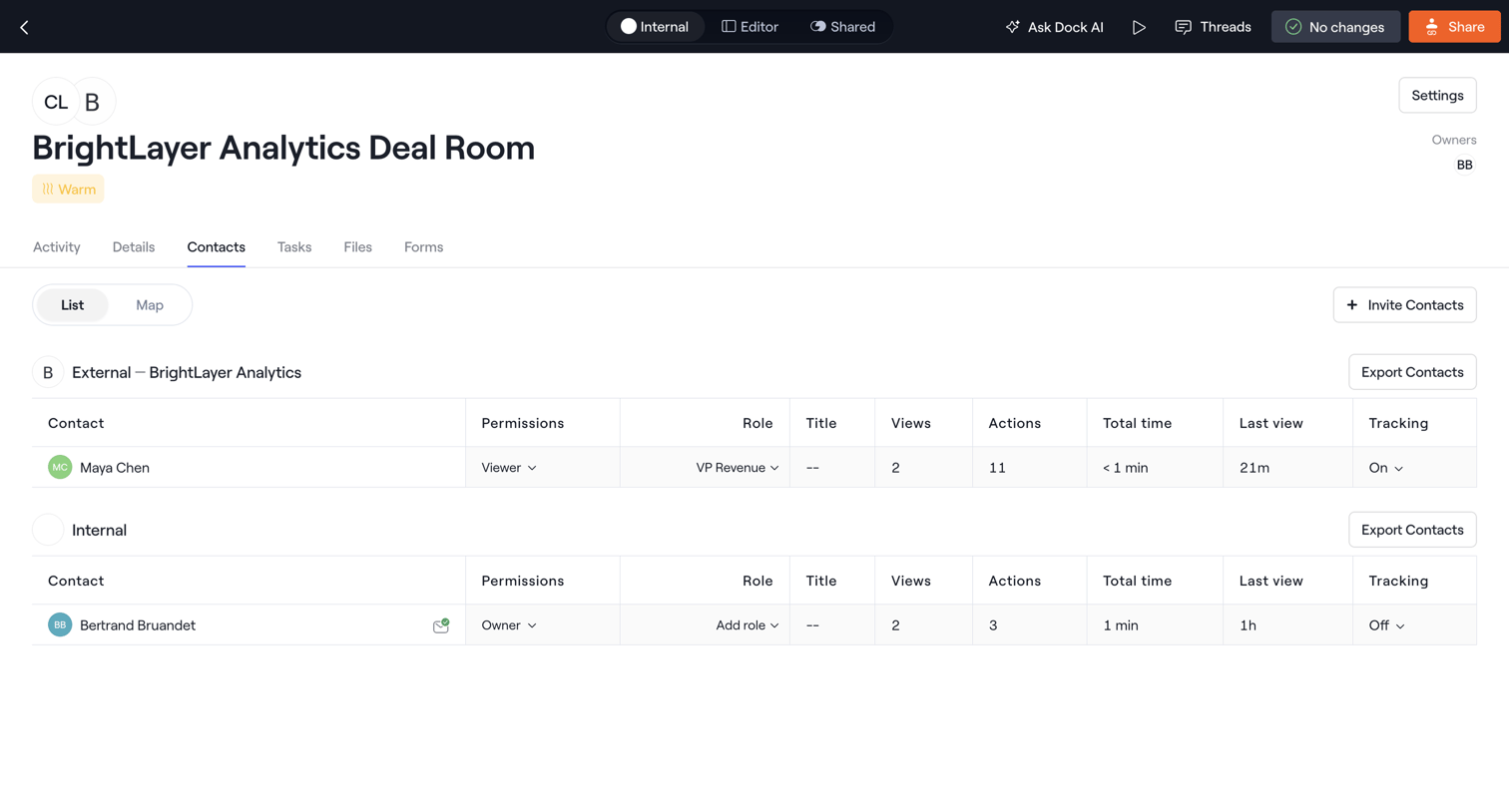

Detail page where the user manages internal and external contacts for a specific deal room, adjusting permissions, roles, and tracking activity.

Detail page for a user record where an admin is viewing the audit events history in a large, currently empty modal overlay.
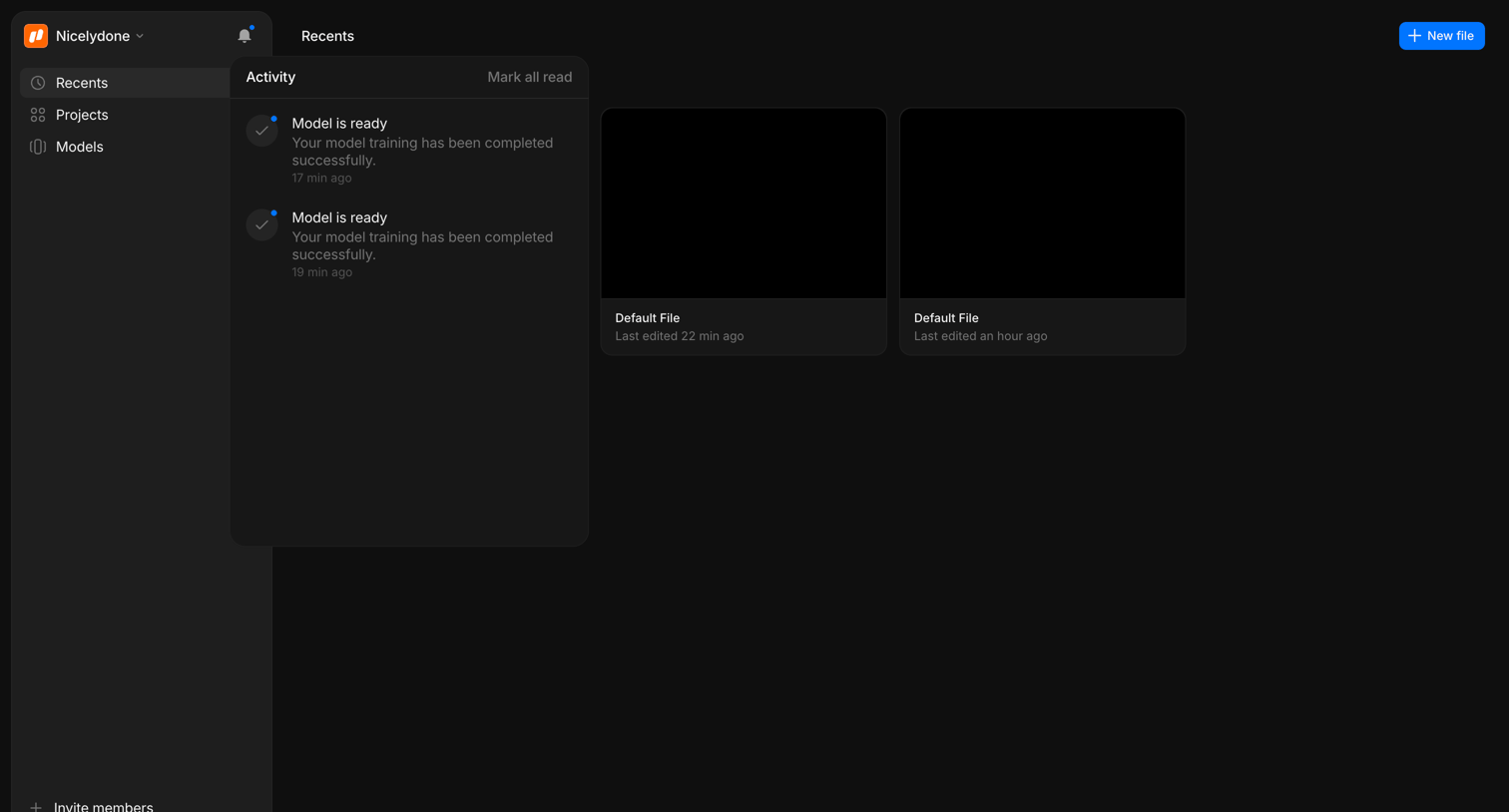

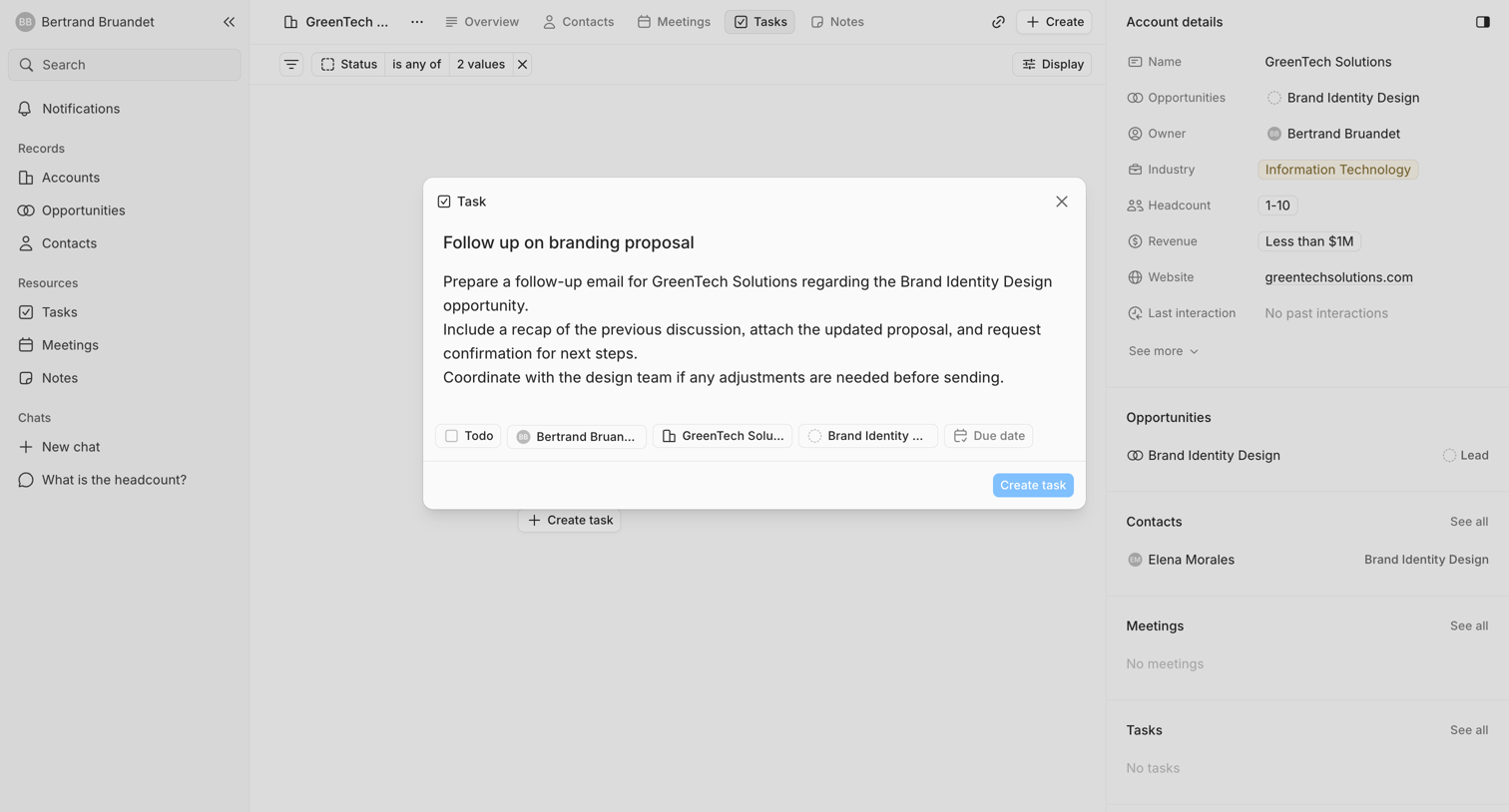

Detail page for a CRM account where the user is creating a new task to follow up on a branding proposal via a centered modal.
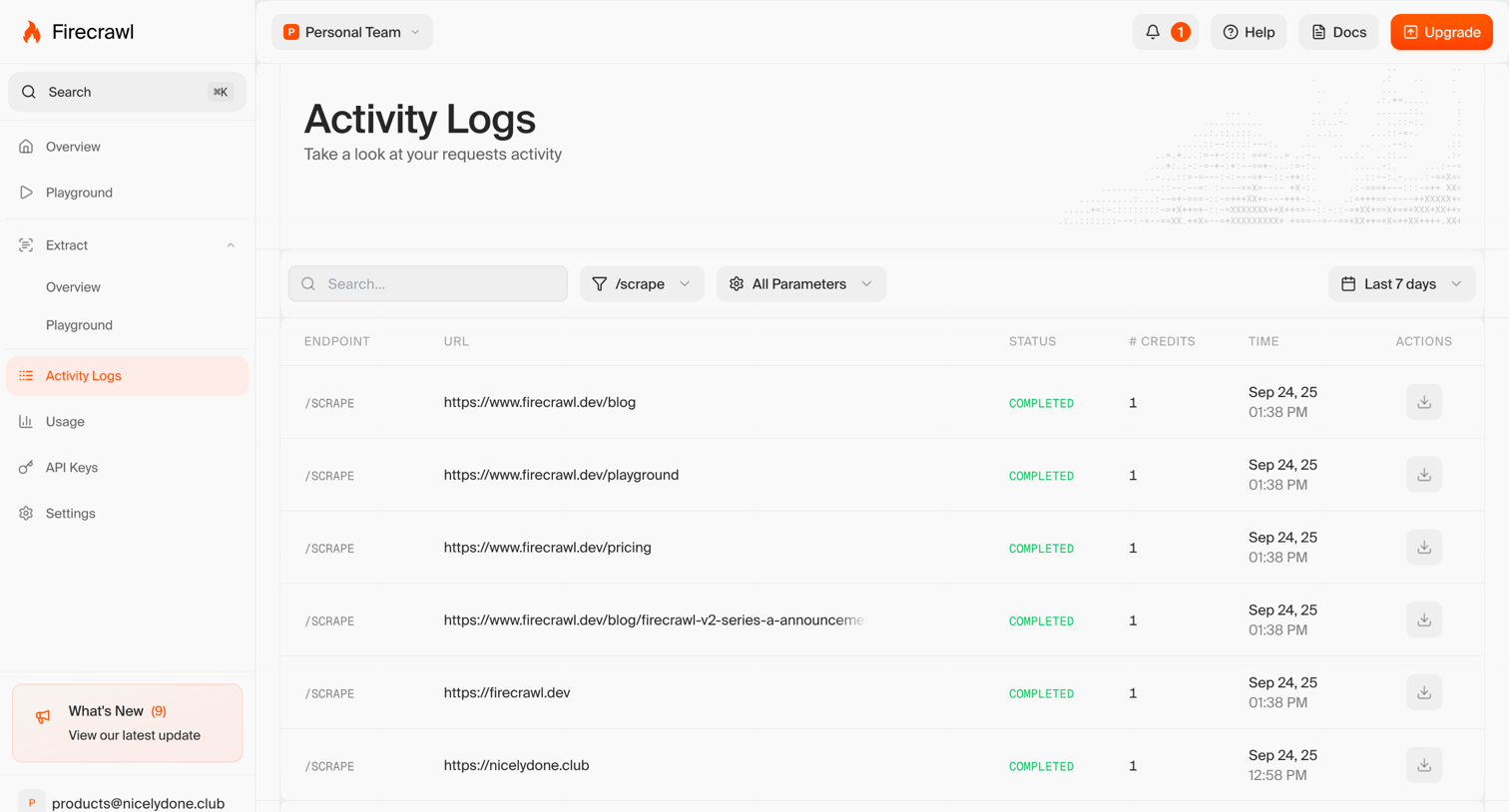

List view where the user monitors their recent scrape request activity, including endpoints, URLs, status, and credits used.
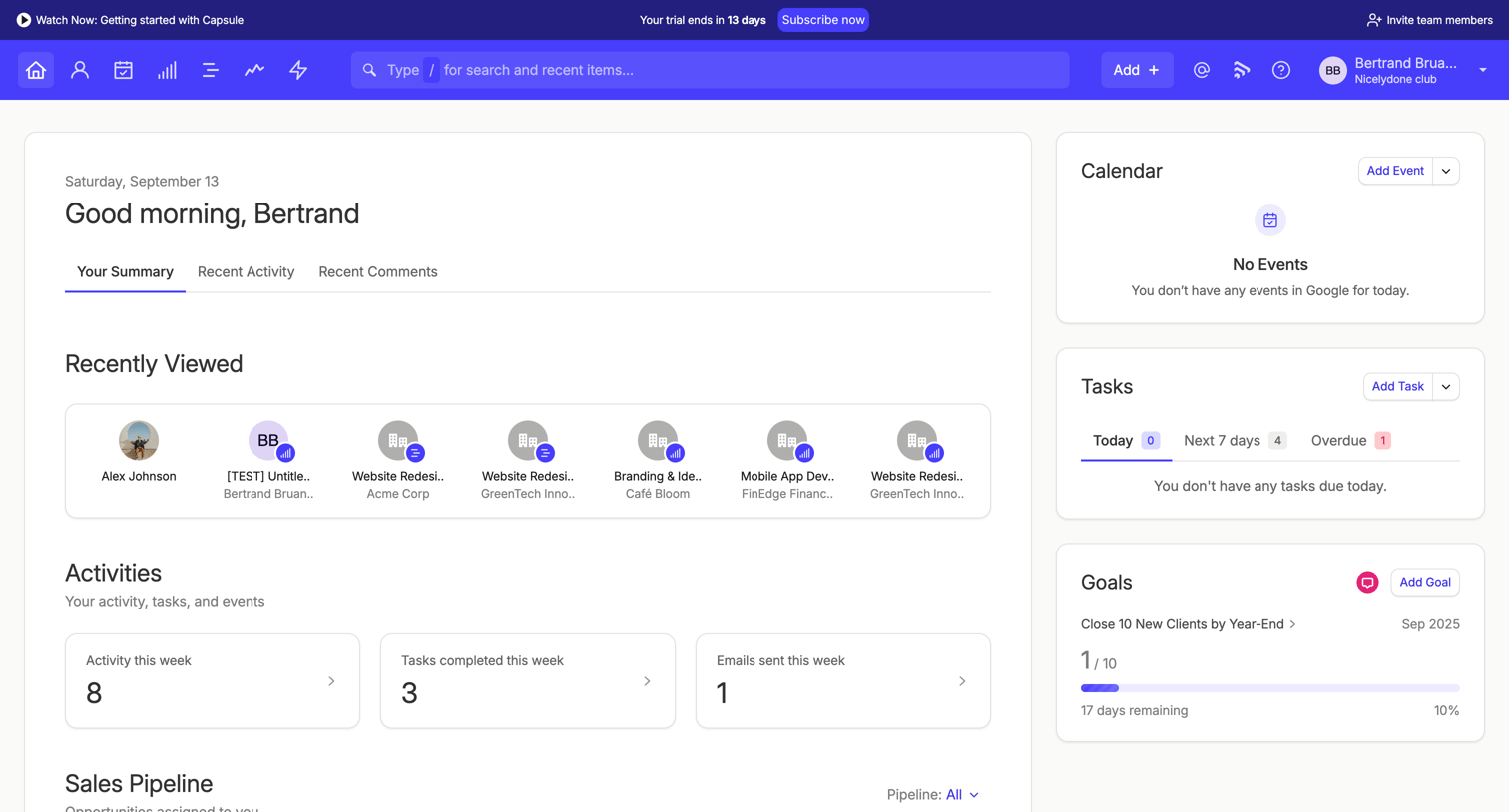

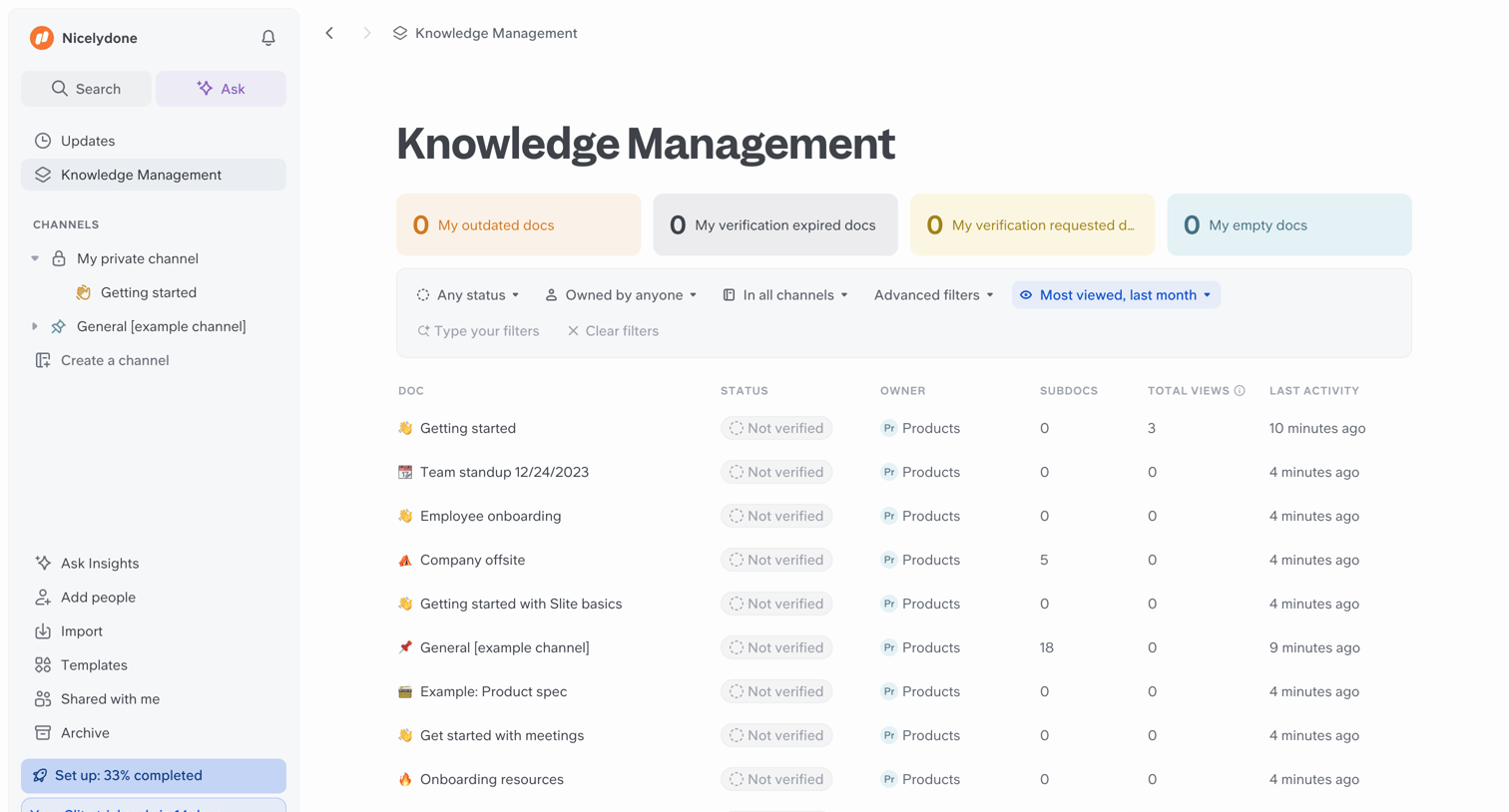

List view where the user manages their team's knowledge base documents, including filtering by status and owner, and viewing activity metrics.
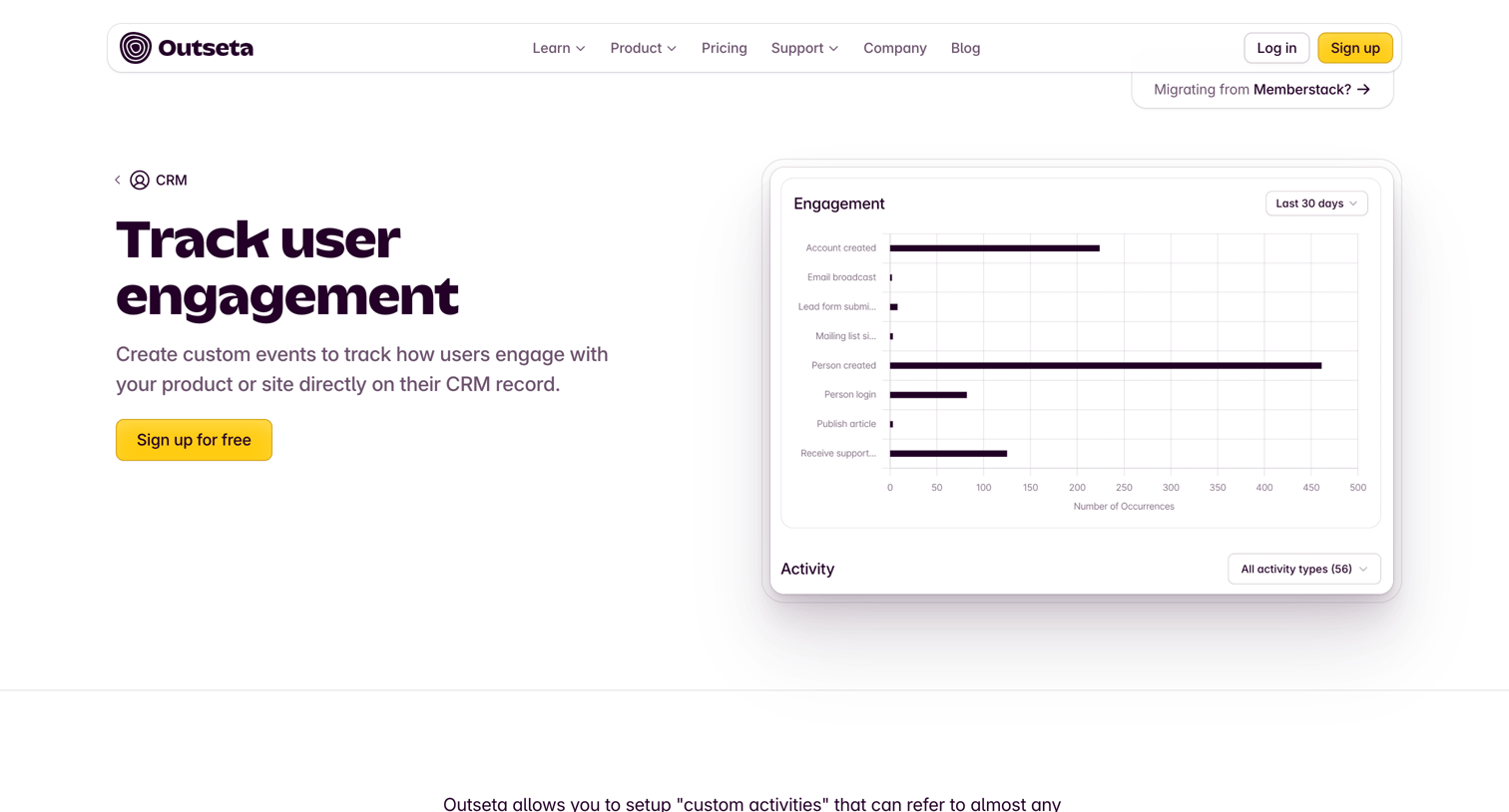

Feature page explaining how to track custom user engagement events directly on CRM records, featuring a bar chart visualization and a trial signup call to action.
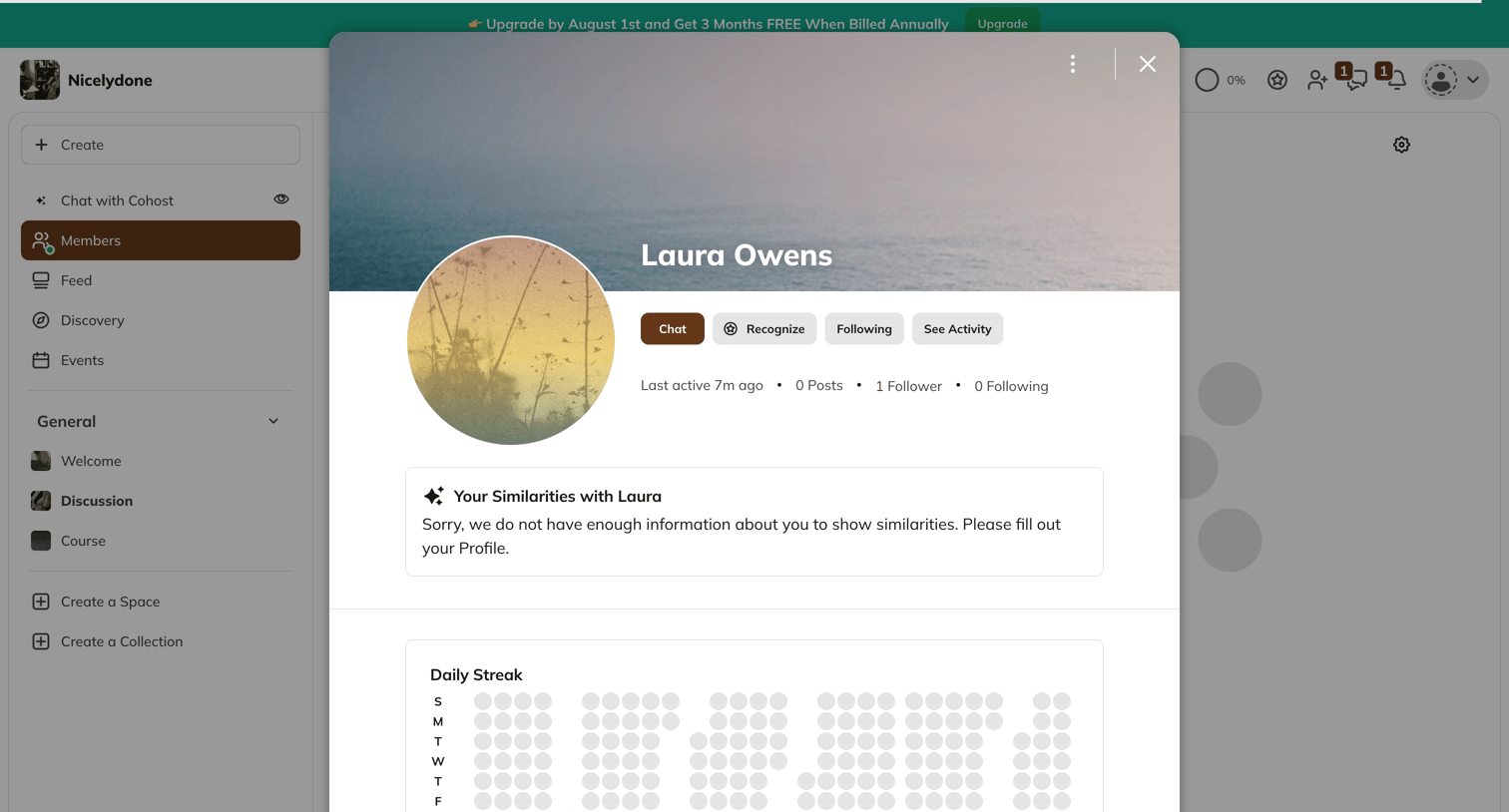

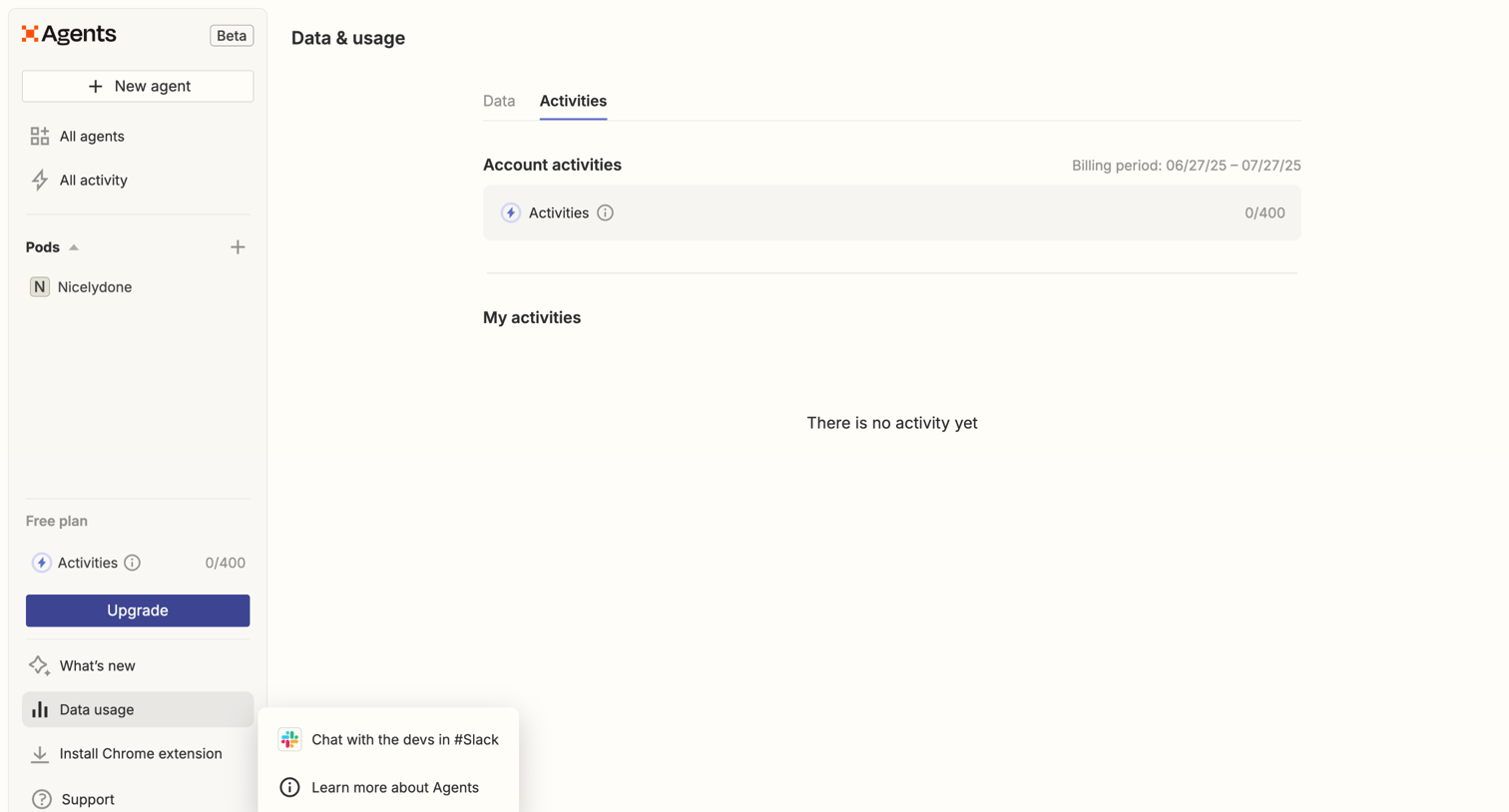

Settings page where the user views their account activity usage against their free plan limits for the current billing period.
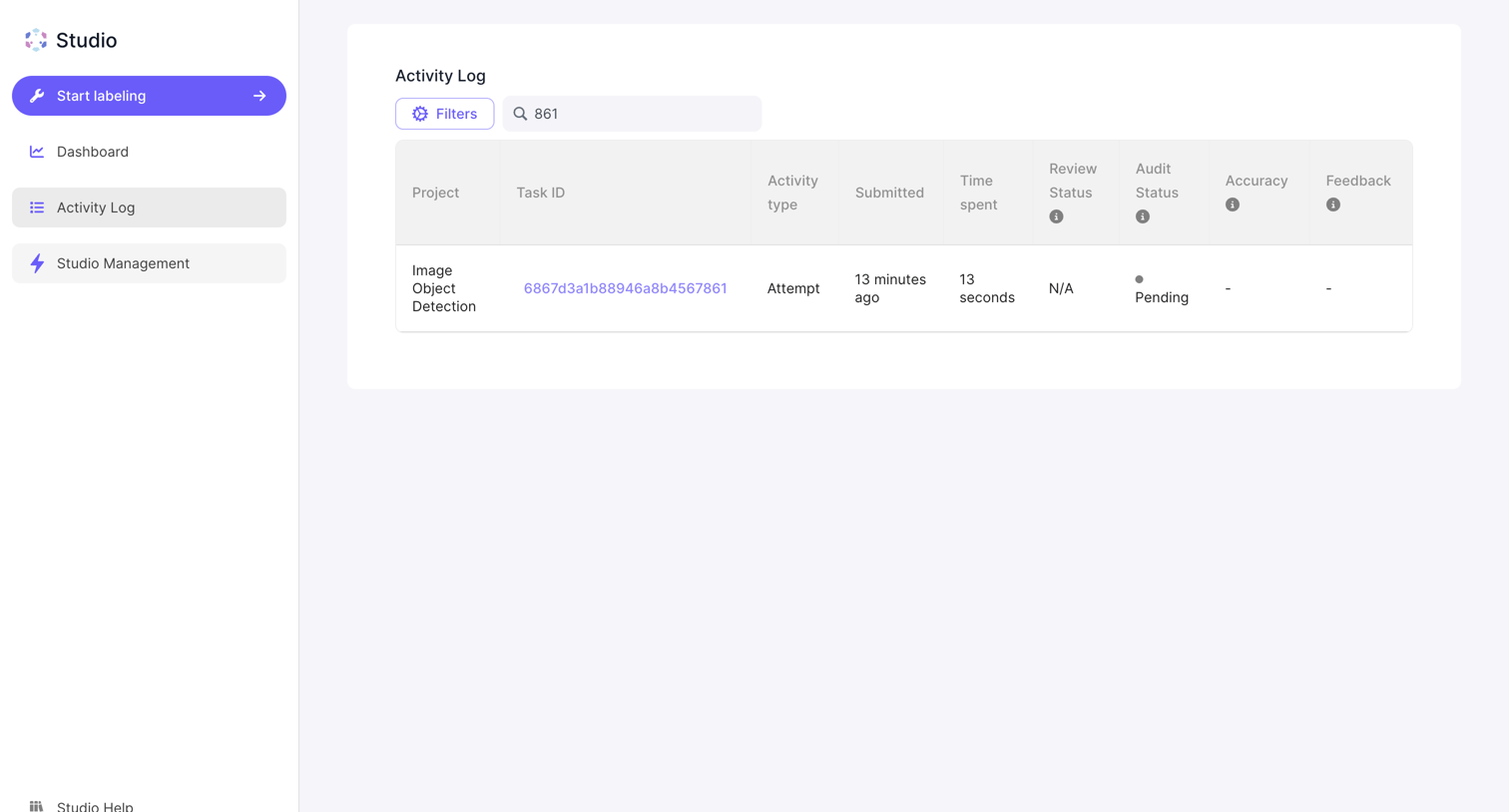

Activity log list view where the user searches and filters recent labeling tasks by ID, project, and status.
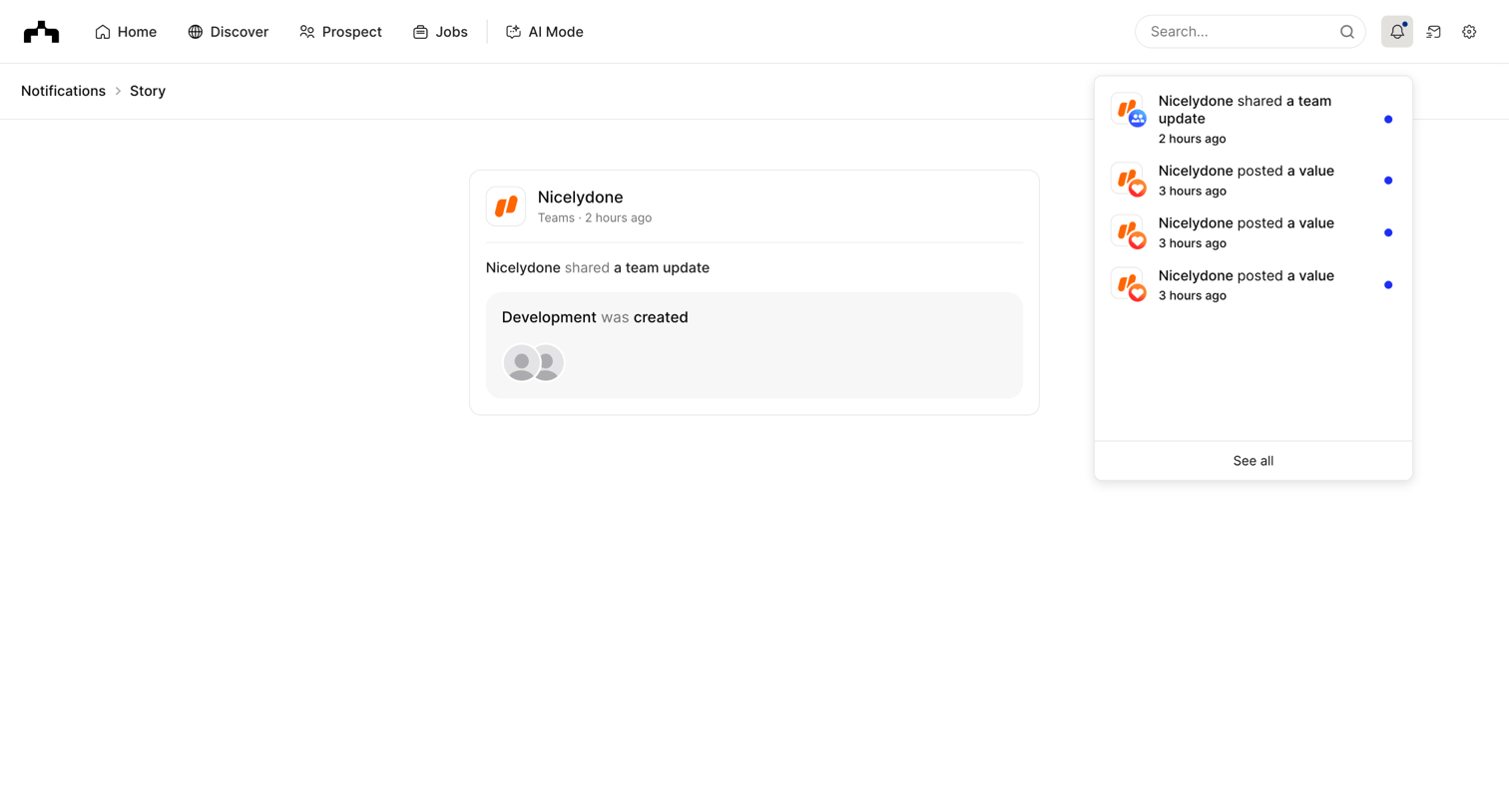

Detail page where the user views a specific team update story about development being created, while the global notification popover is open showing recent activity.
Explore the full SaaS screen library
Upgrade to unlock the full library.
Trusted by the best teams







