Accordion screen examples
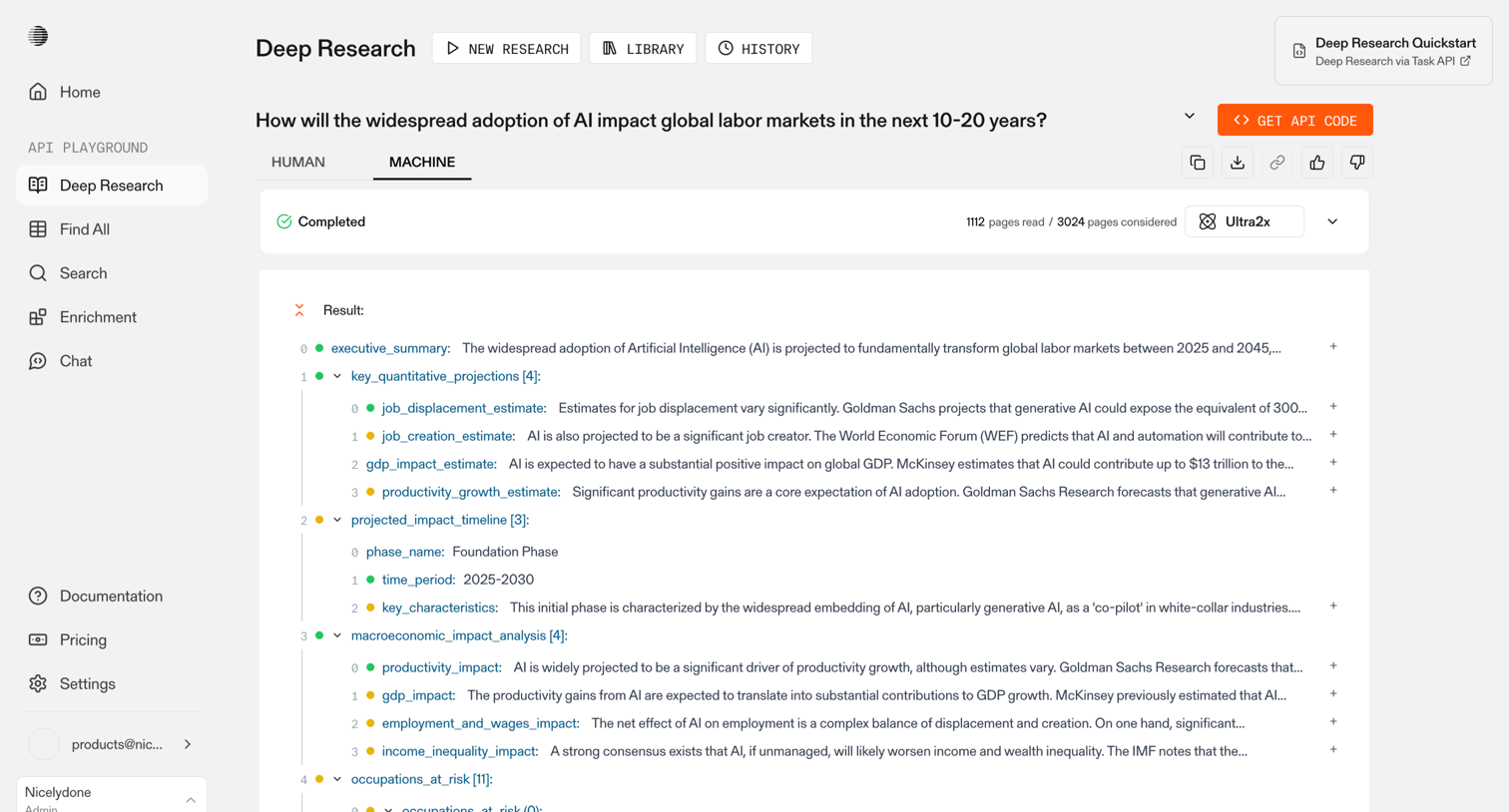
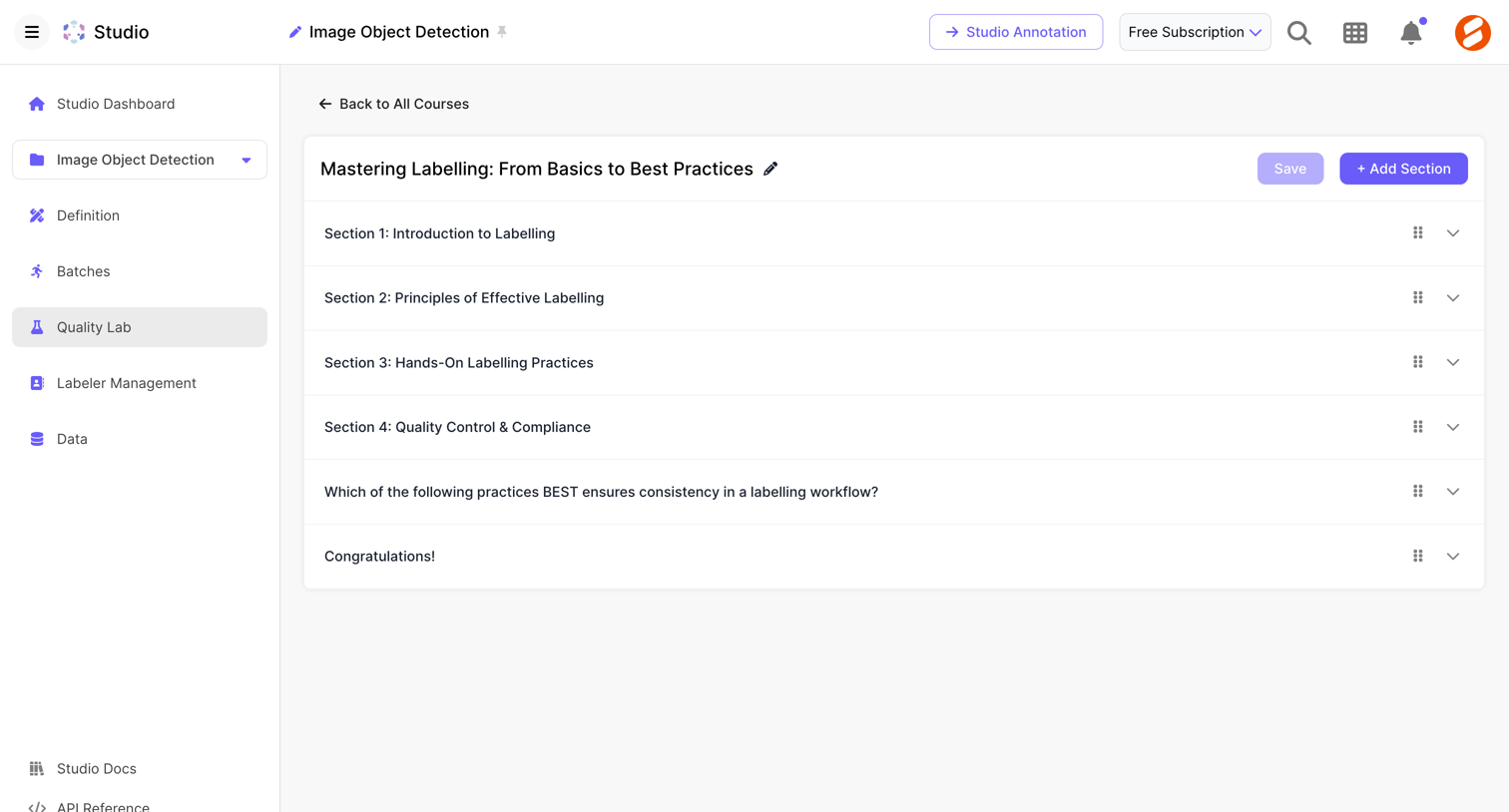
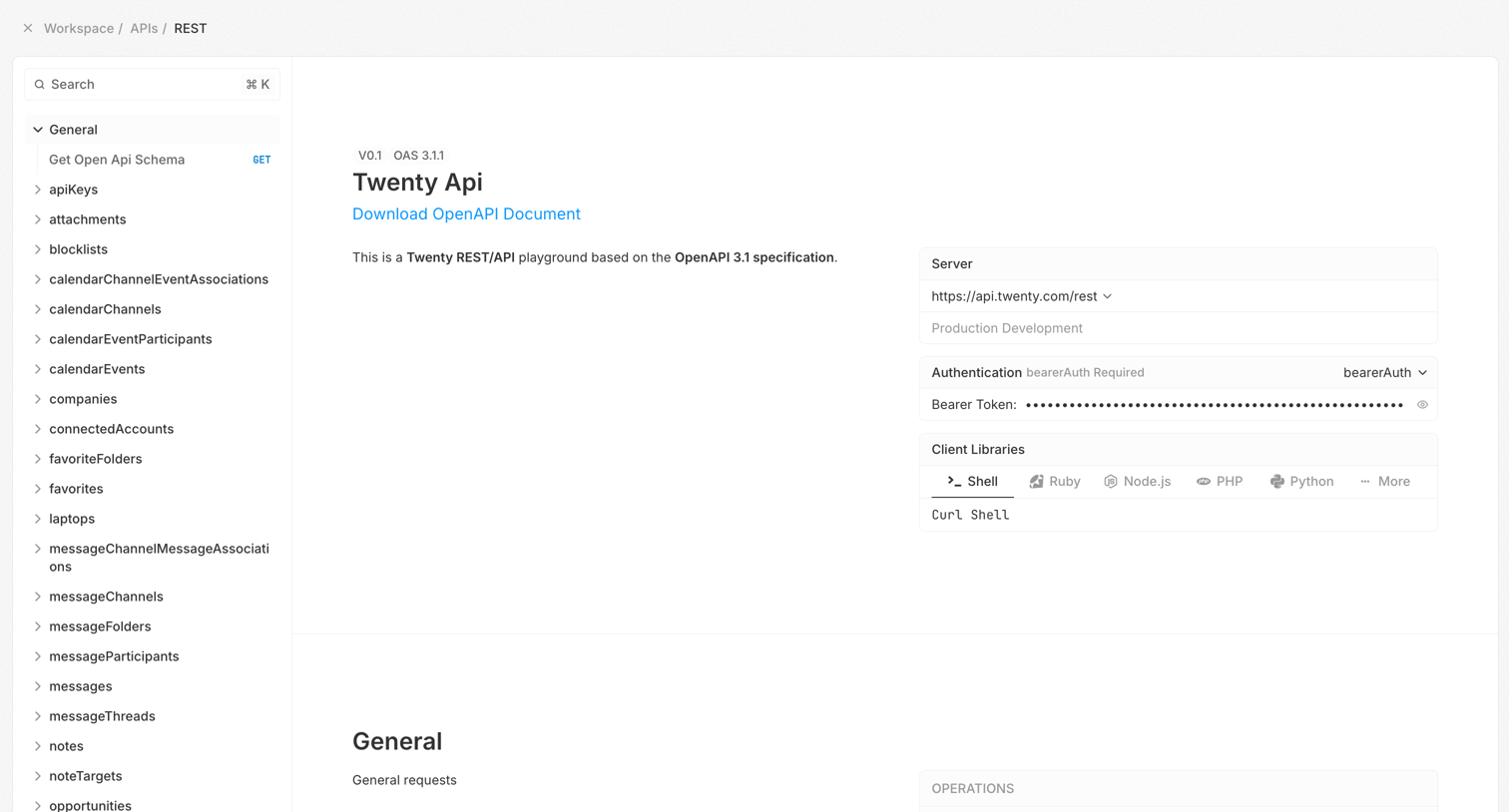
Accordion screen design examples from SaaS apps. Browse examples from Dock, Exa, Town.
Explore the examples
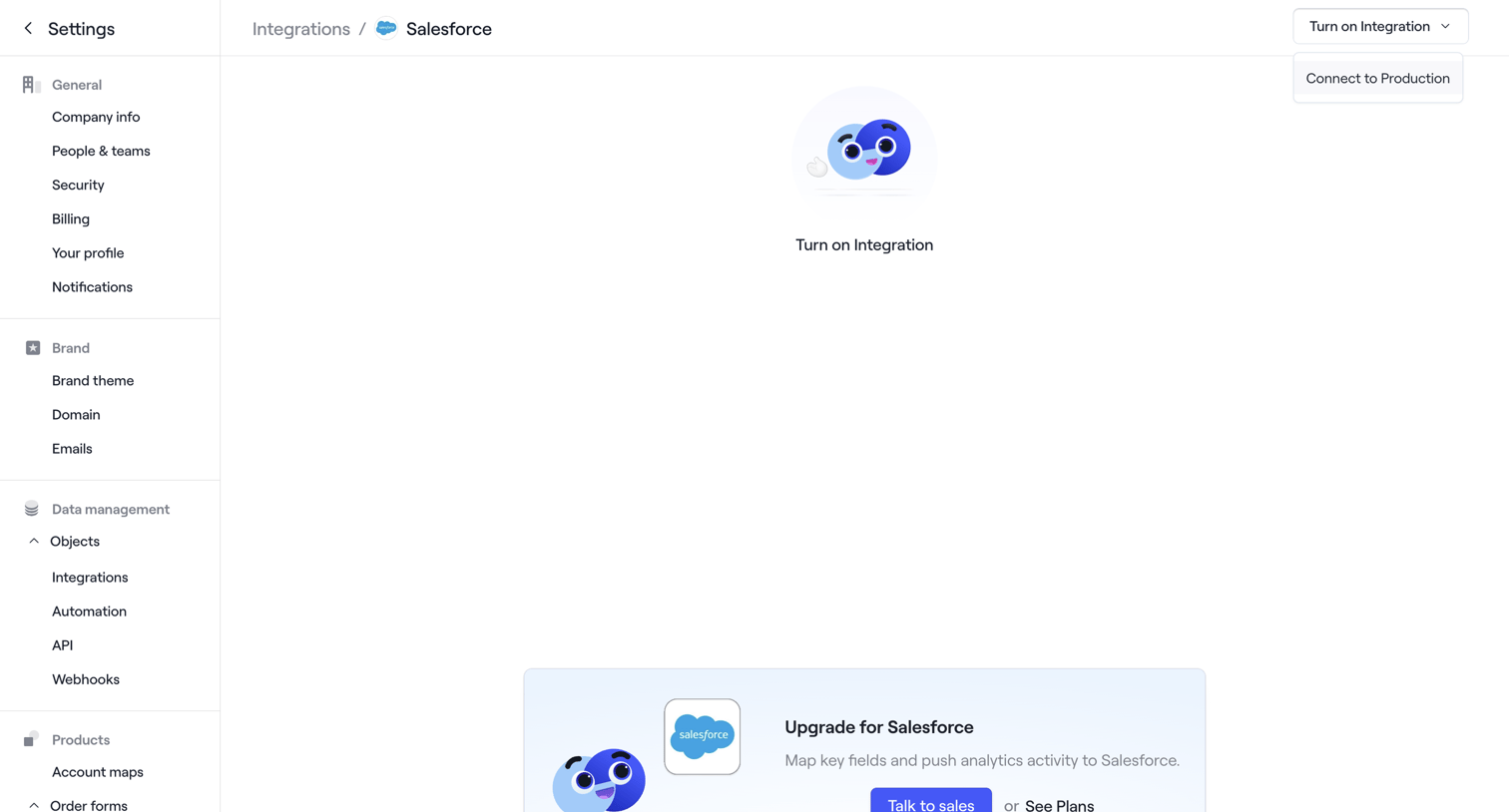

Settings page where the user can connect their Salesforce account or upgrade their plan to access the integration.
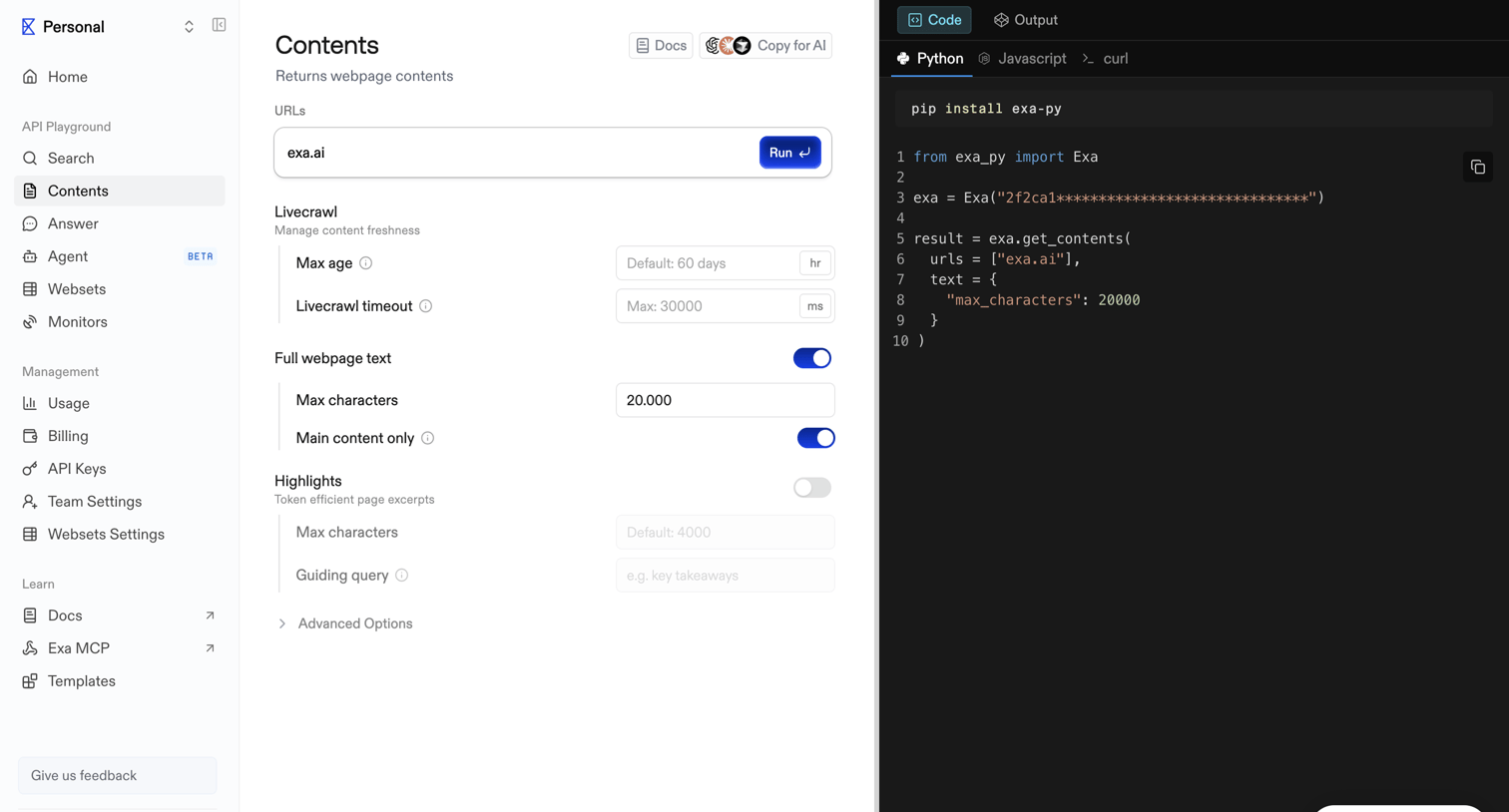

API playground where the user configures parameters like URLs, livecrawl settings, and text extraction options to generate and run a get-contents request.
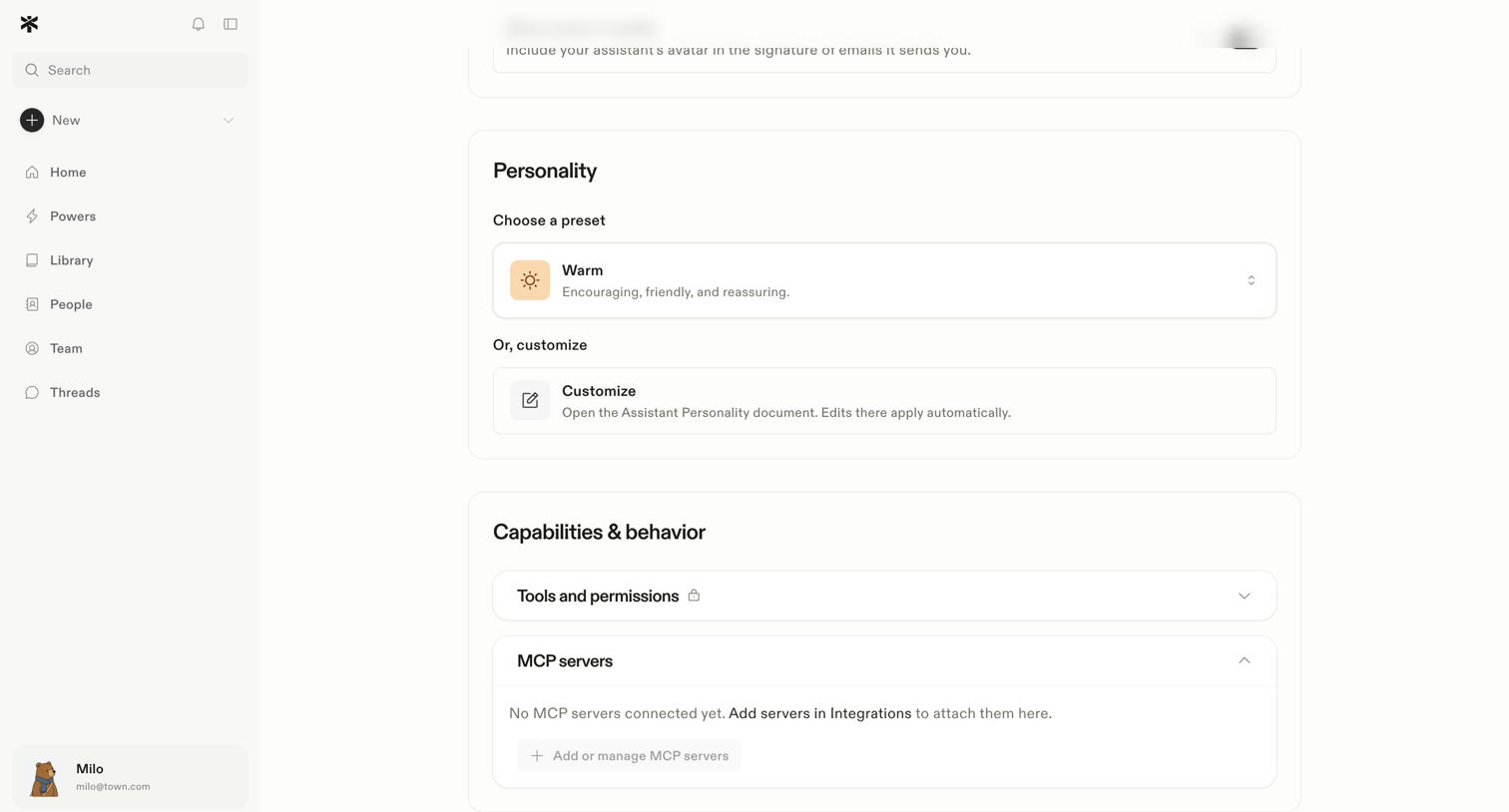

Settings page where the user configures their AI assistant's personality preset and manages its capabilities like tools and MCP servers.
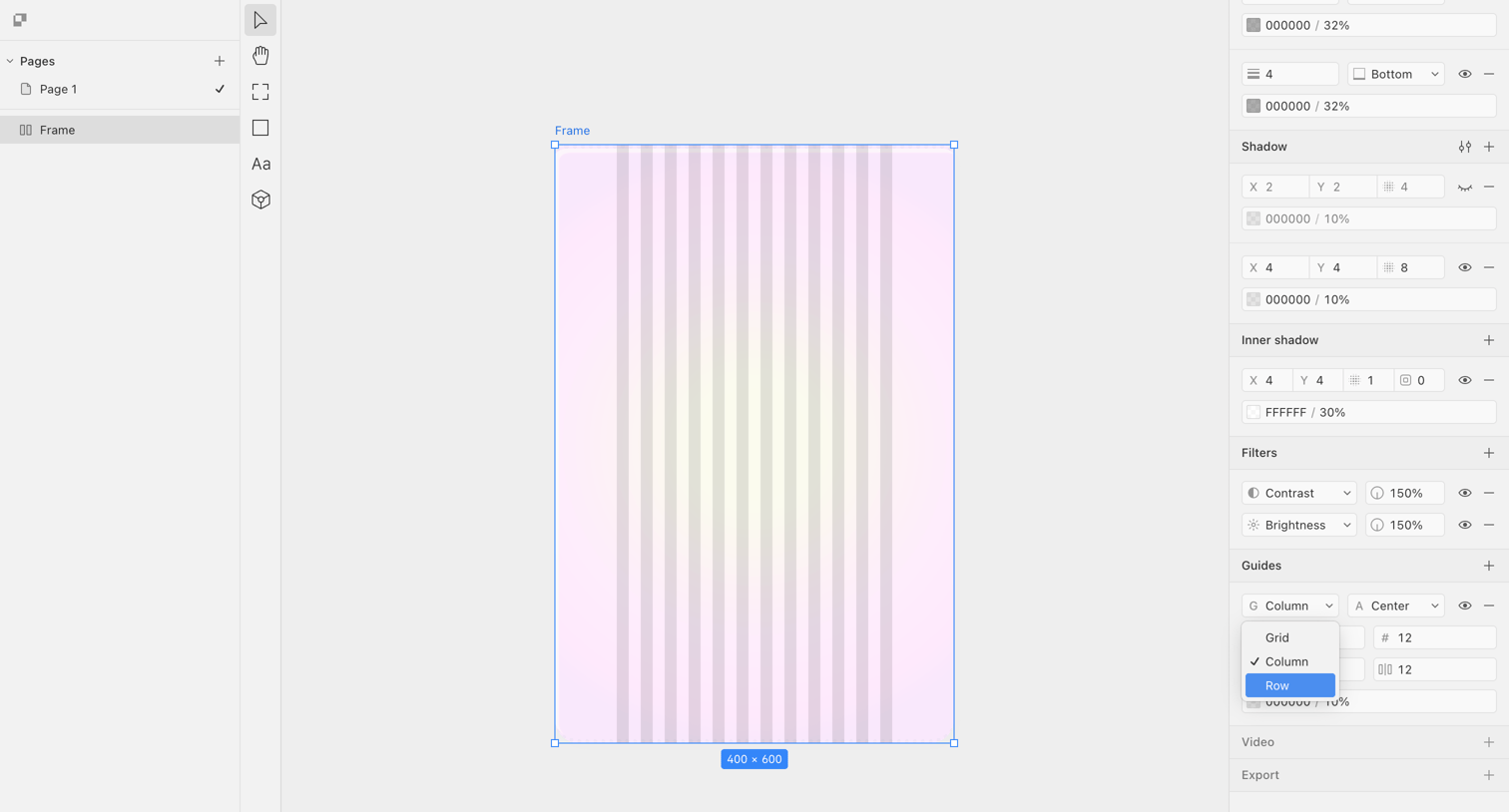

Design editor where the user is configuring a column grid guide on a selected frame via the inspector panel.
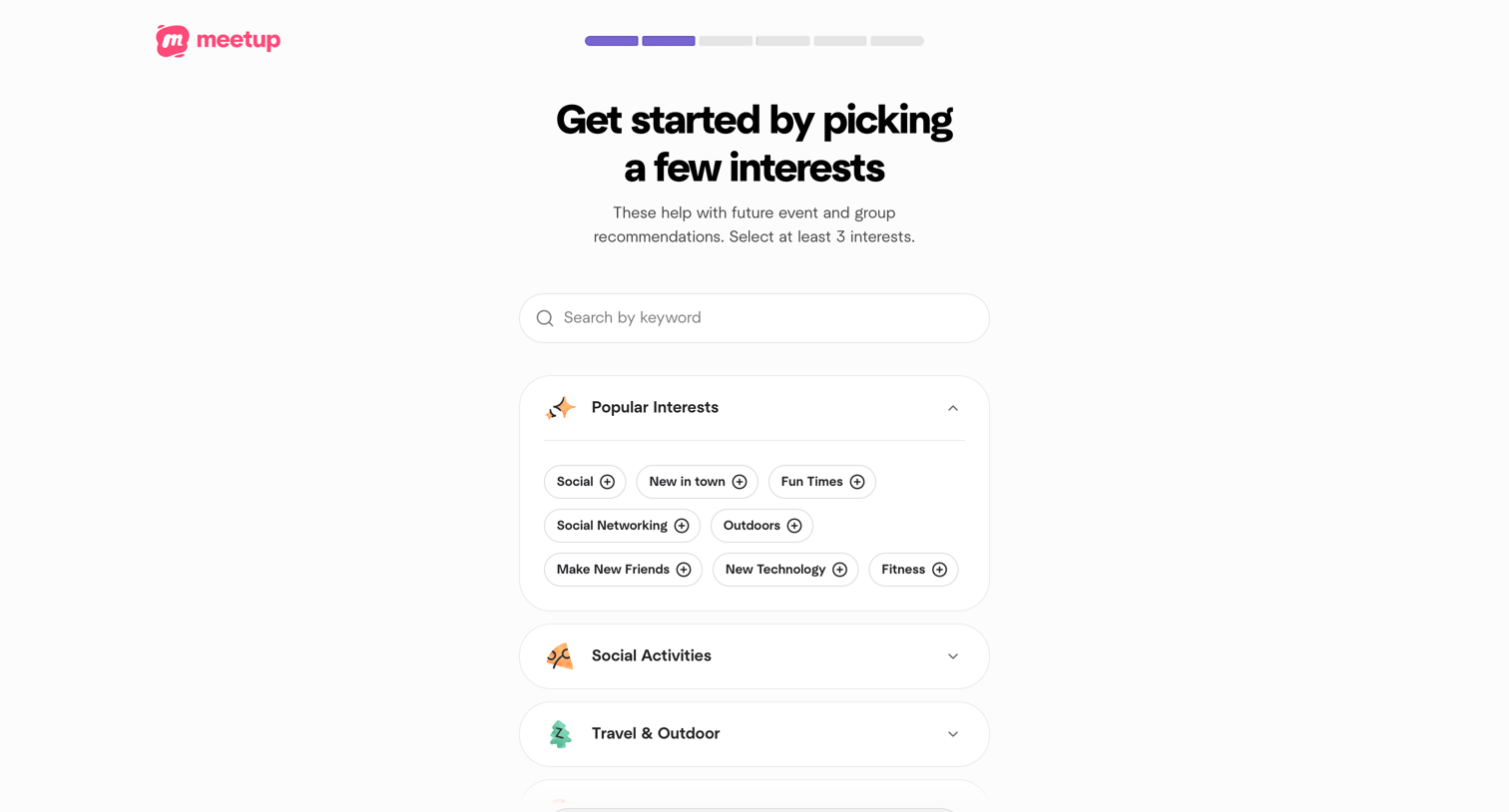

Onboarding step where the user selects at least three interests from categorized accordions to personalize their event recommendations.
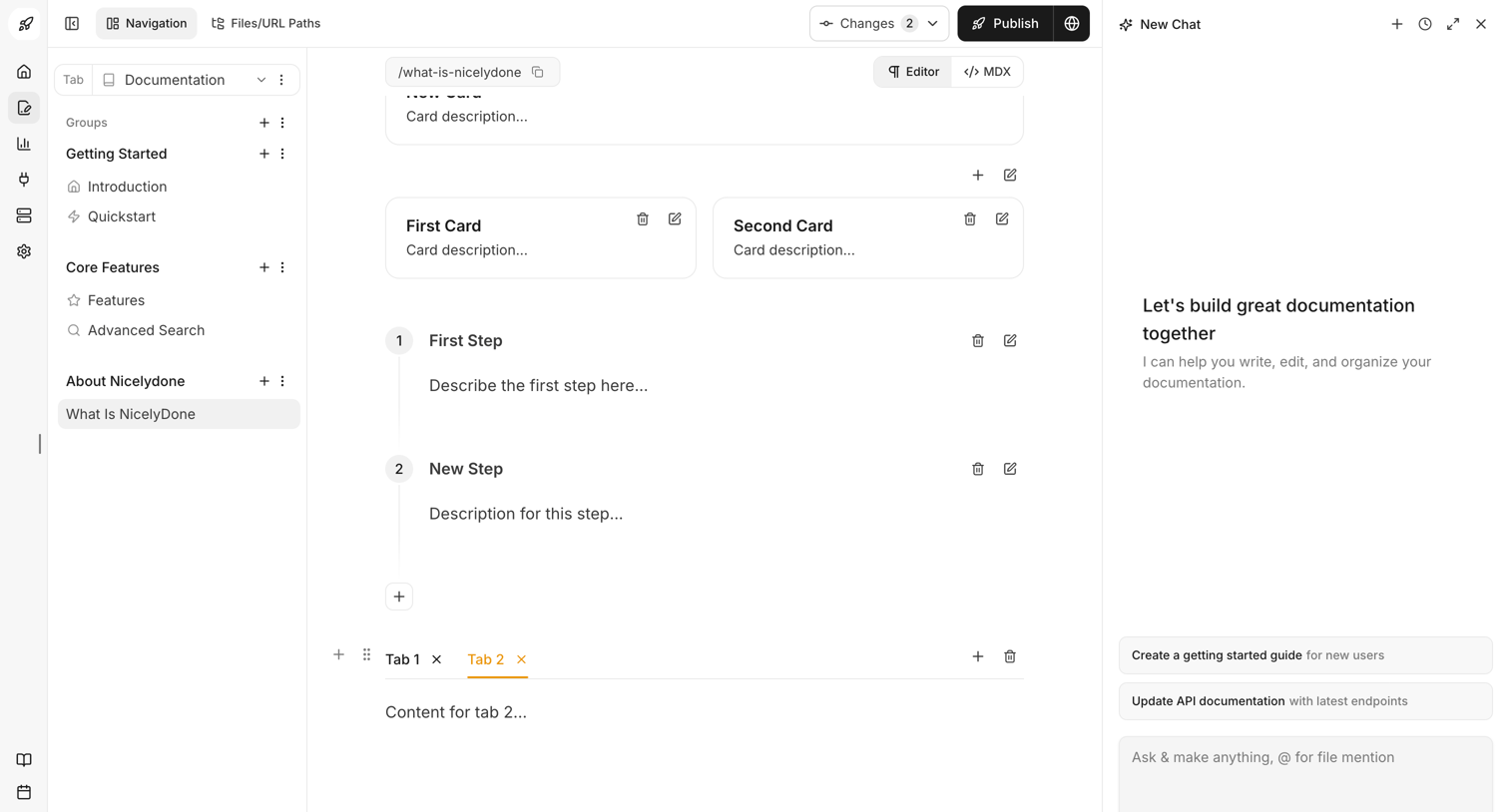

Content editor where the user builds documentation pages using structural blocks like cards, steps, and tabs, assisted by a persistent AI chat copilot.

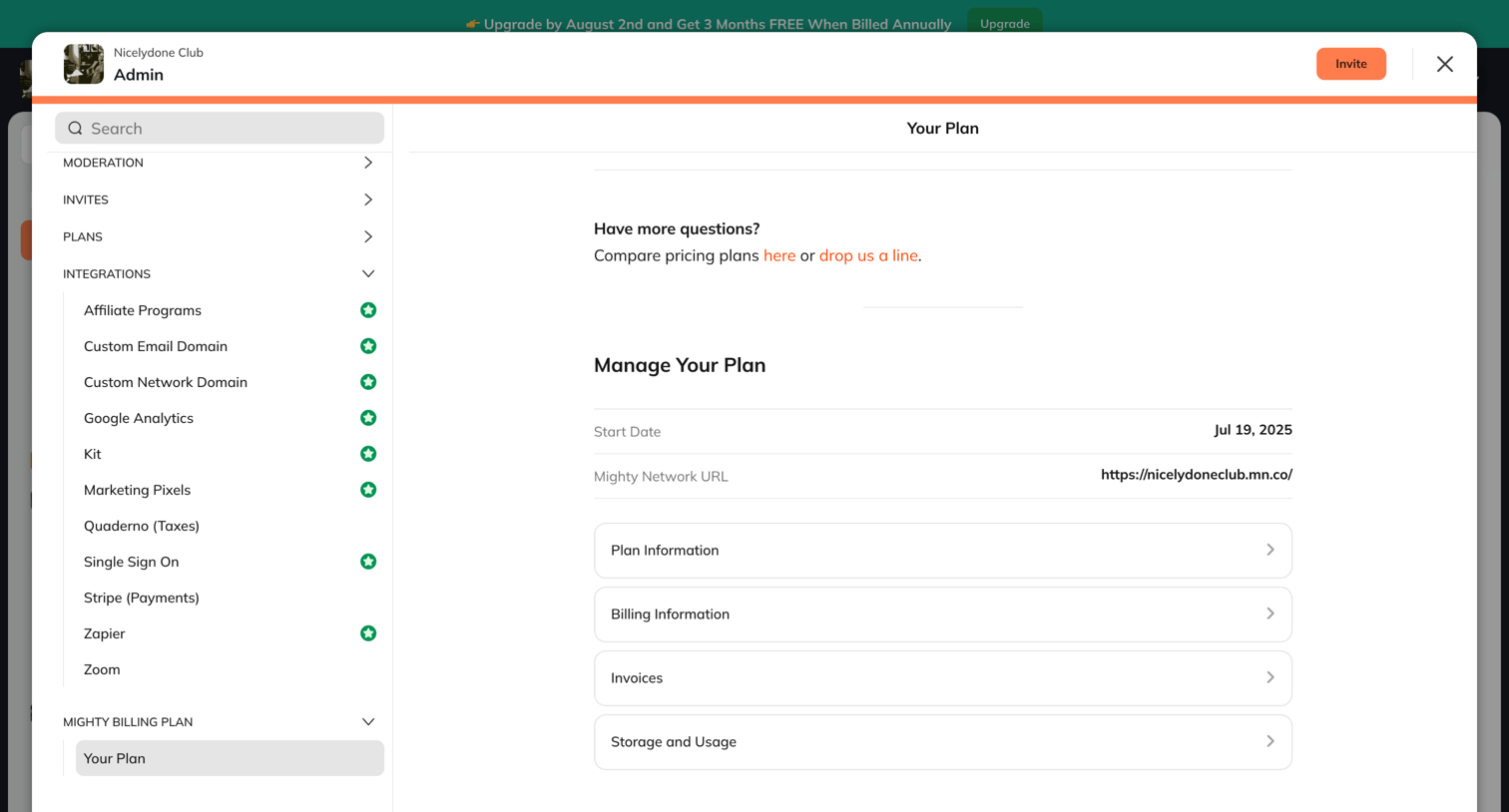

Settings modal where the admin views their current plan details, start date, and accesses billing information, invoices, and storage usage.

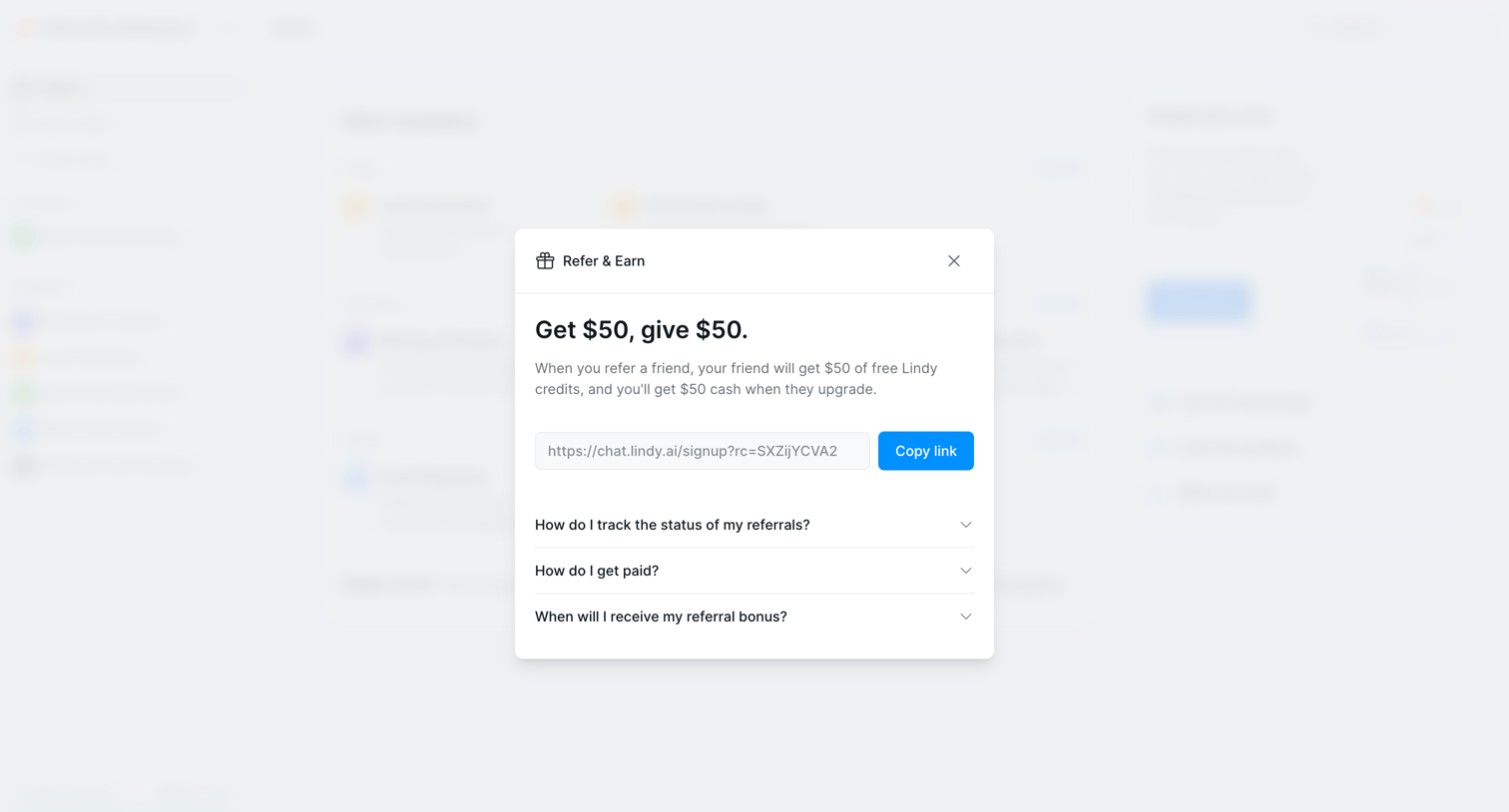

Home screen with a 'Refer & Earn' modal where the user can copy their unique signup link and view an FAQ about referral bonuses.

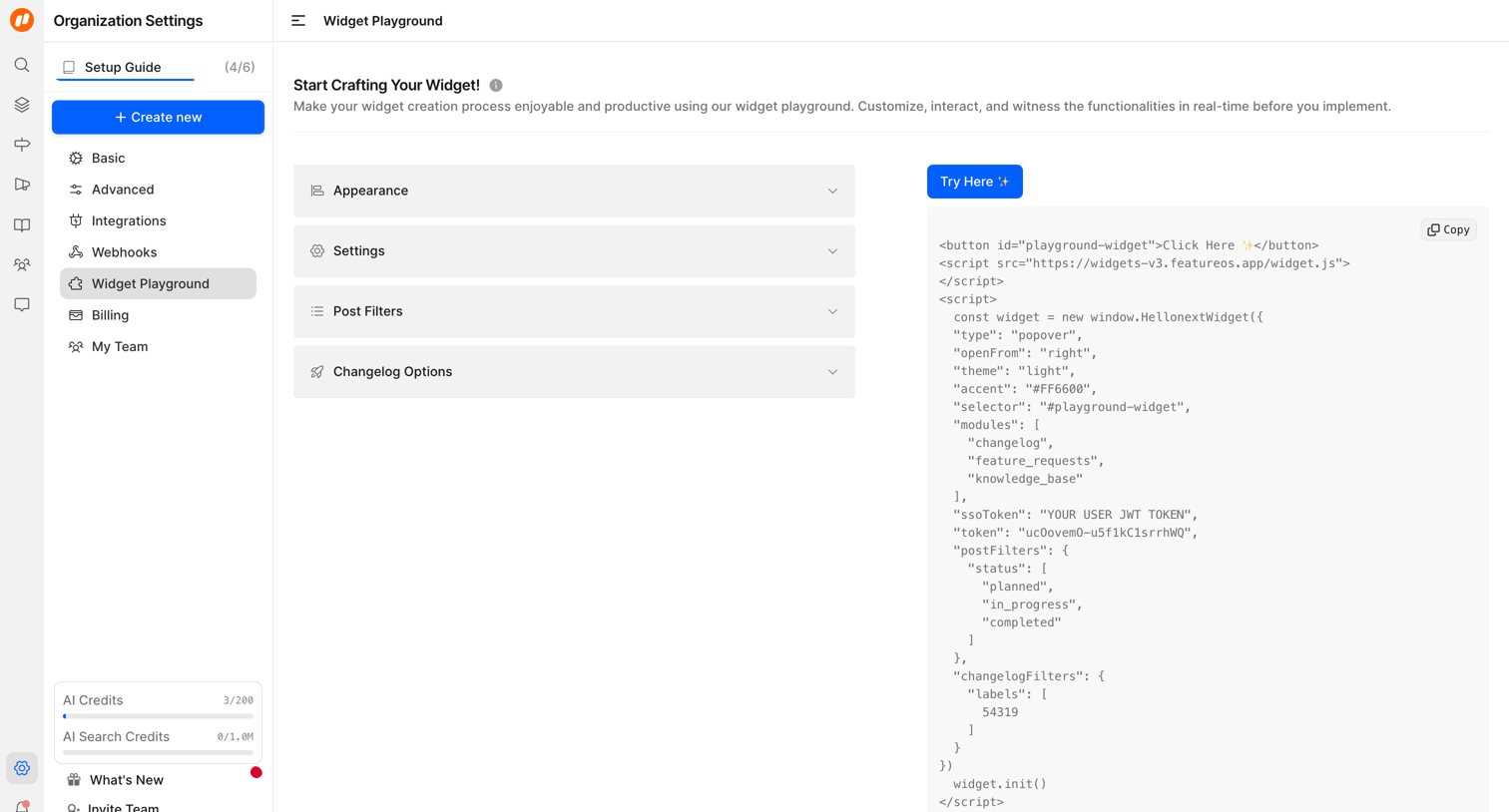

Settings page where the user configures and previews an embeddable widget, featuring an accordion for appearance and filter options alongside a live code snippet.
Explore the full SaaS screen library
Upgrade to unlock the full library.
Trusted by the best teams







