Timezone selector screen examples
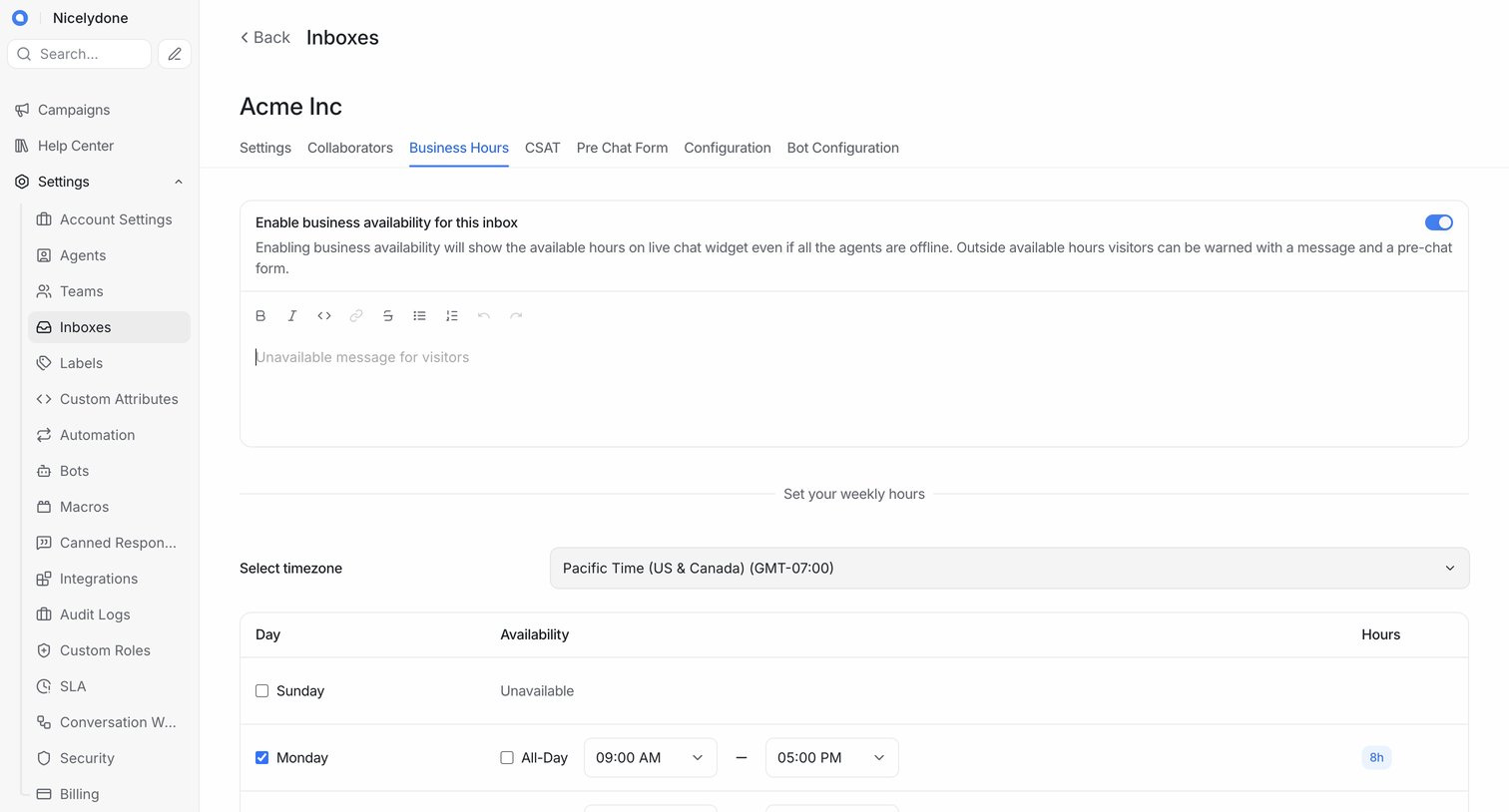
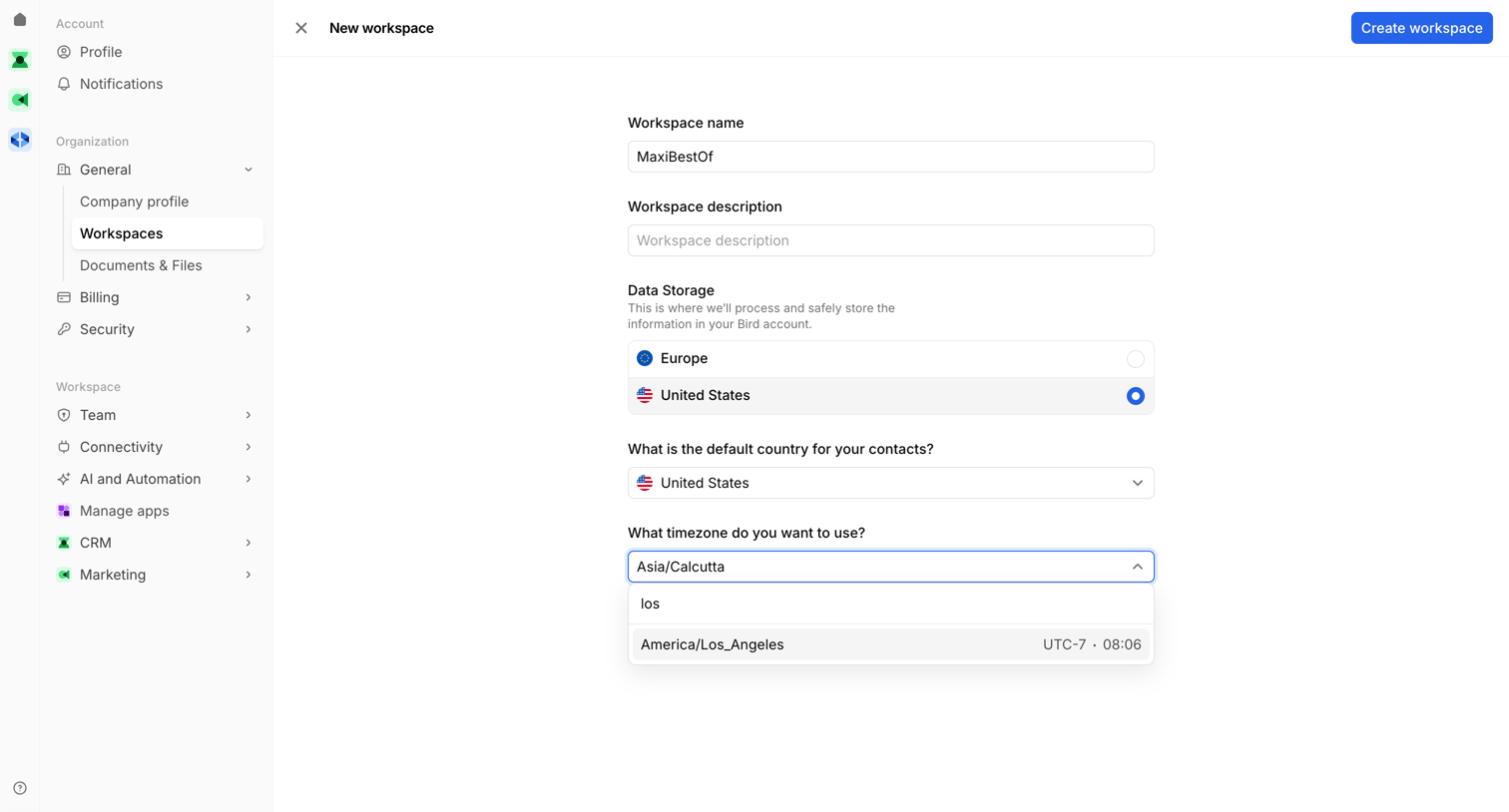
Timezone selector screen design examples from SaaS apps. Browse examples from Beside, Aboard, Navattic.
Explore the examples
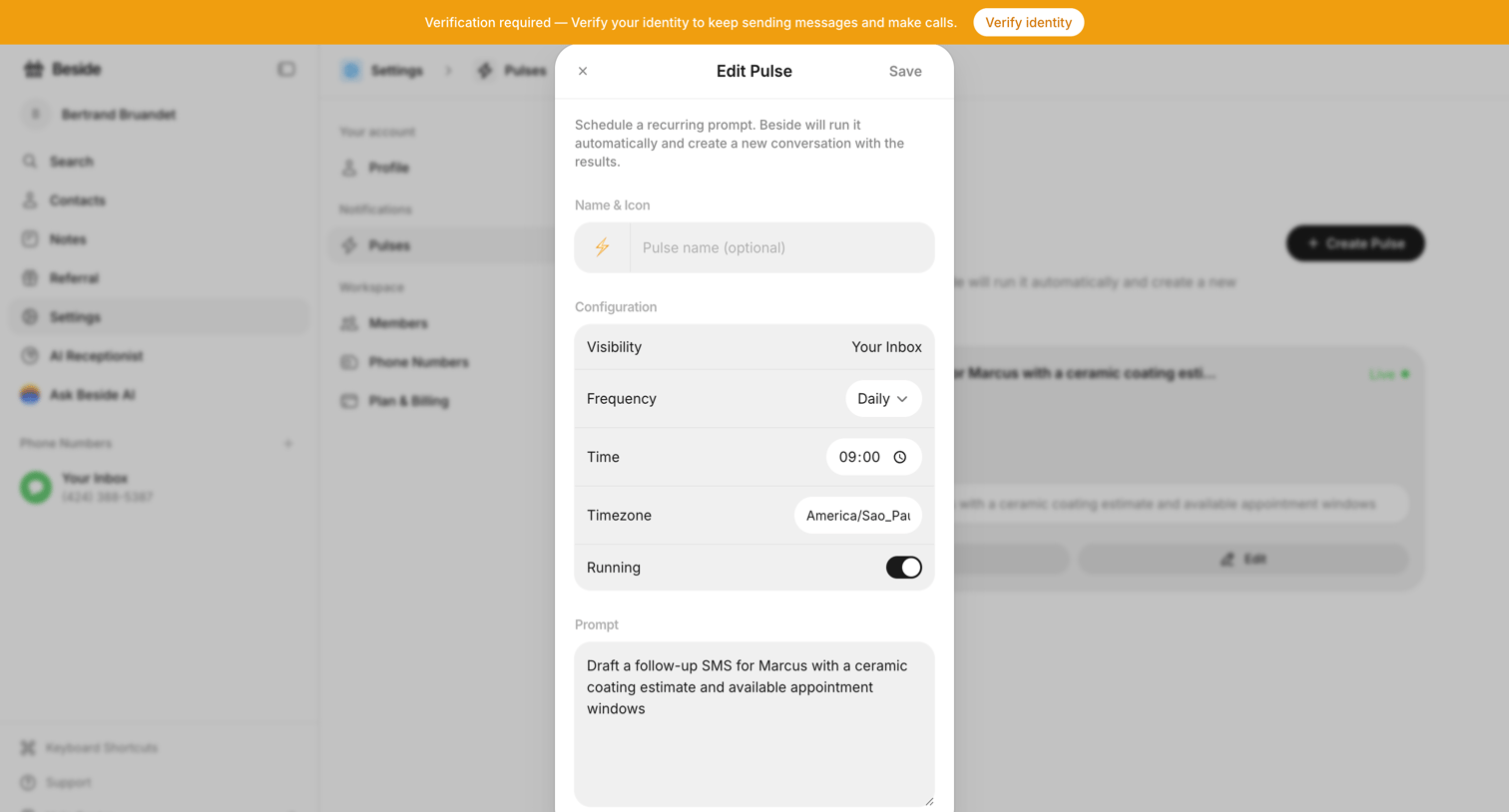

Settings modal where the user configures a recurring AI prompt, setting its visibility, frequency, time, timezone, and the prompt text.
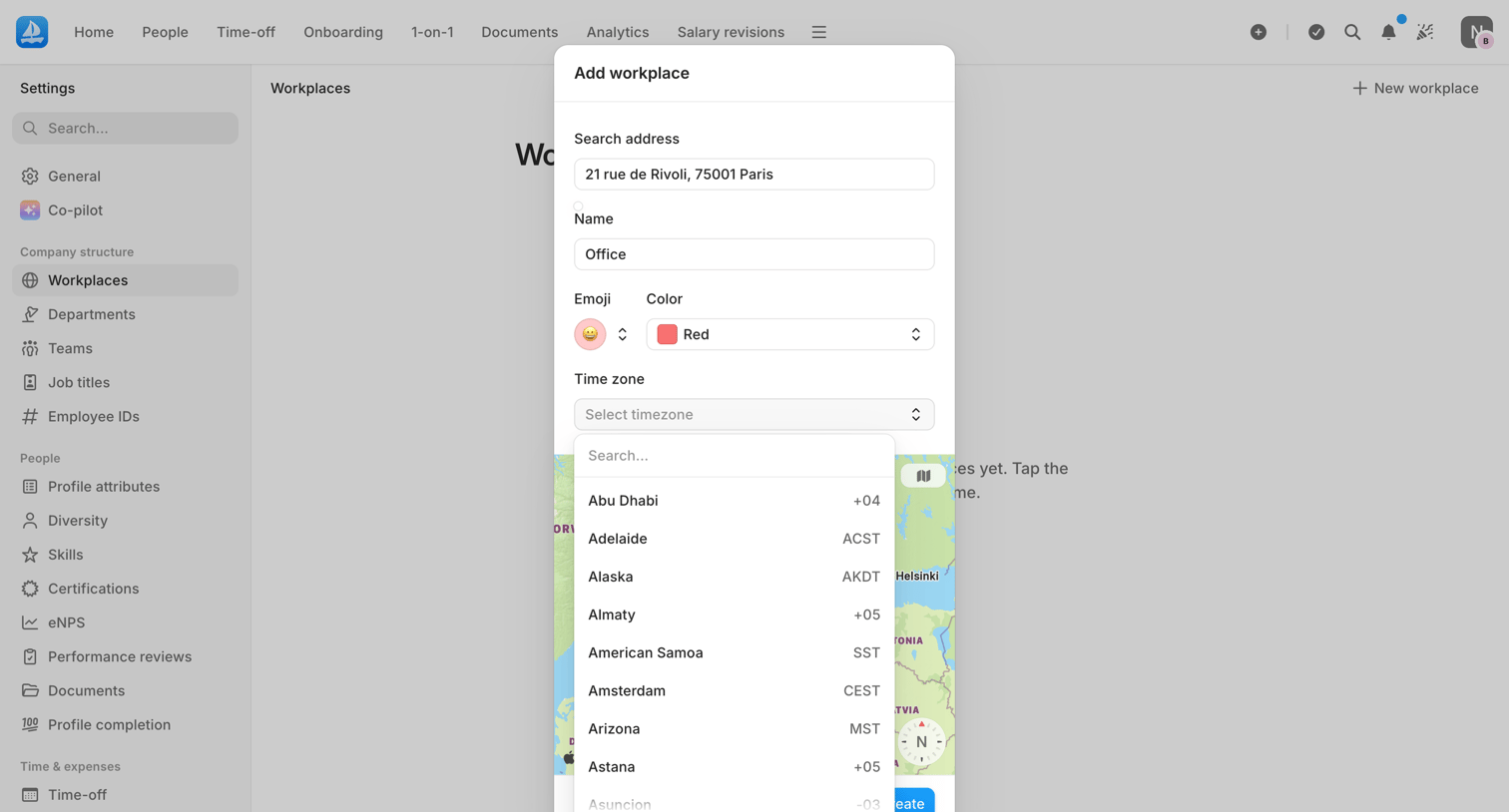

Settings page where the user adds a new company workplace by specifying its address, name, emoji, color, and timezone.
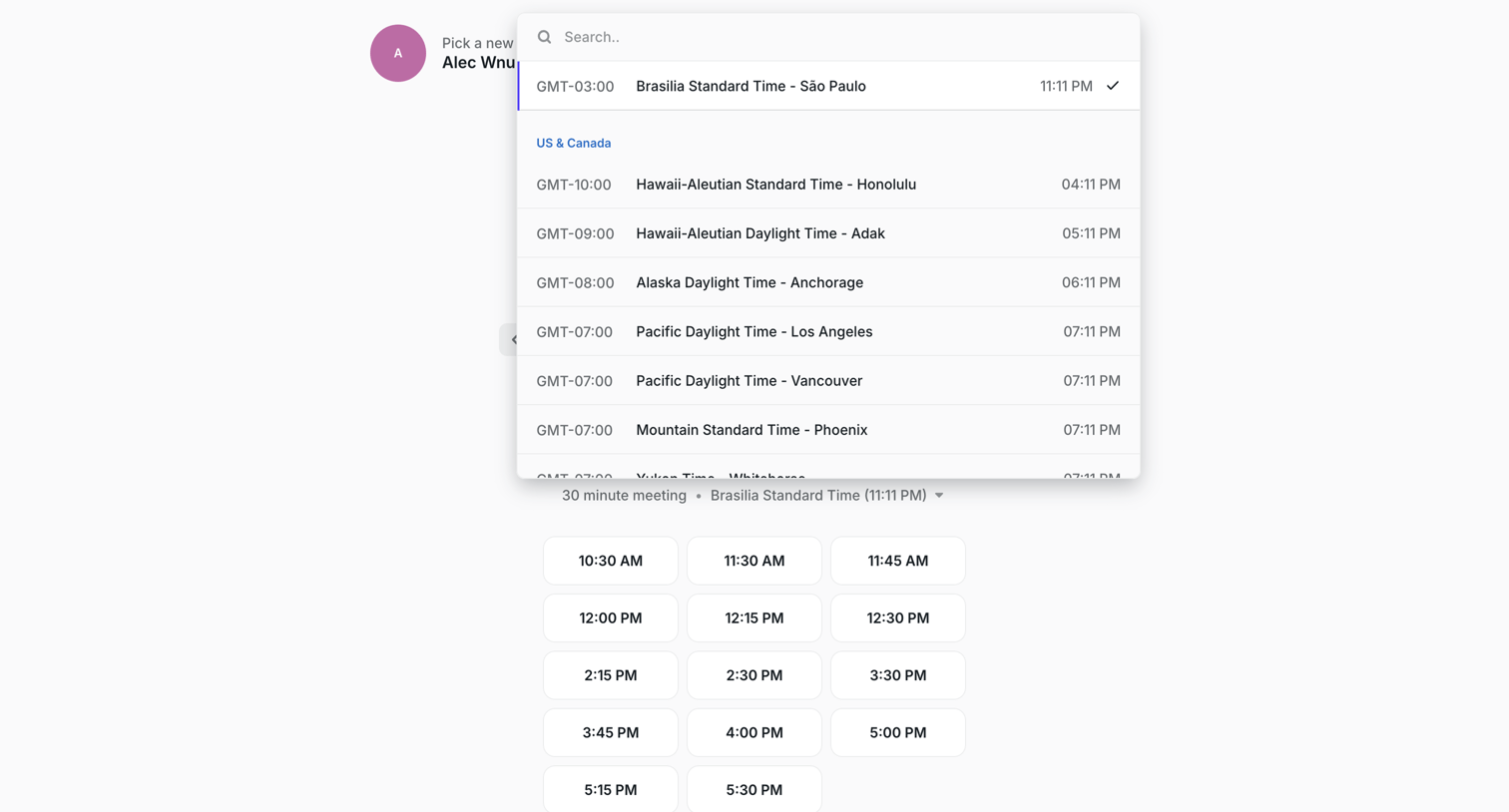

Scheduling page where the user searches and selects their timezone from an open combobox before picking a 30-minute meeting slot.
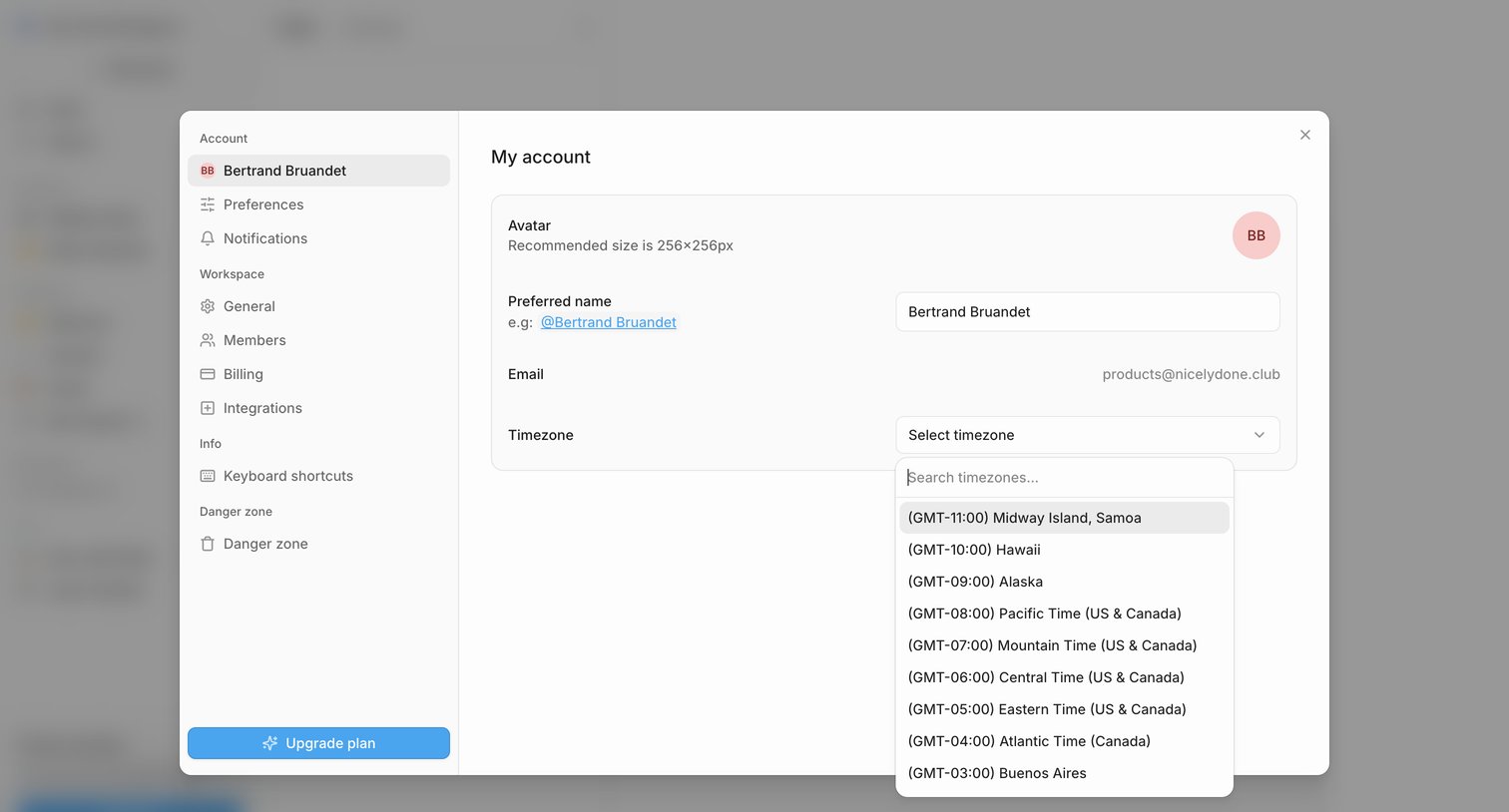

Settings modal where the user configures their personal profile details including avatar, preferred name, and timezone.


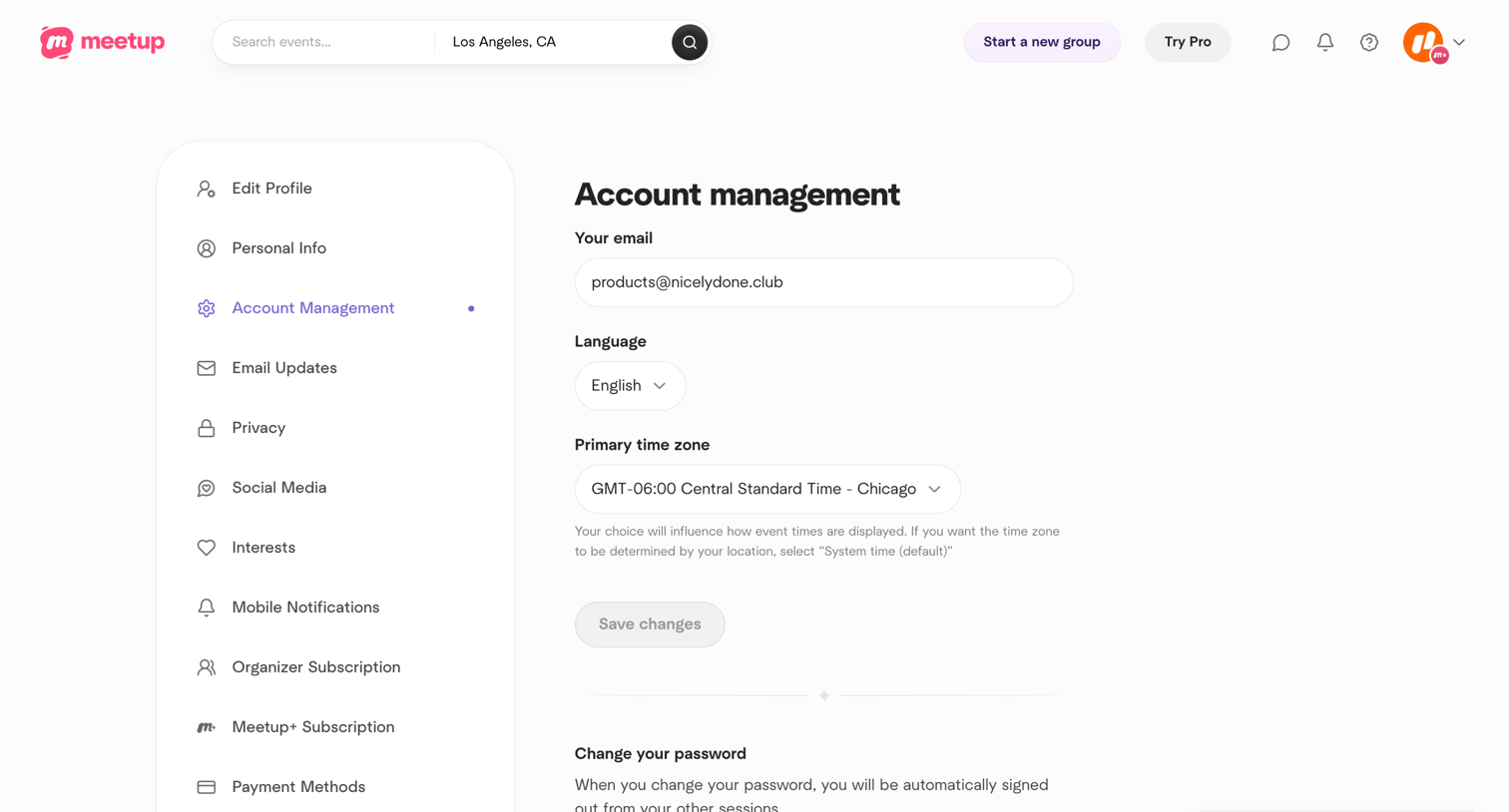

Settings page where the user configures their email, language, primary time zone, and password.
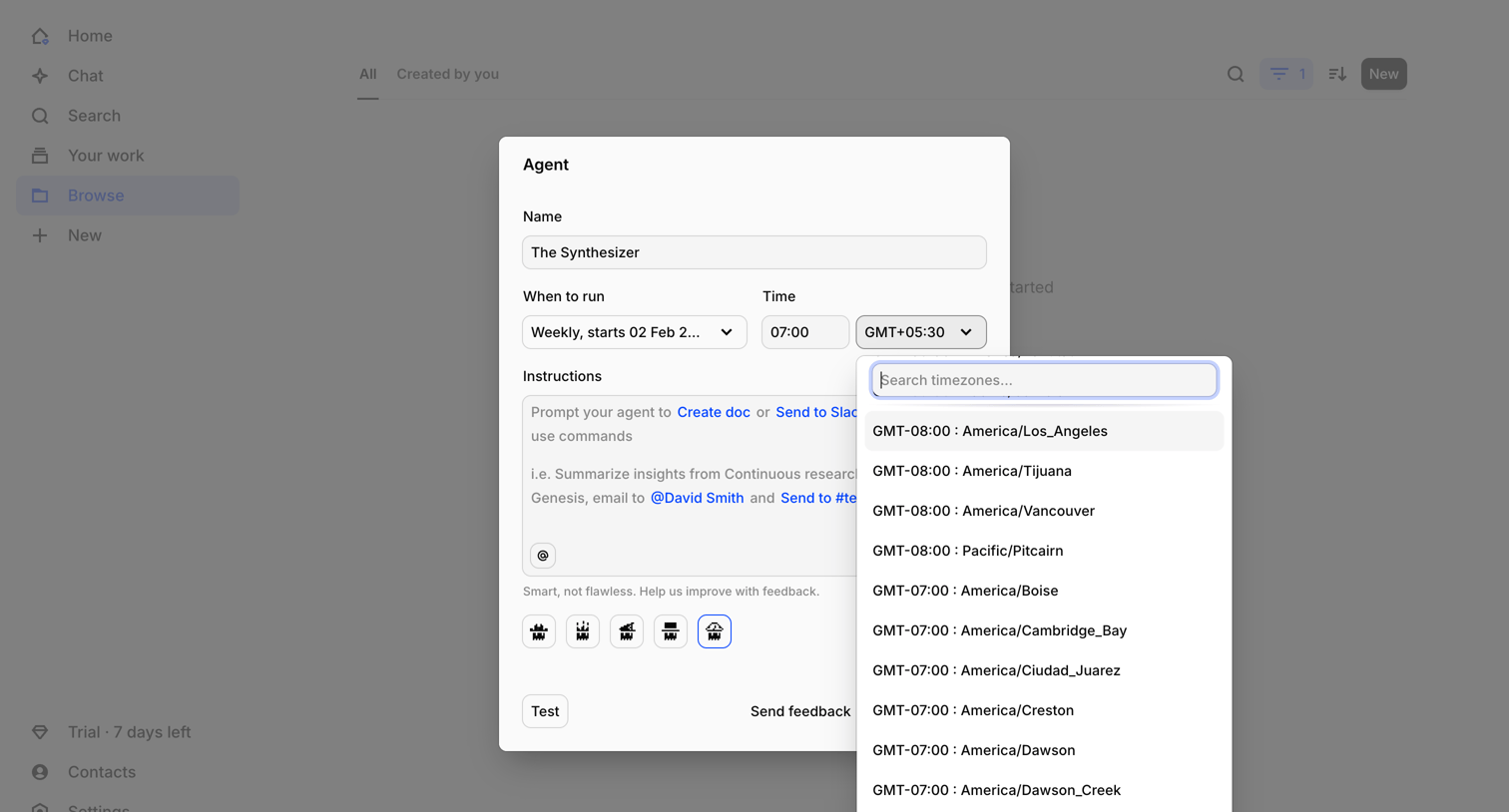

Modal overlay where the user configures a new AI agent by setting its name, weekly schedule, timezone, and custom instructions.
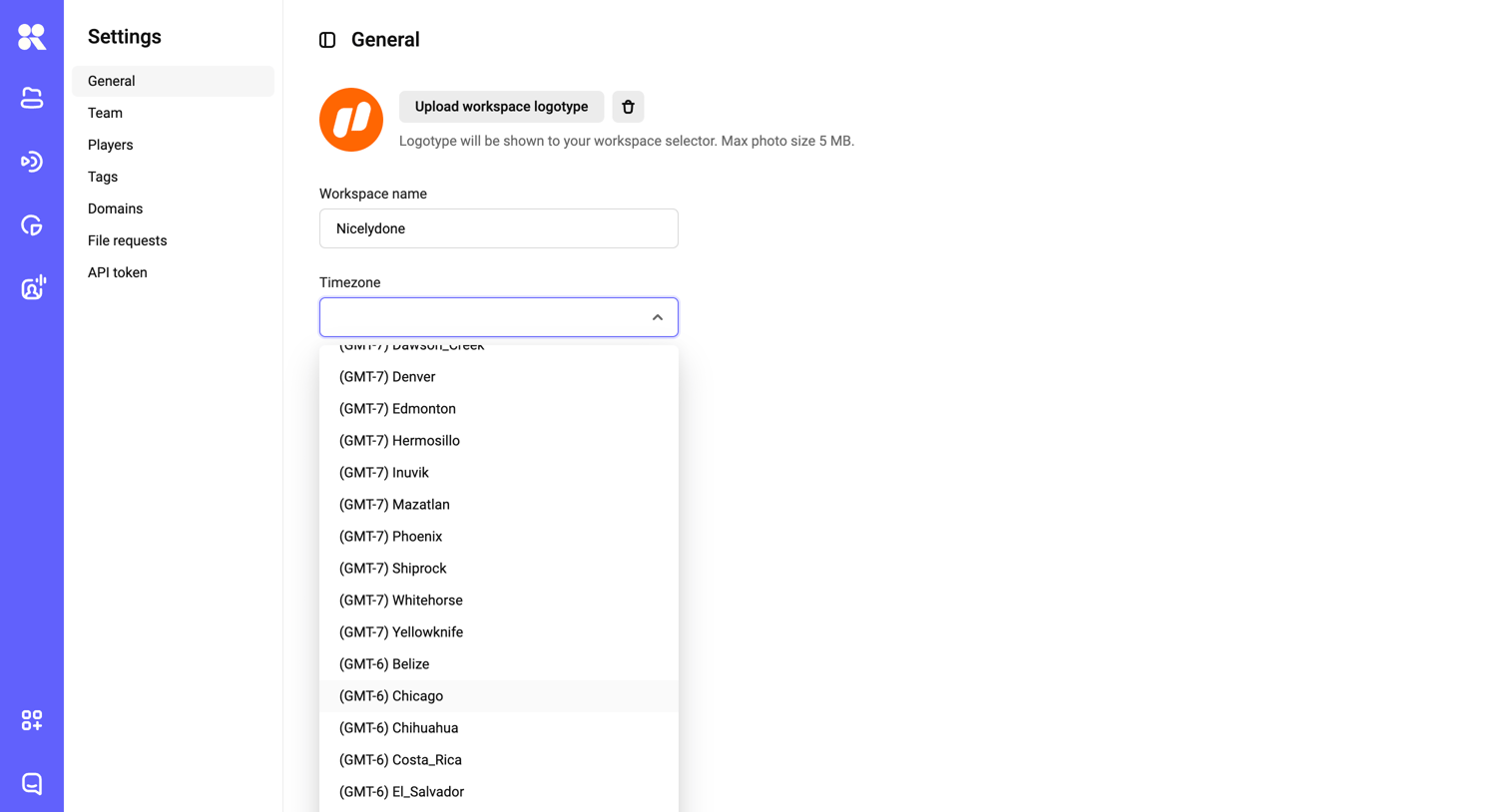

Settings page where the user configures general workspace details like the logotype, workspace name, and timezone.
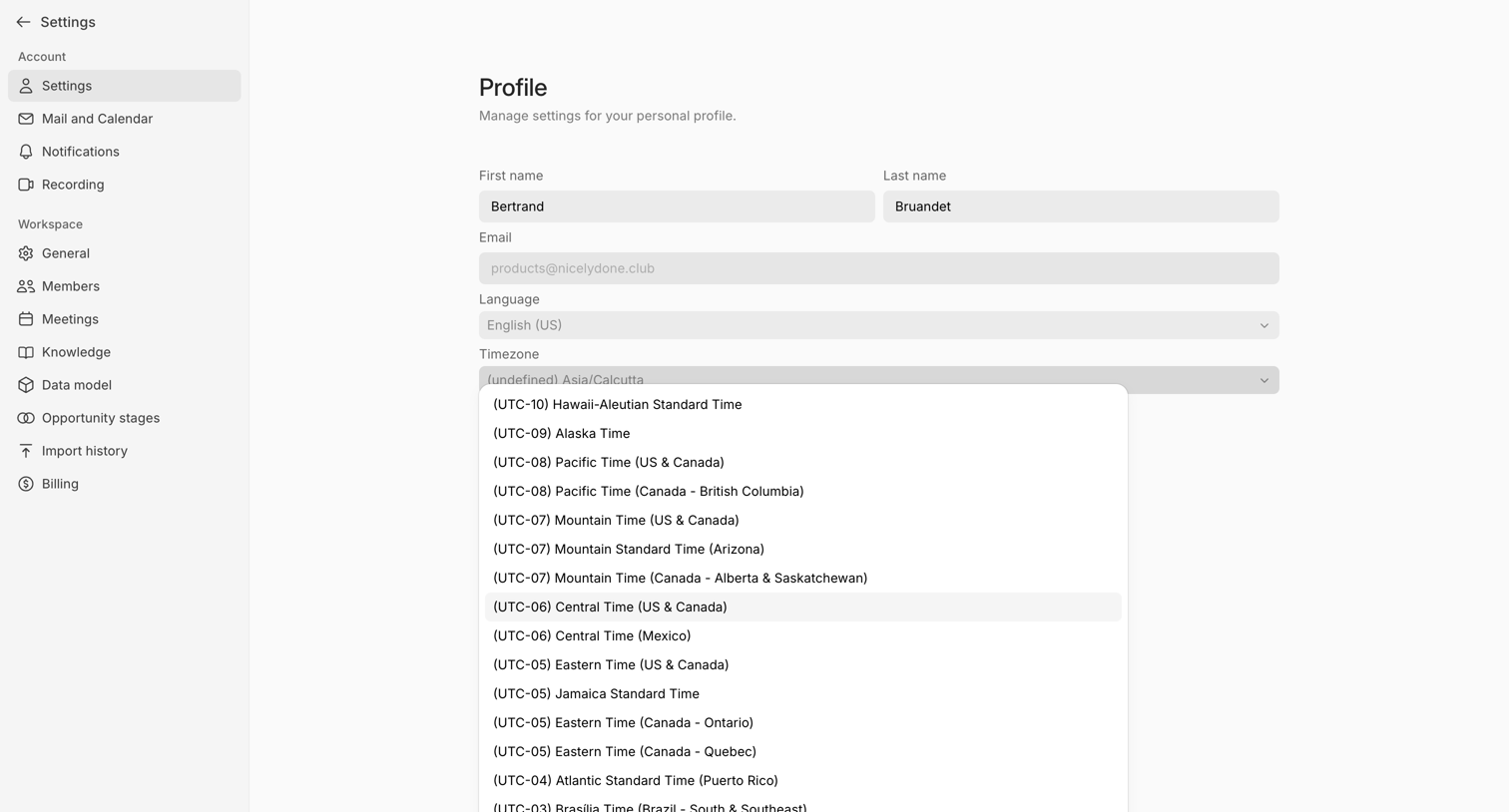

Settings page where the user configures their personal profile, including name, email, language, and timezone preferences.
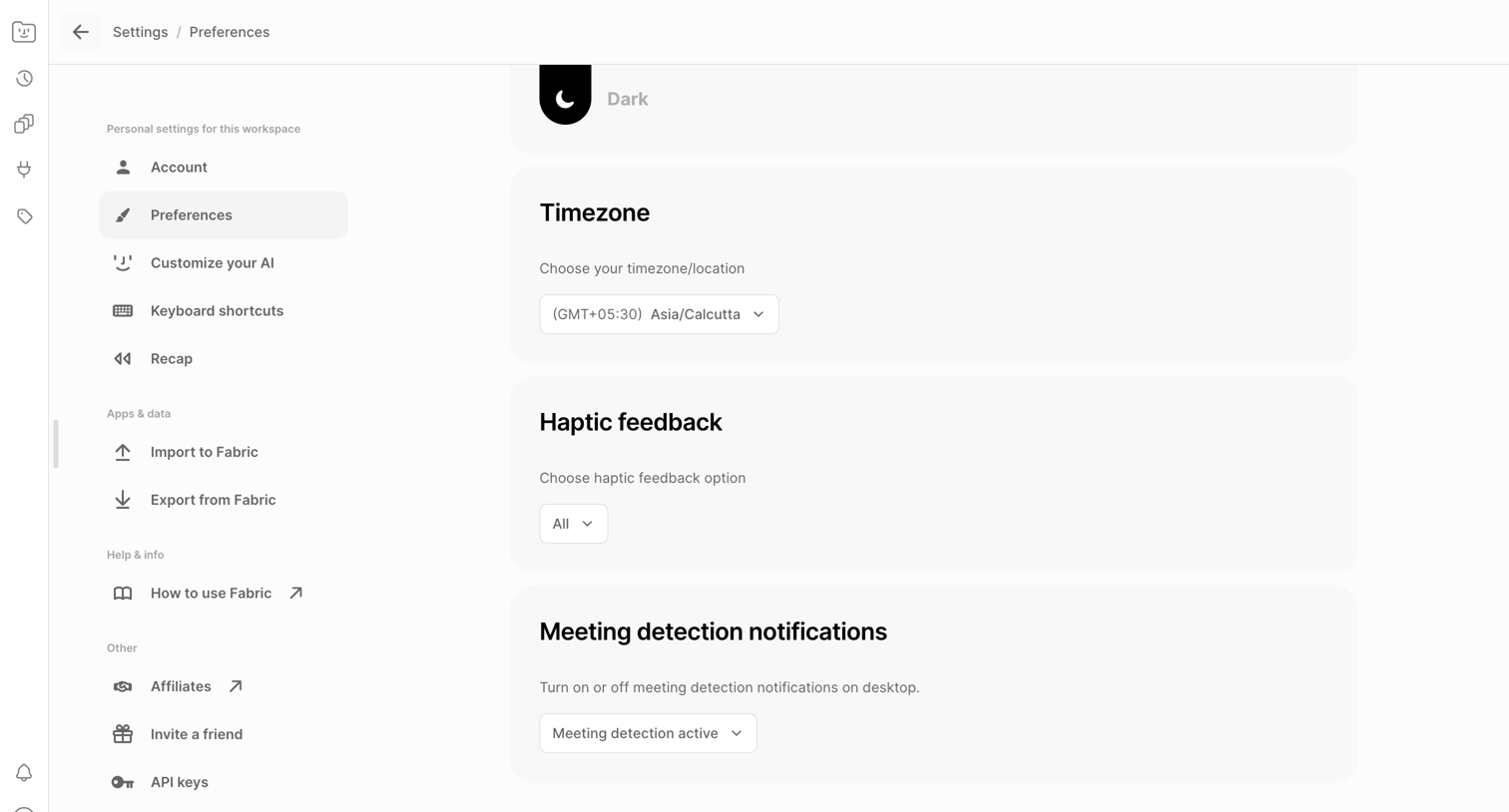

Settings page where the user configures timezone, haptic feedback, and meeting detection notifications.
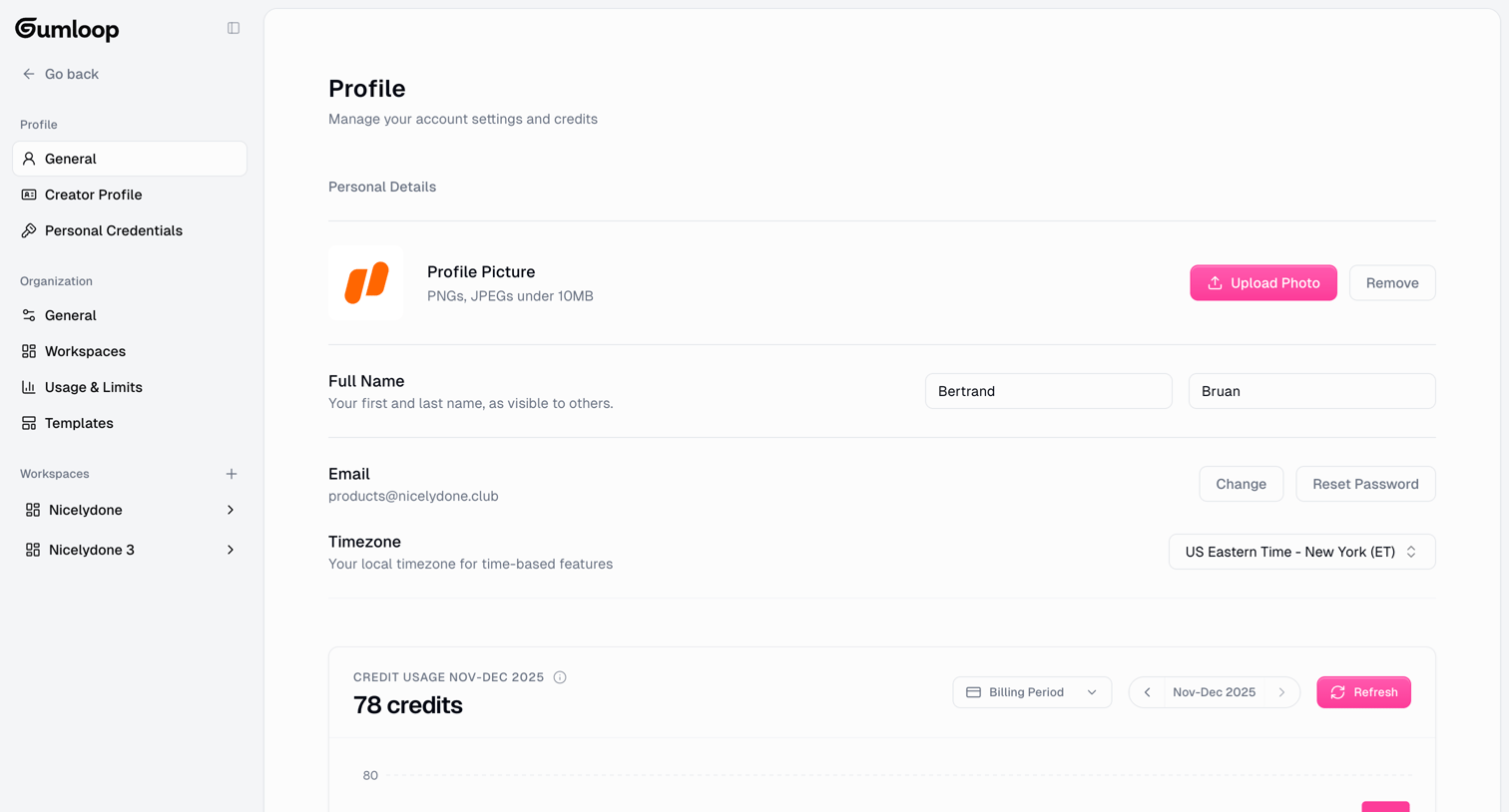

Settings page where the user manages their profile picture, name, email, timezone, and views their credit usage on a bar chart.
Explore the full SaaS screen library
Upgrade to unlock the full library.
Trusted by the best teams







