Real-time editing screen examples
Real-time editing screen design examples from SaaS apps. Browse examples from Slite, Tabular, Reflect.
Explore the examples
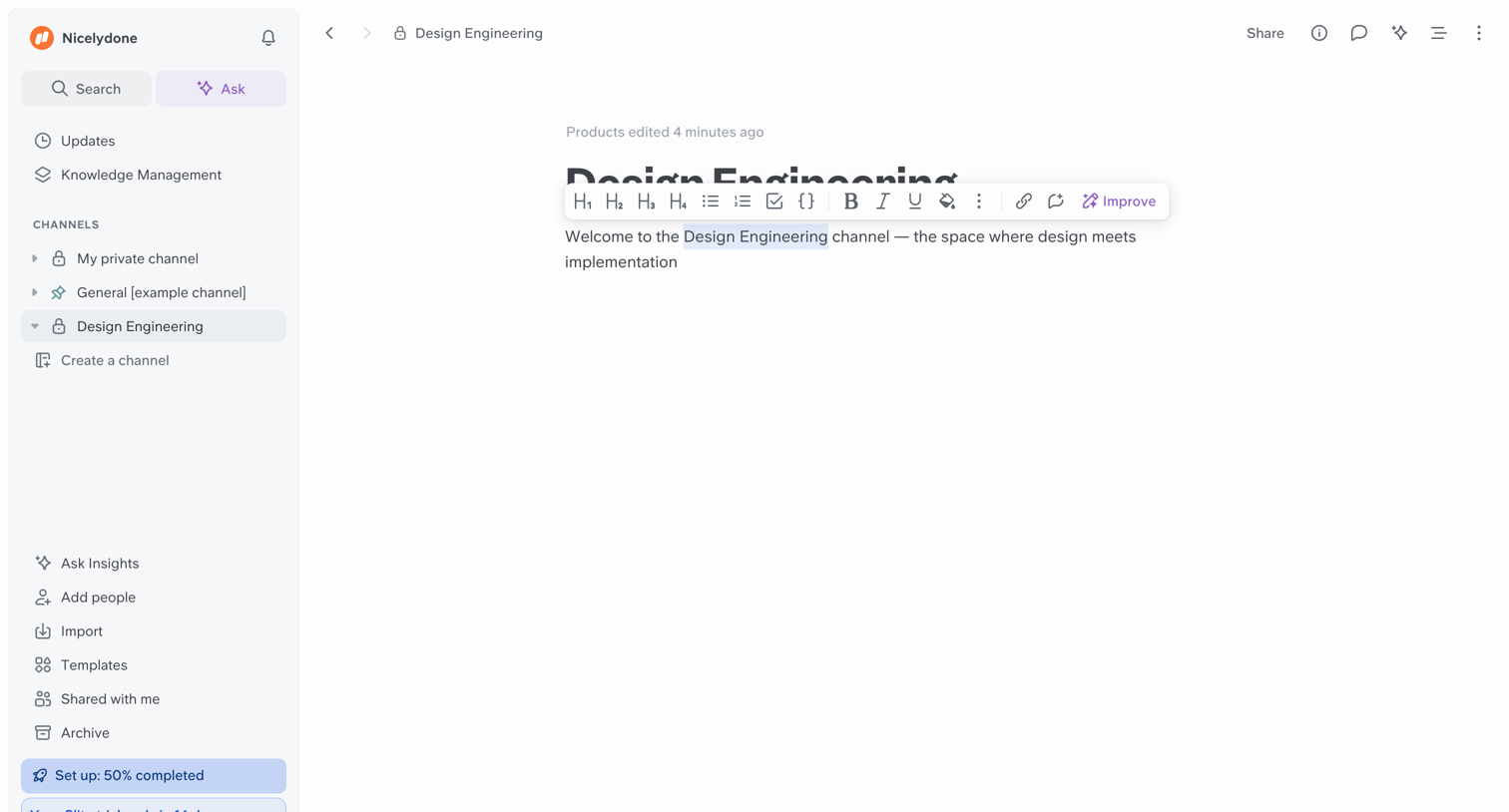

Content editor where the user writes and formats a document in the Design Engineering channel, with an inline AI action to improve the selected text.
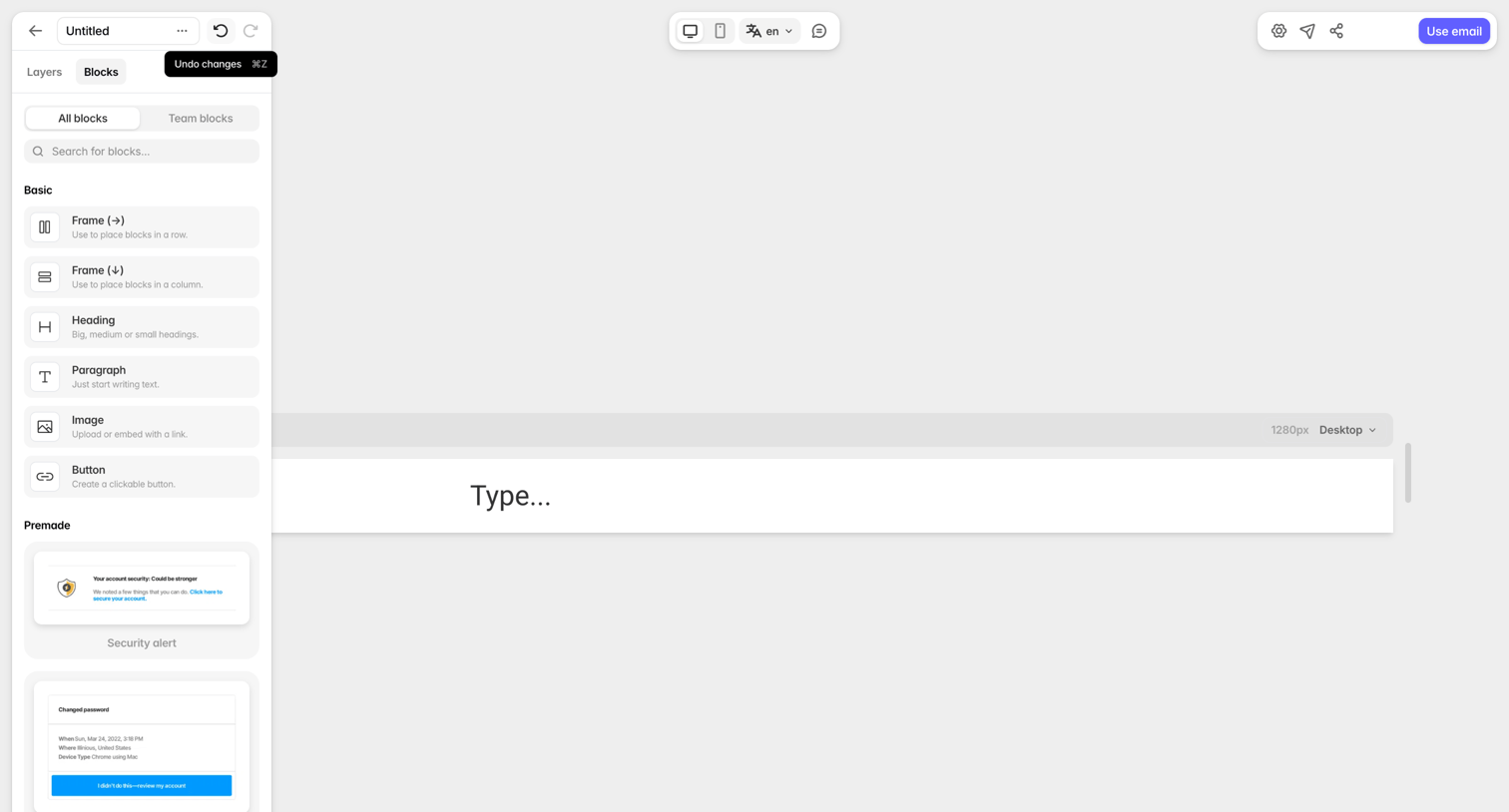

Design editor where the user builds an email template by dragging basic and premade blocks from a left sidebar onto a central canvas.
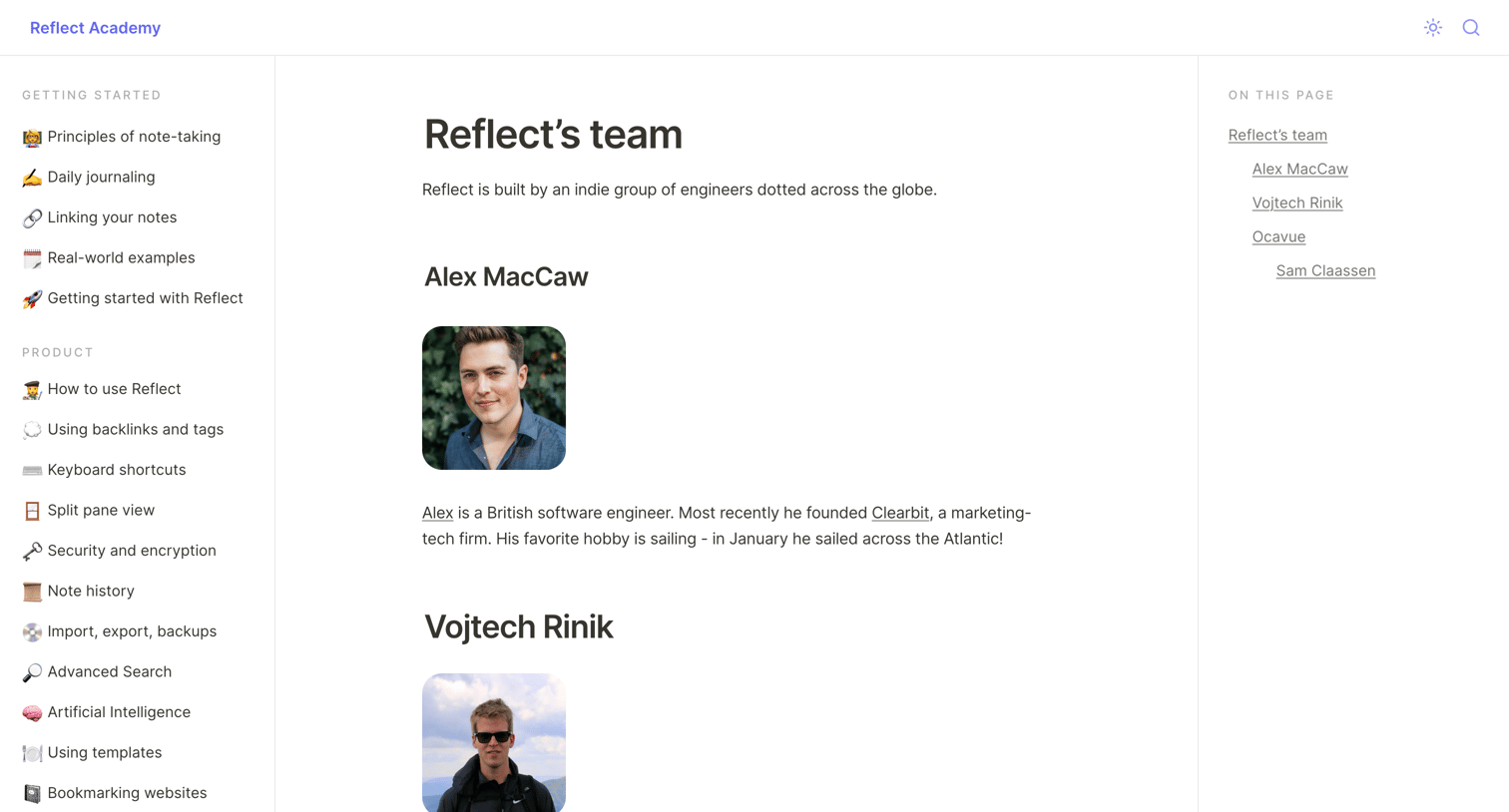

About page where the user can read profiles of the Reflect engineering team, alongside global documentation navigation.
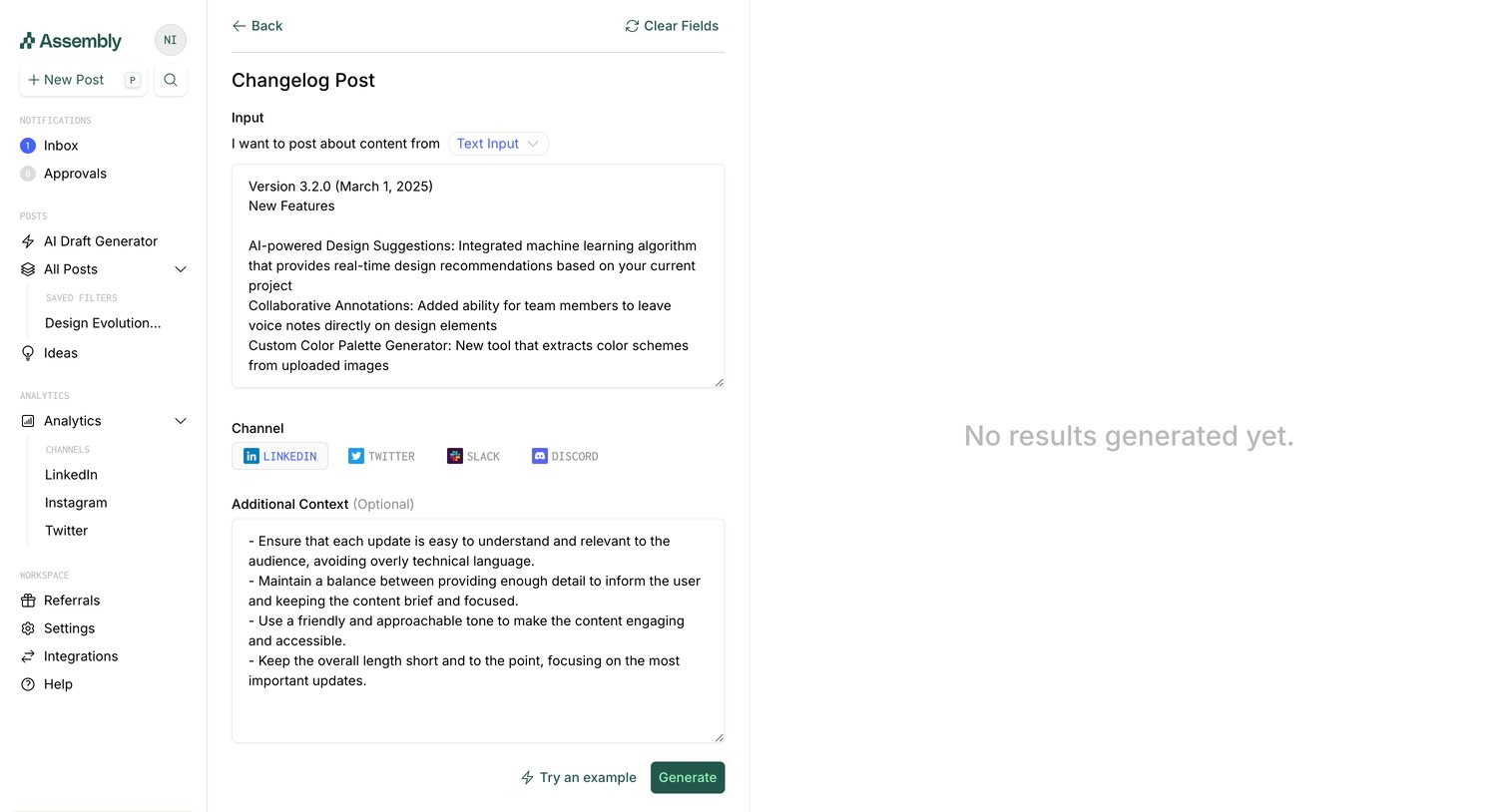

AI generation tool where the user inputs changelog details and selects target channels like LinkedIn or Slack to generate a post.
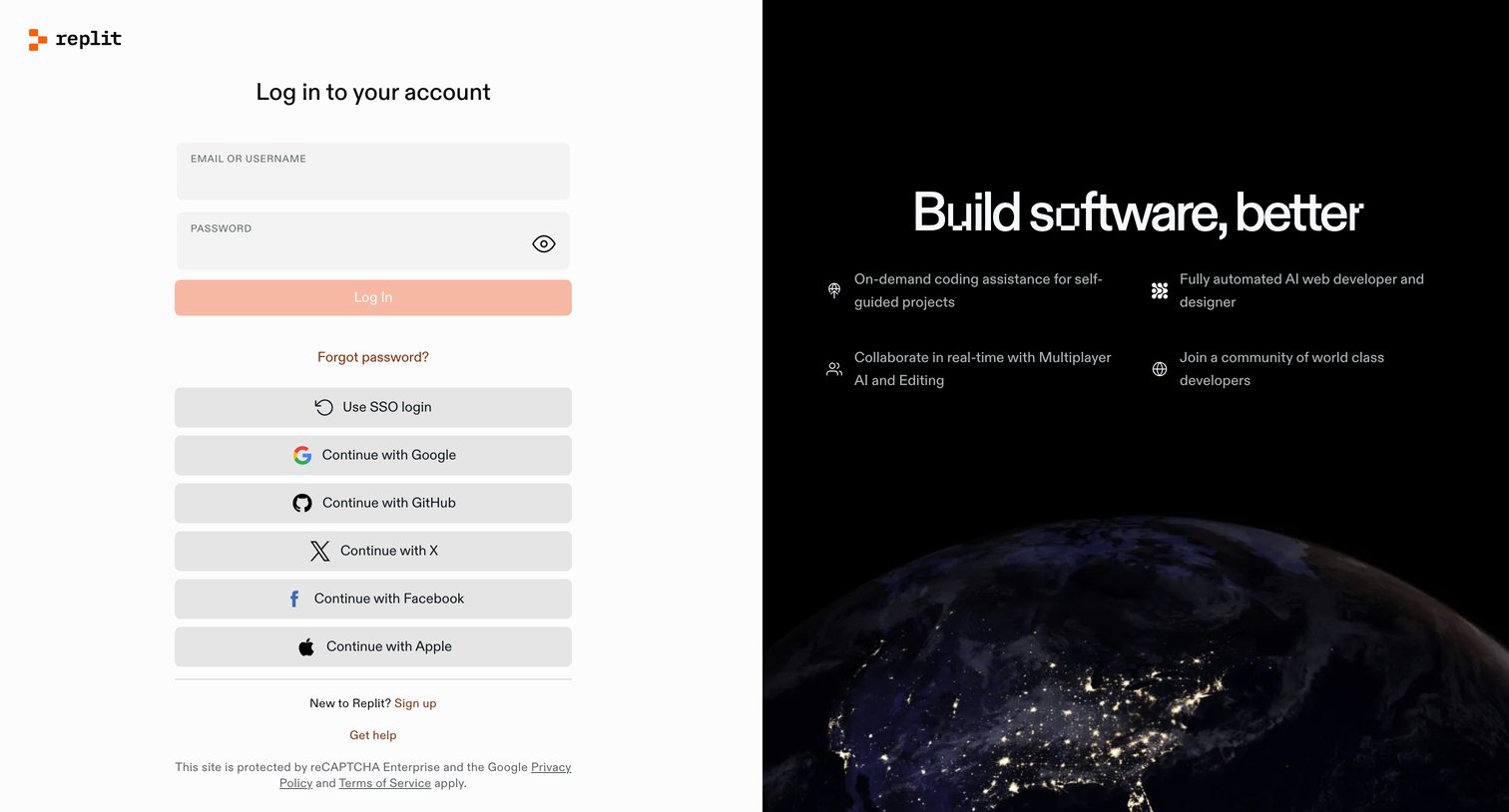

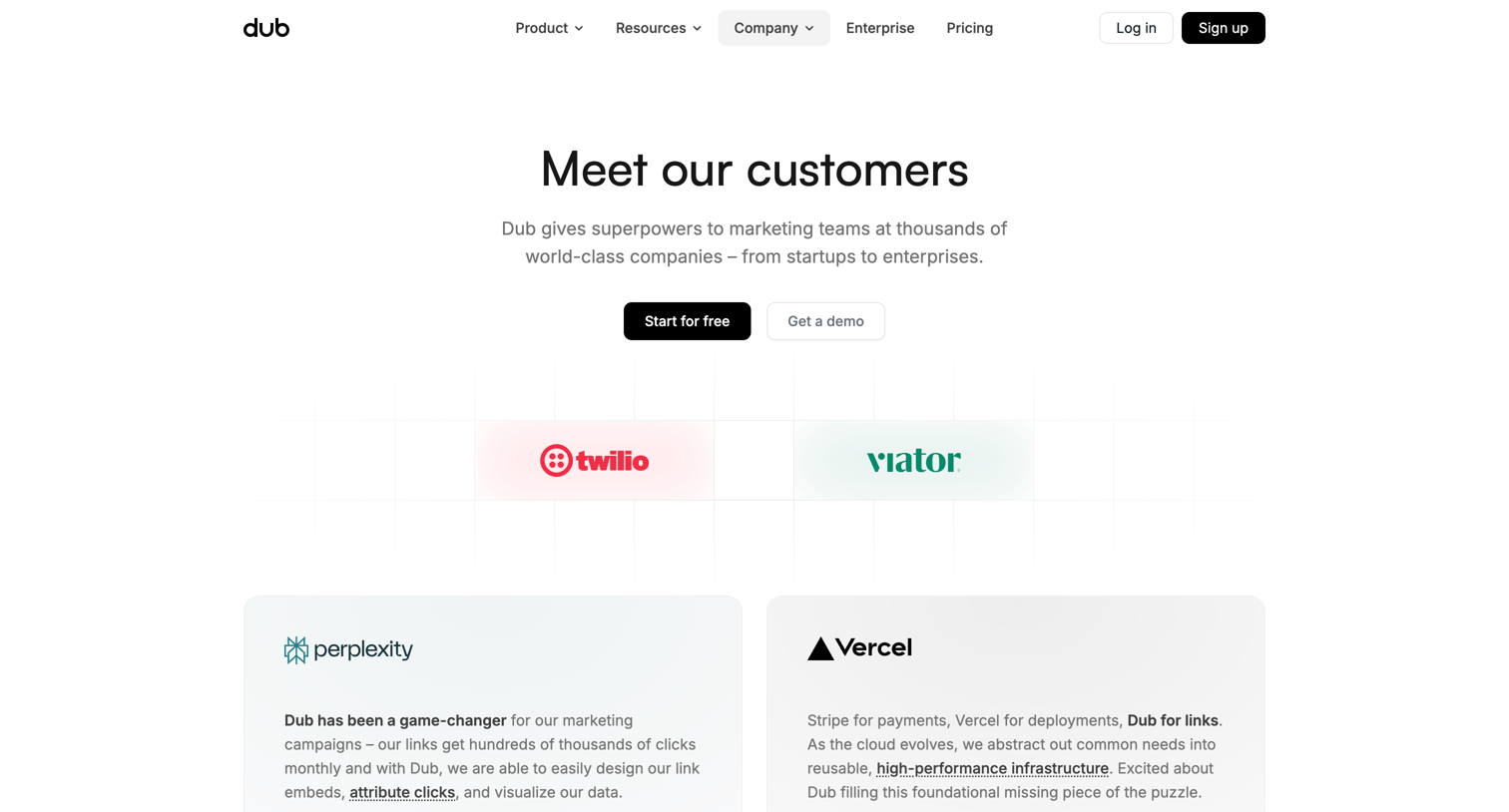

Testimonials page where the user browses customer quotes and filters a directory of companies using the product by industry.
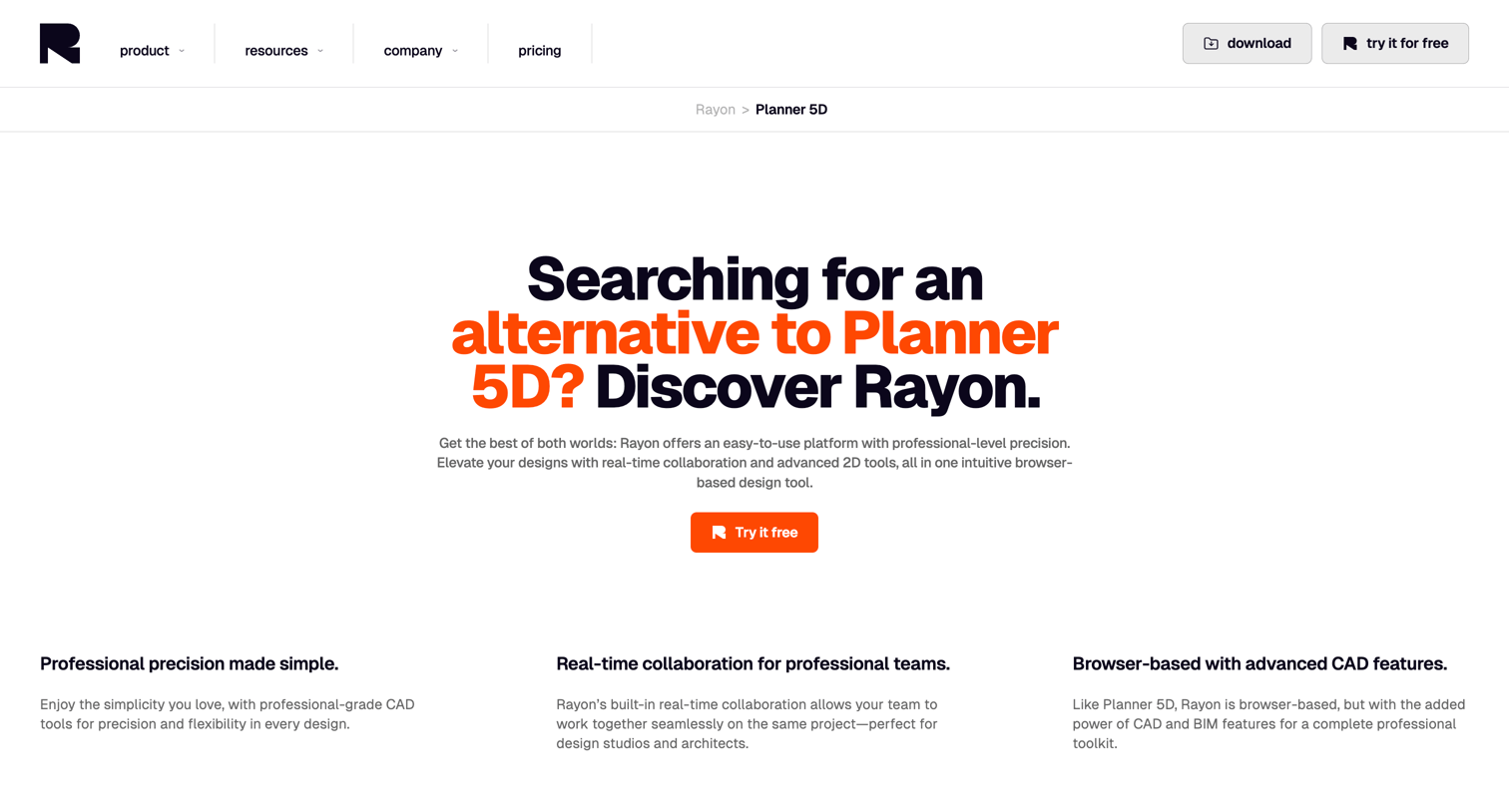

Competitive alternative page positioning Rayon against Planner 5D as a professional, browser-based CAD tool for architects and designers.



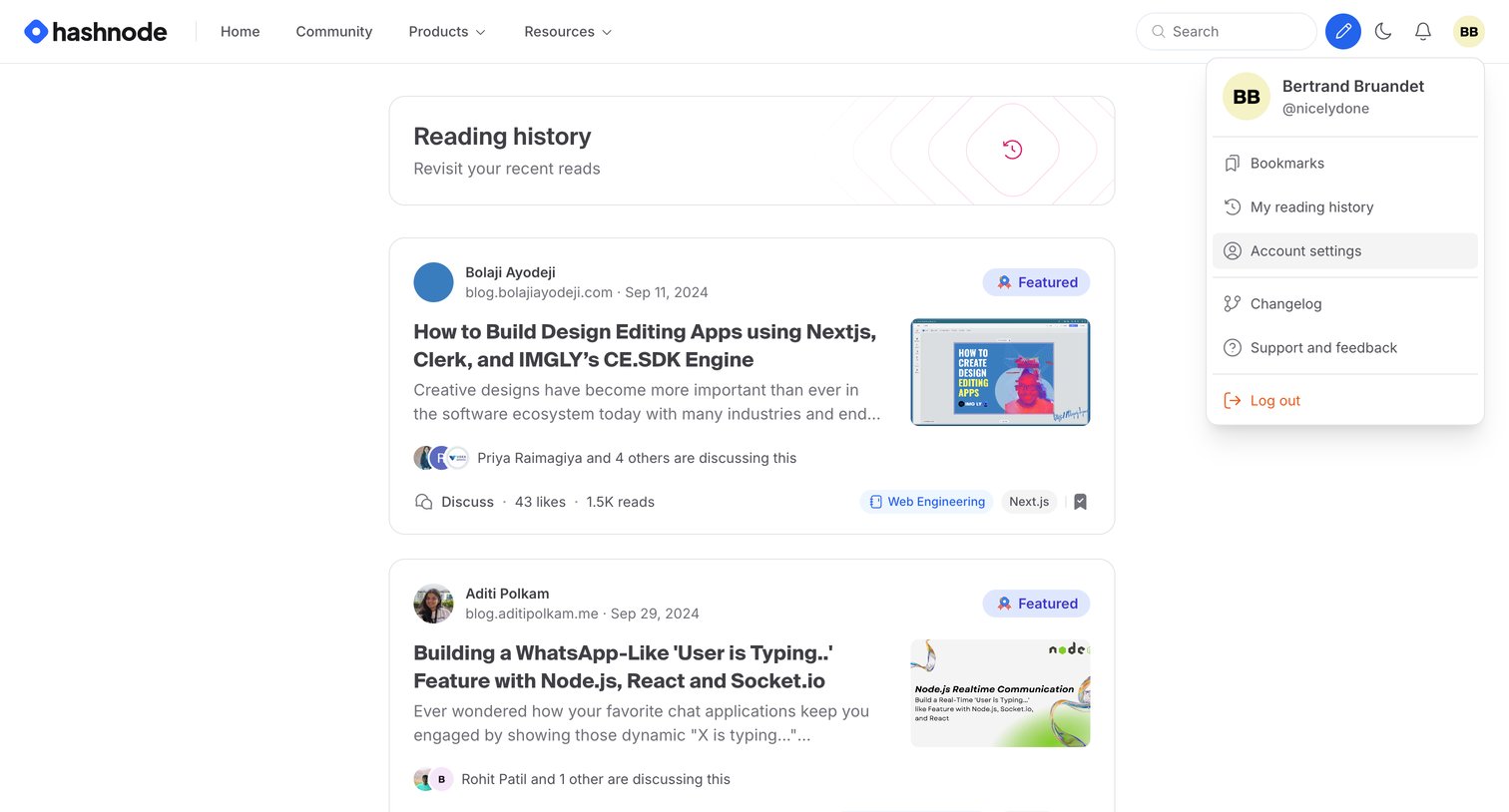

List view where the user browses their previously read articles, shown with the account dropdown menu open.
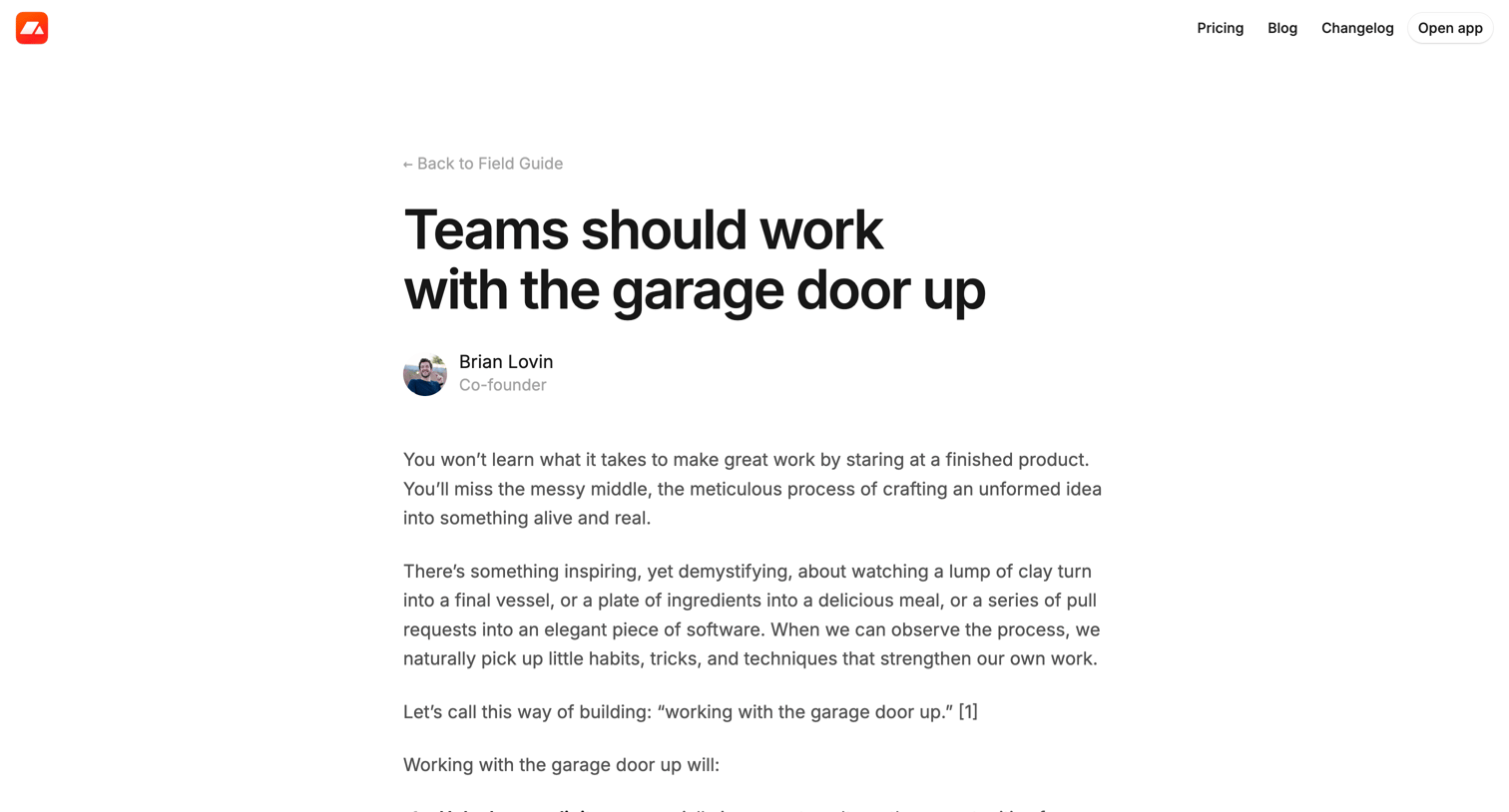

Article page where the user reads a blog post about internal transparency and working in public, followed by a list of recent writing and a call to action to start a free trial.
Explore the full SaaS screen library
Upgrade to unlock the full library.
Trusted by the best teams







