
Product screens

Signup page where the user begins opening a bank account by confirming their country of residence.
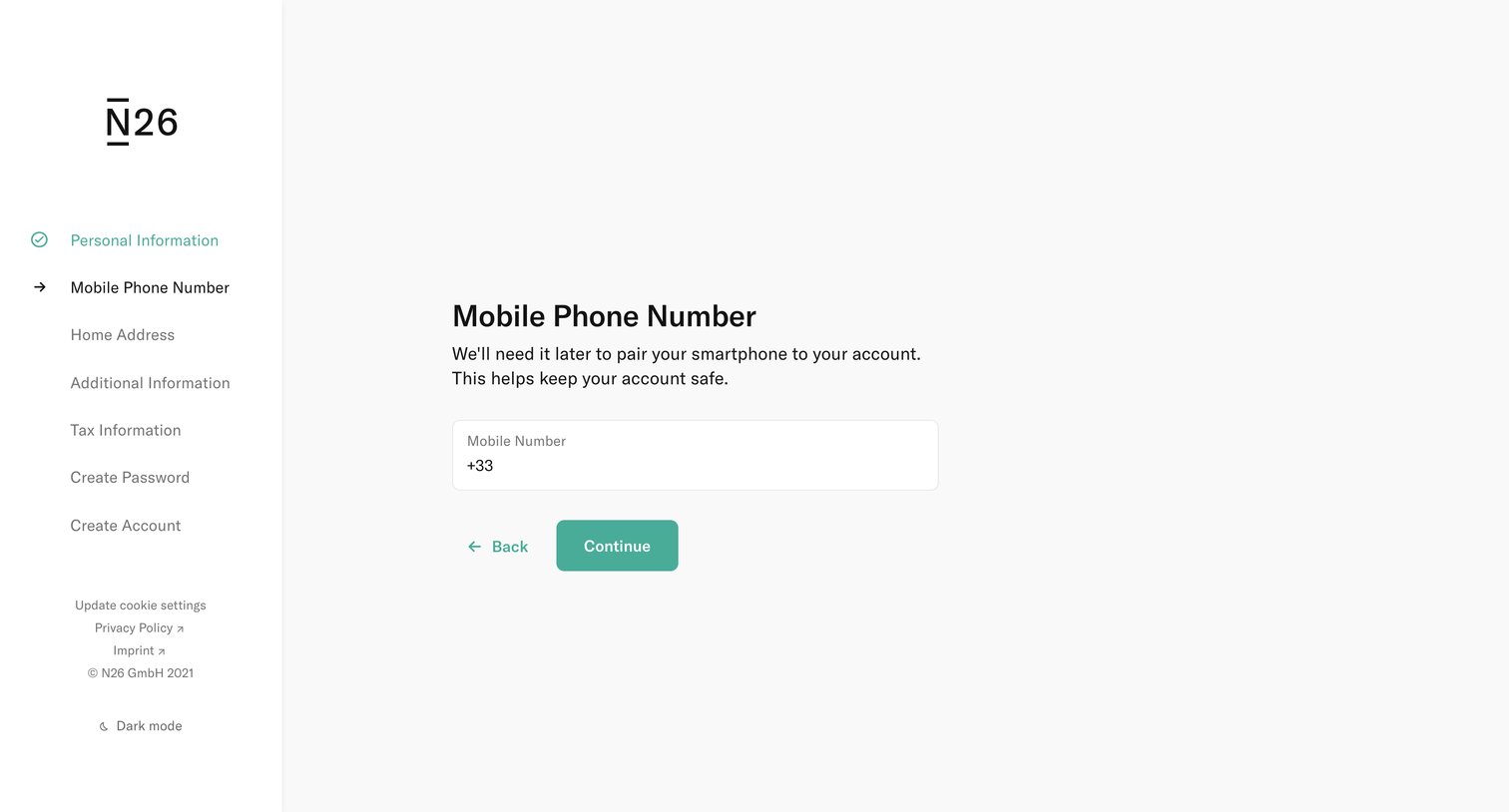
Onboarding step where the user enters their mobile phone number to pair their smartphone to their new bank account.
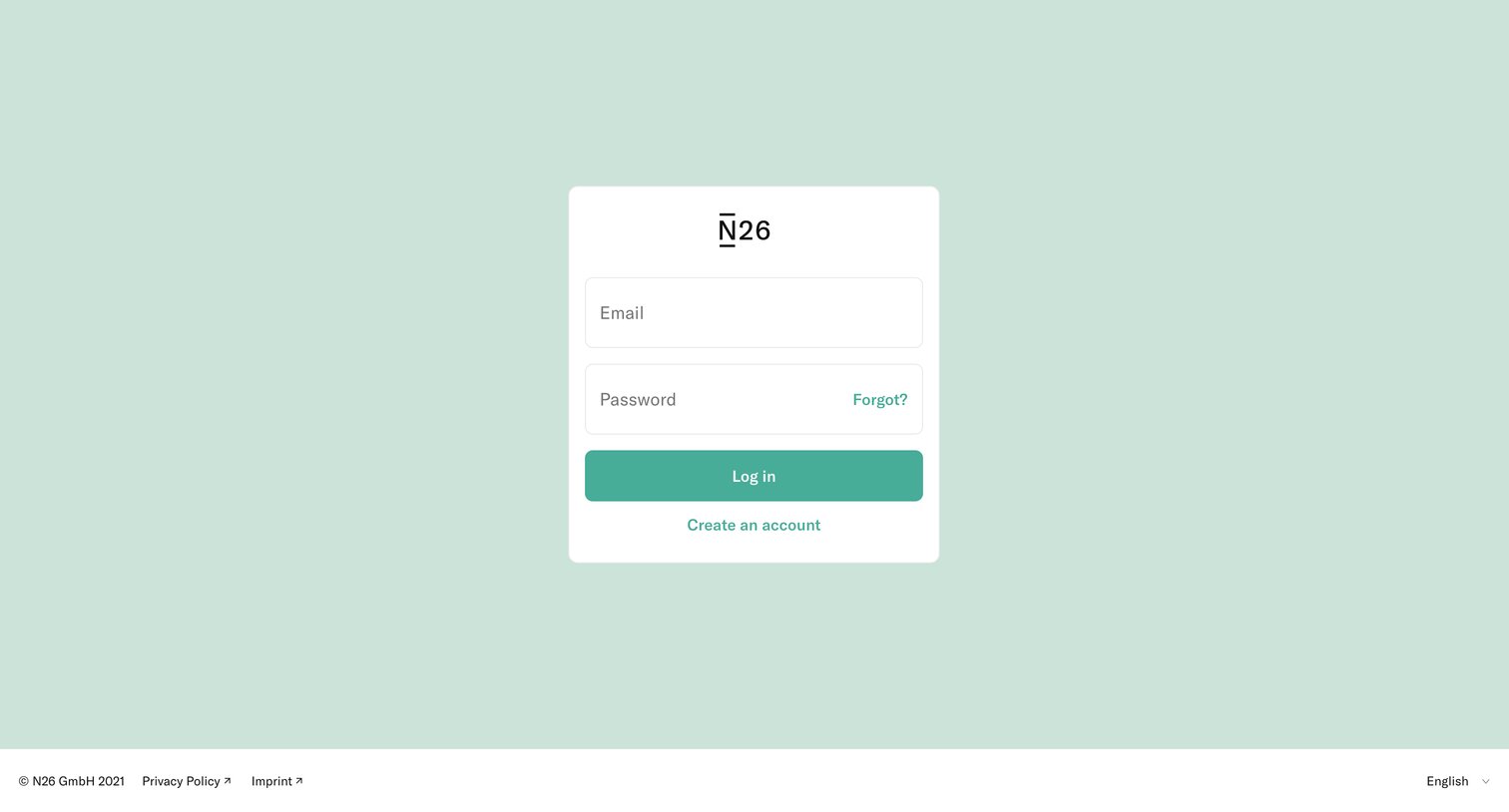
Sign-in screen where the user authenticates with their email and password, with options to recover a forgotten password or create a new account.
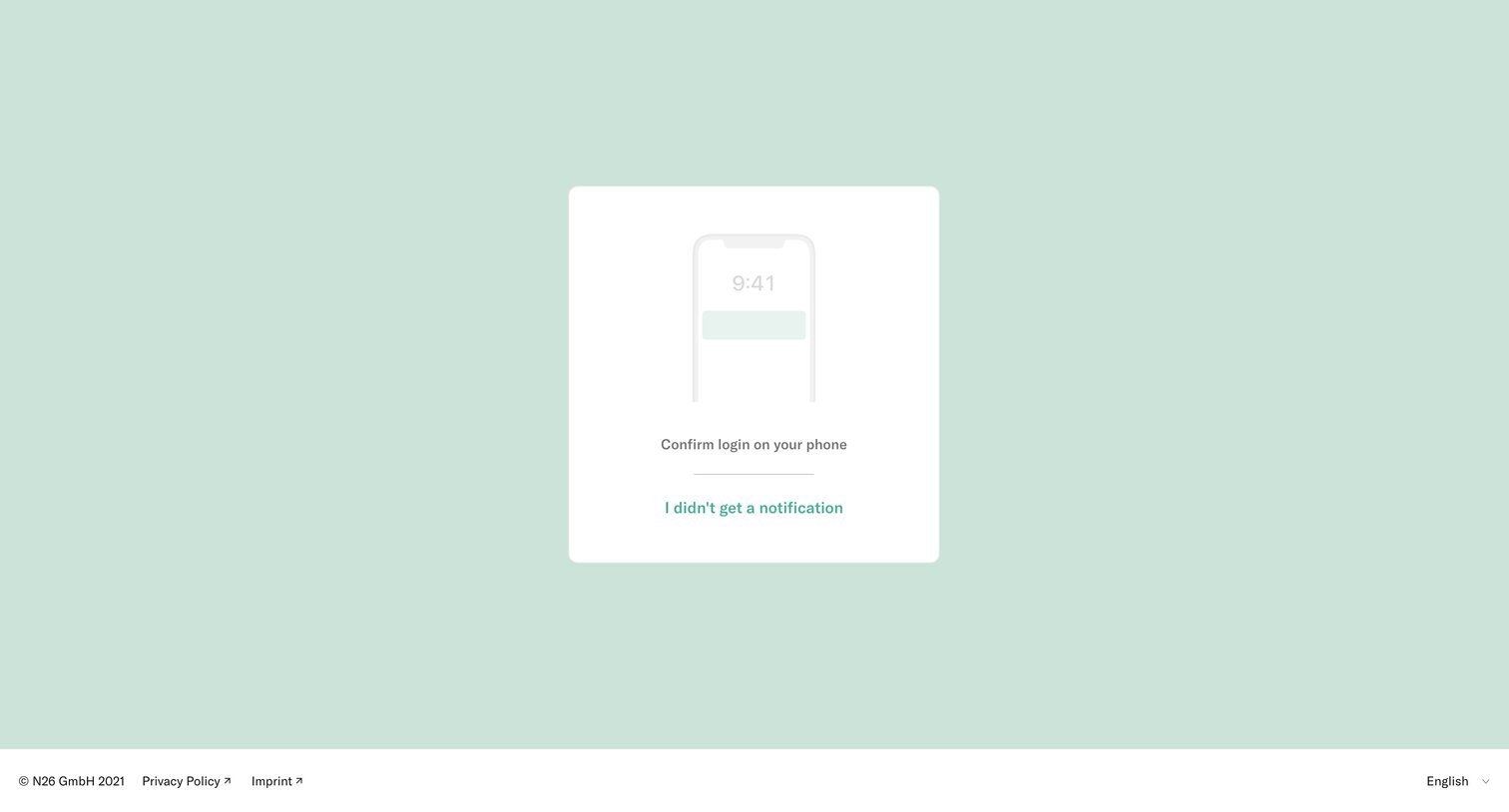
Verification screen where the user is prompted to confirm their login via a push notification sent to their phone.
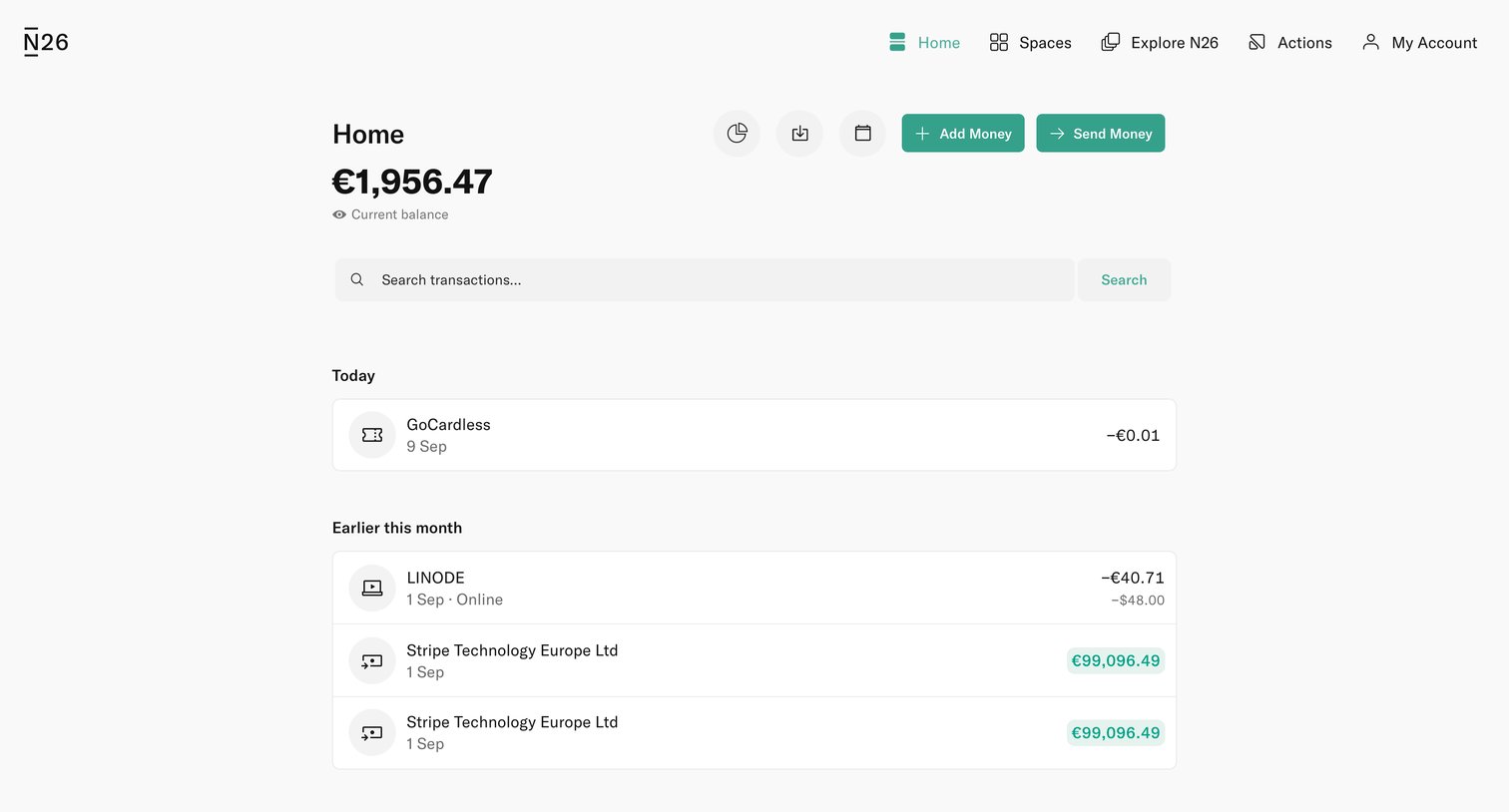
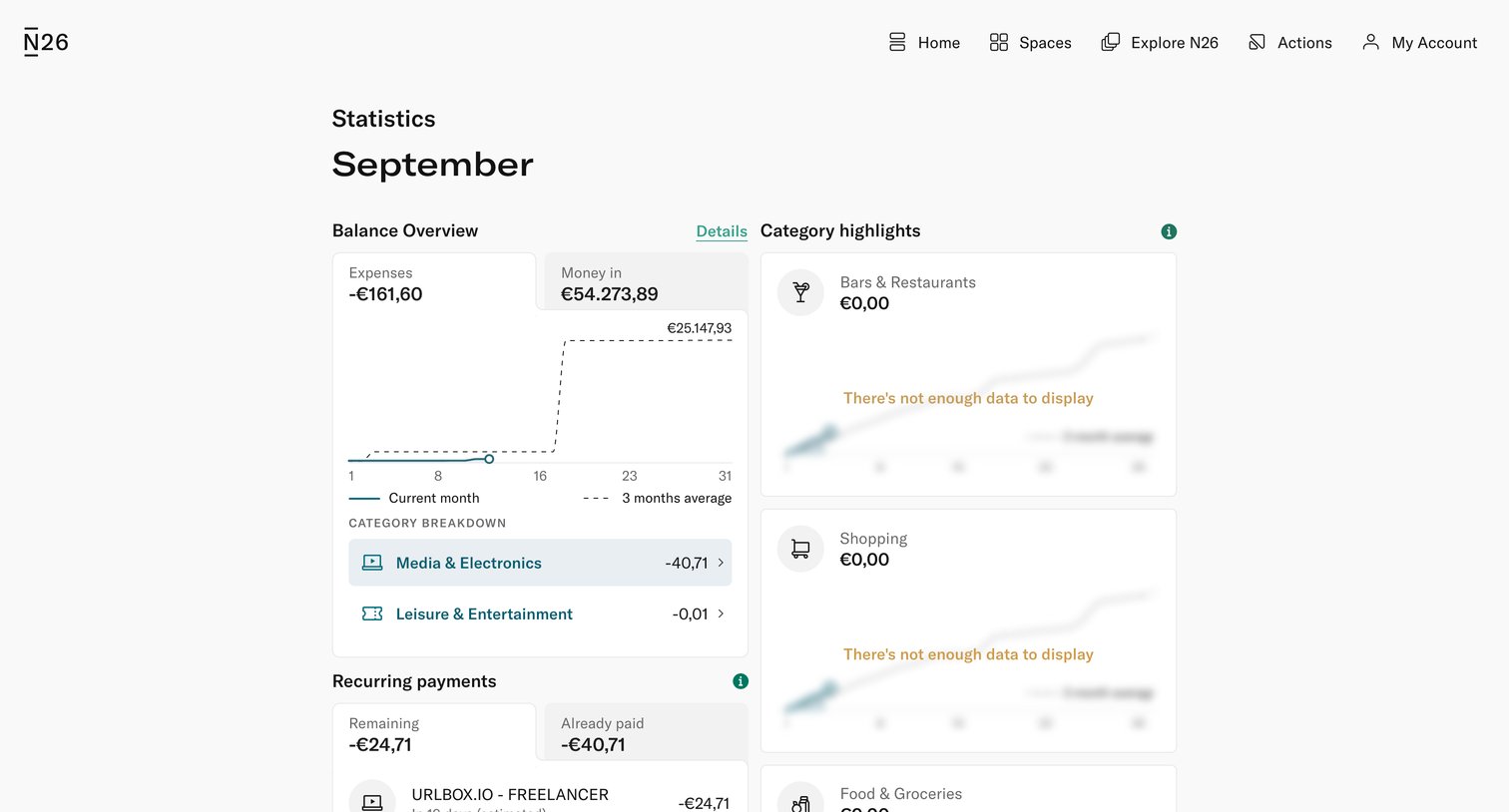
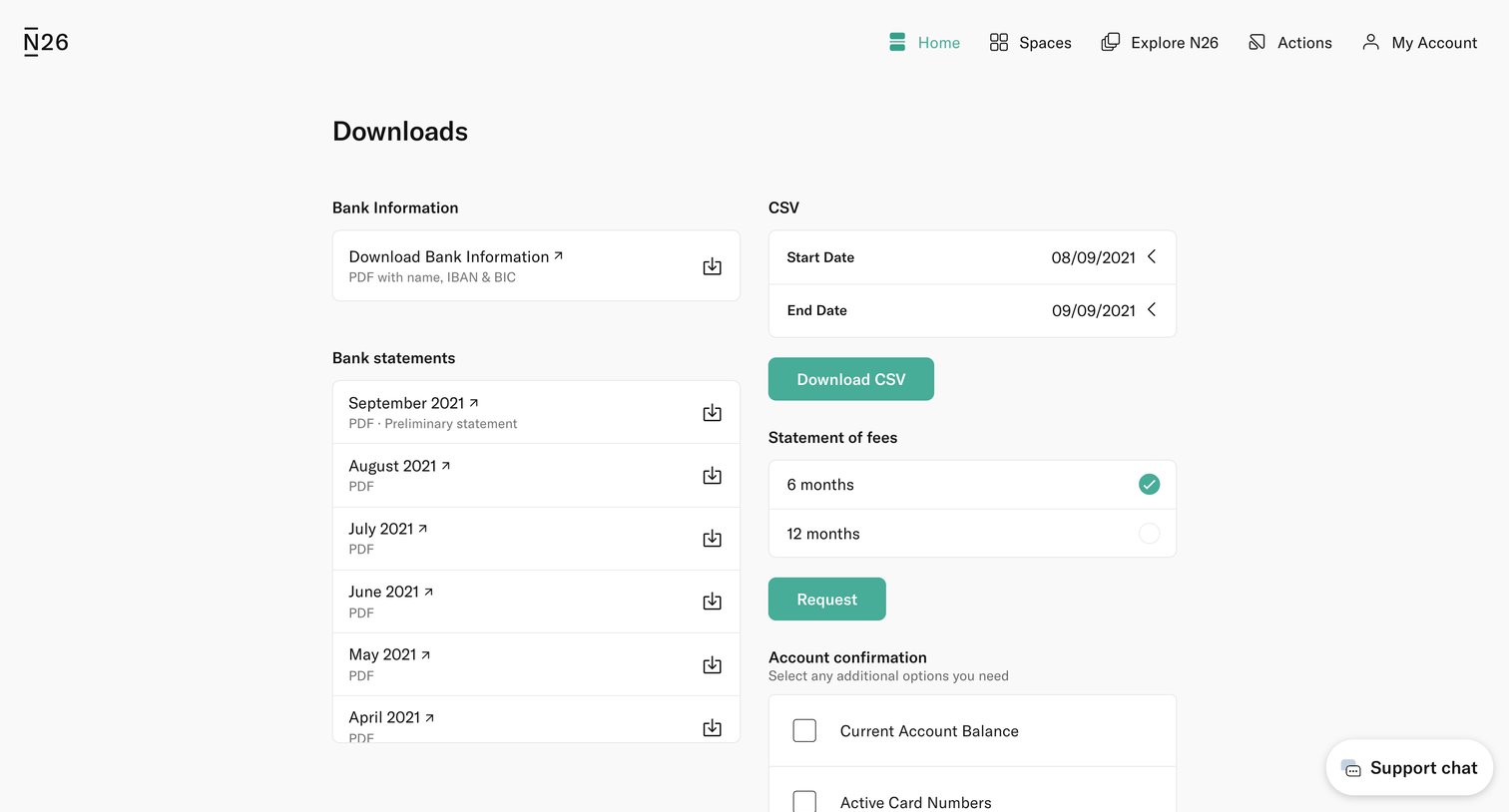
Settings page where the user can download bank statements, export transaction history as CSV, and request official account documents like fee statements and balance confirmations.
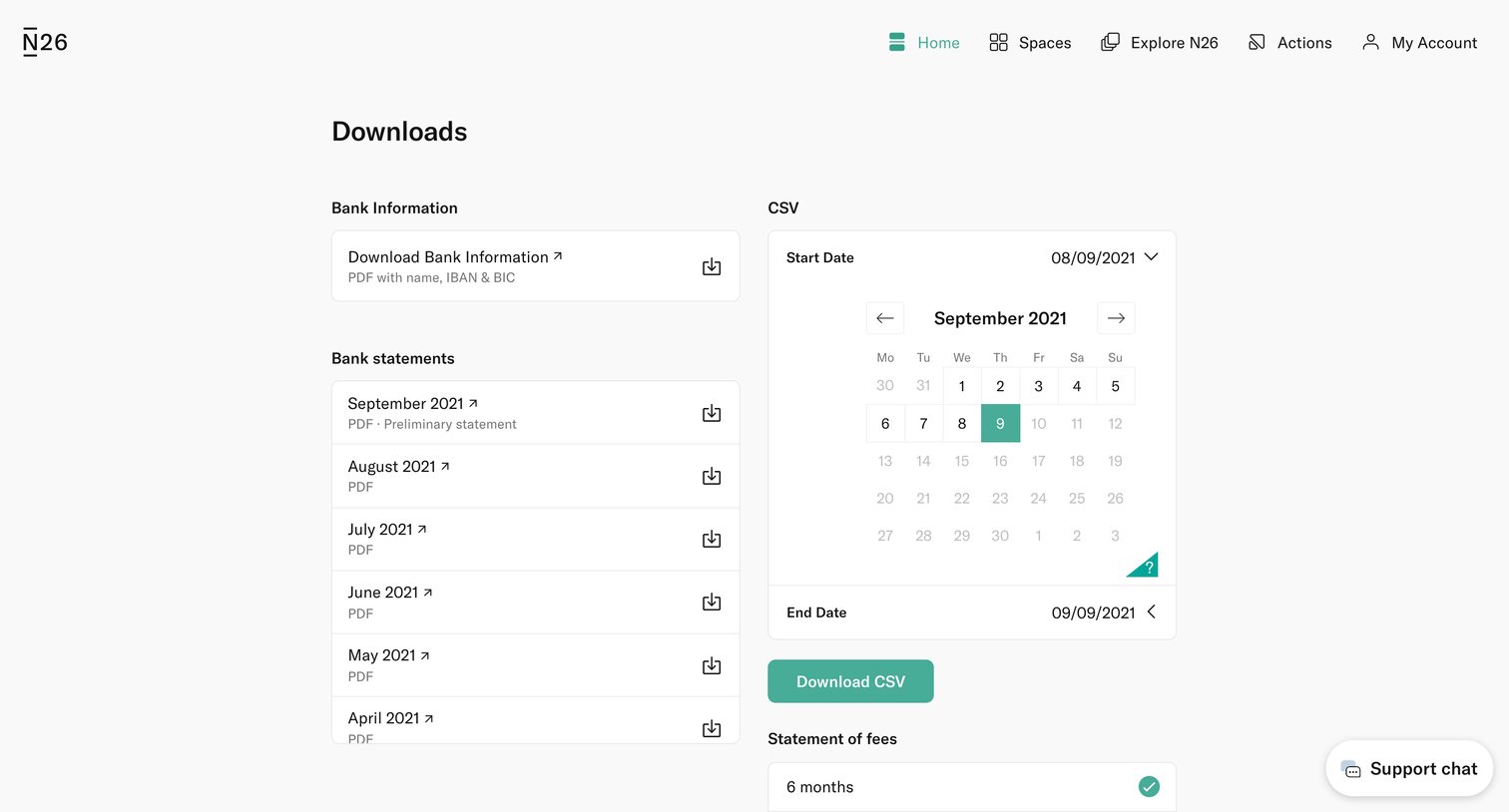
Settings page where the user can download bank information, monthly bank statements as PDFs, and export transaction history as a CSV for a custom date range.
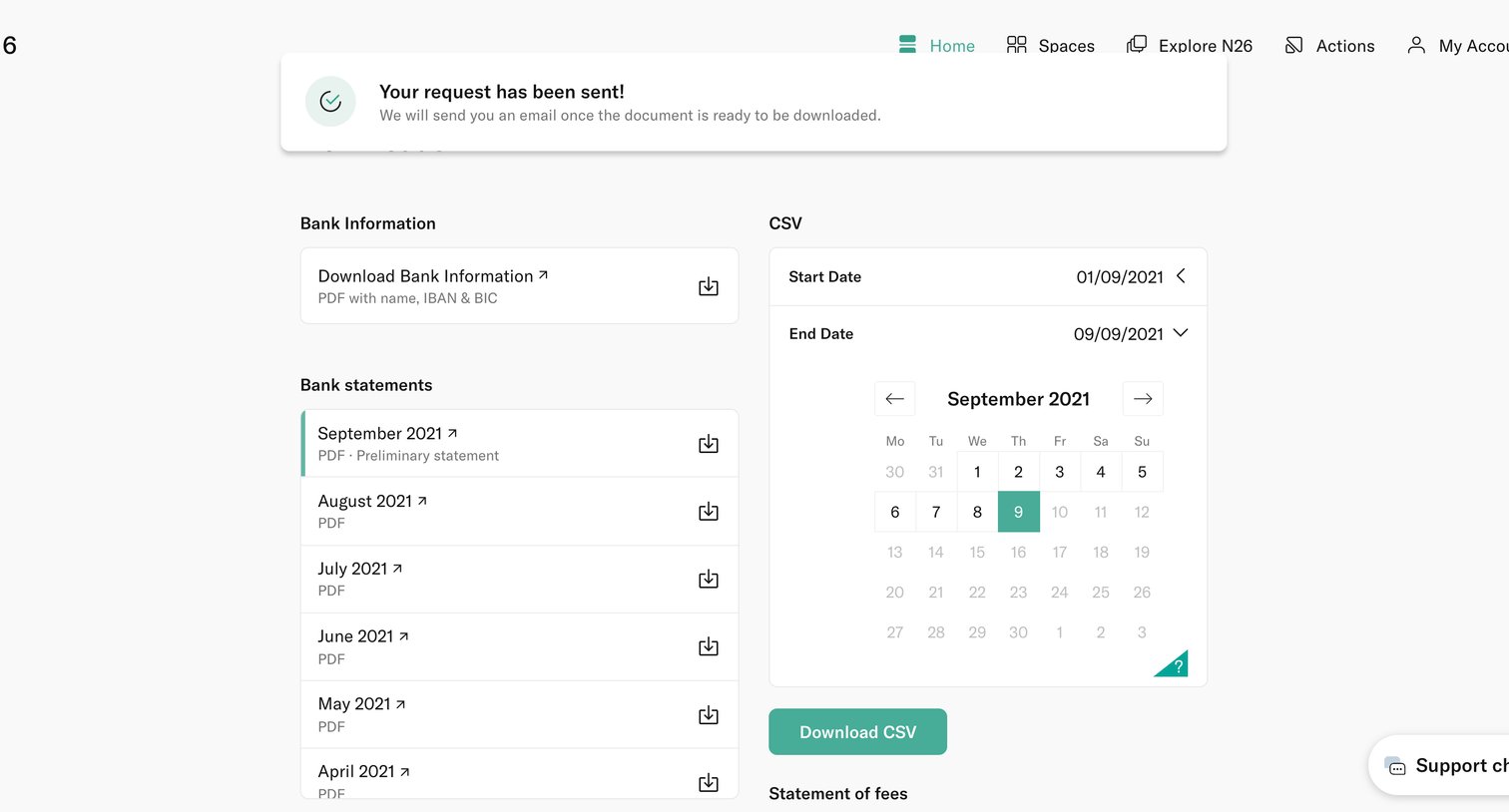
Settings page where the user can download bank information, monthly PDF statements, and export transaction history as a CSV for a specific date range.
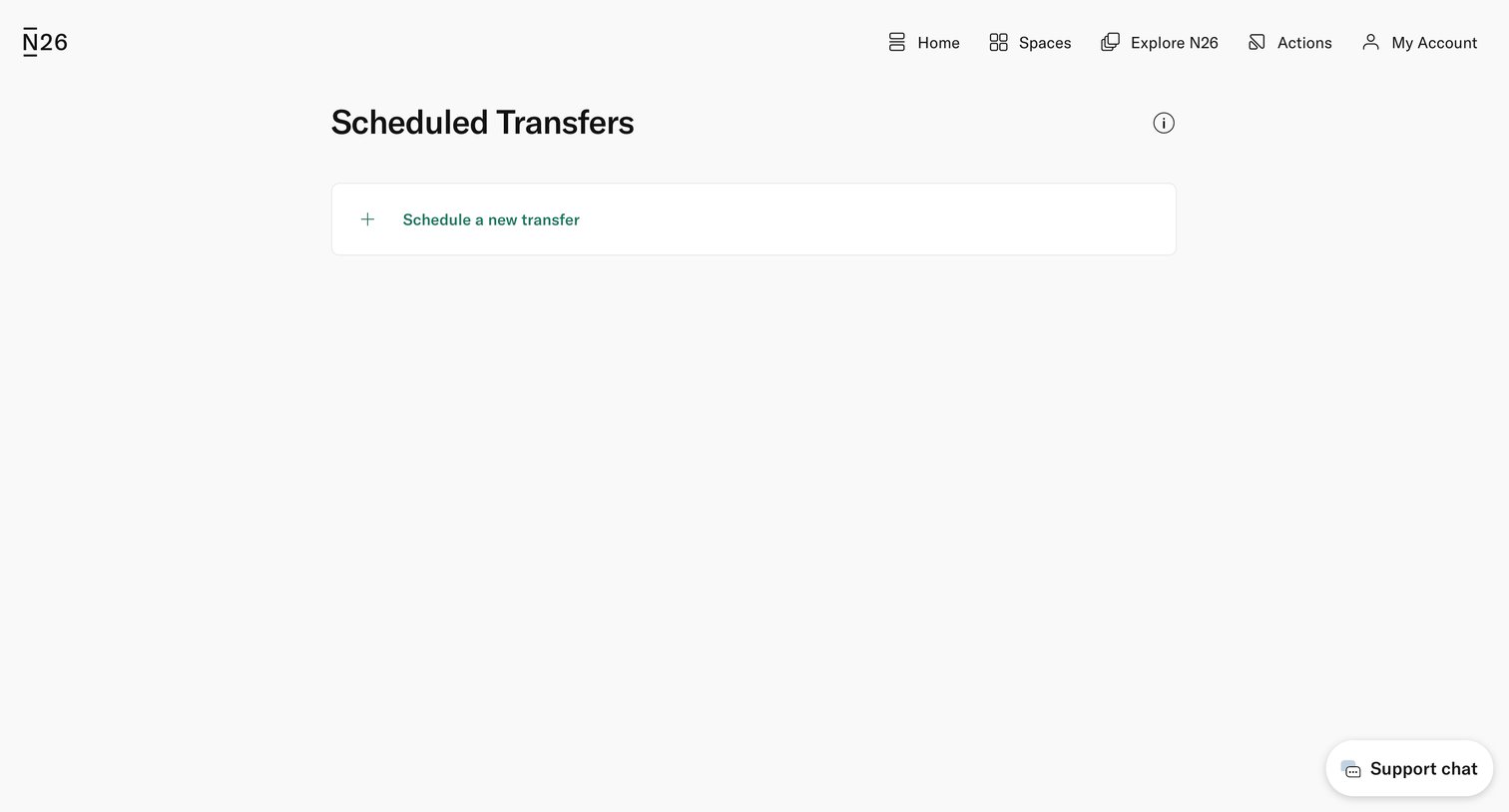
List view where the user manages scheduled transfers, currently showing an empty state with a prompt to schedule a new transfer.
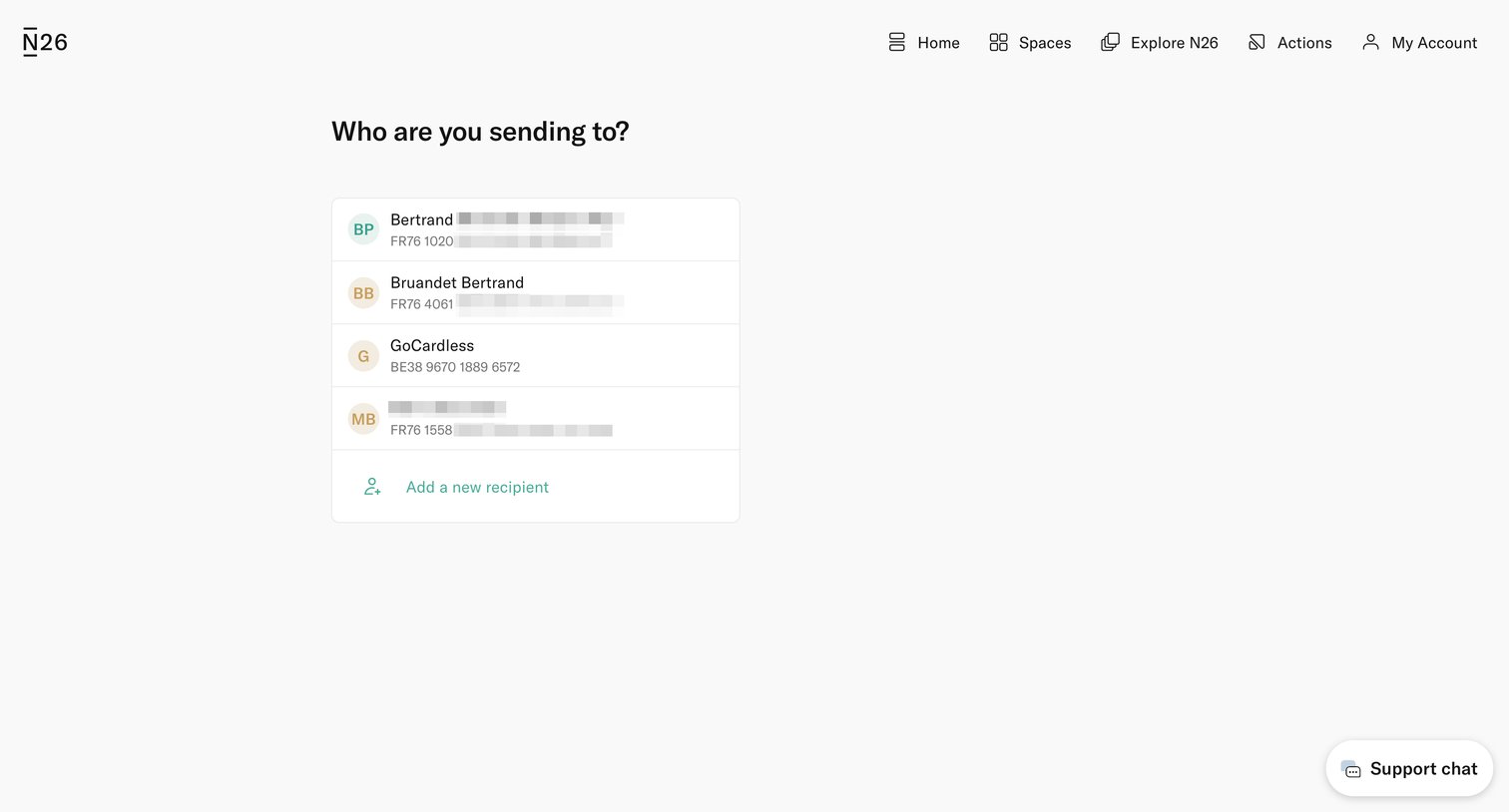
App screen where the user selects a recipient from a list or adds a new one to initiate a money transfer.
Browse the full SaaS app library
Explore real SaaS apps with their product screens, marketing screens, flows, and components.
Trusted by the best teams







